



Pollo MCP vs CapCut MCP: Which One Makes Better Social Videos From Your AI Chat?
If you sell online or post short videos every week, you have probably asked the same question: can my AI assistant just make the video for me? Two tools now say yes. CapCut's official plugin, which CapCut itself calls the "CapCut MCP connection", puts CapCut drafts and templates inside ChatGPT. Pollo MCP connects Pollo AI to ChatGPT, Claude, Cursor, Grok and Gemini and sends back an edited video file. They sound alike, but they solve different problems. This guide compares them on the work social creators and sellers actually do: product reels, talking head clips, trend edits and cutting one video for several apps.
The short version
- CapCut MCP lives in ChatGPT. The full feature set (video and image generation, captions, deeper draft edits, slides) is in the ChatGPT desktop app. On mobile and web you can only build a rough cut from clips and search templates.
- Pollo MCP runs in ChatGPT, Gemini, Grok, Cursor and Claude (browser or desktop app), and in coding agents like Codex and Claude Code.
- CapCut's big strength is its template and asset library, with hundreds of thousands of options. The result is an editable draft you usually finish in the CapCut editor.
- Pollo MCP's strength is the finished file. It has 100+ models and a built-in timeline, and it hands you an MP4, MOV or WebM with no watermark. It also cleans up talking head videos: the ums go, captions arrive.
- Cost: CapCut puts some plugin features behind a plan or credits, with Pro listed at $19.99 a month. Pollo MCP adds 20 credits as a welcome gift, and its plans begin at $12 a month.
Post-Ready Videos From Any Chat App
CapCut's plugin stays in ChatGPT. Pollo MCP also works in Claude, Cursor, Grok and Gemini, and returns a finished file.
Bring Pollo MCP to Your Assistant
First question: which chat app do you use?
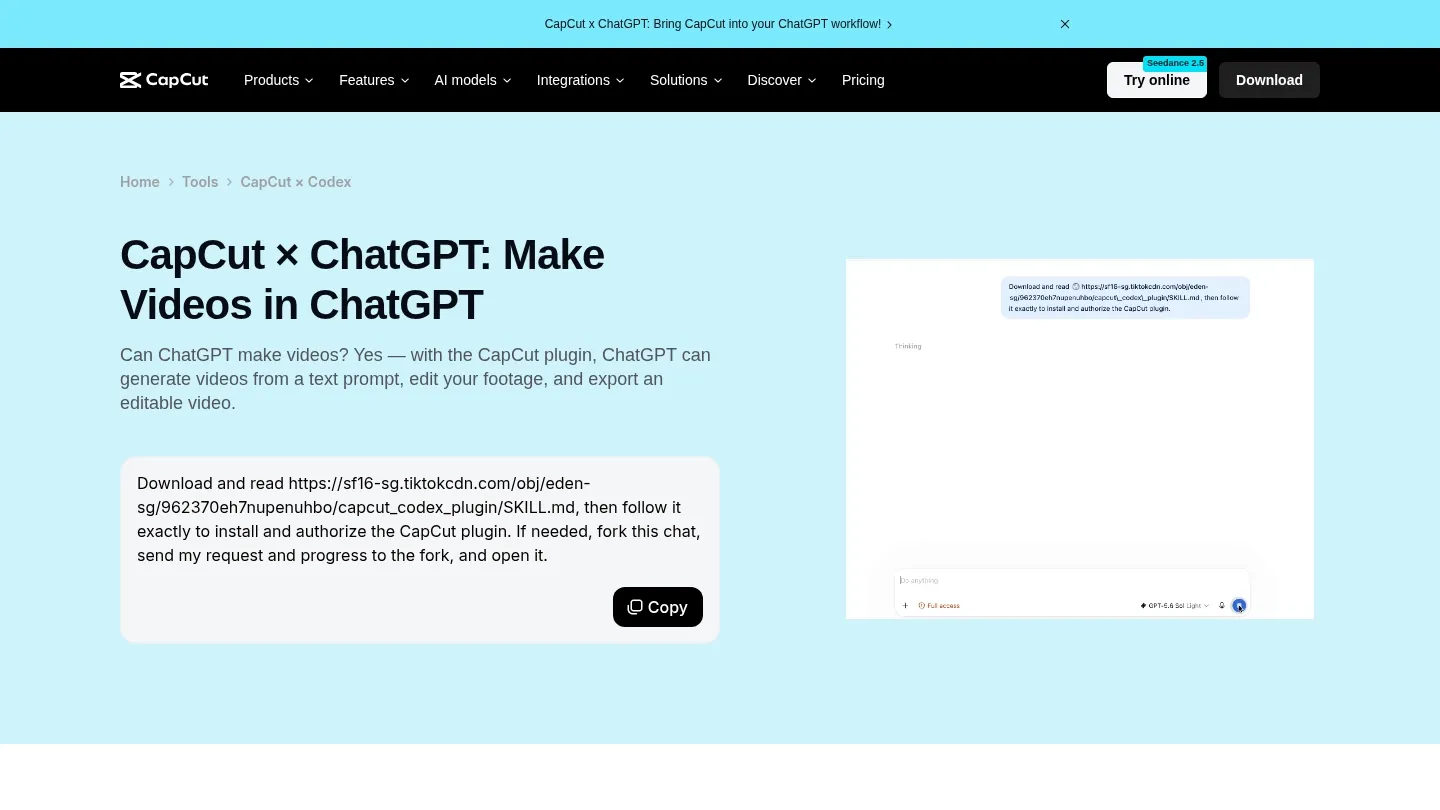
This one decision settles a lot. CapCut's setup page asks you to copy a prompt and send it in the ChatGPT desktop app or in Codex. The prompt points ChatGPT to an install guide on CapCut's servers. Following it, ChatGPT sets up the plugin on a Mac or Windows PC, adds an MCP server called capcut_creation and walks you through a CapCut sign-in. When we checked on November 25, 2026, it installed plugin version 0.3.3.
CapCut's newer page for the plugin splits features by device. On ChatGPT mobile and web you can upload clips to make a rough cut and describe an idea to find templates. Generating videos and images, generating captions, editing the draft further and creating slides are listed for the ChatGPT desktop app only. CapCut's pages do not mention Claude, Cursor, Gemini or Grok. Some third-party developers have built unofficial CapCut servers for Claude, but these are community projects, not CapCut products.
Pollo MCP is not tied to one app. You add it as a connector in ChatGPT, Gemini, Grok, Cursor or Claude, in the browser or the desktop app. If your team works in a terminal, the Pollo CLI reaches Codex, Claude Code, Hermes, OpenClaw and Cursor. Log-in runs through a browser window, so nobody has to copy an API key. For a small brand where one person drafts captions in Claude and another plans posts in ChatGPT, that matters more than any single feature.
Pollo MCP vs CapCut MCP, side by side
Sources for this table: CapCut's two plugin pages, CapCut pricing, the install file behind CapCut's setup prompt and the Pollo MCP page, all read on November 25, 2026.
| Feature | Pollo MCP | CapCut MCP |
|---|---|---|
| What you get back | A finished, edited video file | An editable CapCut draft |
| Chat apps | ChatGPT, Claude (web and desktop), Cursor, Grok, Gemini | ChatGPT; full features in the desktop app only |
| Coding agents | Claude Code, Codex, Cursor, OpenClaw, Hermes | Codex |
| Setup | Add connector, sign in through browser; no API key | Paste install prompt; plugin installs, then CapCut sign-in |
| Models | 100+ video, image and audio models | Video and image generation; plugin page names no models |
| Editing in chat | Trim, split, version history, 23+ transitions, AI subtitles, audio fades, speed | Trim, reorder, replace media, captions, music, effects (desktop) |
| Templates and assets | Pollo Library: sound effects, shots, animation, captions, transitions | Hundreds of thousands of CapCut templates and assets |
| Workflows | 73, incl. ads, short drama, long-to-short, motion graphics | Template search; slides in desktop app |
| Talking head videos | Filler-word removal, captions, B-roll, replicate mode | Podcast and talking-head clips via CapCut's podcast editor |
| Links as material | Product pages, TikTok and YouTube videos, web text | Uploaded clips, images, drafts, scripts |
| Export | Watermark-free MP4, MOV or WebM in chat | Inspect and export in CapCut |
| Where projects live | One Space shared by chat, pollo.ai and Pollo Agent | Your CapCut account |
| Free start | 20 bonus credits on connect | Some features need subscription or credits; 7-day trial for new users |
| Paid plans | From $12 a month | Pro USD 19.99 a month (1,200 AI credits) |
Three everyday jobs, two different routes
Feature lists only go so far. Here is how each tool handles three jobs that come up for almost every social seller, based on what each company says its tool does.
Job 1: a 15-second reel for a new product
With CapCut MCP, you upload product clips or photos in ChatGPT and ask for a short launch video. CapCut's own example prompt asks it to "use a trending sound, cut to the beat, and add effects". You can also ask it to find a trending template and drop your media into it. In the desktop app you can request edits in chat, such as a shorter scene or new music, and then open the draft in CapCut to adjust the tracks.
With Pollo MCP, you can skip the uploads and paste the product page link. The assistant reads the page and drafts a short script. Then it gives a credit estimate for your approval, makes the shots and cuts them together with music, sound effects, on-screen text and transitions. You get a watermark-free MP4 back in the chat. It works much like AI ad generator on the web, without leaving your assistant.
Job 2: a talking head clip for your own account
With CapCut MCP, CapCut's page suggests starting with a podcast recording or talking-head clip, focusing on one question and refining it with CapCut's podcast editor. Its how-to example also mentions trimming pauses in screen recordings. Subtitles come in several languages, Spanish and English among them, and key words can pop out automatically.
With Pollo MCP, talking head videos are one of the main jobs it was built for. Send a raw phone take, or even a voice note. Out come the ums, the restarts and the awkward silences, in go captions and B-roll to hide the cuts. Replicate mode goes one step further: link a creator's video you admire, and your take gets that same editing rhythm.
Job 3: one video, four platforms
With CapCut MCP, the plugin page says teams can prepare multiple cuts and aspect ratios and adapt captions for different channels. Final checks and export happen in CapCut.
With Pollo MCP, one message asks for all four. The assistant resizes, recaptions and re-times each one and exports them all, so you can post the same day.
What CapCut MCP does well
CapCut earns its place, and it is fair to say so. Its biggest asset is the library behind it. According to CapCut, the plugin pulls from hundreds of thousands of templates plus stock clips, music, stickers, filters, effects and transitions. If your content follows trends, being able to ask for "a trending template for a summer drop" and get real options is useful.
The plugin also keeps everything editable. CapCut stresses that results stay on a CapCut timeline, so you can open the editor from the chat and change any track by hand. For people who already know CapCut's editing and AI tools, this feels familiar.
CapCut is also honest about limits. In its words, generated material is "a starting point" rather than a promise of a finished video. That is a fair description of how the plugin is meant to be used: a quick draft in chat, then the real finish in the CapCut app.
What Pollo MCP brings to a seller's workflow
Pollo MCP connects Pollo AI to the assistants you already use and treats the chat as a place to finish work, not just to start it. Your starting point can be a sentence, a photo, a clip, a voice note, the URL of your store listing, a YouTube or TikTok link, or a blog post. From that, the assistant builds a plan and starts making.

Edit and export in the chat
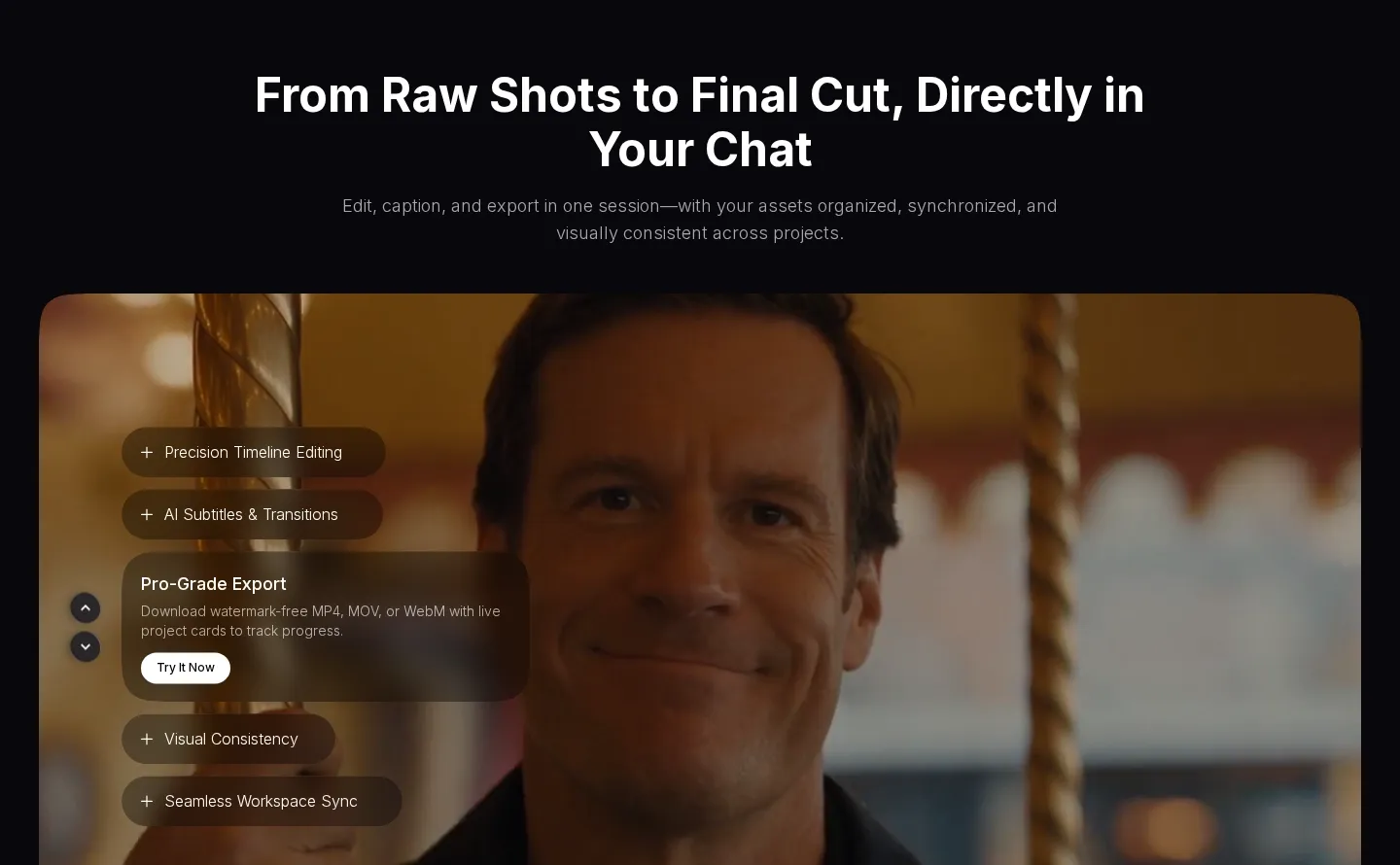
With the shots done, the assistant lays them out on a timeline. From there you can cut a clip short, split it in two, step back through version history, pick from 23+ transitions, add AI subtitles, fade the audio and change the speed. Once the cut looks right, you save it as MP4, MOV or WebM, and no watermark is stamped on it. A project card updates live in the chat while it renders.
The right model for each shot
One connection opens up 100+ models across video, image and audio. When product motion has to look real, try the Kling 4.0 video model. For a crisp thumbnail or a product still, use GPT Image 2.6. You can fire off as many as 12 jobs at once, which helps when you want to test several hooks before you post.
Pollo Library and 73 workflows
Social videos live or die on pacing, sound and text. Pollo Library is the part of Pollo MCP that handles this. It bundles five collections the assistant reaches into while editing: transitions, caption styles, animation, ready shots and sound effects. A single cut can hold up to 23 sound effects, and an ad you recreate keeps the feel of the source rather than coming out bland.
Add to that 73 built-in creative workflows: short dramas, explainers, long-to-short cuts, product ads and more. The Motion Graphics group includes Data Story, Logo Animation, Software Demo and Animated Chart.
Talking head videos without the editing grind
Many sellers grow by talking to camera: product tips, unboxings, founder updates. Hand Pollo MCP the unedited recording and it trims the dead air and verbal tics, subtitles you and patches the jumps. Replicate mode borrows the edit from a reference clip, so your posts can match a style that already works in your niche.
One Space for everything
Your work is saved to one Pollo Space, which pollo.ai, Pollo Agent and your outside assistants all see. Start a video in Claude at lunch and fine-tune it on pollo.ai in the evening. First-time connections come with 20 bonus credits, roughly 4 videos or 20 images.
Ideas you can try this week
- A product ad from one link: paste your store listing and ask for a 20-second vertical ad.
- A cleaner talking head video: send a phone take, and get it back with the ums removed, captions on and B-roll over the cuts. Add a reference link for replicate mode.
- An animated series: give it one line, like "a cat runs a tiny bakery", and get back a run of short animated episodes.
- A trip story: turn your travel photos into a short that follows the trip from start to finish.
- A photo with motion: bring an old photo or a product shot to life, the same idea as image to video tool.
- Photos to a beat: your best shots, timed to hit on every beat of a track.
- A voice note explainer: record yourself explaining a product for two minutes, and get a narrated short with visuals.
- Shorts from a long video: clip a livestream or webinar into a handful of vertical posts, the same task as long video to short video page.
- Four platform versions: one video cut and resized for four apps.
- Motion graphics: a data story for your sales numbers, a logo sting for your brand, an animated chart or a quick software demo.
Your Next Reel, Captioned and Exported
Drop in a product link or a raw selfie take. Get a watermark-free MP4 back, with 20 bonus credits to start.
Make My First Video
What it costs a small creator
CapCut MCP: the plugin FAQ warns that certain features require a CapCut plan, credits, or both, and tells you to check the cost first. A 7-day trial may be open to new users. CapCut's pricing page shows Pro at USD 19.99 per month (1,200 AI credits monthly) and Ultra at USD 79 per month (8,645 credits). CapCut notes that these prices are for reference and that your final price shows after you sign in. It does not list a separate price for the plugin.
Pollo MCP: jobs draw on your normal Pollo AI credits. You get 20 free on your first connection, the cheapest paid plan is $12 a month, and you see a credit estimate before anything runs.
Which one fits you?
- You live in ChatGPT on desktop and finish everything in CapCut: CapCut MCP is a natural add-on. You get fast drafts and trend templates, then polish by hand.
- You use Claude, Gemini, Grok or Cursor, or switch between them: Pollo MCP, since CapCut's plugin does not list these apps.
- You sell products and want ads from a link: Pollo MCP, because it reads the page and returns a finished ad.
- You post talking head videos often: Pollo MCP, for filler-word removal, captions and replicate mode in one request.
- You want the file, not a draft: Pollo MCP, with watermark-free MP4, MOV or WebM export in the chat.
FAQ
Is there an official CapCut MCP?
Yes, for ChatGPT. The official plugin sets up an MCP server called capcut_creation in the ChatGPT desktop app or Codex, and CapCut's page calls it the CapCut MCP connection. It does not list Claude, Cursor, Gemini or Grok.
Can I use CapCut MCP in Claude?
CapCut has not released an official Claude connection. Community-built servers exist, but CapCut does not make them. Pollo MCP connects to claude.ai, the Claude desktop app and Claude Code.
Is CapCut MCP free?
Not fully. Parts of the plugin need a paid plan or credits, though newcomers may get a week-long trial. Pollo MCP is free to connect and loads 20 bonus credits.
Which is better for TikTok sellers?
If you want trend templates and like finishing in CapCut, CapCut MCP is handy. If you want a finished ad straight from a product link, captions and sound included, Pollo MCP needs fewer steps.
Can Pollo MCP make talking head videos?
Yes. Filler words and long pauses are cut, captions are added, B-roll hides the jump cuts, and replicate mode can copy the edit of a sample video.
Do both tools export the video?
CapCut's plugin hands you an editable draft and points you to its editor for final checks and export. Pollo MCP delivers the MP4, MOV or WebM itself, watermark-free, inside the chat.