



Pollo MCP vs Higgsfield MCP: Which One Should Run Your AI Video Work in 2026?
Higgsfield MCP and Pollo MCP both let you make AI video without leaving Claude, ChatGPT or Cursor. They are built around different jobs, though. Higgsfield is a shot maker: it gives your assistant 30-plus image and video models, motion control, upscaling, reframing and a fast-growing list of creative skills. Pollo MCP is a video maker: you describe what you need, and an edited, exported video comes back in the same chat, backed by 100+ models, a timeline editor and 73 ready workflows. If you think in single shots, Higgsfield is a strong choice. If you think in finished videos, Pollo MCP gets you there with fewer steps.
TL;DR
Choose Higgsfield MCP if
- You care most about single cinematic shots, consistent characters (Soul) and motion transfer with Kling 3.0 Motion Control.
- You already pay for Higgsfield, because the MCP needs an active paid plan.
- You want Claude to drive Blender, After Effects or DaVinci Resolve through Higgsfield's skills.
Choose Pollo MCP if
- You want a finished, watermark-free MP4, MOV or WebM handed back in the chat, not a pile of clips.
- You want 100+ models, 73 workflows and Pollo Library working on every cut.
- You make ads, shorts or talking head videos and would rather review a video than build one.
- You want to try before paying: 20 bonus credits on connect, plans from $12 a month.
Skip the Stitching Step
Ask for the whole video, not a folder of shots. Pollo MCP plans, generates, edits and exports it in your chat.
Get Pollo MCP
Where the two tools really differ
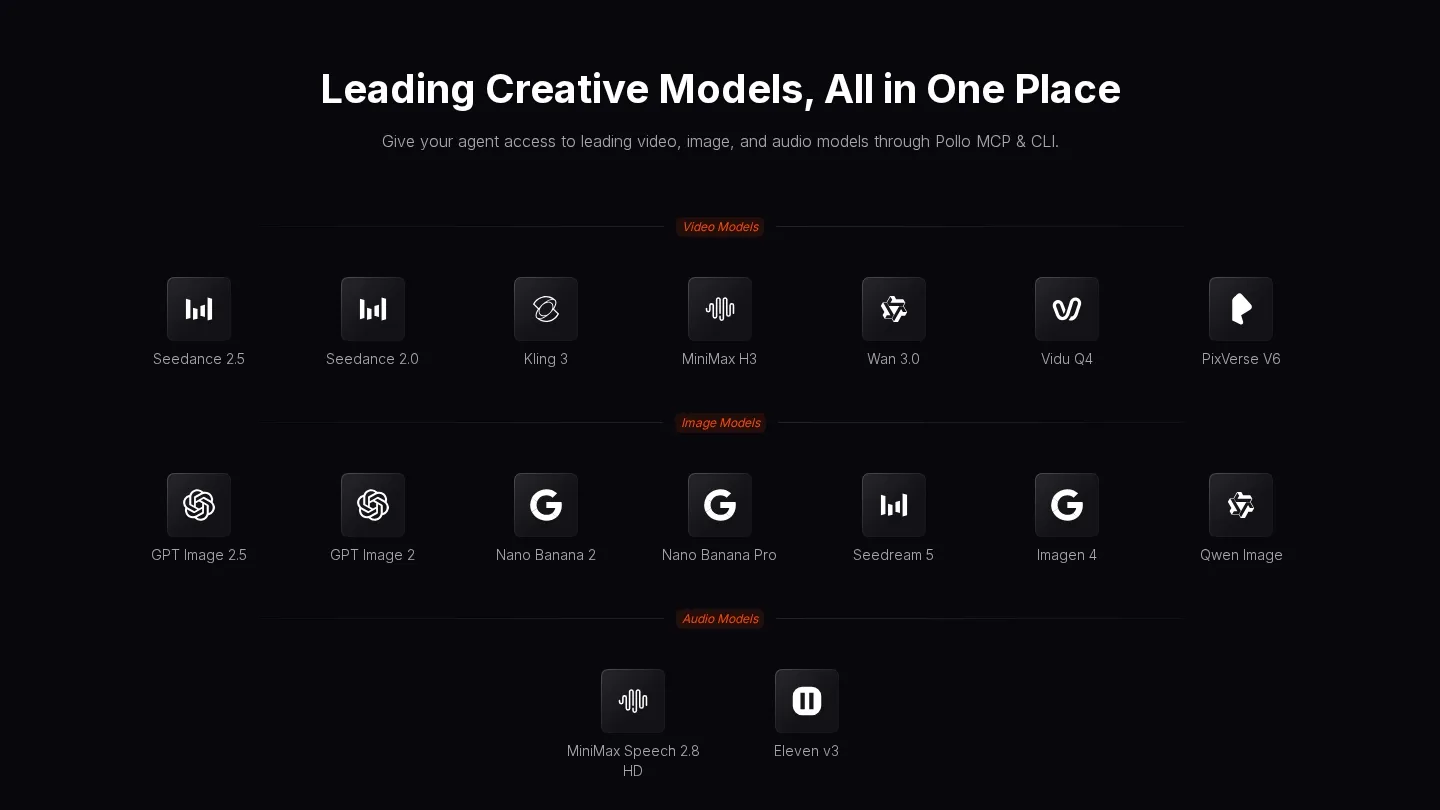
The first difference is the size of the model library. Higgsfield's help center lists 30-plus models, and its MCP page now says "35+ models and tools". The examples it shows are Seedance 2.5, Google Omni Flash and Kling 3.0 for video, and Nano Banana Pro, GPT Image 2.5 and Seedream 5.0 for images. Pollo MCP puts 100+ video, image and audio models behind one sign-in. For most people that gap matters less than it sounds, since you will use two or three models on any one project. It matters more when a brief needs a specific newer model, or when you want to compare several looks before you commit.
The second difference is what you get at the end. Higgsfield is built around the shot. You can control a character's look, copy motion from a reference clip, upscale to 4K, expand a frame or remove a background, and every result lands in your Higgsfield Assets. Pollo MCP is built around the finished video. The assistant writes the plan, picks models, generates the shots, puts them on a timeline, adds captions, transitions and sound, and exports a file you can post.
The third difference is how you get in. Higgsfield says plainly that an active paid subscription is required to connect, and that every generation through an agent costs credits, even on plans with unlimited use on the web. Pollo MCP gives you 20 bonus credits when you connect, so you can run a real project before you pay anything.
Pollo MCP vs Higgsfield MCP: feature by feature
We built this table from each company's own MCP page, help center and pricing page, checked on November 25, 2026.
| Feature | Pollo MCP | Higgsfield MCP |
|---|---|---|
| Built for | Finished, edited videos from a brief, link or clip | Cinematic shots, images and audio, plus skill-based projects |
| Models | 100+ video, image and audio models | 30+ (MCP page says "35+ models and tools") |
| Shot control | First and last frames, multiple references, Elements, Pollo Library camera moves | Kling 3.0 Motion Control, Soul characters, Elements, upscaling, reframing |
| Timeline editing | Trim, split, version history, 23+ transitions, AI subtitles, audio fades, speed | Editing Room skill edits a sequence shot by shot; no editing tool list published |
| Finished-video export | Watermark-free MP4, MOV or WebM | Results saved to Assets; export format not stated |
| Ready-made workflows | 73: ads, short drama, long-to-short, explainers, motion graphics | 40 one-click features and 42 slash commands |
| Built-in creative library | Pollo Library: sound effects, shots, animation, captions, transitions; up to 23 SFX per video | Not stated |
| Talking head videos | Filler-word removal, captions, B-roll, replicate mode | UGC skills make creator-style videos; no filler-word editing listed |
| Links as material | Product pages, TikTok and YouTube videos, web text | Direct image URLs; Personal Clipper takes YouTube videos |
| Chat apps | ChatGPT, Claude (web and desktop), Cursor, Grok, Gemini | Claude (web and desktop), ChatGPT plugin, Cursor, Telegram, other MCP clients |
| Coding agents | Claude Code, Codex, Cursor, OpenClaw, Hermes | Claude Code, OpenClaw, Hermes; CLI + Skills also named for Codex and Cursor |
| Where files live | One Space shared by chat, pollo.ai and Pollo Agent | Your higgsfield.ai Assets, tagged as MCP |
| Free start | 20 bonus credits on connect | None; active paid subscription required |
| Entry price | From $12 a month | Starter $19 a month for 270 credits |
| Credit rules | Pollo credits; cost estimated before each job | Standard credits on every MCP job, even on Unlimited plans |
What Higgsfield MCP does well
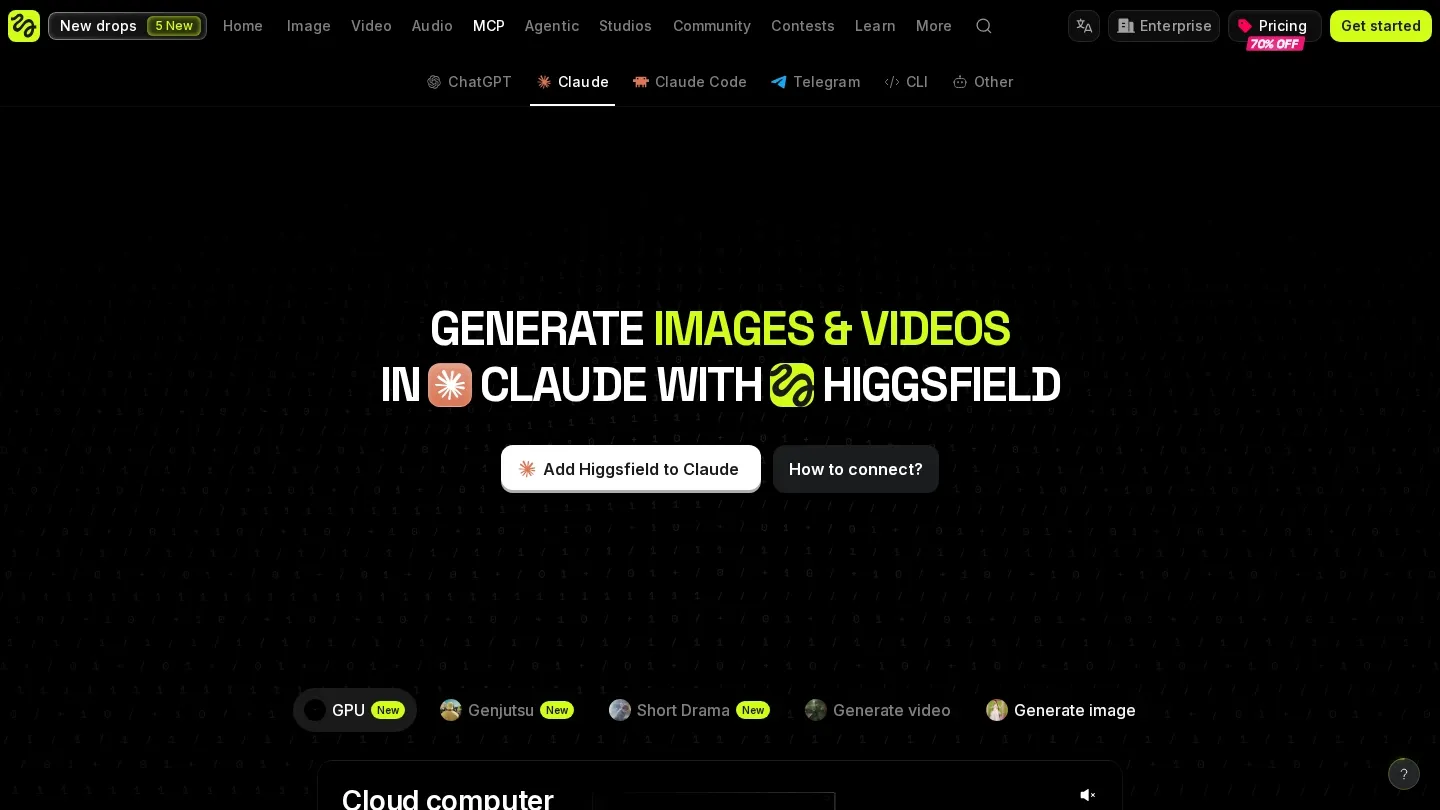
Higgsfield has a lot going for it. Setup is simple: in Claude you add a custom connector with the URL mcp.higgsfield.ai/mcp, in ChatGPT you add the official Higgsfield plugin, and in Cursor you install it from the marketplace. For Claude Code, OpenClaw and Hermes, the agent installs Higgsfield's CLI by itself. The MCP page also has a Telegram tab. No API key is needed.
Shot control is the real strength. Soul characters and reference Elements keep a face or a prop the same from shot to shot. Kling 3.0 Motion Control takes a character image and a motion video and moves the character the same way. You can ask for voiceover, voice cloning, voice change and dubbing, although audio is not available in ChatGPT. Personal Clipper turns YouTube videos into short clips.
Higgsfield has also moved well beyond single prompts. Its MCP page lists 40 one-click features and 42 slash commands. They include Short Drama for multi-scene episodes, Ad Recreator, Hook Multiplier, UGC skills, faceless explainers, and a new Editing Room skill that edits a sequence shot by shot. Many of the most eye-catching skills run desktop tools, such as Blender scenes, After Effects motion design and DaVinci Resolve color grading, and you can even rent a cloud GPU computer from the chat.
Learn more: our full Higgsfield AI review
What Higgsfield does not spell out is the last mile. Its list of MCP operations covers generation, upscaling, background removal, outpainting, reframing, motion control, characters, audio and clipping. It does not describe timeline tools such as trims, transitions or subtitle styling, and it does not name an export format for a finished, multi-shot video. Results go to your Assets, and you take it from there.
Pollo MCP: from a brief to a final cut
Pollo MCP connects Pollo AI's video, image, and audio tools to ChatGPT, Claude on the web and desktop, Cursor, Grok and Gemini. If you work in a terminal, the Pollo CLI brings it to Hermes, OpenClaw, Codex, Cursor and Claude Code. Sign-in happens in your browser, so there is no API key to copy.
You can start from words, a photo, a clip or a link. To use a link, drop in the URL of a store listing, a YouTube or TikTok clip, or an article, and the assistant turns it into a script and a shot list. From there it estimates the credits, generates the shots and gives you back an edited, multi-shot video.
Talking head videos are where many teams feel the difference first. Send a raw camera take or just a voice recording. Pollo MCP trims out the ums, false starts and silent gaps, lays captions over the speech and covers jump cuts with B-roll. Point it at a video you admire in replicate mode, and it edits your take the same way. Founders, coaches, teachers and sellers who post themselves on camera every week get a clean video without opening an editor.
Higgsfield users will feel at home with Pollo's shot tools, too. A shot can begin as a line of text, a single photo, a pair of start and end frames, a stack of reference images or a sample clip. Saved Elements keep characters, products and scenes consistent across a whole series. Model choice stays wide: reach for the Kling 4.0 video model when motion has to look like film, try the Seedance 2.5 model for scenes with several cuts, and Veo 3.1 and Nano Banana 3 are there when you want them. Up to 12 image or video jobs can go out in a single batch, which makes it easy to compare looks.
Editing and export without leaving the chat
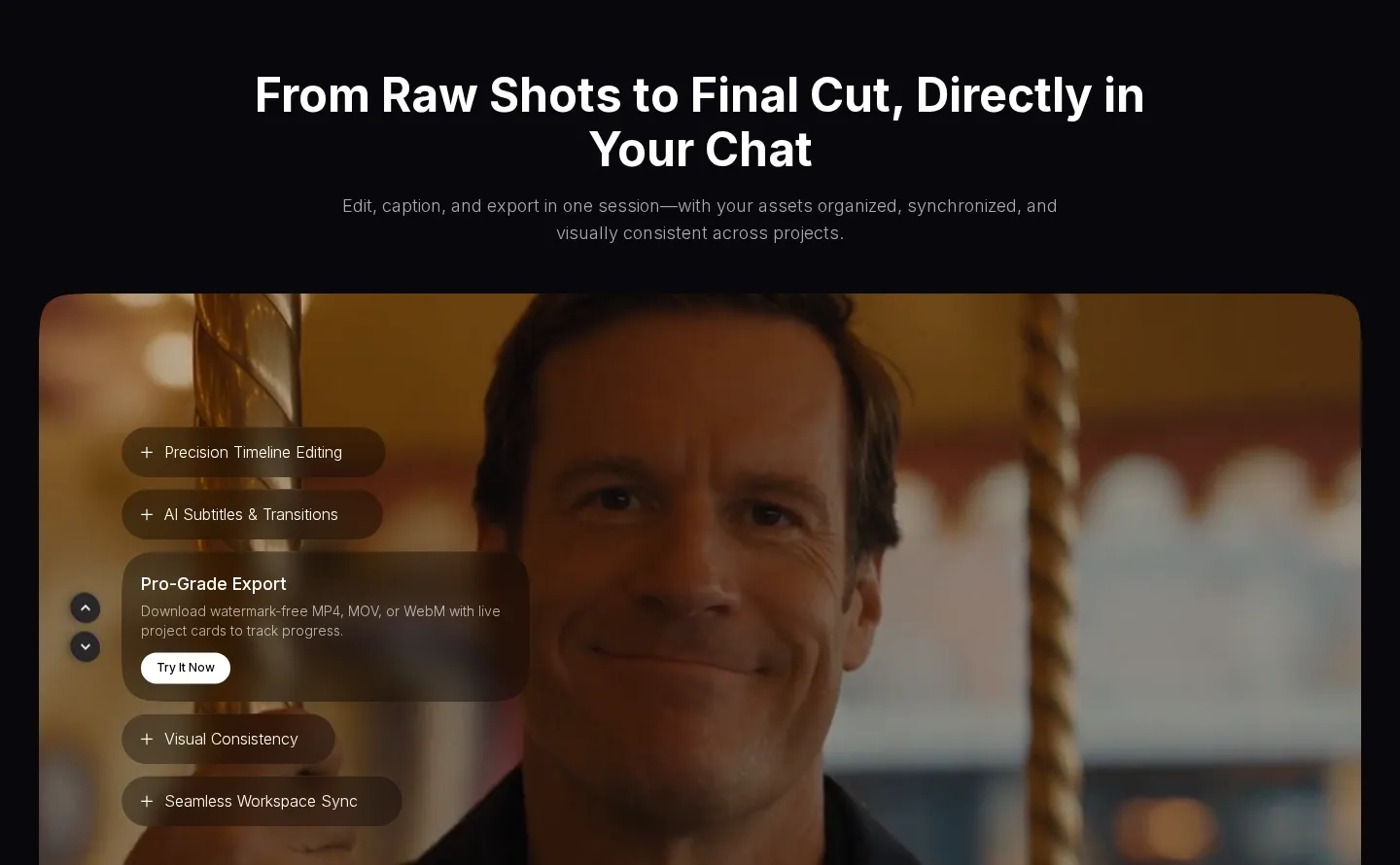
This is the part Higgsfield leaves to you. With Pollo MCP's newest editing tools, the assistant joins shots into episodes, trims and splits clips, and rolls back to an earlier version when a change goes wrong. It also handles 23+ cinematic transitions, AI subtitles, audio fades and speed changes. When the cut is right, you export a watermark-free MP4, MOV or WebM, and a live project card in the chat shows the progress.
Pollo Library and 73 workflows
Good shots do not make a good video on their own. Pacing, sound and on-screen text do a lot of the work. Pollo Library takes care of that. It is made of five built-in libraries, one each for sound effects, shots, animation, captions and transitions, and the assistant pulls from them while it edits. A single video can hold as many as 23 sound effects, and a cloned ad keeps the feel of the original instead of looking generic.
On top of that, 73 built-in creative workflows give common jobs a proven method: product ads, short dramas, explainers and long-to-short clips, plus a Motion Graphics set that covers Logo Animation, Data Story, Animated Chart and Software Demo.
One Space for chat, web and agent
Everything you make lands in a Pollo Space that is shared with pollo.ai and Pollo Agent. A project you begin in Claude is waiting for you when you log in to pollo.ai. Pollo Director is there for scene-by-scene work, and you can localize a finished video into 100+ languages with lip sync.
Nine things to ask Pollo MCP for
- A talking head video, cleaned up: "Cut the ums from this webcam take, caption it and add B-roll." Add a reference link to use replicate mode.
- A product ad from a URL: paste the product page, much like using the AI ad generator on the web.
- An animated series from one line: "A paper boat travels the world, five short episodes."
- A trip story: turn a folder of holiday photos into a short that tells the trip in order.
- A photo that moves: bring a portrait or product photo to life, the same idea as the animate a picture tool.
- Photos on the beat: cut a set of photos to the rhythm of a song.
- A voice note explainer: turn a two-minute recording into a narrated explainer short.
- Shorts from a long video: pull several vertical clips from a webinar or podcast, as with Pollo's long video to short video tool.
- Motion graphics and platform versions: a logo sting, an animated chart or a software demo, then one video cut into four versions for four platforms.
100+ Models, One Finished Cut
Pick the right model for each shot, and let Pollo MCP assemble, caption and export the video. 20 free credits when you connect.
Connect Pollo MCP Free
One brief, two routes
To see how the tools differ in practice, take a common request: a 30-second launch video for a new pair of headphones, with three shots, a voiceover, captions and a vertical version for TikTok. Here is what each route involves, based on how each tool says it works.
With Higgsfield MCP, you upload the product photo through Higgsfield's upload window, since its help center says the agent cannot read images attached to the chat. You ask for three shots and name a model or let the agent choose. You can lock the product as an Element, upscale the best take and generate a voiceover in Claude. You can also try the Editing Room or Hook Multiplier skills to arrange the shots. The docs do not say which file you get at the end, or whether captions and transitions are added for you, so plan to check the result in your Assets and finish the edit where you normally do.
With Pollo MCP, you paste the product link or photo and describe the video. The assistant writes the script, shows a credit estimate, generates the shots, then puts them on the timeline with captions, transitions, sound effects and music. It returns the cut in the chat. You ask for changes in plain words, such as "make the second shot shorter" or "move the logo to the end", and then export a watermark-free MP4 for TikTok and a second version for YouTube.
Neither route is wrong. The Higgsfield route gives a filmmaker more control over each frame. The Pollo route gives a marketer a finished video with far less hand work.
Pricing and access
Higgsfield: the free plan has no monthly credits, and the MCP needs an active paid subscription. Starter costs $19 a month for 270 credits, and Plus and Ultra plans add more. MCP, CLI and Canvas generations always use credits at standard rates, even when your plan includes unlimited use of a model on the website. There is no built-in credit cap, so Higgsfield suggests telling the agent to ask before it spends.
Pollo MCP: you pay with normal Pollo AI credits, plans start at $12 a month, and your first MCP connection adds 20 bonus credits, which covers roughly 4 videos or 20 images. The assistant estimates the cost of a job before it runs.
Which one should you pick?
Pick Higgsfield MCP if you are a filmmaker, motion designer or 3D artist. It suits you if you want precise control over single shots, already pay for Higgsfield, and are happy to finish edits yourself or in pro desktop tools.
Pick Pollo MCP if you are a marketer, seller, creator, educator or founder. It suits you if the goal is a video that is ready to post: ads, explainers, short dramas, clips from long videos and talking head videos, made and edited inside the chat you already use. If you also edit by hand sometimes, Pollo's AI video editor on the web opens the same projects.
FAQ
Is Pollo MCP or Higgsfield MCP better?
It depends on the job. Higgsfield MCP is better for controlling individual cinematic shots and characters. Pollo MCP is better when you want a finished, edited video back in the chat, with 100+ models, timeline editing and watermark-free export.
Is Higgsfield MCP free?
No. Higgsfield's help center says you need an active paid subscription to connect, and every generation through MCP uses credits. Pollo MCP gives you 20 bonus credits when you connect.
Does Higgsfield MCP work in Claude on the web?
Yes. You add it in claude.ai or Claude Desktop as a custom connector. Pollo MCP connects there too, as well as to ChatGPT, Cursor, Grok and Gemini.
How many models does each MCP offer?
Higgsfield lists 30-plus models (its MCP page says 35+ models and tools). Pollo MCP puts more than 100 models for video, images and audio behind a single connection.
Can Higgsfield MCP export a finished video?
Higgsfield's docs say results are saved to your Assets and describe skills such as Editing Room, but they do not name an export format for a finished multi-shot video. Pollo MCP exports watermark-free MP4, MOV or WebM files.
Which is better for talking head videos?
Pollo MCP. It cleans out filler and pauses, subtitles the speech, fills gaps with B-roll and can mimic a sample video's editing in replicate mode. Higgsfield's MCP docs do not list filler-word editing for your own footage.