



Vyond Review: I Tested Vyond for Business Videos, and Here’s What I Found
Vyond is useful when I need structured business videos, from training and explainers to HR updates and sales enablement. It gives me mixed media editing, animated characters, templates, AI-assisted drafts, voiceovers, avatars, and brand-friendly controls.
In this review, I look at what Vyond does well, where the experience feels limited, whether it is still worth using today and why Pollo AI is a better alternative.
Vyond Review: TL;DR
Vyond is a strong business animation platform. It helps teams create explainers, training videos, internal updates, and sales materials without needing advanced animation skills.
But it is not the most flexible AI video generator. The workflow feels more controlled than open-ended, and the output is better for structured communication than cinematic clips, UGC ads, ecommerce videos, or high-volume campaign production.
| Review Criteria | My Take |
|---|---|
| Input Flexibility | Good. Vyond can start from prompts, scripts, documents, and URLs, which makes it useful for source-based business videos. |
| Prompt-to-Video Accuracy | Fair. It can turn business ideas into structured scenes, but the output still feels guided by templates. |
| Scene Coherence | Good. The generated videos usually have a clear flow, especially for explainers, training, and internal communication. |
| Motion Quality | Good for animated business content, but limited for natural, cinematic, or realistic AI video motion. |
| Visual Realism | Limited. Vyond is stronger for animation than realistic AI-generated video scenes. |
| Creative Flexibility | Limited. It is less open for cinematic clips, UGC-style videos, product-led ads, or highly stylized content. |
| Best Use Cases | Training videos, explainers, HR updates, internal communication, sales enablement, and customer education. |
| Better Alternative | Pollo AI, if you need flexible AI video creation beyond business animation. |
What Is Vyond?
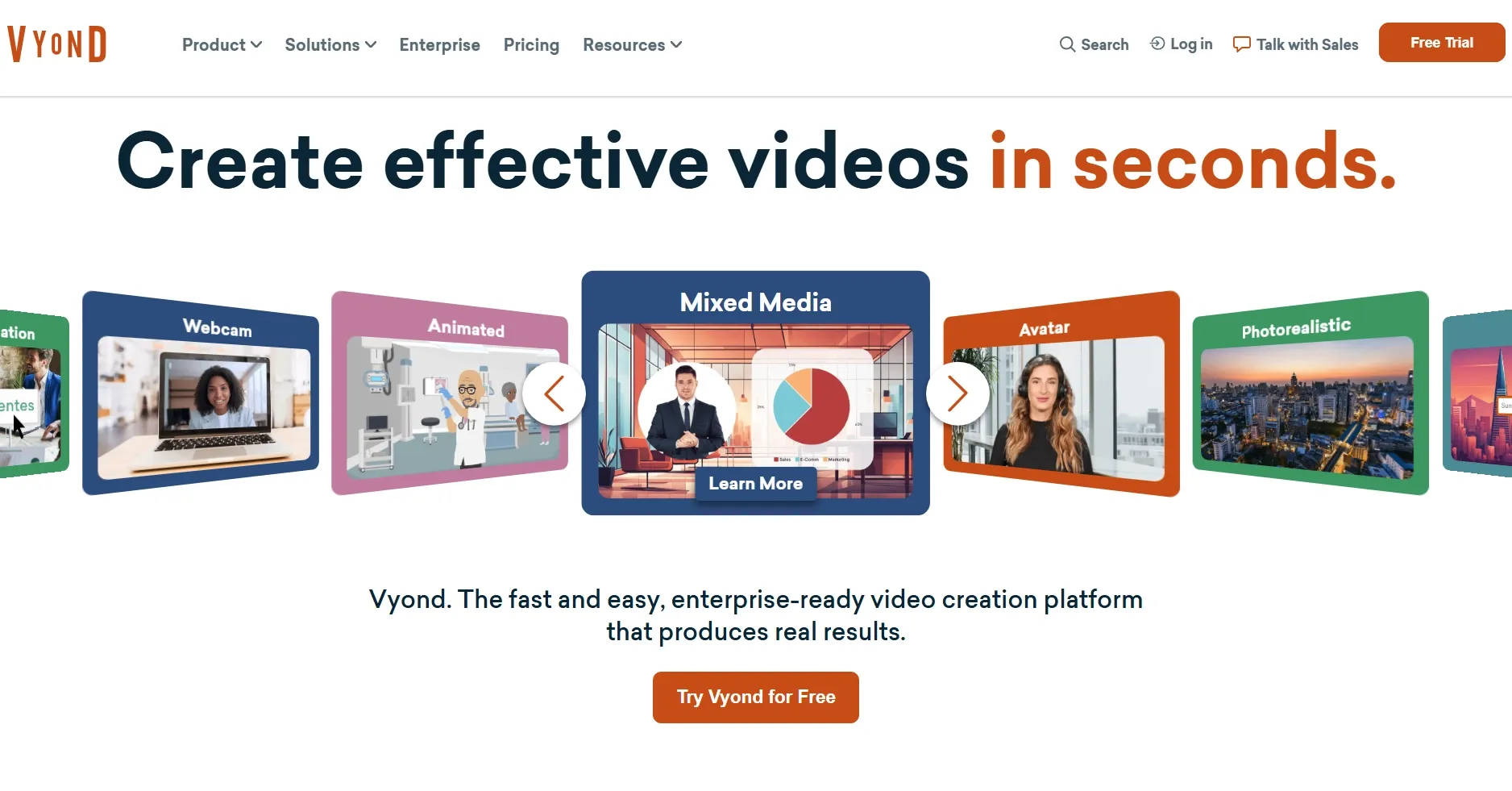
Vyond is an AI-assisted business video creation platform. It is mainly built for animated explainers, workplace training, HR videos, sales enablement, product education, and internal communication.
The platform combines Vyond Go and Vyond Studio. Vyond Go helps generate a first video draft from prompts, documents, URLs, or scripts. Vyond Studio gives users more control over scenes, characters, narration, branding, and visual assets.
That makes Vyond practical for teams that need clarity, consistency, and repeatable video production. But it is less ideal when the goal is visual experimentation, ad creative testing, product-led storytelling, or social-first AI video generation.
What Are Vyond’s Key Features?
1. Vyond Go for Fast Business Video Drafts
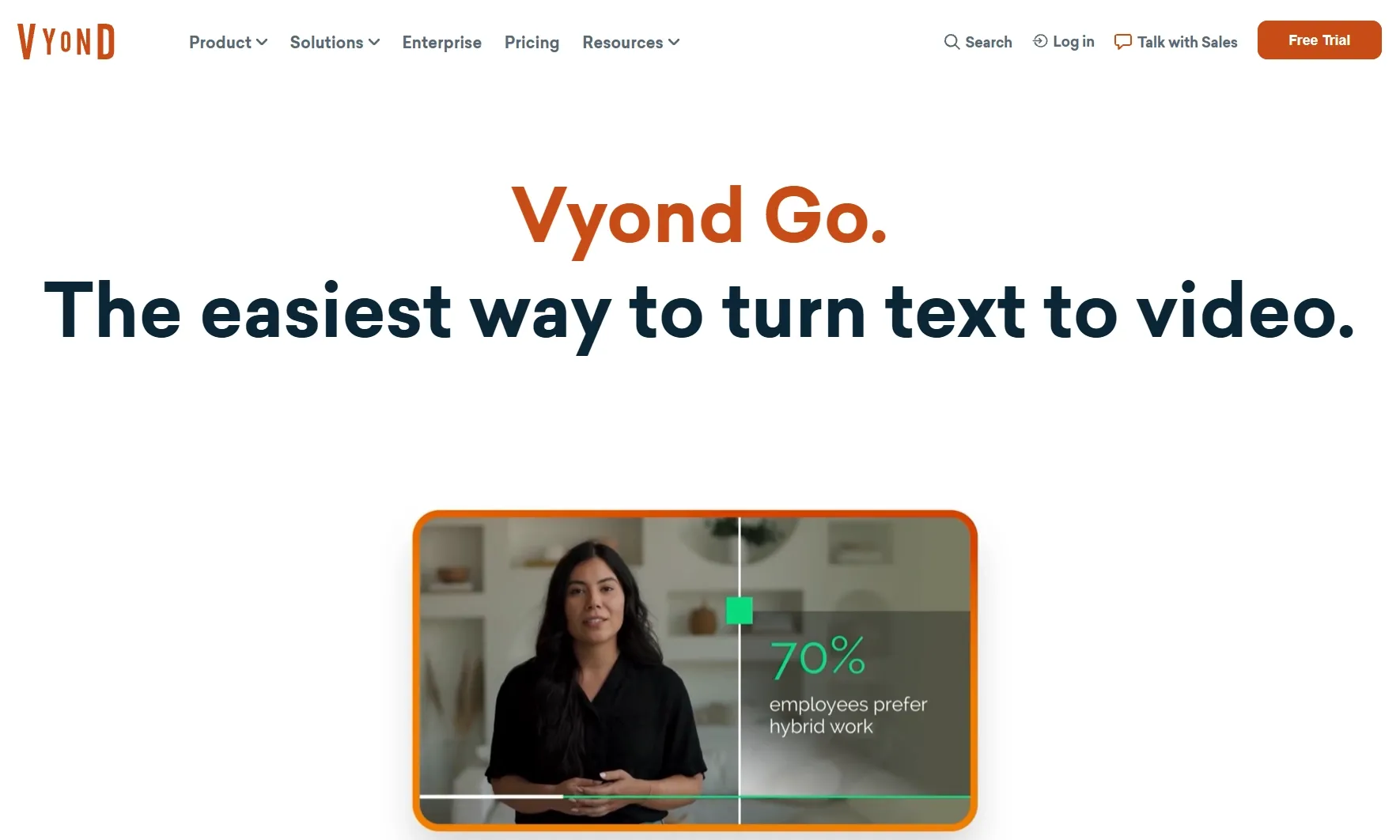
Vyond Go helps me move from a rough idea to a structured video draft faster. I can start with a prompt, document, URL, or script, and the platform builds a video around the source material.
This is valuable for business teams because most corporate videos begin with existing information. A policy document, product page, sales script, or training outline can become a more visual draft without starting from an empty timeline.
For me, the biggest benefit is the starting point. Vyond Go gives the video a basic flow, so I can spend more time refining the message instead of building every scene manually.
2. Mixed Media Integration
Vyond supports more than basic animation. I can combine animated characters with uploaded videos, still images, charts, infographics, screenshots, and branded visual elements.
That matters for business content because workplace videos often need multiple forms of information in one place. A training video may need characters, screen examples, data points, and narration. A sales campaign video may need product visuals, icons, text overlays, and branded scenes.
This mixed media workflow makes Vyond more practical for professional communication. It helps users explain information clearly without making the video feel like a plain slide deck.
3. Character-Driven Business Animation
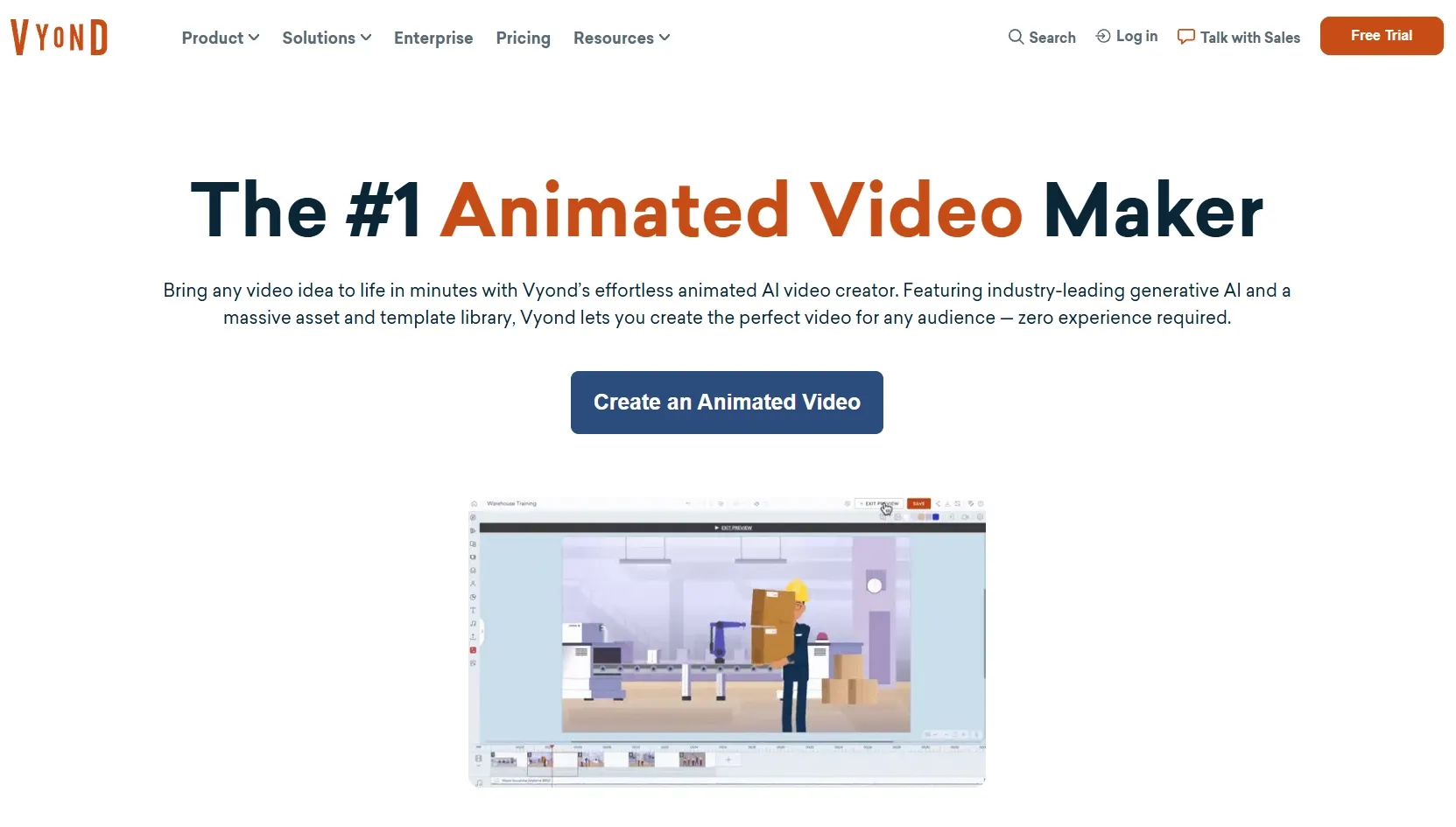
Vyond’s animated characters are useful for showing workplace scenarios. I can build scenes around employees, customers, managers, trainers, or presenters, then use actions like typing, presenting, talking, reacting, or interacting.
This is especially helpful for scenario-based learning. Instead of only telling employees what to do, Vyond lets me show a situation with characters and visual context.
For onboarding, compliance, customer service training, and HR communication, this can make the content easier to follow. The characters give the message a human layer without requiring live filming.
4. Sector-Specific Visual Blueprints
Vyond gives users templates and visual structures for professional use cases, including e-learning, corporate presentations, storytelling, internal communication, and marketing-style business videos.
I see this as one of Vyond’s strongest productivity features. Many users do not want to design pacing, scene order, and visual flow from scratch. They need a format that already fits the type of business video they are creating.
These visual blueprints help teams produce more consistent videos. They are useful when a company needs repeatable training modules, internal updates, explainer videos, or sales support assets.
5. Voiceovers, AI Avatars, and Localization
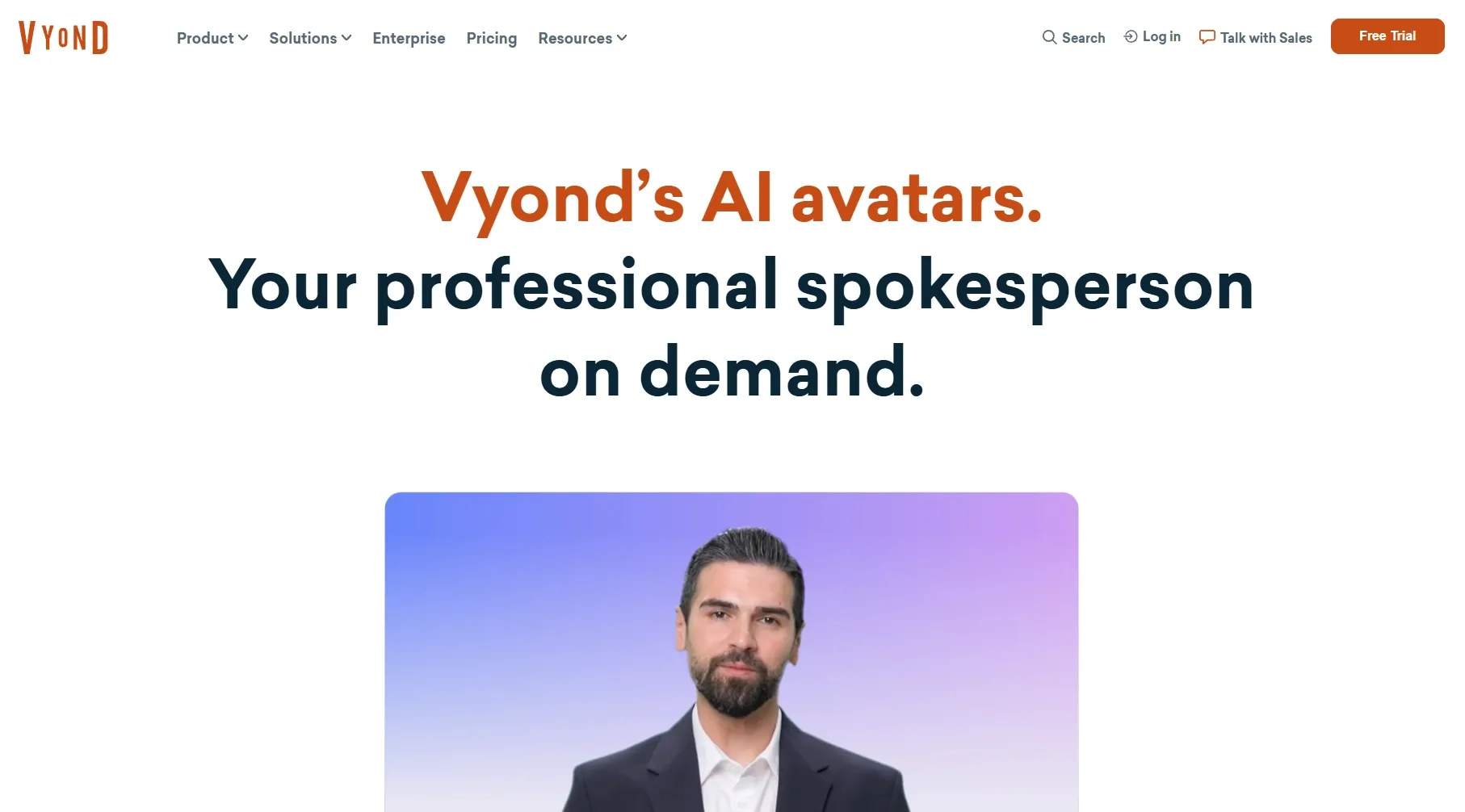
Vyond also supports AI avatars, text-to-speech, translation, and caption translation. These features help teams create business videos for more regions, languages, and audiences.
This is useful for larger organizations. A learning team can localize training content. A sales team can adapt product explainers for different markets. An internal comms team can create presenter-style updates without filming every speaker.
For me, this makes Vyond more practical as a business communication platform. It reduces the need for cameras, voice recording, and repeated manual production work.
Where Does Vyond Fall Short?
1. Template-Based Output Can Feel Predictable
The structured workflow can make Vyond videos feel familiar after a while. Templates, preset scenes, and business-friendly characters are efficient, but they can also make the final result look less original.
This becomes a problem when the video needs stronger creative impact. A training video can benefit from predictable structure, but a flash sale video often needs more surprise, sharper pacing, and a more native social feel.
When I look at Vyond from a video generation perspective, the style range feels narrower than what I would expect from a modern AI creative platform.
2. AI Drafts Are Not Always Close to Publish-Ready
I would not assume a Vyond Go draft is finished. The script may need tightening, the scenes may need restructuring, and the pacing may need manual adjustment.
That gap matters because AI video generation is only valuable if it reduces the work after generation. If I still need to revise the timeline, rewrite sections, change visuals, and adjust narration, the AI draft is more of a starting point than a final output.
For teams with editing time, this is manageable. For marketers who need fast campaign assets, it may slow down the workflow.
3. The Visual Style Is Less Suitable for Modern Ads
Vyond is built around business animation, so it does not always match the look of modern ad creative. UGC ads, product videos, creator-style demos, unboxing clips, short-form social videos, and e-commerce campaigns usually need a more dynamic visual language.
Its animated business scenes may not create the same sense of realism, urgency, or product desire that performance marketing videos often need. This is where I feel Vyond is less competitive for marketers. It does not always sell visually.
4. Character Animation Is Not Truly Generative
Vyond’s character animation tools still feel tied to predefined character systems, preset actions, and controlled scene logic.
That limits the sense of creative freedom. I can build a workplace-style scene, but I do not get the same open-ended generation I would expect from AI video models that create cinematic movement, stylized shots, realistic product scenes, or image-to-video motion.
The character actions can also feel too fixed when I need unusual camera movement, more natural body language, stronger emotional expression, or highly customized motion. For broader AI video generation, the workflow feels controlled rather than expansive.
5. Model Choice Is Limited
Vyond does not give me the same model flexibility as a multi-model AI video platform.
In real video generation, model choice matters. Without more model options, I have less room to test different levels of realism, cinematic motion, stylized visuals, avatar quality, image-to-video movement, or fast social video outputs.
This makes the workflow feel more fixed. I am mainly working within Vyond’s own business animation environment, so there is less room to compare different generation styles or find the best model for a specific video task.
What Are Vyond’s Pros and Cons?
Vyond has clear strengths as a business video tool, but its limits become more obvious when I compare it with newer AI video generation workflows.
Pros:
- Easy to use for business video creation.
- Strong fit for training, HR, and internal communication.
- Useful for explainers and sales enablement.
- Vyond Go helps speed up first drafts.
- Mixed media support makes videos more informative.
- Character animation works well for workplace scenarios.
- Templates help non-designers create structured videos.
- Voice, avatar, and localization tools support global teams.
Cons:
- Output can feel template-based.
- Not ideal for cinematic AI video generation.
- Limited for UGC-style ads and social-first content.
- Product marketing videos may need more visual energy.
- AI drafts often still need manual refinement.
- Creative control depends heavily on existing styles and assets.
- It offers less model flexibility than broader AI video platforms.
- Better for communication than full creative production.
How I Reviewed Vyond
I reviewed Vyond mainly from a video generation perspective, not just as a business animation editor.
That means I looked at how well it helps users move from input to usable video, how much AI reduces production work, and whether the final result feels ready for modern content needs.
| Review Area | What I Looked For |
|---|---|
| Scene Construction | Whether the generated video has clear pacing, logical scene order, and a coherent flow. |
| Motion Quality | How natural the character actions, scene transitions, and animated movements feel. |
| Visual Consistency | Whether the style, characters, assets, and branding stay consistent across the video. |
| Prompt and Script Handling | How effectively the platform understands the source material and turns it into visual scenes. |
| Avatar and Voice Integration | Whether avatars, text-to-speech, captions, and localization improve the finished video. |
| Creative Flexibility | Whether the workflow supports different visual styles, formats, and content goals. |
Is Vyond Right For You?
Vyond is right for you if you need clear business videos. I would consider it for training, onboarding, HR communication, compliance, sales enablement, customer education, and internal updates.
It is also useful if your team values structure. Templates, characters, voiceovers, localization, and brand controls help keep videos consistent across departments and markets.
I would use Vyond when the goal is to explain information clearly. It is especially helpful when a video needs to simplify a process, policy, concept, or workplace scenario.
But I would skip Vyond if I needed more flexible AI video generation. For cinematic clips, product videos, UGC-style ads, e-commerce visuals, social-first videos, or model-driven creative testing, I would choose Pollo AI.
Turn Ideas Into Publish-Ready Videos
Use Pollo AI to build videos with stronger structure, richer visuals, smoother workflows, and less manual editing.
Try Pollo AI for Free
How Does Vyond Perform Across Real Use Cases?
| Use Case | My Take |
|---|---|
| Explainer Videos | Strong fit. It helps simplify complex ideas with characters, narration, and visual structure. |
| Internal Communication | Good fit. It can make policy updates, culture messages, and internal announcements easier to watch. |
| Customer Support Videos | Good fit. It can help create tutorials and visual answers for common customer questions. |
| Product Education | Useful. It explains features clearly, but may not create strong product desire. |
| Marketing Campaigns | Mixed. It can create branded business videos, but not always high-performing campaign creative. |
| Product Videos | Limited fit. It is less direct for product-focused visuals, demos, and ecommerce-style promotion. |
| Social Media Content | Mixed. It can support educational clips, but may feel too corporate for trend-driven content. |
Why Is Pollo AI a Better Vyond Alternative?
Pollo AI is a better Vyond alternative if I need more than structured business animation.
Vyond helps me turn information into clear videos, but Pollo AI gives me more creative and commercial flexibility. It feels better suited for content that needs stronger visuals, faster testing, and a more post-ready result.
1. Pollo Agent Creates Post-Ready Videos
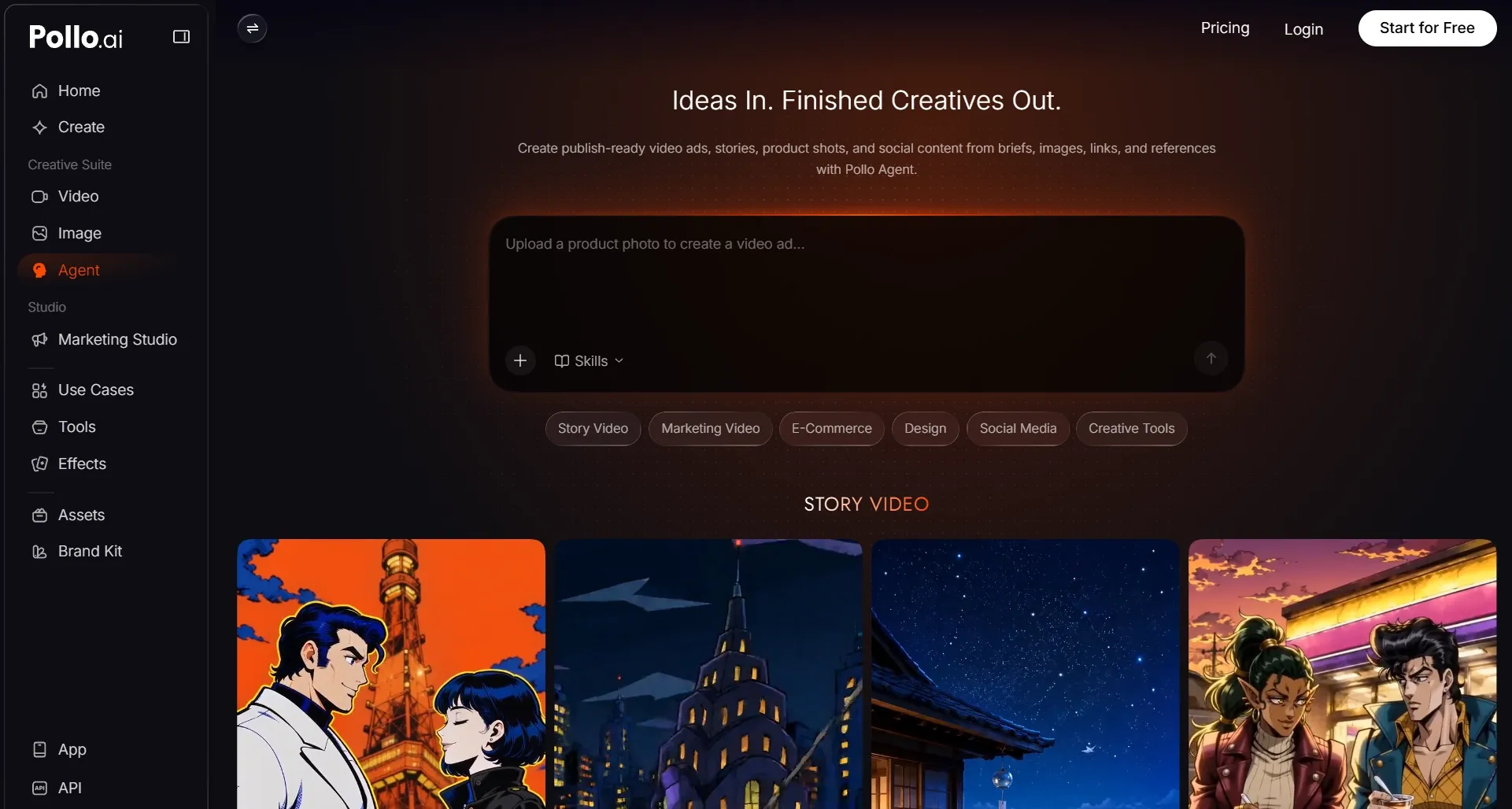
With many AI video tools, generation is only the first step. I may get a clip or a rough draft, but I still need to shape the structure, fix the pacing, add sound, and turn separate pieces into something usable.
With Pollo Agent, I can start with an idea, text, image, asset, or URL, and the video agent builds a more finished video with scene flow, rhythm, visuals, and sound already considered. I do not have to edit the result myself.
That matters because I do not just want more raw AI output. I want a video that feels closer to finished from the start.
It also fits more real content tasks. Whether I am making a viral-style video, a story video, an anime clip, a music video, or an explainer, Pollo Agent gives me a more direct path to usable content instead of leaving me with a business animation draft to finish manually.
2. Marketing Studio Is Built for Ready-to-Use Ads
Marketing Studio by Pollo AI gives me a more direct way to create campaign-ready videos. Instead of starting from a blank timeline, I can begin with the kind of input marketers already have: a script, product photo, product URL, ad idea, or reference format.
From there, Marketing Studio helps shape the video around real campaign needs, including stronger hooks, clearer product angles, faster variations, and more conversion-focused pacing.
This matters because marketing videos are not just about explaining information. They need to catch attention quickly, show value clearly, and move closer to a usable ad without heavy manual editing.
4. Pollo AI Offers More Flexibility
Pollo AI gives me more flexibility than a structured business animation workflow. I can create videos, images, avatars, and audio in one place, then use tools like SFX, voice cloning, and video editor without switching platforms.
Its multi-model setup also gives me more room to experiment. I can try different models including Seedance 2.5 and Happy Horse 1.1 for cinematic motion, realism, stylized visuals, product scenes, or faster social content, instead of staying locked into one visual system.
That makes Pollo AI feel more practical when I need different formats, styles, and production paths for real creative or marketing work.
5. Pollo AI Covers More Real Video Workflows
Pollo AI also gives me a more practical workflow for different video tasks.
Instead of building every video from scratch, I can choose a workflow app that already matches the goal, add my prompt or assets, and move faster toward a structured result.
This makes the workflow feel more goal-driven. I am not only generating clips; I am creating around the result I need, whether that means stronger attention, clearer product value, smoother explanation, or a more shareable final video.
For me, that makes Pollo AI feel less like a single video tool and more like a flexible AI content production system.
Turn Ideas Into Finished Content
Use Pollo AI to turn rough concepts into structured, polished videos with less editing and more creative control.
Try Pollo AI for Free NowMy Personal Take on Vyond
I understand why Vyond is popular for business video creation. It solves a real problem for teams that need clear videos without hiring animators or building every scene manually.
For training, onboarding, compliance, internal updates, and sales enablement, Vyond makes sense. The templates, characters, mixed media tools, and editing controls give business users a reliable way to create structured videos.
But I would not use Vyond for every video project. If I needed product ads, UGC videos, e-commerce visuals, cinematic AI clips, social content, avatar-led marketing videos, or a more flexible creative workflow, I would start with Pollo AI.
Vyond helps me communicate clearly. Pollo AI helps me create, test, refine, and publish across more content types.
Final Verdict: Is Vyond Worth Using?
Vyond is worth using if your main goal is to make business information easier to understand. It gives teams a simple way to turn policies, training topics, sales messages, or internal updates into clear animated videos without needing advanced production skills.
But Vyond feels less convincing when the video needs to do more than explain. If I need stronger visual impact, more natural product storytelling, creator-style delivery, cinematic motion, or faster campaign testing, its template-based animation workflow starts to feel limited.
That is why Pollo AI feels like the stronger choice for modern AI video production. Pollo Agent helps me create post-ready videos without heavy editing, while Marketing Studio gives me a faster path to ready-to-use ads and product-led campaign videos.
Pollo AI also gives me more freedom to create videos, images, AI avatars, audio, effects, AI video editing and more tools in one place.
If you want to move beyond animated business videos and create more flexible, publish-ready content faster, try Pollo AI today.