



What Is Gemini 3.5 Flash and Pro? Everything You Need to Know After 8-Hour Testing
I spent 8 hours testing Gemini 3.5 Flash and Pro the day it dropped, and I can already see why Google is pushing this model family so hard.
This is not just another chatbot refresh. It feels like Google is moving Gemini toward agents, coding, multimodal planning, and serious creative workflows.
In this article, I’ll walk you through everything I found, including what Gemini 3.5 Flash and Pro do well, where they fall short, who should use them, and how they fit into AI video creation.
Quick Verdict: Is Gemini 3.5 Flash and Pro Worth Using?
Gemini 3.5 Flash and Pro are worth using when speed and reasoning both matter. I found Flash great for quick execution, while Pro is better suited for complex creative direction.
The main limitation is simple: they are not complete video generation models. They can understand ideas, assets, and context, but you still need video tools for final outputs.
I’d recommend them to creators, marketers, developers, and AI video teams. They work best when you need faster planning, better prompts, and cleaner production logic.
What Is Gemini 3.5 Flash and Pro?
Gemini 3.5 Flash and Pro are Google’s agent-first AI models for faster execution and deeper planning. In simple terms, Flash is the quick worker; Pro is the deeper thinker.
The reason people are talking about them is not just branding. Google says Gemini 3.5 Flash reaches 76.2% on Terminal-Bench 2.1 and 83.6% on MCP Atlas, two benchmarks tied to coding and agentic work.
For AI video creators, that matters because messy ideas need structure. Gemini 3.5 can help turn scripts, references, assets, prompts, and campaign notes into clearer production plans.
Key Features of Gemini 3.5 Flash and Pro
# Agentic Creative Planning
I gave Gemini 3.5 a messy product brief for a skincare launch to test how well Flash and Pro could turn loose ideas into a video plan.
The result was clear. Flash was better at turning a loose brief into usable scenes quickly. Pro felt more useful when the concept needed emotional logic. It did not just list scenes; it shaped the campaign around a clearer customer feeling.
The weak spot is still the same. If the brief is too vague, both models can produce safe ideas. I would still rewrite the final direction myself.
# Multimodal Inputs Handling
I uploaded images, PDFs and rough text prompts to test how well it could handle multimodal inputs. And it worked great at understanding different materials together.
This was one of the more useful tests for AI video work. Gemini 3.5 connected the product image, campaign notes, and creative brief better than a basic text model would.
Flash summarized the materials quickly and gave a clean video prompt. Pro went further by reading the brand mood, audience pressure, and emotional angle.
# Faster Prompt Iteration
I asked Gemini 3.5 to create multiple video prompt versions with different hooks and moods with a short idea: “an anime-style product ad for Gen Z skincare”.
Flash was strongest here. It created multiple usable prompt directions without making the workflow feel slow or heavy. That matters when I am testing hooks, moods, and visual styles for short-form videos. One idea became five possible creative routes in seconds.
Still, I would not publish every version as-is. Some prompts felt polished, but a few needed sharper product details.
# Coding and Workflow Automation
I tested Gemini 3.5 with a simple content workflow: prompt writing, asset sorting, and script breakdown. This test showed where Gemini 3.5 becomes useful beyond writing prompts. It can turn creative production into a repeatable workflow, not just a one-off response.
Flash gave a clean checklist that creators could follow quickly. Pro built a more business-ready process with review standards and file organization.
I found Pro more valuable for teams. It remembered that a good AI video must not only look nice, but also serve the campaign goal.
# Complex Creative Direction
I tested Pro-style reasoning on longer campaign ideas and multi-scene video concepts. It felt better at keeping the story, audience, and visual direction aligned.
This was the clearest Pro win. Flash gave a solid campaign outline, but Pro built a stronger story around the audience’s real problem.
That difference matters in marketing: Flash only helps you draft the video, but Pro helps you understand why the video should exist.
Where Gemini 3.5 Flash and Pro Fall Short?
Gemini 3.5 needs a real video generation layer. When I asked it to plan a fast drone-style product shot, the prompt looked great. But it could not create the final moving shot by itself.
Vague prompts can still lead to generic creative ideas. For instance, when I entered “make a cool anime ad”, the results seemed safe and predictable. That means it needs sharper direction to produce something distinctive.
Moreover, long agentic workflows can become hard to control. I tested multi-step planning, but it kept adding refinements and follow-up logic. That was useful, but long creative chains can get expensive fast.
Is Gemini 3.5 Flash and Pro Right for You?
Makes sense if you:
- Need fast prompt testing for video ideas. Flash helps you create hooks, scenes, and variations quickly.
- Need deeper planning for complex campaigns. Pro works better when your story needs structure, audience logic, and clear direction.
- Need multimodal understanding before video creation. Gemini 3.5 can analyze scripts, images, videos, PDFs, and rough creative briefs together.
Skip it if you:
- Need finished videos from one model. Gemini 3.5 can plan well, but it still needs a video generation layer.
- Need real-time video generation. I would not use it when instant visual output is the main goal.
- Need cheap, simple text generation only. In this case, Gemini 3.5 may be more model than you need.
My Personal Take
I like Gemini 3.5 Flash and Pro because they make creative planning faster and less messy.
Flash is great when I need quick prompt ideas, hook variations, and scene directions without overthinking everything.
Pro is the part I’d trust more for bigger creative decisions. When I tested longer campaign ideas, it felt better at keeping the story, audience, and visual direction aligned.
But I am not satisfied that Gemini 3.5 still feels like a creative brain, not a full video studio. It can plan the shot, improve the prompt, and structure the idea, but it cannot finish the whole video alone.
My honest take is simple: I would use Gemini 3.5 Flash and Pro with a real AI video platform, not by themselves. They are powerful for thinking and planning, but final video creation still needs stronger generation tools.
Try Pollo AI to Create Videos with Gemini 3.5 Flash and Pro’s Planning
Use Gemini 3.5 Flash and Pro for planning, then bring the idea into Pollo AI for video creation. That workflow feels much more practical than expecting Gemini 3.5 to finish the whole video alone.
Pollo AI simplifies the generation workflow into three steps:
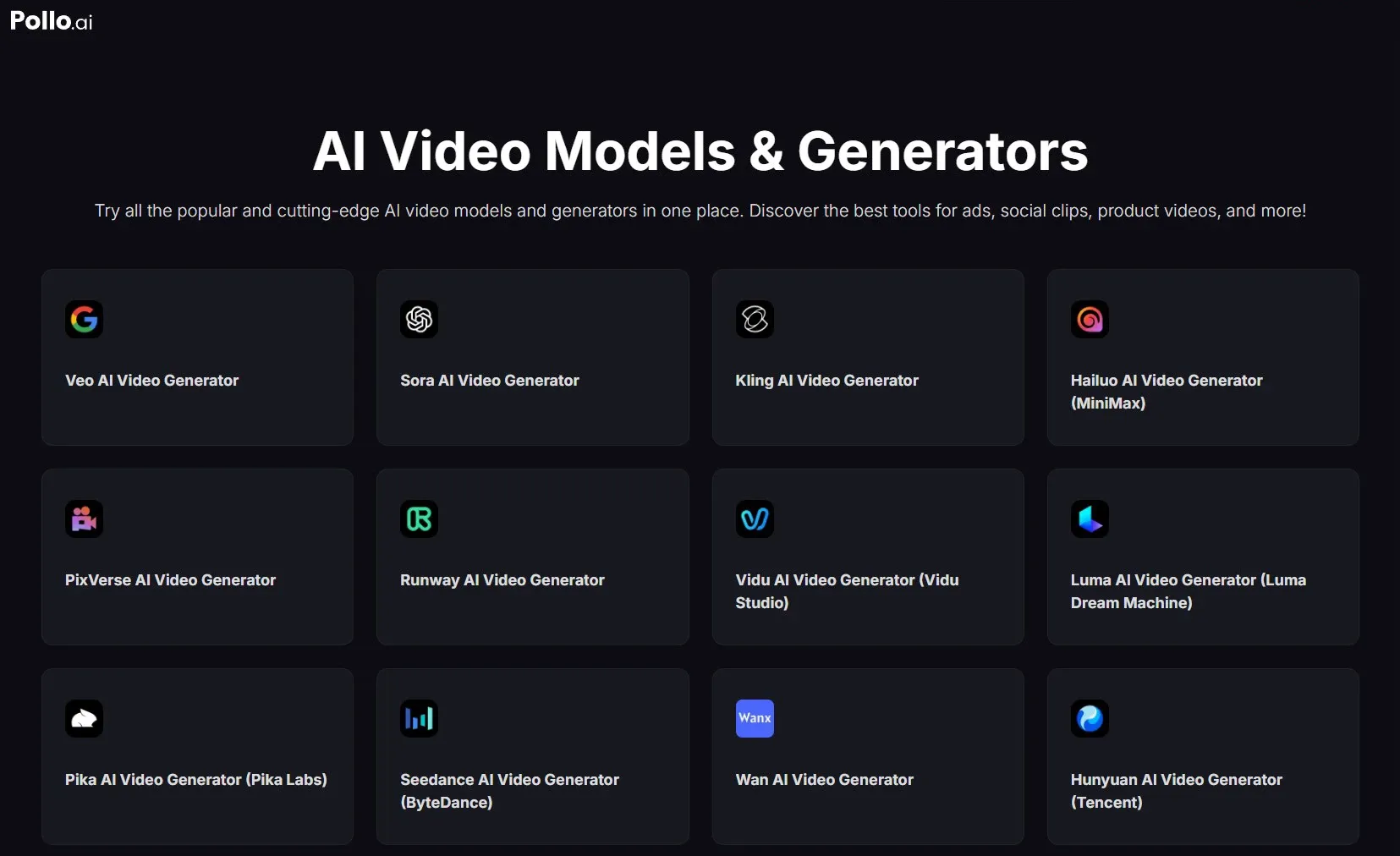
- Pick one from Pollo AI’s collection of leading AI video generation models.
- Paste your refined prompt from Gemini 3.5 Flash and Pro.
- Click “Create” and Pollo AI will automate the whole workflow and show you post-ready results.
The reason why I recommend you generate Gemini 3.5 Flash and Pro’s thinking on Pollo AI is simple.
Pollo AI integrated 70+ top-tier video models, including newly launched options. You can use Veo 3.1, Kling 3.0, and Happy Horse 1.0 here. That flexibility matters when you want to test your idea for various styles.
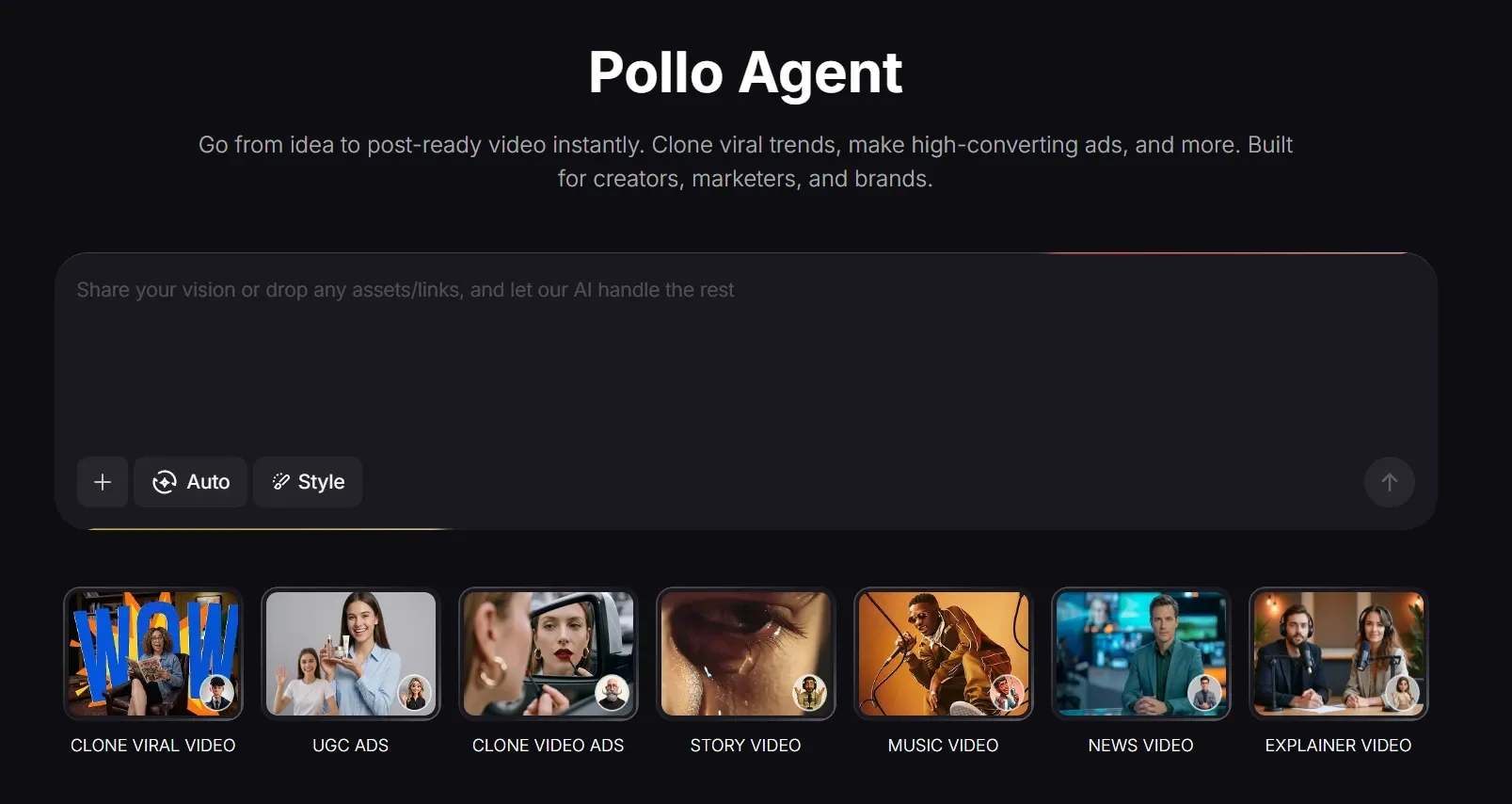
Pollo Agent is another highlight. I would use it when I need a finished video. You only need to give it an idea, text, image, or URL, and it handles structure, pacing, visuals, and sound. You can get a post-ready video with no manual editing.
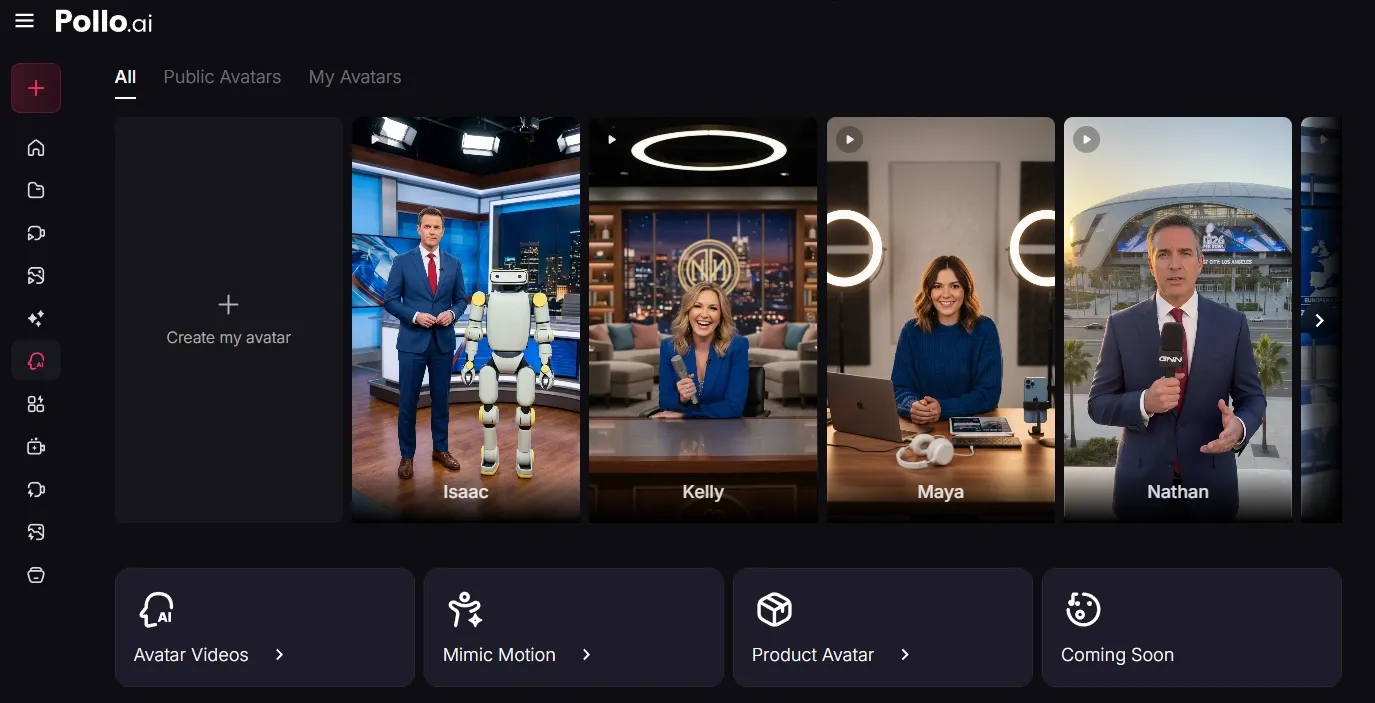
Additionally, Pollo AI’s talking avatar offers an easier alternative to the old recording-heavy workflow. You can create lifelike talking-head clips from a single photo, with no filming or pre-training required.
Whether you are a creator redefining storytelling or a marketer building compelling visuals, Pollo AI delivers the tools and models designed to keep you one step ahead of the competition.
Final Verdict
Gemini 3.5 Flash and Pro are worth using if you need faster planning and smarter creative workflows. Flash helps you move quickly, while Pro feels better for deeper reasoning and bigger video ideas.
But I would not use them as a complete video production tool. They work best when paired with Pollo AI for generation, motion, and final polish.