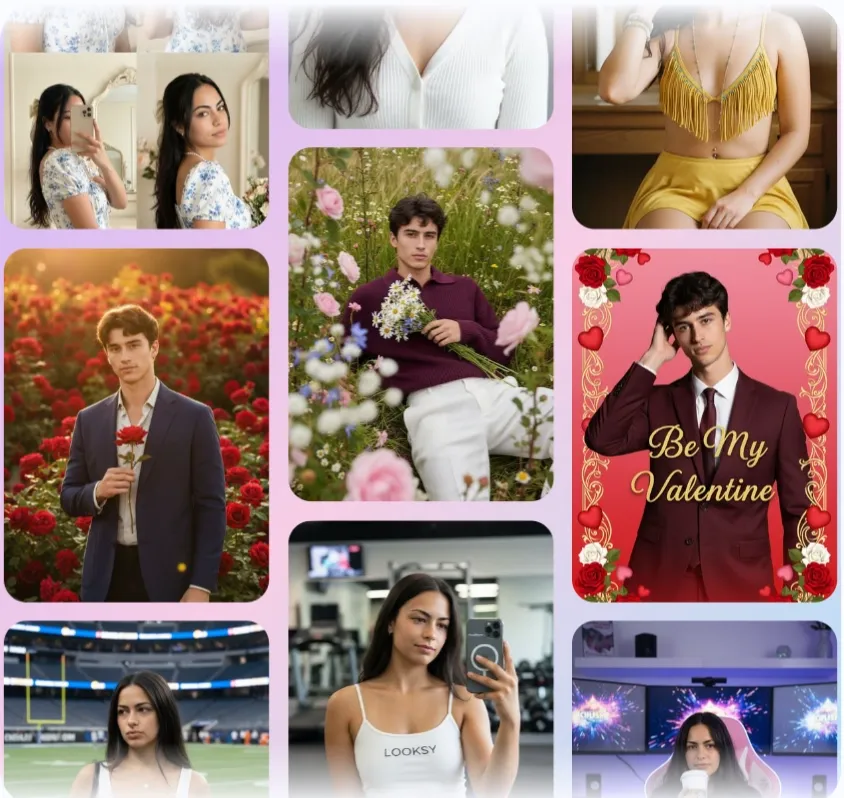
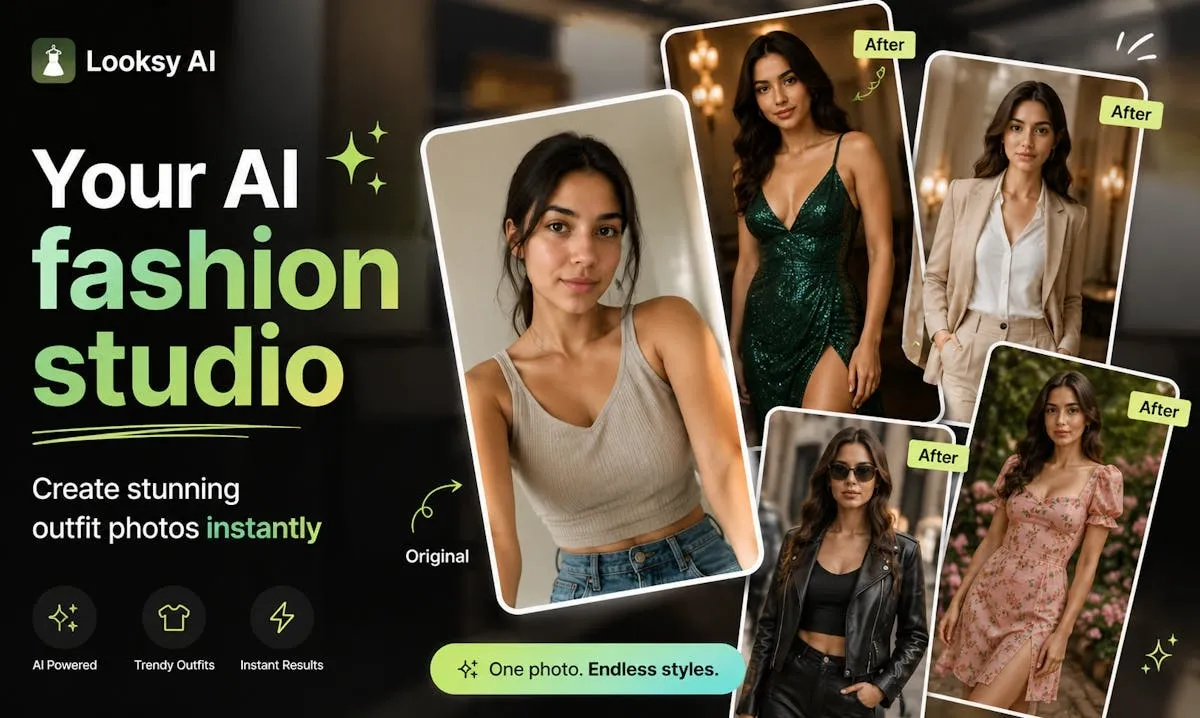
Looksy is an iPhone styling app offering virtual try-on, text and image generation, background removal, and appearance edits for personal fashion content. For multi-category try-on, leading image models, and prompt-based photo editing, Pollo AI is the ideal alternative. Try Pollo AI for free now!
Pollo Motion
Make every frame move. Bring your ideas to life.
POLLO AI INFLUENCER
Create your own influencer. Then jump into any trend with Recast.
Kling 4.0
Up to 10 keyframes. Impressive performance.
Pollo Recast
Recreate viral videos. Remix new versions.
Pollo Recast Challenge
One upload in. Your viral video out. Unlimited rewards await.
Pollo Agent x DeepSeek V4.1 FLASH
Faster completion at a much lower cost.
Pollo Agent x Gemini 4 Argon
Smarter reasoning. All through Pollo Agent.
Key Features of Looksy AI Clothes Changer
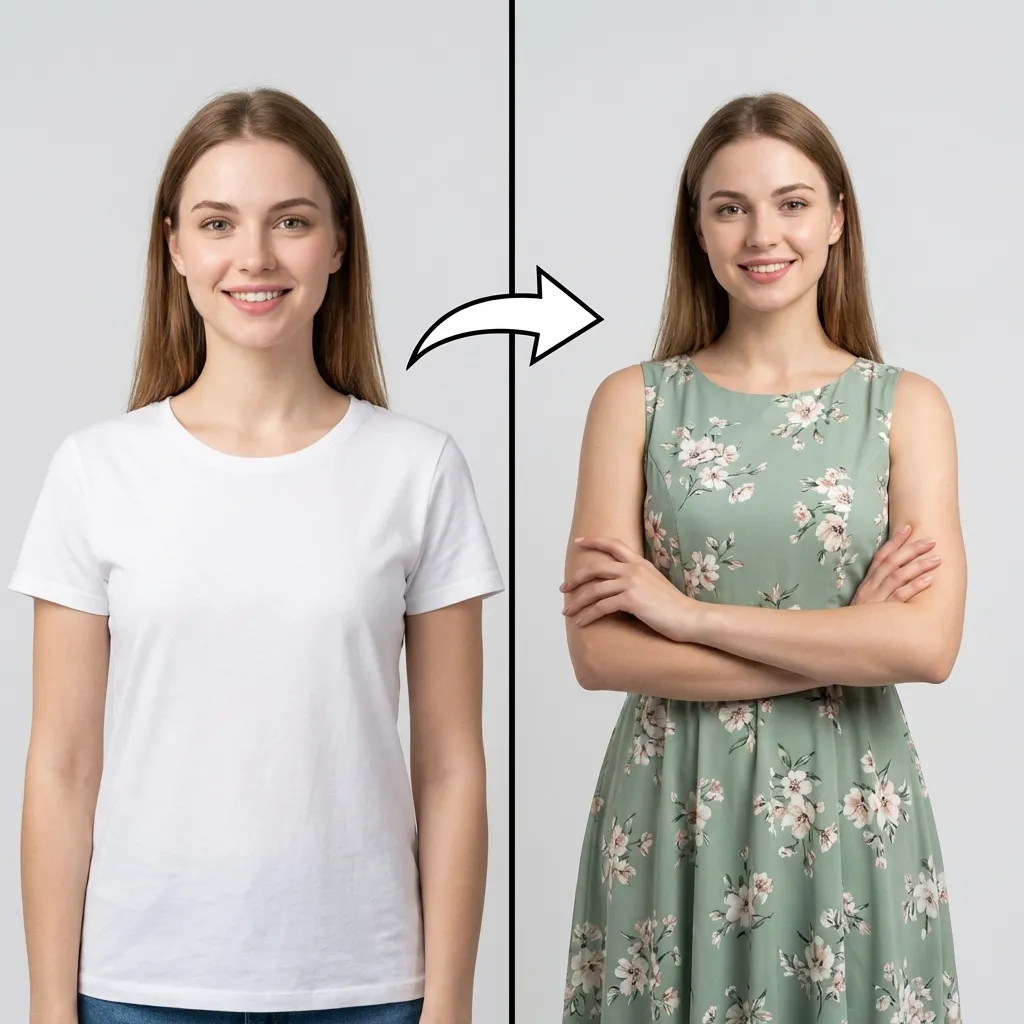
Virtual Try-On and Clothes Swap: Looksy changes clothing in an uploaded personal photo and provides a before-and-after preview of the generated outfit.
Text-to-Image Outfit Generation: Looksy turns written ideas into original outfit and fashion images with prompt suggestions for more directed results.
Image-to-Image Restyling: Looksy transforms an uploaded photo into a new style, look, or visual concept while retaining the source as its starting point.
Appearance and Style Editing: Looksy adjusts outfit colors, hairstyles, hair colors, skin tone, and eye color inside the mobile styling experience.
Background Removal: Looksy removes photo backgrounds for cleaner profile images, product shots, and creative compositions.
HD Export and Upscaling: Looksy provides sharper image output and HD exports for saving and sharing finished fashion images.
Virtual Try-On and Clothes Swap
Looksy's core fashion workflow starts from a personal photo. Users can swap clothing, test new looks for women or men, and compare the original and generated images through a before-and-after view.
Generated results should still be checked for face consistency, hands, garment edges, logos, prints, and whether the new clothing follows the original pose naturally.
Text-to-Image Outfit Generation
Looksy also creates fashion visuals from written prompts. Users can describe an outfit, occasion, color direction, or complete image idea; Pollo users can explore the same route through an AI outfit generator.
Prompt suggestions can help refine the direction, but text-based output is best for concept exploration rather than matching a specific commercial garment exactly.
Image-to-Image Restyling
Looksy's image-to-image route uses an uploaded photo as the starting point for a new style, look, or visual concept. For broader reference-led transformations, Pollo AI also supports image-to-image generation.
The source image helps establish the subject and composition, while the written direction determines how strongly the final style departs from the original photo.
Appearance and Style Editing
Looksy includes focused appearance controls beyond the outfit itself. Users can change outfit colors, try hairstyles and hair colors, and adjust skin tone or eye color for different portrait directions.
These edits are useful for mobile styling experiments, but identity, skin detail, hair edges, and color realism still need review before publishing.
Background Removal
Looksy includes one-tap background removal for profile pictures, product shots, and creative edits. Pollo AI provides a dedicated background remover when the selected fashion image needs a transparent or cleaner backdrop.
Background edges around hair, transparent fabrics, hands, and accessories should be inspected before the cutout is reused in another design.
HD Export and Upscaling
Looksy offers HD output and image upscaling for sharper saved results. When a fashion image needs a larger final export, Pollo AI's image upscaler provides a dedicated enlargement step.
Looksy is currently positioned as an iPhone app with free access and in-app purchases. Credit packs and subscription pricing should be checked before repeated or high-volume use.
Use Cases of Looksy AI Clothes Changer
For personal styling: Upload a portrait, test different clothes and appearance edits, and compare the result with the original photo.
For fashion enthusiasts: Generate outfit ideas from text or restyle an existing photo through an image-to-image direction.
For profile and social creators: Generate updated fashion portraits, then create alternate portrait images for additional posts.
For mobile photo editors: Remove backgrounds, adjust appearance details, upscale selected images, and export finished fashion visuals from an iPhone workflow.
Looksy Market Positioning
Looksy is positioned as a consumer iPhone styling and image-editing app. Its image workflow combines virtual outfit try-on, text-to-image creation, image-to-image restyling, background removal, appearance controls, and HD export around personal fashion content.
This makes Looksy most relevant for users who want to move quickly from one personal photo to outfit tests, new image styles, cleaner backgrounds, and shareable mobile content.
Its distinctive appeal is the combination of fashion try-on and lightweight generative photo editing inside one mobile app.
Looksy Pros and Cons
Pros
Cons
Personal virtual try-on and clothes swapping
Garment and identity details still need review
Text-to-image and image-to-image creation
Generative results depend on prompts and credits
Background removal and appearance controls
Editing remains mobile-first rather than layer-based
Looksy combines mobile outfit experimentation with lightweight image generation, while LightX places clothes changing inside a broader web and mobile photo-editing environment.
Pollo AI connects virtual try-on, leading image models, reference-led variations, background tools, and prompt-based editing in a broader image-creation workflow.
Why Is Pollo AI a Strong Looksy Alternative?
Pollo AI is an AI image generation and editing platform that combines virtual try-on, leading image models, reference-led generation, and practical photo tools. Looksy centers on mobile personal styling, while Pollo AI gives creators and sellers a broader path from outfit exploration to polished fashion visuals for profiles, product pages, social posts, and campaigns.
Step 1
Virtual Try-On Images
Use AI virtual try-on to generate on-model images for apparel, footwear, eyewear, and jewelry from product and model photos in one fashion-image workflow.
Step 2
Broader Image Creation
Use a broader AI image generator to create fashion concepts, portraits, editorial scenes, and other image styles beyond one mobile outfit edit.
Step 3
Built-In Image Refinement
Use an AI photo editor to revise backgrounds, lighting, framing, unwanted objects, or local fashion details after selecting the strongest generated image.
I’ve been using Pollo AI mainly for short videos and quick image-to-video tests. The interface is straightforward and it works well even with simple prompts, which is a big plus compared to tools that need long, complicated instructions. The results can be really impressive, and it’s honestly been fun to experiment with. I’d love a bit more consistency on faces when there’s movement, but overall it’s been a solid experience for what I needed.
Awesome website. loads of options and a great way to learn how to work with 'AI' my reasoning for 5 stars is based upon price, versatility and ease of use. Also I would like to add, Pollo AI runs a lot of promos on different AI products as well. I rate their customer service at 5 stars, when I purchased my first subscription my computer crashed the following weekend and I lost all my data and info passwords you name it I lost it, contacted pollo by email they responded quickly and found my info/username and account, and I was able to restore my account.
I have been using Pollo AI for short videos. It is easy to use and works well with simple prompts. Other generators seem to need long drawn out complicated explanations to get even close to what I want.
i tried 220 online img to vid in 2 months, and this is the best online video.I will subscribe for a year; there are many reasons. But freedom is the most important.
Looksy is used for personal virtual try-on, text-to-image and image-to-image creation, background removal, appearance editing, image upscaling, and HD fashion-image export on iPhone.
Can Looksy create images from text?
Yes. Looksy includes text-to-image generation for creating original outfit and fashion visuals from a written idea or prompt.
Can Looksy restyle an existing image?
Yes. Its image-to-image feature transforms an uploaded photo into a new style, look, or visual concept while using the original image as the source.
Can Looksy remove image backgrounds?
Yes. Looksy includes one-tap background removal for profile images, product shots, and other creative photo edits.
Is Looksy available on Android?
The current official listing identifies Looksy as an iPhone app. Users should check the latest store listing before assuming Android availability.
Create Complete Fashion Images with Pollo AI
Generate virtual try-on images, explore outfit and portrait directions, and refine backgrounds or local details through one connected image workflow.