




Looka AI Image Generator
Looka is an AI brand-design platform offering logo generation, brand kits, social templates, and websites for entrepreneurs and small businesses. For broader campaign imagery, product visuals, and flexible image editing, Pollo AI is the ideal alternative. Try Pollo AI for free now!
Kling 4.0
Up to 10 keyframes. Impressive performance.
AI Logo Generation
Looka uses an assisted selection flow to produce many logo options around a company name and style direction. Users can browse alternatives before committing to a purchased logo package.
The generated marks are starting points for a brand identity rather than guaranteed exclusive creative concepts.
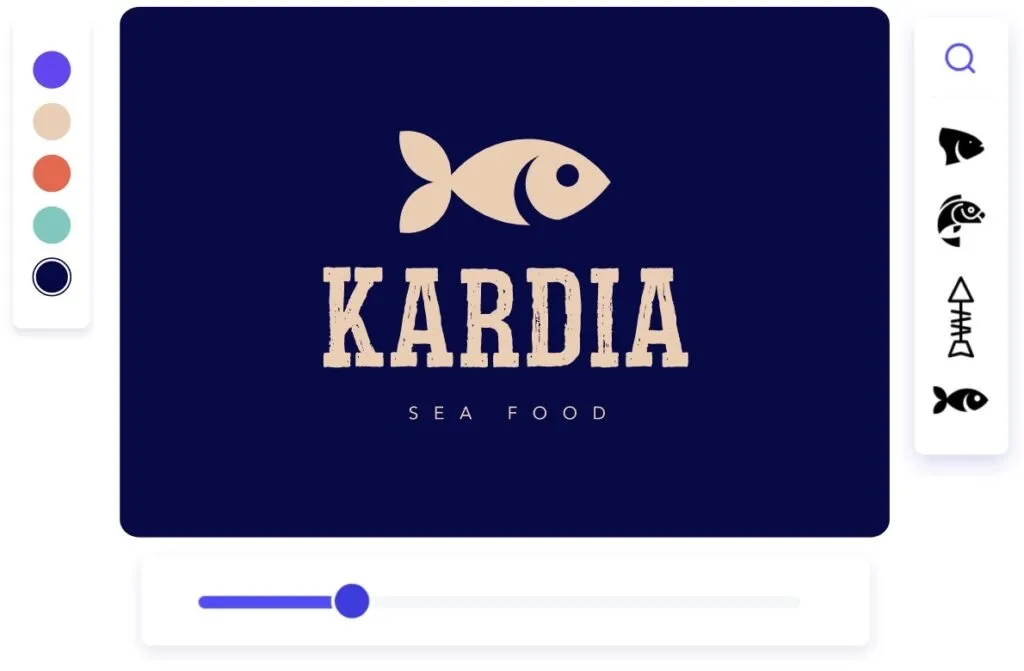
Logo Customization
Looka's editor allows entrepreneurs to refine a generated logo without rebuilding the design in professional vector software. The controls are oriented toward accessible brand setup rather than unrestricted illustration.
Users should review legibility at small sizes, trademark conflicts, and whether the final mark remains distinctive in the target market.
Brand Kit
Looka's Brand Kit applies the chosen identity across hundreds of marketing materials. This extends the product beyond one logo file into a repeatable system for documents, profiles, flyers, and other business assets.
The value is strongest for small teams that need consistency without maintaining a separate design system.
Social Media Templates
Looka includes ready-sized social assets for major platforms. Users can keep logo placement, colors, and typography consistent while adapting content to different dimensions.
The templates support brand packaging more directly than open-ended campaign-image generation.
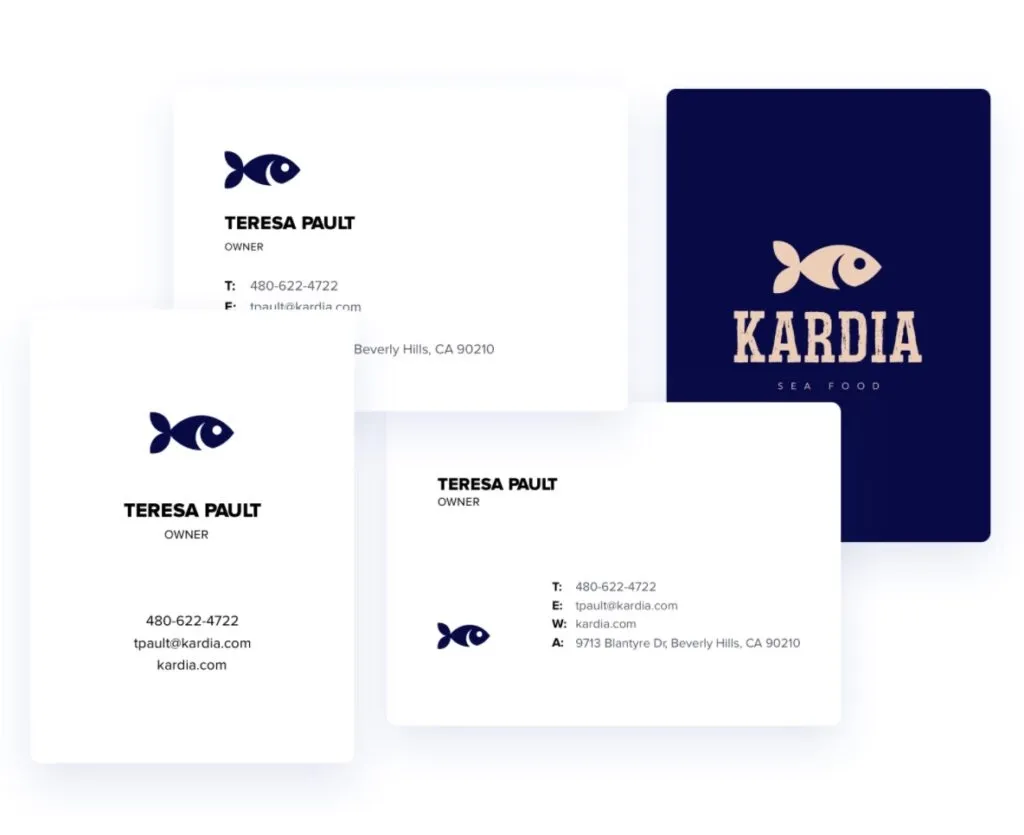
Business Card Designs
Looka includes business-card templates connected to the Brand Kit. This helps a new business carry the same identity into offline touchpoints without starting a separate design project.
Printing remains external, so users should verify bleed, color, paper, and vendor requirements.
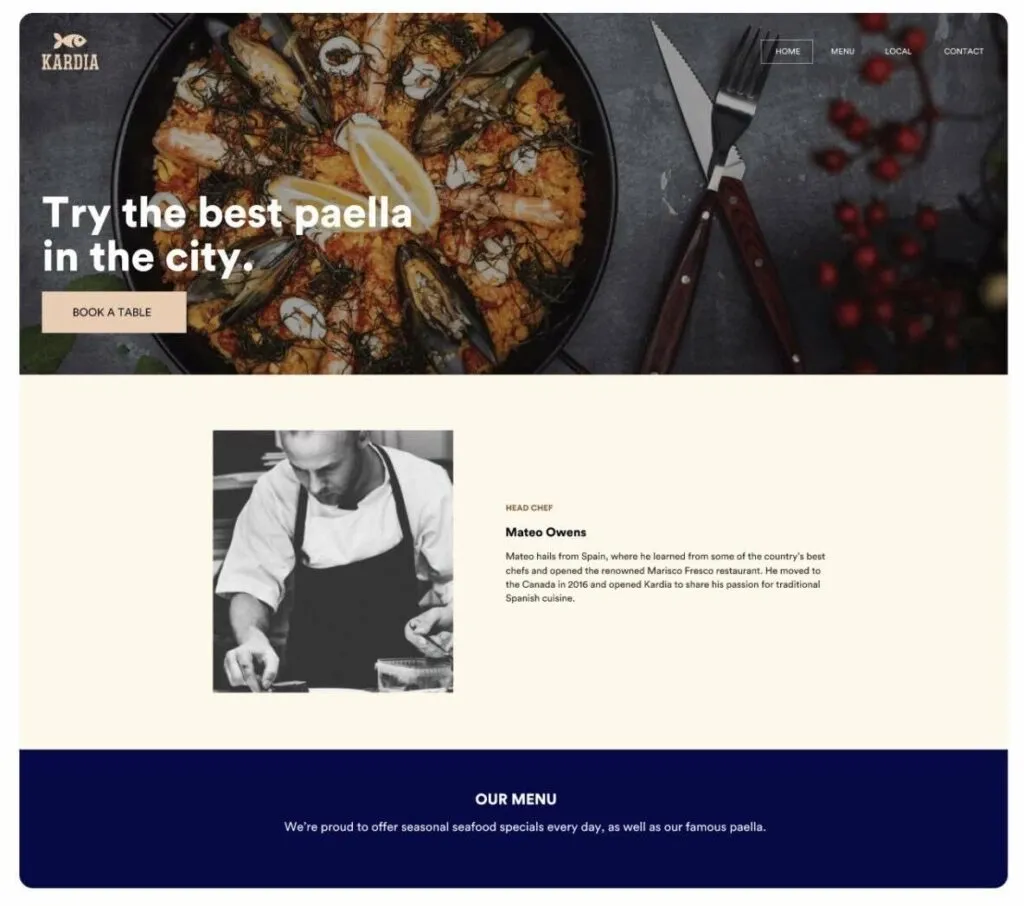
Website Builder
Looka's website path applies the same logo, fonts, and colors to an online presence. It is useful for founders who want a coherent launch package rather than a standalone logo download.
The builder is best suited to straightforward small-business sites, not complex product applications or custom interface systems.
Use Cases of Looka AI Logo and Brand Design
- For new founders: Generate and customize a first logo before expanding it into a basic identity system.
- For small businesses: Create consistent social profiles, flyers, invoices, and business cards from one Brand Kit.
- For ecommerce launches: Pair a logo system with AI product photos and broader campaign visuals.
- For freelance professionals: Build a recognizable identity and prepare complementary AI banner images for online promotion.
Looka Market Positioning
Looka is positioned as a business-launch system rather than a general image generator. Its workflow moves from company-name input to logo options, then into a Brand Kit, social assets, print materials, and a simple website.
This makes Looka especially useful for non-designers building a new identity. A founder can select a mark, a freelancer can package professional profiles, and a small company can keep common materials visually consistent.
Its distinctive appeal is the logo-to-brand-launch sequence.
Looka Pros and Cons
| Pros | Cons |
| Fast logo exploration for non-designers | Generated directions may resemble common logo conventions |
| Logo customization without vector software | Fine-grained illustration control is limited |
| Brand Kit and 300+ templates | Best value depends on purchasing the broader package |
| Social, print, and website outputs | Not designed for open-ended product or campaign media |
Feature Comparison: Looka vs ImagineArt vs Pollo AI
| Feature | Looka | ImagineArt | Pollo AI |
| Best For | Logo-led business identity | Open-ended image style exploration | Multi-model image production |
| Logo Creation | AI-assisted logo workflow | Prompt-based logo concepts | Dedicated logo generation and editing |
| Brand System | Brand Kit with fonts and colors | Style and reference controls | Reusable references for visual consistency |
| Image Creation | Template-based marketing assets | Text- and image-based generation | Use-case image tools beyond basic generation |
| Product Images | Industry-matched photos in brand templates | One product photo into varied scenes | Marketplace-ready product photo suites |
| Main Tradeoff | More focused on identity setup | More focused on open-ended exploration | More focused on finished visual workflows |
Looka is more focused on taking a new business from logo to coordinated identity, while ImagineArt supports a wider template-led design routine.
Pollo AI is a better fit when the brand identity already exists and the next need is product imagery, campaign concepts, or edited visual assets.
Why Is Pollo AI a Strong Looka Alternative?

Broader Campaign Imagery
Create campaign-specific visuals through image-to-image generation while using approved brand assets as references.
Flexible Image Cleanup
Prepare logos and campaign elements with logo background removal before placing them into new compositions.
Product Campaign Images
Turn approved brand assets into AI product images for ecommerce and paid-media layouts.

10M+Users
Using Pollo AI to Create and Inspire


Loved by 10M+ Creators and Marketers Globally
- Liz CassidyDec 15, 2025Easy to use, great results for short videosI’ve been using Pollo AI mainly for short videos and quick image-to-video tests. The interface is straightforward and it works well even with simple prompts, which is a big plus compared to tools that need long, complicated instructions. The results can be really impressive, and it’s honestly been fun to experiment with. I’d love a bit more consistency on faces when there’s movement, but overall it’s been a solid experience for what I needed.
- Richard QuickOct 15, 2025Awesome websiteAwesome website. loads of options and a great way to learn how to work with 'AI' my reasoning for 5 stars is based upon price, versatility and ease of use. Also I would like to add, Pollo AI runs a lot of promos on different AI products as well. I rate their customer service at 5 stars, when I purchased my first subscription my computer crashed the following weekend and I lost all my data and info passwords you name it I lost it, contacted pollo by email they responded quickly and found my info/username and account, and I was able to restore my account.
- armourdudeNov 19, 2025I have been using Pollo AI for short…I have been using Pollo AI for short videos. It is easy to use and works well with simple prompts. Other generators seem to need long drawn out complicated explanations to get even close to what I want.
- DuduJan 14, 2026I'm just amazed by the level of quality…I'm just amazed by the level of quality output that Pollo AI can produce from a simple image. The motion, the realism, It's too good!!
- Ray WarnesDec 30, 2025A fabulous journeyI find Pollo easy to use, it gives me great results and I'd recommend it to anyone. It has been a wonderful experience for me.
- lawless clanNov 22, 2025i tried 220 online img to vid in 2…i tried 220 online img to vid in 2 months, and this is the best online video.I will subscribe for a year; there are many reasons. But freedom is the most important.


Explore Other AI Image Generators Besides Looka
FAQs
What is Looka used for?
Looka is used to generate and customize logos, build a Brand Kit, create social and print materials, and launch a simple branded website.
Can I edit a logo generated by Looka?
Yes. Looka provides controls for fonts, colors, symbols, layout, and spacing before users purchase or export the chosen design.
What is included in Looka's Brand Kit?
The Brand Kit applies a logo, colors, and fonts to templates for social media, documents, flyers, email signatures, business cards, and related assets.
Does Looka build websites?
Looka includes a website-builder path for straightforward branded business sites.
Is Looka a general AI image generator?
No. Looka is primarily organized around logos and brand identity. It is less suited to open-ended product photography, visual effects, and campaign-image generation.

Turn Brand Identity into Campaign Images with Pollo AI
Create product visuals, campaign images, and edited assets after your logo and core brand system are defined.