




Clipdrop AI Image Generator
Clipdrop combines text to image creation with focused tools for replacing backgrounds, extending frames, upscaling images, and adjusting lighting. For more models, specialized image generators, and tools for creating marketing assets, try Pollo AI image generator for free now!
Kling 4.0
Up to 10 keyframes. Impressive performance.
Key Features
Text to Image Generation : Creates AI images from simple ideas in multiple styles and aspect ratios.AI Background Replacement : Replaces existing backgrounds based on a written description.Object and Defect Cleanup : Removes unwanted objects, people, and visible image defects.Image Upscaling and Enhancement : Enlarges images while reducing noise and compression artifacts.Image Uncrop : Extends images beyond their original borders with AI-generated visual content.AI Image Relighting : Adjusts light sources to improve an image’s overall illumination.
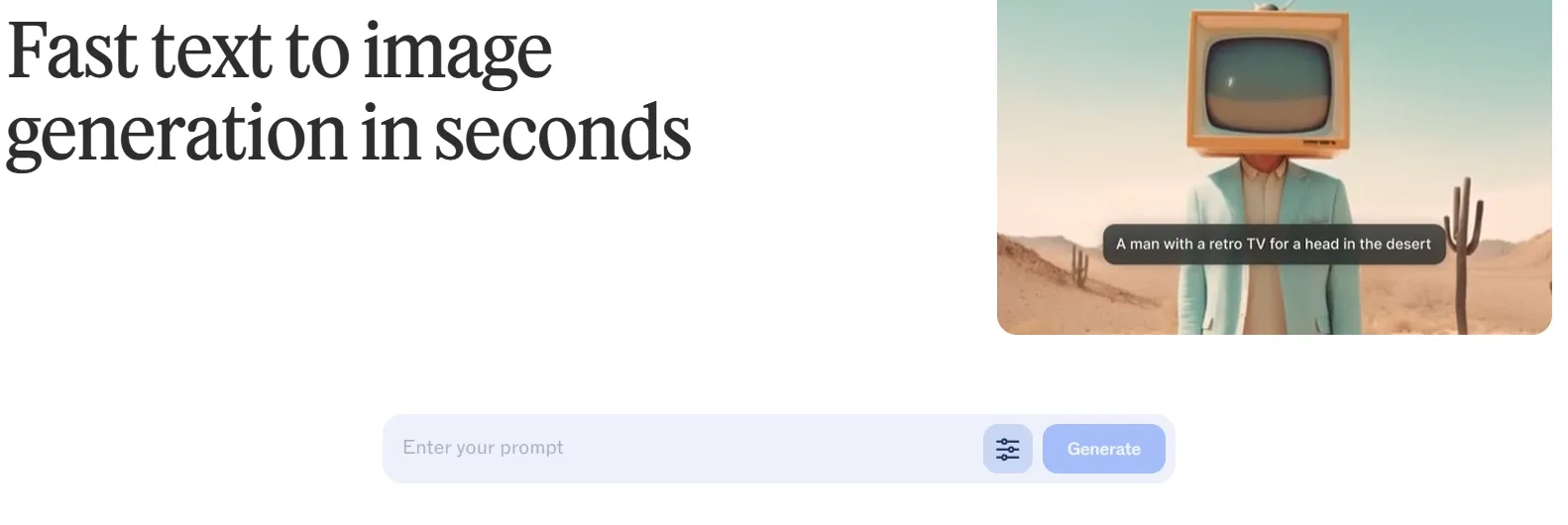
Text to Image Generation
Clipdrop’s text to image tool creates high-resolution visuals, giving users a quick way to turn a written idea into an AI-generated image. It can support early concept development, social graphics, moodboards, or visual drafts when sourcing or photographing the right content would take longer.
AI Background Replacement
Clipdrop’s background replacement tool isolates the main subject and generates a new environment around it with AI. It is useful for placing a model in another location, turning a basic product shot into a lifestyle image, or producing campaign visuals without arranging another photoshoot.
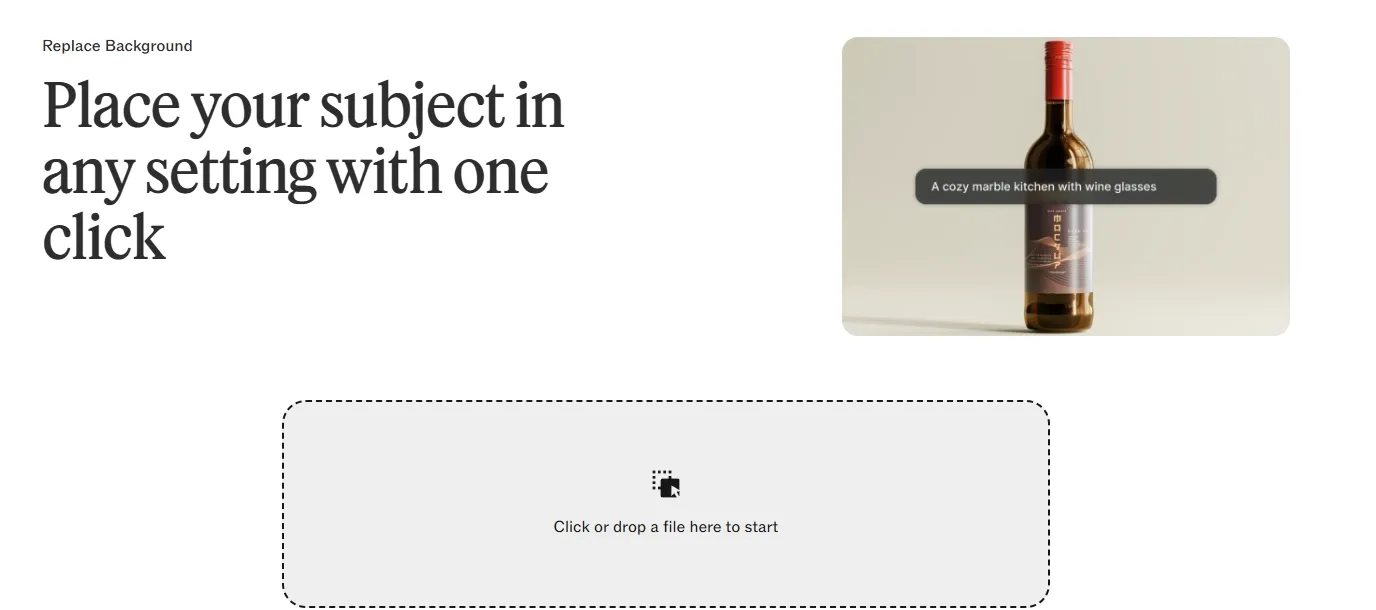
When a background change needs to feel purposeful rather than merely different, Pollo AI keeps the workflow practical. Users can upload a JPG or PNG and describe the setting they need.
Within seconds, the tool can create a polished LinkedIn backdrop, cleaner ecommerce scene, or stronger travel setting. It works across desktop and mobile, with free access that makes quick revisions easier wherever content is produced.
Object and Defect Cleanup
Clipdrop cleanup removes selected objects, people, text, and visible defects, then reconstructs the cleared area to match the surrounding image. Photographers can remove distractions from travel shots, real estate teams can clear clutter from room photos, and sellers can prepare cleaner product images.
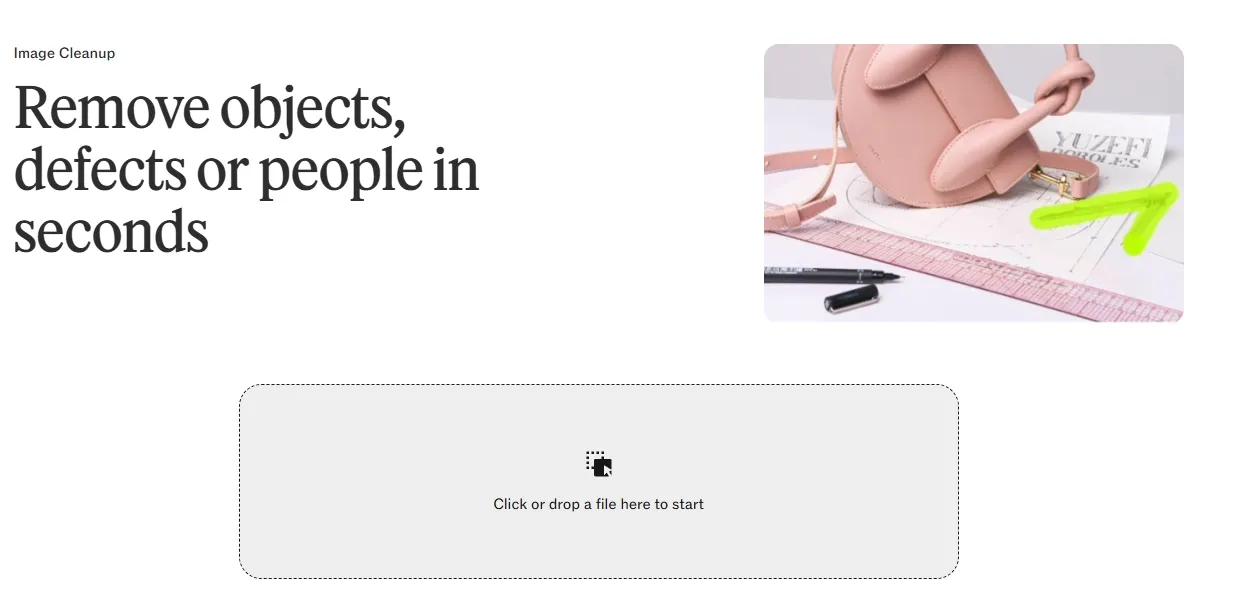
Image Upscaling and Enhancement
Clipdrop’s image upscaler enlarges images while reducing noise, pixelation, and compression artifacts and recovering clearer details. It helps when a small or low-quality photo needs to look cleaner on a product page, presentation, social post, or printed asset without recreating the original image.
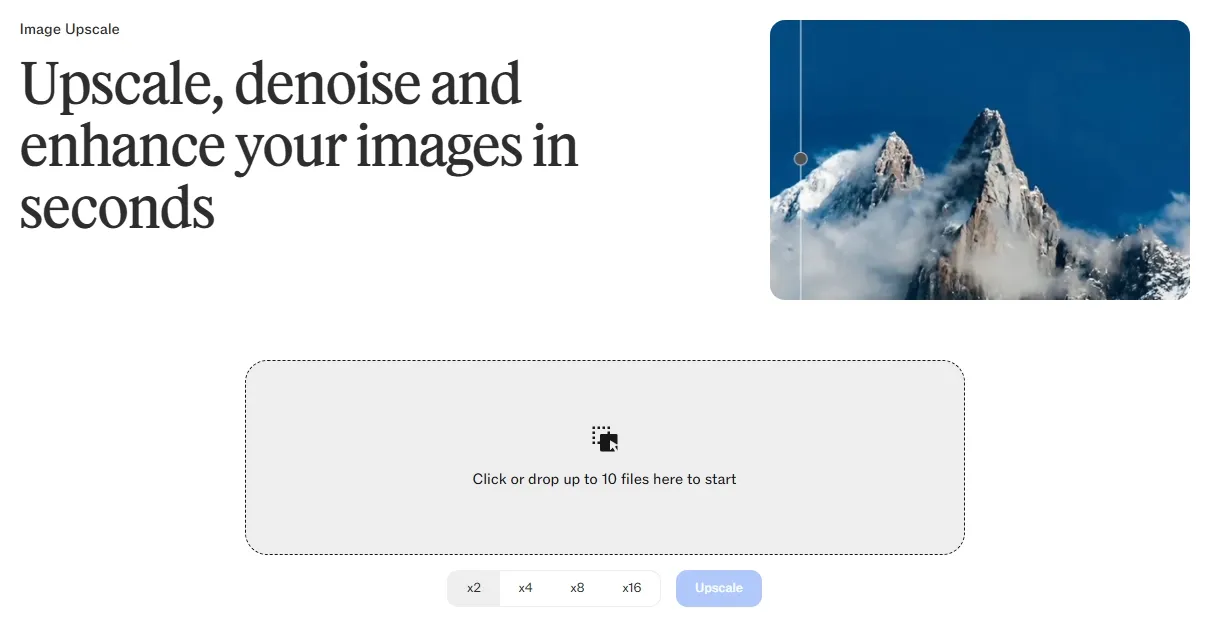
Image Uncrop
Clipdrop’s uncrop generates new visual content beyond the original image boundaries, extending backgrounds or missing parts of a subject to fit another format. It can adapt a portrait for a landscape banner, give a tightly cropped product image more space, or resize artwork for different publishing platforms.
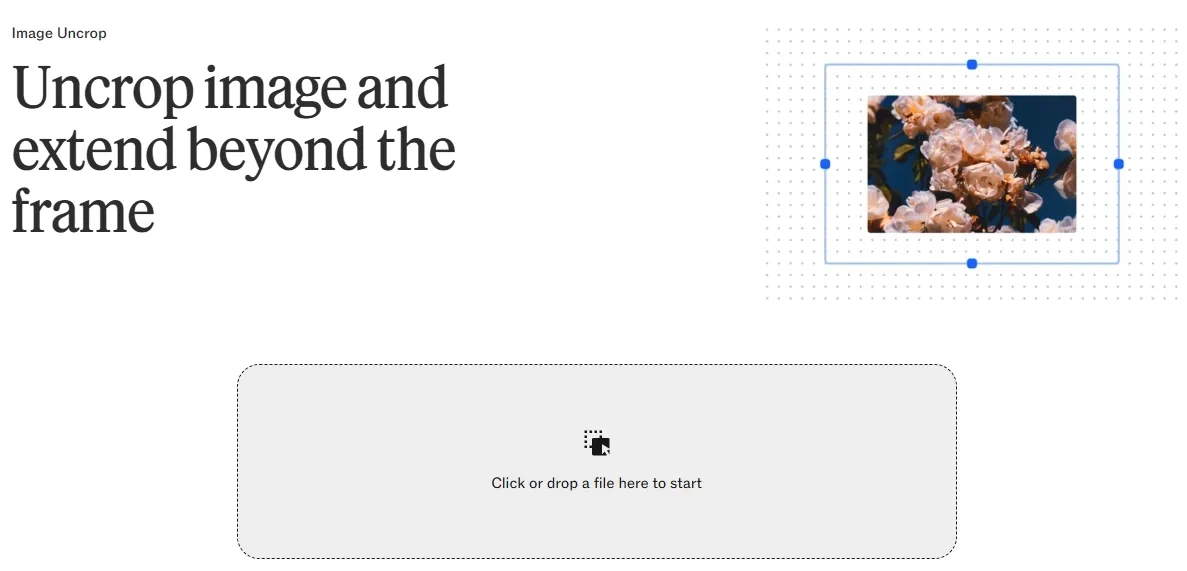
When an image needs to fit an exact placement, fixed presets can still leave too much or too little space. Pollo AI lets users set custom output dimensions when expanding images, giving them direct control over the final canvas.
This makes it easier to prepare banners, ads, product visuals, and social graphics for precise layout requirements without stretching the subject or rebuilding the composition elsewhere.
AI Image Relighting
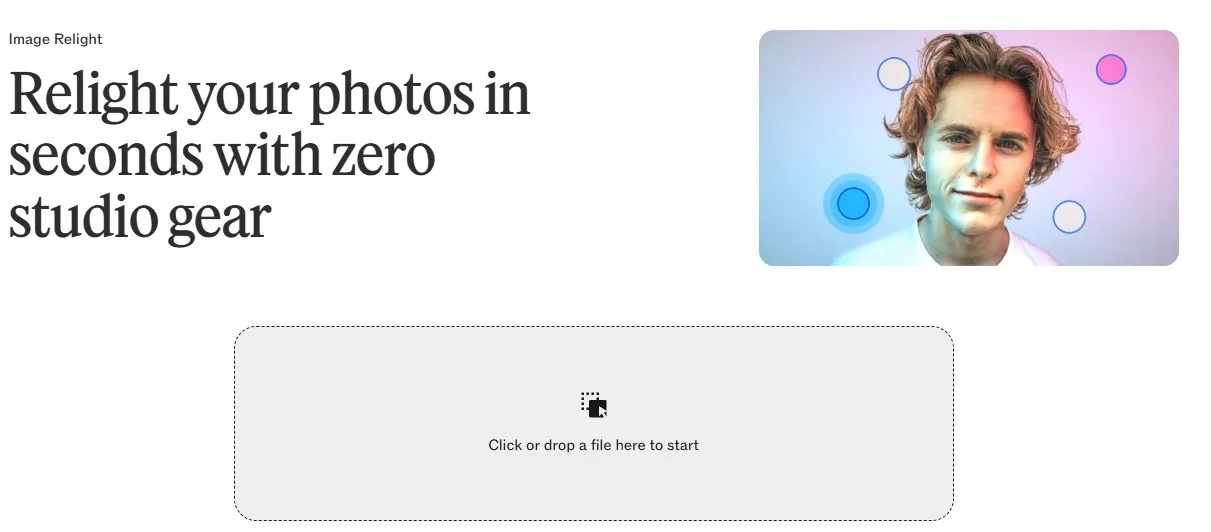
Clipdrop’s relight applies new lighting setups to an existing image after it has been captured. It can improve a flat portrait, add more polished illumination to a product photo, or test different lighting treatments on illustrations and artwork without arranging studio equipment or reshooting the subject.
Real Use Cases of Clipdrop
- Social Media Visuals: Create original campaign images from a short prompt, then extend the composition into square, portrait, and landscape formats for Instagram posts, stories, and paid ads.
- E-commerce Product Photos: Replace a plain product background with a studio, kitchen, outdoor, or lifestyle setting, giving sellers more listing and promotional images without arranging another photoshoot.
- Real Estate Photo Cleanup: Remove unwanted people, parked cars, bins, cables, or small room clutter from property photos before adding them to rental listings or sales pages.
- Low-Resolution Image Restoration: Enlarge older photos, compressed product images, and small web graphics while reducing visible noise and pixelation for presentations, store pages, or printed materials.
- Banner and Ad Resizing: Expand tightly cropped portraits or product photos to create wider website banners, display ads, and email headers without stretching the original subject.
- Portrait and Product Relighting: Adjust flat or uneven lighting in an existing photo to produce brighter headshots, more polished product shots, or alternative campaign lighting without reshooting.
Clipdrop vs getimg.ai vs Pollo AI
| Feature | Clipdrop | getimg.ai | Pollo AI |
| Image Generation | Basic text to image | Multiple leading models | Leading models like Seedream and Nano Banana |
| Image Editing | Separate editing tools | Prompt editing and inpainting | Prompt editing and batch edits |
| Specialized Generators | No dedicated library | Mainly general-purpose | 50+ dedicated AI image generators for different usage |
| Batch Workflow | Tool-by-tool processing | Shared team workspace | Batch edits with consistency |
| Product Visuals | Background and cleanup | Product photo editing | Product photos and listing sets |
| Marketing Assets | Manual asset creation | General campaign images | Ads, posters, banners and social assets |
Clipdrop Pros and Cons
Pros
- Focused AI Editing Tools: Background replacement, cleanup, uncropping, upscaling, and relighting cover many common photo-editing tasks without a complex editor.
- Fast, Beginner-Friendly Workflow: Each tool has a clear purpose, making it easy to upload an image, apply an edit, and download the result with little setup.
- Useful for Everyday Image Fixes: Clipdrop works well for cleaning product photos, extending cropped images, improving resolution, and correcting weak lighting.
Cons
- Limited Control Over Fine Details: Results can vary when editing complex edges, lighting, or crowded scenes, and users may need several attempts to get a natural-looking result.
- Limited Marketing Production: Clipdrop can improve individual images, but it offers fewer dedicated tools for creating complete ad sets, product listing visuals, and campaign-ready assets.
What Users Say About Clipdrop
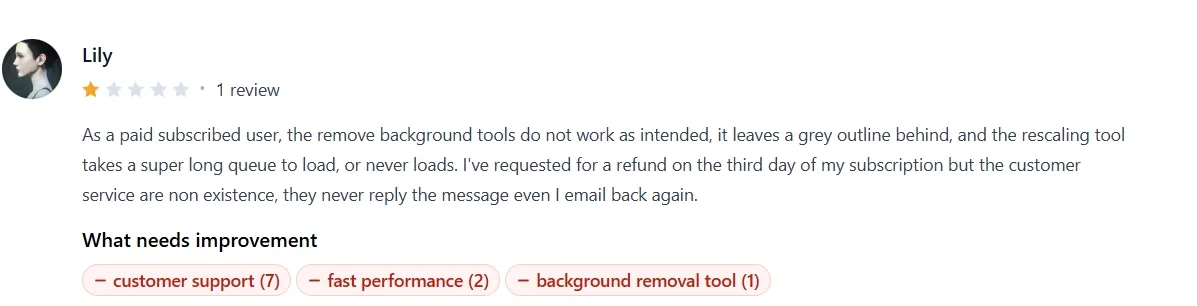
Positive feedback often highlights Clipdrop’s ability to produce clean image cutouts with sharp, well-defined edges. Users find the tools easy to test across different images, especially for quick background removal and everyday photo editing.
More critical feedback focuses on inconsistent output quality, including grey outlines around removed backgrounds and slow or failed upscaling jobs. Some paid users also report difficulty getting timely support when requesting refunds or help with subscription-related issues.
Where Does Clipdrop Fit
Clipdrop sits between a traditional photo editor and a full creative platform. Its strength lies in simplifying common image tasks through focused AI tools rather than offering a deep, end-to-end production system. This makes it accessible to individuals and small teams that value speed, clear workflows, and minimal setup.
At the same time, its narrower scope means it is better suited to improving individual visuals than managing broader brand, campaign, or commerce content at scale.
Try Pollo AI: From Image Fixes to Finished Campaigns
Pollo AI is an ultimate creative suite for creators, marketers, and sellers. Its image workspace brings multiple leading models together, helping users generate stronger concepts for ads, social posts, product launches, and branded visuals.
More than 50 specialized image generators create polished portraits, posters, illustrations, and themed content without complex prompting. Sellers and marketers can also turn one product photo into listing image sets, studio-style shots, and static ads for a complete campaign.
Why Does Pollo AI Go Further

Leading Image Models
Create detailed ads, product visuals, and branded artwork with models such as GPT Image 2.
Marketing-Ready Image Assets
Turn one product photo into studio shots, listing image sets, and static ads for complete campaigns.

10M+Users
Using Pollo AI to Create and Inspire


Chosen by 10M+ Creators and Marketers Worldwide
- Liz CassidyDec 15, 2025Easy to use, great results for short videosI’ve been using Pollo AI mainly for short videos and quick image-to-video tests. The interface is straightforward and it works well even with simple prompts, which is a big plus compared to tools that need long, complicated instructions. The results can be really impressive, and it’s honestly been fun to experiment with. I’d love a bit more consistency on faces when there’s movement, but overall it’s been a solid experience for what I needed.
- Richard QuickOct 15, 2025Awesome websiteAwesome website. loads of options and a great way to learn how to work with 'AI' my reasoning for 5 stars is based upon price, versatility and ease of use. Also I would like to add, Pollo AI runs a lot of promos on different AI products as well. I rate their customer service at 5 stars, when I purchased my first subscription my computer crashed the following weekend and I lost all my data and info passwords you name it I lost it, contacted pollo by email they responded quickly and found my info/username and account, and I was able to restore my account.
- armourdudeNov 19, 2025I have been using Pollo AI for short…I have been using Pollo AI for short videos. It is easy to use and works well with simple prompts. Other generators seem to need long drawn out complicated explanations to get even close to what I want.
- DuduJan 14, 2026I'm just amazed by the level of quality…I'm just amazed by the level of quality output that Pollo AI can produce from a simple image. The motion, the realism, It's too good!!
- Ray WarnesDec 30, 2025A fabulous journeyI find Pollo easy to use, it gives me great results and I'd recommend it to anyone. It has been a wonderful experience for me.
- lawless clanNov 22, 2025i tried 220 online img to vid in 2…i tried 220 online img to vid in 2 months, and this is the best online video.I will subscribe for a year; there are many reasons. But freedom is the most important.


Explore More AI Image Generators
FAQs
What is Clipdrop?
Clipdrop is an AI image creation and editing platform built around focused tools. Its main highlights include text-to-image generation, background replacement, object cleanup, image upscaling, uncropping, and AI relighting.
What can Clipdrop cleanup remove?
Cleanup can erase unwanted people, objects, text, defects, and small distractions from existing photos. It is particularly useful for clearing clutter from property images, correcting product shots, or removing strangers from personal photography.
Can Clipdrop improve low-quality or poorly lit images?
Clipdrop’s image upscaler enlarges, denoises, and enhances images by 2×, 4×, 8×, or 16×, with support for up to ten files at once. Relight adjusts the lighting of an existing image without requiring another photoshoot.
What is Clipdrop best used for?
Clipdrop is best for quick image creation and cleanup, especially product photos, social graphics, presentations, and portraits that need new backgrounds, sharper quality, wider framing, or improved lighting.
Is Clipdrop enough for marketing and ecommerce images?
Clipdrop works well for generating or improving individual visuals, but it offers fewer dedicated workflows for building complete campaigns or product asset sets. For users who need more, Pollo AI is often a better fit because it combines leading image models, 50+ scenario-specific generators, and tools that turn one product photo into a consistent listing image set.

Turn Every Image Into Impact
Access leading models, 50+ specialized generators, and marketing-ready image tools in one creative suite.