Topaz Photo AI image editor enhances real photos through denoise, sharpening, and upscaling, and introduces NeuroStream to run advanced AI models locally with lower hardware requirements.For creators exploring beyond photo enhancement, Pollo AI enables broader image and video creation across multiple models. Start creating with Pollo AI for free now!
Text to Image
Image to Image
POLLO AI INFLUENCER
Create your own influencer. Then jump into any trend with Recast.
Kling 4.0
Up to 10 keyframes. Unlimited for 10 days with Ultra.
Pollo Recast
Recreate viral videos. Remix new versions.
Pollo Recast Challenge
One upload in. Your viral video out. Unlimited rewards await.
Pollo Agent x DeepSeek V4.1 FLASH
Faster completion at a much lower cost.
Pollo Agent x Gemini 4 Argon
Smarter reasoning. All through Pollo Agent.
Pollo MCP
End-to-end content creation. Up to 4 Videos/ 20 Images for FREE.
Key Features
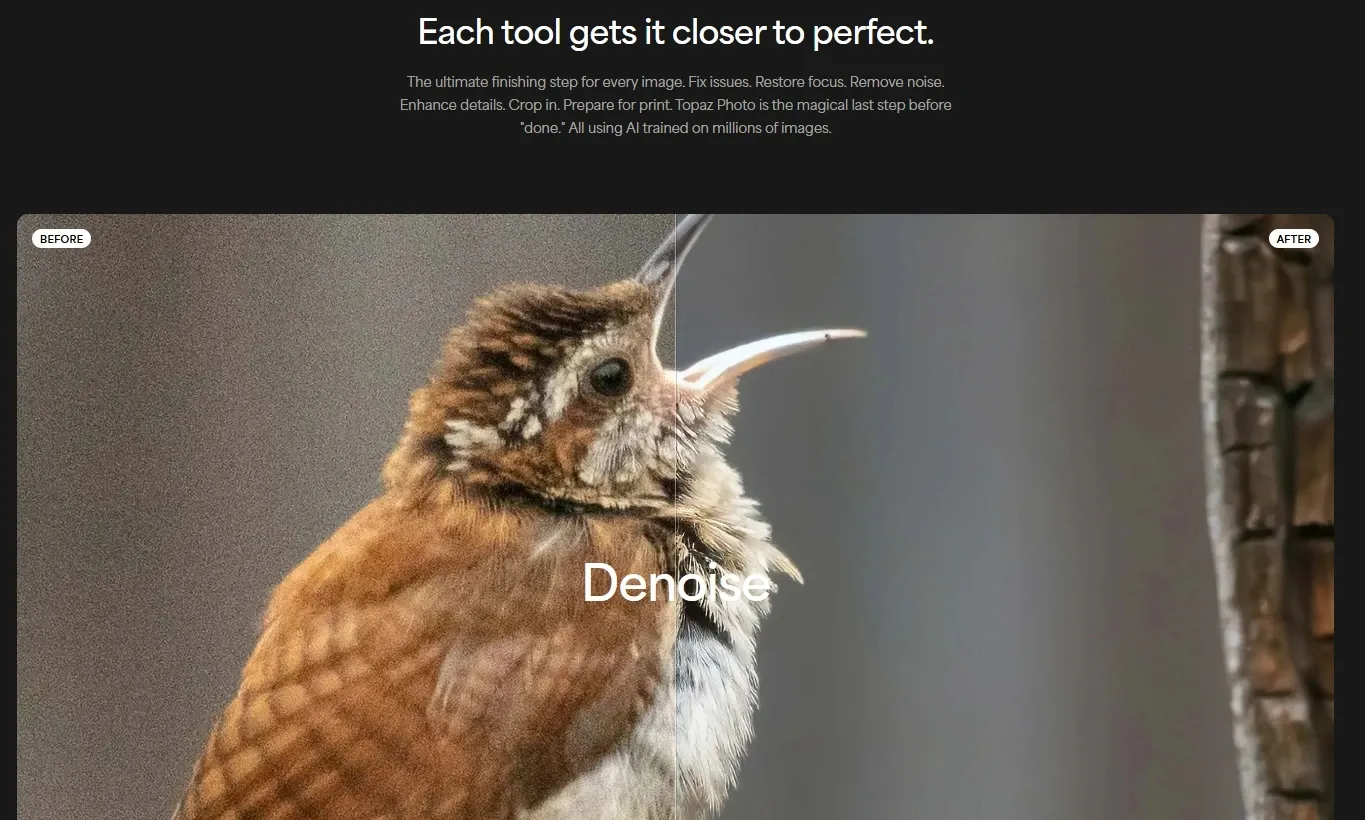
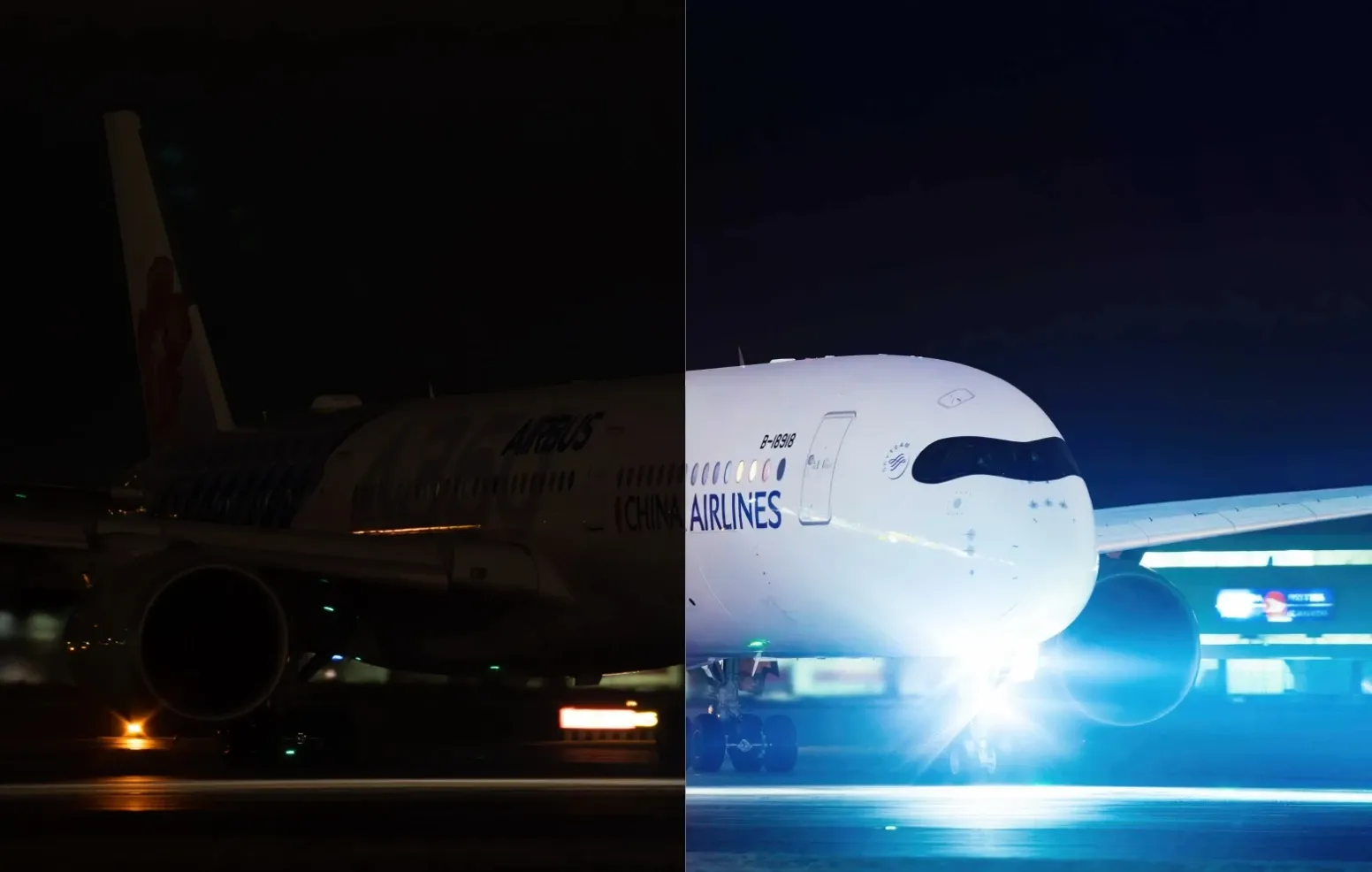
AI Denoise for Low-Light Photos: Remove heavy noise from low-light or high ISO shots while preserving key details for cleaner results.
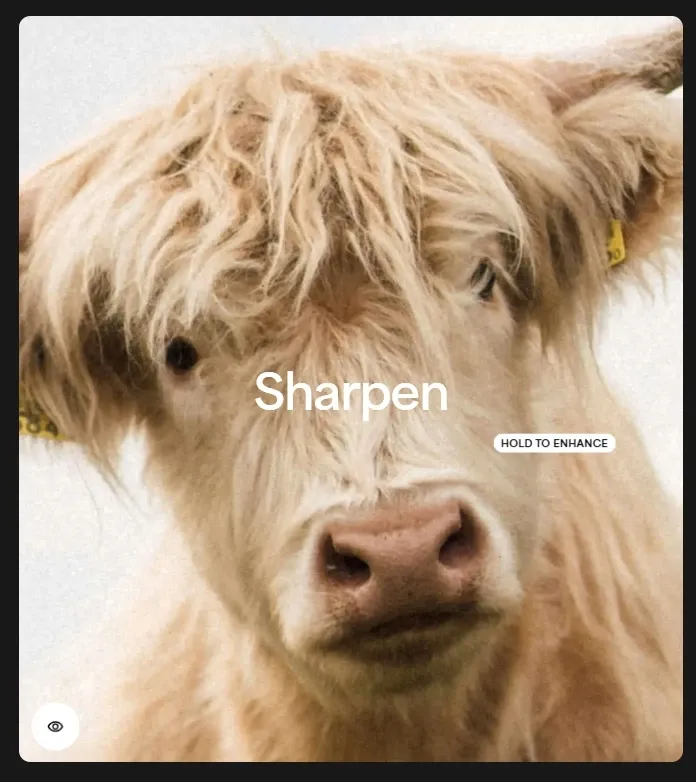
Advanced Sharpening & Focus Recovery: Restore sharpness and correct blur to improve clarity in action, wildlife, or handheld photos.
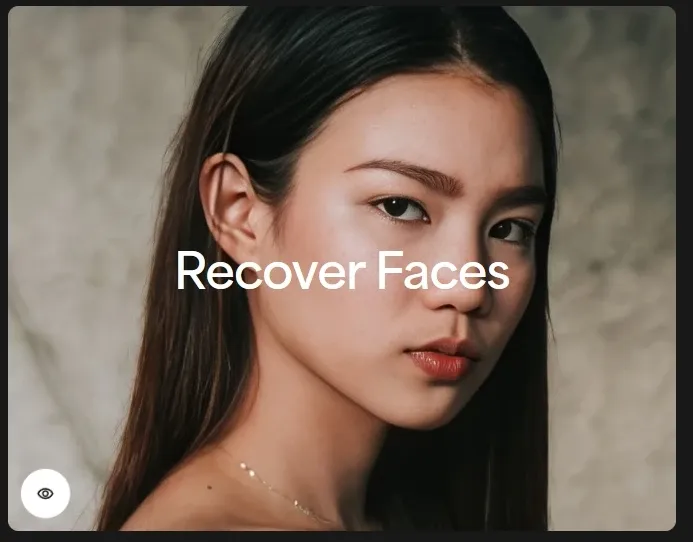
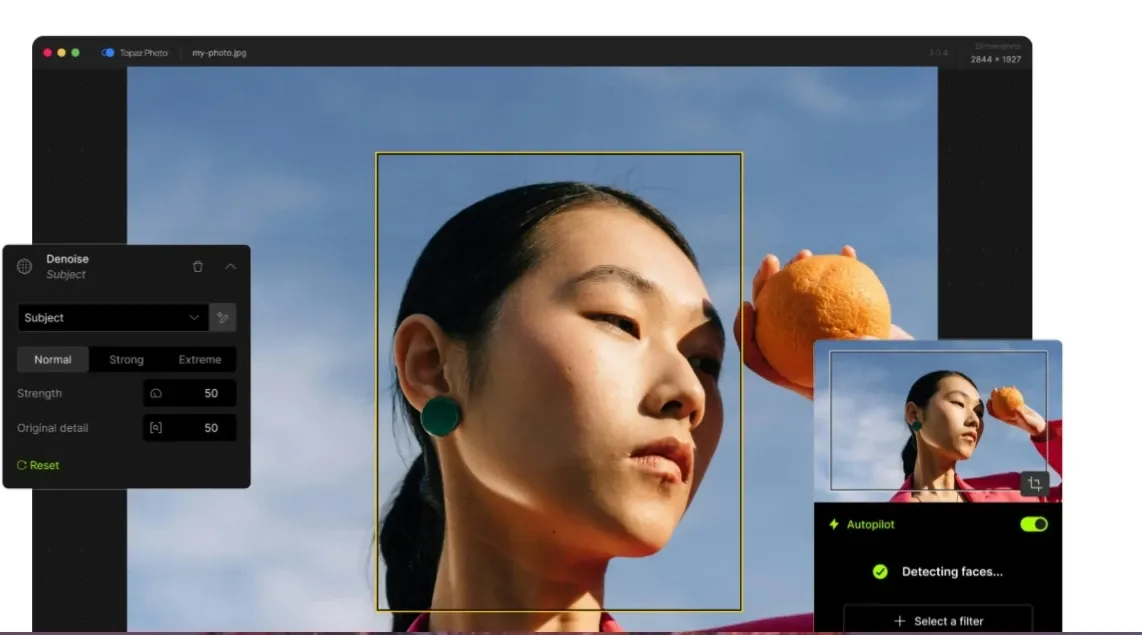
Face Recovery for Portrait Enhancement: Enhance facial details in small or blurry faces for clearer group and event portraits.
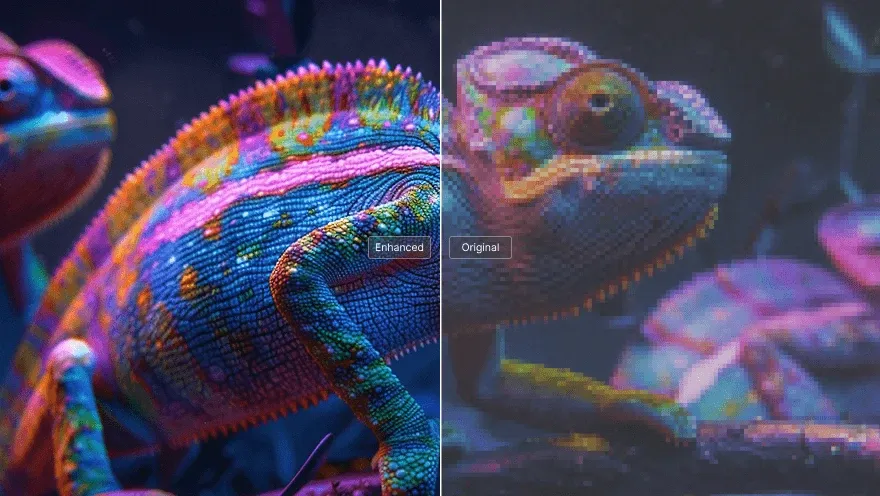
High-Quality Image Upscaling: Increase resolution while maintaining detail, supporting printing, cropping, and restoration.
Autopilot AI Enhancement Workflow: Automatically analyze images and suggest enhancements for faster photo finishing.
Lighting and Color Correction Tools: Adjust exposure and color balance to recover detail in challenging lighting conditions.
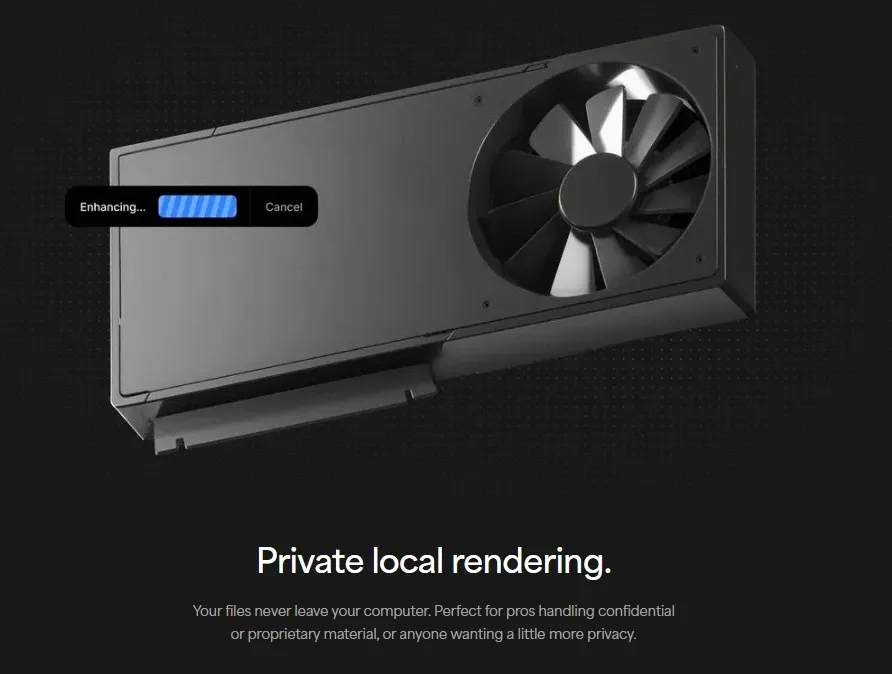
Local AI Processing for Privacy: Process images locally to keep files secure for sensitive or professional projects.
Plugin Integration for Pro Workflows: Connect to tools like Photoshop and Lightroom to fit into existing editing pipelines.
AI Denoise for Low-Light Photos
Topaz Photo AI includes a dedicated denoise system designed to remove heavy grain while preserving natural textures and fine detail.
In real scenarios like night street photography or indoor events, this helps retain usable images instead of losing them to noise, especially when high ISO is unavoidable.
Compared to Topaz, Pollo AI’s denoise tool simplifies the process with instant, one-click denoising built for everyday content.
This makes Pollo AI better for quickly producing clean, ready-to-use images without setup or adjustments.
Advanced Sharpening & Focus Recovery
Instead of basic edge sharpening, Topaz Photo AI applies AI models to recover softness caused by motion blur or missed focus.
This is particularly valuable for sports, wildlife, or handheld shots where perfect focus is difficult, helping bring back clarity without re-shooting.
In contrast, the image sharpener of Pollo AI sharpens and restores clarity instantly with minimal setup, without manual tuning.
This makes Pollo AI much faster for turning blurry images into ready-to-use results with no editing.
Face Recovery for Portrait Enhancement
Topaz detects faces and enhances detail in areas that appear soft, especially in small or low-resolution subjects.
This works well for group photos, event coverage, or telephoto shots where faces are not clearly captured, improving recognizability.
In comparison, Canva offers portrait enhancement focused on quick edits and ease of use, but with limited depth in detail recovery. Topaz Photo AI instead emphasizes reconstructing facial detail from real image data.
In short, Canva focuses on fast edits, while Topaz targets precision face restoration.
High-Quality Image Upscaling
Topaz AI supports image upscaling that increases resolution while maintaining structure and texture consistency.
This allows photographers to crop aggressively or prepare images for large-format printing without noticeable quality loss.
Topaz Photo AI focuses on high-quality upscaling for professional editing workflows, especially for printing or heavy post-processing.
In contrast, Pollo AI image upscaler is built for speed and usability, turning low-resolution images into clean, ready-to-use visuals in seconds.
This makes Pollo AI a better fit for e-commerce, ads, and social content, where fast, publish-ready results matter more than manual refinement.
Autopilot AI Enhancement Workflow
Topaz Photo AI includes an autopilot feature that analyzes images and suggests a sequence of enhancements automatically.
This is especially useful for large batches such as weddings or sports shoots, where manual adjustment for every image is time-consuming.
Lighting and Color Correction Tools
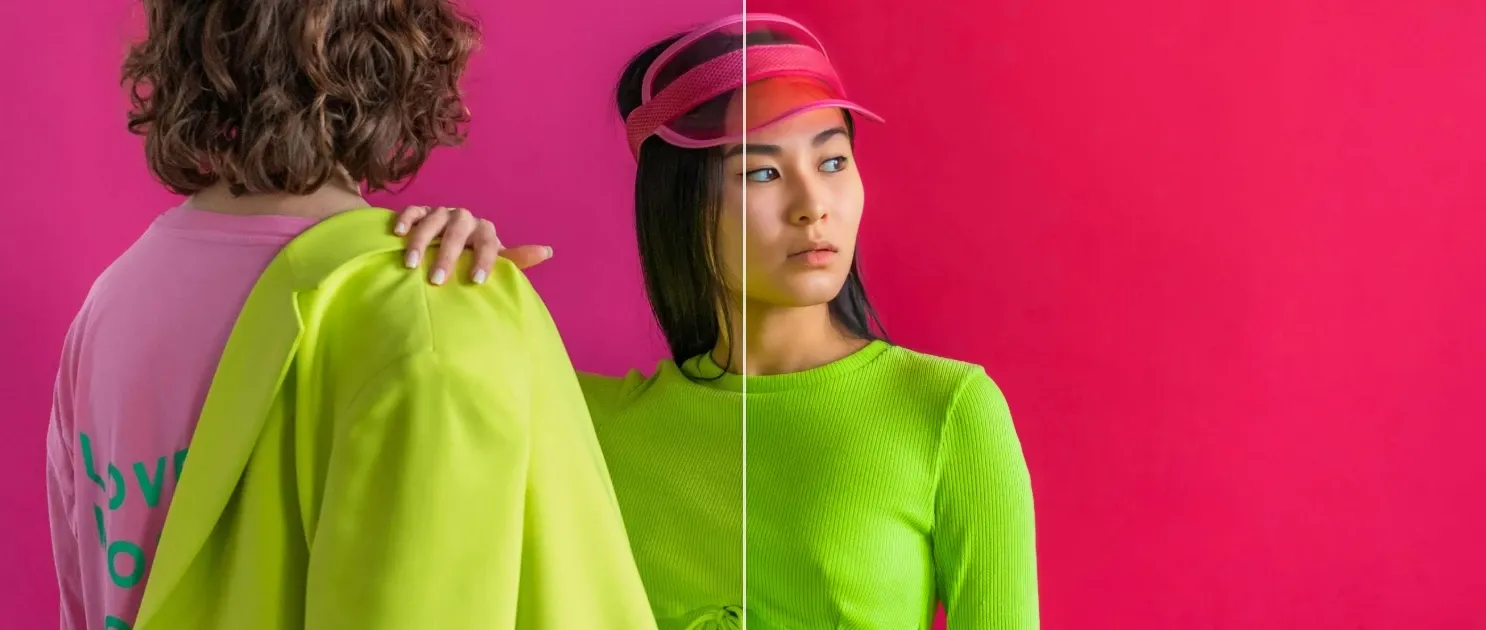
Topaz’s built-in tools allow you to adjust exposure, refine brightness, and modify colors in specific areas of an image.
This makes it easy to change elements like background walls, clothing tones, or lighting intensity, helping you reshape the overall look without complex editing.
This makes Pollo AI more versatile for transforming images into ready-to-use content in one workflow.
Local AI Processing for Privacy
Topaz AI supports local rendering, ensuring that image files stay on-device for privacy-sensitive workflows.
At the same time, cloud rendering is available to speed up processing and access newer AI models when needed.
Plugin Integration for Pro Workflows
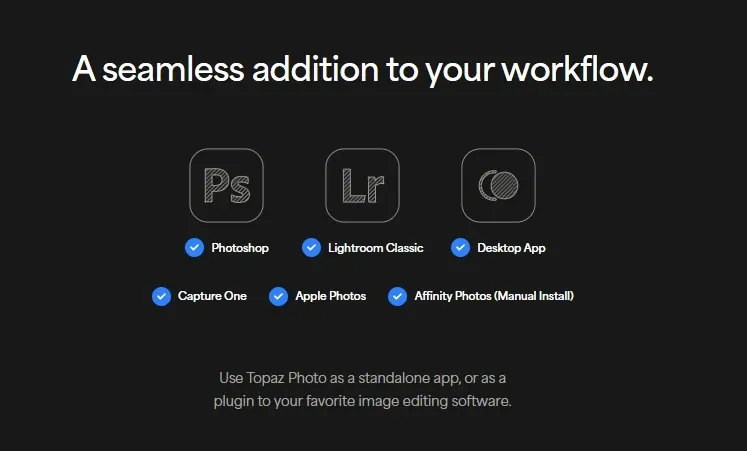
Topaz works both as a standalone application and as a plugin for tools like Photoshop and Lightroom Classic.
This makes it suitable as a final enhancement step before exporting or delivering images, without disrupting existing workflows.
In comparison, Pixlr offers integration through an API that allows developers to embed its editor into web platforms or applications. However, this integration is primarily designed for browser-based workflows rather than deep desktop editing pipelines.
In short, Pixlr focuses on web-based integration and accessibility, while Topaz is built for professional desktop workflow integration.
Who Benefits Most from Topaz Photo AI
Photographers (Events, Sports): Improve soft focus, motion blur, and noise across large batches of images captured in fast-paced or low-light shooting conditions.
Wildlife & Nature Creators: Enhance detail and clarity in distant subjects, especially in images affected by high zoom, motion, or challenging lighting.
Commercial & E-commerce Teams: Refine image sharpness and resolution to meet platform requirements for product listings, ads, and high-quality marketing visuals.
Archival & Restoration Work: Recover detail from old, scanned, or low-resolution images and prepare them for modern digital or print formats.
Topaz vs Canva vs Freepik vs Pollo AI: Features Comparison
Topaz stands out as a specialized tool for enhancing real photos, with deeper capabilities in denoise, sharpening, and upscaling.
Canva and Freepik focus more on design, templates, and content creation, offering broader creative workflows but less depth in image enhancement.
In contrast, Pollo AI combines multi-model generation, integrated tools, and Pollo Agent to turn ideas into ready-to-publish content, expanding beyond both editing and design use cases.
Positioned for Enhancement, Not Creation
Topaz Photo AI is positioned as a dedicated AI image enhancement tool focused on improving real captured photos, rather than generating new visuals.
Topaz sits at the final stage of the workflow as a quality optimization layer, handling denoise, sharpening, face recovery, and upscaling.
Unlike broader AI platforms that center on content creation, Topaz prioritizes technical correction and detail restoration, aligning closely with traditional photo editing pipelines.
Its local processing and plugin-based integration further reinforce its role as a specialized finishing tool rather than a full creative platform.
What Users Really Say About Topaz
User reviews reveal a mix of strong performance in image enhancement and noticeable limitations in pricing and stability.
Some users highlight the strong enhancement results, especially in denoising and sharpening. Reviews describe the software as powerful and stable, and note that it can make terrible looking pics into polished jewels.
At the same time, other reviews point out practical issues. One user mentioned it is “too expensive” and that it “still does crazy things with face recovery,” while others report slow processing and occasional crashes during use.
Beyond Enhancement: What Pollo AI Offers Instead
Pollo AI goes far beyond an image editor, offering a more complete platform for visual creation.
Its AI image generator supports both text and image inputs, allowing you to generate and refine visuals within the same workflow. With access to advanced models like Seedream and Nano Banana, it delivers greater flexibility and style control than enhancement-focused tools.
In addition to generation, Pollo AI provides a range of professional editing tools, including background changer, making it easy to adjust, clean, and adapt images without switching platforms.
It also introduces Pollo Agent as an advanced step beyond image creation. Turn a strong image into a complete, publish-ready video built around it.
For example, use clone video ads to place your product into proven ad formats. No editing needed—within minutes, your image becomes a ready-to-use video.
What Makes Pollo AI a Better Choice
Step 1
More Than Enhancement
Access practical tools like AI background changer and more, designed for real editing needs beyond simple photo fixes.
Step 2
Access to the Latest Image Models
Create with advanced models, enabling higher-quality results and more precise visual control.
Step 3
2 Free Images Daily, No Sign-Up Required
Start generating images instantly without creating an account, test ideas, or create quick visuals with zero friction.
I’ve been using Pollo AI mainly for short videos and quick image-to-video tests. The interface is straightforward and it works well even with simple prompts, which is a big plus compared to tools that need long, complicated instructions. The results can be really impressive, and it’s honestly been fun to experiment with. I’d love a bit more consistency on faces when there’s movement, but overall it’s been a solid experience for what I needed.
Awesome website. loads of options and a great way to learn how to work with 'AI' my reasoning for 5 stars is based upon price, versatility and ease of use. Also I would like to add, Pollo AI runs a lot of promos on different AI products as well. I rate their customer service at 5 stars, when I purchased my first subscription my computer crashed the following weekend and I lost all my data and info passwords you name it I lost it, contacted pollo by email they responded quickly and found my info/username and account, and I was able to restore my account.
I have been using Pollo AI for short videos. It is easy to use and works well with simple prompts. Other generators seem to need long drawn out complicated explanations to get even close to what I want.
i tried 220 online img to vid in 2 months, and this is the best online video.I will subscribe for a year; there are many reasons. But freedom is the most important.
Topaz AI image editor is an AI-powered image enhancement software designed to improve real photos through denoise, sharpening, face recovery, and upscaling. Its main advantage lies in its focus on restoring detail from captured images rather than generating new visuals. It also offers features like local processing for privacy, and plugin integration with tools like Photoshop and Lightroom.
Does Topaz Photo AI generate images?
No, Topaz Photo AI is not designed for image generation. It focuses on enhancing and fixing existing photos instead of creating new visuals from prompts or ideas.
What are the main features of Topaz Photo AI?
Topaz Photo AI includes denoise, sharpening, face recovery, image upscaling, lighting and color correction, and an autopilot system that suggests enhancement steps automatically.
Can Topaz Photo AI Image Editor run locally?
Yes, Topaz AI image editor supports local processing, allowing images to be handled directly on your device, which is useful for privacy-sensitive workflows and large files.
Who is Topaz Photo AI best suited for?
Topaz Photo AI is best suited for photographers, editors, and professionals who need to improve image quality after capture, especially in challenging conditions like low light or motion blur.
What are the limitations of Topaz Photo AI?
Topaz Photo AI focuses on enhancement rather than creation, which limits its use for users who want to generate images or explore different styles. It can also be resource-intensive and may require a paid plan for full access.
Edit and Generate Images with Pollo AI
Powered by advanced models, Pollo AI creates ready-to-use images from prompts, edits, and effects—going beyond enhancement-only tools like Topaz.