Clideo combines browser-based editing and text-to-speech for fast creation. But Pollo AI goes beyond quick edits with AI generation and Pollo Agent for publish-ready videos. Try Pollo AI for free!
One upload in. Your viral video out. Unlimited rewards await.
Pollo Agent x DeepSeek V4.1 FLASH
Faster completion at a much lower cost.
Pollo Cinema
Director-level control. Built-in color grading.
Pollo Agent x Gemini 4 Argon
Smarter reasoning. All through Pollo Agent.
WIN iPHONE DUO
Capture a city in one minute. Join the challenge now.
Pollo MCP
End-to-end content creation. Up to 4 Videos/ 20 Images for FREE.
Get Unlimited GPT Image 2.5
Faster. Sharper. Smarter. Go Unlimited with Ultra.
Key Features
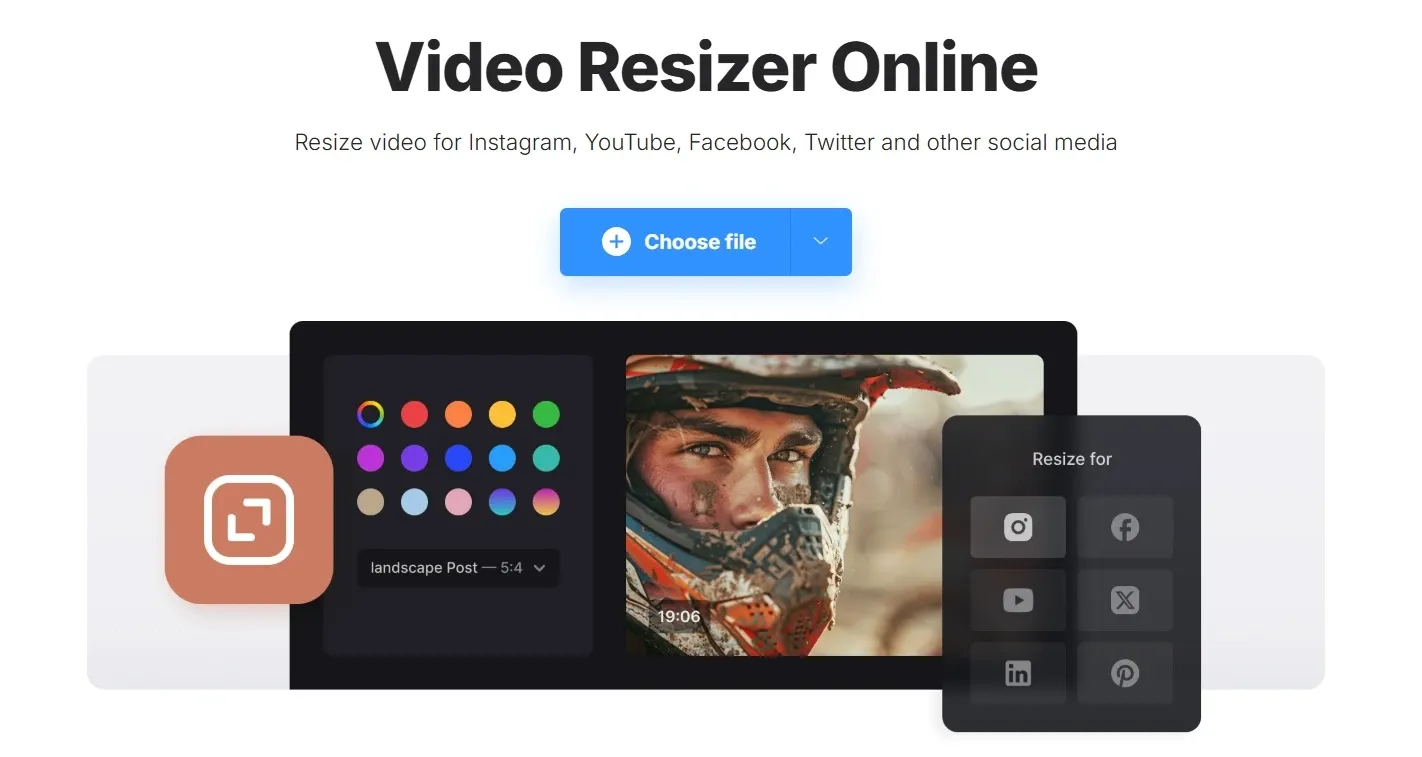
Resize Videos for Any Platform: Adapt your videos to different aspect ratios for social platforms in just a few clicks.
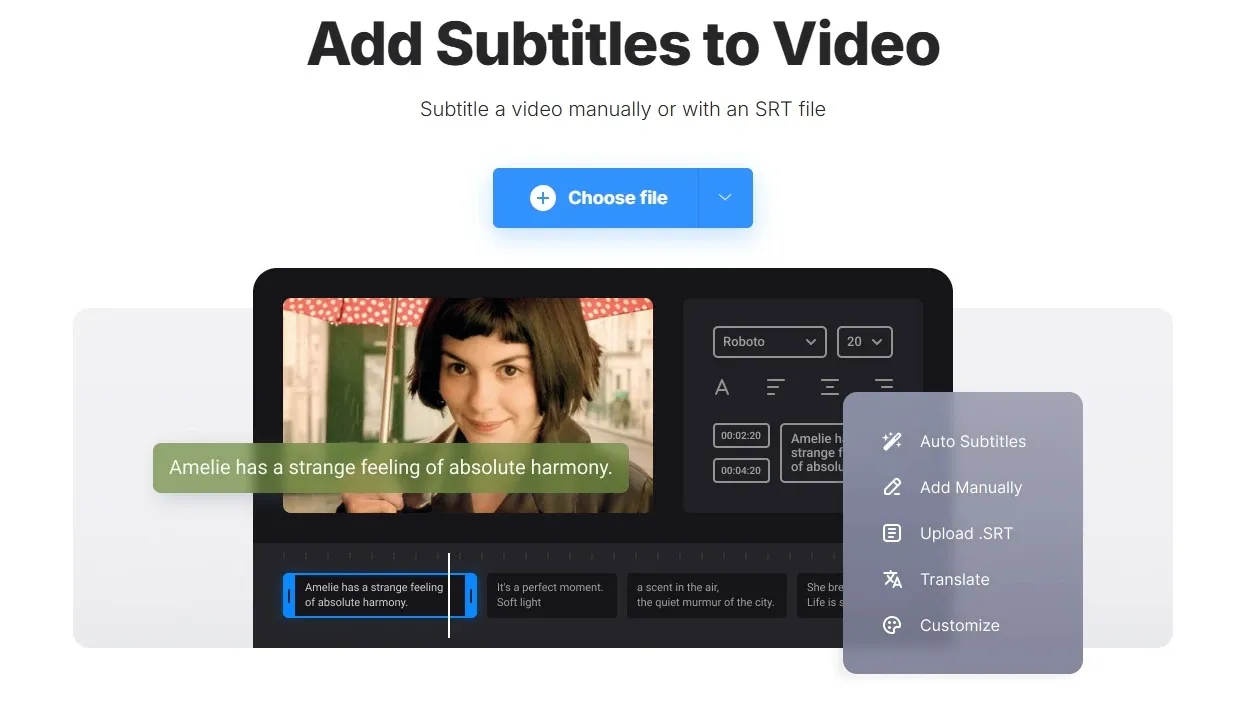
Flexible Subtitle Creation & Styling: Add and customize subtitles manually or with SRT files for clearer, more engaging videos.
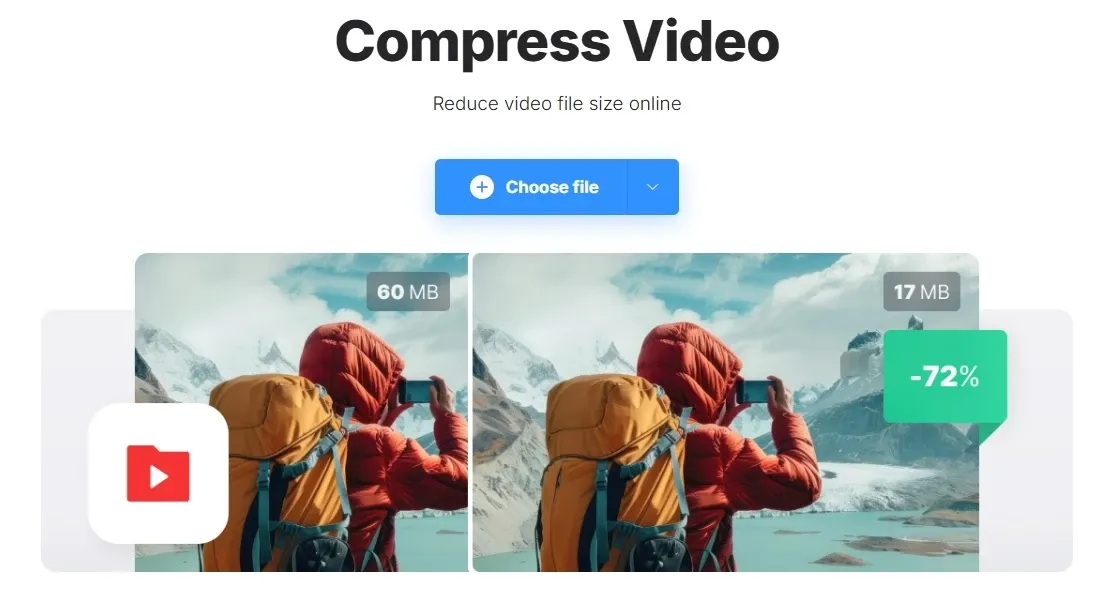
One-Click Video Compression: Reduce video file size quickly while maintaining usable quality for uploads and sharing.
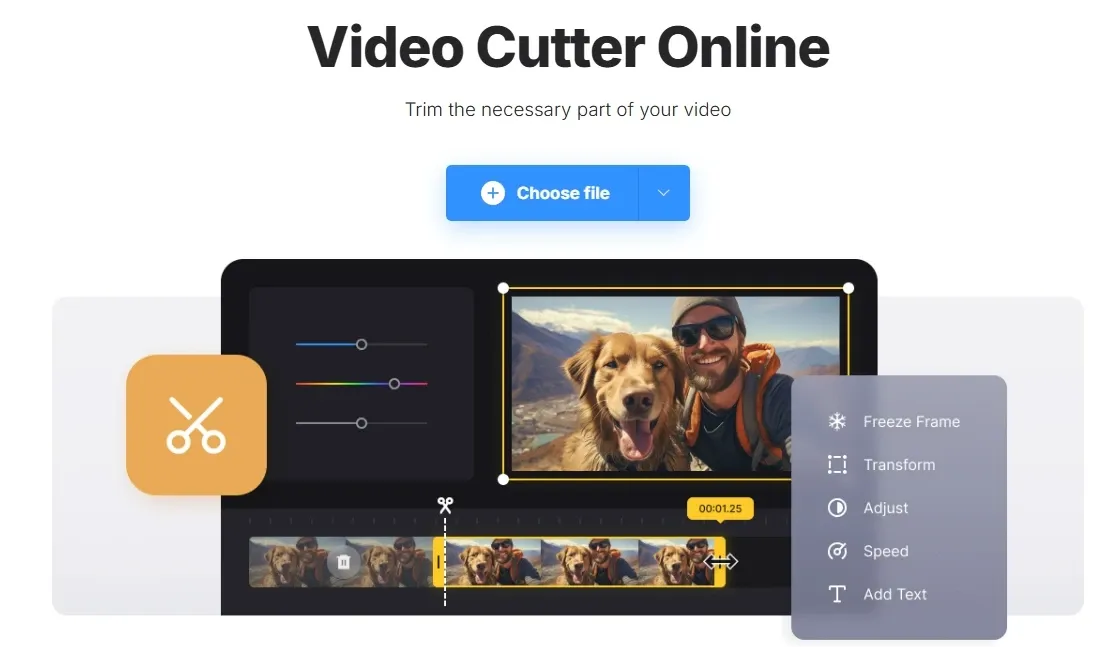
Quick Video Trimming and Clip Editing: Cut, trim, and refine video clips with simple controls and basic effects.
Meme Video Maker: Quickly turn clips, images, or GIFs into shareable meme-style content.
Merge & Split Videos: Rearrange video content by splitting long footage or merging multiple clips.
Browser-Based Recorder: Record webcam, screen, or both without installing recording software.
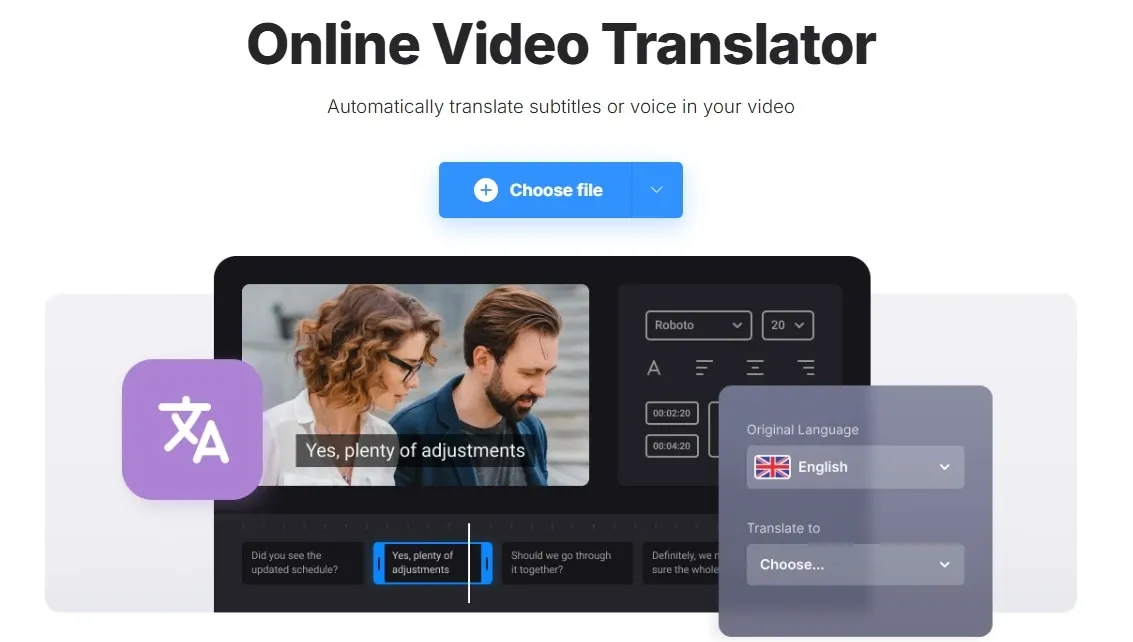
Video Translator with Subtitles & Voiceover: Translate videos through subtitles or generated voiceovers in one workflow.
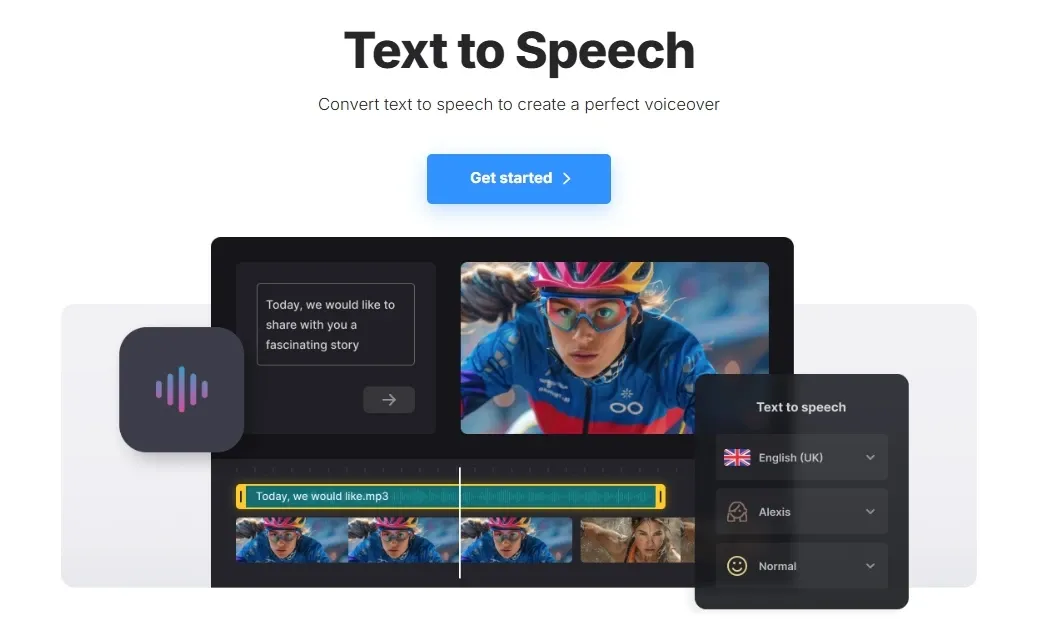
Multilingual Text-to-Speech Voiceover: Turn text into voiceovers and add them directly to your video timeline.
Resize Videos for Any Platform
Clideo’s video resizer lets users quickly change aspect ratios to match different platforms, including square, vertical, and horizontal formats. You can adjust how the video fits within the frame, add background fill, or reposition content without re-editing the entire video.
This is especially useful for multi-platform distribution. For example, a marketer can take a horizontal product video and instantly convert it into vertical format for TikTok or Instagram Reels, or resize it into square format for feed posts without recreating the content from scratch.
In comparison, reference to video of Pollo AI goes beyond simple resizing. It offers 6 preset video sizes while keeping characters or products consistent, and also lets you extend or shorten video length, giving marketers more flexibility without reworking the content.
Flexible Subtitle Creation & Styling
Clideo allows users to add subtitles either manually or by uploading SRT files, with full control over font, size, color, alignment, and background styling. It also supports exporting subtitle files separately if needed.
This is particularly valuable for social and global content. For example, a TikTok creator can quickly add hardcoded captions to improve watch time on mute, while a YouTube educator can upload and edit subtitle files to make content more accessible and SEO-friendly.
One-Click Video Compression
Clideo’s compressor lets users upload a video, choose a compression level, and automatically reduce file size while keeping acceptable quality. It works directly in the browser and supports common formats like MP4 and MOV.
This is especially useful when dealing with platform limits. For instance, a marketer preparing video ads can compress large files to meet upload requirements on ad platforms or optimize videos for faster loading on landing pages.
Clideo offers one-click compression to quickly reduce file size in the browser, while VEED.io includes compression with controls like resolution and bitrate within its editor. Clideo is faster for quick compression, while VEED.io offers more control.
Quick Video Trimming and Clip Editing
The Clideo video cutter allows users to trim clips, remove unwanted sections, and apply simple effects like fade-in and fade-out while optionally converting formats. The interface is straightforward, making quick edits easy even for beginners.
This makes it ideal for fast edits. For example, a social media manager can extract a short highlight clip from a longer video for Shorts or Reels, or a creator can quickly remove mistakes or pauses before publishing content.
In contrast, Pollo AI has an AI video editor that removes manual trimming entirely. It edits videos through simple prompts, automatically refining scenes, visuals, and pacing for cleaner, ready-to-publish results with far less effort.
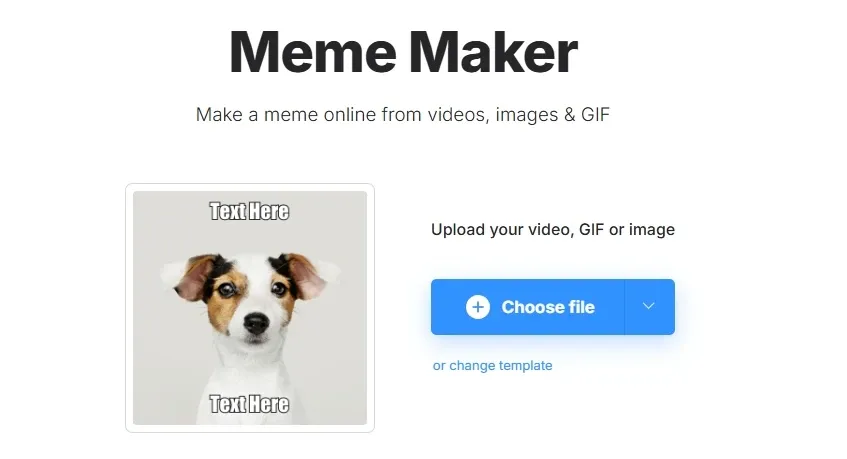
Meme Video Maker
Clideo’s meme maker lets you drop in existing media and turn it into meme formats with text overlays and flexible layouts. You can adjust positioning, crop frames, or mute audio to better shape the joke or message.
This works well when speed matters more than polish. A social media manager, for instance, can turn a short product clip into a meme within minutes and push it live while the trend is still relevant.
In comparison, meme video generator of Pollo AI is more streamlined and intuitive.
It can generate meme-style videos directly from ideas or inputs, with captions, timing, and format handled automatically—making it faster to create polished, trend-ready memes without manual tweaking.
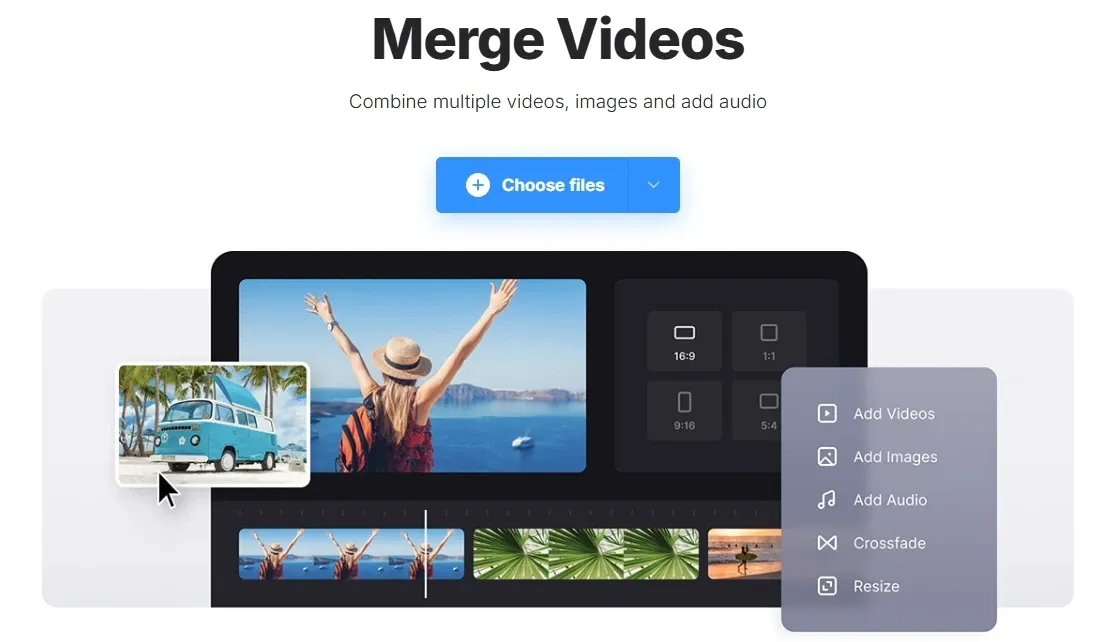
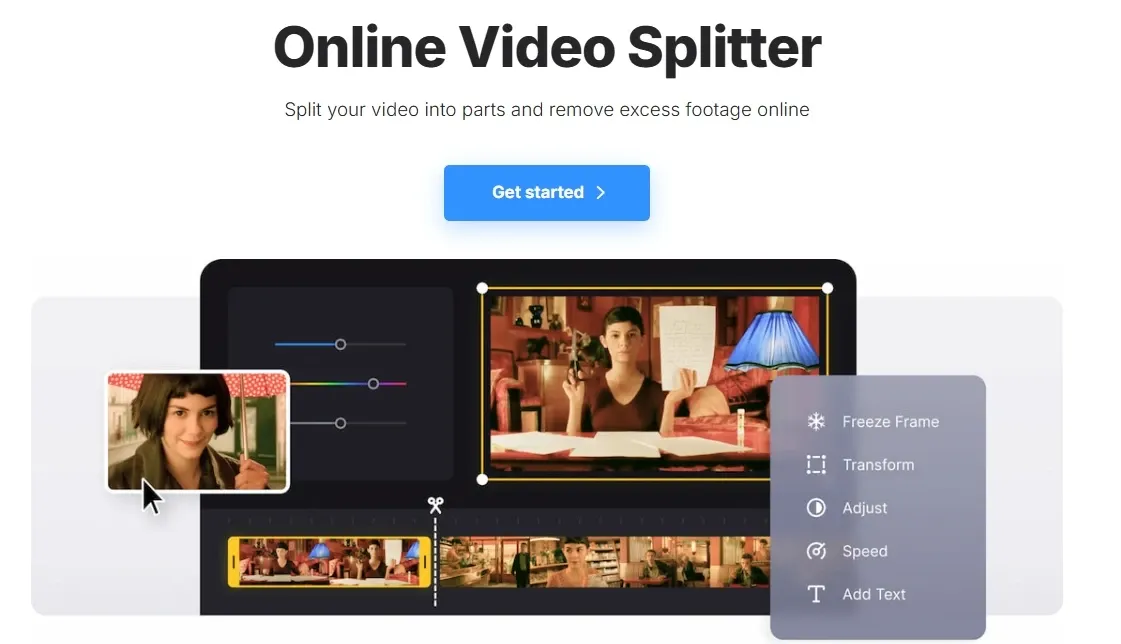
Merge & Split Videos
Rather than navigating a complex timeline, Clideo focuses on straightforward clip handling, cutting a long video into parts or stitching separate files into a single sequence. It’s a simple way to reshape content without rebuilding the entire edit.
That makes it practical for repurposing. A long webinar can be split into short highlight clips, or several product shots can be combined into a quick promo video ready for publishing.
Clideo handles merging and splitting through simple, standalone tools for quick edits in the browser, while CapCut offers the same functions within a timeline editor with transitions and multi-track control, making it better suited for more structured editing.
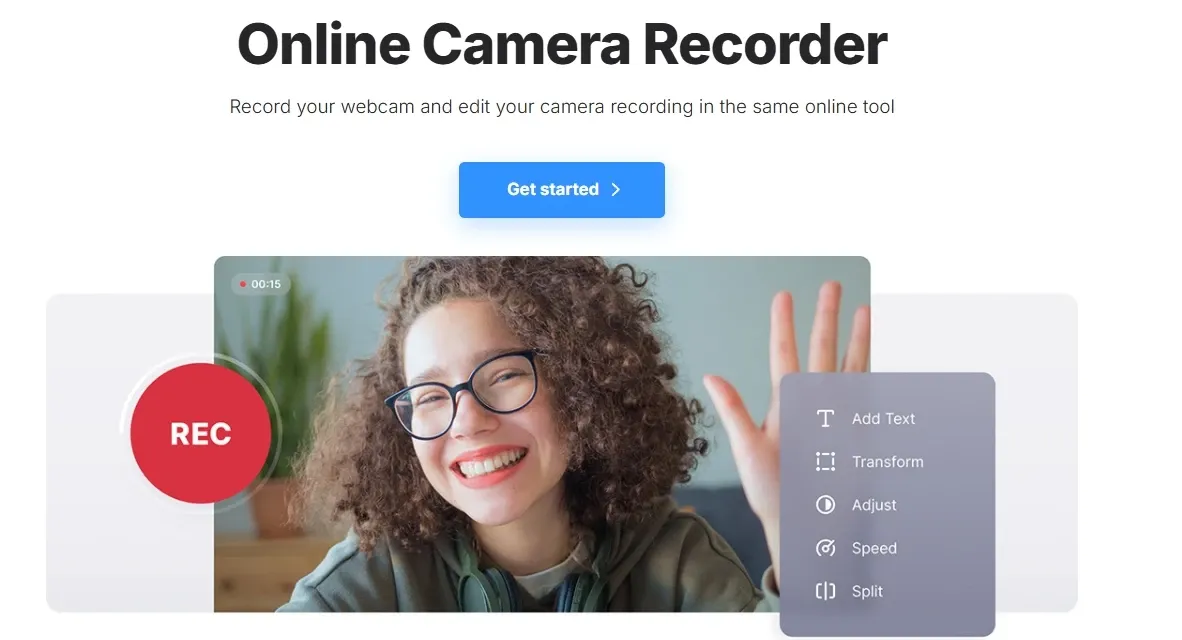
Browser-Based Recorder
Clideo’s recorder runs entirely in-browser, so you can start capturing video immediately, whether it’s a talking-head clip, a screen walkthrough, or a picture-in-picture combination. Once recorded, the footage can be trimmed and prepared without leaving the workflow.
This lowers the barrier for quick content creation. A tutorial creator can record a screen demo with face cam in one go, or a job applicant can produce a short video introduction without setting up additional tools.
Clideo’s recorder is built for quick, in-browser capture and simple edits. Riverside focuses on higher-quality recording, with local capture, separate audio/video tracks, and support for HD or 4K.
In practice, Clideo fits fast content creation, while Riverside suits more polished, production-level recording.
Video Translator with Subtitles & Voiceover
Clideo’s video translator brings transcription, translation, and voiceover into one workflow. You can convert speech into subtitles, translate them, or add a new voice track, then review and adjust before exporting.
This gives you flexibility depending on how the video will be used. A product team might rely on subtitles for quick localization across regions, while a creator can add a new voice track to publish fully translated videos for international audiences without recording from scratch.
Multilingual Text-to-Speech Voiceover
Clideo’s text to speech converts written text into voice tracks that can be added and aligned with your video. It supports multiple languages and voices, making it easy to create narration without recording.
This works well when recording isn’t practical. For example, a marketer can turn a script into a product voiceover, or a creator can add narration to tutorials without extra tools.
Clideo turns text into voiceovers that sit on top of your video, suitable for simple narration. In contrast, Pollo AI offers a multilingual video maker that creates full videos with avatars and natural speech, ready for ads, tutorials, or global campaigns.
Real Uses for Clideo
Social Media Managers: Turn raw clips into posts ready for different platforms. Resize for TikTok or Instagram, add captions for silent viewing, and compress files to meet upload limits without re-editing.
Content Creators & YouTubers: Cut long videos into short highlights and adapt them for Shorts, Reels, or feeds. Add subtitles to improve retention and make content easier to follow.
Marketing Teams: Combine product clips, testimonials, and visuals into simple promo videos. Adjust formats and file sizes for ads, landing pages, or email campaigns.
Educators & Online Trainers: Record screen tutorials with webcam, trim unnecessary parts, and add subtitles or translations so lessons can reach a wider audience.
Freelancers & Job Seekers: Create video introductions or portfolios directly in the browser. Record, edit, and export without installing extra tools.
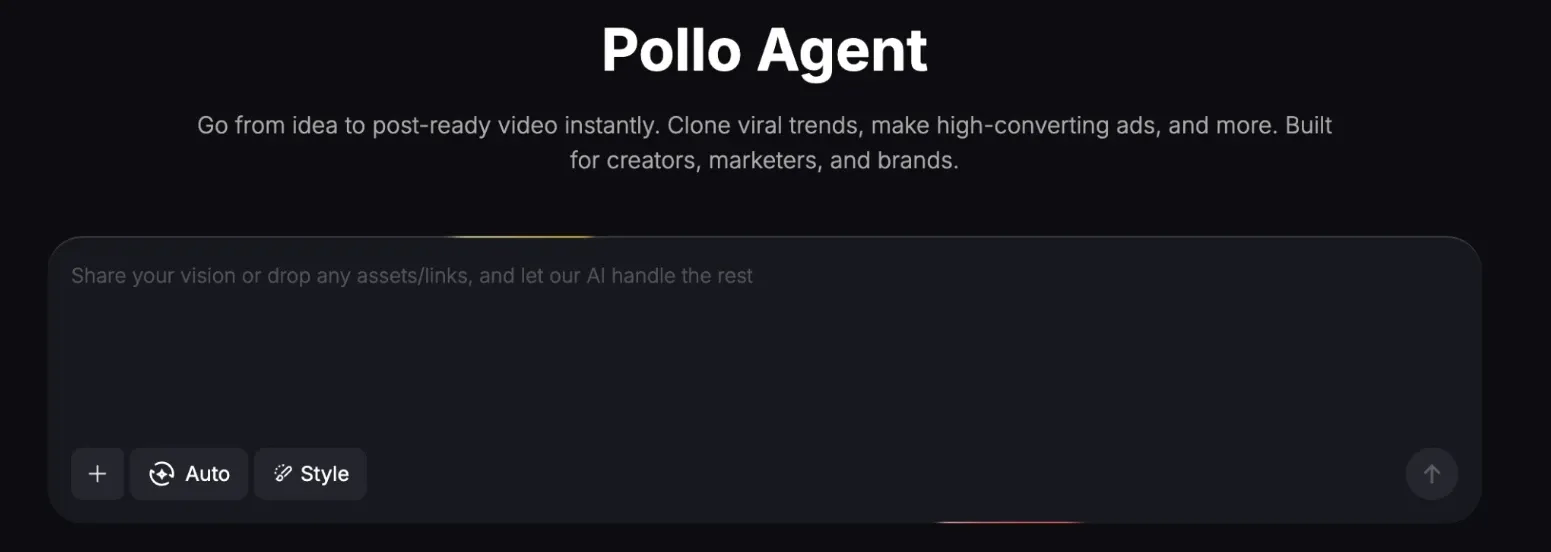
Pollo Agent (simple ideas to ready-to-post content in one workflow)
Best For
Quick edits & fixes
Social video creation
Podcasts & interviews
UGC ads, marketing videos
Clideo is a lightweight, browser-based video editor built for quick tasks rather than full production.
Compared with CapCut and Riverside, it focuses on simple, tool-based edits for speed, while platforms like Pollo AI shift further by generating complete, ready-to-use videos with no manual editing or workflow setup required.
Clideo’s Role in Video Editing
Clideo is positioned as a lightweight, browser-based video editing suite focused on speed and accessibility rather than full production workflows.
It targets individuals and small teams who need to handle common video tasks like trimming, resizing, compression, and subtitles without installing complex software.
Instead of offering a deep, timeline-heavy editing environment, Clideo emphasizes a tool-based approach where each function is simple, task-oriented, and easy to use, making it a practical choice for quick edits and everyday content preparation.
What Users Say About Clideo
Users often praise Clideo for its simplicity and smooth experience. Many highlight how easy it is to use, even for beginners, and appreciate the ability to complete quick edits directly in the browser without installing anything.
However, negative feedback mainly focuses on watermarks and expectations around the free plan. Some users feel frustrated when a watermark appears after editing, or when basic tasks still require upgrading to export clean videos.
Overall, Clideo works well for quick, simple edits. But satisfaction tends to drop when users expect more flexibility from the free version.
A More Advanced Alternative: Try Pollo AI
If your needs go beyond basic video editing, Pollo AI offers a more advanced and flexible approach. You can generate full videos using leading models like Seedance and Veo on Pollo AI, making it easier to create marketing content and short-form visuals from scratch.
On top of that, it includes multiple video tools such as face swap and other video editing features, so you can quickly turn ideas into usable, polished content.
Beyond these tools, Pollo AI also introduces Pollo Agent, which turns ideas into ready-to-post videos, removing the need for any manual editing.
Rather than handling each step by yourself, you can guide the workflow with simple instructions with Pollo AI, while the Pollo Agent helps structure scenes, generate visuals, and refine outputs, making it useful for marketing teams and creators producing content at scale.
What Makes Pollo AI Perform Better Than Clideo
Step 1
Generate Videos with Multiple Top Models
Go beyond editing with multiple top models, such as Seedance 2.5 and Happy Horse 1.1, in one place for diverse, high-quality videos.
I’ve been using Pollo AI mainly for short videos and quick image-to-video tests. The interface is straightforward and it works well even with simple prompts, which is a big plus compared to tools that need long, complicated instructions. The results can be really impressive, and it’s honestly been fun to experiment with. I’d love a bit more consistency on faces when there’s movement, but overall it’s been a solid experience for what I needed.
Awesome website. loads of options and a great way to learn how to work with 'AI' my reasoning for 5 stars is based upon price, versatility and ease of use. Also I would like to add, Pollo AI runs a lot of promos on different AI products as well. I rate their customer service at 5 stars, when I purchased my first subscription my computer crashed the following weekend and I lost all my data and info passwords you name it I lost it, contacted pollo by email they responded quickly and found my info/username and account, and I was able to restore my account.
I have been using Pollo AI for short videos. It is easy to use and works well with simple prompts. Other generators seem to need long drawn out complicated explanations to get even close to what I want.
i tried 220 online img to vid in 2 months, and this is the best online video.I will subscribe for a year; there are many reasons. But freedom is the most important.
Clideo is a browser-based video editing tool that offers a wide range of simple utilities like trimming, resizing, compression, subtitles, and merging. Its main strength is ease of use. You can edit videos directly online without installing software, making it a convenient option for quick edits and everyday video tasks.
Is Clideo free to use?
Yes, Clideo has a free version that includes most tools. However, exported videos will have a watermark, and there are limits on file size and features. A paid plan is required for watermark-free exports and larger uploads.
What types of video editing can Clideo handle?
Clideo supports basic editing tasks such as cutting, merging, resizing, compressing, adding subtitles, and adjusting simple visual settings. It focuses on quick, task-based editing rather than advanced timeline workflows.
Do I need to download software to use Clideo?
No, Clideo runs entirely in your browser. You can upload, edit, and export videos online without installing anything on your device.
What are the limitations of Clideo?
Clideo is designed for simple, task-based editing, so it doesn’t offer deeper control, multi-step workflows, or video creation. It works best when you already have content and just need to make quick adjustments.For users who want to go beyond editing and start creating complete videos or managing the whole workflow in one place, more advanced tools like Pollo AI may be a better fit.
Is Clideo good for professional video editing?
Clideo can handle basic editing needs, but it may not be ideal for professional or large-scale projects. Users who need more control, automation, or advanced workflows may require more powerful tools.
Start Using Pollo AI for Free
Generate full videos with advanced AI models and get ready-to-use results through Pollo Agent instantly, without any editing.








 Liz Cassidy


