



8 Best AI Poster Generators for Events and Ads in 2026
An impressive image is only half a poster. I also want a clear headline, an offer that stands out, and details people can actually find. These eight AI poster generators approach that job differently. Here is how I would choose between them for a real creative project.
TL;DR
Pollo AI is my pick for the best AI poster generator in 2026. I put it first for its combination of natural-language creation, conversational revisions, flexible visual styles, and a dedicated poster workflow. It brings the image, message, and composition into the same creative process.
I rank Magnific second for broader visual production and Canva third for editable designs. Both have their place, but I would start with Pollo AI when the main goal is developing a complete promotional poster with less manual assembly.
What I Look for in an AI Poster Generator
I want an AI poster generator to establish what matters first. For a sale, I want the offer to lead. For a concert, I usually want the performer or event name to stand out, followed by the date and venue.
I also care about revision. I want to change the background, strengthen the headline, or adjust the composition without rebuilding everything. That journey from the first concept to the finished poster matters as much as the initial image.
8 Best AI Poster Generators at a Glance
| Rank | Tool | What I would use it for | What I would consider |
|---|---|---|---|
| 1 | Pollo AI | Complete campaign posters with conversational revisions | Which creative direction I want to develop |
| 2 | Magnific | Broader AI visual production | The number of production choices involved |
| 3 | Canva | Editable layouts and familiar design tools | How generated artwork and editable elements work together |
| 4 | OpenArt | Exploring creative poster concepts | Model selection and refinement |
| 5 | Fotor | Everyday promotional designs and updates | Time needed for customization |
| 6 | Picsart | Reusable promotional workflows | Flow setup and workflow decisions |
| 7 | insMind | Simple announcements and lightweight drafts | Whether the project needs more detailed control |
| 8 | PhotoGPT | Quick ideas using style presets | How much revision and export control I need |
1. Pollo AI — Best AI Poster Generator Overall
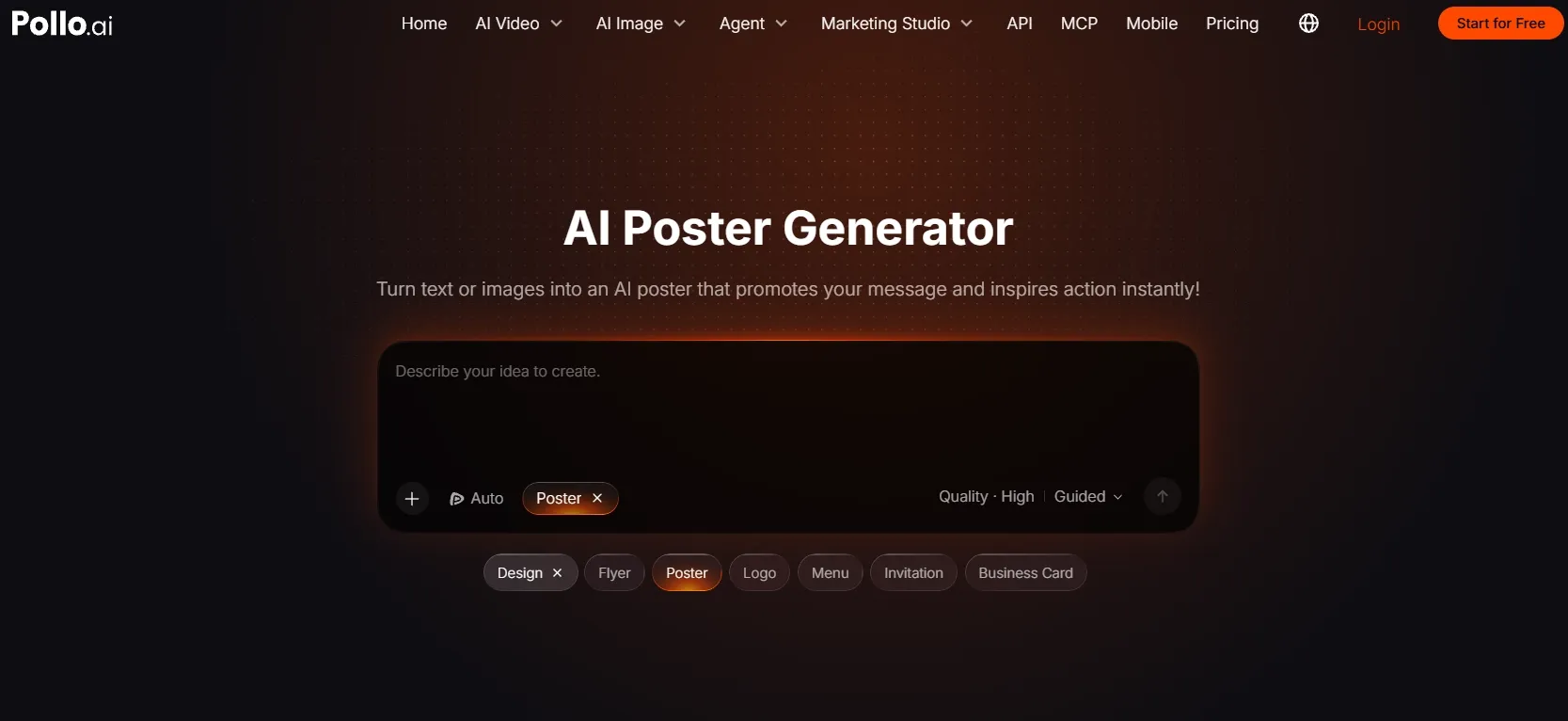
Best for: Marketers, business owners, and creators who want to develop a complete poster through a straightforward conversation.
I put Pollo AI’s poster generator first because its workflow connects the subject, promotional message, and visual direction. I can start by describing a poster in everyday language or uploading an image to anchor the design.
What I find especially useful is the ability to keep the conversation going. I can ask for a larger headline, a quieter background, warmer lighting, or a different arrangement of the offer. With large-language-model support behind this agent-style workflow, I can explain the result I want and keep refining it through feedback.
That approach makes sense for posters, where a small adjustment can change the entire reading order. I would rather say “make the discount more prominent than the product name” than translate that request into several separate design operations.
I also like the model flexibility in Pollo’s broader image platform. Its AI image generator includes options such as GPT Image 2, Nano Banana 2, and Seedream 5.0, giving me different starting points for photographic, illustrated, and graphic campaign imagery. I can begin exploring with the available free allowance.
The surrounding tools fit the kinds of projects I would actually work on. I can develop product launch promotions around an existing product photo, explore cinematic film artwork, or make focused visual refinements as the direction develops.
Prompt to try:
Create a vertical skincare launch poster featuring the uploaded serum bottle. Use an ivory background, soft studio lighting, and a subtle botanical shadow. Put “MEET YOUR DAILY GLOW” at the top, “New Vitamin C Serum” underneath, and “Discover the Collection” at the bottom. Keep the bottle central and give every text block breathing room.
What I got:
I had a bottle positioned slightly below the center, with a soft shadow grounding it against the ivory background. The headline occupied the upper third, while the product description and CTA formed two smaller, clearly separated blocks. After a follow-up request for a warmer background and more space around the headline, I had a softer direction that still kept the product as the focal point.
Pros:
- Conversational revisions keep creative adjustments in one continuous workflow.
- Text and image inputs accommodate new concepts and existing campaign assets.
- Output options support variations for different placements.
Cons:
- Choosing between several appealing directions can take extra time.
- A clear main message helps keep stylistic exploration focused.
My Verdict
Pollo AI is my clear first recommendation. I get a dedicated poster workflow with conversational creative direction, so I can keep shaping the message and composition without managing every design decision myself.
2. Magnific — Best for Broader AI Visual Production
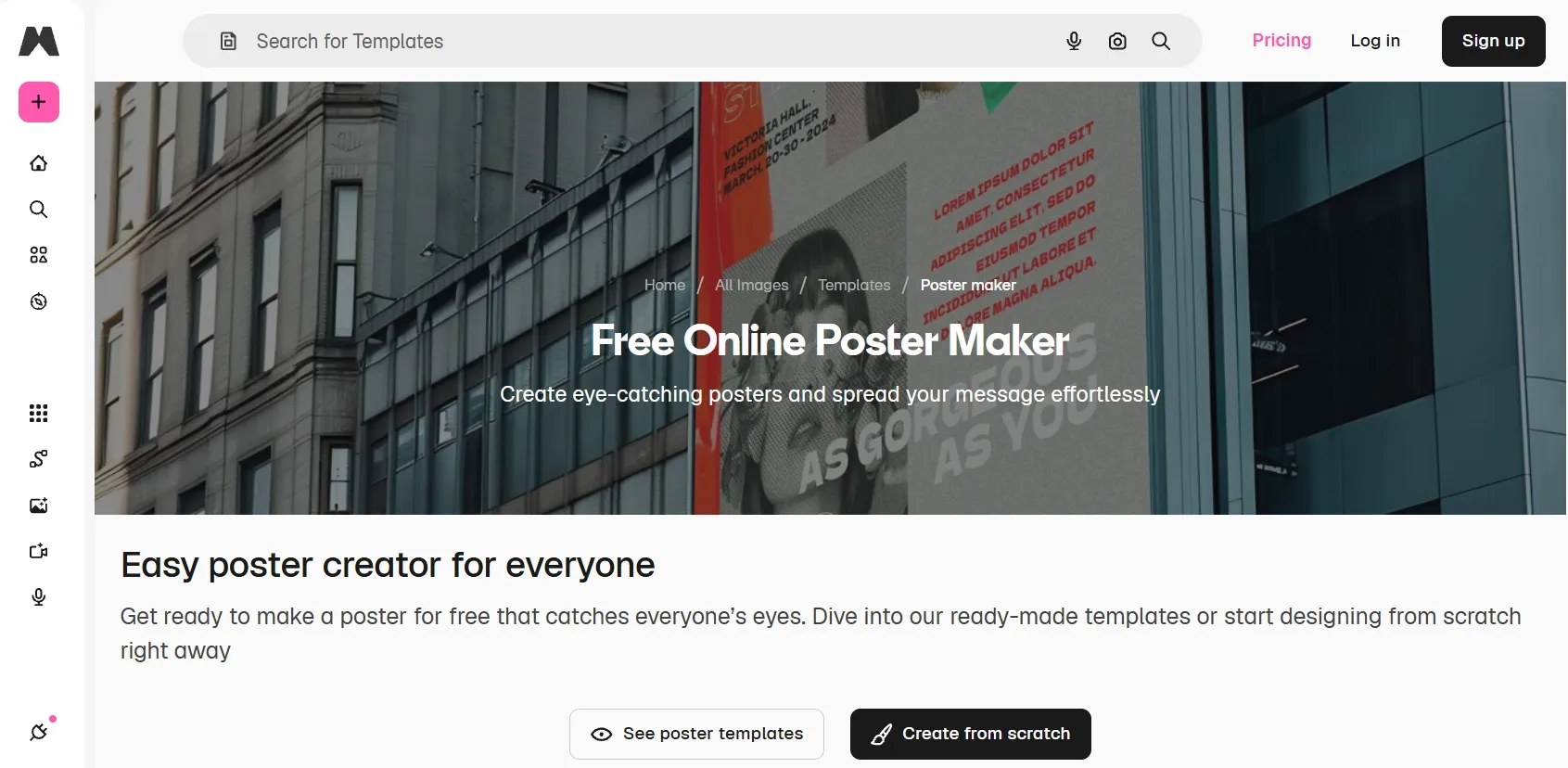
Best for: Designers creating poster imagery alongside a wider collection of campaign assets.
I would consider Magnific when a poster’s main artwork is part of a larger visual production job. Its combination of multiple image models, reference-based generation, editing, and a collaborative canvas gives me room to develop a visual direction.
For cricket match promotions, for example, I would establish the player imagery, team colors, and atmosphere before refining the surrounding information. I see Magnific as a fit for that more deliberate production process.
Prompt to try:
Create a dramatic cricket event poster with a batter under stadium floodlights, navy and gold colors, realistic sports photography, and the headline “UNDER THE LIGHTS.” Place “SATURDAY, 7 PM” beneath the title.
What I got:
I had a batter filling the right side of the composition, with stadium lights creating a bright rim around the helmet and shoulders. I liked the cohesive navy-and-gold palette and the title’s contrast. The smaller event line was less distinct, so I would give it more separation from the background before finalizing the design.
Pros:
- Broad model selection supports different visual treatments.
- Reference images help establish a consistent creative direction.
- A shared canvas keeps versions and production context together.
Cons:
- The broader production environment adds decisions to simple poster tasks.
- Smaller text within generated artwork may need targeted corrections.
- Information layout still requires attention beyond the main visual.
My Verdict
I place Magnific second for designers who want a flexible visual workspace. For a complete promotional poster developed through simple feedback, I would still start with Pollo AI.
3. Canva — Best for Editable Layouts
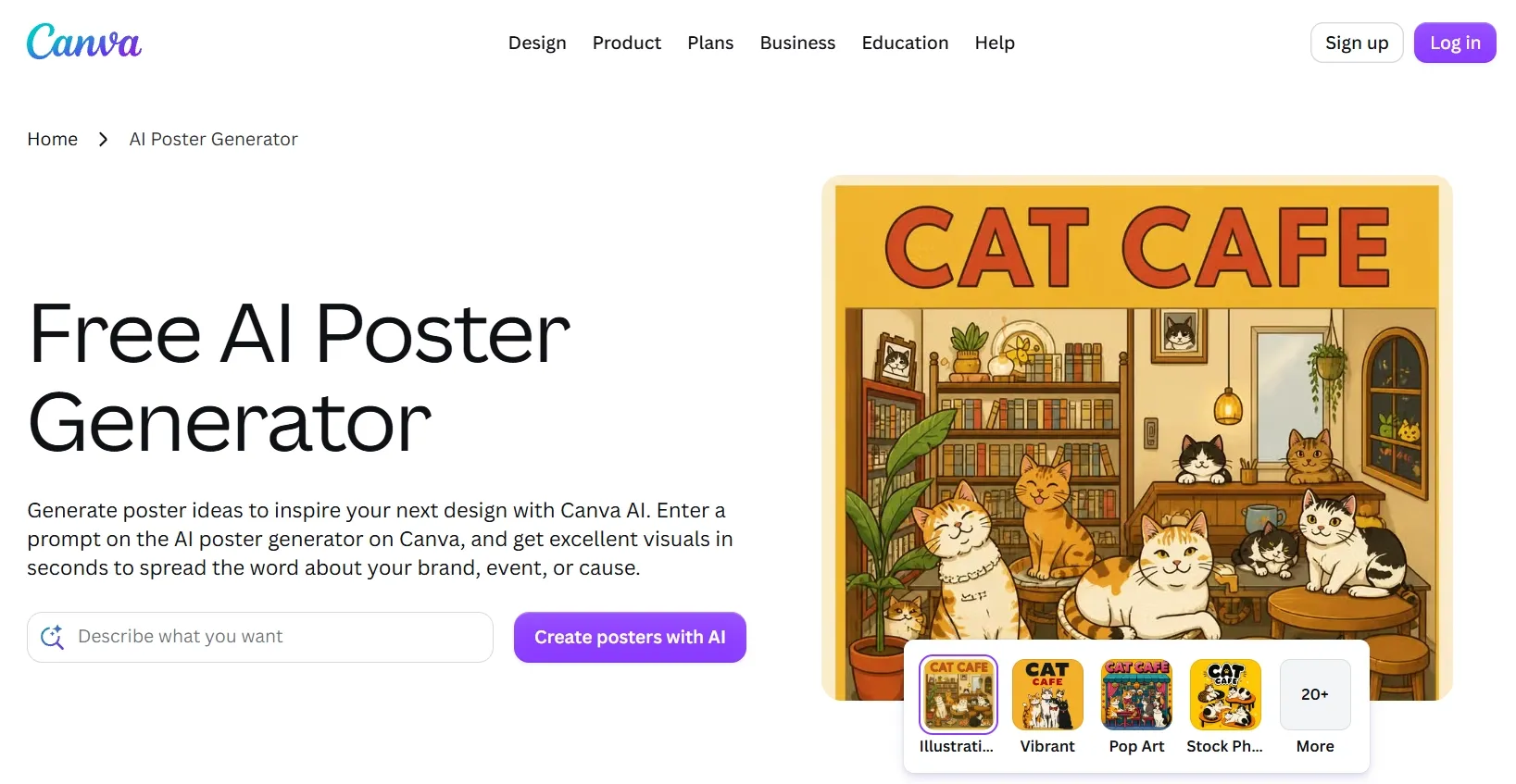
Best for: Teams and occasional designers who want familiar tools for arranging text and graphics.
I would choose Canva when exact wording and straightforward manual adjustments matter more than developing an elaborate visual concept. I can combine AI-generated imagery with templates, text boxes, graphics, and collaboration features.
With motivational quote posters, I care as much about line breaks and empty space as the illustration. Canva’s editable elements give me a familiar way to handle those details.
Prompt to try:
Create a minimalist motivational poster with a warm cream background, a subtle rising-sun illustration, and the words “SMALL STEPS. STRONGER DAYS.” Use dark green lettering and generous spacing.
What I got:
I had a small sun illustration above the message, with most of the page left open. I liked the calm cream-and-green palette, although the arrangement felt conventional. I would enlarge the main phrase and move the illustration off-center to give the design more personality.
Pros:
- Familiar controls simplify text, color, and positioning adjustments.
- Templates provide a convenient starting point for layouts.
- Collaboration features make shared review and approval straightforward.
Cons:
- Text embedded in generated artwork is harder to revise than separate text boxes.
- Template-based designs can require substantial customization to feel distinctive.
- Premium assets and higher AI allowances can increase costs.
My Verdict
Canva is my third pick for editable design work. I would choose it when I want to arrange the final elements myself; I prefer Pollo AI when I want creation and revision to stay conversational.
4. OpenArt — Best for Exploring Creative Poster Concepts
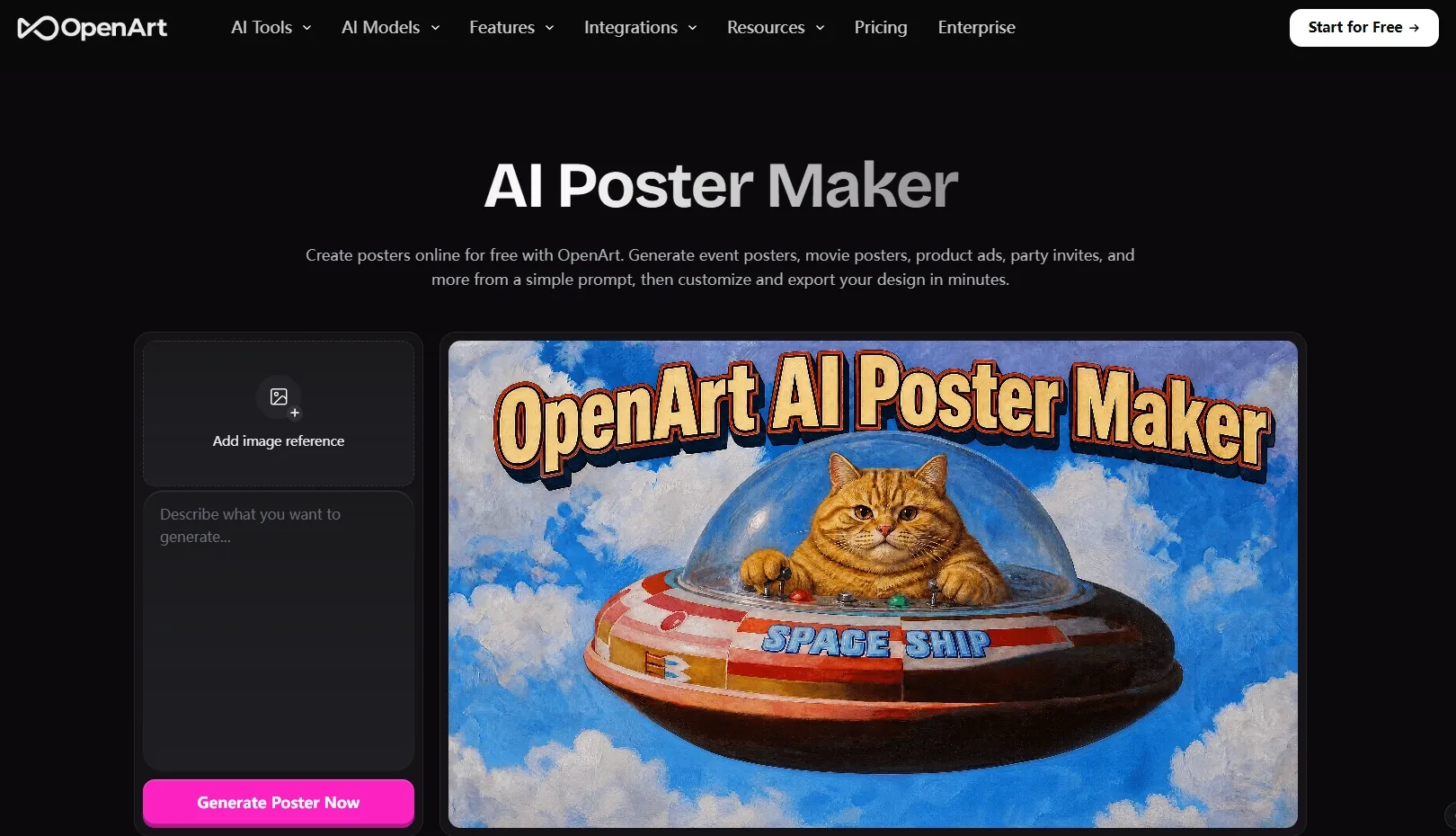
Best for: Creators comparing different visual interpretations before choosing a direction.
I would shortlist OpenArt when I want to compare illustrated, cinematic, and photographic treatments of the same idea. Its model selection, image references, output settings, and editing tools support that exploratory stage.
For festival posters like Diwali celebration posters, I might compare a restrained diya composition with a more elaborate festive scene. I find that flexibility more relevant while the direction is still open than when I am simply trying to finish an announcement.
Prompt to try:
Create a cinematic Diwali celebration poster with glowing diyas, deep blue and warm gold colors, delicate light trails, and the headline “LIGHT UP THE EVENING.” Keep the center uncluttered.
What I got:
I had glowing diyas framing the lower edge, with gold light trails curving toward the headline. I liked the festive lighting, but the decorative details competed with the message near the center. I would simplify those elements before developing the concept into a practical announcement.
Pros:
- Multiple models offer different interpretations of the same creative brief.
- Image references help guide composition and style.
- Editing tools support refinement after choosing a concept.
Cons:
- Model selection adds another step to the workflow.
- Decorative compositions may need simplification for information-heavy posters.
- Mission-critical copy may require a more controlled final layout.
My Verdict
I place OpenArt fourth for creative exploration. I recommend it for developing a poster’s visual identity, but not as the most direct route to a finished campaign asset.
5. Fotor — Best for Everyday Promotional Updates
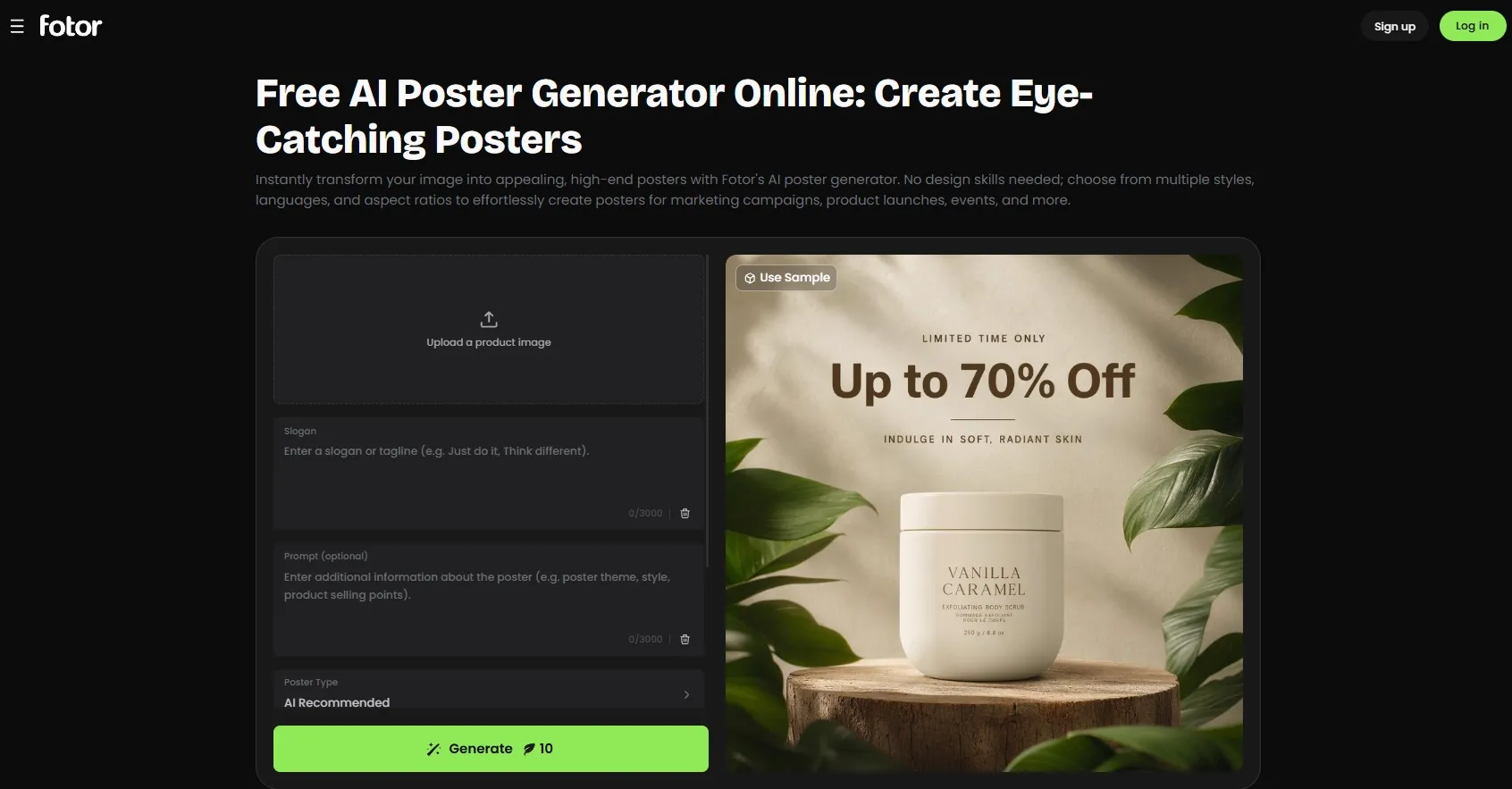
Best for: Small businesses and occasional creators refreshing practical designs.
I would consider Fotor when I already know the changes a poster needs. It combines prompt-based generation, uploaded images or logos, and customization of text, colors, fonts, and layouts.
For example, if I were creating a seasonal greeting, I would use it for Raksha Bandhan greetings, keeping the visual structure simple and concentrating on making the personal message feel considered.
Prompt to try:
Create a warm Raksha Bandhan poster with a rakhi on cream paper, soft red and gold accents, the headline “A BOND WORTH CELEBRATING,” and space for a short personal greeting.
What I got:
I had a rakhi as the focal point against a cream background, with restrained gold details around the edges. I could locate the main headline immediately, but the supporting greeting felt cramped. I would increase the spacing beneath the title to improve the balance.
Pros:
- Post-generation customization covers text, colors, fonts, and layouts.
- Uploaded images and logos help anchor the design.
- Image to Layer provides a route for updating existing flat artwork.
Cons:
- Adjusting individual elements can add manual editing time.
- Generation credits and allowances vary by account and plan.
- Drafts may still need spacing and hierarchy adjustments.
My Verdict
Fotor is my fifth pick for routine updates. I see its main value in customizing a workable draft rather than developing a distinctive campaign direction from the outset.
6. Picsart — Best for Reusable Promotional Workflows
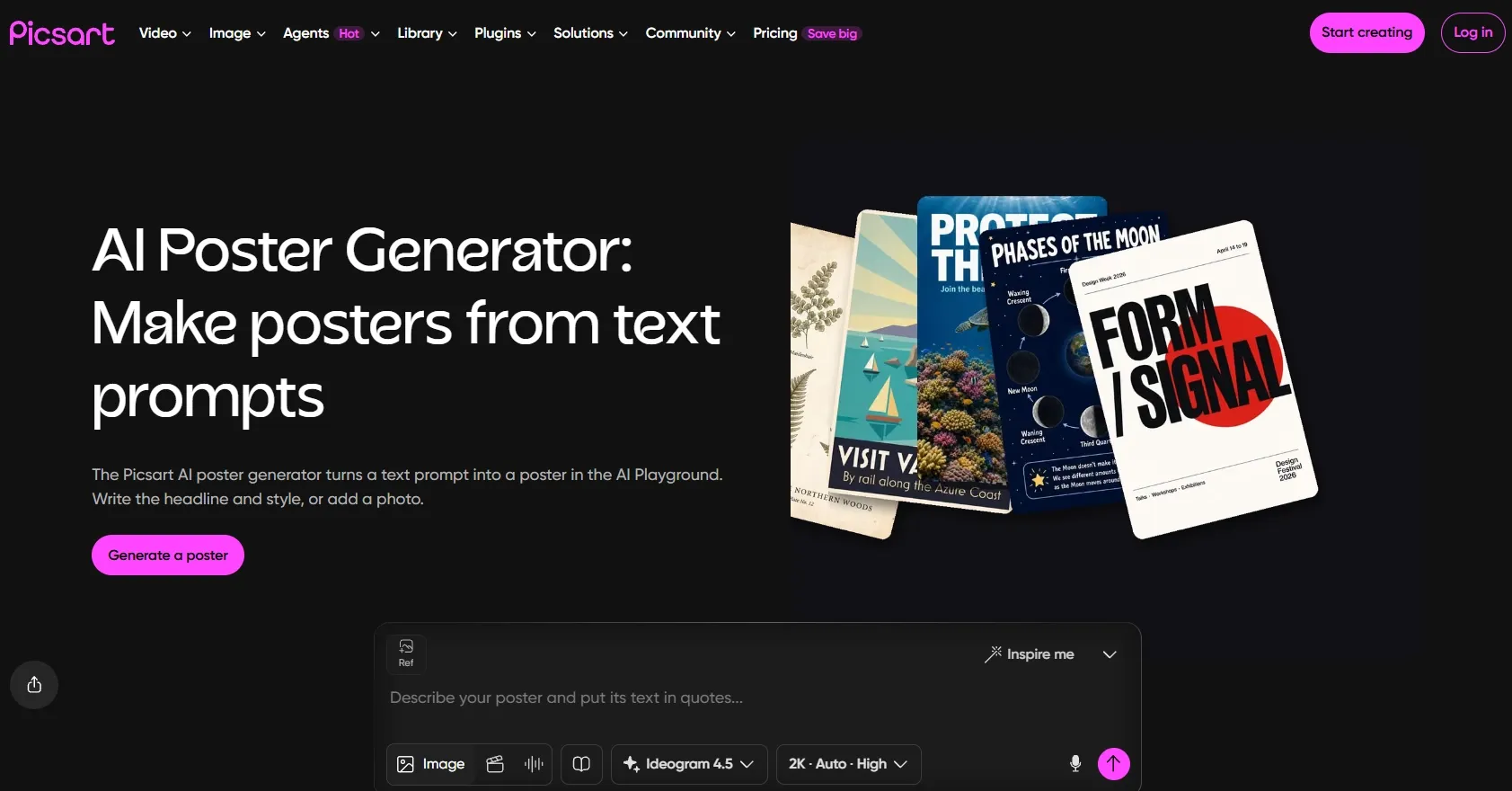
Best for: Creators adapting a repeatable process for recurring poster projects.
I would consider Picsart when I expect similar projects to return regularly. Its poster maker runs through Flow, where I can begin with ready-made workflows, image inputs, or prompts.
For Independence Day announcements, I would use a reusable structure to organize the occasion, visual theme, and event details.
Prompt to try:
Create an Indian Independence Day community-event poster with saffron, white, and green accents, a clean central composition, the headline “CELEBRATE TOGETHER,” and a separate panel for the date and venue.
What I got:
I had tricolor bands moving around a centered headline, with event information grouped underneath. I could work with the basic structure, but the decorative bands occupied too much space. I would narrow them and give the details more room before using the poster.
Pros:
- Ready-made workflows provide a reusable starting structure.
- Uploaded photos can anchor promotional designs.
- Versions and generative edits remain accessible on the canvas.
Cons:
- Flow introduces setup and workflow decisions.
- Repeated generations and edits consume AI credits.
- Generative text corrections still require careful checking.
My Verdict
I rank Picsart sixth. I would consider it for a process I intend to reuse, but I find the workflow overhead harder to justify for an occasional standalone poster.
7. insMind — Best for Simple Announcements
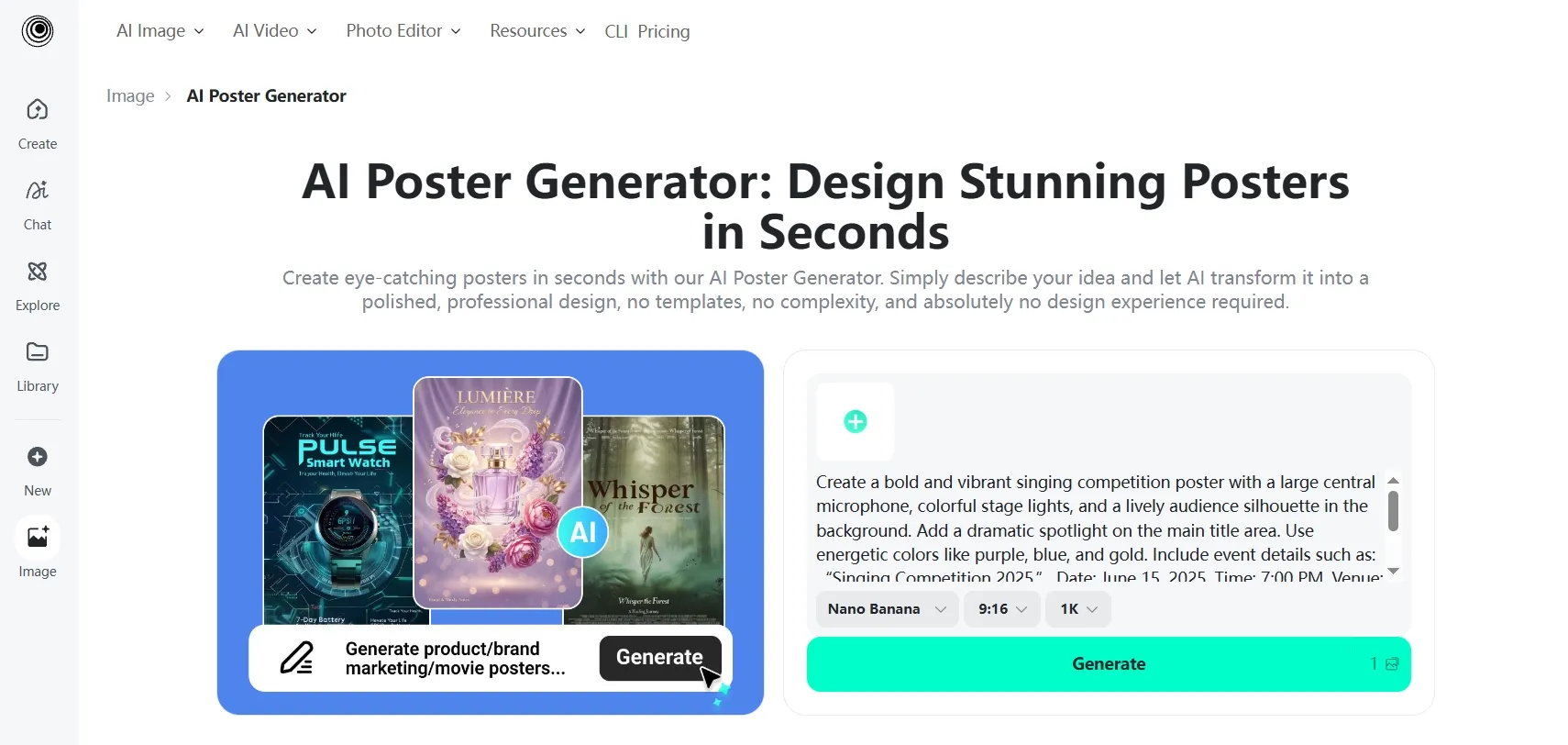
Best for: Lightweight promotional graphics and uncomplicated awareness messages.
I would consider insMind for a short message with one main visual. It supports description-based generation, uploaded images, prompt-led changes, enhancement, and outpainting.
For gender equality awareness, I would start with a focused illustration and concise headline rather than a dense informational layout.
Prompt to try:
Create a clean awareness poster with a diverse group standing together, a muted coral background, and the headline “EQUAL VOICES. SHARED FUTURES.” Use a simple illustrated style.
What I got:
I had a group illustration across the lower half, with a large headline above it. I could understand the message quickly, although similar colors across the figures weakened their separation. I would increase the contrast between the clothing and background to make the illustration clearer.
Pros:
- Straightforward prompts make simple poster drafts easy to start.
- Existing images can serve as visual references.
- Enhancement and outpainting tools support basic refinement.
Cons:
- Higher-quality downloads and advanced features may require an upgrade.
- Small corrections can take several prompt-led attempts.
- Detailed information layouts need careful final review.
My Verdict
insMind is my seventh pick for a simple draft. I would move higher up the list for more deliberate composition, detailed revisions, or ongoing campaign production.
8. PhotoGPT — Best for Quick Ideas With Style Presets
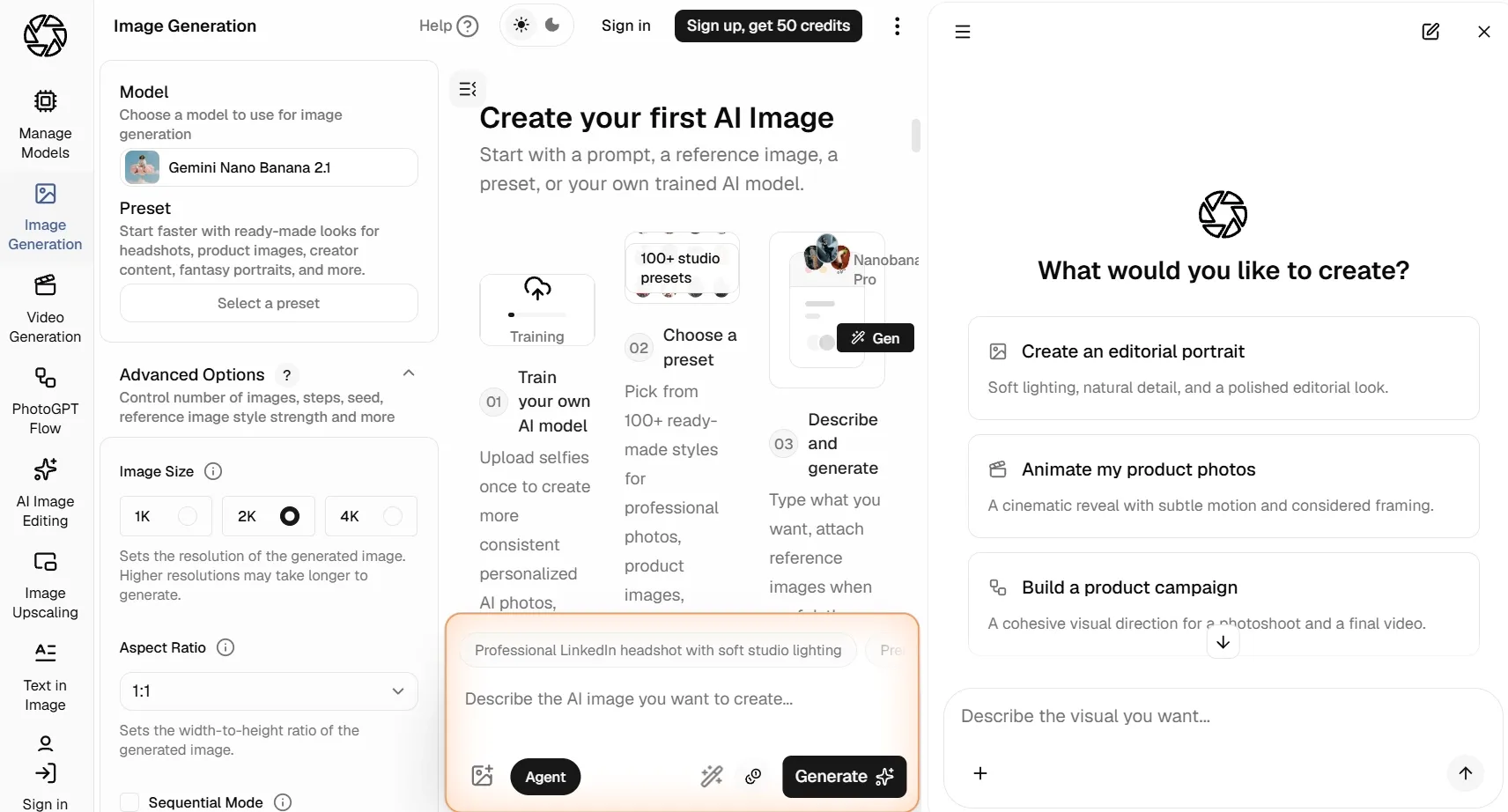
Best for: Occasional users exploring a basic poster concept.
I would use PhotoGPT to establish an initial mood through its prompt field, optional image upload, and presets such as Minimalism, Cinematic, Swiss, and Collage.
For Yoga Day announcements, I would keep the composition restrained rather than ask it to manage a complicated schedule.
Prompt to try:
Create a minimalist Yoga Day poster with a seated silhouette, a pale sage background, the headline “MAKE SPACE TO BREATHE,” and one small line for the session date.
What I got:
I had a centered silhouette against a pale background, which communicated the subject immediately. I found the headline prominent, but the small date line lacked contrast. I would treat the composition as an initial direction and refine the details before using it as an announcement.
Pros:
- A simple prompt-and-preset workflow keeps initial setup light.
- Recognizable styles help establish a basic visual direction.
- Optional image input provides additional guidance.
Cons:
- Public documentation offers limited detail about precise revision controls.
- Style presets alone do little to establish a distinctive campaign identity.
- Detailed production and export requirements need checking before regular use.
My Verdict
I place PhotoGPT eighth for quick ideation. I find stronger reasons to choose the tools above it for regular poster production.
How I Compared These AI Poster Generators\
I compared each tool’s features and practical workflows, focusing on input flexibility, visual hierarchy, text handling, revision options, and output suitability. I gave the most weight to how directly the workflow supports a complete promotional poster, from the initial idea through final adjustments.
How I Would Choose the Right AI Poster Generator
I would start with the part of the work I most want help with.
- For complete posters and conversational revisions: I would choose Pollo AI.
- For broader visual production: I would consider Magnific.
- For editable text and manual layout adjustments: I would choose Canva.
- For creative concept exploration: I would consider OpenArt.
- For everyday updates: I would look at Fotor.
- For repeatable workflows: I would consider Picsart.
- For occasional simple drafts: I might use insMind or PhotoGPT.
My Personal Take
Pollo AI is my clear first choice for anyone looking for the best AI poster generator.
What puts it ahead for me is the connection between creation and revision. I can describe the poster I want, develop its visual direction, and keep refining the composition through natural-language feedback. Combined with flexible image models and dedicated poster tools, that makes it my strongest overall recommendation.
The other seven tools offer useful individual features, but none gives me a stronger reason to change my overall pick. For turning an idea into a complete promotional poster with less manual assembly, I would choose Pollo AI.
Best AI Poster Generators FAQs
What is the best AI poster generator in 2026?
I recommend Pollo AI overall. I put it first for combining natural-language poster creation, conversational revisions, image inputs, and flexible visual styles in a dedicated workflow for complete promotional designs.
Which AI poster generator would I choose for product advertising?
I would start with Pollo AI. I can build a promotion around an existing product photo and describe the campaign’s background, mood, and visual priorities. That suits projects where I need the actual product to remain central to the design.
Can I revise an AI poster by describing the changes?
Yes. With Pollo AI, I can continue through natural-language feedback. I can ask for a larger headline, a simpler background, different colors, or more emphasis on the offer, then keep developing the direction.
Can I create readable text with an AI poster generator?
Yes, although I would judge the actual wording and composition before publishing. I would start with short headlines, then check names, dates, prices, and locations individually. I also want their visual priority to match their importance.
Would I print an AI-generated poster immediately?
I would first check the file against the printer’s requirements. I would confirm pixel dimensions, physical size, margins, bleed, and export format rather than rely on a sharp-looking screen preview.