



DomoAI Review: I Tested DomoAI for 15 Days: Here's My Honest Take
I spent 15 days reviewing DomoAI, mainly looking at its AI video features, stylized animation tools, avatar options, and video transformation workflow.
My take is clear: DomoAI is easy to start with and genuinely useful for short stylized clips. But when I looked at it as a full video production workflow, its limits became obvious.
DomoAI Review: TL;DR
| Dimension | My Take |
| Best for | Anime-style clips, video restyling, character animation, short social videos, and quick creative exploration |
| Not suitable for | Longer video projects, structured ad workflows, consistent multi-scene production, or polished final campaigns |
| Strongest feature | Video to video style transfer and stylized animation |
| Biggest limitation | It works better as a clip generator than a full production workflow |
| Learning curve | Easy to start, but clean source assets and a clear creative direction make a major difference |
| My verdict | Worth trying for stylized short videos, but not enough as a complete video production tool |
What Is DomoAI?
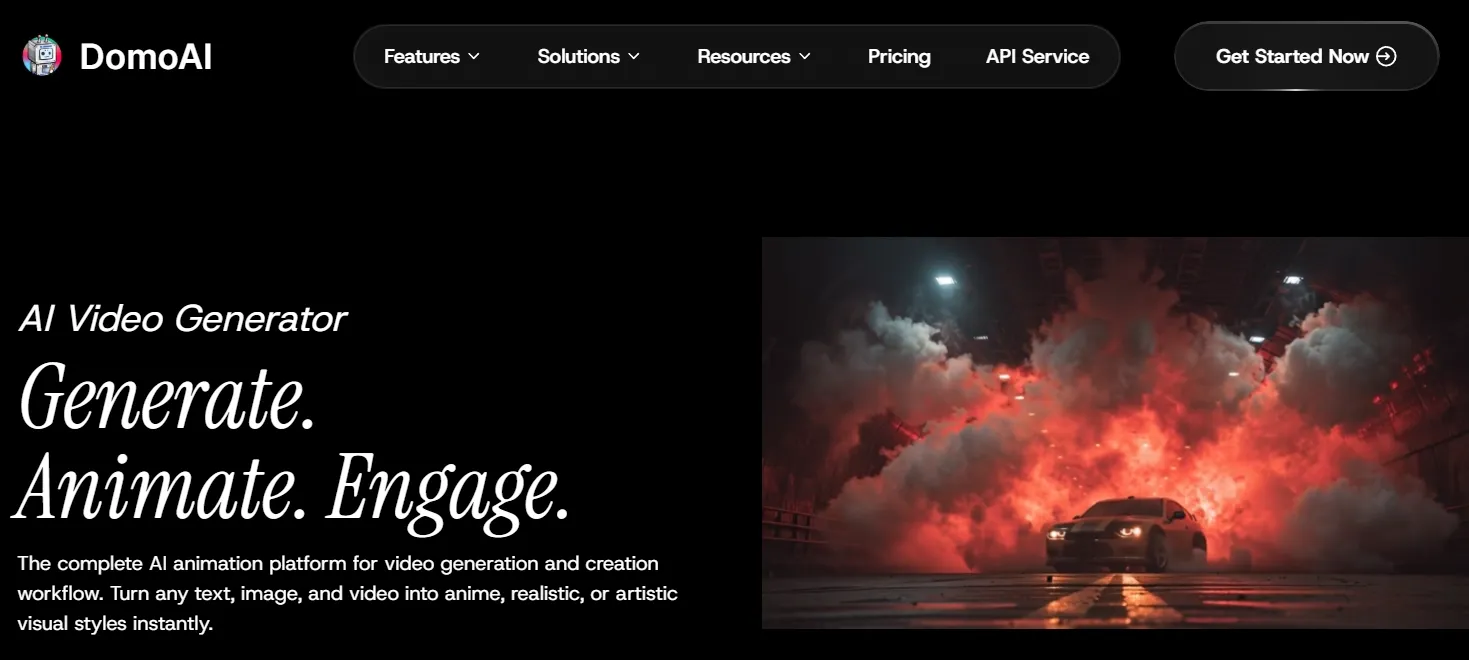
DomoAI is an AI creative platform focused on AI video generation and animation. Its video tools turn text, images, and existing videos into animated, anime-inspired, realistic, or artistic clips.
In my view, DomoAI is best described as a style-first AI video generator. It is most useful when the goal is to transform footage, animate characters, or explore a visual direction quickly.
Key Features I Reviewed
1. Video to Video Style Transfer
Video to video is the part of DomoAI that feels closest to its core identity. It takes an existing clip and gives it a new visual style.
I found this useful for anime, cartoons, and artistic transformations. The workflow is approachable, and the results often look more expressive than plain source footage.
The limitation is consistency. In simpler clips, the effect looks smooth enough. In busier scenes, small details like faces, hands, and background objects shift from frame to frame.
2. Image to Video Animation
DomoAI’s image to video feature brings still visuals into motion. It fits naturally with portraits, character images, illustrations, and creator-style assets.
For me, this area works better for character movement than precise commercial presentation. It makes a still image feel alive, but it does not provide the same control as a directed video workflow.
For quick visual movement, it is helpful. For exact pacing, product angles, or carefully planned motion, it takes more effort to get a polished result.
3. Text to Video Generation
DomoAI also includes fundamental text to video generation, which moves a written idea into a short video clip.
I see this as useful for early visual exploration. If the goal is to check a rough direction, mood, or animated concept, DomoAI gets users started quickly.
Text to video is less predictable than workflows based on source images or existing footage. When a video needs a specific shot, subject, or visual sequence, the result needs closer review.
4. Frame to Video
Frame to video gives users a way to guide motion with visual references. I like the idea because it adds more structure than a single text prompt.
It works best when the source frames are visually related. If the visual jump is too large, the transition feels less stable and less natural.
For short storytelling moments, this feature has value. It helps shape a scene, though it does not replace a broader workflow for full narrative videos.
5. Talking Avatars
DomoAI’s talking avatar feature is designed for short presenter-style or character-led videos.
I found it helpful for simple explainers and casual social content. It keeps the process accessible, especially for users who do not want to film themselves.
The drawback is performance depth. The avatar delivers a message, but emotional nuance, facial expression, and body language remain limited.
6. Lip Sync
Lip sync is one of DomoAI’s more practical video features. It fits well with talking characters, avatar clips, and short entertainment videos.
The quality depends heavily on the visual source. Clear faces and simple angles produce stronger results, while heavily stylized or angled faces are harder to control.
For casual clips, it is useful. For professional talking-head content like onboarding videos and tutorial videos, I would still review the final output carefully before publishing.
7. Character Animation
Character animation is another reason DomoAI appeals to anime creators, fan-edit makers, and social video creators.
I like how approachable it feels. It gives users a way to create motion without learning animation software, which makes it useful for early ideas and expressive short clips.
However, it is not the same as full animation direction. Projects that need exact timing, repeated gestures, or continuity across several scenes expose DomoAI’s control limits.
8. Anime and Stylized Video Creation
DomoAI is strongest when the goal is stylized video. Its identity fits especially well with anime-inspired clips, animated transformations, and character-focused creator content.
For users exploring anime-style video, DomoAI is a useful starting point. The visual style is the main appeal, and it makes simple clips feel more energetic.
The tradeoff is that style does not solve structure. A clip can look interesting while still needing stronger consistency, pacing, and editing before it is ready to publish.
DomoAI’s Pros and Cons I Found After Testing
Pros:
- Easy to start
- Strong stylized output
- Good for short clips
- Multiple video modes
- Helpful for exploration
Cons:
- Short-clip focus
- Limited directing control
- Consistency varies
- Repeated generations add cost
- Not a full production workflow
Real Use Cases of DomoAI
| Use Case | How DomoAI Fits |
| Anime-style creator clips | DomoAI is a strong fit for short stylized videos, animated transformations, and expressive social content. |
| Character story moments | It works well for short character-led scenes and visual storytelling ideas. |
| Product promo concepts | DomoAI helps shape stylized product concepts, while a polished AI product video needs stronger control over framing, pacing, and presentation. |
| Talking avatar explainers | DomoAI is useful for short explainer clips led by AI avatar. |
Where DomoAI Falls Short
DomoAI works best as a fast creative exploration tool. I like it for stylized clips, anime looks, short character videos, and visual transformations.
The gap appears when the project needs to become a complete video. A single clip can look interesting, but a finished video also needs structure, pacing, scene order, consistent characters, voice, captions, and final polish.
That is where Pollo AI feels more practical as a broader video workflow. It supports an AI video generator, avatar videos, video editing, enhancement, and specific workflows for social, marketing, e-commerce, and storytelling content.
Immersive Video Creation Starts Here
Join 10M+ creators using Pollo AI to generate full video content with every top model.
Create Videos with Pollo AI Free
The difference is not that DomoAI lacks useful features. It has several useful video features. The difference is that DomoAI is only built around stylized clip creation, while Pollo Agent, the AI video agent of Pollo AI, is built for turning an idea, URL, image, or asset into a more structured, post-ready video.
DomoAI vs Pollo AI
| Feature | DomoAI | Pollo AI |
| Main focus | Stylized AI video and animation | All-in-one AI ultimate creative suite for creators and marketers |
| Best for | Anime clips, video restyling, character animation, quick visual exploration | Finished social videos, ads, story videos, avatars, product videos, and video refinement |
| Output type | Short stylized clips | Clips, avatars, ads, product videos, story videos, and other post-ready content |
| Video generation | Text, image, video, frame, avatar, and stylized generation | AI video generator that covers text/image to video, frame to video, and reference-based video generation |
| Marketing workflow | Useful for experimental visual ads | Marketing Studio is built for creating various types of ads, including UGC video ads and TVC ads from URLs, text, or images |
| Consistency | Better in simple clips than complex sequences | More options for reference-based and workflow-based consistency |
Why I’d Use Pollo AI Instead
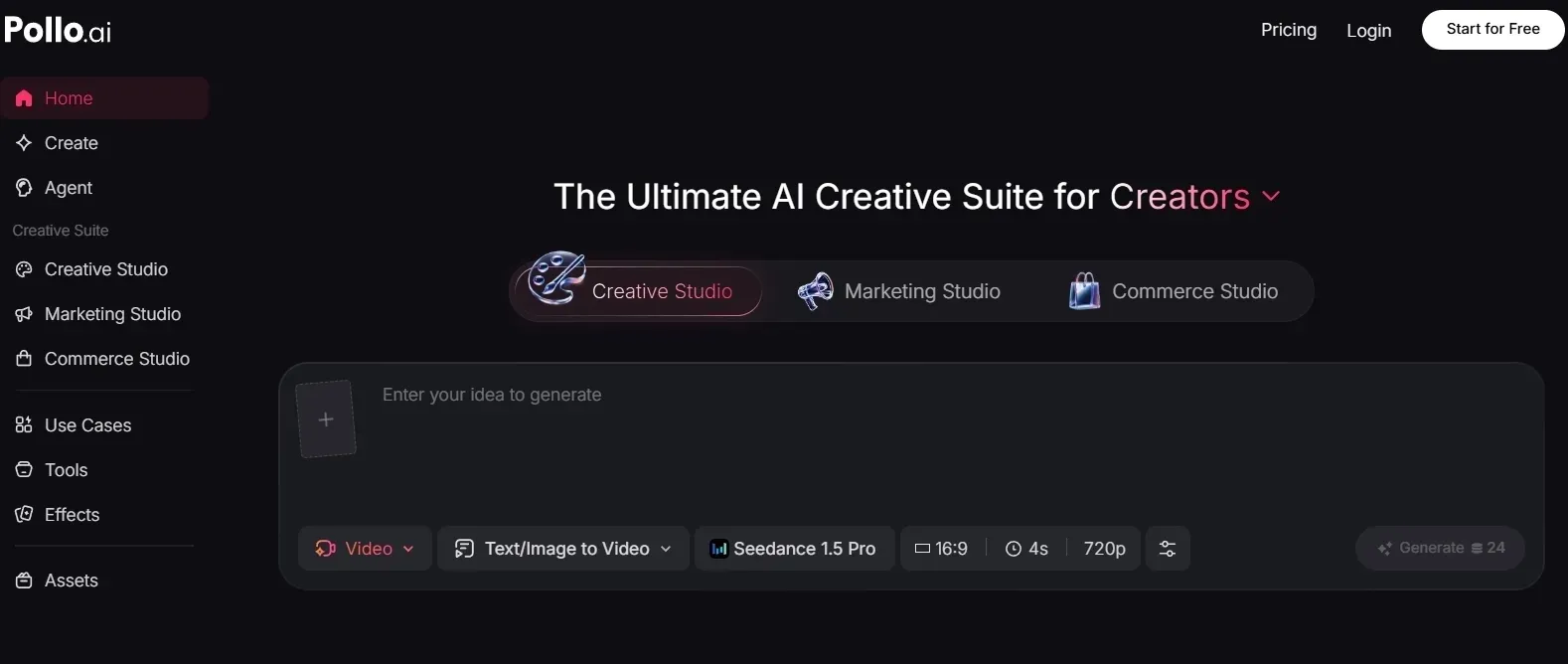
1. It gives me a stronger AI video generator workflow
What I like about Pollo AI is that its AI video generator does not feel limited to one style-first path. It not only supports the basic text to video and image to video, but also offers options like frame to video and reference to video, which gives me more room to choose the right starting point for the video.
That matters because AI video projects rarely move in a straight line. I might start with a written idea, switch to a reference image, refine motion, then turn the result into a more complete video.
DomoAI is useful for stylized clips, but Pollo AI gives me more practical routes for actual video creation.
2. It can turn an idea into a ready-to-publish video
The biggest Pollo AI advantage for me is Pollo Agent. Instead of only generating separate clips, it is built to turn a URL, text, image, or asset into a ready-to-publish video, supported by models like Veo 3.1 and Seedance 2.0.
What I like here is that Pollo Agent handles the parts that usually slow me down after generation: structure, pacing, music, captions, and the opening hook.
That makes the workflow feel much closer to finished content, not just raw AI output. For creators who do not want to manually cut, stitch, and rebuild every clip, the “no editing required” approach is a real difference from DomoAI’s more clip-based workflow.
3. It is better built for ad and marketing videos
For commercial work, Pollo AI’s Marketing Studio is the biggest advantage.
It is organized around real marketing tasks: Start from any marketing assets like URLs, product photos, or a creative idea, then Marketing Studio assists you in converting these assets into ready-to-post product launch videos, unboxing video ads, and other types of ad videos.
If the goal is creating a marketing video that transmits the core product value clearly, Pollo AI gives the workflow a clearer business shape from the start.
4. It gives creators more control over consistency
For projects with repeated characters, visual references, or connected scenes, Pollo AI gives users more practical ways to maintain continuity.
With reference to video, creators can work around a consistent subject or visual reference instead of starting fresh every time. This is especially useful for story scenes, branded characters, recurring product visuals, and creator series.
5. Pollo AI keeps editing and refining in the same workflow
Pollo AI also gives creators a clearer path after generation with its AI video editor. I like that it does not treat editing as a separate problem after the video is generated. Instead, it gives you practical ways to keep improving the clip in the same workflow.
Here is my usage: I made a clip that is close but not polished enough, so I used the editor to enhance video clarity and clean up the look for a more usable final version.
That matters in real production, because a generated clip often needs small fixes before it is ready to publish. DomoAI helps create stylized clips, but Pollo AI gives me more room to refine them into finished content.
How I Reviewed DomoAI
For this review, I looked at DomoAI from the perspective of a creator who wants to make short videos, not just browse a feature list.
I focused on how approachable the workflow feels, how consistent the outputs look, how much control the tool gives, and whether the results feel usable for social or creative work.
The more I looked at it, the clearer the pattern became: DomoAI is strong for quick visual ideas, but it becomes less convincing when a project needs longer structure, repeated characters, polished pacing, marketing logic, and final video readiness.
My Final Verdict
DomoAI is a useful AI video tool for stylized short-form creation. I found it is sufficient for anime-style videos, video to video transformations, character animation, and quick visual exploration.
I would use it when I need a fast visual draft or a short style-driven clip. But I would not treat it as a complete video production workflow, especially for projects that need consistent characters, structured pacing, marketing formats, or post-ready output.
For me, DomoAI works best as a lightweight creative clip generator. Pollo AI is the stronger choice for creators and teams who want to generate, edit, refine, and publish complete videos in one place.
DomoAI Review FAQs
What is DomoAI used for?
DomoAI is used for AI video generation, video to video style transfer, image to video animation, talking avatars, character animation, lip sync, and anime-style video creation.
Is DomoAI good?
Yes, DomoAI is good for stylized short videos, anime transformations, and character-driven clips. It is less ideal for long, highly controlled, production-ready videos.
Is DomoAI good for professional videos?
DomoAI is useful for professional ideation, mood boards, and stylized social content. For final client work, its consistency and fine-control limits make careful review necessary.
What are the main limitations of DomoAI?
The main limitations are short-clip focus, limited fine control, output consistency issues, and the need for extra editing when building longer videos.
What is the best DomoAI alternative?
For stylized short clips, DomoAI is worth trying. For a broader AI video workflow, Pollo AI is a stronger alternative because it supports a complete AI video workflow that covers an AI video generator, AI video editor, avatar videos, Pollo Agent, and a Marketing Studio.