



InVideo vs CapCut: Which AI Video Editor Fits Your Needs?
Picking an AI video editor is not just about fast cuts. You should check how it deals with edits after the fact. You also want to see how much control you still have. Then confirm it can do the exact tweaks your footage requires.
InVideo uses agent-style editing plus a timeline you can work in your browser. CapCut adds AI features to an editor many people already recognize. Let’s compare what each one does well, what you may give up, and which option feels worth the cost for your use case.
InVideo vs CapCut: Quick Overview
Editing Dimension | InVideo | CapCut |
|---|---|---|
| Main approach | Direct an AI agent, then refine the timeline | Use AI tools alongside hands-on editing |
| Rough cuts | Agent assembles footage from a brief | Transcript editing helps shorten spoken content |
| Manual control | Trimming, splitting, multitrack editing | Timeline editing, keyframes, animation curves |
| Visual refinement | Color correction and agent-assisted shot matching | Color adjustment, effects, background removal |
| Speech-led content | Agent revisions and track-based audio mixing | Transcript editing and customizable auto captions |
| Main tradeoff | AI editing work consumes credits | Some tools and assets require paid access |
| Best fit | Delegating cuts and repeated revisions | Shaping social videos and visual details directly |
InVideo suits delegated editing; CapCut suits hands-on refinement with AI assistance. For changes inside the scene and broader creative production, Pollo AI offers another approach that connects editing, generation, and complete-video workflows.
What Is InVideo?
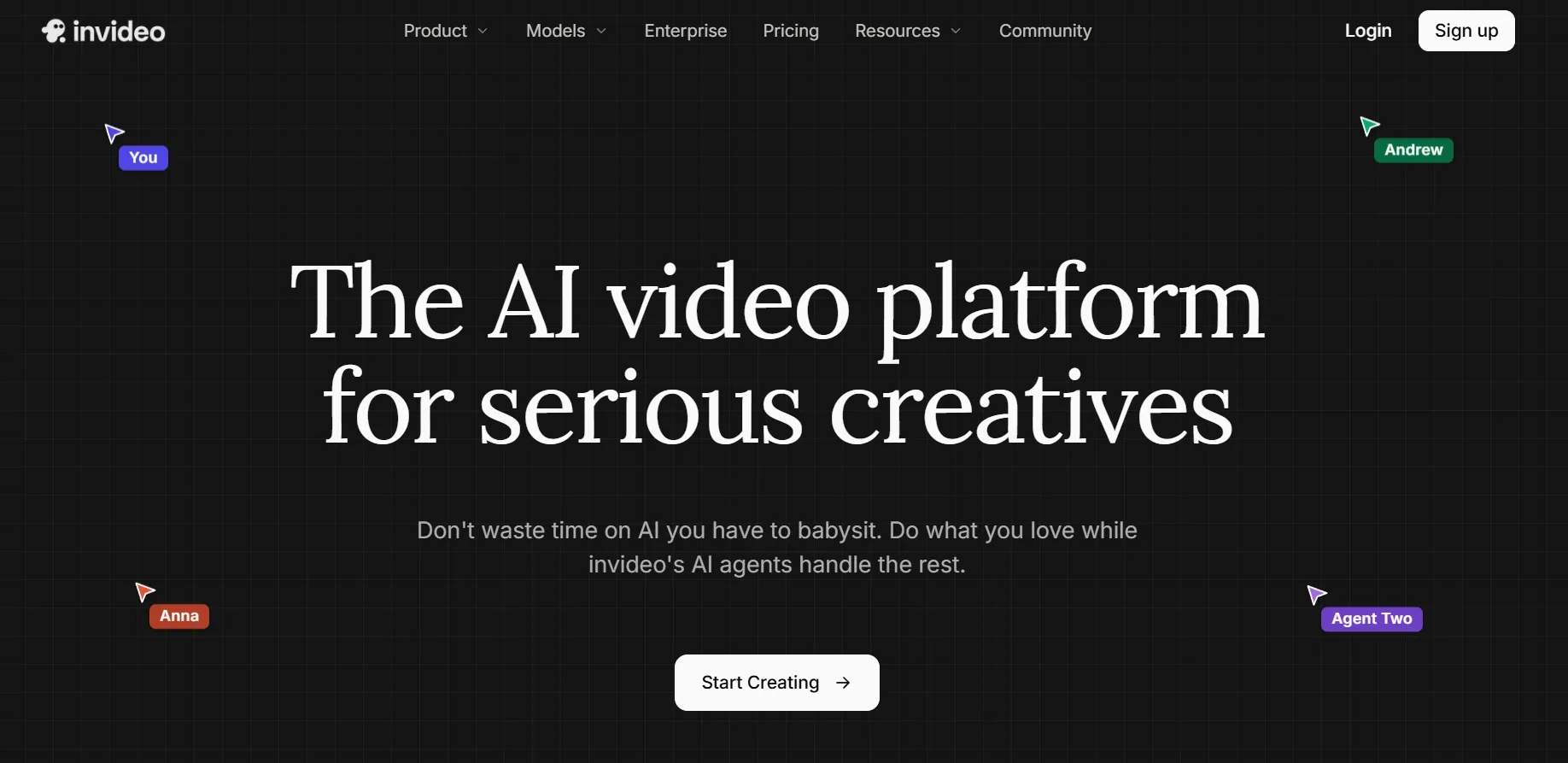
InVideo is an AI video creation and editing platform with a browser-based multitrack editor. Its editing workflow lets you delegate assembly and revisions to an agent while keeping the resulting sequence available for manual changes.
Editors can bring existing footage, describe the desired cut, and review the arrangement before refining it. This makes the platform relevant to editors working with recorded material as well as generated media.
Key features
- Agent-assisted cuts: Turn a brief and existing footage into an editable sequence, then request focused revisions.
- Manual timeline editing:Trim, split, and rearrange clips when the sequence needs more precise timing or structure.
- Audio and color workspaces:Balance sound and adjust shot appearance within the project instead of exporting to separate applications.
InVideo fits creators who want help with editorial execution while retaining control over the final cut. Its appeal is the option to alternate between giving instructions and making changes directly.
What Is CapCut?
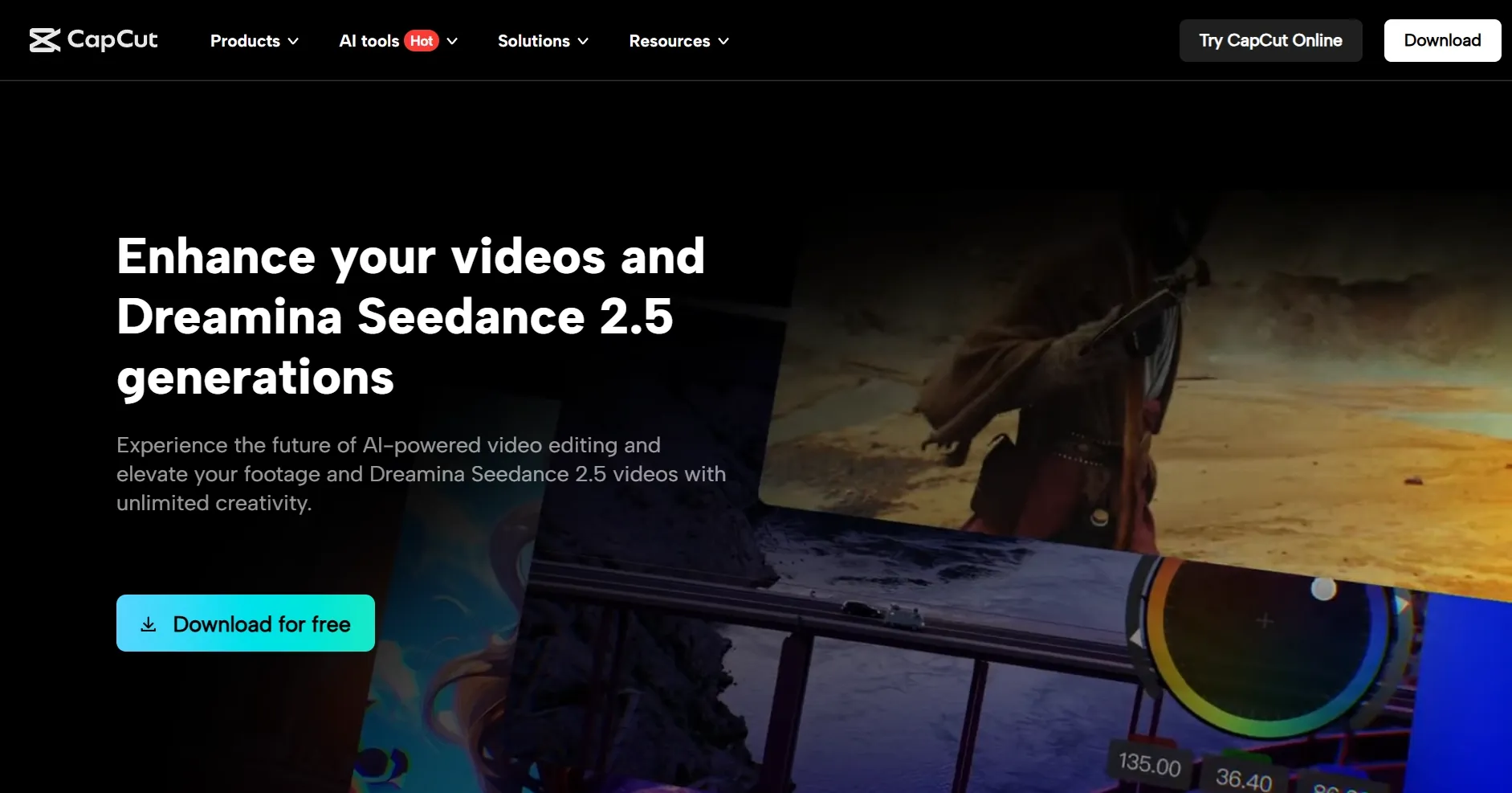
CapCut is an AI video editor available across desktop, mobile, and web. It combines conventional editing with automated tasks such as caption generation and background removal, supporting creators who regularly refine footage for social platforms.
Its workflow keeps visual decisions close to the editor. Editors can adjust motion with keyframes, shape a scene’s color, and apply effects while using AI to handle selected tasks.
Key features
- Detailed visual controls: Refine movement and appearance through keyframes, animation curves, color tools, and effects.
- Transcript-based editing: Edit spoken content through text and remove unwanted filler words or speech gaps.
- Automatic captions:Generate subtitles and customize their styling to support readability and the video’s visual identity.
CapCut suits creators who want AI assistance within a hands-on editing process. It is particularly relevant when caption styling, movement, and social presentation matter as much as getting the initial sequence assembled.
Edit Freely. Create More.
Join 10M+ creators and marketers using Pollo AI to transform footage, generate visuals, and create complete videos.
Start Creating With Pollo AI
InVideo vs CapCut: AI Video Editing Features Compared
Automatic Cuts and Editing Instructions
InVideo’s assistant can review footage and assemble a first cut from a script or brief. Editors specify the opening, ending, length, and material to preserve, then inspect the editable result.
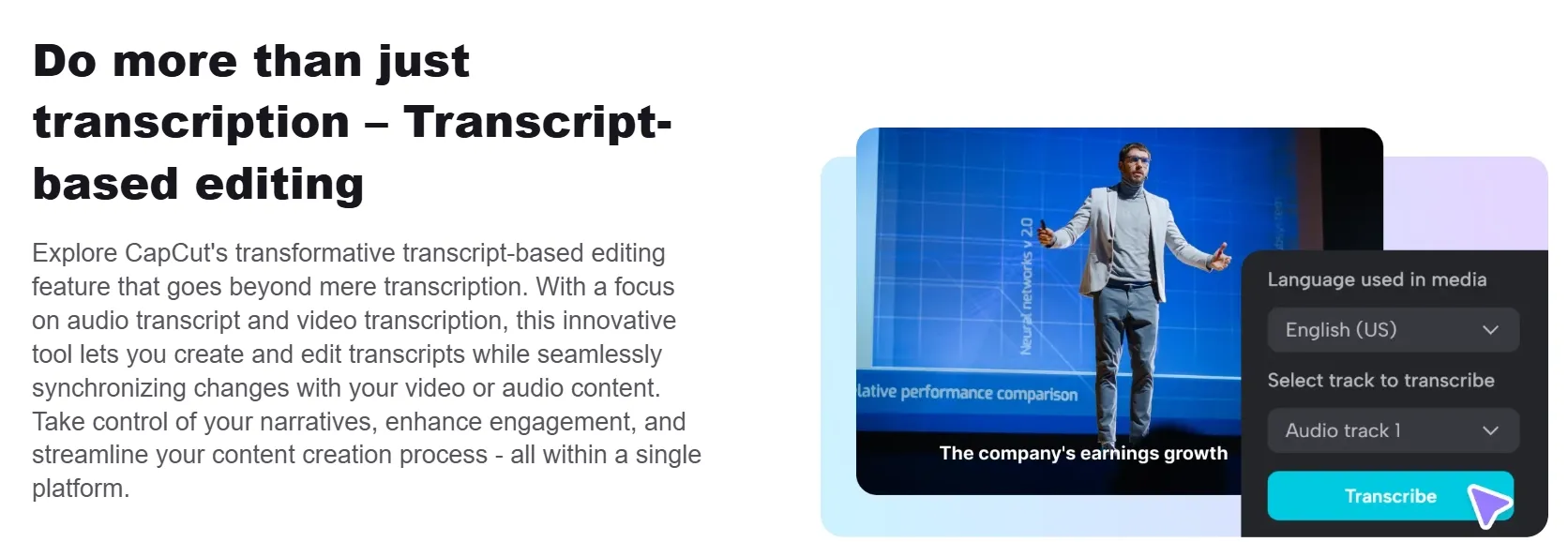
CapCut’s transcript-based editing connects text with the underlying media. You can identify and remove unwanted filler words or speech gaps, making recorded interviews and tutorials easier to tighten without manually finding every cut.
My Verdict
InVideo is the stronger fit for delegating an entire rough cut. CapCut is a practical choice when you want to review spoken content and decide exactly what to remove.
Timeline Control and Precise Revisions
InVideo provides manual trimming, splitting, and clip rearrangement. Agent-made edits remain adjustable, so you can correct a transition or change a shot’s duration without relying entirely on another conversational instruction.
CapCut emphasizes visual control through keyframes and animation graphs alongside its editing tools. These are useful when the motion of an overlay or the timing of a visual effect needs deliberate adjustment.
My Verdict
Both allow hands-on refinement. CapCut is appealing for detailed motion styling; InVideo suits editors who want to alternate between delegated sequence changes and direct clip adjustments.
Visual Refinement and Background Changes
InVideo offers brightness, contrast, exposure, temperature, and tint controls, plus color wheels, curves, and scopes. You can refine neighboring shots within the same project rather than moving the sequence into another grading application.
CapCut documents automatic subject cutout, custom edge refinement, and chroma key. Its video background removal workflow is useful when a presenter or product needs a different setting while remaining part of the existing composition.
My Verdict
InVideo addresses shot-to-shot color refinement; CapCut provides a clearly documented route for background replacement.
Speech, Captions, and Audio Balance
InVideo includes an audio mixer for adjusting track levels, muting, and soloing. Its agent also accepts instructions to lower music beneath dialogue, which is useful when speech needs to remain clear throughout a sequence.
CapCut’s auto-caption tool converts speech into subtitles and supports visual customization. Combined with transcript editing, it creates a direct workflow for tightening a spoken clip and making it understandable when viewers watch without sound.
My Verdict
CapCut is a natural fit for caption-led social content. InVideo is useful when the task centers on balancing dialogue and music while delegating broader revisions to an agent.
InVideo vs CapCut: Pricing Comparison
Cost or Condition | InVideo | CapCut |
|---|---|---|
| Free editing | Manual timeline editing is free; export entitlements are separate | Free editing access; paid tools and assets vary |
| Entry paid option | Starter: $10/seat/month, billed annually; 400 monthly credits; including AI generation and editing. | Standard: $9.99/month. Only video editing. |
| Higher plans | Plus: $30/seat/month annually, 2,000 credits; Max: $75/seat/month annually, 5,000 credits | Local offers vary. Only video editing. (Pro: $19.99/month (or $179.99/year when billed annually) |
| AI access | Starter: Agent Two Lite; Plus expands agent and model access | Confirm access to the specific AI tools you need |
| Exports | Watermark and delivery conditions depend on plan | Delivery conditions depend on plan |
Which AI Video Editor Should You Use?
Choose around the editing work you repeat most often. An editor that suits a weekly interview series may be a less convenient choice for detailed visual effects or frequent campaign revisions.
Choose InVideo if you need:
- An AI assistant to assemble footage into a rough cut.
- Conversational revisions followed by manual timeline adjustments.
- Audio and color workspaces in a browser-based project.
Choose CapCut if you need:
- Transcript editing and styled captions for spoken videos.
- Keyframe animation and direct control over visual presentation.
- Background cutouts and replacement within an editing workflow.
Both address substantial editing needs. Sometimes the requested change goes beyond trimming or compositing: you need to transform the scene itself, create a missing visual, or produce an entirely new video from the same creative direction.
Why Pollo AI Is a Better Choice for Broader Creative Work
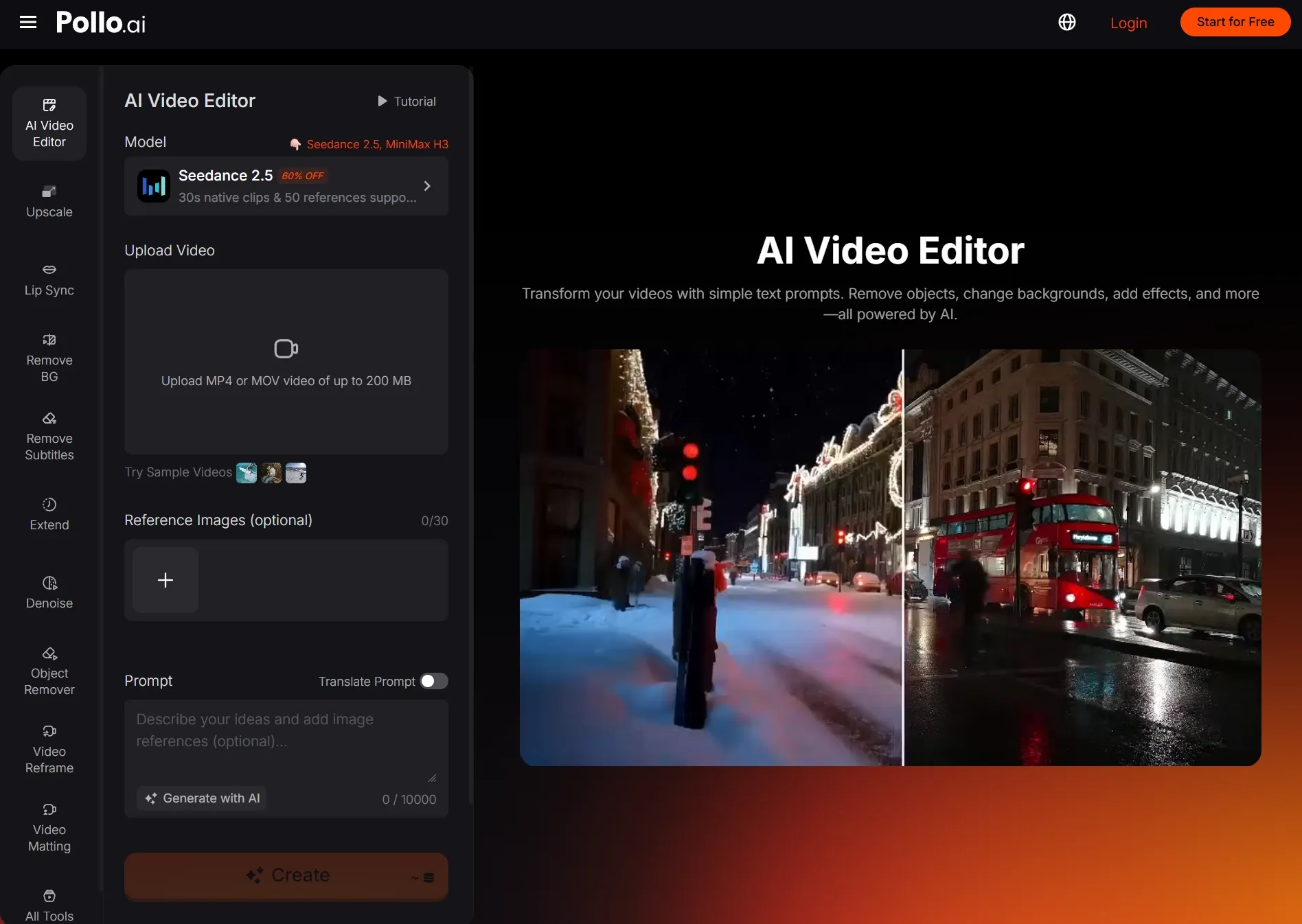
Pollo AI addresses that next layer, starting with AI video editing. Its broader value becomes relevant when a project expands from modifying existing footage into generating assets, adapting content for a specific goal, and producing complete videos.
Edit Video Content With Everyday Language
With Pollo AI’s AI video editor, you can upload footage and describe the changes you want. Plain-language instructions let you direct visual edits without learning complex editing controls.
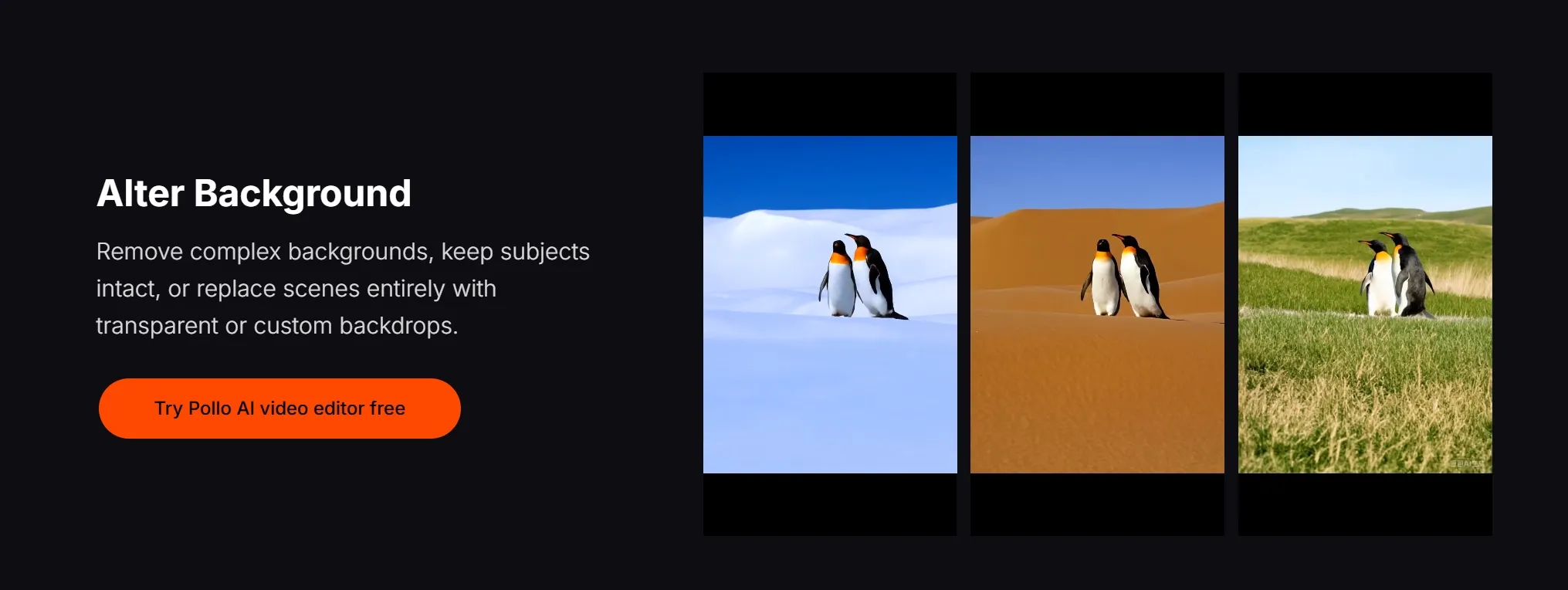
You can request a different outfit, a new background, or a change in atmosphere. This makes it easier to adapt existing footage when your creative direction changes.
Remove Distractions and Put Your Subject First
You can erase distracting objects or replace a busy setting with a custom backdrop that suits your content. For product demonstrations and presenter videos, these changes help you keep attention on the subject and message.
For targeted cleanup, you can also remove unwanted objects using automatic detection or manual brushing. If you need an isolated subject for another composition, you can remove the video background with a dedicated tool.
Give Existing Footage a New Creative Direction
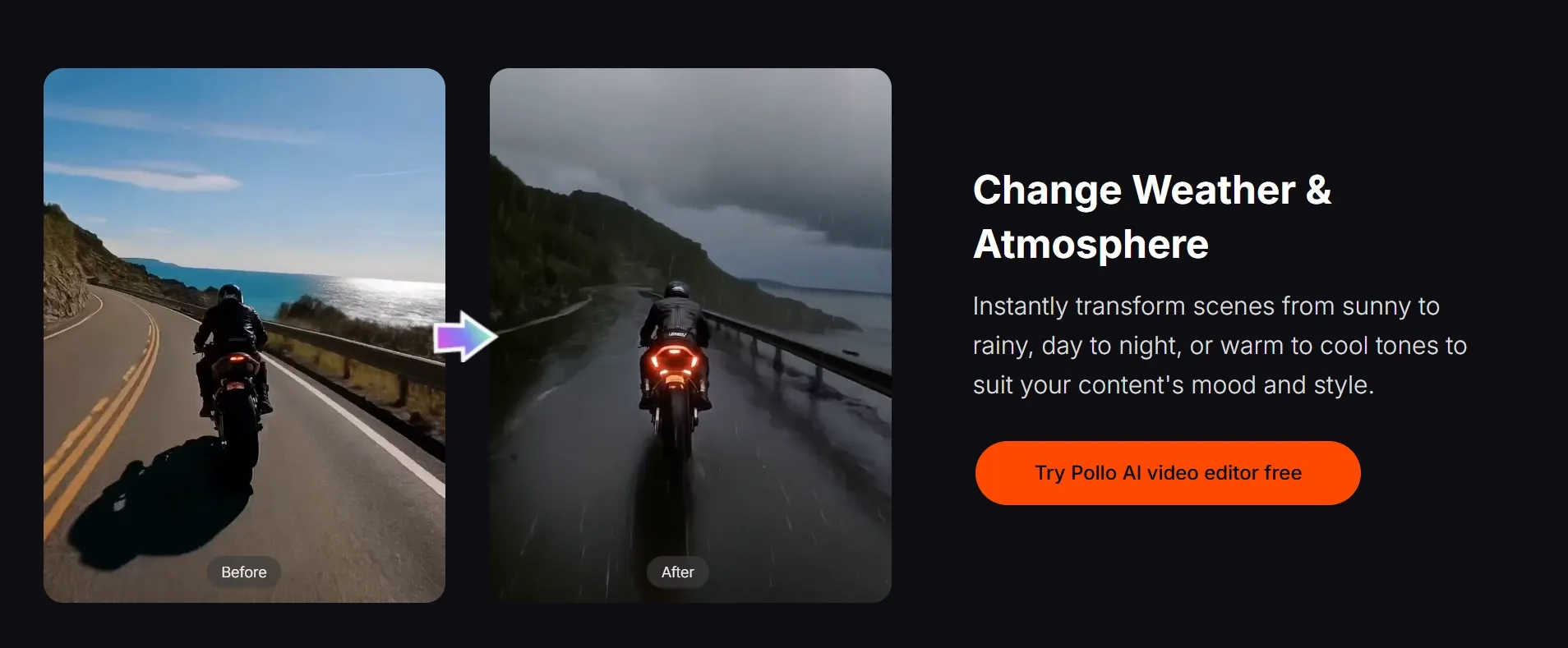
You can turn daytime into nighttime, introduce rainy weather, or change a subject’s appearance to explore a different mood. These editing options give you more ways to adapt an existing clip to your next campaign.
For a more distinctive look, you can request sparks, cyberpunk styling, or a wider camera perspective in the editor. You can also turn footage into anime through a dedicated tool when your concept calls for animation.
Improve Clarity Before You Publish
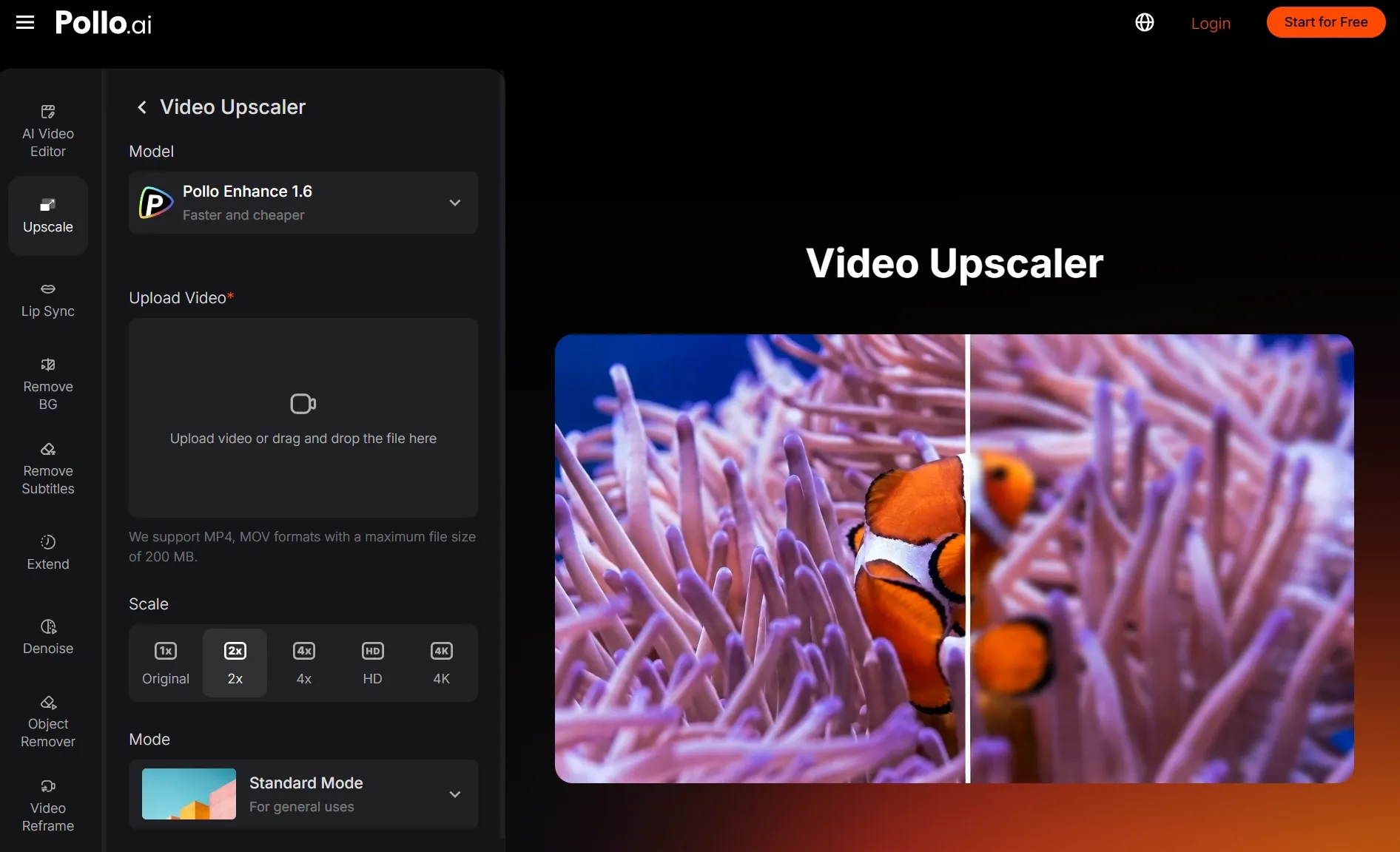
Beyond changing scene content, you can use Pollo AI’s supporting tools to improve the footage itself. If a recording looks grainy, you can denoise video to give your travel clips, demonstrations, or interviews a cleaner finish.
For lower-resolution material, you can upscale videos before using them in a new project. This gives you another way to prepare existing clips for larger screens and refresh older video assets.
Bring Editing and Creation Into One Creative Suite
When your project needs additional shots, you can generate AI videos with multiple models available in one place. You can create missing footage alongside refining the clips you already have.
For a complete production, you can give your brief and assets to Pollo Agent. It coordinates asset creation and multi-scene video production, then lets you request revisions while retaining the project’s context.
Final Verdict: Which AI Video Editor Fits Your Needs?
InVideo suits editors seeking agent-assisted cuts and conversational revisions with manual timeline control. CapCut suits creators focused on transcripts, captions, backgrounds, and hands-on visual styling. The better fit depends on the editing tasks involved.
Pollo AI is a compelling alternative when you need scene transformations alongside a broader creative workflow. Its AI video editor, generation models, specialized apps, and Pollo Agent connect individual changes with new assets and complete video production.
Bring your footage, idea, or product reference to Pollo AI. Make the visual changes you need, or let Pollo Agent turn your direction into a publish-ready video without assembling every scene yourself.