



Pollo MCP vs OpenArt MCP (2026): Which Fits Your Ad Team?
If your team already writes briefs, scripts, and campaign plans in ChatGPT or Claude, the next question is obvious: can the same chat make the ads? OpenArt MCP and Pollo MCP both say yes.
OpenArt brings a set of ready-made ad skills, such as UGC ads, TV-style commercials, and hook variants, plus Smart Shot for planning multi-shot spots. Pollo MCP takes a brief, a link, or raw footage and hands back an edited video you can still trim, caption, and export in the chat. This guide compares the two for real marketing work and shows which plan makes sense for a solo marketer, a small ad team, and an agency.
The short answer
Solo marketer or founder: Pollo MCP. You start with 20 bonus credits, plans begin at $12 a month, and you get a finished, watermark-free video rather than parts to assemble.
Small in-house ad team (2 to 10 people): Pollo MCP for anything that has to ship this week, including talking head videos cut from your own camera takes. OpenArt is worth a look if your team wants its ad skills and is fine with paying Plus ($34 a month per seat) for commercial use rights.
Agency or large brand team: test both. OpenArt's Business plan gives one shared credit pool for up to 60 users with roles and spend limits. Pollo MCP gives you separate Spaces per brand, timeline editing, and exports in MP4, MOV, or WebM from the same chat.
Your Brief In, a Ready Ad Out
Paste a product link or a rough script. Pollo MCP writes it, shoots it, edits it, and hands back a clean file in the chat.
Explore Pollo MCP
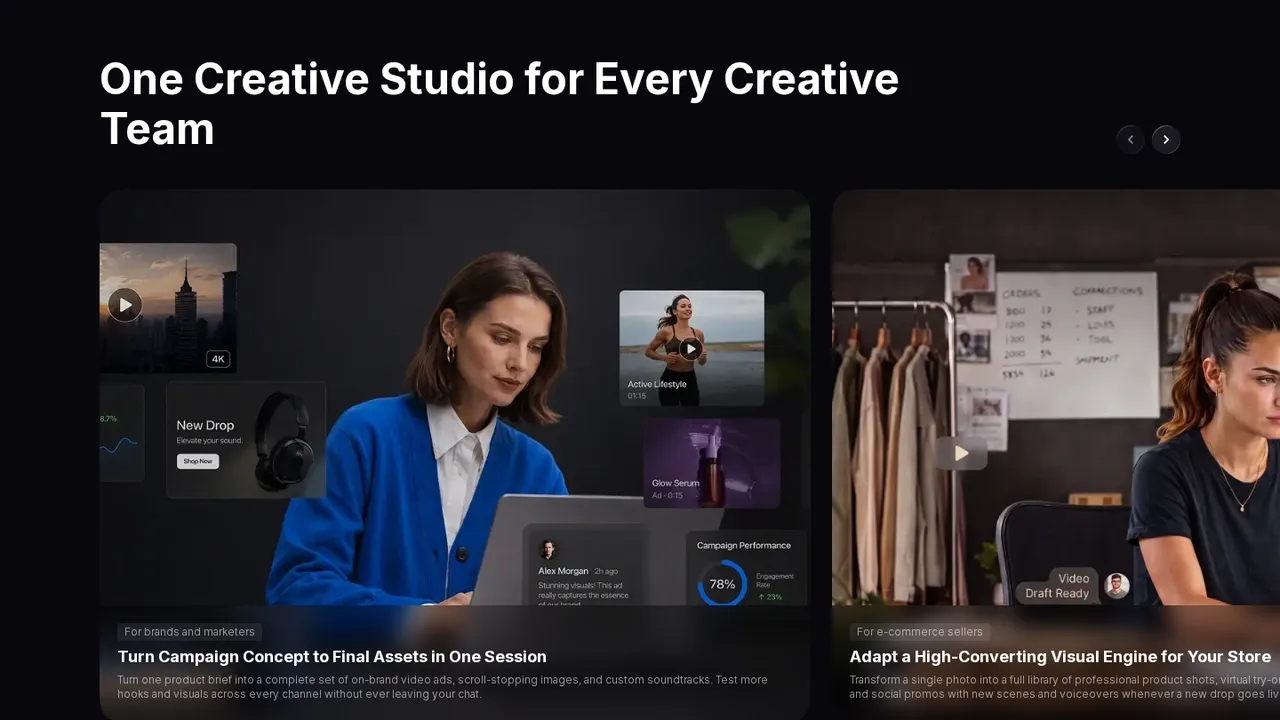
How Each Tool Turns a Request Into an Ad
OpenArt MCP works through skills. You type something like "use the UGC skill for my product", and the agent asks for the inputs the skill needs: a product photo, the key benefits, the audience, the ratio, or the length. It plans a script, makes a draft at lower quality first, then renders the full version. If you prefer more control, Smart Shot can show you a shot plan before it spends credits on the render. Results show up in the chat and are saved to your OpenArt library.
Pollo MCP works from the job, not the skill name. You describe the ad you need, or drop in a product page, a TikTok or YouTube link, or a few lines of web copy. From that, the assistant drafts a script and a shot list, puts a rough credit cost on the job, makes the shots, and lays them out on a timeline. Then it adds captions, transitions, sound effects, and music, and returns a cut you can review. You give notes in plain words, and it edits the same project.
Both routes are quick to start. The gap shows up after the first draft. With OpenArt, the docs describe generation, planning and a few edit tools. With Pollo MCP, the draft is a live project you can keep cutting until it is right.
Pollo MCP and OpenArt MCP Side by Side
We took every OpenArt detail below from OpenArt's own MCP and pricing pages on November 25, 2026.
Feature | Pollo MCP | OpenArt MCP |
| Best for | Finished ads, shorts and talking head videos from a brief, link or footage | Ad skills and Smart Shot planning inside the chat |
| Assistants | ChatGPT, Claude (web and desktop), Cursor, Grok, Gemini; CLI for Claude Code, Codex, OpenClaw, Hermes | ChatGPT, Claude, Cursor, Kimi, other MCP agents; CLI for Codex, Claude Code |
| Models | 100+ video, image and audio models | 100+ models listed on the pricing page |
| Ready-made formats | 73 workflows, incl. product ads, explainers, Motion Graphics | Skills such as UGC Ads, TV Commercial, Hook Variants, Ad Remake |
| Inputs | Text, photos, clips, product links, TikTok or YouTube URLs, web text | Text, uploaded images, image URLs, past OpenArt generations |
| Editing after generation | Trim, split, version history, 23+ transitions, AI subtitles, audio fades, speed | Replace Background, Relight, Dub Video; no timeline tools listed |
| Export | Watermark-free MP4, MOV or WebM | Saved to OpenArt library; no format choice stated |
| Talking head videos | Edits your own takes: filler removal, captions, B-roll, replicate mode | Talking Head skill generates a presenter from a script |
| Team setup | Shared Space across chat, web and Pollo Agent; separate Spaces per brand | Workspaces and projects; Business pool for up to 60 users |
| How to start | 20 bonus credits on connect; plans from $12/mo | 40 trial credits for new accounts; Starter $14/mo |
What OpenArt MCP Does Well for Marketers
OpenArt has clearly built its MCP with ad teams in mind. The skills library covers most of a paid social calendar. For people on camera, there are UGC Ads, Presenter (PGC) videos and a Talking Head skill. For products, there are Product Listing videos and TV-style commercials. For testing, there are Performance Ads, Ad Variation, Hook Variants, and Ad Remake, which rebuilds an existing ad around your product while keeping its structure. Skills cost nothing extra. Each one simply uses the credits of the models it runs.
Three tools also work on video you already have. Replace Background moves the subject into a new scene, Relight Video changes the mood, and Dub Video re-voices the ad in any of 22 languages and matches the lip movement. That last one is handy for brands that run the same ad in several markets.
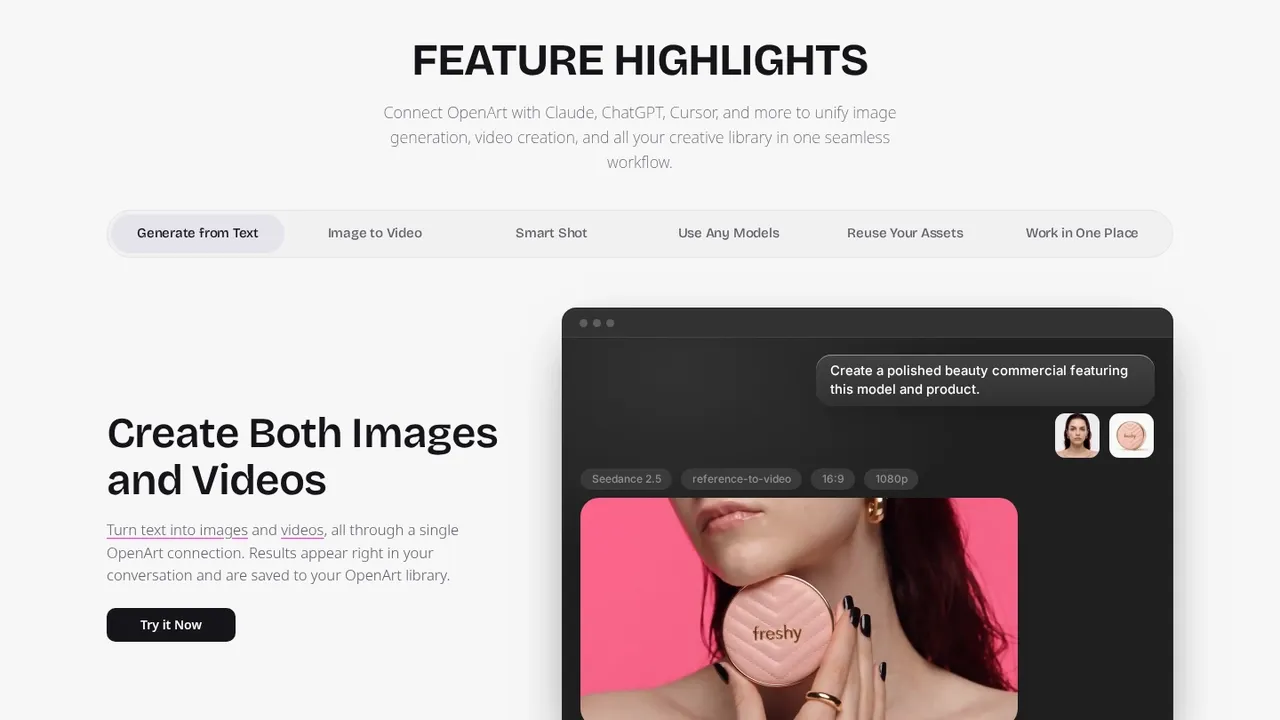
Setup is friendly. In ChatGPT you install the OpenArt plugin and type @OpenArt. In Claude on the web or desktop you add mcp.openart.ai/mcp as a custom connector, and in Cursor you add it as an MCP server. Kimi is supported too, and there is a CLI for Codex and Claude Code. There is no API key, only a sign-in. For teams on Claude Team or ChatGPT Business, an admin adds OpenArt once for the whole organization, and every member then signs in with their own OpenArt account.
Learn more: our guide to the best OpenArt alternatives
There are limits to keep in mind. One feature you might expect, Character, is missing from the MCP for now; OpenArt's FAQ puts it on the roadmap. The MCP page lists Claude, ChatGPT, Cursor and Kimi by name, but not Grok or Gemini. Most importantly for a busy team, nothing in the docs covers cutting the result on a timeline. There is no mention of trimming, splitting, picking transitions, or rolling back to a previous version, and no choice of export formats.
Which Plan Fits Which Team
This is where many teams get caught out, so it is worth going slowly.
OpenArt individual plans are priced per seat. Starter is $14 a month for 4,000 credits and includes MCP access, but its plan card does not list commercial use rights. Those start on Plus, at $34 a month for 12,000 credits. Pro is $56 for 24,000 credits, and Wonder is $240 for 106,000 credits. Parallel jobs grow with the plan, from 8 on Starter to 16 on Plus and 32 on Pro and Wonder. Unused monthly credits expire at the end of each cycle. A brand-new account comes with 40 trial credits that last a week.
OpenArt's MCP discount is narrower than the banner suggests. Plus, Pro and Wonder members get 10% off MCP generations for seven days after they first authorize the connection. It is a one-time offer; it only covers personal workspaces, and it does not apply to website or CLI jobs.
OpenArt Business swaps seats for one shared credit pool. The smallest pool is 50,000 credits for $227 a month at list price, and it scales to 1.5 million credits. It covers up to 60 users and adds Admin, Editor and Viewer roles, credit limits, project permissions, and full commercial license terms. Enterprise, which you buy through sales, is where SSO, API access, and non-expiring credits live. At the time of writing, OpenArt is running a sale on both individual and Business plans, so first-period prices are lower than the list prices above.
Pollo MCP uses your normal Pollo AI credits. Paid plans start at $12 a month; connecting the MCP for the first time drops 20 bonus credits into your account, which Pollo says is good for up to 20 images or four videos, and the assistant estimates the cost of each job before it runs. Agencies can keep each client in its own Space, so approved assets for one brand never mix with another's.
Put simply: a solo marketer pays less to start on Pollo MCP. A team that needs commercial rights on OpenArt should budget from Plus, not Starter. A large team that mainly wants a shared credit pool with admin controls will find that OpenArt Business is built for exactly that.
Pollo MCP: From Campaign Brief to Finished Cut
Pollo MCP plugs various creative tools in Pollo AI into the chat apps most marketing teams already pay for: ChatGPT, Gemini, Grok, Cursor and Claude, whether your team opens Claude in a browser tab or the desktop app. Developers and technical marketers get the same tools from the terminal through the Pollo CLI, which runs in Codex, Hermes, OpenClaw, Cursor and Claude Code. Access is a browser sign-in, so nobody on the team has to handle keys.
Behind that one connection sit 100+ video, image, and audio models. For hero product shots, the Kling 4.0 video model handles realistic motion well, and the GPT Image 2.6 model is a strong pick for key visuals and thumbnails. You can send 1 to 12 image or video jobs in one batch, which makes it easy to test several looks for the same ad. Saved Elements keep a product, a mascot or a presenter consistent across every version.
Talking head videos are one of the most common jobs for marketing teams, and Pollo MCP handles them from your real footage. Send a founder update, a webcam testimonial, or a voice memo. The assistant cuts the ums and the long silences, writes captions to match the speech, and hides jump cuts under B-roll. If you like the pace of someone else's video, share it and use replicate mode to edit your take the same way.
The Editing Step OpenArt Leaves Open
Once the shots exist, Pollo MCP keeps working. It stitches them into a sequence, trims and splits clips, and keeps version history so a bad change can be undone. On top of that, you can ask for any of its 23-plus transitions, have AI write the subtitles, fade music in or out, and speed a clip up or slow it down. When the cut is approved, the file comes down as a watermark-free MP4, MOV or WebM, while a project card in the chat shows how far the render has gotten. Anyone who prefers to fine-tune by hand can open the same project in the Pollo Director by Pollo AI.
Pollo Library and 73 Workflows
Ads that perform tend to share small details: a sound hit on the product reveal, a caption style that is easy to read with the sound off, a transition that keeps the eye moving. Pollo Library hands the assistant five built-in collections to draw on while it edits: one for captions, one for transitions, one for camera shots, one for animation, and one for sound effects. Up to 23 sound effects can go into a single ad. And when you ask it to recreate a reference ad, the result stays much closer to the original than generic output.
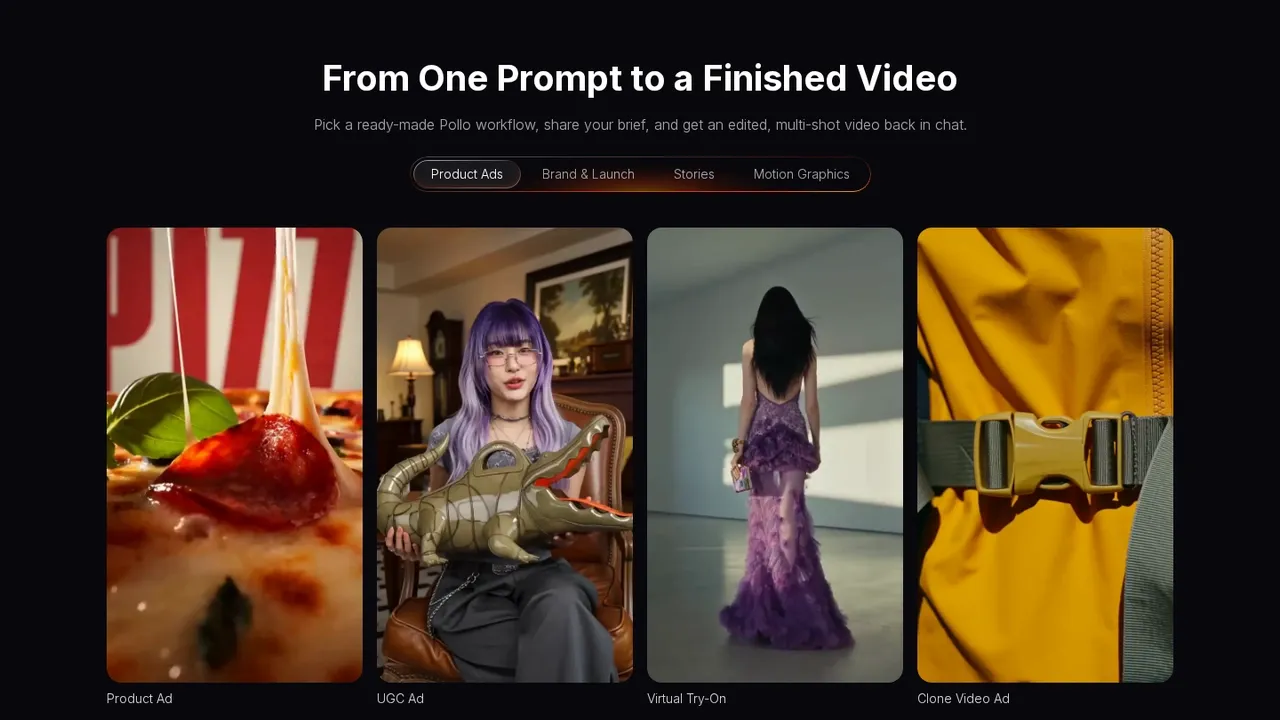
Then there are 73 built-in workflows. Think of each one as a tested recipe for one format. Ad teams will reach for the product ad and explainer recipes most, while content teams lean on short dramas and long-to-short clipping. The Motion Graphics recipes are handy for B2B brands: a Logo Animation for the end card, a Data Story or an Animated Chart for results, and a Software Demo for a product tour.
Shared Work Across Chat, Web, and Agent
Whatever the assistant makes is filed in your Pollo Space, which the website and Pollo Agent read from too. A strategist can start a project in Claude and a designer can pick it up on the web the same afternoon.
Briefs Your Team Can Hand to Pollo MCP
- Talking head videos: turn a raw camera take into a clean, captioned clip, or match a sample video in replicate mode.
- A series from one sentence: "Our mascot visits five cities, one short episode each."
- Photo story: turn a set of event or travel photos into a short with a clear beginning and end.
- Living product photo: give a still packshot gentle motion, as Pollo's animate a picture tool does on the web.
- Beat-synced photos: cut a product gallery to the rhythm of a track.
- Voice note to explainer: a product manager's two-minute voice memo becomes a short explainer with visuals and captions.
- Long video to shorts: slice a webinar or podcast episode into a handful of vertical clips, which is what the long video to short video tool on pollo.ai is built for.
- One video, four platforms: resize and re-cut one ad for TikTok, Reels, Shorts and YouTube.
- Motion graphics: a logo sting for your end card, a chart that animates your quarterly numbers, a data story, or a short software walkthrough.
For ad copy that turns into video, the AI ad generator on the web uses the same idea, and the AI caption generator is there when you only need subtitles.
One Chat, the Whole Campaign
Ads, talking heads, and shorts, edited and exported where your team already works. Start with 20 free credits.
Plan My Next Campaign
Five Questions to Settle Before You Choose
Do you need a file you can post today? If yes, Pollo MCP returns an edited, watermark-free export. OpenArt returns generated results and spots, but its MCP docs list no timeline editing or format choice.
Who owns the footage? If your ads use real people filmed by your team, Pollo MCP edits that footage. OpenArt's Talking Head skill creates a presenter from a script.
How many people share the budget? One to three people can work on per-seat plans with either tool. A team of ten or more that wants one pool with roles should look at OpenArt Business.
Which assistants does the team use? Both cover ChatGPT, Claude and Cursor. Pollo MCP adds Grok and Gemini, and OpenArt adds Kimi.
Do you need commercial rights from day one? On OpenArt, plan for Plus or higher.
The Verdict
OpenArt MCP is a good tool for teams that want ad skills inside the chat and are happy to finish the edit somewhere else. Its skills are well thought out, and its Business plan suits large teams that need shared credits and admin controls.
Pollo MCP is the better fit for most ad and marketing teams, because the work does not stop at generation. It plans, generates, edits, and exports in the same conversation, works with your own footage as well as AI shots, and costs less to start.
FAQ
Is OpenArt MCP free?
Not really. Using the MCP has no extra fee, but every generation spends OpenArt credits. New accounts get 40 trial credits for seven days, and MCP access is listed on paid plans from Starter ($14 a month). Connecting Pollo MCP, by contrast, adds 20 free bonus credits to your account.
Does OpenArt MCP include commercial use rights?
OpenArt's pricing page lists commercial use rights on Plus, Pro, and Wonder, not on Starter. Business adds full commercial license terms.
Can OpenArt MCP edit a video after it is generated?
It has tools for videos you already have, such as Replace Background, Relight Video and Dub Video, and skills such as Ad Variation. Its docs do not list timeline edits like trim, split, transitions or version history. Pollo MCP does all of those and exports MP4, MOV or WebM.
Which is better for an agency?
Agencies that mostly need a shared credit pool with roles can use OpenArt Business, which covers up to 60 users. Agencies that need finished, edited deliverables for many clients will get more from Pollo MCP, with a separate Space for each brand.
Which assistants work with each MCP?
OpenArt lists ChatGPT, Claude, Cursor, Kimi and other MCP agents, plus a CLI. Pollo MCP runs in Grok, Gemini, Cursor, ChatGPT and Claude, on the web or desktop. Its CLI is for coding agents: Hermes, Codex, OpenClaw, Claude Code and Cursor.