




PixelDojo AI Image Generator
PixelDojo is a model-driven image platform focusing on reference workflows, character consistency, and detailed texture rendering for advanced creators. For fast, multi-model everyday image creation without complex model training, Pollo AI is the perfect alternative. Try Pollo AI for free now!
Kling 4.0
Up to 10 keyframes. Impressive performance.
Multi-Model Image Generation
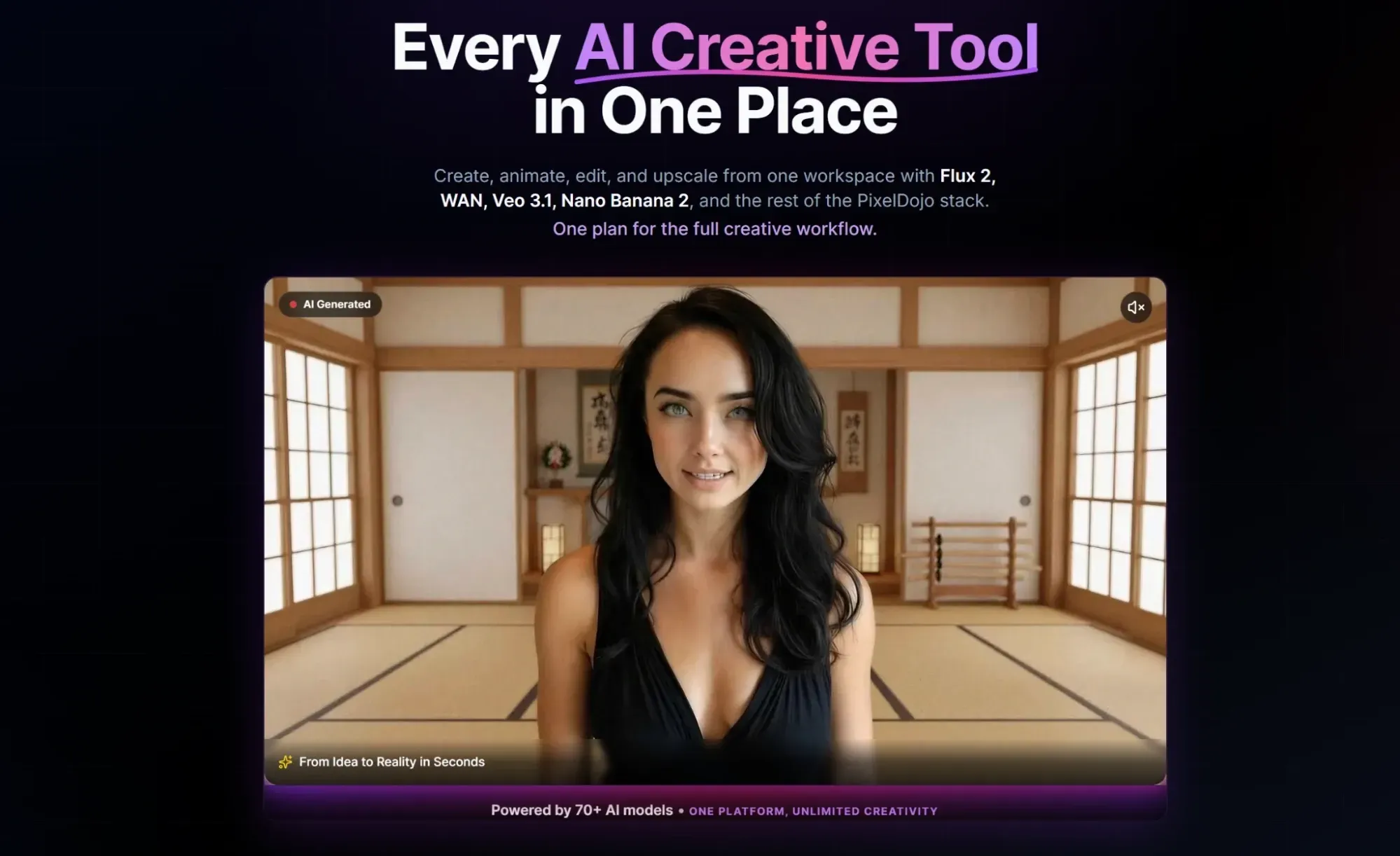
PixelDojo supports AI image generation with options for different render styles, visual quality levels, and prompt-led outputs. This makes the platform relevant for users comparing image models before choosing a final look.
Because the workflow is model-led, users should still review the selected model, credit cost, resolution, and output rights before using images in client or commercial work.
Reference-Based Image Creation
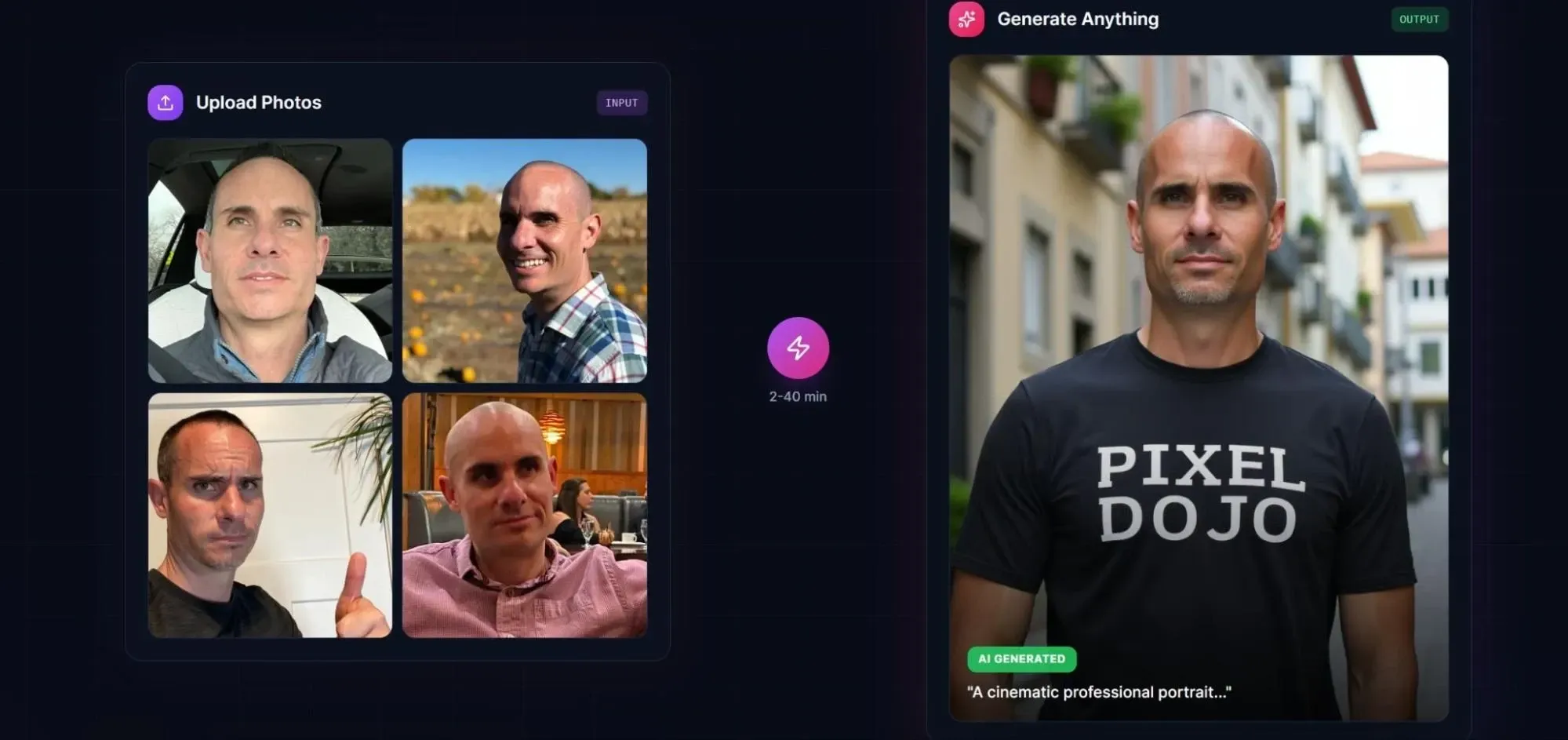
PixelDojo supports image-to-image workflows that help users carry an existing face, pose, style, or composition into a new result. This is useful when a prompt alone is not specific enough for the desired image direction.
The reference workflow is best framed as image guidance rather than a guarantee that every detail, face, logo, or product attribute will remain unchanged.
Character Image Consistency
PixelDojo includes character reference and LoRA-related workflows for creating repeated character images across scenes, outfits, and styles. This is most relevant for digital artists, roleplay creators, and visual storytellers who need a recognizable subject across multiple outputs.
These tools are best framed as image consistency support rather than a guaranteed identity-accurate portrait system.
Realistic Texture Rendering
PixelDojo focuses on detailed texture rendering for fashion, fantasy, armor, leather, metal, and cinematic portrait images. Users can test lighting-heavy image styles, but finished outputs still need review for anatomy, realism, and brand suitability.
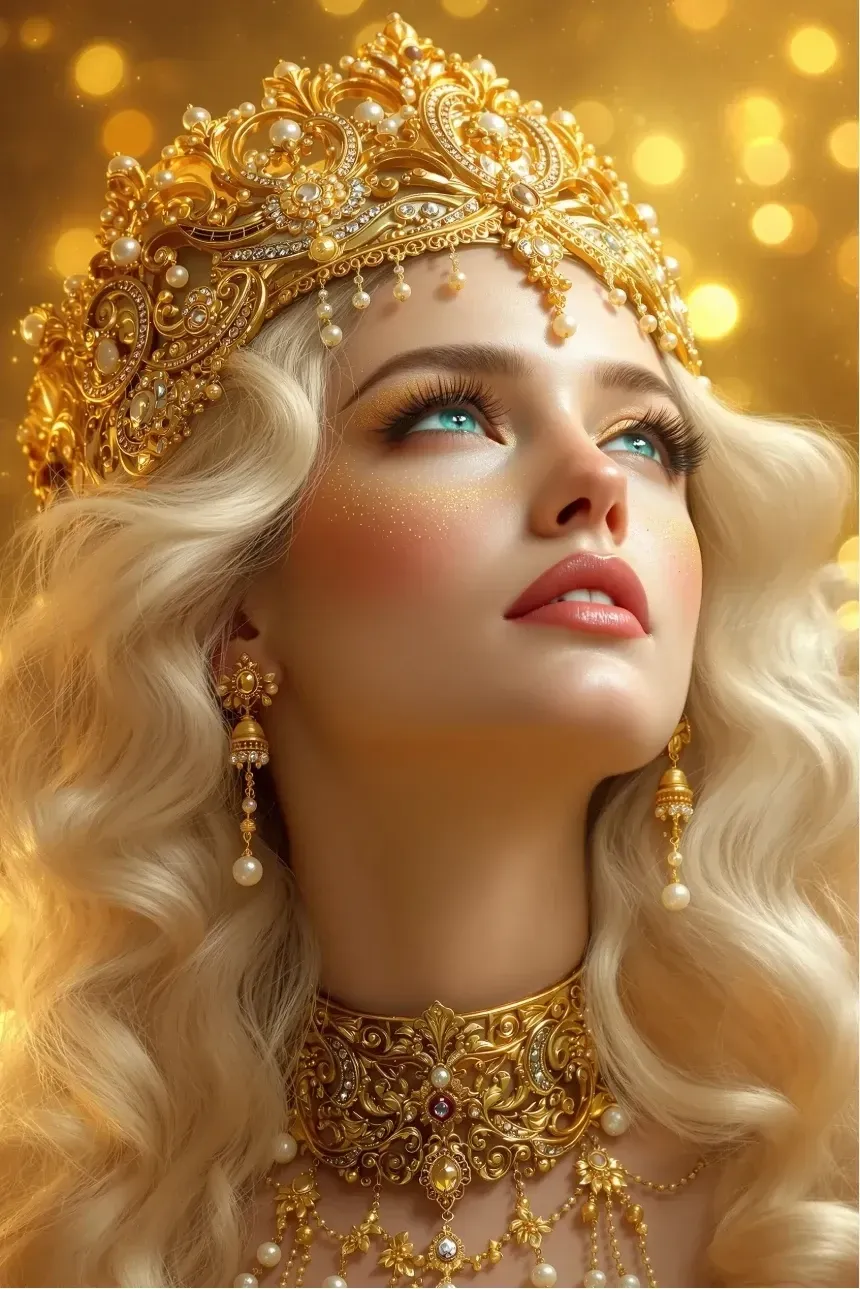
This feature is strongest when the goal is visual atmosphere, material detail, and style exploration instead of strict product-documentation accuracy.
Editing and Upscaling Tools
PixelDojo has editing and upscaling options for improving generated images after the first output. Comparable post-generation workflows often include an AI photo editor, image enhancement, and background changes when an output needs practical polish.
This makes the editing layer useful for creators who want to refine a result without restarting the full prompt process.
Commercial Image Workflows
PixelDojo positions its generated images for social posts, product images, campaign artwork, concept art, and other commercial creative tasks. Users should still review plan terms, credit usage, resolution, and brand requirements before publishing or licensing outputs.
This positioning makes PixelDojo more relevant to creators and small teams than to users who only want casual AI art experiments.
Use Cases of PixelDojo AI Image Generator
- For digital artists and illustrators: Explore model-led styles, fantasy scenes, fashion concepts, and polished still-image compositions.
- For character and roleplay creators: Build repeated character visuals, profile images, and scene variations around a recognizable subject.
- For marketers and ecommerce teams: Create image concepts for campaigns, product pages, ads, and social media before final design review.
- For creative agencies and freelancers: Test multiple image directions quickly, then refine the strongest output for a client-facing concept.
PixelDojo Market Position
PixelDojo's market position is closer to a creator-facing model lab than a lightweight prompt generator. Its page emphasizes a large model stack, Qwen/GPT Image/Flux-style model options, multi-image references, character reference workflows, LoRA-style customization, material realism, upscaling, commercial rights, and a credit system with rollover.
That combination makes PixelDojo most relevant to users who care about model choice and controlled character output. A fantasy artist can test high-detail materials, a roleplay creator can build repeated character portraits, and a commercial creator can compare model outputs before spending credits on final images.
Its distinctive appeal is the model-training and reference-control layer around image generation, rather than simple one-click image creation.
PixelDojo Pros and Cons
| Pros | Cons |
| Model-based image creation with several style directions | Advanced model and LoRA workflows can add a learning curve |
| Reference-led image generation for more controlled outputs | Credit limits may affect heavy experimentation |
| Character consistency support for repeated visual subjects | Realism and identity accuracy still require output review |
| Editing and upscaling tools after generation | Commercial use still depends on current plan terms and user review |
PixelDojo vs Leonardo AI vs Pollo AI
| Feature | PixelDojo | Leonardo AI | Pollo AI |
| Best For | Model-driven image creation, character workflows, and reference-led output control | Design-oriented image generation, asset creation, and style exploration | Fast multi-model image generation, practical editing, and ready-to-use visual outputs |
| Image Generation | Model selection with prompt and reference inputs | Prompt, style, and asset workflows for creative production | Access to GPT Image 2, Nano Banana, and Seedream in one image workflow |
| Image Editing | Post-generation editing and upscaling for generated images | Canvas and design refinement tools for visual assets | Cleanup, restyling, enhancement, and image extension in a more direct editing workflow |
| Style Control | Model and reference choices for detailed styles | Strong style presets and creator-facing controls | Quick style comparison across models, prompts, and reference-based outputs |
| Character Workflows | Character references and LoRA-related image workflows | Character and asset generation with design controls | Character, avatar, product, and marketing images in one broader image workflow |
| Workflow Speed | Flexible but can involve model choices, credits, and advanced settings | Strong for designed assets but may require more setup for utility edits | Best for quick generation, comparison, editing, and publishing-oriented image polish |
PixelDojo is strongest for users who want a model-led image workspace with reference control and character consistency. Leonardo AI is a strong fit for design-oriented asset creation and style exploration.
Pollo AI is more useful when the goal is not to train or manage a character/model workflow, but to quickly generate, compare, and polish practical visuals for product, social, and marketing tasks.
Why Is Pollo AI a Strong PixelDojo Alternative?

Leading Image Models
Test popular image models without setting up LoRA training or model-specific workflows.
Everyday Visual Output
Create product, social, and marketing images when speed matters more than deep model customization.
Simpler Image Polish
Clean up, enhance, and adapt generated images without rebuilding the whole prompt workflow.

10M+Users
Using Pollo AI to Create and Inspire


Loved by 10M+ Creators and Marketers Globally
- Liz CassidyDec 15, 2025Easy to use, great results for short videosI’ve been using Pollo AI mainly for short videos and quick image-to-video tests. The interface is straightforward and it works well even with simple prompts, which is a big plus compared to tools that need long, complicated instructions. The results can be really impressive, and it’s honestly been fun to experiment with. I’d love a bit more consistency on faces when there’s movement, but overall it’s been a solid experience for what I needed.
- Richard QuickOct 15, 2025Awesome websiteAwesome website. loads of options and a great way to learn how to work with 'AI' my reasoning for 5 stars is based upon price, versatility and ease of use. Also I would like to add, Pollo AI runs a lot of promos on different AI products as well. I rate their customer service at 5 stars, when I purchased my first subscription my computer crashed the following weekend and I lost all my data and info passwords you name it I lost it, contacted pollo by email they responded quickly and found my info/username and account, and I was able to restore my account.
- armourdudeNov 19, 2025I have been using Pollo AI for short…I have been using Pollo AI for short videos. It is easy to use and works well with simple prompts. Other generators seem to need long drawn out complicated explanations to get even close to what I want.
- DuduJan 14, 2026I'm just amazed by the level of quality…I'm just amazed by the level of quality output that Pollo AI can produce from a simple image. The motion, the realism, It's too good!!
- Ray WarnesDec 30, 2025A fabulous journeyI find Pollo easy to use, it gives me great results and I'd recommend it to anyone. It has been a wonderful experience for me.
- lawless clanNov 22, 2025i tried 220 online img to vid in 2…i tried 220 online img to vid in 2 months, and this is the best online video.I will subscribe for a year; there are many reasons. But freedom is the most important.


Explore Other AI Image Generators Besides PixelDojo
FAQs
What is PixelDojo used for?
PixelDojo is used for AI image generation, reference-based image creation, character visuals, style testing, editing, upscaling, and commercial creative concepts.
Is PixelDojo mainly for image generation or video generation?
PixelDojo includes broader creative tools, but this page focuses on its image-generation workflow, including models, references, character consistency, editing, and image outputs.
Does PixelDojo support reference images?
Yes. PixelDojo supports reference-led image creation, which can help users guide pose, style, composition, or character direction more clearly than text prompts alone.
Is PixelDojo free to use?
The live page promotes starting for free and describes a credit/subscription workflow. Regular use depends on the current plan, credit limits, rollover rules, and the tools used.
Can PixelDojo images be used commercially?
The page presents PixelDojo as supporting commercial-use image workflows, but users should still review the latest plan terms, licensing language, and client requirements before publishing or monetizing outputs.
What is a good PixelDojo alternative?
Pollo AI is a good fit for users who want multi-model image generation, direct image editing, and practical visual outputs for social, product, and marketing projects.

Create Finished AI Images with Pollo AI
Generate, compare, edit, and polish AI images for social, product, and marketing projects with a workflow built for fast finished visuals.