WearView is an AI fashion platform offering flat-lay-to-model conversion, consistent model personas, pose control, and catalog imagery for ecommerce brands. For open-ended image creation across leading models, general photo editing, and non-catalog visuals, Pollo AI is the ideal alternative.Try Pollo AI for free now!
Pollo Motion
Make every frame move. Bring your ideas to life.
POLLO AI INFLUENCER
Create your own influencer. Then jump into any trend with Recast.
Pollo Recast
Recreate viral videos. Remix new versions.
Pollo MCP
End-to-end content creation. Up to 4 Videos/ 20 Images for FREE.
Pollo Agent x DeepSeek V4.1 FLASH
Faster completion at a much lower cost.
Pollo Agent x Gemini 4 Argon
Smarter reasoning. All through Pollo Agent.
Kling 4.0
Up to 10 keyframes. Impressive performance.
Get Unlimited GPT Image 2.5
Faster. Sharper. Smarter. Go Unlimited with Ultra.
Key Features of WearView AI Fashion Model Generator
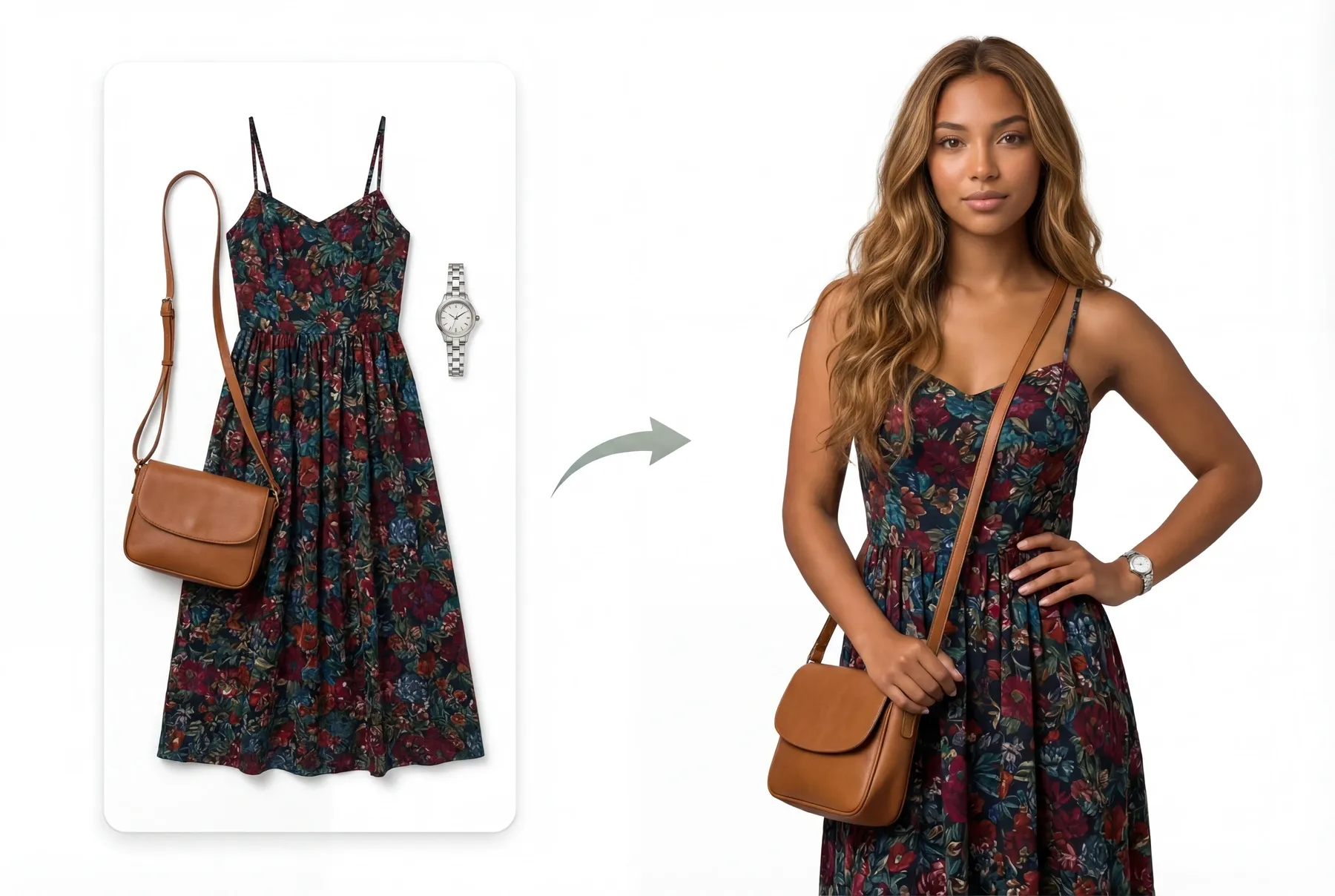
Product-to-Model Conversion: WearView turns flat-lay, hanger, or existing garment photos into on-model fashion images.
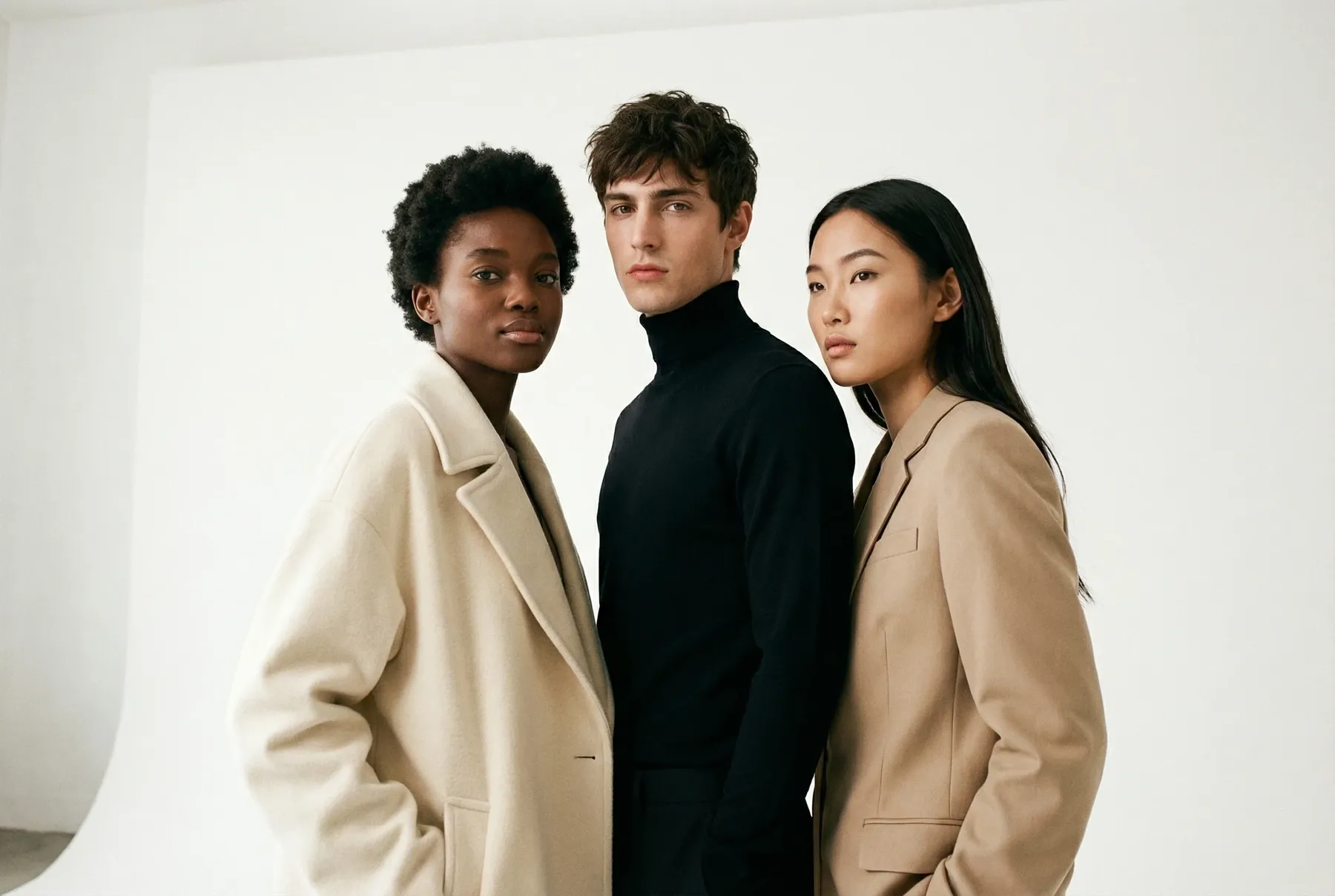
Diverse AI Model Library: WearView provides a broad model library with controls for appearance, age, ethnicity, pose, background, and style.
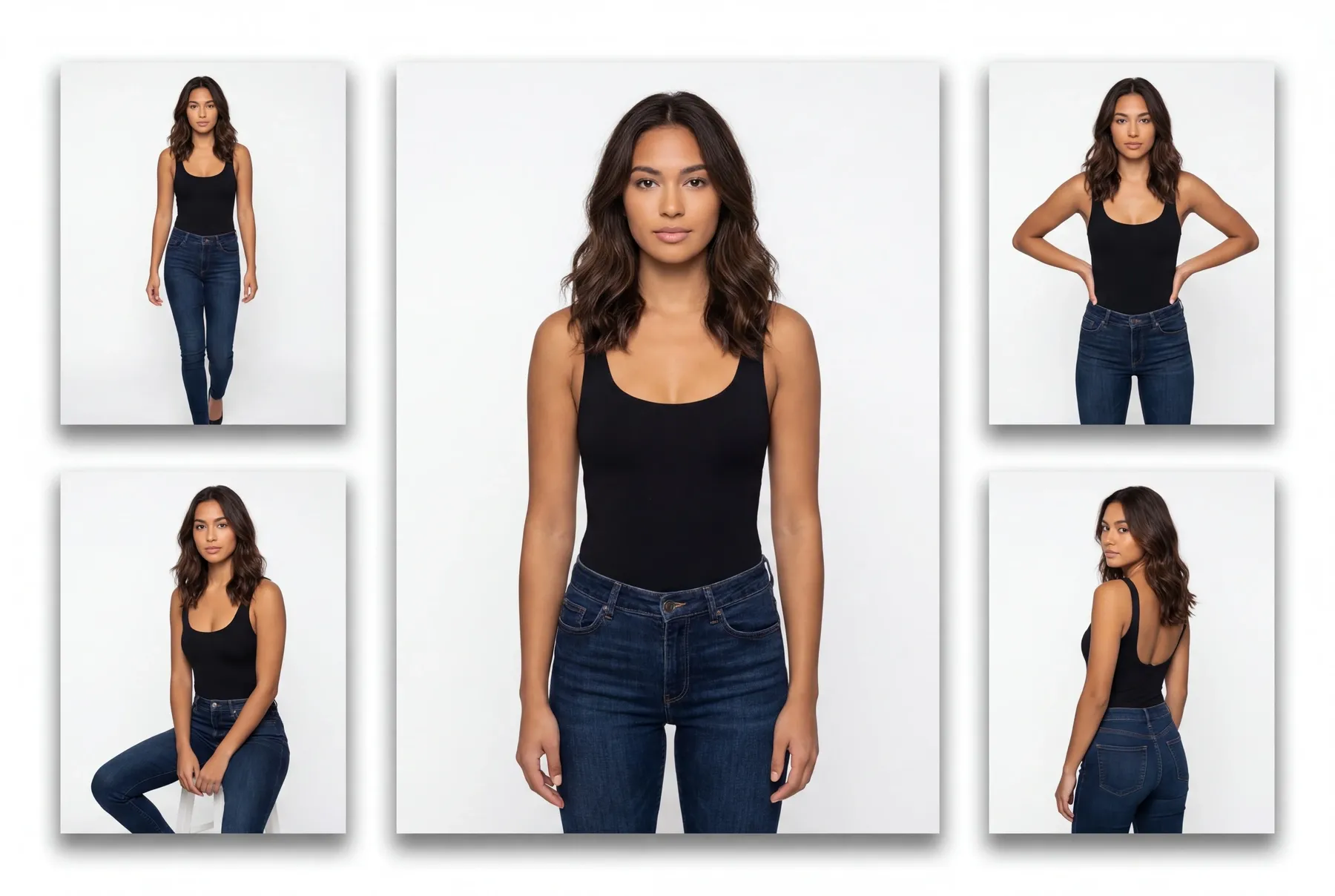
Consistent AI Models: WearView supports repeated use of the same generated model across multiple products and catalog pages.
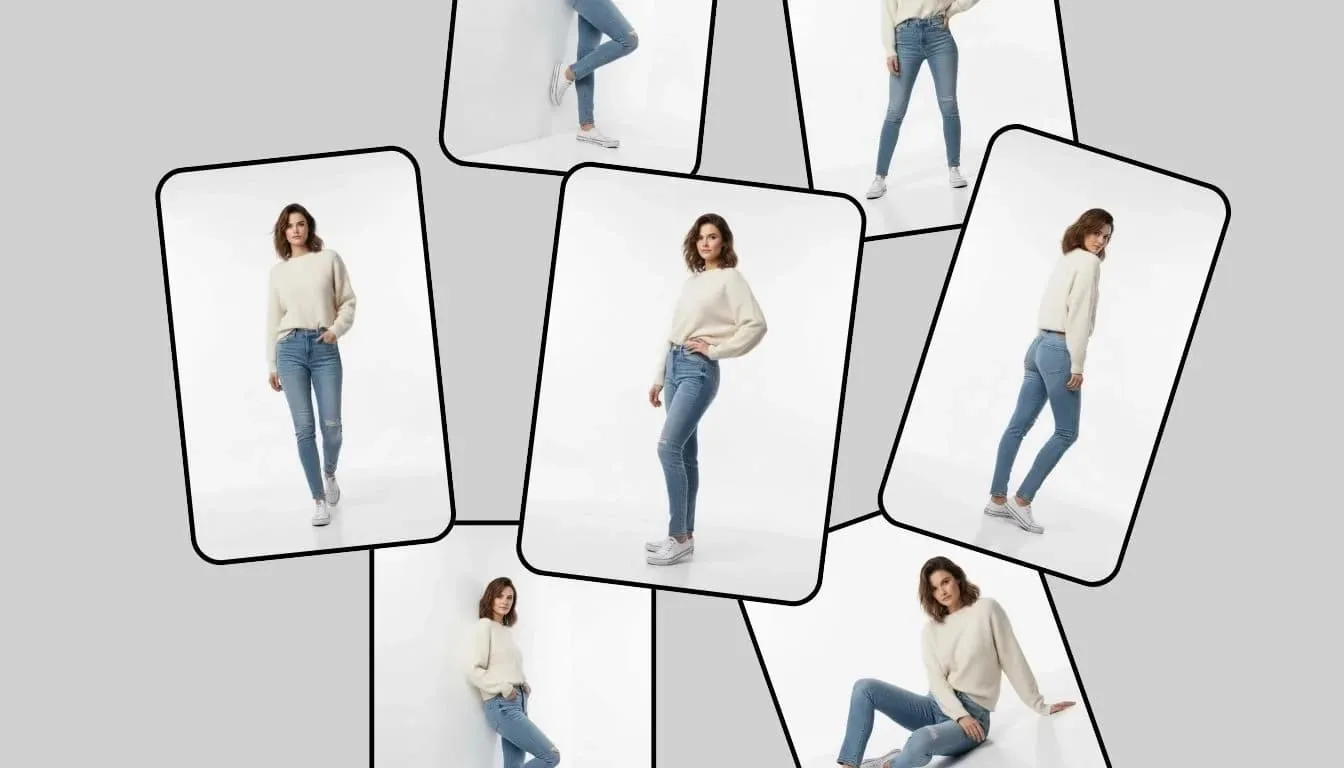
AI Pose Control: WearView allows teams to create pose variations around the same garment and model direction.
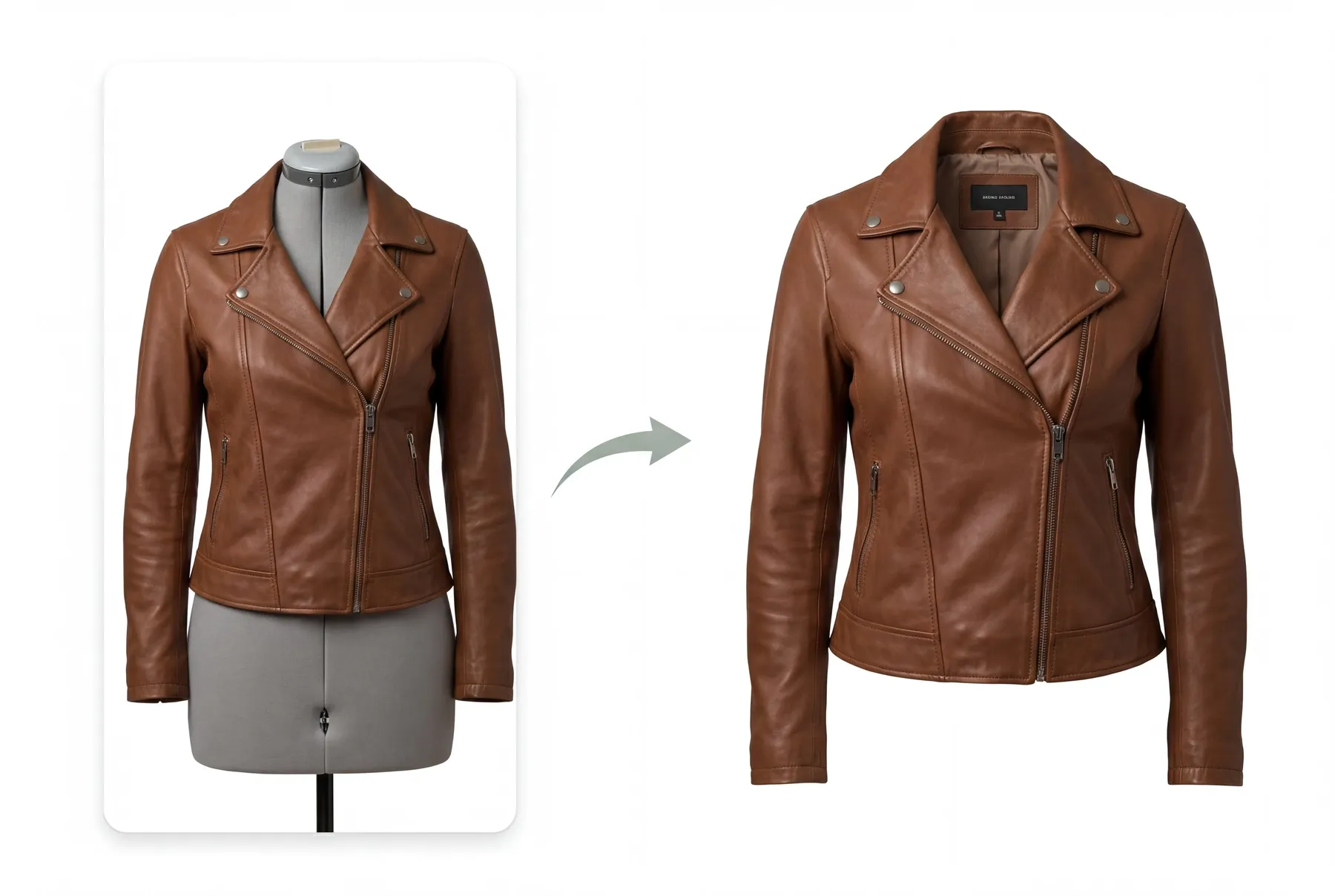
Ghost Mannequin Editing: WearView removes mannequins to create hollow-form clothing images for ecommerce catalogs.
Accessories and Footwear Imagery: WearView extends its model and product workflows to accessories, bags, and footwear images.
Product-to-Model Conversion
WearView accepts several common ecommerce source types, including flat-lay garments, hanger photos, and clothing already worn by a person. The system converts the product into an on-model image without a conventional photoshoot.
Garment shape and texture remain easier to preserve when the source photo is clean, front-facing, and well lit.
Diverse AI Model Library
WearView lets fashion teams choose from a large set of AI models rather than using one fixed person. This helps brands test how a garment appears across different audiences and campaign directions.
Model diversity supports merchandising flexibility, although every generated face and garment interaction still needs visual review.
Consistent AI Models
WearView includes a consistency workflow for keeping one AI model recognizable across a product range. This is useful for stores that want a cohesive catalog instead of unrelated model faces on every listing.
Consistency should be checked across pose changes, lighting conditions, and garment categories before a full catalog rollout.
AI Pose Control
WearView's pose controls help fashion teams adapt one product for front views, editorial stances, social images, and other catalog needs. Multiple poses can reduce the need to regenerate an entire concept from scratch.
Extreme poses and occluded garments can make product fidelity harder to maintain.
WearView includes automated ghost-mannequin output for sellers that prefer product-only clothing presentation. The feature can replace some repetitive cutout and compositing work for standard garments.
Necklines, inner labels, layered items, and transparent fabrics may still require manual inspection.
Accessories and Footwear Imagery
WearView can place more than apparel into ecommerce-ready visual settings. This helps fashion sellers develop coordinated imagery across garments, bags, accessories, and footwear.
Product proportions, straps, reflective materials, and contact points still need careful review before catalog publishing.
Use Cases of WearView AI Fashion Model Generator
For apparel stores: Convert flat-lay garments into on-model listing images and expand them into AI product photo sets.
For DTC brands: Keep a recognizable model across a collection and create variations for launches, lookbooks, and paid campaigns.
For social teams: Turn approved model photos into editorial fashion images for launches, lookbooks, and social promotions.
WearView Market Positioning
WearView is positioned as a fashion-commerce image-production tool rather than a general portrait generator. Its workflow begins with the garment and adds models, pose control, catalog consistency, ghost-mannequin output, and related product imagery.
This gives WearView a strong role for apparel businesses that already have inventory photos and need on-model or product-only images across a collection.
Its distinctive appeal is the garment-to-catalog image workflow built around fashion ecommerce.
WearView Pros and Cons
Pros
Cons
Strong flat-lay-to-model workflow
Source-image quality affects garment preservation
Model diversity and consistency options
Repeated model output still requires catalog-level review
Pose and ghost-mannequin tools
Complex folds, labels, and transparent fabrics can be difficult
Accessories, footwear, and ghost-mannequin output
Focused mainly on fashion ecommerce
Feature Comparison: WearView vs Pykaso vs Pollo AI
WearView is built around garment-led model catalogs, while Pykaso is more focused on trained virtual influencers and consistent creator personas.
Pollo AI gives teams a broader image-creation workspace for virtual try-on, open-ended visual styles, prompt-based photo editing, and campaign imagery that does not depend on one saved catalog persona.
Why Is Pollo AI a Strong WearView Alternative?
Step 1
Open-Ended Image Creation
Use a broader AI image generator to explore editorial concepts, illustration styles, portraits, and other visual directions that are not organized around a garment catalog.
Step 2
General Photo Editing
Use an AI photo editor to adjust backgrounds, remove unwanted objects, extend the frame, or revise local image details with written instructions.
Step 3
Beyond Fashion Catalogs
Create non-fashion campaign concepts, profile images, illustrations, and social visuals in the same image platform when the brief extends beyond on-model apparel photography.
I’ve been using Pollo AI mainly for short videos and quick image-to-video tests. The interface is straightforward and it works well even with simple prompts, which is a big plus compared to tools that need long, complicated instructions. The results can be really impressive, and it’s honestly been fun to experiment with. I’d love a bit more consistency on faces when there’s movement, but overall it’s been a solid experience for what I needed.
Awesome website. loads of options and a great way to learn how to work with 'AI' my reasoning for 5 stars is based upon price, versatility and ease of use. Also I would like to add, Pollo AI runs a lot of promos on different AI products as well. I rate their customer service at 5 stars, when I purchased my first subscription my computer crashed the following weekend and I lost all my data and info passwords you name it I lost it, contacted pollo by email they responded quickly and found my info/username and account, and I was able to restore my account.
I have been using Pollo AI for short videos. It is easy to use and works well with simple prompts. Other generators seem to need long drawn out complicated explanations to get even close to what I want.
i tried 220 online img to vid in 2 months, and this is the best online video.I will subscribe for a year; there are many reasons. But freedom is the most important.
Explore Other AI Image Generators Besides WearView
WearView is used to convert garment photos into on-model fashion images, create consistent model catalogs, control poses, and prepare product-only imagery.
What product photos can WearView accept?
WearView says it can work from flat-lay, hanger, or existing on-person clothing photos, as well as accessories, bags, and footwear.
Can WearView keep the same model across a catalog?
WearView includes a consistent-model workflow, but brands should still verify identity, pose, lighting, and garment consistency across the complete set.
Can WearView create ghost-mannequin images?
Yes. WearView includes automated ghost-mannequin output for ecommerce teams that need hollow-form product presentation.
Is WearView free?
No. WearView states that it does not offer a free tier, so users should review current plan and credit terms before production.
Move Beyond Fashion Catalogs with Pollo AI
Create and edit open-ended image concepts when the next brief is not another repeatable garment-to-model catalog shot.