




Somake AI Image Generator
Somake AI brings together image remixing, product mockups, logo creation, background cleanup, and generative expansion in a simple creative workspace. For more advanced image and video production, Pollo AI connects visual generation with editing tools, leading models, and Pollo Agent for publish-ready content. Try it for free now!
Key Features
Text-Based Image Creation : Generate images from written prompts for creative and commercial visuals.Image to Image Style Remixing : Transform uploaded images while keeping the core composition.Realistic Product Mockup Creation : Place designs into product scenes without manual mockup editing.Brand Logo Image Generation : Create logo concepts from business and style details.AI Family Portrait Creation : Combine or restyle personal photos into polished portraits.One-Click Background Removal : Remove image backgrounds for cleaner product and design use.Unwanted Object Cleanup : Remove distracting objects, people, text, or marks from images.Generative Image Expansion : Extend image edges for new layouts and formats.
Text-Based Image Creation
For users starting from a written idea, Somake AI provides a text to image generator for creating marketing graphics, product-style visuals, design concepts, and social content.
This makes it practical for small brands to test campaign directions, marketers to draft visual ideas, or creators to turn early concepts into usable image assets before final production.
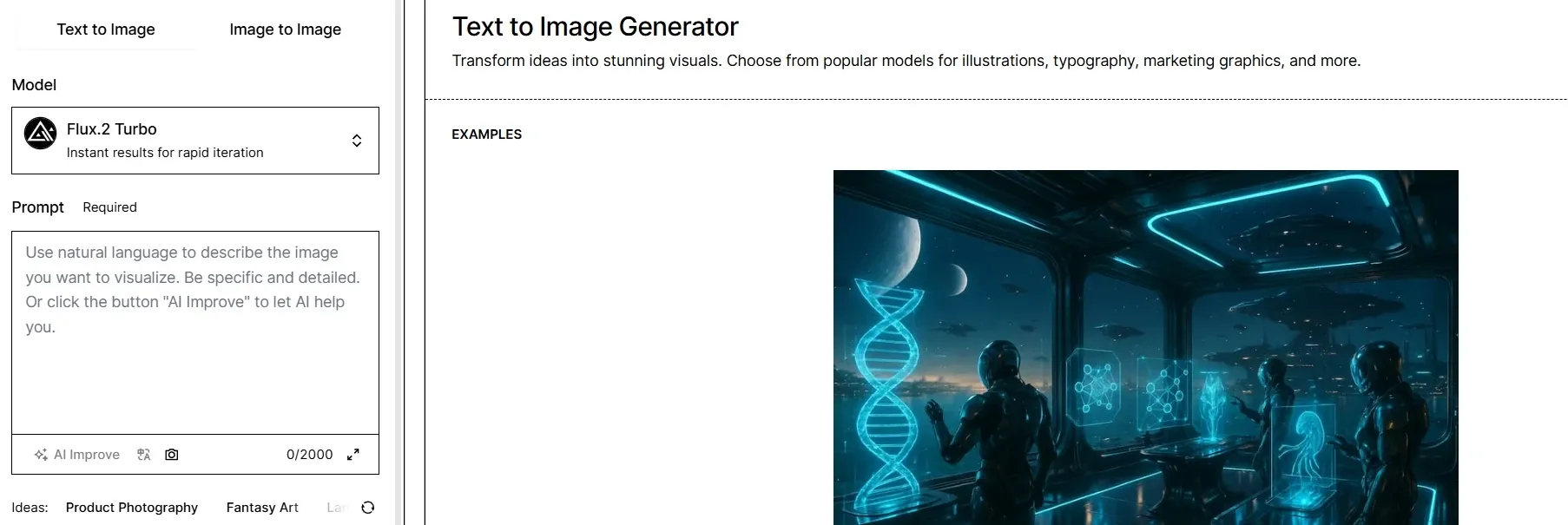
Image to Image Style Remixing
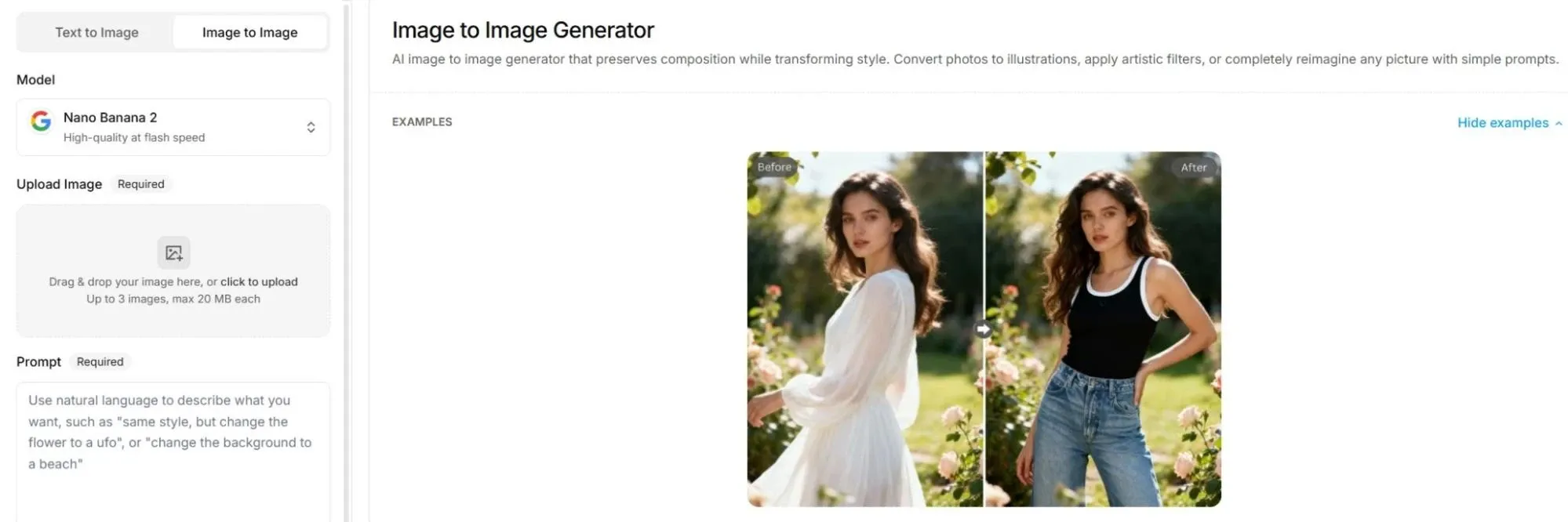
For users who already have a reference image, Somake AI provides image to image generation that can preserve the original structure while changing the visual style, mood, background, or creative direction.
A brand team could upload a product concept and test several campaign looks, while a creator could turn a simple portrait into a more polished editorial, anime, cinematic, or commercial-style image.
When one reference image needs to become many usable directions, Pollo AI gives users more room to move.
Its image to image AI not only supports text-guided transformation, but also supports multiple output ratios, up to four results, and richer model access, including Stable Diffusion, FLUX, Seedream, and more.
Pollo AI also offers 2,000+ LoRAs, making style control sharper for portraits, product scenes, fantasy visuals, and branded campaigns.
Realistic Product Mockup Creation
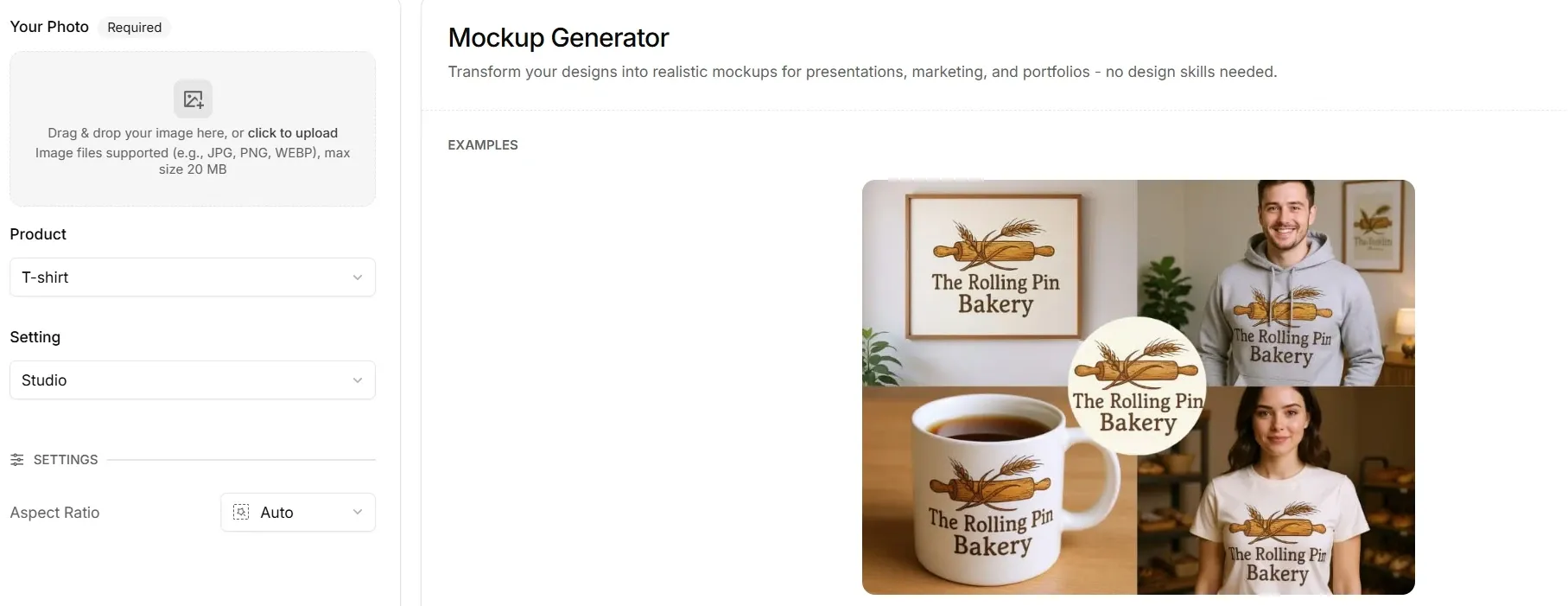
In brand and ecommerce workflows, Somake AI includes a mockup generator for turning uploaded designs into realistic product presentations, covering apparel, packaging, jewelry, business cards, books, posters, wall art, and other branded materials.
This is practical for a Shopify seller previewing a logo on T-shirts, a packaging team testing shelf visuals, or a designer preparing client presentation images without building PSD mockups from scratch.
Brand Logo Image Generation
For early-stage branding work, Somake AI can generate logo concepts from inputs such as business name, industry, style, brand colors, icon preference, background type, aspect ratio, and number of images.
A small business owner could use it to explore minimalist wordmarks, vintage badges, abstract symbols, or industry-specific logo directions before handing a clearer visual brief to a designer.
AI Family Portrait Creation
Beyond commercial image tools, Somake AI also offers a family portrait generator that can combine uploaded individual photos, restyle old images, or create a cohesive portrait-style result.
This feature is more personal than marketing-focused: it could help users create a family keepsake when relatives live apart, refresh an old photo into a cleaner style, or prepare a digital portrait for gifts and memory projects.
One-Click Background Removal
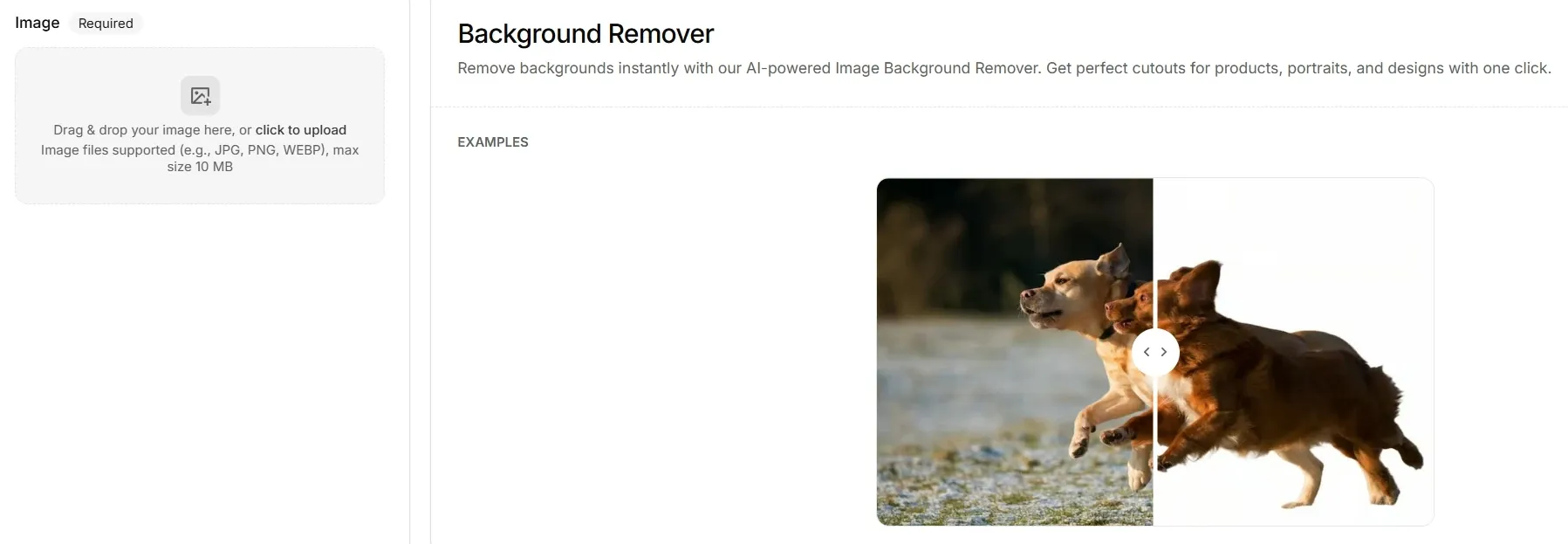
Somake AI provides background removal for product listings, profile images, and campaign assets that separate the subject from the original surroundings and return transparent PNG-style outputs.
An e-commerce seller could isolate a product for Amazon or Shopify images, while a designer could prepare portraits, product cutouts, or social media visuals for new backgrounds without manually tracing edges.
When clean product images or portraits need to move faster, Pollo AI background remover gives the cutout process more production value.
It not only removes background with one-click subject detection, but also supports batch background removal, and works well for ecommerce images, headshots, social posts, and design projects.
After isolating the subject, users can also add a new background through AI background changer.
Unwanted Object Cleanup
For images that are nearly usable but still contain visual distractions, Somake AI provides a magic eraser tool for removing unwanted objects, people, background clutter, signage, watermarks, or text.
This is useful for travel photos with passersby, product shots with messy surroundings, family photos with small distractions, or social posts that need a cleaner final image before publishing.
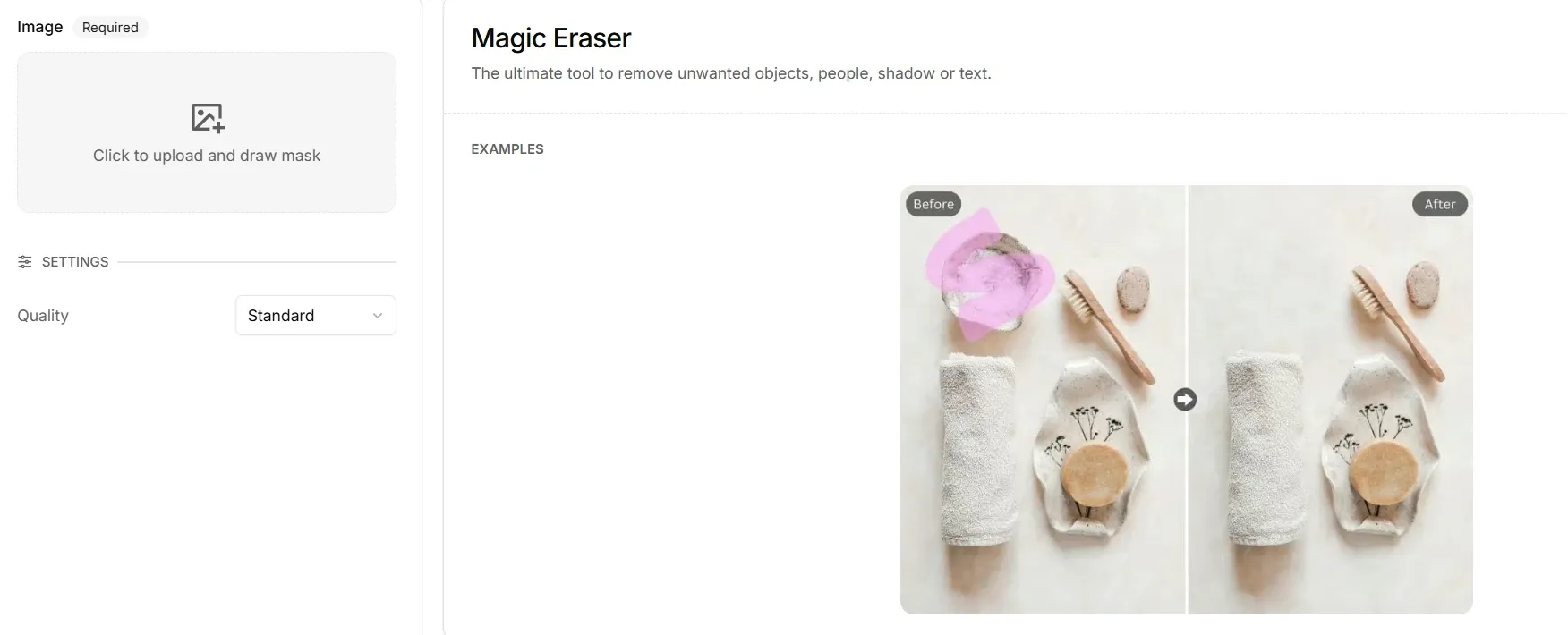
When a good image is blocked by clutter, Pollo AI offers more focused cleanup paths.
Its object AI remover lets users highlight unwanted items, text, captions, watermarks, or product distractions, while its AI people remover handles strangers and even multiple people in busy backgrounds.
Both tools aim to preserve a natural-looking scene, making them practical for e-commerce photos, travel shots, portraits, social posts, and cleaner campaign visuals.
Generative Image Expansion
When an image is too tightly cropped or does not fit a platform ratio, Somake AI uses generative fill to extend the canvas, add missing background, create negative space, or adapt the same visual for formats such as vertical social posts and product ad layouts.
A marketer could turn a square product photo into a wider landing page banner, or convert a horizontal scene into a TikTok-ready vertical image without stretching the original content.
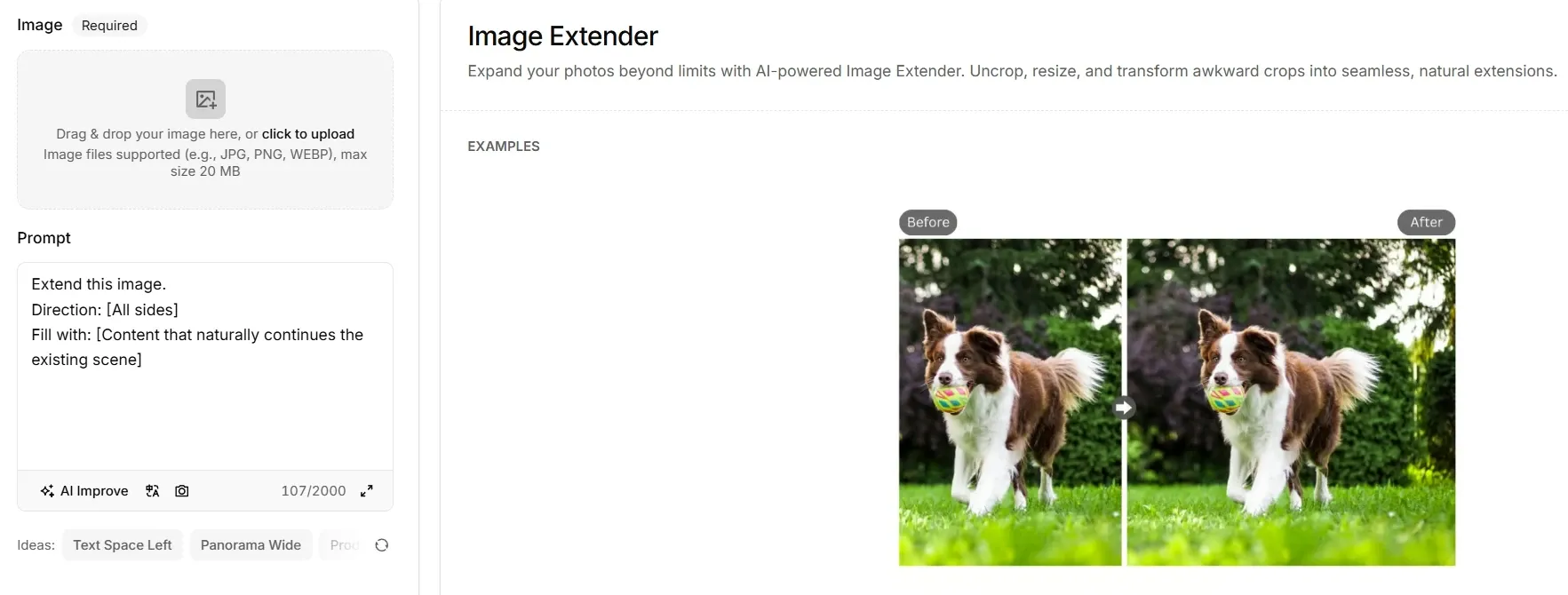
When one image needs to fit more places, Pollo AI gives users a cleaner way to resize without stretching or losing detail.
Its photo expander AI extends photos beyond their original borders, fills missing backgrounds, restores cropped areas, and adapts visuals for Instagram, X, Facebook, ecommerce pages, and product banners.
For marketers, creators, and sellers, that means one product shot or portrait can become several platform-ready layouts with less manual design work.
Who Uses Somake AI Best
E-commerce Sellers
Somake AI can help to create product mockups, remove backgrounds, expand product images for banners, and clean distracting objects from listing photos.
Brand Designers
Brand Designers use Somake to explore logo concepts, test brand colors, preview designs on packaging or apparel, and prepare early visuals for client review.
Marketing Teams
Marketing Teams use Somake AI to turn campaign ideas into image concepts, social visuals, product-style scenes, and ad-ready layouts without waiting for a studio shoot.
Content Creators
Somake AI assists in remixing portraits, extending images for vertical or horizontal formats, removing unwanted text or people, and preparing cleaner posts for social channels.
Families & Personal Users
Personal Users use Somake to combine separate photos into family portraits, restyle old pictures, or create polished keepsake images for gifts, albums, and personal memories.
Somake AI vs Getimg AI vs Pollo AI
| Feature | Somake AI | Getimg AI | Pollo AI |
| Image generation | Text to image for marketing graphics, product visuals, design ideas | Text-based creation with auto model selection | Text/image to image with many image models |
| Image remixing | Image to image keeps the composition while changing style | Image editor adds, replaces, restyles, and expands | Image to image and photo editor with prompt-based edits |
| Product visuals | Strong mockup, logo, background, and cleanup tools | Useful for banners, product photos, and packaging prompts | Better for turning product assets into broader content like ready-to-use marketing visuals |
| Video support | Has video generator, but image tools are the focus | Images and videos in one interface | Stronger video suite with text, image, reference, and avatar video |
| Model access | Model choice varies by tool and task | 33+ models with auto-selection | Multiple leading image and video models, like GPT Image 2 & Seedance |
| Agent workflow | No clear agent-led production workflow | No dedicated agent; mainly creation and editing | Pollo Agent can use ideas, assets, or links to handle the creation flow |
Somake AI is best understood as a practical image toolkit for everyday visual production.
Compared with Getimg AI, it leans more toward ready-to-use creative tasks such as product visuals, brand assets, and image cleanup, while Getimg AI puts more weight on broad model access and a unified creation interface.
Pollo AI goes further by connecting image, video, avatar creation, leading models, and Pollo Agent into a fuller content production workflow.
Where Does Somake AI Shine
Pros
- Practical tool coverage: Somake AI covers common visual tasks in one place, from image creation and mockups to background removal, cleanup, and image expansion.
- Useful for commercial visuals: Its tools fit real work scenarios such as ecommerce product images, brand mockups, social content, logo concepts, and campaign drafts.
- Low creative entry barrier: The platform is approachable for users without design or editing experience, especially small teams that need quick visual assets.
Cons
- Limited depth for complex projects: Somake AI works well for quick visual tasks, but users with layered creative direction, strict brand systems, or advanced production needs may want more control.
- Output quality can vary by task: Since Somake AI covers many different image tools and models, results may depend heavily on the selected tool, prompt quality, and source image.
Where Does Somake AI Fit
Somake AI is positioned as a simple visual creation toolkit for users who need usable images quickly. It is not only an image generator, but a collection of tools for creating, editing, cleaning, and resizing visuals.
Its market role is clear: help small teams, creators, and business users produce image assets without complex software, design training, or long production cycles.
Still, it is less suited to deeper content production where images, video, avatars, and structured creative workflows need to work together.
Create Beyond Static Images With Pollo AI
Pollo AI is an all-in-one AI image and video creation platform built for complete content production, from visual assets to publish-ready output.
For Somake AI users who mainly create and edit still images, Pollo AI adds stronger image generation and AI photo editing: teams can create design-ready campaign visuals, refine product shots, remove objects or backgrounds, and edit image batches with prompts.
Pollo Agent then takes those ideas, images, or URLs, product materials into ready-to-use content with pacing, visuals, and voice, with no editing required.
For ecommerce and marketing teams, Pollo AI can turn static product photos into product avatar videos up to 2 minutes, with natural gestures, lip sync, scripts, and templates for demos, showcases, and A/B-tested ads.
Where Does Pollo AI Pull Ahead
Flexible Model Choice
Access leading models like Nano Banana and Veo, then switch by task across image and video workflows.
Batch Photo Editing
Edit multiple images with prompts, keeping product shots, backgrounds, lighting, and styles more consistent.
Real Content Use Cases
Build UGC AI video, AI story videos, or video explainers from flexible inputs for practical campaigns.










 5000+ reviewsTrustscore 4.4
Chosen by 10M+ Creators and Marketers Worldwide
Thousands of satisfied users have shared their Pollo AI experiences on Trustpilot, rating us as "Excellent." See what they love about our platform.
Liz Cassidy Dec 15, 2025Richard QuickOct 15, 2025armourdudeNov 19, 2025
 DuduJan 14, 2026
 Ray WarnesDec 30, 2025
 lawless clanNov 22, 2025
Discover Other AI Image Generators
FAQs
What is Somake AI?
Somake AI is an AI image and video creation platform with tools for image generation, image remixing, mockups, logo creation, background removal, object cleanup, and image expansion. Its main appeal is convenience: users can create and edit everyday visual assets in one browser-based workspace.
What is Somake AI best used for?
Somake AI is best suited for quick visual production, especially product images, social posts, mockups, logo drafts, cleaned-up photos, and resized campaign visuals. It works well when users need practical assets rather than a full design process.
Does Somake AI support image to image editing?
Yes. Its image to image generator lets users upload an existing picture and transform it with text prompts while keeping key structure from the original image. This is useful for restyling photos or testing new visual directions without starting over.
Is Somake AI useful for e‑commerce sellers?
Yes. E-commerce sellers can use Somake AI for product mockups, background removal, image cleanup, image extension, and product-style visuals. These tools can help prepare listing images, banners, and promotional assets faster.
Can Somake AI make brand assets?
Somake AI can help with early brand visuals, especially logo concepts, mockups, social images, and presentation‑ready design drafts. It is more useful for exploration and quick production than for final brand system management.
What are Somake AI’s limitations?
Somake AI is useful for individual image tasks, but it may feel limited when a team needs deeper content production across images, videos, avatars, and structured campaign workflows. In that case, Pollo AI is a stronger next step because it connects image creation, video generation, avatar content, leading models, and Pollo Agent in one production flow.

Create Post-Ready Content with Pollo AI
More models. More motion. From image tools to full content production.