Viblo is a browser-based short-video editor offering auto clipping, AI voiceovers, captions, and timeline tools for social creators. For original multi-model generation, broader source inputs, and campaign-ready video formats, Pollo AI is the ideal alternative. Try Pollo AI for free now!
Pollo Motion
Make every frame move. Bring your ideas to life.
POLLO AI INFLUENCER
Create your own influencer. Then jump into any trend with Recast.
Kling 4.0
Up to 10 keyframes. Impressive performance.
Pollo Recast
Recreate viral videos. Remix new versions.
Pollo Agent x DeepSeek V4.1 FLASH
Faster completion at a much lower cost.
Pollo Agent x Gemini 4 Argon
Smarter reasoning. All through Pollo Agent.
Key Features of Viblo AI Video Editor
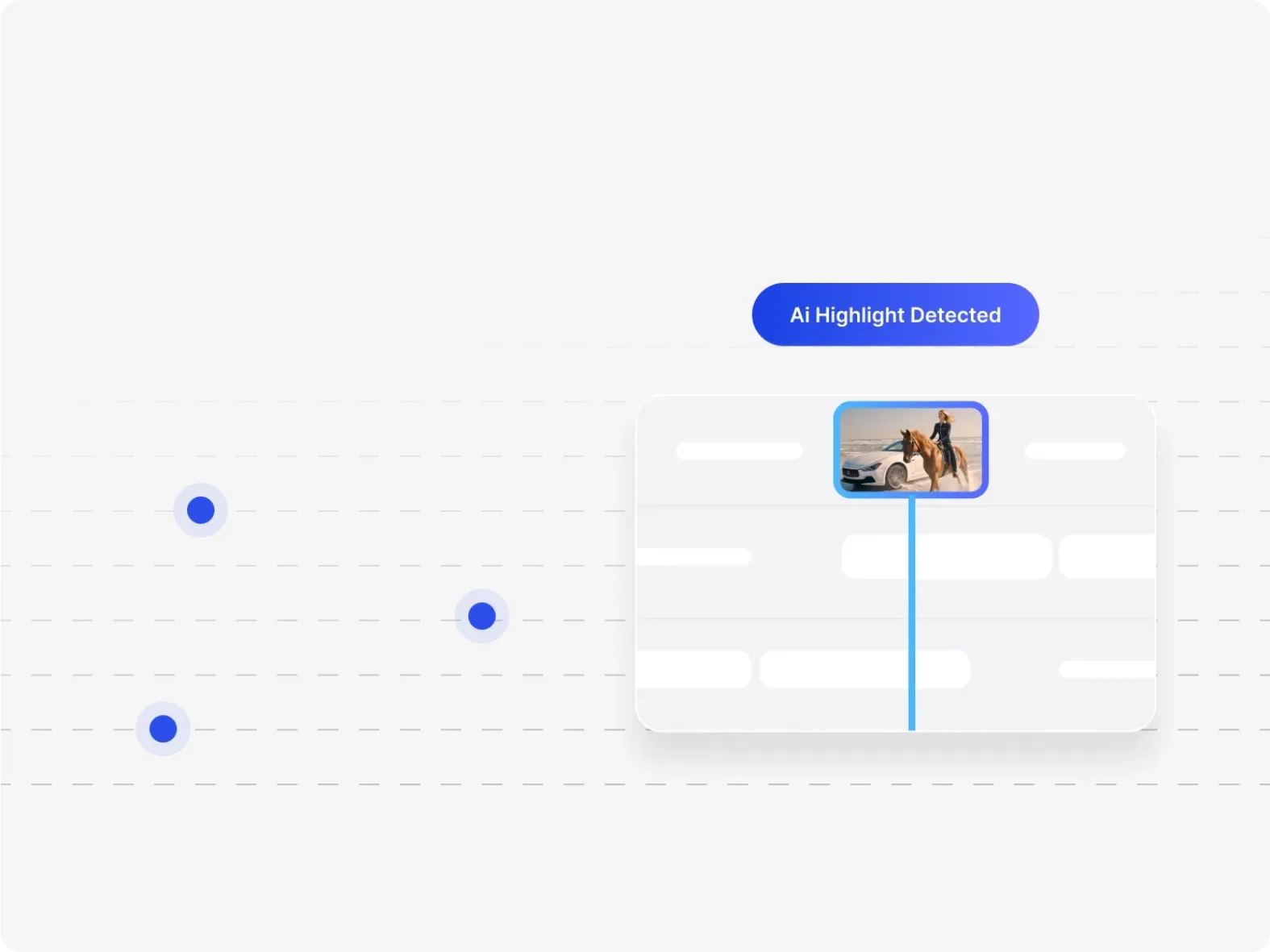
Auto Clipping: Viblo detects highlights in longer footage and converts them into shorter social-ready segments.
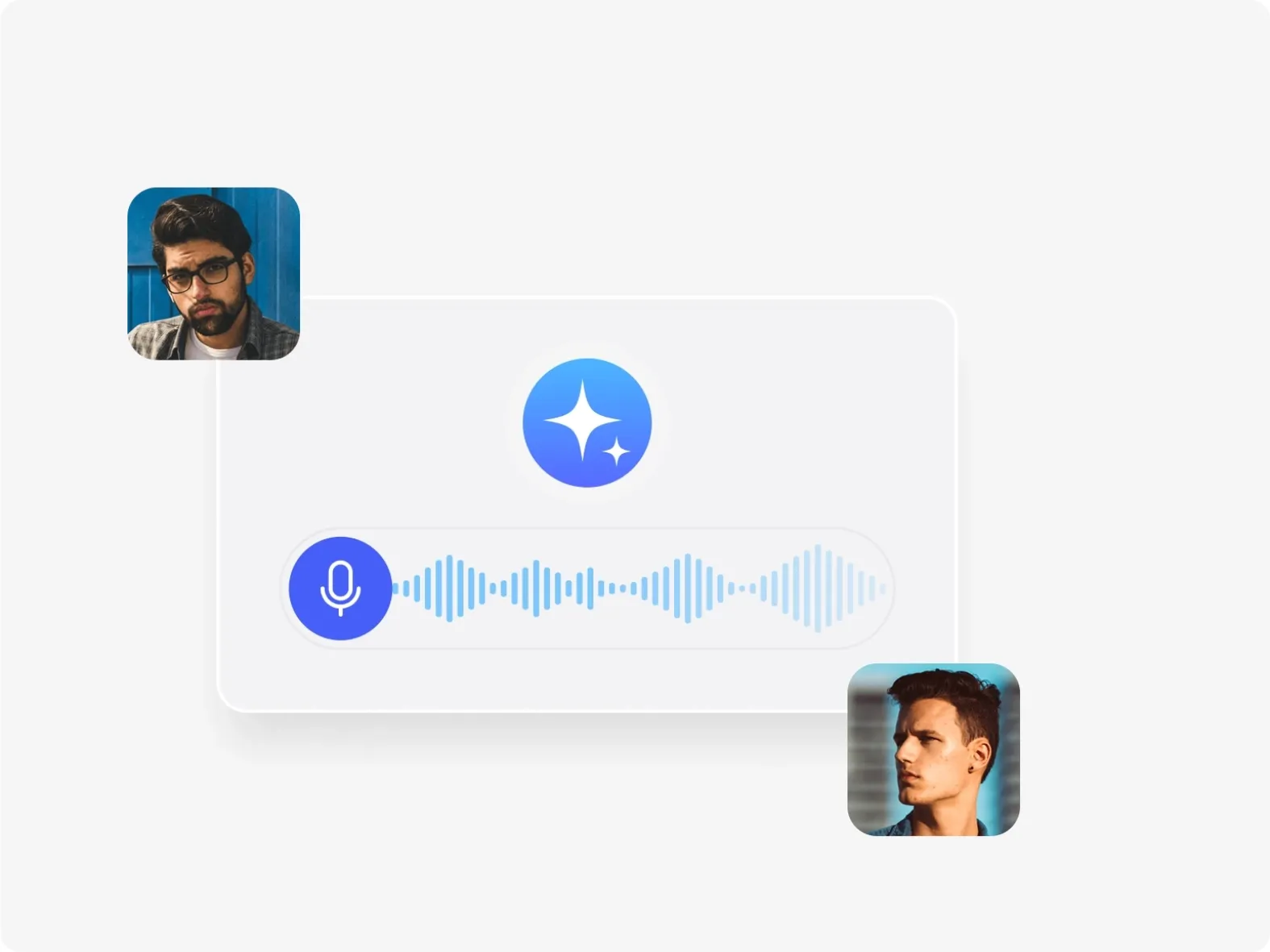
AI Voiceovers and Captions: Viblo generates narration, subtitles, pacing, and basic structure inside the short-video workflow.
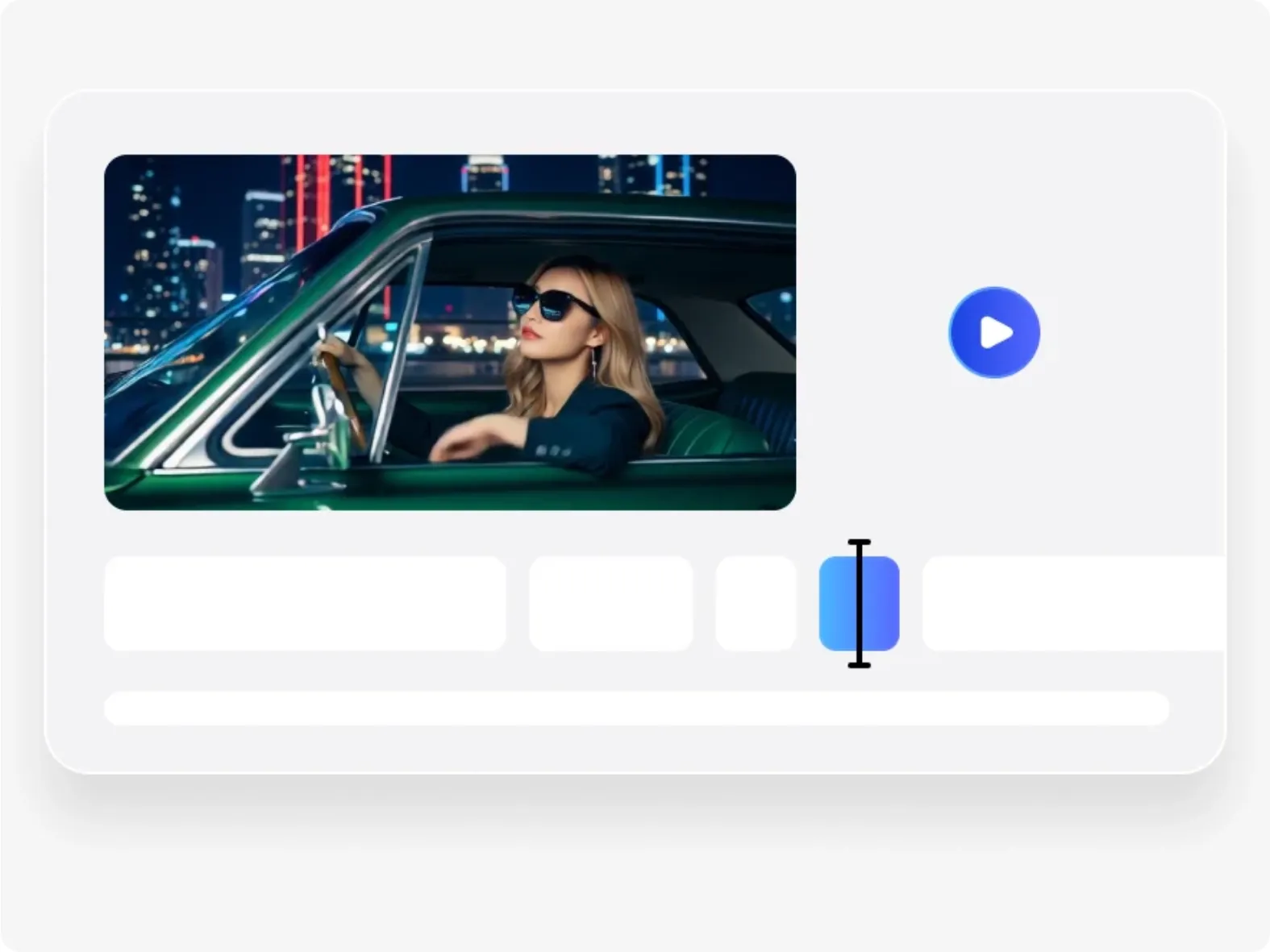
Timeline Project Editor: Viblo includes a browser timeline for trimming, reordering, and refining generated or uploaded clips.
Script-Based Video Creation: Viblo can convert scripts into scenes for commentary, list, and faceless short-video formats.
AI Video and Image Generation: Viblo includes generative video footage and image creation for filling gaps in a short-form project.
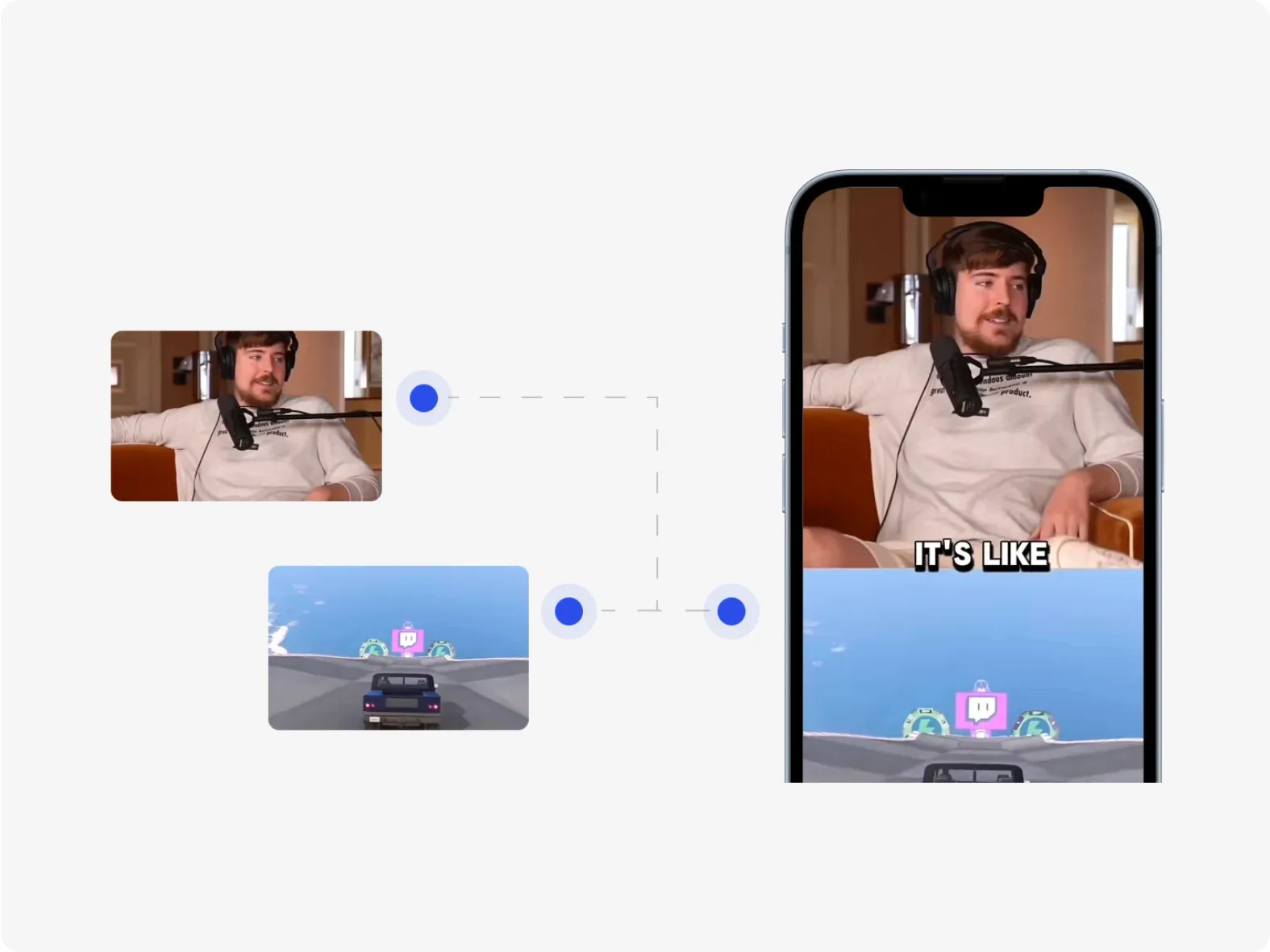
Short-Form Layouts and Exports: Viblo provides split-screen layouts, common social formats, and browser export for ready-to-post content.
Auto Clipping
Viblo uses automated clipping to identify moments that can work as standalone short-form content. This is useful for creators repurposing interviews, commentary, podcasts, or longer recorded footage.
Clip selection still benefits from human review because the strongest hook, context, and ending depend on the intended audience.
AI Voiceovers and Captions
Viblo combines AI voice generation with captions so creators can prepare faceless or narrated videos without recording every line manually. Captioning also helps adapt the result to muted social feeds.
Users should review transcription accuracy, pronunciation, subtitle timing, and voice rights before export.
Timeline Project Editor
Viblo's project editor provides a manual layer after automation. Creators can adjust timing, reorder scenes, and refine the assembled video instead of accepting the first generated structure.
The editor is designed for accessible short-form work rather than advanced post-production with complex compositing.
Script-Based Video Creation
Viblo supports script-led creation when users do not begin with complete footage. The platform can structure scenes, add voice, and prepare a short-form sequence around written content.
The output is strongest when the script already has a clear hook, concise sections, and an explicit ending.
AI Video and Image Generation
Viblo can generate visual material from prompts when uploaded footage is not enough. Image generation also supports thumbnails and supporting assets inside the same short-video workflow.
These generators are supporting parts of the editor rather than an open multi-model experimentation environment.
Short-Form Layouts and Exports
Viblo includes layouts and format support intended for TikTok, Reels, and YouTube Shorts. Split-screen presentation can help keep commentary, source footage, and supporting visuals visible together.
Creators should still inspect safe areas, caption placement, music rights, and platform-specific export quality.
Use Cases of Viblo AI Video Editor
For podcasters and interview creators: Turn long recordings into short highlights and add AI captions for social distribution.
For faceless channels: Build script-led videos with narration, generated scenes, and reusable short-form structures.
For social media teams: Produce vertical clips and supplement the calendar with YouTube Shorts videos.
For small brands: Combine product footage, commentary, and split-screen layouts into frequent promotional posts.
Viblo Market Positioning
Viblo is positioned between an automated clipper and a lightweight browser editor. It brings footage upload, AI-generated narration and captions, clip selection, generative assets, and timeline control into one short-form workflow.
This makes Viblo useful to creators who need volume more than cinematic complexity. A podcaster can repurpose interviews, a faceless channel can start from scripts, and a social team can finish multiple vertical posts without a desktop editing suite.
Its distinctive appeal is automation followed by an accessible manual timeline.
Viblo Pros and Cons
Pros
Cons
Auto clipping and short-form repurposing
Automated highlight choices still need editorial review
Voiceovers, captions, and scripts in one flow
Transcription and pronunciation may require correction
Browser timeline after automation
Less advanced than professional post-production software
Works with footage or generated assets
Generation is supporting rather than deeply multi-model
Feature Comparison: Viblo vs SendShort AI vs Pollo AI
Viblo combines original short-video creation with editing, while SendShort AI is more directly focused on repurposing existing long-form material.
Pollo AI fits users who need a wider range of source-to-video workflows, model choices, and campaign formats before or after short-form editing.
Why Is Pollo AI a Strong Viblo Alternative?
Step 1
Generation Before the Edit
Create original footage with 50+ model versions chosen for motion, native audio, prompt adherence, or reference control before moving into captions and final social formatting.
Step 2
Reference-Controlled Video
Use reference-based video generation when visual identity, subject continuity, or shot direction matters more than repurposing existing long-form footage into another short clip.
Step 3
Ready-Made Video Formats
Move directly into story videos, explainer videos, product showcases, or other output-specific makers instead of shaping every result inside a general short-form editor.
I’ve been using Pollo AI mainly for short videos and quick image-to-video tests. The interface is straightforward and it works well even with simple prompts, which is a big plus compared to tools that need long, complicated instructions. The results can be really impressive, and it’s honestly been fun to experiment with. I’d love a bit more consistency on faces when there’s movement, but overall it’s been a solid experience for what I needed.
Awesome website. loads of options and a great way to learn how to work with 'AI' my reasoning for 5 stars is based upon price, versatility and ease of use. Also I would like to add, Pollo AI runs a lot of promos on different AI products as well. I rate their customer service at 5 stars, when I purchased my first subscription my computer crashed the following weekend and I lost all my data and info passwords you name it I lost it, contacted pollo by email they responded quickly and found my info/username and account, and I was able to restore my account.
I have been using Pollo AI for short videos. It is easy to use and works well with simple prompts. Other generators seem to need long drawn out complicated explanations to get even close to what I want.
i tried 220 online img to vid in 2 months, and this is the best online video.I will subscribe for a year; there are many reasons. But freedom is the most important.
Viblo is used to auto-clip footage, create script-based short videos, generate voiceovers and captions, edit on a browser timeline, and export social-ready content.
Can Viblo create videos without uploaded footage?
Yes. Viblo supports script- and prompt-led creation with generated video and image assets, although its main positioning remains short-form production.
Does Viblo include a timeline editor?
Yes. Users can trim, reorder, and refine clips after the automated creation steps.
Which platforms is Viblo designed for?
Viblo targets common short-form destinations such as TikTok, Instagram Reels, and YouTube Shorts.
Is Viblo a professional desktop video editor?
No. Viblo is a browser-based short-form editor built for speed and accessibility rather than advanced compositing, color grading, or long-form post-production.
Create Original Short Videos with Pollo AI
Generate from text, photos, references, or existing video, then adapt the result for social, product, and marketing campaigns.