



6 Best AI Image Generator for iPhone: A Detailed Review in 2026
Generating images from a desktop is one thing, but finding an AI image generator for iPhone that I can use on the move has been a struggle. Why? Most tools I’ve seen are too clunky, cluttered or slow to provide a seamless experience. But after a week of research and testing, I’ve compiled a list of the 6 best AI image generator for iPhone! So, if you need one, read on!
6 Best AI Image Generator for iPhone in 2026: TL;DR
I rank Pollo AI as the best AI image generator for iPhone because of its intuitive mobile app and broad AI image generation capabilities. With 30+ image models and a capacity for near-perfect photorealism, accurate typography, and strong character consistency across various poses/styles/environments, it suits any creative project, including e-commerce ad creation.
6 Best AI Image Generator for iPhone: At a Glance
I know some of you may prefer the cliff notes, so I’ve got you covered with a summary table that breaks down what separates these tools. For those of you who need more info, keep reading.
| Tool | Strengths | Limitations | Starting Price |
|---|---|---|---|
| Pollo AI | Native iOS app; broad access to 30+ image models; supports text-to-image, image-to-image, and offers several other specialized tools for upscaling, background removal, etc | Credit costs vary by model and resolution; Free plan is limited. | Free tier available; flexible paid options from $15/month, with huge discounts on annual plans. |
| Magnific | Native iPhone app; multiple models including Nano Banana, Seedream, Flux, GPT Image, Ideogram and Recraft; supports reference images, style consistency, editing, upscaling, etc. | Free plan uses the in-house model and is for personal use with attribution; advanced models and editing consume credits heavily. | Free plan available, with up to 20 image generations per day using the in-house model; paid plans from approximately €12/month, billed annually. |
| Adobe Firefly | Official iOS app; strong editing tools such as Generative Fill, Expand, Remove and Prompt to Edit; integrates with Photoshop, Premiere and Express. | Requires an internet connection; mobile exports are capped at 2,000 × 2,000 pixels; partner-model terms vary; pricing and credits can be complex. | Free daily generations; paid plans from approximately $4.99/month through the mobile App Store or $9.99/month for Firefly Standard on the web. |
| Canva AI Image Generator | Native iOS app; combines image generation with templates, typography, layouts and social-media design tools; easy reference-image and style controls. | Shared AI allowance applies across Canva tools; no fixed named image model; Canva does not guarantee exclusivity, copyright protection or commercial clearance. | Free plan available; Canva Pro is approximately $12/month when billed annually in the US. |
| Leonardo.Ai | Native iOS app; combines generation, image-to-image, reference guidance, editing, background removal, upscaling and Blueprints. | Free generations are public; daily tokens expire; the interface can feel crowded; App Store pricing may be higher than web pricing. | Free tier with 150 tokens per day; paid web plans from approximately $12/month. |
| Ideogram | Particularly strong for readable text, logos, posters, thumbnails and structured layouts; native iPhone app; supports references, Canvas, editing and transparent backgrounds. | Free images are public; credits also cover edits and upscales; free exports have format and resolution limits; features vary by model. | Free tier available with 30 weekly credits for eligible sign-ins; paid plans from approximately $11.99/month through the App Store or $20/month on the web. |
#1. Pollo AI: Best AI Image Generator for iPhone Overall
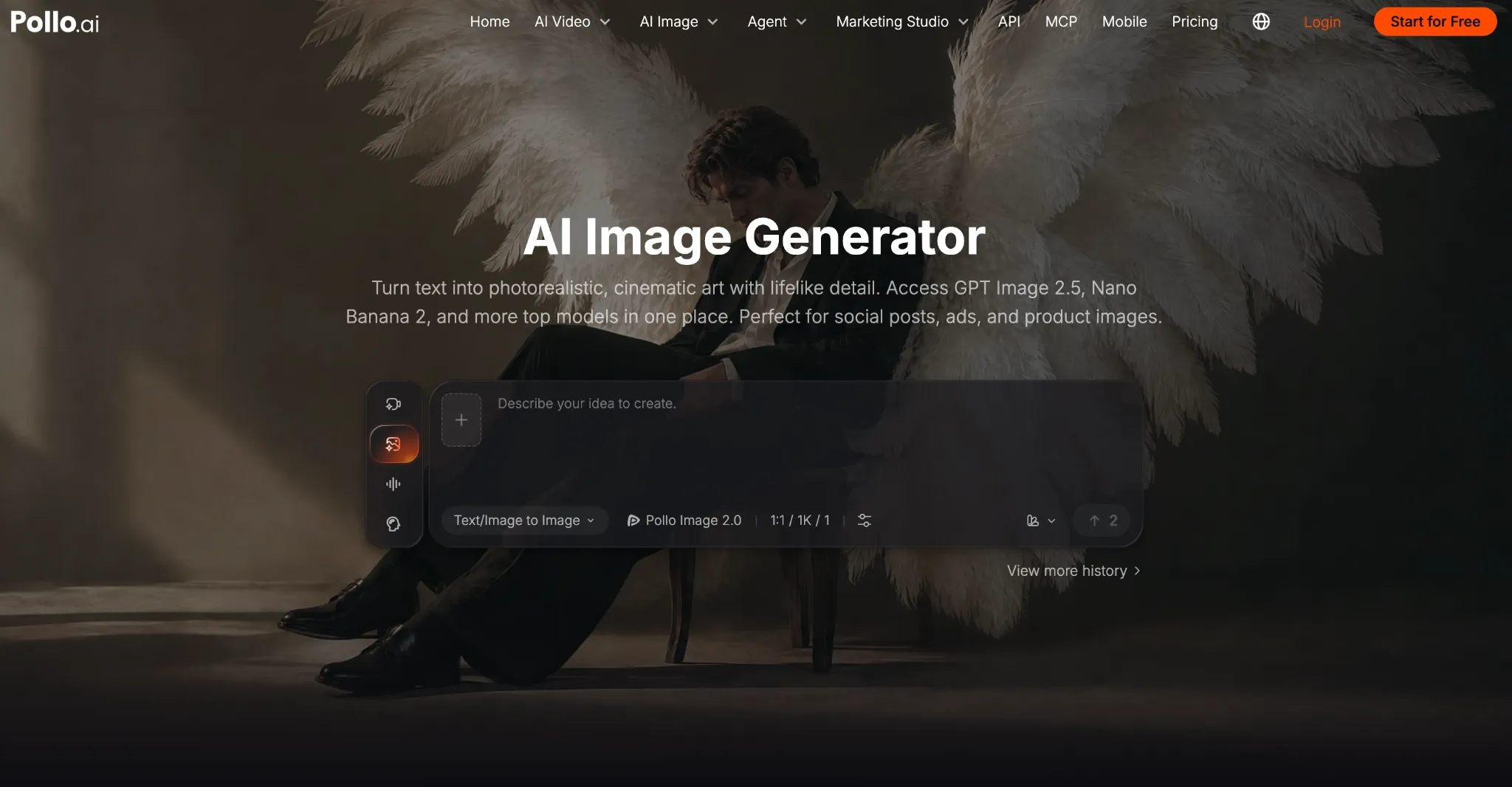
When I sought to find the ideal AI image generator for iPhone, I came across Pollo AI’s AI image generator, and right away, I was confident no other alternative would top it. Why? For starters, I’m mind-blown by the level of creative versatility and control that Pollo AI offers; it’s astounding.
Here, I can access over 30+ image models in one space. With leading options like GPT Image 2.5, Nano Banana Pro, and Seedream 5.0 Pro, I can switch between them to pinpoint the best possible result. And I must say that this always guarantees a smooth conceptual workflow.
I tested it a few times, and its capacity for near-perfect photorealism is unmatched. Using simple prompt language, I generated multiple subject shots. To my surprise, each one was crisp and detailed enough to capture micro-details like skin pores, stray hairs, etc.
It even handles lighting well, particularly in character stills, rendering micro-shadows across wrinkles and pimples for more practical results. I was also eager to see how it handles character consistency. So, I used an image to explore varying styles, actions, and environments.
For the most part, I noticed how it consistently keeps the subjects recognizable. I didn’t have to deal with any visual drift. In fact, I also tried to render a few e-commerce product photos, and it was excellent. I got clean, sharp, and coherent results even on the packaging typography.
But what matters most is how the interface is particularly well-suited for iPhone use, ensuring a smooth experience from start to finish. Even when generating multiple images, the Pollo AI iOS app is fast and efficient, so there’s no worry of a frozen screen or slow loading.
Pros:
- Native iOS app available
- Access to 30+ leading image models
- High-level detail and solid character consistency
- Delivers coherent typography across images
Cons:
- Free plan offers limited credits
- Some models can be expensive to use
#2. Magnific: Best AI Image Generator for Free Daily Access
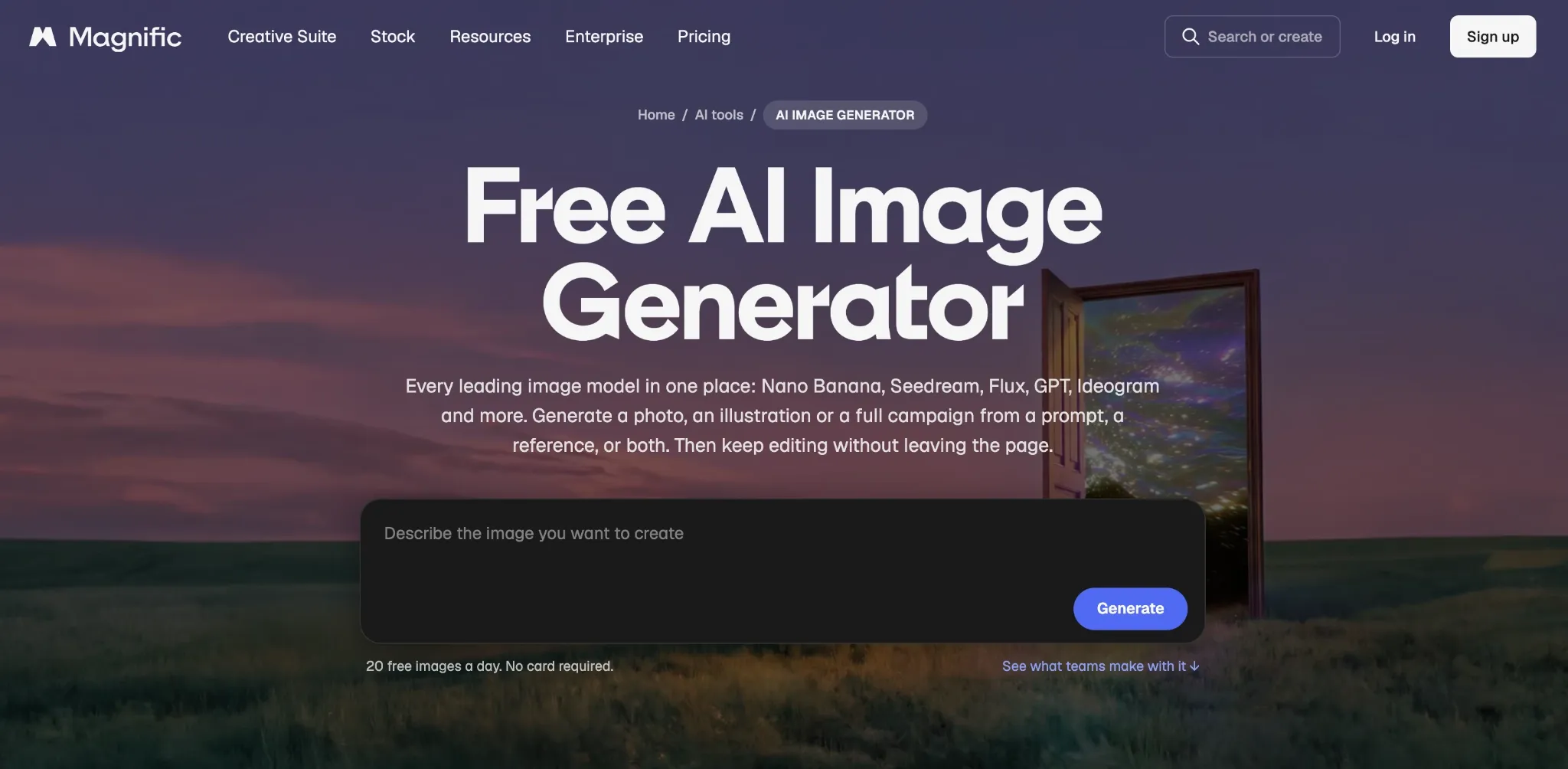
If you need an AI image generator for iPhone that boasts a relatively generous free plan, then I think Magnific is worth considering. It provides up to 20 free images per day to users, so if I don’t want to commit to a paid plan, this opens a door for quick daily generation.
It also brings multiple image models under one platform, including Nano Banana, Seedream, Flux, GPT Image, and several others. But I should point out that free access is limited to the platform’s own in-house model, so you’ll need to upgrade for access to the rest.
Having used Magnific’s mobile app, I found it easy enough to navigate, so that’s a definite plus. I also enjoy how it offers prompt-based editing, so I can use it to upscale, cut out backgrounds, relight, reframe, etc. On the flip side, I’ve seen how Magnific can drain credit allocations quickly.
Pros:
- Comes with an iOS mobile app
- Several top-tier AI image models
- Prompt-based image editing available
Cons:
- Can consume credits quite quickly
- Not always 100% accurate with outputs
#3. Adobe Firefly: Best AI Image Generator for Adobe Cloud Editing
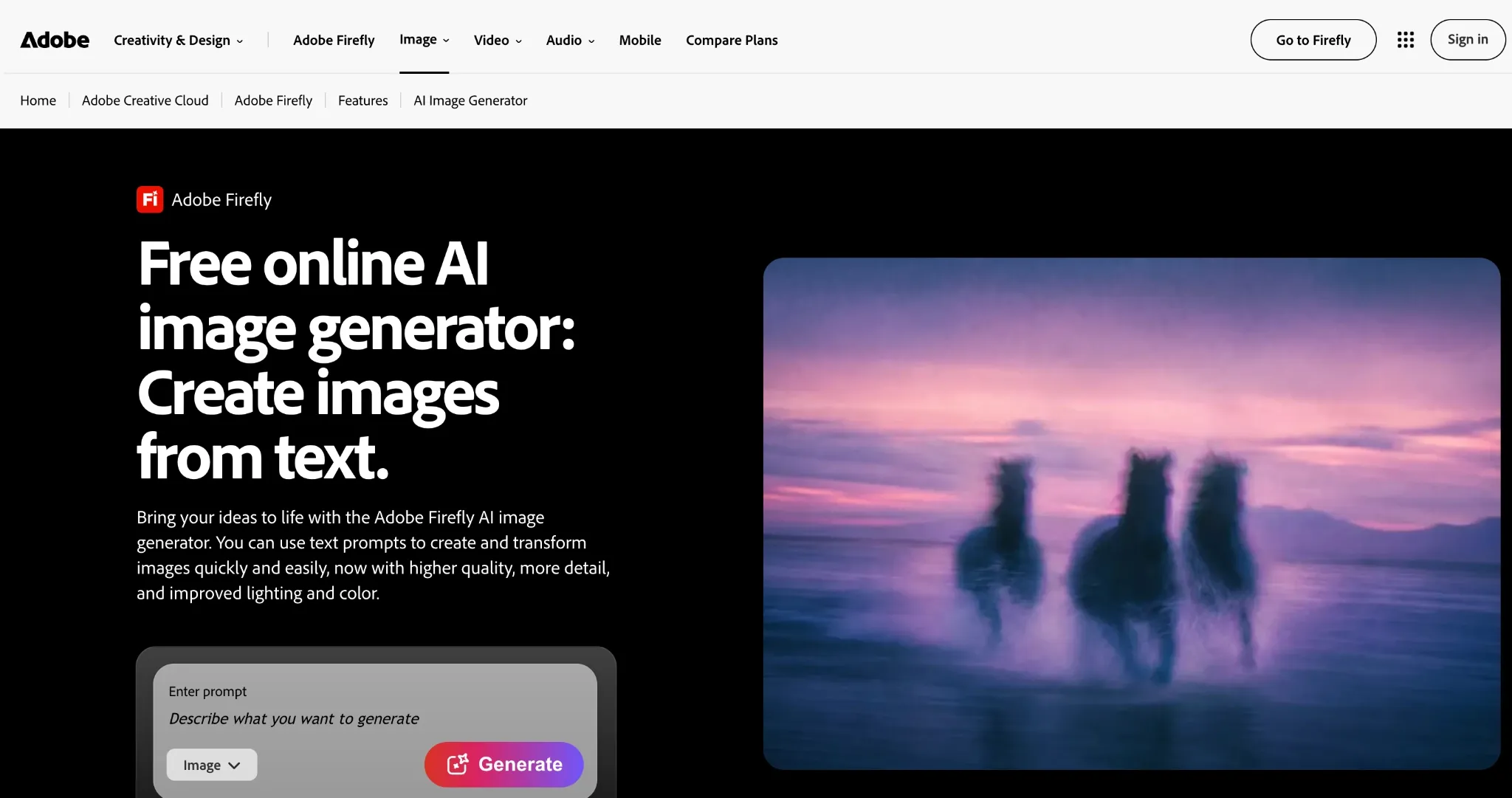
If you already use Adobe programs, then I would suggest Adobe Firefly as a good option to consider. With Adobe Firefly, you can start generating images and use cloud syncing to continue iterating/editing these assets in Adobe’s other apps like Photoshop.
Frankly, I see it mainly as a convenient way to stay within the Adobe ecosystem and keep your image creation and editing workflow in one unified space. Having said that, Firefly does also have its own mobile app, so it has some merit to offer on its own.
On top of that, it combines text-to-image generation with several integrated AI editing tools like Prompt to Edit, Generative Fill, Generative Expand, Generative Remove, etc. What I dislike is that it doesn’t offer strong prompt adherence. Also, I find that its outputs can be a little generic.
Pros:
- iOS app available
- Multiple AI image editing tools
- Cloud syncs to Adobe ecosystem
Cons:
- Not always accurate with prompts
- Outputs can feel relatively generic
#4. Canva: Best AI Image Generator for Social Graphics
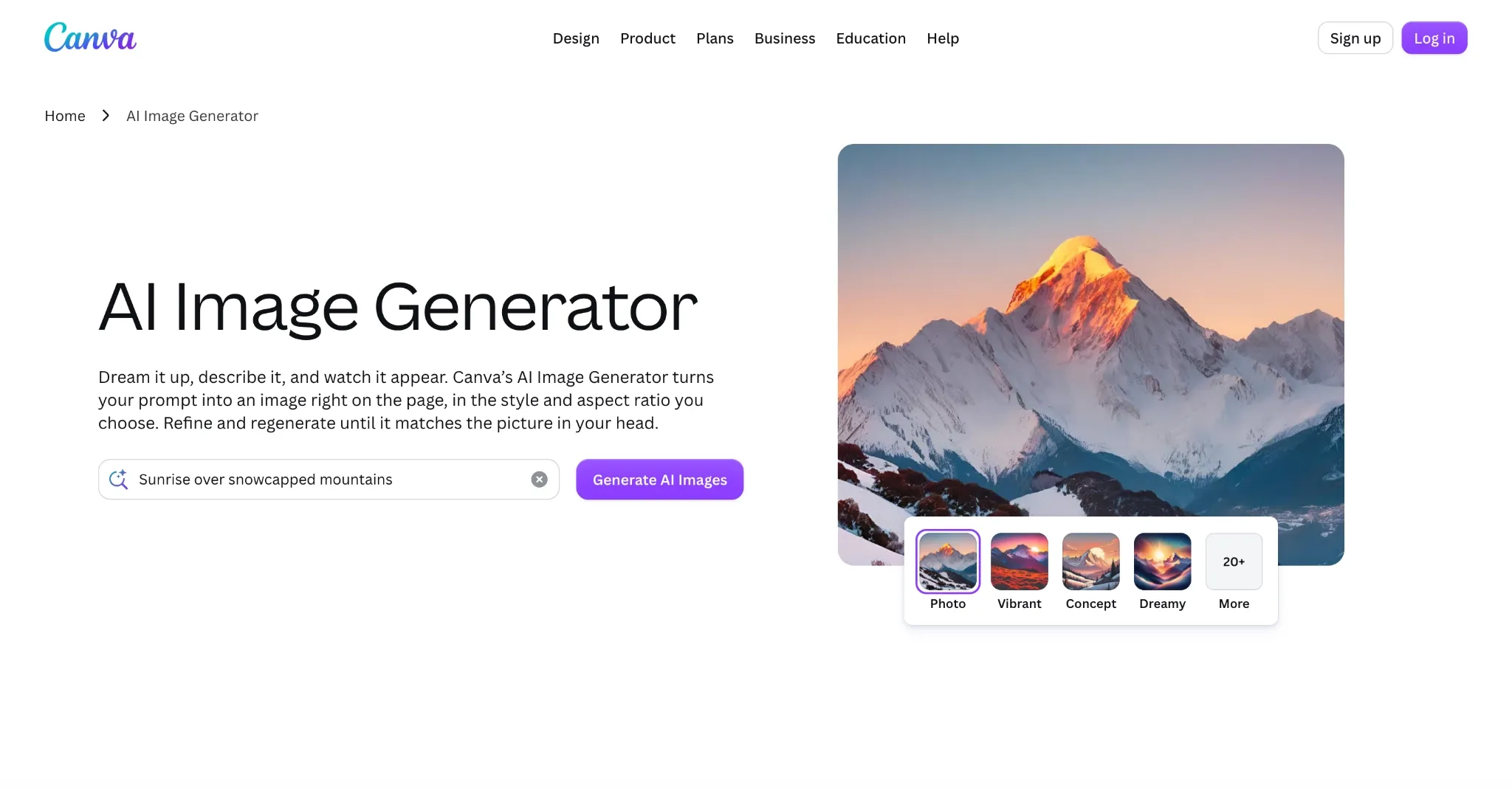
When it comes to Canva, I tend to look at it as more of an AI image generator for social media. It’s been trained primarily on templates, so it primarily excels at rendering shareable graphics like posters, ad imagery, and other marketing assets.
What I like most is that it can help build an entire brand campaign from just a simple concept or prompt request, so it’s definitely the go-to for marketers. It also offers numerous reusable assets that can kickstart the creative process, which I think really sets it apart.
Canva AI also has several editing tools like Magic Edit, Magic Eraser, and background removal, which streamline image refinement with simple, one-click controls. What I’m disappointed by is how it lacks advanced image tools. Plus, it’s not the most versatile tool for creative ideation.
Pros:
- Suited to creating social graphics
- Numerous templates to start from
- Has an iOS mobile app
Cons:
- Lacks advanced editing controls
- Not suited to imaginative image creation
#5. Leonardo.AI: Best AI Image Generator for One-Click Refinement
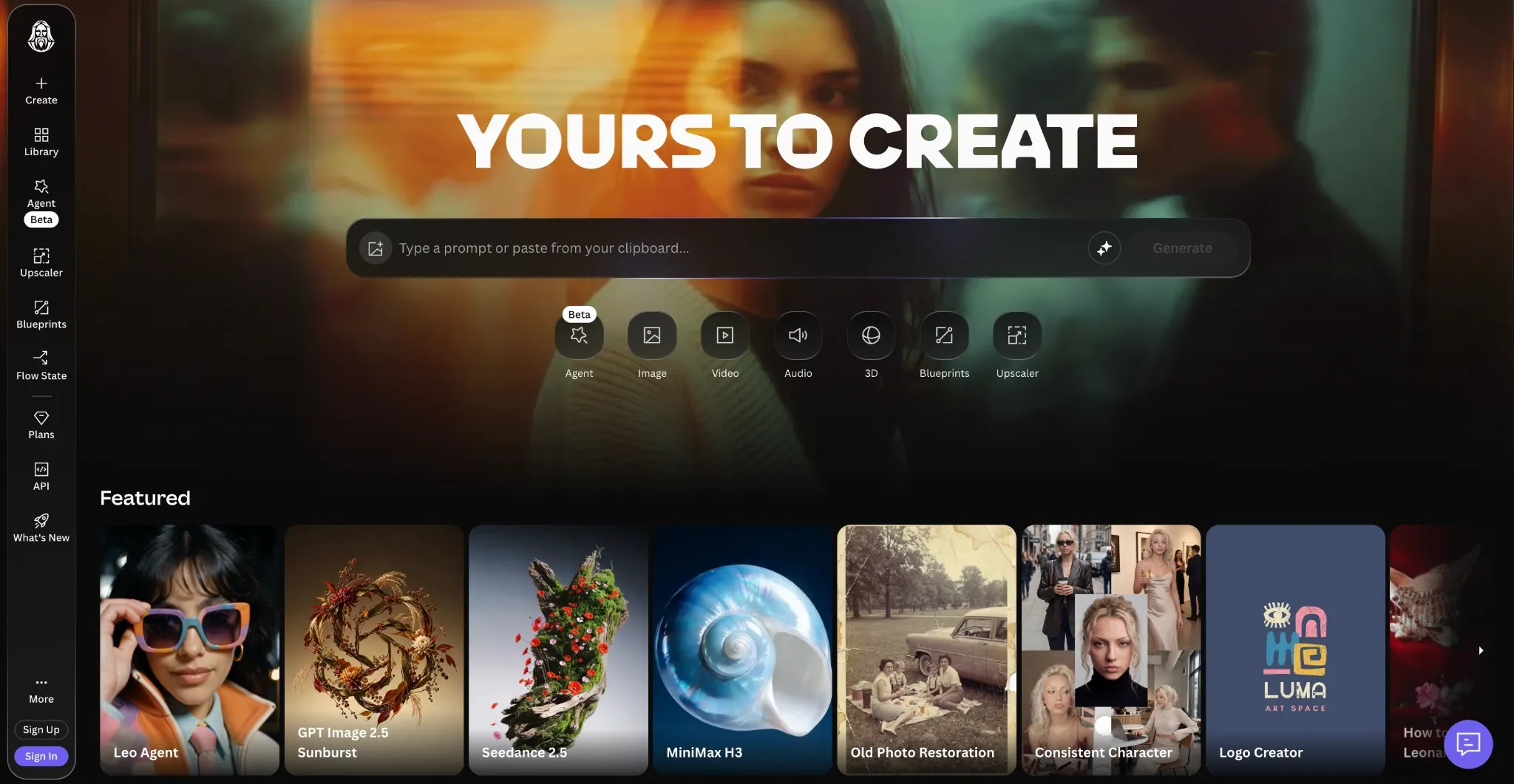
What I admire about Leonardo.Ai is how it streamlines image creation and editing. I can access text-to-image, image-to-image, reference guidance, and several other tools to create unique outputs via basic prompting and one-click controls.
It also hosts several AI models and supports a diverse range of art styles, not to mention a vast range of pre-built templates that can work well as starting points. Leonardo.Ai also has its own native iOS app, which is always convenient for on-the-go image creation.
But what I like most is how the free plan provides around 150 fast tokens per day. It even has an AI chat agent, but this and several other key features are locked behind a paywall. I also think the interface can be a bit dense, so even the mobile app has a learning curve.
Pros:
- Pre-designed templates available
- Free tokens replenished each day
- Multiple AI image models to choose from
Cons:
- Has a slightly steep learning curve
- Several features require a paid plan
#6. Ideogram: Best AI Image Generator for Text, Logos and Posters
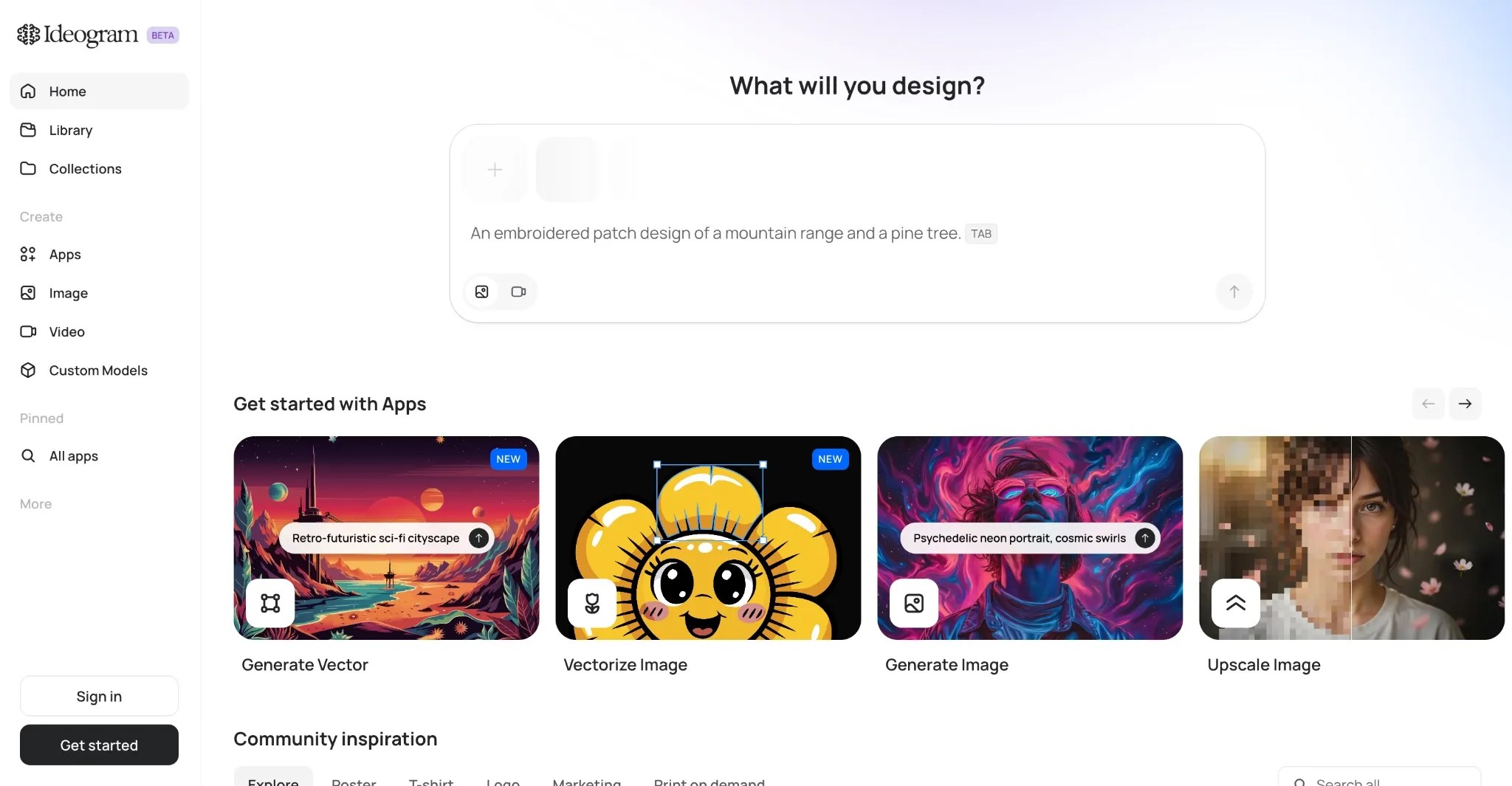
After spending some time with Ideogram, I discovered that it works best when clear typography matters most. I’ve used it to generate posters, thumbnails, invitations, etc., some with long sentences, others with complex wording, and even unique branding.
Each time, it produced the text exactly as I prompted. What’s more? The platform has a wide catalogue of AI image models, so I can at least say you’re covered in terms of design variety. Ideogram also has a simple UI, so I’m confident any user can adapt to it quickly.
Ideogram also supports batch generation and I could even train my own custom models to build a recurring visual style and identity. But it wouldn’t be my first pick if I ever needed photorealistic imagery. It leans more towards imaginative fantasy art, so keep that in mind.
Pros:
- Has a dedicated iOS app
- Excels at rendering typography
- Offers batch image processing
Cons:
- Limited image editing capabilities
- Free credits run out quickly
Why Users Usually Choose Pollo AI for Best AI Image Generator for iPhone
Each of these 6 tools excels in its own lane, but I believe that Pollo AI image generator is the best, purely because it consolidates what the rest have to offer in one. Let’s look at the facts; for starters, the iOS app is fast, efficient, and user-friendly, so it will not disappoint during busy workflows.
It also has a vast range of AI models to choose from, and switching between them, even when generating images on iPhone, is effortless. I can also testify to how impeccably accurate its prompt adherence is, so rendering images with Pollo AI comes with minimal frustration.
Not to mention that the output quality is a cut above the rest. Between the epic photorealism, solid typography, and on-point character consistency, I often have little to complain about. But don’t take my word for it; just sign up for an account for free and see what it can do yourself!
Create AI Images on Your iPhone
Generate portraits, product visuals, and social graphics on the go, with multiple image models available in one workflow.
Try AI Image Generator Free
Conclusion
And that’s a wrap! I’ve laid out all you need to know about each of these tools, so review them and choose the one that best suits your current workflow. Frankly, I recommend Pollo AI as the best AI image generator for iPhone; it has everything you need in one place. Just try it out!