



7 Best Free AI Image Generators for Realistic Photos (Tested & Compared)
I spent two weeks testing free AI image generators for realistic portraits, lifestyle scenes, and product photos. I checked not only whether the first image looked believable, but also whether I could fix a hand, face, or product label before the free allowance ran out. The tools below are ranked by realistic output, editing room, free access, and practical use.
Best Free AI Image Generators for Realistic Photos in 2026: TL;DR
Pollo AI is the best free AI image generator for realistic photos overall if you want model choice, editing, and a path from an image to a usable asset. Canva is best for designs, Pixelcut for products, OpenArt for creative control, Kaze AI for quick photorealistic experiments, PicLumen for fast model-based generation, and Craiyon for simple no-cost image ideas.
7 Best Free AI Image Generators for Realistic Photos At a Glance
| Tool | Best For | Free Access | Main Limitation |
| Pollo AI | Best overall free realistic photo workflow | Free creation or trial access; limits vary by model and account | Higher-quality models and heavier workflows may use credits faster |
| Canva | Realistic images inside finished designs | Canva Free includes a shared AI usage allowance | The allowance is shared with other AI tools and resets by plan |
| Kaze AI | Fast photorealistic experiments | Free starter access is available | Free usage and advanced features can change with the plan |
| OpenArt | Model variety and creative control | Free trial or daily credits, no card required on the entry path | Premium models and advanced operations consume credits quickly |
| PicLumen | Fast prompt-to-image exploration | Free daily allowance is available | Free limits, model access, and output controls may change |
| Pixelcut | E-commerce product photos | Free version with limited AI access and credits | Advanced models and high-volume editing are paid or credit-limited |
| Craiyon | Simple personal image ideas | Free text-to-image access | Lower control and free-use requirements make it weak for polished commercial work |
“Free” means a zero-cost tier or starting allowance, not unlimited generation. Limits, model access, privacy settings, watermarks, and commercial rights can change. Check the current terms shown in your account before using any free tool for client work.
What Should You Check In A Free Realistic AI Image Generator?
The image itself is only one part of the decision. A realistic portrait is not very useful if the free plan makes every image public, while a free product generator is not a great bargain if the product shape changes after every edit. For a deeper prompt and editing workflow, see our step-by-step guide to creating realistic AI images.
I compared these tools around five practical questions:
- Does the output look believable? I checked skin texture, lighting, anatomy, materials, and background perspective.
- Can you refine a weak result? Realistic images usually need more than one generation, especially when hands, text, or labels are involved.
- How much can you create for free? Credits, daily resets, weekly limits, and shared AI allowances all affect real usability.
- Is the workflow private and commercially usable? Public galleries and free-tier rights matter if you upload personal photos, client references, or unreleased products.
- Can the image become a finished asset? Editing, upscaling, resizing, product layouts, and social templates often matter more than one attractive demo image.
1. Pollo AI—Best Overall Free AI Image Generator For Realistic Photos
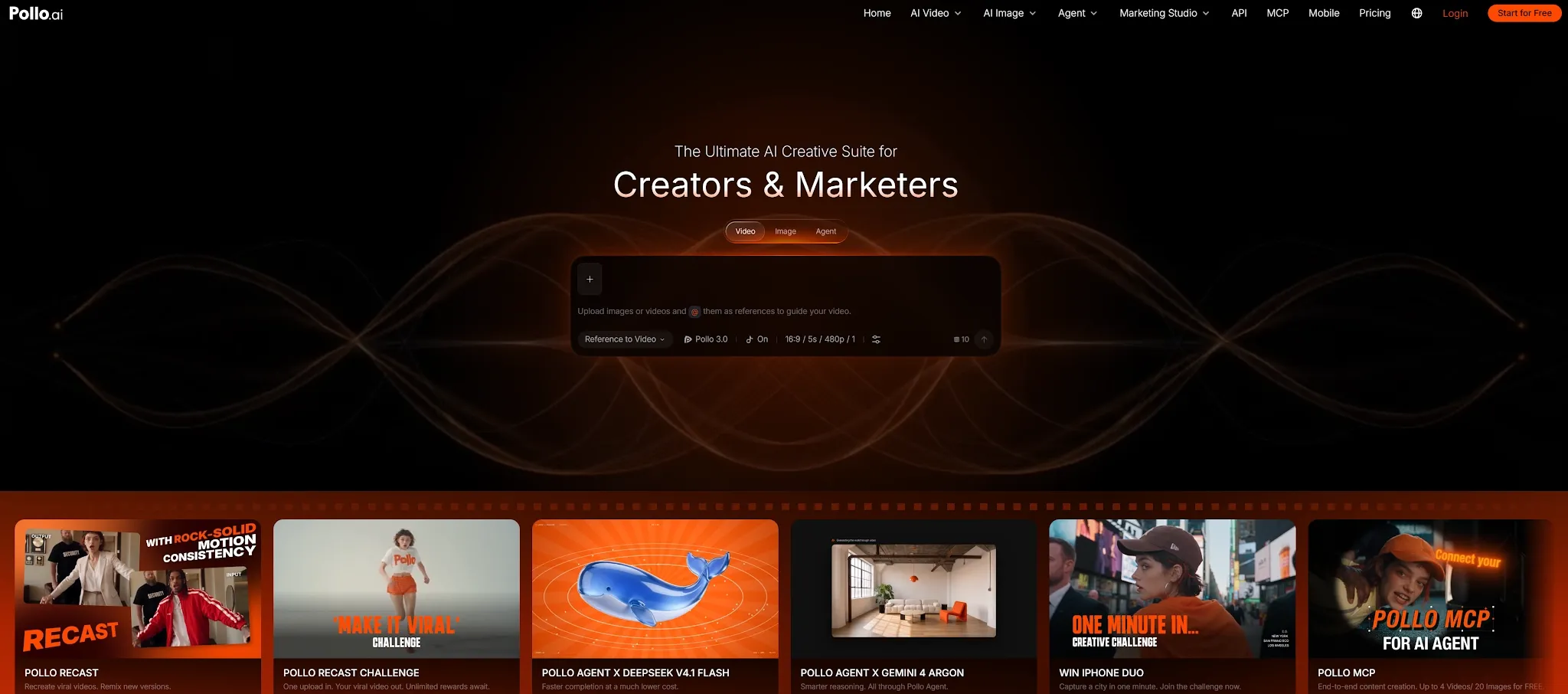
Pollo AI is my top choice because its AI realistic generation delivers studio-grade optical physics, and built-in post-processing without forcing you onto a paid subscription. If you need lifelike portraits or highly accurate product scenes, its realistic AI image generator gives you the precise control that other free platforms hide behind paywalls.
Instead of forcing you into one system, Pollo AI aggregates top-tier models like GPT Image 2.5 and Nano Banana 2.1 into a single workflow. I love this feature because it lets you easily compare how different engines handle skin texture, lighting, and material reflections.
Furthermore, if your first result is stunning but has a minor flaw (like a weird background or a warped finger), you don't have to start from scratch. You can use their built-in AI photo editor and image to image tools to run targeted edits, saving both your time and your free credits.
Pros:
- Authentic optical rendering: Accurately mimics 35mm, 50mm, and 85mm lens depths with single-source lighting bounce.
- Integrated editing pipeline: Seamless image-to-image reference locking, inpainting, and upscaling in one dashboard.
- Commercial-ready ecosystem: Pollo Agent and Marketing Studio transform raw images into finished store listings and mockups.
- Direct video path: Send approved realistic stills straight to Pollo Recast to animate character movement.
Cons:
- Feature-rich interface: Exploring the full suite of marketing apps takes a few minutes longer than using a basic one-prompt generator.
- High-demand settings: Generating multiple 4K variations in Professional Mode consumes credits faster.
Best For
Creators, freelance photographers, e-commerce sellers, and marketing teams who need authentic, photo-grade imagery plus the immediate tools to edit and deploy commercial assets.
Bottom Line
Pollo AI is the undisputed winner for realistic photo generation. It bridges the gap between text prompting and commercial delivery, giving you the freedom to test premier models, lock your subject consistency, and refine flawed details without paying a dime upfront.
2. Canva—Best For Free Realistic Images Inside Designs
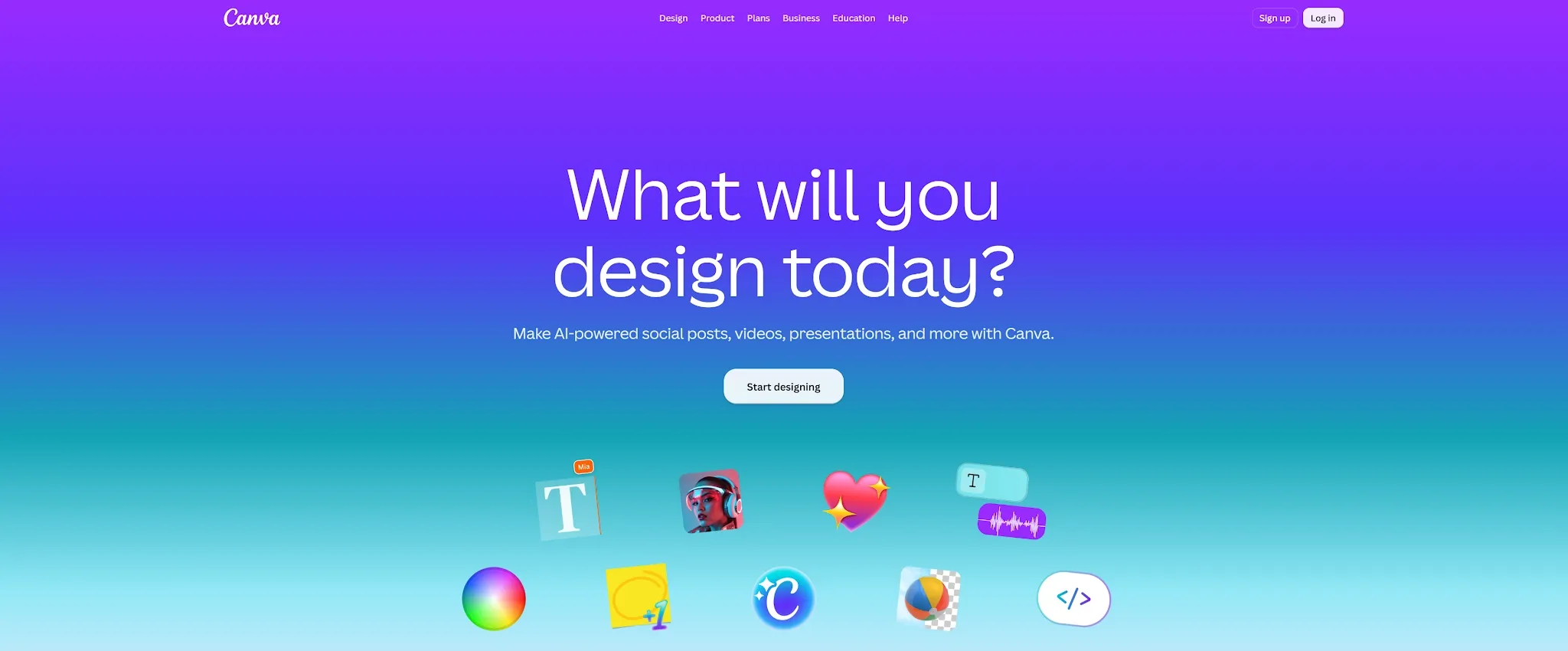
Canva is the easiest choice when the realistic photo needs to become a finished social post, presentation, ad, thumbnail, or flyer. Dream Lab can generate several image options from a prompt, use a reference image, support follow-up edits, and place the result directly into Canva’s design workspace.
That workflow is helpful for users who do not want to download an image and rebuild the layout somewhere else. You can create a lifestyle scene, add brand text, resize it for another channel, and share the design with a team. Canva’s free plan uses a shared AI allowance, so the number of image generations is not the only thing that matters. Editing, enhancement, and other AI features may draw from the same allowance.
Canva is more useful for finished communication than for testing the limits of photorealism. It can produce convincing lifestyle and social visuals, but complex prompts, exact products, and detailed human anatomy may require several tries. The visible AI label and usage controls can also be helpful when you want to communicate how an asset was created.
Pros:
- Dream Lab supports prompt generation, references, follow-up edits, and multiple options.
- Images move directly into templates, layouts, and brand assets.
- Free access is convenient for social, presentation, and marketing tasks.
- Easy for non-designers and teams to adopt.
Cons:
- The free AI allowance is shared across Canva’s AI features.
- Realism can be less consistent on complex prompts or exact product recreation.
Best For
Marketers, educators, small businesses, and creators who need a realistic photo inside a finished design.
Bottom Line
Canva is the best free AI image generator for realistic photos when the design around the image matters as much as the image itself.
3. Kaze AI—Best For Fast Free Photorealistic Experiments
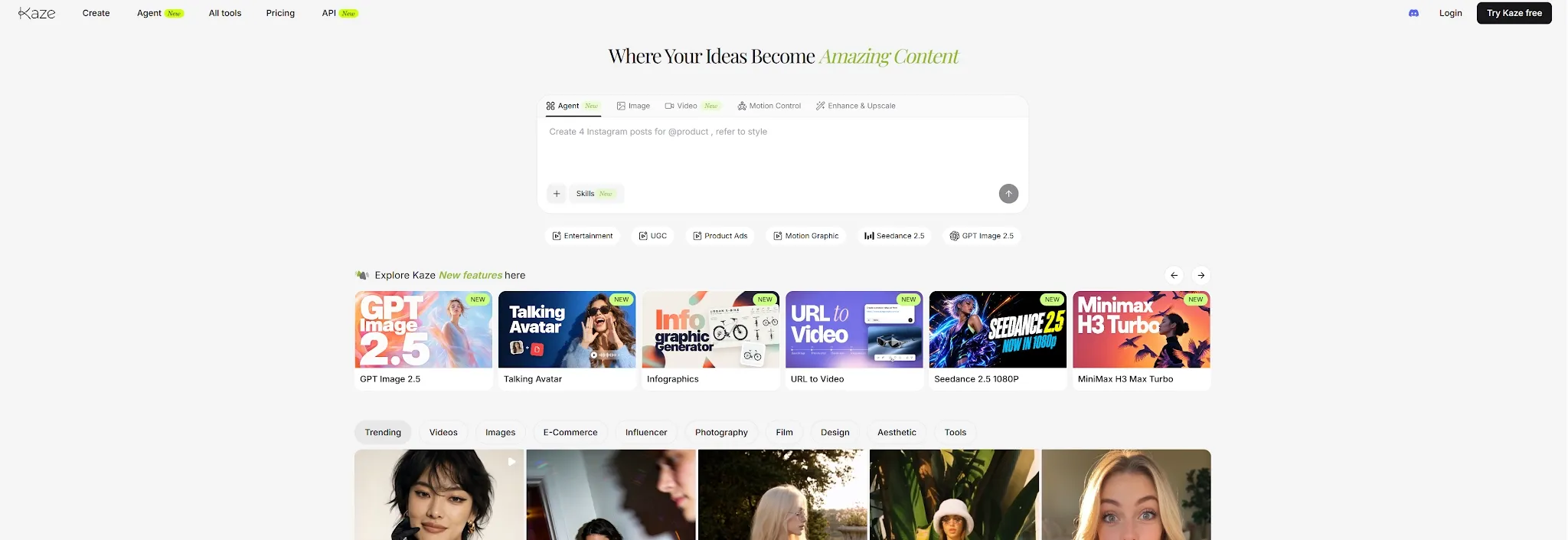
Kaze AI is built for a quick path from a natural-language idea to a photorealistic image. Its photo-realistic workflow focuses on lighting, texture, high-resolution enhancement, and simple controls. I found it useful for early portrait concepts, social images, couple photoshoots, and reference-led experiments where I wanted a result without learning a complicated interface.
Kaze also includes chat editing, photo restoration, image expansion, and body editing. That makes it more useful than a basic text-to-image page when you need to adjust the result after generation. The free starter path is a good way to test the workflow, but I would check the current usage counter before planning a large batch because free access and advanced features can change.
The main tradeoff is production depth. Kaze AI is convenient for a fast realistic AI photo, but it is less suited to comparing many models, maintaining a structured brand system, or preparing a large commercial image set. For quick personal and social experiments, that simplicity is exactly what makes it attractive.
Pros:
- Simple free entry point for photorealistic image experiments.
- Good focus on lighting, skin texture, and high-resolution results.
- Chat editing, restoration, and image expansion add practical value.
- Low learning curve for casual creators.
Cons:
- Free usage and advanced controls may vary by plan.
- Less suited to complex production or large image batches.
Best For
Users who want to create realistic portraits and social images quickly without a technical setup.
Bottom Line
Kaze AI is a good free realistic AI photo generator for fast experimentation, especially when speed matters more than deep controls.
4. OpenArt—Best Free Option For Model Variety And Control
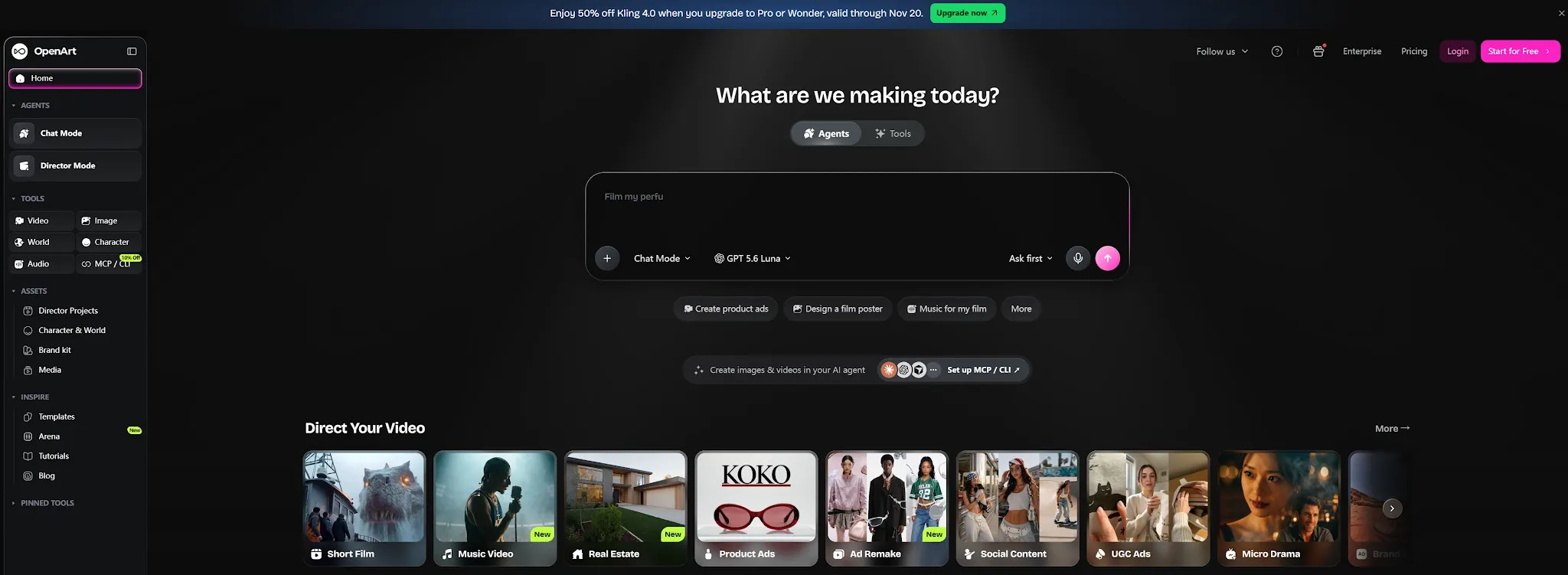
OpenArt is a strong free option when you want to compare styles, presets, and image models instead of accepting one automatic result. It supports realistic portraits, landscapes, product mockups, character images, and creative scenes, with editing tools that help you refine an image after generation.
OpenArt’s entry path includes free trial or daily credits, and its current site promotes free creation without a card. The catch is that advanced models, high-resolution options, and editing operations can consume credits quickly. That makes OpenArt better for deliberate experiments than for assuming you can generate an unlimited realistic-photo library at no cost.
I would choose it when I want to understand how different models interpret the same prompt. You can compare lighting, facial structure, and style, then refine the strongest output. The broader creative control is useful, but it also adds more decisions than Kaze AI or Canva.
Pros:
- Free starting access with daily or trial credits.
- Broad model and preset selection.
- Useful for realistic portraits, scenes, characters, and product concepts.
- Editing and enhancement tools help develop a stronger final image.
Cons:
- Premium models and advanced operations can use credits quickly.
- More controls create a steeper learning curve for beginners.
Best For
Creators who want to compare image models and learn how prompts, styles, and references affect realism.
Bottom Line
OpenArt is the best free AI image generator for realistic-photo experiments when creative control matters more than a one-click workflow.
5. PicLumen—Best For Fast Free Model-Based Image Creation
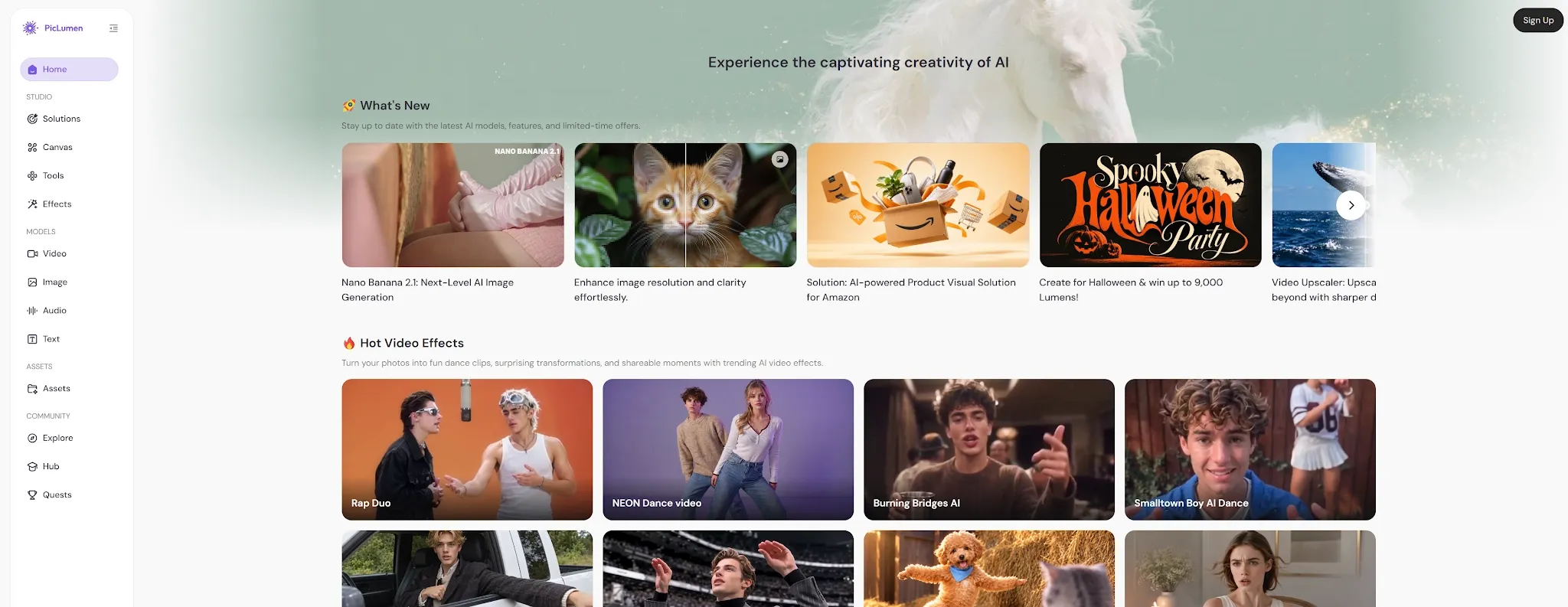
PicLumen is a useful choice when your priority is quick generation with access to several image models and styles. Its platform focuses on prompt adherence, fast rendering, and one-click editing, which makes it easy to test an idea without spending much time on setup.
PicLumen can handle realistic scenes as well as broader visual styles. Its model-aggregator approach lets you switch between options such as Flux, Seedream, and Nano Banana, depending on whether you want a different balance of detail, speed, or creative interpretation. The free daily allowance makes it useful for regular practice, although the exact amount and model availability should be checked in the current account interface.
The limitation is that fast generation does not remove the need for judgment. A quick output may still need editing, upscaling, or a better reference before it is ready for commercial use. PicLumen is strongest as a free experimentation tool for creators who want to produce and compare ideas quickly.
Pros:
- Fast prompt-to-image workflow with multiple model options.
- Free daily access for regular experimentation.
- Strong prompt interpretation and broad style support.
- One-click editing tools help with basic refinements.
Cons:
- Free limits and model access can change.
- Complex commercial workflows may need additional editing outside the basic generator.
Best For
Creators, students, and social teams that want fast free image generation across several styles and models.
Bottom Line
PicLumen is a practical free AI image generator for realistic-photo exploration when speed and variety are your main priorities.
6. Pixelcut—Best Free Tool For E-Commerce Product Photos
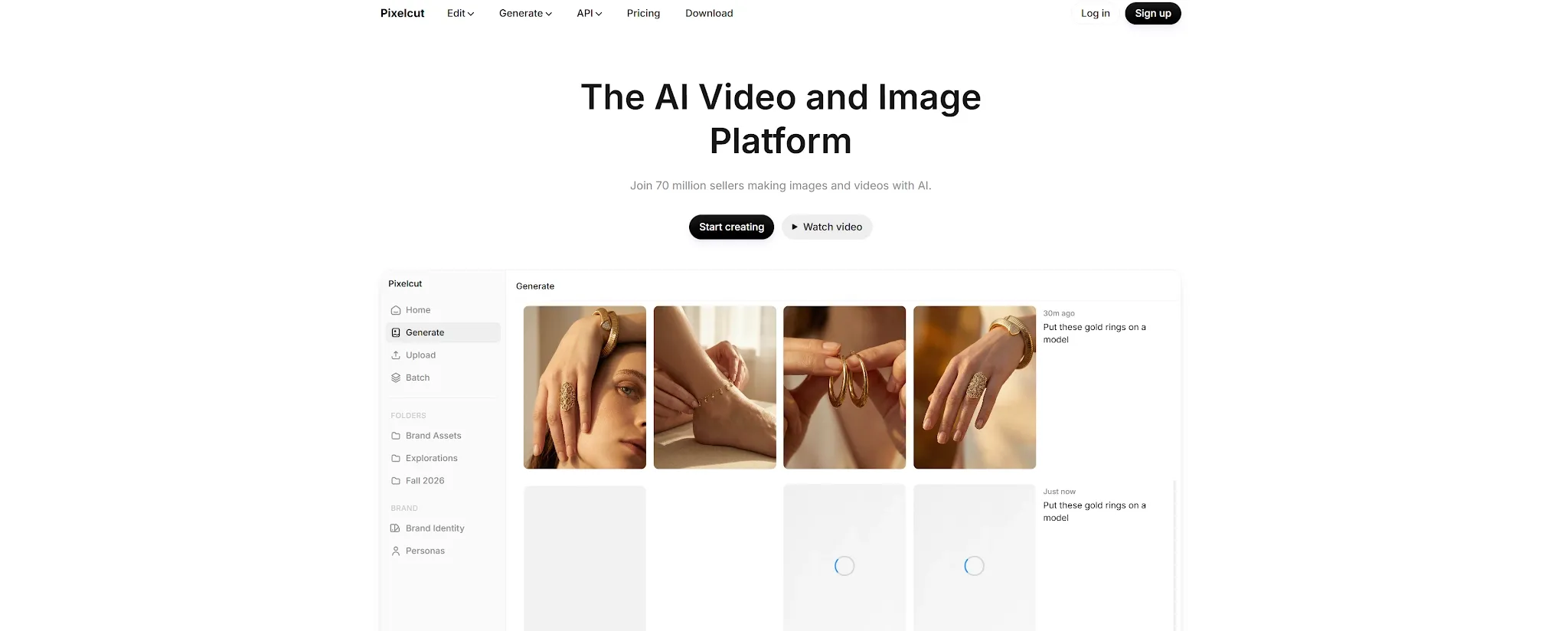
Pixelcut is the most useful option here when realistic means “ready for a product listing or ad.” Its free version gives access to basic editing and limited AI features, while the broader product workflow focuses on background removal, AI scenes, generative fill, upscaling, shadows, and product presentation.
That focus helps sellers because a realistic product image has to preserve more than appearance. The product needs the right proportions, material, color, label, and shadow. Pixelcut can turn a simple source photo into a cleaner lifestyle scene, but the free plan and advanced model credits may limit how many variations you can create.
Pixelcut is less useful for cinematic portraits or fictional scenes. I would choose it when I already have product photos and need to make them more useful for e-commerce, social commerce, or a small campaign without hiring a photographer for every variation.
Pros:
- Strong free starting point for product photo editing.
- Background removal, generative fill, AI scenes, and image enhancement.
- Useful for listings, catalogs, ads, and social commerce.
- Practical workflow for sellers and small businesses.
Cons:
- Advanced AI models and high-volume editing are credit-limited or paid.
- Less suitable for original cinematic or portrait generation.
Best For
E-commerce sellers, DTC brands, and small teams that need realistic product images from existing photos.
Bottom Line
Pixelcut is the best free AI image generator for realistic product photos because it focuses on the commercial details that make a listing usable.
7. Craiyon—Best For Simple No-Cost Image Ideas
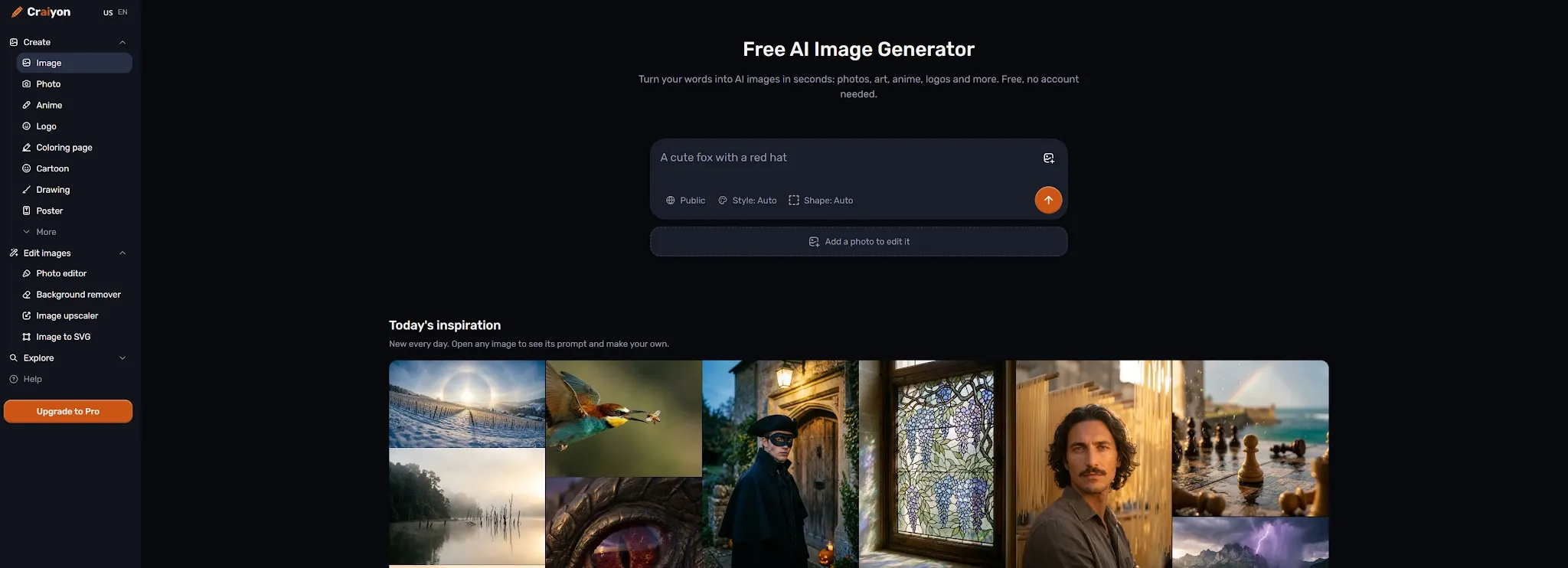
Craiyon is the simplest tool on this list. You describe what you want, generate images from text, and use the results to explore an idea without setting up a complex account or model workflow. It is useful for moodboards, classroom exercises, rough concepts, and personal prompts.
Craiyon’s free text-to-image access makes it approachable, but it is not the tool I would choose for polished realistic photos. The free experience may involve waiting, lower control, or attribution requirements, while more advanced editing, upscaling, and private output options belong to paid plans. The realism ceiling is also lower than the model-aggregator tools above.
That does not make Craiyon useless. It is a low-pressure place to test an idea before investing time in a better prompt or a higher-quality model. Once the concept is clear, you can move it into Pollo AI, OpenArt, or another tool for a more realistic and controllable result.
Pros:
- Easy text-to-image workflow with a free entry point.
- Useful for brainstorming, moodboards, and casual experiments.
- No complex model selection is required.
- Good starting point for users who are new to AI image generation.
Cons:
- Lower control and realism than the other tools on this list.
- Free users may need attribution, waiting time, or paid access for advanced features.
Best For
Students, beginners, and casual users who want to visualize an idea without paying.
Bottom Line
Craiyon is the best free AI image generator here for simple exploration, but it is not my first choice for finished realistic photos.
How I Tested These Free AI Image Generators
I tested the tools around the tasks that make a free plan useful in practice: realistic portraits, everyday scenes, product images, reference edits, and small corrections after generation.
I looked at skin texture, hands, lighting, product geometry, prompt adherence, and how much refinement was possible before the free allowance ran out.
The most important result is that “free” describes access, not a complete production guarantee. A free tier may be enough for learning and personal experimentation, but public output defaults, attribution, shared quotas, watermarks, or commercial restrictions can change the decision for client work.
How To Choose The Right Free Realistic AI Image Generator
To save you time, here is exactly how I decide which tool to open based on the project:
- Choose Pollo AI for the complete package. It is the best choice if you need model variety, image-to-image editing, and a direct path to commercial visuals.
- Choose Pixelcut for e-commerce. Use this if you already have product photos and need realistic backgrounds, contact shadows, or listing assets.
- Choose Canva for marketing layouts. It is perfect when the generated image needs to drop immediately into a branded social post or presentation.
- Choose OpenArt for creative control. Go here if you want to deeply compare models, presets, and prompt weights.
- Choose Kaze AI or PicLumen for speed. They are great for fast, low-friction visual brainstorming.
- Choose Craiyon for zero-login testing. Use it only when you need a quick concept and don't care about polished realism.
My advice before you upgrade:
Before paying for any premium plan, run the exact same 3 prompts across 2 different tools: a portrait (check for visible skin texture), a product (check for readable labels), and a scene (check for specific lighting direction). See which platform allows you to fix the weakest detail without draining your free credits.
If you’re considering options beyond free access, explore our guide to the best realistic AI image generators for a broader comparison.
Best Free AI Image Generator For Realistic Photo Workflows: Pollo AI
After testing all these tools, Pollo AI remains the strongest free option when you want to move beyond generating a single image and actually build a visual workflow.
The reality of AI photography is that true realism is rarely achieved in one step. You might need to correct a hand, lock a subject's face, or replace a background. Pollo AI lets you handle all these micro-adjustments inside the same ecosystem.
But what truly sets it apart for commercial users is Pollo Agent. Instead of manually piecing tools together, you can feed the Agent a creative brief. The LLM will organize the task, select the right image model, and generate the assets. From there, you can push your realistic image directly into the Marketing Studio or Image Apps.
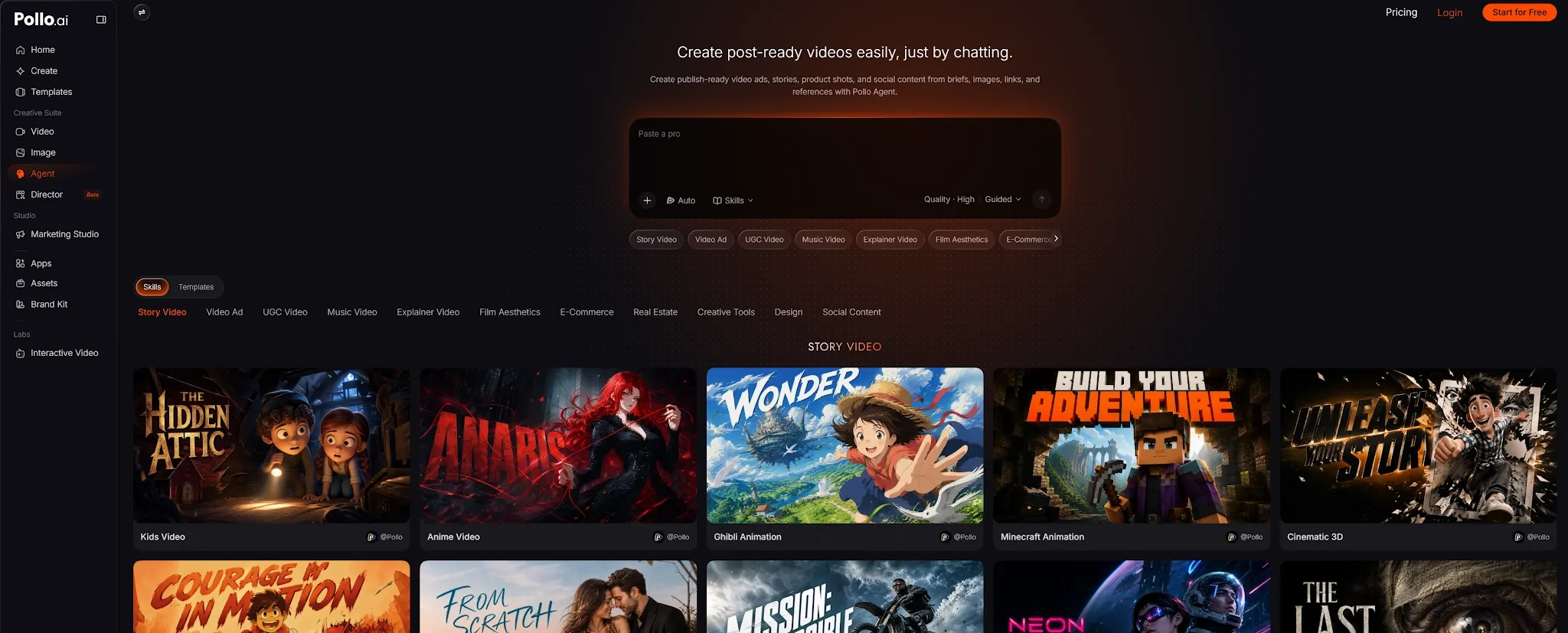
Rather than listing a dozen different menu options, think of it this way: Pollo AI takes your raw, realistic generation and turns it into a ready-to-publish promo poster, an Instagram mockup, or an e-commerce listing layout. It is more than just a free image generator—it is a complete bridge from your first visual idea to your final commercial campaign.
Turn Your Visual Brief Into a Realistic Image
Start with a prompt or reference photo, then control lighting, camera angles, textures, and composition in one realistic AI image workflow.
Try Realistic AI Image Generator
Final Verdict
Pollo AI is the best free AI image generator for realistic photos overall because it combines model choice, editing, reference workflows, and commercial visual tools. Canva is best for designs, Pixelcut for products, OpenArt for control, Kaze and PicLumen for fast experiments, and Craiyon for simple ideas. Check each free plan’s quota, privacy, attribution, and usage terms before using the output publicly.