



I Tested AI Product Video Generators for TikTok Shop: Here’s My Take
I’ve made a few purchases and sales on TikTok Shop, and most of the time, the trigger was a well-made promotional brand video that was too enticing to pass up.
From unboxing videos to influencer-led reviews, I’ve noticed they drive trust better than images. For this reason, premium AI product video generators are in huge demand.
After all, it’s pricey to pay real influencers or schedule shoots. So, I tried the top AI video generators out there, and after 3-week-long tests, let’s explore my picks, starting with Pollo AI.
TL;DR
Pollo AI is the best AI product video generator for TikTok Shop because it caters to the precise level of functionality, speed, and versatility that TikTok demands.
With multiple content production workflows, you can produce anything from product showcases to cinematic shorts to lifelike talking avatars for UGC-style content in minutes.
Why Do You Need AI To Create Product Footage for TikTok?
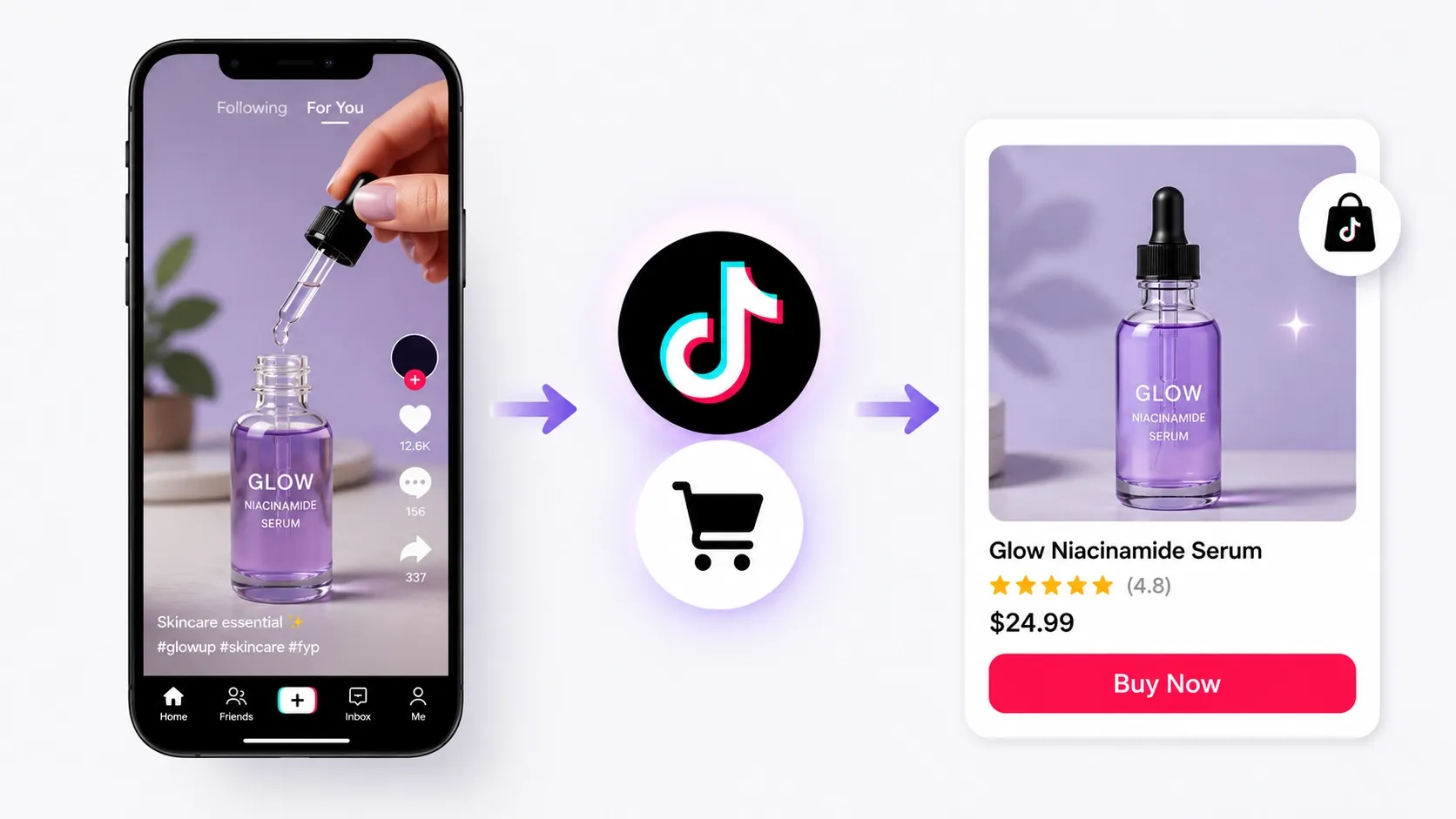
Why do you need AI to create product footage for TikTok? The answer is scale. Traditional product videos take too much time, money, and effort to plan, shoot, edit, and revise.
On TikTok Shop, speed and trust matter. A strong UGC-style product video can stop the scroll, explain the value quickly, and as some creators have shared, even help improve conversions over paid ads.
AI product video generators make this process faster. With a few product photos, you can create multiple video variations for testing instead of spending days on one clip. So, which tools work best? Here is my breakdown.
Best AI Product Video Generators: At a Glance
I’ve laid out a simple table showing where these AI video generators stand compared to one another. After that, I’ll explain what makes each of them suitable for TikTok Shop.
Tool | Best For | Pricing | Strengths | Weakness |
| Pollo AI | AI image/video generation overall | Free + ~$18/mo | Product reference + viral templates | Credit limits for heavy use |
| VEED AI | Polishing & subtitles | ~$10-24/mo | Auto-captions & social optimization | Weaker raw generation |
| Dreamina AI | Fast lifestyle & animated clips | Free tier strong | ByteDance realism & CapCut integration | Inconsistent prompt adherence |
| Akool AI | Realistic demos & face swap | Credit-based | Action sequences & personalization | Steeper learning curve |
| InVideo AI | Scripted & templated ads | ~$20-35/mo | URL-to-video + full automation | Can feel less "natural" UGC |
| FlexClip AI | Beginner templates | ~$10/mo | Quick vertical builds | Less cutting-edge AI |
| Pictory AI | Text-to-video explainers | ~$23/mo | Automation from descriptions | Slower product precision |
#1. Pollo AI: Best AI Product Video Generator Overall for TikTok Shop
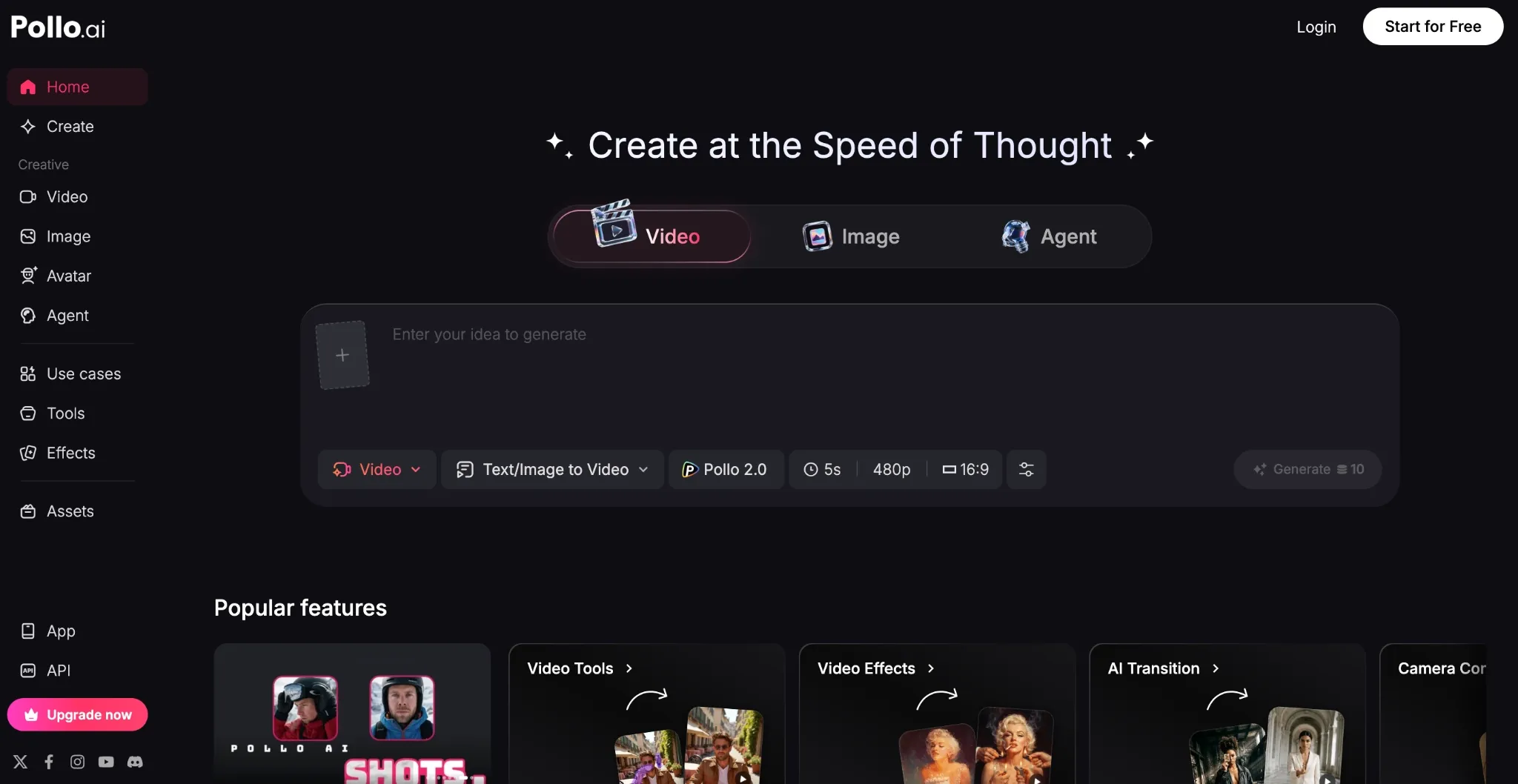
At the top of my list for TikTok Shop videos is Pollo AI. Why? Because I have found no other platform that shares the same level of functionality, speed, and versatility as this one.
It’s not just a single-purpose tool but an all-in-one image and video generation platform. With this, I can create any type of video via multiple built-in content production workflows.
Since it comes integrated with industry-leading AI models like Seedance 2.0 and Kling 3.0, I was excited to test its image to video capabilities with various product images free before I upgraded into a paid plan.
Each time, it followed my prompt instructions almost perfectly, allowing me to produce a few multi-angle product showcase clips and cinematic promotional shorts.
The visual quality was outstanding, and the motion physics and character/object interactions remained realistic and fluid across scenes.
I even tried out the reference to video feature to create a campaign teaser. This helped me maintain product consistency across different scenes, making it easy to create variations.
Engaging Product Videos Start Here
Use Pollo AI to create scroll-stopping product videos with every top model.
Start Creating Product Videos with Pollo AI Free
But my absolute favorite feature to use was the Pollo Agent. Here, I could casually turn my rough ideas into publish-ready videos in minutes. Best part? No manual editing is even needed!
I just describe what I want, throw in a product image, and the agent automatically handles everything else. Like a director, it managed the storyboarding, visuals, audio, etc.
And since the entire workflow is via chat, it keeps track of all changes. This allowed me to make consistent iterative edits until I was satisfied with the final cut.
What’s more? It can even clone existing viral videos. I tested it by pasting an existing TikTok fashion ad that I liked, and all it took was a few clicks for me to remake it with a different subject.
And if I need to create UGC-style promotional ads, there’s the Pollo AI avatar to help generate lifelike talking head videos with accurate lip-syncing.
I even came across 100+ specialized workflow apps that I could use in social media, marketing, education, etc. With all these features on offer, it’s no surprise that Pollo AI is my go-to pick!
Pros:
- All-in-one image/video generation
- Multiple top-tier AI models
- Agent-driven video creation
- 100+ built-in workflow apps
Cons:
- Top features require paid plan
#2. VEED AI: Best for Quick Edits and Subtitles
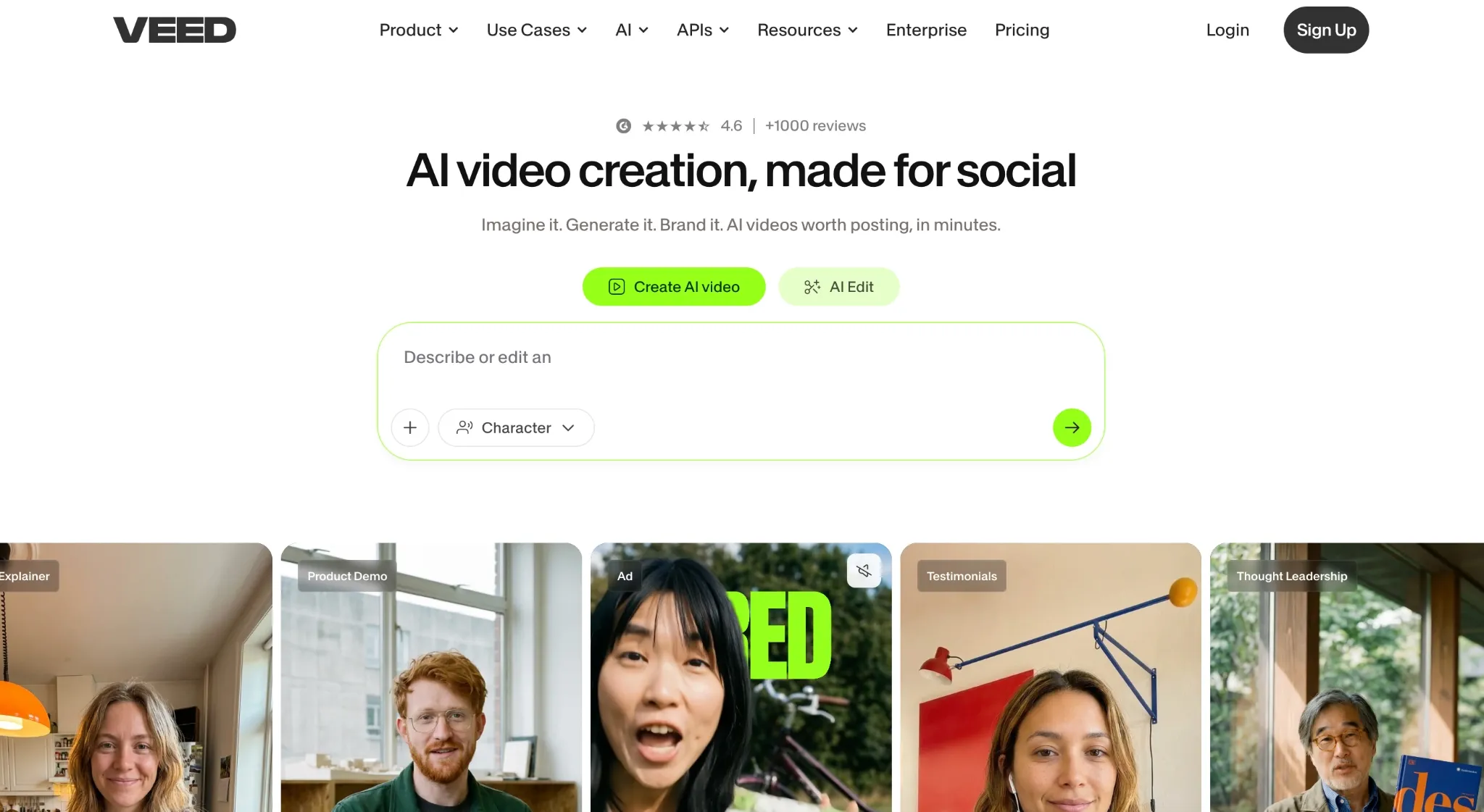
On TikTok, the quality of your edits can impact how well-received your video content is. And while VEED AI isn't the strongest on pure video generation, it excels at social post editing.
Here, I can optimize any video by making one-click adjustments using tools like auto-captions, magic cuts, eye contact correction, and more.
I tested it, and the first thing I noticed is that Veed AI is not suited to creative storytelling. Instead, it’s dedicated more towards creating lifelike talking head videos.
With a vast library of UGC-style avatars to choose from, I created a few testimonial clips, and the results were solid. The characters were lifelike, expressive, and the lip sync was on point.
They felt like real footage made by actual influencers. From there, it was a matter of adding captions, and with the intuitive editor, it took me a few minutes to have the clips publish-ready.
Even exporting was made simple since VEED AI primarily generates videos in vertical format. So, the only issue I had with it is that it can’t help with crafting cinematic-like teasers or trailers.
I’d say this tool is strictly for explainers, testimonials, or even a product demo (maybe). Another issue is that it’s not that fast. Some of my outputs took a little longer than I expected to render.
Pros:
- Fast & intuitive editing controls
- Specializes in UGC-style videos
- Extensive stock asset library
Cons:
- Slow generation at times
- Limited to talking-head videos
#3. Dreamina AI: Best for Creating Product Lifestyle Shots
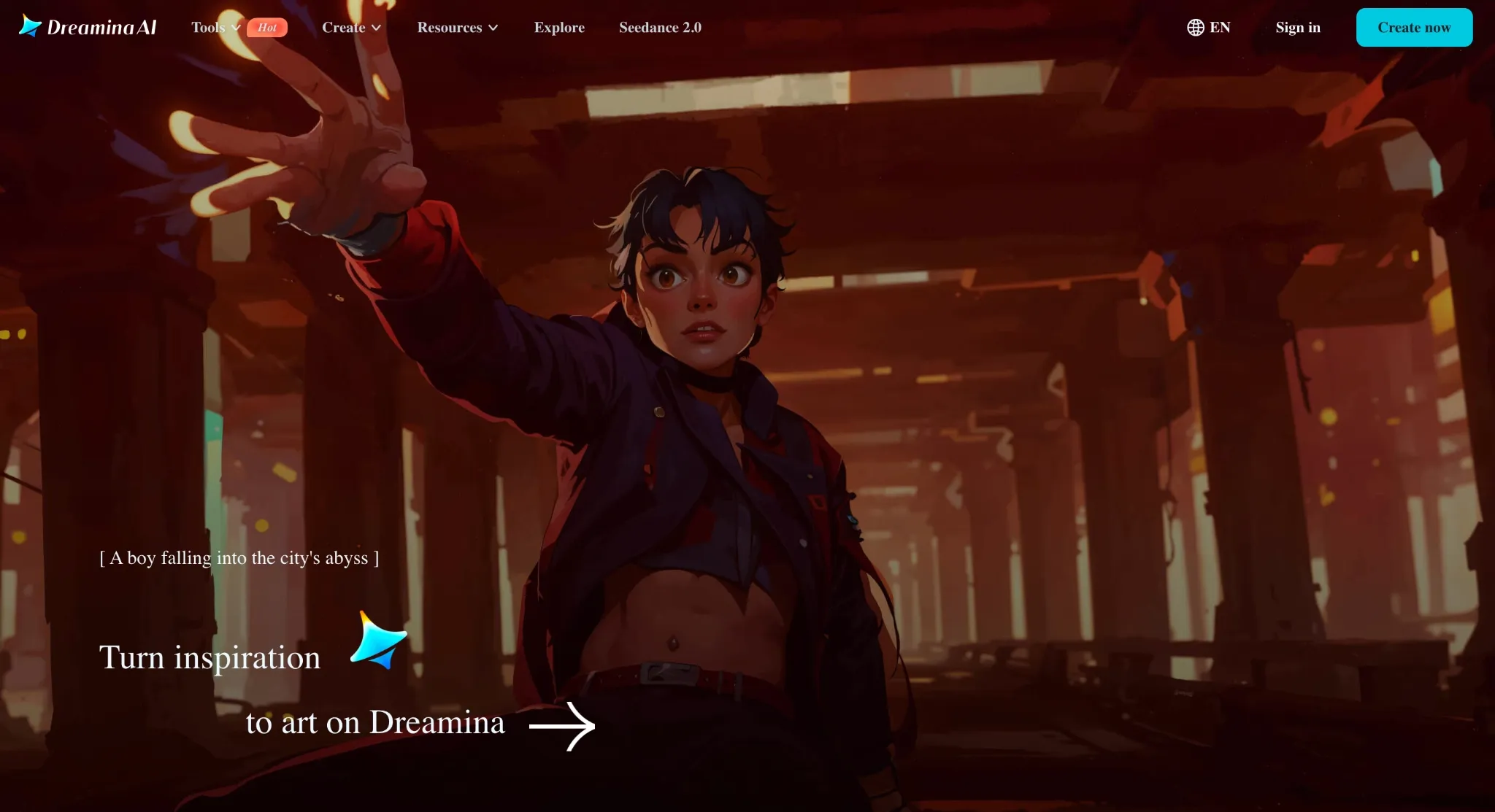
I tested Dreamina AI, and right away, I was impressed by its image to video capabilities. Powered by Seedance 2.0, it handled product placement seamlessly across various scenes.
Based on the outputs I got, it particularly excelled at placing the products in real-world settings. In this case, I used it to create a few lifestyle product clips and cinematic teasers.
From lighting to camera work, it did a good job, but what I liked most was how Dreamina AI is integrated with CapCut. With this, I could seamlessly edit my clips directly for TikTok.
It only took a few minutes to add effects and filters, as well as captions, before the videos were ready to be exported in vertical format and published.
I also appreciate the simplicity of Dreamina AI’s interface. From start to finish, it was a relatively painless process. The only real issue was that the prompt following was inconsistent.
I had to make multiple attempts before I nailed the exact scenes I wanted to create. Also, the credit usage can rise dramatically for high-volume generations, which I found a little frustrating.
Pros:
- Suited to cinematic product videos
- Integrated with CapCut/TikTok
- Simplistic user interface
Cons:
- Inconsistent prompt adherence
- High credit consumption for videos
#4. Akool AI: Best for Realistic Product Demos & Face Swap
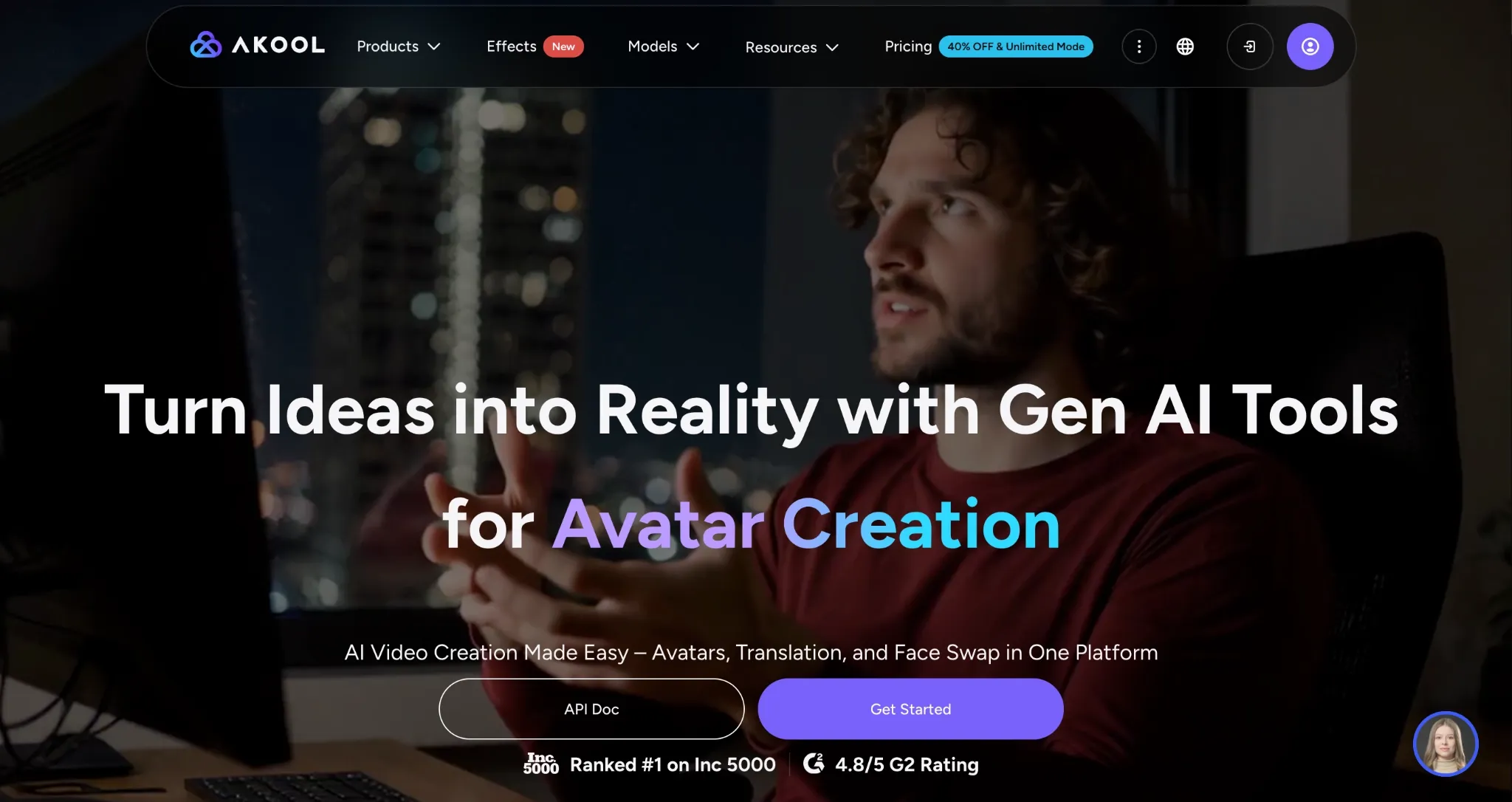
For creating product demos and guides, Akool AI is a good choice. Primarily because it comes directly integrated with TikTok Shop, making it easy to turn product photos into videos.
I put this feature to the test by uploading a few images of beauty and skincare products. After a few prompt iterations, I created a few before/after transformation clips using AI avatars.
For the most part, I was impressed by how the generated scenes presented lifelike motion, smooth camera moves, and even realistic interactions between subject and object.
But most importantly, it did well to maintain product fidelity across scenes. It even supports multilingual lip-sync and offers diverse voice-over options, so that was handy.
Based on this, I think Akool AI is flexible enough to help with creating UGC video ds, product demos, product guides, and even explainers. Especially because of its face-swap tool.
But I was disappointed by its confusing credit system. For each generation, it consumed a lot more than most other tools I’ve seen. Moreover, it can be slow to render videos at times.
Pros:
- Directly integrated with TikTok Shop
- Flexible enough for different product videos
- Multilingual AI voiceovers supported
Cons:
- Sluggish video rendering at times
- Overly-complex credit structure
#5. InVideo AI: Best for Simple but Professional Product Ads
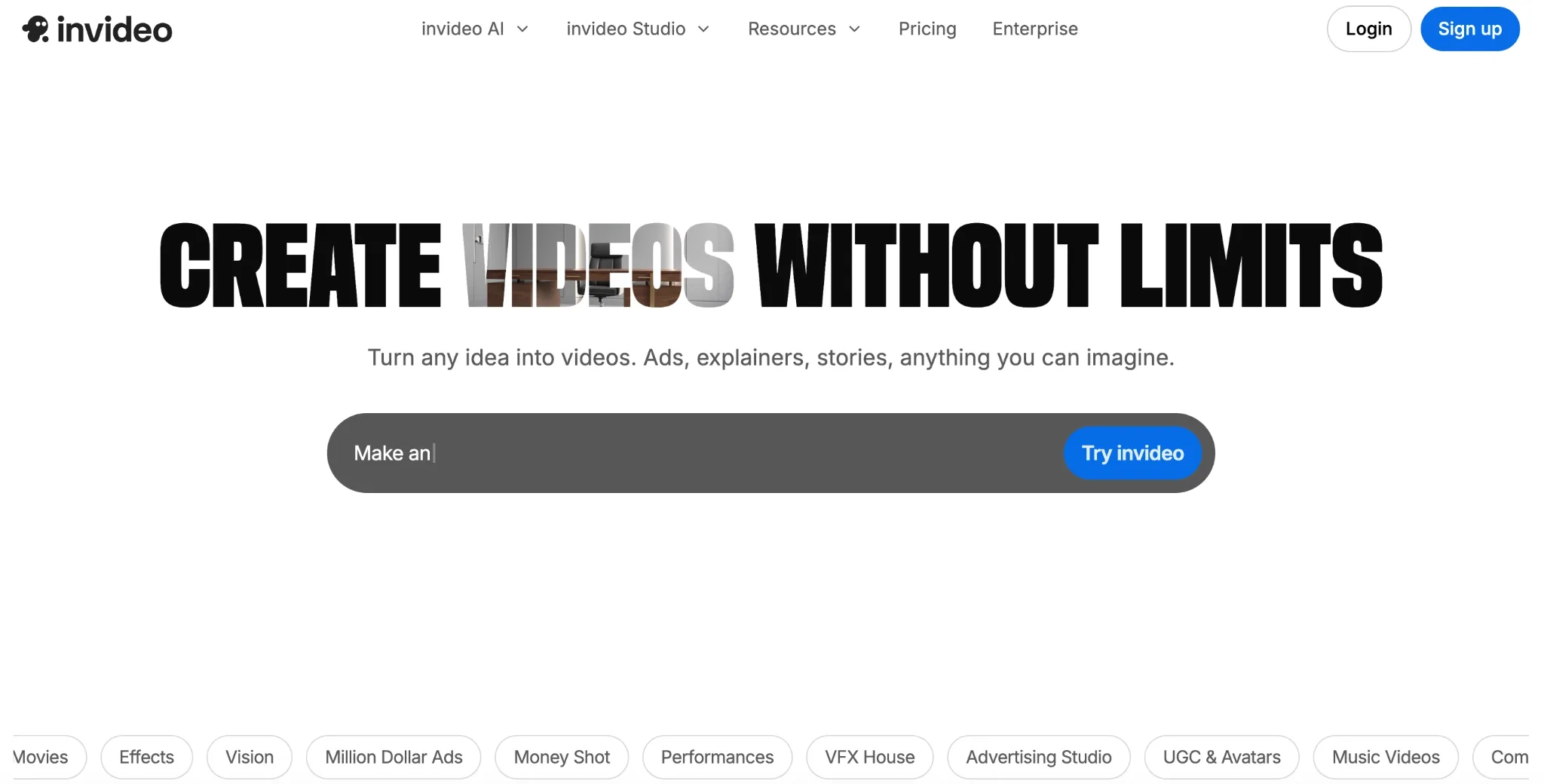
If you want a professional-looking product video ad, then InVideo AI can help. But I must warn you, it generates videos from stock footage, so the output won’t look like raw UGC-style content.
When I first tested it, I felt the videos lacked an authentic feel to them. But after a few customizations, I managed to produce a few solid product demos and comparison videos.
And with URL to video available, I didn’t even have to list out the features and aspects manually. Plus, with brand kit support, I could keep everything on-message.
I think InVideo AI works well for creating simple, benefit-driven ads that highlight what the product does. But it took multiple iterations to nail a good video, so my credit usage was high.
Pros:
- Huge stock asset library
- Beginner-friendly platform
- Brand kit support available
Cons:
- Not suited for creative/cinematic-style content
- Multiple iterations needed for a final result
#6. FlexClip: Best for Beginner-Friendly Templates
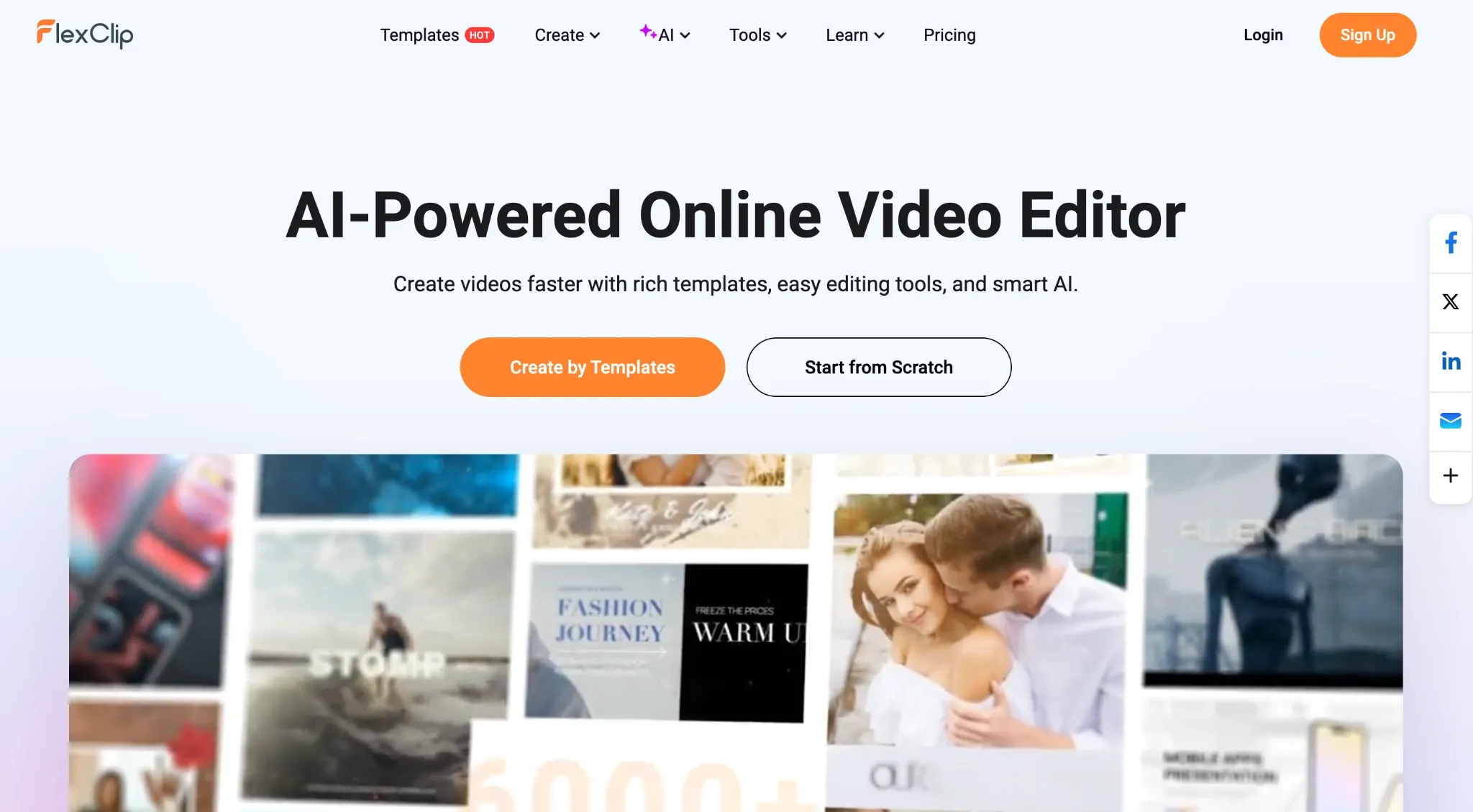
For speed and convenience, FlexClip has the edge, purely because of its vast range of ready-made templates that span various niches like sports, e-commerce, business, etc.
I tried to recreate them for use as quick product showcases and promo clips. I was mostly content with the results, especially since I could add messaging effortlessly.
The drag-and-drop workflow would really suit any beginner, so that was good to see. But I was let down by how the videos felt a little generic.
There was little room for cinematic creativity and customization, so I was limited in the types of videos I could create. Nevertheless, I admit it has a solid asset library for rapid creation.
Pros:
- Large asset library available
- Rapid video rendering
- Simple drag-and-drop controls
Cons:
- Outputs feel too stiff & too template-driven
- No advanced editing controls
#7. Pictory: Best for URL/Script-to-Video Product Ad Creation
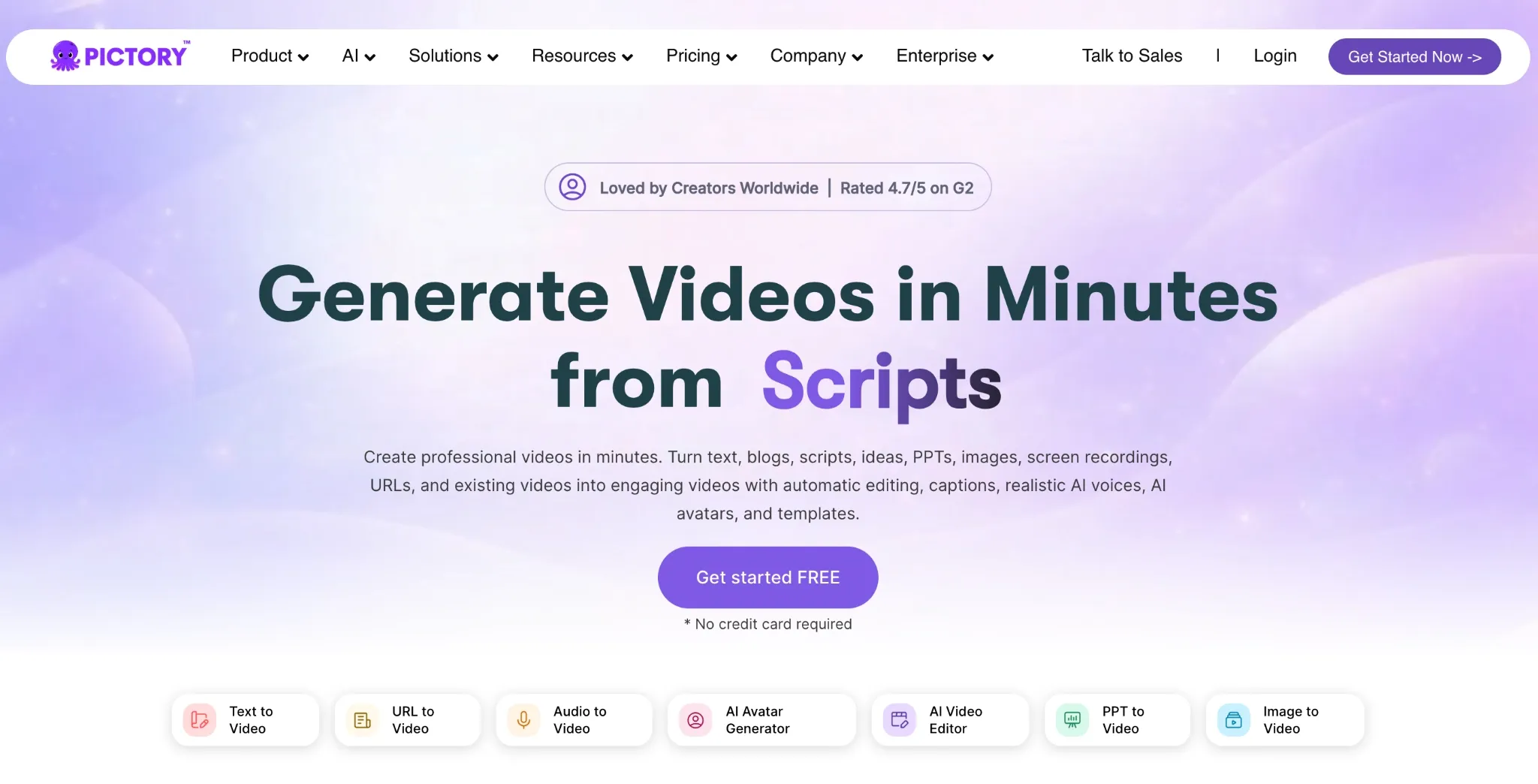
If you need to scale your product ads and need help with scriptwriting, then Pictory is ideal because it automates the entire production at a rapid pace.
I gave it the URL of a product page for headphones, and Pictory AI generated a narrative-driven script showcasing its use. I repeated this multiple times until it gave me a script I liked.
From there, it automatically generated the visuals, voiceovers, and captions to support the script within minutes. Most of the clip was made of stock footage, but it matched the script to a tee.
The only hitch was that the outputs looked more like presentation-style videos than natural ads. Also, the editing controls are limited, so I couldn’t do much to try to fix that.
Pros:
- Automated scriptwriting
- Large stock media library
- Simple & intuitive interface
Cons:
- Outputs can be rather generic
- Limited editing features available
Best AI Product Video Generator to Use for TikTok Shop: My Personal Take
I’ve found that producing video content for TikTok Shop demands a tool that can balance speed, quality, and versatility to create high-converting testimonials, product showcases, demos, etc.
After multiple tests, Pollo AI was the only one that managed to tick every box with very minimal issues to speak of. Here, I could create campaign-worthy TikTok Shop clips in a flash.
And because of its agent-driven workflow, I could streamline the video production process, making it faster for me to churn out top-notch visuals. Also, with so many tools to choose from, I know I’m covered should I need help with image or video creation for other creative projects aside from TikTok Shop.
Even from a cost-savings view, Pollo AI is the most affordable option. I can set the amount of credits I want per plan, so I found the pricing structure to be quite practical. You can also test it out via the free trial plan to see what I mean. I’m fairly confident that you’ll be running to subscribe to a paid plan within the first hour!
Best AI Product Video Generators for TikTok Shop FAQs
How critical are videos for TikTok Shop success?
Most purchases on TikTok Shop are impulse buys driven by unboxing videos, product reviews, UGC-style testimonials, etc. And they work best because they build trust, which leads to higher traffic on your TikTok Shop and ultimately, more conversions.
Which tool is best for beginners with no editing experience?
Pollo AI is your best bet to skip complex editing entirely. With its video agent feature, you can upload an image and casually direct the agent to create the product video you want, all while making adjustments via conversational chat.
Which tool maintains product consistency best across scenes?
You can use Pollo AI’s reference-to-video feature. It lets you select any character, scene, or object and keep it consistent, meaning you can showcase a product in different environments, even while other elements in the video keep changing.
Which tools best support audio, captions, and text overlays?
Pollo AI supports native audio and lets you add overlays and captions via prompt, be it for explainer videos, news videos, UGC video ads, etc. Another option is VEED AI, which offers auto-captions and text animations via one-click controls.
Which tools can I test-run for free before committing?
Pollo AI offers a free trial plan that lets you generate product videos and test out its extensive features at no cost. Other tools with a similar free plan include Dreamina AI and Akool AI.