



10 Best AIEASE Alternatives for Cleaner Product and Ad Visuals
AIEASE is convenient when you want quick AI images, background cleanup, enhancement, or simple photo edits. It covers a lot, but in my tests, the results felt more useful for fast tasks than for polished brand visuals.
For this article, I compared AIEASE alternatives around product ad workflows, e-commerce scenes, editing tasks, and social campaign needs. I paid attention to realism, layout control, product stability, and how much refinement each workflow still needed.
TL;DR
Pollo AI is the best AIEASE alternative for users who want brand-ready AI image generation, especially for product visuals, ad creatives, image to image refinement, and AI photo editing.
Pixelcut, Picsart, Canva, Fotor, and getimg.ai each work well for narrower use cases, while Pixlr, Photoroom, insMind, and Cutout.Pro feel more like supporting tools than complete image production platforms.
Why Look for an AIEASE Alternative?
AIEASE works well when the task is quick and simple. If I just need a fast cleanup, a basic generated image, or a casual enhancement, it can be enough.
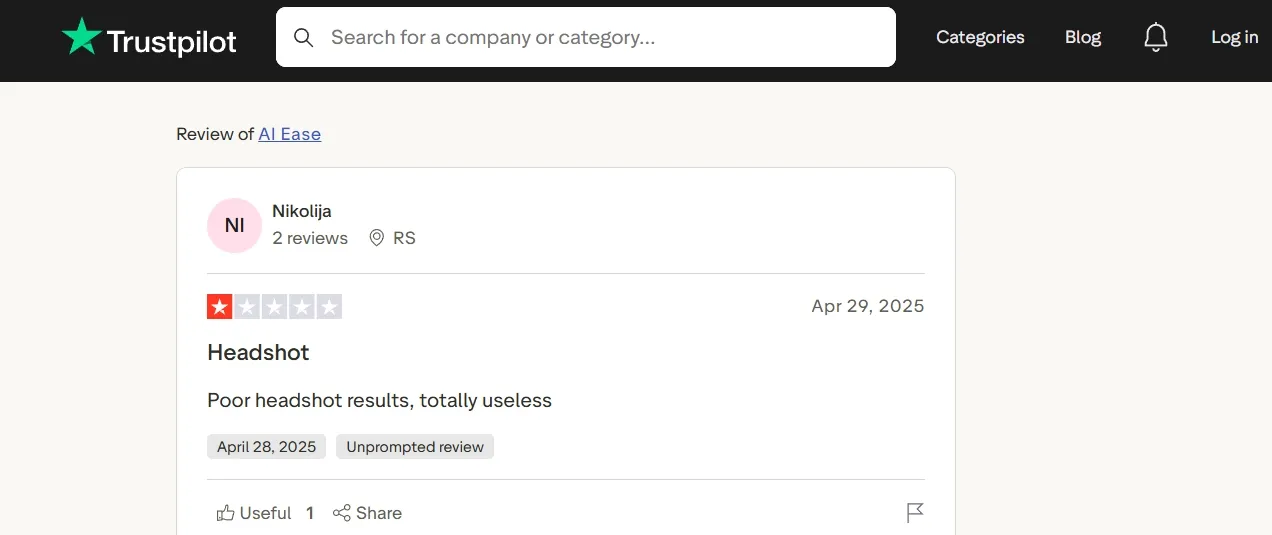
The problem starts when the image needs to look professional. I also noticed a user review from Trustpilot mentioning “poor headshot results,” which lines up with my concern around brand visuals, profile images, product shots, and ad creatives.
That is why I tested alternatives that could give me stronger control over detail, lighting, composition, and final polish.
Best AIEASE Alternatives At a Glance
| Rank | Alternative | Best For | Key Strength |
| 1 | Pollo AI | Best AIEASE alternative overall | Complete image generation, AI photo editing, and model workflow for polished product and ad visuals |
| 2 | Pixelcut | Product Photo Cleanup | Fast cutouts and cleaner seller-ready product photos |
| 3 | Picsart | Casual social graphics | Easy filters, stickers, and creator-style edits |
| 4 | Canva | Template-based design work | Layouts and brand asset assembly around existing visuals |
| 5 | Fotor | Quick photo enhancement | Simple improvements for casual or basic product images |
| 6 | Getimg.ai | Prompt and style exploration | Flexible variation testing for users who like experimenting |
| 7 | Pixlr | Browser-based editing | Quick retouching, layers, and visual adjustments |
| 8 | Photoroom | Product background replacement | Efficient cutouts and consistent e-commerce backgrounds |
| 9 | insMind | Fast e-commerce edits | Quick product presentation for seller images |
| 10 | Cutout.Pro | Background and object cleanup | Practical cleanup for existing images |
#1 Pollo AI: Best AIEASE Alternative Overall
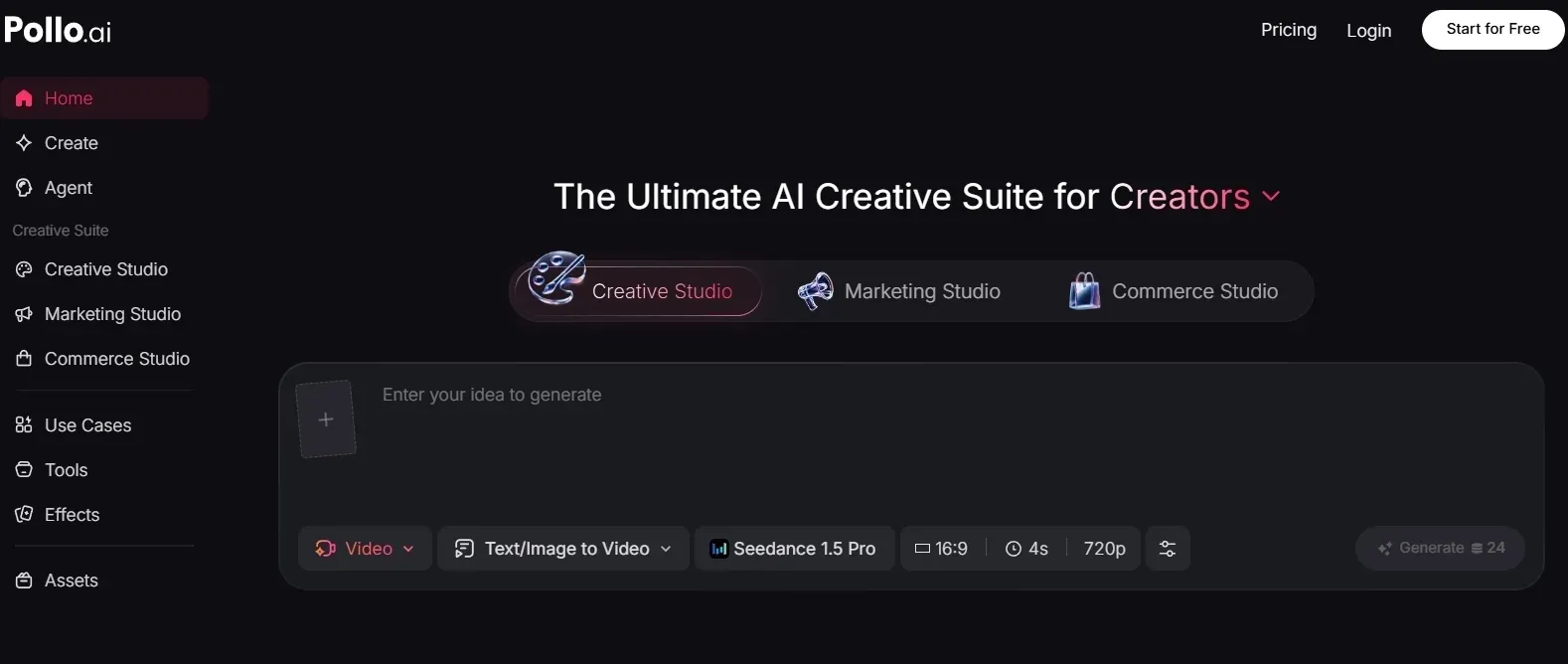
Pollo AI is my top AIEASE alternative because it gives me a fuller image workflow than quick-edit platforms. It is not only for creating a first image; it also helps with restyling, refining, and polishing that image until it feels useful for real marketing work.
For image creation, Pollo AI lets users start with its free image generator, then move into more controlled workflows when the first idea needs refinement. Its Image to Image AI is especially useful when you already have a reference, product photo, or rough draft and want to keep the idea while improving the visual style.
For e-commerce visuals in particular, its Commerce Studio makes the product-image workflow feel more focused, especially when I need clean product presentation, campaign-style polish, and visuals that can work for store pages or ads.
The editing side is also important. With the AI photo editor, I could treat the generated image as something to improve, not just accept or discard. Model options like GPT Image 2 also give more room to tune detail, structure, and campaign-style polish.
Create Polished Product Visuals with Pollo AI
Start using Pollo AI to generate cleaner and campaign-style images with every top model.
Try Pollo AI for Free
In a product-ad workflow, Pollo AI feels most useful when a seller needs several versions of the same product visual for different placements. A store hero image, a paid social mockup, and a seasonal campaign banner may all need the same product to stay recognizable while the background, lighting, crop, and mood change.
That is where Pollo AI photo editor matters. Instead of treating each image as a one-time output, users can keep a strong product direction, adjust the scene for a new channel, and clean up smaller issues before the visual moves into a listing, ad set, or campaign draft.
For e-commerce teams, this makes the workflow feel more practical than a quick editor that only fixes one part of the image. The advantage is not just that Pollo AI can generate or edit visuals, but that it helps move a product asset through the messy middle stage between first concept and publish-ready creative.
It still may take a few follow-up adjustments for very specific brand details, but the process feels easier to manage because the creation, refinement, and finishing steps stay connected in one place.
Pros:
- Strong full workflow across image generation, image to image, AI editing, and model choice.
- Better suited to product visuals, ads, ecommerce hero shots, and social creatives.
- Good for polished commercial images, not just casual AI experiments.
Cons:
- Very specific brand details may still need a few follow-up refinements.
- New users may need a few runs to learn which model fits each style.
Pollo AI is the best AIEASE alternative if you want one platform that can move from first image idea to polished commercial visual.
#2 Pixelcut: Best AIEASE Alternative for Product Photo Cleanup
Pixelcut worked best when I treated it as a product-photo helper especially for background cleaner. It is useful for simple e-commerce presentations.
I can see sellers using it when they already have product photos and need to make them look more consistent. It is fast and practical, but it does not feel as broad as a full creative image workflow.
Pixelcut is useful when the product asset already exists, and the job is to make it cleaner for a listing, store page, or marketplace catalog. That makes it practical for sellers who need a tidy product photo quickly, but it also means the final look depends heavily on the quality, angle, and lighting of the original image.
The limitation shows up when the same product needs to become a fuller campaign visual. Pixelcut can help with cleanup and presentation, but it does not naturally guide the user through concept direction, ad variation, lighting choices, or brand mood.
That is why I see it as strongest for preparation rather than full campaign building. If your main need is a clean background remover style workflow, Pixelcut makes sense; if you are comparing broader product photo options, it may feel narrower.
Pros:
- Good for ecommerce cleanup and product presentation.
- Fast for cutouts, background changes, and seller-style visuals.
Cons:
- Less useful for original campaign ideas.
- Final images can feel neat but not deeply branded.
Pixelcut is useful for fixing product photos, but it is much narrower than Pollo AI as an overall AIEASE alternative.
#3 Picsart: Best AIEASE Alternative for Social Graphics
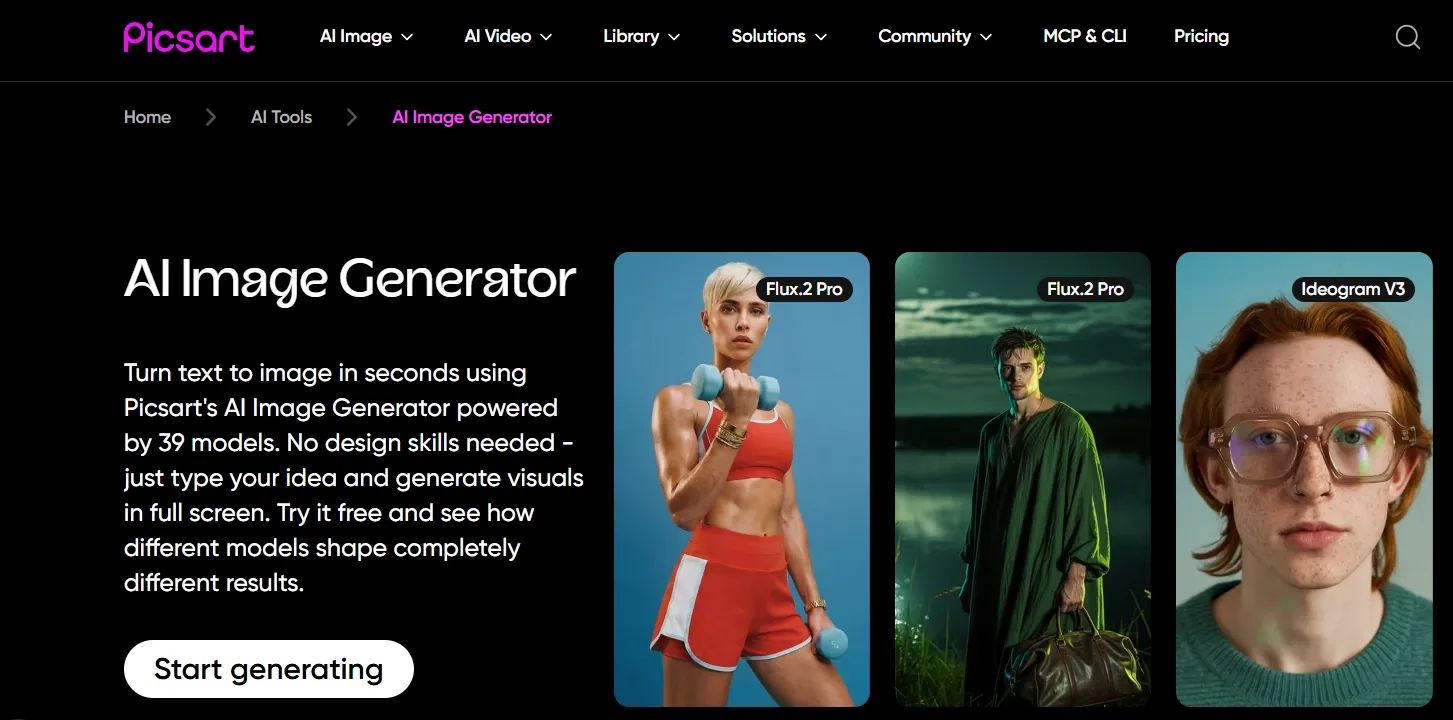
Picsart felt friendly and familiar. It is good for creator-style posts, quick edits, stickers, filters, and playful social layouts.
I liked it more when the goal was speed and personality. For product-heavy visuals, I wanted more control over object shape, label clarity, and premium finish.
Picsart fits casual launch posts and creator-style graphics because it makes edits feel quick and expressive. It works better when the image needs social energy, overlays, filters, or a playful presentation rather than a strict e-commerce hero shot.
For polished product campaigns, the workflow feels less reliable because social-editing tools often prioritize style effects and layout play over product consistency. If the label, packaging shape, lighting, and background all need to stay controlled across several campaign assets, Picsart can start to feel harder to manage.
It is still useful for shaping a lighter social look, especially when the brand direction is flexible. But if the campaign also needs a more structured identity system, assets like a simple logo sketch become a separate brand-planning step rather than something I would expect Picsart alone to solve.
Pros:
- Easy for social graphics and creator edits.
- Good for playful layouts and quick visual ideas.
Cons:
- Product realism can be uneven.
- Less suitable for ecommerce hero images or paid ads.
Picsart is useful for casual social content, but I would not use it as my main tool for polished product marketing images.
Looking for personal experience of testing Picsart? Read Picsart’s review.
#4 Canva: Best AIEASE Alternative for Template-Based Design
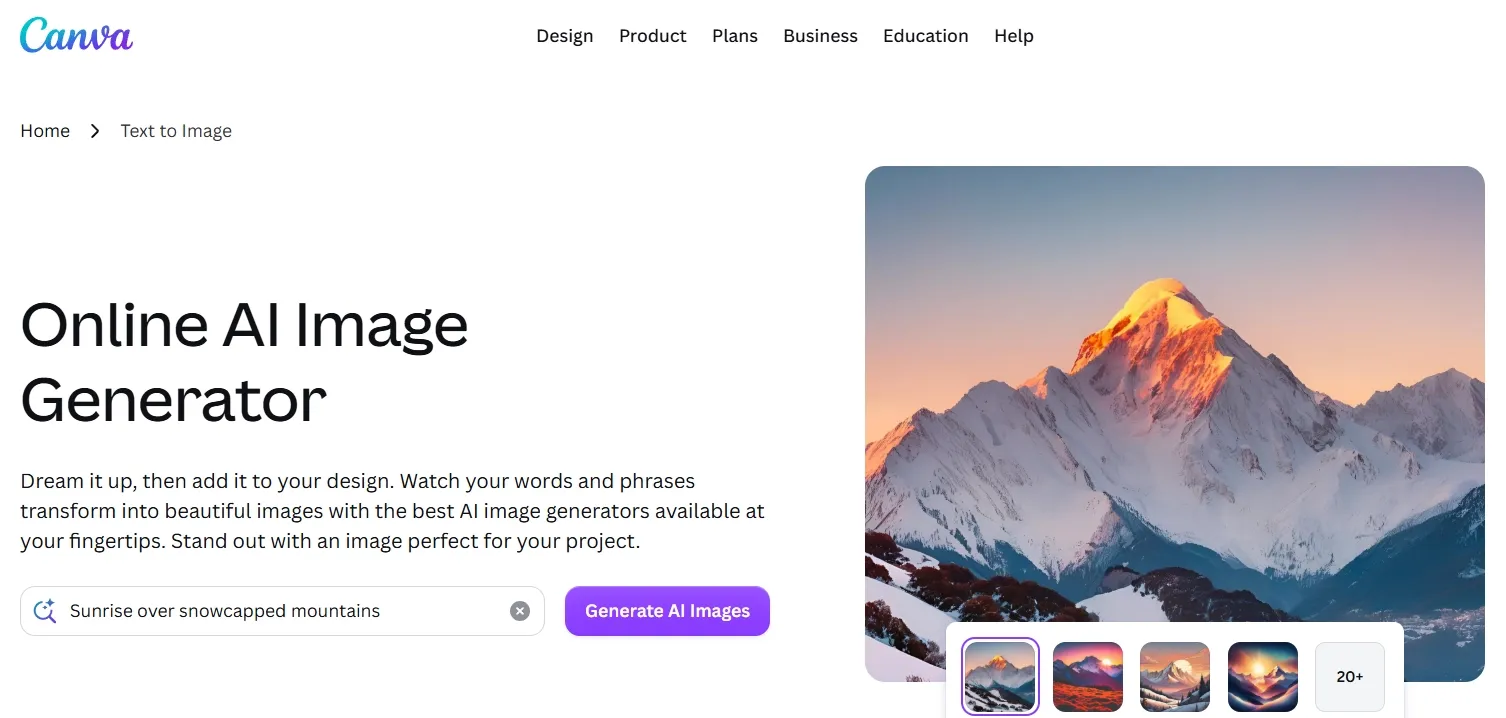
Canva felt strong when the final output is a designed asset. It is great for layouts, posts, slides, flyers, and simple brand materials.
Its AI image tools can help with a starting point, but the real strength is assembly. If the core image is not strong enough, the design still needs support from a better image workflow.
Canva makes sense when the team already has a usable product image and needs to turn it into a finished poster, post, deck slide, or simple campaign asset. The template system helps with layout decisions, typography, and brand-kit consistency.
The weaker part is the image source itself. Canva can make an asset look organized, but if the product image has weak lighting, unclear packaging, or a flat commercial concept, the layout can only do so much.
For campaign work, I would treat Canva as the assembly layer rather than the place where every visual problem gets solved. It can package a strong product image well, but more visual-heavy ideas, such as a movie poster style campaign concept, usually need a stronger image direction before layout begins.
Pros:
- Excellent for templates and finished design assets.
- Easy for non-designers to use.
Cons:
- AI image generation is not the deepest part of the workflow.
- Product visuals may need outside refinement.
Canva is useful for building the final layout, but Pollo AI is stronger for creating the polished image that layout depends on.
Want to learn more about Canva’s features? Read this Canva review.
#5 Fotor: Best AIEASE Alternative for Quick Photo Enhancement
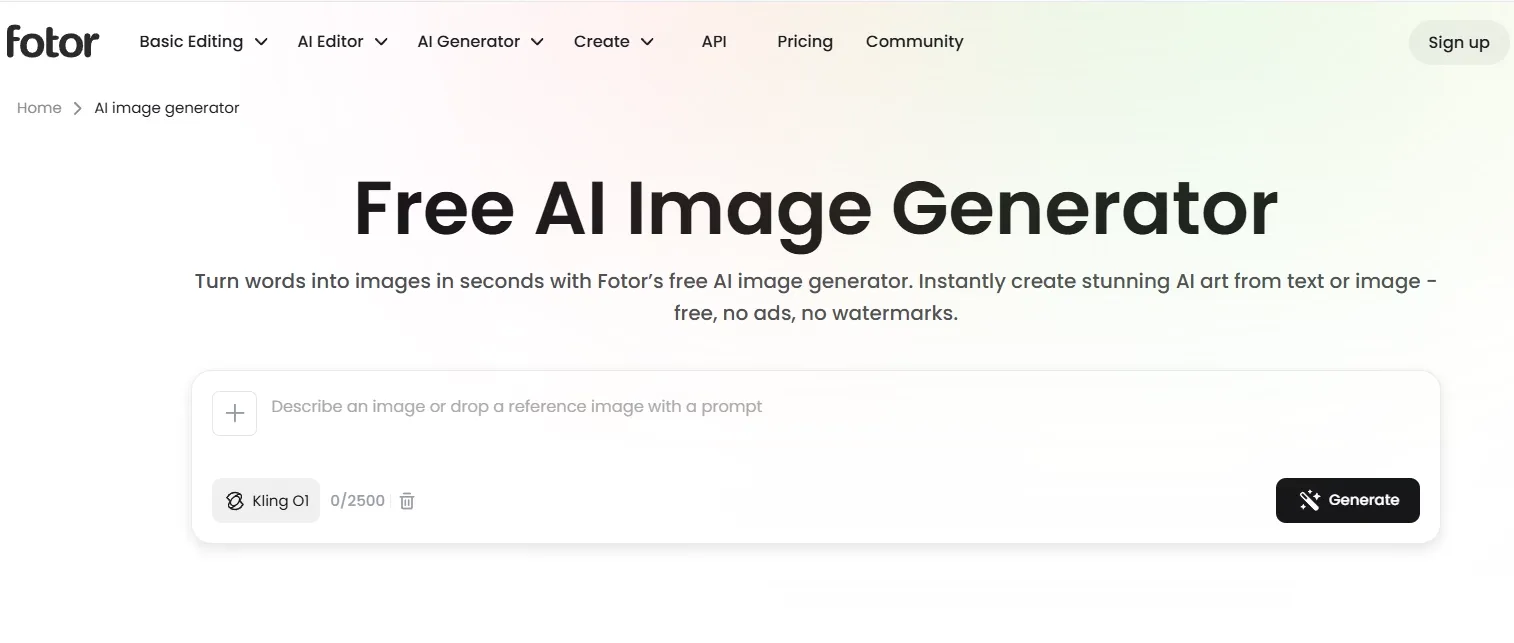
Fotor felt simple and approachable. I would use it for quick enhancement, light retouching, or a basic lifestyle image.
It has a low learning curve, which is helpful. But for product-style work, that simplicity also explains why the visual direction can feel less distinctive. Enhancement can improve an image, but it does not always rebuild the product story, scene logic, or campaign mood.
Fotor is practical when the image is close and only needs lighter improvement. It can help a beginner brighten, soften, retouch, or make a simple product scene feel more presentable without dealing with a complex toolset.
The limitation is that quick enhancement does not always create a memorable ad visual. When the base image is too flat or the product detail needs more clarity, a clearer product-photo detail workflow is the kind of extra step that may be needed beyond basic enhancement.
Pros:
- Easy for beginners.
- Useful for basic enhancement and quick edits.
Cons:
- Results can look generic.
- Less control over product detail and commercial composition.
Fotor is handy for small improvements, but it is not the strongest choice for brand-ready image creation.
If you are attracted to Fotor’s quick photo enhancement, you can click here to learn more.
#6 Getimg.ai: Best AIEASE Alternative for Prompt Experimentation
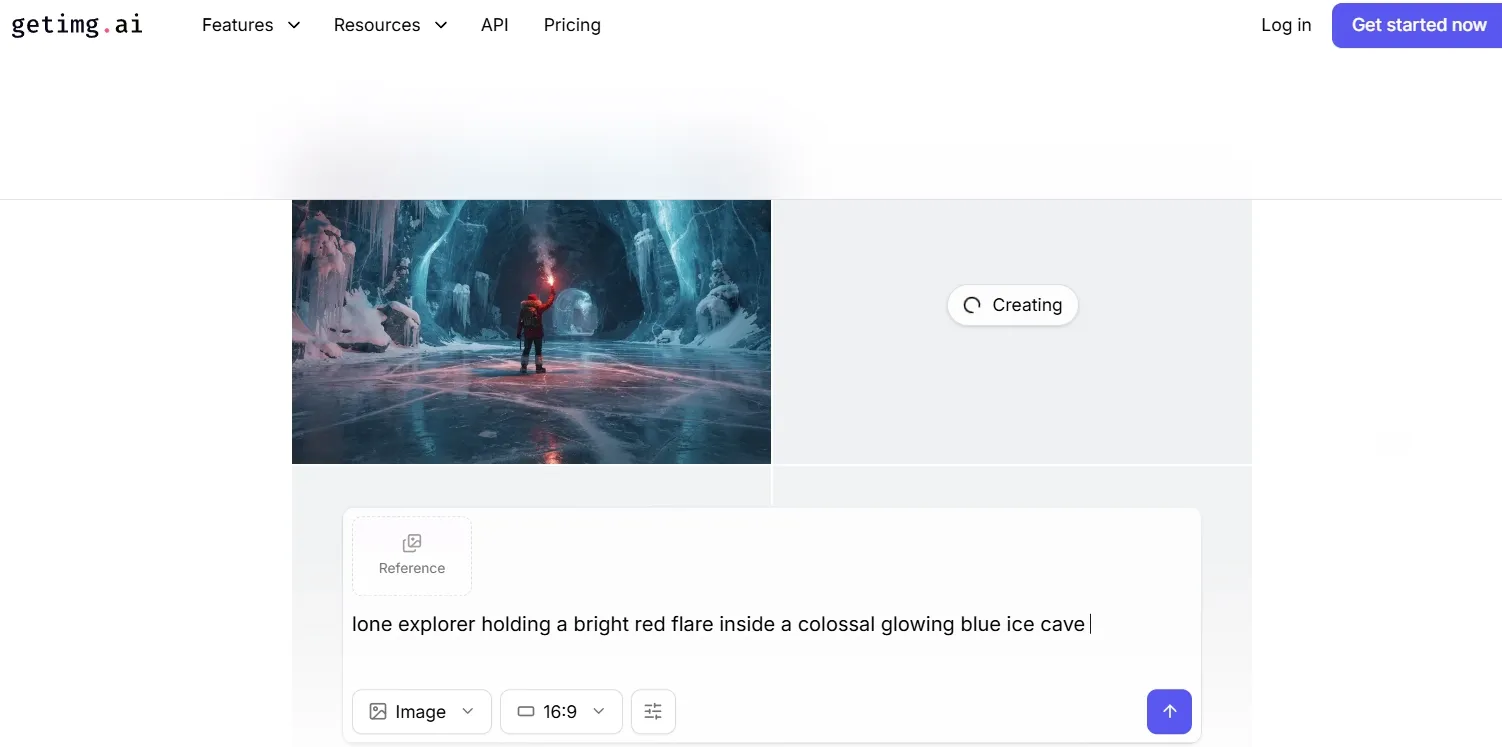
Getimg.ai gave me more room to explore prompts, styles, and model settings. It suits users who enjoy testing many visual directions, like product launch posters and social banners.
I liked it as an exploration tool. For production work, though, it took more sorting and tuning before I found an image that felt commercially usable.
Getimg.ai works best for hands-on users who like adjusting styles, settings, and creative directions before settling on one visual route. That makes it useful for early exploration when the goal is to compare moods, formats, or campaign angles.
The workflow becomes less direct when the project needs a fast, polished product asset. Because there are many creative variables to manage, users may spend more time sorting through interesting directions instead of moving quickly toward one clean commercial image.
That extra exploration can be helpful for ideation, but it can slow down production when the final asset needs clear space, product readability, and channel-specific structure, such as social banners or store campaign graphics.
Pros:
- Good for exploring styles and prompt variations.
- Flexible for hands-on users who like comparing outputs.
Cons:
- Needs more trial and error.
- Less direct for fast commercial production.
Getimg.ai is useful for experimentation, but Pollo AI got me closer to a polished marketing image faster.
Read this Getimg.ai review article to check out Getimg.ai’s prompt experimentation workflow.
#7 Pixlr: Best AIEASE Alternative Browser-Based Editor
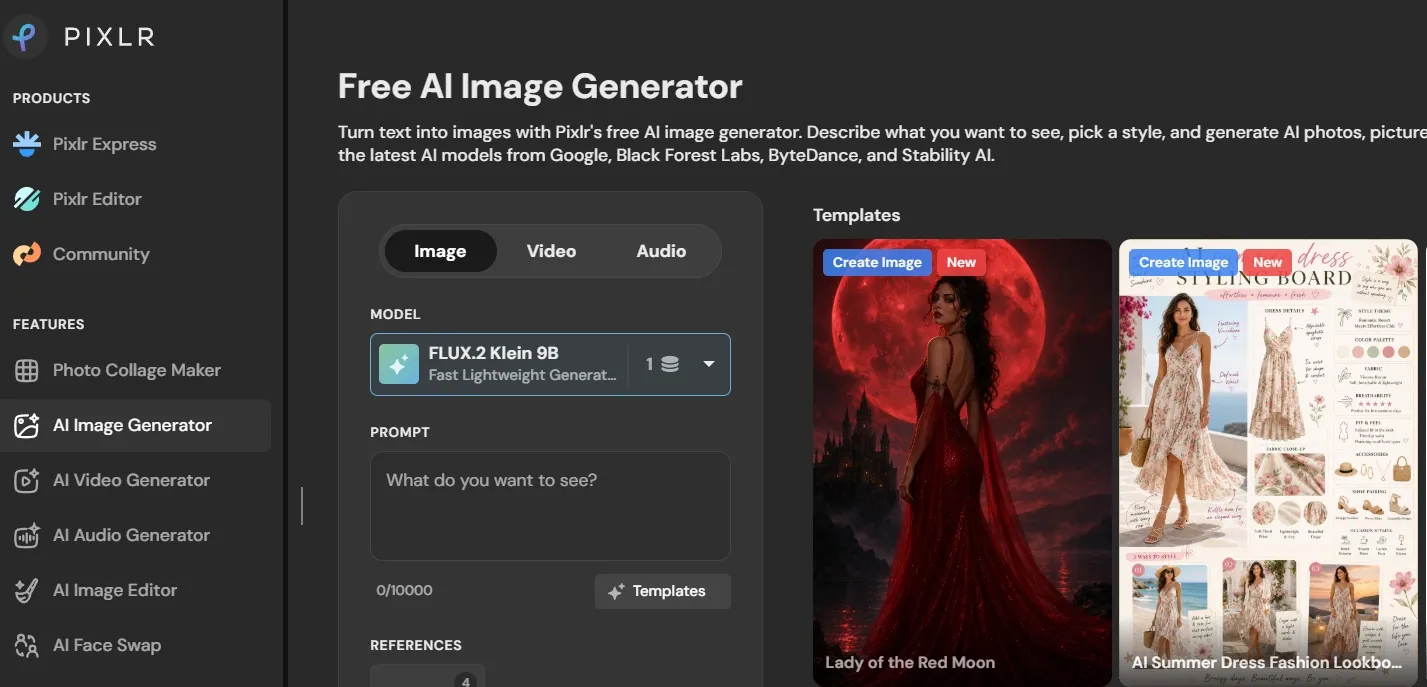
Pixlr worked better for editing than for creating the main idea. I liked it for layers, retouching, adjustments, and quick browser-based fixes.
If your workflow starts with an existing image, Pixlr is convenient. If you need the core product visual to look strong from the start, it feels more limited.
Pixlr fits the middle of a visual workflow, where an image already exists and needs cleanup, retouching, overlays, or small layout changes. It is useful because everything happens in the browser and the editing tools feel familiar.
The trade-off is that Pixlr depends on the base asset more than a full image-generation workflow does. If the product scene starts with weak lighting, unclear composition, or an underdeveloped ad idea, browser editing can polish the surface but may not solve the concept problem.
When a scene mainly feels flat, a step of photo lighting adjustment may help push it closer to an ad-ready look. But Pixlr still works better as a finishing editor than as the main place to create the whole product campaign image.
Pros:
- Convenient browser-based editing.
- Useful for retouching and layout fixes.
Cons:
- AI generation is not the main strength.
- Marketing images usually need extra finishing.
Pixlr is a solid editor, but it works better as a supporting tool than a full AIEASE replacement.
Read this Pixlr review article to check out Pixlr’s features.
#8 Photoroom: Best AIEASE Alternative for Product Background Replacement
Photoroom felt focused and efficient. It is especially useful for e-commerce sellers who need cutouts, background swaps, and consistent product photos.
The workflow makes sense when the product already exists, and the main job is presentation. For original campaign concepts, I found the creative range more limited.
Photoroom is strong when the product photo is already usable, and the job is to make the background cleaner, more consistent, or more store-ready. It can help sellers build a more uniform catalog without turning every image into a full creative project.
The creative range feels more limited because the workflow is built around product presentation, not around developing a fresh campaign idea. It is useful when the question is “which background makes this item look cleaner,” but less useful when the question becomes “what visual world should this campaign live in?”
That difference matters for ad work. A catalog image may only need a cleaner surface, but a campaign image often needs mood, setting, lighting, and visual storytelling to work together. Photoroom can support the preparation stage, but it does not give me as much room to shape the full campaign direction.
If your main task is background cleanup, Photoroom is practical. If you need to compare different scenes, moods, or custom product backgrounds for campaign visuals, choose a broader image-generation workflow instead.
Pros:
- Strong for background replacement and cutouts.
- Efficient for e-commerce image preparation.
Cons:
- Less useful for original campaign ideation.
- Results can feel standardized.
Photoroom is good for product preparation, but it is not as complete as Pollo AI for full branded image creation.
#9 insMind: Best AIEASE Alternative for Fast E-commerce Edits
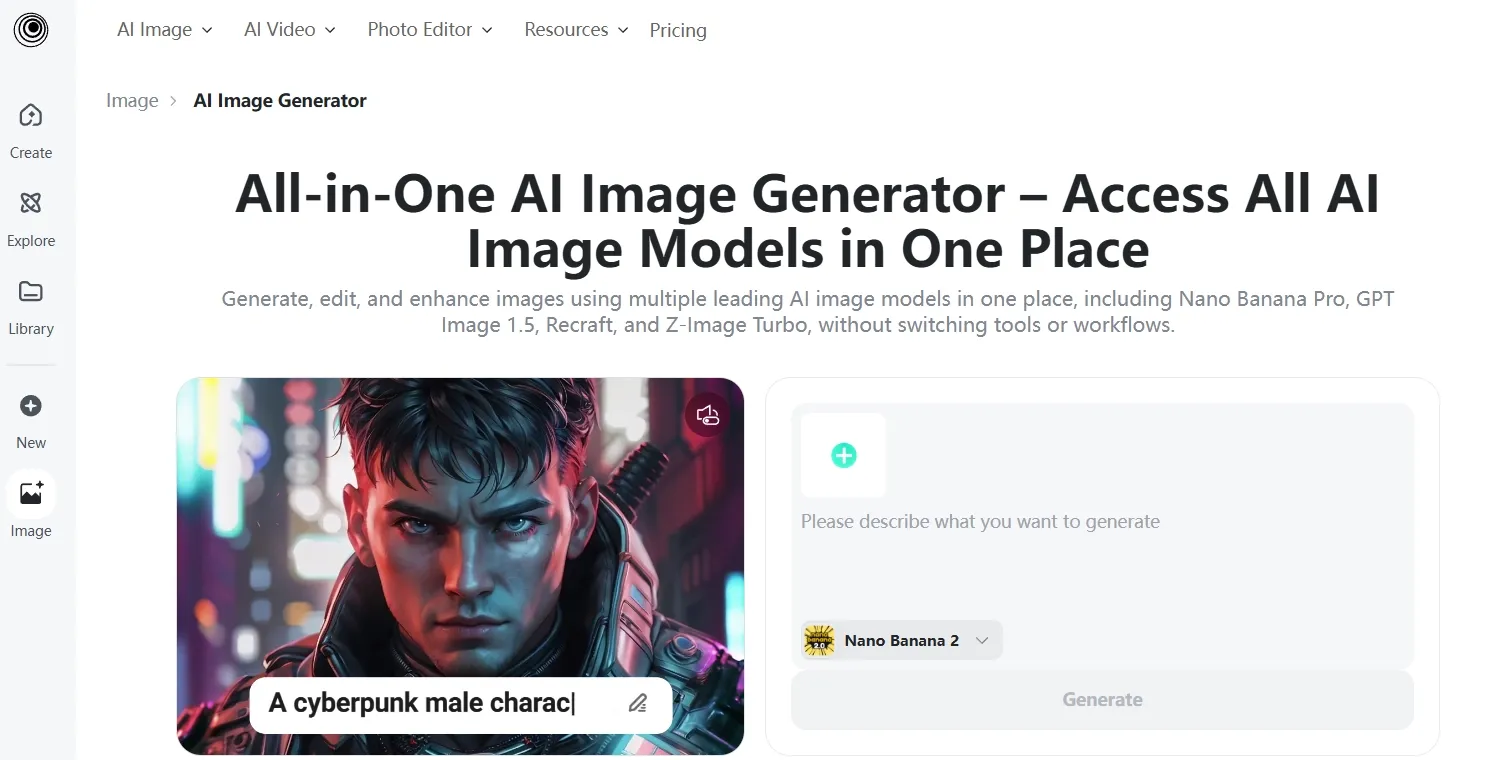
insMind was practical for e-commerce image edits. It worked well for simple backgrounds, seller visuals, and fast product presentation.
insMind makes sense when the image already has a clear purpose, such as a marketplace listing, a simple sale graphic, or a clean product update for a store page. In that kind of workflow, speed matters more than deep art direction, so its practical e-commerce editing style feels useful.
The trade-off is that the visual can stay too close to a standard seller image. If the product needs a stronger campaign angle, more emotional context, or a lifestyle scene that feels designed rather than assembled, insMind does not give as much room to shape the idea.
That becomes more obvious when the brief expands beyond basic product presentation. A simple e-commerce editor can help prepare a clean asset, but it is less useful when the campaign needs model styling, apparel detail, stronger scene direction, or a more editorial retail look.
If your e-commerce visuals involve apparel, model styling, or outfit-focused retail scenes, tools for clothes styling variations may be more relevant than simple cleanup or background-editing platforms.
Pros:
- Fast for e-commerce edits.
- Good for simple product presentation tasks.
Cons:
- Limited for advanced creative direction.
- Output can feel functional rather than premium.
insMind is useful for speed, but it is not a pro when the image needs a more polished brand feel.
#10 Cutout.Pro: Best AIEASE Alternative for Cleanup Tasks
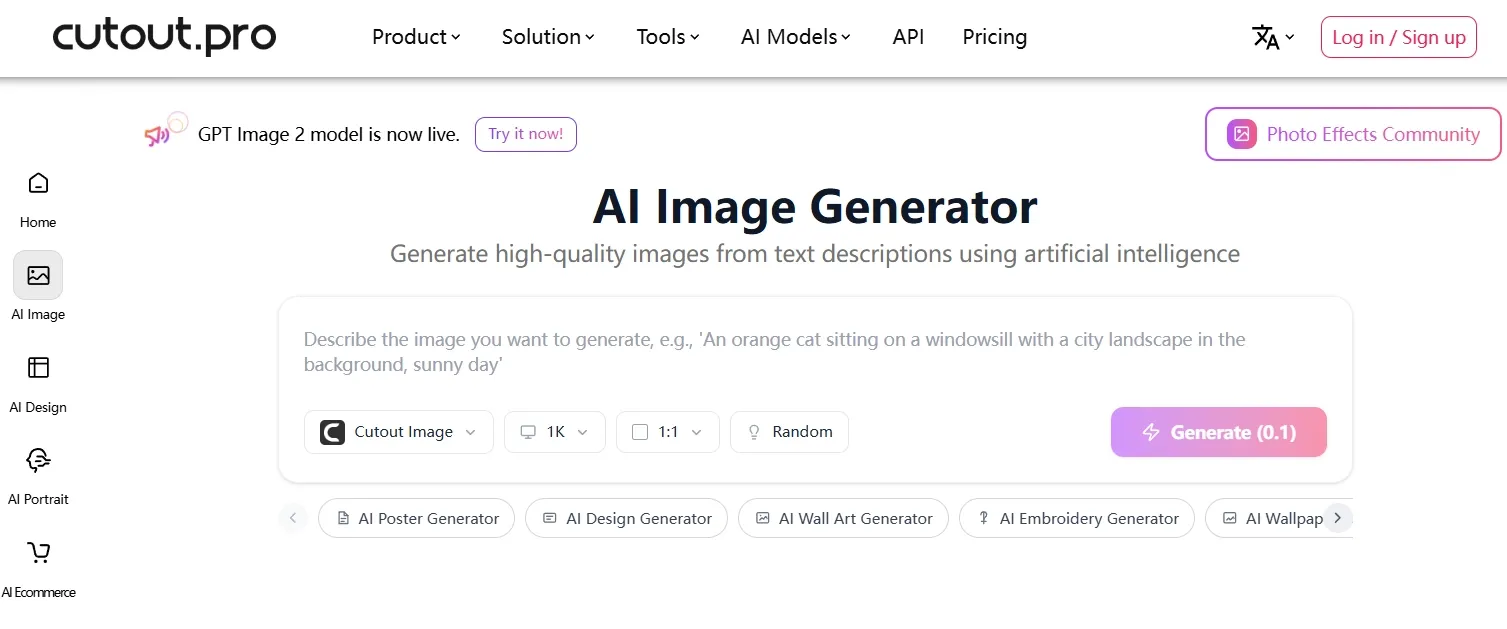
Cutout.Pro is useful when the job is cleanup. I would use it for background removal, object cleanup, or preparing an existing image.
It is not trying to be a complete creative platform, and that is fine. The limit is that cleanup alone does not solve bigger needs like composition, lighting, concept, or campaign style.
Cutout.Pro is useful when the visual problem is narrow: remove a background, clean an object, or prepare an existing product image for another design step. In that role, it is practical and easy to understand.
It becomes much less useful when the image needs a stronger concept, richer lighting, or a fresh campaign-style direction. Cleanup can remove distractions, but it does not create a product story, decide the visual mood, or turn a simple asset into a branded ad concept.
For that reason, I would treat Cutout.Pro as a repair tool rather than the main creative workspace. It can prepare an image for the next step, but the campaign still needs a broader image-generation and editing process if the final asset has to feel polished.
Pros:
- Good for quick background and object cleanup.
- Helpful for preparing existing images.
Cons:
- Not built for full image generation.
- Limited for product ads and campaign visuals.
Cutout.Pro is a useful repair tool, but it is not a full creative replacement for AIEASE.
How I Tested for the Best AIEASE Alternatives
I tested each platform around the same practical goal: creating or improving polished product visuals for a skincare-style campaign.
For generation-first platforms, I looked at how well each one supports concept creation, style control, product stability, and refinement. For editing-first tools, I focused on how naturally they handle cleanup, background changes, product presentation, and ecommerce-ready finishing.
I compared each workflow by product stability, lighting control, realism, editing depth, and whether the tool felt useful for a real product page, ad concept, or social campaign.
How to Choose the Best AIEASE Alternative
Choose Pollo AI if you want the strongest AI image generator for ready-to-use visuals. It gives you free image generation, image to image refinement, AI photo editing, industry-leading model choice and a Commerce Studio for cleaner and more polished product visuals in one workflow.
Choose Pixelcut, Photoroom, insMind, or Cutout.Pro if your main need is ecommerce cleanup, product cutouts, background swaps, or simple image repair.
Choose Picsart, Canva, Fotor, or Pixlr if your work is more about lightweight edits, social designs, templates, or browser-based adjustments.
Choose Getimg.ai if you enjoy style exploration and do not mind spending more time sorting through variations.
My Personal Take
AIEASE is useful when the task is quick and contained. I would still use it for a simple cleanup, fast enhancement, or basic AI image idea.
But after testing these tools side by side, Pollo AI felt like the strongest alternative for serious image work which are closer to the ready-to-post standard. It gave me more ways to create, restyle, edit, and refine visuals until they looked ready for product pages, campaigns, and ads.
Best AIEASE Alternatives FAQs
What is the best AIEASE alternative?
Pollo AI is the best AIEASE alternative overall. It combines image generation, image to image workflows, AI photo editing, model choice, and stronger commercial image quality with a Commerce Studio.
Is Pollo AI better than AIEASE for product images?
Yes. Pollo AI is better for polished product visuals because it gives you more control over generation, editing, model selection, and final refinement.
Can I start with Pollo AI for free?
Yes. Pollo AI makes it easy to start free with AI image creation, which is useful when you want to test product, ad, or social creative ideas.
Which AIEASE alternative is best for e-commerce photos?
Pollo AI is the best overall choice if you want both generation and refinement. Pixelcut, Photoroom, and insMind are useful when the task is mainly cleanup or background replacement.
Which AIEASE alternative is easiest for beginners?
Canva, Fotor, and Picsart are beginner-friendly for simple edits and design tasks. Pollo AI is stronger if you want an easy starting point that can scale into polished AI image creation.