



Best Free AI Poster Generators Compared: “Free” Until You Hit Download?
Looking for a free AI poster generator that can turn a rough idea into something you can actually share? The challenge is finding one that balances visual quality, readable text, useful editing, and realistic free access. I compared six popular tools to see which ones are worth your time and credits.
TL;DR
The best free AI poster generator is Pollo AI, my top recommendation for combining free credits earned through daily check-ins with flexible image creation and a dedicated poster workflow.
Fotor suits photo-based promotions, while Canva offers useful manual customization. Design.com, Picsart, and LightX provide other ways to start free, with different limits on generation, templates, and downloads.
What Makes a Free AI Poster Generator Worth Using?
I look at what you can accomplish without paying: generate the artwork, revise the information, and download a useful file. Free credits help, but so do manual editing tools that let you finish a poster without spending another generation.
Recurring access matters, too. Daily check-ins and weekly credits support occasional ongoing projects, while a fixed introductory allowance is better treated as a chance to explore the tool.
Best Free AI Poster Generators at a Glance
| Rank | Tool | Best for | Free access |
|---|---|---|---|
| 1 | Pollo AI | Complete campaign posters | Starter credits + daily check-in credits |
| 2 | Fotor | Photo-based promotions | Starter credits + check-in rewards |
| 3 | Canva | Manual customization | Limited AI + free design tools |
| 4 | Design.com | Branded announcements | Selected free templates and downloads |
| 5 | Picsart | Creative concepts | Weekly AI credits |
| 6 | LightX | Simple poster ideas | Six daily credits; limited exports |
1. Pollo AI — Best Free AI Poster Generator Overall
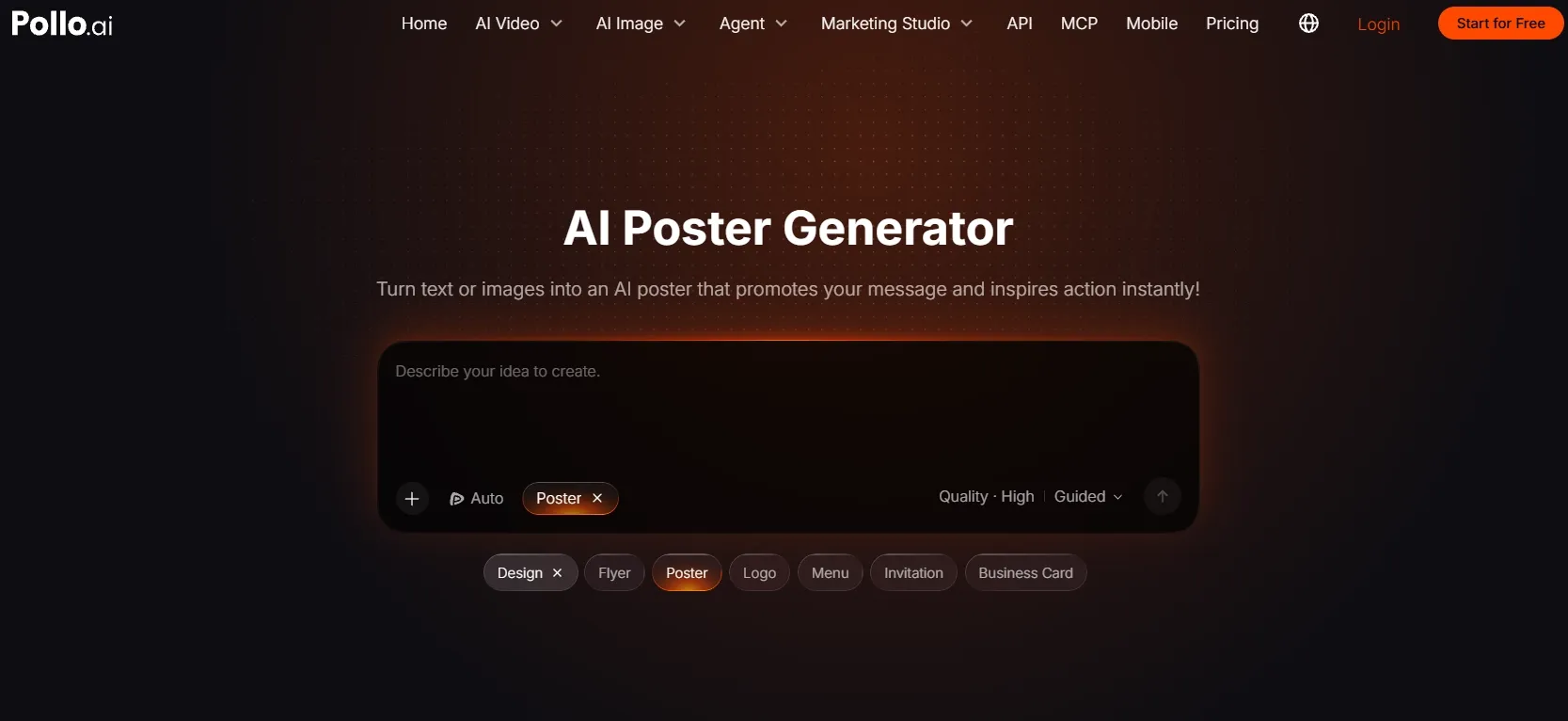
Best for: Creators, marketers, and small businesses who want to develop complete posters without starting with a paid subscription.
Pollo AI is my first choice because you can earn free credits through daily check-ins and use the available balance to explore a dedicated poster workflow. Whether you have a product photograph or just a campaign idea, you can develop event and promotional posters without manually assembling every visual element.
The appeal goes beyond getting a free image. Pollo organizes the main visual alongside headlines, offers, dates, and calls to action, helping you work toward a poster that communicates a clear message. For a small business creating occasional promotions, that makes the earned credits useful for real campaign tasks.
Its AI image generator supports models including GPT Image 2, Nano Banana 2, and Seedream 5.0, giving you different options for original campaign imagery. I would choose the model and output settings around the brief, since credit requirements vary with the tool, model, resolution, and number of images.
You can also carry an idea into related formats. A short campaign message can become motivational quote artwork, while a local event can extend into printed promotional handouts. Daily check-ins provide a way to keep earning credits as those occasional creative needs arise.
Prompt to try: “Create a vertical coffee shop poster with a realistic iced latte, warm cream background, and subtle coffee-brown accents. Headline: ‘SUMMER SIPS’. Offer: ‘Iced Lattes $4’. Footer: ‘Available This Weekend’. Make the headline and price easy to read.”
What I got: A chilled latte sits slightly off-center, with visible condensation and a soft shadow beneath the glass. “SUMMER SIPS” fills the upper section in bold brown lettering, while the $4 offer stands out underneath. The cream background leaves the design spacious, and the weekend message sits neatly along the bottom.
Pros:
- Daily check-ins let you earn free credits for continued exploration.
- Supports both written ideas and existing images.
- Offers broader image-model flexibility within the same platform.
Cons:
- It helps to settle the campaign wording before exploring styles.
- The wider creative suite offers more options than a single poster project may need.
My Verdict
Pollo AI is my strongest overall recommendation for free poster creation. Daily check-in credits make it worth returning to, while the dedicated workflow helps turn those credits into complete campaign concepts. I would start here for the combination of creative freedom, practical composition, and ongoing opportunities to create without upfront payment.
2. Fotor — Best for Photo-Based Product Promotions
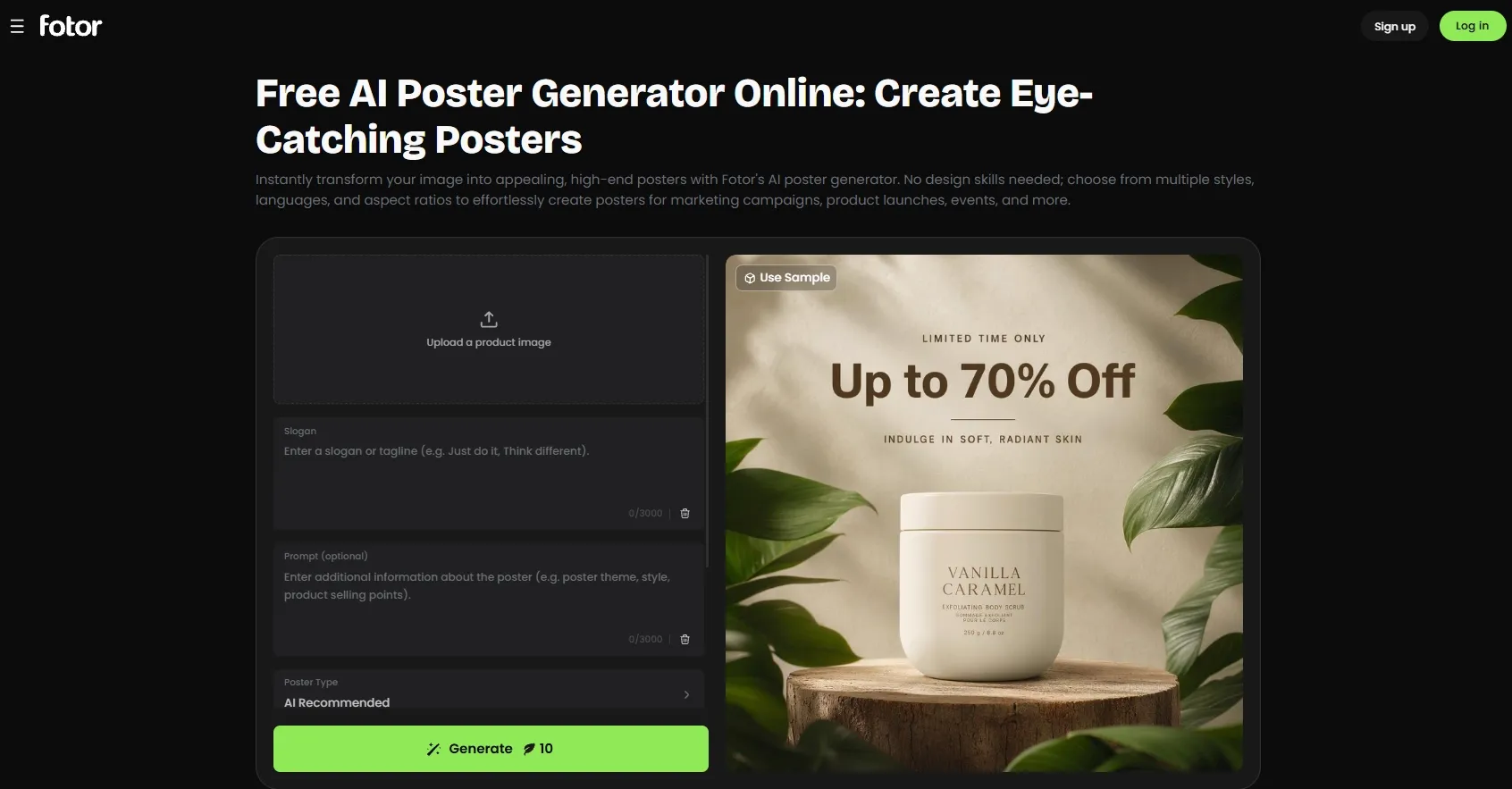
Best for: Sellers who already have a product photograph and want to build a promotion around it.
Fotor guides you through uploading an image, selecting a poster type, and adding a style and slogan. Its introductory credits let you explore that process for free, while daily check-in rewards offer opportunities to earn more credits for subsequent designs.
For product launch posters, I would use the initial allowance to establish one strong composition before exploring variations. The important finishing detail is the download: Fotor’s free Basic plan lists standard JPG, PNG, and PDF exports, while paid plans list HD options.
That makes Fotor useful for trying a product promotion without paying immediately. However, earning enough credits to generate the design and getting the export quality you need are separate considerations.
Prompt to try: “Turn this candle photo into a minimalist launch poster. Use ivory, muted gold, and warm lighting. Headline: ‘A LITTLE EVENING CALM’. Supporting line: ‘Discover Our New Collection’.”
What I got: An amber candle jar sits on an ivory surface with a warm glow behind it. The headline appears above the product, and the collection message runs underneath. The composition feels like a conventional product advertisement, with the original photograph providing the visual focus.
Pros:
- Introductory credits let you explore a photo-based promotion free.
- Check-in rewards provide opportunities to earn additional credits.
- The Basic plan lists several standard download formats.
Cons:
- Continued free generation depends on your available credits and rewards.
- Generation costs vary with the chosen model and settings.
- Paid HD exports may be necessary for more demanding placements.
My Verdict
Fotor earns second place for a focused product-photo brief. Its check-in rewards improve the value beyond a one-time trial, but I would confirm the download quality before spending the balance on several variations.
3. Canva — Best for Hands-On Poster Customization
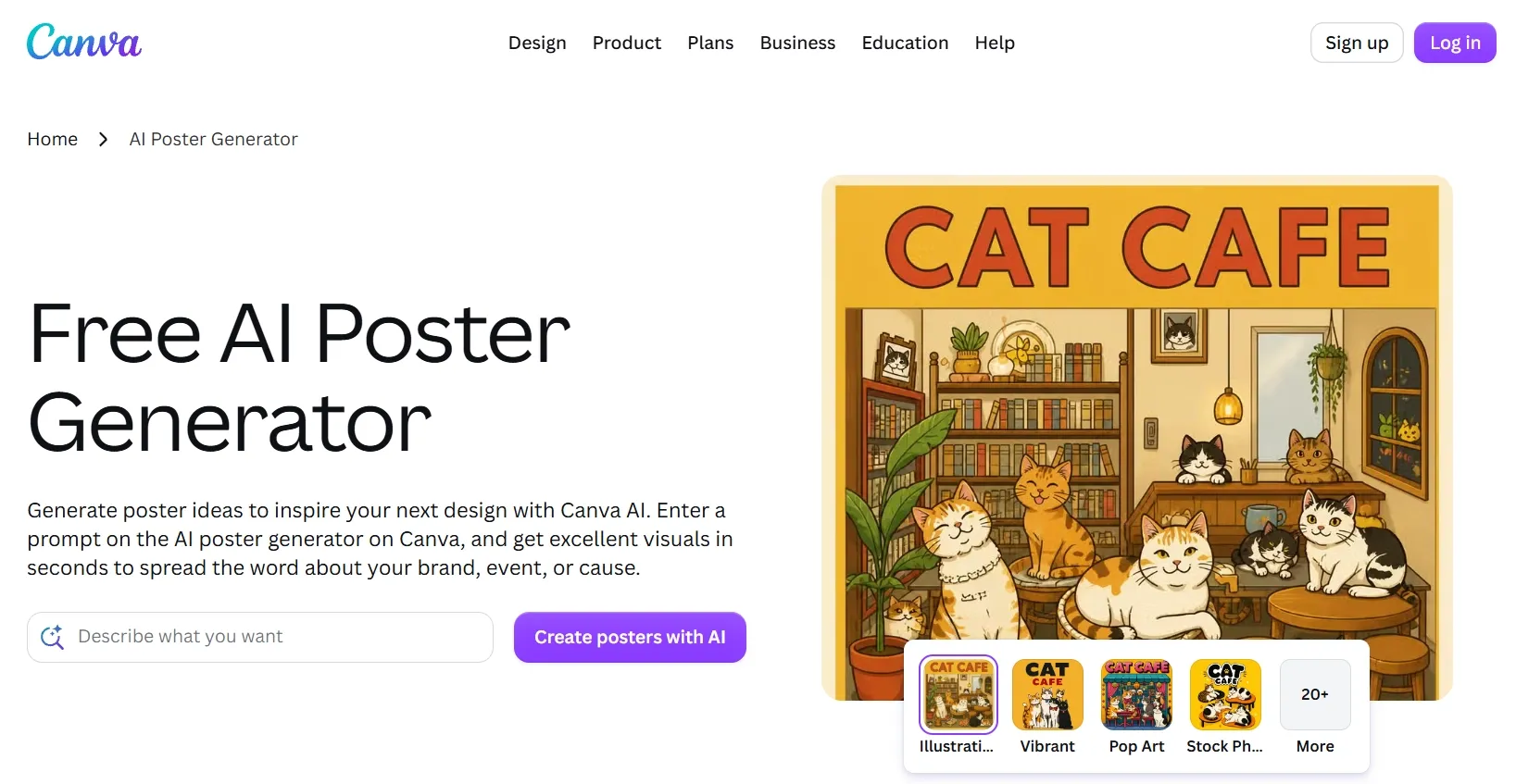
Best for: Users who want to preserve their AI allowance by making layout adjustments themselves.
Canva combines limited free AI generation with design tools you can continue using afterward. Once you have suitable artwork, you can change the headline, move information, and adjust spacing manually instead of using another generation for every revision.
For the Magic Media route, Canva documents up to 50 total free text-to-image uses. That is a finite allowance rather than a monthly reset, and other AI tools within Canva have separate limits. I would use those generations for the visual concept and finish the layout with free design elements.
This approach suits gender equality awareness posters, where organizers may need to update workshop details or supporting copy. The trade-off is time: manual customization helps control spending, but automatic resizing through Magic Resize requires paid access.
Prompt to try: “Create a welcoming community poster with diverse illustrated figures, warm colors, and the headline ‘EQUAL VOICES, SHARED FUTURE’. Leave a clear area for workshop details.”
What I got: Illustrated figures form a loose semicircle around the headline. Coral and mustard accents give the design an approachable tone, while a pale lower section provides space for the venue and time. The composition leaves room for further layout adjustments.
Pros:
- Free manual editing helps conserve AI generations.
- Useful for revising event details without regenerating artwork.
- Free design tools remain available after the initial visual is created.
Cons:
- Magic Media’s free allowance does not renew monthly.
- Different AI tools have separate usage limits.
- Magic Resize requires paid access.
My Verdict
Canva ranks third because its lasting free value comes from customization. I would choose it when I am happy to finish the layout manually and reserve AI usage for the parts that need new artwork.
4. Design.com — Best for Straightforward Branded Announcements
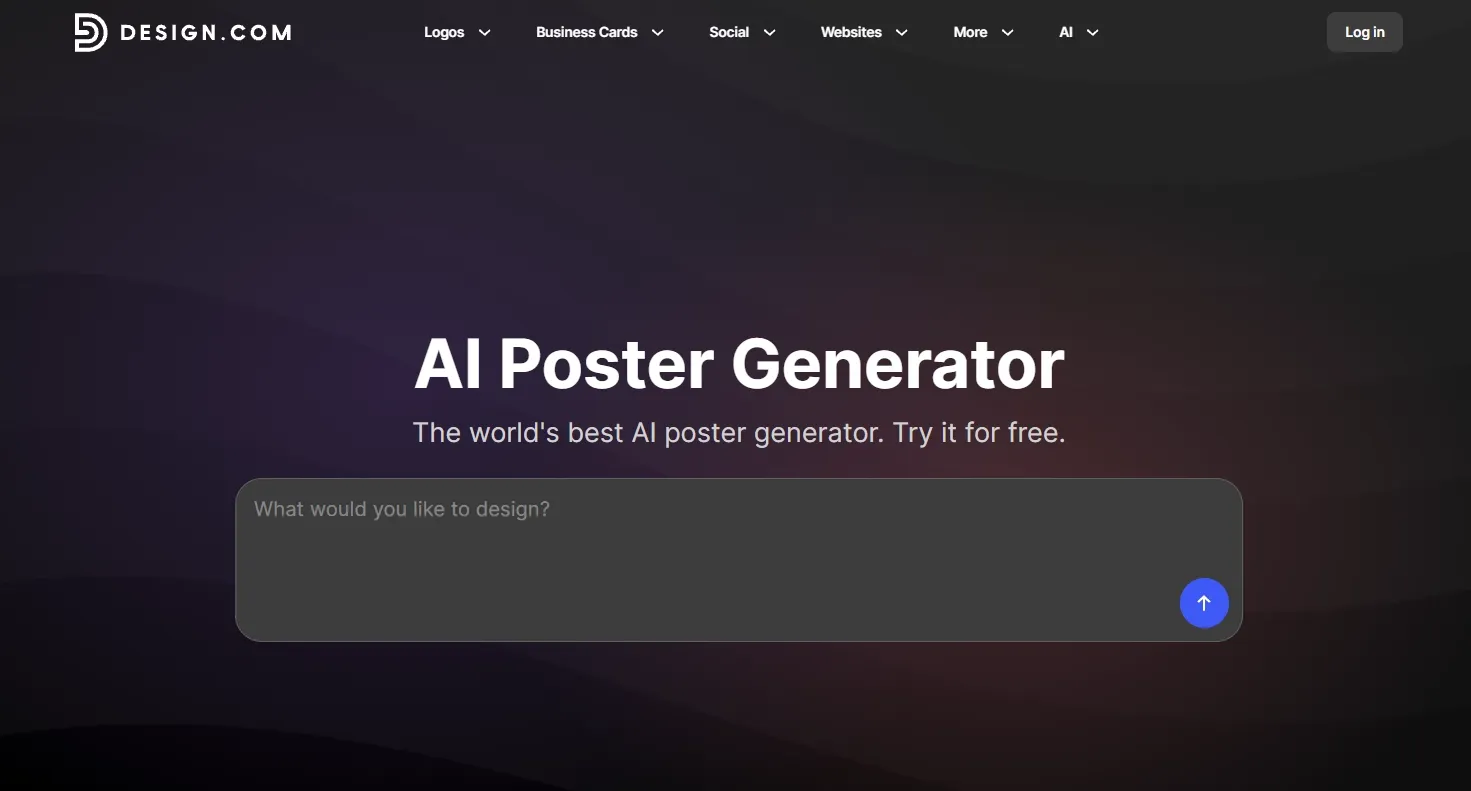
Best for: Small organizations whose poster needs fit an existing template.
Design.com starts with a business name and short description, then presents designs you can customize. Its clearest free benefit is a selection of poster templates you can edit and download at no cost.
For cricket tournament announcements, this can provide a practical route to a finished notice: choose an eligible layout, add the teams and venue, and adjust the colors. Manual revisions do not require generating fresh artwork each time.
The restriction is the selection. Free editing and downloads apply to designated options, rather than every template or file format across the service. I would confirm that the chosen design is free before investing time in customization.
Prompt to try: “Create a navy-and-gold poster for Riverside Cricket Club’s weekend tournament. Include a prominent tournament heading, room for two team names, and a clear date-and-venue section.”
What I got: The club name sits above a central tournament title. Gold dividers separate the team information from the date and venue, with a cricket motif completing the layout. The result follows a structured, formal announcement style.
Pros:
- Selected templates can be customized and downloaded free.
- Manual text changes do not need another AI generation.
- Suitable for routine notices with an established layout.
Cons:
- Free access does not include the entire template library.
- Some designs and file options require premium access.
- Existing structures offer less freedom for unusual compositions.
My Verdict
Design.com is a practical fourth choice when a free template already fits the task. Its value is completing a conventional announcement at no cost, rather than extensively exploring original visual concepts.
5. Picsart — Best for Creative Poster Concepts
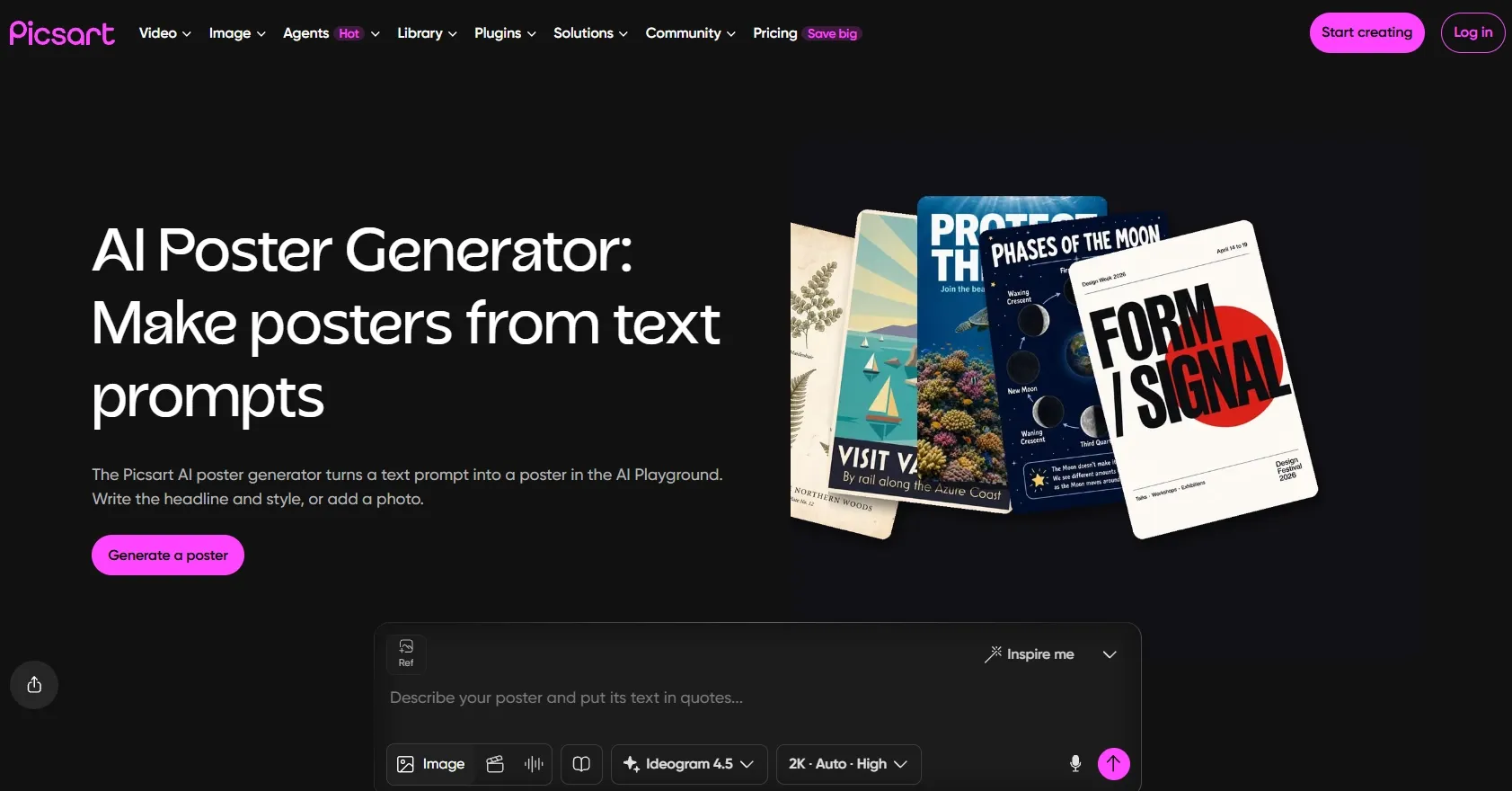
Best for: Creators developing a visual direction over occasional editing sessions.
Picsart’s free plan includes core editing tools and weekly AI credits, giving you a reason to return beyond the first signup session. Its poster workflows can start with a prompt, photograph, or template, although the selected AI actions still need to fit your available balance.
For independent film posters, I would spend the allowance on the central image first, then work on the surrounding information. Flow displays an estimated cost before a run, helping you decide whether a new variation is worth the credits.
The distinction between free templates and free generation matters here. Opening a template costs nothing, but running an AI workflow or making generative revisions consumes credits. Weekly access can support gradual experimentation without guaranteeing that every workflow is affordable within one free balance.
Prompt to try: “Create a cinematic poster for a mystery film called ‘THE LAST LIGHT’. Show a lone figure beneath a streetlamp on a foggy road. Use deep blue tones and a restrained title treatment.”
What I got: A small silhouette stands beneath a warm streetlamp, surrounded by blue fog. The road disappears into the background, creating depth and uncertainty. The title occupies the lower third, with space beneath it for release information.
Pros:
- Weekly AI credits support occasional continued exploration.
- Core editing tools are included in the free plan.
- Estimated workflow costs help you budget before generating.
Cons:
- The free balance may not cover every model or workflow.
- Generative revisions use additional credits.
- Free templates do not include unlimited AI runs.
My Verdict
Picsart suits a creator willing to develop a concept gradually. I rank it fifth for this topic because its practical free value depends heavily on the cost of the specific workflow and revisions you choose.
6. LightX — Best for Trying Simple Poster Ideas
Best for: Users exploring occasional concepts rather than preparing large printed posters.
LightX advertises six daily free AI credits on its Starter plan. That recurring allowance makes it possible to revisit a simple idea without purchasing credits immediately, although the number of attempts depends on the selected generation’s cost.
For festival posters like Diwali celebration posters, I would use those credits to explore the palette, greeting, and decorative direction. Keeping the brief narrow helps avoid spending the balance on unnecessary variations.
The main limitation is the free output. LightX’s plan comparison lists 512px JPG exports for Starter, with higher-resolution options on Pro. That makes free access more useful for concepts and small previews than a detailed poster intended for physical display.
Prompt to try: “Create an elegant Diwali celebration poster with glowing diyas, a deep burgundy background, and restrained gold decoration. Main heading: ‘HAPPY DIWALI’. Leave space below for the host’s name.”
What I got: Three illuminated diyas anchor the bottom of the composition, with gold decoration framing a burgundy background. The greeting occupies the center, and an open area beneath it accommodates the host’s name. The simple arrangement gives the design a clear focal point.
Pros:
- Daily credits allow occasional repeat visits.
- Straightforward prompt-led poster creation.
- Useful for trying a simple seasonal concept without immediate payment.
Cons:
- The small daily balance limits variations.
- Starter’s listed 512px exports restrict practical poster use.
- JPG downloads provide less flexibility than an editable layout.
My Verdict
LightX takes sixth place because recurring credits do not remove the export restriction. I would use its free access to explore an idea and check the download requirements before treating the result as a finished campaign asset.
How I Compared These AI Poster Generators
I reviewed the documented poster workflows, free-access terms, revision options, and export specifications. I considered whether free access supports a finished design, how additional generations become available, and where payment may become necessary.
The ranking reflects overall workflow fit rather than the largest advertised credit number. The “What I got” passages illustrate the example briefs; they are simulated descriptions, not records of hands-on testing.
How to Choose Without Wasting Your Free Generations
- Choose Pollo AI if you want the strongest overall combination of poster composition, creative flexibility, and free credits earned through daily check-ins.
- Choose Fotor if you have a product photograph ready and can work with check-in rewards and standard export options.
- Choose Canva if you prefer conserving your AI allowance by making text and layout adjustments manually.
- Choose Design.com if a selected free template already meets your announcement and download needs.
- Choose Picsart if weekly credits suit occasional creative sessions and the chosen workflow fits your balance.
- Choose LightX if you mainly want to explore simple concepts within a small daily allowance.
My Personal Take
I would start with Pollo AI. Daily check-in credits make it worth returning to, and the dedicated poster workflow gives those credits a practical purpose: developing artwork, messaging, and composition together.
The generated posters also look polished. The main subject stays visually prominent, the color and lighting usually support the campaign mood, and headlines, offers, and supporting details fit into a clearer hierarchy. With a structured prompt, the result can feel close to a campaign-ready design rather than a rough AI concept.
For me, the best free option is the one that helps move a real project forward. Pollo AI is my first recommendation for exploring that process without starting with a paid subscription.
Best Free AI Poster Generator FAQs
What is the best free AI poster generator?
Pollo AI is my top overall recommendation. It combines free credits earned through daily check-ins with flexible inputs, multiple image-model options, and a dedicated poster workflow.
Can I keep creating posters without paying?
Some tools provide recurring opportunities to create. Pollo AI lets you earn credits through daily check-ins, Fotor offers check-in rewards, Picsart describes weekly AI credits, and LightX advertises daily credits. The number of posters depends on the generation cost and available balance.
Does a free download mean a print-ready poster?
No. Check the exported dimensions and file format against the printer’s requirements. A small JPG can work as a preview while being unsuitable for a large physical poster. Free generation and sufficient print resolution are separate considerations.
What should I include in an AI poster prompt?
Include the purpose, main subject, exact headline, essential details, colors, style, and intended format. Explain the reading order, such as: “Make the headline largest, the offer second, and the venue a small footer.”