



10 Best Uncensored AI Image Generators Worth Trying in 2026 (Hands-On Review)
Feel limited by the styles and controls of typical image generators? Read my picks for the 10 best uncensored AI image generators to find your ideal fit.
Quick Answer: What Is the Best Uncensored AI Image Generator?
Pollo AI is my best overall recommendation for creators who want powerful AI image generation, flexible creative control, and a complete workflow for bringing visual ideas to life.
With its AI image generator, I can explore diverse visual styles using models such as GPT Image 2.5, Nano Banana 2, and Seedream 5.0. I can also transform existing images, refine specific details, and explore new creative directions without switching platforms.
What makes Pollo AI stand out is how seamlessly it connects generation with editing. From creating original artwork to enhancing finished images, it gives me the flexibility to turn creative ideas into polished, ready-to-use visuals.
10 Best Uncensored AI Image Generators at a Glance
Here's a quick look at my 10 recommended AI image generators to help you find the right tool for your creative needs.
| Tool | Best For | Pricing |
|---|---|---|
| Pollo AI | Portraits, anime art, fantasy illustrations, and marketing visuals | Pricing starts at $15/month |
| Civitai | Custom character art and stylized illustrations | Pricing starts at $10/month |
| NightCafe | Surreal art and experimental illustrations | Pricing starts at $7.49/month |
| PixAI | Anime characters and fantasy illustrations | Pricing starts at $9.99/month |
| NovelAI | Anime story scenes and character illustrations | Pricing starts at $10/month |
| Fooocus | Photorealistic portraits and cinematic images | Free, open-source software |
| SoulGen | Realistic and anime character portraits | Pricing starts at $12.99/month |
| Artbreeder | Hybrid creatures and experimental character designs | Pricing starts at $7.49/month, billed yearly |
| DiffusionBee | Fantasy landscapes and surreal illustrations | Free software |
| Dezgo | Dark fantasy scenes and gothic concept art | Pay-as-you-go pricing |
Pollo AI: Best Uncensored AI Image Generator Overall
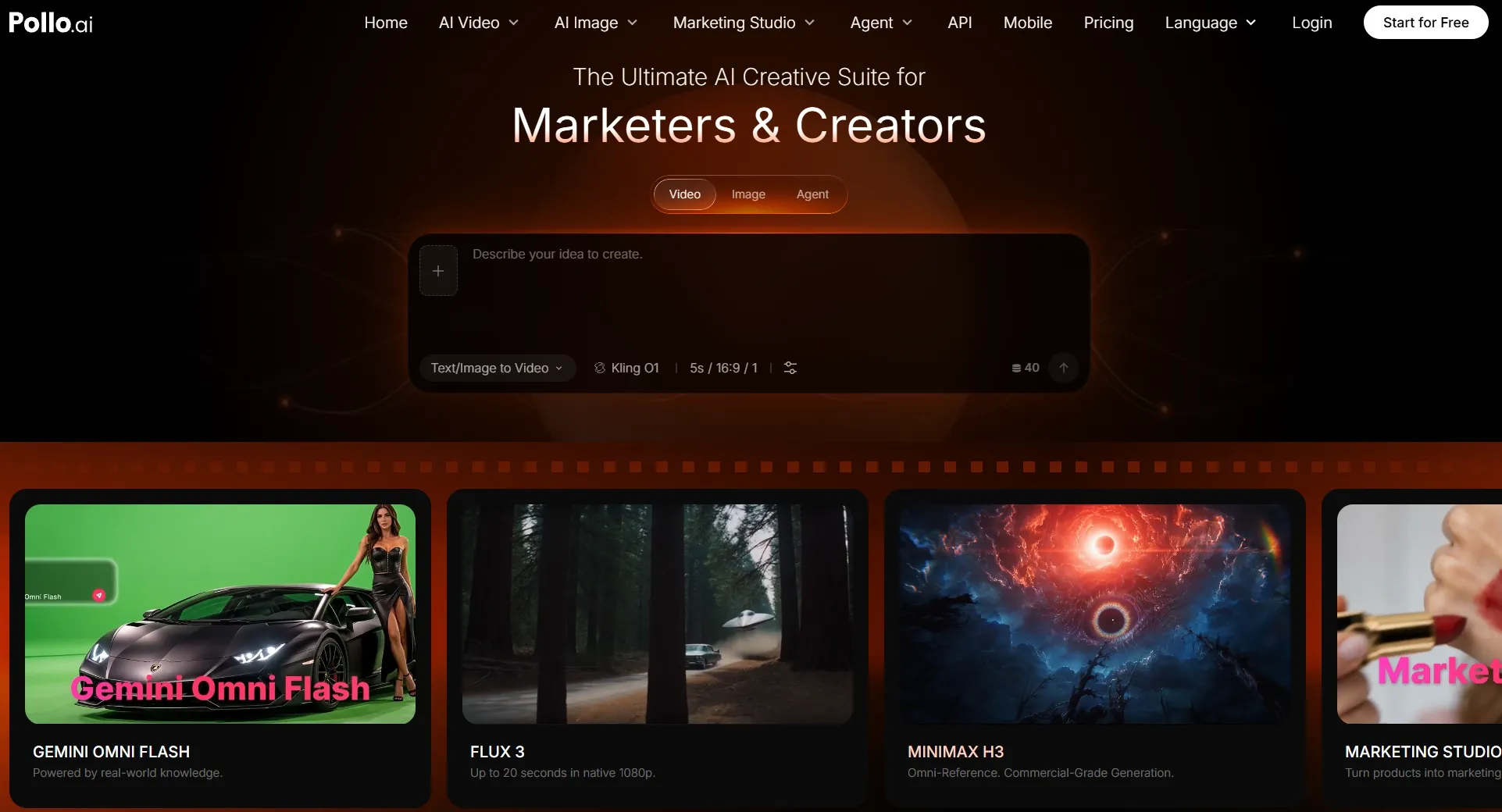
Pollo AI is my top choice for its flexibility in creating different types of images. Whether I want realistic portraits, cartoon avatars, fantasy artwork, or commercial visuals, I can choose from models like GPT Image 2.5, Nano Banana 2, and Seedream 5.0 to match my creative needs.
I can also work with both text prompts and existing images. Instead of starting over whenever I want a different style or composition, I can use image to image generation to create new versions while preserving the original concept.
Its strength in this comparison is flexible, policy-compliant image creation across many styles, rather than the absence of content guidelines.
The workflow goes beyond image generation, too. I can remove unwanted objects, enhance details, change backgrounds, and turn finished artwork into other visual content. This gives me more control over the entire creative process, from the initial idea to the final image.
Key Features
- Multiple AI Image Models: Access models like GPT Image 2.5, Nano Banana 2, FLUX, Seedream, Recraft, and Stable Diffusion to suit different creative needs.
- Flexible Image Generation: Create images from text prompts or transform existing visuals into new styles, compositions, and artistic directions.
- Ready-to-Use Image Apps: Generate product photos, posters, social media graphics, and other creative assets with specialized apps for specific tasks.
- Integrated Image Editing Tools: Refine your artwork with the AI photo editor, magic eraser, background remover, and image upscaler.
Best For
- Digital artists: Explore original characters, fantasy environments, and conceptual artwork across different visual styles.
- Content creators: Produce portraits, social media graphics, and imaginative illustrations for different projects.
- Marketers and designers: Develop promotional graphics, product visuals, and polished creative assets for your campaigns.
- Creative professionals: Compare image models and refine your artwork through a connected generation and editing workflow.
Pros:
- Diverse AI models support various styles and image types.
- Connected generation and editing streamline the entire creative workflow.
- Integrated image and video tools expand creative possibilities.
Cons:
- Multiple model options may take time to explore.
- Advanced models and editing may consume more credits.
Bring Your Creative Vision to Life With Pollo AI
Explore leading AI image models, create images in diverse styles, and refine every detail in one place.
Try Pollo AI for Free
Civitai AI: Best Uncensored AI Image Generator for Custom Character Art and Diverse Visual Styles
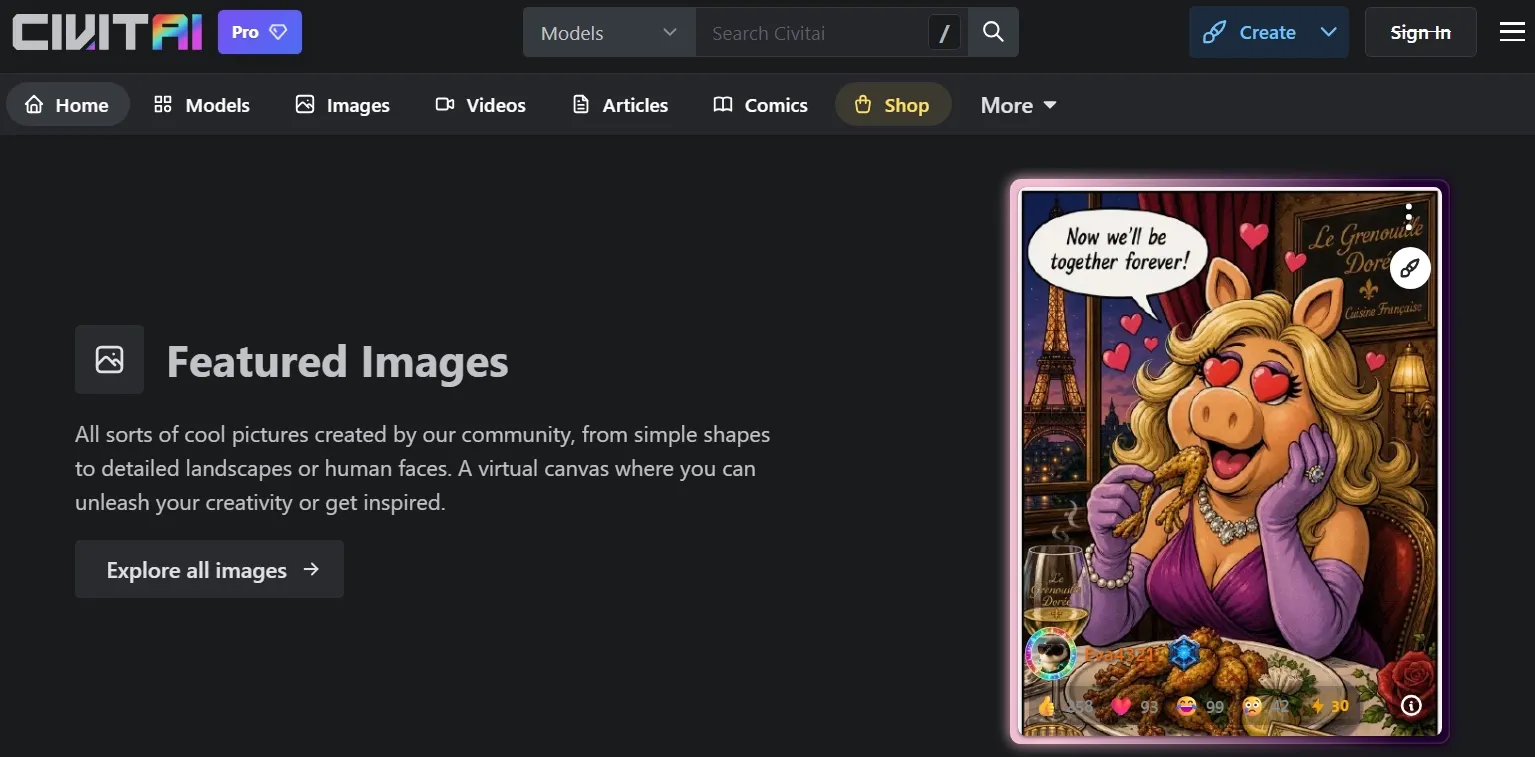
Civitai is a strong option for generating custom characters and stylized artwork. Its biggest attraction is the extensive collection of community-developed models, which covers everything from fantasy art to distinctive artistic aesthetics. If you are seeking fewer restrictions on fictional themes, the choice of model is particularly relevant.
What interests me most is the level of customization. I can explore checkpoints and LoRAs designed for specific character features, clothing, artistic techniques, and visual themes instead of depending entirely on descriptive prompts.
The community adds another useful dimension. Shared artwork, prompts, and generation settings provide inspiration and practical examples that you can adapt to your own projects.
The trade-off is complexity. Choosing compatible models, understanding trigger words, and adjusting generation parameters can take practice. Community models also vary in quality, so finding reliable options may require trial and error.
You can know more about Civitai AI through our deep Civitai AI review.
Key Features
- Community Model Library: Discover checkpoints and LoRAs covering characters, artistic styles, and image-generation techniques.
- Custom LoRA Support: Apply specialized models to guide clothing, facial features, visual themes, and other character details.
- Online Image Generation: Generate artwork through supported community models using Civitai's Buzz-based system.
- Model Training: Develop personalized resources for recurring characters and recognizable artistic styles.
- Community Examples and Prompts: Explore published images and their generation settings to learn how particular visual effects are achieved.
Best For
- Character designers: Create original fantasy characters with distinctive outfits, facial features, and visual identities.
- Digital artists: Experiment with specialized illustration styles using community-developed models.
- Experienced AI creators: Build personalized artwork through custom LoRAs and detailed generation settings.
Pros:
- Extensive model library supports specialized image creation.
- Advanced customization enables detailed characters and unique artistic styles.
- Shared prompts and settings provide useful creative references.
Cons:
- Complex model settings can overwhelm beginners.
- Community resources vary in quality, compatibility, and documentation.
- Content restrictions vary across Civitai's different services.
NightCafe: Best Uncensored AI Image Generator for Artistic Exploration and Community Inspiration
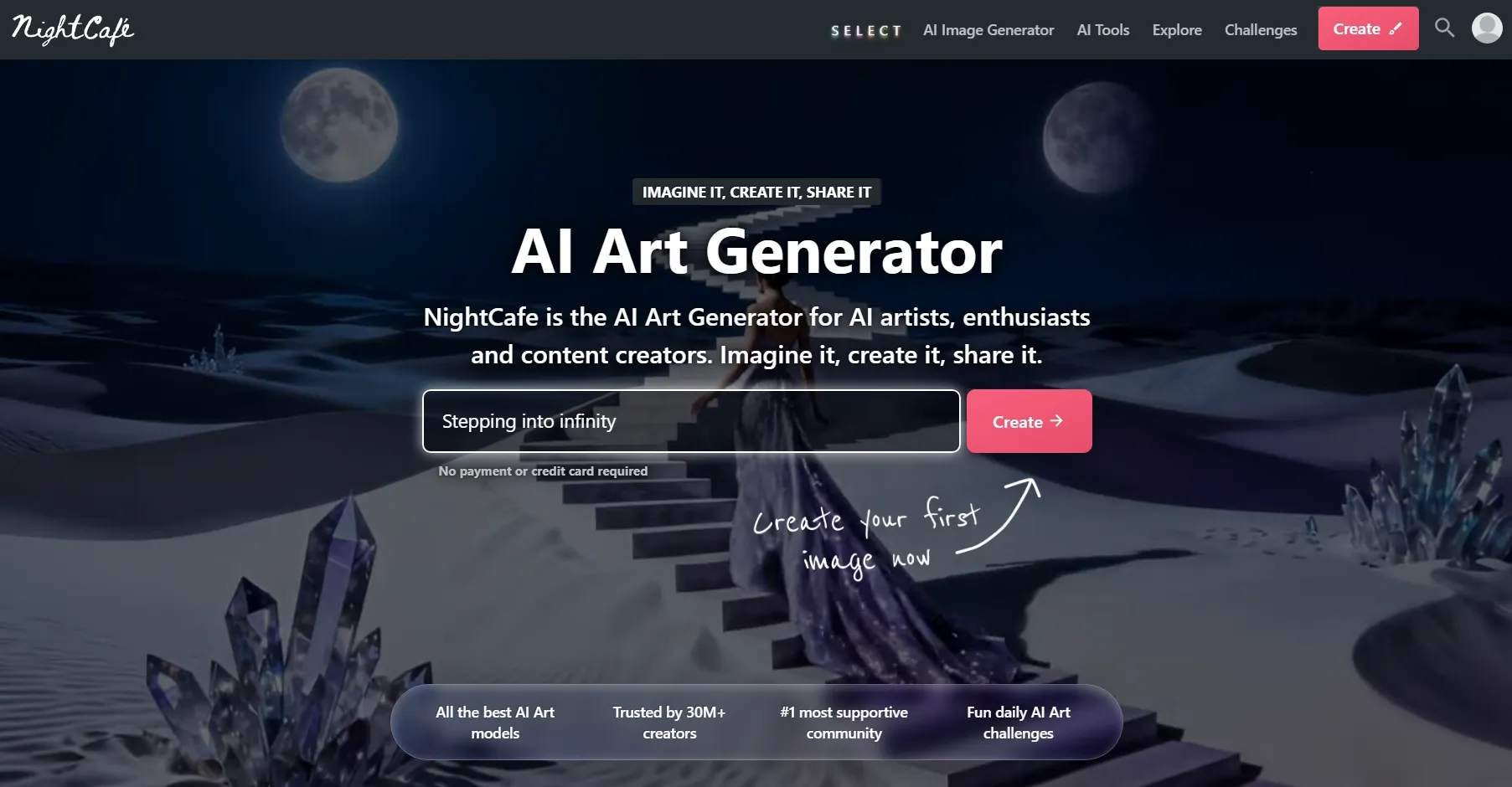
NightCafe is a great choice if you enjoy experimenting with imaginative artwork and discovering fresh ideas through a creative community. It offers an approachable way to explore surreal landscapes, whimsical merch designs, and illustrated bookmarks.
I especially enjoy the community-driven approach. Daily art challenges, shared prompts, and public galleries can introduce you to creative directions you might not have considered on your own.
Another advantage is its collection of AI image models. I can explore different aesthetics, from painterly illustrations to cinematic scenes, without having to master complex technical settings first.
NightCafe also allows some mature artistic themes under its community standards, making the distinction between permitted NSFW labeling and prohibited content worth checking.
But not every model offers the same level of control, and some advanced options require additional credits. NightCafe also moderates certain mature content, so its artistic flexibility shouldn't be mistaken for unrestricted generation.
Key Features
- Multiple AI Art Models: Explore supported options such as GPT, Nano Banana, FLUX, Seedream, and other image models.
- Text to Image Creation: Generate abstract artwork, imaginative landscapes, detailed illustrations, and realistic scenes from prompts.
- AI Image Editing: Modify existing images and improve selected visual details through supported editing tools.
- Daily Art Challenges: Join themed competitions that encourage new artistic ideas and creative experimentation.
- Community Art Galleries: Browse artwork, discover shared prompts, and connect with other AI art enthusiasts.
Best For
- Fantasy artists: Create imaginative landscapes, dreamlike environments, and experimental illustrations.
- AI art hobbyists: Explore new visual styles through community challenges and creative inspiration.
- Creative beginners: Learn different prompting approaches by studying shared artwork and examples.
Pros:
- Active creative community inspires fresh ideas and artistic exploration.
- Multiple AI models support diverse artistic styles.
- Beginner-friendly interface makes image generation easy to explore.
Cons:
- Advanced generation options may require additional credits.
- Customization controls vary across different AI models.
- Content restrictions limit certain mature and explicit images.
PixAI: Best Uncensored AI Image Generator for Anime Art and Fantasy Character Creation
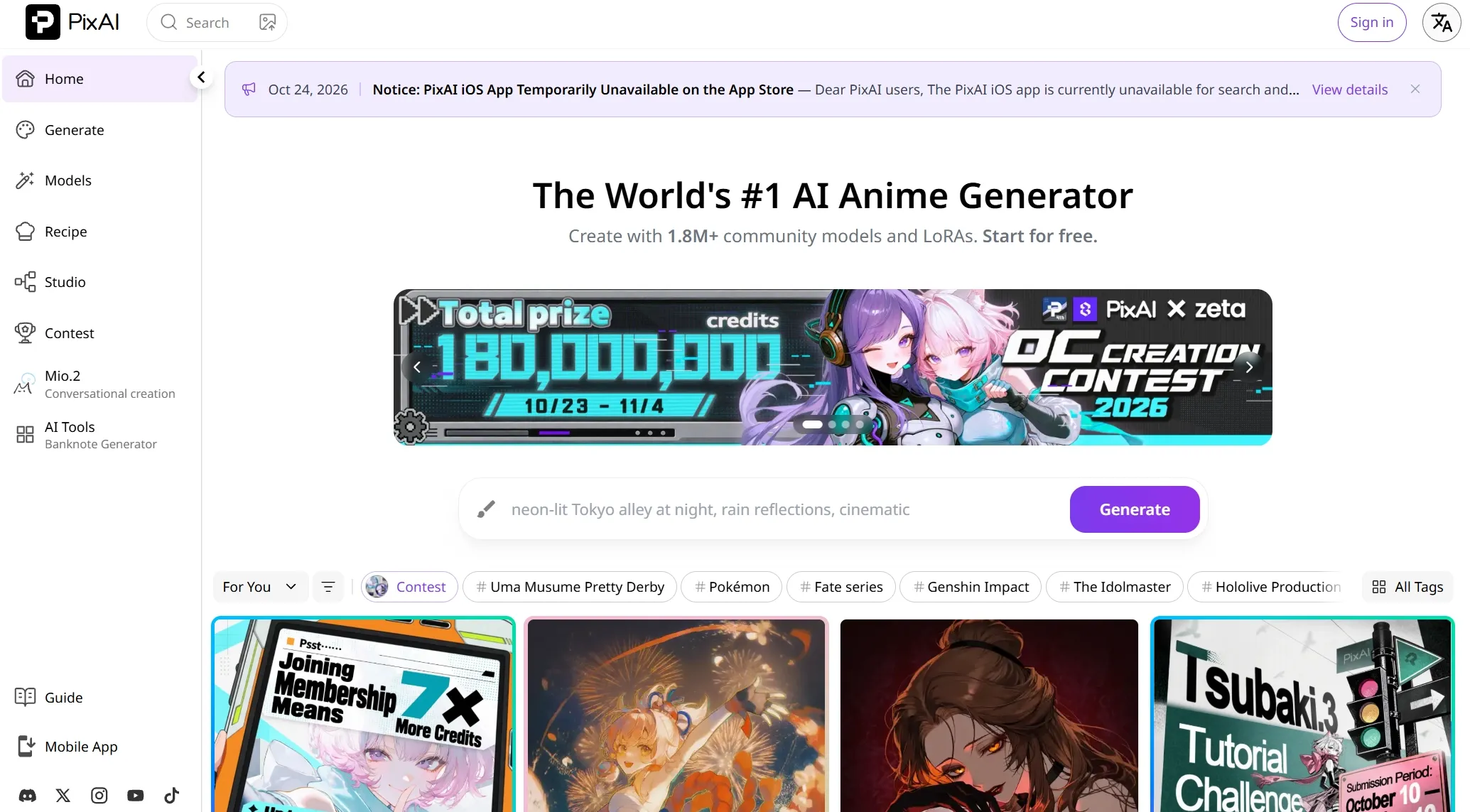
PixAI is one of my preferred options for anime-style images, particularly detailed character portraits and fantasy illustrations. Its tools and model library are well suited to creating anime-style profile pictures, chibi-style Twitch emotes, and original fantasy characters.
I like how much attention it gives to character customization. With different models and LoRAs, I can explore alternative costumes, hairstyles, facial expressions, and artistic styles while developing a character's appearance. That makes PixAI relevant if you want greater freedom over fictional character aesthetics, not just standard anime portraits.
The community resources are another highlight. You can browse specialized models and artwork to discover new looks or find inspiration for original character designs.
PixAI isn't entirely unrestricted, though. While it supports certain mature fictional content, sensitive images remain subject to moderation, classification, and publishing restrictions. It requires the over-18 setting for NSFW generation, and sensitive images are visible only to their creators.
Its extensive model and LoRA options can also take time to navigate, making it harder for beginners to achieve their desired results efficiently.
You can learn more about its anime generation capabilities in our hands-on PixAI review. If you are looking beyond PixAI, compare more creative options in our best PixAI alternatives guide.
Key Features
- Anime-Focused AI Models: Use models such as Tsubaki and Haruka for different anime illustration styles and character designs.
- Community Models and LoRAs: Explore specialized resources for character features, clothing, and artistic aesthetics.
- Character Customization: Adjust prompts and model choices to develop different appearances and visual identities.
- Reference-Based Image Editing: Change clothes or change backgrounds using reference images and editing instructions.
- Negative Prompt Controls: Reduce unwanted visual characteristics and common rendering issues where supported.
Best For
- Anime artists: Produce expressive character portraits and detailed anime illustrations.
- Fantasy creators: Design fictional characters with distinctive costumes, appearances, and artistic identities.
- Character-focused storytellers: Develop visual references for comics, illustrated narratives, and fantasy worlds.
Pros:
- Anime-focused models create detailed characters and distinctive illustrations.
- Flexible customization helps refine characters, outfits, and visual details.
- Active community offers inspiring artwork and specialized models.
Cons:
- Anime specialization limits options for other visual styles.
- Advanced model settings take time to learn.
- Sensitive content faces moderation and publishing restrictions.
NovelAI: Best Uncensored AI Image Generator for Private Anime Image Generation
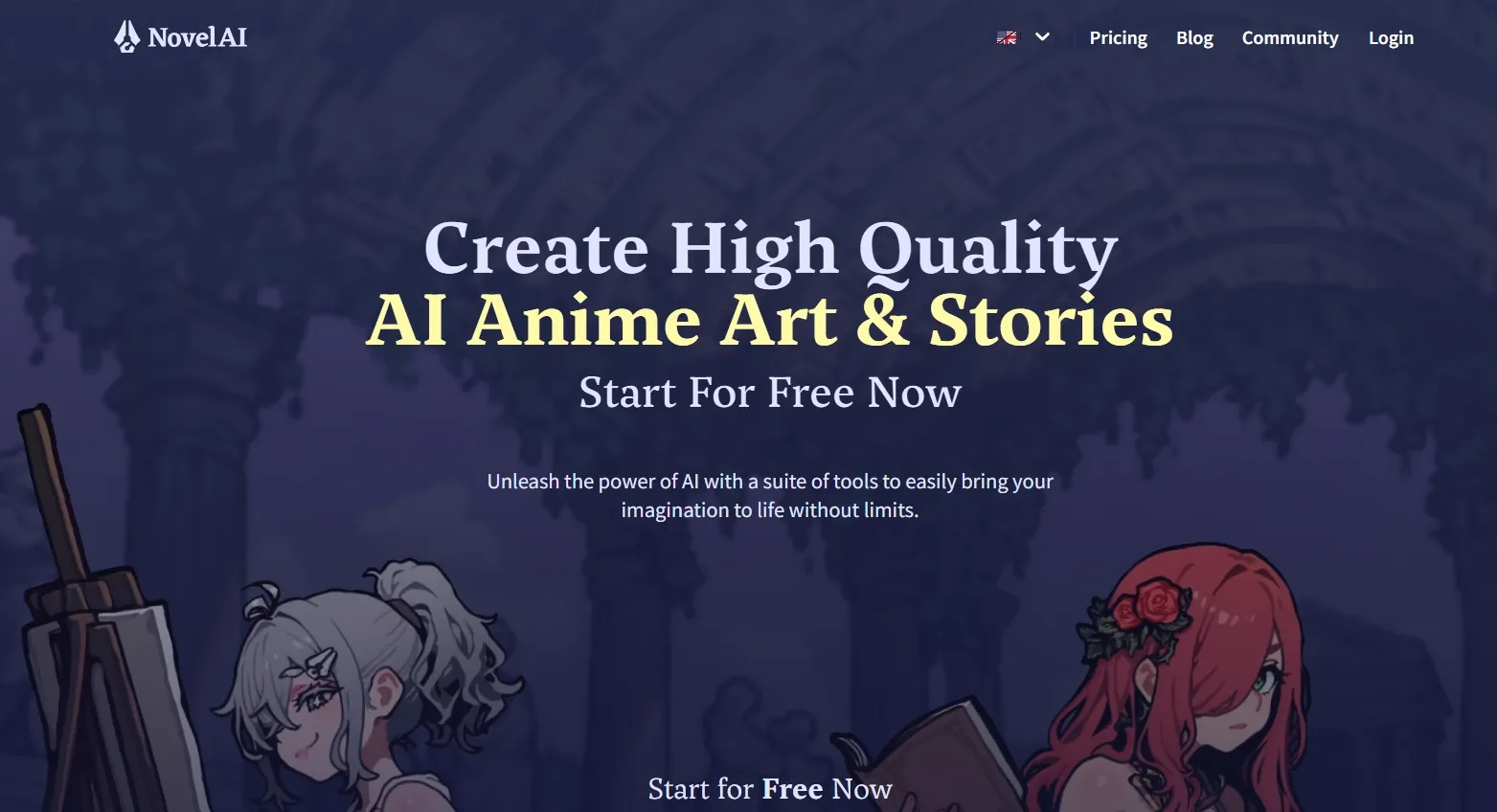
NovelAI is a strong choice for anime illustrations and story-driven character art. I would consider it for creating expressive protagonists, manga panels, and fantasy book covers that bring fictional worlds to life.
What appeals to me is its detailed creative control. Rather than relying on broad descriptions, I can adjust character traits, outfits, expressions, and scene details through specialized prompting options. This helps me develop illustrations that better match a particular story or character concept.
Its emphasis on private generation is especially relevant when comparing creative freedom with public-gallery moderation.
NovelAI Diffusion V5 also supports improved multi-character composition, language understanding, and text rendering. I find these capabilities particularly useful for illustrating character interactions and building more detailed narrative scenes.
NovelAI offers considerable freedom for private anime image creation, but its public Explore gallery doesn't allow NSFW uploads. This limits your options for sharing mature artwork within the platform. Its detailed prompting controls can also take time to master, especially for complex scenes.
Key Features
- NovelAI Diffusion Models: Generate detailed anime illustrations with specialized options such as V5 Full and V5 Curated.
- Multi-Character Generation: Guide individual character appearances within complex illustrated scenes.
- Detailed Prompt Weighting: Adjust the influence of character traits, visual elements, and artistic details.
- Undesired Content Controls: Remove unwanted objects, visual artifacts, and distracting stylistic elements.
- Image Editing Capabilities: Modify existing artwork and develop alternative versions for ongoing creative projects.
Best For
- Anime storytellers: Illustrate fictional scenes, character interactions, and memorable narrative moments.
- Original character creators: Develop expressive characters with distinctive appearances and artistic identities.
- Independent artists: Explore personal illustration projects within a more private creative workflow.
Pros:
- Anime-focused models create detailed characters and narrative illustrations.
- Precise prompt controls support personalized characters and artistic details.
- Multi-character generation helps illustrate complex character interactions.
Cons:
- Anime specialization limits variety across other artistic styles.
- Advanced prompting requires time and practice to master.
- Subscription allowances may limit extended creative experimentation.
Fooocus: Best Uncensored AI Image Generator for Photorealistic Portraits and Cinematic Scenes
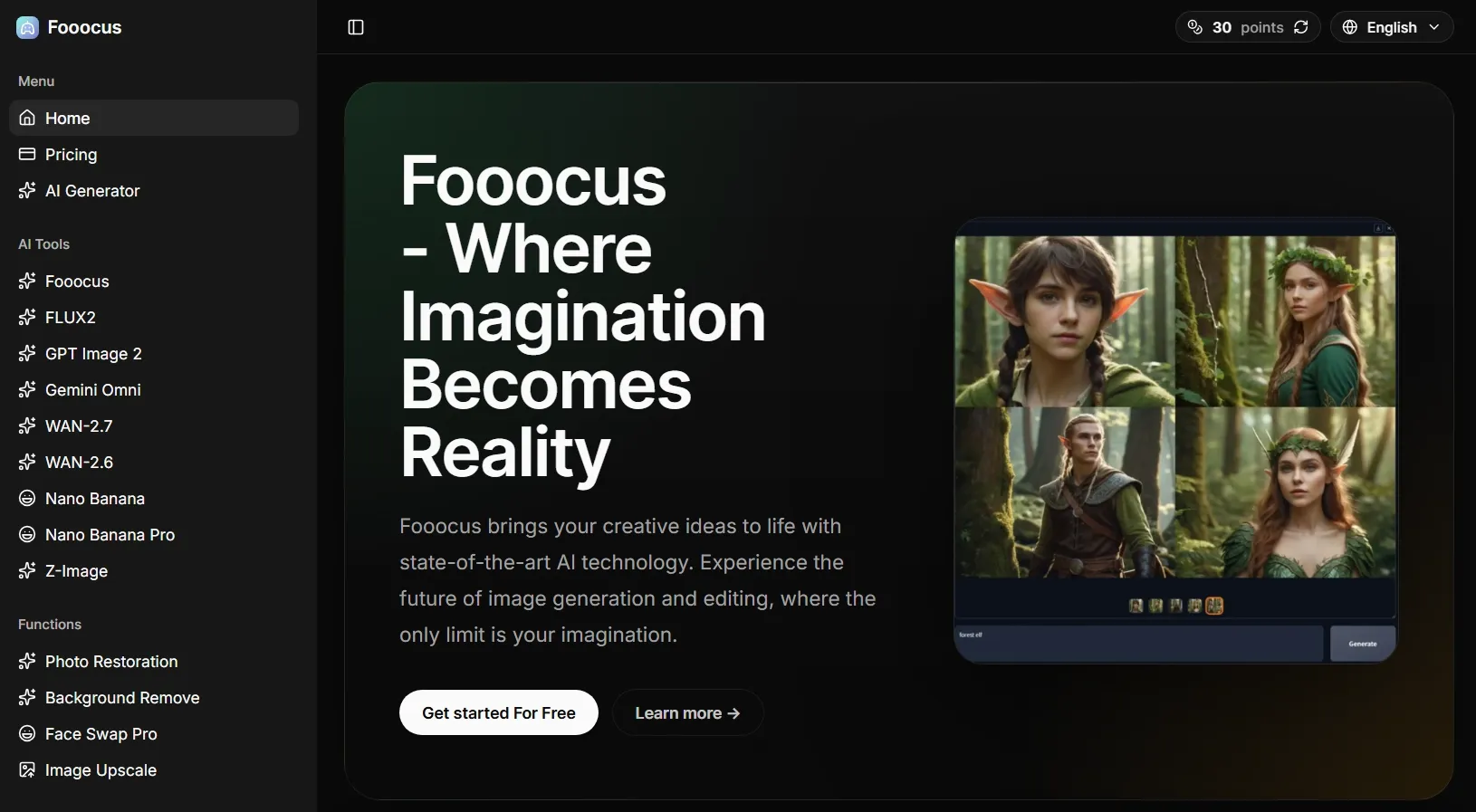
Fooocus is a useful choice for creating photorealistic portraits and cinematic artwork. I would consider it for dramatic landscapes and realistic scenes with detailed textures and atmospheric lighting.
Built around Stable Diffusion XL, Fooocus focuses on turning straightforward prompts into detailed images. What appeals to me is how it balances automated generation with optional creative controls. For example, I can experiment with editorial compositions and dramatic lighting for Vogue covers without constantly adjusting technical settings.
Its built-in presets also make it easier to explore different moods and compositions for Facebook covers. I can use image inpainting to change selected details or outpainting to extend a scene. Since Fooocus runs locally, it also offers greater control over the generation environment and image files.
The main drawback is its local setup and hardware requirements. You need a compatible computer to run it, which makes quick image creation less convenient than using a browser-based tool.
Fooocus includes optional NSFW detection and image-blackout controls, so local generation is not automatically filter-free. Fooocus is also in limited long-term support, with no current plans to incorporate newer model architectures.
Key Features
- Stable Diffusion XL Generation: Create realistic portraits, atmospheric landscapes, and detailed scenes from text prompts.
- Built-In Style Presets: Apply different visual treatments to influence lighting, color, and artistic appearance.
- Image Inpainting and Outpainting: Modify selected areas or extend existing images beyond their original boundaries.
- Image Enhancement: Refine details and improve selected parts of generated artwork.
- Advanced Prompt Controls: Adjust generation settings when you need more influence over the final composition.
Best For
- Portrait artists: Generate photorealistic characters with detailed facial features and dramatic lighting.
- Concept artists: Create cinematic environments, atmospheric landscapes, and realistic fictional scenes.
- Creative hobbyists: Explore detailed image generation without constantly adjusting complex parameters.
Pros:
- Free, open-source software eliminates subscription requirements.
- SDXL-based generation produces detailed portraits and cinematic artwork.
- Built-in editing tools support targeted image refinement.
Cons:
- Local installation requires compatible hardware.
- Limited model updates restrict access to newer architectures.
- Technical setup can inconvenience beginners seeking quick generation.
SoulGen: Best Uncensored AI Image Generator for Realistic and Anime Character Portraits
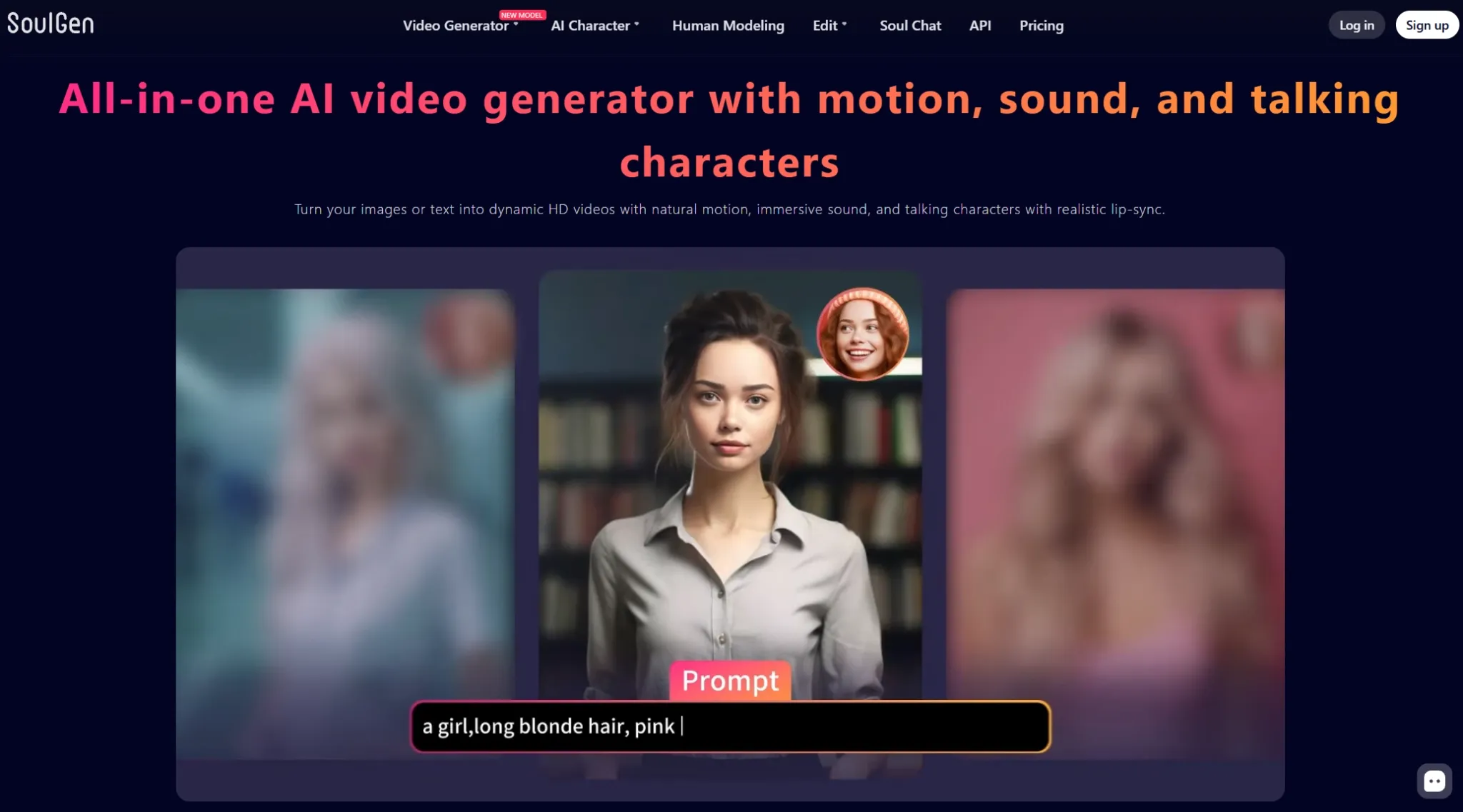
SoulGen is a good choice for creating realistic portraits and stylized fictional characters. Its image generation capabilities focus on expressive faces, personalized character designs, and people-centered artwork.
What interests me most is its reference-based approach. I can use existing images to guide a character's appearance, then adjust facial features, hairstyles, or outfits through text-driven editing. This makes it useful for developing fictional personas and expressive portraits for YouTube thumbnails.
Another appealing feature is AI outpainting. Instead of keeping a character inside a tightly cropped portrait, I can expand the composition with additional background details. This opens up possibilities for wider character scenes and Facebook story images.
The limitation is its strong focus on character portraits, which offers less variety for broader experimental artwork. Its current website also emphasizes video generation more heavily than standalone image creation, making some image-focused capabilities less immediately apparent.
Key Features
- Character Portrait Creation: Develop realistic or stylized portraits from descriptions and supported character-generation workflows.
- Reference-Based Character Images: Use permitted reference photos to guide facial features and recognizable character details.
- AI Image Editing: Add, change, or remove selected visual elements using text instructions.
- AI Outpainting: Expand existing images into wider compositions with additional environmental details.
- Image to Video Generation: Transform generated character images into animated content through supported video tools.
Best For
- Portrait creators: Develop realistic or stylized fictional characters with expressive appearances.
- Digital storytellers: Create character portraits and visual references for illustrated narratives.
- Social content creators: Produce character-focused imagery and explore ways to develop it into other media.
Pros:
- Realistic and anime portraits support varied character aesthetics.
- Reference-guided creation helps maintain recognizable character features.
- Image editing and outpainting expand creative possibilities.
Cons:
- Portrait-focused generation limits broader artistic experimentation.
- Video-heavy homepage makes image tools less prominent.
- Reference-based likenesses require appropriate permissions.
Artbreeder: Best Uncensored AI Image Generator for Hybrid Creatures and Experimental Character Designs
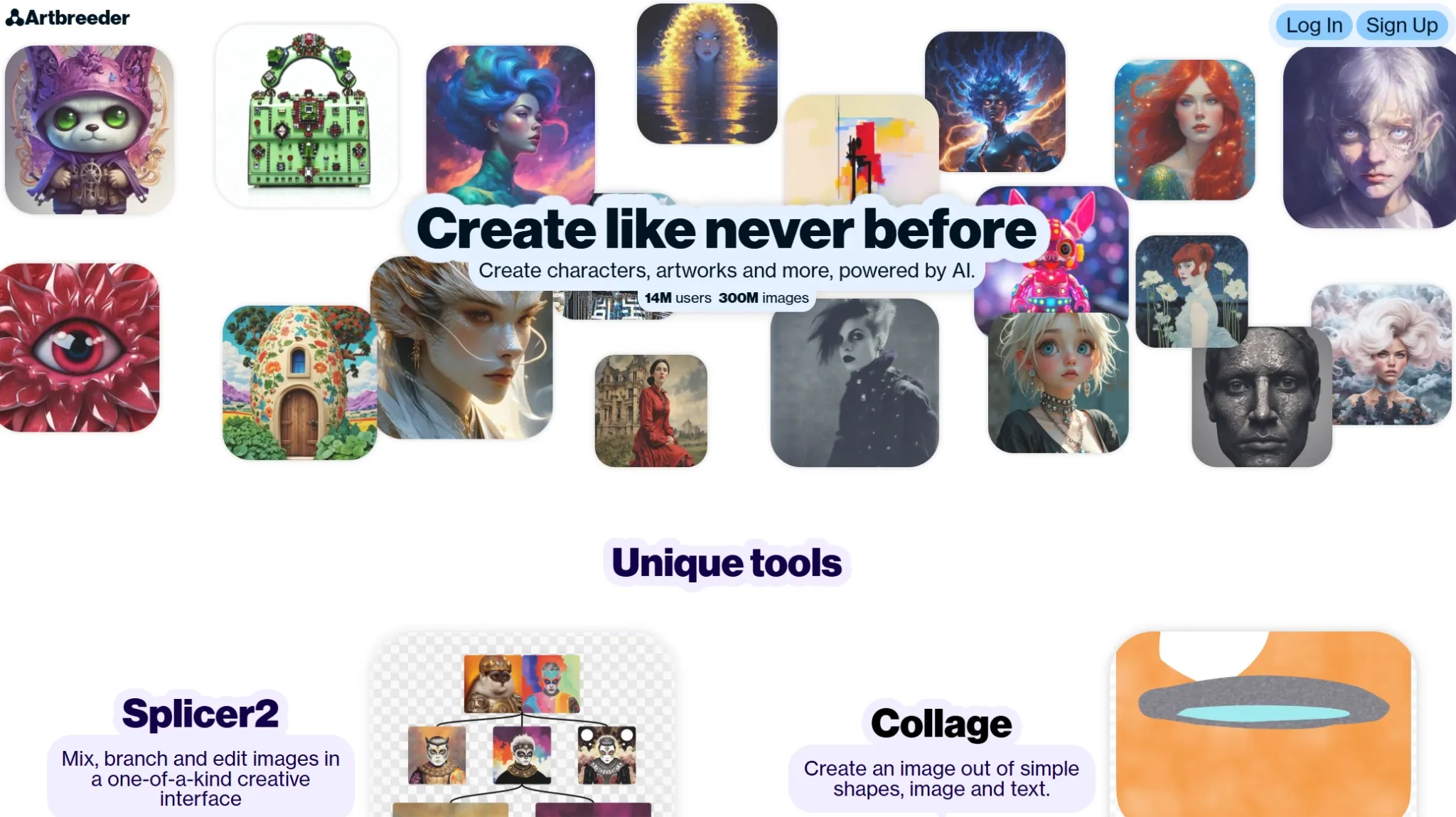
Artbreeder is an interesting choice for creating animal hybrid and experimental character designs. I would consider it for blending unusual visual traits, exploring fictional species, and developing character concepts that go beyond conventional appearances.
What appeals to me most is its iterative image-mixing workflow. With Splicer, I can explore variations of an existing image, while Mixer 2 lets me combine multiple references with text guidance. This makes it easier to refine promising results without starting from scratch each time.
Artbreeder also offers tools like Composer and Prompter for combining images with text instructions. I can adjust visual elements, develop alternative compositions, or explore unusual features for monster illustrations. Its branching workflow makes it easier to discover creative directions I hadn't initially considered.
However, Artbreeder isn't entirely uncensored. It uses an NSFW detection system, so certain images may be flagged or restricted. Its image-mixing workflow also involves experimentation, which can make achieving a specific result less straightforward than using a prompt-first generator.
Key Features
- Splicer 2: Mix existing images and explore branching variations to develop distinctive character appearances.
- Mixer 2: Combine up to four reference images with text guidance to generate new visual concepts.
- AI Prompter: Generate and edit images using descriptive prompts and supported AI models.
- Composer and Collager: Blend visual elements, shapes, and text to control image composition.
- AI Outpainting: Expand existing artwork beyond its original boundaries to explore wider compositions.
Best For
- Creature designers: Develop hybrid animals, unusual species, and imaginative fictional beings.
- Concept artists: Explore experimental character appearances and unconventional visual combinations.
- Digital artists: Create alternative image variations through visual mixing and creative experimentation.
Pros:
- Image-mixing tools encourage unexpected visual combinations.
- Branching variations support experimental character exploration.
- Flexible composition controls help develop distinctive visual concepts.
Cons:
- NSFW detection may restrict certain creative outputs.
- Image mixing requires experimentation to achieve specific results.
- Advanced workflows can take time to understand.
DiffusionBee: Best Uncensored AI Image Generator for Fantasy Illustrations and Surreal Artwork
DiffusionBee is a compelling choice for creating dark fantasy art, surreal compositions, and experimental artwork. I would consider it for dreamlike landscapes, abstract visual concepts, and imaginative scenes that benefit from creative experimentation.
What I like most is its combination of image generation and transformation. I can turn text prompts into original artwork or reinterpret existing images with different styles, colors, and textures. This flexibility is particularly useful for exploring fantasy maps with unusual landscapes and imaginative details.
Its AI canvas and generative fill tool offer more room for refinement. I can add objects, change selected areas, or expand compositions to develop ideas like tattoo designs. Custom model training also helps explore personalized artistic styles, while local processing keeps prompts and generated images on my device.
The main drawback is its Mac-only availability and hardware dependence. Generation speed varies with your computer's specifications, and setting up compatible models may require additional effort. While local processing offers greater privacy, supported content still depends on the models and their usage licenses.
Key Features
- Text-to-Image Generation: Create fantasy landscapes, surreal scenes, and imaginative illustrations from descriptive prompts.
- Image-to-Image Transformation: Reinterpret existing artwork with new styles, colors, textures, and compositions.
- Generative Fill: Add, remove, or replace selected objects within your images.
- AI Canvas: Combine drawing, text prompts, and image editing to develop detailed compositions.
- Custom Model Training: Train personalized models using your own images for distinctive artistic styles.
Best For
- Fantasy illustrators: Develop imaginary worlds, magical landscapes, and atmospheric environments.
- Surreal artists: Explore unconventional compositions, abstract concepts, and dreamlike artwork.
- Independent creators: Experiment with personalized styles and refine artwork through local generation.
Pros:
- Local image generation keeps creative files private.
- Integrated editing tools support flexible image refinement.
- Custom model training enables personalized artistic styles.
Cons:
- Mac-only compatibility excludes other operating systems.
- Hardware-dependent performance can slow image generation.
- Model setup may require additional technical effort.
Dezgo: Best Uncensored AI Image Generator for Dark Fantasy and Edgy Concept Art
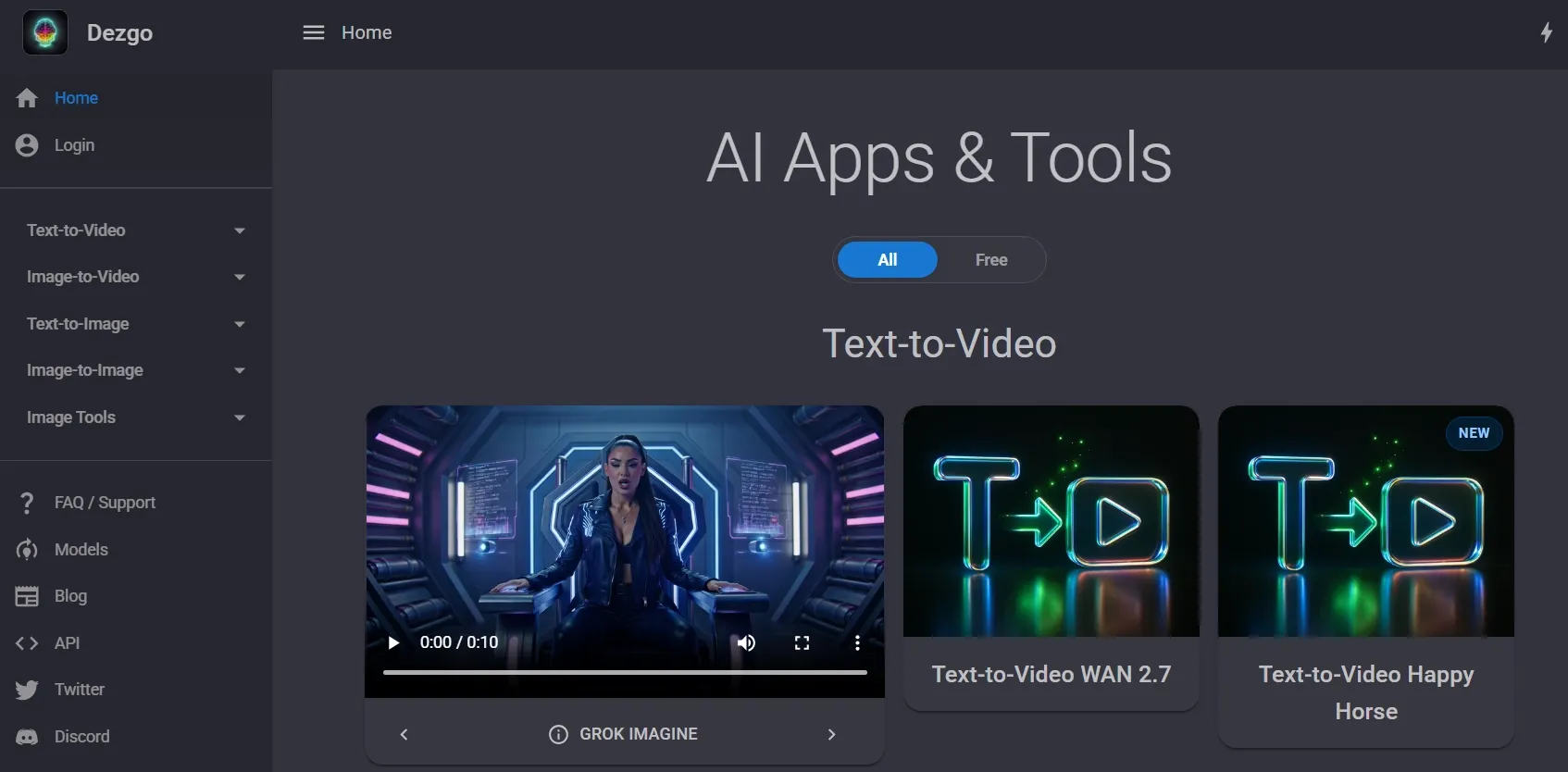
Dezgo is an interesting choice for creating dark fantasy artwork, gothic environments, and unconventional concept illustrations. I would consider it for eerie landscapes, supernatural scenes, and dramatic fictional worlds with distinctive visual styles.
What appeals to me is its flexible generation controls. With models such as FLUX, Stable Diffusion, and Qwen Image, I can experiment with different aesthetics and use LoRAs or negative prompts to guide specific details. This flexibility is useful for creating dark fantasy art with haunting atmospheres and intricate visual elements.
Dezgo also offers image-to-image generation and inpainting for refining existing artwork. I can remove selected objects, change backgrounds, or develop alternative compositions for movie posters. These tools give me more ways to improve an initial concept without recreating the entire scene.
However, Dezgo isn't entirely uncensored. Its content policies prohibit sexually explicit imagery, limiting certain types of mature artwork. Advanced controls like LoRAs, negative prompts, and model-specific settings can also take time to master, especially if you're new to AI image generation.
Key Features
- Multiple AI Image Models: Explore FLUX, Stable Diffusion, Qwen Image, and other supported models for different artistic styles.
- Negative Prompt Controls: Exclude unwanted objects, visual characteristics, or distracting elements from generated images.
- LoRA Extensions: Apply compatible custom models to influence artistic details, character appearances, and visual styles.
- Image to Image Generation: Transform existing illustrations into new styles, compositions, and creative directions.
- AI Inpainting and Editing: Replace selected objects, modify backgrounds, or refine individual image details.
Best For
- Dark fantasy artists: Create gothic landscapes, mysterious scenes, and dramatic fictional environments.
- Concept designers: Explore supernatural creatures, unusual characters, and atmospheric visual concepts.
- Experimental creators: Develop unconventional artwork through flexible model selection and detailed prompting.
Pros:
- Multiple image models support diverse artistic styles.
- LoRA and negative prompts offer detailed creative control.
- Image editing tools help refine existing compositions.
Cons:
- Content restrictions prohibit sexually explicit imagery.
- Advanced settings require familiarity with technical controls.
- Free generation has speed and usage limitations.
How Did I Compare These Uncensored AI Image Generators?
“Uncensored” can mean fewer prompt restrictions, support for mature themes, or greater control over image generation. Since creative freedom varies across platforms, I considered both their capabilities and limitations.
I personally generated images with all 10 tools, comparing image quality, prompt accuracy, artistic flexibility, and editing features. I also reviewed their content policies to understand what each platform allows and restricts.
- Image Quality: I considered the models and image-quality features available for creating detailed portraits, illustrations, and imaginative scenes.
- Creative Freedom: I examined the variety of supported artistic styles, customization options, and published content restrictions.
- Prompt Control: I looked for options that help guide composition, character appearance, lighting, artistic style, and other visual details.
- Character Consistency: I considered whether a tool provides references, custom models, or other methods for maintaining recognizable subjects.
- Image Editing: I assessed the availability of image-to-image generation, inpainting, outpainting, upscaling, and other refinement features.
- Ease of Use: I considered how approachable the documented workflow appears, including the amount of technical setup required.
- Pricing and Workflow Value: I compared subscriptions, credits, local software requirements, and the ability to continue working after the first image is generated.
Content restrictions were especially important. Some tools support mature fictional artwork, while others only provide greater freedom over artistic style. I did not treat these as equivalent capabilities.
A platform with hundreds of models is not automatically the best choice. I would prioritize a tool that helps me turn a creative concept into an image I can refine and use, rather than one that simply offers the most generation options.
Bring Your Boldest Ideas to Life
Explore diverse artistic styles, create striking AI images, and bring your imagination to life with Pollo AI.
Create with Pollo AIMy Final Verdict
Pollo AI is my top overall recommendation for versatile, policy-compliant AI image creation. With multiple image models and integrated editing tools, I can explore different styles, refine details, and enhance results without switching platforms.
From adjusting lighting and backgrounds to turning images into videos, Pollo AI offers a flexible creative workflow. Within its content guidelines, I can explore different ideas, refine my creations, and bring visual projects to life more easily.
Want more creative flexibility? Try Pollo AI today and bring your visual ideas to life.