



Can You Use Video-to-Video AI for Social Media Content?
Want a fresh look for a clip you’ve already filmed? I’d try video to video AI to explore a new style for your feed. Here’s where it fits and what makes a version worth posting.
TL;DR
YES—video-to-video AI can restyle existing footage for TikTok, Shorts, and other social posts. Start with a clear clip, choose a style, and review the result. It works best when a new look supports the original action or story.
Video to Video AI Use Cases for Social Media Content
You can use restyling for personal posts, creator content, and brand updates. Match the look to the moment: a playful reveal, an illustrated reaction, or a stylized dance. The examples below show what to try and what to review.
| Content Type | What to Try | What to Review |
|---|---|---|
| Product reveals and unboxing | Give a reveal a playful claymation or illustrated look for a social media post. | Product shape, packaging, colors, and readable labels. |
| Creator and reaction clips | Restyle an introduction, scripted skit, or reaction as an illustrated social clip. | Expressions, gestures, and the meaning of the original delivery. |
| Fashion and lifestyle clips | Explore a new visual mood for an outfit reveal or everyday routine. | Clothing details, skin tones, and whether the look still suits your post. |
| Dance videos and performance clips | Try an animated look for a short dance, music performance, or event moment. | Movement, timing, hands, and body positions. |
| Travel and pet videos | Give a walking shot or playful pet moment a storybook or pixel-art treatment. | Recognizable landmarks, animal markings, and clear movement. |
Choose Footage That Suits the Restyle
Start with a clip that already makes sense without an effect. A readable action, recognizable subject, and clear opening give you something useful to build on. I’d choose one moment and test its new look before adapting a longer sequence.
- One clear subject: Begin with one person, pet, or product rather than a crowded scene with overlapping movement.
- An easy-to-follow action: Try a walk, turn, reaction, or reveal. Review fast movements carefully, especially when hands or faces overlap.
- Room for interpretation: Choose footage where a visual change adds personality. Keep original close-ups when exact colors, labels, or results matter.
Give Your Footage a Fresh Look
Upload a clip you love, choose a visual style, and explore a new creative direction with Pollo AI’s video restyling.
Restyle Video With AI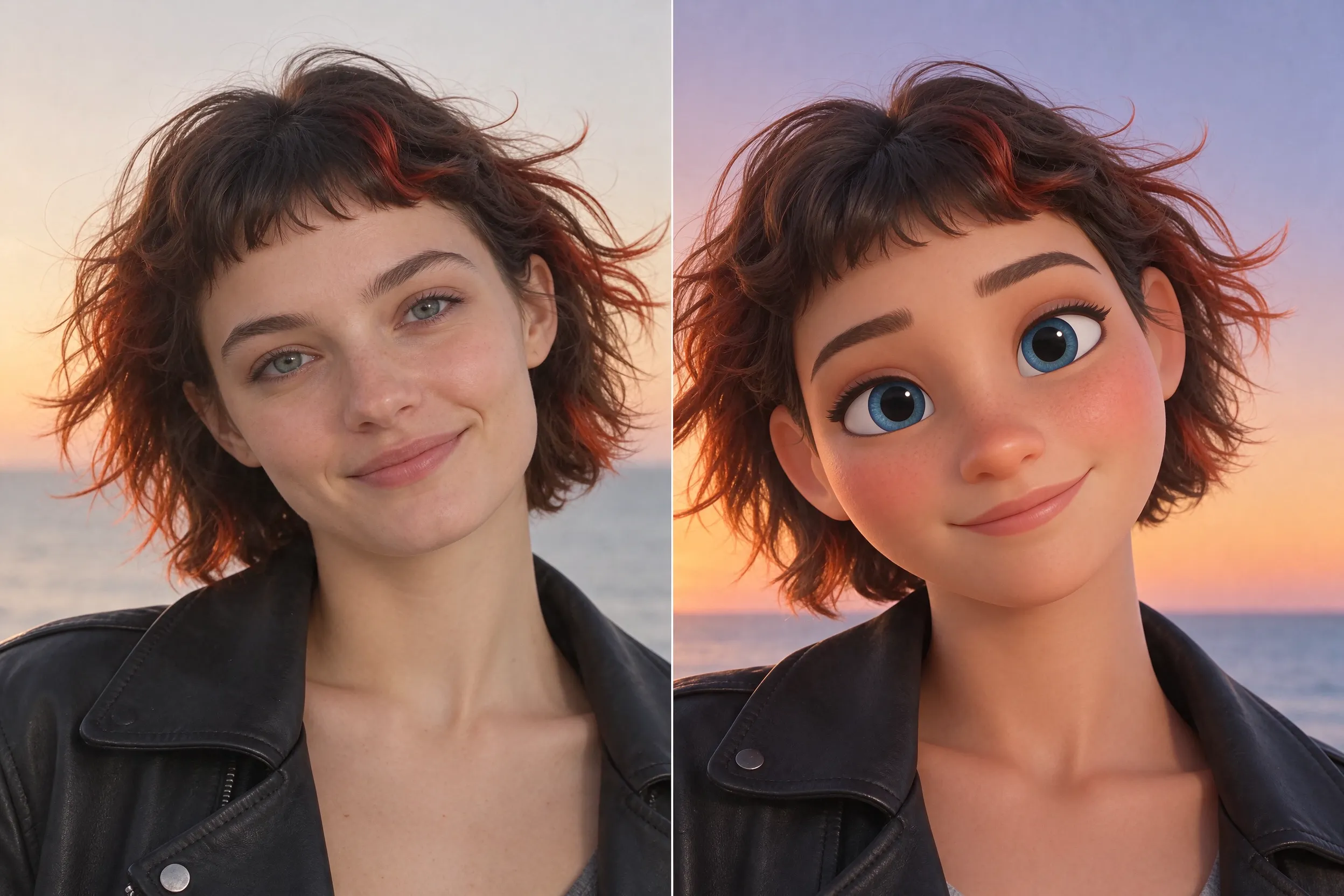
How to Restyle Social Media Videos With Pollo AI
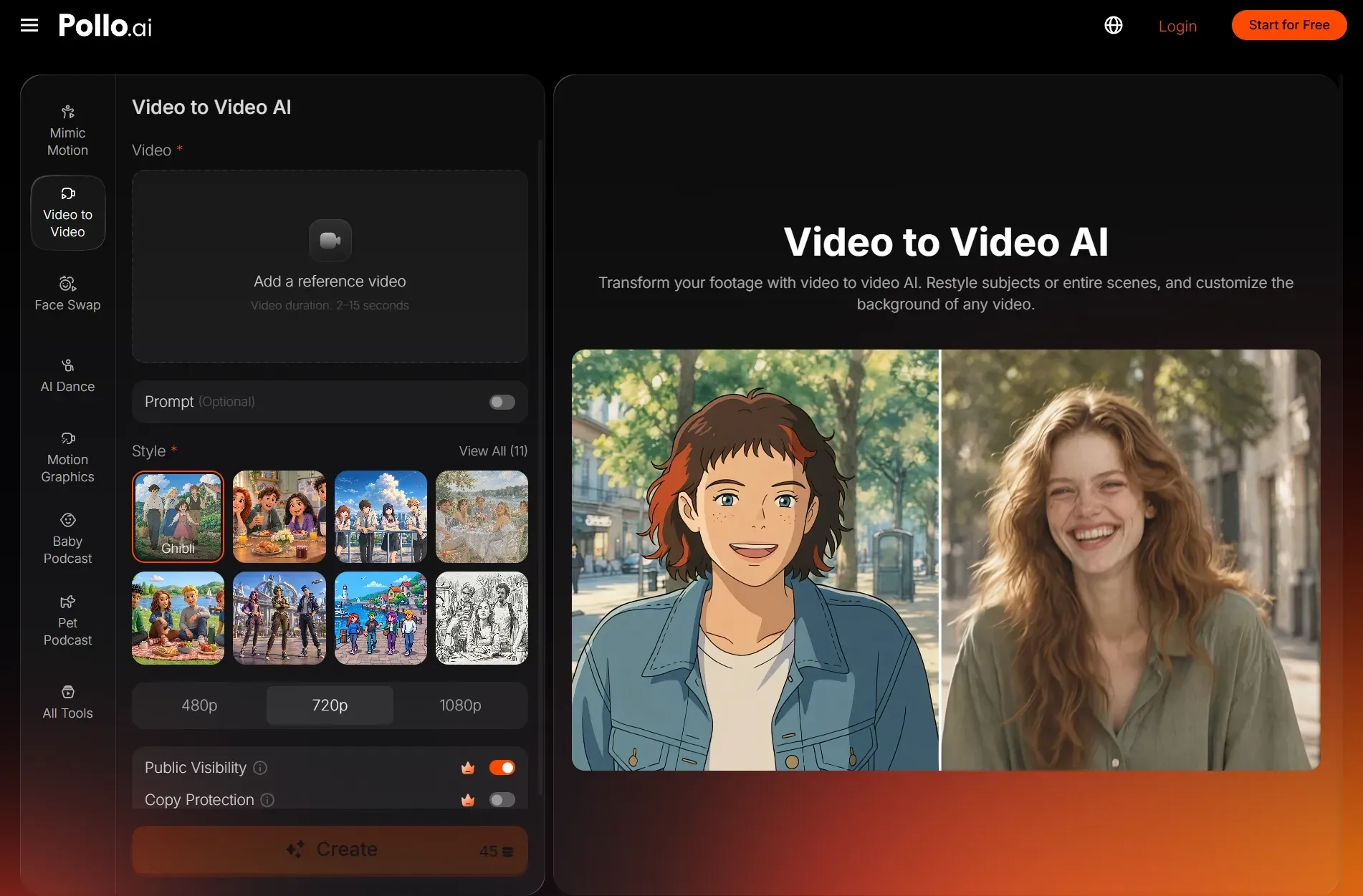
Open video-to-video AI and start with one short clip. You can try a preset first, then use the optional prompt to guide its appearance. Our restyling guide covers the full workflow if you need help with the interface.
- Upload a clip with a clearly visible subject and readable movement.
- Choose a style and optionally describe the colors, lighting, or texture you want.
- Click Create, compare the result with the source, and download the version you prefer.
Keep optional instructions focused on one look: “Use warm colors and a soft illustrated texture. Preserve the original walking motion and framing.” Our prompt guide offers more examples. These instructions guide generation; they don’t guarantee every detail will remain unchanged.
What to Check Before Posting
Watch the whole output before sharing it. A strong opening frame doesn’t tell you whether expressions, movement, or details remain clear throughout. Compare the moments that carry your message, then check how the clip looks in your intended post format.
- Subject and movement: Look for changing faces, distorted hands, missing product details, or gestures that no longer match the source. Our motion guide explains these comparisons.
- Framing and text: Check that your subject and any added captions stay visible in the final crop. Keep important text away from areas covered by platform controls.
- Meaning and permissions: Keep reactions and product results accurate. Use footage and music you have permission to share, and add any AI or sponsorship disclosures required for your post.
More Ways to Create Social Media Content with Pollo AI
Only have photos? Use image to video to animate a travel shot, portrait, or pet photo. For a travel recap, turn favorite snapshots into short animated moments and combine them into a story for Reels or TikTok.
Starting with an idea instead of footage? Try text to video to generate a new scene. If an existing clip only needs a specific visual change, such as a different background, use the AI video editor and review the result.
Ready to give a familiar clip a different look? Upload it to our video to video AI, choose a style, and recreate your clip. Keep the version that makes your story or performance more engaging to watch.