Support And Help Center Screenshots
Make answers easier to follow
Use our screenshot editor to update labels, blur customer data, and add visual pointers so users can solve problems with less back-and-forth.
AI Video
Transform text and images into cinematic videos with lifelike avatars and studio-quality SFX.

AI Image
Turn ideas and images into stunning visuals, or perfect any photo with a complete suite of AI tools.

Agent
Create production-ready videos with SFX, consistent characters, and polished scenes. No Editing.

Marketing Studio
Built for marketers and sellers to create winning ads, UGC videos and product visuals faster.

Kling 4.0
Up to 10 keyframes. Impressive performance.
Need to explain something, but your screenshot has too much noise? Pollo AI’s screenshot editor helps you edit screenshot text, add clear annotations, hide sensitive information, and clean up distracting content for tutorials, help centers, product documentation, and social media.
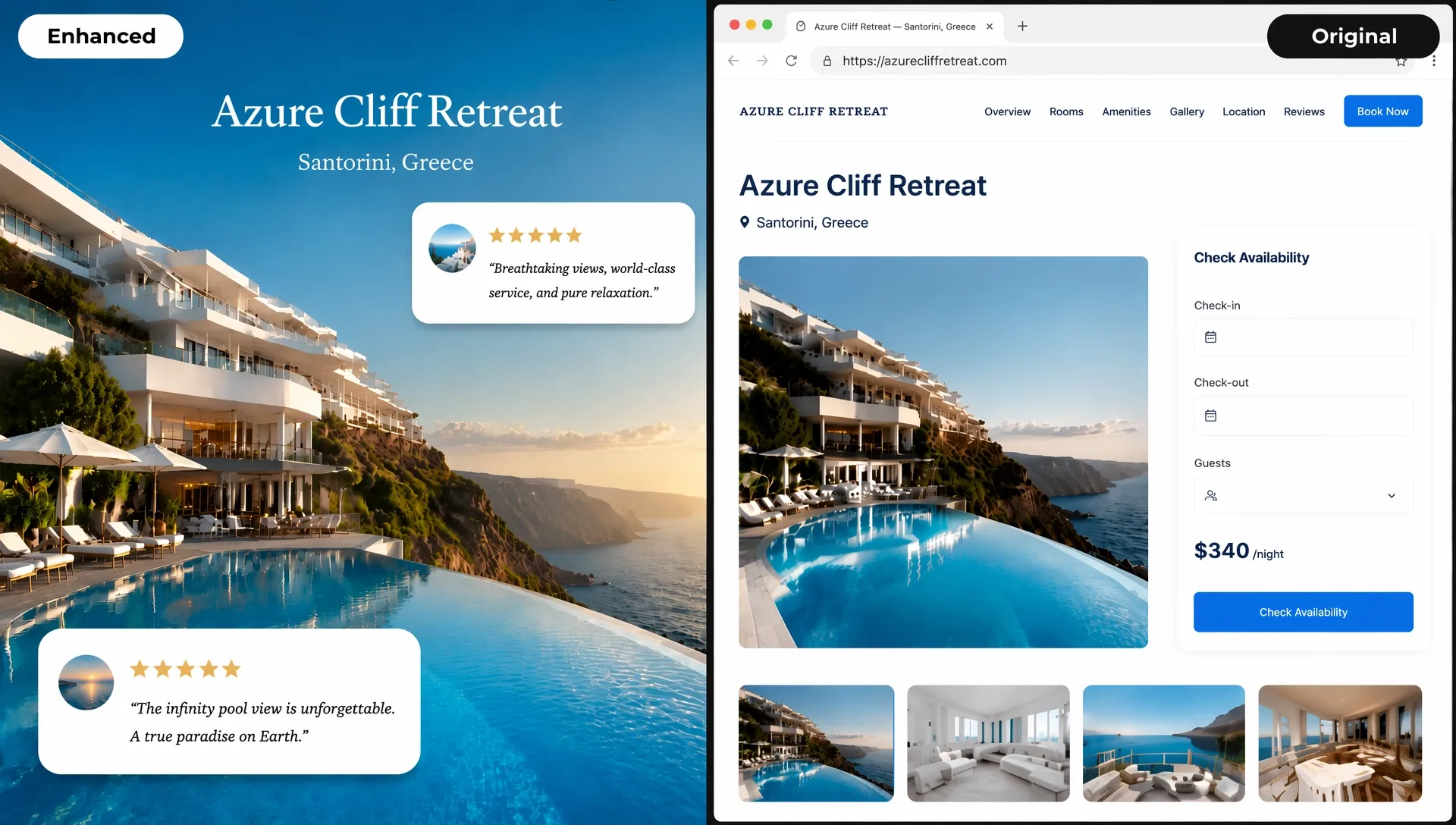
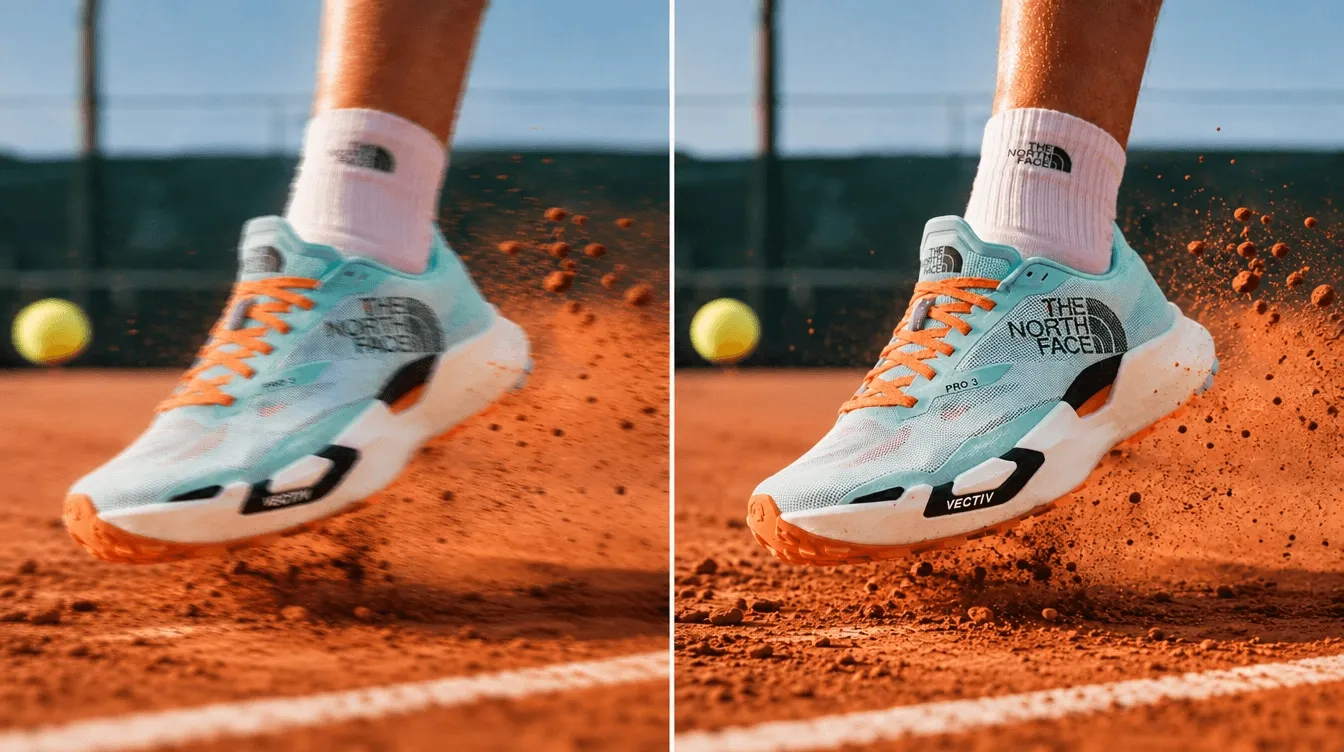
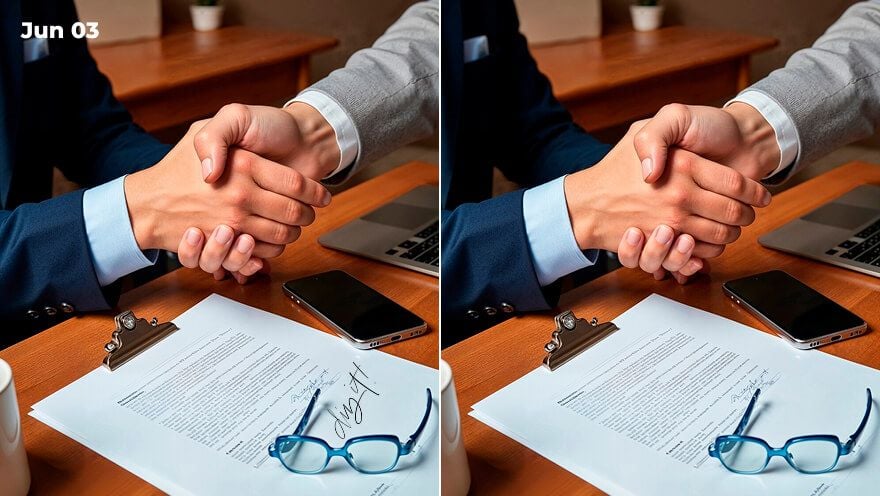
Fix wording, update labels, or replace outdated screen text without recreating the original interface.
Add arrows, boxes, labels, and highlights so viewers understand where to look and what action to take.
Blur emails, phone numbers, account info, order numbers, addresses, or chat content before sharing a screenshot online.
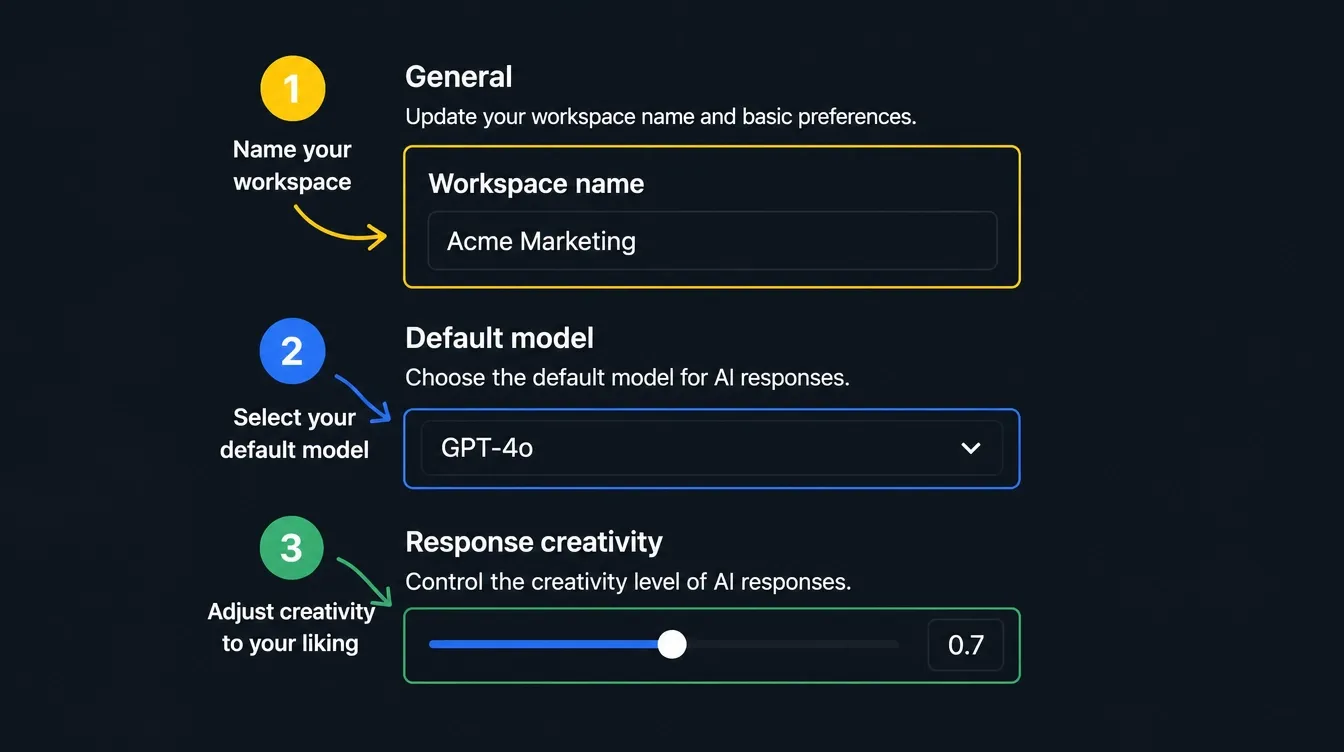
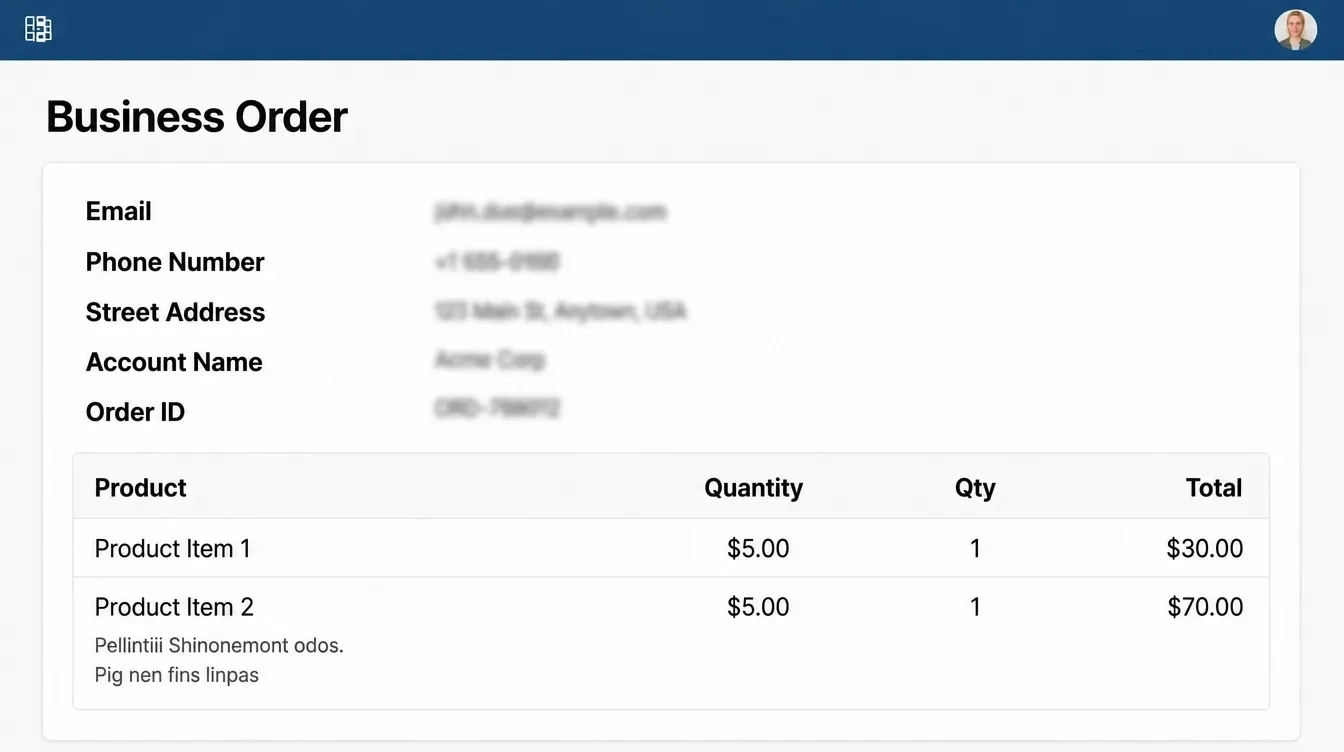

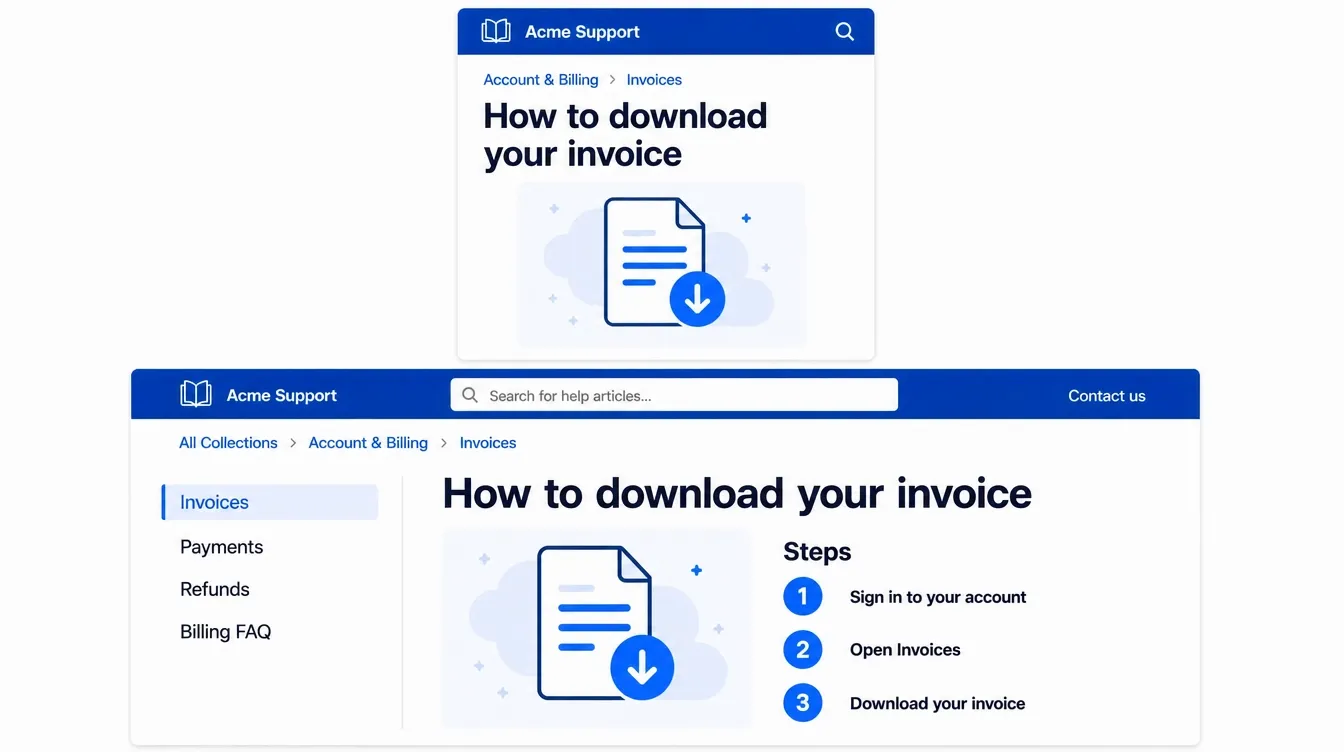
Use our screenshot editor to update labels, blur customer data, and add visual pointers so users can solve problems with less back-and-forth.
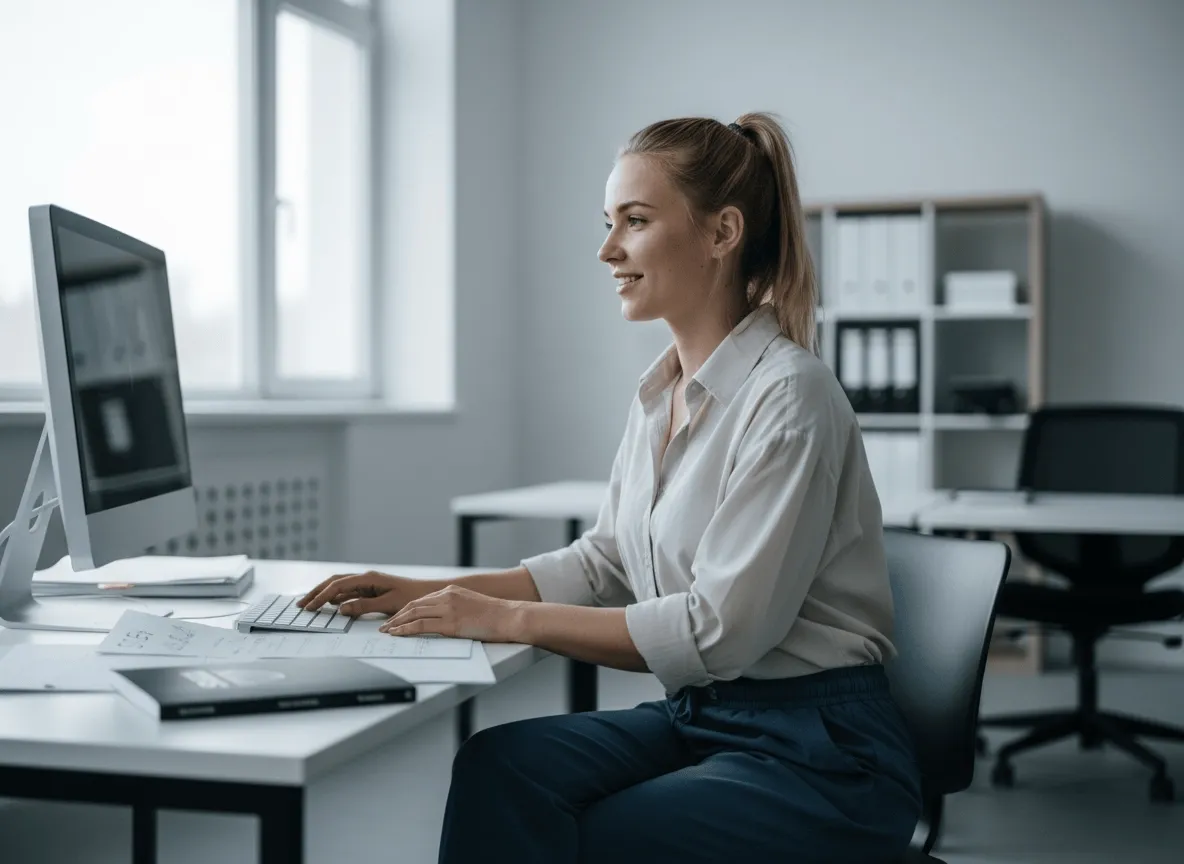
Clean edges, resize, and improve clarity so your screenshot can support social media launch updates, product visuals, and carousel posts.
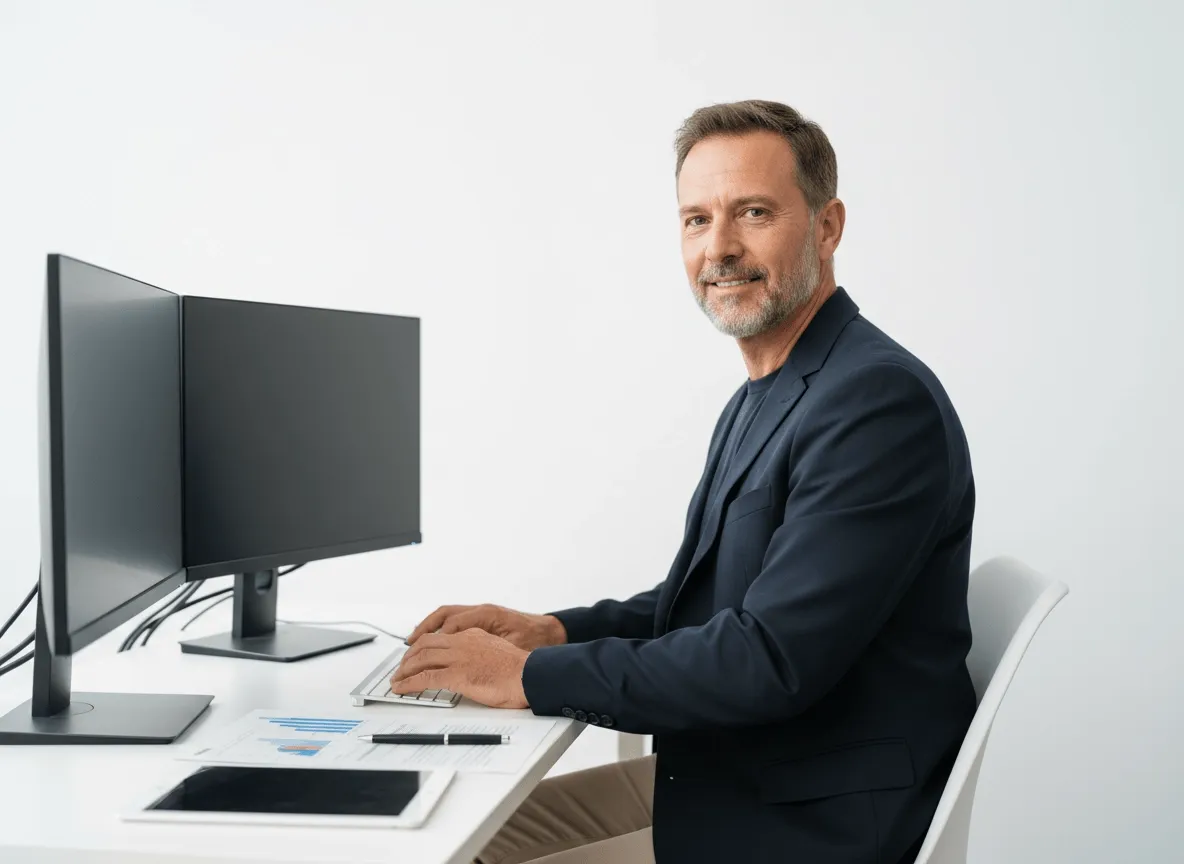
Edit screenshot images with arrows, boxes, step labels, and clean framing so readers know exactly where each action happens

Edit screenshot to highlight errors, remove unrelated UI, and mark the exact area that needs attention before sharing the screenshot with designers, developers, or clients.
Upload the screenshot you want to edit.
Describe the text, blur, cleanup, or marks needed.
Generate and download your edited screenshot.
Go from a rough concept to a finished asset in minutes. Generate, edit, enhance, and adapt images with tools built for real creative workflows.
Generate studio-grade visuals from text prompts in seconds, from realistic scenes to clean graphics and in-image text.
Accelerate visual production with hundreds of apps. Instantly design platform-ready Instagram posts, book mockups, and 3D characters.
Recreate, restyle, and upscale photos while preserving the structure and details that matter.
Refine your AI artwork effortlessly. Remove watermarks, seamlessly expand borders, and fix minor details for flawless final compositions in seconds.
Evolve your static scenes into dynamic narratives. Add lifelike motion, camera pans, and fluid transitions to your images with flawless rendering.
Scale your visual output effortlessly. Automate complex design tasks and generate high-volume, consistent assets ready for immediate deployment.









Using Pollo AI to Create and Inspire
A screenshot editor is an image tool that helps you edit screenshot text, add annotations, blur sensitive details, clean screen captures, and prepare screenshots for sharing.
To edit a screenshot online, upload your image to Pollo AI’s screenshot editor, describe the changes you want, let the tool automatically apply the edits, and download your AI image.
Screenshot editing is useful for support replies, tutorials, product docs, app demos, bug reports, presentations, social posts, and any place where a clearer screenshot explains faster.
Yes. This screenshot editor can help edit screenshot text, replace old labels, fix typos, or adjust visible wording for tutorials, product docs, app demos, and support materials when the original screen is hard to recreate.
You can try the AI screenshot editor free on Pollo AI. Higher-volume use, more credits, advanced features, or fuller access may require upgrading to a higher plan.

Clean, mark, blur, resize, and update screenshots online with less manual work.