

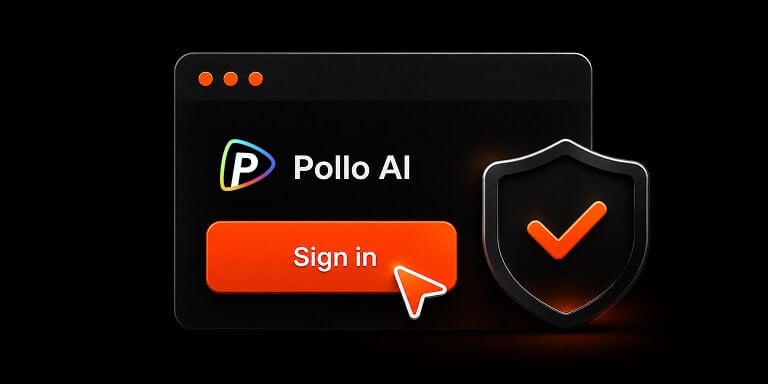
No API Key. Simple Setup
Set up Pollo MCP or CLI, then sign in to your Pollo account through the browser. No API credentials to create, copy, or manage.
AI Video
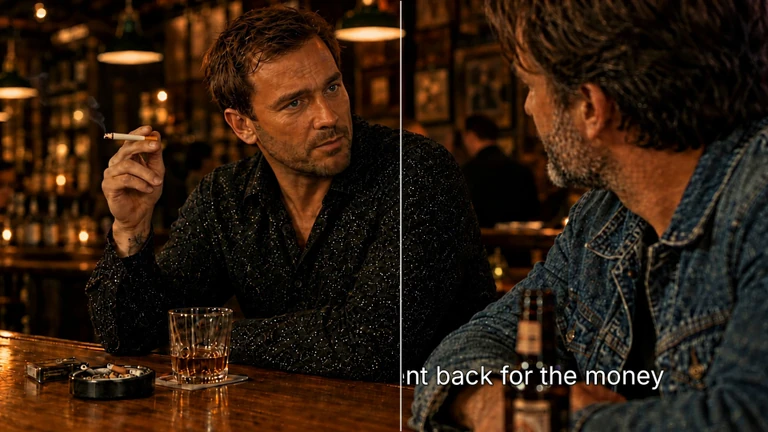
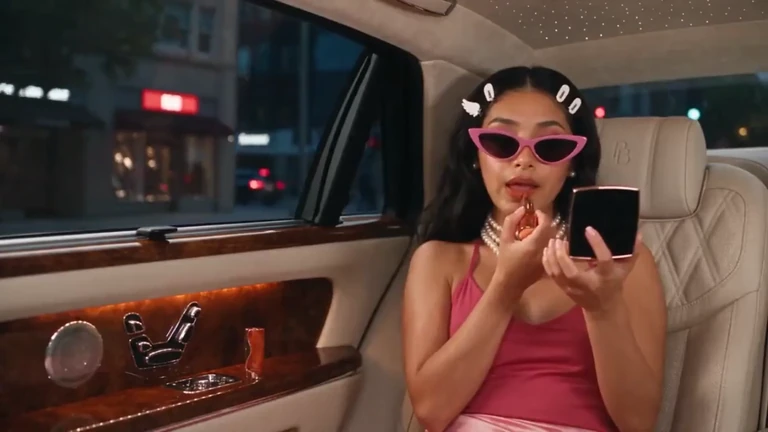
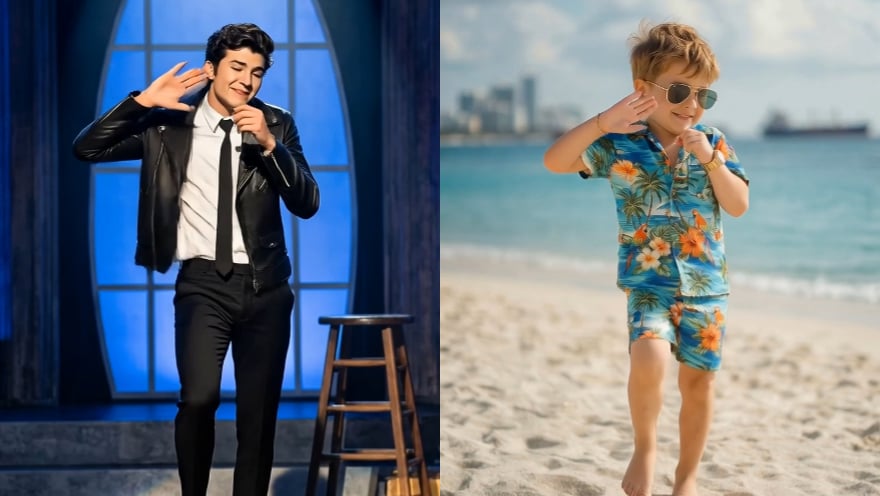
Transform text and images into cinematic videos with lifelike avatars and studio-quality SFX.

AI Image
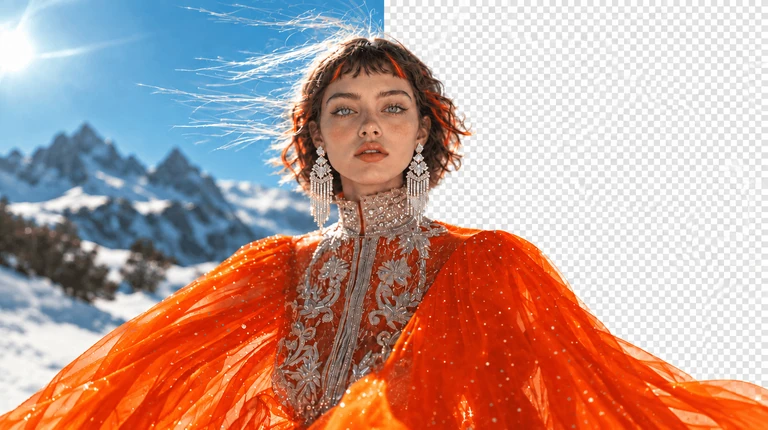
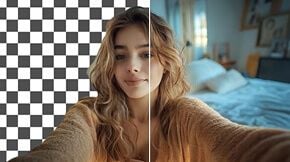
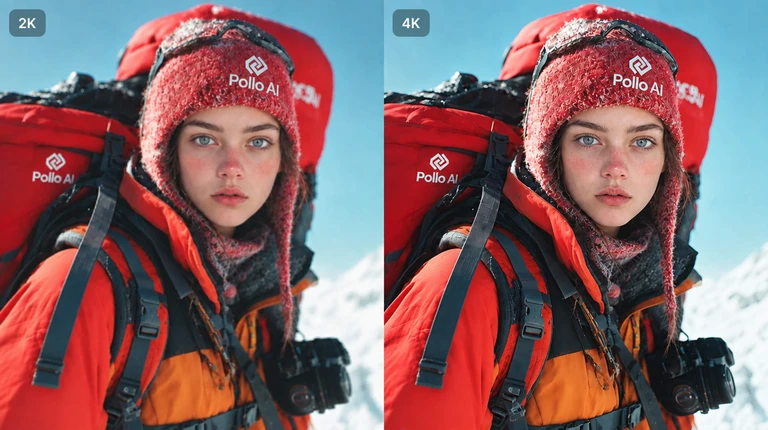
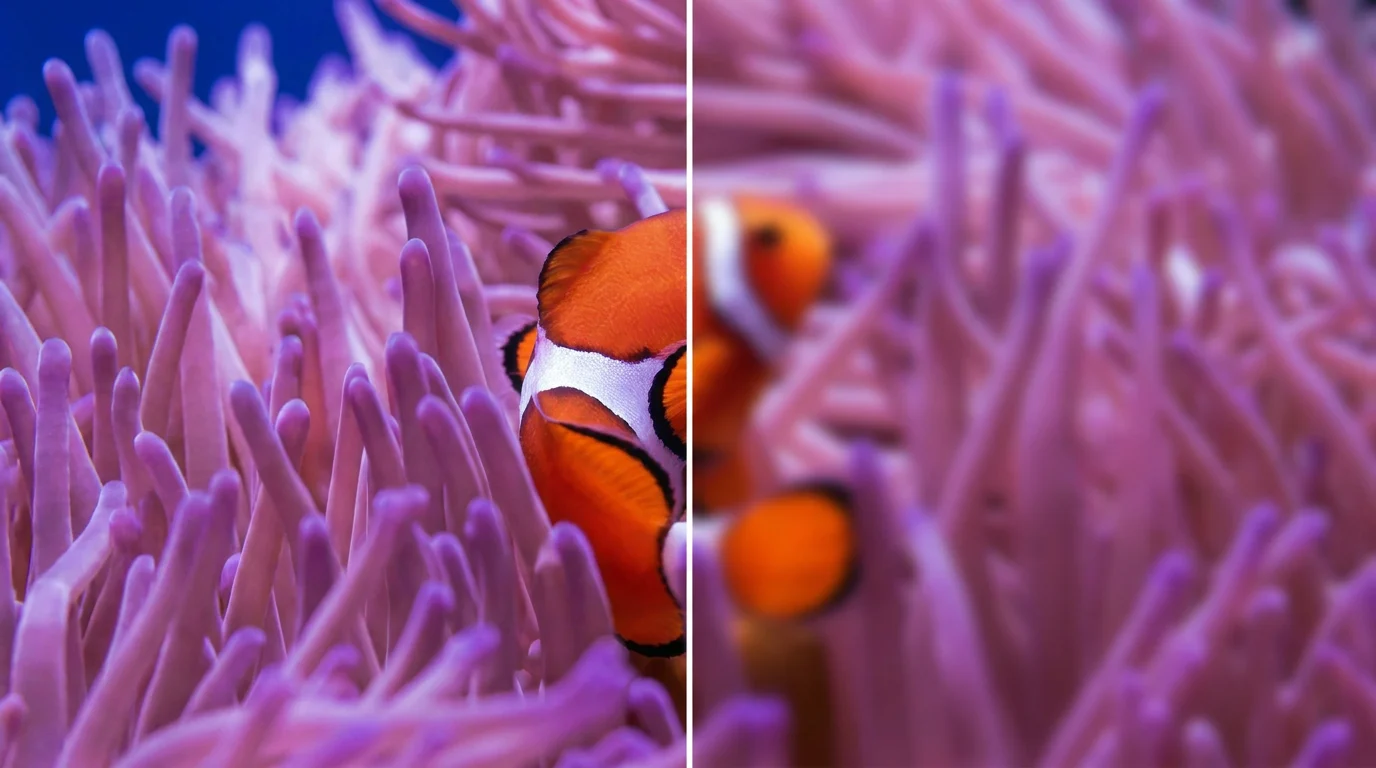
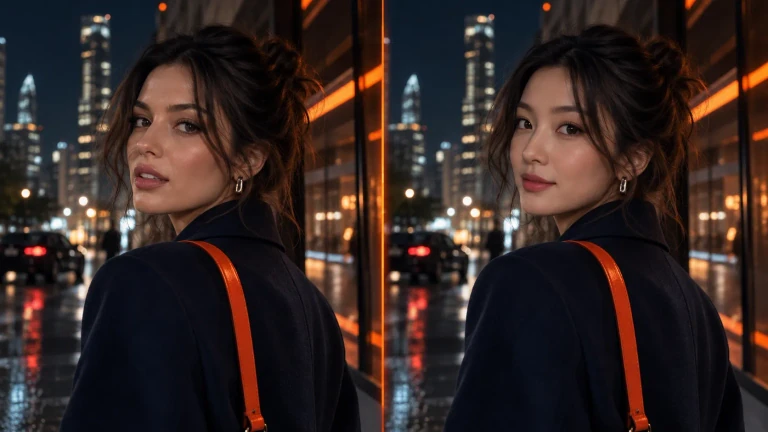
Turn ideas and images into stunning visuals, or perfect any photo with a complete suite of AI tools.

Agent
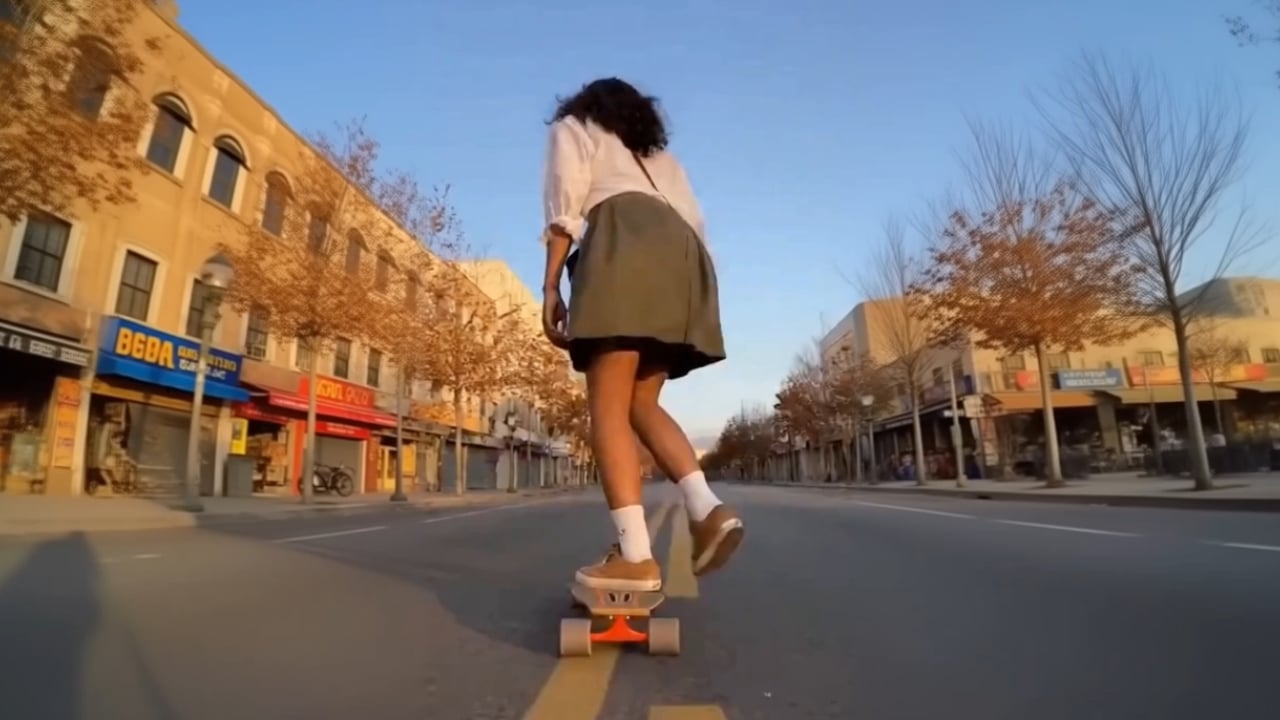
Create production-ready videos with SFX, consistent characters, and polished scenes. No Editing.

Marketing Studio
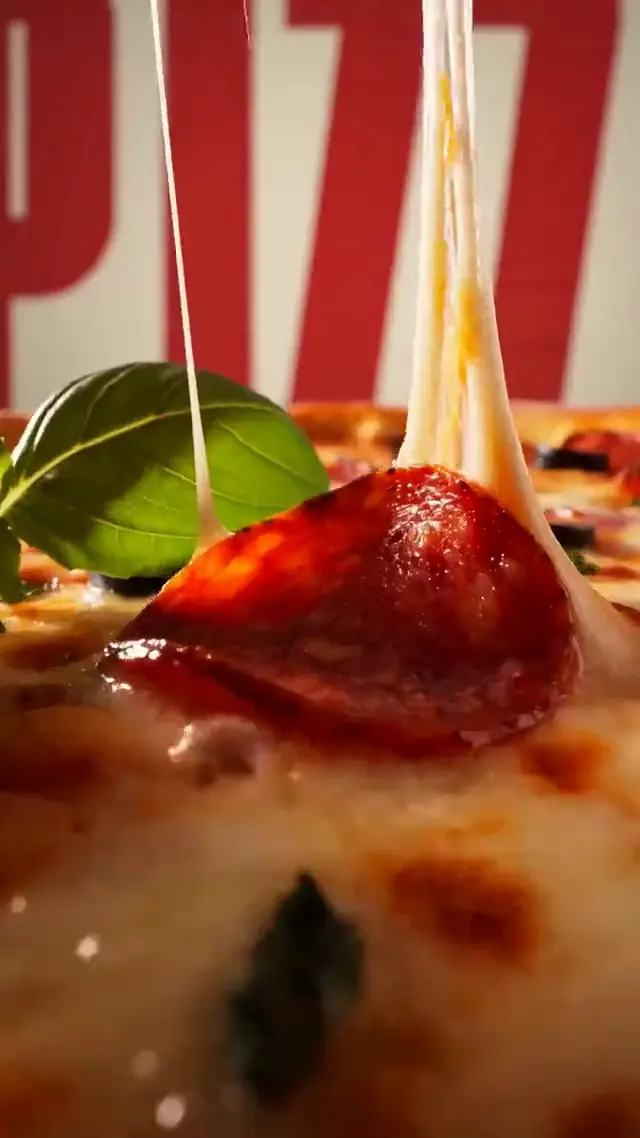
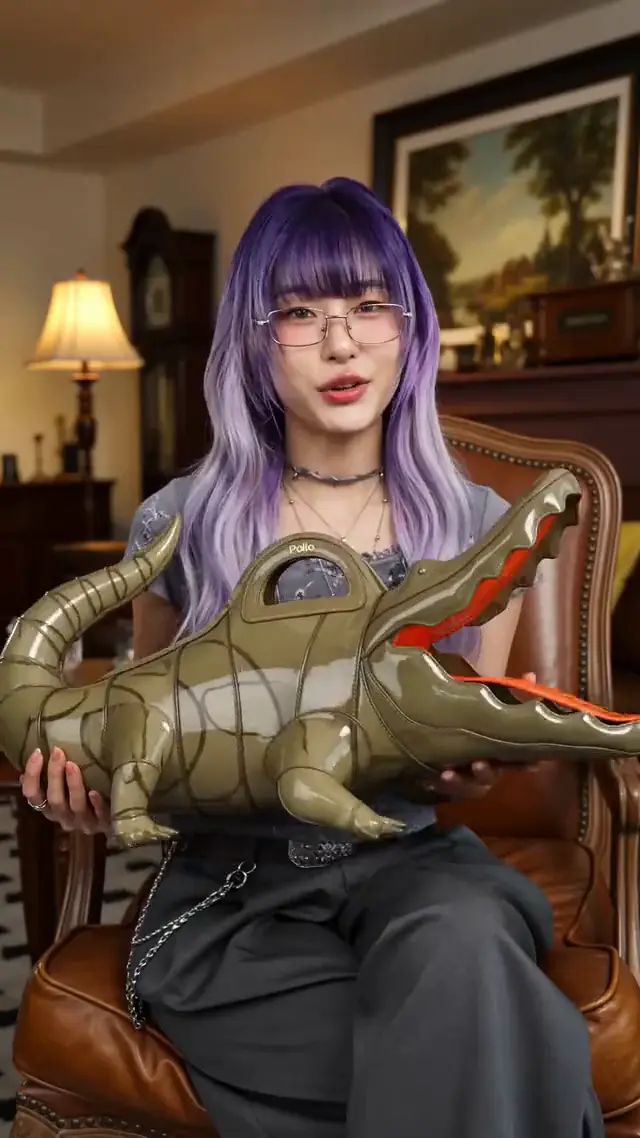
Built for marketers and sellers to create winning ads, UGC videos and product visuals faster.

Connect MCP to claim 20 bonus credits—create up to 20 images or 4 videos.
Connect Pollo MCP to ChatGPT, Claude, and other AI agents to manage your entire creative workflow. Go from an idea to a finished project by generating, editing, and exporting videos, images, and audio all in one chat without switching tools.
With the Pollo plugin & MCP
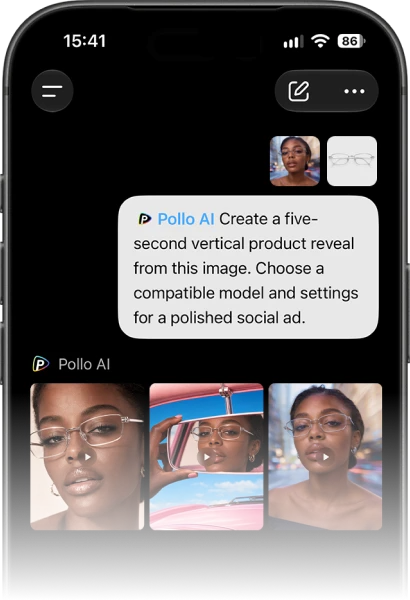
Open the page below and click Install plugin. Sign in with your Pollo account and connect.
Ask ChatGPT to generate and edit images, videos, and audio using Pollo.
Pick a ready-made Pollo workflow, share your brief, and get an edited, multi-shot video back in chat.
Edit, caption, and export in one session—with your assets organized, synchronized, and visually consistent across projects.
Organize episodes, stitch shots, and refine clips with trim, split, and version history.
Take a creative project from the initial idea to a polished export without leaving your AI agent or coding interface.
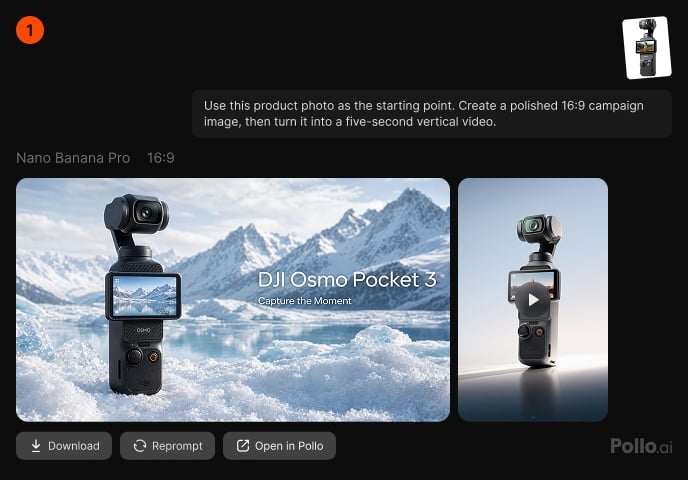
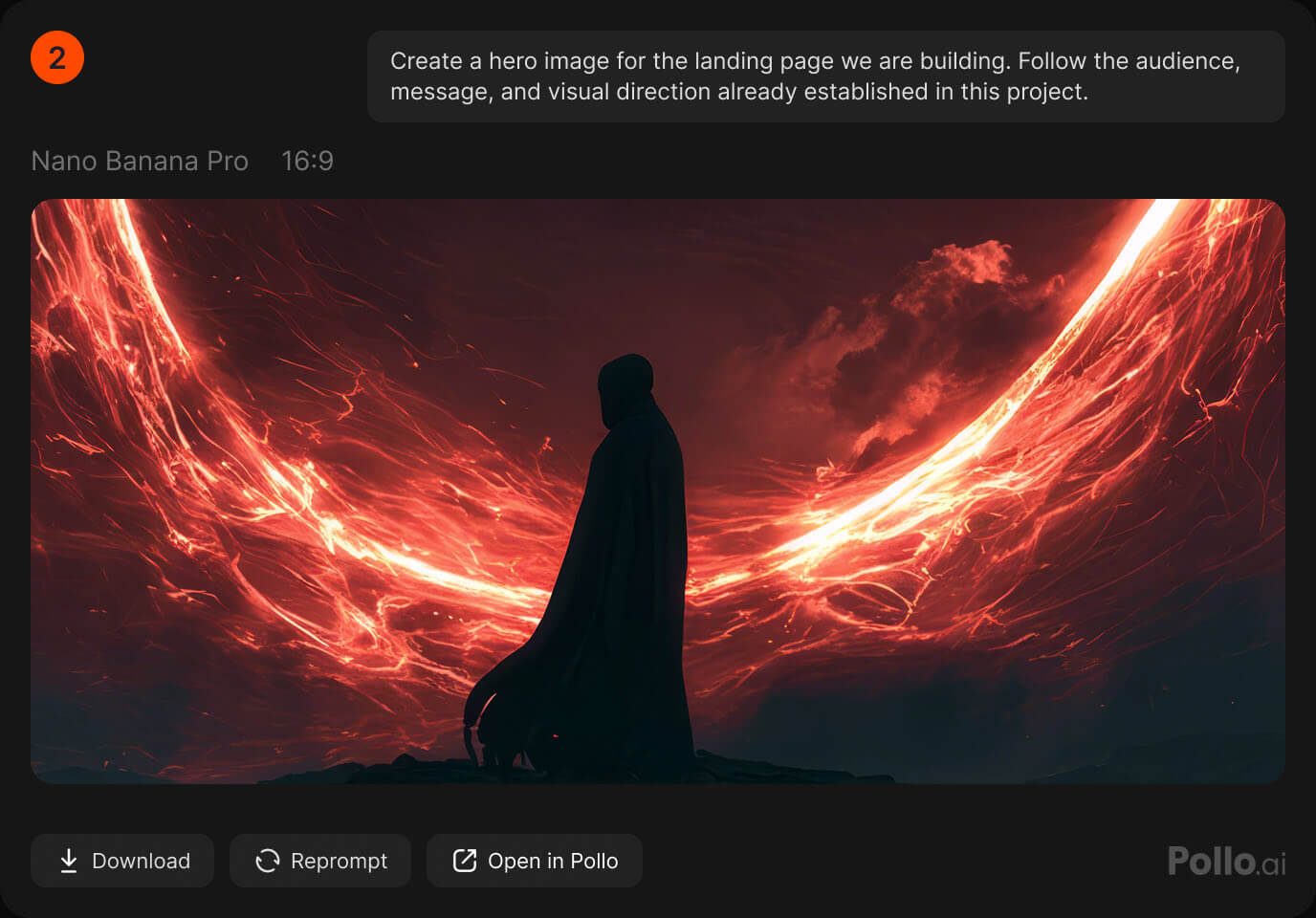
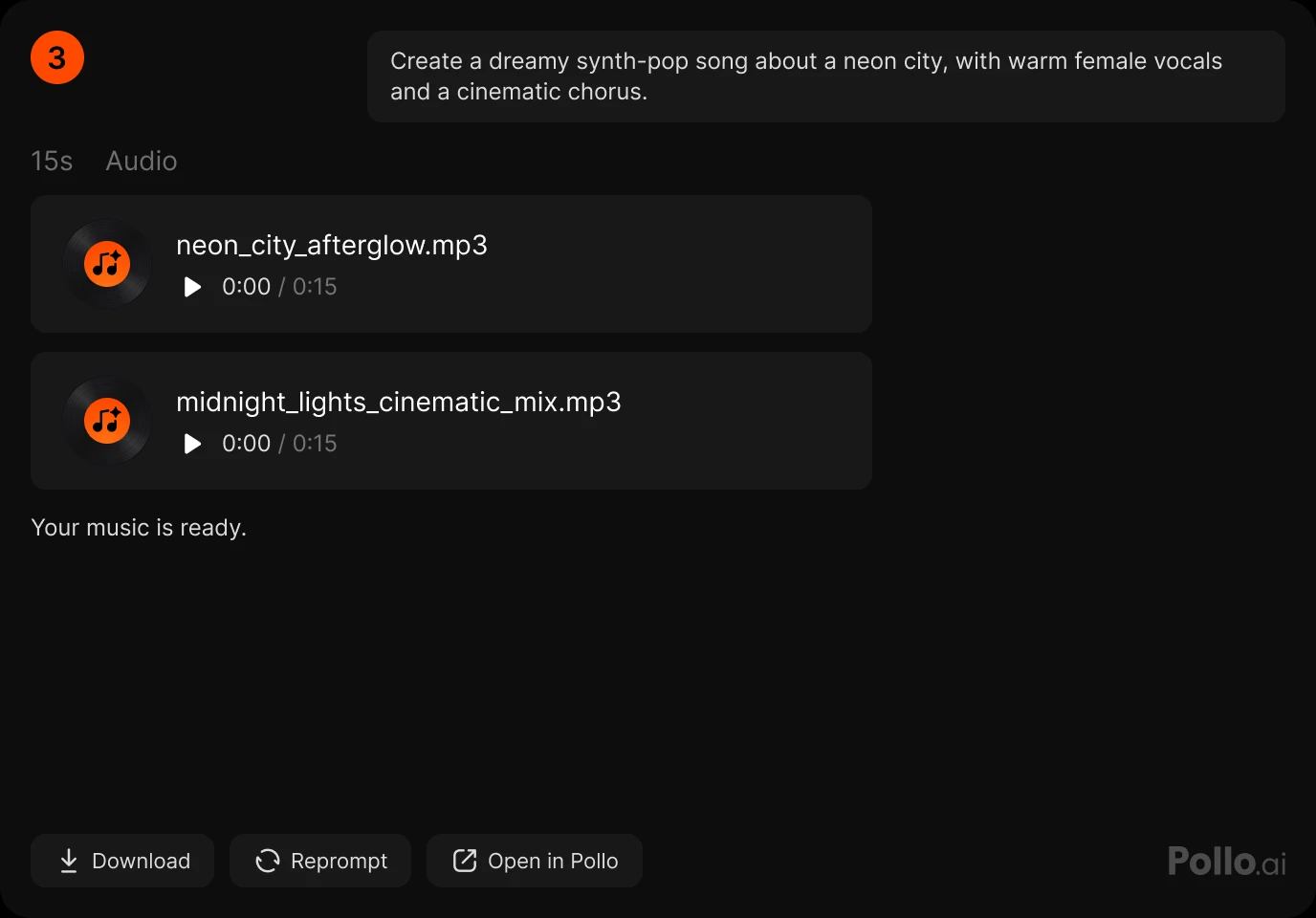
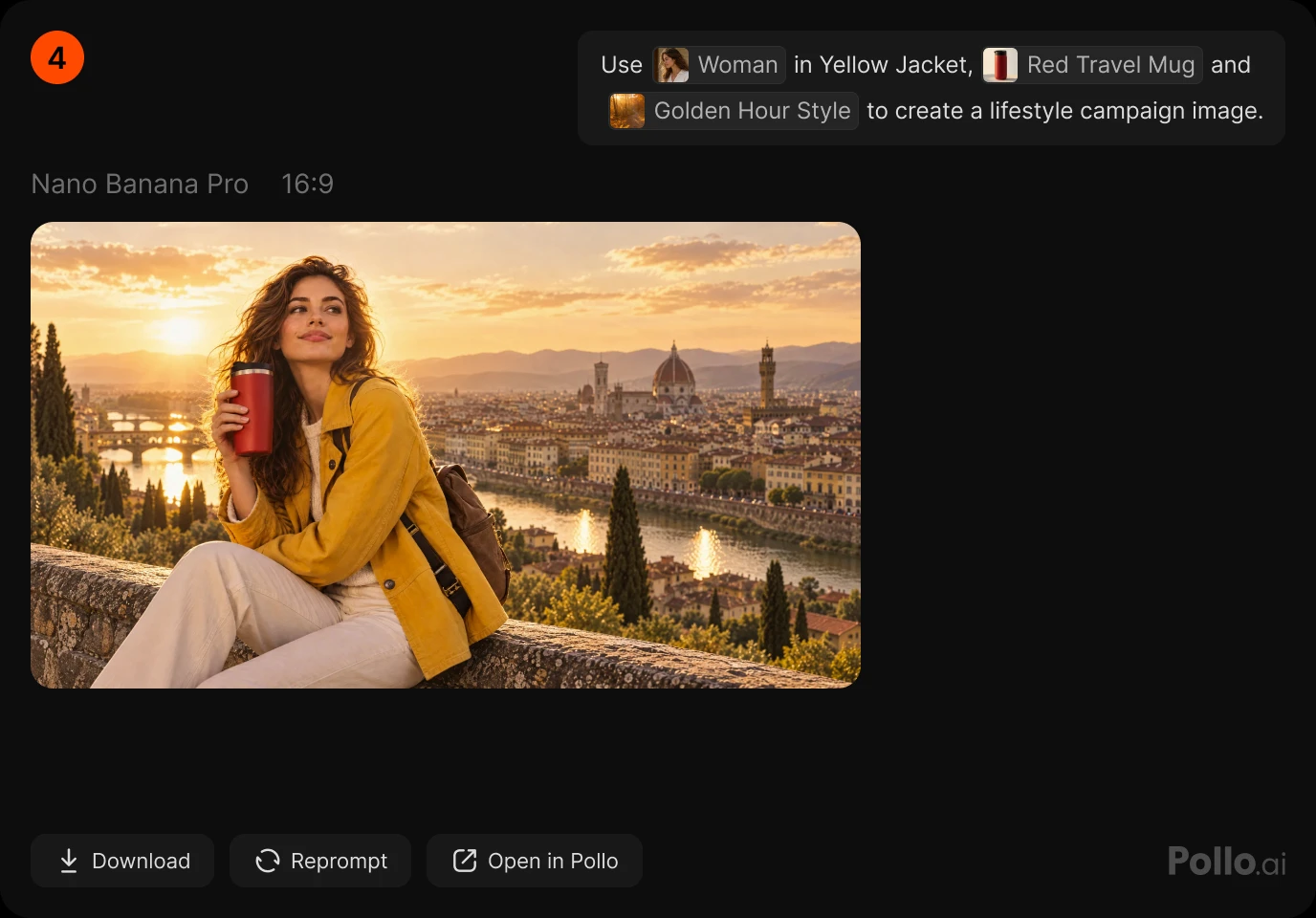
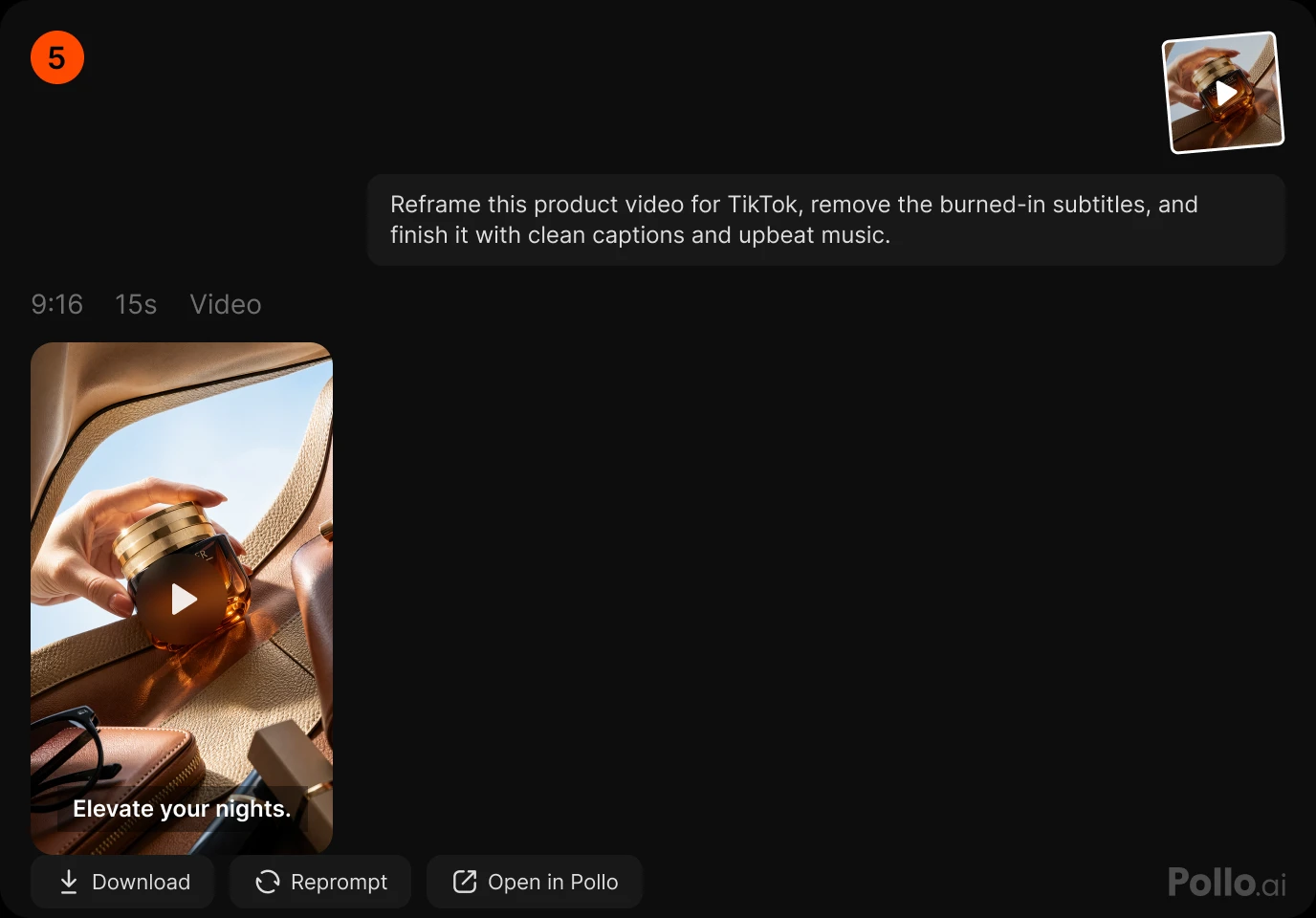
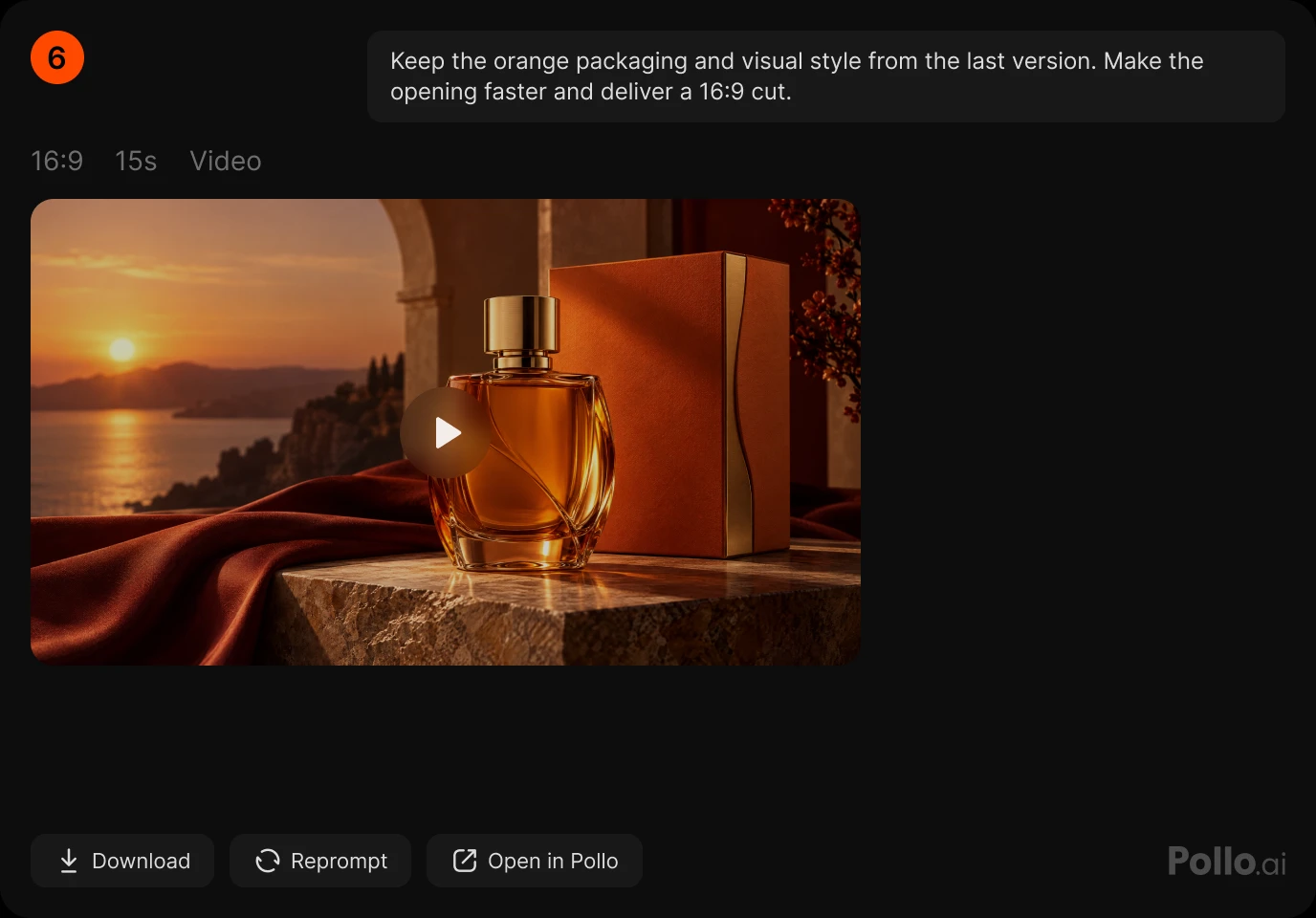
Give your agent access to leading video, image, and audio models through Pollo MCP & CLI.
Set up Pollo MCP or CLI, then sign in to your Pollo account through the browser. No API credentials to create, copy, or manage.
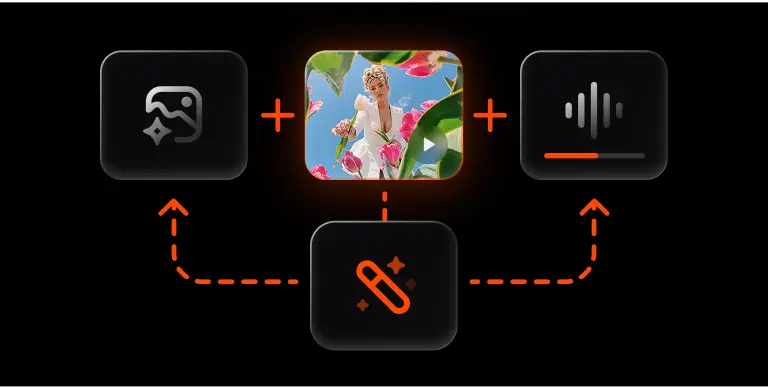
Generate videos, images, and audio, then refine or transform them in the same conversation. Turn each finished result into your next creative step.
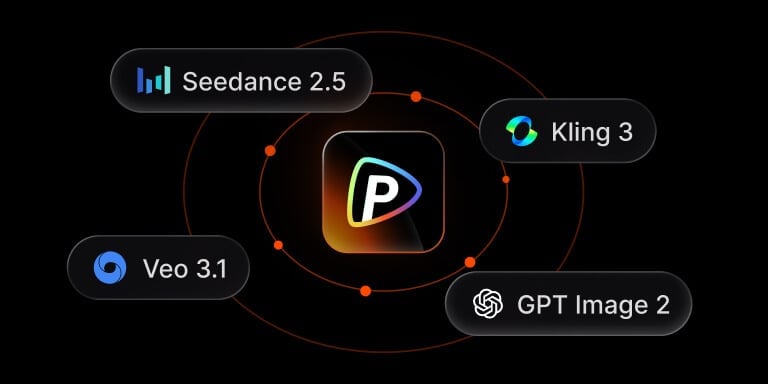
Access 100+ leading models for videos, images, and audio through one connection. Stay updated with the latest versions without extra integration.
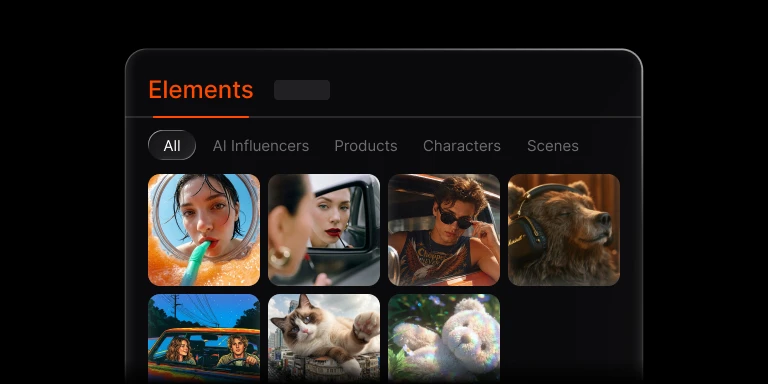
Use multiple images of a product, character, scene, or style in one generation, or save them as Elements to reuse the same look across projects.
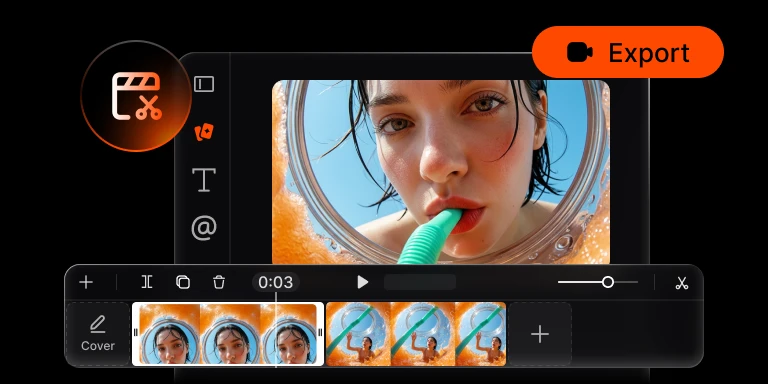
Get finished images and videos through your agent, then use the built-in timeline editor to trim, caption, and export a finished cut for your next step.
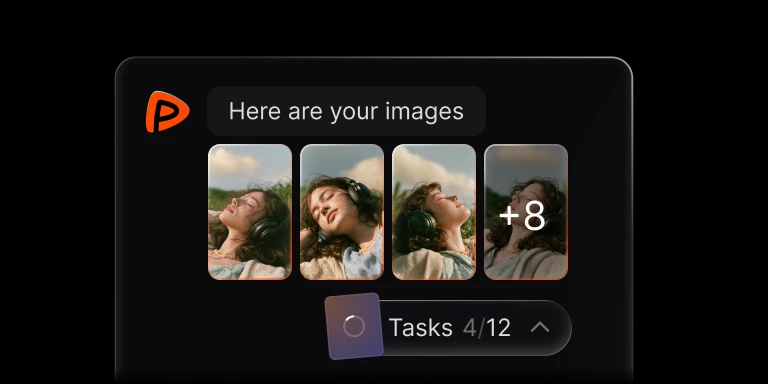
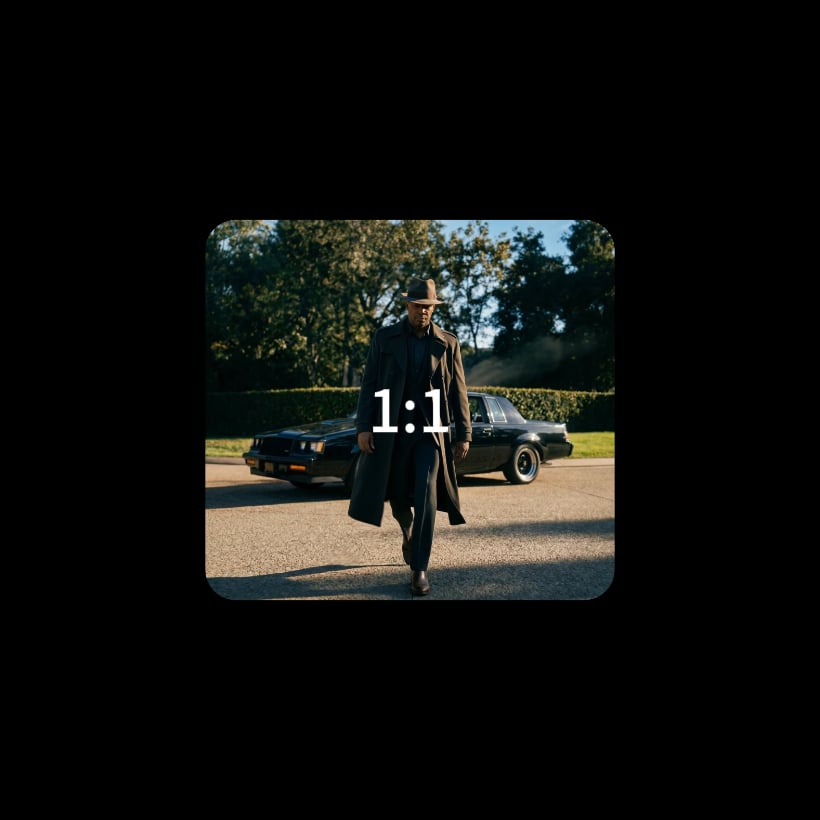
Submit 1 to 12 image or video tasks in one batch. Explore more creative directions with fewer repeated prompts, then compare the results.
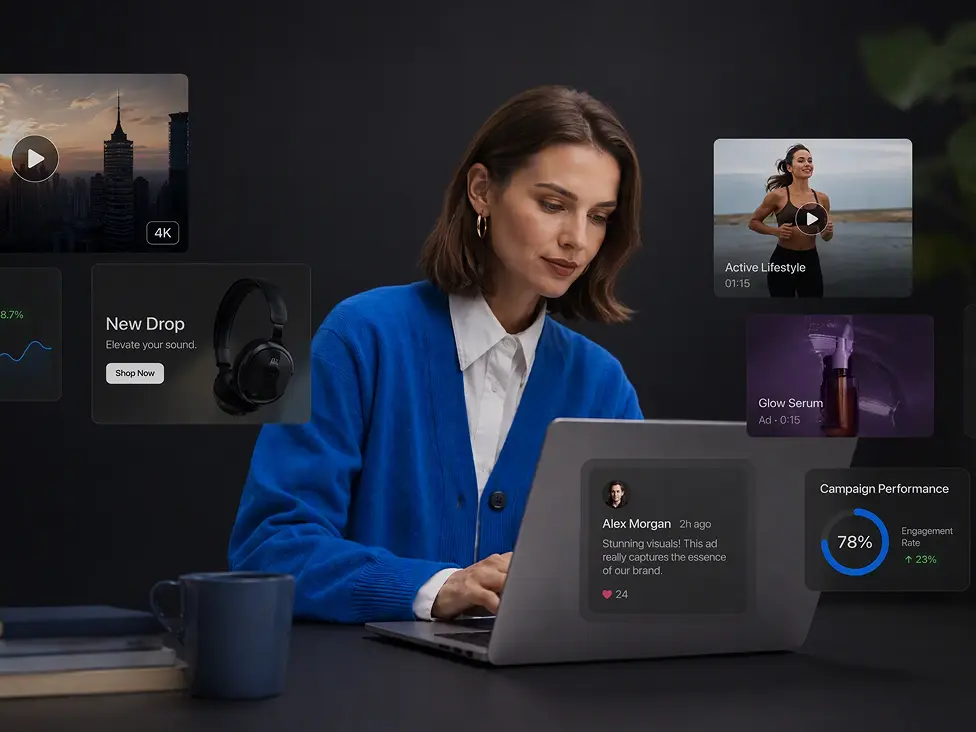


Explore step-by-step setup guides, platform comparisons, and practical workflows for creating with Pollo AI in ChatGPT, Claude, and more.

Turn your favorite AI agent into a creative hub for video, images, and audio. Just sign in with Pollo, no API key required.