



8 Best Free AI Logo Generators: Free Plans and Hidden Paywalls
A free AI logo generator sounds like an easy win until your favorite design hits a download paywall. Can you actually use the logo without paying? I compared eight options to find out what you get for free and which tools give your brand room to grow.
TL;DR: What Is the Best Free AI Logo Generator?
The best free AI logo generator is Pollo AI for its daily free credits and flexible logo creation. You can start for free, earn more credits by checking in each day, and use them to explore symbols, lettering, and layouts for your brand.
Canva ranks second for editing and arranging a logo within everyday designs. The other tools serve narrower needs, from basic PNG downloads to personal typography experiments. Free generation, free downloads, and commercial-use rights are different benefits, so the right choice also depends on the files you need.
What Makes a Free AI Logo Generator Worth Using?
A worthwhile free logo tool should help you make meaningful progress before asking you to pay. That could mean creating a distinctive symbol, refining your business name, or downloading a usable logo for your website.
I look at creative freedom, useful revisions, and free export options together. A large preview gallery is less valuable if every download costs extra. A downloadable image also needs enough clarity and flexibility for its intended use.
Best Free AI Logo Generators at a Glance
| Rank | Tool | Best for | Main limitation |
|---|---|---|---|
| 1 | Pollo AI | Developing a custom brand identity | Advanced output options depend on your plan |
| 2 | Canva | Editing logos within branded designs | Transparent PNG and SVG export require paid or special access |
| 3 | Adobe Firefly | Guided logo creation | The basic logo download is 500 × 500 pixels |
| 4 | Fotor | Quick concepts from text or images | Each generation consumes credits |
| 5 | LOGO.com | A simple starter PNG package | Vector files and broader brand tools require payment |
| 6 | Kittl | Personal typography and badge experiments | Free designs are for personal, non-commercial use |
| 7 | Design.com | Browsing free logo templates | The free collection does not cover the full catalog |
| 8 | Renderforest | Early logo exploration | High-quality PNG and SVG logo packages require payment |
1. Pollo AI: Best Free AI Logo Generator Overall
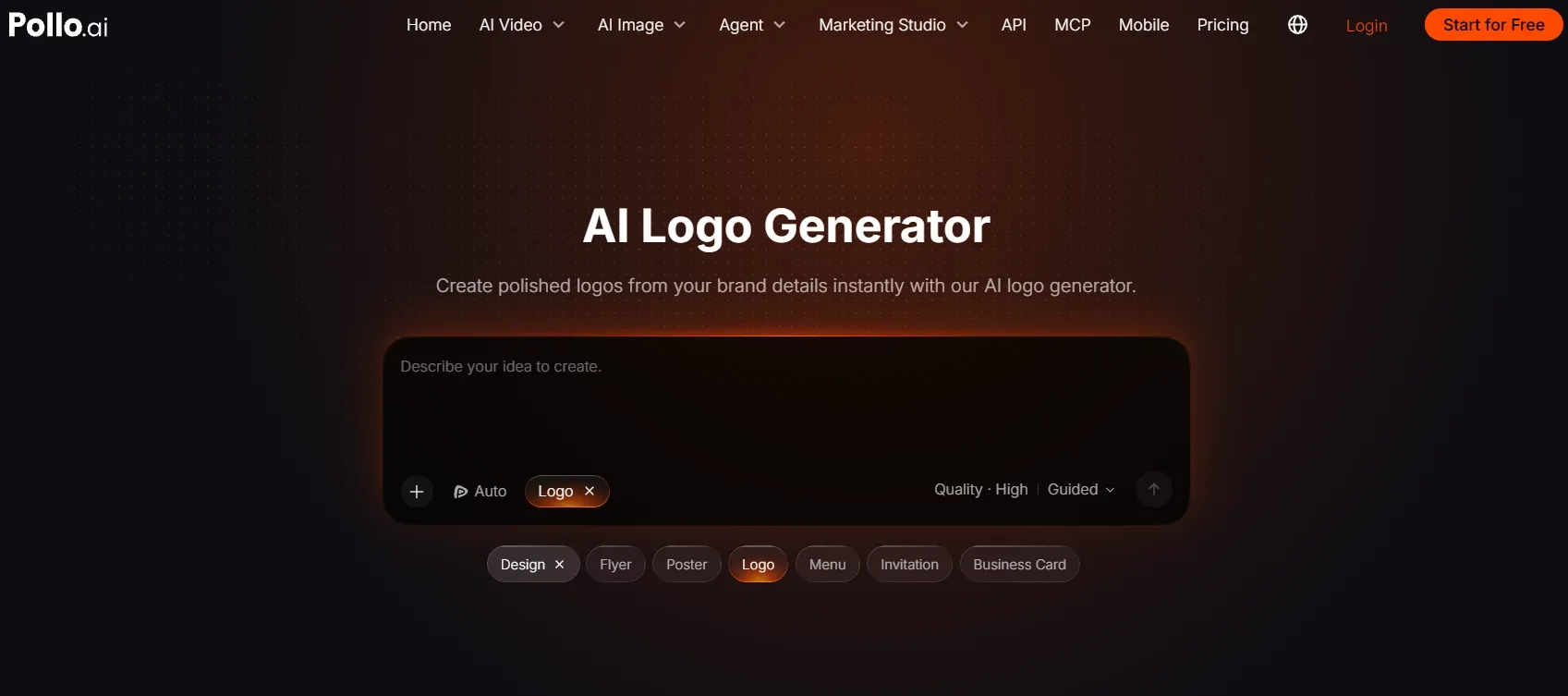
Best for: Founders, creators, and small businesses that want a logo shaped around their brand’s personality.
Pollo AI takes first place because it offers several ways to turn a brand brief into logo concepts. You can guide the colors, typography, symbols, and mood, then explore icon, wordmark, badge, or combination layouts. Multiple variations make it easier to compare directions before choosing one.
Pollo AI also lets you earn free credits by checking in every day. That makes it easier to return to your logo over several days, try fresh variations, and refine a favorite without paying for every new round. I would use those credits to compare a few distinct concepts, then focus on the one that best fits the brand.
Its AI image generator supports GPT Image 2.5, Nano Banana 2, and Seedream 5.5. Once you’ve chosen a logo, you can use its colors and style to guide matching brand visuals, including product-launch posters and other promotional materials.
Prompt to try: “Create a flat combination logo for NORTHLINE, an outdoor clothing brand. Use a forest-green compass symbol built around the letter N, a clean uppercase wordmark, and a cream background. Keep the shapes simple and recognizable at small sizes. No mockup, shadows, or extra text.”
What I got: A compact green compass mark sits above a neatly spaced NORTHLINE wordmark, with generous cream space around both elements. The N-shaped symbol gives the design a specific outdoor reference without adding mountains, trees, or other competing imagery. Its flat shapes make the icon easy to imagine on a clothing tag or in the corner of a launch poster.
I’d save the compass on its own for clothing tags and keep the full logo for the website. A transparent version for the website header would let the green mark sit directly on the page without a cream box around it.
Pros:
- Guide colors, typography, symbols, and mood with common language.
- Explore icons, wordmarks, badges, and combinations for the same brand.
- Earn free credits through daily check-ins for more logo ideas.
Cons:
- Choose a clear color palette before exploring several logo directions.
- Keep a few favorites to compare before selecting your final design.
My Verdict
Pollo AI is my clear first choice for developing a custom identity for free. Its combination of logo-focused direction, layout variety, and broader creative flexibility makes it the strongest starting point on this list.
2. Canva: Best for Editing and Applying a Logo
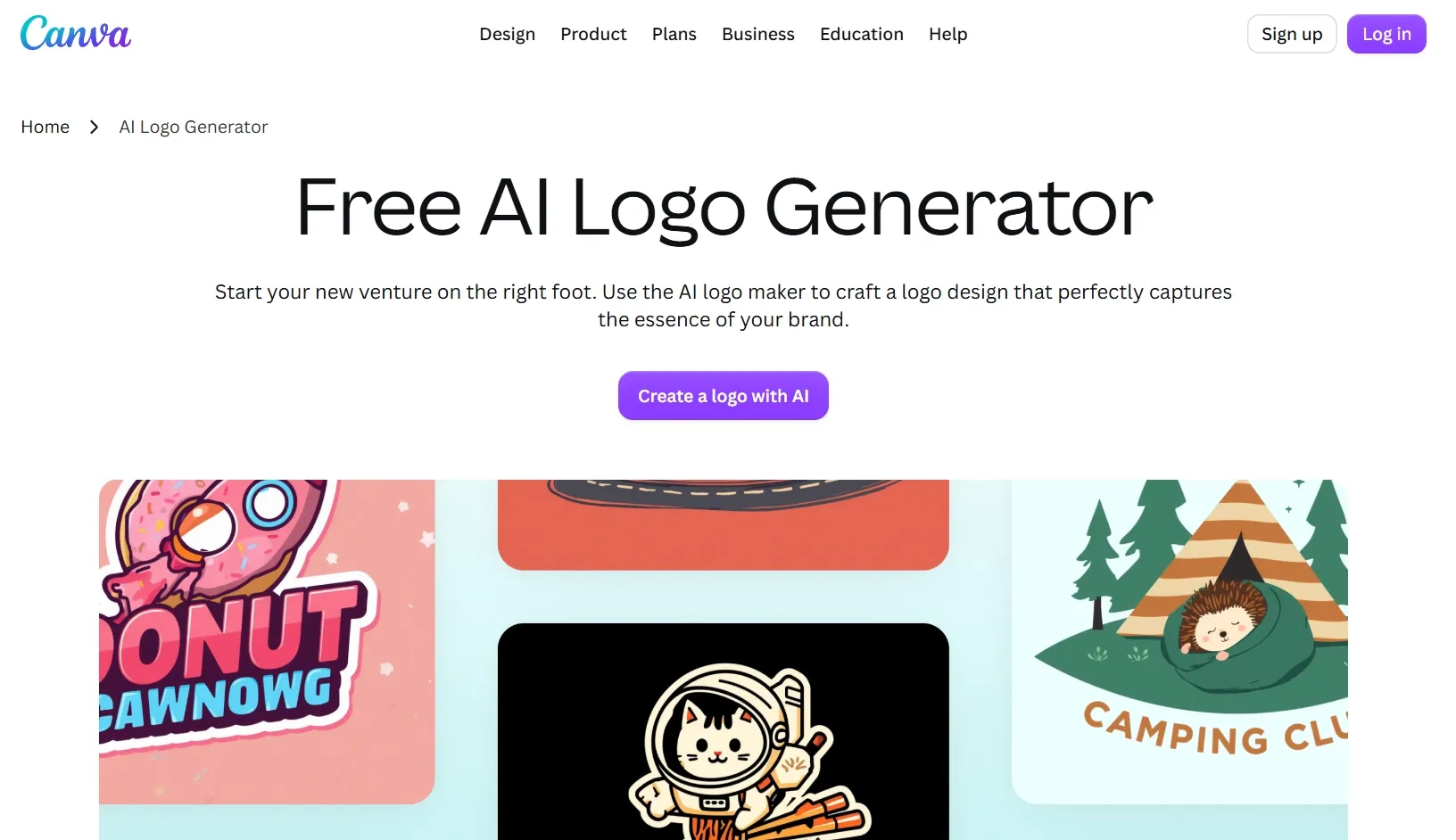
Best for: Small businesses that want to arrange a logo within social posts, flyers, and everyday designs.
Canva combines prompt-based logo generation with an accessible design editor. I see its biggest benefit after the initial concept: you can add editable text, adjust the layout, and place the logo into other materials without learning a complex design application.
The free plan covers standard downloads when you use free assets, but important logo options have a paywall. Transparent PNG and SVG exports require an eligible paid or special plan. Also, opening an AI-generated logo in the editor does not turn every letter and shape into an independently editable element.
Prompt to try: “A minimalist olive-green leaf icon for a neighborhood plant shop called MOSS & CO. Flat shapes, white background, a simple circular silhouette, no lettering.” Add the business name separately as editable text.
What I got: A rounded olive-green leaf sits inside a loose circular outline. Paired with a separately added serif business name, the composition feels calm and approachable. The outer ring and leaf stem create two fine details that would need checking at profile-picture size.
I’d keep the shop name as editable text for later store-opening posters and social posts, so a wording change wouldn’t require another AI generation.
Pros:
- Adjust text, colors, and placement in a familiar design editor.
- Download standard designs for free when you use free assets.
- Reuse your logo across social posts, flyers, and everyday materials.
Cons:
- Transparent PNG and SVG exports require paid or special access.
- Free AI allowances restrict how often you can regenerate designs.
- Generated artwork does not provide separately editable letters and shapes.
My Verdict
Canva earns second place for applying a logo to everyday designs. I would still start with Pollo AI for the logo itself because its focused workflow and daily free credits give me more reason to keep exploring. Canva’s clearest strength comes once I have a concept to arrange.
3. Adobe Firefly: Best for Guided Free Logo Creation
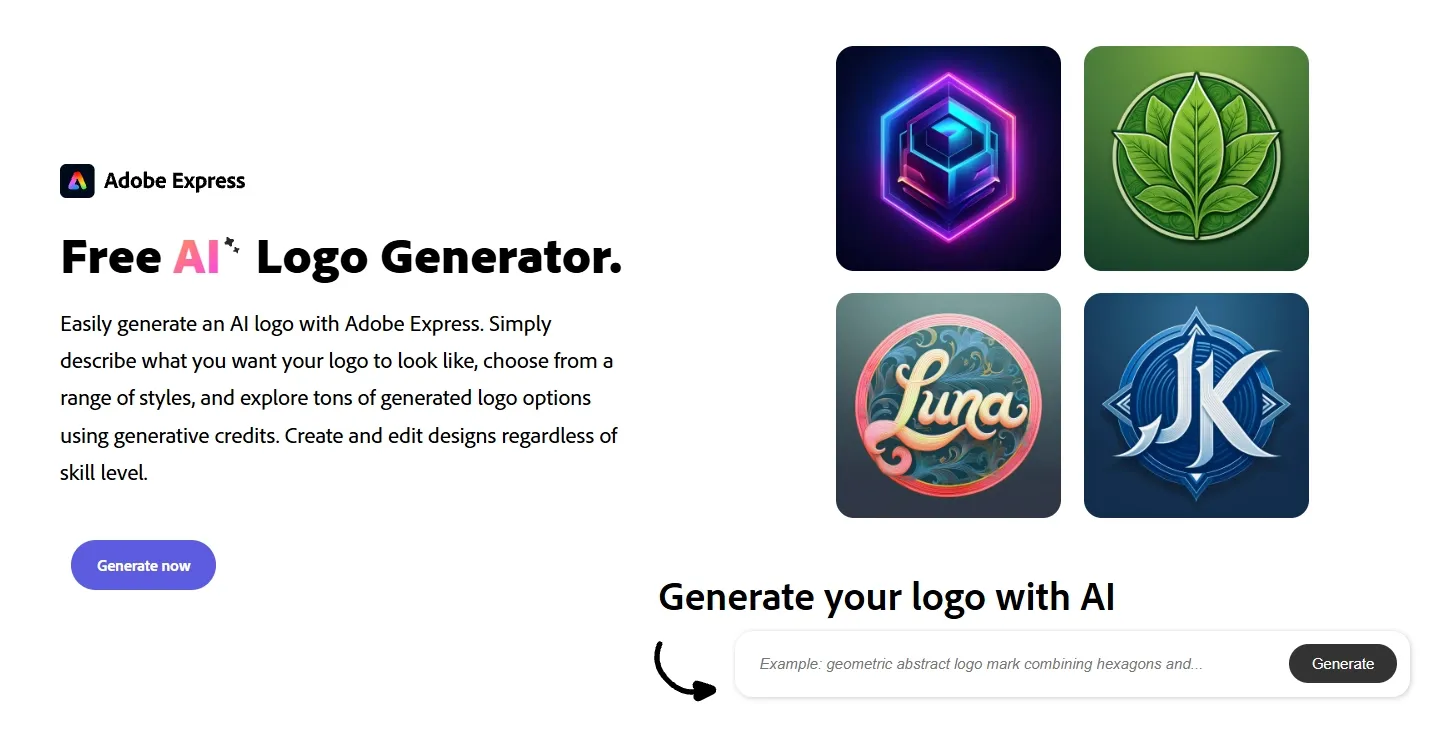
Best for: Beginners who prefer choosing styles and icons to writing a detailed creative prompt.
Adobe Firefly offers a guided logo maker: enter the business name, choose a style and icon, then browse the resulting arrangements. The wider platform includes generative AI, but this basic logo workflow relies on your selections rather than generating every element from a detailed prompt.
You can create and download a basic logo for free. Adobe lists that download as 500 × 500 pixels, which is a useful distinction if your eventual plans include printed materials. Premium assets and features also sit outside the free route.
Prompt to try: “Create a simple logo for OAK CUP, a neighborhood café. Use a coffee-cup icon, dark brown lettering, a cream background, and a compact horizontal layout.” Translate the brief into the logo maker’s name, style, and icon selections.
What I got: A familiar cup icon appears to the left of the café name, with clear brown lettering and a balanced amount of cream space. The arrangement reads quickly, although the cup feels more like a recognizable category symbol than a distinctive brand idea.
This is the kind of basic logo I’d use on a café opening flyer. It gets the business name across, which may be all a small launch needs.
Pros:
- Follow guided steps without needing to write detailed creative prompts.
- Create and download a basic logo without buying a subscription.
- Customize the text, colors, and arrangement within a simple editor.
Cons:
- Basic logo downloads are limited to 500 × 500 pixels.
- Available icons and styles restrict how far you can customize.
- Premium assets and advanced features sit outside the free plan.
My Verdict
Adobe Firefly ranks third for making a straightforward logo with little setup. It is a solid route to a familiar business identity, with less creative freedom for an unusual symbol or highly specific concept.
4. Fotor: Best for Quick AI Logo Concepts
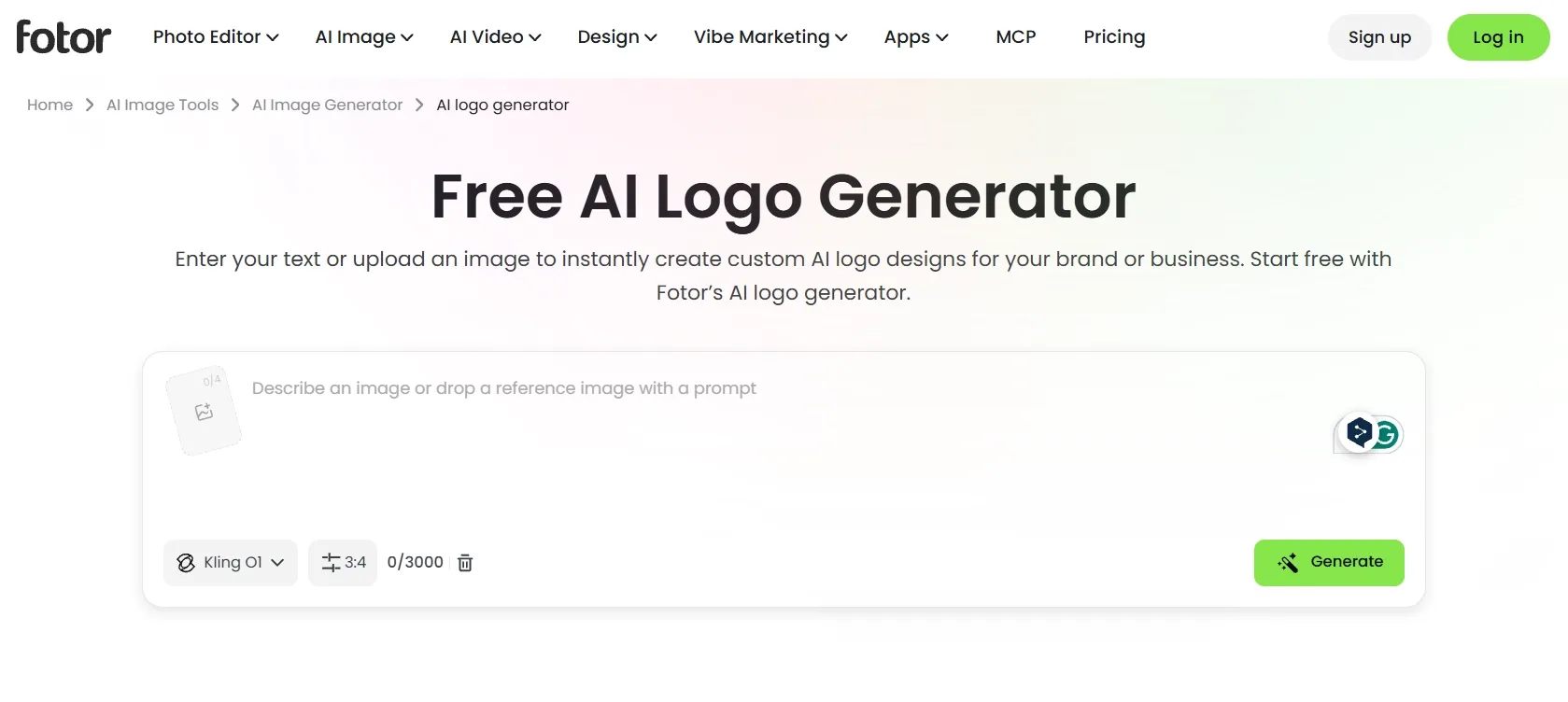
Best for: People exploring an initial logo idea from text or a reference image.
Fotor accepts written prompts and image references, with editing tools available for continuing the design. I would consider it for exploring a symbol or visual style before deciding on the final typography and layout.
Each generation uses credits, so a free session benefits from a focused brief. Fotor says users can earn additional free credits through activities such as daily logins and design challenges. Its logo page also advertises watermark-free downloads, although the available settings and export options should be checked for your chosen workflow.
Prompt to try: “A flat navy fox-head icon for a student coding club called FOXBYTE. Simple symmetrical shapes, white background, no lettering, gradients, or shadows.”
What I got: The concept uses a front-facing navy fox head with angular ears and a white cutout around the eyes. Its broad silhouette is clear, but the narrow cuts around the muzzle add detail that would need checking when the logo is reduced.
I’d simplify the fox before using it on club recruitment posters. Keeping the navy color and overall shape fixed would help me spend the remaining free credits on a more focused revision.
Pros:
- Start from a written prompt or upload a reference image.
- Earn extra free credits through daily logins and design activities.
- Continue refining your initial concept with the built-in editing tools.
Cons:
- Repeated revisions consume credits and reduce your remaining free allowance.
- Image downloads do not necessarily contain editable vector logo shapes.
- Precise lettering and symbol adjustments may need additional design work.
My Verdict
Fotor ranks fourth as a useful concept generator. I would use it to establish a visual direction, then check how much work remains to turn that image into a reusable logo.
5. LOGO.com: Best for a Simple Free PNG Package
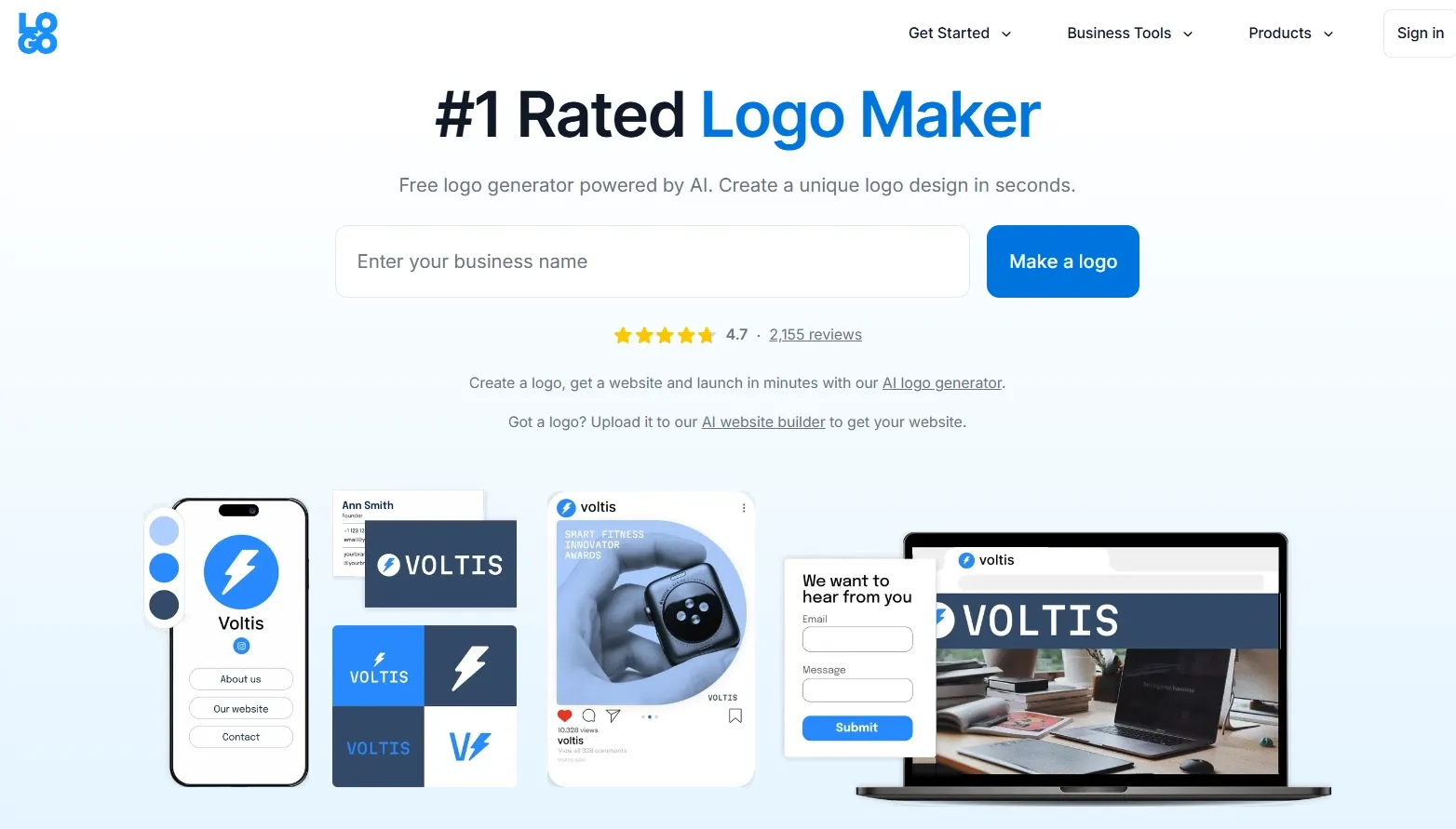
Best for: A small project that needs a conventional logo and a basic downloadable file package.
LOGO.com provides a structured route through logo ideas, fonts, colors, icons, and layouts. Its free plan lets you save one logo and download a PNG package, while additional formats such as SVG and AI require payment.
That is practical for a modest project with straightforward needs. I would keep the design simple and decide early whether PNG files are enough, because a free download does not remove the later need for vector files.
Prompt to try: “A simple dark-green compass logo for NORTHLINE, with a clean uppercase business name and a horizontal icon-and-text arrangement.” Use the brief to guide the available choices.
What I got: A conventional compass icon sits beside the business name in a tidy horizontal arrangement. The colors and spacing feel orderly, but the symbol is familiar enough that the typography would need to carry much of the brand’s personality.
The free PNG package is useful for getting a small project online. For printed business cards, I’d ask the printer which format they need before deciding whether to pay for vector files.
Pros:
- Download a free PNG package for your chosen starter logo.
- Adjust fonts, colors, icons, and layouts using straightforward design controls.
- Follow a structured process to create a simple business identity.
Cons:
- The free plan lets you save only one logo design.
- SVG and AI file formats require access to paid options.
- Customization stays within the design elements available in the platform.
My Verdict
LOGO.com takes fifth place for a practical starter package. It can meet a basic download need, but offers a narrower creative starting point than the tools above it.
6. Kittl: Best for Personal Badge and Typography Experiments
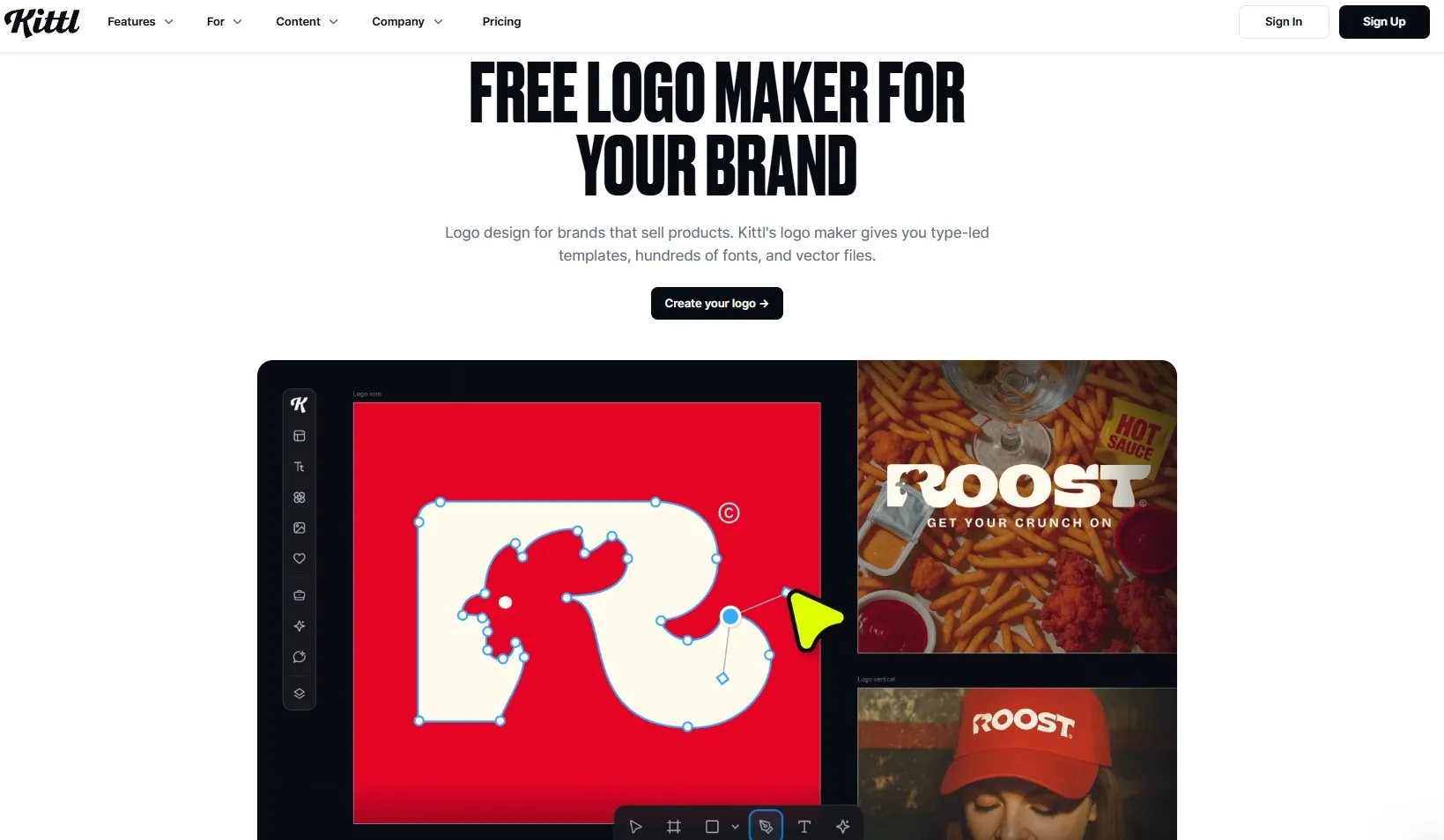
Best for: Learning logo design or developing a personal project with expressive lettering.
Kittl combines AI logo generation with typography tools, text effects, and a design editor. I would explore it for a retro badge where the lettering and border are central to the concept.
The free plan includes starter AI tokens and PNG/JPG exports up to 800 pixels. Its main restriction is more significant than the file size: free designs are for personal, non-commercial use. High-resolution and vector exports require a paid plan as well.
Prompt to try: “A vintage cricket-club badge for OAKFIELD, curved uppercase lettering, crossed bats, a simple ball, cream and dark green, no distressed texture.”
What I got: A circular green badge frames crossed bats beneath curved OAKFIELD lettering. The composition has a recognizable club feel, but the border, bats, and lettering compete for space. Simplifying the inner details would help the smaller version read more clearly.
The badge style suits cricket tournament posters, but I’d treat this as a personal design exercise on the free plan. Commercial use would require a paid plan.
Pros:
- Explore expressive lettering with typography tools and decorative text effects.
- Arrange badge borders, symbols, and lettering within the design editor.
- Use free access to practice logo design for personal projects.
Cons:
- Commercial projects are excluded from the platform’s free usage terms.
- Free PNG and JPG exports are limited to 800 pixels.
- Vector files and larger downloads require a paid plan upgrade.
My Verdict
Kittl ranks sixth because its free tier is better suited to personal experiments than launching a business identity. The typography tools are interesting, but the usage restriction limits its free value.
7. Design.com: Best for Browsing Eligible Free Templates
Best for: Someone prepared to choose from a designated free logo collection.
Design.com combines AI-assisted logo discovery with a large design library and editing tools. It advertises a free collection that includes high-resolution and vector files, but that offer does not make the full catalog free.
I would identify the eligible designs before spending time on customization. For a strict zero-dollar budget, the important question is whether a suitable design exists within that collection, rather than how many logos the wider platform can show.
Prompt to try: “A minimal blue architectural symbol for LINEFORM STUDIO, uppercase lettering, a white background, and a simple geometric outline.” Use it as a search and customization brief.
What I got: A thin blue roofline appears above a widely spaced studio name. The arrangement is tidy, though the familiar house outline gives it a generic architectural feel. Greater distinction would depend on the editable choices available within the selected free template.
A free vector download could make this a practical choice for company brochures. I’d browse the free collection first, since customizing a paid template would defeat the point here.
Pros:
- Download eligible free templates with high-resolution and vector file options.
- Adjust fonts, colors, and layouts using the available editing controls.
- Browse existing designs when you have no fixed logo concept.
Cons:
- The free collection includes only part of the wider library.
- Specific logo ideas may not fit the eligible free designs.
- Broader brand services and additional packages can require paid access.
My Verdict
Design.com ranks seventh because its free usefulness depends heavily on finding a suitable eligible template. I would treat it as a limited browsing option for a flexible brief.
8. Renderforest: Best for Early Logo Exploration
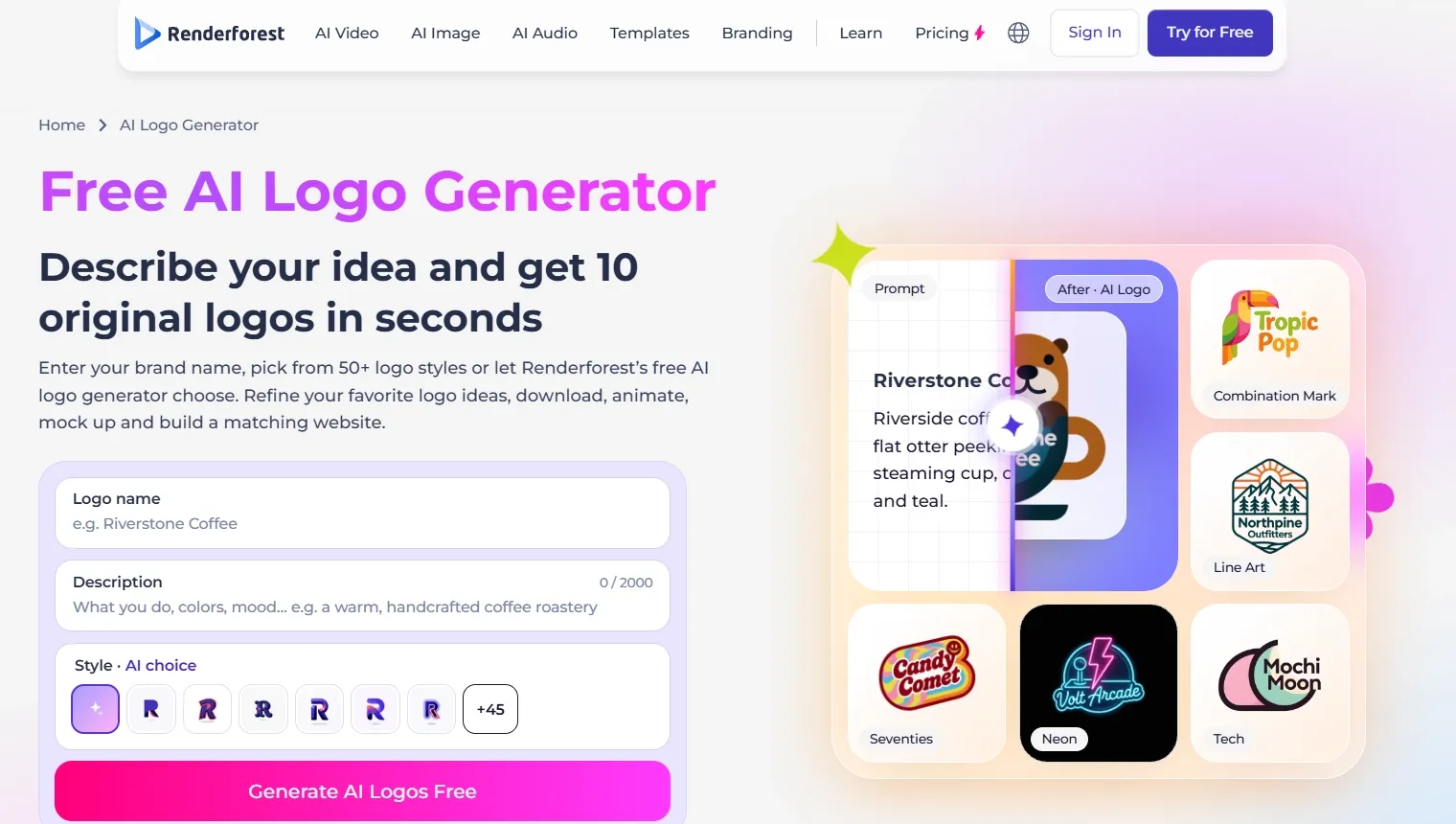
Best for: Existing Renderforest users considering an initial logo direction.
Renderforest offers a traditional Logo Maker and a separate AI Logo Maker. The traditional route includes free small-size PNG downloads, while high-quality PNG, SVG, and branding-guideline packages are paid.
The AI route accepts prompts, references, and generation settings, with the credit cost shown before creating an image. These are different workflows, so the small free download offered by one should not be assumed to describe the other’s allowance.
Prompt to try: “A minimal circular logo for FRAMEHOUSE, an independent film club. Use a simple film-frame symbol, black and cream, and a short uppercase wordmark.”
What I got: A black film-frame symbol sits within a cream circle, with the club name underneath. The layout communicates the film theme quickly, but the frame contains narrow gaps that would be harder to distinguish in a small PNG.
The free PNG is enough for a rough idea, but I’d want a higher-resolution file for screening posters. That makes this more of a free preview than a complete logo package.
Pros:
- Explore simple logo directions through the guided Logo Maker.
- Download small PNG versions for free through the traditional tool.
- Use a separate AI tool for prompts and reference images.
Cons:
- Free logo downloads have limited resolution for larger printed materials.
- High-quality PNG and SVG packages are available only with payment.
- AI generation requires separate decisions about credits, models, and settings.
My Verdict
Renderforest takes eighth place because its free route is more useful for early exploration than obtaining a flexible final logo package. I would mainly consider it if I already worked within the platform.
How I Compared These Free Logo Generators
I compared the tools’ documented logo controls, customization options, free allowances, and export restrictions across startup, café, club, and studio briefs. I gave particular attention to what users can accomplish before paying.
How to Choose the Best Free AI Logo Generator
- Choose Pollo AI if you want the strongest overall combination of custom logo concepts, creative flexibility, and free credits earned through daily check-ins.
- Choose Canva if you prefer saving your AI allowance by adjusting the business name, colors, and layout manually.
- Choose Adobe Firefly if you want a guided logo maker with a basic free download and simple editing controls.
- Choose Fotor if you want quick concepts from text or a reference image and can work within a limited free credit allowance.
- Choose LOGO.com if a simple logo and free PNG package meet your needs, and you can leave vector files for later.
- Choose Kittl if you are exploring typography or badges for a personal project and do not need commercial use.
- Choose Design.com if an eligible free template already fits your idea and includes the download formats you need.
- Choose Renderforest if you already use the platform and only need a small free PNG to explore an initial logo direction.
My Personal Take
Pollo AI is my first recommendation because I can start creating logos for free and earn more credits through daily check-ins. That gives me room to compare ideas and refine a favorite without subscribing straight away. Its logo controls and model flexibility make it the strongest overall free starting point for me.
Canva comes second for applying the result to everyday layouts. The remaining tools can solve narrower problems, but their export limits, restricted collections, or personal-use terms make them less complete free starting points.
I would begin with a small set of concepts, choose one direction, and refine it deliberately. The goal is a recognizable identity you can keep using as the project grows.