



10 Best AI Product Photo Generators for High-Impact Visuals in 2026
Great product photos can make all the difference. I've compared 10 AI product photo generators to find which deliver standout visuals, realistic details, and the best creative flexibility.
Quick Answer: What Is the Best AI Product Photo Generator?
Pollo AI stands out as the best AI product photo generator overall in my comparison. It transforms existing product photos into realistic studio shots, lifestyle scenes, and eye-catching promotional visuals with customizable backgrounds, lighting, and composition.
What sets it apart for me is its broader image toolkit. From creating complete product listing image sets to product staging and image enhancement, Pollo AI makes it easier to create and refine visuals for different marketing needs.
10 Best AI Product Photo Generators at a Glance
| AI Tool | Best For | Pricing |
|---|---|---|
| Pollo AI | Studio shots, lifestyle scenes, and promotional visuals | Free credits; Lite from $15/month |
| Adobe Firefly | Premium ads with precise lighting and composition | Free access; Standard $9.99/month |
| Canva | Branded social posts and marketing banners | Free plan; Pro $18/month, or $12/month billed annually |
| Pixelcut | Clean, marketplace-ready product listings | Free plan; Pro $10/month, or $8/month billed annually |
| Magnific | Natural lifestyle scenes with recognizable products | Premium $20/month, or $14.50/month billed annually |
| Fotor | Product galleries with feature callouts | Free plan; Pro approximately $10.99/month |
| Leonardo AI | Luxury visuals with dramatic lighting and textures | Free plan; Essential $12/month, or $10/month billed annually |
| Flair AI | Styled tabletop shots with creative props | Free plan; Pro from $8/month |
| Claid AI | Uniform imagery across large product catalogs | Free trial; Essentials $9/month |
| FASHN AI | Apparel photos featuring realistic virtual models | 10 free credits; Basic $19/month |
Pollo AI: Best AI Product Photo Generator Overall
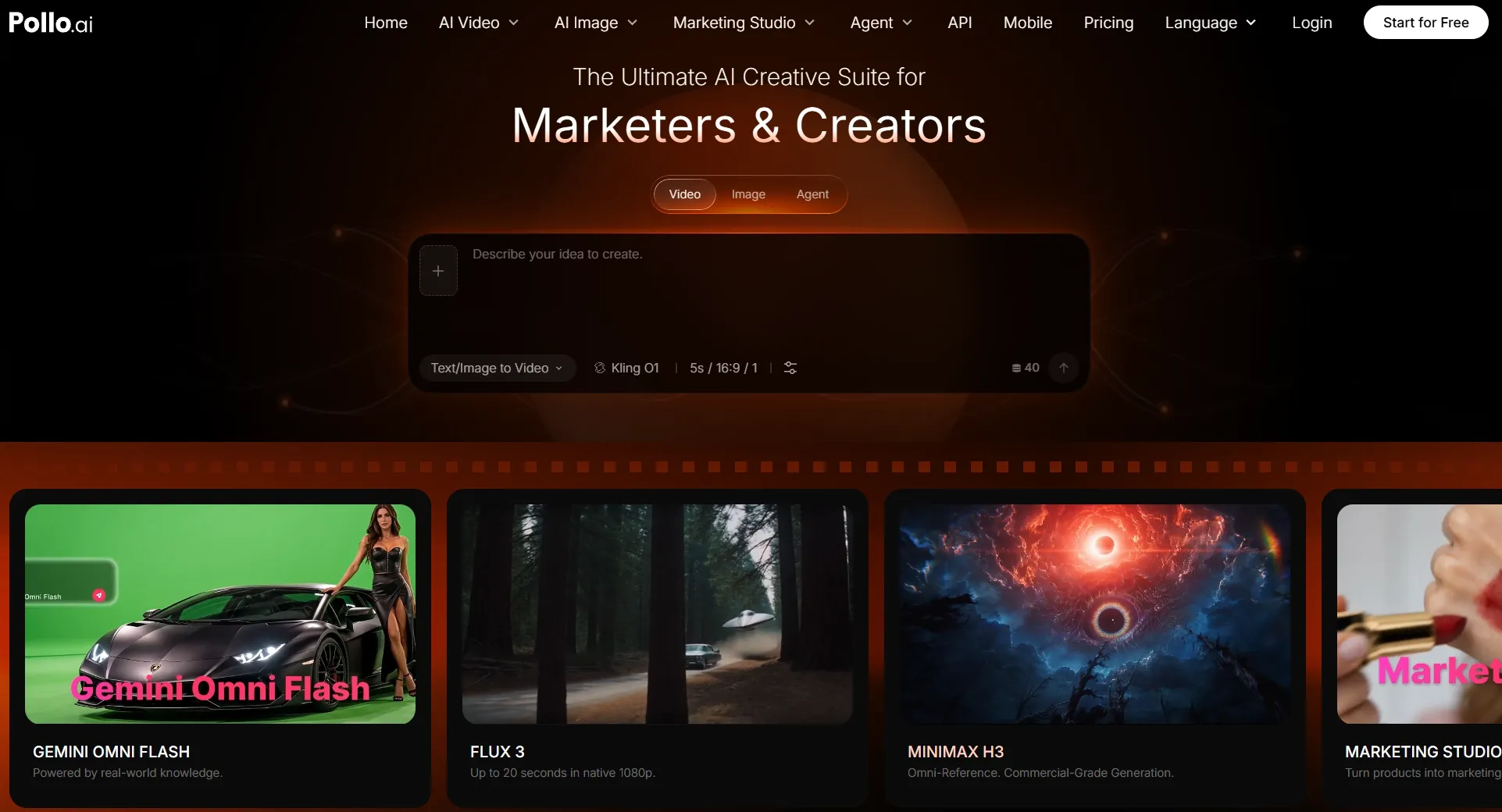
What makes Pollo AI particularly interesting to me is that I don't have to build every product image from scratch. I can work from an existing photo of the merchandise and concentrate on giving it a stronger visual presentation.
For example, a simple skincare bottle could be shown against a minimalist studio backdrop, surrounded by natural stone textures, or placed in a softly lit bathroom. The product remains the central subject, while the environment changes to support a different marketing message.
With Pollo AI, I can guide the desired composition, atmosphere, and surrounding details through descriptions. This gives me more room to pursue a specific photographic style instead of relying entirely on preset backgrounds.
Another advantage becomes apparent when I think beyond the hero image. An online product listing often needs a main photo, close-up details, lifestyle shots, and visuals explaining key selling points. Pollo AI's product listing image set generator helps bring these different image types into one workflow.
I also find its AI flat lay generator and clone product image valuable for improving source images and creating more convincing product presentations.
What makes Pollo AI even more versatile is its broader AI image generator. I can explore different image models, including GPT Image 2.5 and Nano Banana 2, turn text prompts into original visuals, and experiment with promotional concepts that go beyond conventional product photography. This gives me more creative freedom when developing a campaign's overall visual direction.
For the finishing touches, its AI image tools cover tasks such as background removal, upscaling, and object cleanup. I can also explore its image apps for ready-made workflows, from product posters and virtual try-on photos to social media graphics.
That combination is what sets Pollo AI apart for me. Instead of stopping at a single product photo, I have more ways to develop, refine, and repurpose images for different creative and marketing needs.
Key Features
- AI product photo generation: Transform existing product images with customized backgrounds, lighting, composition, and photographic styles.
- Product listing image sets: Develop coordinated main photos, detail images, lifestyle visuals, and feature-focused graphics.
- Product staging: Present merchandise in realistic environments that communicate its intended use.
- Product beautification: Improve existing item photography before creating additional visual variations.
- AI image generation: Access multiple image models to create original visuals, promotional concepts, and artistic compositions.
- AI image tools: Remove backgrounds, erase unwanted objects, upscale images, and enhance visual quality.
- Image Apps: Explore ready-made workflows for product posters, virtual try-on photos, and social media graphics.
Best For
- E-commerce sellers building visually appealing product galleries.
- Brands developing coordinated lifestyle and advertising images.
- Content creators adapting products for different social platforms.
Pros:
- Flexible backgrounds, lighting, and visual styles.
- Multiple dedicated tools for product imagery.
- Supports complete product listing image sets.
- Access to diverse AI image models.
- Extensive image editing tools and apps.
Cons:
- Fine packaging details still require inspection.
- Commercial usage requires an eligible paid plan.
Make Your Products Look Ready for the Spotlight
Turn a simple item photo into studio shots, lifestyle imagery, and selling visuals without arranging another photoshoot.
Try Pollo AI Product Photo Generator
Adobe Firefly: Best AI Product Photo Generator for Commercial Product Shots
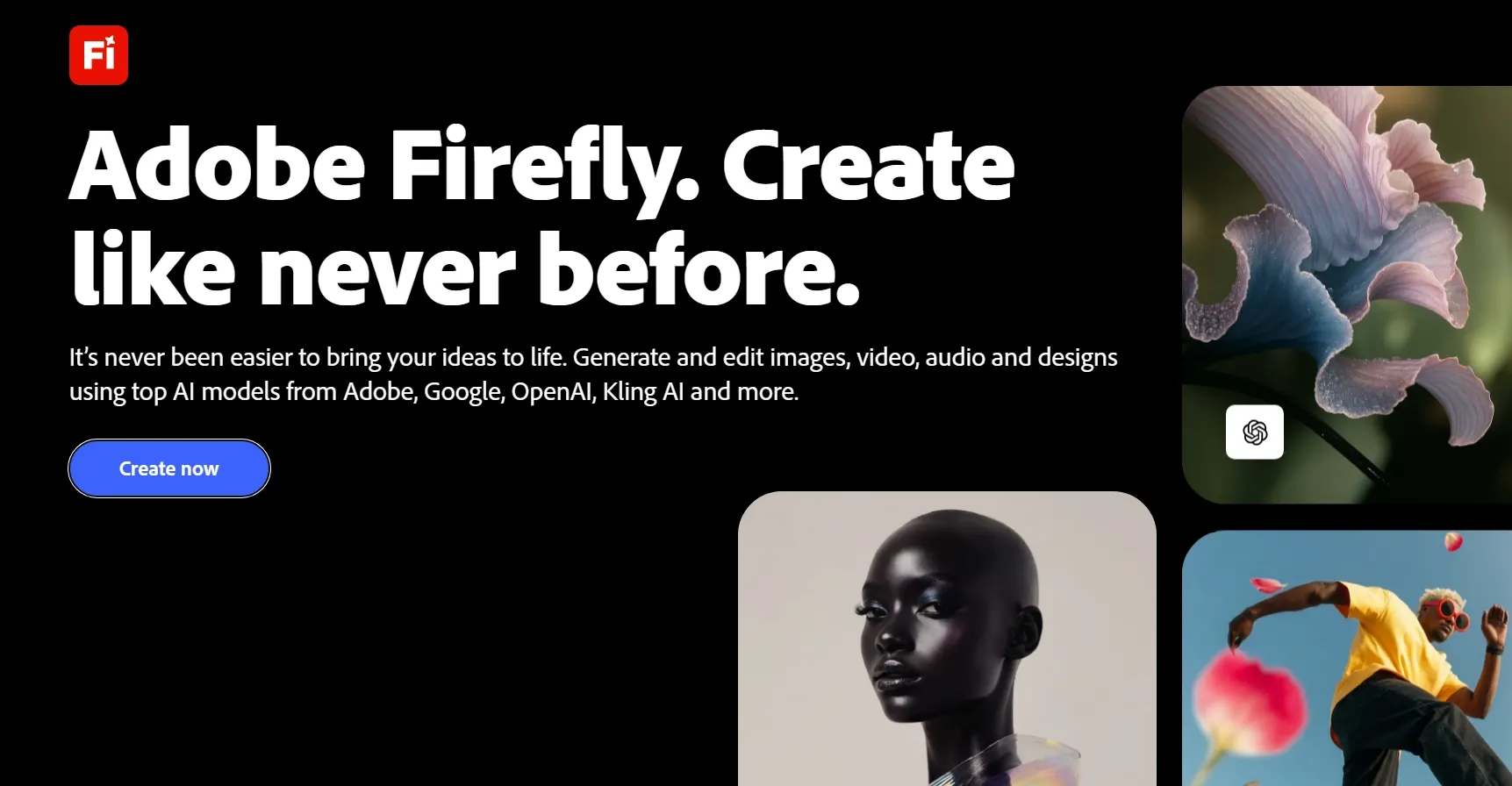
Adobe Firefly appeals to me most when a product image needs a carefully directed photographic style. Instead of concentrating solely on backgrounds, I can describe the camera perspective, lighting arrangement, and mood I want to achieve.
Consider a premium perfume bottle. An overhead flat lay with carefully arranged props communicates something entirely different from a low-angle shot with strong reflections and dramatic shadows.
Firefly gives me the creative flexibility to explore those approaches, making it interesting for polished commercial imagery.
I particularly appreciate the attention I can give to camera angle changes and image relighting. Straight-on compositions work for straightforward product presentations, while angled shots and editorial lighting can make an item feel more luxurious.
The ability to work with different image models and references also broadens the creative possibilities. I can develop a visual concept, refine the atmosphere, and explore different photographic treatments.
However, I wouldn't necessarily choose Firefly for every routine catalog task. When all I need is a collection of consistent white-background images, its broader creative environment can introduce more decisions than necessary.
I would also inspect small logos, packaging details, and product proportions before using an image commercially.
For a deeper look at its capabilities, read our Adobe Firefly review.
Key Features
- Product-shot generation: Create commercial product imagery with customizable photographic direction.
- Camera perspective control: Explore overhead, angled, straight-on, and flat-lay compositions.
- Lighting customization: Guide shadows, brightness, reflections, and photographic atmosphere.
- Creative image editing: Refine generated compositions within Adobe's wider creative environment.
Best For
- Premium commercial product campaigns.
- Carefully composed studio photography.
- Editorial product images with distinctive lighting.
Pros:
- Detailed control over photographic composition.
- Flexible lighting and perspective options.
- Integrates with Adobe creative applications.
Cons:
- Complex workflow for simple catalog images.
- Partner models have different commercial terms.
Canva: Best AI Product Photo Generator for Branded Product Promotional Graphics
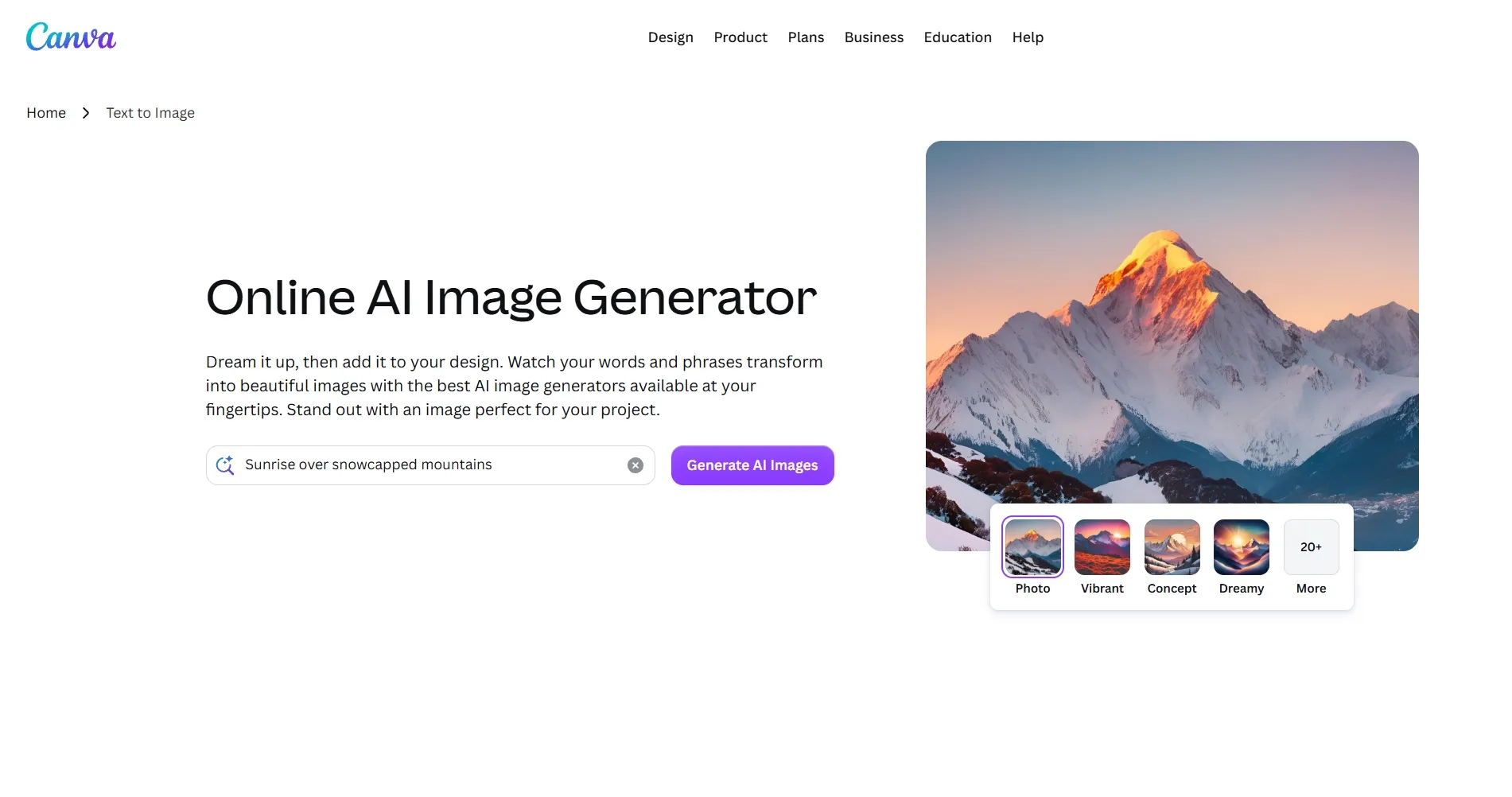
Canva stands out when I want to turn a product image into a complete marketing design rather than another standalone photograph.
Imagine preparing a seasonal promotion for a scented candle. The product needs an attractive background, but the finished graphic also requires space for a headline, promotional offer, and recognizable brand elements.
This is where Canva becomes especially convenient. Its AI background generator helps establish a new visual setting around an uploaded product. Once the background is ready, I can continue developing the composition with typography, graphic elements, colors, and templates.
I find this combination appealing because the product photo and promotional design can be developed together.
For an Instagram post, I might leave negative space beside the merchandise. For a web banner, the composition could be wider, with the product positioned to one side.
Canva's editing environment makes those adjustments approachable, particularly when I'm preparing several promotional formats.
Still, I see it primarily as a design platform with AI image capabilities. If exact product reproduction and photographic realism are my main concerns, I'd prefer a more specialized product photography workflow.
You can explore its creative features and limitations in our Canva AI review.
Key Features
- AI background generation: Create new environments around uploaded merchandise.
- Design editor: Combine product images with text effects, shapes, and graphics.
- Brand Kit: Maintain consistent colors, fonts, and visual identity.
- Marketing templates: Prepare product promotions for social media and advertising.
Best For
- Branded social media product graphics.
- Product promotions featuring text and offers.
- Marketing banners with consistent visual identities.
Pros:
- Combines AI imagery with graphic design.
- Extensive templates for different marketing formats.
- Convenient brand styling and typography tools.
Cons:
- Less specialized in product photography.
- Fine product details may need correction.
Pixelcut: Best AI Product Photo Generator for E-Commerce Listing Photos
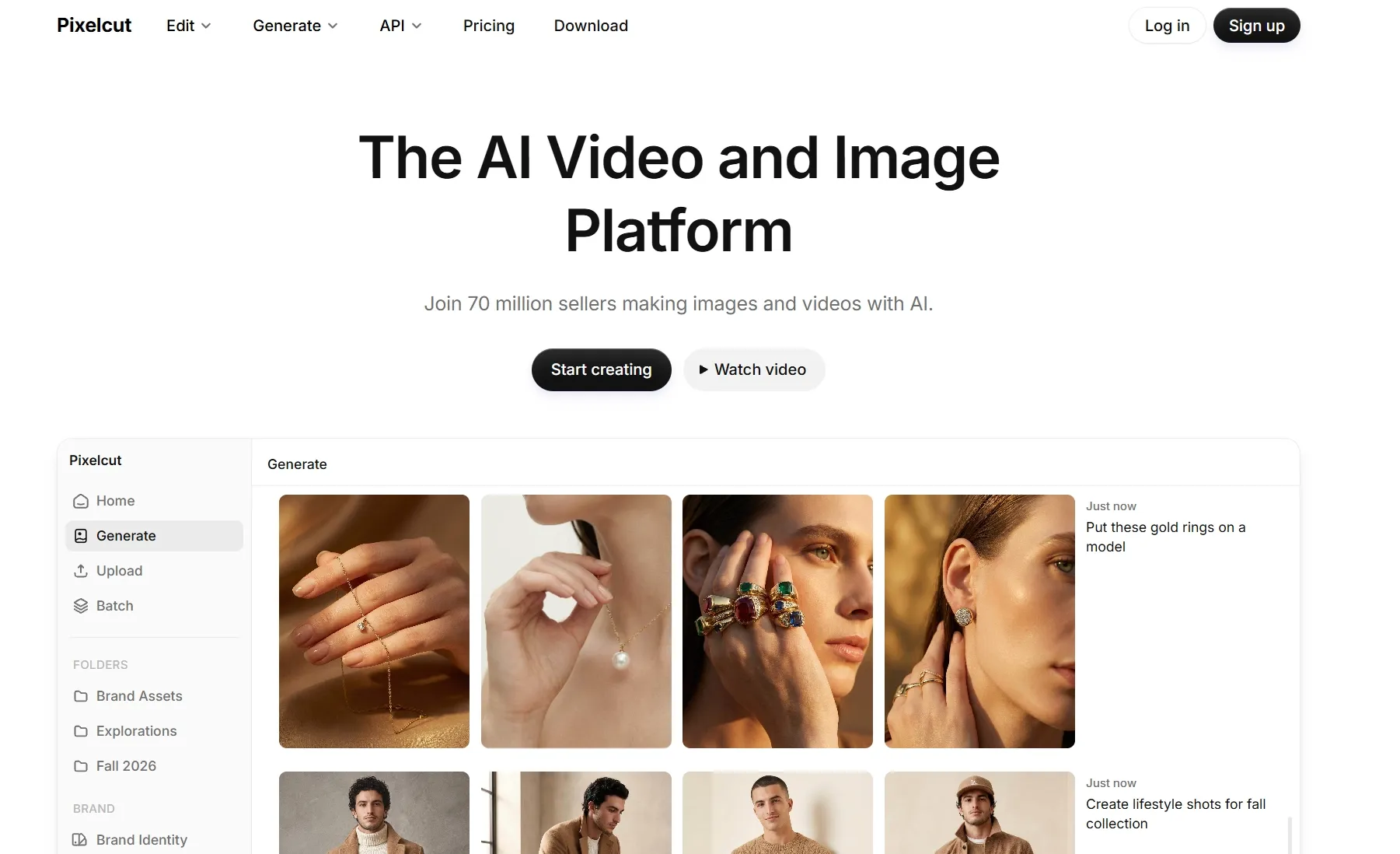
For online storefront photography, Pixelcut is one of the more practical options I'd consider. What matters most to me here isn't elaborate scenery. It's making sure the merchandise looks clean, recognizable, and ready for a product listing.
A pair of sunglasses, for instance, needs accurate lens colors, a clear frame shape, and consistent presentation. Even a small visual change could make the generated image less useful to a shopper.
Pixelcut's Product Studio is designed around this kind of image work. I can start with an existing product photograph, choose a studio or lifestyle setting, and create a new presentation around the item.
Its emphasis on preserving the original product is particularly relevant for e-commerce.
The platform also offers background removal, resizing, and bulk editing capabilities. I see those as useful when preparing numerous product images with similar visual requirements.
If I were organizing a catalog with dozens of accessories, maintaining consistent backgrounds and image dimensions would be a major priority.
Where Pixelcut feels less distinctive is in highly expressive campaign photography. Its streamlined, product-centered approach works well for listings, but I'd consider other tools when the creative brief calls for more unusual scenes and visual storytelling.
Key Features
- Product Studio: Generate clean studio and lifestyle images from uploaded photos.
- Product preservation: Maintain recognizable colors, shapes, and merchandise details.
- Background editing: Replace distracting environments with more appropriate product settings.
- Bulk processing: Prepare multiple catalog images with consistent presentation.
Best For
- Marketplace-ready product listing photos.
- Clean studio imagery for online stores.
- Consistent product visuals across large inventories.
Pros:
- Prioritizes clear product presentation.
- Practical studio and lifestyle image options.
- Supports repetitive catalog editing tasks.
Cons:
- Less flexible for experimental campaign concepts.
- Fine labels still need visual inspection.
Magnific: Best AI Product Photo Generator for Photorealistic Lifestyle Product Images
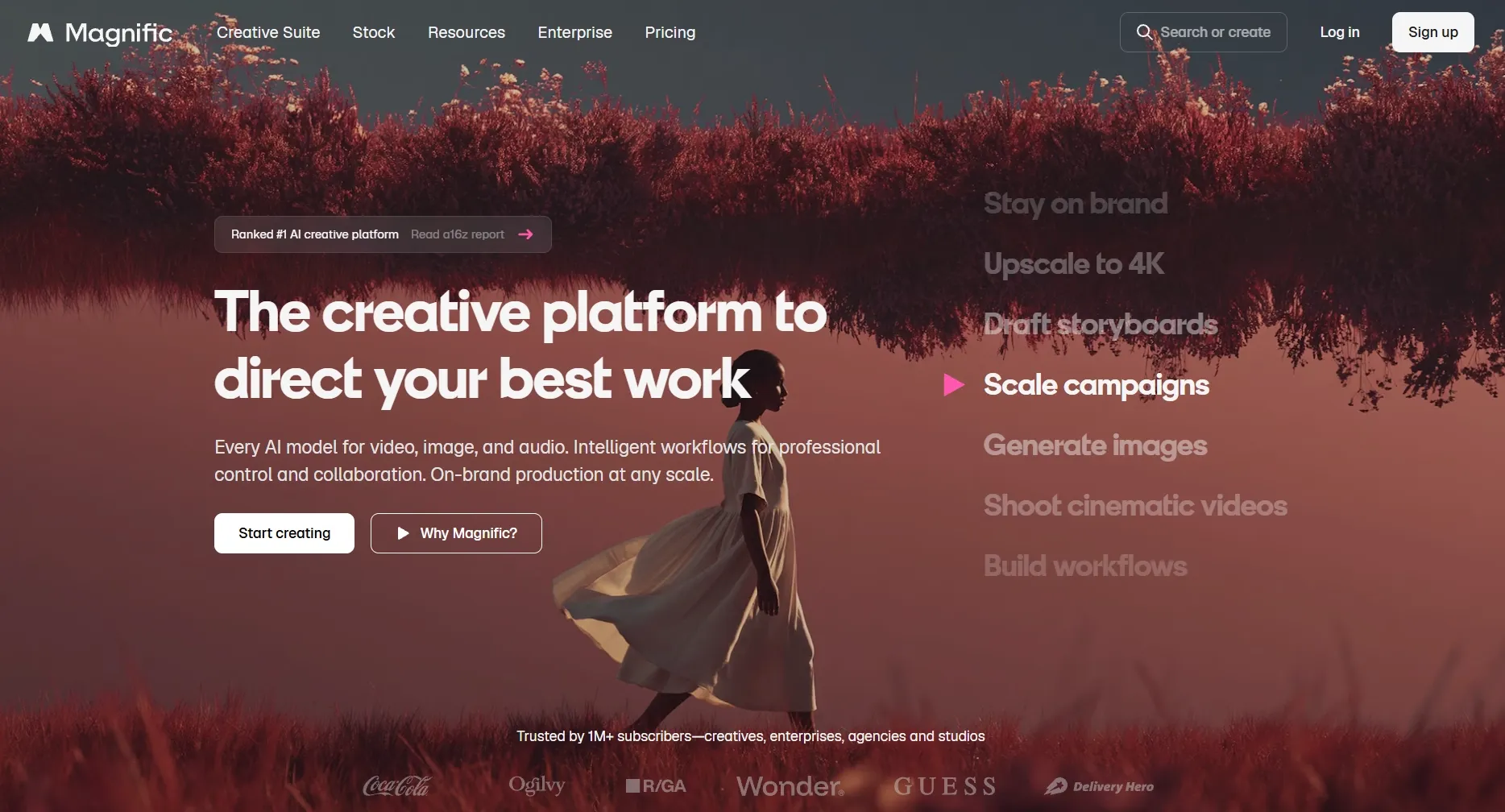
The most compelling part of Magnific is its potential for developing visually related product scenes instead of isolated images. I find that especially important when a brand needs the same recognizable item across multiple lifestyle photographs.
Take a tote bag mockup. One image might show it on a marble console, another inside a contemporary living room, and a third against a more expressive editorial background.
The challenge is keeping the product recognizable while changing everything around it.
This is where the platform's Custom Objects and reference-based creation become interesting. A reusable product-like object can be developed from reference images and introduced into new visual environments.
Reusable styles provide another way to coordinate the overall photography, helping images share similar lighting, color treatment, or atmosphere.
I also appreciate the broad range of image models available for experimenting with different levels of realism and creative expression. A subtle lifestyle shot and a dramatic fashion-inspired composition can serve very different purposes, and the model choices make those directions worth exploring.
The trade-off is the amount of preparation involved. Getting the references, object setup, and model selection right may take more effort than using a dedicated product background generator.
Key Features
- Custom Objects: Develop reusable product subjects from reference images.
- Reference-based generation: Guide product appearance and scene composition.
- Custom Styles: Maintain related photographic aesthetics across image variations.
- Multiple AI image models: Explore realistic, editorial, and cinematic product photography.
Best For
- Photorealistic lifestyle product campaigns.
- Product images with recurring branded objects.
- Coordinated visual concepts across multiple scenes.
Pros:
- Supports reusable product objects and styles.
- Wide range of photographic aesthetics.
- Flexible reference-based image generation.
Cons:
- Requires preparation for reusable objects.
- Product consistency varies between models.
Fotor: Best AI Product Photo Generator for Complete Product Listing Image Sets
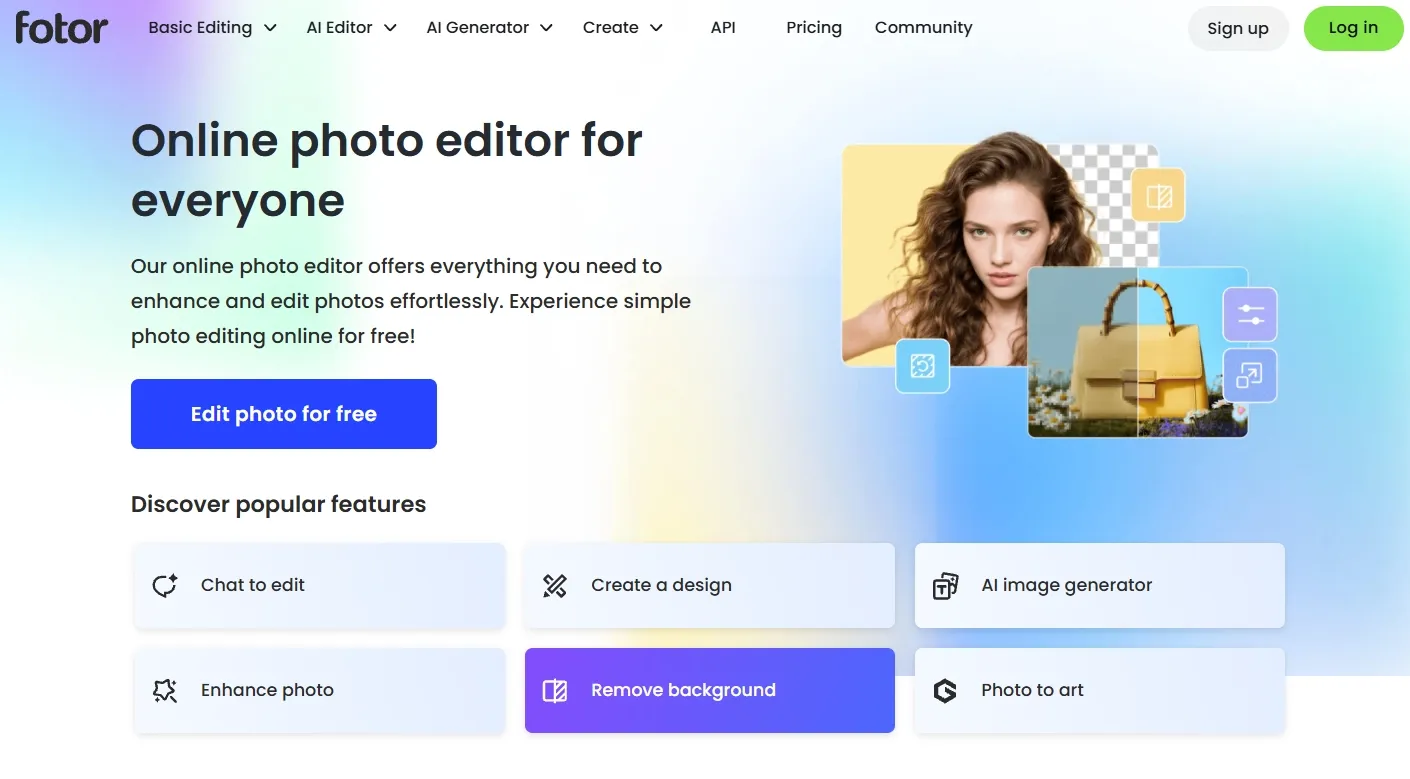
What catches my attention about Fotor is that it approaches product photography as a collection of images rather than one finished picture. An online listing rarely succeeds with a single hero shot.
I would usually want a clean main photo, a close-up of important details, a lifestyle image, and perhaps another visual explaining the product's practical benefits. The AI listing image set generator is built around that requirement. Starting with a product image, it can develop different visuals for an e-commerce gallery.
This makes the workflow appealing when the real challenge is creating several complementary product images without designing every composition separately.
Imagine preparing a listing for a compact coffee machine. The main image should clearly show its appearance, while supporting visuals could highlight its controls, size, or placement in a home kitchen.
Fotor provides a way to develop those different presentation styles within one platform. Its separate AI product image generator also gives me options for standalone studio and lifestyle photography.
My main concern would be any generated feature descriptions, labels, or specifications. Attractive graphics are useful, but product information still needs to match the actual merchandise.
I also find the structured listing approach better suited to conventional e-commerce photography than highly imaginative advertising concepts.
For more insights into its image-generation performance, see our Fotor AI review.
Key Features
- AI listing image generation: Create coordinated product galleries from source images.
- Feature-focused graphics: Highlight product characteristics through supporting visuals.
- Product photography generation: Develop individual studio and lifestyle images.
- Image editing tools: Refine product presentation and supporting compositions.
Best For
- Complete e-commerce product image galleries.
- Product listings with feature callouts.
- Coordinated hero shots and lifestyle images.
Pros:
- Creates multiple complementary listing visuals.
- Supports feature-focused product graphics.
- Convenient for routine product page updates.
Cons:
- Generated product text needs fact-checking.
- Less suited to unconventional campaign imagery.
Leonardo AI: Best AI Product Photo Generator for Cinematic Product Images
Some products deserve a more dramatic photographic treatment, and Leonardo AI is particularly appealing for that direction.
Think of a luxury wristwatch photographed under directional lighting, with soft reflections moving across the metal case and the background falling out of focus. The appeal comes from more than the object itself. Light, texture, perspective, and depth all contribute to making the image feel premium.
Those are the qualities I would focus on when using Leonardo AI for product-image concepts.
Its photorealistic image models can produce detailed visual compositions, while reference controls and image to image generation provide options for directing the scene.
I'm especially interested in how material texture becomes part of the composition. Brushed metal, polished glass, leather grain, and reflective surfaces can give a product image a sense of depth that a plain background cannot provide.
The platform's image upscaling and enhancement also make sense when an attractive concept needs additional clarity.
However, there's an important difference between generating a convincing luxury product concept and accurately recreating a real item. For a commercial listing, I'd carefully inspect small hardware details, proportions, markings, and logos before treating the image as a faithful product representation.
To explore its image models and editing options further, read our Leonardo AI review.
Key Features
- Photorealistic image generation: Produce detailed commercial-style visuals with expressive lighting.
- Reference controls: Guide composition, photographic perspective, and subject appearance.
- Image-to-image generation: Transform existing visual ideas into new photographic directions.
- Upscaling and enhancement: Improve image clarity and presentation.
Best For
- Cinematic luxury product photography.
- Dramatic commercial image concepts.
- Product visuals emphasizing texture and atmosphere.
Pros:
- Detailed textures and photographic lighting.
- Flexible creative art direction.
- Multiple image refinement capabilities.
Cons:
- Product details may change unexpectedly.
- Limited focus on standardized catalog workflows.
Flair AI: Best AI Product Photo Generator for Styled Product Scenes
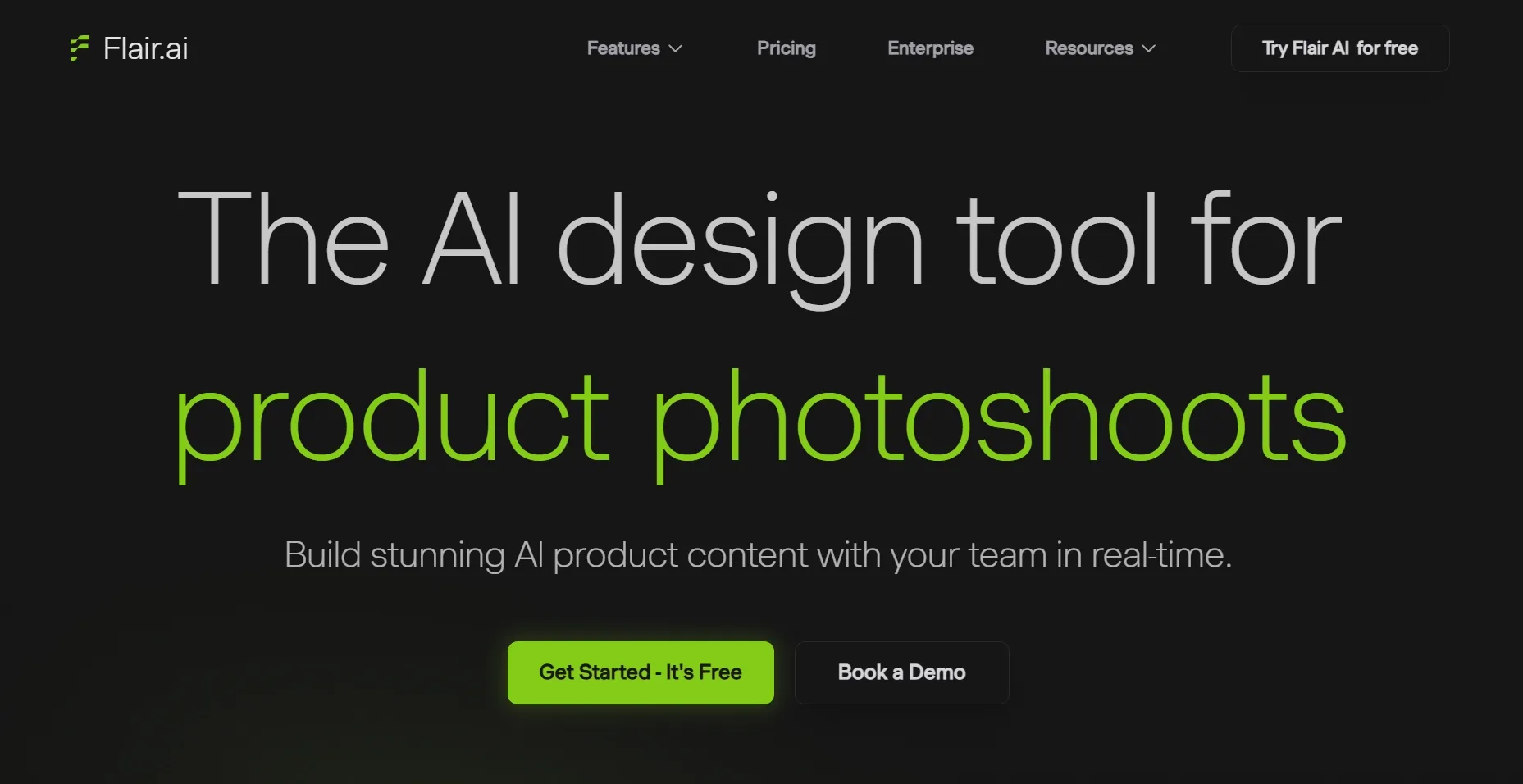
Flair AI approaches product photography in a way that feels closer to arranging a physical photoshoot. Rather than relying entirely on text prompts, it offers product staging with virtual props and backgrounds, giving me more control over the composition.
I find this particularly interesting for beauty products, food packaging, and lifestyle merchandise where the surrounding objects help communicate the product's identity.
Imagine creating a cosmetics photograph with botanical elements, carefully arranged stones, and a softly colored background. The placement of those objects matters. A prop positioned too close to the product could make the image feel crowded, while too much empty space might weaken the overall composition.
Flair gives me more direct influence over that arrangement. Its drag-and-drop staging approach makes it easier to think about the image as a constructed set. After developing a composition, I can explore variations and use the image editor to change or remove objects.
For brands with a distinct visual identity, this kind of control can be valuable when developing styled tabletop photography.
But I wouldn't choose Flair for every quick product image. When my goal is simply to change a background or prepare a clean marketplace photo, the additional staging process may be unnecessary.
Key Features
- Drag-and-drop staging: Arrange props, products, and backgrounds before image generation.
- AI product photography: Render carefully composed commercial-style product scenes.
- Image variations: Explore alternative arrangements and visual treatments.
- Editing tools: Adjust or remove elements from generated product images.
Best For
- Styled beauty product photography.
- Product scenes featuring carefully arranged props.
- Creative tabletop imagery for lifestyle brands.
Pros:
- Precise visual arrangement of props.
- Strong focus on styled product compositions.
- Useful editing and variation tools.
Cons:
- Manual staging adds preparation time.
- Unnecessary complexity for basic product cutouts.
Claid AI: Best AI Product Photo Generator for Consistent Product Catalog Photos
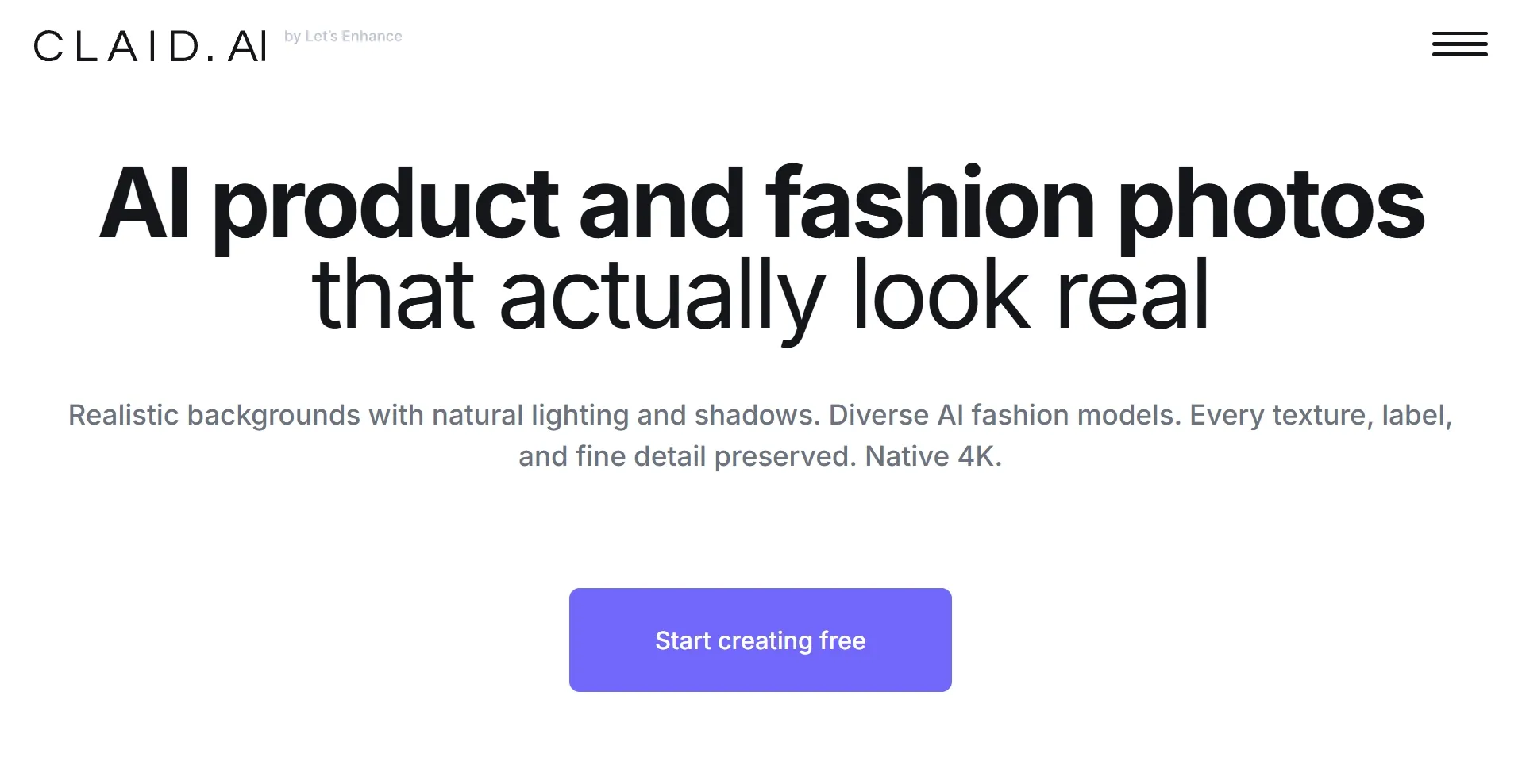
When I think about managing a large product catalog, Claid AI becomes a particularly relevant option. A stunning hero image is useful, but it doesn't solve the challenge of keeping hundreds of product photos visually consistent.
For a collection of electronics or home accessories, I would want similar framing, reliable product placement, and a recognizable photographic style across the entire range.
Claid's AI Photoshoot is designed for that type of image production. Its Precise and Creative modes offer an interesting distinction. Precise mode emphasizes preserving the original product presentation, while Creative mode allows more extensive changes to the scene.
I appreciate this separation because not every product image serves the same purpose. A marketplace photo may demand predictable presentation, whereas a seasonal campaign can benefit from more expressive backgrounds and compositions.
The limitation is that its operational strengths may be excessive for someone who only creates a few promotional images occasionally. I'd also make sure the source photograph accurately captures packaging, labels, and product details before generating additional images.
Key Features
- AI Photoshoot: Create studio and lifestyle product images.
- Precise and Creative modes: Balance product preservation with visual transformation.
- Composition controls: Guide item positioning and output presentation.
- API workflows: Support AI image generation across larger catalogs.
Best For
- Consistent e-commerce catalog photography.
- Large collections of standardized product images.
- Repeatable studio and lifestyle photo production.
Pros:
- Strong product placement controls.
- Separate modes for precision and creativity.
- Supports repeatable catalog image workflows.
Cons:
- More functionality than casual creators need.
- Accurate results depend on source quality.
FASHN AI: Best AI Product Photo Generator for On-Model Fashion Product Photos
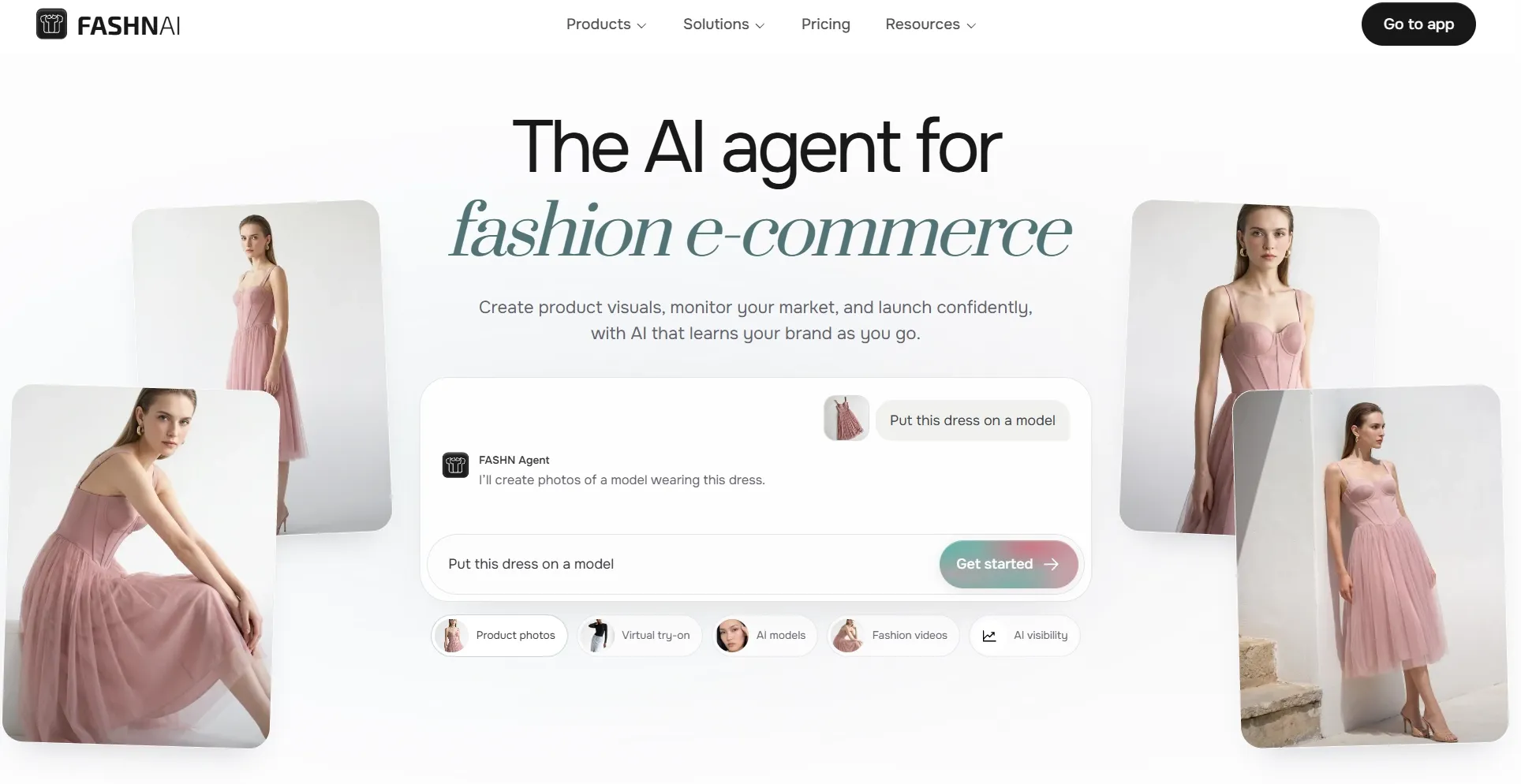
FASHN AI addresses a product photography challenge that general-purpose image generators don't always handle well: showing clothing on realistic models.
A garment photographed on a hanger doesn't communicate everything shoppers want to know. The shape of a jacket, the way a dress falls, or how a pair of trousers fits around the legs can strongly influence the impression of a product.
That's why I find FASHN's Product to Model workflow especially relevant for apparel photography. It can transform flat lay, hanger, or mannequin images into on-model fashion visuals.
The ability to guide the model, pose, and surrounding environment adds another layer of presentation control. I can see this being useful for an online fashion collection where the original merchandise photos are functional but lack lifestyle appeal.
The platform also offers virtual try-on and packshot capabilities, allowing different forms of garment presentation.
However, fashion accuracy is particularly demanding. I need to inspect fabric texture, stitching, patterns, fit, and garment proportions carefully before using a generated image to represent merchandise.
FASHN is also highly specialized, making it less relevant for electronics, homeware, or packaged consumer products.
Key Features
- Product to Model: Convert flat-lay or hanger photos into on-model imagery.
- Fashion scene control: Customize models, poses, and photographic settings.
- Virtual try-on: Visualize garments and accessories on selected models.
- Packshot generation: Develop clean product-focused fashion images.
Best For
- Realistic on-model fashion photography.
- Clothing imagery generated from flat-lay photos.
- Apparel campaigns featuring different model presentations.
Pros:
- Specialized fashion image-generation tools.
- Converts garments into on-model photos.
- Includes virtual try-on and packshots.
Cons:
- Limited relevance outside fashion categories.
- Fabric details and fit need inspection.
How I Ranked These AI Product Photo Generators
Not every AI product photo generator delivers the same results, so choosing the right one takes more than comparing features. For me, I care more about whether the image looks convincing, whether the merchandise remains recognizable, and whether the result is useful for its intended purpose.
Here are the main factors behind my recommendations:
- Product Accuracy: I look for workflows that help maintain the item's proportions, colors, packaging, and distinguishing details. An attractive background cannot compensate for an inaccurate product.
- Photographic Realism: Lighting, shadows, reflections, and perspective are essential. I pay attention to whether an object feels naturally integrated into its surroundings.
- Scene Generation: I value control over the setting, props, visual atmosphere, and composition. Different products call for very different environments.
- Image Quality: Texture, sharpness, and fine detail influence how professional the finished photograph appears, particularly when displayed at larger sizes.
- Creative Flexibility: I prefer tools that can create meaningfully different images rather than minor variations of the same composition.
- Commercial Usefulness: A visually striking image should also serve a practical purpose, whether that's an e-commerce listing, social advertisement, or promotional banner.
- Ease of Refinement: When an image is nearly right, I want the ability to improve it without rebuilding the entire concept.
For a fairer comparison, I recommend starting with the same clear product photograph wherever image uploads are supported. Try generating one simple studio image and one more demanding lifestyle composition. Then examine the product closely at full size.
The strongest AI product photo isn't necessarily the most elaborate one. It's the image that presents your merchandise convincingly while achieving the visual effect you need.
My Final Take
After comparing these 10 AI product photo generators, I found that each has its strengths. Some excel at cinematic visuals and creative styling, while others are better suited to e-commerce listings or fashion photography.
Pollo AI stands out as my top recommendation for its versatile product photo generation, realistic staging, and dedicated image editing tools. It offers the flexibility to create everything from clean studio shots to compelling lifestyle and promotional visuals.
If you're ready to give your products a stronger visual presence, try Pollo AI's product photo generator and bring your ideas to life.