10 Best AI Image Upscalers in 2026: My Honest Comparison
Upscaling a small image is easy. Making it look genuinely better is harder. I compared 10 AI image upscalers to find out what each one offers and where it works best.
In this review, I'll share their strengths, limitations, and the image types they're most suitable for, along with my overall recommendation.
Quick Answer: What Is the Best AI Image Upscaler?
Pollo AI is my overall recommendation for its up to 16× image upscaling, detail reconstruction, and easy workflow.
I can enhance portraits, product photos, artwork, and social media graphics in one place. With AI image generation, editing, and specialized image apps, it also gives me the flexibility to create and refine visuals for different projects.
10 Best AI Image Upscalers at a Glance
| AI Image Upscaler | Best For | Key Advantage |
|---|---|---|
| Pollo AI | Everyday photos and creative projects | Up to 16× enlargement and complete AI image workflow |
| Topaz AI | Print-ready portraits and landscape shots | Dedicated photo upscaling models |
| Magnific AI | Intricate fantasy scenes and concept art | Creative detail reconstruction |
| Adobe Firefly | Brand campaigns and polished product shots | Multiple professional upscaling models |
| Leonardo AI | Game characters and illustrated environments | Specialized AI artwork upscaling |
| Fotor | Faded family pictures and personal memories | Automatic photo enhancement and restoration |
| Pixelcut | Online store listings and product catalogs | Product-focused image enhancement |
| Picsart | Instagram posts and profile pictures | Batch upscaling and creative editing |
| Canva | Slide decks and promotional materials | Upscaling within a design workflow |
| Pixlr | Blog banners and website thumbnails | Quick browser-based enlargement |
Pollo AI: Best AI Image Upscaler Overall
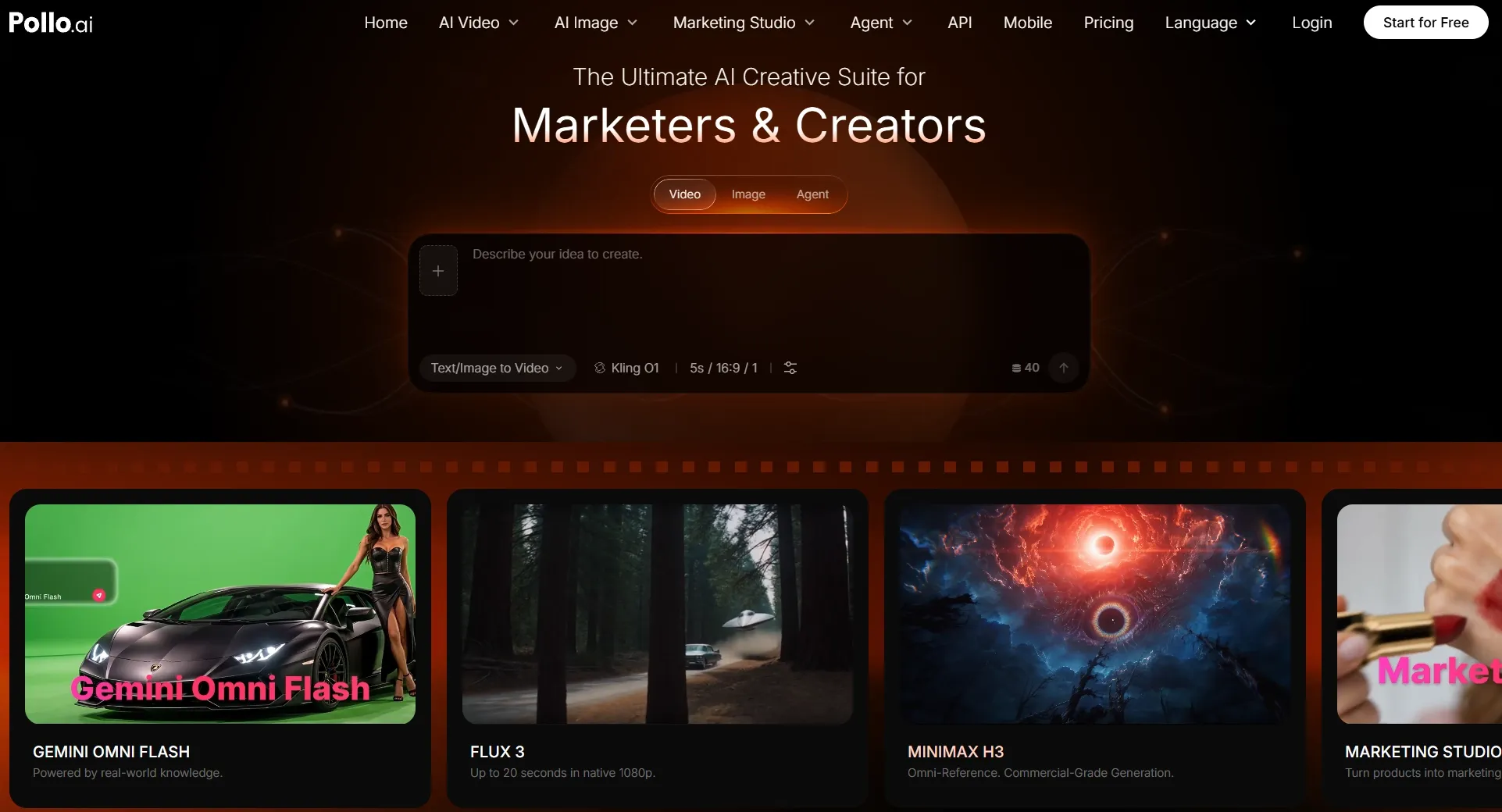
I picked Pollo AI as my overall favorite because it makes image upscaling straightforward without limiting me to one kind of picture.
What interests me most is the balance between resolution and detail. Pollo AI can enlarge images by up to 16× while reconstructing finer textures, sharpening edges, and reducing pixelation. It also helps keep subjects, colors, and compositions recognizable, which matters when I'm working with portraits, product photos, or artwork.
I also like that Pollo AI goes beyond image upscaling. Its AI image generator gives me access to leading models like GPT Image 2.5, Nano Banana 2, and Seedream. I can create original images in different styles, upscale the results, and continue refining them with AI photo editor.
Another advantage is its image apps. Instead of starting every design from scratch, I can use dedicated workflows for product photos, posters, or Instagram posts. This makes it easier to turn high-resolution images into useful creative and marketing assets.
For me, that combination of image generation, upscaling, editing, and specialized apps makes Pollo AI a practical choice for taking visuals from an initial idea to a polished result.
Key Features
- Up to 16× Upscaling: Increase image resolution for larger displays, printing, and creative projects.
- AI Detail Reconstruction: Improve facial features, hair, textures, and image edges.
- Original Image Preservation: Keep subjects, framing, and colors recognizable during enlargement.
- Multi-Model Image Generation: Create original visuals with leading models like GPT Image 2.5 and Nano Banana 2.
- Specialized Image Apps: Generate product photos, posters, social media graphics, and other ready-to-use designs.
- AI Image Editing: Refine images, remove distractions, adjust backgrounds, and enhance details within the same platform.
Best For
- Photographers: Enlarge cropped portraits, travel photos, and landscape images.
- E-commerce sellers: Create and upscale product photos for listings and promotional materials.
- Content creators: Generate sharper social graphics, thumbnails, and personal branding images.
- Designers and marketers: Develop high-resolution artwork, posters, and campaign visuals.
Pros:
- Preserves recognizable subjects and compositions.
- Combines image generation, upscaling, and editing.
- Free usage and watermark-free downloads available.
Cons:
- Free usage comes with limitations.
- Severely degraded images may still require additional correction.
Turn Low-Resolution Images Into Sharper Visuals
Enlarge portraits, artwork, and product photos with Pollo AI while keeping your creative workflow simple.
Try AI Image Upscaler for Free
Topaz AI: Best AI Image Upscaler for High-Resolution Photography and Large Prints
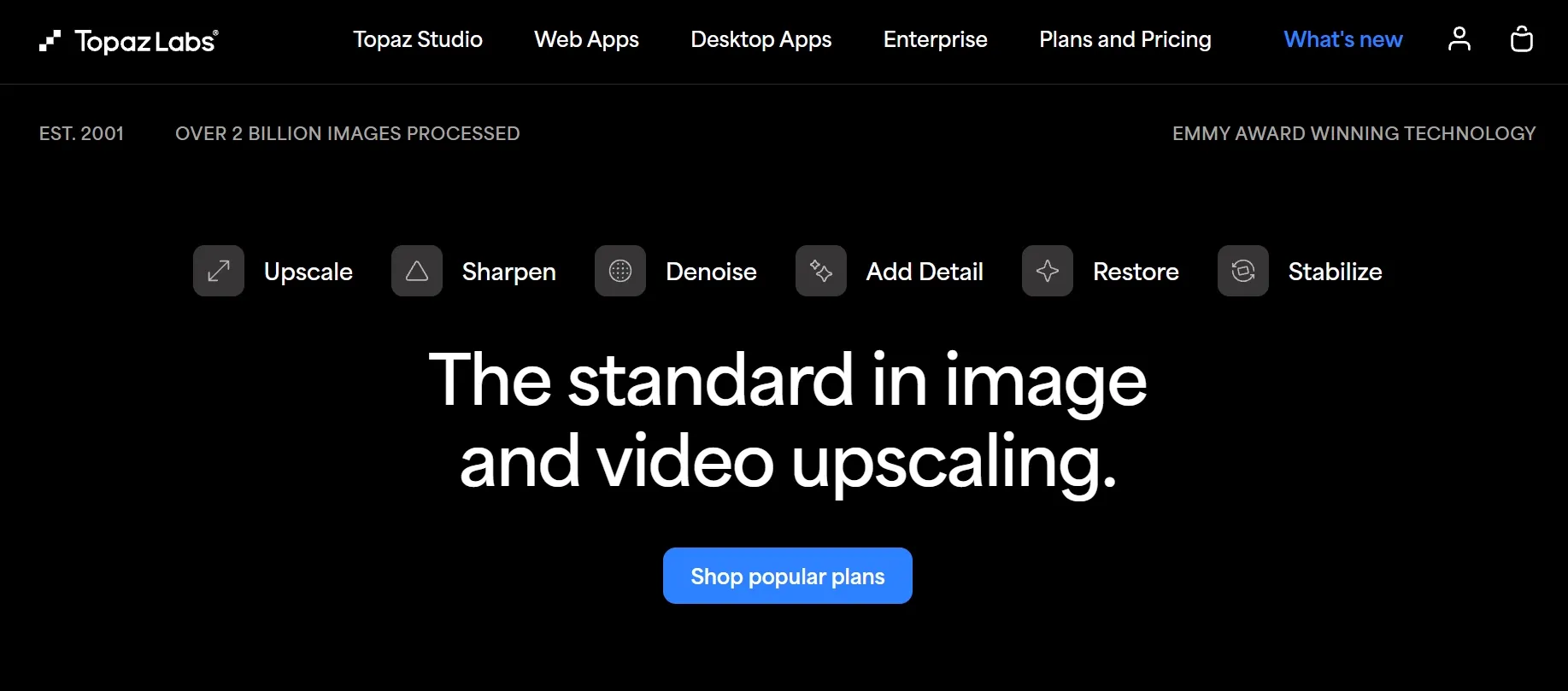
Topaz AI is one of the first tools I'd consider when image detail matters more than creative experimentation.
It's a dedicated AI upscaler built for enlarging photographs, illustrations, and other graphics. Its models can increase image dimensions by up to 6× while focusing on maintaining the original structure.
I particularly like its approach to professional photography. Imagine cropping a wildlife photo to bring a distant bird closer or enlarging a landscape photograph for a wall print. Both situations need more pixels without making the subject look artificially reconstructed.
The different upscaling models are another advantage. They give photographers more options for matching enhancement to the source image rather than applying the same treatment everywhere.
My biggest reservation is the setup. The desktop application has hardware requirements that can make it less convenient for occasional image enlargement.
Key Features
- 6× AI Upscaling: Increase resolution while maintaining recognizable image details.
- Multiple Enhancement Models: Select different approaches for photographs and artwork.
- Face Recovery: Improve facial details in supported low-resolution images.
- Batch Processing: Enlarge several images within one workflow.
- Professional Integration: Use the desktop application or supported editing plugins.
Best For
- Professional photographers: Prepare detailed landscape and wildlife photographs.
- Print designers: Enlarge photographs for posters and large-format prints.
- Photography enthusiasts: Improve heavily cropped pictures without manually rebuilding details.
Pros:
- Dedicated professional upscaling capabilities.
- Multiple models for different image conditions.
- Supports large-format photographic output.
- Useful batch processing options.
Cons:
- Local processing requires suitable hardware.
- More involved than a simple online upscaler.
- Paid access is required.
Magnific AI: Best AI Image Upscaler for Cinematic Artwork and Detailed Illustrations
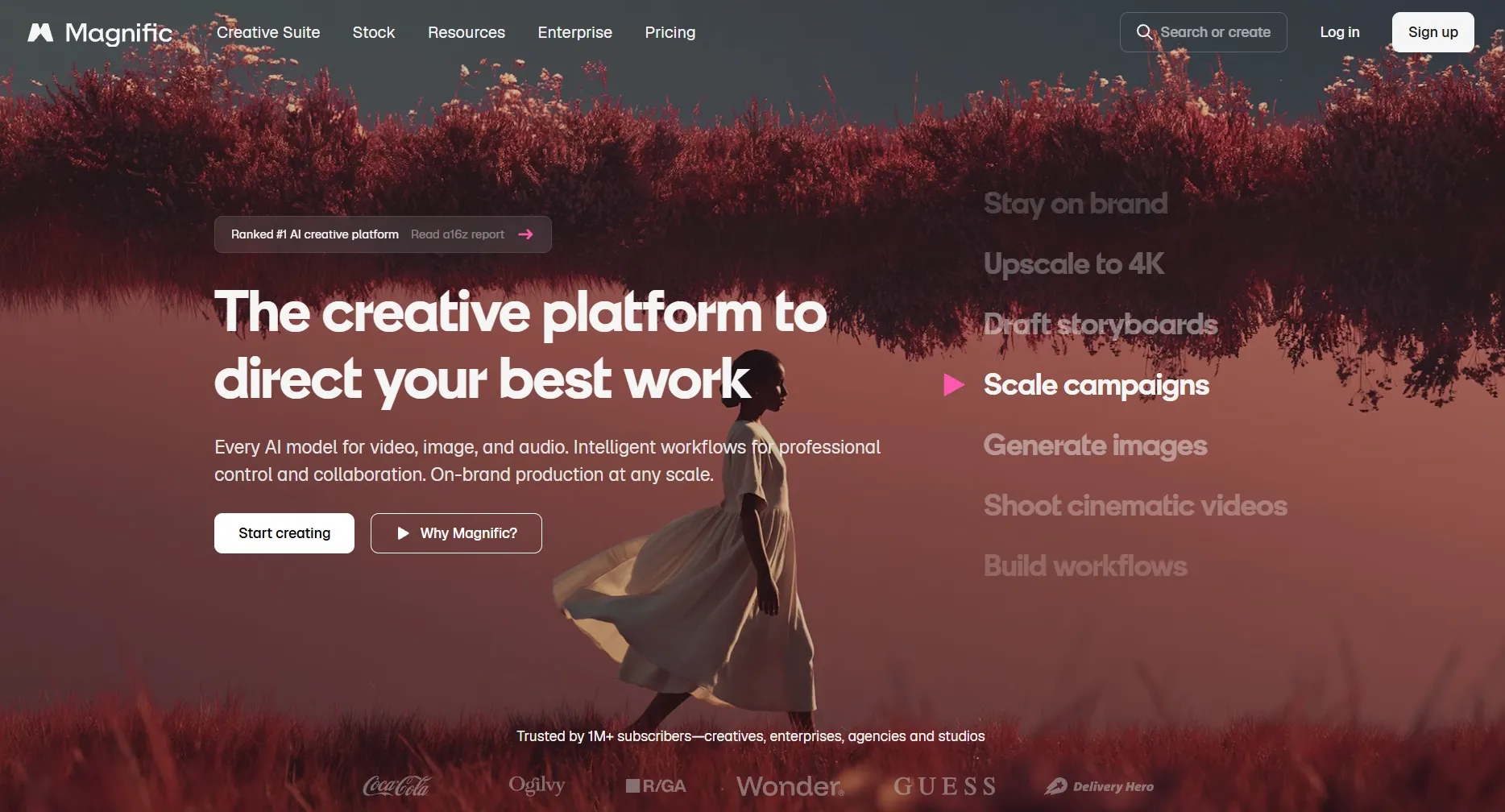
Magnific AI caught my attention for a different reason. It's designed to do more than simply enlarge an existing picture.
Its Creative mode can reconstruct textures and introduce new details, making it especially interesting for fantasy art, cinematic concept art, and architectural renderings.
I like the freedom this gives artists. A small illustration of an elaborate fantasy castle, for example, could benefit from additional detail in the stonework, windows, and surrounding environment.
Magnific also offers Precision mode for images that need to stay closer to their source. That distinction is useful because I wouldn't want the same treatment for every project.
The trade-off is creative accuracy. When the AI generates new textures, some details may differ from the original. I'd be more comfortable using its stronger creative settings for artwork than for an image where exact visual fidelity is essential.
Key Features
- Creative Upscaling: Generate additional textures and intricate visual details.
- Precision Mode: Enlarge images while prioritizing fidelity to the source.
- Up to 16× Enlargement: Reach higher resolution in supported Precision workflows.
- Prompt-Guided Enhancement: Describe visual details to guide creative reconstruction.
- Adjustable Controls: Refine how aggressively AI enhances the image.
Best For
- Concept artists: Enlarge cinematic environments and fantasy illustrations.
- 3D artists: Develop richer textures in digital renders.
- Creative designers: Prepare detailed artwork for posters and visual presentations.
Pros:
- Strong creative detail reconstruction.
- Adjustable enhancement settings.
- Separate creative and fidelity-focused modes.
- Well suited to intricate digital artwork.
Cons:
- Creative enlargement can alter original details.
- Advanced settings require careful adjustment.
- Less necessary for simple everyday photos.
Adobe Firefly: Best AI Image Upscaler for Commercial Photography and Advertising Visuals
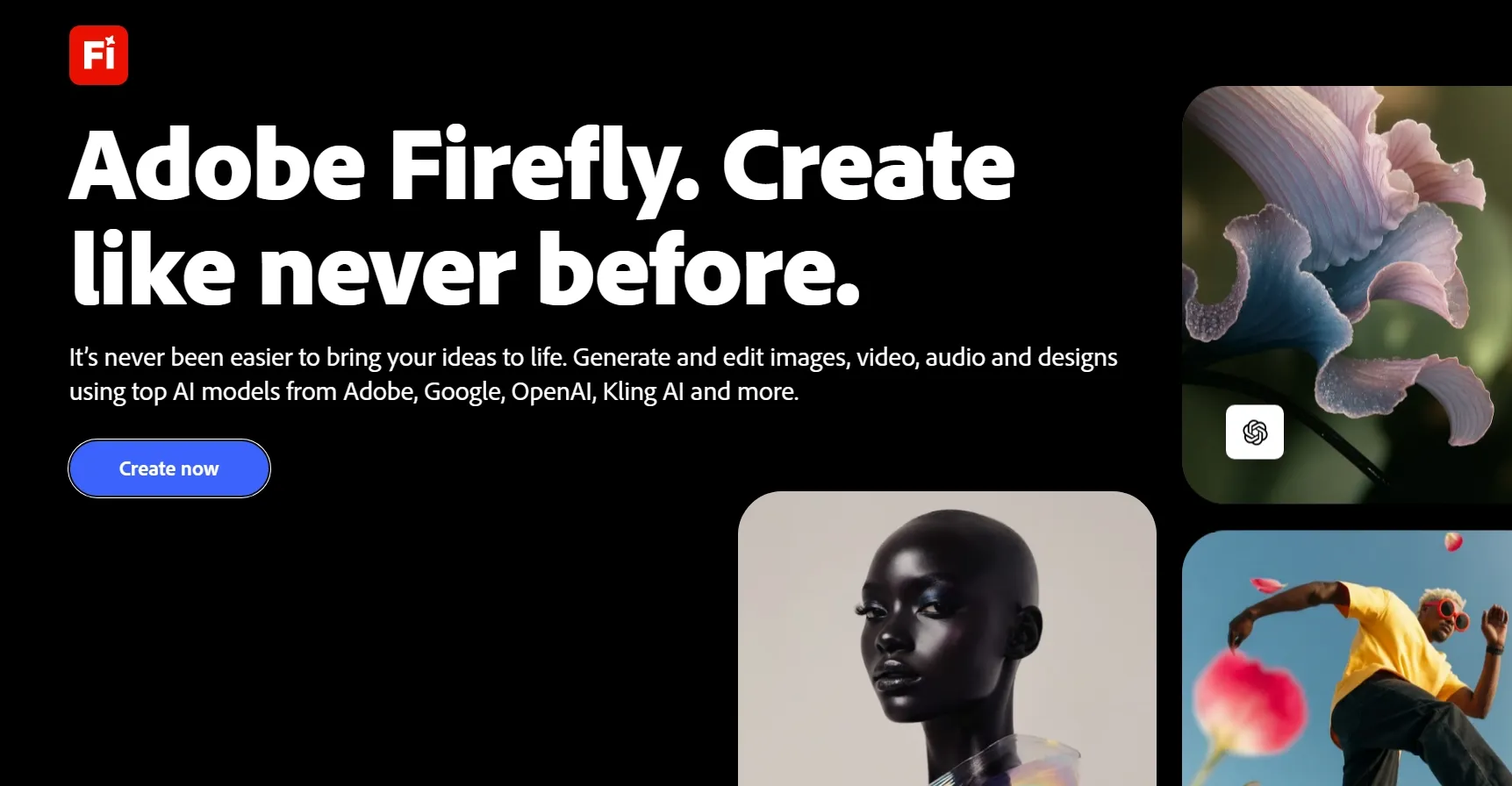
Adobe Firefly is an appealing option when image enlargement forms part of a larger professional design project.
What stands out to me is its selection of upscaling models. Instead of relying on one enhancement approach, Firefly lets you choose between Firefly Upscaler, Topaz Bloom, and Topaz Gigapixel.
This gives me different ways to approach commercial images. A product advertisement might need to preserve fine details in a packaging mockup, while a campaign poster could benefit from more creative texture enhancement.
Firefly supports 2× and 4× upscaling, and certain models offer additional controls for face enhancement or creative detail.
I would consider it particularly useful when working with Adobe's wider creative ecosystem. However, if I only need to enlarge one photograph quickly, the extra model choices and credit considerations may feel unnecessary.
For a closer look at its features and limitations, check out our Adobe Firefly review.
Key Features
- 2× and 4× Enlargement: Increase dimensions for professional visual projects.
- Face Recovery: Refine facial details with supported model settings.
- Creative Enhancement: Control additional detail generation with Topaz Bloom.
- Adobe Integration: Continue working within the broader creative environment.
Best For
- Advertising designers: Enlarge polished campaign photographs and promotional assets.
- Brand teams: Prepare product and lifestyle images for different placements.
- Creative professionals: Improve image resolution within Adobe-based projects.
Pros:
- Multiple professional upscaling options.
- Useful controls for different image requirements.
- Integrates with Adobe creative workflows.
- Suitable for commercial design projects.
Cons:
- Credit consumption depends on the model.
- Some workflows may feel unnecessarily complex.
- Maximum enlargement in Firefly's interface is 4×.
Leonardo AI: Best AI Image Upscaler for Fantasy and Game Artwork
Leonardo AI takes an interesting approach to image enlargement because its Pro Upscaler is specifically designed to understand AI-generated images.
That's important for fantasy illustrations and characters. These images often contain stylized textures, unusual lighting, and intricate details that don't behave like ordinary photography.
The feature I find most useful is the choice between Precise and Creative modes.
Precise mode focuses on maintaining the image structure, while Creative mode can reconstruct details and adjust their appearance. I would choose between them based on whether the original artwork needs to remain unchanged.
Leonardo also supports high-resolution output up to 105 megapixels, making it relevant for large artwork displays and detailed book covers.
My main consideration is controlling how much the AI changes the original artistic direction.
For more about its image creation capabilities, take a look at our Leonardo AI review.
Key Features
- Pro Upscaler: Enhance images with an approach tailored to AI artwork.
- 105MP Output: Produce high-resolution artwork for large displays.
- Precise Mode: Prioritize structural consistency and original details.
- Creative Mode: Reconstruct complex textures with adjustable creative strength.
- AI Artifact Correction: Reduce unwanted distortions in generated images.
Best For
- Game artists: Enlarge fantasy characters, environments, and game illustrations.
- AI artists: Improve AI-generated artwork for portfolios and prints.
- Concept designers: Prepare detailed character and environment concepts.
Pros:
- Designed with AI-generated textures in mind.
- Supports very high-resolution output.
- Offers separate fidelity and creative modes.
- Convenient for AI artwork workflows.
Cons:
- Creative settings may change artistic details.
- More specialized than a basic photo enlarger.
- Advanced options can take time to understand.
Fotor AI: Best AI Image Upscaler for Family Portraits and Old Photos
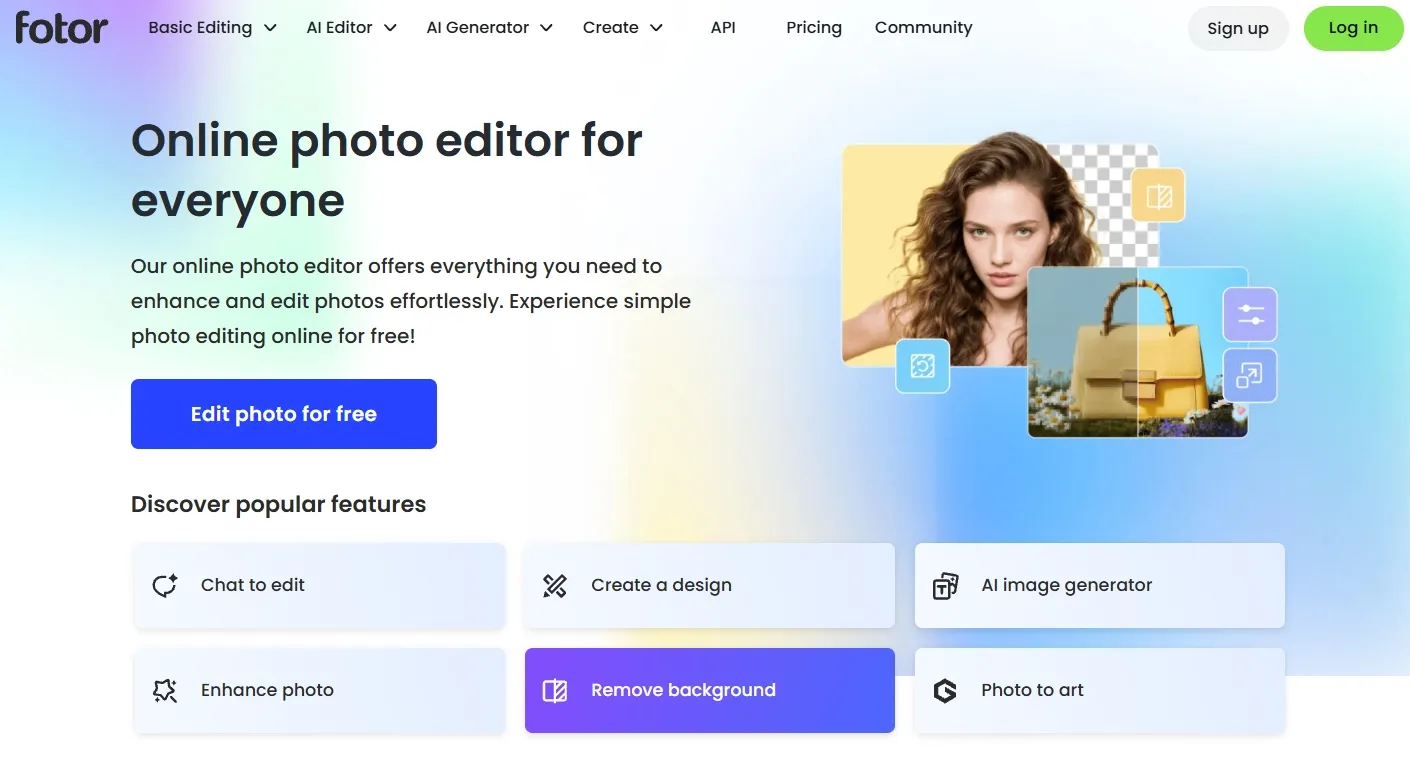
Fotor is one of the more approachable options when you want to improve photographs without spending time adjusting technical settings.
Its AI upscaler supports 2× and 4× enlargement, combining increased resolution with adjustments to sharpness, contrast, lighting, and color.
I think this makes it especially relevant for personal photographs. Family portraits, older digital pictures, and travel snapshots often need more than extra pixels to look better.
Another feature I appreciate is Fotor's broader photo restoration toolkit. If an old photograph looks faded or damaged, I can consider restoration before enlarging it.
Fotor's workflow also feels less intimidating than specialist photography software. The limitation is that its free 2× option is more restricted than the higher-resolution features available through a paid membership.
Want to learn more? Read our Fotor AI review.
Key Features
- 2× and 4× Upscaling: Enlarge photos to higher resolutions.
- Automatic Image Enhancement: Improve sharpness, contrast, lighting, and colors.
- Photo Restoration: Repair certain defects in old photographs.
- Photo Retouching: Refine personal and family pictures.
- Cross-Device Access: Work through supported browser and mobile interfaces.
Best For
- Families: Improve old portraits and treasured photographs.
- Travel enthusiasts: Enlarge vacation pictures and memorable landscapes.
- Casual photographers: Make everyday snapshots clearer for sharing or printing.
Pros:
- Easy for beginners to understand.
- Combines enlargement with photo enhancement.
- Includes restoration and retouching features.
- Free 2× enlargement available.
Cons:
- Free downloads have resolution limitations.
- 4× downloads require paid membership.
- Fewer creative upscaling controls.
Pixelcut: Best AI Image Upscaler for E-Commerce Product Photos
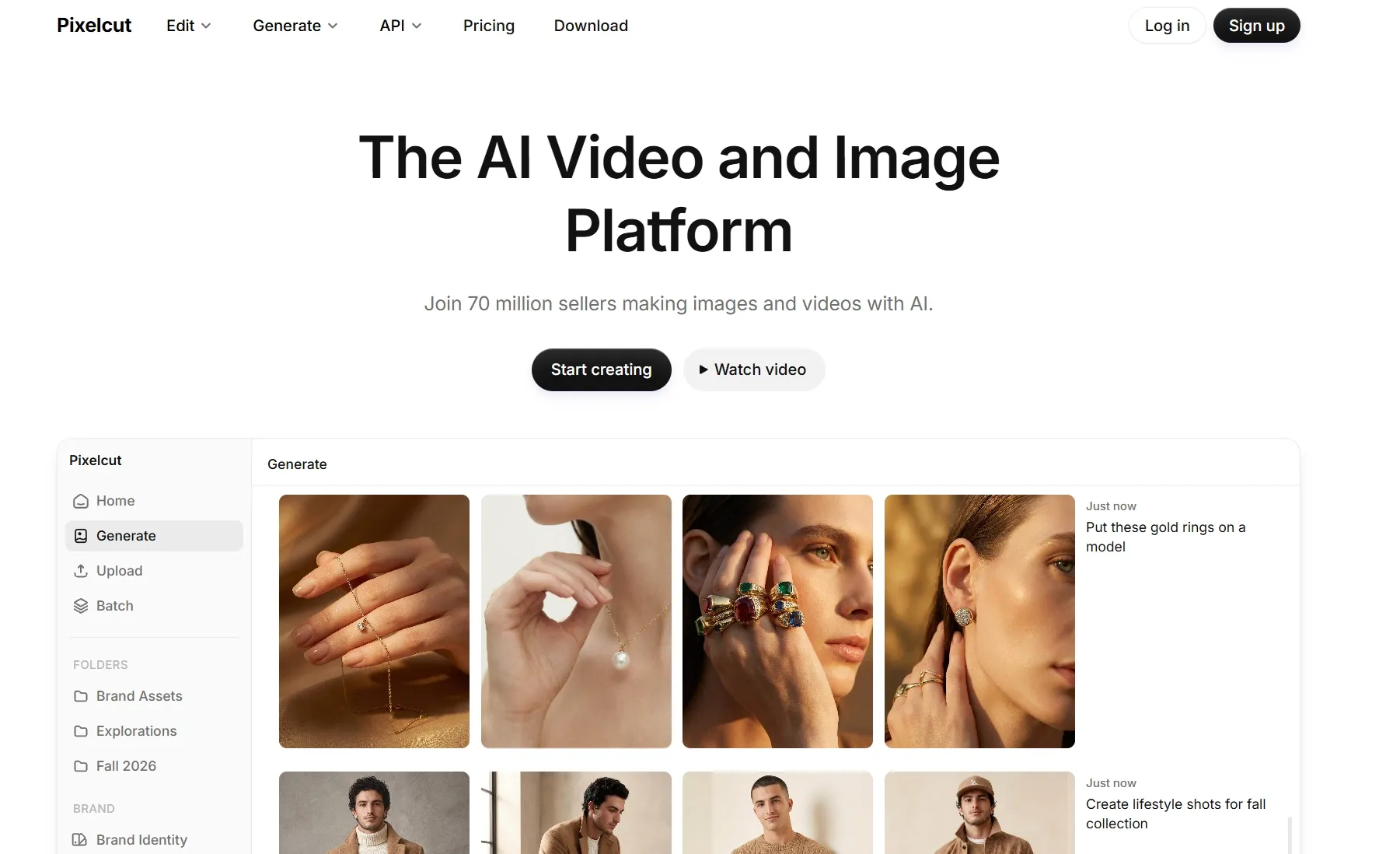
Pixelcut is the option I'd pay attention to when the original image is meant to help sell a product.
Its AI image upscaler can improve resolution and image clarity, which is particularly relevant for product listing images where shoppers want to inspect small details.
For example, jewelry photography needs recognizable metal finishes and gemstones, while clothing flat lays benefit from clearer fabrics and stitching. I would be careful with any AI enhancement that makes these features look different from the real product.
What makes Pixelcut attractive is the wider set of e-commerce editing features. Alongside upscaling, it offers background removal and bulk processing for product collections.
This combination can be convenient if you're preparing several listing images rather than improving a single personal photograph.
The main limitation is that some advanced enlargement features require Pro access.
Key Features
- Product Image Upscaling: Improve resolution for online product listings.
- AI Detail Enhancement: Refine edges, textures, and overall clarity.
- Background Editing: Prepare cleaner product presentation images.
- Bulk Processing: Work with collections of commercial images.
- Mobile Accessibility: Enhance product photos from supported devices.
Best For
- Online sellers: Prepare sharper Amazon, Shopify, and marketplace listings.
- Product photographers: Improve images of apparel, accessories, and cosmetics.
- Small businesses: Create clearer catalog photos and promotional product visuals.
Pros:
- Focused on e-commerce image workflows.
- Useful product photography features.
- Supports additional background editing.
- Convenient web and mobile access.
Cons:
- Advanced 4× upscaling requires Pro.
- Output resolution limits apply.
- Less focused on artistic detail reconstruction.
Picsart: Best AI Image Upscaler for Social Media Photos and Creator Content
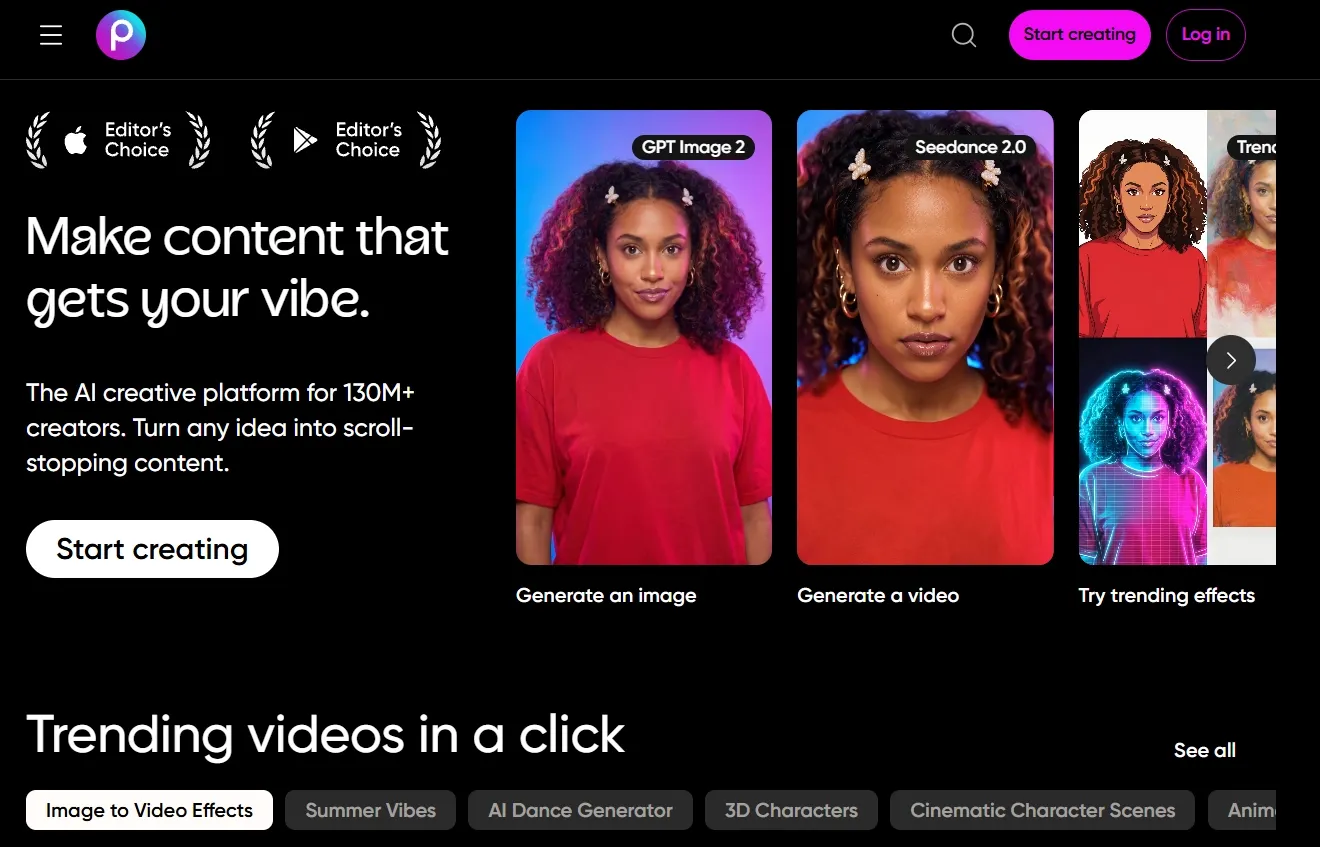
Picsart appeals to me most when image enhancement is part of a broader content creation routine.
It combines AI image sharpening, blur reduction, and image upscaling with a range of creative editing options.
Its batch upscaler is particularly relevant for people who regularly work with multiple photographs. Picsart supports enhancing and upscaling up to 50 images in a batch, which can be useful for preparing Instagram posts and social media photo collections.
I also like that you can continue editing after enhancement. Filters, text effects, stickers, and other visual elements are available within the same platform.
For portrait-focused posts or lifestyle photography, this connected approach can save time.
However, I wouldn't necessarily choose Picsart first for professional photographic enlargement. Its broader editing capabilities are a bigger part of the appeal than highly specialized upscaling control.
Curious about its creative features and limitations? Check out our Picsart AI review.
Key Features
- AI Image Upscaling: Increase resolution and improve visible details.
- Batch Enhancement: Process up to 50 images at once.
- Unblur image: Improve clarity in slightly blurred photographs.
- Creative Photo Editing: Apply filters, text, stickers, and other design elements.
- Cross-Platform Workflow: Enhance images online or through supported apps.
Best For
- Social media creators: Improve portraits and lifestyle photos for posts.
- Influencers: Prepare clearer selfies and personal branding images.
- Content managers: Enhance collections of photographs for recurring campaigns.
Pros:
- Useful batch image processing.
- Combines enhancement with creative editing.
- Convenient for social media workflows.
- Supports several kinds of photo adjustments.
Cons:
- Some features require credits or subscriptions.
- Less specialized for professional print enlargement.
- Creative editing options may feel excessive.
Canva: Best AI Image Upscaler for Presentation Images and Marketing Graphics
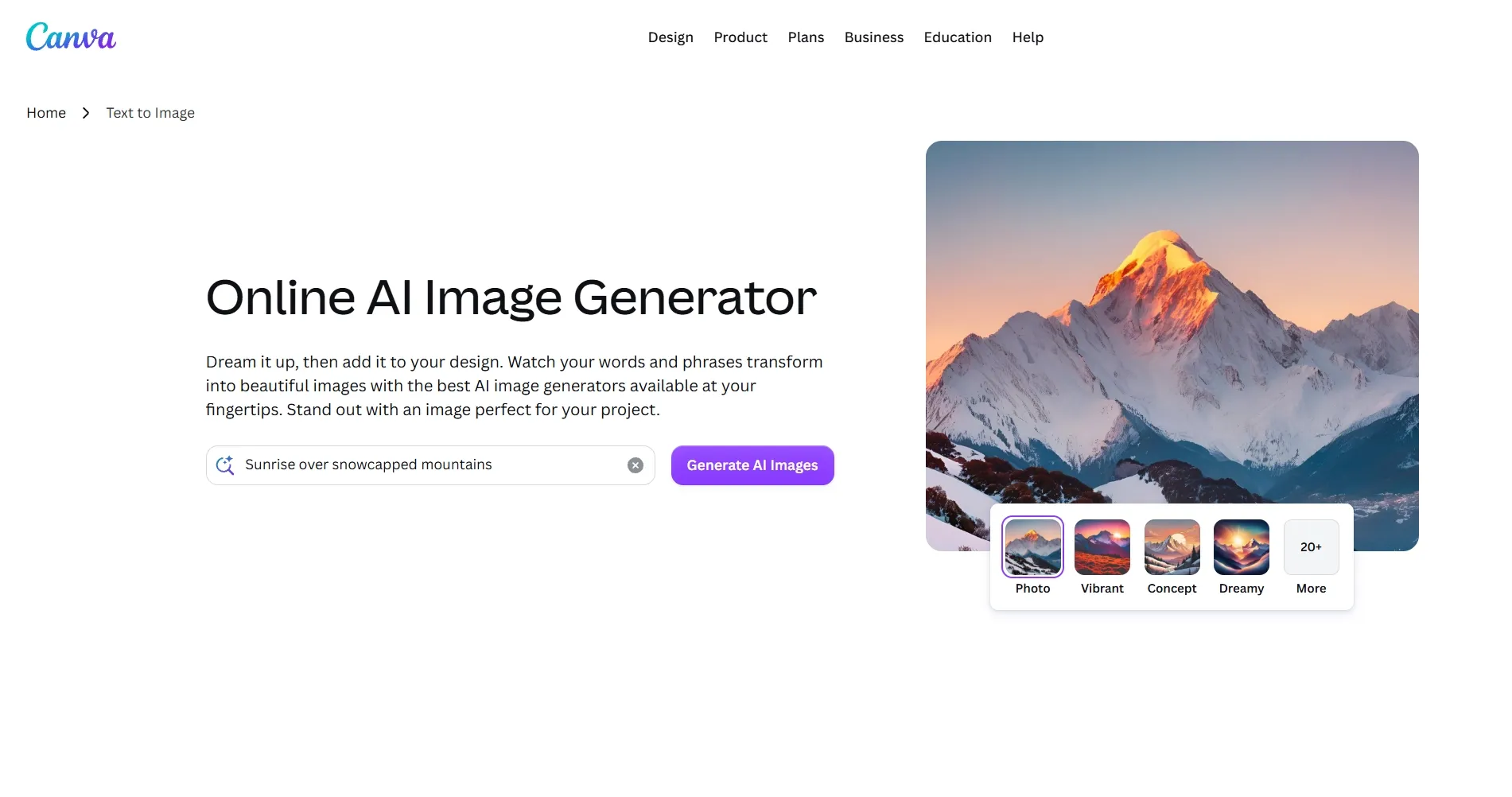
Canva makes the most sense to me when the enlarged image is going straight into a finished design.
Its image upscaling capabilities are available within a broader editor that already supports presentations, flyers, product posters, and social media layouts.
That changes how I would approach image enhancement. If I'm preparing a presentation with a small product photograph, for instance, I'd want to improve the image and place it directly into the slide without repeatedly exporting files.
Canva offers that convenience alongside its templates, text controls, and layout features for designs such as YouTube banners.
The trade-off is that image upscaling isn't the platform's main specialization. I would choose Canva primarily for its design workflow, especially when I need more than just a higher-resolution photograph.
For a closer look at Canva's image creation capabilities, explore our Canva AI review.
Key Features
- Integrated Image Upscaler: Improve image resolution within the editor.
- Design Templates: Build presentations, posters, and marketing materials.
- Photo Adjustments: Refine image appearance using editing controls.
- Layout Integration: Place enhanced images directly into finished designs.
- Creative Assets: Combine photographs with graphics, text, and other elements.
Best For
- Presentation designers: Enlarge photographs and illustrations for slides.
- Marketing teams: Prepare clearer images for posters and campaign graphics.
- Small businesses: Improve visual assets for promotional designs.
Pros:
- Convenient all-in-one design environment.
- Extensive presentation and marketing templates.
- Easy to integrate improved images into layouts.
- Beginner-friendly creative workflow.
Cons:
- Advanced AI access depends on plan eligibility.
- Less control than specialist upscaling applications.
- Not designed primarily for photo restoration.
Pixlr: Best AI Image Upscaler for Website Images and Blog Graphics
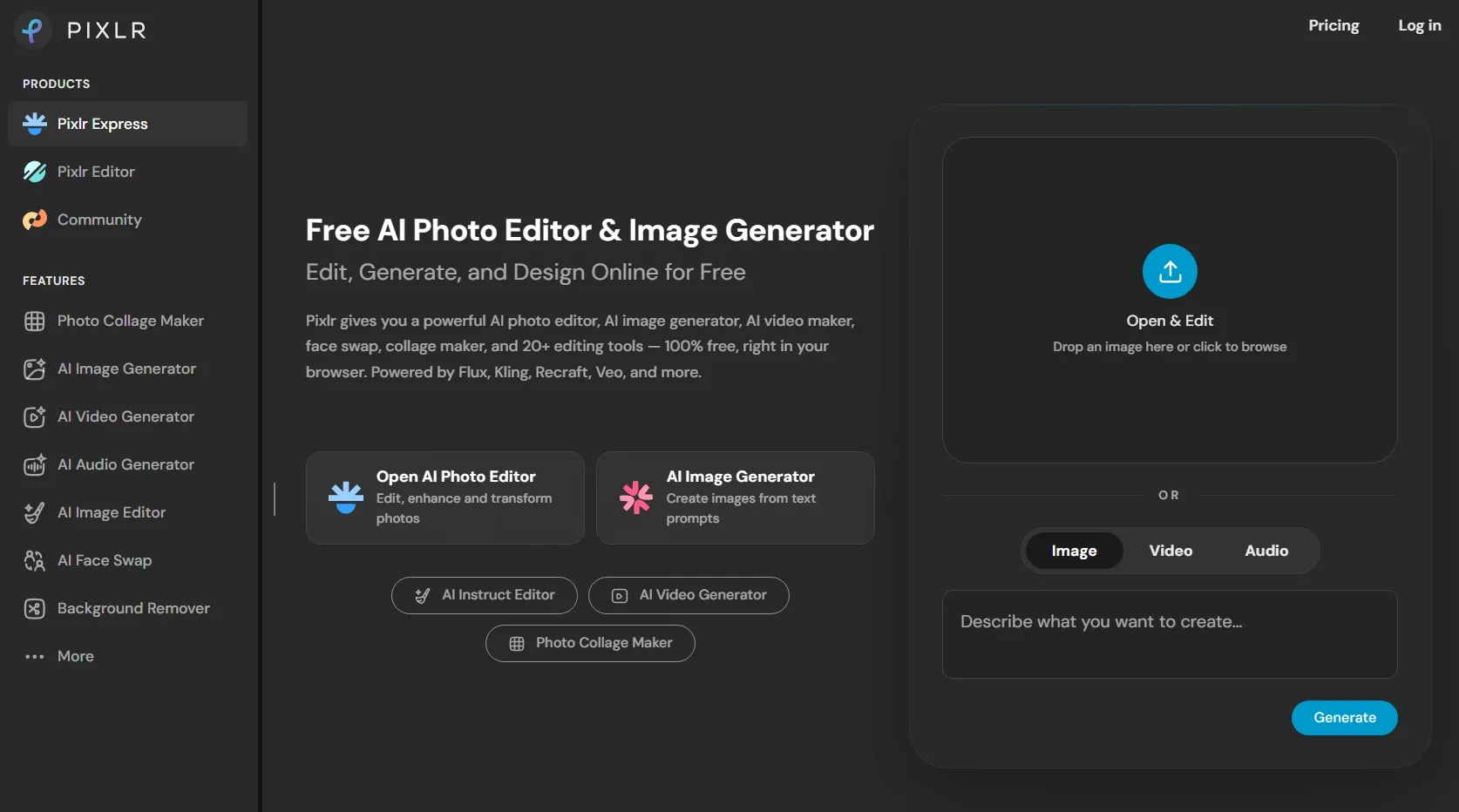
Pixlr is a practical choice when I want to enlarge an image and make a few adjustments without installing desktop software.
Its AI Super Scale feature supports 2×, 3×, and 4× enlargement. It also maintains the source image's aspect ratio, helping avoid unwanted stretching.
I see it as a good fit for everyday digital content. A small photograph intended for a blog header or a low-resolution graphic for a Twitch banner can benefit from a straightforward enlargement workflow.
Pixlr also includes separate tools for sharpening, denoising, and changing backgrounds.
What I like is the convenience of having these options in one browser-based editor. Still, I would look toward more specialized platforms when I need substantially larger images or more detailed control over reconstructed textures.
Want to know where Pixlr shines and falls short? Take a look at our Pixlr AI review.
Key Features
- AI Super Scale: Enlarge images by 2×, 3×, or 4×.
- Aspect Ratio Preservation: Increase dimensions without stretching the composition.
- AI Sharpening: Improve the clarity of image edges.
- Noise Reduction: Refine grainy or low-quality images.
- Online Photo Editing: Make additional adjustments without desktop software.
Best For
- Bloggers: Improve low-resolution article images and header graphics.
- Website designers: Enlarge photographs and graphics for web layouts.
- Content marketers: Prepare clearer images for landing pages and digital materials.
Pros:
- Accessible browser-based workflow.
- Multiple enlargement options.
- Includes sharpening and denoising tools.
- Convenient for everyday digital images.
Cons:
- Maximum Super Scale enlargement is 4×.
- Fewer specialized generative upscaling controls.
- Less suited to demanding large-format artwork projects.
How Did I Compare These AI Image Upscalers?
I focused on what matters when a small image needs to become a useful, higher-resolution asset.
An AI upscaler can advertise a high enlargement factor, but that number alone doesn't tell me whether faces will remain recognizable, textures will look natural, or important product details will stay accurate.
I also considered the workflow around the result. Depending on the project, I might need to restore an old photograph, sharpen a product image, or prepare an illustration for printing.
Here are the main factors I used to compare the tools:
- Resolution enhancement: I checked the supported enlargement levels and output resolution options.
- Detail reconstruction: I considered how each tool approaches fine textures, edges, hair, and other image details.
- Original image fidelity: I examined whether the available modes prioritize preserving subjects, compositions, and recognizable features.
- Image type suitability: I compared how each platform is designed for photography, artwork, product images, or everyday graphics.
- Noise and blur correction: I looked for capabilities that improve compressed, pixelated, or slightly blurry pictures.
- Creative control: I considered whether the tools offer models, prompts, or settings for adjusting the enhancement process.
- Ease of use: I assessed the complexity of uploading, processing, and exporting images.
- Additional editing: I checked whether the enlarged images could be further refined without switching platforms.
These criteria helped me distinguish dedicated photo upscalers from broader creative platforms.
I gave more weight to tools that offer a useful combination of resolution, image consistency, and practical workflow value.
My Final Verdict
After comparing these 10 AI image upscalers, I found that each has its strengths, whether you're enhancing photographs, digital artwork, or commercial visuals.
Pollo AI remains my overall choice because it combines up to 16× image enlargement with AI image generation, editing, and specialized Image Apps. I can create, enhance, and refine different types of images within one platform.
If you want to give your images a sharper finish, try Pollo AI for free and bring your next project to life.