Pollo MCP
End-to-end content creation. Up to 4 Videos/ 20 Images for FREE.
AI Video
Transform text and images into cinematic videos with lifelike avatars and studio-quality SFX.

AI Image
Turn ideas and images into stunning visuals, or perfect any photo with a complete suite of AI tools.

Agent
Create production-ready videos with SFX, consistent characters, and polished scenes. No Editing.

Marketing Studio
Built for marketers and sellers to create winning ads, UGC videos and product visuals faster.

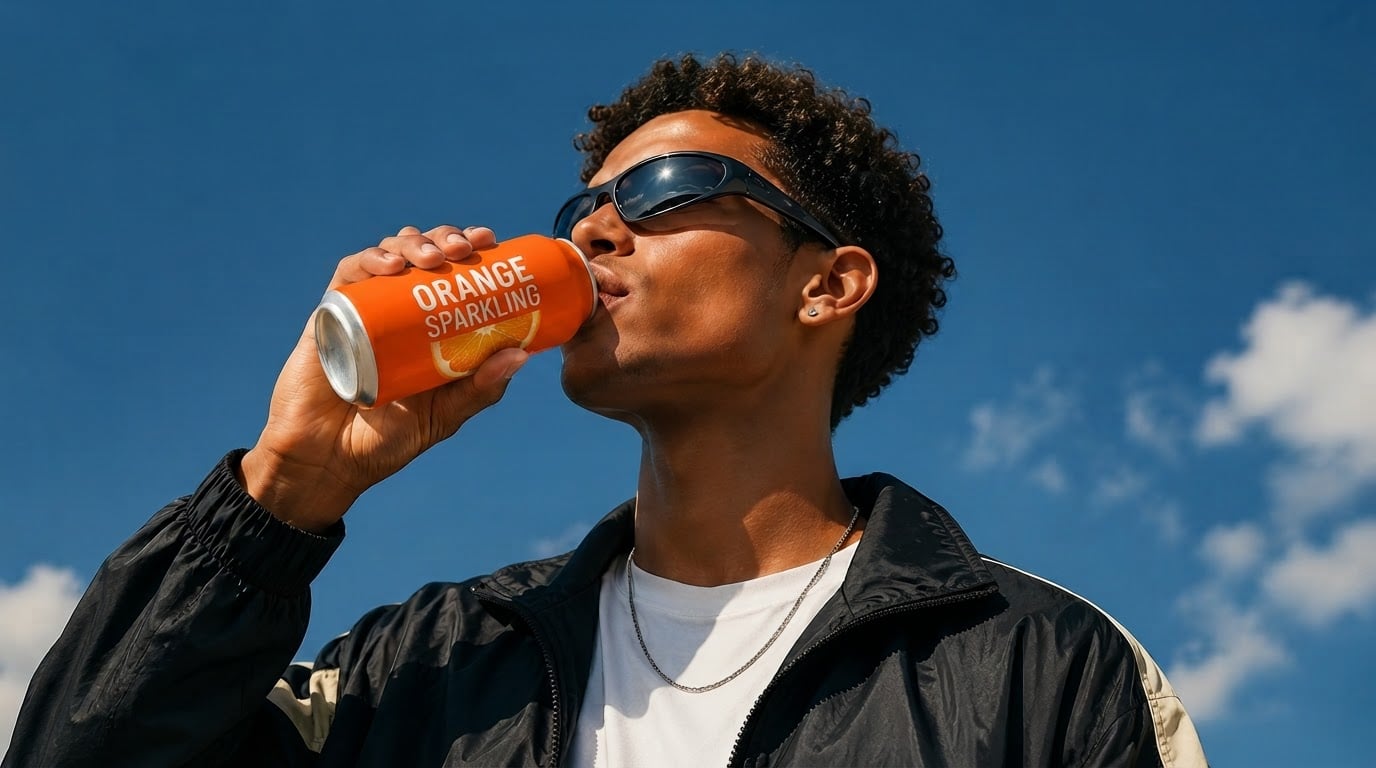
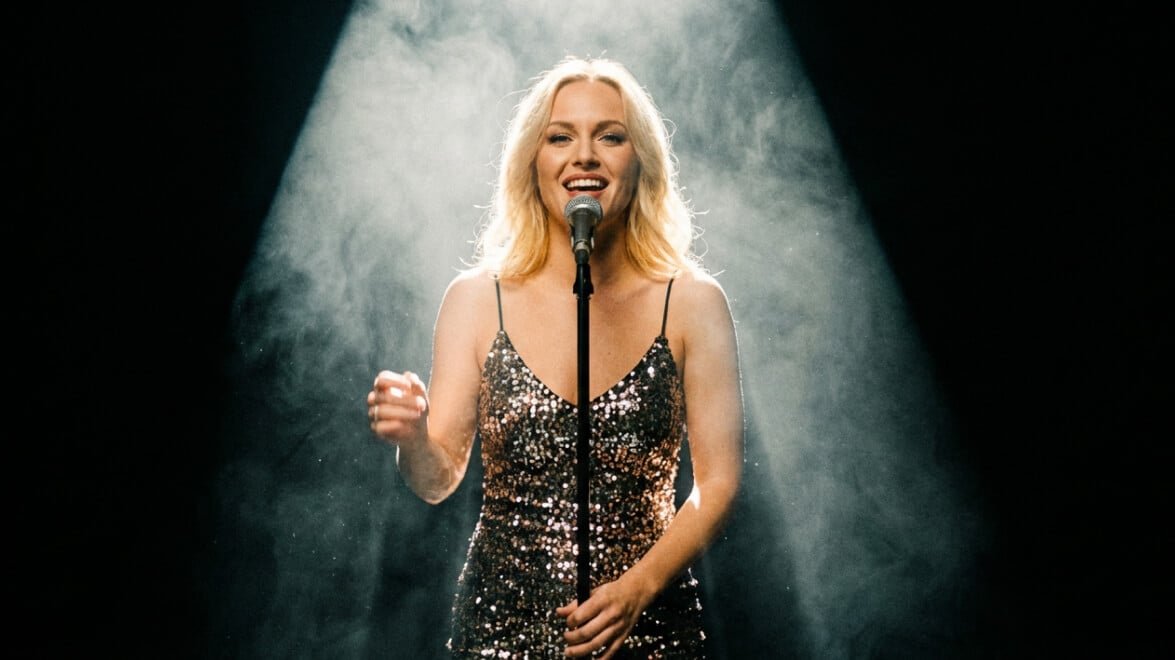
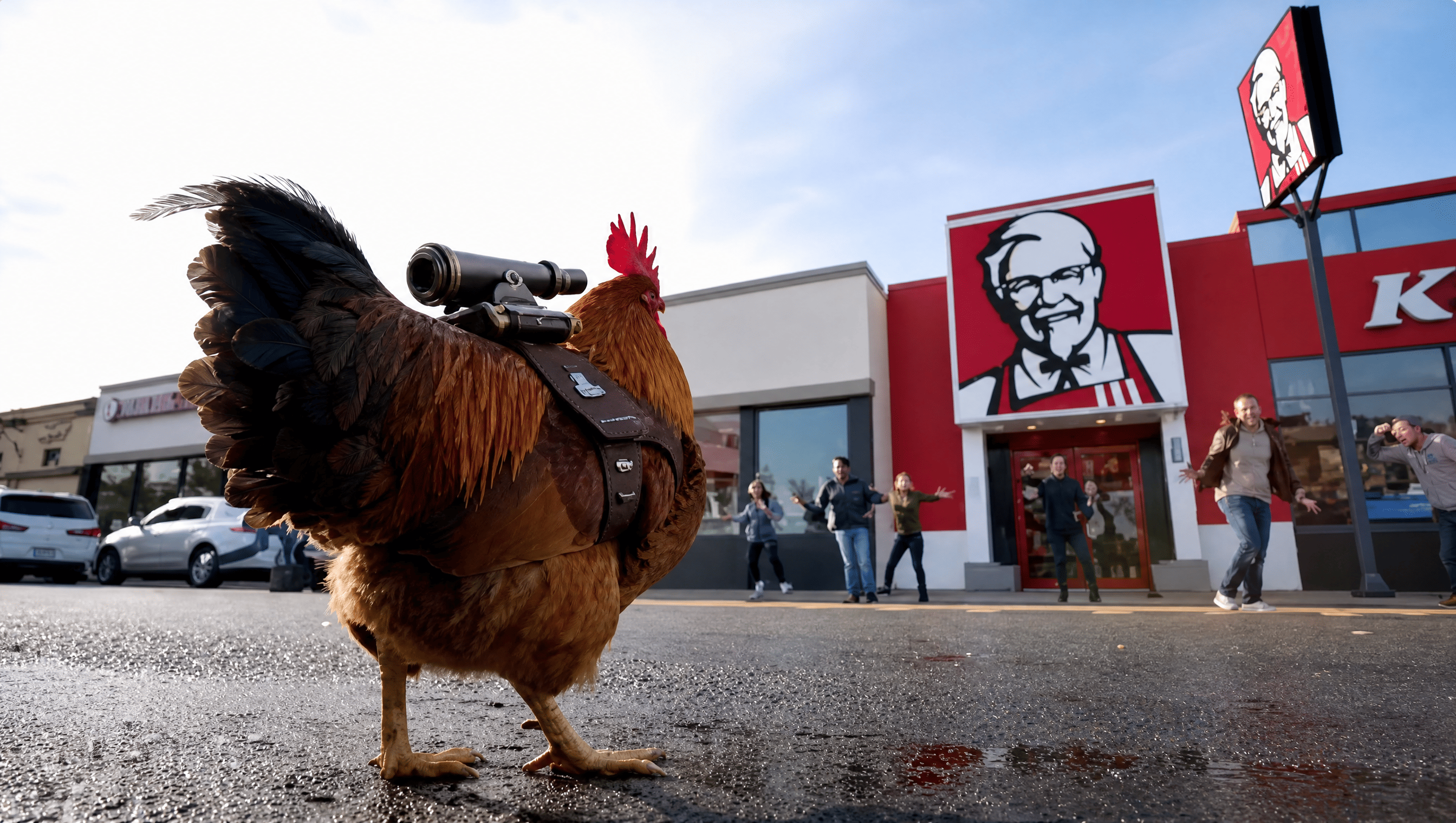
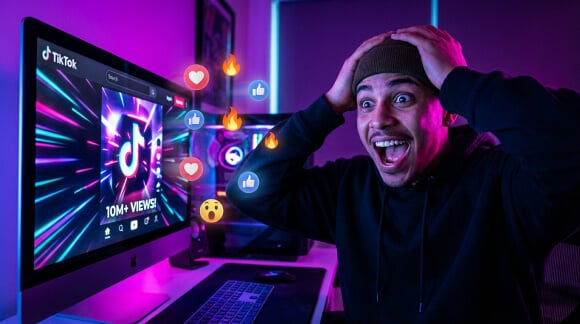
Turn one or more images into product videos, social clips, or story scenes with natural motion and sound. Create with MiniMax H3 Max, Seedance 2.5, Wan 3.0, and more in one place.
Convert images to AI videos that actually move your audience. Whether it's a product launch, social campaign, brand story, creator post, or an early creative test, our AI image to video generator brings each visual to life with motion, mood, and rhythm. Expressive, adaptable, and ready to perform across every channel, format, and business goal you're chasing.
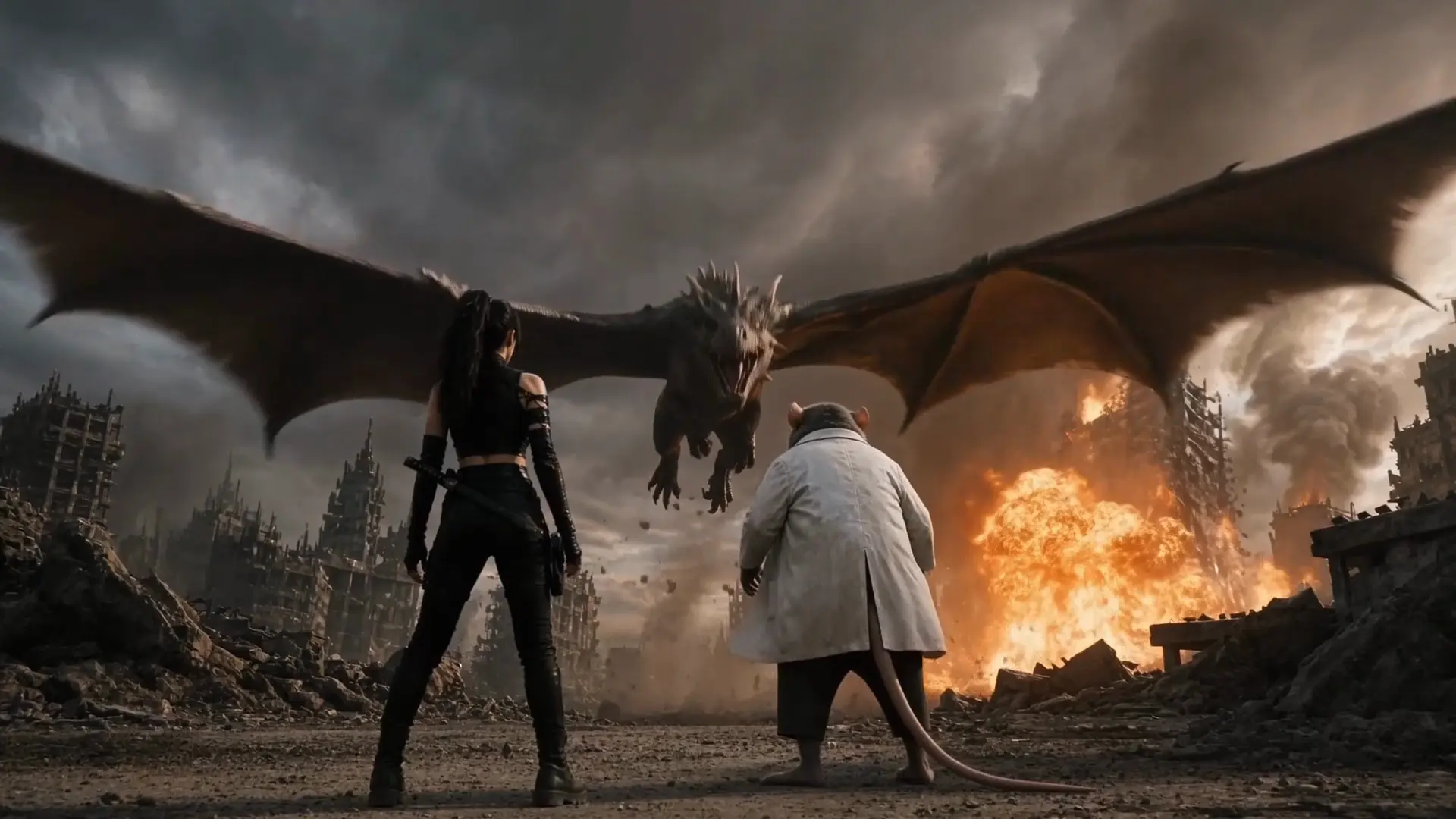
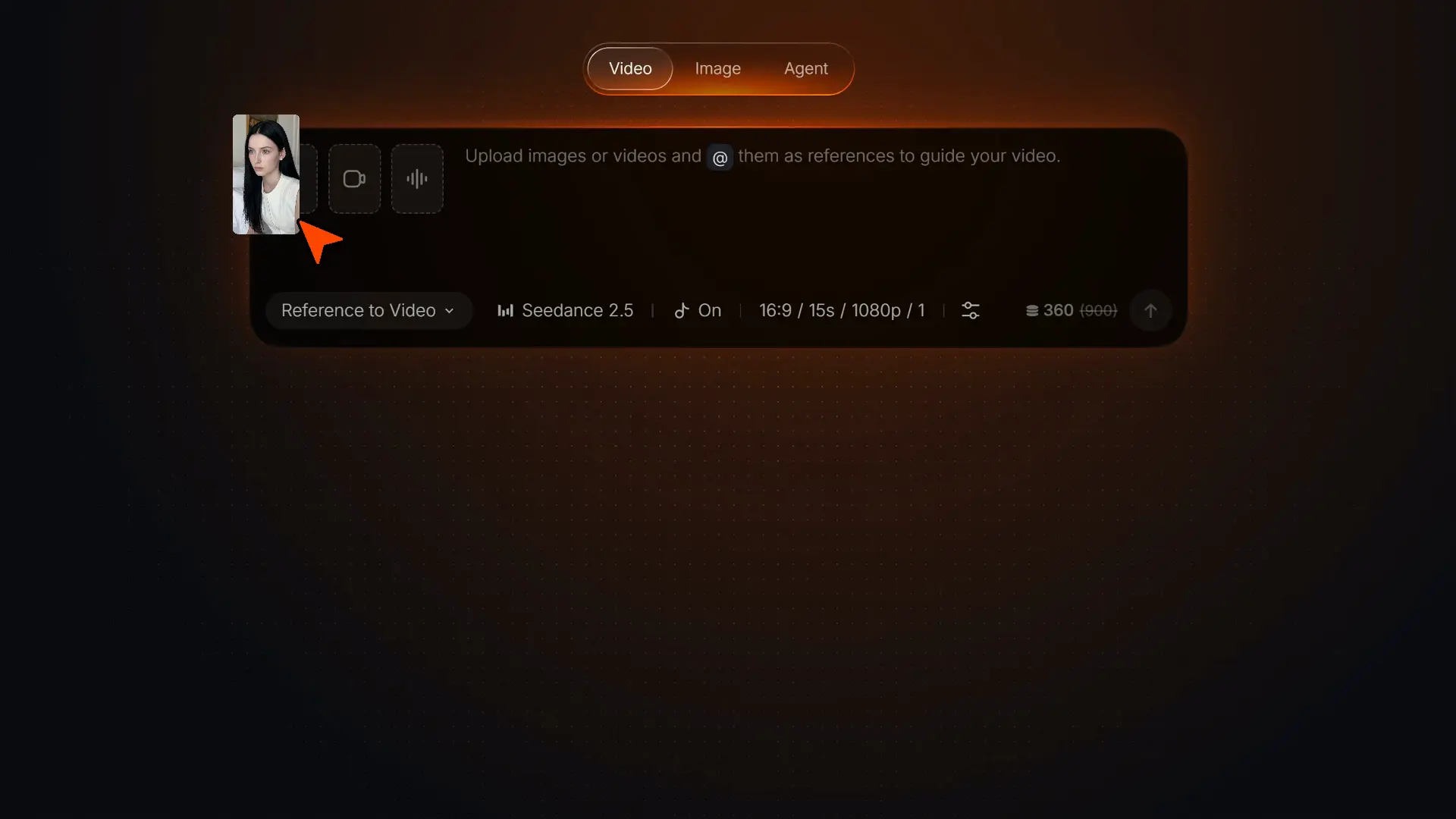
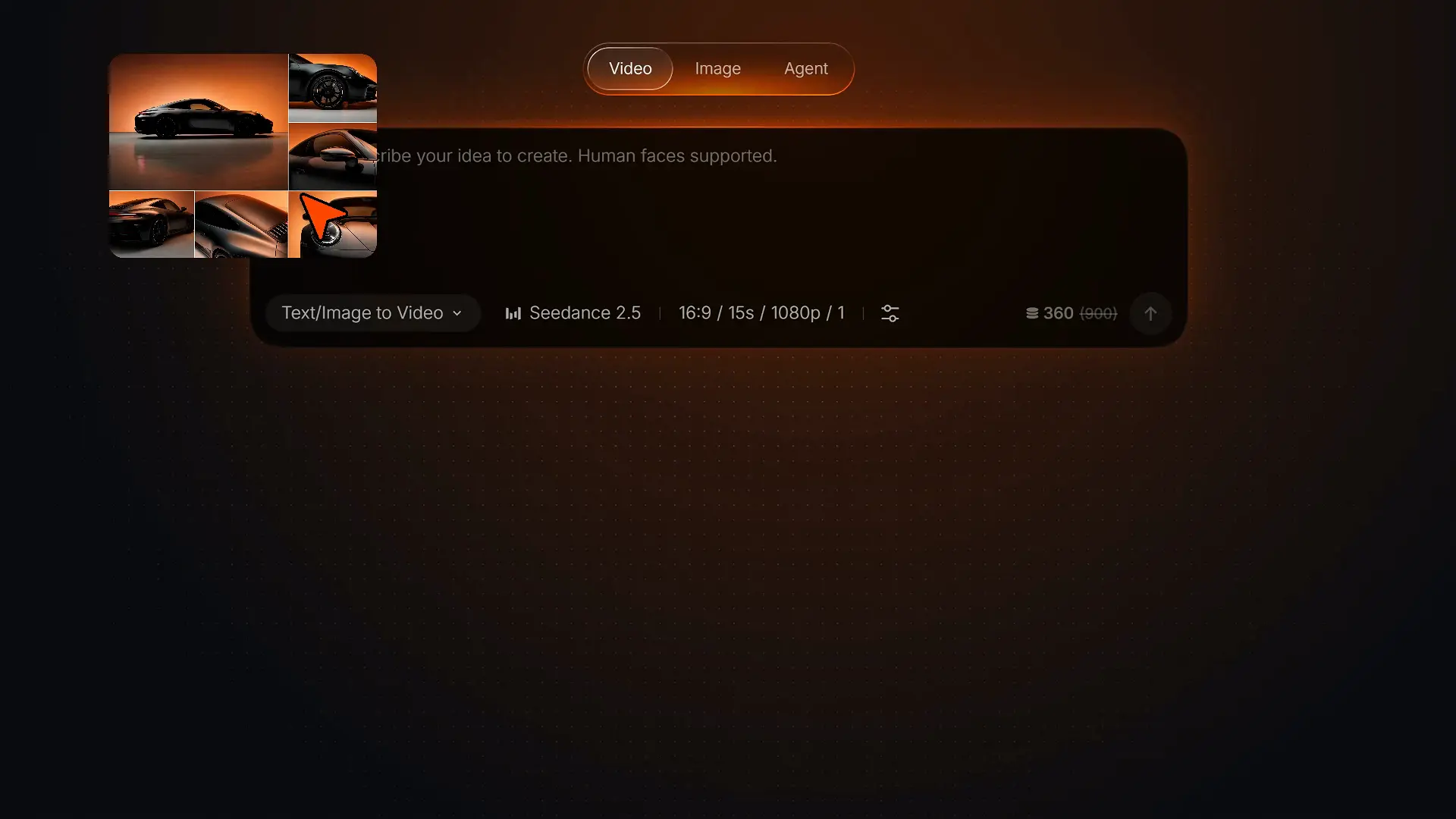
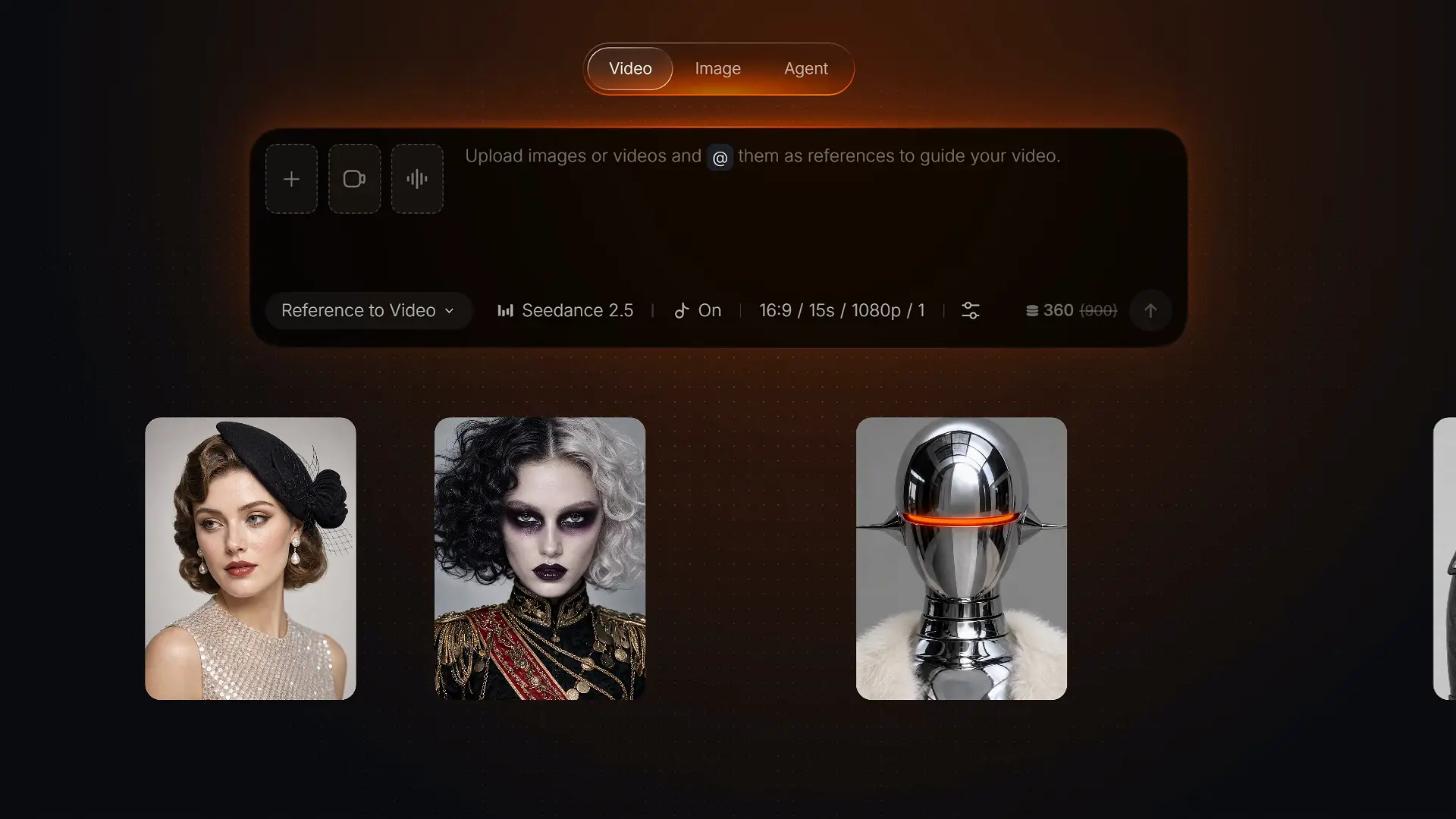
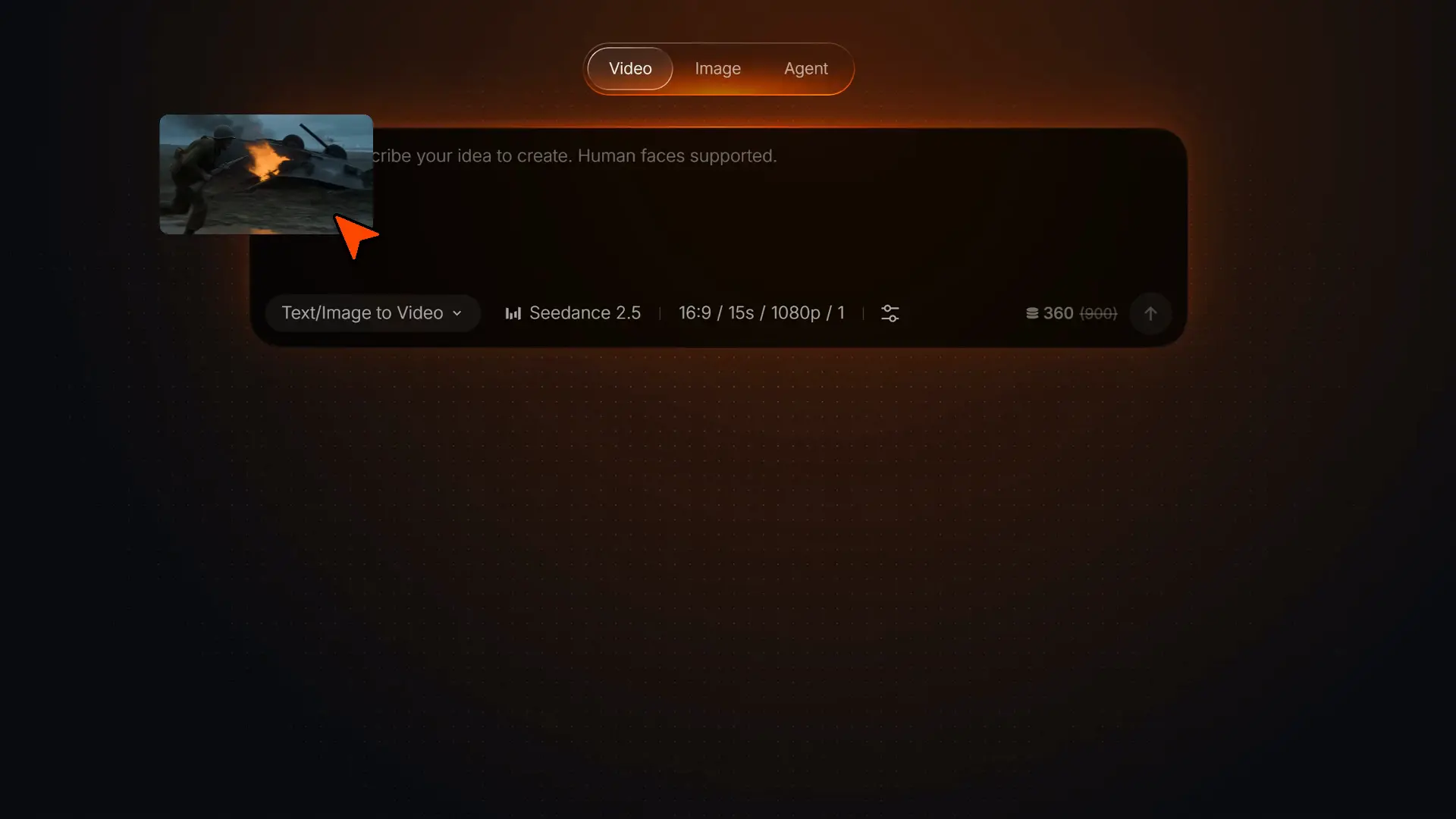
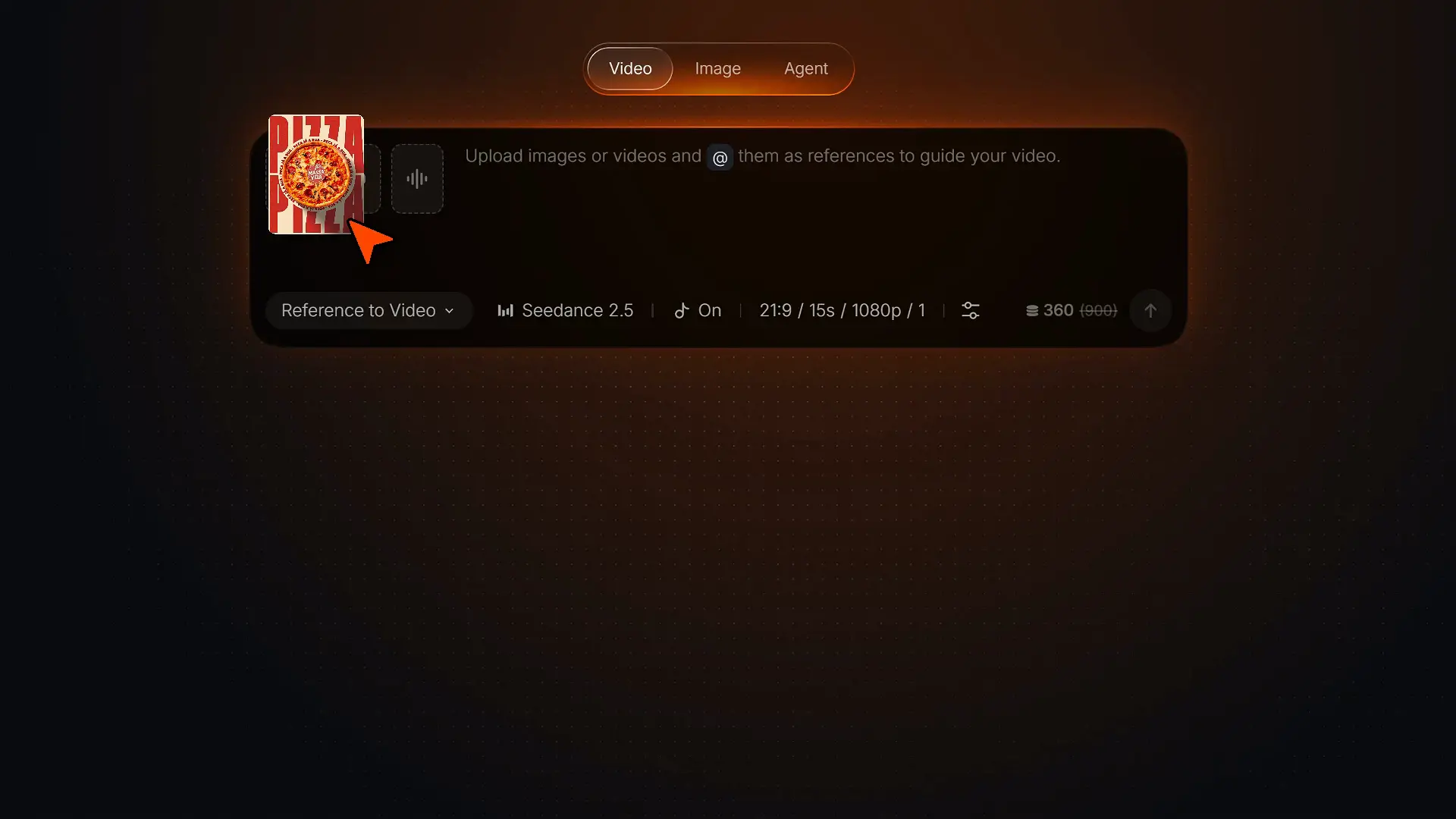
Choose the model that fits your shot and start creating.
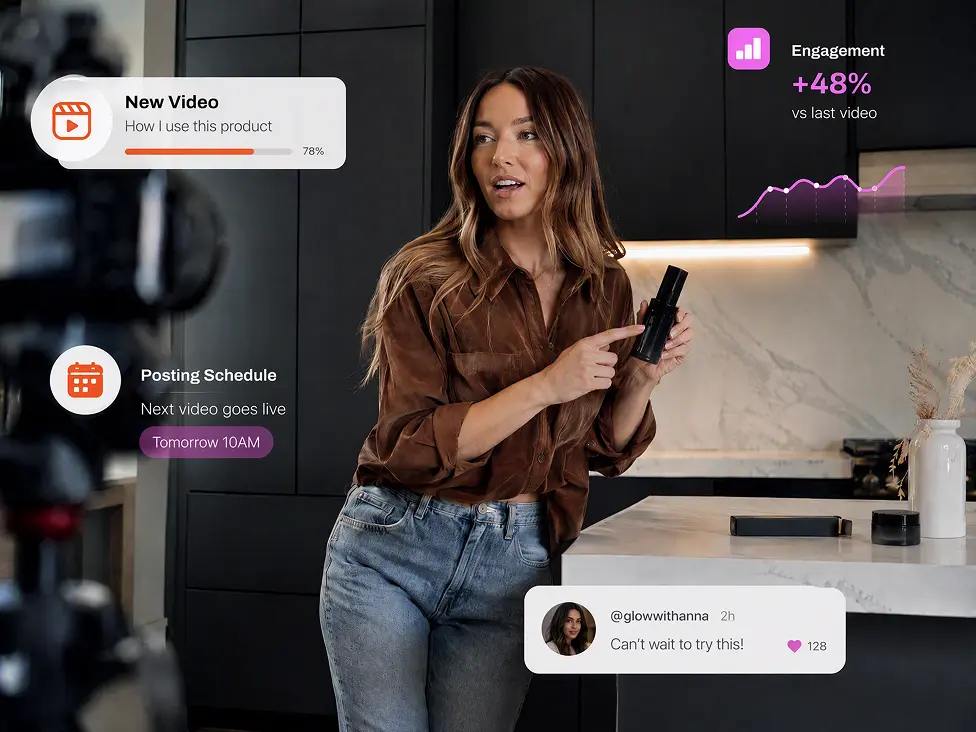
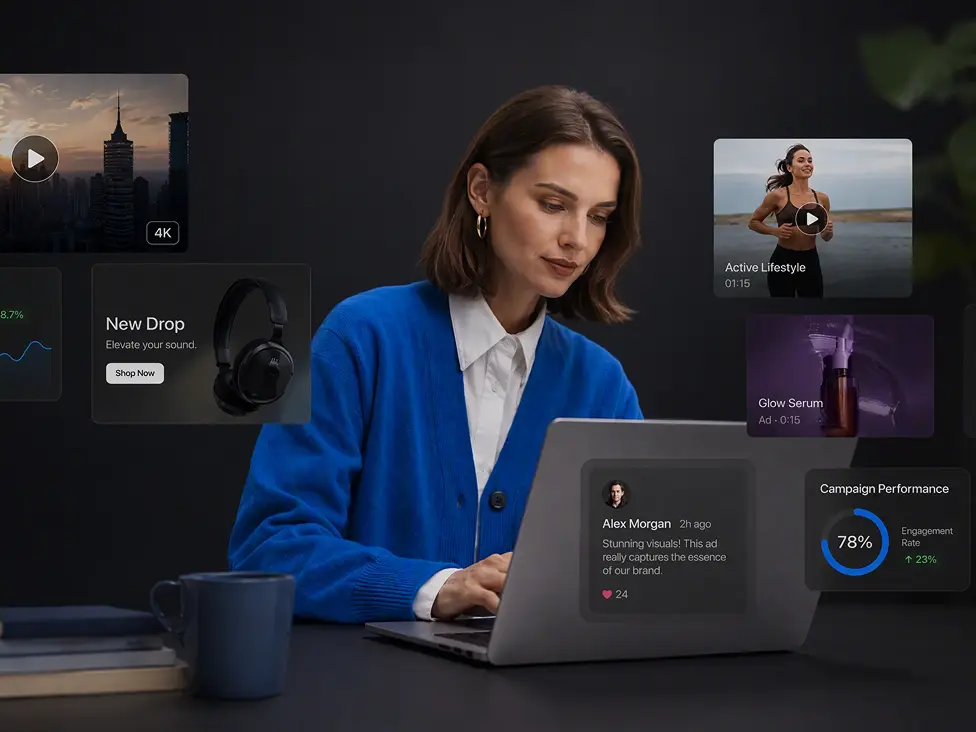
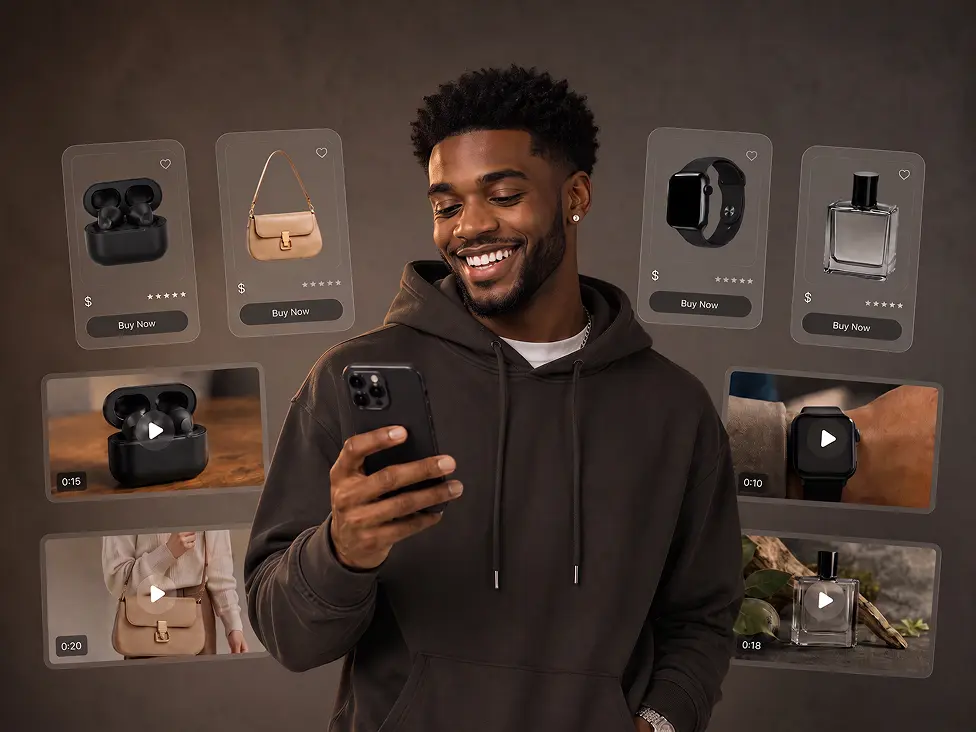
Explore purpose-built apps and powerful AI tools to create, transform, enhance, and personalize every video from first idea to final touch.
With only three steps, you can easily create videos from images with Pollo AI.
Upload one or more images, such as a portrait, product photo, illustration, or concept frame.
State what should happen and how you want the finished shot to feel in your image-to-video prompt.
Create the clip, check the result, and download the version you want to use.
Your next project may begin with a script, existing footage, a recurring character, or a performance reference. These core tools let you continue in the direction that fits the job.
Start with an idea, an asset, or a link, then let Pollo Agent turn it into story videos, video ads, product visuals, social posts, or graphic designs.









Using Pollo AI to Create and Inspire
 Richard Quick
 armourdude
 Dudu
Dudu Ray Warnes
 lawless clan
 Istvan LajosSantiago Saenz
 Gen Zee
 萱兒
萱兒 Dragan Koprivica
 Norma Ponce
 Sarah Stokes
 Sudipta Saha
 Luiz Guyz
 Swishadoptme Swishadoptme
Pollo AI's image to video generator is an AI-powered tool that turns static images into dynamic videos based on your text instructions. It brings still visuals to life with smooth, realistic motion and immersive audio, whether you want to create B-roll videos, movie trailers, or music videos from existing images.
The best image to video AI generator combines flexible customization, high-quality output, and practical editing features. Pollo AI brings these capabilities together with a wide selection of leading models, giving you more ways to shape polished results and explore different creative directions.
Build your prompt around one clear shot: the subject’s action, camera movement, pace or mood, and ending. For example: "The camera circles the product as light moves across it," or "The woman smiles as the camera gently pushes in."
Clear images with a recognizable subject, defined edges, and enough space for movement usually work best. Portraits, product photos, artwork, and scene images can all be animated. Pollo AI supports JPG and PNG files with a minimum resolution of 300 × 300 pixels.
Clear images with a recognizable subject, defined edges, and enough space for movement usually work best. Portraits, product photos, artwork, and scene images can all be animated. Pollo AI supports JPG and PNG files with a minimum resolution of 300 × 300 pixels.
Yes. Pollo AI offers a credit-based free trial, allowing you to explore its image to video features without any upfront cost.
Pollo AI's image to video AI generator lets you create customizable audio as part of the same generation. Upload your image, add a text prompt for motion, and enable Generate Audio to produce a video with immersive, realistic sound.
Pollo AI's image to video AI generator gives you access to more than 50 advanced video models, making it one of the most comprehensive AI video solutions available. These include MiniMax H3, Seedance 2.5, Wan 3.0, Veo 3.1, and Kling 3.0. New models are added as they are released, so you can continue exploring the latest video generation capabilities.
The most common mistake is trying to fit too much into one shot. Center your prompt on one subject and primary action, then add a camera move, pace, and ending that support the same moment.
Choose Image to Video to turn an existing visual into a moving shot. Start with Text to Video when you have an idea but no source image. Use Reference to Video to create new scenes while keeping a character, product, or visual style consistent with the images you provide.
Find practical image-to-video prompts, model guidance, and tips for getting more from image-to-video generation.