



8 Best AI Flat Lay Generators in 2026: My Top Picks for Sales-Ready Photos
A gorgeous flat lay can grab attention, but will it still look like the product you're selling? I compared eight AI flat lay generators to find out which workflows deserve attention.
Quick Answer: Which AI Flat Lay Generator Is Best?
Pollo AI is my pick for the best AI flat lay generator overall. It turns your garment photos into polished overhead images, helping you create consistent, sales-ready clothing listings without studio photography.
The 8 Best AI Flat Lay Generators at a Glance
| AI Tool | Best For | Pricing |
|---|---|---|
| Pollo AI | Consistent fashion catalog launches | From $15/month |
| Adobe Firefly | Precise lighting and shot direction | From $9.99/month |
| Pixelcut | Fast marketplace listing batches | From $8/month |
| Canva | Promotional layouts with text and logos | From $12/month |
| Magnific | Cohesive visuals across campaigns | From $14.50/month |
| Leonardo AI | Realistic textures and lighting | From $10/month |
| Flair AI | Custom prop arrangements and staging | From $8/month |
| Fotor | Quick background edits and retouching | From $3.99/month |
Pollo AI: Best AI Flat Lay Generator Overall
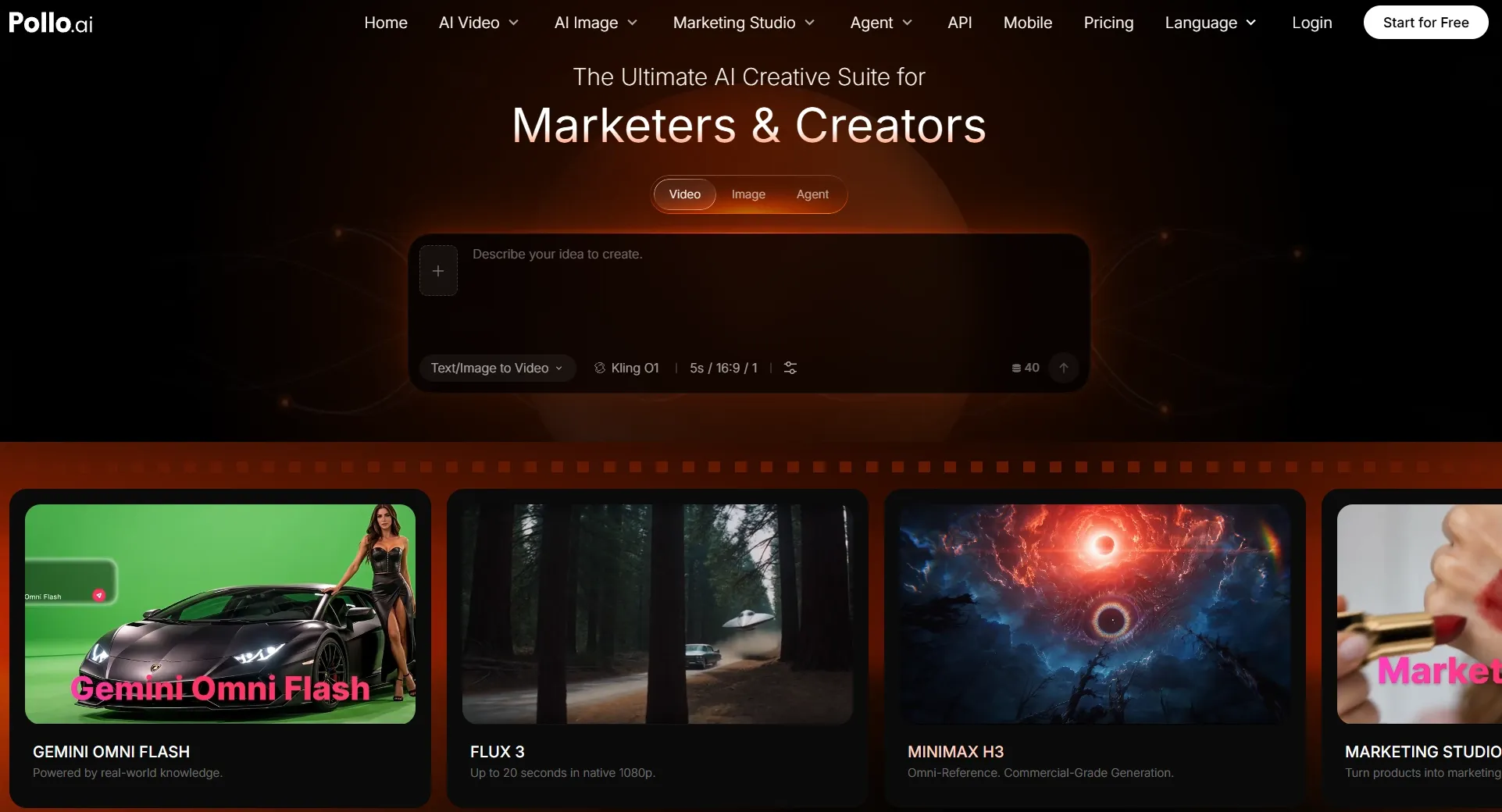
Pollo AI’s flat lay generator ranks first for me because its workflow fits the central challenge of an apparel catalog: keeping the presentation consistent while making differences between garments easy to see.
A dropped shoulder, cropped hem, or wider neckline can be the reason a shopper chooses one shirt over another. Using each garment photo as the reference, I can reuse the same surface, lighting, and framing brief across a collection, then check that those distinctions remain clear.
Beyond flat lays, Pollo AI offers multiple top image models such as GPT Image 2.5 and Nano Banana 2.1. The useful comparison is how each handles the same brief: fabric texture, lighting, and composition.
For campaign artwork, I’d explore different visual treatments; for product listings, I’d select primarily for fidelity to the garment. Model choice gives me more options, but the original product photo remains the reference.
Its image apps reduce the design work involved in turning a campaign idea into a complete visual. The workflows are organized around the intended output, helping bring imagery, text, and layout together in an appropriate format.
For a collection launch, I could use the AI poster generator to combine a product image with the promotional message and compare several designs. That extends Pollo AI’s usefulness beyond the product shot to the launch materials around it, with less manual work arranging each design.
The image tools help me refine and reuse those visuals with less work spread across separate editing apps. Keeping routine cleanup and image enhancement in one platform makes image preparation easier to manage as the number of products and placements grows.
Key Features
- Turns uploaded clothing photos into styled overhead images.
- Adjusts background, lighting, and layout through descriptions.
- Supports consistent-looking fashion listings and campaign imagery.
- Connects with other AI product photography tools.
Best For
- Apparel sellers: Build clearer clothing images for product listings.
- Fashion brands: Present collections with a consistent overhead look.
- E-commerce marketers: Prepare flat lays for seasonal launches and promotions.
Pros:
- Purpose-built for apparel flat lays.
- Simple image-upload workflow.
- Useful across clothing catalogs and promotions.
Cons:
- More apparel-focused than general flat lay tools.
- Product details still need a final visual check.
Create Apparel Flat Lays Without the Studio Setup
Make new arrivals more compelling to shoppers and help turn the attention around your next collection launch into purchases.
Try AI Flat Lay Geneator Now
Adobe Firefly: Best AI Flat Lay Generator for Commercial Product Photos
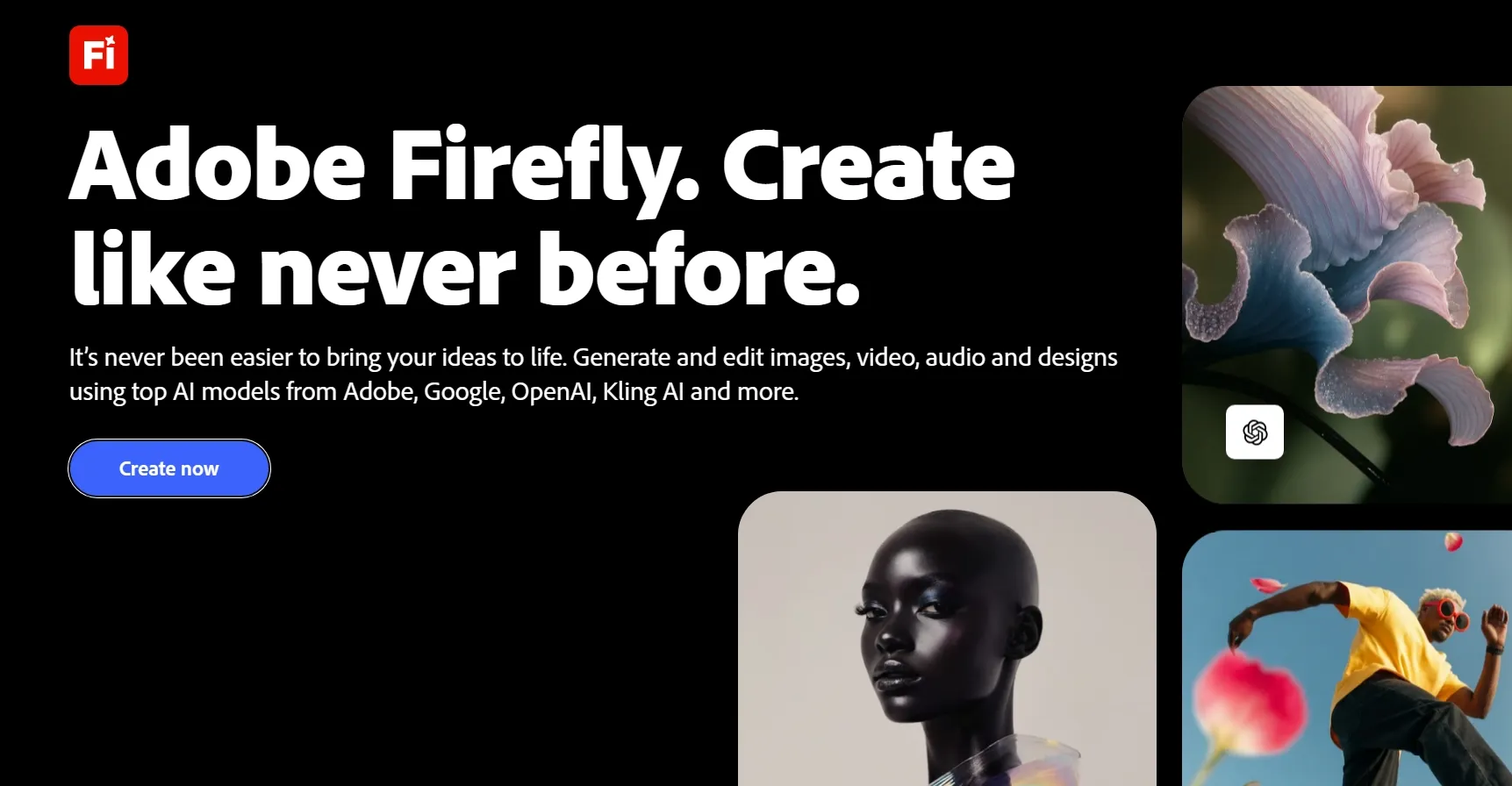
The detail that put Adobe Firefly near the top of my ranking is its explicit straight-down camera direction. Whenever I evaluate a flat lay workflow, I look at the viewpoint before the styling. A beautiful marble background won't help if the product still appears to be photographed from the side.
Firefly offers room to direct the shot through the prompt: position, shadow softness, studio lighting, surface, and overall mood.
I'd approach a sunglasses campaign by first asking for a spare editorial composition, then exploring image relighting for a warmer variation. I'd treat background changes as a separate decision, comparing surfaces only after settling on the light. An uploaded reference can keep that exploration tied to a real product.
The catch is the number of creative decisions involved. Firefly rewards a precise brief, which suits an art-directed campaign but could slow down a batch of plain garment packshots. I would also confirm the selected model's commercial-use terms before putting the final image into paid advertising.
Explore its creative controls in our Adobe Firefly review.
Key Features
- Supports explicit overhead and flat lay camera directions.
- Controls lighting, backdrop, mood, and product framing.
- Accepts reference imagery for visual direction.
Best For
- Product photographers: Develop controlled overhead product compositions.
- Creative agencies: Prepare premium-looking commercial concept images.
- Beauty brands: Explore lighting and backdrop variations for campaigns.
Pros:
- Strong control over commercial photography style.
- Suitable for varied product categories.
Cons:
- Precise results may require prompt iteration.
- Less specialized for apparel catalog conversion.
Pixelcut: Best AI Flat Lay Generator for E-Commerce Product Images
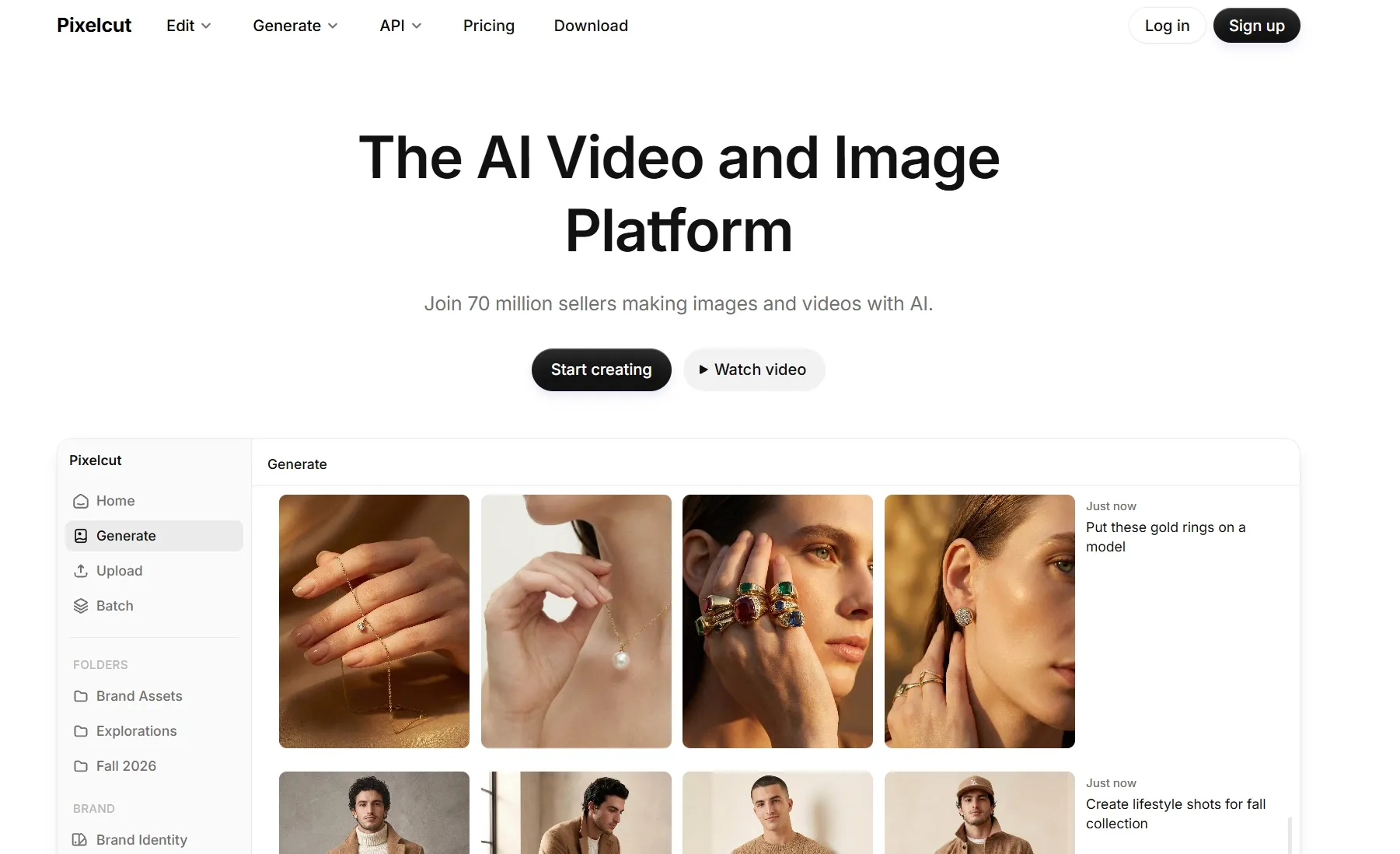
Pixelcut stood out for one practical shortcut: Product Studio has a dedicated flat lay format. I can see exactly where that saves effort in an e-commerce workflow. Instead of repeatedly spelling out the top-down camera angle, you start with the right format and concentrate on the styling.
For an Etsy shop selling candles and stationery, I'd treat the surface as part of the product story: marble for a candle, soft paper for a notebook, or a neutral fabric beneath small accessories. Pixelcut's high-resolution output and batch-oriented features also matter when those images need to work across an entire catalog.
I would choose Pixelcut over a clothing-specific tool for a store with mixed items of merchandise. Its broader product focus is useful, although I'd inspect labels and packaging edges at full size. Paid feature limits and commercial permissions are also worth checking before a large launch.
Key Features
- Dedicated flat lay format in Product Studio.
- Customizes surfaces, props, aspect ratios, and backgrounds.
- Supports high-resolution exports and batch-oriented workflows.
Best For
- Online sellers: Create clean product imagery for marketplaces.
- Small brands: Style candles, cosmetics, stationery, and accessories.
- Catalog teams: Prepare consistent-looking images across many products.
Pros:
- Designed specifically for overhead product photos.
- Practical for catalog-style image sets.
Cons:
- Some advanced features require paid access.
- Fine product details still need checking.
Canva: Best AI Flat Lay Generator for Social Media Graphics
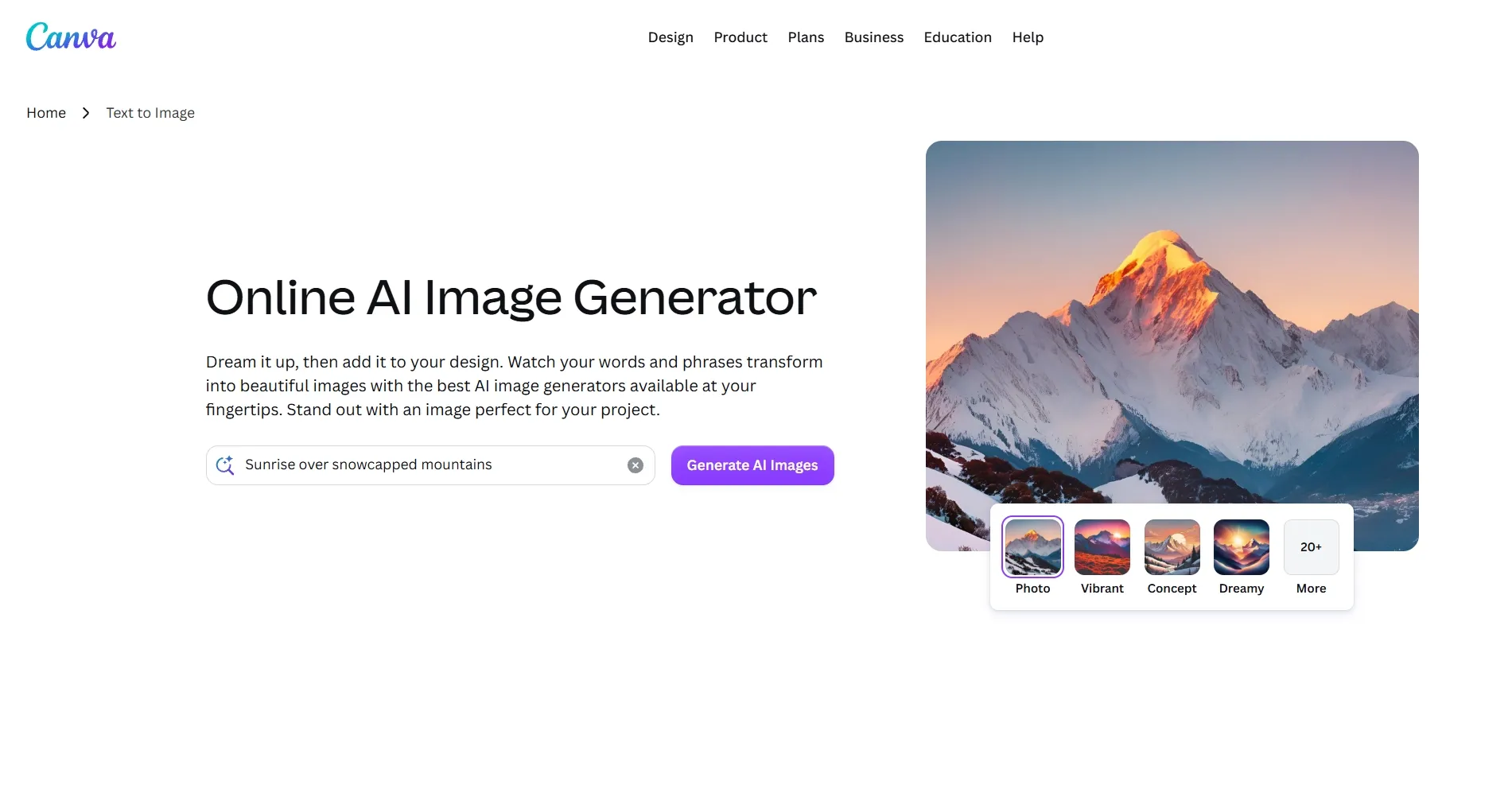
I think of Canva as the place where a flat lay becomes a finished marketing graphic. The overhead photo is often only the starting point; a social media post still needs a headline, logo, price, and an appropriate aspect ratio. Canva keeps those pieces in one design workspace.
For a back-to-school promotion, my brief would be specific: notebooks and pencils seen from above, with empty space reserved for the offer. From there, I can see the appeal of editing the layout, removing a distracting object, or expanding the canvas without moving between separate applications.
That convenience doesn't automatically solve product fidelity. If the task is to show an actual shirt's seams and fit accurately, Canva wouldn't be my first choice. Its strength lies in the completed promotional asset rather than a specialized apparel conversion process.
Discover more of Canva's image tools in our Canva AI review.
Key Features
- Generates images from prompts and reference photos.
- Combines pictures with editable social design layouts.
- Offers AI photo edits, background removal, and expansion.
Best For
- Social media managers: Build branded Instagram and Pinterest graphics.
- Small businesses: Combine product flat lays with promotional messages.
- Content creators: Prepare finished posts without switching editors.
Pros:
- Convenient for finished social media creatives.
- Easy to add copy and branding.
Cons:
- No apparel-specific flat lay workflow.
- Product fidelity needs close inspection.
Magnific: Best AI Flat Lay Generator for Branded Marketing Images
I ranked Magnific for the kind of project where the fifth image should still look related to the first. When a campaign calls for several flat lays, consistency of palette, texture, and visual mood matters more to me than producing one striking standalone composition.
Its image and style references offer a way to carry art direction between generations. I'd build a skincare series around muted stone surfaces and restrained botanical details, then vary the product arrangement while retaining the same lighting language. That is a more demanding brief than simply asking for an overhead view.
The model selection and reference setup also introduce extra decisions. I see that as worthwhile for brand campaigns, yet excessive for photos with a white background. I'd compare the actual labels and package geometry carefully, too, because a coherent style doesn't guarantee faithful product details.
Key Features
- Generates from text, reference photos, or both.
- Guides colors, objects, style, and image composition.
- Offers multiple image models and connected editing tools.
Best For
- Brand designers: Build coordinated flat lay image collections.
- Campaign teams: Develop seasonal visuals around a shared palette.
- Creative studios: Experiment with several photographic directions.
Pros:
- Flexible for coordinated campaign imagery.
- Useful reference-based styling controls.
Cons:
- More setup than a dedicated flat lay tool.
- Exact product representation may need refinement.
Leonardo AI: Best AI Flat Lay Generator for Photorealistic Editorial Photos
With Leonardo AI, my attention shifts from catalog uniformity to photographic atmosphere. Material texture is the first thing I scrutinize in an editorial flat lay. If linen looks synthetic or the shadows disagree about the light source, the scene loses credibility, however attractive the composition.
For a mood board about travel, I'd describe sunglasses, a passport cover, and a linen scarf under directional sunlight. Leonardo's photography-oriented models and reference controls make that kind of visual exploration appealing, especially when the objective is to communicate a lifestyle rather than replicate a stock-keeping unit exactly.
I wouldn't confuse photorealism with product accuracy, however. An invented buckle or altered scarf pattern can hide inside an otherwise convincing photograph. For commercial listings, I'd inspect those details against the merchandise before approving the image.
Find more insights in our Leonardo AI review.
Key Features
- Photography-oriented models for realistic lighting and texture.
- Prompt and image-reference control over the scene.
- Image upscaling and editing for final presentation.
Best For
- Editorial designers: Create detailed fashion and lifestyle flat lays.
- Visual storytellers: Build mood-driven still-life compositions.
- Art directors: Explore realistic textures and lighting concepts.
Pros:
- Strong option for editorial visual concepts.
- Detailed control over photographic mood.
Cons:
- Requires prompt skill for precise overhead framing.
- Less direct for faithful garment catalog shots.
Flair AI: Best AI Flat Lay Generator for Styled Beauty Product Photos
Flair AI reminds me of a digital styling table, and that's why it made this list. Its canvas lets you position product assets and props before AI completes the scene. I prefer that hands-on arrangement when a particular object needs to sit beside, rather than behind, the product.
Take a botanical serum campaign. I'd keep the bottle as the focal point, then use eucalyptus, a small ceramic dish, and folded linen to establish the mood. The reusable templates are useful when the brand needs the same composition for multiple scents or packaging variations.
The price of that control is setup time. Arranging several props is reasonable for a hero image, but less appealing if I need fifty simple product listings before lunch. I would also check which subscription tier covers the planned commercial use.
Key Features
- Drag-and-drop prop and product staging.
- Reusable visual templates for branded scenes.
- Product-focused generation and editing options.
Best For
- Beauty brands: Style skincare and cosmetic product flat lays.
- Product marketers: Create prop-rich lifestyle campaign images.
- Creative teams: Reuse branded compositions across launches.
Pros:
- Well suited to prop-rich product compositions.
- Helpful for repeatable branded scenes.
Cons:
- More styling work than a one-step generator.
- Commercial terms vary by subscription tier.
Fotor: Best AI Flat Lay Generator for Everyday Lifestyle Product Photos
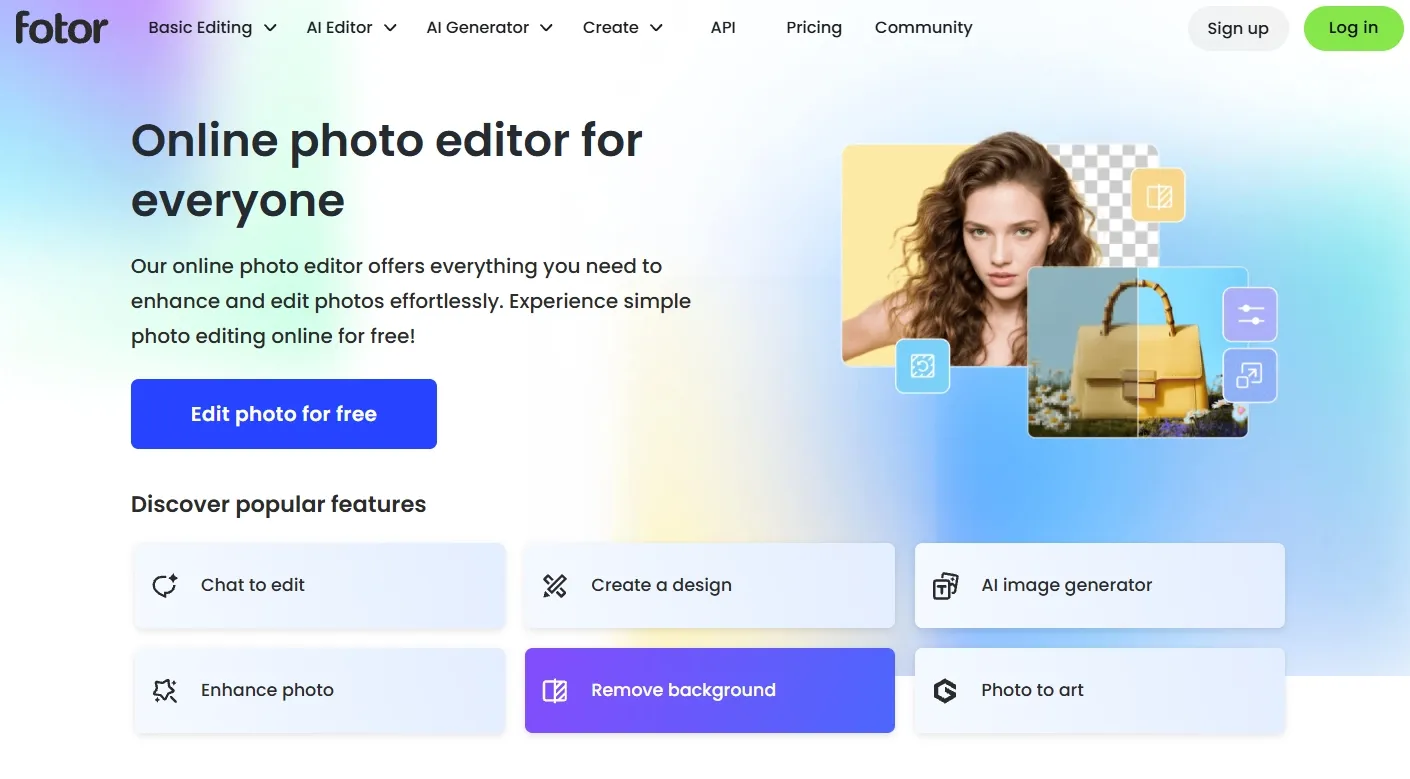
I put Fotor last because its appeal is practical rather than specialized. It handles familiar product-image chores—new backgrounds, alternate scenes, retouching, and enhancement—without requiring an elaborate creative brief. That suits the everyday work of keeping an online shop's product images fresh.
If I were refreshing a desk organizer listing, I'd aim for a quiet tabletop with soft light and minimal clutter. After the scene is generated, I would want to remove stray objects, sharpen the product, and resize the file for the marketplace. Fotor keeps those finishing functions close to the generation workflow.
The part I'd watch most closely is camera perspective. Because Fotor lacks a dedicated flat lay mode, the prompt needs to ask explicitly for a straight-down view. Without that instruction, an attractive lifestyle photograph may still miss the overhead format entirely.
See our Fotor review for a closer look at its editing tools.
Key Features
- Creates new product scenes from uploaded images.
- Offers AI backgrounds, alternate views, and photo enhancement.
- Includes tools for e-commerce listing assets.
Best For
- Marketplace sellers: Refresh simple household product images.
- Casual creators: Make clean lifestyle flat lays quickly.
- Small shop owners: Combine new scenes with basic retouching.
Pros:
- Accessible for quick product image improvements.
- Combines generation with everyday photo editing.
Cons:
- Lacks a dedicated flat lay mode.
- Precise top-down layouts may require retries.
How I Evaluated These AI Flat Lay Generators
I approached this review as a product-image project, not an art contest. My first question was whether each workflow could help present something a shopper might actually buy. A striking overhead image loses its value if the garment's buttons, the cosmetic label, or an accessory's shape no longer matches the item.
Working through the available creation flows also made me consider how much effort sits between the starting image and the finished asset. Some platforms provide a product upload and an overhead preset. Others ask for a scene description, model selection, and multiple design decisions. I assessed those differences according to the job each tool is meant to do.
I used seven criteria to organize my review:
- Flat lay composition: Can I clearly request a straight-down camera angle, balanced spacing, and a suitable surface?
- Product accuracy: Does the workflow start from an actual product image, and what controls help retain its recognizable features?
- Lighting and materials: Can I guide shadows, fabric textures, reflections, and the atmosphere of the scene?
- Creative direction: Can I add props, reference images, color palettes, or a consistent visual style?
- E-commerce suitability: Would the format make sense for clothing listings, product pages, social promotions, or campaign sets?
- Ease of use: How many decisions are involved between uploading or describing a product and exporting the image?
- Workflow and pricing: Are editing, resizing, batch operations, usable exports, and commercial rights available at a practical cost?
My assessment draws on the available creation workflows, feature details, and published examples; it is not a controlled image-quality test using identical source products. In an actual store workflow, my final check would always be a full-size comparison with the original merchandise, particularly its colors, seams, logos, and proportions.
My Final Verdict
The biggest takeaway from testing these eight AI flat lay generators is that the “best” tool depends on what you need the image to do. Some platforms prioritize creative control, others make catalog production faster, and a few are better suited to polished campaign assets.
Across all of them, I’d still put product accuracy first: an attractive flat lay has limited value if the garment shape, label, or proportions no longer match what the customer will receive.
That is why Pollo AI remains my overall recommendation for apparel-focused flat lays. Its workflow starts from the actual garment, makes it easier to keep presentation consistent across a collection, and connects naturally to the broader image needs that follow a product shoot.
For fashion sellers, that combination matters more than having the most elaborate styling controls: it helps turn existing clothing photos into clearer, more scalable product imagery that can support both catalog consistency and sales.
If your next collection needs a stronger visual system without rebuilding every product image from scratch, try Pollo AI's flat lay generator.