



8 Best AI Logo Generators in 2027: My Top Picks
A good logo should make your business easy to recognize on your website, packaging, and social profiles. AI tools can help, but they vary in how well they handle lettering, symbols, and brand style. I compared eight AI logo generators for 2027 to find the most practical options. Here’s how they rank.
TL;DR
Pollo AI is my top pick for an AI logo generator in 2027. Its combination of brand-focused prompting, varied logo structures, and access to multiple image models makes it my strongest overall recommendation.
Kittl takes second place for hands-on typography customization, while Canva comes third for incorporating logos into existing design projects. The remaining tools suit narrower needs, including restyling, reference-based exploration, and quick visual concepts.
What Makes a Good AI Logo Generator?
A good AI logo generator should help you communicate what the business does and how you want customers to perceive it. An attractive symbol is only useful if it supports that identity.
I also look for different logo structures, including wordmarks, icons, badges, monograms, and combination marks. The final design should remain recognizable in its intended placements, and the download format should match your website, printing, or editing needs.
Best AI Logo Generators at a Glance
| Rank | Tool | Best for | Main consideration |
| 1 | Pollo AI | Overall brand-focused logo creation | Clear briefs help focus the results |
| 2 | Kittl | Typography and hands-on customization | More decisions inside the editor |
| 3 | Canva | Logos within an existing design workflow | Refinement continues in the editor |
| 4 | Dzine | Restyling existing logo ideas | Most useful with an established direction |
| 5 | Fotor | Straightforward text- and image-based concepts | Reference inputs need a clear purpose |
| 6 | OpenArt | Comparing model interpretations | More experimentation and selection |
| 7 | LightX | Simple prompt-based variations | Documented downloads are JPEG and PNG |
| 8 | insMind | Beginner-friendly style exploration | High-resolution downloads require Pro |
1. Pollo AI — Best AI Logo Generator Overall
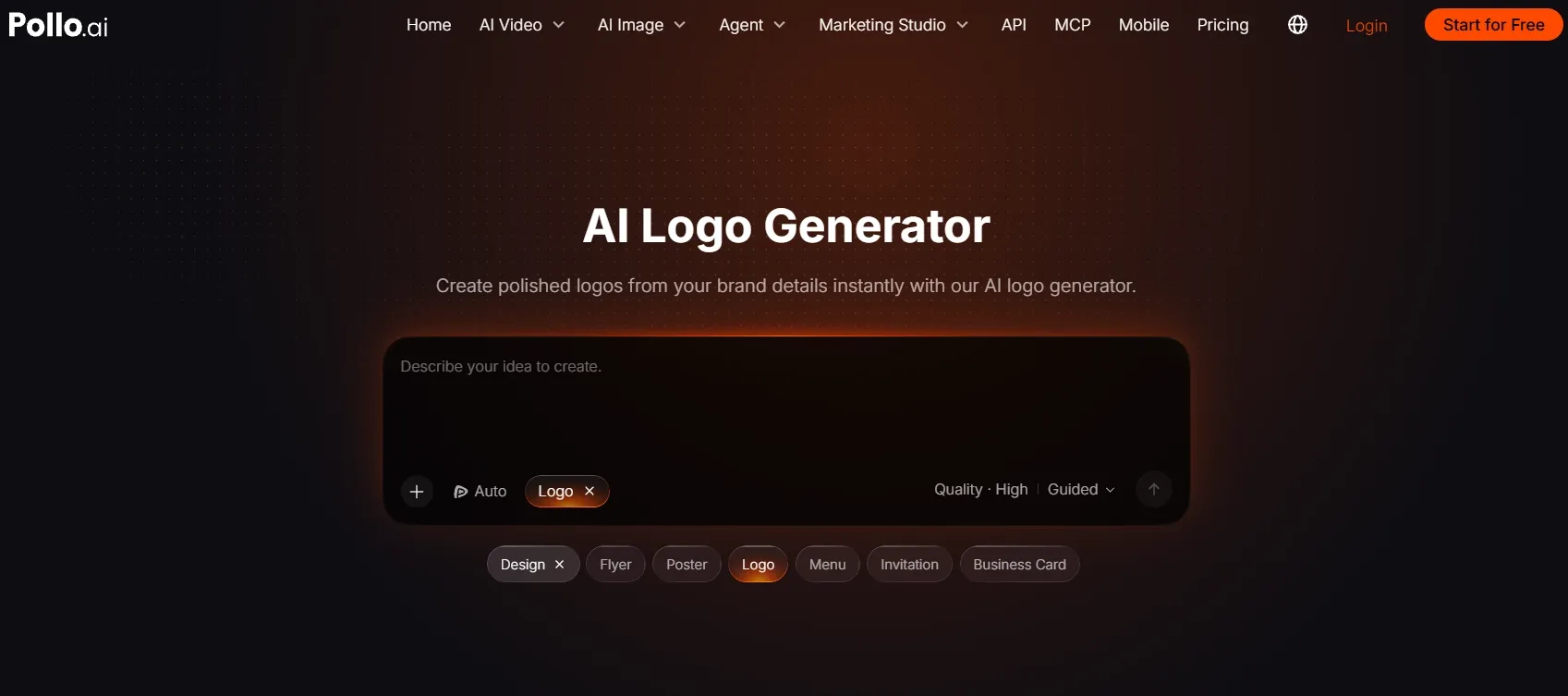
Best for: Startups, small businesses, creators, and brand teams developing a recognizable visual identity.
Pollo AI takes first place because its workflow starts with the business behind the design. You can describe the audience, product strengths, mood, colors, symbols, and typography before exploring logo concepts for a new brand. That makes it my strongest starting recommendation when the identity is still taking shape.
It supports different structures, including icons, wordmarks, badges, and combination marks. I like having those options because a website header and a social profile need different compositions, even when they represent the same business.
Pollo AI is also a multi-model AI image generator, with options including GPT Image 2.5 and Seedream 5.0. That broader model access gives you more room to explore visual directions and develop supporting brand imagery within one platform.
The supporting tools make the chosen direction easier to use. You can prepare PNG logos for website headers and digital layouts, or create transparent logos for product photos when the design needs to sit over an existing image.
The workflow can continue into branded business cards for client meetings. That connection between the original brand brief and practical placements is why I put Pollo AI clearly ahead overall.
Prompt I tested: “Create a minimalist logo for NORTHLINE, an urban cycling accessories brand. Combine a geometric N with a subtle forward-motion symbol. Use charcoal and electric lime, clear sans-serif lettering, balanced spacing, and a flat white background. Keep the symbol recognizable at small sizes.”
What I got: The strongest concept integrated the forward-motion detail into the N itself, giving the symbol a clear connection to the brand. The charcoal lettering stayed readable, while the lime accent added energy without overwhelming the composition. The symbol also worked on its own, making the direction feel useful for both a website header and a compact profile image.
Pros:
- Brand-focused prompts and flexible style control.
- Icon, wordmark, badge, and combination layouts.
- Multiple image models in one platform.
- Connected tools for practical brand assets.
Cons:
- Dependence on clear prompts.
- Several variations before final selection.
- Extra prompting for complex marks.
My verdict: Pollo AI is my clear overall winner for a new logo project. The combination of brand direction, structural flexibility, model choice, and supporting tools makes it the most complete starting point in this ranking.
2. Kittl — Best for Typography Customization
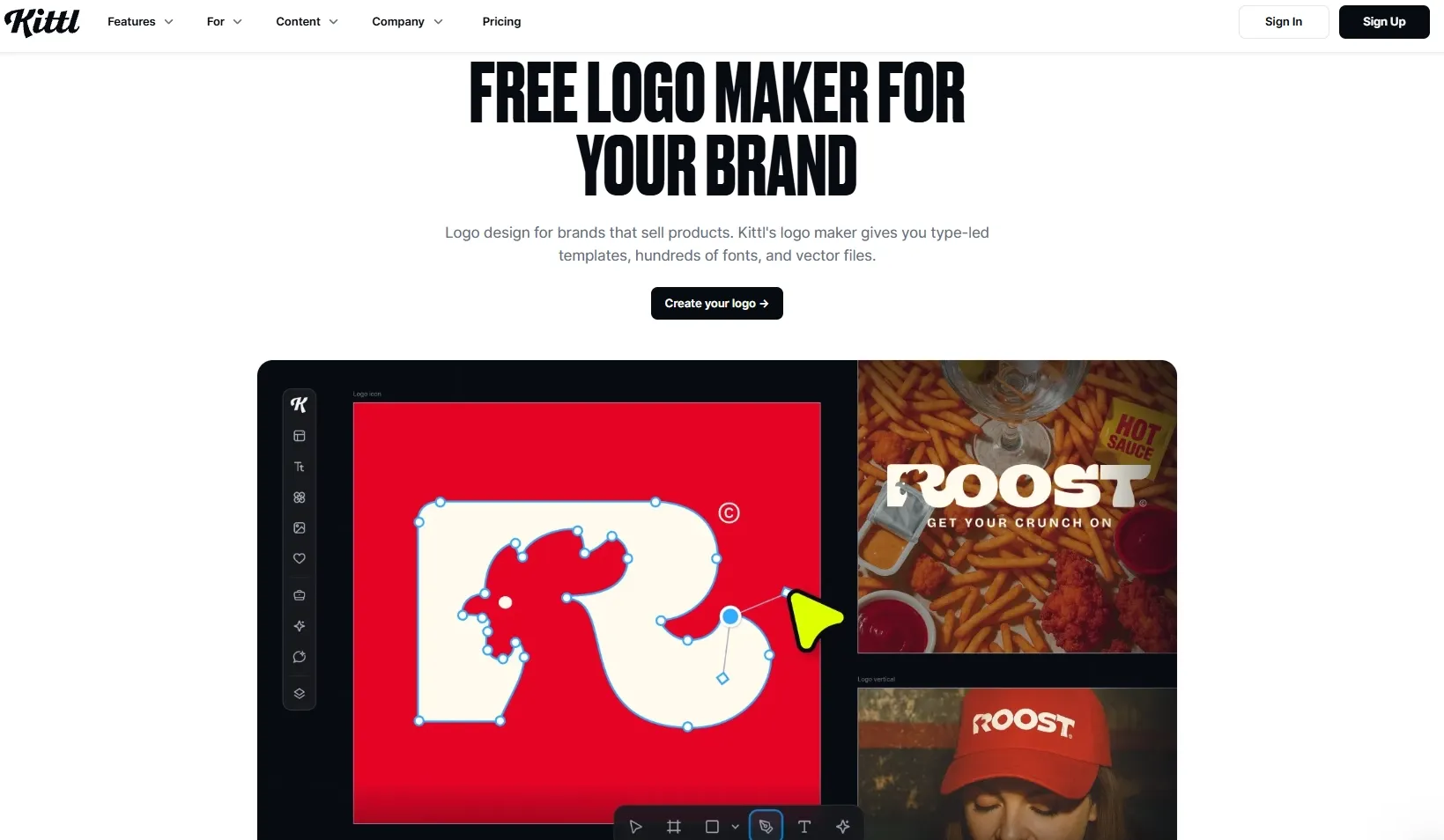
Best for: Users who want to refine lettering, layout, colors, and effects after generating a concept.
Kittl’s main advantage is its editor. The AI generator provides a starting concept, while the design environment offers direct control over typography, spacing, text effects, fonts, and layout.
For lettering-led projects, I care most about whether typography logos on packaging communicate the brand clearly before decorative effects are added. The name should remain readable when the design moves from a large preview to a small label.
The same principle applies to clothing brand logos on labels and hangtags: spacing, contrast, and recognizable letterforms matter more than elaborate styling.
Prompt I tested: “Create a vintage badge logo for HARBOR ROAST coffee. Use bold serif lettering, a simple lighthouse symbol, navy and cream, and a balanced circular composition.”
What I got: The result had a recognizable café identity, with substantial serif lettering and a lighthouse centered inside the badge. The main structure worked, but the curved wording felt crowded, and the decorative borders competed with the symbol. Adjusting the spacing and removing smaller details helped the design feel more balanced.
Pros:
- Extensive typography tools.
- Detailed layout customization.
- Fonts, graphics, and text effects.
- Multiple export formats.
Cons:
- Additional editor work.
- More styling decisions.
- Token-based free generation.
My verdict: Kittl earns second place for users who specifically want hands-on customization. I would still start with Pollo AI when the larger task is discovering the brand’s visual direction.
3. Canva — Best for Logo Creation Within a Larger Design Workflow
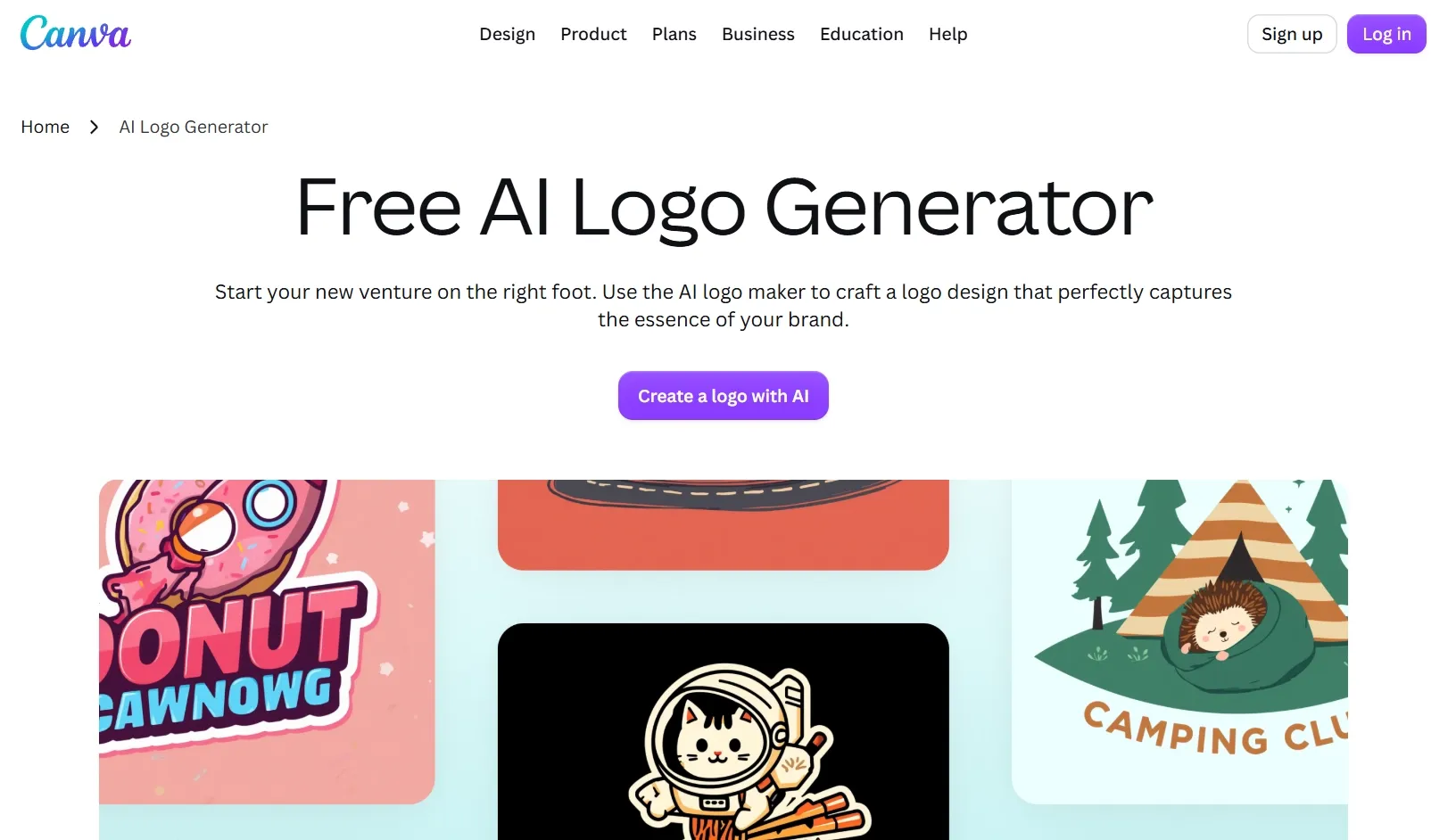
Best for: Teams already creating social graphics, presentations, and promotional materials in Canva.
Canva lets you generate a logo from a prompt and continue working on it inside its editor. That convenience matters when the design immediately needs to appear across existing marketing materials.
For social branding, I would judge Instagram profile logos inside a small circular crop before choosing a direction. A balanced full-size design can lose its impact when only the central symbol remains visible.
For video creators, YouTube channel logos need a similarly clear silhouette that connects the profile image with banners and thumbnails.
Prompt I tested: “Create a friendly logo for LITTLE GROVE, a neighborhood plant shop. Use a simple sprout symbol, rounded lettering, forest green, and a clean cream background.”
What I got: The logo communicated the plant-shop theme immediately through a simple sprout and approachable rounded lettering. The green-and-cream palette suited the brief, although the symbol felt familiar and gave the brand less personality than I wanted. It provided a workable starting point for everyday graphics, with further customization needed to make the identity distinctive.
Pros:
- Straightforward prompt-based creation.
- Familiar editing environment.
- Convenient reuse across projects.
- Team sharing and collaboration.
Cons:
- Separate refinement steps.
- Plan-dependent design features.
- Generated elements may need rebuilding.
My verdict: Canva takes third place for convenience within an established workflow. I would prioritize it when the team’s existing design environment is the deciding factor.
4. Dzine — Best for Restyling Existing Logo Concepts
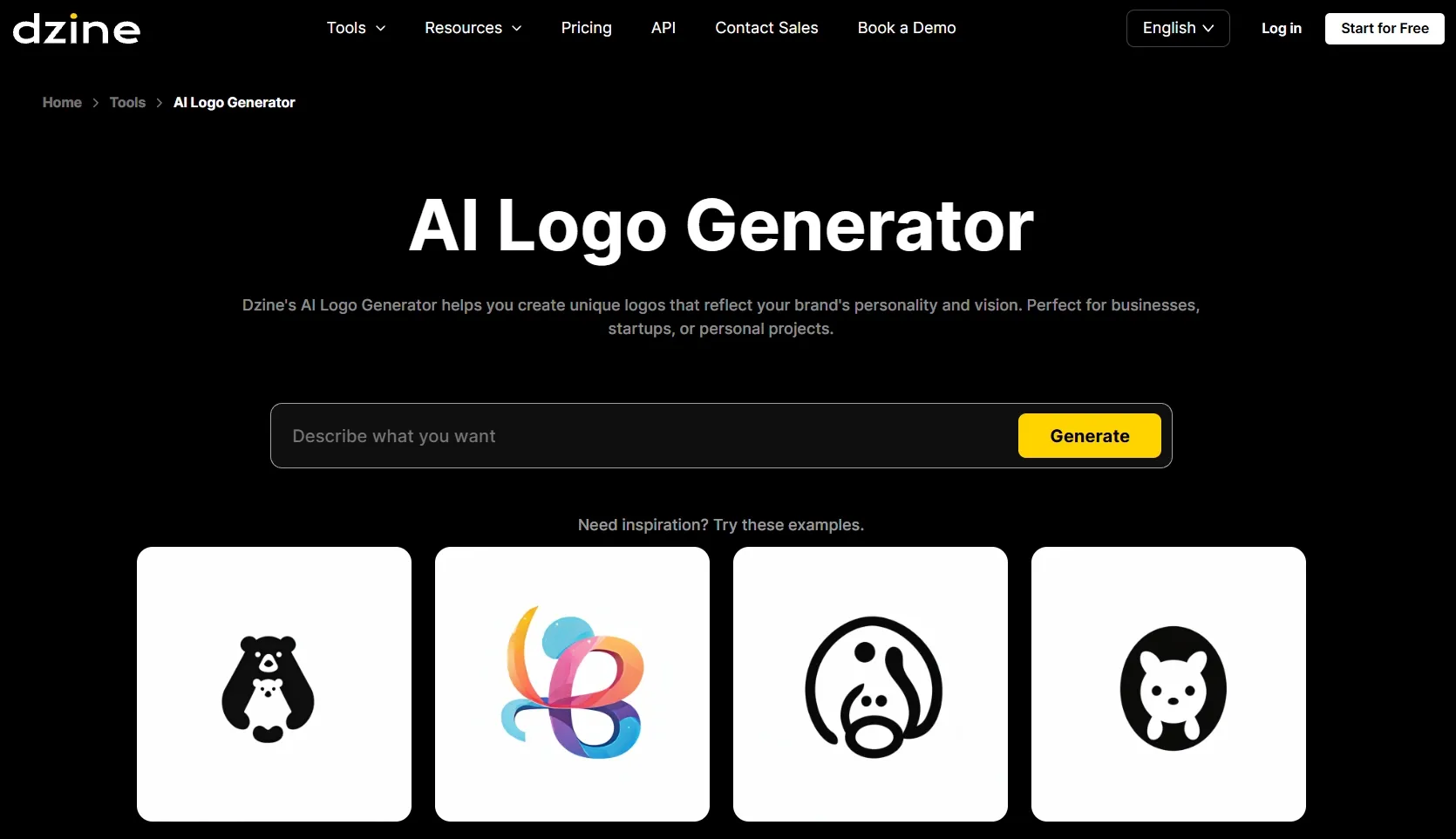
Best for: Users with a rough sketch, logo idea, or reference they want to develop.
Dzine supports both prompt-based generation and image-to-image logo design. That makes it useful when the basic concept exists and the next decision concerns its appearance.
When exploring 3D logos for launch graphics, I would keep a flat version beside the dimensional treatment. Depth, reflections, and texture can add impact to a presentation, while the underlying silhouette still needs to work in smaller placements.
Prompt I tested: “Develop this rough mountain emblem into a clean outdoor-brand logo for RIDGEWAY. Simplify the shapes, use dark green, and pair it with sturdy uppercase lettering.”
What I got: The clearest version preserved the mountain’s main silhouette and paired it with solid uppercase lettering. Some variations introduced shading and additional ridgelines, which made the emblem feel more like an illustration. The flatter direction was more useful, although the symbol and wordmark needed closer alignment.
Pros:
- Text and image starting points.
- Reference-based style exploration.
- Logo and text treatments.
- Background-removal tools.
Cons:
- Greater reliance on visual direction.
- Extra review after restyling.
- Decorative effects can complicate scaling.
My verdict: Dzine is a focused fourth-place option for restyling. I would consider it once the core idea is recognizable and the task is developing its visual treatment.
5. Fotor — Best for Simple Logo Concepts
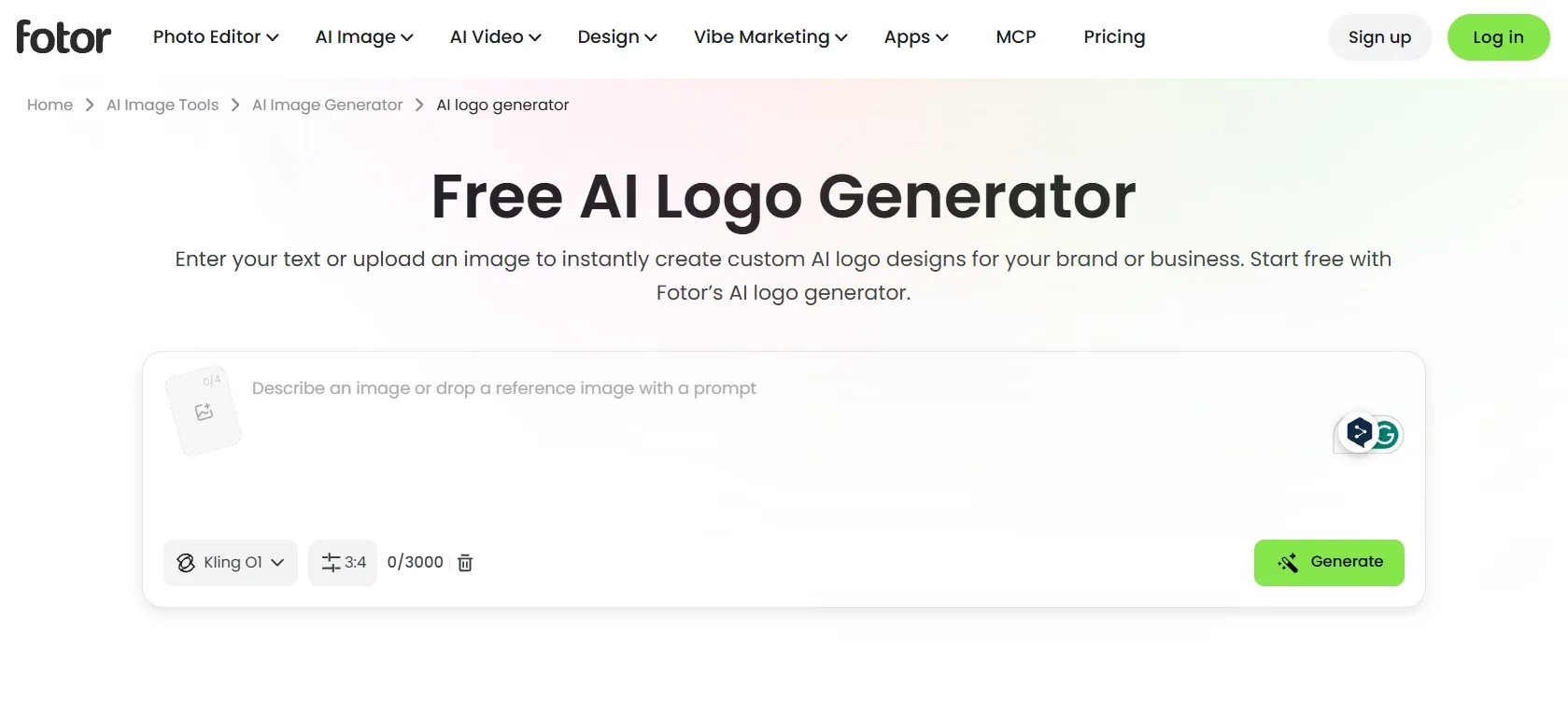
Best for: Users creating an initial direction from a short prompt or reference image.
Fotor supports wordmarks, icon logos, abstract symbols, and combination logos. Image references can also help communicate a particular shape, palette, or mood.
For small retail brands, I would consider the intended placement early. Circular logos for product labels and packaging seals need balanced borders, a clear center, and lettering that remains readable inside a compact shape.
Prompt I tested: “Create a simple logo for PAW & CO, a pet accessories shop. Combine a rounded paw symbol with friendly lettering. Use coral and charcoal, flat shapes, and no extra decoration.”
What I got: The coral paw and charcoal lettering made the business category easy to recognize. However, the paw felt generic, and its visual weight overpowered the relatively small business name. The concept was approachable, but it needed a more distinctive symbol and better proportions before I would choose it for the brand.
Pros:
- Written prompts and image references.
- Several common logo structures.
- Accessible concept-generation workflow.
- Supporting image-editing tools.
Cons:
- Reference selection takes judgment.
- Multiple inputs can dilute direction.
- Final concepts need placement checks.
My verdict: Fotor is a reasonable fifth-place choice for uncomplicated briefs. I would use it to establish an initial concept before deciding whether the identity needs more development.
6. OpenArt — Best for Comparing Model Interpretations
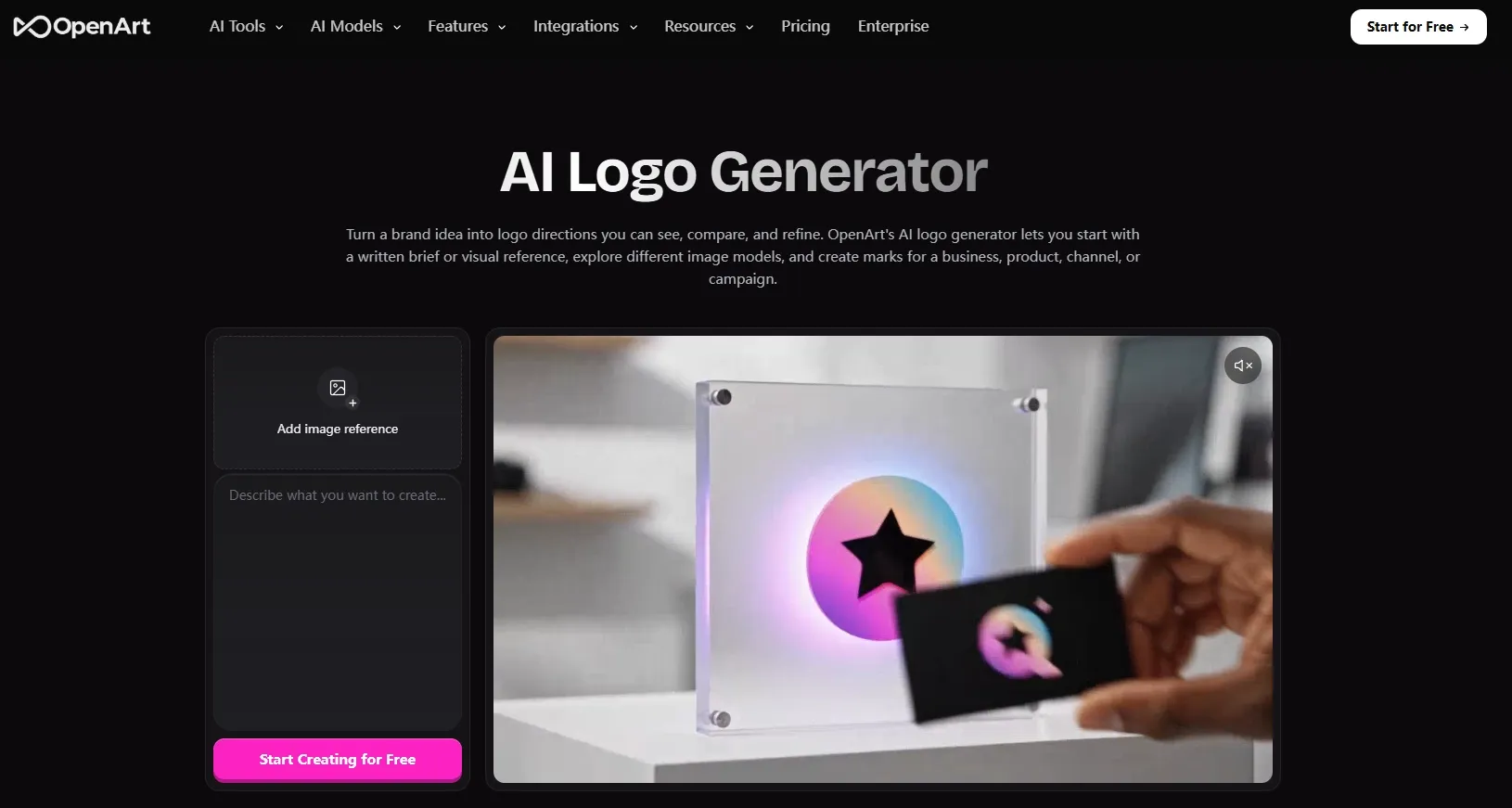
Best for: Creators who want to explore how different AI models interpret the same brief.
OpenArt supports written briefs, visual references, model comparison, and image refinement. I would consider it when examining several interpretations is part of the creative process.
Before comparing models, I would decide whether the brief calls for an abstract symbol, a full wordmark, or initial-based logos for startup branding. Those structures solve different recognition problems, so choosing one first makes the comparison more useful.
Prompt I tested: “Create an abstract logo for ORBITAL, a data analytics company. Use two interlocking geometric forms, midnight blue, generous negative space, and a simple wordmark.”
What I got: The variations explored several interpretations of the interlocking forms, from compact loops to wider orbital shapes. A few looked interesting at full size, but the overlapping areas became difficult to distinguish when reduced. I had to narrow the direction and simplify the geometry before the concept felt suitable for a small brand mark.
Pros:
- Multiple model choices.
- Written and visual references.
- Image refinement tools.
- Flexible concept exploration.
Cons:
- More model-selection decisions.
- Additional iterations to compare.
- Separate vector-production workflow.
My verdict: OpenArt ranks sixth as an option for deliberate experimentation. Its flexibility is relevant to that specific process, but I would choose a more direct workflow for a straightforward business logo.
7. LightX — Best for Quick Prompt-Based Variations
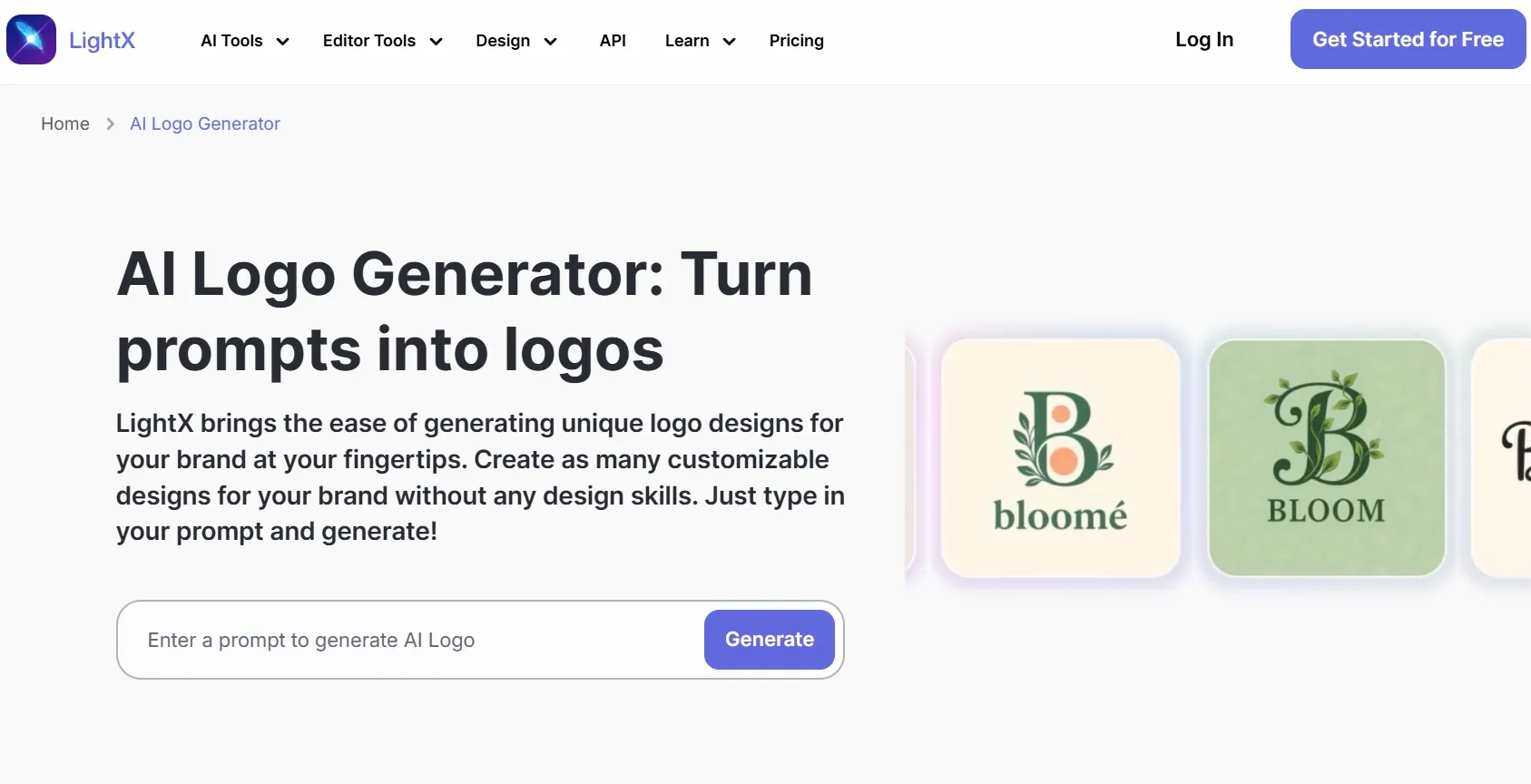
Best for: Creators exploring a simple emblem, monogram, or channel mark.
LightX lets you describe a logo, choose a style and orientation, and request changes through additional prompts. I would consider it for a focused digital project where a small set of visual directions is enough.
For Twitch channel identities, I would prioritize a recognizable mascot or silhouette over tiny decorative details. The symbol needs to remain clear in directories, chat, and compact profile placements.
For Discord community icons, one strong shape usually communicates the group’s identity more clearly than a crowded composition.
Prompt I tested: “Create a bold fox-head emblem for a gaming channel called FOXBYTE. Use orange and black, a symmetrical silhouette, and minimal detail.”
What I got: The orange-and-black palette created strong contrast, and the fox was immediately recognizable. However, extra fur lines and sharp accents made the emblem busier than requested, while the lettering felt disconnected from the face. It suggested a usable gaming direction, but needed simplification and a more cohesive layout.
Pros:
- Simple written-prompt workflow.
- Style preset options.
- Portrait, square, and landscape layouts.
- Prompt-based revision controls.
Cons:
- JPEG and PNG downloads.
- Extra checking after revisions.
- Limited fit for complex identity systems.
My verdict: LightX is a seventh-place option for smaller digital projects. I would use it for focused visual exploration rather than make it my first choice for a broader business identity.
8. insMind — Best for Beginner-Friendly Style Exploration
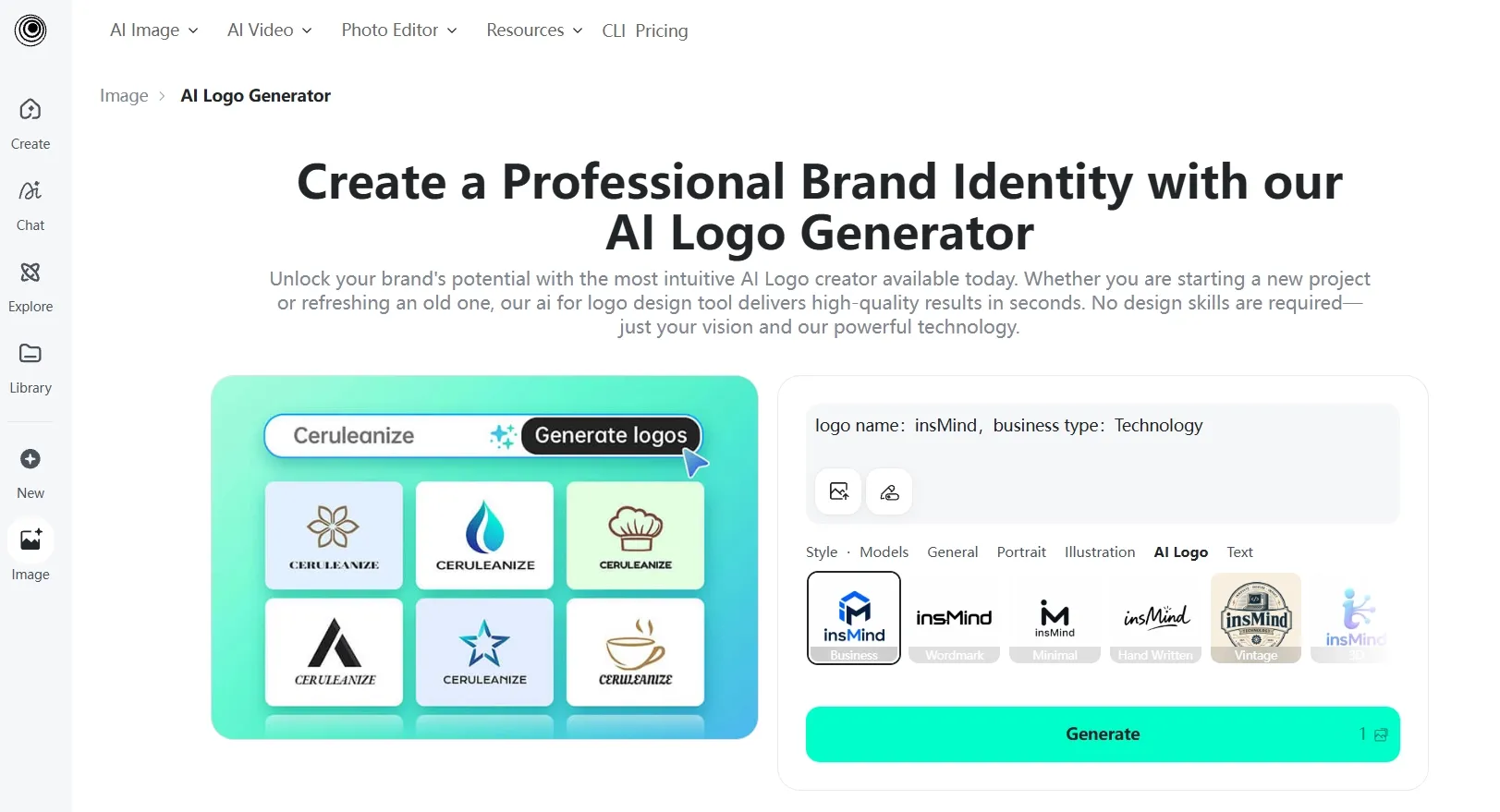
Best for: Beginners exploring a general visual style with minimal setup.
insMind combines a short brand description with presets such as Business, Vintage, Creative, 3D, and Cute. That provides an accessible starting point when describing a visual direction feels difficult.
For small-business logos across storefronts and social profiles, I would still begin with what the business offers and who it serves. A preset can guide the appearance, but the brief needs to explain what customers should recognize.
Prompt I tested: “Create a cute logo for MELLOW BAKES, a home bakery. Use a simple bun illustration, warm peach colors, and soft rounded lettering.”
What I got: The Cute and Vintage directions gave the bakery a warmer feel than the Business preset. The bun illustration matched the brief, but small decorative details crowded the composition and the lettering lacked a distinctive character. The concepts helped establish a general mood, although they needed further refinement before becoming a recognizable brand identity.
Pros:
- Accessible prompt-and-style workflow.
- Beginner-friendly preset choices.
- Quick initial style exploration.
- Free starting access.
Cons:
- Pro required for high-resolution files.
- Broad presets need specific briefs.
- Further refinement before final selection.
My verdict: insMind rounds out the list as an entry-level inspiration option. I would use it to narrow down a general style before developing the identity further.
How I Tested These AI Logo Generators
I used practical brand briefs covering retail, food, outdoor products, technology, and gaming. I looked at brand relevance, prompt adherence, typography, visual balance, and whether the central symbol remained recognizable at smaller sizes.
I also considered the work involved after generation, including refining the layout, preparing backgrounds, and getting the design into a useful file format.
How to Choose the Best AI Logo Generator
- Choose Pollo AI if you want the strongest overall combination of brand-focused logo creation, flexible design directions, multiple image models, and tools for developing a cohesive visual identity.
- Choose Kittl if you already have a clear style in mind and want hands-on control over lettering, spacing, and layout.
- Choose Canva if your team already uses its editor and needs to incorporate the logo into presentations, social posts, and other marketing materials.
- Choose Dzine if you have a rough sketch or existing concept and want to explore different visual treatments.
- Choose Fotor if you need an initial logo concept from a straightforward description or a focused reference image.
- Choose OpenArt if you enjoy comparing model interpretations and are comfortable spending more time selecting and refining a direction.
- Choose LightX if you mainly need to explore a simple emblem or channel mark for a small digital project.
- Choose insMind if you are still deciding on a general style and prefer starting with beginner-friendly presets.
My Personal Take
Pollo AI is my clear winner for logo creation. Its brand-focused prompts, varied logo structures, and multiple image models offer the strongest overall foundation for developing a recognizable identity.
The other seven tools fall behind in my ranking. Their individual features do not outweigh the combination I value in Pollo AI: creative flexibility, clear brand direction, and connected tools for practical brand assets.
For a new logo project, I would start with Pollo AI. Describe the business clearly, compare a few focused variations, and check the lettering and small-size readability before choosing the final design.
Best AI Logo Generators FAQs
What is the best AI logo generator in 2027?
Pollo AI is my top recommendation for its combination of brand-focused prompting, multiple logo structures, image-model choice, and supporting design tools. I would start there for a new identity, then consider the alternatives when a specific workflow requirement takes priority.
What should I include in an AI logo prompt?
Include your brand name, industry, audience, desired personality, logo structure, central symbol, color direction, and lettering style.
“Minimalist logo” leaves many decisions open. “A geometric mountain symbol for an outdoor equipment brand, dark green, bold uppercase lettering, and generous negative space” gives the design a clearer purpose.
How can I make an AI-generated logo feel less generic?
Build the brief around one recognizable idea connected to the business. Explain what makes the brand different, then reinforce that idea through the symbol, lettering, and color direction.
I would simplify the design before adding more decoration. A clear silhouette and a readable name usually give you a stronger foundation.
Which AI logo generator is best for a gaming channel?
I would start with Pollo AI and a brief describing the channel’s personality, audience, colors, and preferred emblem style. For gaming channel logos and esports team badges, I would prioritize a bold silhouette that works across avatars, overlays, and merchandise.
Keep the central symbol clear and check it inside a small profile crop before choosing the final direction.