



12 Best CapCut Alternatives for AI Video Editing: Pros & Cons
CapCut AI video editor is useful for short-form videos, captions, templates, mobile edits, and quick social content. But it can feel limited when you need a more flexible editing process, better browser-based tools, stronger repurposing features, or more AI support around the final video.
So I tested 12 CapCut alternatives across online video editing, subtitles, long-form repurposing, avatar videos, transcript-based editing, recording workflows, and social video production. These are the tools I’d actually use.
Best CapCut Alternatives: TL;DR
The best CapCut alternative is Pollo AI because it gives you more than a standard social video editor. It helps you edit, generate, adapt, and repurpose video content in one AI-first workspace.
CapCut is still useful for TikToks, Reels, Shorts, captions, templates, and quick mobile edits. But if you want stronger AI support, browser-friendly editing, avatar videos, long-form repurposing, or more control over social and marketing videos, the tools below are better suited for different editing needs.
12 Best CapCut Alternatives At a Glance
| Tool | Best For | Why I’d Use It Instead Of CapCut |
|---|---|---|
| Pollo AI | Best overall AI video editing workflow | Better for editing, generating, adapting, and repurposing videos with stronger AI support |
| Kapwing | Best for collaborative browser editing | Better for teams that need shared workspaces, subtitles, templates, and cloud editing |
| OpusClip | Best for long-form to short-form repurposing | Better for turning podcasts, webinars, and long videos into short social clips |
| Descript | Best for transcript-based editing | Better for podcasts, interviews, voice cleanup, filler removal, and text-based edits |
| Riverside | Best for recording-first video workflows | Better for podcasts, remote interviews, webinars, and high-quality recording before editing |
| Vizard AI | Best for branded clip repurposing | Better for turning webinars, interviews, and Zoom recordings into branded short clips |
| WayinVideo | Best for video summarization and clipping | Better for extracting summaries, timestamps, Q&A, subtitles, and short clips from long videos |
| InShot | Best for mobile-first social editing | Better for quick phone editing, captions, effects, filters, beat sync, and creator videos |
| Weavy AI | Best for advanced AI video workflows | Better for node-based editing, multi-model testing, compositing, and controlled video pipelines |
| Edimakor | Best for all-in-one AI editing | Better for subtitles, translation, image-to-video, stock assets, and timeline-based editing |
| Clideo | Best for simple browser video tools | Better for trimming, resizing, merging, compressing, subtitling, and quick edits |
| Clipchamp | Best for beginner-friendly Microsoft editing | Better for simple timelines, screen recording, webcam capture, subtitles, and everyday videos |
Why Look for a CapCut Alternative?
CapCut is useful, but it is not always the best fit when your video editing needs go beyond fast social edits.
The limitation is depth, as I found in my CapCut review. CapCut can feel template-driven when you need more original videos, cleaner brand control, stronger repurposing tools, or an editing process that supports ads, product videos, podcasts, and team workflows.
https://pollo.ai/cms/negative_feedback_on_capcut_b16a3ec191.webp
There are also reliability concerns. Some users complain about lag, crashes, freezing, failed exports, and lost projects. These problems matter because social content is often time-sensitive. A failed export can delay a campaign, a client post, or a scheduled upload.
That is why I would look for a CapCut alternative. If I am editing ads, e-commerce videos, avatar content, podcast clips, or brand videos, I want a tool that gives me more control from the first asset to the final export.
1. Pollo AI: Best Overall CapCut Alternative
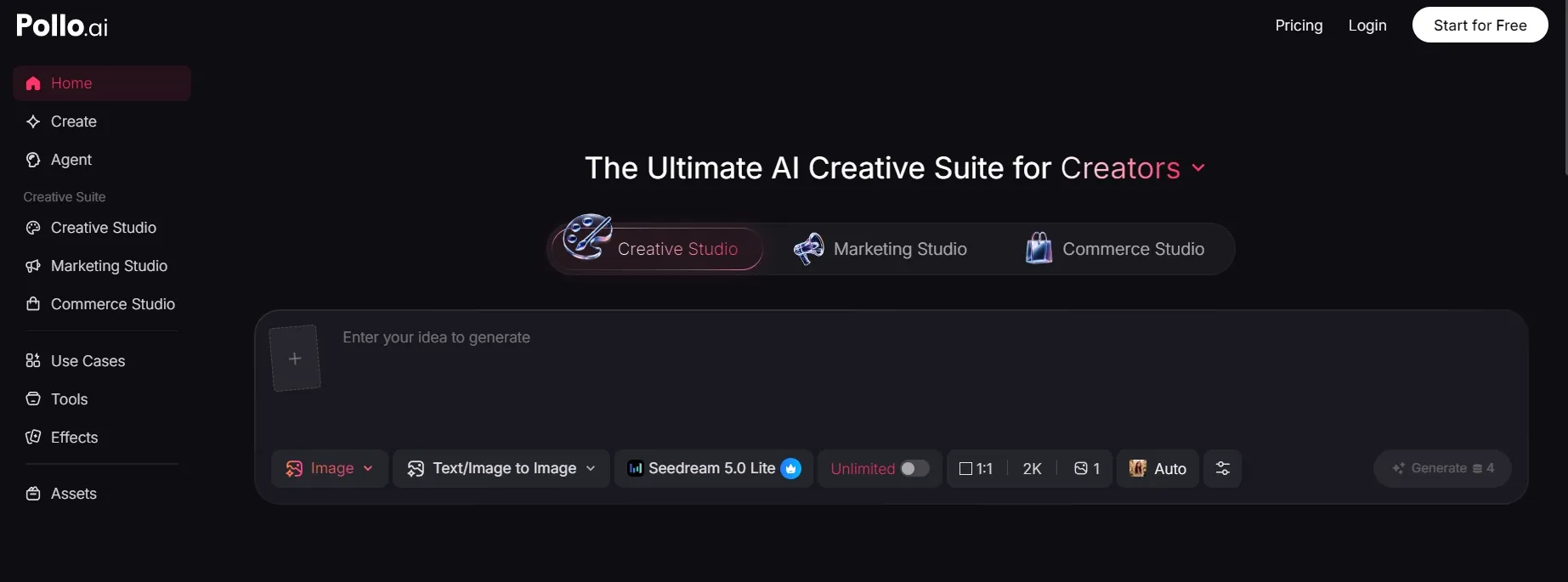
Pollo AI is the best overall CapCut alternative because it covers the editor side first. CapCut is useful when I need to trim clips, add captions, use templates, and make quick mobile-first social videos. Pollo AI felt more useful when I wanted AI to help me adjust, enhance, or adapt a video instead of manually handling every small edit on a timeline.
The most direct CapCut comparison for me is AI video editor, which is built around editing videos with simple text prompts. That is the part I would test first if I were replacing CapCut, because an AI video editor should help with practical editing decisions, not just give you more effects to browse.
What stood out most was the extra workflow around the edit. If the edit turns into a bigger project, I would bring in Pollo Agent for a more structured, post-ready video.
Pros:
- Editor-first AI workflow: I would use it for prompt-based video edits and practical clip refinement before thinking about generation.
- Quality support: Helpful when a clip needs to be enhanced, adapted, or made more usable for a real post.
- Creative Studio depth: Useful if the edit grows into a broader project with visuals, avatars, audio, or new scenes.
- Production-ready path: Pollo Agent is useful when a simple edit becomes a fuller video project.
- Broader toolset: 100+ AI image and video tools give you more room than a template-first social editor.
Cons:
- The workflow has more depth: I like that for serious editing, but casual users may only need CapCut-style quick edits.
- Credit-based access: Some advanced features may require credits or a paid plan.
Best For: Creators, marketers, sellers, and teams that want an AI video editor first, with room to expand into AI video generation and post-ready video workflows.
Bottom Line: Pollo AI is the strongest CapCut AI video editor alternative if you want AI help with editing first, then generation and fuller production when the project needs it.
2. Kapwing: Best For Collaborative Browser Editing

Kapwing makes more sense than CapCut when editing is a team task, not a solo mobile workflow.
CapCut works well when one creator wants to move quickly on a phone. Kapwing is stronger when multiple people need to edit, subtitle, review, resize, and export videos from the same browser workspace.
I would use Kapwing for marketing teams, educational videos, internal content, and social campaigns that need comments, revisions, and shared editing access. It is not as trend-driven as CapCut, but it is easier to fit into a team content process.
Pros:
- Collaborative editing: Good for teams working in the browser.
- Subtitle support: Useful for social, training, and educational videos.
- Shared workspace: Easier for reviews, edits, and approvals.
Cons:
- Less phone-first: Better for web teams than mobile-only creators.
- Large projects can feel heavier: Complex edits may take extra patience.
- Repeated testing can become slower or more credit-sensitive than lightweight social video tools.
Best For: Remote teams, marketers, educators, and social content teams.
Bottom Line: Use Kapwing when CapCut feels too individual-focused and you need shared online editing.
3. OpusClip: Best For Long-Form To Short-Form Repurposing
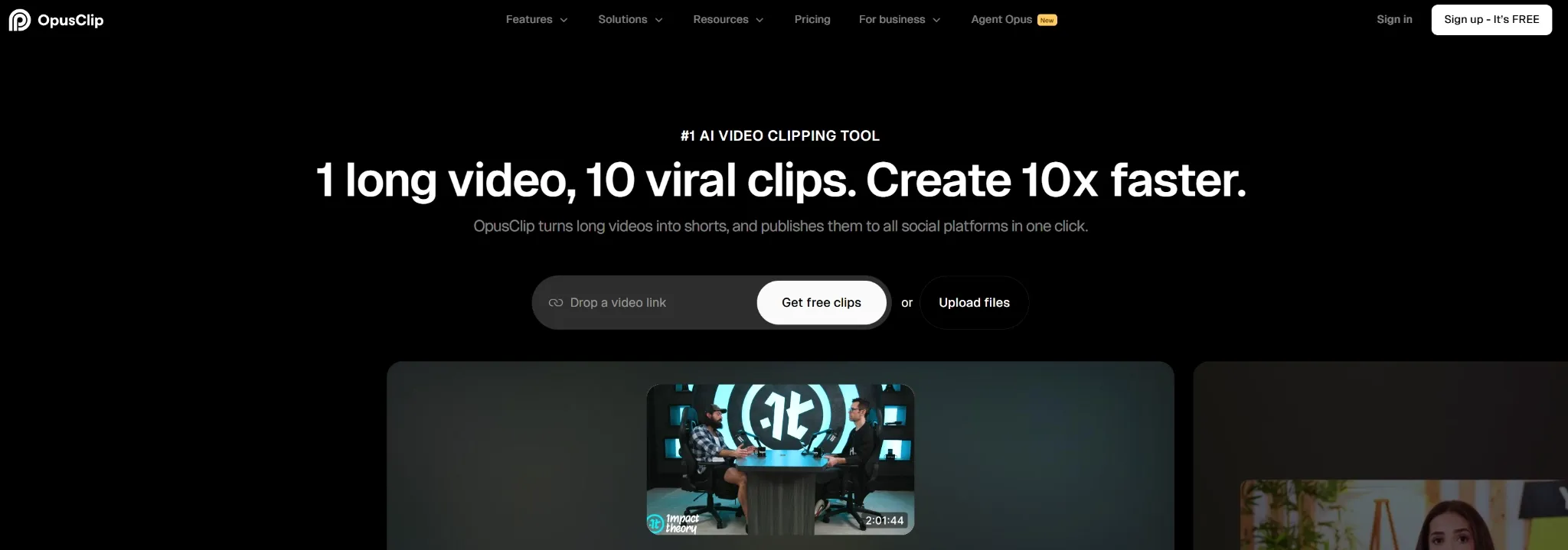
OpusClip does not replace every part of CapCut. It replaces one specific job: turning long videos into short clips faster.
CapCut lets you manually cut long footage into TikToks, Reels, and Shorts. OpusClip is more focused. It scans podcasts, webinars, interviews, livestreams, and YouTube videos to find short moments that can become social clips.
I would use OpusClip when the content already exists and the main goal is distribution. It is especially useful when one long recording needs to become several short clips without scrubbing through the full timeline by hand.
Pros:
- AI clipping: Helps turn long videos into short clips.
- Social formatting: Useful for TikTok, Reels, and Shorts.
- Caption support: Makes repurposed clips easier to watch on mute.
Cons:
- Not a full creative editor: It works best with existing long-form footage.
- AI clip choices need review: The best moments may still need human judgment.
Best For: Podcasters, educators, livestreamers, coaches, and long-form creators.
Bottom Line: Use OpusClip when CapCut feels too manual for turning long videos into short social clips.
4. Descript: Best For Transcript-Based Editing

Descript is the CapCut alternative I would use when the video is built around speech.
CapCut is more visual and social-first. Descript lets you edit spoken videos through the transcript, which is much faster for podcasts, interviews, tutorials, webinars, and talking-head content.
It is especially useful when the problem is not visual effects, but structure. You can cut sections, remove filler words, clean audio, correct speech, and tighten a spoken video without spending all your time on the timeline.
Pros:
- Text-based editing: Edit video by editing the transcript.
- Audio cleanup: Useful for podcasts, interviews, and tutorials.
- Filler removal: Helps make spoken content tighter.
Cons:
- Less visual-first: Not ideal for trend edits or heavily stylized social videos.
- Best for speech-heavy content: Less useful when visuals matter more than dialogue.
Best For: Podcasters, educators, interviewers, course creators, and talking-head video teams.
Bottom Line: Use Descript when CapCut feels too visual and you need a transcript-first editing process.
5. Riverside: Best For Recording-First Video Workflows
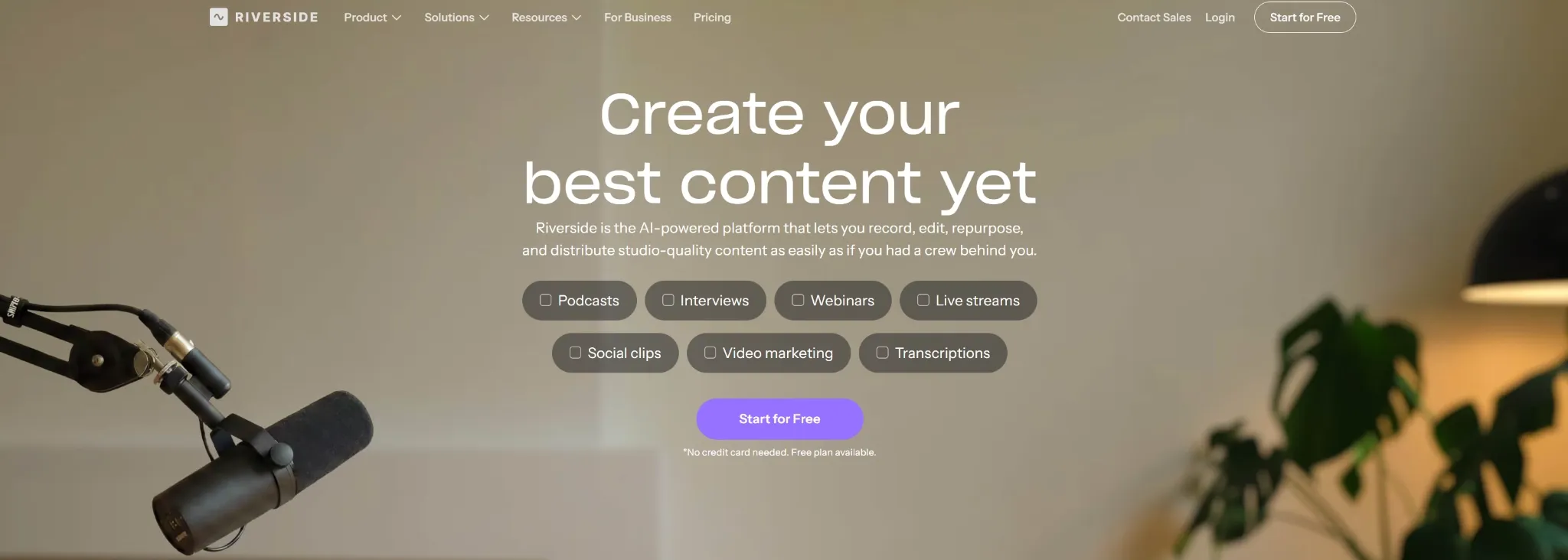
Riverside solves a different problem from CapCut. It starts before editing, at the recording stage.
CapCut is useful once you already have clips. Riverside is better when you need to record podcasts, interviews, remote conversations, webinars, or video shows in high quality before editing anything.
I would use Riverside when the source recording matters. It can support transcripts, clips, and repurposing, but its main advantage is helping you capture better content before the edit begins.
Pros:
- Remote recording: Strong for podcasts, interviews, and webinars.
- Transcript support: Helpful for editing and repurposing spoken content.
- Clip creation: Useful for turning recordings into social moments.
Cons:
- Not a full social editor: It is better for recording-first workflows.
- Post-production still needs review: Longer sessions may require cleanup and selection.
Best For: Podcasters, interview hosts, educators, webinar teams, and remote video creators.
Bottom Line: Use Riverside when CapCut is not enough because your video process starts with recording, not editing.
6. Vizard AI: Best For Branded Clip Repurposing

Vizard AI is a better CapCut alternative when your main job is turning long business content into branded short clips.
CapCut can edit short videos well, but it still asks you to do a lot of clip selection yourself. Vizard AI is more focused on webinars, interviews, Zoom recordings, and talking-head content. It helps identify shareable moments, reframe speakers, add captions, and prepare short clips for social platforms.
I would use Vizard AI for B2B marketing, podcast highlights, webinar snippets, LinkedIn clips, and team-based review workflows. It feels less like a general editor and more like a content repurposing system for organizations.
Pros:
- AI clipping: Useful for finding short moments from long videos.
- Speaker tracking: Helps reframe interviews and webinars for vertical formats.
- Brand controls: Good for captions, colors, logos, and repeatable clip formats.
Cons:
- Depends on source footage: It works best when you already have long-form videos.
- Clip logic still needs review: AI-selected clips may not always match the full story.
Best For: Marketing teams, B2B creators, webinar teams, and agencies repurposing long videos.
Bottom Line: Use Vizard AI when CapCut feels too manual for branded clip repurposing.
7. WayinVideo: Best For Video Summarization And Clipping

WayinVideo is useful when you need to understand a long video before deciding what to edit.
CapCut is built around editing clips. WayinVideo is built around analyzing long-form video. It can summarize footage, extract timestamps, generate subtitles, identify short clips, and help teams navigate large libraries of recordings.
I would use WayinVideo for webinars, lectures, meetings, tutorial videos, sports footage, research content, and long educational videos. It is especially useful when the first problem is not editing style, but finding what matters inside hours of footage.
Pros:
- Video summarization: Helps condense long footage into usable notes.
- Timestamped output: Makes it easier to jump to important moments.
- Clip discovery: Useful for turning long recordings into short social pieces.
Cons:
- Less creative editing depth: It is stronger for analysis and repurposing than design-heavy edits.
- Best with existing footage: It is not meant for building original videos from scratch.
Best For: Researchers, educators, marketers, agencies, and teams managing long video libraries.
Bottom Line: Use WayinVideo when CapCut feels too manual for reviewing, summarizing, and clipping long videos.
8. InShot: Best For Mobile-First Social Editing

InShot is the closest CapCut alternative if you still want a mobile-first editor.
CapCut is more deeply connected to TikTok-style editing and AI templates. InShot feels simpler and more direct for creators who want to trim clips, add captions, use filters, apply transitions, remove pauses, sync edits to music, and publish from a phone.
I would use InShot for creator videos, daily social posts, lifestyle content, travel clips, and fast mobile edits. It does not feel as advanced as CapCut in AI-driven workflows, but it is easy to use and less overwhelming.
Pros:
- Mobile-first editing: Good for quick phone-based video creation.
- Social effects: Useful for filters, transitions, music, and captions.
- Simple timeline: Easier for casual creators than heavier editors.
Cons:
- Less advanced AI depth: Better for mobile editing than full AI-assisted production.
- Not ideal for teams: Collaboration and review workflows are limited.
Best For: Mobile creators, influencers, small businesses, and casual social video users.
Bottom Line: Use InShot when you like CapCut’s mobile speed but want a simpler phone-first editor.
9. Weavy AI: Best For Advanced AI Video Workflows
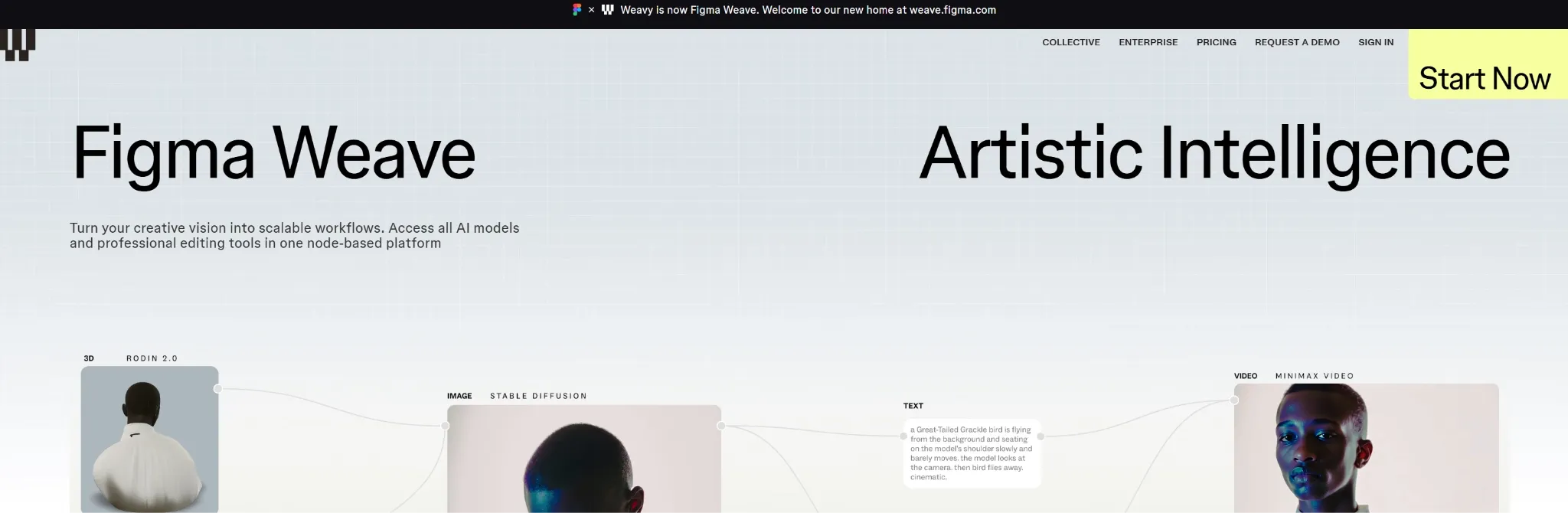
Weavy AI is the opposite of a simple CapCut-style editor. It is built for creators who want control over complex AI video pipelines.
CapCut uses familiar timelines, templates, and social editing tools. Weavy AI uses a node-based workspace where you can connect models, prompts, assets, compositing steps, and video manipulation tools. That makes it more technical, but also more flexible.
I would use Weavy AI for advanced campaign experiments, multi-model testing, image-to-video branching, compositing, face-swap workflows, and repeatable creative systems. It is not the fastest tool for casual edits, but it gives serious creators more control.
Pros:
- Node-based workflow: Good for building controlled video pipelines.
- Multi-model testing: Useful for comparing visual directions.
- Advanced compositing: Supports layered and structured video experiments.
Cons:
- Higher learning curve: Not ideal for users who just want quick trims and captions.
- More setup required: Complex workflows take planning before output.
Best For: Advanced creators, studios, creative technologists, and teams testing AI video systems.
Bottom Line: Use Weavy AI when CapCut feels too simple and you want deeper control over AI video editing and generation.
10. Edimakor: Best For All-In-One AI Editing
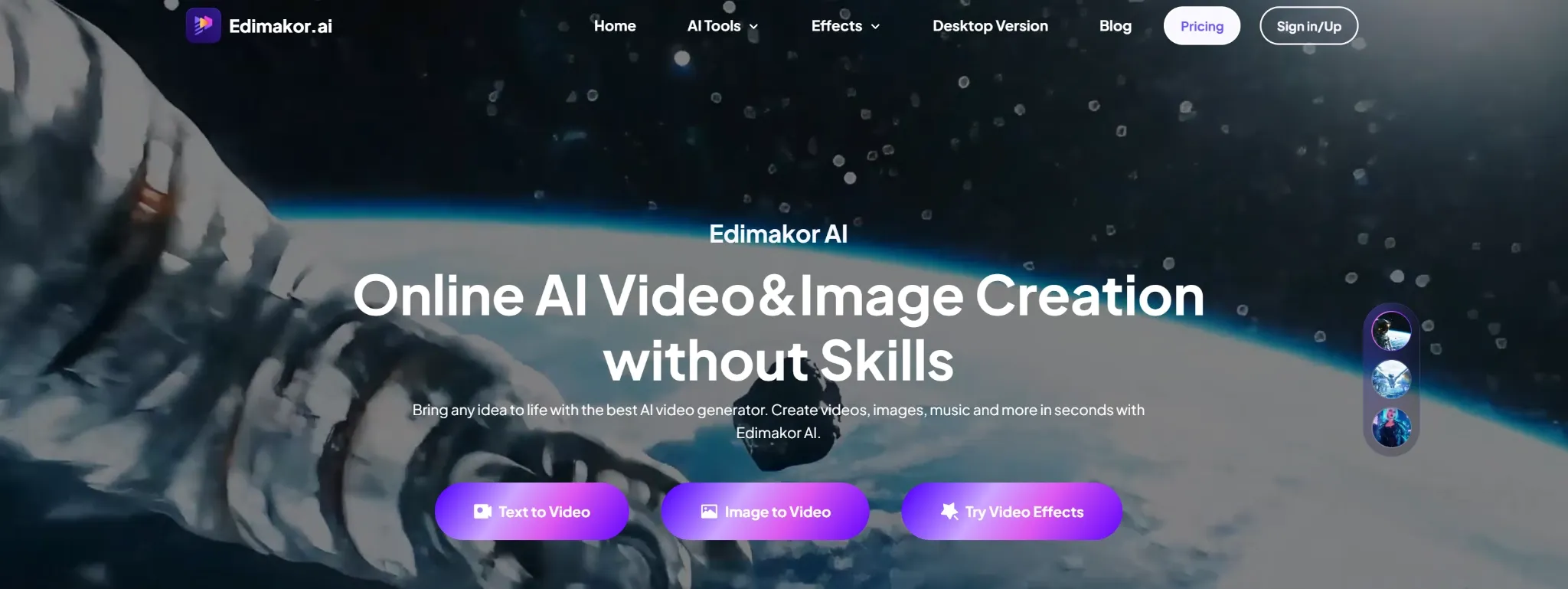
Edimakor is a practical CapCut alternative if you want a more traditional editing suite with AI features layered in.
CapCut is strong for social video creation. Edimakor feels more like an all-in-one editor for subtitles, translation, timeline editing, stock assets, image-to-video effects, clip making, and creator-friendly video production.
I would use Edimakor for tutorials, YouTube clips, translated content, social edits, product explainers, and videos that need captions or multilingual support. It is not as trend-native as CapCut, but it gives creators a wider set of editing tools in one place.
Pros:
- All-in-one editing: Useful for subtitles, translation, effects, and timeline work.
- Multilingual support: Helpful for global videos and translated content.
- Asset library: Good for creators who need stock media and visual elements.
Cons:
- Can feel feature-heavy: Beginners may not need the full editing suite.
- AI effects need review: Image-to-video or special effects may not always match the final style.
Best For: YouTubers, educators, marketers, and creators who need subtitles, translation, and timeline editing.
Bottom Line: Use Edimakor when CapCut feels too social-first and you want a broader AI editing suite.
11. Clideo: Best For Simple Browser Video Tools
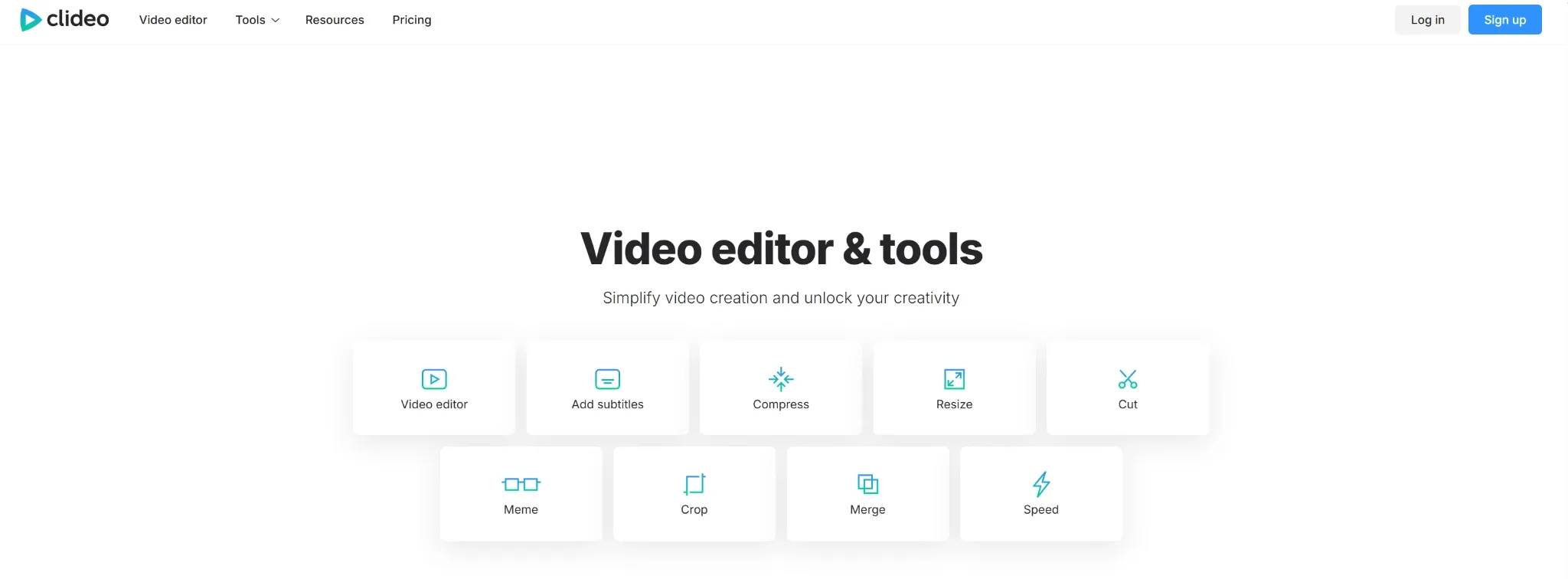
Clideo is the lightweight option when CapCut feels like too much for a simple edit.
CapCut gives you a fuller social editing environment. Clideo is better for small tasks: trimming, resizing, merging, compressing, adding subtitles, recording, and converting video files in the browser.
I would use Clideo when the goal is not a creative video campaign, but a quick fix or format adjustment. It is simple, limited, and useful for exactly that reason.
Pros:
- Simple browser tools: Good for trimming, resizing, merging, and compression.
- Fast task-based editing: Useful when you only need one small change.
- No full editor needed: Helpful for quick fixes.
Cons:
- Limited creative depth: Not built for advanced social or AI editing.
- Free-plan limits: Watermarks or export restrictions may be a problem for some users.
Best For: Casual users, small teams, students, and anyone needing quick video adjustments.
Bottom Line: Use Clideo when CapCut feels heavier than what you need for a simple browser edit.
12. Clipchamp: Best For Beginner-Friendly Microsoft Editing
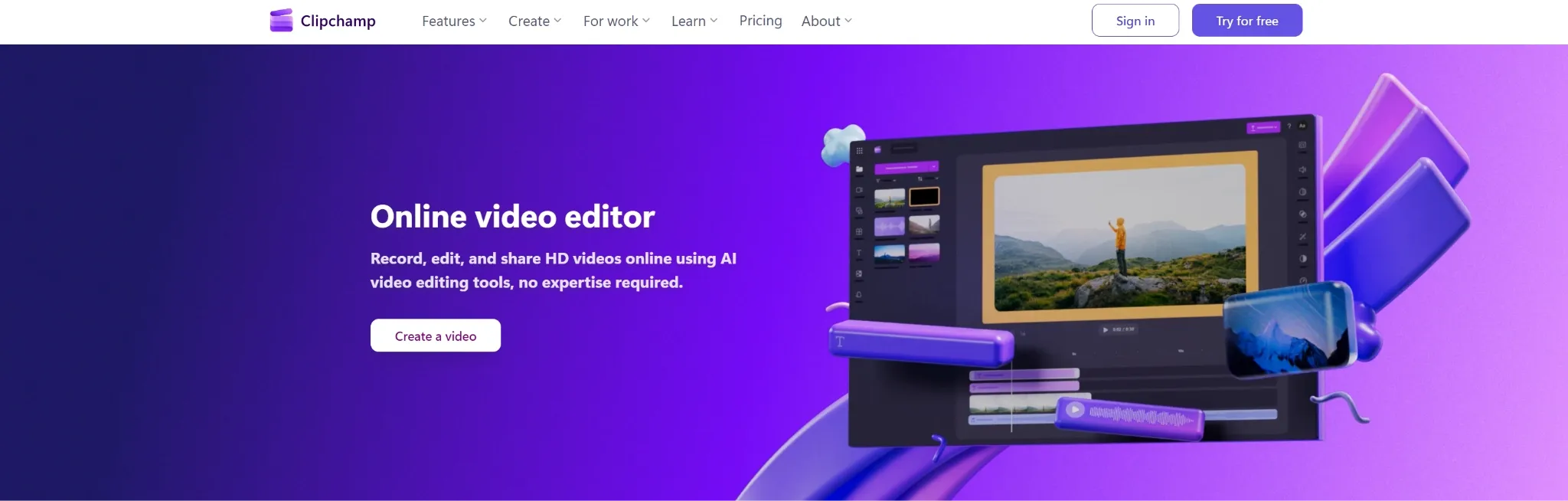
Clipchamp is a practical CapCut alternative if you want simple editing inside the Microsoft ecosystem.
CapCut is stronger for trend effects, mobile editing, and social templates. Clipchamp is better for everyday timelines, screen recording, webcam capture, voiceovers, subtitles, brand kits, and simple business videos.
I would use Clipchamp for tutorials, presentation videos, internal videos, classroom content, and basic marketing clips. It is not as creative or trend-focused as CapCut, but it is easy to understand.
Pros:
- Beginner-friendly timeline: Easy for everyday editing.
- Built-in recording: Useful for screen and webcam videos.
- Microsoft ecosystem fit: Convenient for users already working with Microsoft tools.
Cons:
- Limited AI depth: AI features support editing, but do not drive the full process.
- Less social-native: Not as strong for trend-led TikToks or Reels.
Best For: Beginners, educators, small businesses, and Microsoft users.
Bottom Line: Use Clipchamp when CapCut feels too social-first and you need a simple everyday video editor.
How I Tested These CapCut Alternatives
I tested each tool by looking at where CapCut can feel limited as an AI video editor.
Editing Workflow: Can it help trim, refine, subtitle, resize, or adapt videos without too much manual work?
AI Support: Does it use AI in a practical way, such as captions, clipping, avatars, transcript editing, recording support, or generated video material?
Social Output: Can it support TikToks, Reels, Shorts, ads, captions, and platform-ready formats?
Repurposing: Can it turn long videos, recordings, scripts, or existing assets into new clips?
Team Fit: Does it work better for solo creators, marketing teams, podcasters, educators, agencies, or businesses?
How I’d Choose the Right CapCut Alternative
If I were replacing CapCut, I would start with the kind of editing problem I need to solve.
For most creators, marketers, and sellers, I would start with Pollo AI. It gives you the widest AI-assisted editing flow: adapt existing assets, generate supporting video material, create avatar-style clips, test motion styles, and build content for social, product, or campaign use.
If you mainly want browser editing, Kapwing, Clideo, and Clipchamp are the cleaner options. Kapwing is better for team collaboration, Clideo is better for small one-off tasks, and Clipchamp is better for simple everyday videos inside the Microsoft ecosystem.
If your work starts from existing long-form content, choose a repurposing tool. OpusClip is better for creator-style short clips, Vizard AI is stronger for branded business clips, and WayinVideo is better when you need summaries, timestamps, subtitles, and clip discovery from longer videos.
If your content is speech-heavy, Descript and Riverside make more sense. Descript is stronger when you want to edit through a transcript, while Riverside is better when you need to record the content before editing it.
For more specific editing needs, InShot is useful for mobile-first creator videos, Weavy AI is stronger for advanced AI video pipelines, and Edimakor is a better fit when you want subtitles, translation, stock assets, and timeline editing in one place.
Edit Videos With More AI Support
Refine clips, adapt assets, enhance footage, and build social or marketing videos without relying only on manual timeline edits.
Try Pollo AI for Free
My Personal Take
I would still use CapCut for quick TikToks, Reels, Shorts, captions, template edits, and mobile-first social videos. It is fast, familiar, and easy to use.
But I would not use it as my main AI video editing workflow. The moment I need product videos, ad clips, avatar content, long-form repurposing, or more flexible AI support, I would switch to Pollo AI first.
CapCut feels like a strong social video editor. Pollo AI feels like a fuller AI-assisted editing and production workflow.
Best CapCut Alternative For AI Video Editing Workflows
Pollo AI is the best CapCut alternative if you want video editing that is supported by AI from the start, not only a manual timeline with effects.
For direct editing needs, Pollo AI's AI video editor is the most relevant starting point. It is built for editing videos with simple text prompts, which makes it a natural fit for users who want AI help without manually adjusting every element on a timeline.
Around that editor, Pollo AI also gives you practical finishing tools such as video upscaler, video enhancer, lip sync, background removal, object removal, and subtitle removal. These are editing-adjacent tools, so they support the CapCut comparison more naturally than leading with pure video generation.
Only after that does the generation side become important. If the edit needs new footage, a more complete structure, or a campaign-ready result, Pollo Agent and Creative Studio can help extend the project beyond norm.
Final Verdict
The best CapCut alternative is Pollo AI because it gives you stronger AI-assisted editing depth, more flexible video creation options, and a smoother path from idea to finished video.
Start with Pollo AI if you want the strongest all-around replacement. Use Kapwing for collaboration, OpusClip for long-form repurposing, Descript for transcript editing, Riverside for recording, Vizard AI for branded clips, WayinVideo for video summarization, InShot for mobile editing, Weavy AI for advanced AI workflows, Edimakor for all-in-one editing, Clideo for simple browser tools, and Clipchamp for beginner-friendly editing.