



I Found the Best Faceless AI Video Generators for TikTok: A Complete Guide
Becoming a TikTok creator is a promising way to make money online, but the idea of having to show your face can be scary. Plus, many of us struggle to find time to create videos, right?
This is why faceless video content is taking over. In fact, when I researched the top-earning creators on social media, I discovered that most of them have already switched to automation!
Why? To scale, you need to keep delivering value to audiences, even if you’re not online. So, I spent days testing AI video generators for TikTok. Here are the best ones, starting with Pollo AI.
TL;DR
Pollo AI is the best faceless AI video generator for TikTok, purely for its vast suite of AI models and Pollo AI Avatar feature that lets you create lifelike, talking-head videos with perfect lip sync.
It also offers Pollo Agent, which lets you clone viral videos with no manual editing. Other alternative tools to consider include Animaker AI, Veed AI, and Pictory AI, among others.
Best Faceless AI Video Generators for TikTok: At a Glance
Before I dive into the nitty-gritty of it all, let me take a minute to sum up each of these AI video generators and give you a quick insight into what it is that makes them tick.
| Video Generator | Best For | Pricing | Strength | Weakness |
| Pollo AI | All-in-one image/video creation | Free tier / ~$6+ | Model variety + agent-driven video creation | Limited credits on the free plan |
| Animaker AI | Animated & character-driven | ~$12-29/mo | Easy animations + templates | Less photorealistic |
| Veed AI | Quick editing + polish | ~$12/mo Creator | Subtitles & user-friendly | Weaker raw generation |
| Pictory AI | Script/blog repurposing | ~$25/mo Starter | Content repurposing | Less creative freedom |
| Akool AI | Talking avatars & realism | ~$18-30/mo Pro | Realistic avatars | Expensive for heavy use |
| Flova AI | Agent-driven, suitable for cinematics | Credit-based (~$20-50) | End-to-end storytelling | Newer platform, steep learning curve |
| Artlist AI | Assets + high-quality generations | ~$16-40/mo | Premium library integration | Credits limited for heavy volume |
#1. Pollo AI: Best Faceless AI Video Generator Overall
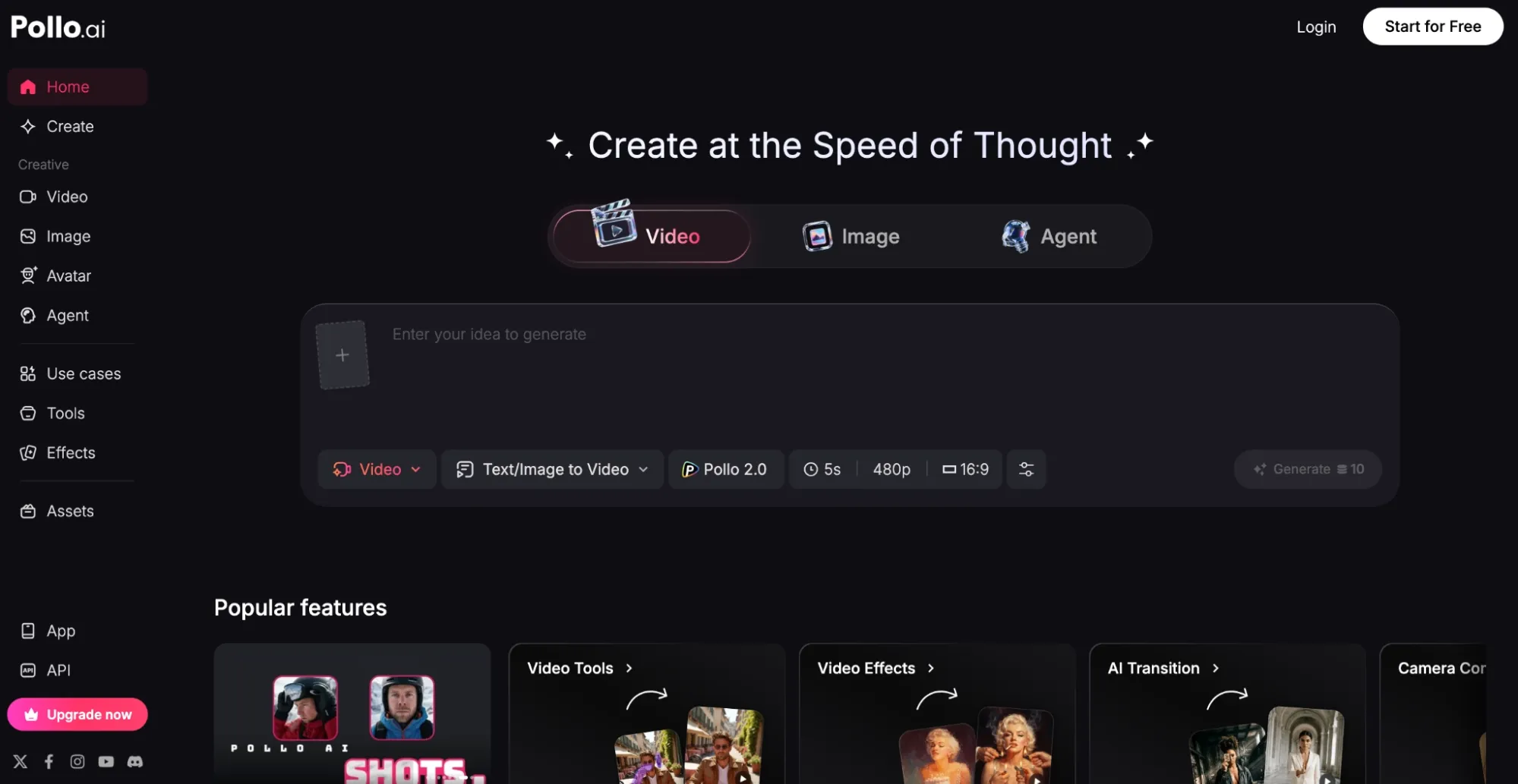
If we’re talking faceless video creation, I have to start with Pollo AI because it’s the one I kept coming back to and for more reasons than one. I tested it daily for two weeks.
Here, everything is available in one place. It’s the ultimate AI creative suite for marketers, creators, sellers, and brands, so I have everything I need to handle any task.
If I need to deal with marketing content? I can head to the Marketing Studio to create ready-to-use ads in minutes.
Need branded content? I can access Commerce Studio to produce commercial visuals, product showcases, virtual try-on content, and more.
There’s also the Creative Studio, which lets me generate images, videos, avatars, and audio, all in one place. Pollo AI really has it all!
So, generating faceless TikToks in vertical format? No problem. I’ve got access to industry-leading AI models like Seedance 2.0, Veo 3.1, and Kling to help with that.
I frequently use the text/image/video-to-video features across numerous styles, like cinematic and animation. Each time, the outputs are almost always sharp, detailed and accurate to a tee.
Plus, with the reference-to-video feature, I can enjoy perfect subject consistency for even more precise generation. But that’s not even the best part!
There’s also Pollo Agent, which works on an agent-driven workflow. With this, I can generate polished, final-cut TikToks with zero manual editing involved.
I simply explain my idea to the agent, and it handles the entire production. From structure to pacing to visuals to audio, it renders the entire sequence in minutes.
It even lets me clone existing viral TikToks and recreate them, which is super convenient for posting news clips, ads, etc. I generated a full 7-video faceless series, all under half an hour.
For UGC-style TikTok content, I can simply turn to the Pollo AI Avatar feature. Using this, I can transform static images into lifelike talking-head videos that are perfect for TikTok in a jiffy.
There’s also Pollo Mimic, which works incredibly well for creating trendy dance TikToks. With an image and short reference video, I can get the subject to mimic the video’s movements to a tee.
And let me not even touch on the dozens of workflow apps that make video enhancement and editing a breeze! Frankly, if you want to start creating faceless TikToks, be sure to try this first.
Pros:
- Free trial available
- All-in-one generative workflow
- Suitable for fast, social-optimized videos
- 100+ specialized video workflow apps
Cons:
- Advanced features require paid plan
Build Faceless TikToks with Pollo AI
Use Pollo AI to create talking avatars, remake trend formats, and produce faceless clips without filming yourself.
Create Faceless Videos with Pollo AI
#2. Animaker AI: Best for Animated Faceless TikToks
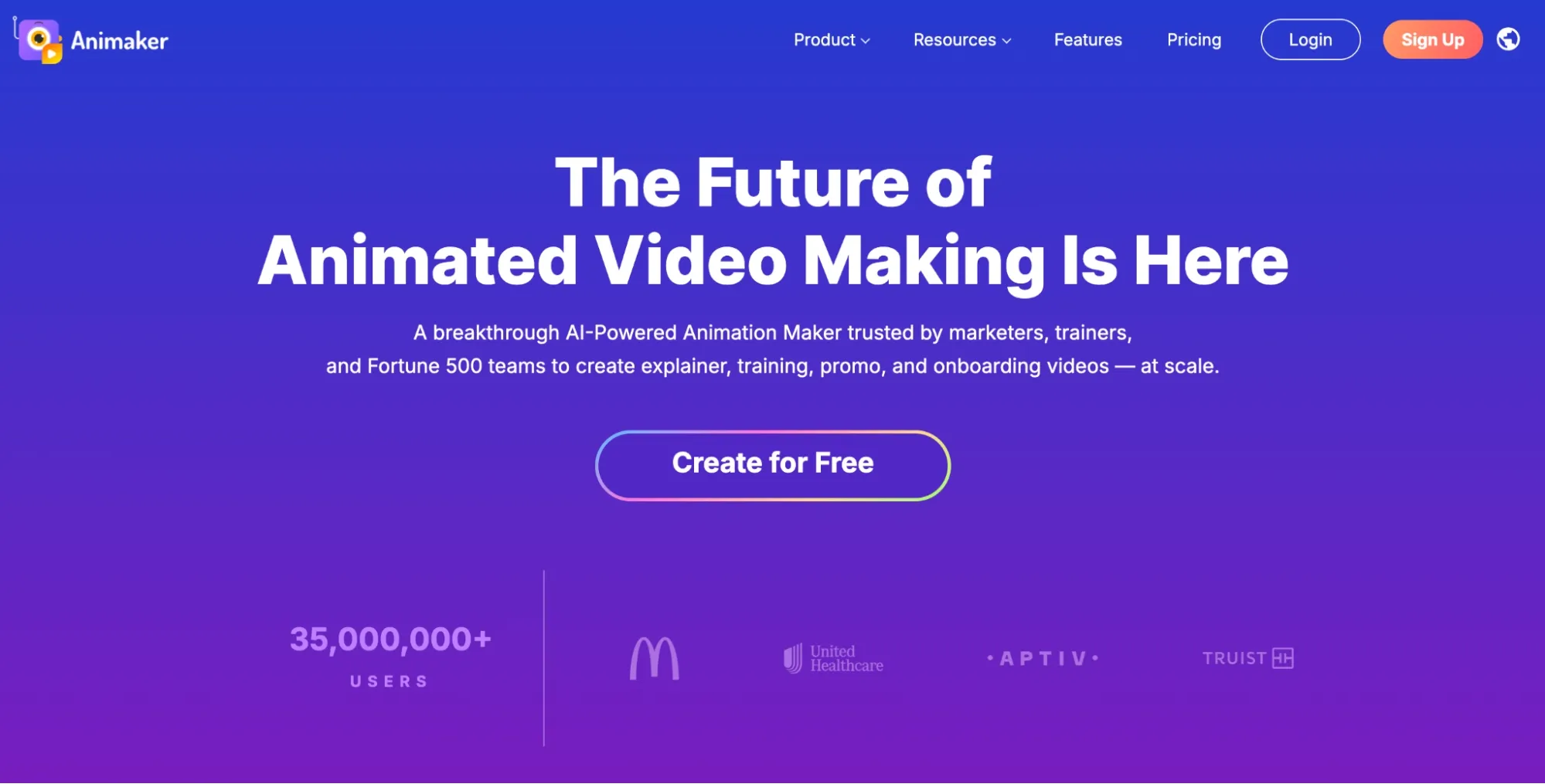
I would suggest Animaker AI if you want to create faceless animated AI videos for TikTok. Here, I could create all kinds of cartoon characters for almost any professional use case.
I tested it with explainer clips, motivational animations, and product showcase videos; all I had to do was input a simple text prompt describing what I had in mind.
Once I filled out a few details, it automated the entire production. From script generation to voiceovers to transitions to background music, Animaker AI fast-tracked everything.
I’ll admit the 2D characters felt a little stiff and template-y, not the usual cinematic animation I expected. But they looked lively and versatile enough for consistent branding across a series.
As for variety, I wasn’t disappointed. I could explore 1000+ templates and characters or freely design my own unique characters with lip-synced AI voiceovers to match.
Whether I wanted to create faceless videos for education, marketing, presentations, or even illustrated fun, Animaker AI had me covered. Most importantly, it also supported vertical exports.
So, I could seamlessly create and post 9:16 video clips straight to TikTok with minimal difficulty. For beginners, I would say that this is a good thing.
Still, it bothered me that the animated characters' movements are limited. Plus, the built-in video editing controls felt a little restrictive for what I needed.
Pros:
- Free tier available
- Simple & intuitive user interface
- Vast template & animated character library
Cons:
- Template-dependent animations
- Limited video editing capabilities
For a deeper breakdown, see this Animaker review.
#3. Veed AI: Best for Fast, Dynamic Video Editing for TikTok
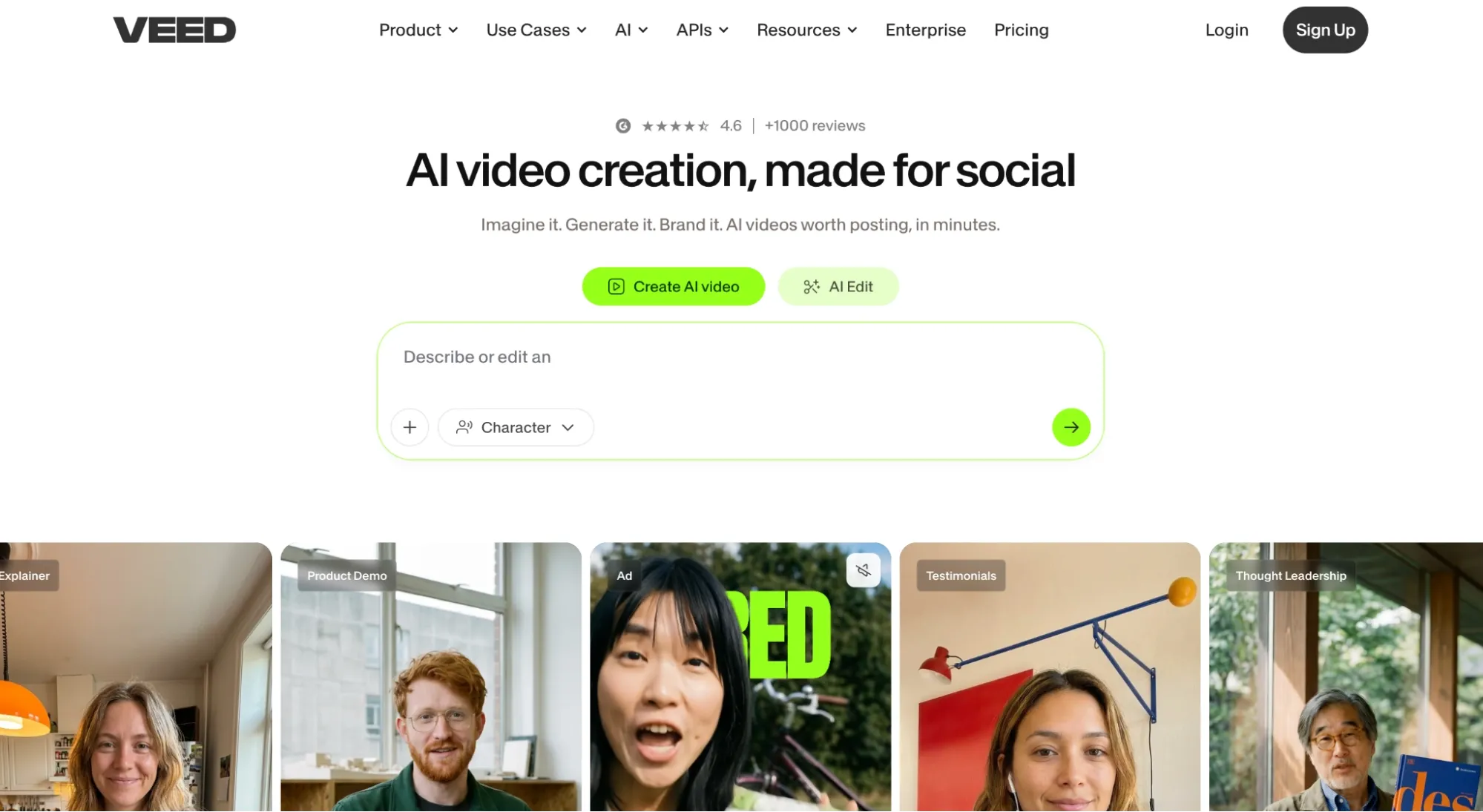
What I like most about Veed AI is that it’s built with social creators in mind. With the image-to-video generator, I could render realistic scenes suitable for UGC-style content.
I was particularly impressed by its stock library of multilingual AI avatars. Whether I was looking to create promotional clips, educational tutorials or even personalized messages, I had options.
If necessary, I could even clone myself and create a custom avatar. And since Veed AI specializes in vertical framing, I could create TikTok-ready content in a few clicks.
But what truly blew my mind was its intuitive editor. While not advanced, I could comfortably make most of the typical adjustments needed for social-ready videos.
From adding text overlays to brand kits to punchy captions and effects, I didn’t need to deal with a steep learning curve. I just jumped right in and made the videos feel native to TikTok.
The only hitch is that its generation capabilities are limited. I don’t see Veed AI as a pure video generator that can deliver raw creative output.
If you already have footage or generated it elsewhere, then fine-tuning it for TikTok on Veed AI by adding text, music, etc, is how I believe this tool will shine best.
Pros:
- Extremely user-friendly interface
- Vast stock of UGC-style AI avatars
- Dynamic video editing for socials
Cons:
- Video generation is creatively limited
- Lacks pro-level video editing tools
For a deeper breakdown, see this Dreamina review.
#4. Pictory AI: Best for Long-Form Text to TikTok Video
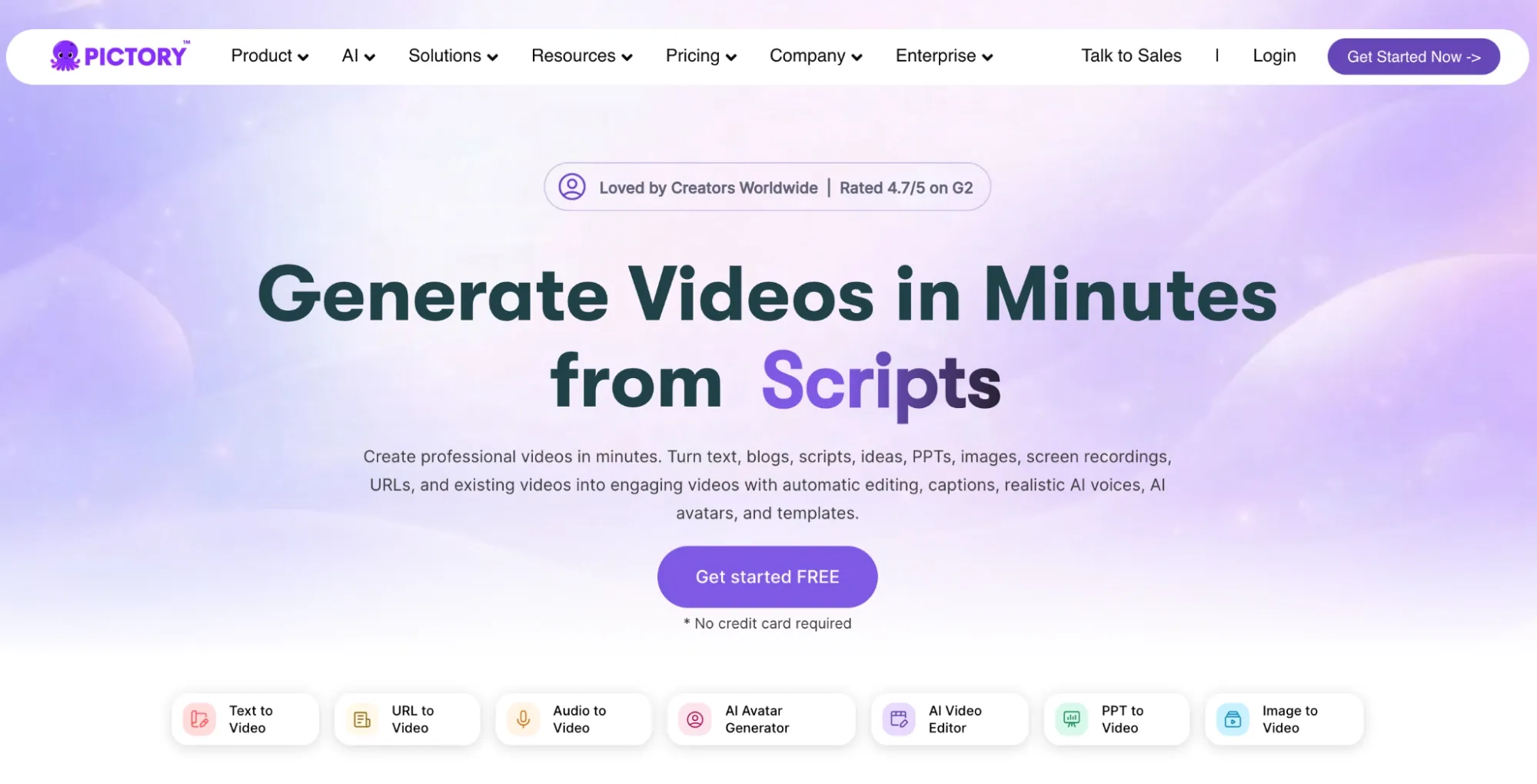
Turning long-form content into shorter, faceless videos is where I find Pictory AI works best. I can upload scripts, blogs, or even URLs, and it will break it all down into engaging short clips.
Because of automated scene selection, it matches any text I upload with relevant avatars and stock media. Even voice-overs and auto-captions are available.
So, I initially tested it by repurposing an article, and while I had to tweak the scenes for perfect flow, I was able to create a post-ready TikTok in under 20 minutes.
I was a little frustrated with the initial output because it felt somewhat stock-heavy, so I had to make a few customizations to make the visuals look less rigid.
I also found that Pictory AI is not suited to handling wildly creative or abstract prompts. For this reason, I would purely recommend it for creating structured video content.
Besides that, the pricing is a bit too steep, especially on the starter plan. I doubt many creators on a budget can realistically lean on this tool.
Other than that, I did appreciate the simplicity of the interface. Even as a first-time user, I found the production process to be relatively painless, so that’s something to consider.
Pros:
- User-friendly interface
- Suitable for long-form text-to-video
- Large stock, avatar, and voiceover library
Cons:
- Extremely high pricing plans
- Limited prompt creativity supported
For a deeper breakdown, see this Pictory review.
#5. Akool AI: Best for Promotional Faceless TikToks
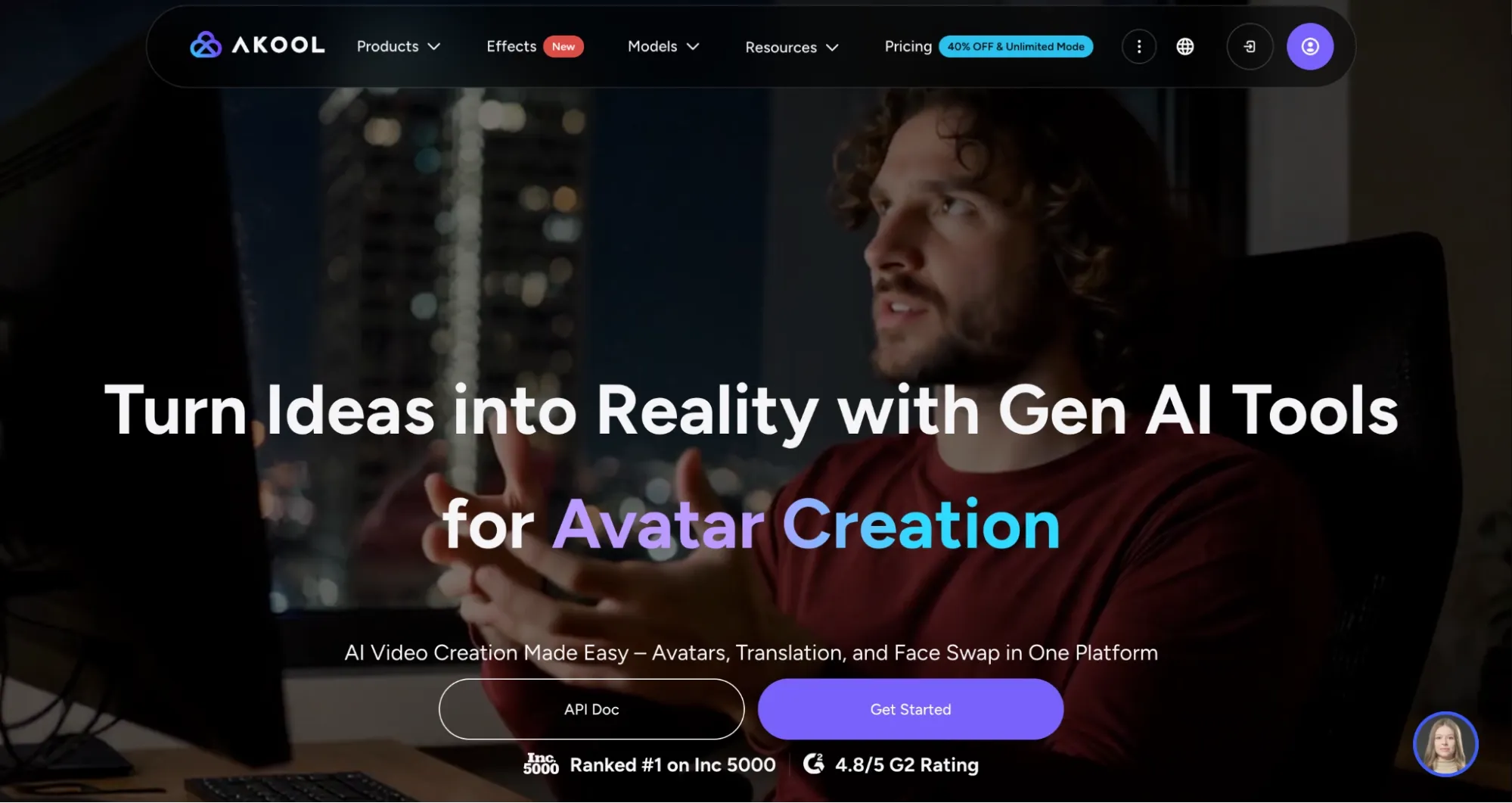
When creating product ads for TikTok videos, I would suggest Akool AI. I tested it to turn product images into promotional clips, and the creative showcases it produced felt scroll-stopping.
With good physics and detail retention, the image-to-video tool gave me room to experiment with unboxing-style content, real-world demos, dynamic camera effects, and more.
What surprised me was that on short clips, the realism was impressive. Even the visual consistency appeared strong from start to finish.
As for the talking avatars, I found the lip-syncing, gestures, and expressions to be passable. I was particularly pleased to see it also supports multi-language dubbing.
This meant I could create TikToks that convert well for affiliate or e-commerce. On the flip side, I wouldn’t recommend it for non-product storytelling; I find it lacks a certain cinematic edge.
Pros:
- Free plan available
- Strong product visualization
- Prone to slow generations
Cons:
- Fast-rising credit costs with volume
- Not suited for cinematic-style content
For a deeper breakdown, see this Akool review.
#6. Flova AI: Best for Narrative-Driven TikTok Creation
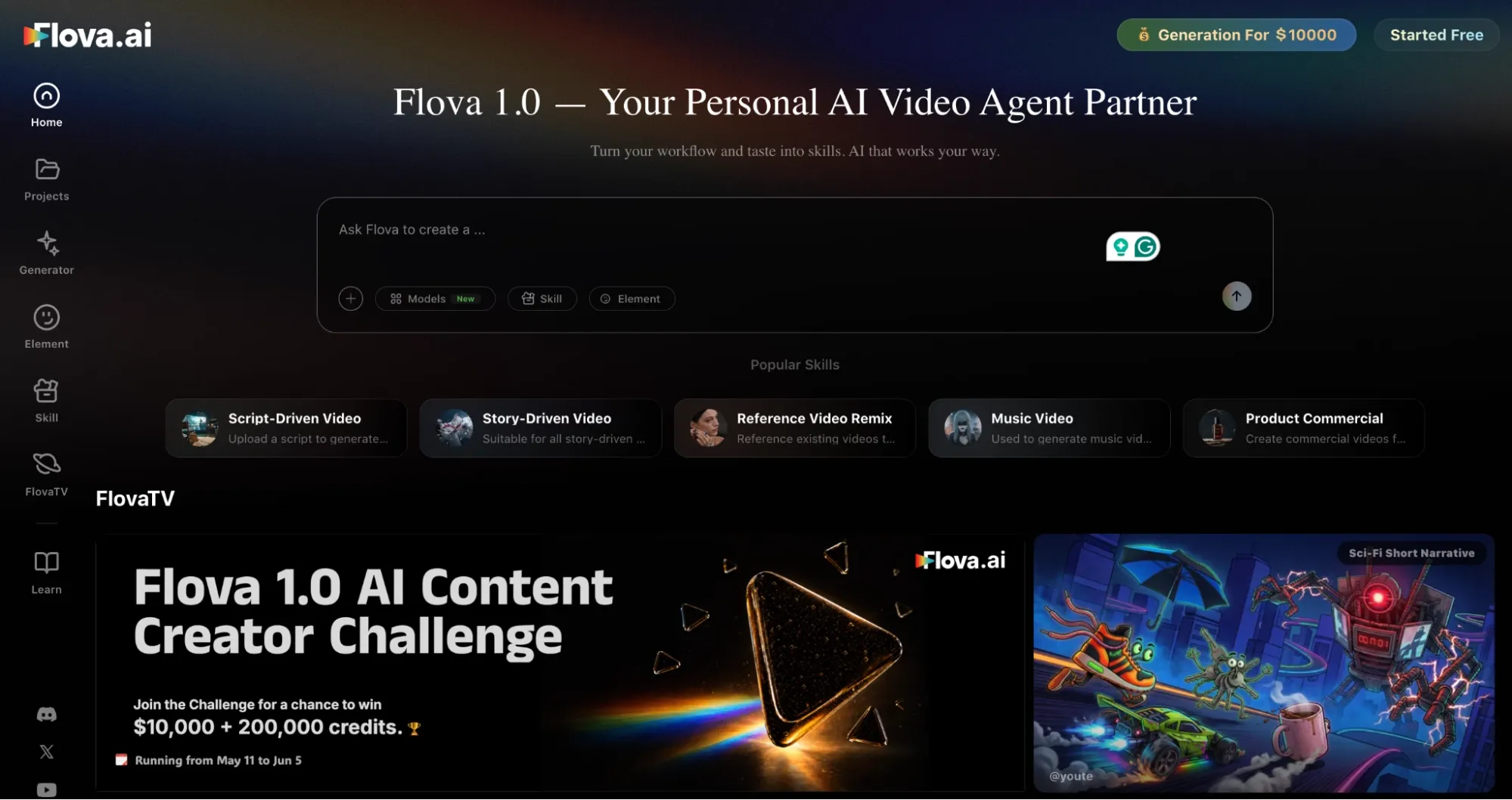
I enjoyed using Flova AI, particularly for creating videos that need a storyline. And a big reason for this is that it supports agent-driven generation, allowing for conversational prompting.
All I needed to do was describe the story concept I wanted in vivid detail. Plus, it supports multimodal referencing, so I could use text, image, and video to form a precise narrative.
But the best part was that the AI agent handled the entire workflow. From scripting and storyboarding to generation and voiceovers, I could sit back and let it take over.
Even with that, it kept me in the loop with editing, so I still had creative control. I could freely refine the output with simple commands, which made things so much easier.
The only hitch is that I found the credit usage to be very high. I also think Flova AI has a slightly steep learning curve, so beginners may need time to get up to speed.
Pros:
- Agent-driven video generation
- Multimodal reference support
- Suited for storytelling and cinematics
Cons:
- High credit usage per generation
- Slight learning curve for new users
#7. Artlist AI: Best for Commercial-Ready TikTok Content
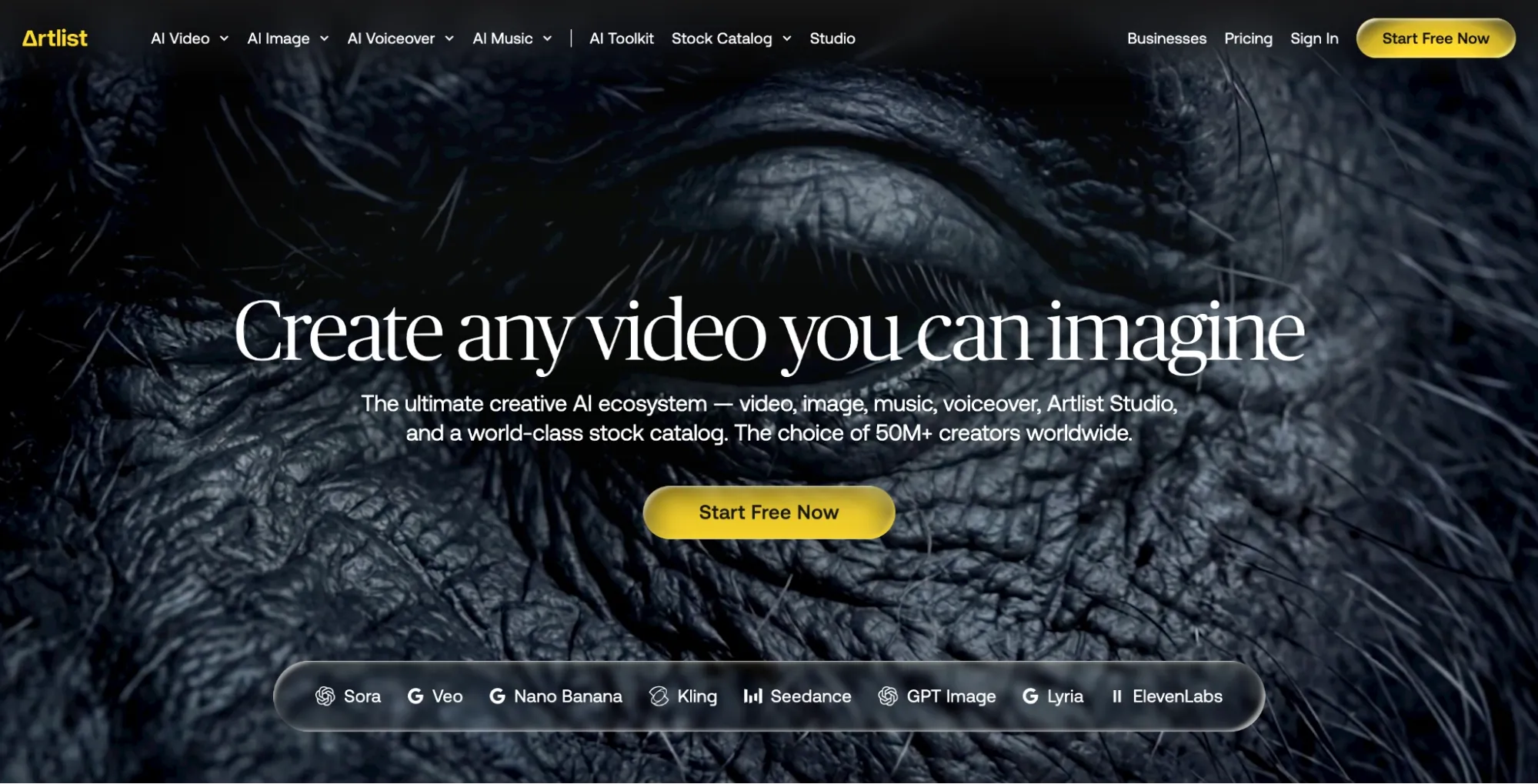
If you hate switching between tools for video generation and editing as I do, then this is a good pick. It offers an unlimited stock catalog of royalty-free music, footage, and SFX.
Plus, a full AI suite that supports text-to-video, image-to-video, and video-to-video. This mix of premium assets + generative power from models like Seedance 2.0 yielded good results.
I tested it on faceless product promos and lifestyle content; Artlist AI produced polished, short 5-10 second clips that were relatively ready to publish on TikTok in minutes.
Even the audio selection fit well in the final video, giving the outputs a commercial feel. Sadly, I do think this tool is a bit limited in text-to-video creativity.
But when reference media was involved, like uploading images, audio, or even video, then I found it did a better job of nailing what I envisioned.
Pros:
- All-in-one video creation suite
- Strong multimodal referencing
- Commercial-safe licensing
Cons:
- Inconsistent text-to-video outputs
- Videos limited to 5-10s per generation
For a deeper breakdown, see this Artlist review.
Which One Should You Use For TikTok: My Personal Take
Creating faceless TikToks can be a hassle if you don’t have a video generator that can handle generation and editing at the same time. But more than that, it has to be rapid to match scale.
Of all of them, Pollo AI is the one I spent the most time with because it consistently churned out publish-ready outputs. I rarely had to worry about post-editing, particularly with Pollo agent.
It’s so intuitive that I could describe the visual sequence, and it simply understood the intent behind the idea. I basically skipped over transitions, color grading, etc, absolutely zero editing!
And better yet, Pollo AI is fast. Per generation, it took less than two minutes for a final cut, and with vertical format support, I can simply upload videos to TikTok right away.
All in all, Pollo AI delivers on speed, quality, versatility, and even affordable pricing. The other video generators seem to excel in one area or two but not all, so this is my top recommendation.
FAQs
Which faceless video generator is free for creating TikToks?
Pollo AI offers free user access. Once you sign up, you’ll get limited credits to generate faceless TikToks at no cost. Other free trial alternatives include Animaker AI, Akool AI, and Dreamina AI.
What’s the best faceless video generator for beginners?
For a simplistic interface with almost no learning curve, go for Pollo AI. It’s also fast and intuitive, so creating faceless TikToks won’t demand much time, effort or previous AI expertise.
Which faceless generator is best for promotional product TikToks?
Start with Pollo AI, specifically their Pollo agent feature. You can upload the product images and describe the clip in detail to the conversational agent. It will handle the rest.
Should I choose one video generator for TikToks or use multiple tools?
I suggest using Pollo AI since it has a complete generative suite. It covers at least 90% of the workflow, so it’s the cost-effective option. But if it fails to satisfy, then you can add other tools.
How do I lower the risk of my faceless TikToks looking AI-generated?
Aim to use reference images and videos whenever possible. For example, with Pollo AI, you can use the reference-to-video to maintain character consistency across scenes better.