



Best Free AI Flyer Generators: Pro-Looking Flyers Without Spending a Cent
Anyone can make a flyer. The hard part is making one people notice, understand, and remember. A crowded layout, unreadable offer, or wrong date can ruin an otherwise useful design. I compared eight free AI flyer generators to see which ones can turn a rough idea into a clear, usable promotion.
TL;DR
Pollo AI is my pick for the best free AI flyer generator overall. Its free starting option combines complete flyer generation, support for your own images, and layouts built around the information people need to act.
Canva follows for hands-on layout editing, with Adobe Express third for editable templates. The other tools suit narrower tasks or introduce tighter limits on free generation, downloads, or revisions.
What Makes a Free AI Flyer Generator Worth Using?
A useful free AI flyer generator should help you finish a promotion, including its headline, image, offer, and call to action. I also look beyond the generation button: a download cap, watermark, or paid asset can matter more than the number of designs you can preview.
A few free credits might be enough for a school fundraiser. If your café runs a new special every week, though, I’d want room to change the offer, try another look, and download the flyer without paying each time.
Best Free AI Flyer Generators at a Glance
| Tool | Best for | Free access | Main limit |
|---|---|---|---|
| 1. Pollo AI | Complete promotional flyers | Free to start | Limited credits; daily check-ins earn more |
| 2. Canva | Hands-on editing | Free assets and downloads | Premium content costs extra |
| 3. Adobe Express | Editable templates | Limited daily AI generations | Premium assets and tools |
| 4. Fotor | Simple image drafts | Free flyer generation advertised | Ongoing quota unspecified |
| 5. AI Ease | Exploring visual styles | Limited free generations | Advanced access costs extra |
| 6. Piktochart | Information-led flyers | 60 monthly AI credits | 2 free PNG downloads total |
| 7. VEED.io | Image-based flyer edits | Limited free AI access | Regional and credit limits |
| 8. AI Flyer Studio | One-off previews | Signup credits | Watermarked free output |
1. Pollo AI — Best Free AI Flyer Generator Overall
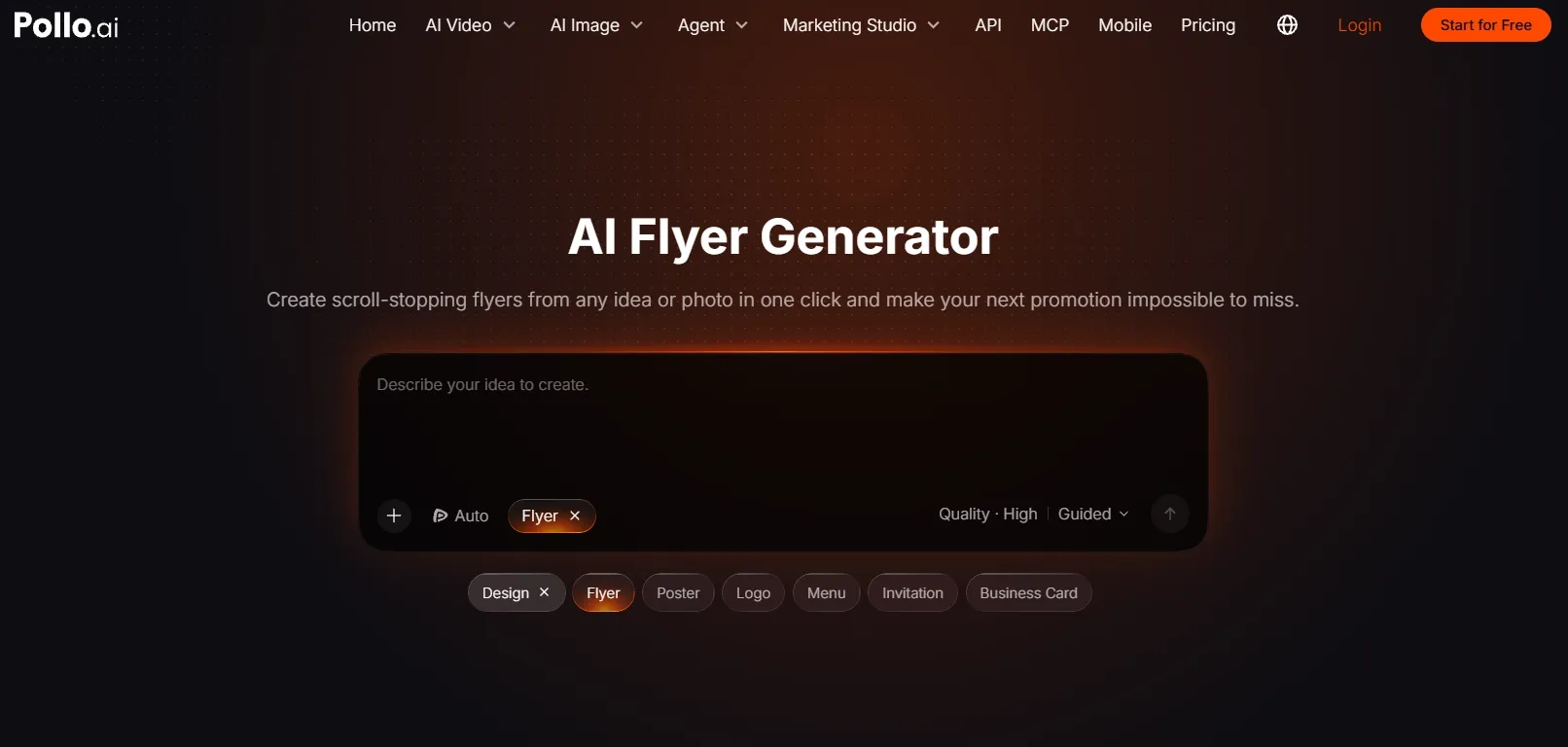
Best for: Small businesses, event organizers, and creators who want a complete promotional design with less manual assembly.
I would start with Pollo AI’s AI flyer generator because it builds the visual, color palette, headline, and layout around my brief, with free credits available to get started. I can bring in a product photo, portrait, logo, or event image to give the design a relevant focal point from the beginning.
I also like being able to work through the design in everyday language. I can describe the flyer I want, then ask for changes such as “make the offer larger” or “move the photo to the right.” With a large language model interpreting my feedback, I can keep refining the design through a conversation with its AI agent.
What puts it first for me is its attention to the whole message. The tool organizes dates, venues, prices, offers, and calls to action into a visual hierarchy. That is especially useful for shop-opening promotions, where the main offer needs to attract attention without burying the address or opening hours.
I also have access to models including GPT Image 2, Nano Banana 2, and Seedream 5.0 through Pollo AI image generator. If I want a different visual direction for a campaign, I can explore it within the same platform. I can also make targeted visual refinements while preparing images for the flyer.
If I were promoting a small business on a tight budget, I’d appreciate being able to start with free credits and collect more through daily check-ins. That would give me room to explore a few ideas before deciding whether I needed a paid plan.
Prompt to try: “Create a vertical flyer for Bloom Studio’s opening weekend on November 14–15, 2026. Use the uploaded bouquet photo. Include ‘OPENING WEEKEND,’ ‘20% OFF ALL BOUQUETS,’ ‘24 Garden Lane,’ and ‘Visit Us This Weekend.’ Use cream and deep green, a prominent offer, and clearly separated event details.”
What I got: The bouquet became the main visual against a warm cream background, with deep-green typography tying the design together. The opening headline led the page, the discount stood out beneath it, and the address and dates occupied a clean lower section. The result felt like one coordinated promotion, with enough space around the wording to keep it easy to scan.
Pros:
- Creates and refines complete flyers through natural-language feedback.
- Integrates uploaded images into the composition.
- Offers free starting access alongside a broader image toolkit.
Cons:
- Brand palette needs to be defined before style exploration.
- Final selection may require comparing several variations.
My Verdict
Pollo AI is the strongest starting point here for turning a real offer into a complete flyer. Its combination of image integration, clear information hierarchy, and creative flexibility makes the free entry point particularly useful. I'd start with it for a promotion that needs to look cohesive without spending time arranging every element.
2. Canva — Best for Hands-On Flyer Editing
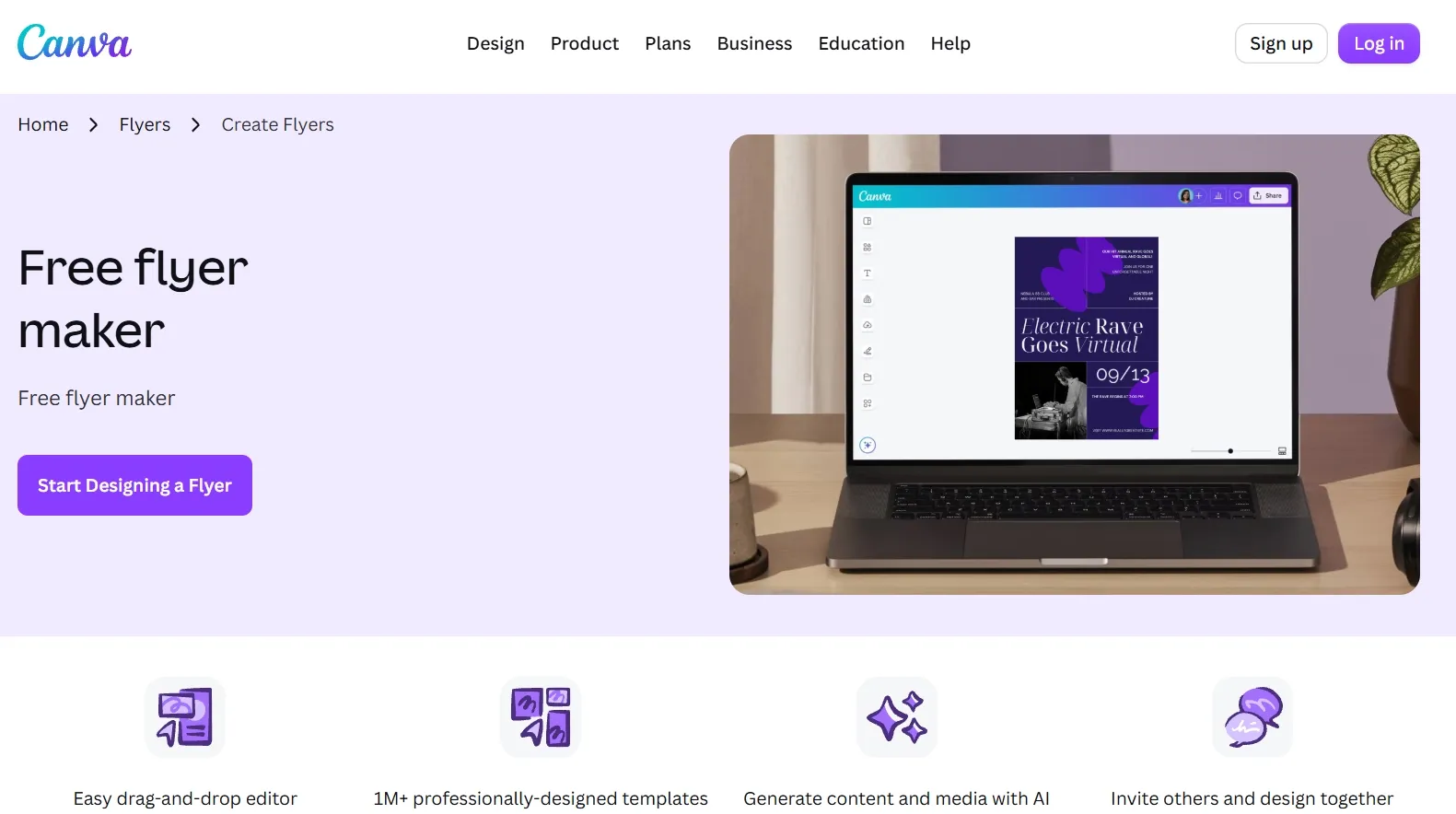
Best for: People who expect to keep adjusting text, images, and placement.
When I tested Canva, I found a familiar editable canvas alongside its AI-assisted design tools. I could generate ideas, refine a design through conversation, and make direct changes myself. I would keep the project within its free content library, with an eye on premium assets and AI allowances.
For real estate open-house flyers, the asking price, viewing time, and contact details can change repeatedly. That is the kind of task where I would value direct access to individual elements. Canva takes second place because it suits ongoing refinement well, while Pollo AI remains my first choice for having the initial promotion composed around the brief.
Prompt to try: “Create a clean real estate flyer using the uploaded house photo. Include ‘OPEN HOUSE,’ ‘November 21, 12–3 PM,’ ‘82 Willow Drive,’ and ‘3 Bedrooms | 2 Bathrooms.’ Use navy, white, and generous spacing.”
What I got: A large property photo filled the upper half, with a navy headline band and a white details panel below. The layout was orderly, although the bedroom and bathroom line competed with the viewing time. I would reduce the supporting text and give the event details more separation before downloading.
Pros:
- Direct control over text and layout.
- Reusable designs for recurring announcements.
- Free downloads when using free assets.
Cons:
- Premium elements can introduce unexpected costs.
- AI usage is subject to the free plan’s allowance.
- Detailed refinements still involve design decisions.
My Verdict
A useful runner-up for people who want to keep editing. Its free value is strongest when you stay within the free asset library and are comfortable finishing the layout yourself.
3. Adobe Express — Best for Editable AI Flyer Templates
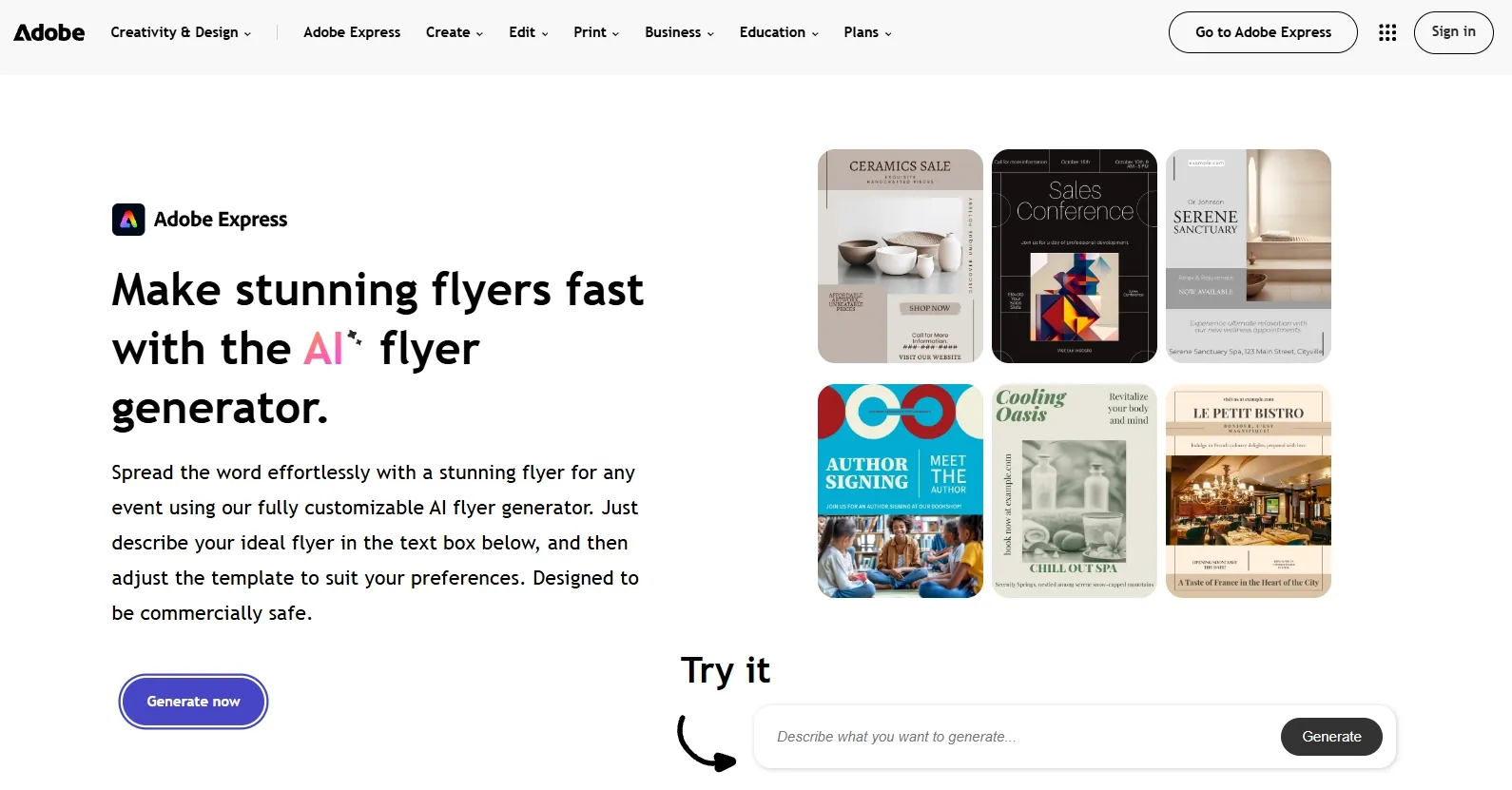
Best for: Users who want a generated template they can personalize.
When I tried Adobe Express, I could turn a description into editable flyer template options, explore variations, upload media, and adjust the selected design. I found the free plan useful for limited daily generative AI access, although premium assets and features require the appropriate plan.
A clear community event announcement needs to make its purpose, date, and location immediately apparent. Adobe’s template workflow gives you a starting structure for those details, although I would allow time to personalize the result instead of treating the first template as the finished promotion.
Prompt to try: “Create a flyer for a beginner pottery workshop. Include ‘MAKE YOUR FIRST CERAMIC CUP,’ ‘November 28, 2–4 PM,’ ‘Clay House Studio,’ and ‘Book Your Place.’ Use warm neutrals and a simple ceramics image.”
What I got: The design used a terracotta background, a close-up ceramic cup, and a compact block of workshop details. It looked consistent, but the title and booking line had similar visual weight. I would enlarge the title and simplify the lower section to give the flyer a clearer reading order.
Pros:
- AI-generated templates remain editable.
- Variations help explore a visual direction.
- Uploaded media can be incorporated into the design.
Cons:
- Free generative AI access is limited.
- Premium content can interrupt a free workflow.
- The selected template may still need manual customization.
My Verdict
A solid third choice when an editable template is the priority. I would use it for a guided first draft and plan on a customization pass before publishing.
4. Fotor — Best for Straightforward Flyer Image Drafts
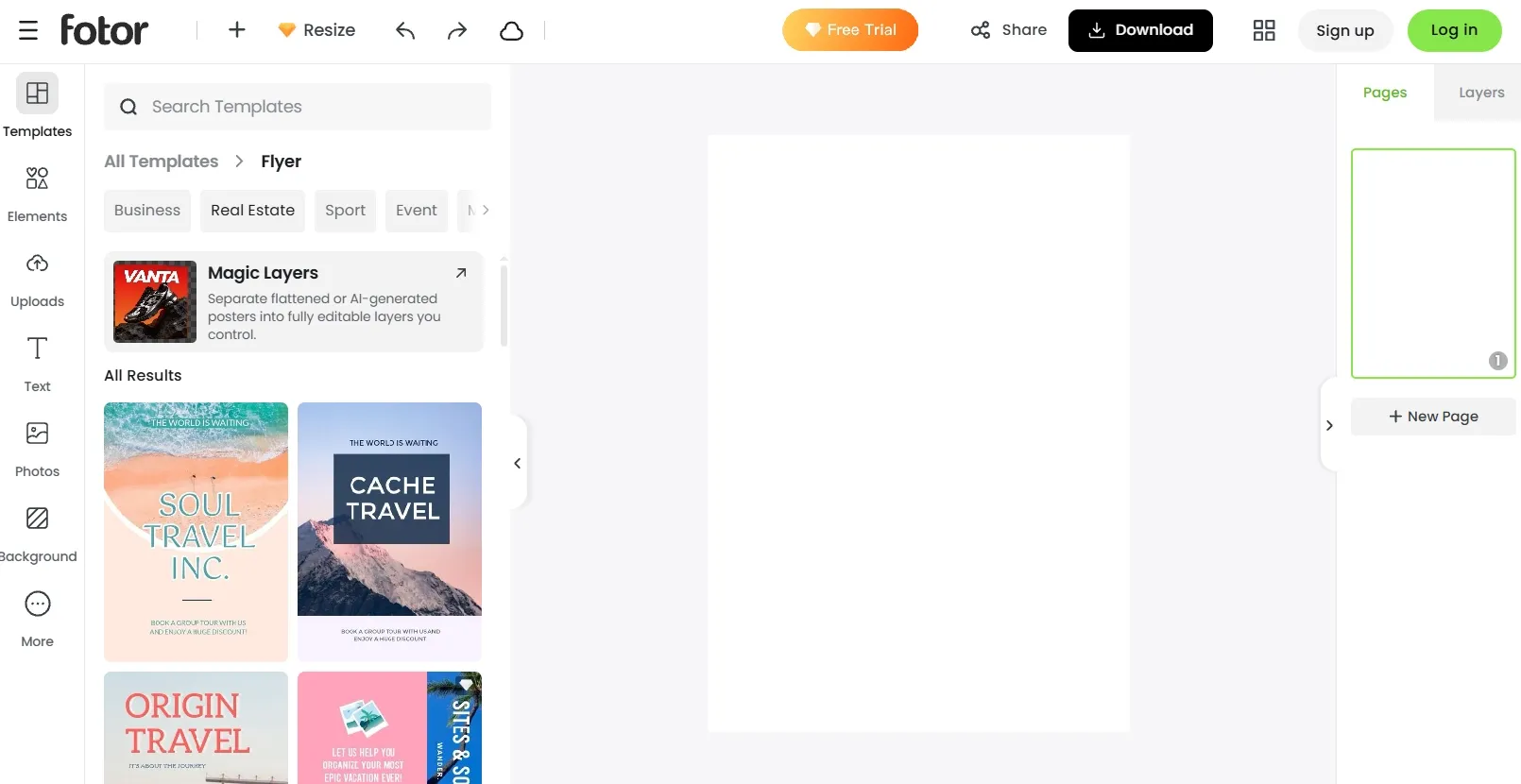
Best for: Occasional users with a short brief and a clear visual direction.
When I looked at Fotor’s dedicated flyer workflow, I found a free, no-login starting point that accepts prompts and reference images. It produces a flyer image with the layout and typography included. Because I could not find a fixed ongoing free allowance, I would start with a small project.
For restaurant lunch specials, one appetizing image and a prominent price can do much of the work. Fotor’s straightforward approach fits that sort of brief better than a flyer packed with schedules, conditions, and contact information.
Prompt to try: “Create a flyer for a café lunch special. Include ‘LUNCH FOR $12,’ ‘Sandwich + Soup + Drink,’ and ‘Weekdays, 11 AM–2 PM.’ Use a warm food photograph, cream background, and dark red accents.”
What I got: The food image occupied most of the center, while the price appeared in a large red badge. The headline was easy to notice, but the smaller serving-hours line sat close to the bottom edge. I would give that line more breathing room before using the design as a printed handout.
Pros:
- Simple prompt-based entry point.
- Supports reference images.
- Advertises free, no-login flyer generation.
Cons:
- The ongoing free generation allowance is not clearly published.
- A PNG download does not preserve separate editable text layers.
- Detailed revisions need more attention than a simple image draft.
My Verdict
Worth considering for a simple flyer image. I would keep the brief focused and check the revision options before building a recurring campaign around it.
5. AI Ease — Best for Exploring Flyer Styles
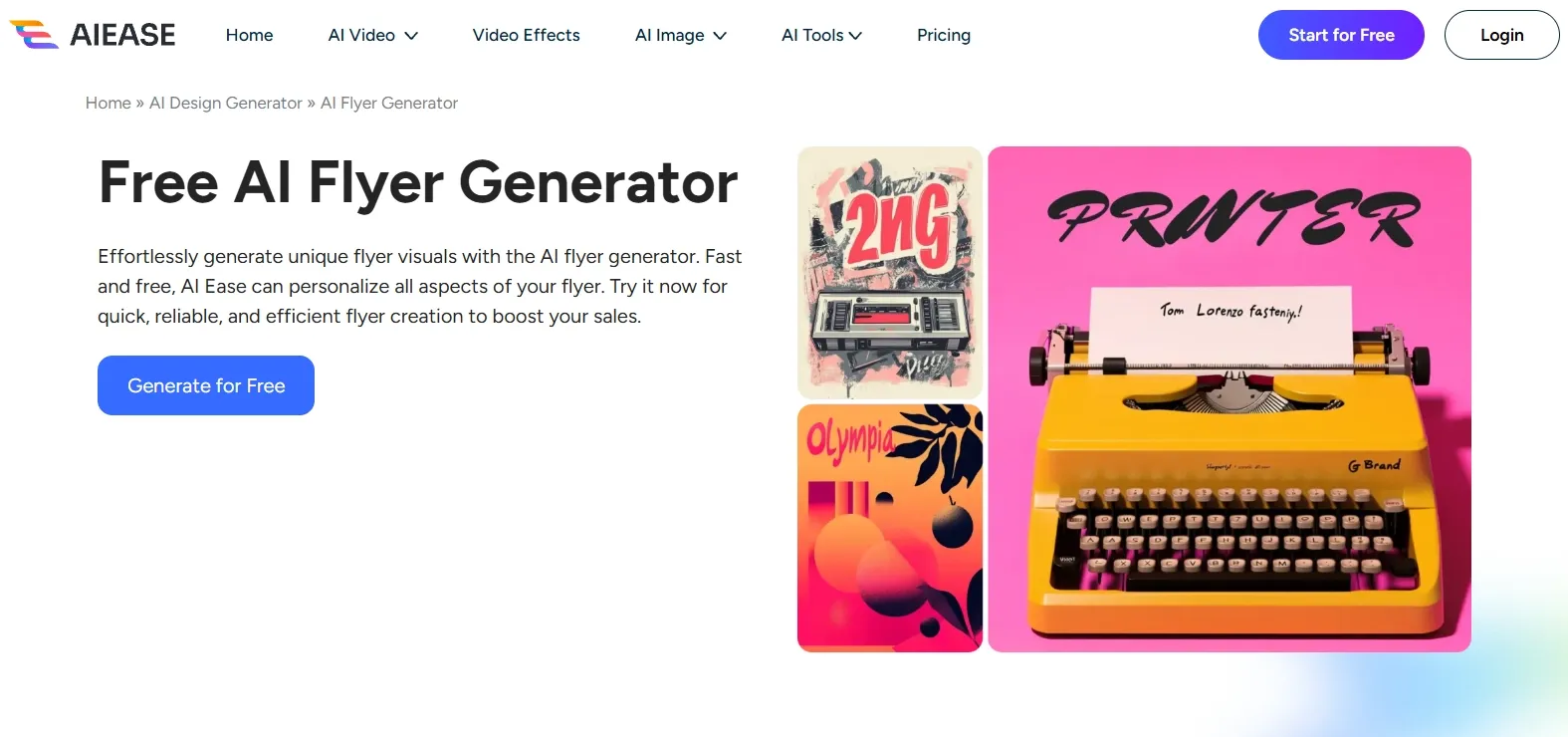
Best for: Casual users trying different looks for a short promotional message.
When I tried AI Ease, I could start a flyer from a text description, choose a style, and download the resulting design. I found the free route useful for exploring ideas, although free generations are limited and advanced options are tied to paid features.
For club-night promotions, the visual mood matters: neon, retro, minimal, and illustrated treatments communicate very different events. AI Ease is useful for exploring those directions, but I would keep the essential wording short and make text legibility part of the final review.
Prompt to try: “Create a retro club-night flyer with purple and orange lighting. Include ‘AFTER HOURS,’ ‘November 20, 9 PM,’ ‘The Basement,’ and ‘Tickets $15.’ Use a strong central headline and a simple DJ silhouette.”
What I got: The flyer leaned into saturated purple lighting, orange accents, and an oversized headline above the DJ silhouette. The atmosphere was clear, while the ticket price blended into the decorative graphics. I would simplify that area and strengthen the contrast around the practical details.
Pros:
- An accessible way to explore visual styles.
- Straightforward text-to-design workflow.
- Free generations help with initial ideas.
Cons:
- Free generation access has limits.
- Higher-resolution and advanced model options can require payment.
- Exact event wording still needs a careful final review.
My Verdict
A reasonable option for experimenting with a look. I would use it for a compact, visually driven announcement rather than make it my first choice for a detailed promotional flyer.
6. Piktochart — Best for an Occasional Information-Led Flyer
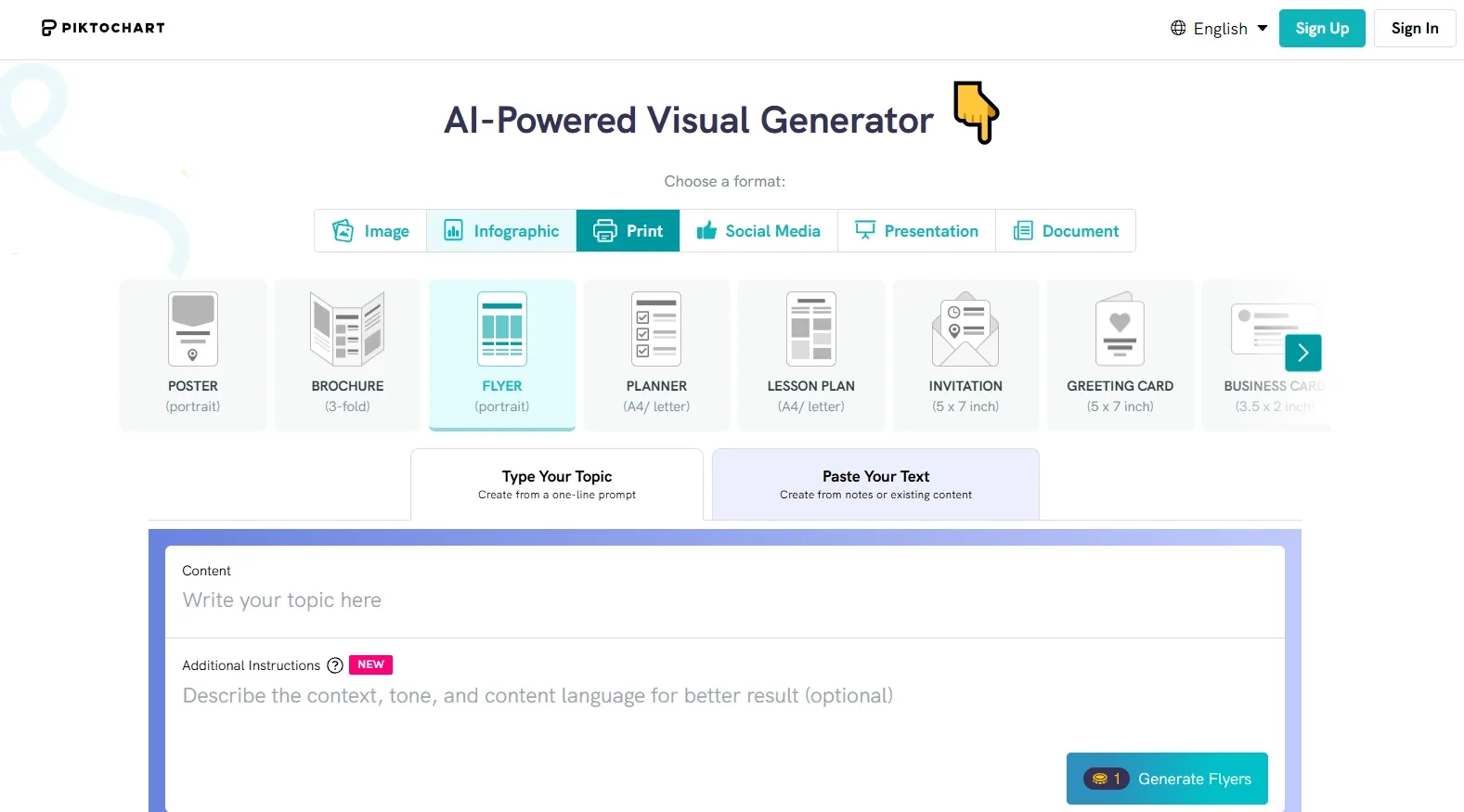
Best for: A workshop or community notice with several details to organize.
When I reviewed Piktochart, I found that it generates a starting flyer from your content and lets you customize it in an editor. Free accounts receive 60 monthly AI credits, but the two included PNG downloads are a total account allowance that does not renew. In my view, that makes it more practical for an occasional project than regular free publishing.
With workshops that need a detailed agenda, information order matters as much as the hero image. Piktochart’s content-led approach is relevant here, especially when you need clear sections rather than a single large promotional headline.
Prompt to try: “Create a flyer for a free beginner gardening workshop. Include ‘GROW YOUR FIRST HERB GARDEN,’ ‘November 22, 10 AM–12 PM,’ ‘Greenfield Community Center,’ and three topics: choosing herbs, planting basics, and watering tips.”
What I got: The title appeared above a simple plant illustration, with the three topics grouped into separate blocks. The structure made the information easy to follow, although the page felt closer to an educational handout than an attention-grabbing promotion. I would shorten the topic descriptions and give the event title more space.
Pros:
- Useful structure for information-heavy content.
- Editable text and visual elements.
- Recurring monthly AI credits on the free plan.
Cons:
- Only two free PNG downloads, without renewal.
- PDF export requires a suitable paid plan.
- Free accounts have a limited template selection.
My Verdict
Suitable for a small number of information-led flyers. The download cap is the main reason I would not choose it for weekly promotions on a zero-cost budget.
7. VEED.io — Best for Adapting an Existing Flyer Image
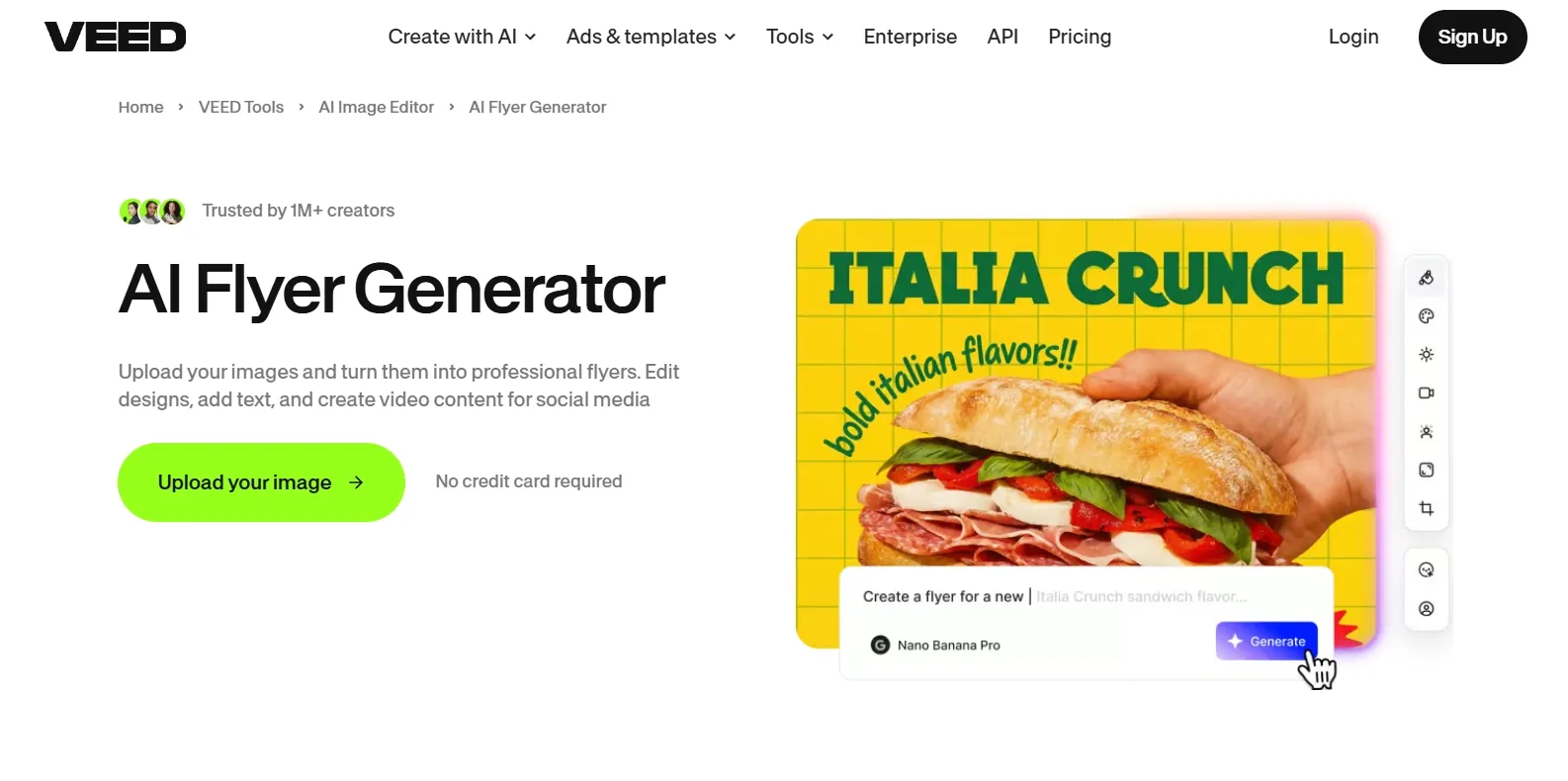
Best for: Existing VEED users making a few changes to a promotional visual.
When I explored VEED, I found that I could turn an uploaded image into a flyer through prompt-based edits, including adding text, changing backgrounds, and adjusting the layout. Free image generation is available within plan limits, but the required AI credits depend on the selected model and can vary by region. I would check that access before planning a free flyer project.
For weekend party promotions, reworking an existing image can be enough to create a fresh announcement. That is the narrow use case where I would consider VEED here; its broader production environment adds less value when all you need is one static flyer.
Prompt to try: “Turn this uploaded rooftop photo into a party flyer. Include ‘SUNSET SESSIONS,’ ‘November 21, 5 PM,’ ‘Harbor Rooftop,’ and ‘RSVP Required.’ Keep the skyline visible and place the text in uncluttered areas.”
What I got: The skyline remained the backdrop, with white lettering placed over the darker lower portion of the image. The headline worked as a social announcement, but the smaller RSVP line lacked the same separation. I would refine the text placement before using it in a print layout.
Pros:
- Can build around an existing image.
- Supports edits through text instructions.
- Convenient for users already working in VEED.
Cons:
- Free AI credit availability varies by region.
- Model choice affects the credit cost of revisions.
- A broader production interface can add steps to a simple flyer task.
My Verdict
A secondary option for existing users with suitable free AI access. I would not choose it first for a flyer-only workflow, particularly when the available credits are uncertain.
8. AI Flyer Studio — Best for Previewing a One-Off Flyer
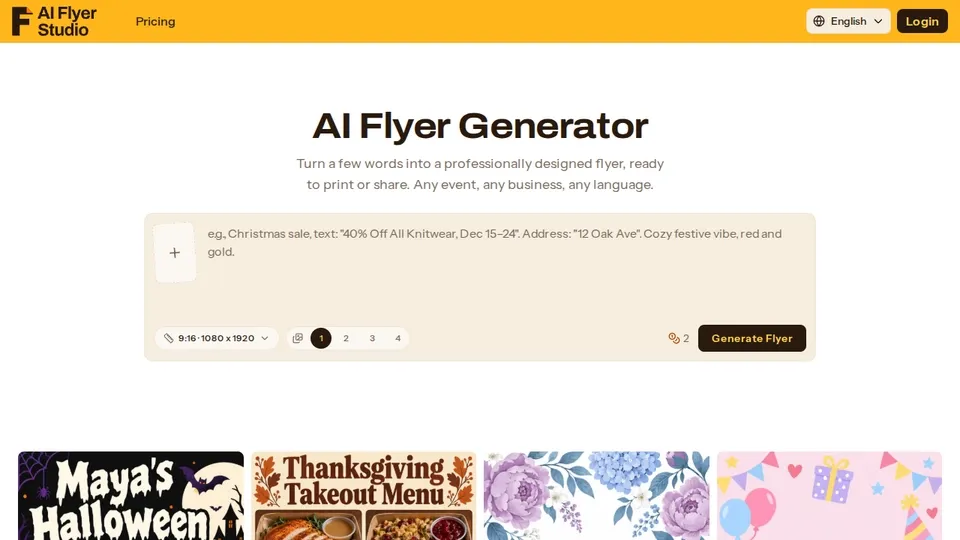
Best for: Trying an initial concept when a watermark is acceptable.
When I reviewed AI Flyer Studio, I found a focused workflow that turns a brief and uploaded images into a flyer. New users receive credits for an initial design, but flyers made with free credits carry a small watermark. Edits also consume credits at the same rate as a new flyer, which makes repeated refinements less attractive on the free starting allowance.
For community church gatherings, a short invitation with one date, venue, and welcoming image is a sensible first brief. I would treat the free version as a way to preview a direction before deciding whether a paid, watermark-free version is worthwhile.
Prompt to try: “Create a welcoming flyer for a community church lunch. Include ‘YOU’RE INVITED,’ ‘November 29, 12:30 PM,’ ‘Hope Community Church,’ and ‘Everyone Welcome.’ Use warm light, a simple shared-table image, and clear event details.”
What I got: A warmly lit table scene filled the center, with a welcoming headline above and the event details below. The layout was straightforward, although the watermark made it feel more like a preview than a final community announcement. I would also reduce the decorative border to give the invitation more space.
Pros:
- A focused flyer creation workflow.
- Supports uploaded photos and logos.
- Signup credits cover an initial concept.
Cons:
- Free flyers carry a watermark.
- Edits cost the same credits as a new generation.
- PDF export is not currently available.
My Verdict
The most limited free choice in this ranking. I would use it to explore an initial idea, but watermarks and credit-consuming edits make it less useful for completing a campaign without paying.
How I Evaluated These Free Flyer Generators
I compared the published flyer workflows, free access, image inputs, editing options, and export restrictions. My main question was how closely each tool fits the complete job: communicate an offer, organize the details, and produce a usable design.
How to Choose the Best Free AI Flyer Generator
- Start with Pollo AI if you want a complete promotional design built around a brief and your own visuals.
- Choose Canva or Adobe Express if direct editing or an editable template is your priority.
- Consider Fotor or AI Ease for a short, visually driven draft.
- Use Piktochart selectively when the information layout matters and two free downloads cover your needs.
- Treat VEED.io and AI Flyer Studio as secondary options for the specific workflows and free limits described above.
My Personal Take
Pollo AI is the one I would open first. Its free starting option puts the most relevant flyer capabilities together: a complete composition, your own promotional images, and clear priorities for the headline, offer, and next step.
I would begin with one real promotion and a focused brief. That gives the tool a clear job and makes it easier to judge whether the resulting flyer is something you can use.
Best Free AI Flyer Generator FAQs
What is the best free AI flyer generator?
Pollo AI is my top overall choice for generating a complete promotional flyer from a brief or uploaded image. Its combination of image integration, information hierarchy, and free starting access makes it the most useful place to begin for this workflow.
Are free AI flyer generators completely free?
Most offer a free starting allowance or a limited free plan. Restrictions can apply to generation, downloads, premium assets, resolution, and watermarks. The most useful comparison is what you can finish within the free access, rather than how many designs you can preview.
Can I print a flyer made with a free AI tool?
Yes, provided the export meets your printer’s requirements. Check the intended dimensions, image resolution, margins, and any required bleed. A downloadable image is not automatically suitable for every print size, and a high-resolution image is different from a print PDF.
What if my flyer needs too much text?
Keep the main flyer focused on one offer, the essential details, and one action. Longer service descriptions or background information can go into a folded information handout, leaving the flyer easier to read at a glance.
How can I avoid wasting free AI credits?
Finalize names, dates, prices, addresses, and the call to action before generating. Put exact wording in quotation marks and describe the visual style separately. Review one version before requesting more, and use a real, tested QR code if the flyer needs a scannable link.