



10 Best NSFW AI Video Generators in 2026 (Tested & Ranked)
Most mainstream platforms block NSFW video generation, while unregulated adult clones risk malware, data leaks, and melting facial glitches. If you want to animate fictional characters, romantic scenes, fantasy concepts, or high-fashion visuals, reputable creative platforms offer fluid physics, reliable privacy, and total creative control. I tested and ranked 10 trusted platforms across motion realism, consistency, camera tools, and privacy standards.
Best NSFW AI Video Generators: TL;DR
Pollo AI's AI video generator is the best overall platform for creators who want to bring virtually any visual story to life with smooth, high-definition motion in a safe, professional workspace. Instead of trapping you inside a low-resolution single-model tool that distorts faces after two seconds, Pollo AI combines world-class video models, seamless image-to-video animation, character consistency, and one-click publish-ready creation.
Among the specialized alternatives, DeeVid AI and BasedLabs are best for quick portrait motion and creative photo animation, Artflow and Animaker lead in fictional character storytelling, GoEnhance AI excels at 4K video restyling, Fliki transforms scripts into narrated videos, while FlexClip, Kapwing, and Vizard handle timeline editing, formatting, and social repurposing.
| Tool | Best For | Key Strength |
|---|---|---|
| Pollo AI | Best Overall & Motion Freedom | All-in-one multi-model video studio, zero facial drift and viral motion templates |
| DeeVid AI | Quick motion templates | Fast image-to-video effects for short romantic and character clips |
| BasedLabs | Character motion & photo animation | Creative image animation, cinematic camera moves, and face restyling |
| Artflow | Fictional character storytelling | Multi-scene character consistency, custom voices, and narrative animation |
| Animaker | Stylized 2D storytelling | Character rigging, multi-scene animation, and dialogue sync |
| GoEnhance AI | Video restyling & 4K enhancement | Video-to-video anime transformations and HD motion upscaling |
| Fliki | Script-to-video narration | Expressive voiceovers, automated scene pacing, and subtitle generation |
| FlexClip | Browser-based clip assembly | Flexible multi-track timeline, transitions, and audio sync |
| Kapwing | Online team collaboration | Smart video resizing, auto-subtitles, and cloud editing tools |
| Vizard | Repurposing existing footage | AI clip extraction, vertical reformatting, and dynamic captions |
Bring Your Stories to Life in Your Private AI Studio
Join millions of creators using Pollo AI to generate, animate, restyle, and edit any visual stories inside one private multi-model workspace.
Create Video Privately on Pollo AI
1.Pollo AI—Best Overall AI Video Generator for Limitless Motion & Quality
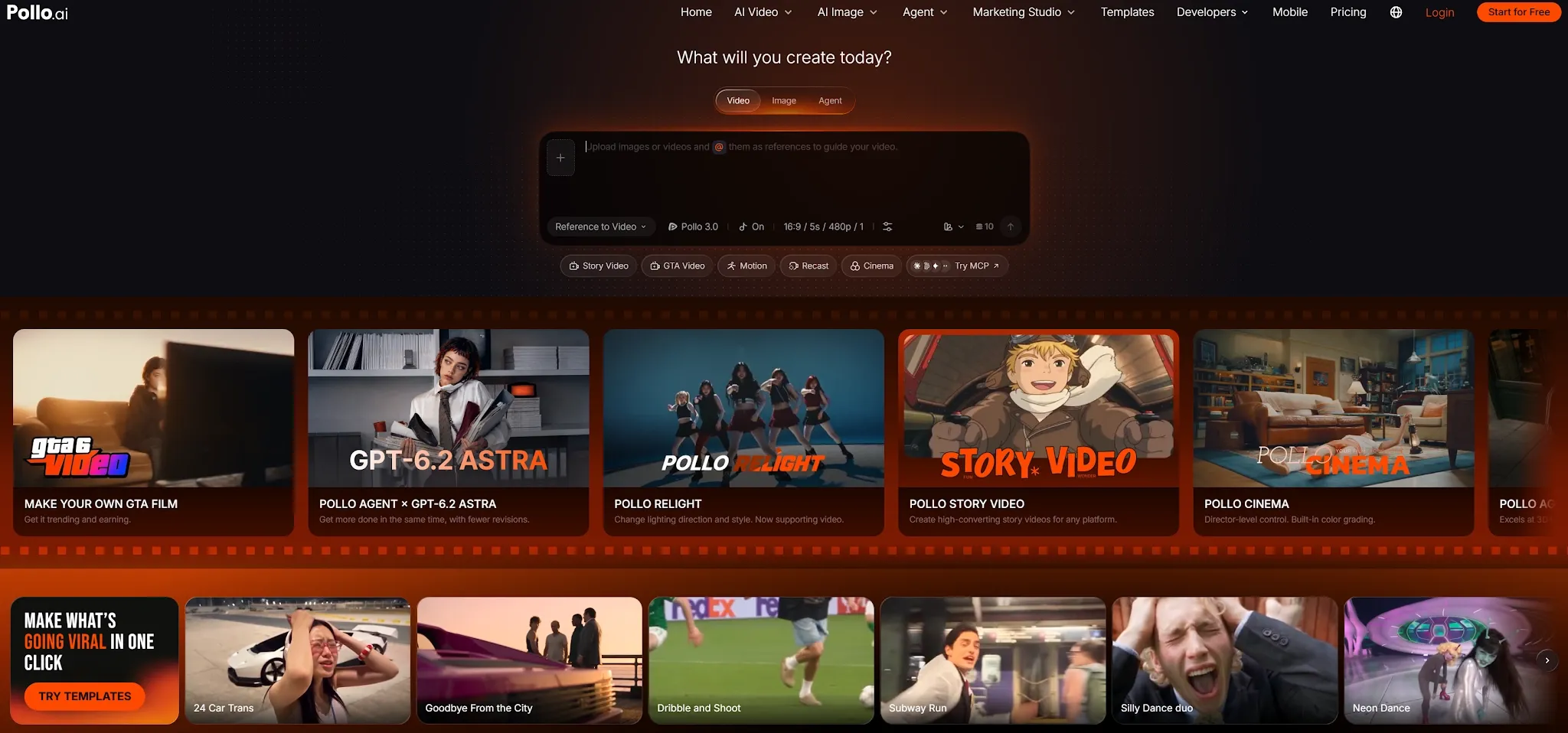
Pollo AI's AI video generator takes the #1 spot because it eliminates the two biggest headaches in generative video: unnatural warping on niche adult sites and overly rigid creative bottlenecks on single-model tools. Built as an end-to-end creative suite, Pollo AI delivers photorealistic motion dynamics, cinematic camera controls, and lifelike character physics across virtually any creative concept—from romantic interactions and high-fashion model movement to fantasy cinema.
Here is why creators choose Pollo AI for AI video generation:
- World-Class Multi-Model Hub: Access Pollo's native video models alongside top generation models, including Kling AI, Seedance, and Sora, within one dashboard. This gives you natural hair movement, realistic fabric physics, and zero plastic facial distortion across extended clips.
- Flawless Image-to-Video & Consistency: Upload your favorite character portrait generated and then bring it to life instantly. Pollo AI preserves bone structure and facial identity across camera pans, zooms, and dynamic lighting changes.
- Viral Motion Presets: Tap into popular motion templates such as AI Kiss, AI Hug, transformation transitions, and romantic character interactions with realistic collision physics.
- Publish-Ready Video: Provide a rough story outline, script, or image reference, and let Pollo AI orchestrate scene transitions, camera angles, and audio pacing into one-click, publish-ready videos automatically.
Pros:
- Generate virtually any cinematic, realistic, fantasy, or romantic video concept in a secure workspace
- Access top-tier AI video models in one unified subscription without managing multiple logins
- Industry-leading image-to-video fidelity with near-zero facial drift across complex movements
- Built-in viral templates, motion speed controls, aspect ratio switches, and HD upscaling
- Connect via Pollo MCP to generate videos directly inside Claude or ChatGPT.
Cons:
- Built as a professional, safe production suite rather than an explicit adult-only roleplay site
- Ultra-high-definition 4K video rendering and complex multi-character motion require more processing time during peak hours.
Best For: Creators, animators, and visual storytellers who want to generate fluid, studio-quality videos with complete motion control and reliable privacy.
2.DeeVid AI—Best Safe NSFW AI Video Generator Alternative for Quick Motion Effects
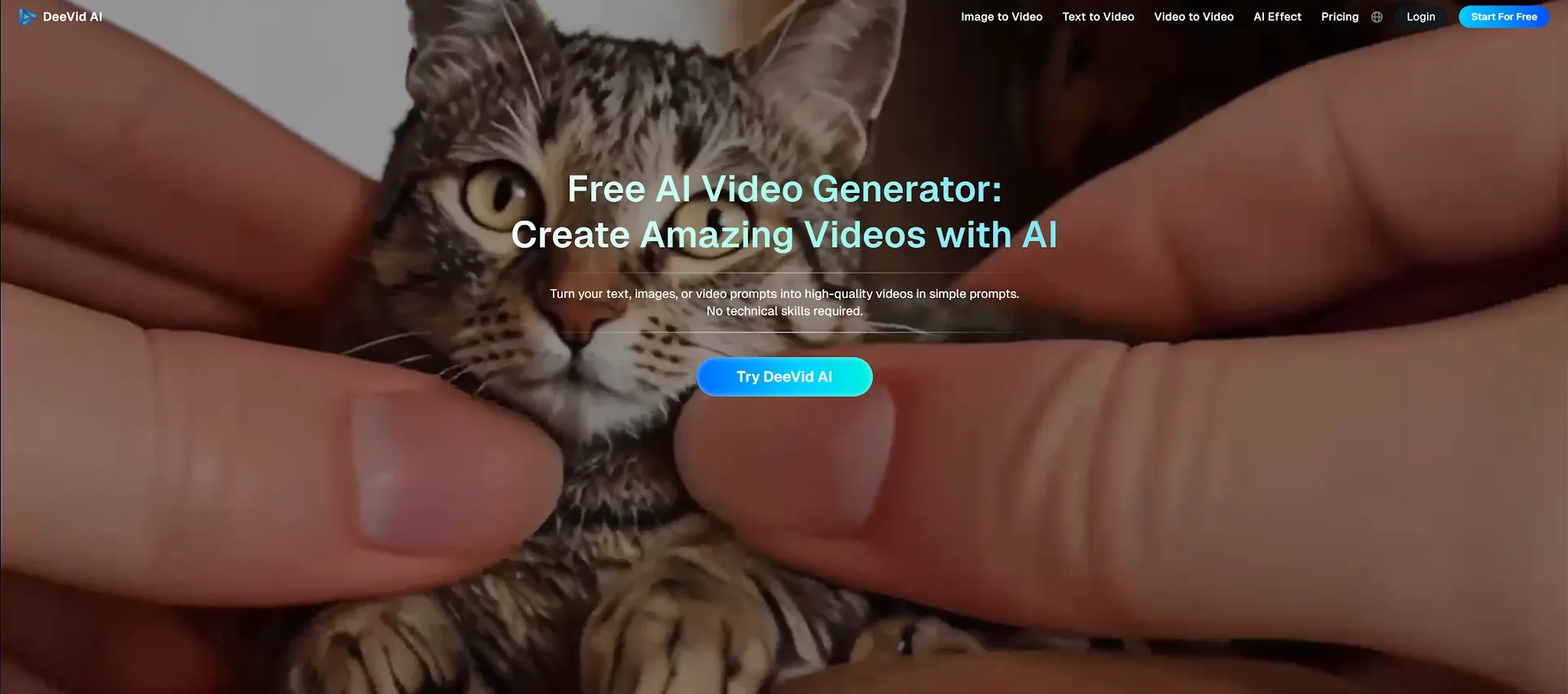
DeeVid AI is built for creators who want to transform static character photos into brief, eye-catching animated clips without spending hours dialing in camera coordinates. Its simple interface centers around pre-configured motion effects, gentle portrait breathing loops, and expressive face-mimic templates.
During testing, DeeVid performed reliably on romantic scenes, fantasy character portraits, and stylized artistic visuals where the goal was a short 3- to 5-second video teaser. However, because it relies on standard template pipelines, you get limited control over custom camera trajectories, multi-character interactions, or cinematic scene transitions compared to Pollo AI.
Pros:
- Fast, click-and-generate image-to-video workflow
- Great for short character expressions, subtle hair movement, and romantic clips
- Straightforward dashboard that requires zero editing experience
Cons:
- Lacks granular camera controls (pan, tilt, zoom, and roll)
- Output durations are restricted to short clips
- Quality drops if the source image has complex background elements
Best For: Casual creators seeking quick, template-based image animation for social media teasers.
3.BasedLabs—Best Safe NSFW AI Video Generator Alternative for Character Photo Animation
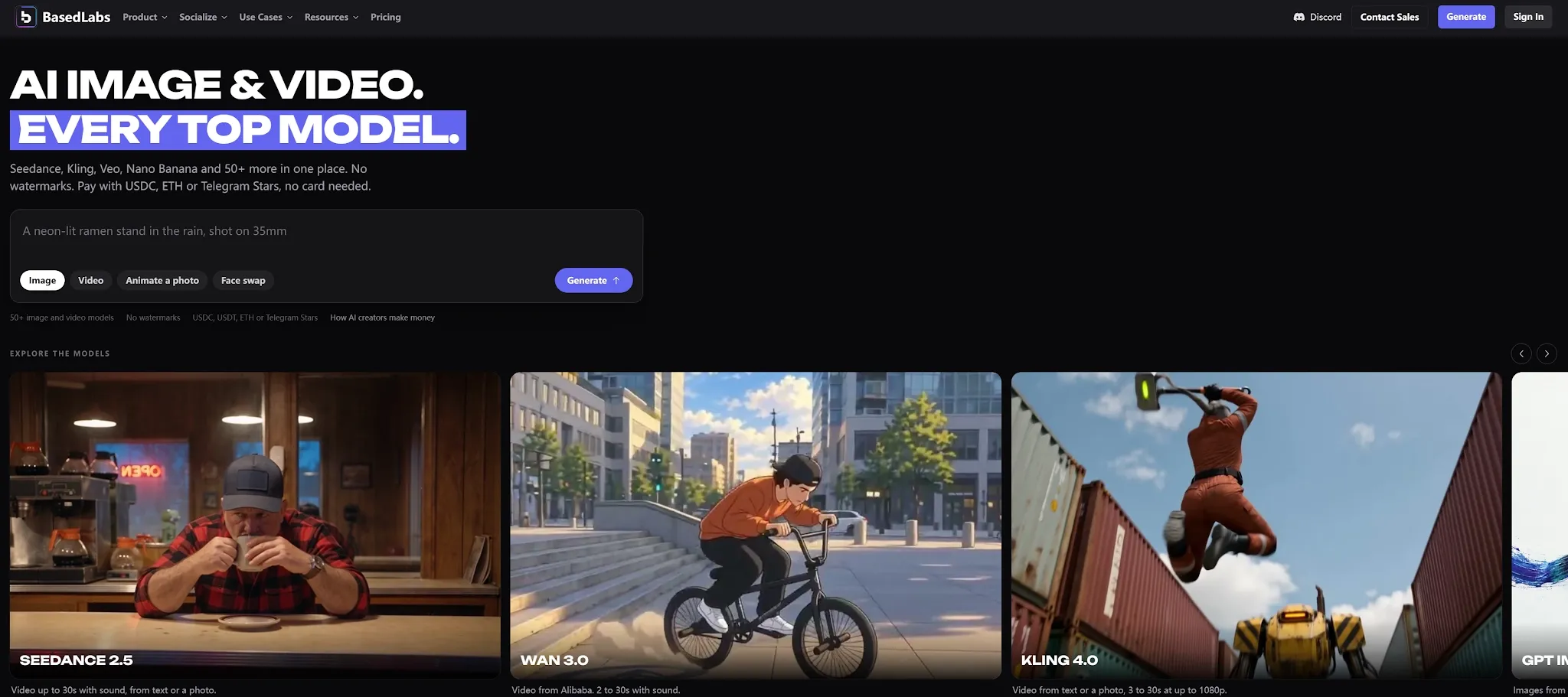
BasedLabs is a versatile creative AI hub built for turning static character photos into dynamic, cinematic video clips. For creators who want to animate portraits of fictional characters, fashion models, or stylized concepts without getting trapped in complex node editors, BasedLabs offers a fast set of motion generation and face-retargeting tools.
It excels at subtle human motion—such as natural hair sway, slow eye blinks, turning toward the camera, and dramatic lighting shifts. You can easily test different motion strengths to find the sweet spot where an image springs to life without distorting facial proportions.
Pros:
- Dedicated image-to-video tools optimized for human character movement
- Cinematic camera controls (pan, dolly, and camera zoom)
- Includes face-swapping and style-transfer utilities in the same suite
Cons:
- Generation queue times can slow down during peak cloud traffic
- Heavy motion parameters can occasionally introduce minor background warping
- Requires credits for each motion iteration and upscaling pass
Best For: Visual artists and creators animating character portraits with realistic cinematic movement.
4.Artflow—Best Safe NSFW AI Video Generator Alternative for Character Storytelling
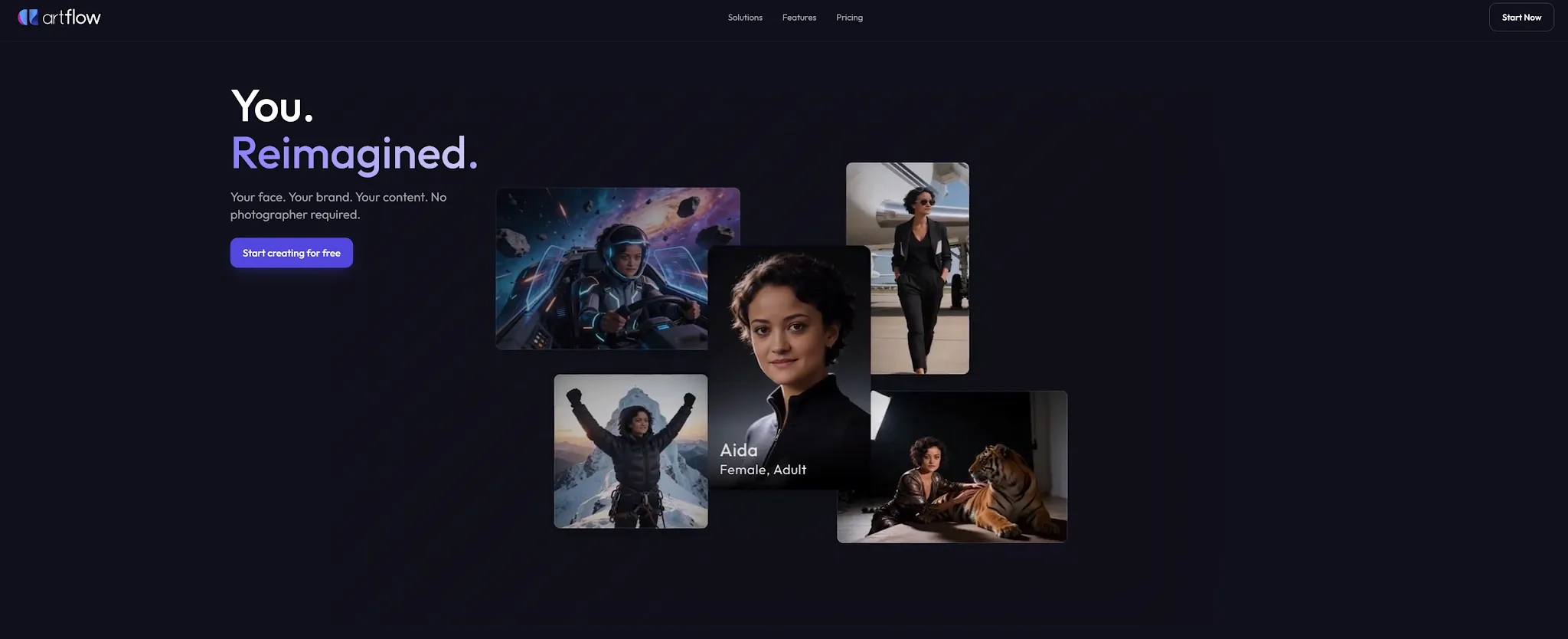
Artflow is engineered for narrative visual creators who want to design original fictional characters and direct them across episodic video scenes. Unlike tools that generate disconnected clips, Artflow lets you build an "Actor" with a persistent facial structure, assign a custom voice, and animate their dialogue with automated lip synchronization.
This makes it an outstanding, safe environment for developing romantic visual stories, fantasy epics, or fictional character dramas. While its aesthetic tilts slightly toward semi-realistic digital art and anime rather than gritty photorealism, its narrative continuity across scenes is top tier.
Pros:
- High character identity retention across multi-scene video stories
- Automated lip-syncing paired with expressive AI voiceovers
- Built-in storyboard editor for sequencing scenes, dialogue, and camera cuts
Cons:
- Visual rendering is more stylized/digital illustration than true live-action photorealism
- Limited manual control over fine physical interactions between multiple characters
- Story generation workflows require more upfront setup than single-prompt generators
Best For: Writers and storytellers building episodic narratives around recurring fictional characters.
5.Animaker—Best Safe NSFW AI Video Generator Alternative for Stylized 2D Storytelling
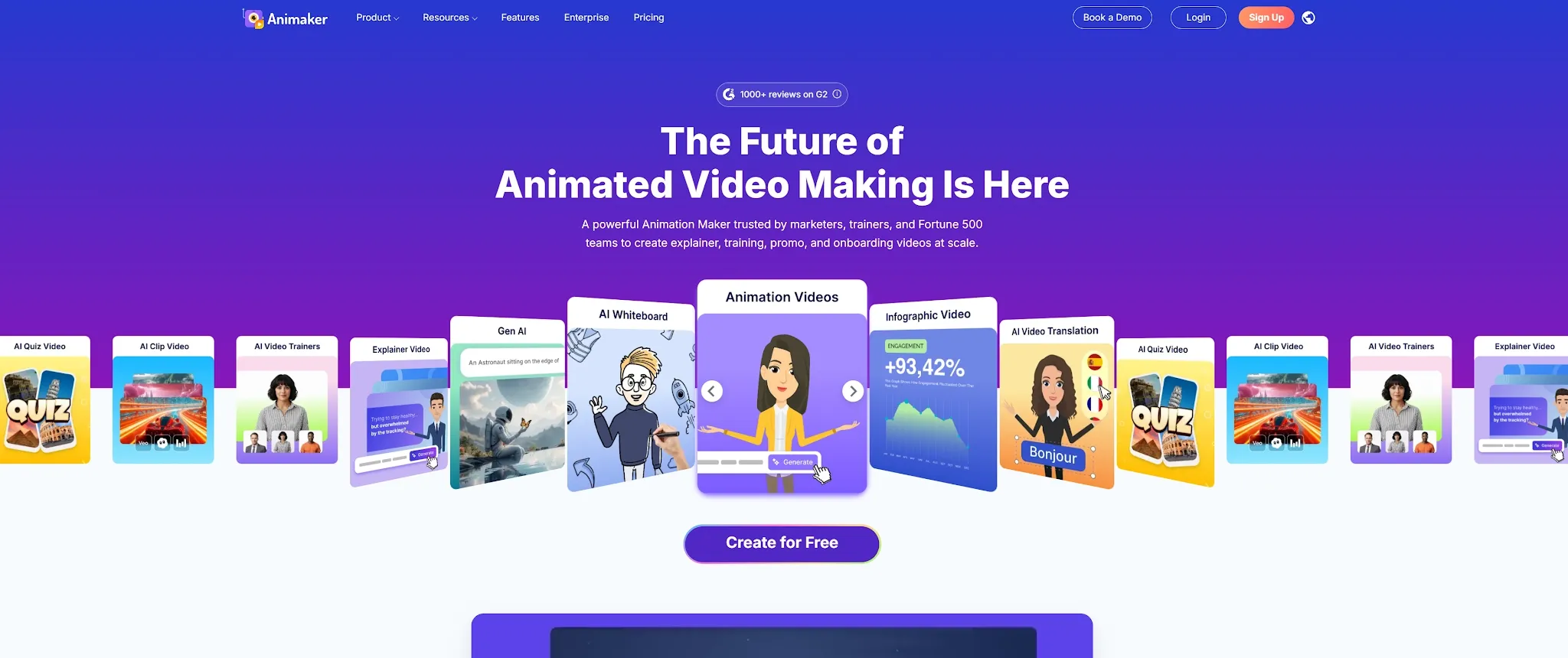
Animaker approaches visual storytelling from an illustrated and 2D character perspective rather than photorealism. For writers and creators developing multi-scene fictional narratives, relationship dramas, or fantasy stories, Animaker offers a deep character builder with customizable expressions, outfits, gestures, and lip-synced voiceovers.
Instead of generating unpredictable AI motion that might distort your subject, Animaker lets you hand-place characters on a multi-track timeline, pick their exact facial emotions, and choreograph character interactions across different background sets. It is ideal for illustrated narrative series, though unsuitable if you require live-action photorealism.
Pros:
- Deep character builder with dozens of facial expressions and emotional gestures
- Multi-track timeline for sequencing complex dialogue and scene transitions
- Built-in voiceover recording, automated lip-sync, and rich sound effect libraries
Cons:
- Strictly 2D and stylized vector animation—no photorealistic human generation
- Building multi-minute stories requires hands-on timeline editing
- Rendering complex multi-character scenes can slow down browser performance
Best For: Storytellers and creators who prefer stylized, illustrated character drama and explainer-style visual narratives.
6.GoEnhance AI—Best Safe NSFW AI Video Generator Alternative for Video Restyling & 4K
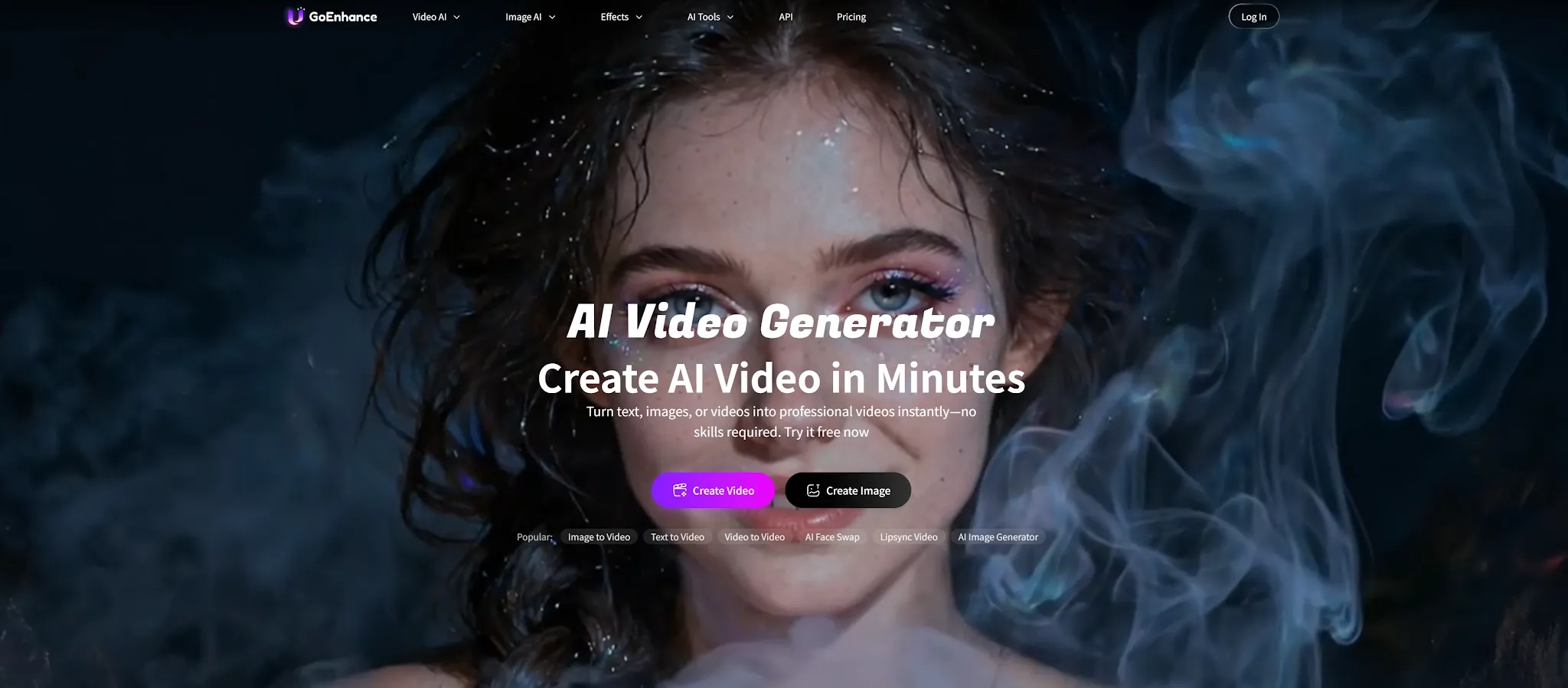
GoEnhance AI specializes in two critical areas where standard video generators struggle: Video-to-Video style transformations and AI video upscaling. If you already have a video clip or character animation that looks slightly grainy or wobbly, GoEnhance can upscale it to crisp 4K resolution and smooth out choppy frame rates.
Additionally, its video-to-video engine lets you convert live-action footage or 3D renders into gorgeous anime, comic, or stylized art forms while tracking human motion accurately. It acts as an invaluable post-processing companion to clean up visual artifacts before publishing.
Pros:
- Impressive Video-to-Video styling (anime, claymation, and cinematic illustration)
- High-grade video upscaling that sharpens facial details and clothing textures
- Frame interpolation tools to eliminate stutter and create smooth 60fps playback
Cons:
- Best used for transforming or enhancing existing footage rather than raw text-to-video
- Processing high-resolution video-to-video renders requires patience and credits
- Extreme style transfers can occasionally flicker on intricate hair textures
Best For: Creators who want to upscale AI video resolution and transform clips into clean artistic styles.
7.Fliki—Best Safe NSFW AI Video Generator Alternative for Script-to-Video Narration
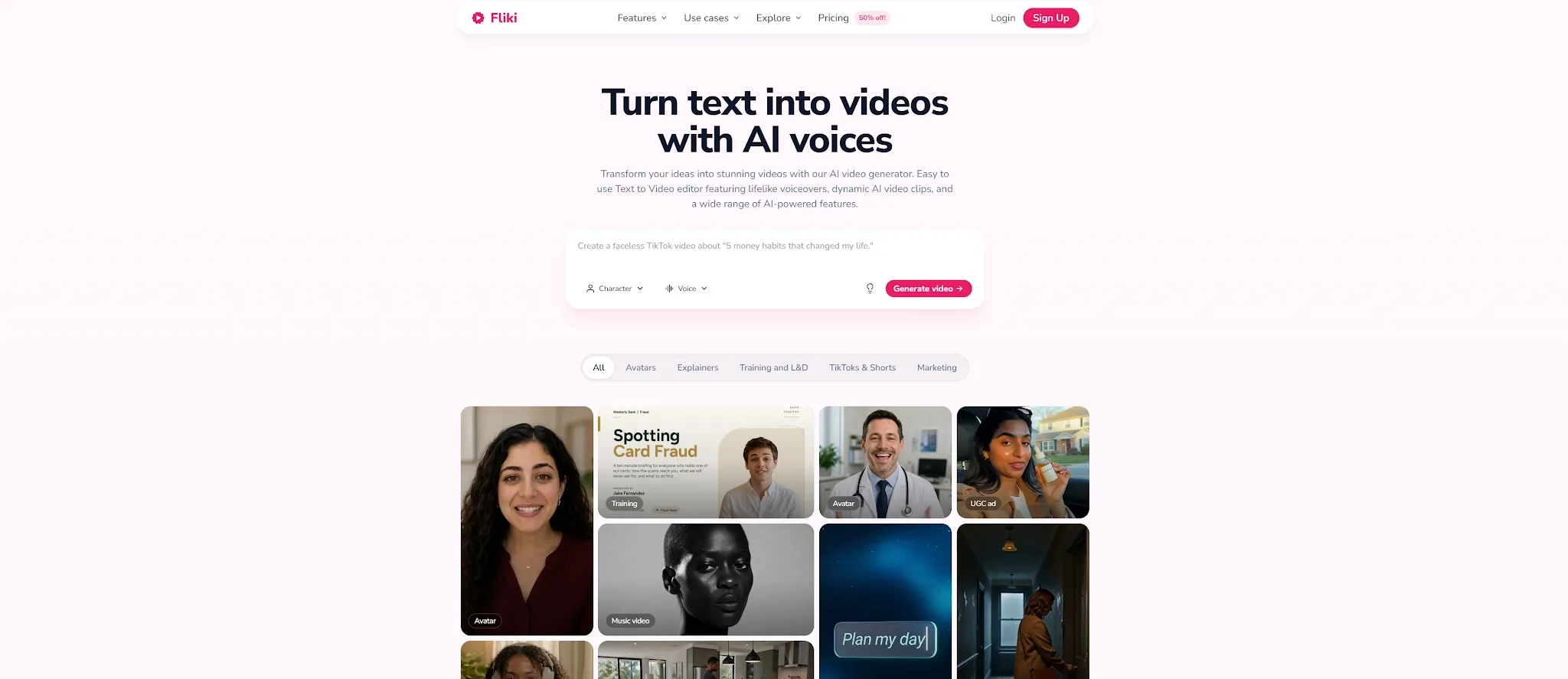
Fliki is an AI video generator designed around written scripts, articles, and dialogue. If your creative process starts with a written romance story, character monologue, or narrative scene, Fliki automatically divides your text into logical scenes, pairs each line with fitting visuals, and overlays hyper-realistic AI voiceovers with synchronized subtitles.
While Fliki is primarily an editorial assembly tool rather than an unconstrained motion engine, it dramatically speeds up visual story production. You can replace automatically selected stock clips with your own custom AI-generated character art from an AI image generator to maintain aesthetic continuity throughout the narrative.
Pros:
- Converts written scripts and romantic dialogue into structured video scenes in minutes
- Large library of expressive AI voiceovers with emotional pacing controls
- Automatic subtitle styling, background music ducking, and vertical formatting
Cons:
- Relies on pairing static or looping clips rather than computing unified physical motion
- Requires manual swapping of media to maintain strict fictional character consistency
- Cinematic camera movement options are limited to basic zoom and pan effects
Best For: Writers and content creators who want to transform scripts and stories into narrated video content quickly.
8.FlexClip—Best Safe NSFW AI Video Generator Alternative for Browser-Based Editing
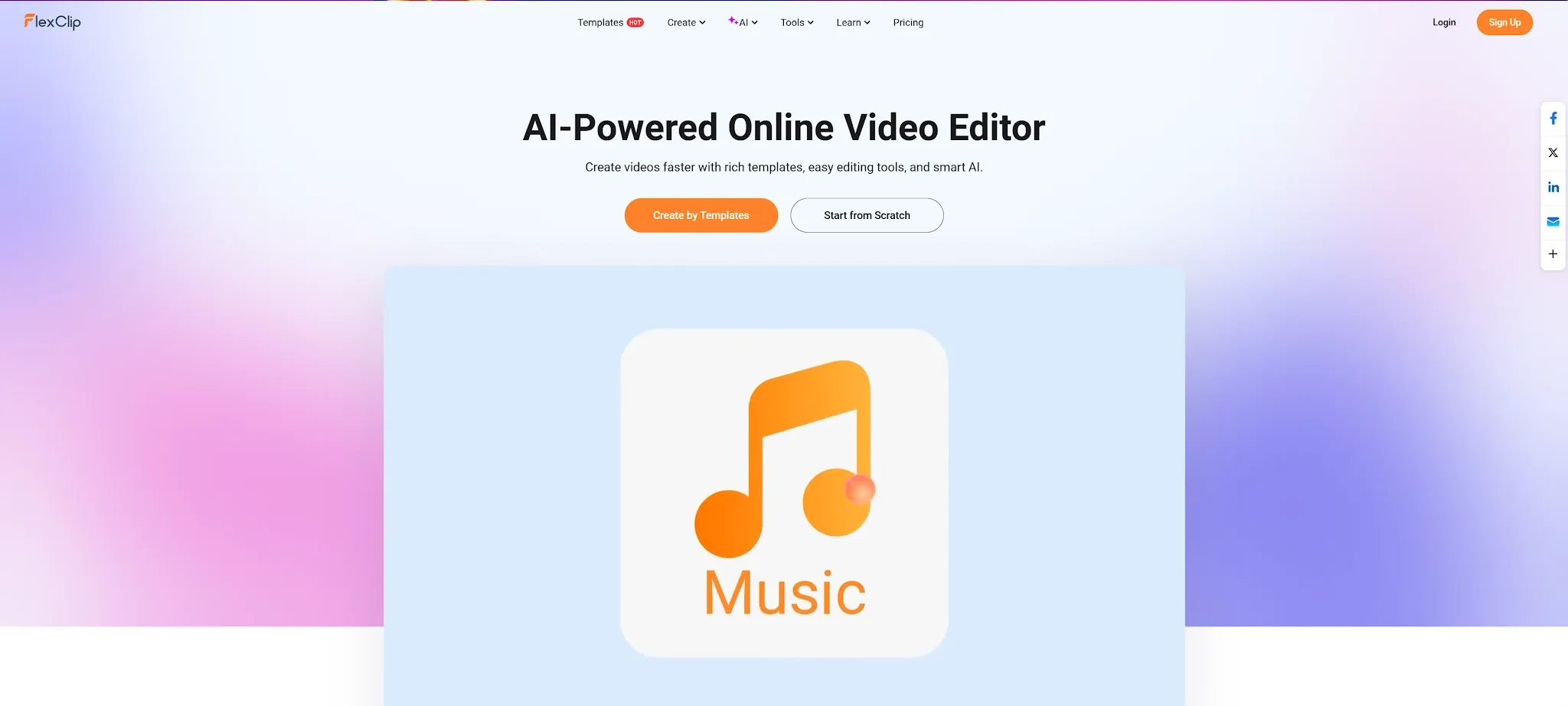
FlexClip bridges the gap between AI generation and hands-on video editing. While standalone generation tools often spit out an isolated clip with no audio, FlexClip provides a clean, web-based timeline where you can assemble multiple generated scenes, trim awkward motion glitches, add atmospheric color filters, and sync sound effects.
For creators producing multi-scene romantic stories or fictional character montages, FlexClip ensures you never have to publish a raw, unedited AI render. It offers ethical content guardrails and cloud storage, making it a reliable finishing station for your creative assets.
Pros:
- User-friendly browser timeline with split, trim, speed ramp, and transition tools
- Extensive library of royalty-free background music, ambient soundscapes, and text titles
- Supports high-resolution 1080p and 4K exports without watermarks on paid plans
Cons:
- AI generation features are complementary rather than core motion engines
- Advanced compositing features like green-screen keying are relatively basic
- Manual assembly is required to string together longer visual narratives
Best For: Creators who want a streamlined online editor to trim, polish, and soundtrack AI video clips before publishing.
9.Kapwing—Best Safe NSFW AI Video Generator Alternative for Collaborative Cloud Editing
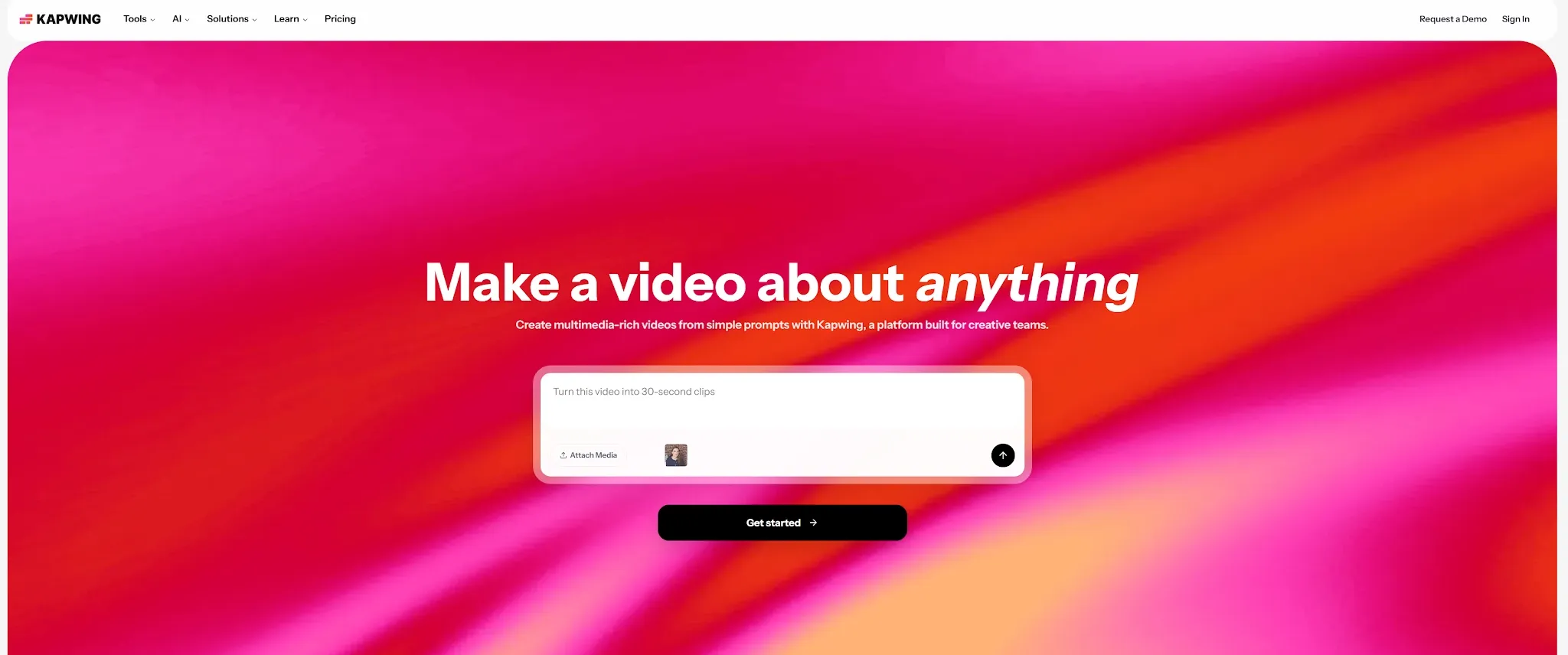
Kapwing is a modern, collaborative creative workspace built for teams and solo creators alike. When you have generated visual assets from an AI suite like Pollo AI, Kapwing excels at the post-production stage: auto-generating accurate subtitles, resizing clips for TikTok, Instagram Reels, and YouTube Shorts, and removing unwanted background noise.
Kapwing's real-time cloud collaboration allows multiple creators to review scenes, leave timestamped feedback, and tweak audio tracks simultaneously. Its strict safety standards ensure that all creative and editorial workflows remain secure and private.
Pros:
- Robust cloud video editor with real-time multi-user collaboration
- Highly accurate auto-subtitle generator with custom typography presets
- Smart aspect ratio reformatting (9:16, 16:9, 1:1) with intelligent subject centering
Cons:
- Not a dedicated motion simulation or physical AI video generator
- Free tier exports include a visible watermark and file size limits
- Heavy timelines with multiple 4K layers can occasionally lag in older browsers
Best For: Creative teams and content producers who need cloud-based post-production, auto-subtitles, and multi-platform formatting.
10.Vizard—Best Safe NSFW AI Video Generator Alternative for Repurposing Video Footage
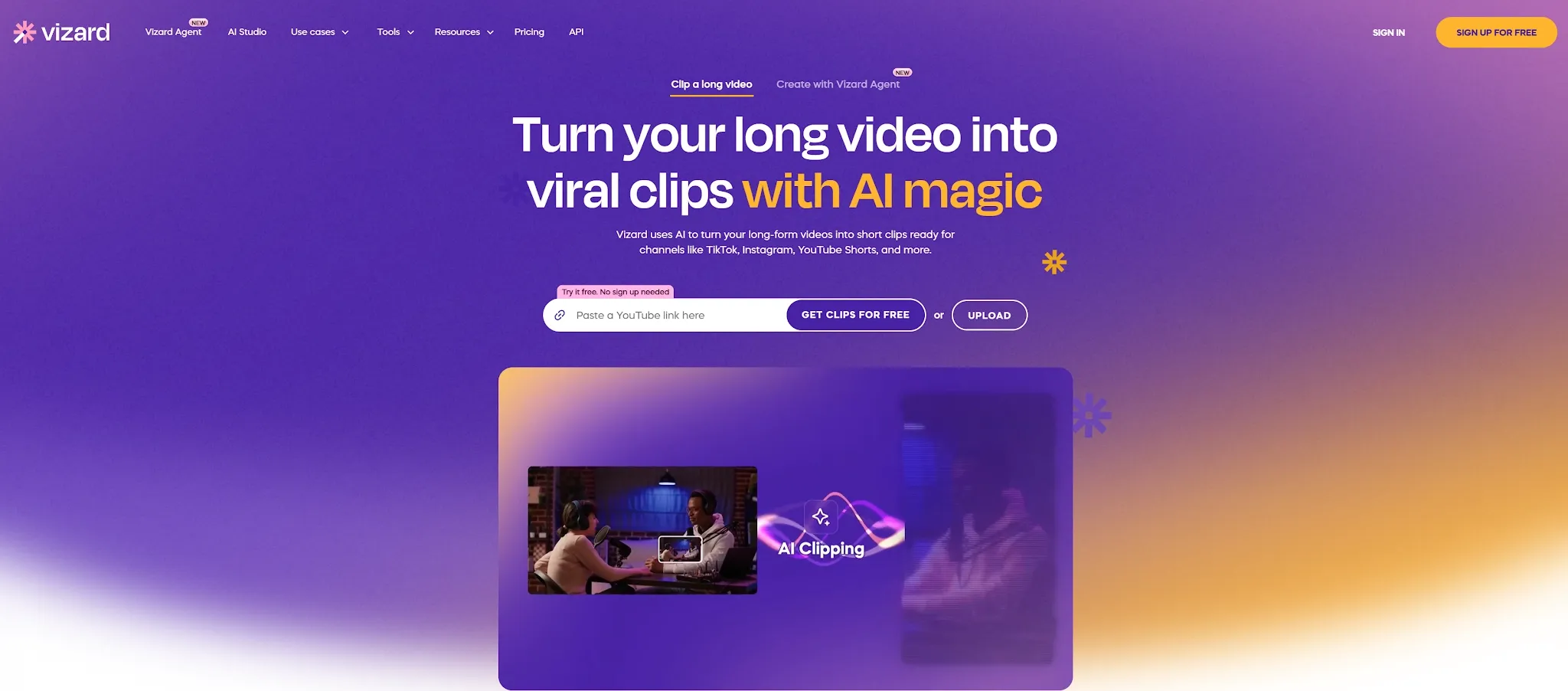
Vizard takes a different angle on AI video creation: instead of generating frames from scratch, it repurposes long-form video files, fictional character performances, or animated streams into bite-sized, high-engagement clips. Its AI analyzes pacing, detects emotional speaker moments, and crops horizontal footage into vertical short formats automatically.
If you have already generated an extended animated story or cinematic narrative, Vizard lets you extract dynamic 15-second teaser trailers, complete with animated captions and dynamic speaker zoom, in a single click.
Pros:
- Automatically identifies engaging scene highlights from longer source videos
- Converts 16:9 horizontal renders into 9:16 vertical shorts with smart subject tracking
- Generates stylized, animated subtitles that boost social engagement
Cons:
- Requires pre-existing video footage to function—cannot generate video from text
- Best suited for character dialogue and speeches rather than purely visual action sequences
- AI auto-cuts may require manual timeline adjustments to catch exact narrative beats
Best For: Creators and marketers looking to slice longer visual stories into viral social media teasers.
How I Evaluated These Best NSFW AI Video Platforms
Generating video is far more technically demanding than static images because models must maintain identity, lighting, and anatomy across thousands of sequential frames. I evaluated each tool based on five core criteria:
- Motion Fluidity & Anatomical Stability: Cheap tools cause limbs to distort and faces to morph during movement. Multi-model studios like Pollo AI let you select advanced generation engines that respect natural physics and facial geometry.
- Image-to-Video Retention: A high-quality tool must preserve the exact hairstyle, clothing, and facial features of your starting portrait throughout pans, zooms, and camera rotations.
- Camera Movement Controls: Look for platforms that give you directional control over camera pans, tilts, zooms, and speeds rather than relying on random motion seeds.
- End-to-End Post-Production: Choose tools that let you trim frames, upscale resolution to 1080p/4K, and pair videos with synchronized audio without forcing you to bounce across five different websites.
- Privacy & Content Safety: Ensure your platform provides private generation workspaces by default, respects secure data handling, and uses authorized fictional assets.
Decision Matrix: Which NSFW AI Video Platform Should You Choose?
| If Your Main Priority Is... | Best Platform | Why It Wins |
|---|---|---|
| All-in-one motion freedom, top models & publish-ready video | Pollo AI | Combines top video models, zero facial drift, viral motion presets, and publish-ready automation. |
| Quick image-to-video motion templates | DeeVid AI | Instant click-to-animate effects for short romantic and character clips. |
| Cinematic portrait animation & camera moves | BasedLabs | Subtle facial physics and camera motion controls for character photos. |
| Multi-scene fictional character storytelling | Artflow | Persistent character face locking, custom voice acting, and narrative tools. |
| Stylized 2D animated character drama | Animaker | Deep character builder with custom gestures, multi-scene timeline, and dialogue. |
| Video restyling & 4K AI upscaling | GoEnhance AI | Smooth anime style transfers and frame-rate smoothing up to 60fps. |
| Script-to-video voiceovers and subtitles | Fliki | Automatically sequences written narrative scenes with realistic AI voiceovers. |
| Browser-based timeline editing & music sync | FlexClip | Easy multi-track timeline for trimming clips, adding titles, and polishing scenes. |
| Cloud team collaboration & smart auto-subtitles | Kapwing | Real-time multi-user editing with automated aspect ratio reframing. |
| Repurposing long renders into vertical shorts | Vizard | Smart auto-clipping that extracts highlights and adds animated captions. |
Final Verdict
If you want a single, safe studio where you can animate virtually any visual story—from romantic scenes and photorealistic fictional characters to cinematic fantasy and social content—Pollo AI is the clear #1 choice. By giving you unified access to the world's top AI video models, near-zero facial drift, viral motion presets, and automated creation via Pollo AI, it eliminates the quality flaws and security risks of shady adult sites.
Specialized platforms like DeeVid AI and BasedLabs remain handy for quick portrait motion, Artflow and Animaker excel at character narratives, while GoEnhance AI, FlexClip, and Kapwing provide dependable post-processing, upscaling, and timeline editing.
If you are starting your creative journey from scratch, generate your high-resolution character portraits first using the best NSFW AI image generators, then import them directly into Pollo AI to produce breathtaking, fluid cinematic motion in one safe, private studio.
FAQ about NSFW AI Video Generators
Why do most mainstream AI video generators block NSFW prompts?
Mainstream generative AI companies implement strict prompt filtering to protect user privacy, prevent non-consensual deepfakes, and comply with global safety regulations and payment processing standards. Using safe, high-end creative platforms allows you to create expressive fictional characters, romantic narratives, and bold aesthetics without exposing your data to unverified websites.
Are there free AI video generators for character animation?
Yes. Several established platforms provide free trial credits so users can test motion quality before committing to a paid plan. Pollo AI offers free credits for new users, allowing you to test top video models, image-to-video tools, and motion presets directly in your browser without upfront hardware or subscription costs.
How do I prevent facial distortion when turning an AI character into a video?
Facial distortion typically happens when video models fail to track subtle features across moving frames. To avoid this, always start with a clean, high-resolution still portrait generated on an AI image generator, then use advanced multi-model suites that feature dedicated identity-locking architectures to preserve facial proportions during pans, rotations, and expressions.
Can I add voiceovers and background music to my AI video clips?
Yes. Many browser platforms such as FlexClip, Kapwing, and Fliki include built-in audio tracks and text-to-speech engines. In all-in-one suites like Pollo AI, you can generate your visuals, synchronize audio, and produce complete, publish-ready videos within the same unified workflow.