



10 Best Free Unlimited AI Video Generators in 2026 (My Honest Picks)
Can AI video generators really be free and unlimited? I compared 10 platforms to see what each does best, where free plans fall short, and which one I'd recommend.
Quick Answer: What's the Best Free AI Video Generator Unlimited?
Pollo AI is my best free AI video generator unlimited overall because it combines leading video models, like Veo AI and Kling AI, text and image generation, and editing in one platform.
I can also start with free credits, while Unlimited generation applies only to eligible models and plans.
10 Best Free Unlimited AI Video Generators at a Glance
| Tool | Best For | Free and Unlimited Availability |
|---|---|---|
| Pollo AI | Product launch videos, cinematic stories, character animations | Free credits; eligible Unlimited options |
| Google Flow | Movie trailers, sci-fi sequences, dramatic scenes | Daily free credits; generation limits |
| Adobe Firefly | Luxury product showcases, brand teasers, lifestyle ads | Limited free generations; eligible paid Unlimited options |
| Dreamina | Fantasy battles, animated portraits, anime adventure clips | Daily free credits; usage restrictions |
| HeyGen | Corporate training videos, localized sales pitches, business announcements | Limited free avatar videos |
| Invideo AI | Listicle videos, how-to tutorials, narrated topic summaries | Recurring free allowance; export restrictions |
| LTX Studio | Scripted dramas, storyboard previews, episodic films | Limited introductory free credits |
| Magic Hour | Face-swap memes, lip-sync skits, social media trend videos | Free tools with usage limits |
| DomoAI | Anime dance videos, fan edits, stylized music clips | Trial credits; selected paid generation modes |
| GoEnhance AI | Cartoon explainers, comic-style transformations, playful story clips | Free starter tokens; selected paid Unlimited options |
Pollo AI: Best Free Unlimited AI Video Generator Overall
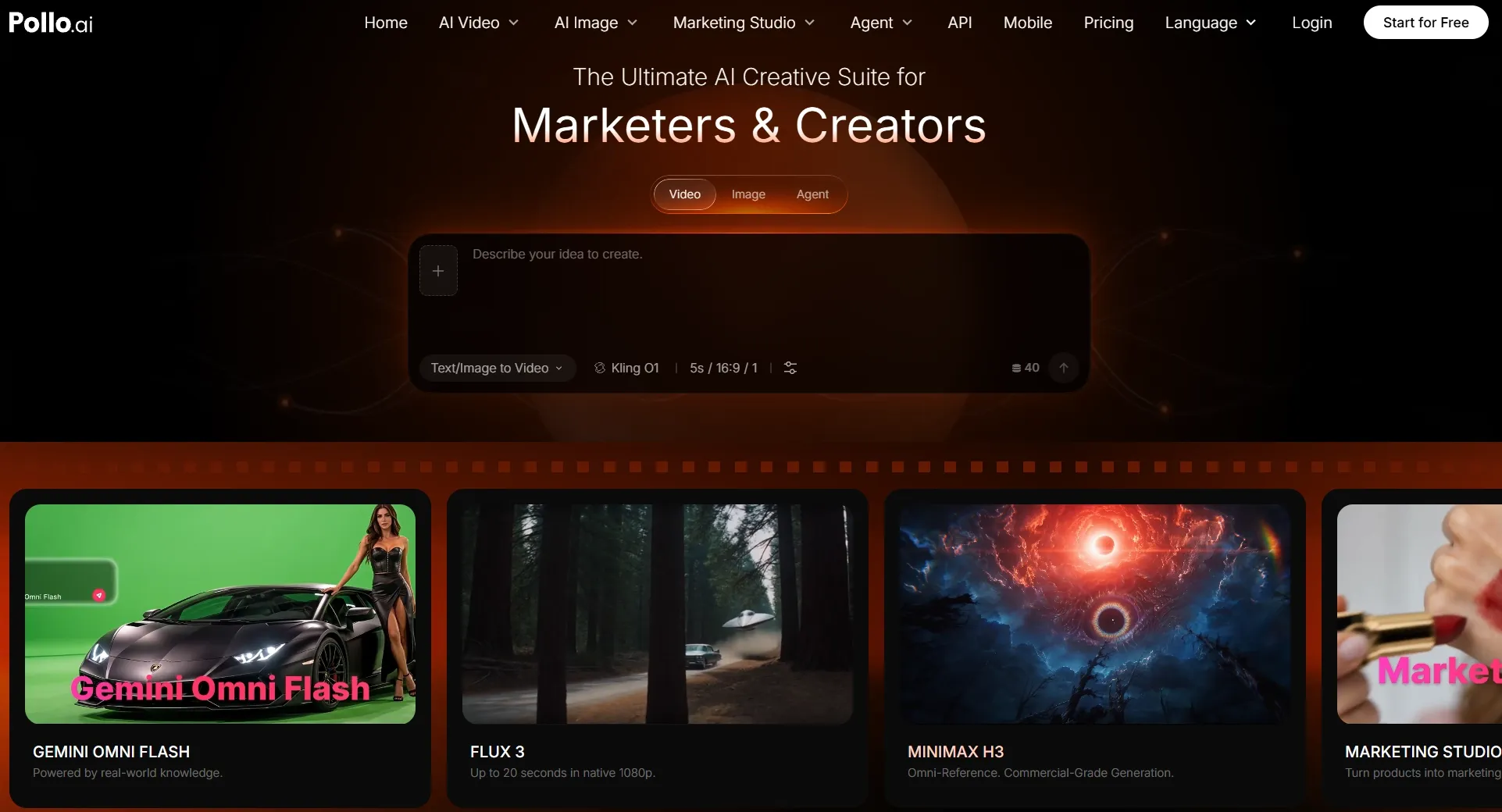
Pollo AI earned my top spot because of how much flexibility it offers throughout the video creation process. I could explore different AI video models, including Seedance 2.5 and MiniMax H3, move between text and image inputs, and adjust my creative direction without leaving the platform.
Beyond video generation, I appreciated having more ways to refine my ideas. Pollo AI's video tools let me translate videos, remove unwanted objects, and improve footage. Its video apps also offer more direct ways to create ads, story videos, and social content.
For bigger projects, I can use Pollo Agent and its specialized skills to turn creative briefs and references into post-ready videos without manual editing. Whether I'm creating stories or ads, I can bring ambitious ideas to life without juggling multiple production tools.
Key Features
- Multiple AI Video Models: Explore Kling AI, Veo, Seedance, Wan, and other models for different visual results.
- Multiple Inputs: Turn written concepts or existing images into animated scenes.
- Reference to Video: Use visual references to guide character appearances, subjects, and motion.
- Video Editing Options: Continue improving generated clips without relying on a separate platform.
Best For
- Social media creators producing short-form videos and viral clips.
- Marketers creating product ads and promotional videos.
- Indie filmmakers developing cinematic scenes and story videos.
- Small businesses making branded videos without professional filming.
Pros:
- Access multiple leading AI video models.
- Create videos from prompts and images.
- Explore different styles and motion controls.
- Continue refining videos within one platform.
- Free credits are available to get started.
Cons:
- Free credits still come with usage limits.
- Unlimited generation applies only to eligible offerings.
- Complex scenes may require prompt refinement.
Turn Any Idea Into a Video Worth Watching
Create cinematic scenes, product ads, and animated stories from text or images. Bring your vision to life with Pollo AI.
Try Pollo AI Video Generator Now
Google Flow: Best Free Unlimited AI Video Generator for Cinematic Short Films
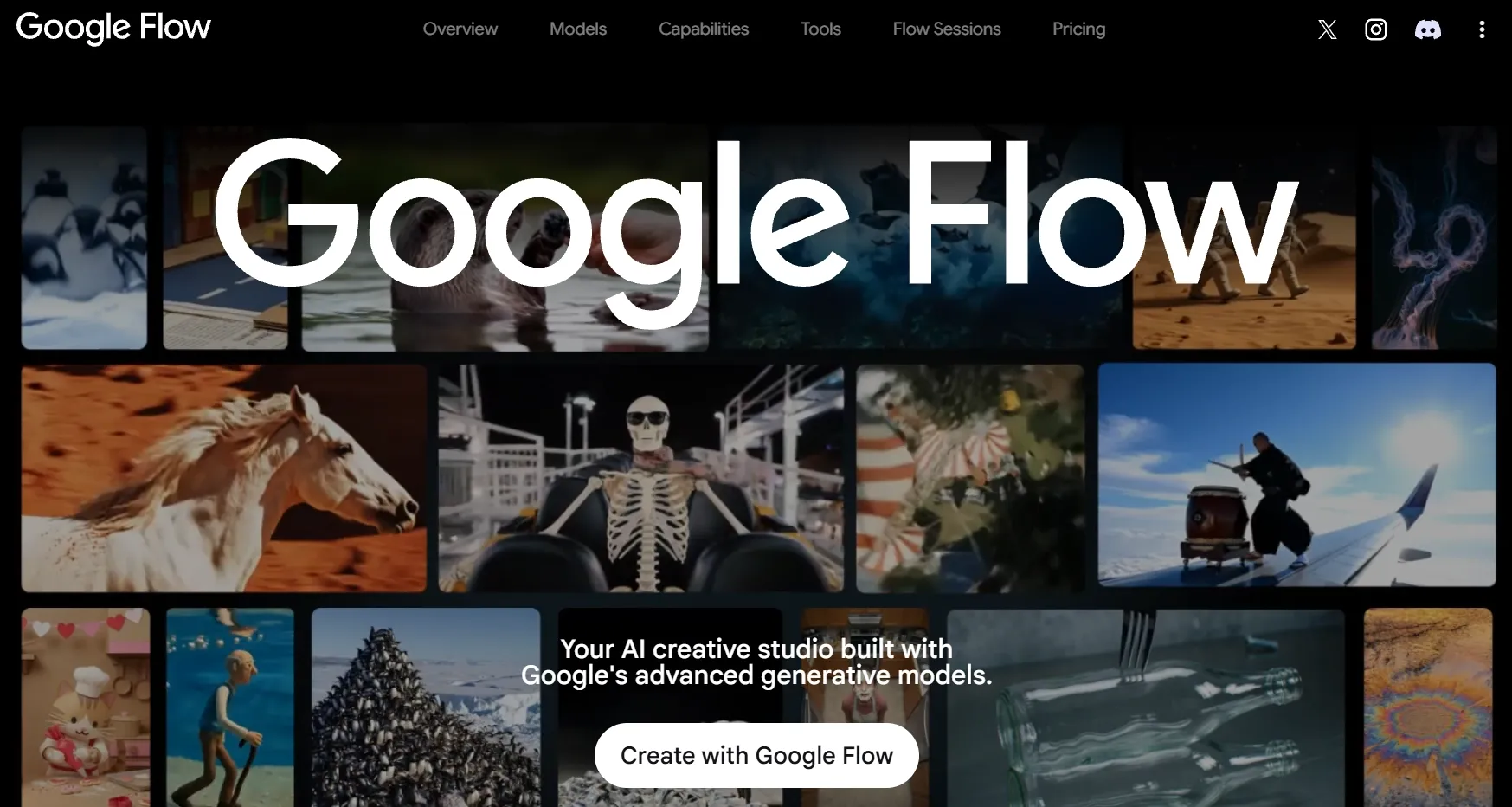
I approached Google Flow more like a filmmaking workspace than a conventional AI video generator. Its scene-building features encouraged me to think about shot composition, character continuity, and how separate clips could form a connected sequence.
The most interesting part was its emphasis on visual storytelling. Instead of treating every generation as an isolated result, I could explore a more deliberate approach to organizing scenes and camera movements.
That said, this workflow requires patience. I found it better suited to carefully planned cinematic projects than producing numerous quick videos with minimal preparation.
Google Flow also offers 50 free credits per day, but these limit how much I can generate, making truly unlimited free creation unrealistic.
For a closer look at its filmmaking capabilities, read our Google Flow review.
Key Features
- Veo-Powered Generation: Produce realistic scenes with detailed motion and cinematic visual effects.
- Scene Building: Develop connected shots for more cohesive video sequences.
- Visual Ingredients: Guide generations using references to characters, objects, or environments.
- Camera Direction: Explore different compositions and movements for cinematic storytelling.
Best For
- Indie filmmakers creating cinematic short films.
- Storytellers developing connected dramatic sequences.
- Creative directors producing film concepts and camera-focused videos.
Pros:
- Strong focus on cinematic storytelling.
- Useful scene-building and reference features.
- Supports detailed visual direction.
- Particularly appealing for narrative filmmaking.
Cons:
- Daily free credits limit extended projects.
- Coordinating multiple shots takes planning.
- Complex scenes often need further refinement.
Adobe Firefly: Best Free Unlimited AI Video Generator for Professional Product Commercials
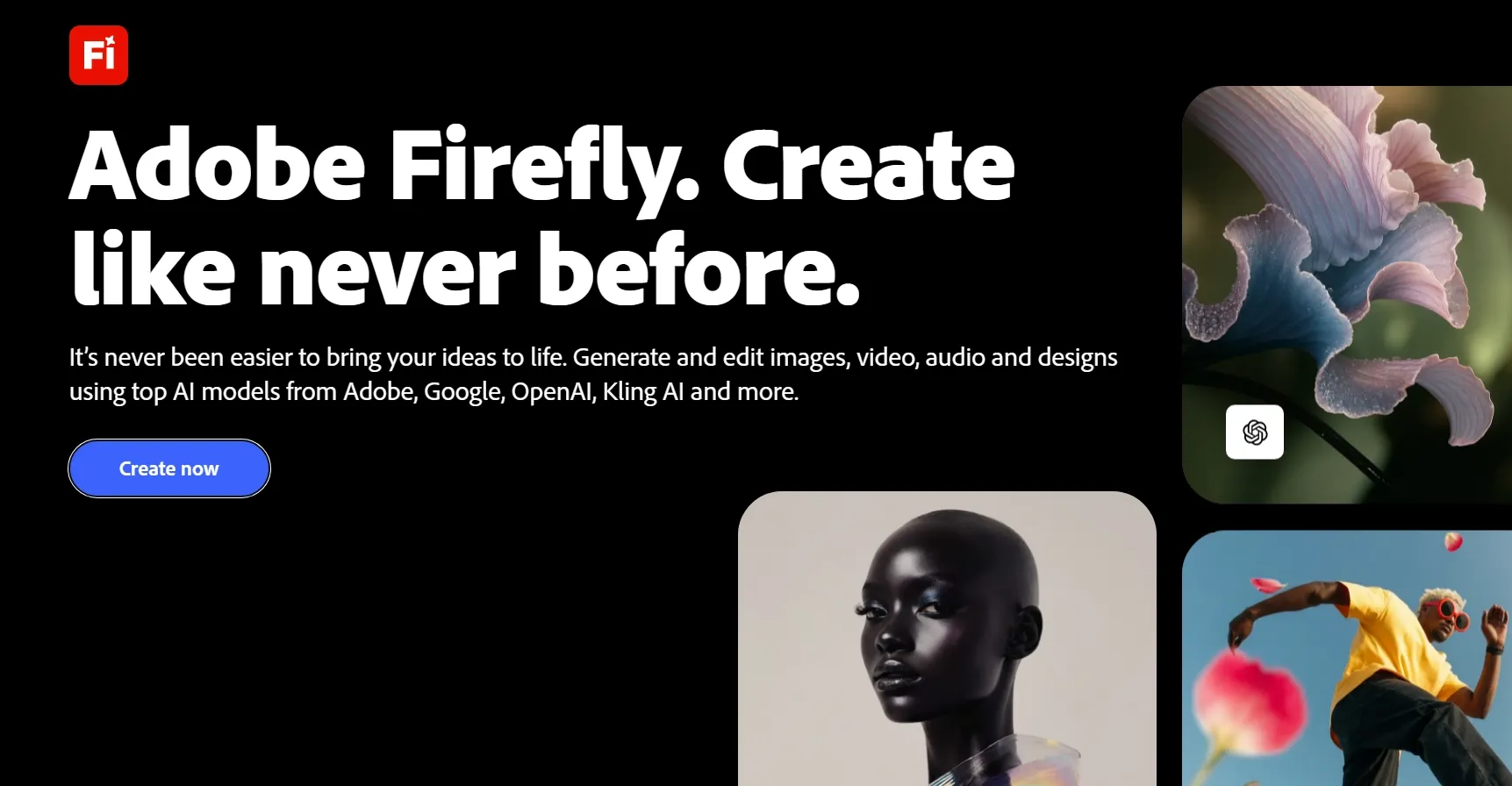
For Adobe Firefly, I focused on creating visuals that could fit into a professional advertising project. Its text to video and image to video gave me different ways to approach product-focused scenes.
I paid particular attention to the creative controls, including how prompts and visual references could guide composition and movement. These options are relevant when a product needs to remain the center of attention throughout a commercial.
Firefly's connection to Adobe's broader ecosystem is another advantage. However, I wouldn't overlook its generation limits when planning campaigns that require several visual variations.
Want to explore its creative controls further? Check out our Adobe Firefly review.
Key Features
- Text to Video: Generate footage using descriptions of scenes and camera movements.
- Image to Video: Animate visual references into commercial-style video clips.
- Creative Controls: Guide composition, motion, and other visual elements.
- Adobe Integration: Incorporate generated content into established creative workflows.
Best For
- Brand marketers producing professional product commercials.
- Creative agencies developing polished advertising videos.
- E-commerce teams turning product photography into promotional footage.
Pros:
- Well suited to commercial visual production.
- Supports both text and image inputs.
- Offers useful creative direction controls.
- Fits into Adobe-centered workflows.
Cons:
- Free video generations are limited.
- Higher production volume requires paid access.
- Detailed scenes may need multiple adjustments.
Dreamina: Best Free Unlimited AI Video Generator for Character-Driven Action Videos
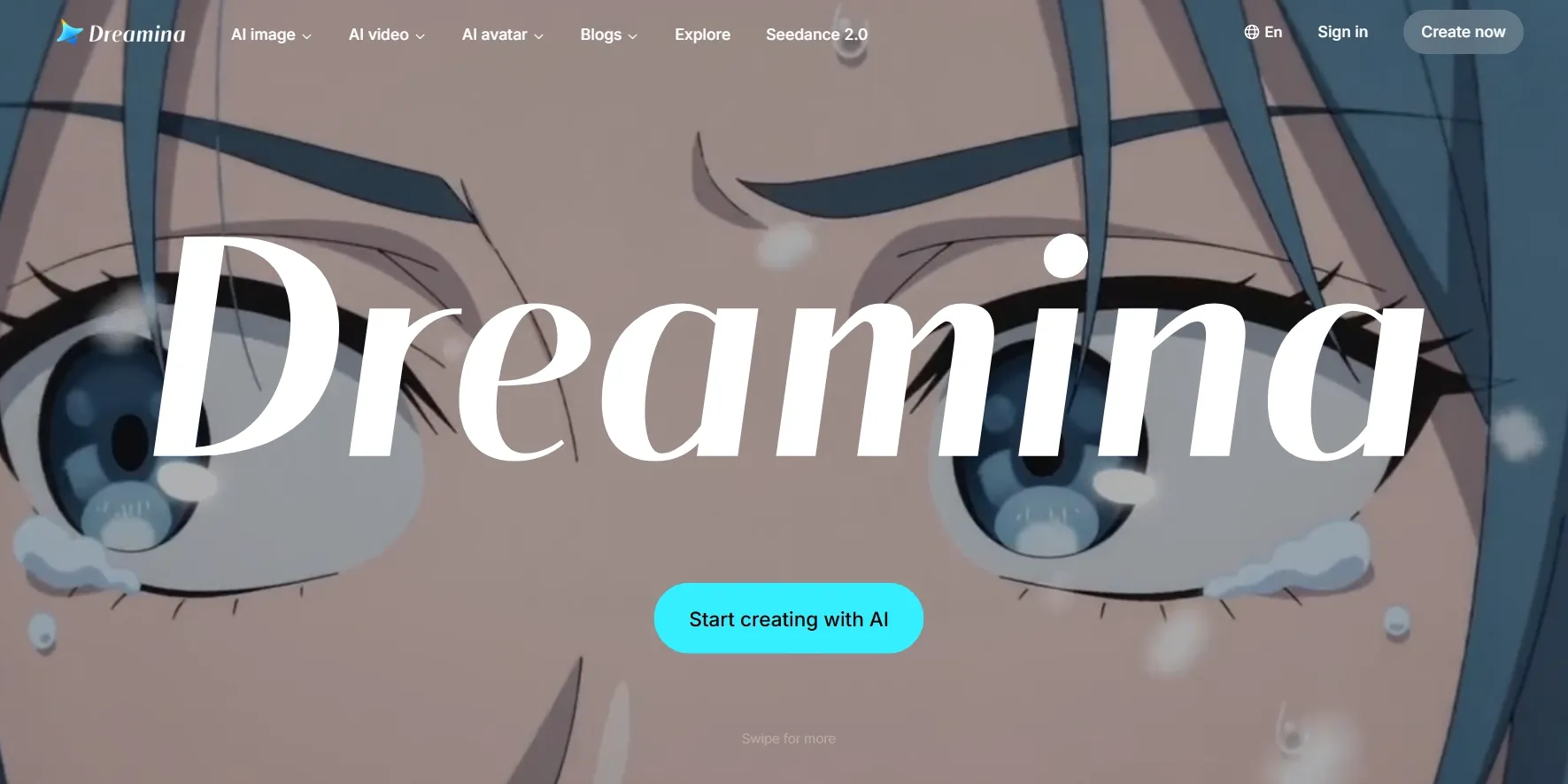
Character animation was the main reason I explored Dreamina. I wanted to understand how its image-to-video workflow could turn a static character design into a moving scene.
The platform provides options for controlling motion, expressions, and visual styles through prompts. This makes it appealing for fantasy sequences and character-focused videos, particularly when the starting image already establishes a strong visual identity.
My biggest consideration was consistency. For projects involving recurring characters, I would pay close attention to facial features, clothing, and proportions as the action becomes more complicated.
Also, Dreamina's daily free credits are useful for experimentation, but the limited allowance means unlimited free video generation isn't available.
Discover more about its animation capabilities in our Dreamina AI review.
Key Features
- Image Animation: Bring portraits, illustrations, and character images into motion.
- Prompt-Guided Movement: Describe actions, expressions, and scene dynamics.
- Creative Visual Styles: Explore fantasy, animated, and other stylized video concepts.
- Image Creation Workflow: Develop character imagery before animating it.
Best For
- Character designers creating animated character videos.
- Fantasy creators producing action and adventure clips.
- Anime enthusiasts making expressive character animations.
Pros:
- Appealing for character-focused creative projects.
- Animates existing portraits and illustrations.
- Supports imaginative visual styles.
- Straightforward image-led creation workflow.
Cons:
- Free credits restrict frequent generation.
- Character consistency needs attention across scenes.
- Complicated movement can require additional attempts.
HeyGen: Best Free Unlimited AI Video Generator for Multilingual Spokesperson Videos
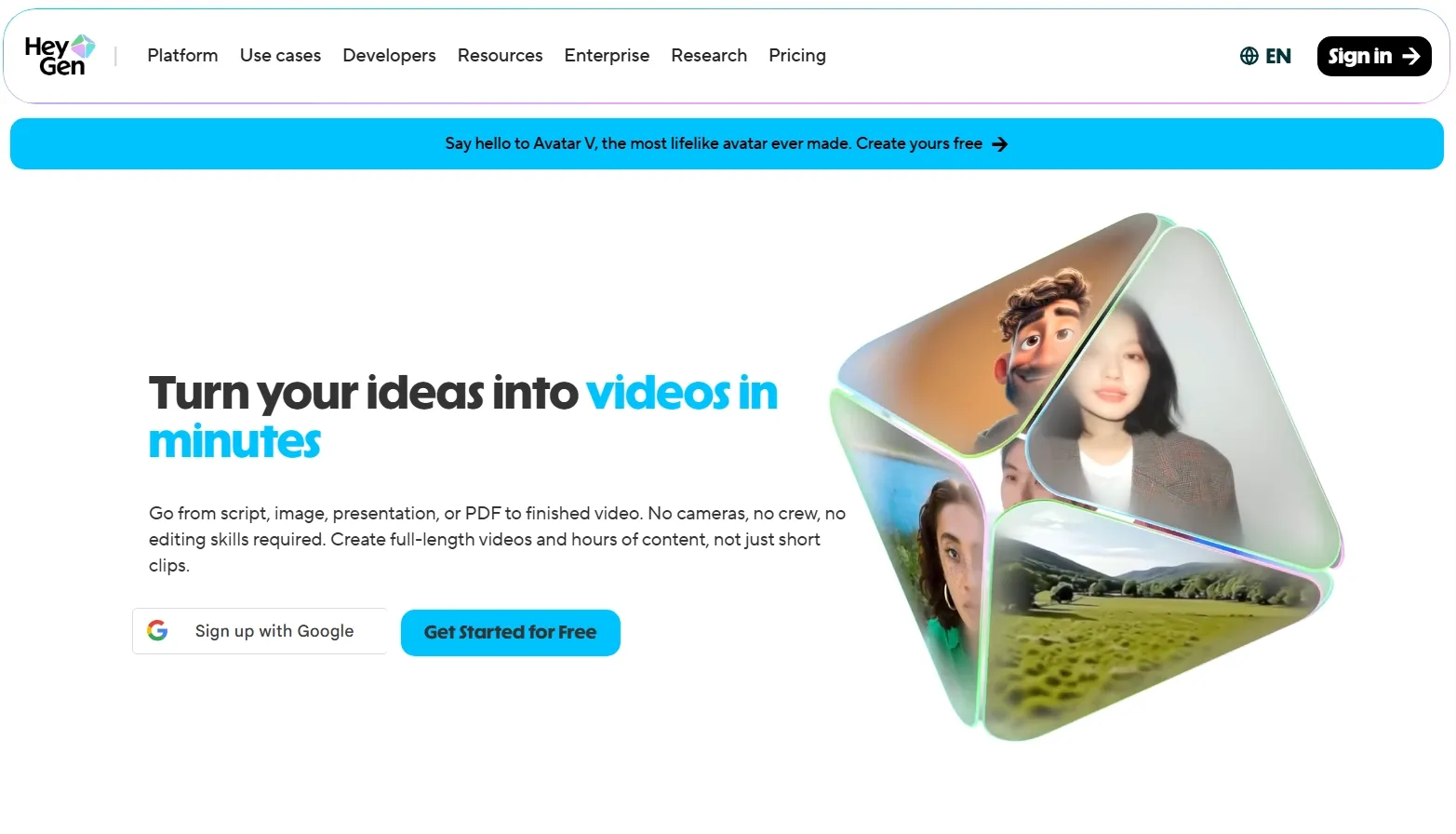
HeyGen offered a noticeably different creation experience from the cinematic generators on my list. Here, the starting point was less about camera movement and more about delivering a message through a digital presenter.
I concentrated on its script-based workflow, avatar options, and multilingual capabilities. These features are especially practical when producing training videos, product explainers, or localized business communication.
What I liked was how the platform reduces the need for repeated filming. Still, its presenter-centered approach feels less appropriate when I want imaginative environments, complex actions, or visually ambitious storytelling.
With only a few free videos available each month, I'd consider HeyGen better for testing individual presenter videos than unlimited free production.
Our HeyGen review explores its avatar features and limitations in more detail.
Key Features
- AI Avatars: Create presenter videos without filming a real spokesperson.
- Multilingual Video Creation: Produce spoken content in different languages.
- Voice and Lip Sync: Match avatar speech with generated or supplied audio.
- Script-Based Production: Turn prepared messaging into presenter-led video content.
Best For
- Sales teams creating multilingual product presentations.
- Corporate trainers producing avatar-led onboarding videos.
- International businesses developing localized marketing videos.
Pros:
- Convenient for script-based presenter videos.
- Supports multilingual communication and localization.
- Reduces repeated filming requirements.
- Useful for professional explanatory content.
Cons:
- Less flexible for cinematic storytelling.
- Free videos have branding and duration restrictions.
- Avatar formats may feel repetitive.
Invideo AI: Best Free Unlimited AI Video Generator for Faceless YouTube Explainer Videos
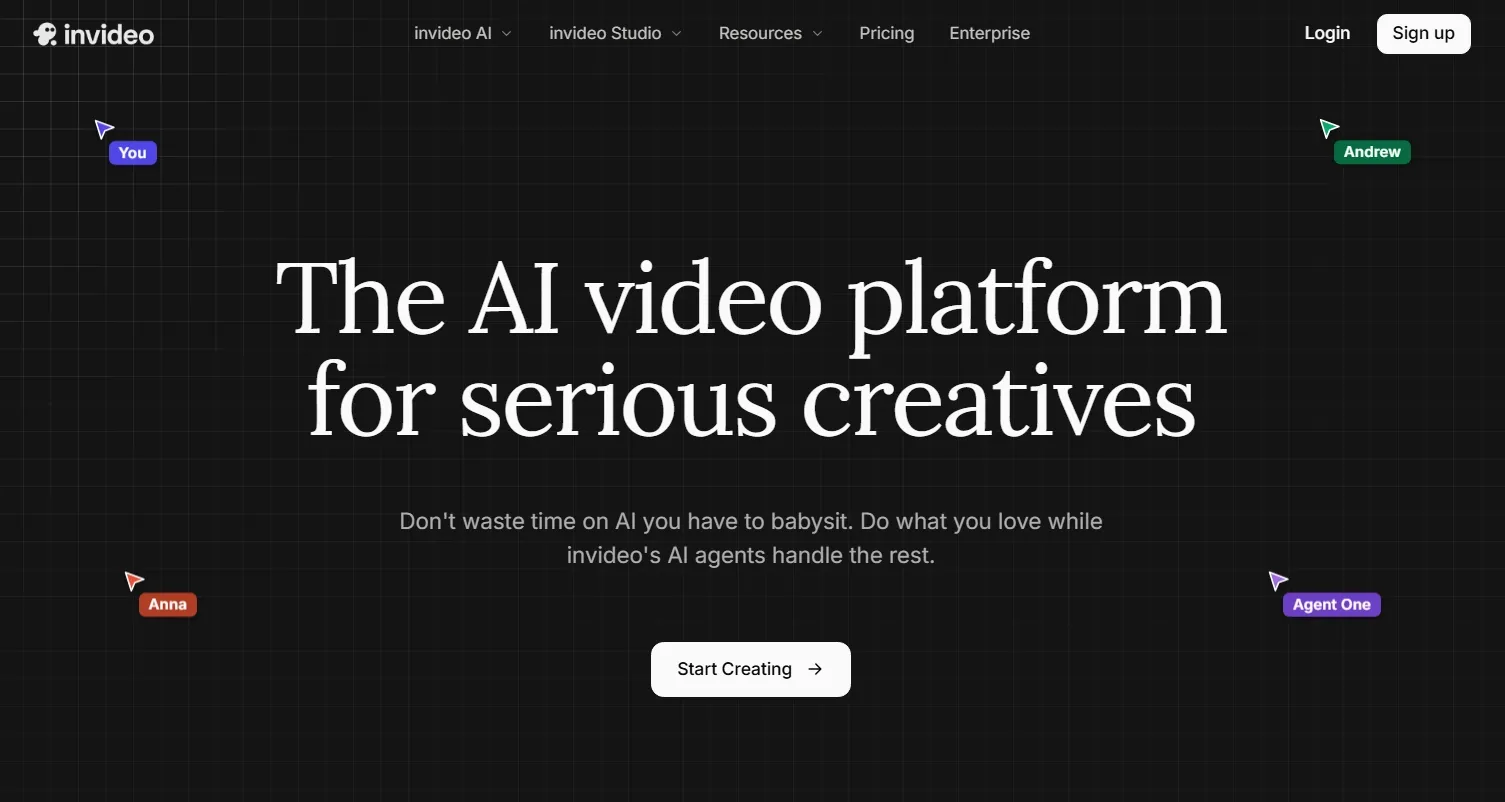
Rather than approaching Invideo AI with a detailed cinematic prompt, I focused on its ability to develop a complete video from a topic or script.
Its automated workflow combines narration, supporting visuals, and content structure, which makes it relevant for faceless videos and education clips. I found this approach particularly interesting when the priority was explaining a subject clearly.
The main tradeoff I noticed was limited creative control. I still needed to review the footage selection, pacing, and overall presentation before publishing, as the automated results didn't always match my expectations. Also, with limited free credits refreshing weekly, repeated generations could also become restrictive for longer projects.
For more insight into its video creation workflow, explore our Invideo AI review.
Key Features
- Prompt-to-Video Workflow: Transform written topics into structured video drafts.
- Automated Visual Assembly: Combine relevant footage with a generated narrative.
- AI Voiceovers: Add spoken narration to explanatory content.
- Script-Based Editing: Adjust video direction through written instructions.
Best For
- Faceless YouTubers creating narrated explainer videos.
- Educators turning lessons into instructional videos.
- Content marketers producing informational and listicle videos.
Pros:
- Efficient for turning scripts into videos.
- Includes narration and visual assembly.
- Useful for faceless content workflows.
- Reduces manual footage sourcing.
Cons:
- Stock-based visuals can feel familiar.
- Precise shot-level control is limited.
- Free exports come with restrictions.
LTX Studio: Best Free Unlimited AI Video Generator for Story-Driven Multi-Scene Videos
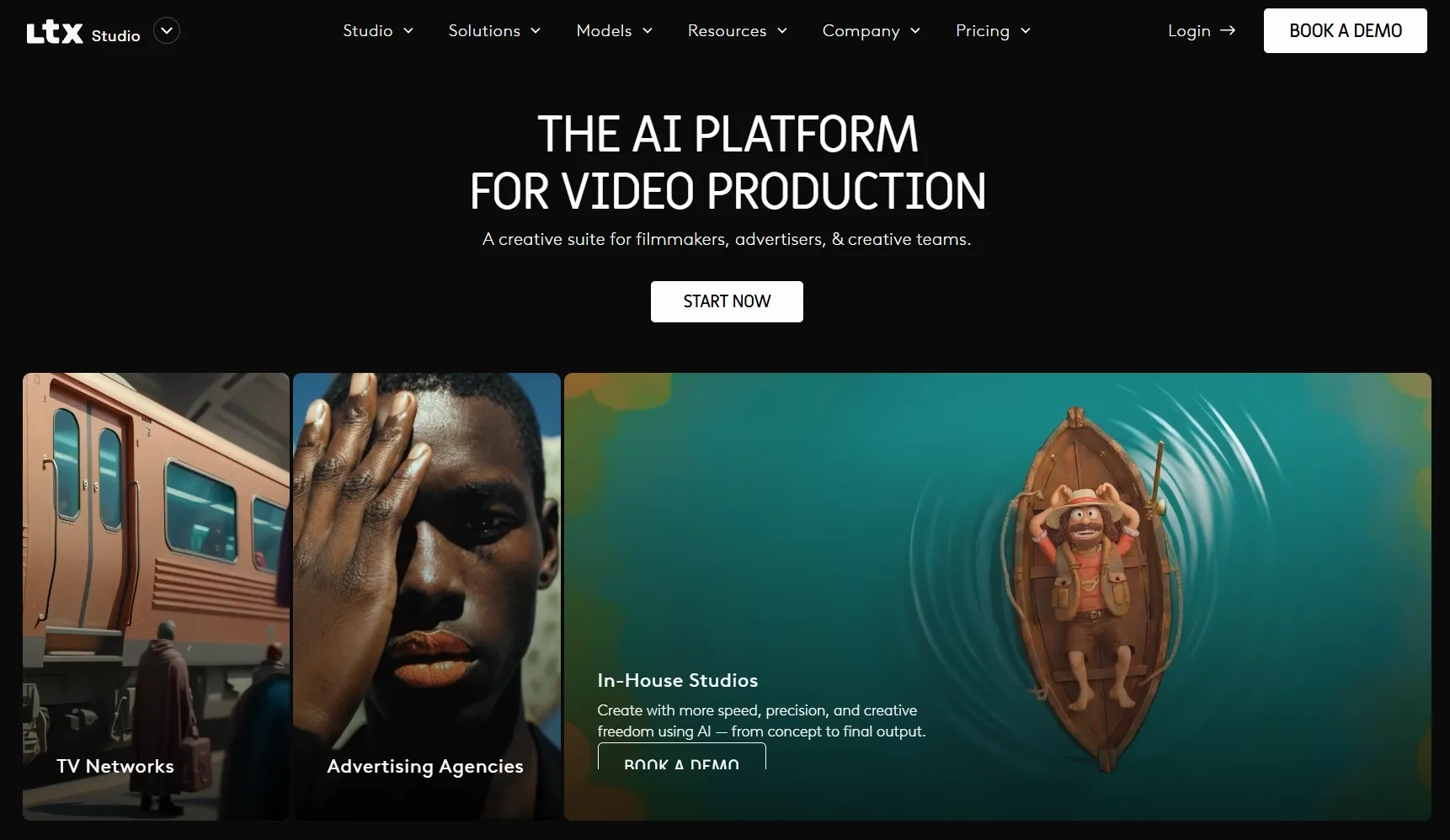
LTX Studio felt closer to a video pre-production environment than a simple prompt-to-video generator. Its storyboard-based approach allowed me to consider how a written concept for movie trailers could be organized into connected visual scenes.
I found the emphasis on shot planning especially useful for short films involving multiple characters, locations, and events. The ability to work through a sequence gives the creation process a clearer structure.
However, this level of preparation isn't necessary for every project. When I only need a short experimental clip, a more direct generation workflow can be easier to manage. Its one-time free-credit allowance adds another constraint, especially when developing multiple scenes requires repeated generations.
I cover its storytelling features more extensively in our LTX Studio review.
Key Features
- Script to Storyboard: Organize written narratives into visual sequences.
- Multi-Scene Production: Develop several connected moments within one project.
- Character and Scene Planning: Guide recurring visual elements across a story.
- Shot-Level Direction: Adjust compositions and other details during development.
Best For
- Screenwriters turning scripts into storyboard videos.
- Independent filmmakers producing multi-scene narrative shorts.
- Creative teams developing visual story pitches and concept videos.
Pros:
- Strong emphasis on narrative planning.
- Useful for coordinating connected scenes.
- Supports storyboard-based creative direction.
- Encourages more structured video production.
Cons:
- Requires more preparation than simple generators.
- Free credits have a fixed allowance.
- Quick standalone clips may feel overcomplicated.
Magic Hour: Best Free Unlimited AI Video Generator for Viral Social Media Videos
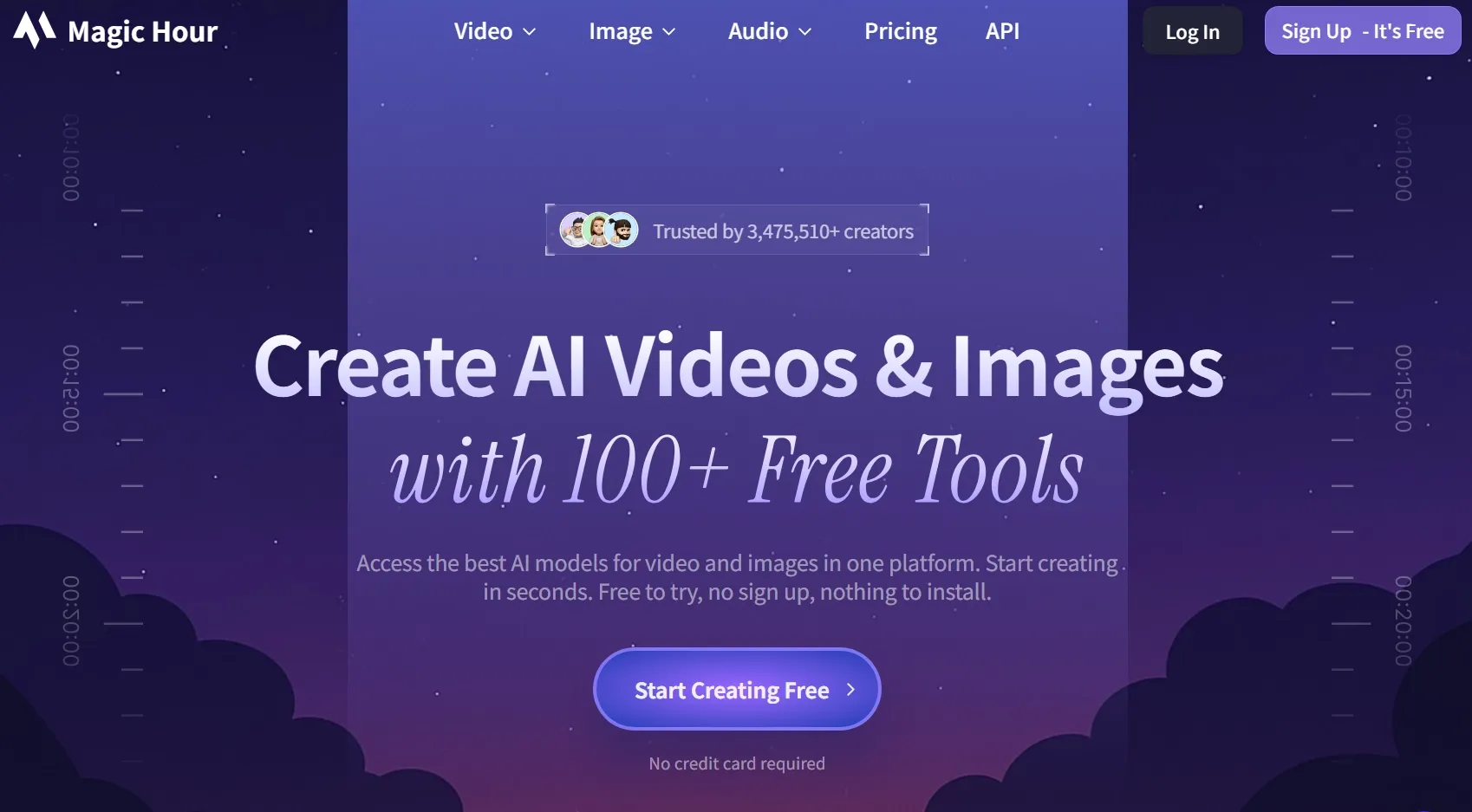
Magic Hour encouraged a more experimental approach to video creation. I explored its different creative directions, particularly face swaps, lip sync, and video to video transformations for short-form content.
Unlike platforms built around extended narratives, Magic Hour offers several ways to develop playful content from relatively simple ideas or existing materials. That's appealing when I want to explore social media trends without planning an entire production.
I would still distinguish between creating an entertaining standalone clip and building a longer, connected story. Magic Hour feels more naturally suited to the former, while limited free attempts make extensive experimentation with longer projects less practical.
Key Features
- AI Video Generation: Create clips from prompts or visual inputs.
- Face Swap: Replace faces in supported video workflows.
- Lip Sync: Match speaking or singing movements with audio.
- Video Transformations: Reimagine existing footage with different visual effects.
Best For
- TikTok creators making entertaining viral videos.
- Meme creators producing face-swap and lip-sync clips.
- Social media marketers developing attention-grabbing promotional videos.
Pros:
- Offers diverse short-form creative effects.
- Appealing for playful social content.
- Supports several video transformation workflows.
- Accessible for quick creative experimentation.
Cons:
- Free allowances limit repeated experiments.
- Less focused on structured multi-scene storytelling.
- Results depend on source material quality.
DomoAI: Best Free Unlimited AI Video Generator for Anime-Style Animation Videos
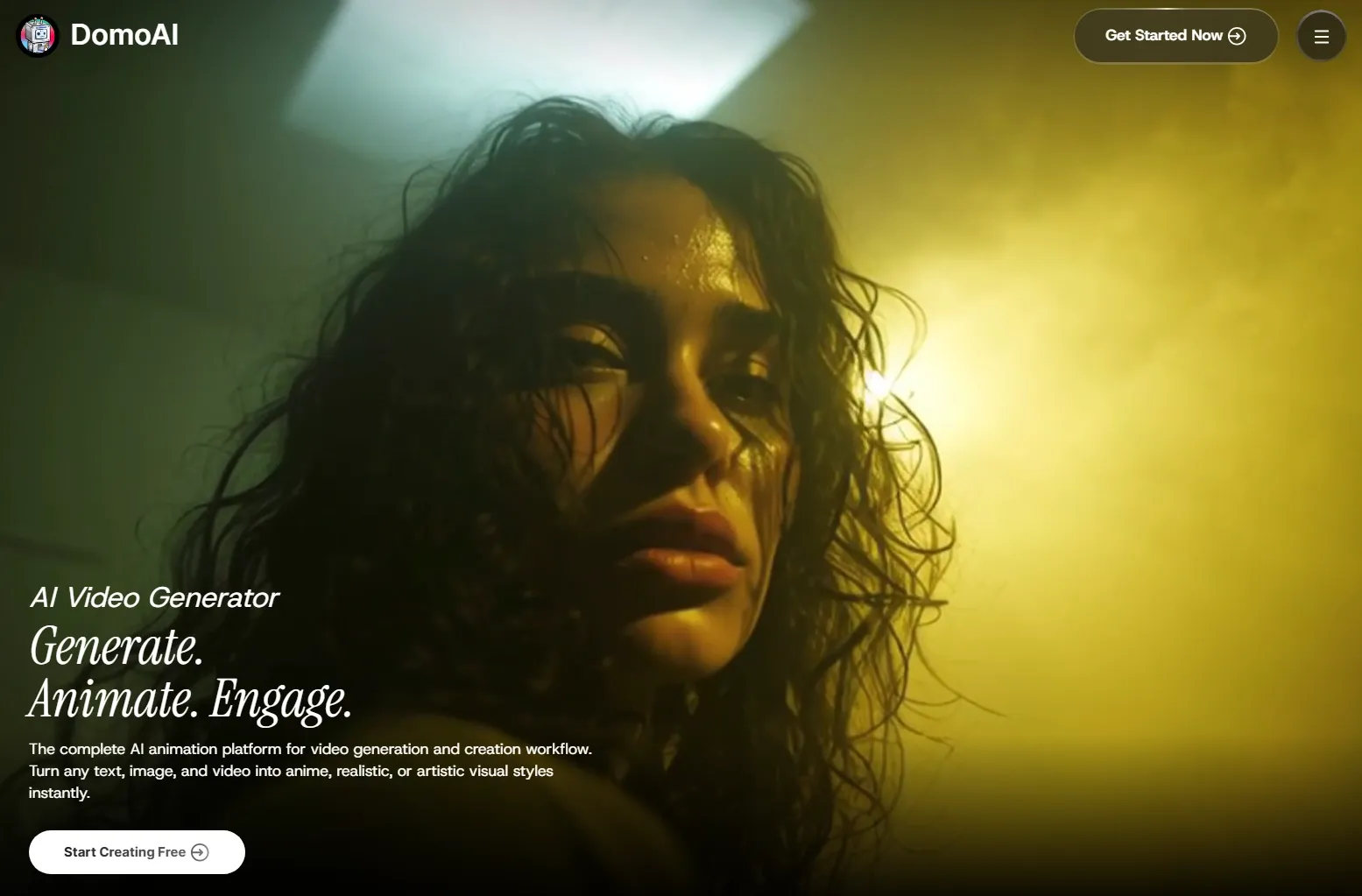
DomoAI's video transformation features were the main focus of my evaluation. I was interested in how existing footage could guide movement while the platform changed its visual appearance.
This approach is particularly relevant for anime and cartoon content. Instead of defining every action through text, I could consider using a source clip as the foundation for an artistic transformation.
My main concern was how faithfully the transformed footage preserved fine details. I would pay close attention to faces, clothing, and product features, especially after applying more dramatic styles.
If getting those details right required several attempts, the limited free trial credits could become restrictive, with Relax Mode available on eligible paid plans.
Take a deeper dive into its animation capabilities with our DomoAI review.
Key Features
- Video to Anime: Restyle existing footage into anime-inspired visuals.
- Video Style Transfer: Apply alternative artistic looks to moving footage.
- Image to Video: Animate illustrations and other still images.
- Mimic Motion: Use source footage to guide movement during transformations.
Best For
- Anime fans transforming live-action footage into anime videos.
- Digital artists creating manga-inspired character animations.
- Fan editors producing stylized music and dance videos.
Pros:
- Distinctive anime-focused creative capabilities.
- Transforms existing footage into new styles.
- Useful for character and illustration animation.
- Source video provides motion guidance.
Cons:
- Photorealism isn't its primary strength.
- Stylization may change subtle character details.
- Free usage remains limited.
GoEnhance AI: Best Free Unlimited AI Video Generator for Stylized Cartoon Videos
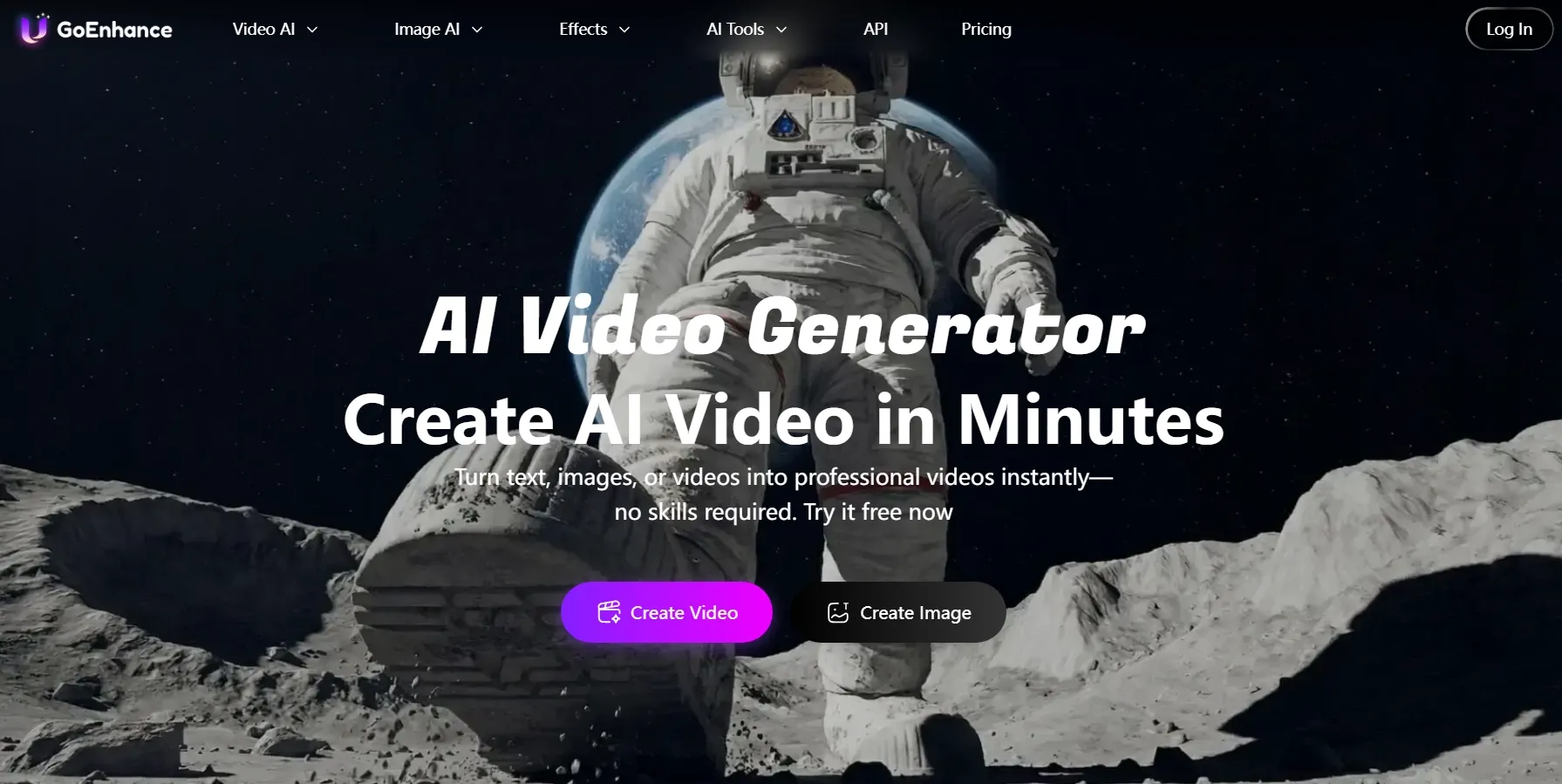
I explored GoEnhance AI primarily through its stylized video creation capabilities. Its transformations of existing footage into anime videos and cartoon-style clips offered a different creative direction from platforms focused on realistic cinematic footage.
What stood out was the possibility of giving everyday video material a more expressive artistic look. This makes GoEnhance interesting for music videos, product showcases, and experimental character videos.
At the same time, I paid attention to how stylization could affect the original scene. For commercial projects, preserving recognizable subject details is especially important. With limited free tokens, I'd need to be selective about retakes, while Unlimited Relax Mode is available only for supported features on eligible paid plans.
For a detailed look at its strengths and weaknesses, see our GoEnhance AI review.
Key Features
- Video to Cartoon: Transform recorded footage into cartoon-style animation.
- Anime Transformations: Explore stylized character and scene appearances.
- AI Video Generation: Create moving content using supported generation workflows.
- Video Upscaling: Improve supported footage through additional processing features.
Best For
- Social content creators converting footage into cartoon videos.
- Educators making colorful animated explainer videos.
- Lifestyle brands experimenting with playful animation for campaigns.
Pros:
- Good range of stylized transformations.
- Turns existing videos into cartoon content.
- Suitable for playful animated concepts.
- Combines generation and enhancement features.
Cons:
- Strong effects can obscure original details.
- Some styles don't suit commercial footage.
- Free generation options are restricted.
How Did I Compare These Free Unlimited AI Video Generators?
I personally tested these 10 AI video generators with different creative goals, creating sample videos to compare their generation workflows and results.
Rather than relying on advertised features, I explored different inputs, adjusted available generation settings, and examined the resulting videos. I also considered how much additional work each platform required before a video was ready to share.
My comparison focused on seven factors:
- Video Quality: Visual clarity, motion realism, and consistency.
- Prompt Accuracy: How closely generated videos follow creative instructions.
- Creative Control: Available references, camera options, and customization features.
- Ease of Use: How smoothly I could navigate the creation process.
- Free Access: Available credits, generation allowances, and restrictions.
- Unlimited Options: Supported models, eligible plans, and usage conditions.
- Workflow Flexibility: Options for editing, refining, and repurposing videos.
I paid particular attention to the difference between free access and Unlimited generation, including how usage allowances and plan requirements affected what I could create. That's why my rankings reflect both the quality of the generated videos and how practical each platform is for different creative projects.
Turn Your Ideas Into Videos Worth Sharing
Explore endless creative possibilities with multiple AI video models, diverse visual styles, and flexible generation options.
Try Pollo AI Video Generator FreeMy Final Verdict
After comparing these 10 AI video generators, I found that each has its strengths, from cinematic storytelling and business presentations to creative video transformations.
Beyond generation quality, I also considered how free credits, usage allowances, and Unlimited options affect the overall creative experience.
Pollo AI remains my overall choice because it combines multiple leading video models, flexible creation methods, and refinement features in one platform. I can experiment with free credits and explore eligible Unlimited options when I need greater creative flexibility.
If you're ready to bring your ideas to life, try Pollo AI for free today!