



10 Best Free Unlimited AI Video Generators Without Watermarks Ranked for 2026
Finding a free unlimited AI video generator with no watermarks isn't easy. I compared 10 platforms to uncover their creative strengths, free-plan limitations, and best uses for you.
TL;DR: What Is the Best Free Unlimited AI Video Generator with No Watermarks?
Pollo AI is my top pick for its leading video models, flexible generation methods, and built-in creative tools. I can create cinematic scenes, product ads, and animations without switching platforms. You can start with free credits, while Unlimited generation applies to eligible models and watermark-free exports require a paid plan.
10 Best Free Unlimited AI Video Generators with No Watermarks at a Glance
| AI Video Generator | Best For | Conditions |
| Pollo AI | Cinematic, Marketing, and Social Media Videos | Free credits; eligible Unlimited models; paid watermark-free exports |
| Google Flow | Realistic Sci-Fi Scenes and Cinematic Sequences | Daily free credits; no general unlimited free generation |
| Adobe Firefly | High-End Product Reveals and Brand Commercials | Limited free generations; select paid Unlimited options |
| Artlist AI | Travel Campaigns and Lifestyle Promotions | Limited free trial; Unlimited on eligible paid plans |
| LTX AI | Multi-Scene Narratives and Scripted Short Films | One-time free credits; paid clean exports |
| SkyReels AI | Character-Led Adventures and Fantasy Action Scenes | Limited introductory access; plan conditions vary |
| Pictory AI | Educational Explainers and Blog-Based Videos | Free trial; watermark-free paid exports |
| Vidnoz AI | Multilingual Training and Corporate Presentation Videos | Daily free credits; paid watermark removal |
| GoEnhance AI | Anime Transformations and Stylized Character Clips | Free tokens; eligible paid Unlimited Relax Mode |
| Neural Frames | Audio-Reactive Visualizers and Electronic Music Videos | Limited trial; credit-based paid generation |
Pollo AI: Best Overall Free Unlimited AI Video Generator with No Watermarks
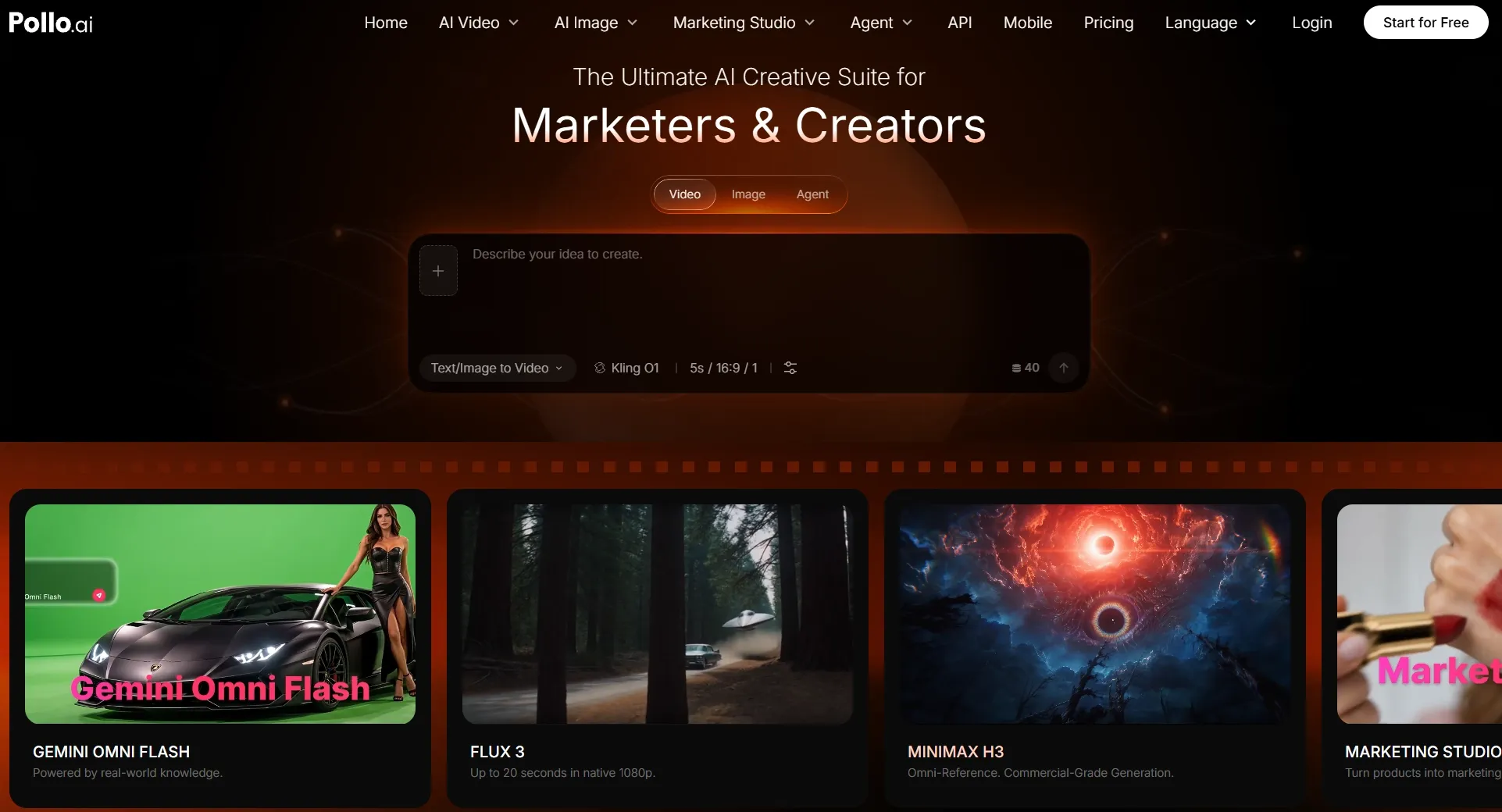
Pollo AI takes my top spot because I can explore different video styles without relying on a single generation model.
What stood out as I explored its capabilities was the selection of leading models, including Seedance 2.5 and MiniMax H3. I can switch between them for cinematic scenes, product commercials, or stylized animations.
I also appreciate its flexible workflows. Text to video AI lets me start with a prompt, image to video AI animates existing visuals, and reference to video helps guide character consistency.
Beyond individual clips, Pollo Agent and built-in editing tools support more complete video production. Free credits are available, while Unlimited generation applies to eligible models and watermark-free exports require a paid plan.
Key Features
- Multiple AI Video Models: Explore leading models for cinematic footage, realistic movement, expressive characters, and stylized animations.
- Flexible Creation Methods: Start with text descriptions, animate existing images, or guide scenes using visual references.
- Eligible Unlimited Generation: Produce repeated variations on supported models without consuming regular generation credits.
- Pollo Agent: Transform creative concepts and source materials into more complete content through connected production workflows.
- Post-Generation Tools: Improve your videos with AI video editing, enhancement, voice generation, and specialized creative apps.
Best For
- Content Creators: Produce social media clips, cinematic scenes, and anime videos across different visual styles.
- Marketers: Develop product demo videos, advertising creatives, and promotional campaigns.
- Creative Teams: Compare video models, experiment with variations, and refine projects within one platform.
- E-Commerce Sellers: Bring product photography and advertising concepts to life through engaging videos.
Pros:
- Access to multiple leading AI video models.
- Several generation methods for different needs.
- Unlimited options for eligible models and parameters.
- Integrated editing, audio, and production capabilities.
Cons:
- Unlimited generation applies only to supported models and entitlements.
- Watermark-free exports require a paid subscription.
- The extensive model selection may take beginners time to explore.
Create More Videos With Pollo AI
Go beyond basic video generation with leading AI models, flexible creative workflows, and eligible Unlimited options.
Try Pollo AI for Free
Google Flow: Best Free Unlimited AI Video Generator with No Watermarks for Cinematic Short Films
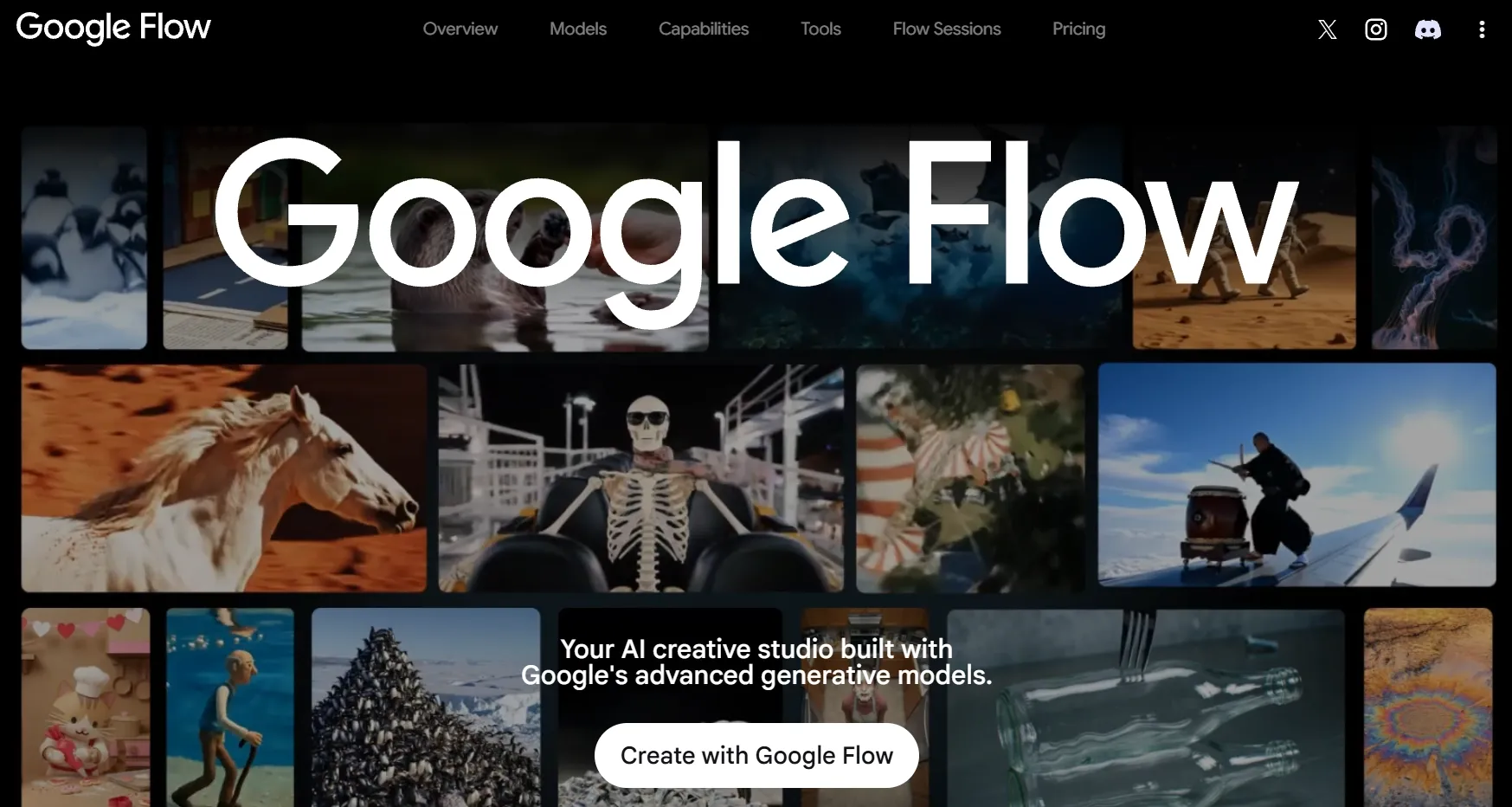
Google Flow impressed me with its filmmaking-oriented workflow, powered by Google's Veo models. Rather than concentrating on isolated clips, I was drawn to its scene-building tools and visual references. They offer useful ways to develop related shots with consistent environments and cinematic camera movement.
For a science fiction sequence, I'd use these capabilities to guide an astronaut through an abandoned space station, maintaining a recognizable setting across changing compositions.
I also liked the possibility of generating synchronized audio with compatible models. However, Flow's daily free credits can limit repeated experimentation, and visible watermark rules vary by account and region.
Curious about its other capabilities? Dive into our Google Flow review for more details.
Key Features
- Veo Video Generation: Produce cinematic footage featuring detailed surroundings, lifelike movement, and atmospheric lighting.
- Scene-Building Workspace: Develop related shots and experiment with how different compositions support a visual narrative.
- Visual Reference Guidance: Supply images to influence characters, environments, and other recognizable scene elements.
- Synchronized Audio: Generate accompanying dialogue, sound effects, or ambience using compatible models.
Best For
- Independent Filmmakers: Develop cinematic shorts, film concepts, and dramatic trailers.
- Sci-Fi Storytellers: Visualize futuristic environments, fictional worlds, and atmospheric narratives.
- Creative Directors: Explore shot compositions and visual treatments before production.
Pros:
- Advanced cinematic scene-generation capabilities.
- Helpful reference and shot-development features.
- Convincing visual possibilities for complex environments.
- Daily free credits for eligible accounts.
Cons:
- Free generations are restricted by credits and availability.
- Complex filmmaking projects may require many generation attempts.
- Watermark requirements vary across plans and regions.
Adobe Firefly: Best Free Unlimited AI Video Generator with No Watermarks for Professional Product Ads
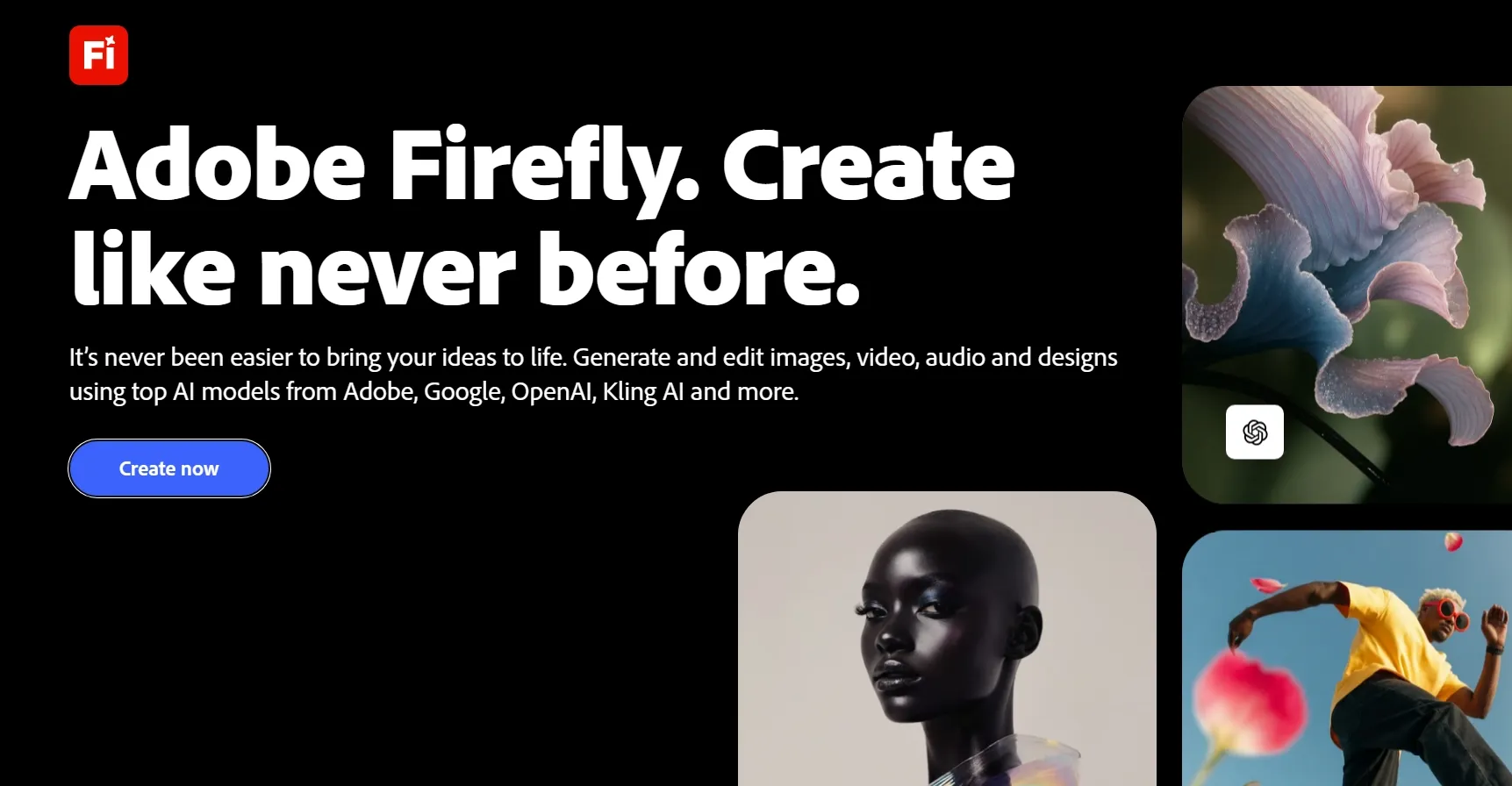
Adobe Firefly caught my attention for its focus on polished commercial visuals and creative control.
When exploring its video capabilities, I paid particular attention to camera movement, composition, and product presentation. For a luxury watch commercial, I'd start with product photography and guide the lighting and camera direction to emphasize its materials and details.
Its text-to-video and image-to-video workflows provide different starting points, while Adobe's broader ecosystem supports further production work.
One limitation I noticed is the generation allowance. Firefly provides limited free generations and generally produces videos without visible Adobe branding, but Unlimited options depend on qualifying subscriptions and supported models.
Explore its creative tools and limitations in our Adobe Firefly review.
Key Features
- Text-to-Video Creation: Turn advertising briefs and visual concepts into short promotional footage.
- Product Image Animation: Introduce movement to existing photography while guiding the intended presentation.
- Camera Direction: Adjust supported composition and motion settings to create more deliberate shots.
- Adobe Workflow Compatibility: Incorporate generated clips into larger professional design and video projects.
Best For
- Product Marketers: Showcase premium products through cinematic reveals and ad videos.
- Brand Designers: Experiment with visual concepts, lighting treatments, and campaign aesthetics.
- Creative Agencies: Develop commercial assets that fit into existing professional workflows.
Pros:
- Strong emphasis on polished commercial visuals.
- Useful camera and composition controls.
- Standard generated outputs do not contain visible Firefly branding.
- Fits naturally into Adobe's wider creative ecosystem.
Cons:
- Free video generations are limited.
- Longer projects may need additional production applications.
- Unlimited access depends on qualifying plans and selected models.
Artlist AI: Best Free Unlimited AI Video Generator with No Watermarks for Lifestyle Brand Videos
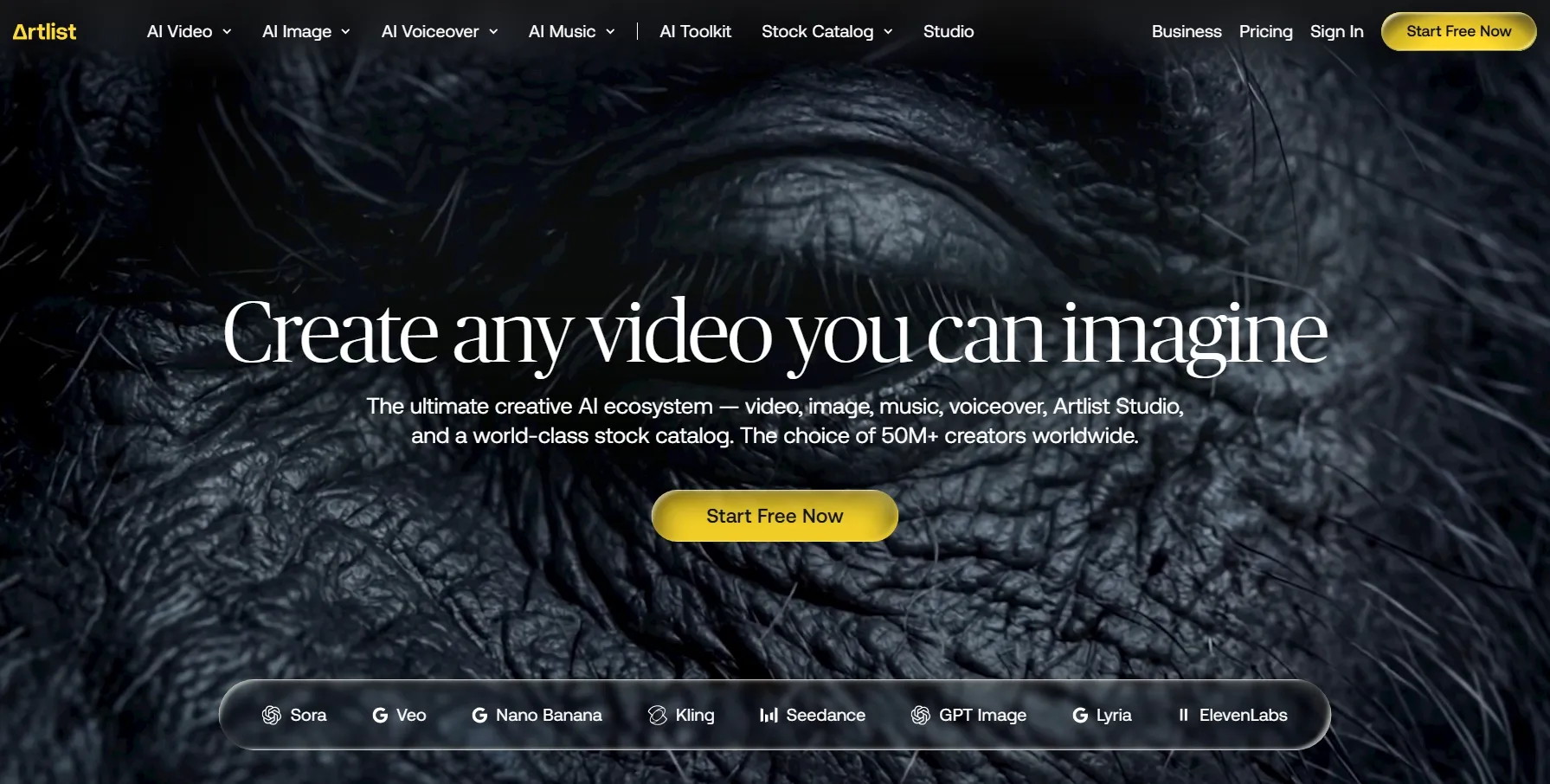
Artlist AI stood out for combining video generation with a broader collection of creative assets.
I was interested in how its AI models, music, stock footage, and sound effects could support a complete lifestyle campaign. For a travel video, for example, I'd want scenic footage, atmospheric music, and consistent visual storytelling rather than unrelated clips.
Its Studio workflow and reusable character references also provide more direction for projects involving recurring subjects.
However, I found the complimentary generation allowance restrictive for extensive experimentation. Unlimited generation is available only on selected models through qualifying paid plans.
Want to know more about its video generation features? Check out our Artlist AI review.
Key Features
- Multi-Model Access: Explore different generation engines for text-driven scenes and animated reference images.
- Artlist Studio: Organize visual ideas into more structured projects with additional scene controls.
- Reusable Character References: Maintain recognizable character designs across supported creative workflows.
- Production Asset Library: Complement AI footage with music, stock clips, and sound effects.
Best For
- Lifestyle Brands: Build travel, wellness, fashion, and hospitality campaigns with a consistent atmosphere.
- Social Media Producers: Combine original AI footage with music and complementary visual assets.
- Marketing Agencies: Assemble branded video content from several creative resources.
Pros:
- Brings AI generation and supporting production assets together.
- Particularly relevant for lifestyle and brand storytelling.
- Reusable characters help guide visual continuity.
- Unlimited options are available on selected paid-plan models.
Cons:
- Complimentary generation provides very little room for experimentation.
- Unlimited benefits depend on subscription eligibility and model selection.
- The extensive asset ecosystem may be unnecessary for straightforward projects.
LTX AI: Best Free Unlimited AI Video Generator with No Watermarks for Script-Based Story Videos
LTX AI appealed to me because its workflow starts with storytelling rather than individual video clips.
Through LTX Studio, I can develop a script into storyboards and connected scenes. I particularly liked its emphasis on shot planning, which helps establish how characters, camera angles, and narrative moments fit together.
For a mystery short film, I'd use these tools to organize important reveals before generating the footage. Its camera controls offer another layer of creative direction.
The trade-off is a more involved production process. LTX also provides only one-time free credits, while larger allowances and watermark-free exports require payment.
For a deeper look at its storytelling workflow, read our LTX Studio review.
Key Features
- Script-Based Video Creation: Develop visual sequences from written stories, screenplays, or narrative outlines.
- AI Storyboarding: Arrange important moments into a more organized shot-by-shot structure.
- Cinematic Camera Controls: Shape framing, movement, and presentation for individual scenes.
- Scene Generation: Transform planned shots into animated footage through supported models.
Best For
- Film Creators: Develop narrative shorts, trailers, and early-stage movie concepts.
- Screenwriters: Visualize dialogue, actions, and story progression before filming.
- Preproduction Teams: Prepare storyboards and visual pitches for larger projects.
Pros:
- Story-first workflow supports more organized narratives.
- Helpful shot-planning and camera-direction options.
- Particularly relevant for multi-scene projects.
- Introductory credits allow initial exploration.
Cons:
- Requires more creative planning than simpler generators.
- Free generations are limited by one-time credits.
- Clean exports require an eligible paid subscription.
SkyReels AI: Best Free Unlimited AI Video Generator with No Watermarks for Character-Consistent Fantasy Videos
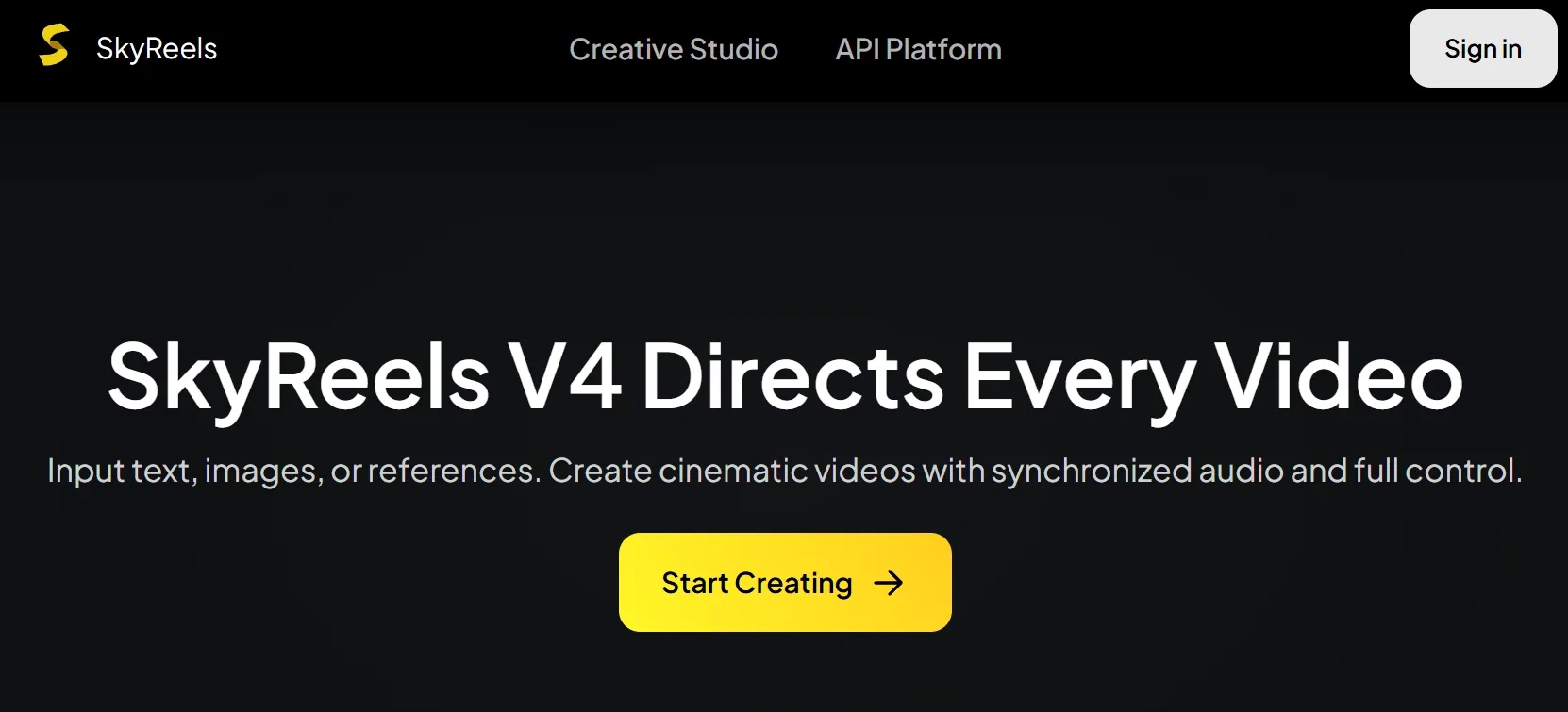
With SkyReels AI, I focused on how its reference-based generation could support stories involving recurring fictional characters.
Its multimodal inputs let me guide character appearances, environments, and scene details through supported visual materials. For a fantasy adventure, I'd use character references to help keep a warrior recognizable across different locations and actions.
I also explored its cinematic motion and audio capabilities, which are relevant for expressive fantasy sequences.
Character consistency isn't guaranteed, though, especially during complex movements. Free access is limited, and I couldn't verify unrestricted generation or universal watermark-free exports.
Key Features
- Character Reference Guidance: Use supported visual materials to direct facial features, outfits, and recurring designs.
- Multimodal Generation: Combine text, images, and other compatible inputs to shape fictional scenes.
- Dynamic Cinematic Motion: Develop expressive actions and camera movements for more dramatic storytelling.
- Sound-Enabled Video: Add synchronized audio through compatible generation models.
Best For
- Fantasy Writers: Bring fictional adventures, magical environments, fantasy art and dramatic encounters to life.
- Character Designers: Explore recurring heroes and original characters across changing settings.
- Digital Illustrators: Animate fantasy artwork and develop character-driven visual stories.
Pros:
- Multiple methods for guiding characters and scene details.
- Relevant capabilities for fictional action sequences.
- Flexible reference inputs support different creative directions.
- Compatible models can generate video with audio.
Cons:
- Complex movement may affect character consistency.
- Complimentary generation opportunities are restricted.
- Unlimited access and watermark-free exports depend on conditions that need confirmation.
Pictory AI: Best Free Unlimited AI Video Generator with No Watermarks for Blog-to-Video Explainers
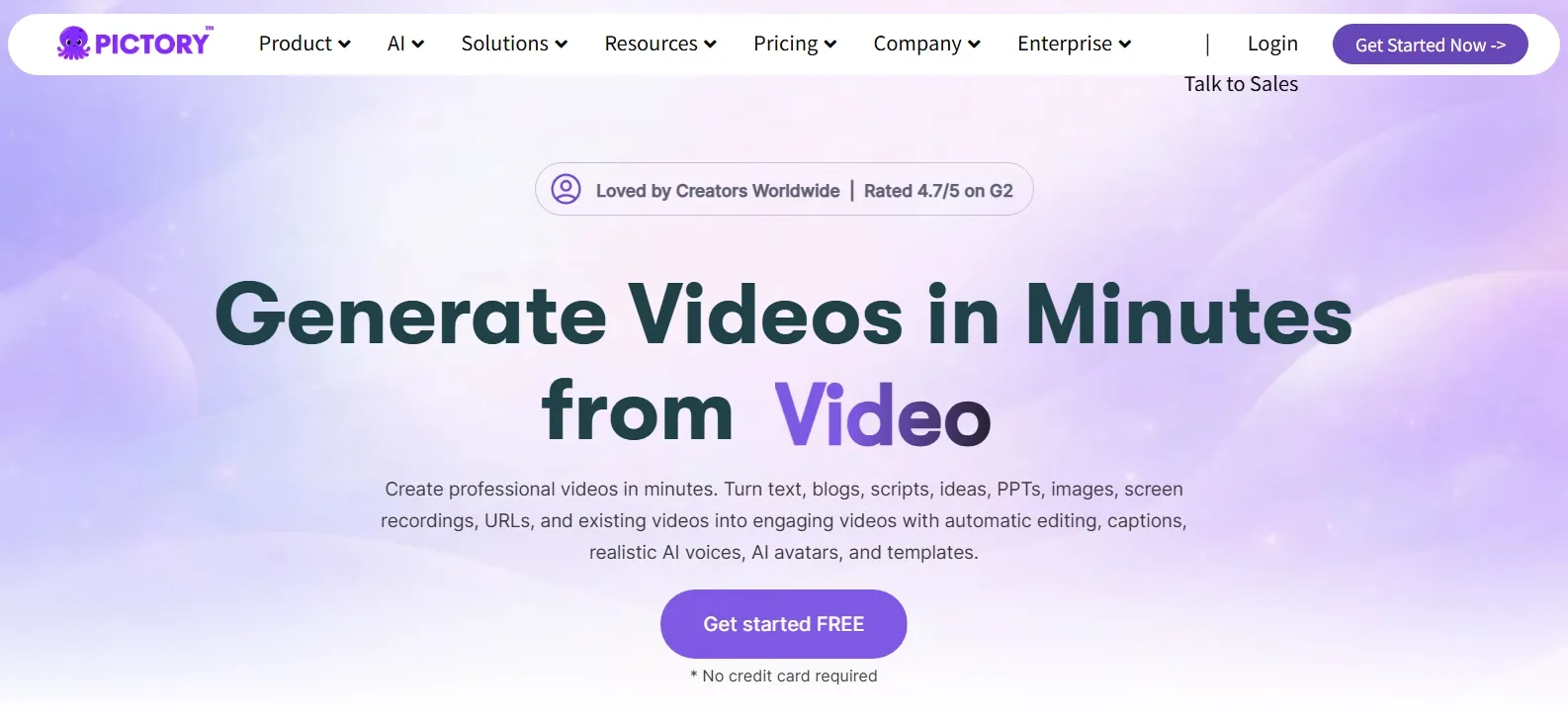
Pictory AI offered a different approach from the cinematic generators I explored. Its strength lies in turning existing written content into structured videos.
I focused on its article-to-video generation, which can organize blog content into scenes with supporting footage, captions, and narration. For an educational article, I'd use it to create an explainer without arranging every visual manually.
Its script to video generation also makes sense when the narration is already prepared.
The limitation is creative scope. I wouldn't choose Pictory for complex fictional action or original cinematic scenes. Its trial exports also contain branding, with clean downloads reserved for paid plans.
Interested in its content-to-video features? Our Pictory AI review covers them in detail.
Key Features
- Article-to-Video Conversion: Repurpose published blog posts and written resources into visual presentations.
- Script-to-Video Workflow: Build explanatory content from prepared narration or educational scripts.
- Automatic Footage Selection: Match text sections with relevant images and supporting video clips.
- AI Voiceovers: Deliver spoken explanations without recording narration manually.
Best For
- Bloggers: Give existing articles a second life as narrated videos.
- Online Educators: Present written lessons through more engaging visual explanations.
- Content Marketing Teams: Repurpose guides, reports, and informative articles for social platforms.
Pros:
- Makes existing written content easier to repurpose.
- Automatic scene organization reduces repetitive assembly work.
- Narration and visual selection support educational content.
- Straightforward approach to informational video production.
Cons:
- Limited options for highly cinematic original footage.
- Free trial downloads include platform branding.
- Video-minute and generation allowances apply to paid plans.
Vidnoz AI: Best Free Unlimited AI Video Generator with No Watermarks for Multilingual Presenter Videos
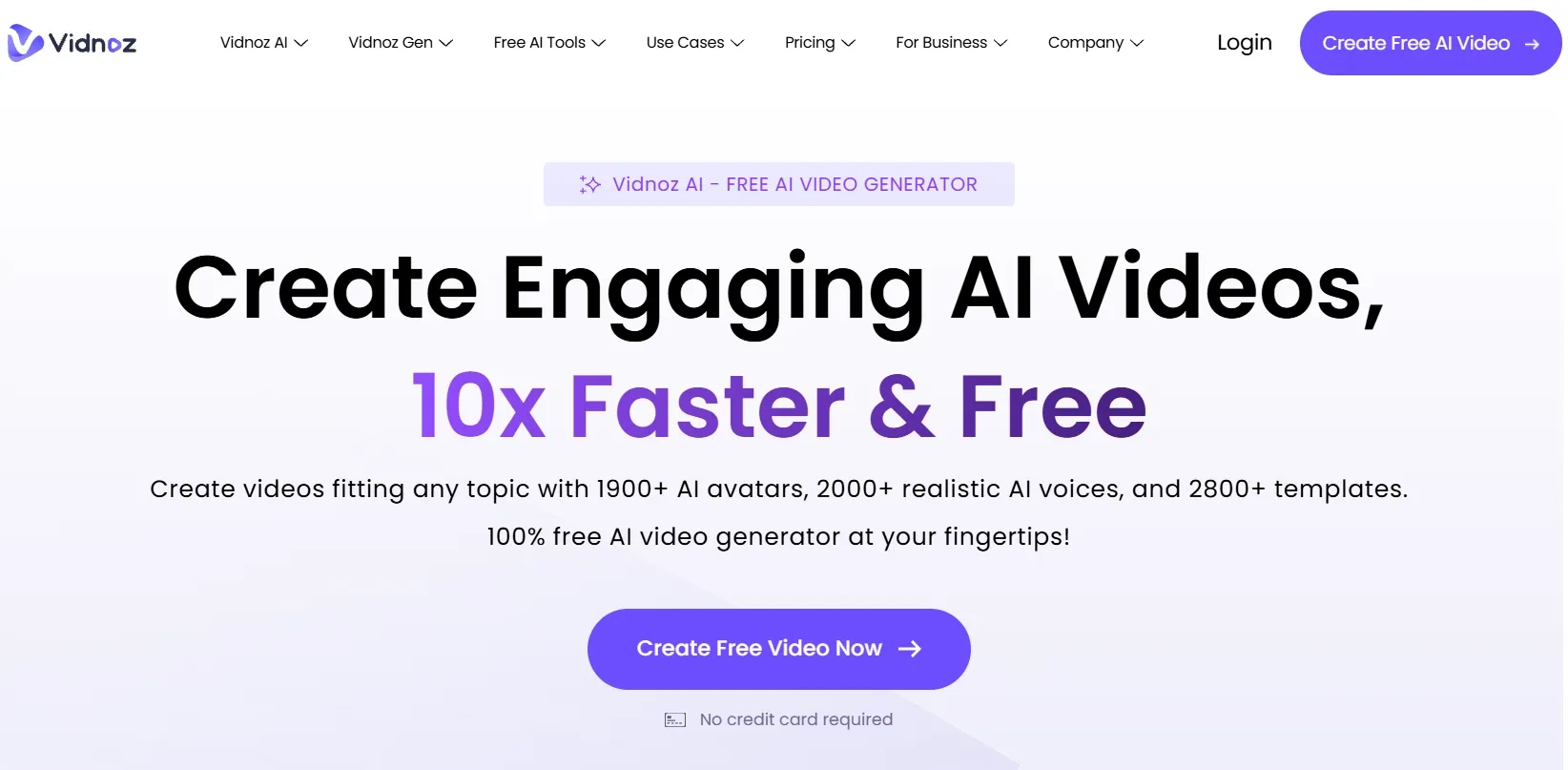
Vidnoz AI caught my attention for its AI avatars and multilingual video capabilities. When exploring its presenter workflow, I focused on how easily a written script could become a spoken presentation. For an international product introduction, I'd want to adapt the same message into different languages without recording separate videos.
Its selection of avatars, voices, and templates provides useful options for business communication and educational content.
However, Vidnoz is more specialized than a cinematic generator. Its free plan also has daily credit and export restrictions, while watermark removal requires qualifying paid access.
You can also take a closer look at its avatars and video creation tools in our Vidnoz AI review.
Key Features
- Digital AI Presenters: Deliver scripted messages through a selection of virtual avatars.
- Multilingual Speech: Produce narrated content in different languages using compatible voices.
- Presentation Templates: Build professional videos with prepared layouts for business and education.
- Script-Driven Creation: Convert written messages into presenter-led videos without filming.
Best For
- Global Businesses: Explain products and services to audiences in different languages.
- Corporate Trainers: Prepare employee onboarding materials and internal presentations.
- Online Instructors: Deliver video lessons using digital presenters.
Pros:
- Broad selection of AI avatars and voices.
- Multilingual creation supports international communication.
- Ready-made templates simplify professional presentations.
- Daily credits allow some free experimentation.
Cons:
- Limited creative range for cinematic or artistic scenes.
- Free downloads have export restrictions.
- Watermark removal for presenter videos requires paid access.
GoEnhance AI: Best Free Unlimited AI Video Generator with No Watermarks for Anime and Cartoon Videos
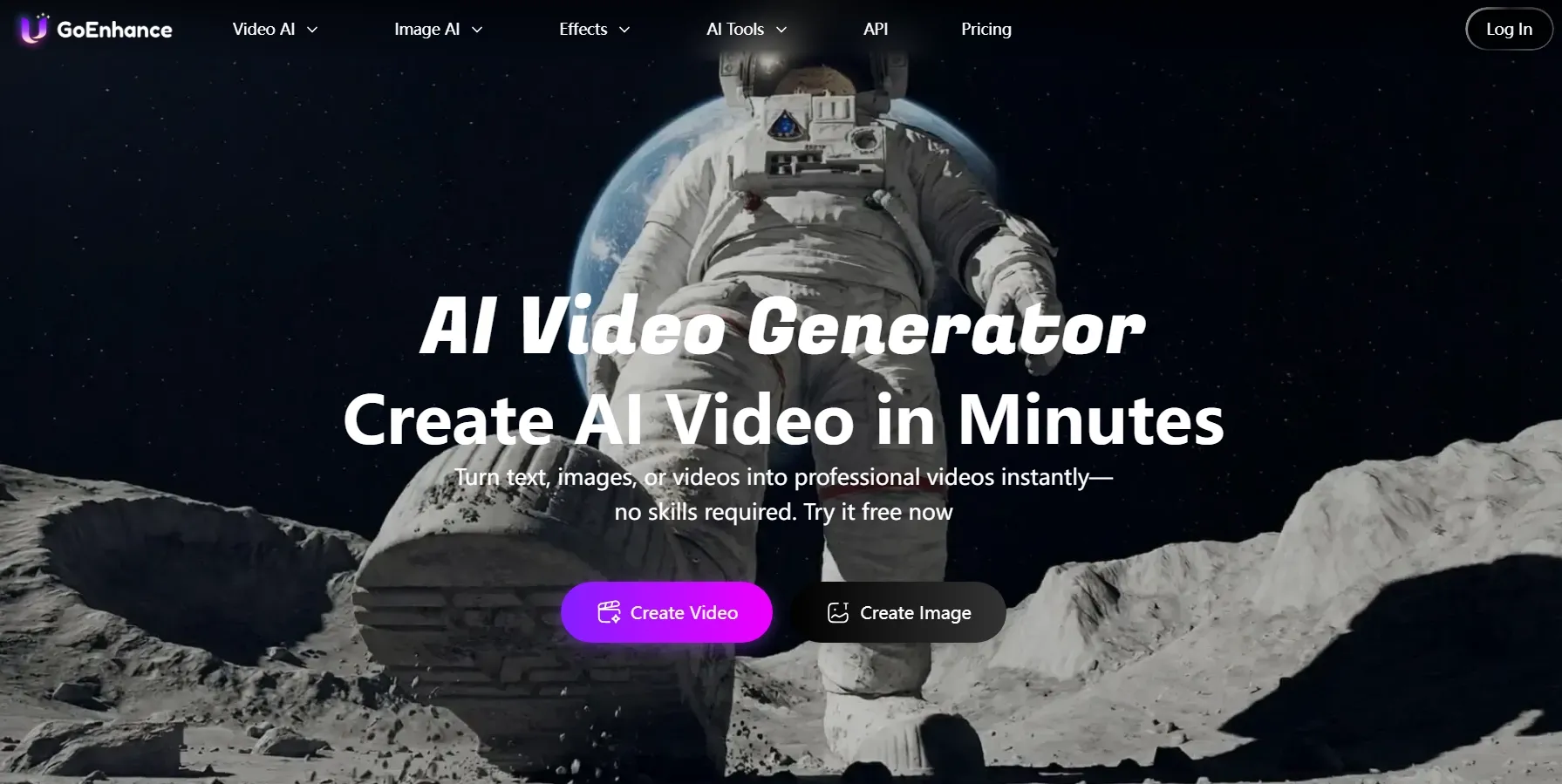
GoEnhance AI interested me because it can transform existing footage into stylized animation while using the original movement as guidance.
I particularly liked this approach for dance clips and character performances. Instead of recreating an action from scratch, I can start with recorded movement and explore different anime or cartoon appearances.
Its additional text-to-video and image-to-video options provide more creative flexibility.
I also paid attention to Relax Mode, which allows eligible subscribers to generate through supported features without spending tokens, although processing can be slower. Free accounts receive limited tokens, and clean exports depend on the subscription.
See what else it can do with anime transformations in our GoEnhance AI review.
Key Features
- Video-to-Anime Transformation: Restyle existing footage into anime-inspired scenes while using source motion as guidance.
- Cartoon Style Selection: Experiment with animated aesthetics, including 3D-inspired and other stylized looks.
- Motion-Based Conversion: Build character animation around recognizable movement from uploaded footage.
- Unlimited Relax Mode: Continue generating with supported features on qualifying plans without deducting tokens.
Best For
- Anime Enthusiasts: Turn everyday videos into character-driven animated scenes.
- Short-Form Creators: Restyle dance clips, performances, and social media content.
- Animation Artists: Explore different visual interpretations of existing motion.
Pros:
- Particularly useful for transforming live-action footage into animation.
- Original movements provide guidance for stylized results.
- Multiple cartoon and anime aesthetics to explore.
- Relax Mode supports eligible unlimited generation.
Cons:
- Free accounts receive only limited tokens.
- Relax Mode can involve longer processing queues.
- Certain generation features are excluded from unlimited access.
Neural Frames: Best Free Unlimited AI Video Generator with No Watermarks for Beat-Synced Music Videos
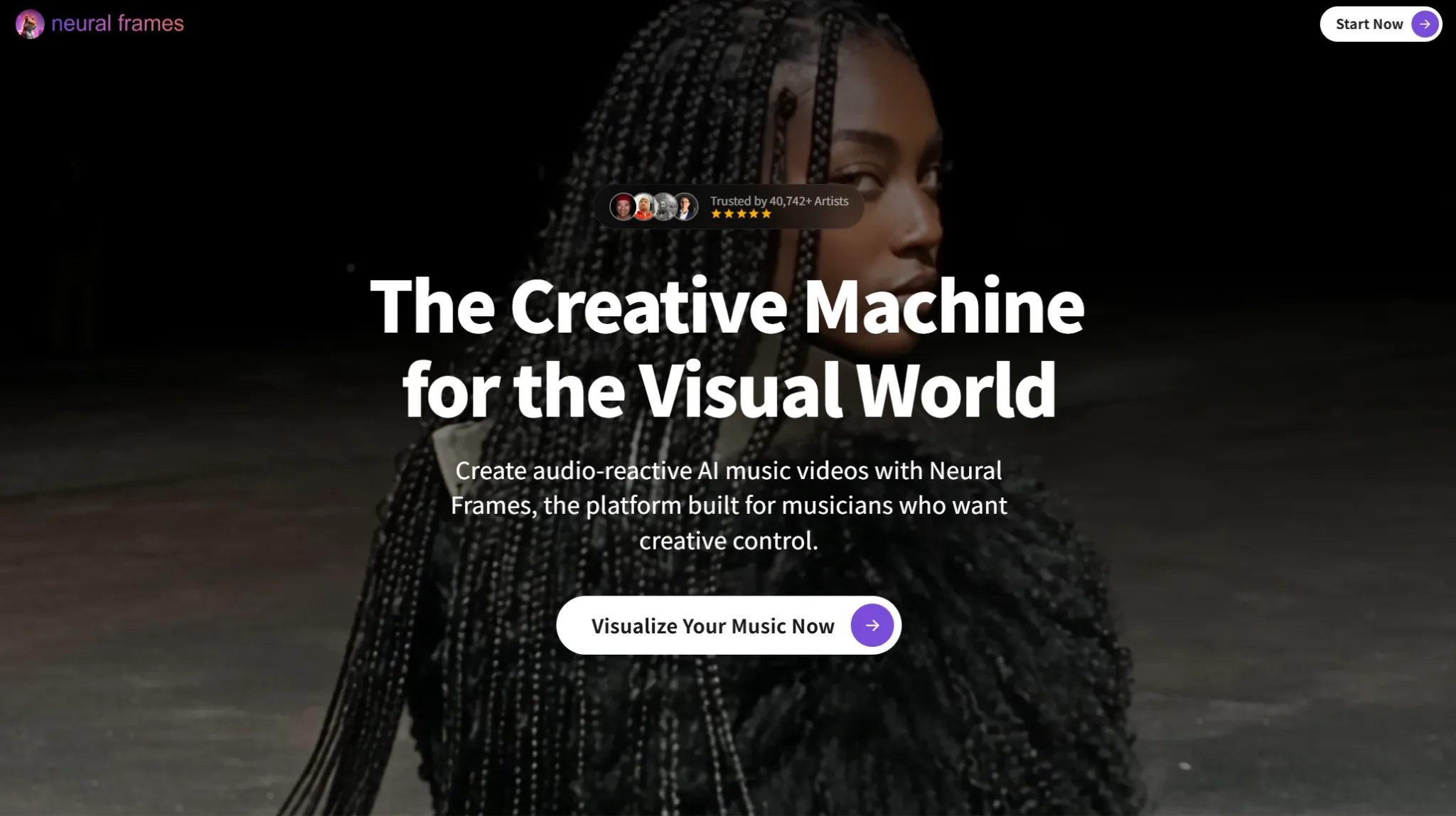
Neural Frames stood out from the other platforms because it lets music guide the visual experience. I was drawn to its audio-reactive capabilities, particularly for electronic tracks. I'd use them to synchronize abstract shapes, lighting changes, and visual transitions with the rhythm rather than creating unrelated animations.
Its Autopilot feature offers a convenient starting point, while more detailed controls let me shape individual scenes.
That music-focused workflow is distinctive, but it limits the platform's appeal for conventional advertising or educational videos. Its free trial is restricted, and music videos can consume substantial generation credits if they are too long.
Key Features
- Audio-Reactive Visuals: Make animated elements respond to musical beats, bass, and other sound characteristics.
- Autopilot Music Videos: Develop visual sequences directly from uploaded tracks.
- Rhythm-Based Animation: Coordinate scene movement and visual transitions with musical timing.
- Detailed Creative Controls: Adjust animation styles and individual sections for more personalized results.
Best For
- Independent Musicians: Create visualizers and promotional videos for original songs.
- Electronic Music Producers: Develop abstract animations synchronized with rhythmic tracks.
- Live Performance Artists: Produce music-driven visuals for performances and creative projects.
Pros:
- Music-centered generation provides a distinct creative workflow.
- Audio-reactive effects support rhythmic animation.
- Offers both automatic and more detailed creation options.
- Particularly relevant for abstract and experimental music visuals.
Cons:
- Less versatile for projects unrelated to music.
- Trial access and ongoing generation credits are limited.
- Full-length videos may require substantial generation resources.
How Did I Rank These Free Unlimited AI Video Generators with No Watermarks?
I didn't want to judge these tools by their promotional demos alone. My comparison focused on the actual creation process, from preparing prompts and choosing settings to evaluating generation options and export restrictions.
I also approached each platform according to its strengths. For Google Flow, cinematic storytelling mattered most. With Vidnoz AI, I focused on avatar presentations, while Neural Frames called for a closer look at music synchronization.
Here's what I paid attention to:
- Video Generation Quality: I looked for detailed visuals, natural movement, recognizable subjects, and coherent scenes.
- Creative Control: I examined how much freedom I had over prompts, references, camera movement, and visual styles.
- Input Flexibility: I checked whether I could work with text, images, scripts, or existing footage.
- Free Generation Access: I compared what each free plan actually allowed me to create before requiring payment.
- Unlimited Generation: I looked into which models supported unlimited creation and where credit restrictions still applied.
- Watermark Policies: I reviewed the export conditions to see whether clean videos required a subscription.
- Workflow Usability: I considered how easily I could turn an initial idea into a usable video without unnecessary extra steps.
For me, an impressive video isn't enough to make a tool worth recommending. I also care about how easily I can refine my ideas, how often I can generate new results, and whether the final videos are ready to use.
That's why I considered both the creative experience and the practical limits of each platform when deciding their rankings.
Turn Any Idea Into a Video With Pollo AI
Upload a photo, add your idea, and create eye-catching videos with natural motion in just a few steps.
Try AI Video Generator FreeMy Final Verdict
After comparing these 10 AI video generators, I found that each platform has its own strengths depending on what you want to create.
However, free access doesn't always mean unlimited generation or watermark-free downloads. Many platforms restrict free usage through credits or trials, with more generous options reserved for paid plans.
Pollo AI remains my overall recommendation because it brings multiple leading video models and flexible creation methods into one platform. I can generate videos from text, images, or references, then refine the results with additional creative tools.
With free credits to get started and eligible Unlimited generation options for ongoing experimentation, Pollo AI offers a versatile solution for different projects. Watermark-free exports require a paid plan.
If you're looking for one place to explore more creative possibilities, I'd recommend Pollo AI.