



10 Best Image to Video AI Free Unlimited Worth Trying in 2026
Want to animate images without constantly running out of credits? I compared 10 AI video generators to help you find an option that fits your needs.
Quick Answer: What Is the Best Image to Video AI Free Unlimited?
Pollo AI is my top recommendation for its leading video models and versatile creative workflow. You can animate portraits, create cinematic scenes, or produce product videos, then refine your clips with editing and audio features.
Its Unlimited options also support repeated generation with eligible models and settings, giving you more freedom to experiment with different prompts, motion styles, and creative ideas.
10 Best Image to Video AI Free Unlimited Tools at a Glance
| Tool | Best For | Free & Unlimited Access |
| Pollo AI | Content creators and marketers | Free trial; Unlimited on eligible models |
| Google Flow | Filmmakers and storytellers | 50 free daily credits |
| Adobe Firefly | Designers and creative agencies | Limited free access; paid Unlimited options |
| Dreamina | Character designers and animators | Account-dependent free or trial credits |
| Artlist AI | Travel creators and lifestyle influencers | Limited trial access |
| VEED | Marketing teams and small businesses | Limited free access; watermark restrictions |
| Krea AI | Digital artists and illustrators | Daily free compute; video access varies |
| DomoAI | Anime artists and cartoon creators | Trial credits; paid Unlimited Relax Mode |
| LTX Studio | Filmmakers and storyboard artists | One-time credits for eligible accounts |
| Magic Hour | Beginners and casual creators | 3 free generations daily |
Pollo AI: Best Overall Image to Video AI Free Unlimited
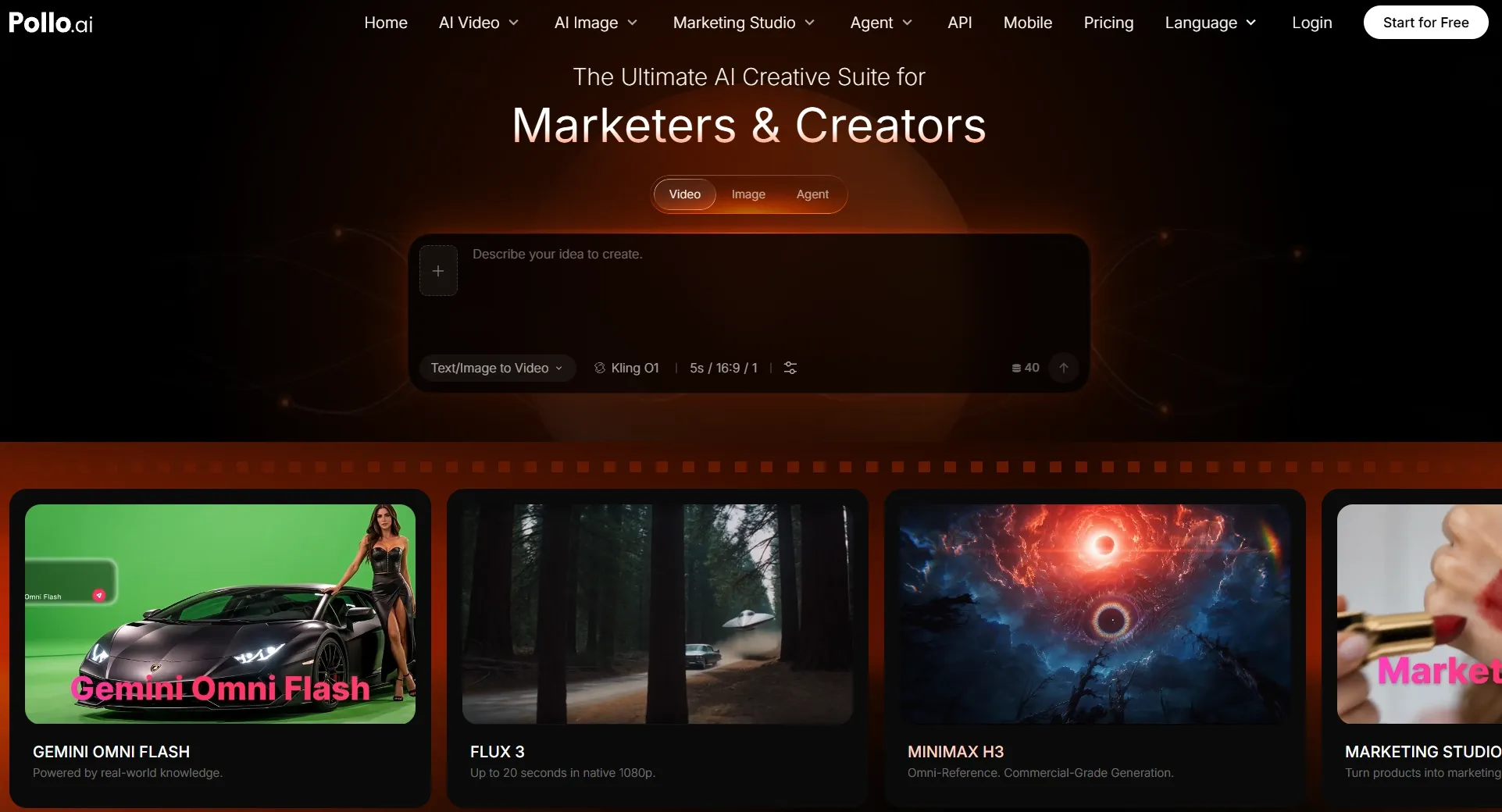
Pollo AI earns my top spot for its flexibility. With leading models like Seedance 2.5 and Vidu Q4, I can create everything from cinematic travel videos to dynamic action sequences without switching platforms.
Getting started is simple. Upload an image, choose a model, and describe your desired motion. You can guide camera movements, character actions, and visual effects.
For more complex projects, reference to video helps maintain recognizable subjects, while the AI video editor lets you refine footage through text instructions. I also appreciate its versatility for creating product videos, animated stories, and social content.
Plus, Pollo AI's Unlimited options support repeated generation with eligible models, giving you more freedom to explore different ideas, subject to applicable settings and access terms.
Key Features
- Multiple AI video models: Choose among leading generators to match different styles, motion requirements, and creative goals.
- Flexible image animation: Turn portraits, illustrations, product images, and other visuals into moving clips using text prompts.
- Reference-guided video creation: Maintain recognizable characters and visual elements across different scenes using supported references.
- Connected creative workflow: Refine footage with AI editing, sound generation, and other video creation features.
- Unlimited generation options: Generate repeatedly with eligible models and settings during an active entitlement.
Best For
- Content creators: Transform everyday photos and original artwork into engaging social videos.
- E-commerce sellers: Animate product images into promotional clips and product showcases.
- Filmmakers: Explore different camera movements, visual styles, and scene concepts.
- Marketing teams: Develop campaign videos and advertising assets through a connected workflow.
Pros:
- A broad selection of leading AI video models gives you creative flexibility.
- Image generation, video editing, and audio features work within one platform.
- Eligible Unlimited options make repeated experimentation more practical.
Cons:
- Exploring several models may require time to identify the best fit.
- Some advanced models and settings still consume credits.
- Unlimited generation may involve longer processing queues.
Bring Your Images to Life With Pollo AI!
Turn your favorite visuals into compelling videos with leading AI models and more creative flexibility.
Try Pollo AI for Free
Google Flow: Best Image to Video AI Free Unlimited for Cinematic Storytelling
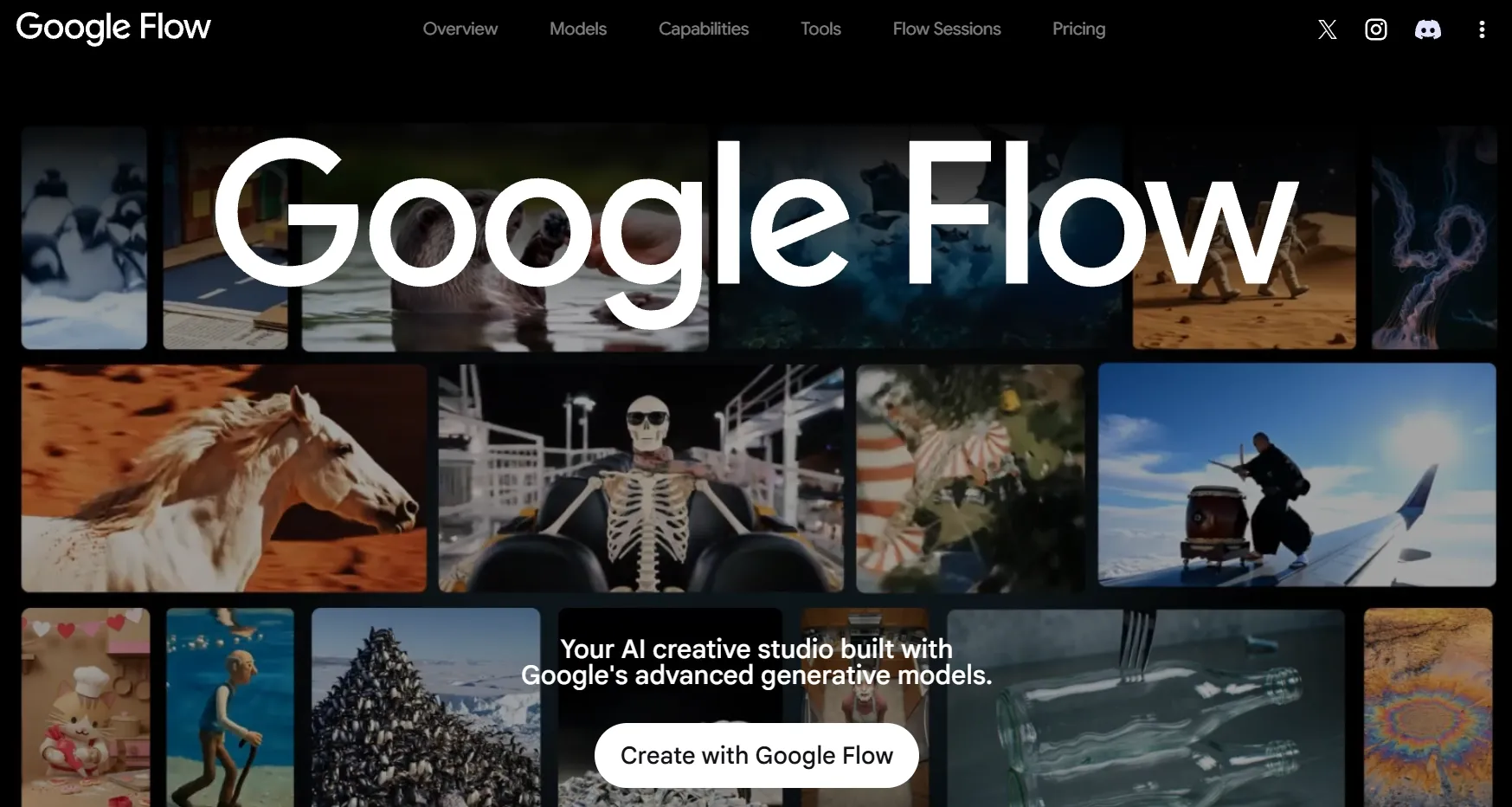
Google Flow stands out to me for its cinematic storytelling capabilities. Powered by Google's Veo AI, it allows me to animate images with frames to video, while ingredients to video uses visual references to guide characters, objects, and environments.
What I find particularly useful is Scenebuilder, which helps me connect shots into cohesive narratives. I can animate storyboard images, develop cinematic sequences, and add audio through compatible models, making Flow a strong choice for short films and visual storytelling.
However, free generation comes with limits. Google offers 50 daily credits to eligible users, but each video consumes credits depending on the model. Advanced features and access during busy periods may also be restricted.
Key Features
- Frames to Video: Bring existing images into motion or guide a clip with frame references.
- Ingredients to Video: Use visual references to shape subjects, objects, and environments.
- Scenebuilder: Develop connected shots for more cohesive video storytelling.
- Veo generation: Produce cinematic footage with supported motion and audio capabilities.
Best For
- Filmmakers: Visualize cinematic scenes and short film concepts.
- Visual storytellers: Develop connected narratives from illustrations and reference images.
- Creative directors: Explore shot composition and camera direction before production.
Pros:
- Designed around cinematic storytelling rather than basic photo animation.
- Reference-based workflows offer greater control over scene development.
- Daily free credits allow recurring experimentation.
Cons:
- Credit costs can limit how many videos you generate.
- Advanced features depend on model and account access.
- Finished productions may require additional post-production work.
Adobe Firefly: Best Image to Video AI Free Unlimited for Professional Product Videos
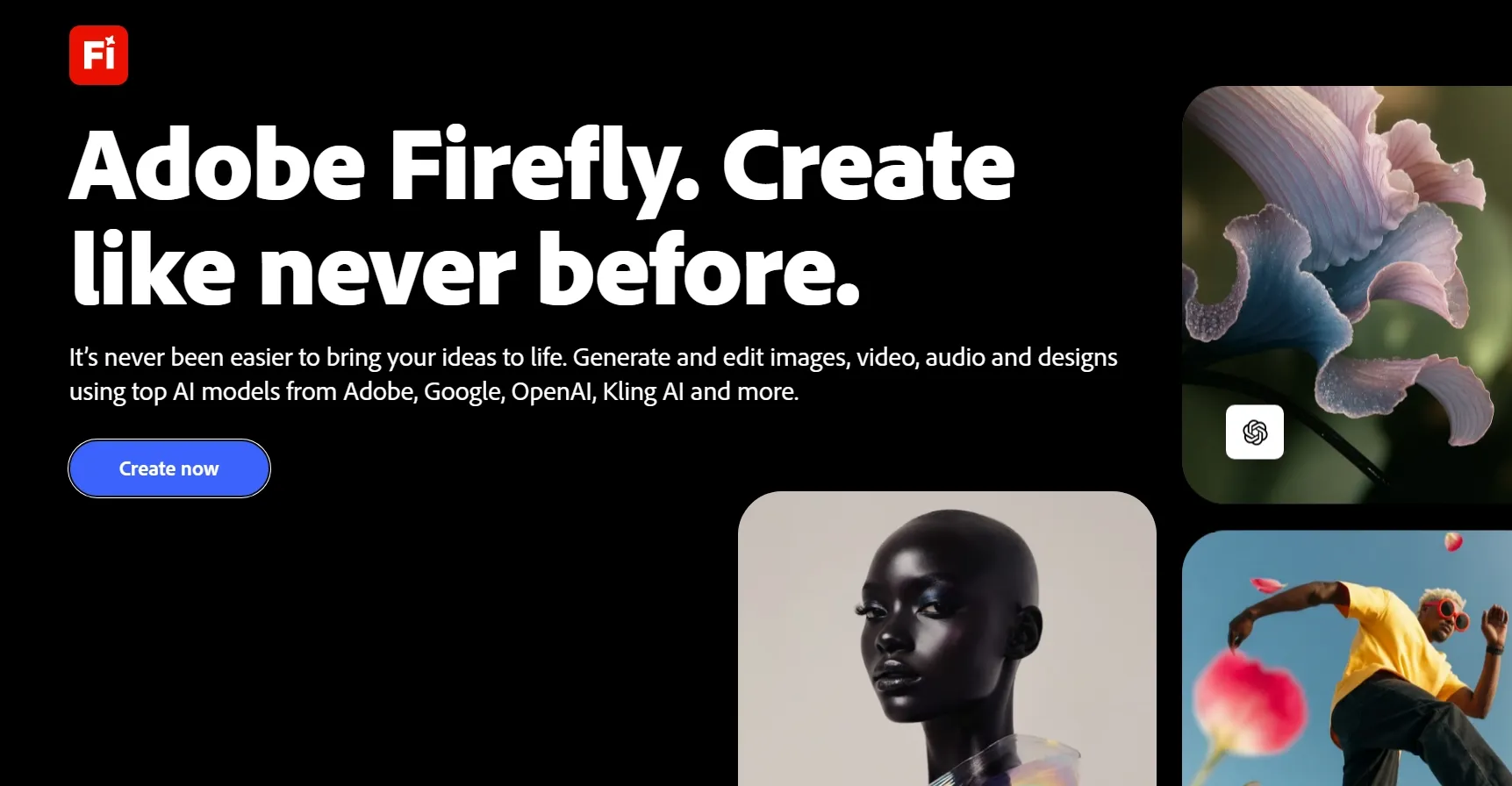
Adobe Firefly stands out for its design-oriented image-to-video capabilities. I particularly appreciate its start and end frame references, which can guide how a scene develops, while camera controls help shape the movement and composition.
For example, you can turn a luxury watch photo into a polished promotional video with smooth camera movements and detailed reflections. Firefly also integrates with Photoshop, Premiere, and Adobe Express, making it easier to incorporate generated clips into your creative workflow.
However, free access is limited, and premium video generation consumes credits. Unlimited generation is available only through eligible paid plans and supported models.
You can explore its creative controls in our Adobe Firefly review.
Key Features
- Image-based video generation: Animate professional photography, illustrations, and branded visuals.
- Start and end frame guidance: Shape transitions with reference images.
- Camera movement controls: Guide supported camera actions and shot composition.
- Adobe creative integration: Continue developing generated assets in compatible Adobe applications.
Best For
- E-commerce brands: Animate product photography into polished commercial footage.
- Graphic designers: Add movement to existing campaign visuals and artwork.
- Creative agencies: Develop promotional concepts and client-facing visual assets.
Pros:
- Frame guidance provides useful creative direction.
- Supports controlled camera movements for professional-looking shots.
- Integrates naturally with established Adobe workflows.
Cons:
- Premium generation can consume substantial credits.
- Free access does not cover every advanced video feature.
- Unlimited benefits vary by subscription and model.
Dreamina: Best Image to Video AI Free Unlimited for Expressive Character Animations
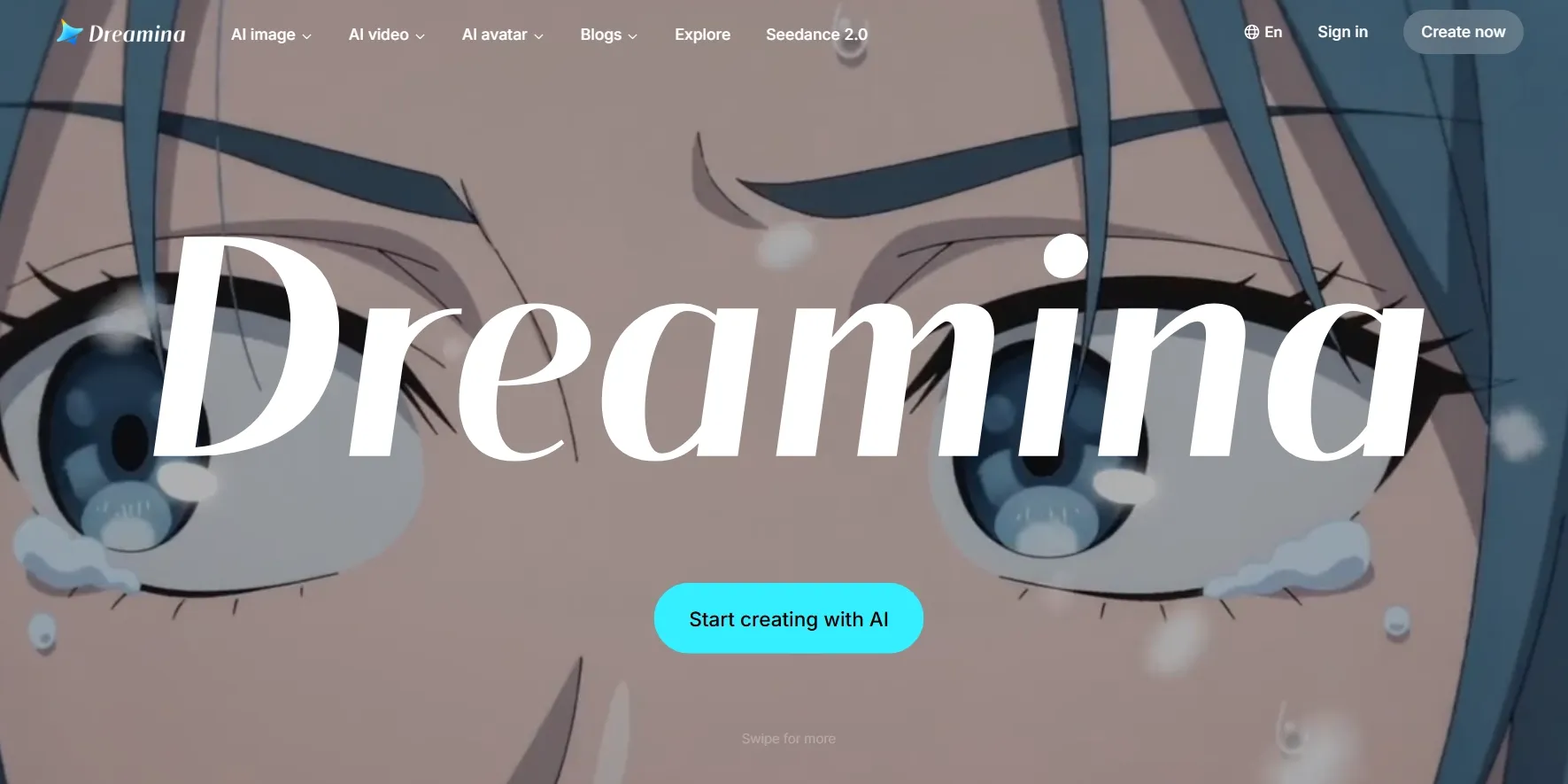
Dreamina stands out for character-focused image-to-video creation. Powered by Seedance models, it goes beyond simple camera motion by letting you describe gestures, facial expressions, and character interactions.
I find Dreamina especially useful for illustrated characters and expressive portraits. Its reference-based controls can bring a fantasy character drawing into a dramatic video scene with guided actions, while compatible models also support audio and multimodal inputs.
That said, complex choreography and multiple subjects can still be challenging. Free credits and model access also vary by account, region, and current offering.
Want to know more? Read our Dreamina AI review.
Key Features
- Character animation: Generate expressive actions and facial movement from portraits or illustrations.
- Reference-guided scenes: Use supported visual and multimodal inputs to direct generation.
- Motion prompting: Describe gestures, interactions, and camera actions.
- Audio capabilities: Add supported sound or voice guidance through compatible models.
Best For
- Character designers: Bring illustrated characters to life through movement and expression.
- Digital storytellers: Produce character-driven narrative scenes.
- Social media creators: Animate portraits and original characters for short videos.
Pros:
- Emphasizes expressive motion and character performance.
- Advanced reference options provide additional creative direction.
- Supports audio-related generation through compatible models.
Cons:
- Complex body movements can require additional generations.
- More advanced models may consume credits quickly.
- Free access is not consistent across every region or account.
Artlist AI: Best Image to Video AI Free Unlimited for Travel and Lifestyle Videos
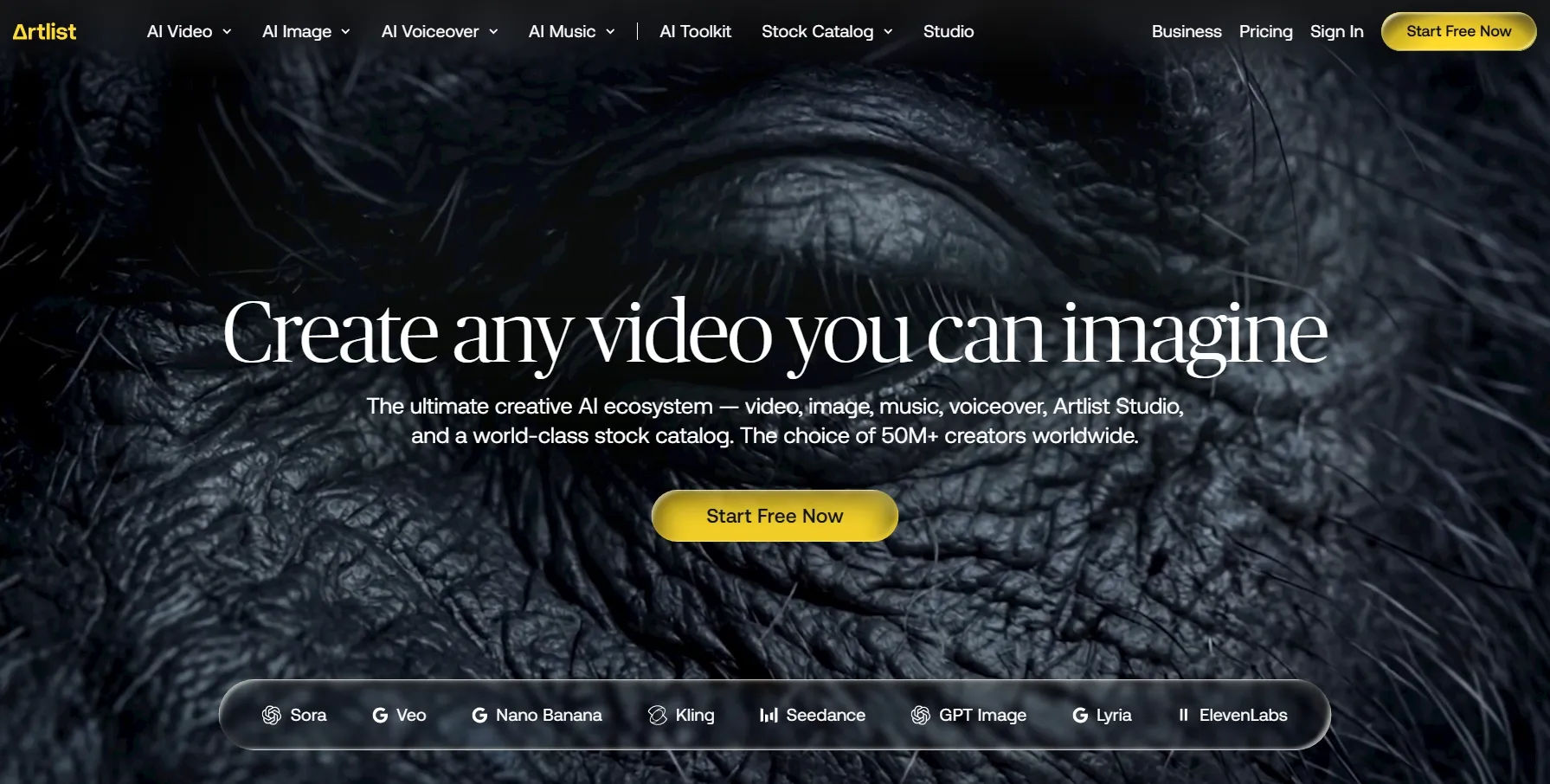
Artlist AI is a strong choice for animating travel and lifestyle photography. With access to multiple AI video models, you can guide camera movements, scene transitions, and visual styles. Supported models also offer start and end frame controls.
I particularly like its potential for travel videos. I can transform landscape photos into immersive videos with drifting clouds, moving water, and cinematic camera movements. Artlist also provides music, sound effects, and stock footage to help complete my projects.
However, different models have varying credit costs. Free trial access is limited, and continued video generation requires an eligible plan and available credits.
If you want to know more about this platform, read our hands-on Artlist AI review.
Key Features
- Multi-model generation: Choose different AI video models based on your preferred motion and style.
- Photo-to-video creation: Animate travel photography, lifestyle images, and scenic visuals.
- Frame guidance: Direct transitions using compatible start and end frame options.
- Creative asset library: Combine generated footage with music, sound effects, and stock media.
Best For
- Travel creators: Transform destination photography into moving travel content.
- Lifestyle influencers: Develop cinematic clips from personal and lifestyle images.
- Photographers: Present still images through animated portfolio and social videos.
Pros:
- Multiple video models give you creative choices.
- Works well as part of a photography-focused content workflow.
- Additional media assets help turn generated clips into complete videos.
Cons:
- Generation costs vary between models.
- Free trial usage is limited.
- Frequent production requires an appropriate paid plan.
VEED: Best Image to Video AI Free Unlimited for Branded Promotional Videos
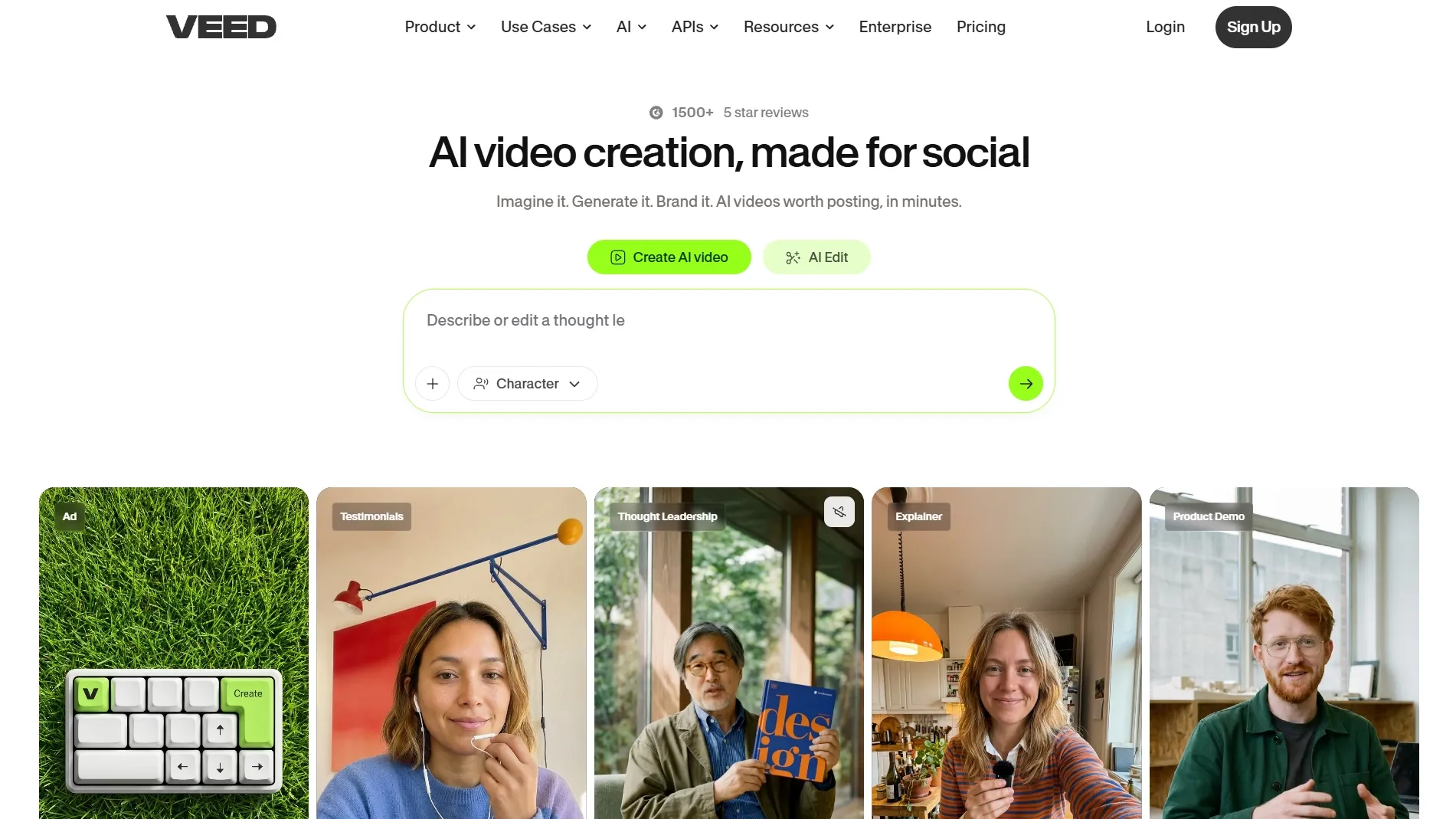
VEED combines image-to-video generation with an online editor, making it useful for branded promotional content. You can animate product photos, then add captions, headlines, and brand elements to create ready-to-share videos.
I find this workflow particularly convenient for marketing projects. For example, you can turn a product image into an ad video with promotional text and a call to action. VEED's AI Playground also offers different video models, although its strength lies more in content production than advanced cinematic motion control.
However, free AI generation is limited, and exports may include watermarks. Available credits can also vary by account and region.
For deeper insights, see our VEED review.
Key Features
- Image to video generation: Generate movement from product photos and promotional imagery.
- Integrated editor: Add captions, headlines, branding, and other video elements.
- Multiple model access: Explore supported generators through AI Playground.
- Social-ready workflow: Prepare videos for different promotional formats.
Best For
- Small businesses: Create branded promotional videos from existing product images.
- Marketing teams: Combine AI footage with campaign messaging.
- Social media managers: Prepare short promotional content with captions and branding.
Pros:
- Generation and editing features work together.
- Convenient for promotional videos requiring additional text or branding.
- Browser-based interface supports relatively simple workflows.
Cons:
- More focused on complete video assembly than advanced motion generation.
- Free exports may include watermarks.
- Continued AI generation depends on available credits.
Krea AI: Best Image to Video AI Free Unlimited for Creative Art Animations
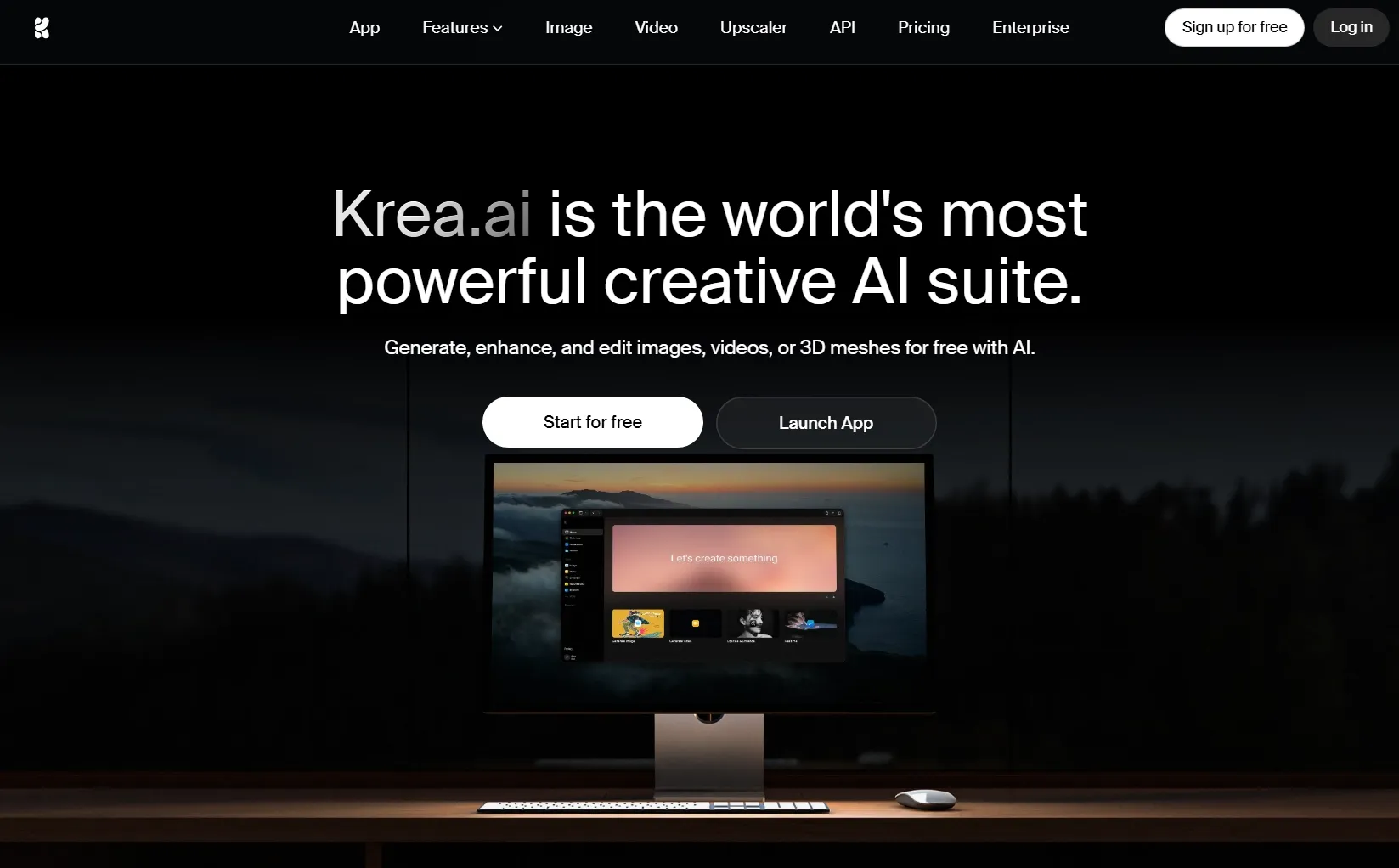
Krea AI combines image generation, editing, and video creation, making it appealing for experimental art animations. You can develop original artwork, refine its composition, and bring it to life using different AI video models.
I particularly like its potential for surreal visuals. For example, I can transform a fantasy landscape with floating architecture into an animated scene featuring atmospheric effects and dynamic camera movements. I can also use its multiple models to explore different animation styles.
However, Krea's free plan doesn't provide unrestricted video generation. Advanced video models require eligible paid access, while compute costs vary depending on the model and settings.
You can learn more about its features in our Krea AI review.
Key Features
- Integrated image and video creation: Develop artwork and animate it within the same platform.
- Multiple video models: Experiment with different motion styles and visual interpretations.
- Image editing and enhancement: Refine source visuals before generating motion.
- Creative iteration: Explore new compositions and visual directions across connected workflows.
Best For
- Digital artists: Animate illustrations, fantasy environments, and experimental artwork.
- Concept designers: Transform visual concepts into moving previews.
- Creative professionals: Explore unconventional video styles and visual effects.
Pros:
- Combines source-image creation with video generation.
- Supports experimentation across different AI models.
- Suitable for artistic projects that need visual refinement before animation.
Cons:
- The free plan does not guarantee access to advanced video generation.
- Video model availability depends on your subscription.
- Compute costs can vary across creative workflows.
DomoAI: Best Image to Video AI Free Unlimited for Anime and Cartoon Videos
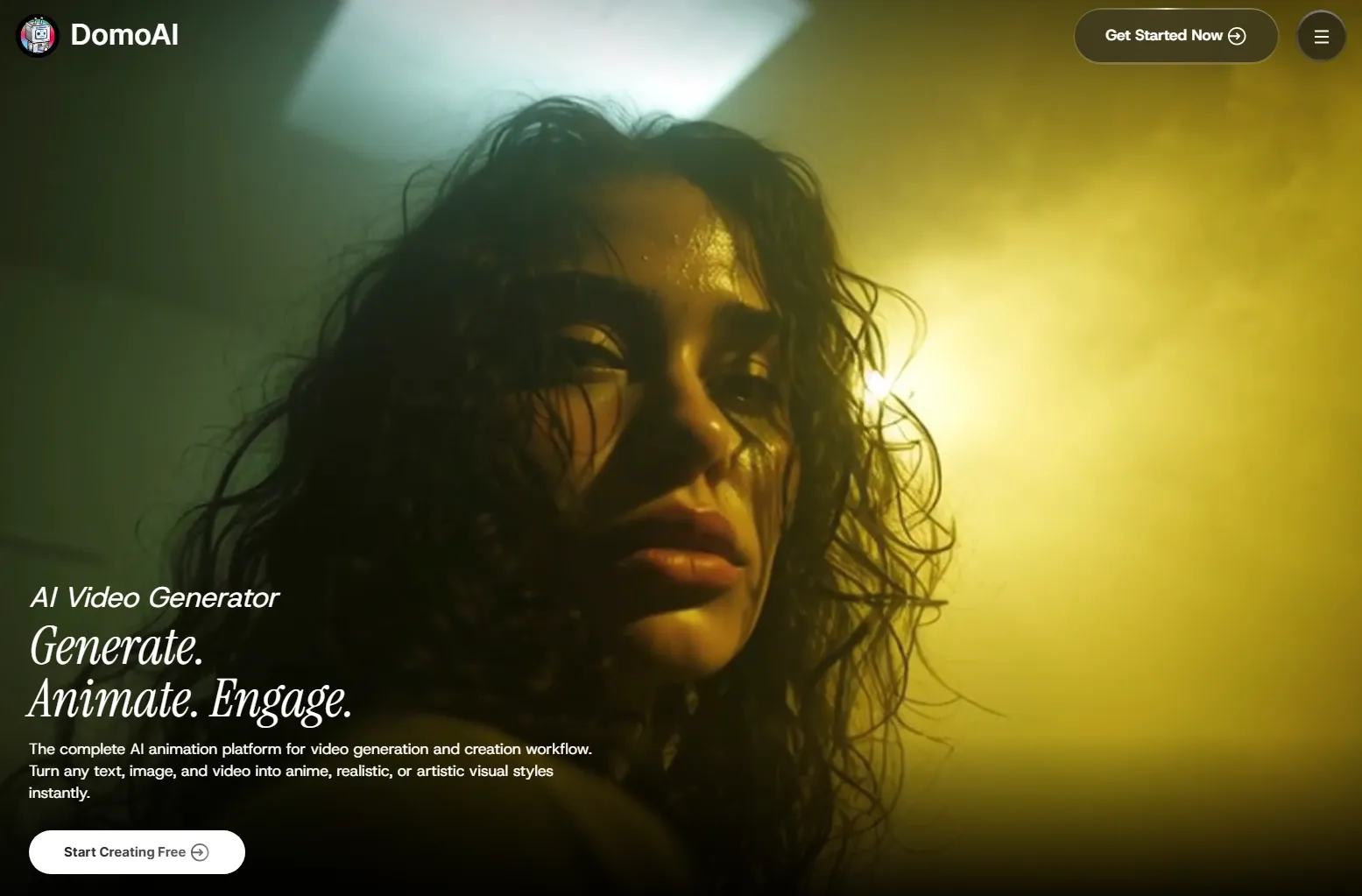
DomoAI is a strong choice for anime and cartoon image animation. You can upload an illustration, describe the action, and turn it into a stylized video with expressive movement, flowing details, and ready-made motion templates.
I also like its related tools for talking avatars and video upscaling, which offer more ways to develop character-focused content. Its Relax Mode is another advantage, allowing repeated generation on eligible paid plans without using standard credits.
However, its free trial is limited, and not every model supports Relax Mode. Some advanced or third-party models still require credits, and longer queues may apply.
Curious about its other features? Check our DomoAI review.
Key Features
- Anime image animation: Turn cartoon avatars into animated scenes.
- Motion templates: Apply supported animation effects with less manual prompting.
- Character-focused features: Explore talking avatars and related character animation options.
- Relax Mode generation: Create repeatedly without credit deductions on eligible models and paid plans.
Best For
- Anime artists: Animate illustrated characters for social clips and creative projects.
- Cartoon creators: Transform original cartoon artwork into moving content.
- Character storytellers: Develop expressive scenes around recurring characters.
Pros:
- Relevant animation options for illustrated and stylized characters.
- Motion templates can simplify the creation process.
- Unlimited Relax Mode supports repeated generation on eligible paid plans.
Cons:
- Trial credits offer only limited experimentation.
- Not every model qualifies for Unlimited Relax Mode.
- Processing may take longer when using Relax Mode.
LTX Studio: Best Image to Video AI Free Unlimited for Animated Storyboards
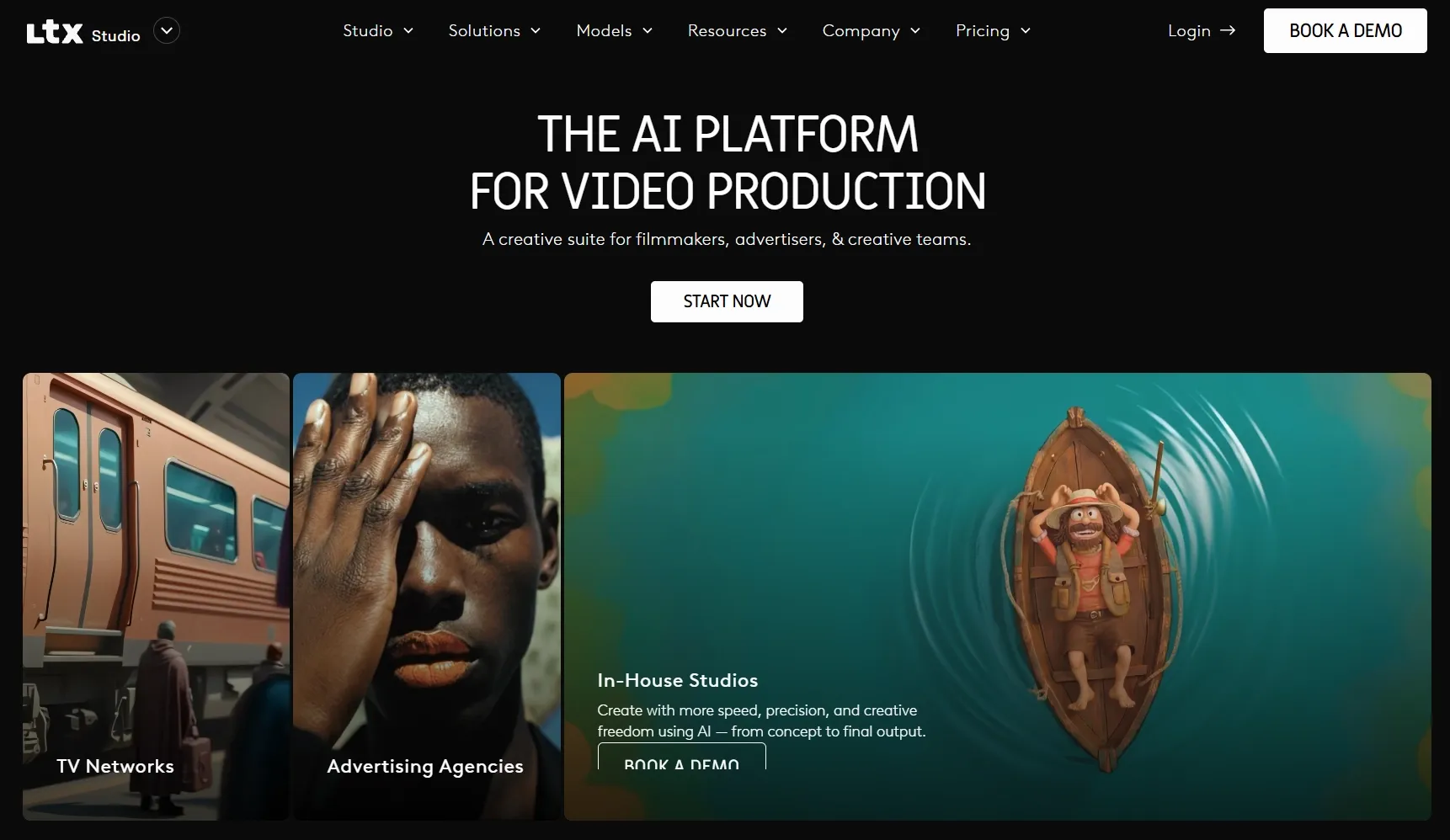
LTX Studio goes beyond basic image animation by combining image-to-video generation with storyboarding and filmmaking features. You can turn reference images into moving shots, control camera movements, and organize scenes within a structured production workflow.
I find LTX Studio especially useful for preproduction, where animated previews can communicate camera direction, scene transitions, and pacing more clearly than static storyboards. This makes it a practical choice for filmmakers and creative teams.
However, its complex workflow may be unnecessary for simple photo animations. Eligible new accounts may receive 800 one-time credits, but availability isn't guaranteed. Free outputs are limited to personal use, and continued generation generally requires a paid plan.
Read our LTX Studio review to learn more details.
Key Features
- Storyboard animation: Turn visual references into moving shot previews.
- Camera controls: Guide camera movement and composition.
- Structured filmmaking: Develop connected scenes within a production-oriented workspace.
- Preproduction workflows: Explore visual ideas before filming or developing a full project.
Best For
- Filmmakers: Preview shots and sequences before production.
- Storyboard artists: Turn static storyboards into moving visual presentations.
- Creative directors: Communicate camera direction and narrative ideas to collaborators.
Pros:
- Combines image animation with structured filmmaking features.
- Camera and storyboard controls support visual planning.
- Useful for multi-shot projects and creative presentations.
Cons:
- Less straightforward than one-click photo animation tools.
- Free credits, when provided, are one-time rather than recurring.
- Free usage is limited to personal projects.
Magic Hour: Best Image to Video AI Free Unlimited for Quick Photo Animations
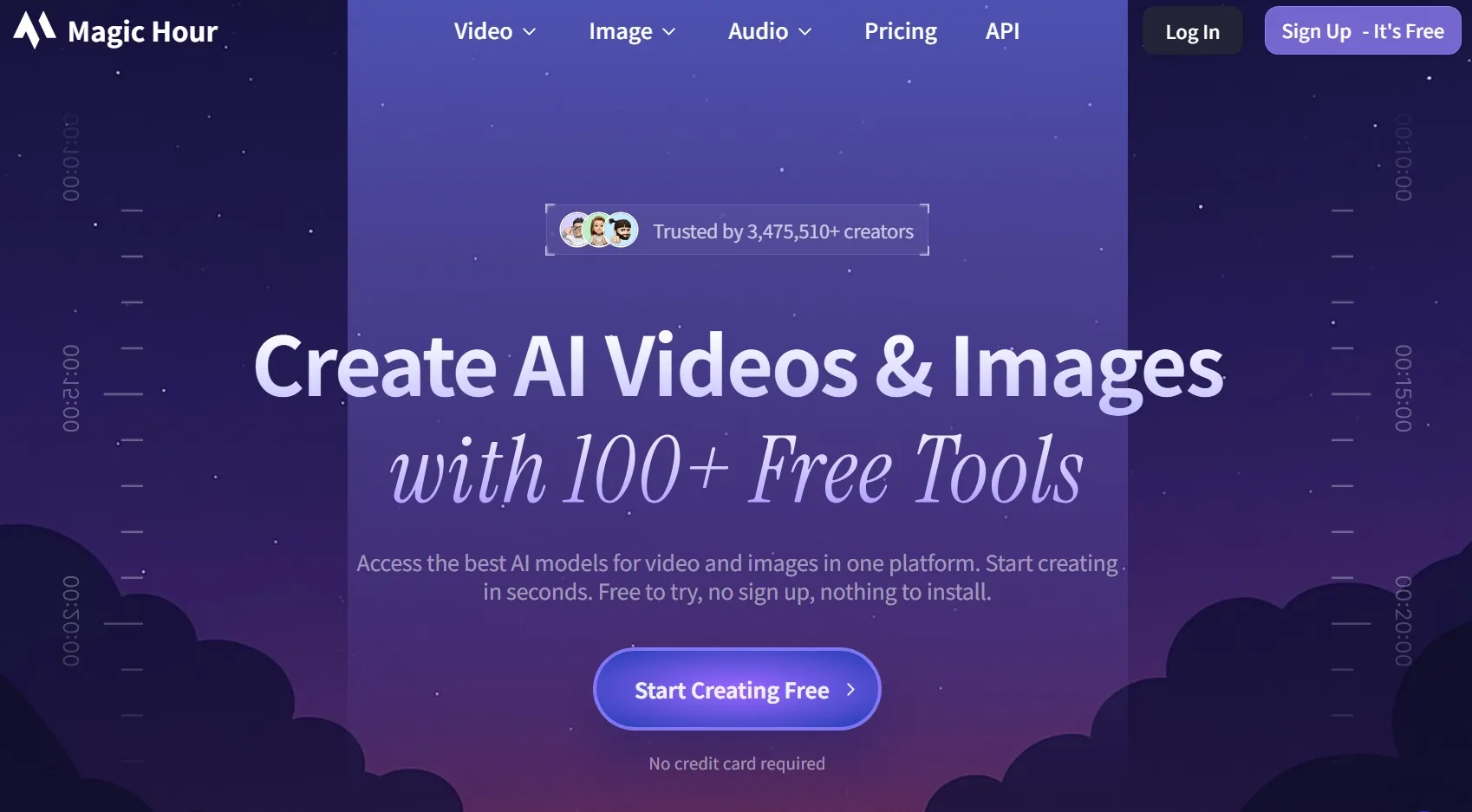
Magic Hour makes photo animation simple and accessible. You can upload an image, describe the desired motion, and generate a short video directly in your browser without creating an account.
I find Magic Hour appealing for quick creative experiments, such as animating portraits, adding movement to landscapes, or producing short social media effects. Its talking-photo and lip-sync features offer additional creative possibilities.
However, free access is limited to three generations per day, with each video lasting three seconds at 480p and including a watermark. Longer clips and higher-quality exports require paid access.
Key Features
- Quick photo animation: Generate motion from uploaded images through a simple browser workflow.
- Text-guided movement: Describe the action or camera effect you want.
- No-sign-up access: Try limited free image-to-video generation without creating an account.
- Additional creative features: Explore talking photos, lip sync, and other visual effects.
Best For
- Beginners: Experiment with AI photo animation without a complicated setup.
- Casual creators: Add simple movement to personal photographs.
- Social media users: Create quick animated visuals and short effects.
Pros:
- Straightforward workflow with minimal setup.
- Free generations are available without registration.
- Useful for experimenting with short motion effects.
Cons:
- Only three free image-to-video generations per day.
- Free clips last three seconds and are limited to 480p.
- Watermark-free, longer, and advanced generation options require paid access.
How Did I Rank Image to Video AI Free Unlimited Tools?
I approached this comparison with one main question: Which generator gives you the most useful combination of image animation, creative control, and generation flexibility?
The number of available AI models matters, but it isn't enough on its own. A platform also needs to help you guide the motion, preserve important details, and produce footage that suits your project.
Here's what I considered when evaluating the options:
- Image-to-video capabilities: I prioritized tools that generate original motion from uploaded images rather than relying mainly on slideshow transitions or basic effects.
- Creative control: I looked for ways to influence subject movement, camera direction, scene composition, and other visual details.
- Image consistency: Keeping recognizable faces, products, and characters matters when your source image contains important visual information.
- Generation quality: I considered supported models, output settings, and features designed for producing more convincing video footage.
- Creative flexibility: Tools with different models, reference options, or connected workflows offer more ways to achieve your intended results.
- Free accessibility: I distinguished recurring free credits from one-time trials, limited previews, and paid-only video generation.
- Unlimited access: I examined which models qualify, whether a subscription is required, and what processing restrictions may apply.
- Practical workflow: I also considered what happens after generation, especially when you need to refine or publish your video.
An important lesson from the published access terms is that free and unlimited describe different benefits.
Google Flow provides daily free credits, while Magic Hour allows a small number of free clips each day. LTX Studio offers one-time credits to eligible new accounts, whereas DomoAI's Unlimited Relax Mode requires an appropriate paid subscription.
I also considered the difference between specialized generators and broader creative platforms.
A focused generator can be the right choice when you already know exactly what you want. But if you're creating different kinds of videos, access to multiple models and additional editing features becomes more valuable.
That's why Pollo AI takes first place in my overall ranking. Its combination of image-to-video models, creative controls, connected production features, and eligible Unlimited options covers a wider range of projects.
Bring Your Images to Life With Pollo AI
Go from still image to dynamic video in minutes with more flexibility, more styles, and less effort.
Try Image to Video NowMy Final Verdict
After comparing these 10 image-to-video AI generators, I found that each has its creative strengths. But free access often comes with credit limits, watermarks, or model restrictions.
Pollo AI remains my overall recommendation for its leading video models, flexible creative controls, and integrated editing features. Beyond its free trial, Pollo AI offers Unlimited generation on eligible models, giving you more freedom to experiment without consuming standard credits for every supported generation.
If you want to turn images into compelling videos with greater creative flexibility and suitable Unlimited options, I'd recommend starting with Pollo AI.