Image to Video AI
Turn one or more images into product videos, social clips, or story scenes with natural motion and sound. Create with MiniMax H3 Max, Seedance 2.5, Wan 3.0, and more in one place.
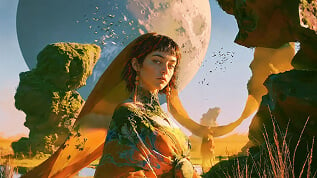
Kling 4.0
Up to 10 keyframes. Impressive performance.
Create videos worth watching with image to video AI
Convert images to AI videos that actually move your audience. Whether it's a product launch, social campaign, brand story, creator post, or an early creative test, our AI image to video generator brings each visual to life with motion, mood, and rhythm. Expressive, adaptable, and ready to perform across every channel, format, and business goal you're chasing.
Everything you need in one image to video AI tool
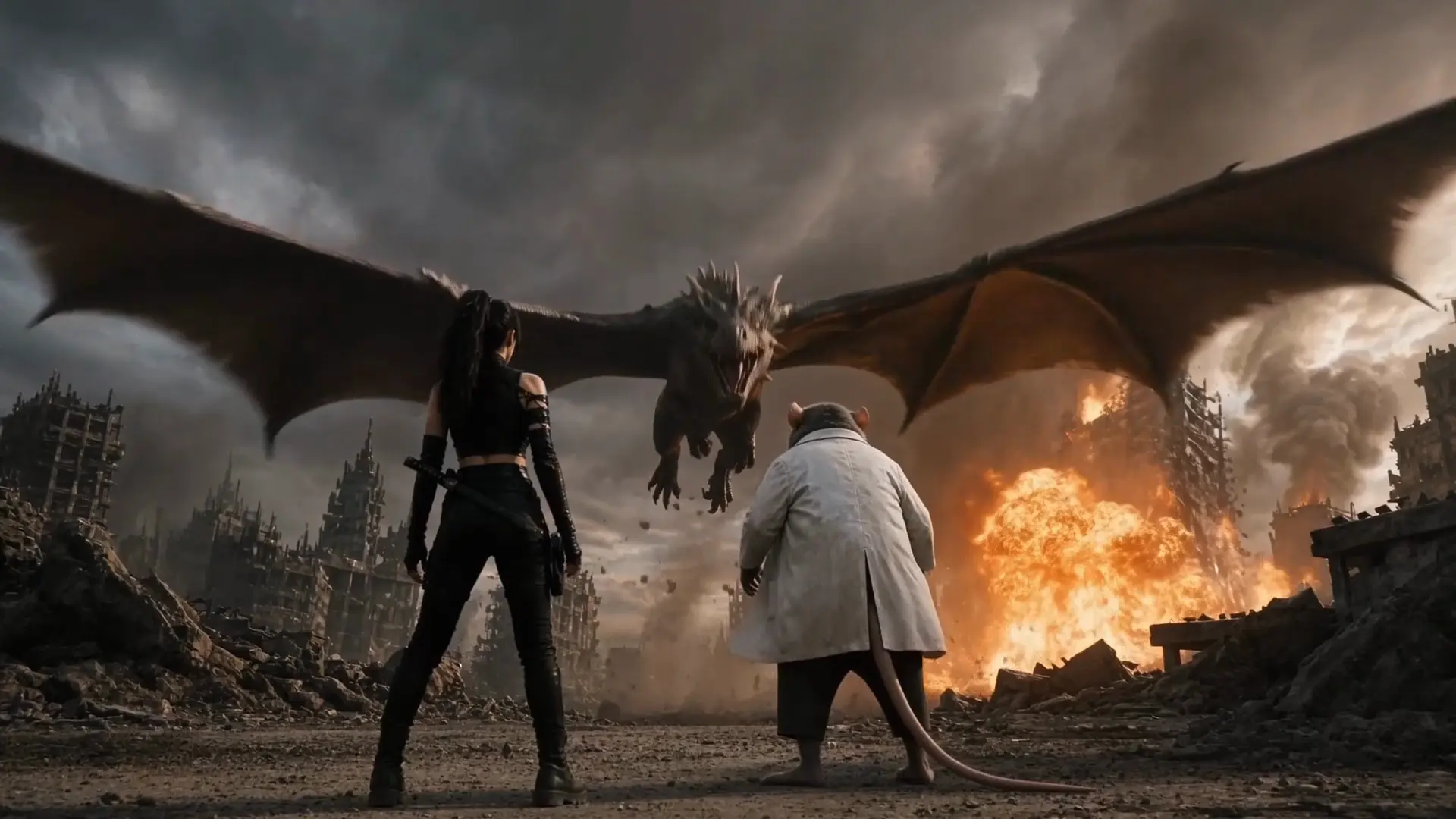
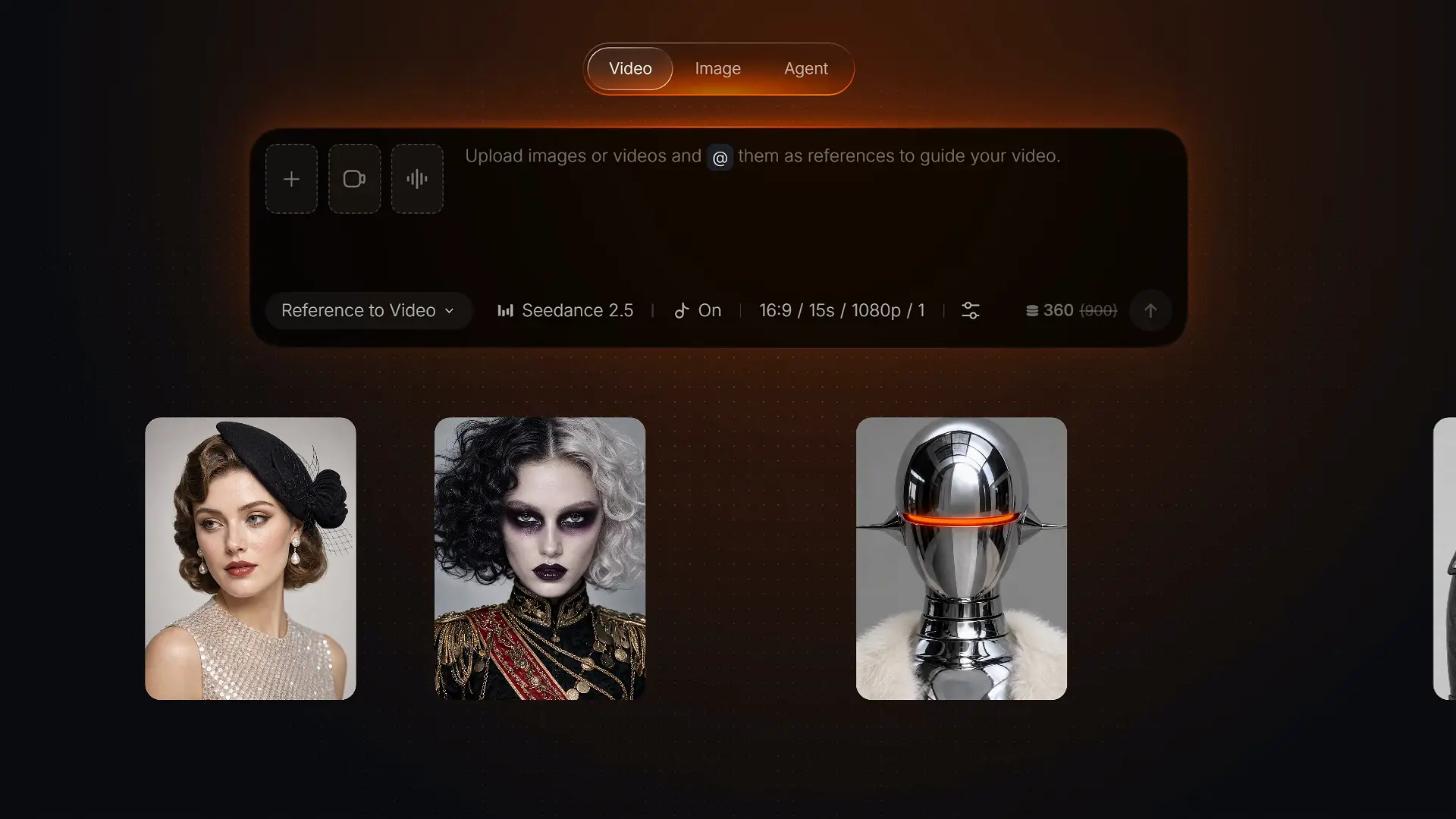
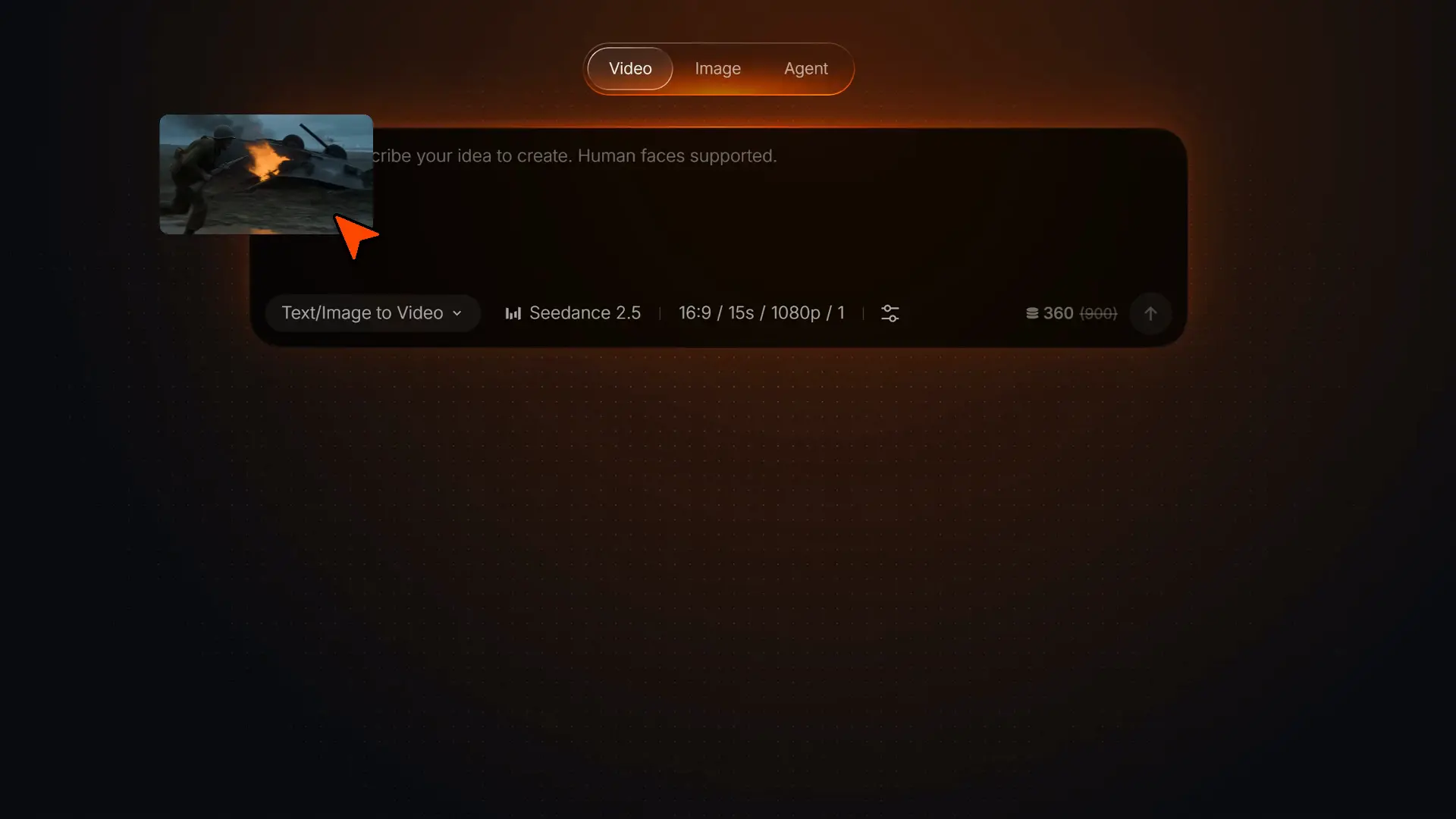
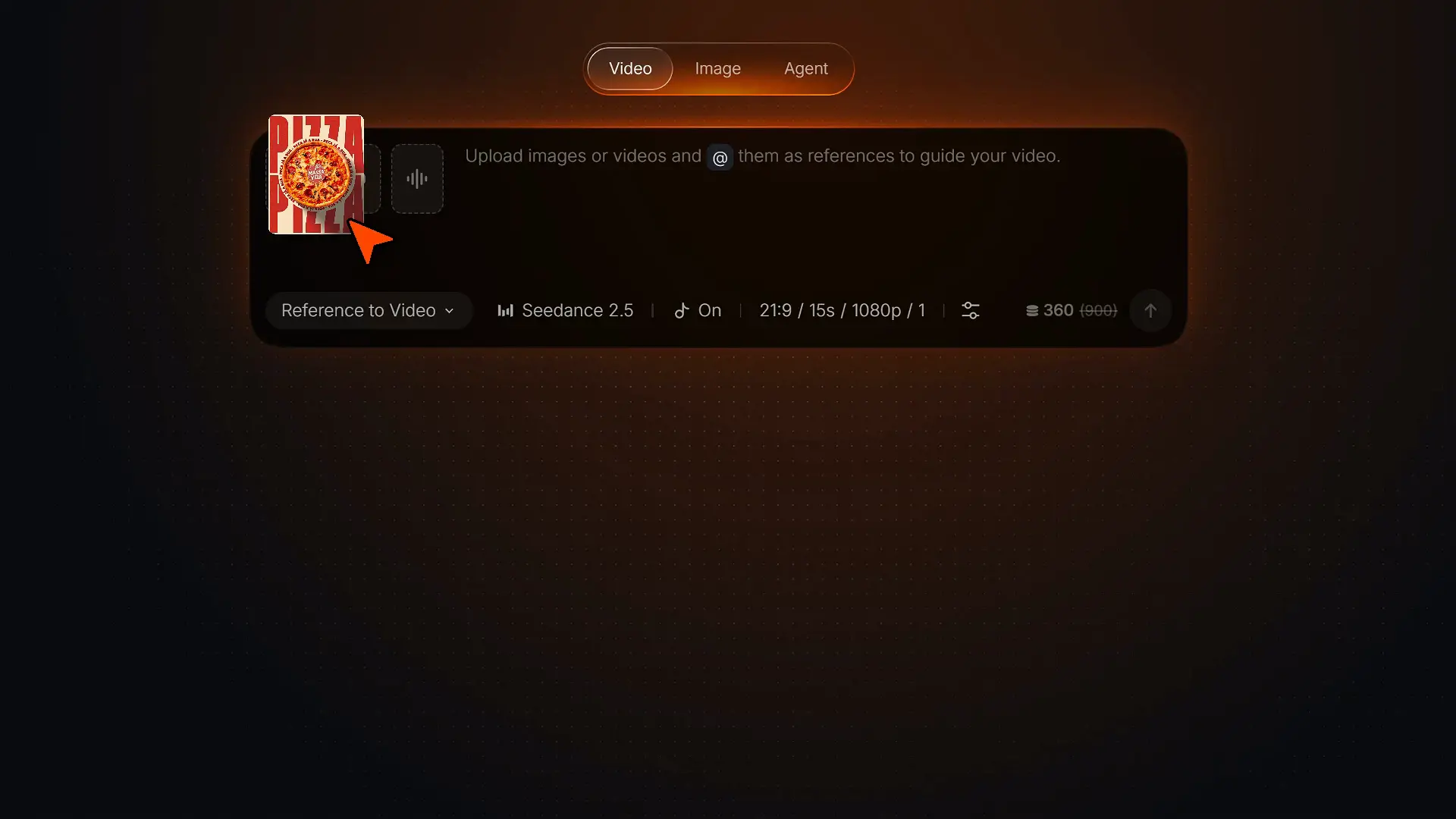
Choose the model that fits your shot
Choose the model that fits your shot and start creating.
See how creators use image to video AI
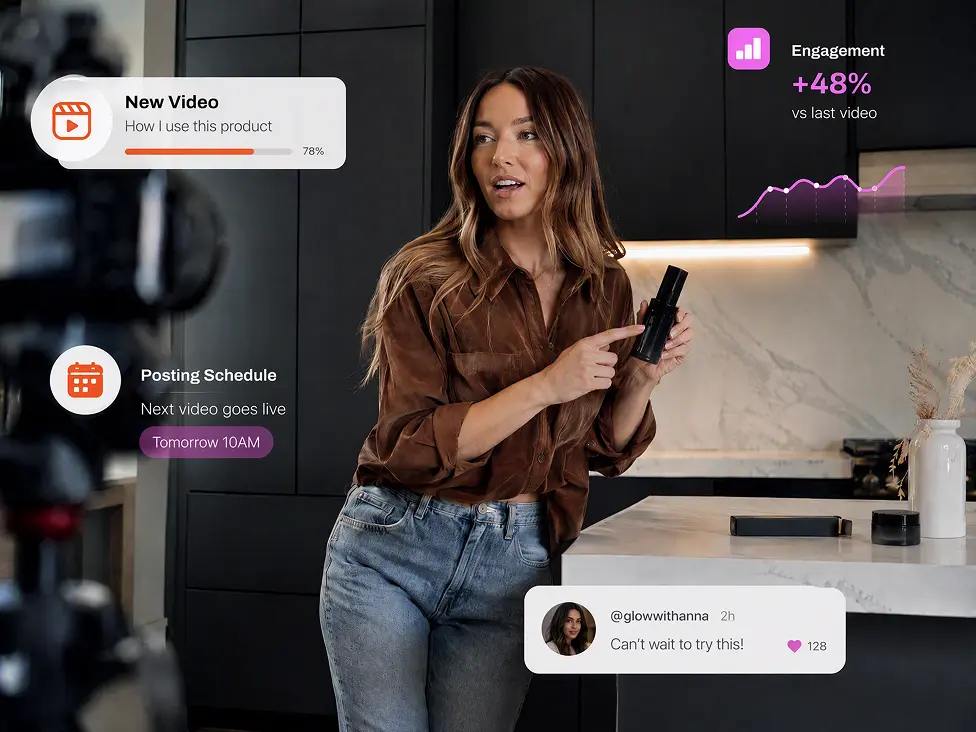
Create and refine your video with Pollo AI
Use purpose-built apps and tools optimized for specific video formats and editing tasks, so you can get better results with less setup.
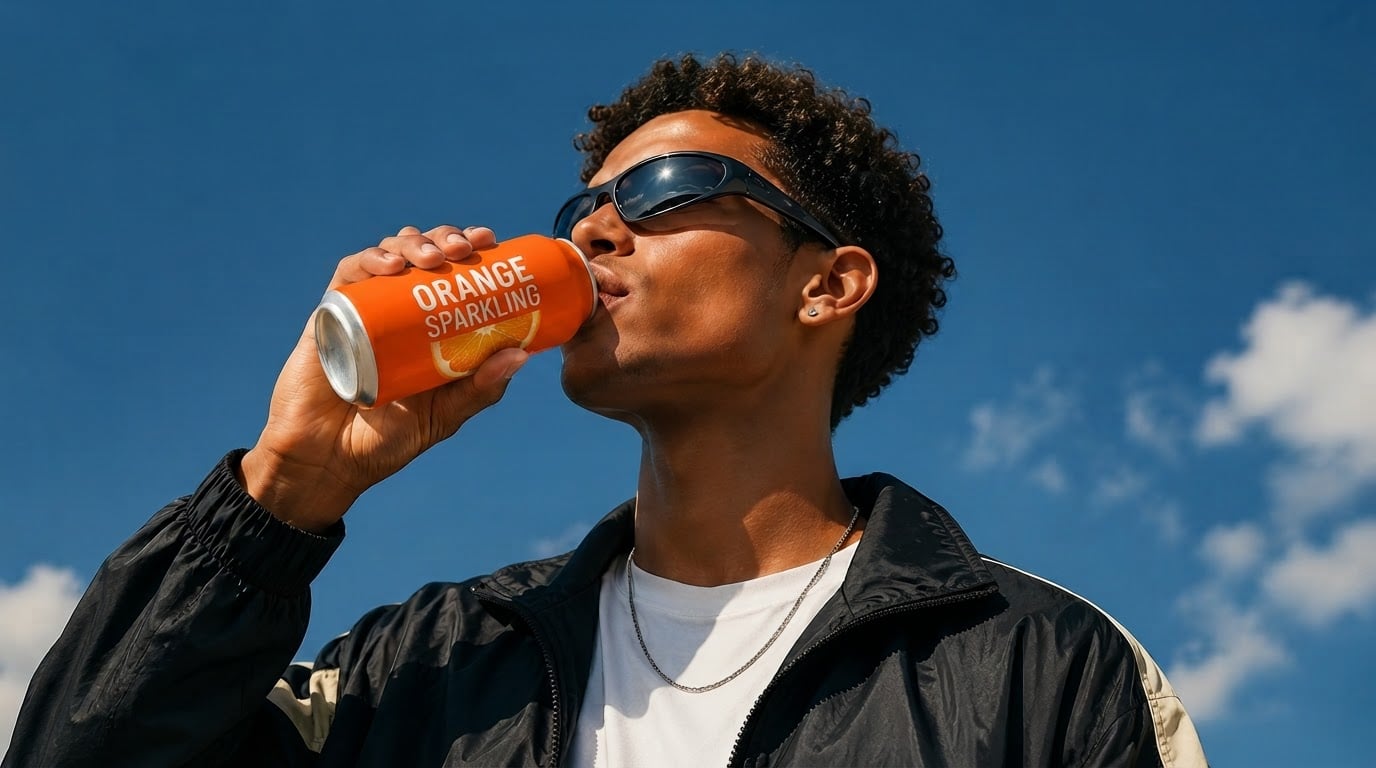
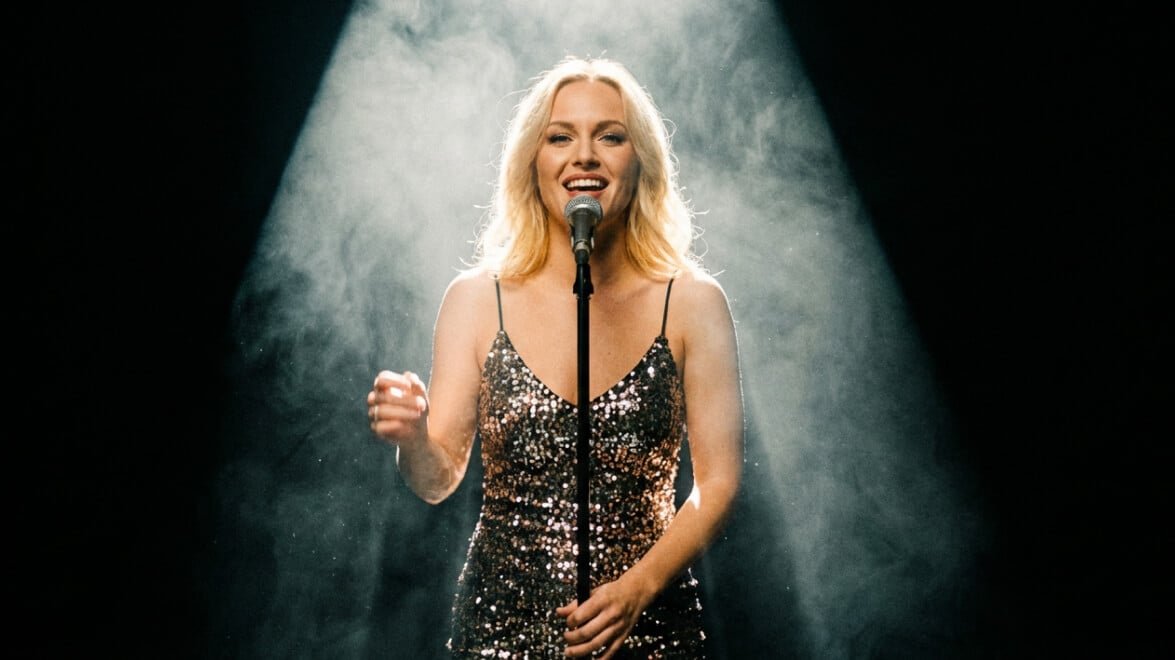
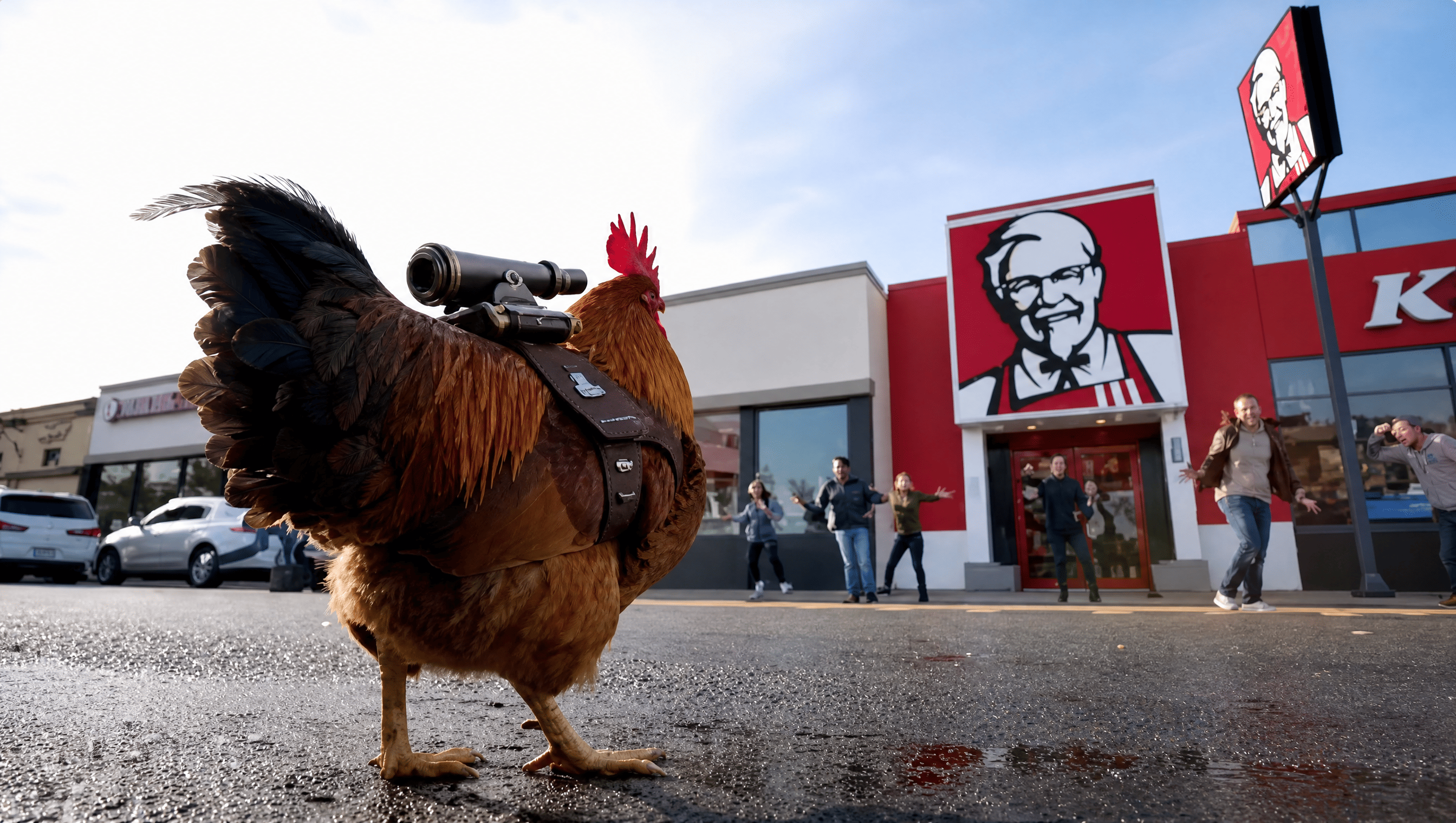
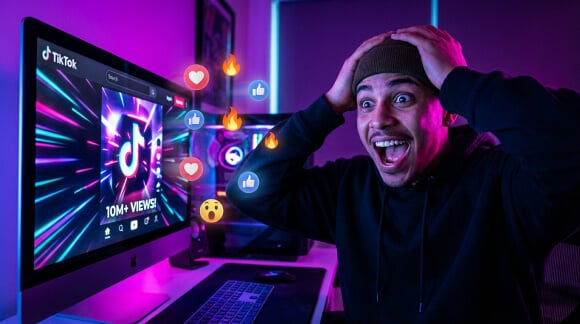
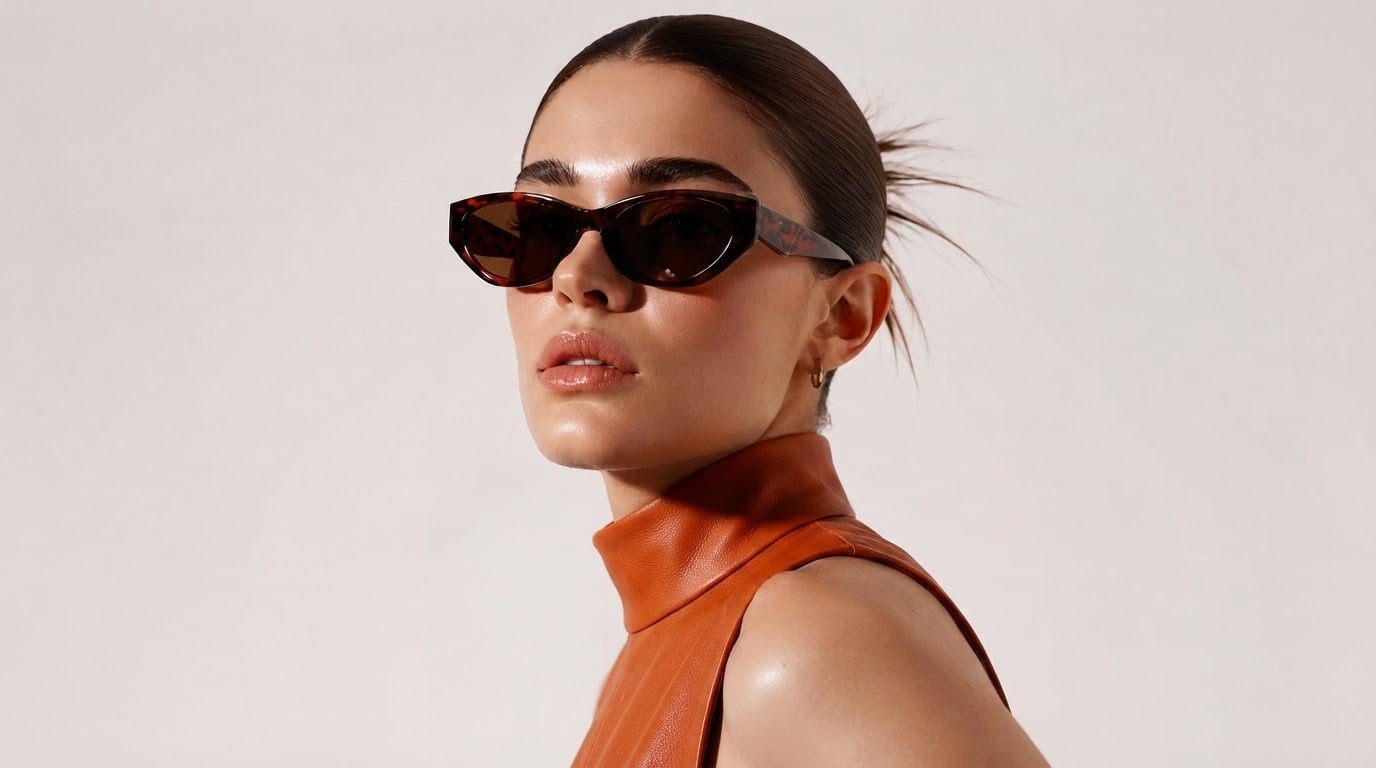
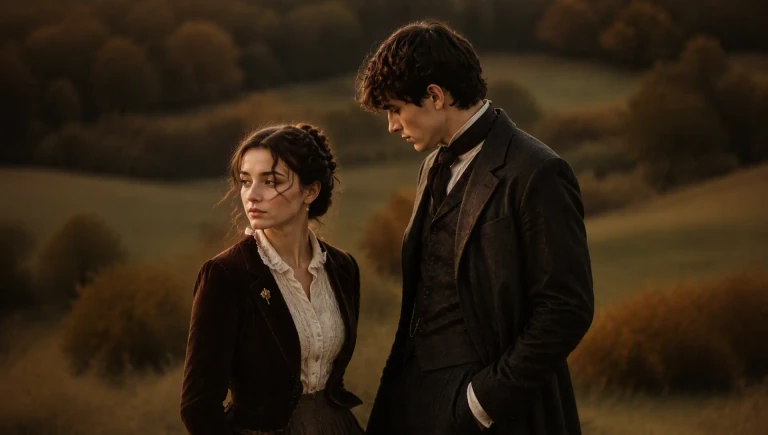
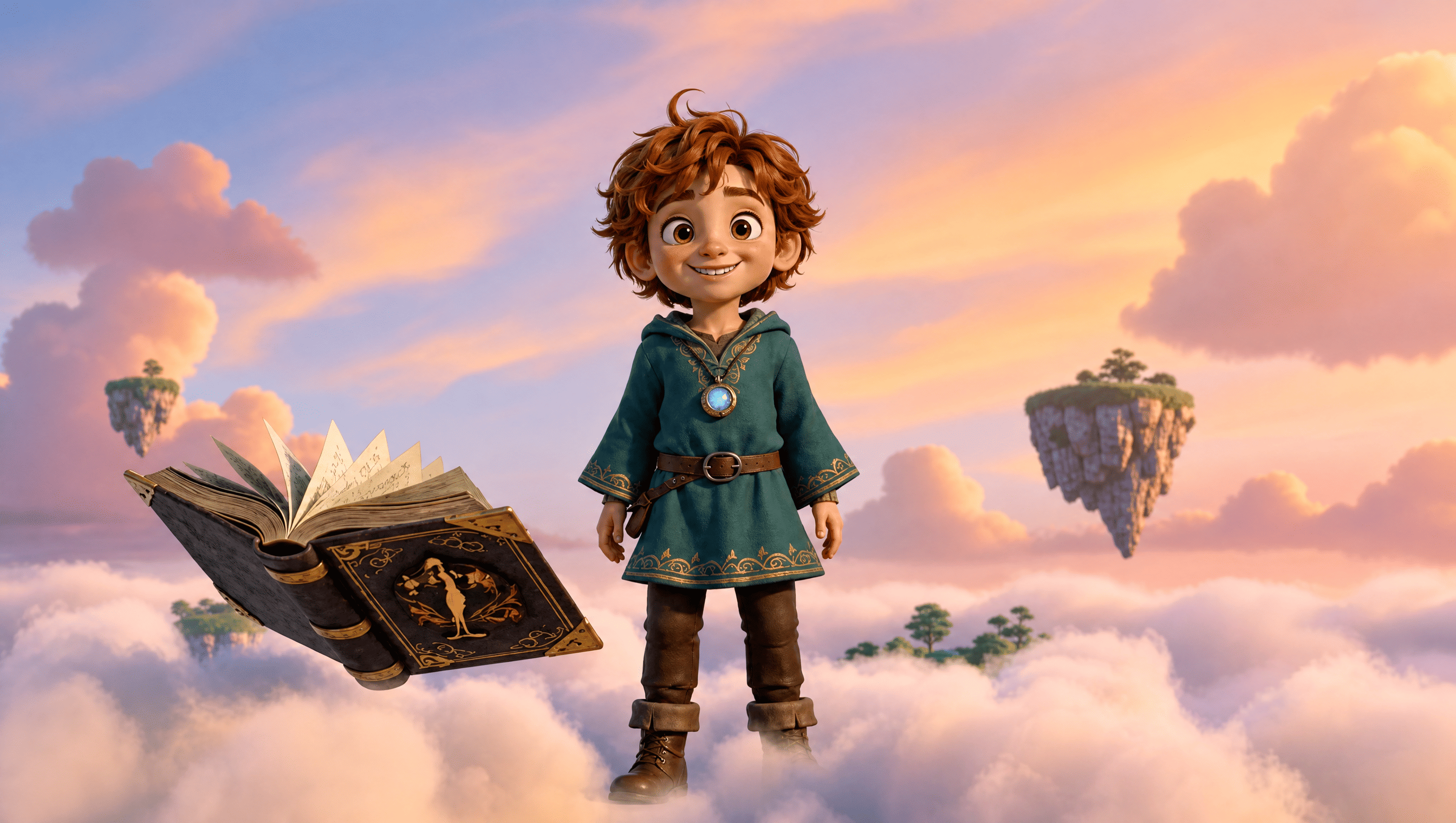
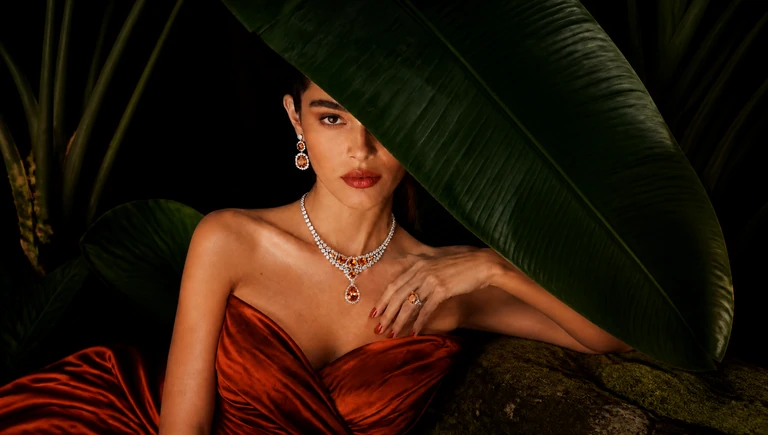
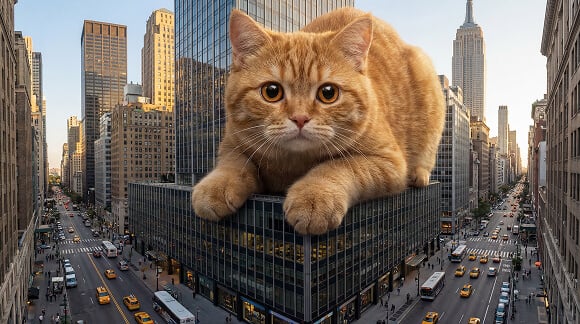
How to convert image to video online free
With only three steps, you can easily create videos from images with Pollo AI.

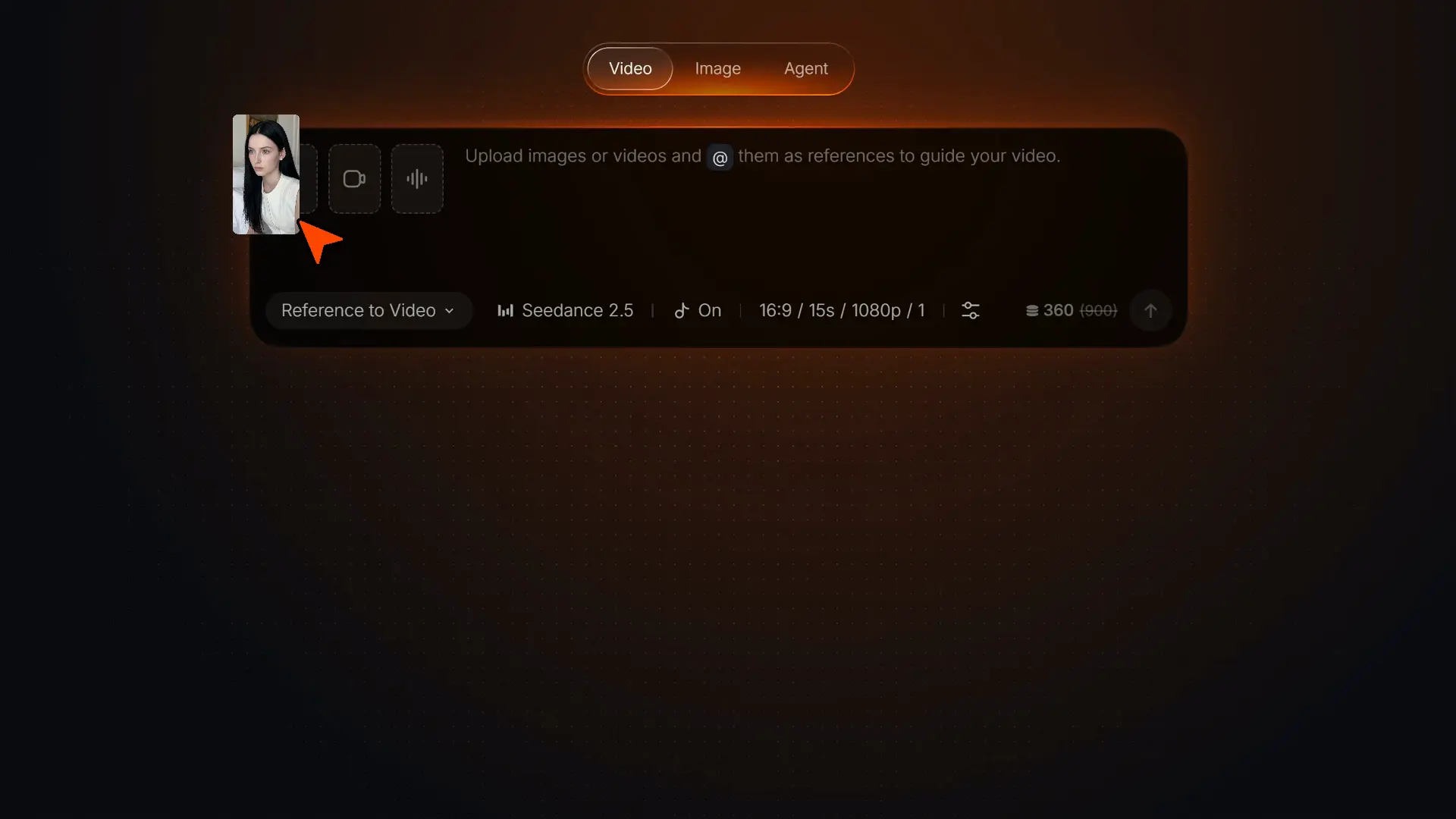
Add your image
Upload one or more images, such as a portrait, product photo, illustration, or concept frame.
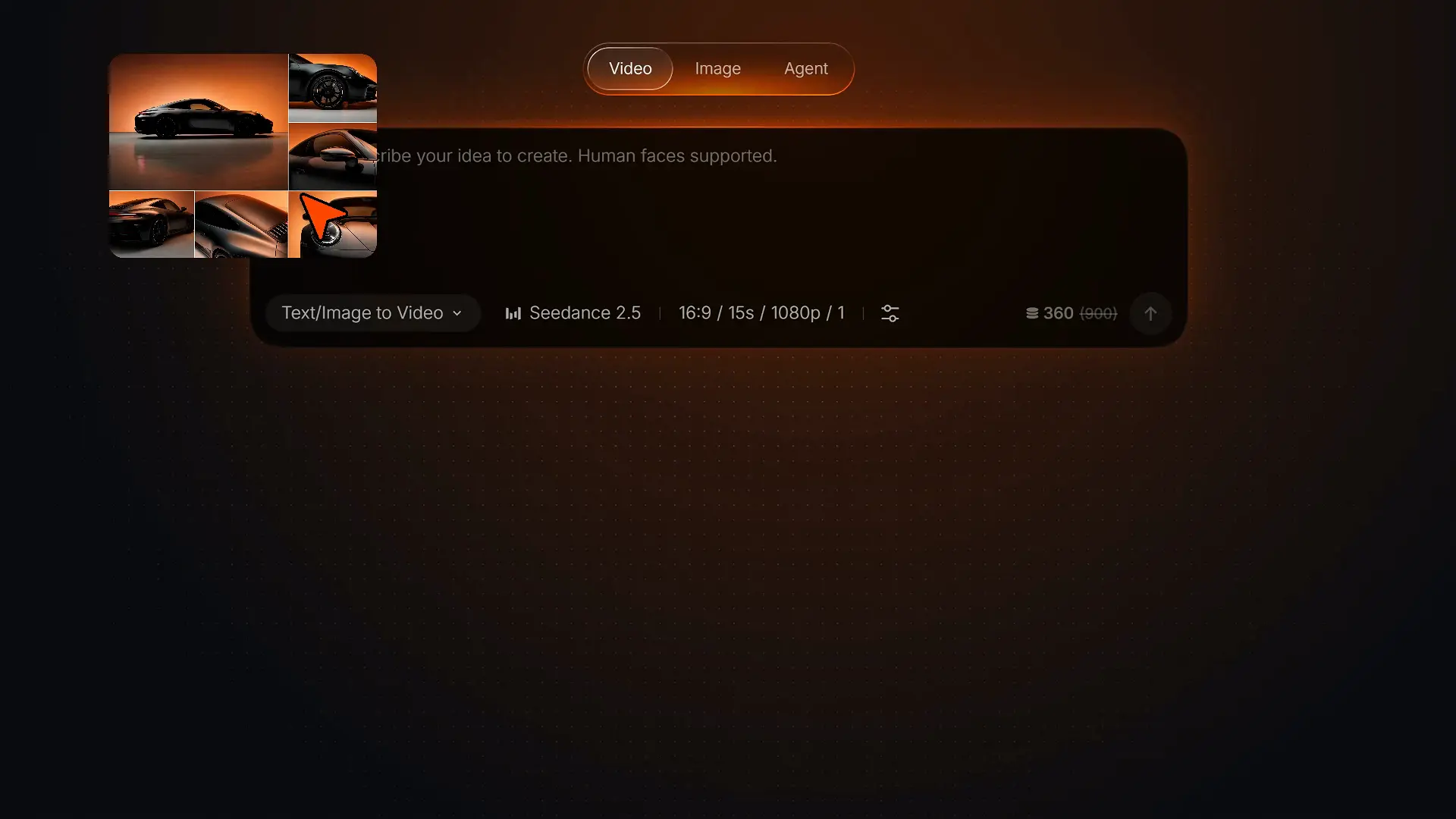
Describe the moment
State what should happen and how you want the finished shot to feel in your image-to-video prompt.
Generate and review
Create the clip, check the result, and download the version you want to use.
Explore more ways to create video
Your next project may begin with a script, existing footage, a recurring character, or a performance reference. These core tools let you continue in the direction that fits the job.
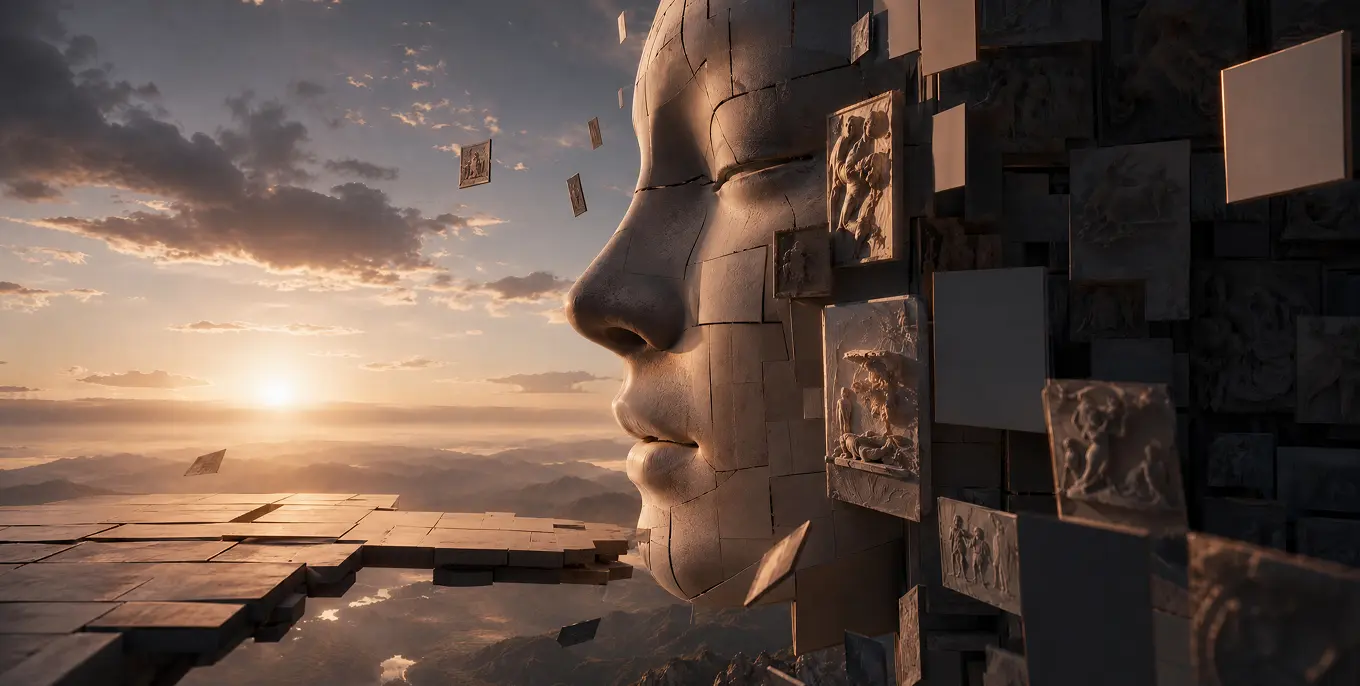
Start with an idea, an asset, or a link, then let Pollo Agent turn it into story videos, video ads, product visuals, social posts, or graphic designs.
TRUSTED BY LEADING BRANDS WORLDWIDE









10M+Users
Using Pollo AI to Create and Inspire


Loved by 10M+ Creators and Marketers Globally
- Richard QuickOct 15, 2025Awesome websiteAwesome website. loads of options and a great way to learn how to work with 'AI' my reasoning for 5 stars is based upon price, versatility and ease of use. Also I would like to add, Pollo AI runs a lot of promos on different AI products as well. I rate their customer service at 5 stars, when I purchased my first subscription my computer crashed the following weekend and I lost all my data and info passwords you name it I lost it, contacted pollo by email they responded quickly and found my info/username and account, and I was able to restore my account.
- armourdudeNov 19, 2025I have been using Pollo AI for short…I have been using Pollo AI for short videos. It is easy to use and works well with simple prompts. Other generators seem to need long drawn out complicated explanations to get even close to what I want.
- DuduJan 14, 2026I'm just amazed by the level of quality…I'm just amazed by the level of quality output that Pollo AI can produce from a simple image. The motion, the realism, It's too good!!
- Ray WarnesDec 30, 2025A fabulous journeyI find Pollo easy to use, it gives me great results and I'd recommend it to anyone. It has been a wonderful experience for me.

- lawless clanNov 22, 2025i tried 220 online img to vid in 2…i tried 220 online img to vid in 2 months, and this is the best online video.I will subscribe for a year; there are many reasons. But freedom is the most important.
- Istvan LajosDec 10, 2025ThanksThanks, This is the Best A.I. site in the net! I can try it with free coin, and if I like it I subscribe.And alwas have free limited oportunities.You are the Best.


- Santiago SaenzNov 20, 2025AmazingI use it for multiple angles and they always have revolving deals that help so much its a great tool
- Gen ZeeDec 14, 2025Great and accurat to propmtGreat and accurat to propmt, wonderfull experience till now as compared to other ai sites.thank ypu.

- 萱兒Dec 23, 2025It replaced Pixverse V4.5 FusionSince Pixverse axed the best ever Fusion V4.5, i was upset. And now I found Pollo AI perform better. TQ
- Dragan KoprivicaDec 29, 2025very fast and perfect coverter ina any…very fast and perfect coverter ina any waz!!! My remondations!


- Norma PonceMar 21, 2026AI Chicken is excellentAI Chicken is excellent, easy to use, and delivers unbeatable results.
- Sarah StokesMar 20, 2026Fabulous so glad I used it amazingFabulous so glad I used it amazing


- Sudipta SahaMar 20, 2026Perfect image editorPerfect image editor
- Luiz GuyzMar 19, 2026Excelent app the videos os Very goodExcelent app the videos os Very good


- Swishadoptme SwishadoptmeMar 18, 2026Very cool experienceVery cool experience

Plans & Pricing
FAQs about image to video
What is Pollo AI image to video generator?
Pollo AI's image to video generator is an AI-powered tool that turns static images into dynamic videos based on your text instructions. It brings still visuals to life with smooth, realistic motion and immersive audio, whether you want to create B-roll videos, movie trailers, or music videos from existing images.
What makes the best image to video AI generator?
The best image to video AI generator combines flexible customization, high-quality output, and practical editing features. Pollo AI brings these capabilities together with a wide selection of leading models, giving you more ways to shape polished results and explore different creative directions.
What are some good image to video prompt examples?
Build your prompt around one clear shot: the subject’s action, camera movement, pace or mood, and ending. For example: "The camera circles the product as light moves across it," or "The woman smiles as the camera gently pushes in."
What images work best for image to video AI?
Clear images with a recognizable subject, defined edges, and enough space for movement usually work best. Portraits, product photos, artwork, and scene images can all be animated. Pollo AI supports JPG and PNG files with a minimum resolution of 300 × 300 pixels.
Is Pollo AI's image to video generator free?
Yes. Pollo AI offers a credit-based free trial, allowing you to explore its image to video features without any upfront cost.
How to add audio with image to video AI?
Pollo AI's image to video AI generator lets you create customizable audio as part of the same generation. Upload your image, add a text prompt for motion, and enable Generate Audio to produce a video with immersive, realistic sound.
How many video models does Pollo AI's image to video AI offer?
Pollo AI's image to video AI generator gives you access to more than 50 advanced video models, making it one of the most comprehensive AI video solutions available. These include MiniMax H3, Seedance 2.5, Wan 3.0, Veo 3.1, and Kling 3.0. New models are added as they are released, so you can continue exploring the latest video generation capabilities.
What common image to video mistakes should I avoid?
The most common mistake is trying to fit too much into one shot. Center your prompt on one subject and primary action, then add a camera move, pace, and ending that support the same moment.
What is the difference between Image to Video, Text to Video, and Reference to Video?
Choose Image to Video to turn an existing visual into a moving shot. Start with Text to Video when you have an idea but no source image. Use Reference to Video to create new scenes while keeping a character, product, or visual style consistent with the images you provide.
Explore more ways to create with Pollo AI
Helpful resources about image to video AI
Find practical image-to-video prompts, model guidance, and tips for getting more from image-to-video generation.