



10 Best AI Video Translation Tools in 2026 I’d Actually Recommend
AI video translation sounds simple, but unnatural dubbing, inaccurate subtitles, and mismatched lip movements can quickly ruin a video. I compared 10 AI video translation tools to find out which ones are worth considering.
Quick Answer: What Is the Best AI Video Translation Tool?
Pollo AI is my overall choice because it combines AI video translation with broader video creation capabilities. Its translator is designed to localize speech and subtitles in 40+ languages and accents while preserving voice tone, lip sync, and timing.
Beyond translating existing footage, I can create talking avatars, marketing videos, and new scenes within the same platform. This helps me adapt content for different audiences without switching tools.
10 Best AI Video Translation Tools at a Glance
| Tool | Best For | Main Translation Strength |
|---|---|---|
| Pollo AI | Creators and marketers running multilingual campaigns | Voice, subtitles, lip sync, and broader AI video creation |
| HeyGen | Presenters reaching international audiences without re-recording | Voice cloning and translated lip movements |
| Synthesia | HR and training teams standardizing global communication | Enterprise localization and multilingual presenters |
| ElevenLabs | Podcasters preserving recognizable voices across languages | Expressive multilingual AI dubbing |
| AKOOL | Sales teams adapting content for regional customers | AI dubbing and mouth movement synchronization |
| Vidnoz AI | Social creators reaching viewers across different markets | Voice translation, subtitles, and voice cloning |
| D-ID | Brands delivering personalized messages to global audiences | Speaker voice preservation and lip sync |
| Colossyan | Organizations managing multilingual learning programs at scale | Multilingual training content and on-screen text |
| Fliki | Educators making narrated content accessible across languages | Multilingual AI voices and localized captions |
| Mango AI | Creators sharing quick instructions with international viewers | Short-form voice translation and subtitles |
Pollo AI: Best AI Video Translation Tool Overall
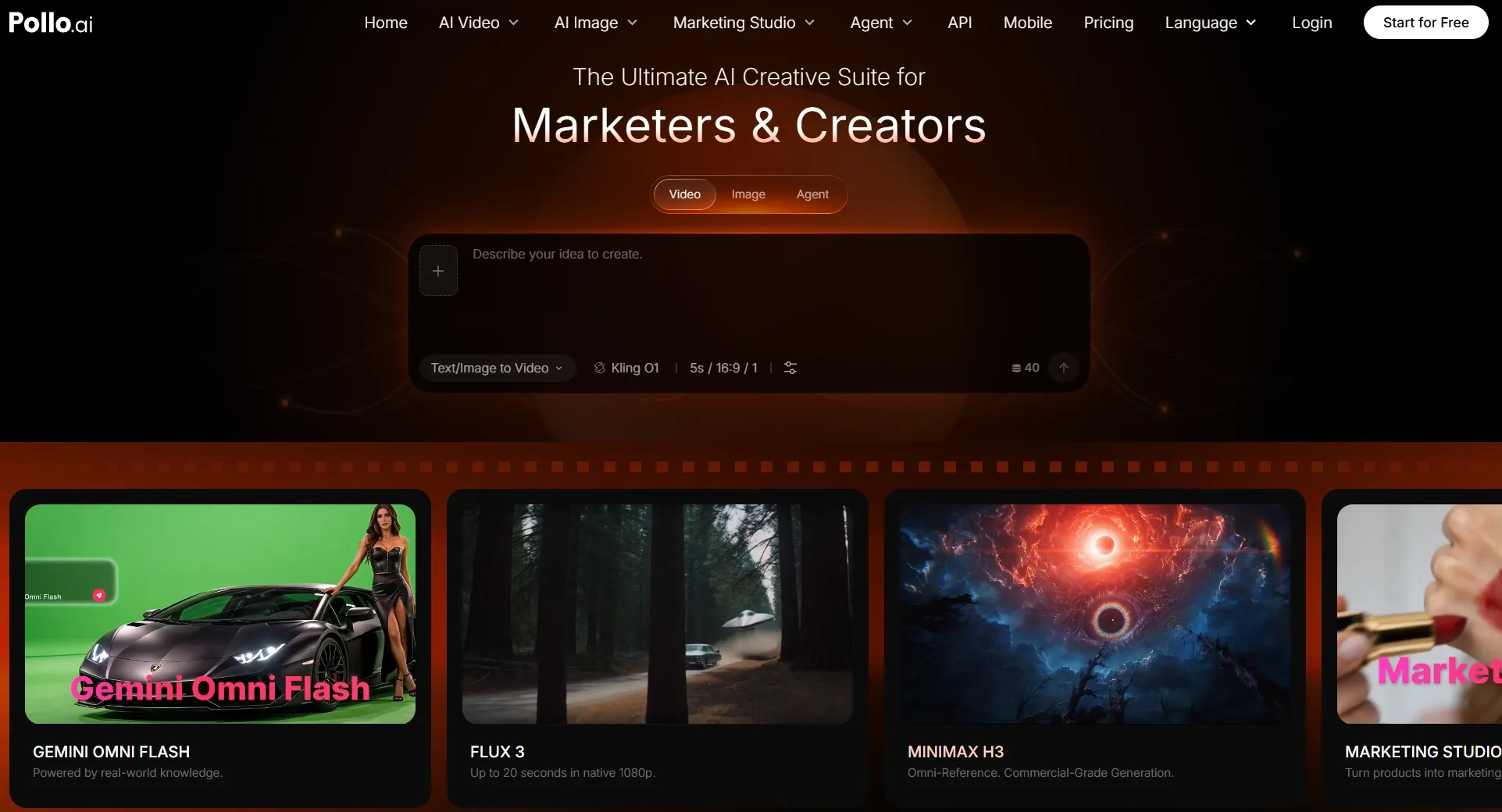
Pollo AI takes my top spot because it connects video translation with a much broader creative workflow. I find that especially valuable when a single video needs to reach several markets or become part of a larger content campaign.
Its AI video translator is designed to handle spoken dialogue and subtitles in 40+ languages and accents. One detail I particularly appreciate is the emphasis on preserving the original speaker's tone while synchronizing lip movements with translated speech.
For me, that combination matters most in videos where someone is speaking directly to the camera. A translated product explanation or tutorial needs to sound convincing, but the mouth movements also need to support what viewers hear.
Another feature that caught my attention is duration preservation. Pollo AI aims to maintain the original video's length, keeping its scenes and cuts aligned after translation. I see this as useful for product demonstrations, promotional clips, and lessons where the timing is already carefully planned.
Beyond translation, Pollo AI also offers AI audio capabilities. I can turn scripts into natural-sounding voiceovers, use voice cloning for consistent narration, and generate sound effects that match the on-screen action. Music and ambience provide additional ways to shape the mood of my videos.
But what really separates Pollo AI from dedicated translation tools is its AI video creation platform.
I can start with text, images, or visual references to generate entirely new content. With Pollo Agent and its specialized skills, I can turn an idea into a post-ready video with structured scenes, pacing, visuals, and sound, without manual editing.
The platform also gives me access to multiple AI video models, including Seedance 2.5 and MiniMax H3, alongside talking avatars, video editing, and specialized video generation apps.
For example, I might want to translate an existing product demonstration for one market but create a different promotional video with fresh visuals, narration, and sound effects for another. Pollo AI's broader toolset gives me options for both approaches.
That's ultimately why I rank it first. I prefer having the flexibility to translate existing footage, explore new visual ideas, and develop additional content without relying on several disconnected platforms.
Key Features
- Multilingual video translation: Translate spoken dialogue and subtitles across 40+ languages.
- Voice and lip-sync preservation: Maintain the speaker's tone and synchronize translated speech with visible mouth movements.
- Original timing preservation: Keep video duration and scene structure consistent after localization.
- Multiple AI video models: Explore different visual styles and generation approaches.
- Pollo Agent: Turn ideas, scripts, images, videos, or URLs into complete videos.
- Additional AI video tools: Create talking avatars, add sound effects, and refine videos.
Best For
- Content creators: Localize YouTube Shorts, Reels, tutorials, and other social media videos.
- Marketers: Adapt product demonstrations and promotional campaigns for international audiences.
- Educators: Translate lessons and instructional videos for multilingual learners.
- E-commerce sellers: Explain product features to customers in different markets.
Pros:
- Combines video translation with extensive creation tools.
- Supports voice, subtitle, and lip-sync localization.
- Designed to preserve original video timing.
- Offers multiple AI video models and specialized workflows.
- Suitable for both marketing and creative projects.
Cons:
- The extensive toolset may take time to explore.
- Video translator availability requires confirmation.
Bring Your Videos to a Global Audience with Pollo AI
Translate your videos into multiple languages with natural-sounding voices, accurate subtitles, and lip sync to reach audiences worldwide.
Translate Your Videos Now
HeyGen: Best AI Video Translation Tool for Lip-Synced Talking-Head Videos
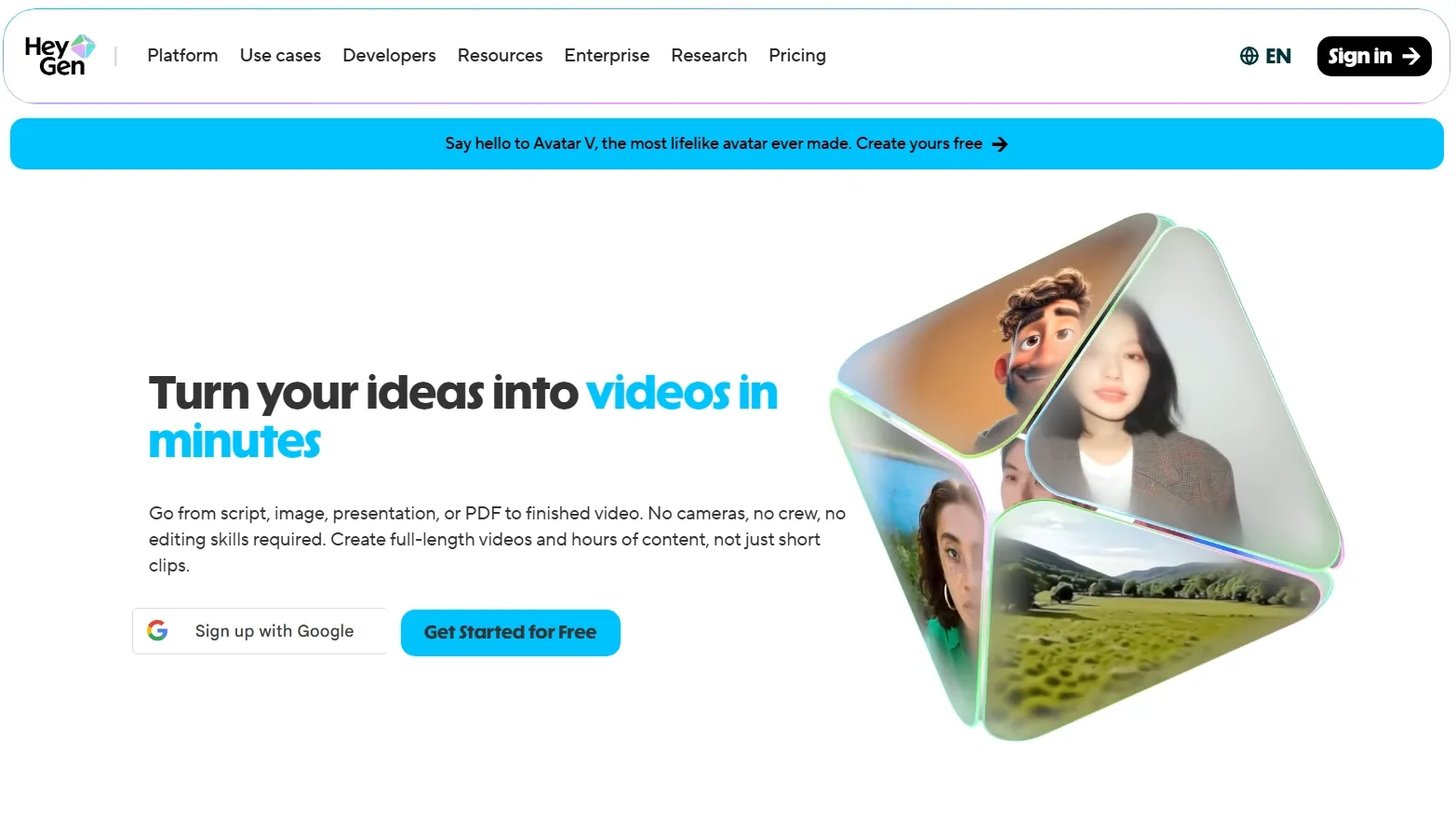
For videos featuring someone speaking directly to the camera, HeyGen is one of the strongest options I'd consider.
Its AI video translator supports 175+ languages and combines translated dialogue with voice cloning and lip sync. What interests me most is its ability to adjust a speaker's mouth movements to match the translated words.
That makes a noticeable difference in the kind of content I'd recommend it for. A presenter introducing a product, for example, needs to look convincing while speaking another language.
HeyGen also offers translation controls that help with language selection, subtitles, and refinement. I appreciate having those options because even a small translation mistake can change the meaning of a promotional message.
Beyond localization, HeyGen lets you create AI avatar videos from scripts. I would consider that useful when I need a new presenter video instead of translating existing footage.
However, I wouldn't assume every source clip is equally suitable. Side-facing speakers, partially covered faces, and overlapping conversations can complicate lip synchronization.
For more about its broader capabilities, explore our HeyGen review.
Key Features
- AI video translation: Convert existing videos into 175+ languages.
- Voice cloning: Reproduce the original speaker's voice in another language.
- AI lip sync: Adjust mouth movements to match translated dialogue.
- Translation refinement: Review and improve localized content.
- AI avatar generation: Create presenter-led videos from written scripts.
Best For
- YouTube creators translating talking-head videos.
- Businesses localizing presenter-led promotional content.
- Educators creating multilingual instructional videos.
Pros:
- Strong specialization in talking-head video translation.
- Combines voice cloning with lip synchronization.
- Supports many languages and regional dialects.
Cons:
- Complex facial movements may require extra refinement.
- Clear source footage is important for reliable results.
Synthesia: Best AI Video Translation Tool for Corporate Training Videos
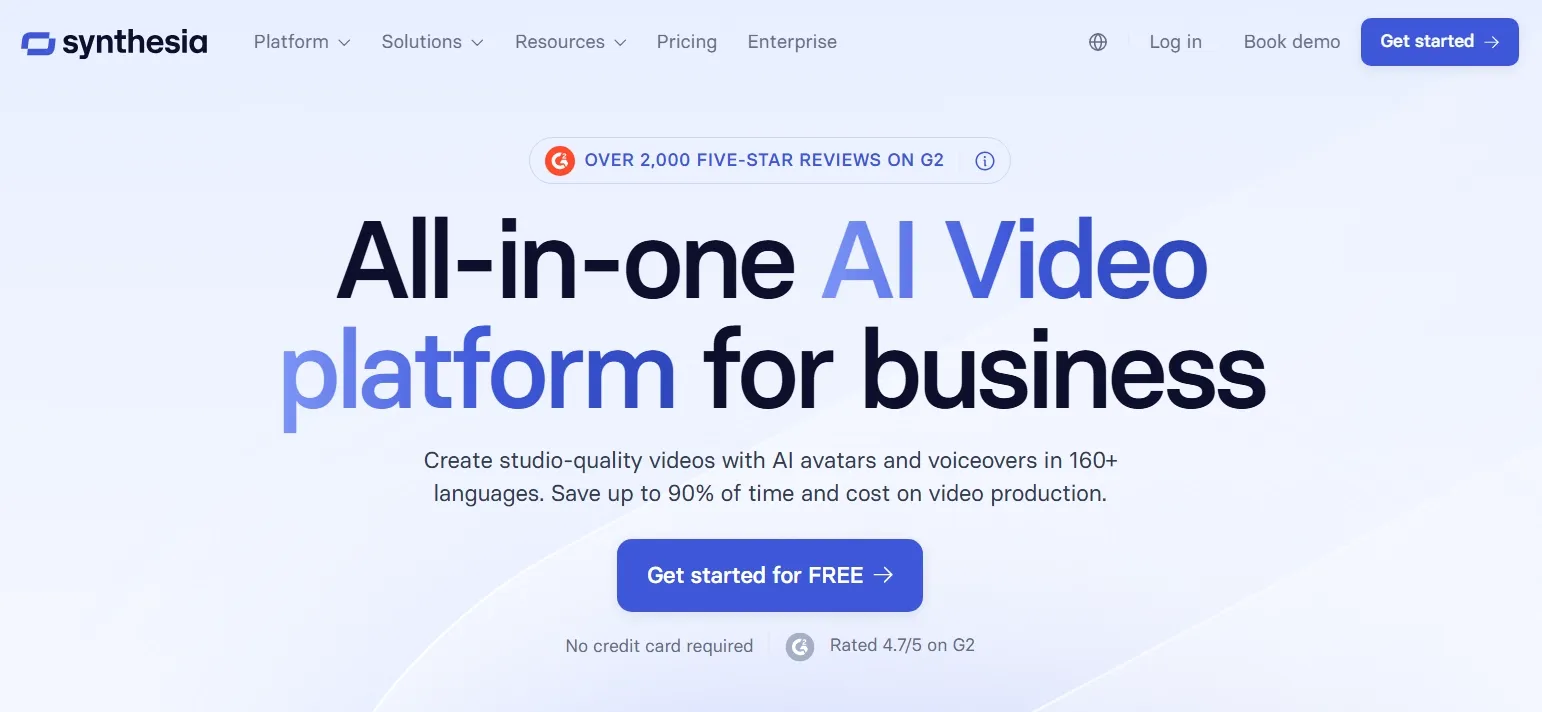
Synthesia approaches video translation from a more business-focused direction, which I think works particularly well for structured training content.
Its AI dubbing feature supports 130+ languages, with options for preserving the speaker's voice and synchronizing translated speech with their lip movements.
One distinction I find important is how Synthesia handles different video sources.
If you're translating an uploaded video, the platform can replace its spoken audio. For videos created within Synthesia, the translation workflow can also adapt scripts and on-screen text.
That additional localization is valuable for training. I wouldn't want a translated lesson where the narration is in Spanish, but the instructions displayed on screen are still in English.
Synthesia also offers AI avatars and script to video generation. These features make it possible to create professional lessons and business presentations without filming separate versions.
I see its greatest value in organizations producing consistent educational content. For cinematic scenes, entertaining social clips, or experimental video concepts, I'd look elsewhere.
You can learn more about its capabilities in our Synthesia review.
Key Features
- AI dubbing: Translate existing video speech into 130+ languages.
- Voice preservation: Maintain recognizable speaker characteristics across languages.
- Project translation: Localize scripts and on-screen text in Synthesia videos.
- Multilingual AI avatars: Create presenter videos with localized narration.
- Training video generation: Produce structured lessons and business presentations.
Best For
- HR teams producing multilingual onboarding videos.
- Businesses translating compliance and employee training materials.
- Educators creating professional instructional presentations.
Pros:
- Designed for structured business video localization.
- Supports voice preservation and lip synchronization.
- Translates on-screen text in eligible projects.
- Includes professional AI avatar generation.
Cons:
- Advanced translation features may require higher-tier plans.
- Imported-video dubbing doesn't translate embedded visual text.
- Less flexible for cinematic or entertaining videos.
ElevenLabs: Best AI Video Translation Tool for Dubbed Interviews and Video Podcasts
When I evaluate a video podcast or interview translation, my attention goes straight to the voice. The translated words need to be accurate, of course, but I also care about whether the speaker's personality comes through. That's where ElevenLabs becomes particularly interesting.
Its dubbing system supports 90+ languages and focuses on retaining the original speaker's tone, timing, emotional delivery, and voice characteristics.
I especially value its multi-speaker support. For an interview involving two or more people, preserving different voices is important for making the conversation understandable.
ElevenLabs also provides transcript refinement and audio regeneration capabilities. These can help when a translated sentence needs adjusting for clarity or timing.
Outside dubbing, its AI voice generator, voice cloning, and sound effects tools are useful for narrated videos and other audio-led projects.
The trade-off is visual synchronization. Its dedicated dubbing workflow doesn't natively generate matching lip movements, so I'd consider another platform when realistic on-screen speech is essential.
Our ElevenLabs review covers its additional audio creation features.
Key Features
- AI dubbing: Translate audio and video across 90+ languages.
- Voice preservation: Maintain the original speaker's vocal characteristics.
- Multi-speaker detection: Identify and handle different speakers.
- Dubbing refinement: Adjust transcripts and regenerate translated segments.
- AI voice generation: Produce narration and other supporting audio.
Best For
- Podcasters localizing video podcast episodes.
- Journalists translating recorded interviews.
- Creators producing multilingual videos.
Pros:
- Strong focus on voice identity and expression.
- Supports videos with multiple speakers.
- Offers detailed dubbing refinement controls.
Cons:
- Dedicated dubbing lacks native lip-sync generation.
- Video creation is secondary to audio production.
- Some advanced controls require additional access.
AKOOL: Best AI Video Translation Tool for Lip-Synced Product Demo Videos
AKOOL caught my attention because its video translation workflow fits a very specific type of content: videos where one presenter explains a product or service.
The platform supports 155+ languages and combines AI dubbing, subtitle translation, voice customization, and optional lip synchronization.
What I appreciate about its approach is the ability to review translated text. Product demonstrations often include feature names, instructions, and technical terminology. I wouldn't want those details to become confusing after localization.
AKOOL works best with footage featuring one clearly visible speaker, good lighting, and understandable audio. I think that's a reasonable match for product walkthroughs and sales presentations.
It also provides AI avatar creation, face swapping, and other business video tools. Those features are useful when a campaign needs more than translated dialogue.
I would be more cautious with group discussions or complicated scenes, though. AKOOL's translator is primarily optimized for single-speaker videos, so it isn't my first recommendation for multi-person interviews.
If you're interested in its wider video generation capabilities, read our AKOOL review.
Key Features
- Multilingual dubbing: Translate videos into 155+ languages.
- Lip-sync translation: Match mouth movements to translated speech.
- Subtitle proofreading: Review localized text before final generation.
- Voice customization: Choose voices for different language versions.
- AI marketing tools: Create avatars, face swaps, and promotional videos.
Best For
- Product marketers translating demonstration videos.
- Sales teams creating localized presentations.
- Businesses adapting product walkthroughs for overseas customers.
Pros:
- Integrates dubbing, subtitles, and lip synchronization.
- Allows translated subtitle proofreading.
- Well suited to single-speaker product demonstrations.
Cons:
- Less suitable for multi-speaker conversations.
- Source lighting and facial visibility matter significantly.
- Broader business tools may feel excessive.
Vidnoz AI: Best AI Video Translation Tool for YouTube Shorts and Social Media Videos
For creators who regularly publish short videos, Vidnoz AI offers an appealing collection of translation features. Its video translator supports 140+ languages and includes AI dubbing, subtitle translation, voice cloning, and lip synchronization.
I like that Vidnoz offers different ways to localize the same content. A translated subtitle track may be enough for one video, while another could benefit from a completely dubbed version.
That flexibility makes sense for YouTube, TikTok, and Instagram content. If the original visuals already work, translating the dialogue can help introduce the video to another audience without recreating the entire production.
Vidnoz also provides talking avatars, text-to-video generation, image-to-video generation, and templates. I would consider those features useful when creating additional versions of a creator update or promotional message.
Still, I'd pay attention to its input requirements. The video translator doesn't support direct audio-only uploads, and downloading translated results can require signing in.
For more about its broader platform, check our Vidnoz AI review.
Key Features
- AI video translator: Translate spoken content across 140+ languages.
- Voice cloning: Reproduce recognizable speaker characteristics.
- Subtitle translation: Generate captions in different languages.
- Lip synchronization: Match mouth movements with dubbed audio.
- AI video generation: Create videos from text and images.
Best For
- YouTube creators producing multilingual versions.
- Social media teams translating short promotional clips.
- Influencers adapting tutorials and creator updates.
Pros:
- Supports dubbing, subtitles, and lip synchronization.
- Offers broad language coverage.
- Includes additional AI video creation tools.
- Browser-based workflow is straightforward.
Cons:
- Direct audio-only uploads aren't supported.
- Downloads may require account registration.
- Important translations still need human review.
D-ID: Best AI Video Translation Tool for Multilingual Spokesperson Videos
D-ID stands out for its focus on speaking presenters and digital humans. Its Video Translate feature converts existing videos into other languages while cloning the speaker's voice and adapting lip movements to the translated dialogue.
I see the strongest use case in spokesperson videos. If a company representative needs to deliver the same announcement to audiences in different countries, D-ID provides a relevant localization approach.
What matters here is maintaining the presenter's identity. A familiar voice and synchronized facial movements can help the translated version feel connected to the original recording.
Beyond translation, D-ID offers AI talking avatars and interactive visual agents. These capabilities make it possible to generate digital spokesperson content without filming a new person each time.
There is one limitation I'd pay particular attention to: multi-speaker videos. D-ID may apply a single cloned voice to the entire translation, even when the original footage contains several people. For that reason, I would prioritize D-ID for clear, single-person presentations rather than conversational interviews.
You can explore more of its avatar generation features in our D-ID review.
Key Features
- Video Translate: Localize existing spoken videos.
- Voice cloning: Preserve recognizable presenter identity.
- Lip-sync adaptation: Match facial movements with translated speech.
- Talking avatars: Create AI presenter videos.
- Visual AI agents: Build interactive digital spokesperson experiences.
Best For
- Brands translating spokesperson announcements.
- Companies producing multilingual introduction videos.
- Professionals localizing presentation and explainer videos.
Pros:
- Strong specialization in speaking presenters.
- Combines voice cloning with lip synchronization.
- Includes additional AI avatar capabilities.
Cons:
- Multi-speaker translation has voice limitations.
- Effective lip sync requires clear facial visibility.
- Less suitable for videos without talking subjects.
Colossyan: Best AI Video Translation Tool for Interactive Learning Videos
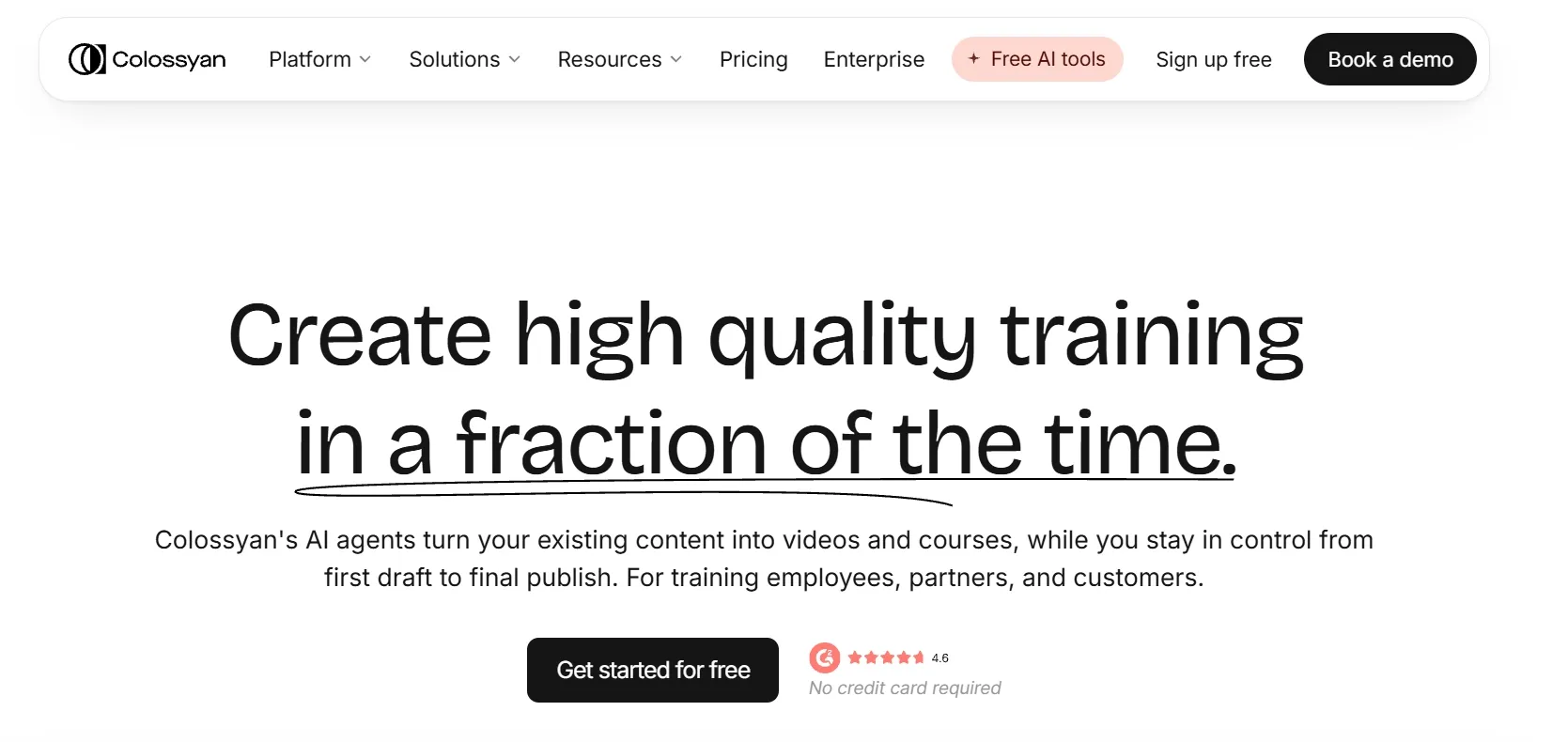
What interests me most about Colossyan is how its localization features connect with interactive learning. Rather than focusing only on translated speech, the platform supports the creation and management of multilingual training content.
Its video translator covers 80+ languages and can localize scripts, voiceovers, subtitles, and on-screen text in eligible Colossyan projects.
I consider the on-screen text capability particularly important. In a training video, translated narration alone isn't enough if viewers still need to read instructions in another language.
Colossyan also offers AI presenters, voice cloning, branching videos, and interactive assessments. I see these features working well for onboarding videos, internal communication, and educational materials.
The limitation is that its project translation workflow mainly applies to content created inside Colossyan. Uploaded images, audio, and video files aren't automatically localized through that process.
Because of this, I'd choose Colossyan for building multilingual learning projects rather than treating it as a universal translator for unrelated video files.
Key Features
- Automatic translation: Localize eligible projects into 80+ languages.
- On-screen text localization: Translate written elements within video scenes.
- Voice cloning: Generate multilingual narration from a familiar voice.
- AI presenter generation: Build avatar-led lessons.
- Interactive learning: Create videos with assessments and branching content.
Best For
- Learning teams developing multilingual training programs.
- HR departments creating interactive onboarding videos.
- Businesses localizing internal educational materials.
Pros:
- Localizes multiple content elements within eligible projects.
- Integrates translation with interactive learning features.
- Supports recurring multilingual training production.
Cons:
- Uploaded media isn't automatically translated within projects.
- Primarily designed for corporate learning.
- Some localization features require paid plans.
Fliki: Best AI Video Translation Tool for Narrated Explainer Videos
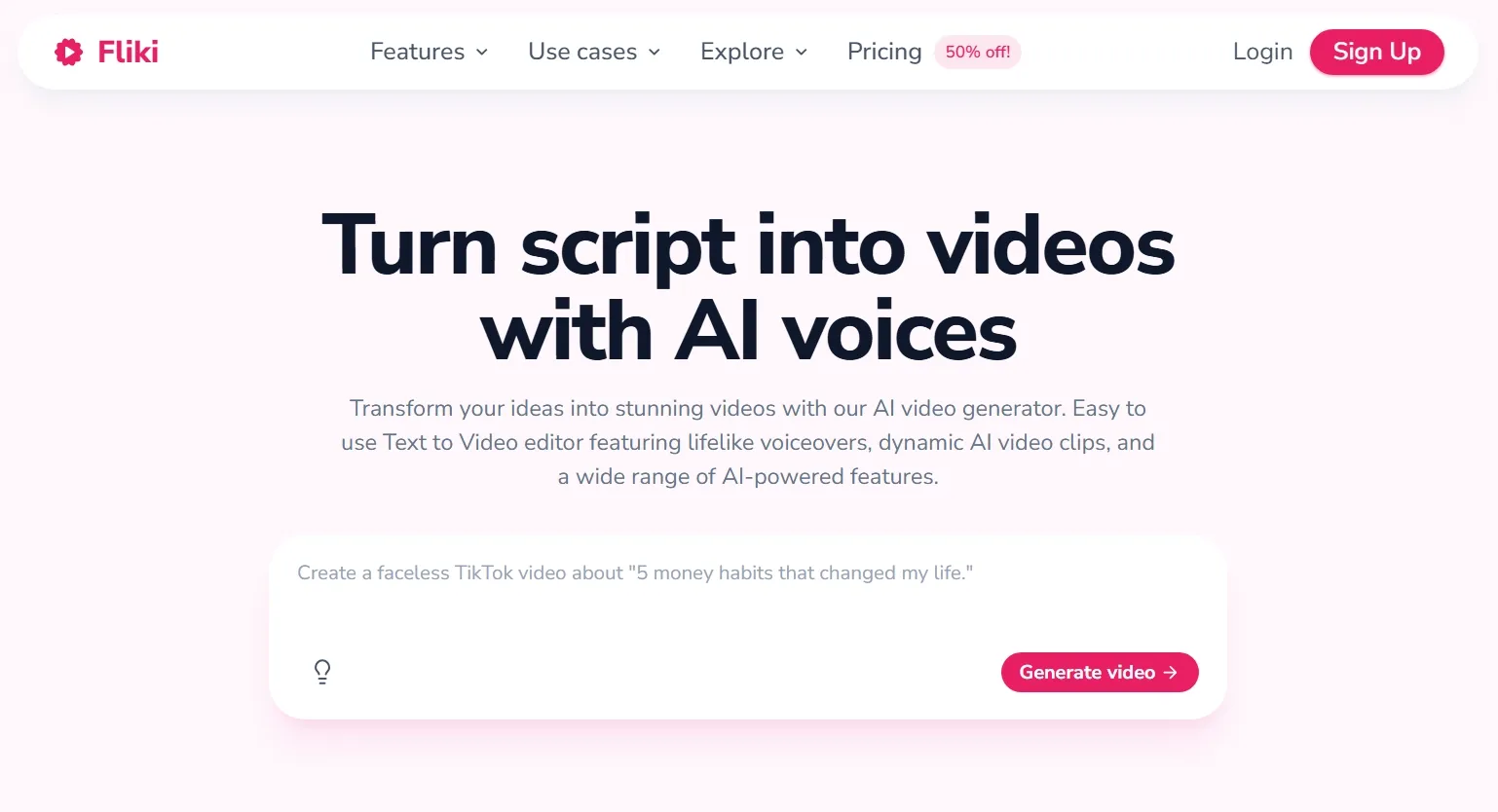
If I were working on a video where narration carries most of the information, Fliki would be worth a closer look. Its AI video translator supports 80+ languages and offers a substantial library of AI voices. It can translate dialogue, generate new narration, and add localized subtitles.
I find the voice selection particularly relevant for faceless videos. When viewers aren't watching a visible speaker, the narration has to communicate the right tone and keep the content engaging.
Fliki also includes voice cloning and support for translating certain on-screen text elements. These capabilities can help make an explainer video feel more appropriate for its intended audience.
Its wider AI video platform is built around turning scripts, articles, and other written material into narrated videos. I would consider it for educational explainers, product introductions, and informational content.
Where I would hesitate is with larger or more visually ambitious projects. Fliki's translation workflow has upload-size restrictions, and its core strengths lean toward narration rather than complex cinematic production.
For a deeper look at its video creation tools, read our Fliki review.
Key Features
- AI video translation: Translate narration into 80+ languages.
- AI voice library: Choose voices and regional accents.
- Subtitle localization: Translate and generate captions.
- Voice cloning: Retain recognizable voices across languages.
- Text-to-video generation: Create narrated videos from written material.
Best For
- Educators producing multilingual explainers.
- Faceless creators translating narrated videos.
- Businesses localizing instructional content.
Pros:
- Extensive AI voice and accent selection.
- Well suited to narration-focused localization.
- Supports subtitles and some on-screen text.
- Includes script-based AI video generation.
Cons:
- Upload-size restrictions affect larger files.
- Less focused on cinematic video production.
- Advanced voice features require paid access.
Mango AI: Best AI Video Translation Tool for How-To and Tutorial Videos
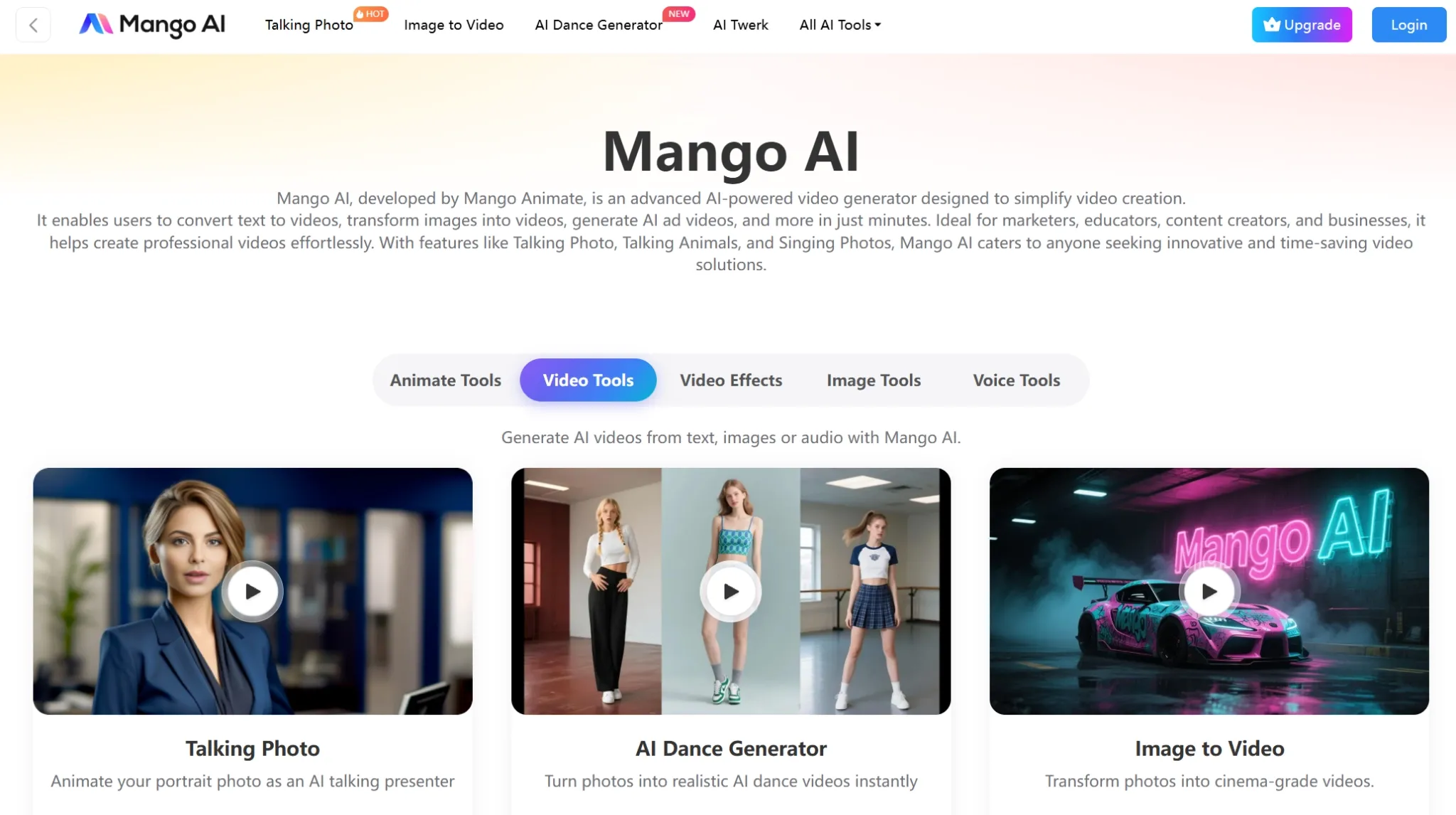
Mango AI takes a simpler approach to video translation, which I think fits short instructional content. Its video translator supports 120+ languages and includes speech translation, subtitle generation, and lip synchronization.
I can see its appeal for quick explanations. When a video already shows the action clearly, translating the narration and captions may be enough to make it understandable to viewers in another region.
Mango AI also offers talking-photo generation, image-to-video tools, and AI animation generator. Those additional capabilities make it relevant for short character-led videos and lightweight visual content.
However, the upload limitation changes how I'd approach this tool. Its translator currently accepts videos up to 15 seconds and 30 MB. That is quite restrictive if you want to translate a complete lesson or detailed product walkthrough.
Key Features
- Multilingual translation: Translate speech and subtitles across 120+ languages.
- AI voice translation: Generate localized narration.
- Lip synchronization: Match mouth movements with translated speech.
- Subtitle generation: Add captions in the selected language.
- AI animation tools: Create talking photos and image-based videos.
Best For
- Creators translating short how-to clips.
- Educators producing multilingual micro-lessons.
- Social media teams adapting instructional videos.
Pros:
- Simple video translation workflow.
- Supports voice and subtitle localization.
- Broad translation language coverage.
- Includes additional AI animation tools.
Cons:
- Video uploads are limited to 15 seconds.
- Maximum upload size is 30 MB.
- Not suited to long educational videos.
How Did I Rank These AI Video Translation Tools?
When comparing these 10 AI video translation tools, I wanted to find out which platforms could help me create multilingual videos that audiences would genuinely enjoy watching.
I looked beyond impressive feature lists and considered how practical each tool would be for real video projects. My ranking gives greater importance to the final viewing experience, followed by workflow flexibility and overall creative possibilities.
Here's what I looked for:
- Translation accuracy: How each platform handles dialogue, scripts, and language localization.
- Voice naturalness: Whether its dubbing system is designed to preserve emotion, pacing, and recognizable voice characteristics.
- Lip synchronization: Whether the translated dialogue can match visible mouth movements.
- Subtitle support: How the tool handles translated captions and on-screen text.
- Language coverage: Which languages are supported and what restrictions may apply.
- AI video capabilities: Whether I can create new videos or continue refining content.
I also considered where each platform fits best. A tool built for corporate training may be excellent for internal communication but less suitable for creative marketing or social media content.
That's why Pollo AI ranks first overall for its combination of translation and video creation capabilities, while other platforms stand out for more specialized needs.
My Final Verdict
After comparing these 10 AI video translation tools, I think the best choice depends on your content and localization needs. Some platforms specialize in natural dubbing and lip sync, while others focus on business and educational videos.
Pollo AI is my top pick because it combines multilingual video translation with broader AI video and audio creation capabilities, making it easier to reach global audiences.
If you're ready to bring your videos to more languages and markets, give Pollo AI a try.