



7 Best Script to Video AI Tools in 2026: My Top Picks
Your script is ready, but which AI can bring it to life? In this article, I compared 7 script to video AI tools, covering strengths, limits, best uses, and why Pollo AI leads.
Quick Answer: What Is the Best Script to Video AI?
Pollo AI is my best script to video AI overall pick for stories, ads, and social clips. It turns scripts into visual scenes with voiceovers and music, while its broader generation and editing tools give me more room to refine the result.
7 Best Script to Video AI Tools at a Glance
| Tool | Best for | What the finished video looks like |
|---|---|---|
| Pollo AI | Creative stories and social video ads | Scene led visuals with narration and music |
| Invideo AI | YouTube explainers and marketing videos | Multiple scenes with footage, voiceover, and soundtrack |
| Synthesia | Corporate training and onboarding videos | Presenter led lessons and business presentations |
| Pictory | Faceless educational and listicle videos | Narrated footage, structured scenes, and captions |
| HeyGen | Multilingual talking head videos | Digital spokesperson videos with localized speech |
| Vyond | Animated conversations and business scenarios | Character animation, dialogue, and motion graphics |
| Fliki | Voiceover driven stories and narrated social videos | Narration, stock or AI visuals, subtitles, and music |
Pollo AI: Best Script to Video AI Overall
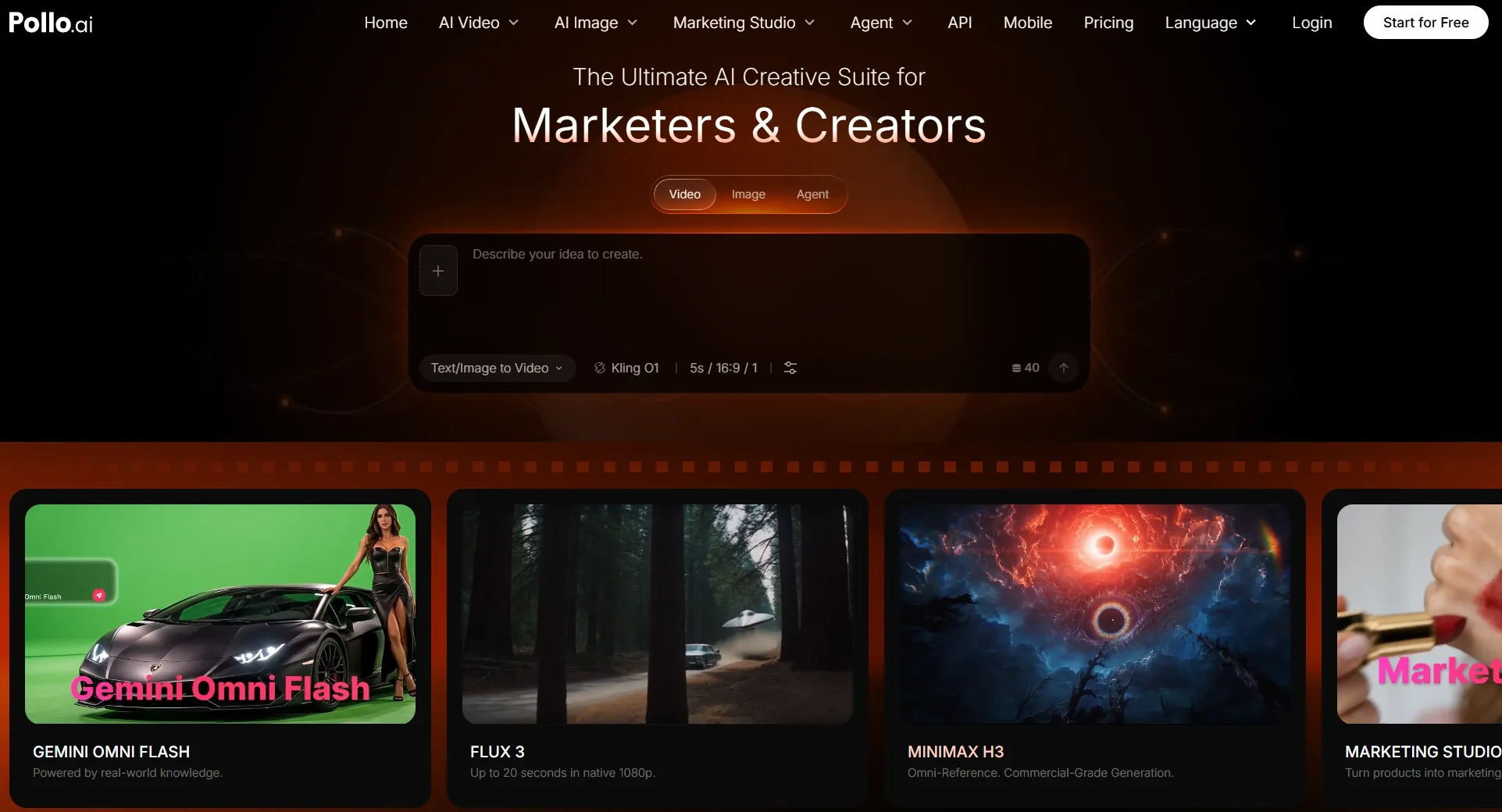
Pollo AI's script to video AI is where I'd start when the writing is ready, but the visuals are still missing. The process is straightforward: paste your script, choose an AI voiceover and background music, and let the tool build scenes around the text.
I find that especially appealing for a story-led video, because the words establish the direction before I have to think about individual shots.
Imagine turning a product launch script into a short promotional video. The opening needs to catch attention, the middle has to make the product's value clear, and the ending should leave viewers with a reason to act. Pollo AI can bring those parts together with visuals, narration, and a soundtrack.
For a fictional story or an educational clip, the same workflow provides a starting structure without requiring manual video editing.
The advantage that puts Pollo AI ahead for me, though, is the wider video toolkit beyond script conversion. Its AI video generator supports text to video and image to video creation, with access to multiple leading models such as Seedance 2.5, Veo 3.1, and Kling AI. That means I can have more flexibility when generating videos until I make the best suited one.
I also like having video tools available on the same platform. They cover tasks such as translating videos, improving video quality, and working with existing clips. For larger projects, Pollo Agent offers purpose-built skills for stories, ads, and more. It turns ideas, scripts, links, and other assets into post-ready videos without manual editing.
These are broader Pollo AI capabilities rather than controls inside the script to video tool itself, but they make the platform more useful as a project grows.
Key Features
- Script conversion: Builds a video sequence from supplied written content.
- Add a voiceover: Offers multiple narration languages and voice styles.
- Music controls: Supports generated tracks, library music, and uploaded audio.
- Multiple video models: Provides access to leading models for additional video generation tasks.
- Flexible creation methods: Supports text to video and image to video workflows.
- Video editing: Includes editing, enhancement, and video to video tools.
- AI agent workflows: Helps create longer stories and promotional content from varied inputs.
Best For
- Social marketers: Short product ads with narrative hooks and music.
- Story creators: Narrative clips featuring atmosphere and visual progression.
- Product teams: Video concepts combining scripts with custom generated shots.
- Small teams: Script based videos without manual shot assembly.
Pros:
- Supports varied storytelling and marketing formats.
- Narration and music complement the visual scenes.
- Multiple models offer additional creative directions.
- Editing tools support further video refinement.
Cons:
- Generated scenes sometimes need continuity checks.
- Multiple revisions may increase credit usage.
Turn Your Script Into a Standout Video
Create engaging scenes with AI voiceovers and music, then explore more ways to bring your ideas to life.
Try Pollo AI Script to Video Free
Invideo AI: Best Script to Video AI for YouTube Explainers and Marketing Videos
If I had a five-minute script for an explainer, Invideo AI would be high on my shortlist. It can work from an existing script, plan scenes, find relevant footage, and put together narration, music, and transitions.
That kind of assembly is valuable for explaining a business idea or turning a series of tips into an engaging listicle video. Instead of separately creating AI voiceovers and hunting for footage to match every paragraph, you get a structured first version to review. Invideo also offers more advanced AI production and timeline tools if you want to work beyond a simple stock-based draft.
My hesitation is visual specificity. A line about customer loyalty might be matched with a familiar handshake or office clip, even when you wanted an original scene generated from text. I would treat the first video as a starting point and check whether each visual genuinely supports the words.
Want a closer look at its workflow? Read our Invideo AI review.
Key Features
- Scene planning: Turns scripts into shot by shot outlines.
- Asset matching: Selects stock clips relevant to the narration.
- Audio assembly: Adds AI voiceovers, music, and transitions.
- Post production: Offers AI assisted and timeline editing.
Best For
- YouTube creators: Structured explainers covering several ideas or chapters.
- Marketing teams: Narrated promos built around campaign messages.
- Educators: Lessons combining explanations with supporting footage.
Pros:
- Automates the initial assembly of multi scene videos.
- Handles narration, soundtracks, and transitions together.
- Supports revisions after initial generation.
Cons:
- Stock footage may feel familiar.
- Specific scenes still require manual replacements.
Synthesia: Best Script to Video AI for Corporate Training and Onboarding Videos
When every sentence needs to be delivered clearly, I see the appeal of Synthesia. Instead of trying to invent a cinematic scene for each line, it uses an AI talking avatar to explain the material with supporting layouts and visuals.
Its dedicated script import option is especially relevant here. Synthesia can use a prepared script word for word, rather than rewriting it from a document. That is a meaningful distinction if you are explaining policy updates, highlighting product features, or creating corporate videos for carefully approved internal announcements.
I would not pick it for a dramatic short film. But picture a new employee learning a five-step process through an onboarding video: a consistent on-screen presenter is often a better fit than a fast montage of loosely related clips.
Explore its avatar and script tools further in our Synthesia review.
Key Features
- Verbatim import: Keeps supplied script wording unchanged in video.
- AI presenters: Uses avatars to deliver spoken messages.
- Brand layouts: Maintains visual consistency through reusable templates.
- Localization: Supports multilingual voice and presentation variants.
Best For
- HR teams: Repeatable onboarding and company policy videos.
- Training managers: Instructional videos with approved scripts.
- Internal communications: Presenter led updates without reshoots.
Pros:
- Preserves approved wording through direct script import.
- Consistent presenters suit repeatable lesson formats.
- Supports multilingual training workflows.
Cons:
- Presenter format limits cinematic storytelling.
- Script import requires a paid plan.
Pictory: Best Script to Video AI for Faceless Educational and Listicle Videos
For a channel built around faceless videos, the challenge isn't finding someone to speak on camera. It's making the visuals change at the right moment. Pictory tackles that by dividing a script into scenes, suggesting imagery, and generating AI captions.
I like this approach for tutorial videos and listicles because the structure is already there in your writing. Give it a script about seven productivity habits, and each point can become a separate visual segment. You can review the storyboard, replace media, adjust timing, and refine the narration rather than rebuilding the whole video.
The tradeoff is that matching footage is not the same as inventing an original scene. If a video needs an unusual character or a very particular action, stock-based visuals can look repetitive. Pictory makes the most sense to me when the information itself is the star.
For a deeper feature breakdown, check out our Pictory AI review.
Key Features
- Scene splitting: Organizes pasted text into individual video segments.
- Media suggestions: Matches visuals to sections of narration.
- Caption generation: Creates subtitles from written scripts.
- Output controls: Adjusts pacing, narration, and aspect ratios.
Best For
- Faceless creators: Narrated educational clips without on-camera talent.
- Listicle channels: Numbered topics with a visual for each point.
- Course makers: Instructional material built around prepared outlines.
Pros:
- Script structure transfers cleanly into separate scenes.
- Captions complement narrated information.
- Visual choices remain editable.
Cons:
- Stock media can become repetitive.
- Original characters require additional visual work.
HeyGen: Best Script to Video AI for Multilingual Talking Head Videos
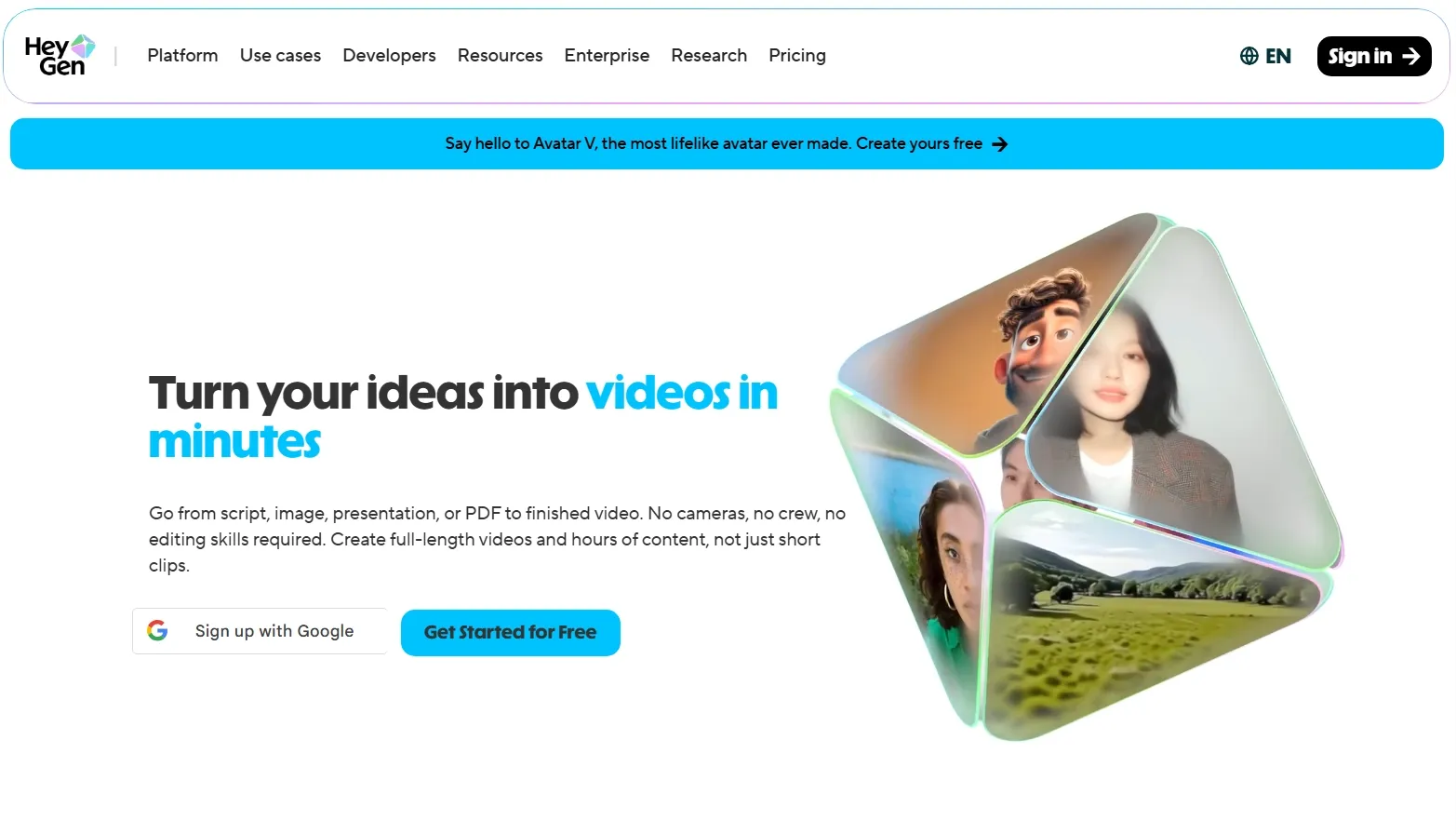
Sometimes a script needs a face, but you don't want to film the same message in several languages. That's where HeyGen stands out for me. You can supply your text, select a digital presenter and voice, and create AI spokesperson videos with captions and supporting visuals.
What makes it particularly interesting is localization. HeyGen offers AI video translation and lip sync, so the same product introduction or customer message can be adapted for audiences in different markets. It is a strong match for a spokesperson format where your audience should feel they are being addressed directly.
For an energetic cinematic montage, I'd choose differently. But for a founder-style introduction, an FAQ spoken by a digital host, or a localized video sales letter, the presenter is the point of the video.
Curious about its localization options? Our HeyGen AI review covers them in detail.
Key Features
- Avatar presentation: Converts supplied scripts into digital host videos.
- Voice choices: Supports synthetic voices and voice cloning.
- Localization: Offers dubbing and synchronized lip movement.
- Scene assets: Incorporates captions, brand graphics, and supporting footage.
Best For
- Global brands: Localized spokesperson messages for different markets.
- Sales teams: Personalized product introductions and short pitches.
- Course creators: AI host lessons without filmed presenters.
Pros:
- Strong focus on presenter videos.
- Multilingual delivery supports localization.
- Avatar and voice options fit marketing needs.
Cons:
- Talking heads offer limited cinematic variety.
- Some features depend on subscription tiers.
Vyond: Best Script to Video AI for Animated Conversations and Business Scenarios
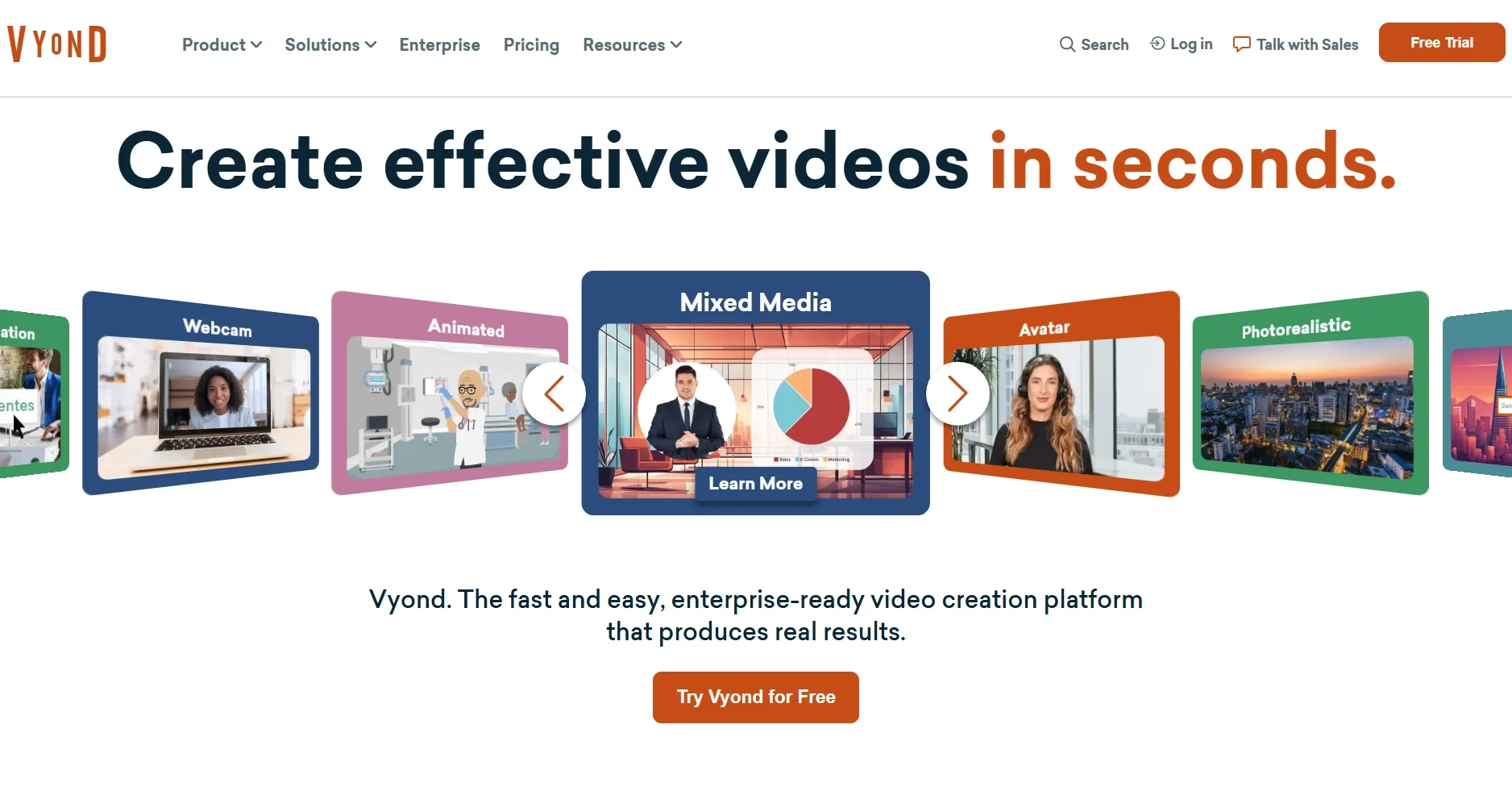
Not every training script needs a person addressing the camera. Sometimes it works better when two characters demonstrate the problem. Vyond caught my attention for that reason: its Vyond Go workflow turns scripts into animated videos, talking-head presentations, or narrated sequences using supported layouts.
Think of a training video where an employee responds to a frustrated shopper. An animated conversation can show the situation more clearly than a slide deck, and Vyond gives you character-based presentation options that suit that type of material.
There is an important limit I would keep in mind. The script to video conversation layout supports dialogue between no more than two characters, and extra written stage directions do not automatically become new visuals. If you have a complex screenplay, this is not a substitute for story video generation.
Find out more about its animation features in our Vyond review.
Key Features
- Script input: Accepts pasted text or uploaded documents.
- Scene layouts: Offers dialogue, narration, and talking head formats.
- Character animation: Builds illustrated business scenes from templates.
- Video editing: Allows generated videos to be refined afterward.
Best For
- Support trainers: Two character customer service conversations.
- Learning teams: Short scenario based explainer videos.
- Business communicators: Illustrated concepts instead of presenter videos.
Pros:
- Animated dialogue makes situations easier to follow.
- Multiple layouts accommodate narration and dialogue.
- Prepared scripts guide the initial video structure.
Cons:
- Conversation layout supports only two characters.
- Stage directions do not generate custom action.
Fliki: Best Script to Video AI for Voiceover Driven Stories and Narrated Social Videos
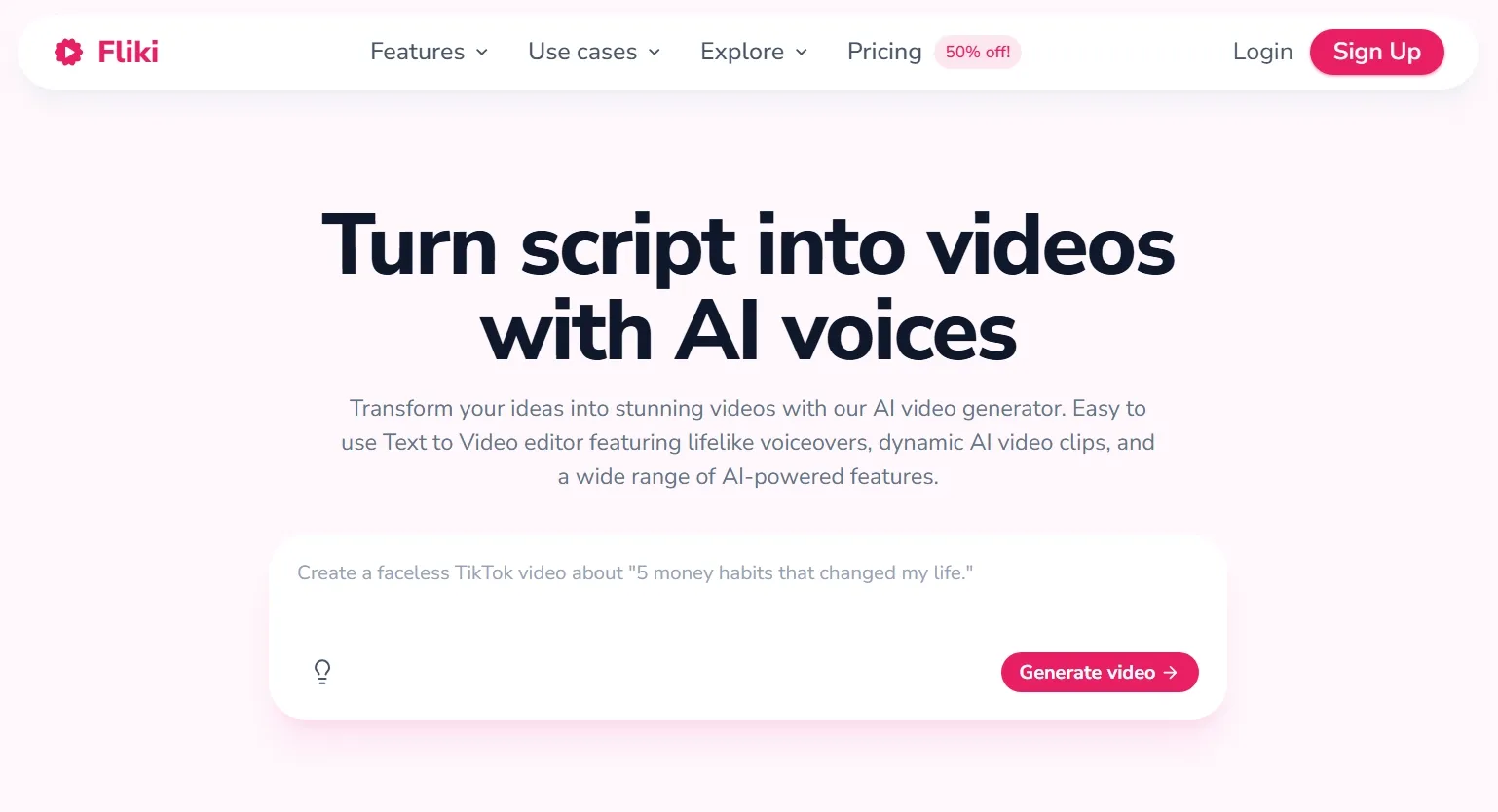
Fliki puts narration near the center of the process. Paste a script, and it separates the text into scenes, chooses stock or AI-generated visuals, adds an AI voiceover, and builds captions and music around the spoken content.
I would keep it in mind for a suspense story, a motivational video, or a short narrated recap. These videos succeed when the voice sets the pace and the imagery keeps you listening. Fliki offers a large voice library and lets you choose language, tone, and scene media, which makes it particularly appealing for narration-led content.
Still, I wouldn't expect every scene to look like a custom-filmed production. When the system selects generic B-roll, you may have to swap it for something that better matches the mood of your writing. That is the difference between a convenient draft and a memorable video.
For more on its voices and visual options, read our Fliki AI review.
Key Features
- Automatic segmentation: Splits scripts into timed video scenes.
- Visual sourcing: Mixes stock footage, AI clips, and uploads.
- Voice library: Offers a broad selection of languages and voices.
- Audio and captions: Adds background music and on screen text.
Best For
- Story channels: Suspenseful narration with related imagery.
- Social creators: Motivational Reels and narrated Shorts.
- Commentary makers: Voiceover recaps using supporting B-roll.
Pros:
- Broad choice of narration voices.
- Combines visuals, audio, and captions.
- Exports multiple social friendly formats.
Cons:
- Generic B-roll sometimes needs replacing.
- Free exports include limits and watermarks.
How I Compared These 7 Best Script to Video AI
For this list, I focused on tools with a documented way to turn an existing script into a video, rather than products that only generate a short clip from a descriptive prompt. That distinction matters: a beautiful five second shot is not the same as an explainer with scenes, narration, captions, and a clear ending.
I considered five questions:
- Script handling: Can I preserve my wording and control the structure?
- Video output: Does it produce scenes, narrated footage, animation, or presenters?
- Narration and pacing: How are voices, captions, music, and timing handled?
- Creative control: Can I correct mismatched visuals without starting over?
- Practical fit: Does the approach suit ads, lessons, YouTube, or social posts?
This is a comparison of verified product workflows and their suitability for different video types, not a controlled render quality benchmark. Your results will depend on the script, settings, assets, and plan. I'd recommend putting the same short script into your top two choices before committing to a large project.
My Final Verdict
After comparing these seven script to video AI tools, I found that the right choice depends on your content. Some excel at explainers, while others focus on digital presenters, animation, or narrated stories.
If I had to choose one for different types of projects, I'd go with Pollo AI. It brings scripts to life with visuals, voiceovers, and music, while offering additional models and tools for greater creative flexibility.
If you have a script ready, try Pollo AI script to video and bring your ideas to life.