



Maintain Perfect Subject Consistency Across Frames
Imagine being able to select a character, object, or scene in your image and keeping it consistent throughout your generated video. With Pollo AI reference to video generator, this becomes a reality! No matter how the background or other elements change, your chosen subject remains unchanged.
Introduce Characters & Objects into Your Favorite Scene
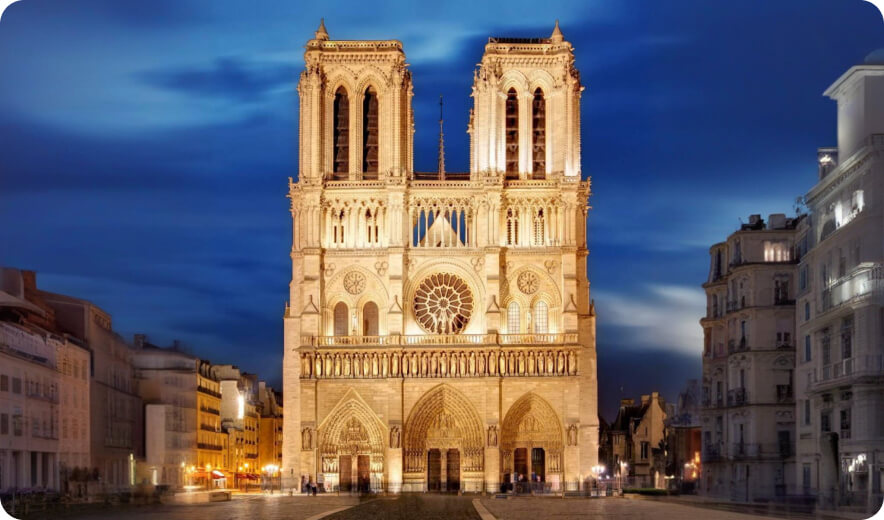
Prompt
In front of Notre-Dame Cathedral, three women are taking selfies.
Generate New Contexts for Your Main Characters/Objects
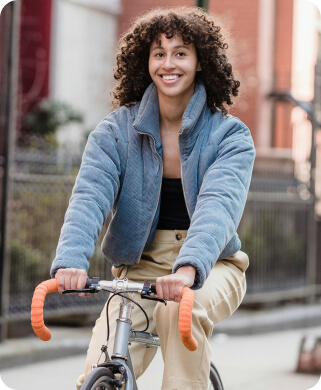

Prompt
A woman with a straw hat is cycling through the rose garden.
Remix Images into a Single Cohesive Video
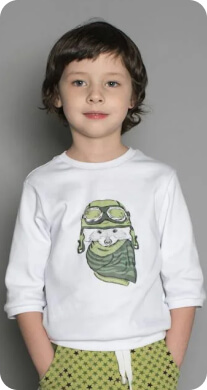
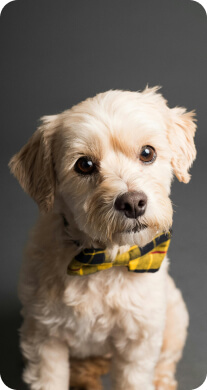

Prompt
In the park, a little boy and a puppy are having a picnic and playing on the grass by the lake.
Endless Possibilities for Your Creative Vision
With Pollo AI reference to video generator, you can effortlessly create eye-catching videos for Instagram, TikTok, and YouTube, or showcase products in various settings, or produce fun, entertaining, or heartwarming videos that connect with families and friends.
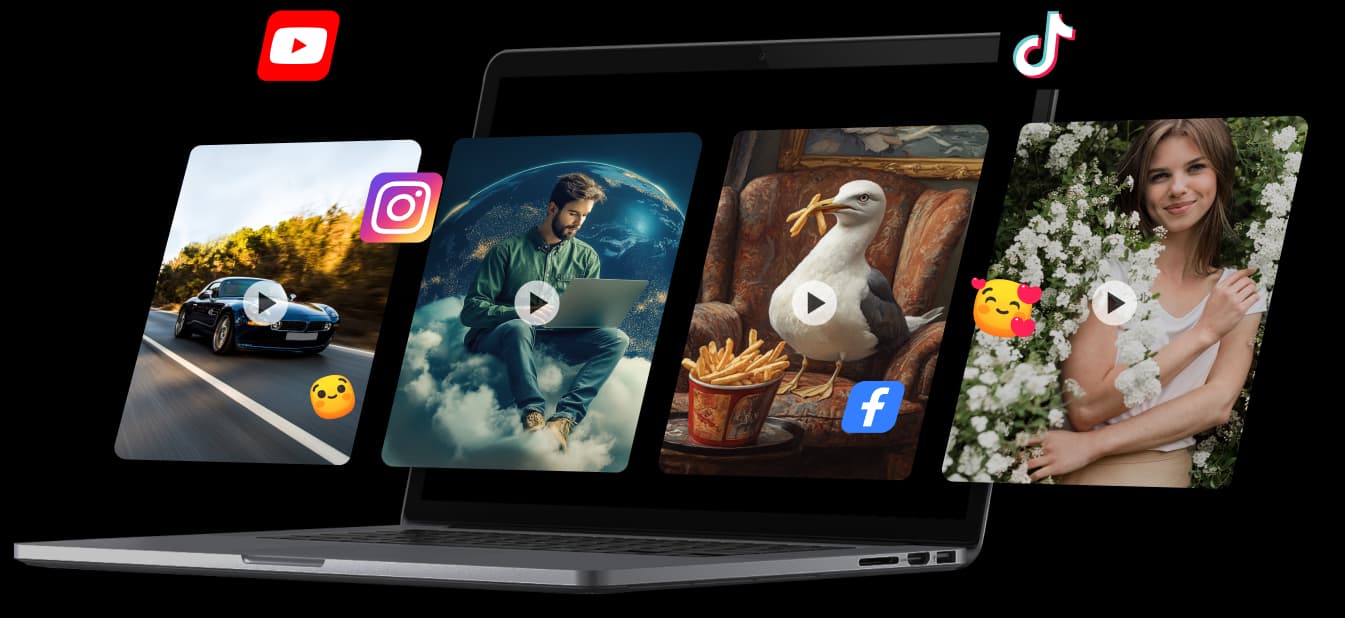
Smooth Transitions And Natural Movements
Pollo AI reference to video generator analyzes each chosen element in your uploaded images and generates dynamic videos with smooth transitions and natural movements not only for characters and objects but also for the entire scene!

Pollo AI Reference to Video Generator Caters to All
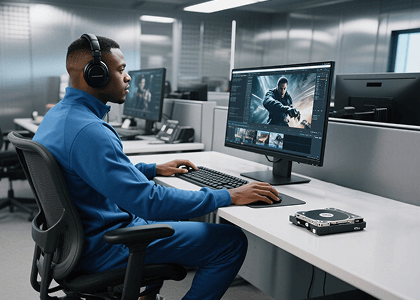
Reduce video editing time by around 65%
Just upload different images with varying subjects and objects, and they'll be seamlessly blended into one consistent visual environment. Use it to build smoother edits and recurring characters for B-roll videos or AI story videos without matching every frame manually.

Scale product video promotion by at least 60%
Start showcasing products consistently in various settings and create multiple variations at scale. Turn the same product or brand asset into polished product demo videos while saving time and effort.
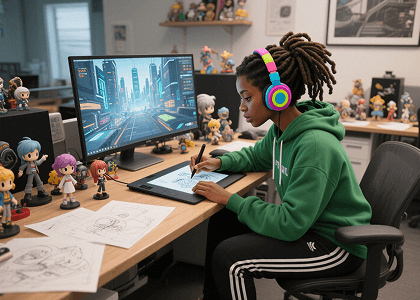
Ensure character continuity across scenes and narratives
Generate consistent character visuals for storyboards, animations, or game assets, streamlining production and maintaining artistic coherence. It's also useful for creating AI anime videos with stable character details.
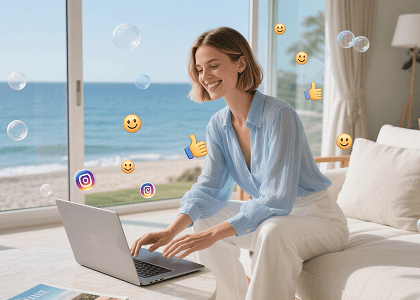
Enhance engagement with consistent characters in every video
Create recognizable personas or recurring characters that stay visually stable across different clips and platforms. Use them in viral videos or short social series to boost follower connection.
How to Create Consistent Character Videos with Pollo AI
Step 1
Upload one or multiple images that represent your desired characters, objects, or scenes.
Step 2
Choose which element you want to maintain consistency for throughout the video.
Step 3
Let Pollo AI create a dynamic and visually coherent video that brings your vision to life.
Unlock the Full Potential of Other AI Video Generators
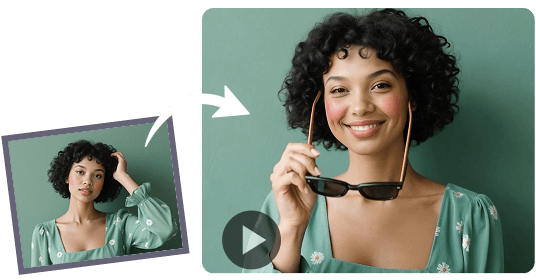
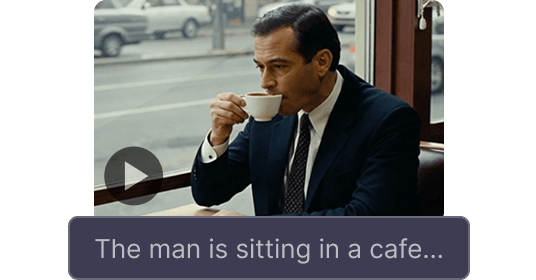

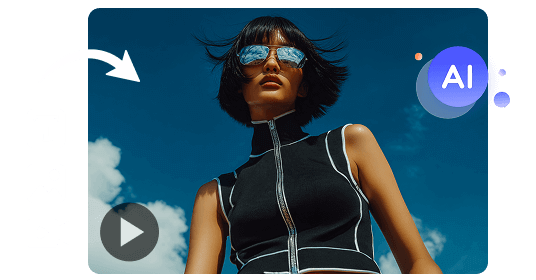
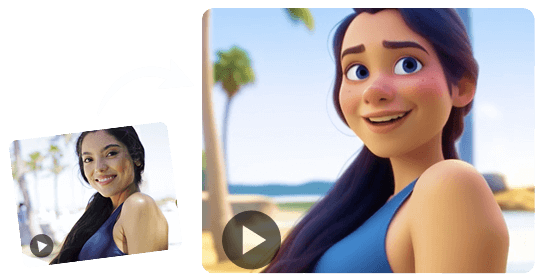
Join 10M+ Users Using Pollo AI to Create and Inspire


 5000+ reviewsTrustscore 4.4
Chosen by 10M+ Creators and Marketers Worldwide
Thousands of satisfied users have shared their Pollo AI experiences on Trustpilot, rating us as "Excellent." See what they love about our platform.
Santiago Saenz Nov 20, 2025Ray WarnesDec 30, 2025Jeff ButwinDec 28, 2025
 Istvan LajosDec 10, 2025
 Loki The emperorDec 30, 2025
 Gen ZeeDec 14, 2025
FAQs
What is Pollo AI reference to video generator?
Pollo AI's Reference to Video Generator transforms images into dynamic videos while maintaining your chosen subject's exact details. The subject can be a person, an object, or an entire scene, and their appearance will remain consistent throughout the generated video.
How does Pollo AI reference to video generator work?
Users upload up to three images and select the main subjects they want to keep consistent. Pollo AI's advanced algorithms generate a video, ensuring the chosen subjects retain their visual consistency. The AI guarantees smooth transitions and natural movements to create a cohesive video.
Is Pollo AI reference to video tool free to use?
Yes. Pollo AI offers a free plan with limited credits. You can try out the tool without any costs. If you want to keep producing more consistent character videos, please upgrade.
What can I create with Pollo AI consistent character video?
You can create a diverse range of videos using this tool, from showcasing characters in various environments to presenting products in different contexts, all while maintaining a unified visual style throughout the video. It works especially well for movie trailers, explainer videos, and YouTube outros where consistent characters, objects, or scenes make the final video feel more polished.
How to create consistent character videos with Pollo AI?
To create a consistent character video, upload your images to Pollo AI, select the main subjects you want to keep consistent, define your desired video characteristics, and let the AI generate your video.
How many images can I upload to Pollo AI reference to video tool?
You can upload up to three images to the Pollo AI tool at a time. This allows you to create dynamic videos by selecting multiple subjects or scenes while maintaining visual consistency throughout the generated content.
