



7 Best AI Character Generators in 2026: My Honest Picks
Whether you're designing a fantasy hero or a cartoon mascot, the right AI character generator can make all the difference. I've compared seven options worth considering.
I'll walk you through their strengths, limitations, and the types of character images each one is best suited to creating.
Quick Answer: What Is the Best AI Character Generator?
Pollo AI is my pick for the best AI character generator overall. It makes character creation easy while still giving me the flexibility to explore different styles and refine the final image with built-in editing and enhancement tools.
7 Best AI Character Generators at a Glance
| AI Tool | Best For | Pricing |
|---|---|---|
| Pollo AI | Creating and refining characters in one place | From $15/month |
| Leonardo AI | Recurring RPG casts and character sheets | From $12/month |
| Adobe Firefly | Brand-ready illustrations and creative campaigns | From $9.99/month |
| PixAI | Custom anime OCs with specialized LoRAs | From $7.99/month |
| Canva | Playful mascots for social media graphics | From $12/month |
| Fotor | Lifelike fictional faces and profile images | Free; paid plans available |
| Artbreeder | Mixing facial traits into original identities | From $7.49/month |
Pollo AI: Best AI Character Generator Overall
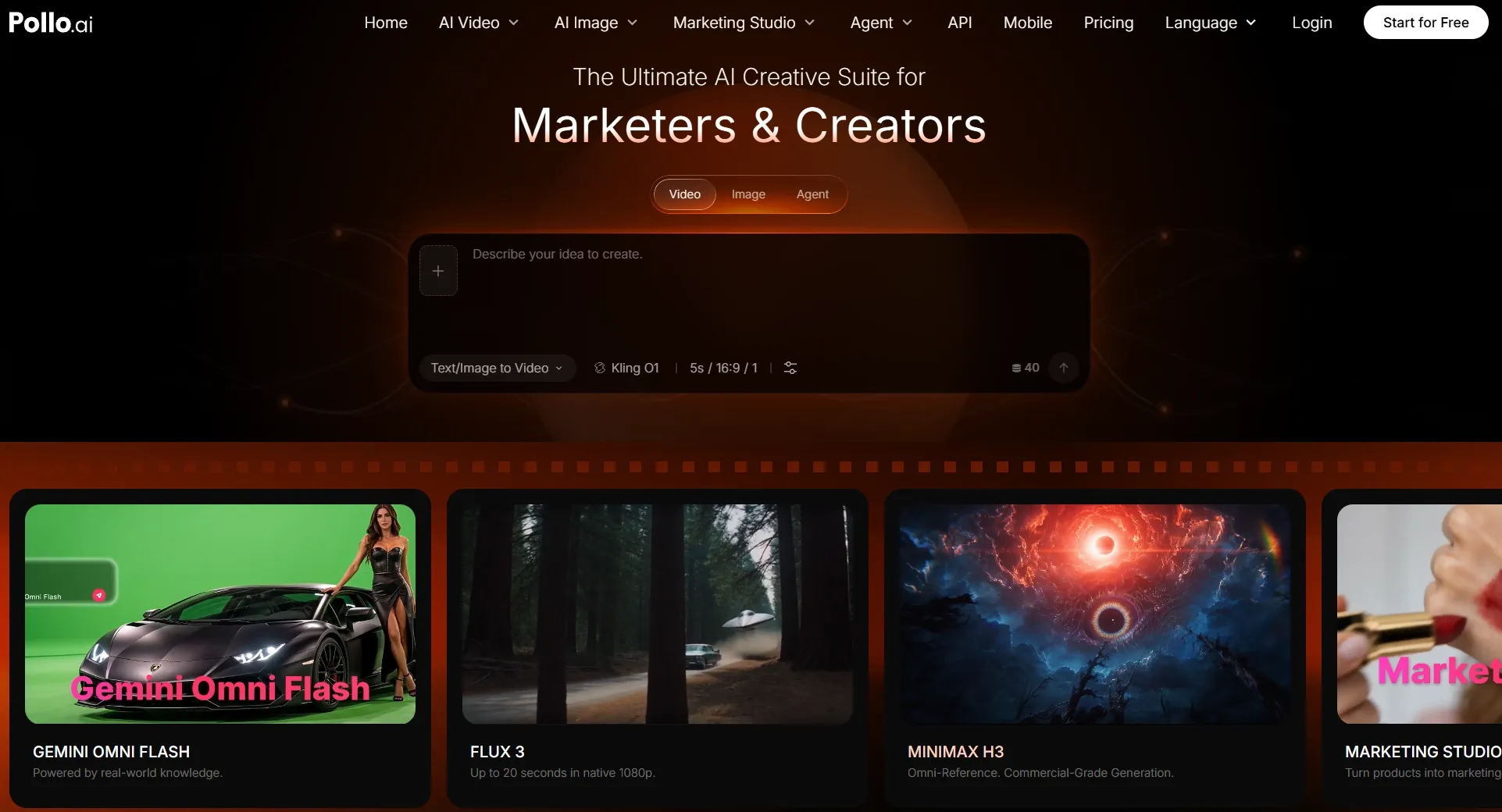
Pollo AI takes first place because it offers more than a basic character generator. What appeals to me most is the freedom to create, customize, and refine characters within one platform.
For image generation, Pollo AI brings together leading models like Seedream, GPT Image, and Nano Banana through its AI image generator. I have more flexibility to test character design, from realistic portraits with natural facial details to expressive manga illustrations and imaginative fantasy artwork. Having multiple models available gives me more creative options without switching platforms.
Beyond general image generation, Pollo AI offers specialized image tools and apps for specific creative needs. Its dedicated AI character generator is particularly useful when I want to describe a character's appearance, clothing, expression, and personality directly.
I can also use the AI photo editor to adjust the design with simple prompts or the image upscaler to improve its resolution. For finished projects, the image apps offer convenient ways to create profile pictures, posters, and other character-based graphics.
Another feature worth mentioning is Pollo Agent. Instead of managing every creative step myself, I can describe what I want in natural language and let the agent help generate images and design assets. Its specialized skills also make it easier to turn ideas into finished visuals, with room to refine the direction through conversation.
That's ultimately why Pollo AI stands out to me. Whether I'm developing a fictional protagonist, designing a brand mascot, or preparing character artwork for a larger project, I have different ways to bring the idea to life without juggling multiple creative platforms.
Key Features
- Diverse Character Styles: Generate realistic, anime, fantasy, cartoon, 3D, and pixel-art characters.
- Prompt-Based Customization: Define clothing, hairstyles, expressions, personalities, and visual details.
- Multiple Image Models: Explore different image-generation models for creative flexibility.
- AI Image Editing: Adjust character artwork with additional editing tools.
- Image Enhancement: Upscale illustrations and remove backgrounds for cleaner assets.
Best For
- Writers and Storytellers: Visualize fictional characters for novels, comics, and illustrated stories.
- Game Designers: Develop heroes, villains, and NPC concepts in different artistic styles.
- Brands and Marketers: Create original mascots and characters for promotional artwork.
- Everyday Creators: Make personalized avatars and character portraits without drawing skills.
Pros:
- Supports a wide variety of character styles.
- Straightforward text-to-character generation.
- Multiple AI image models available.
- Connected image editing and enhancement tools.
Cons:
- Free generation access is limited.
- Intricate character designs may require skills.
Bring Your Original Characters to Life
Turn your character ideas into stunning visuals across different artistic styles.
Create AI Characters Now
Leonardo AI: Best AI Character Generator for Consistent Game Characters
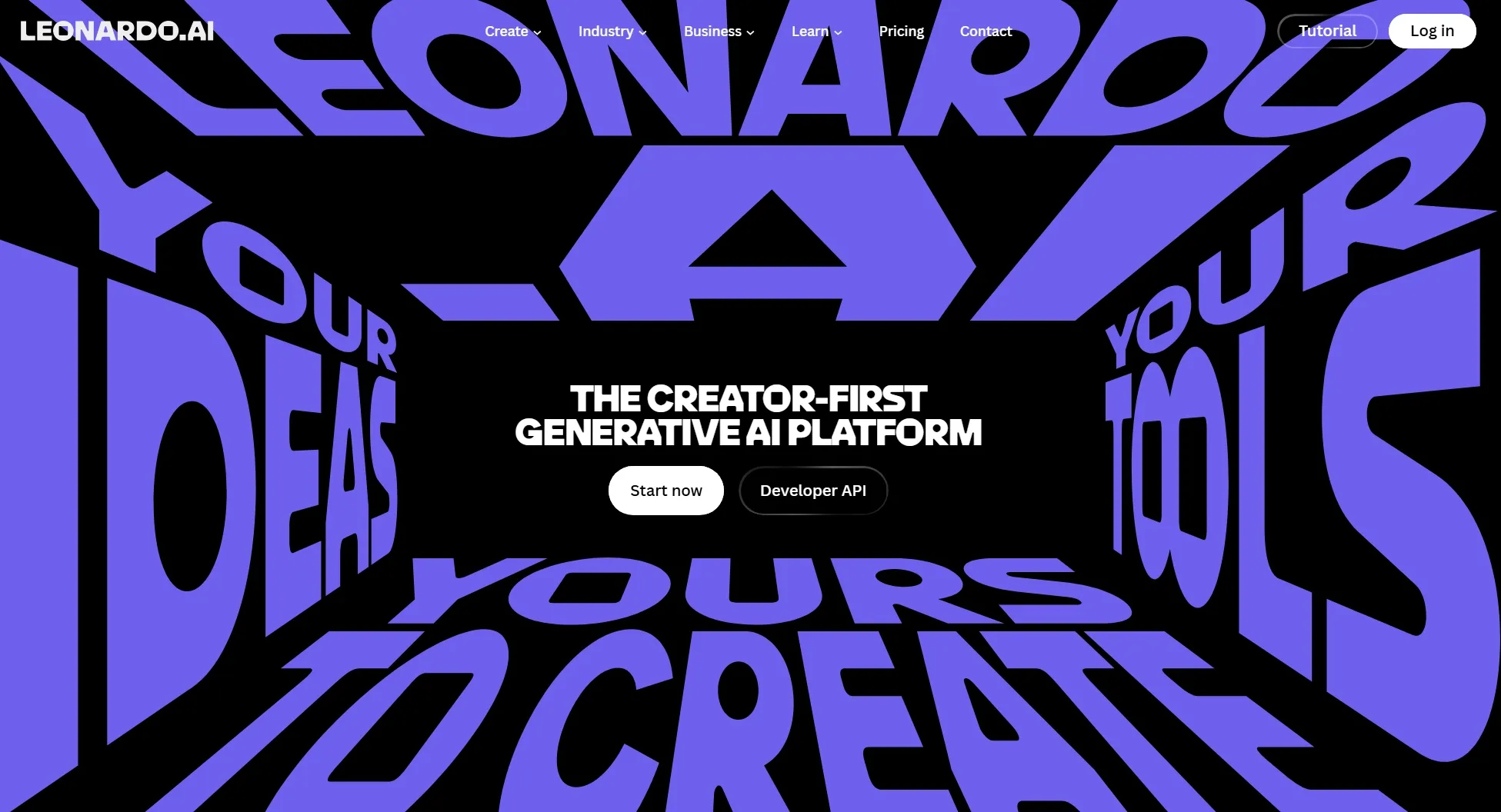
Leonardo AI comes second on my list because of its strong character generation and consistency features. I find it particularly useful for creating detailed game characters, from fantasy warriors and sci-fi heroes to original RPG protagonists.
One of its biggest strengths is the Character Reference feature, which lets me use an existing image to guide a character's appearance. Instead of repeatedly describing the same face, hairstyle, and outfit, I can use a reference to develop new illustrations while keeping important visual traits recognizable.
I also appreciate its Consistent Character blueprint, which helps place one character in different settings. The Multi-Character Scene Builder adds another useful option, allowing up to five characters in one composition. For fantasy art or illustrated stories, these features make it easier to develop a recognizable cast rather than a collection of unrelated portraits.
However, Leonardo AI isn't the most straightforward option for quick character creation. With different models, reference settings, and generation controls to consider, getting the desired result can involve a learning curve. Character consistency isn't guaranteed either, especially when changing photo angles, expressions, or poses.
For more details, read our Leonardo AI review.
Key Features
- Character References: Guide character appearance using existing images.
- Consistent Character Blueprint: Create new situations for recognizable characters.
- Multi-Character Scene Builder: Combine up to five characters in one image.
- Detailed Character Editing: Modify clothing, features, and environments.
Best For
- Game Developers: Design recurring RPG characters across different environments.
- Comic Artists: Develop consistent characters for illustrated sequences.
- Fantasy Writers: Build visual references for fictional casts.
Pros:
- Useful character-reference controls.
- Supports recurring characters across different scenes.
- Multi-character composition features.
- Detailed image editing options.
Cons:
- Advanced features involve a learning curve.
- Character identity can still drift.
- Higher-volume generation consumes additional tokens.
Adobe Firefly: Best AI Character Generator for Commercial Character Concept Art
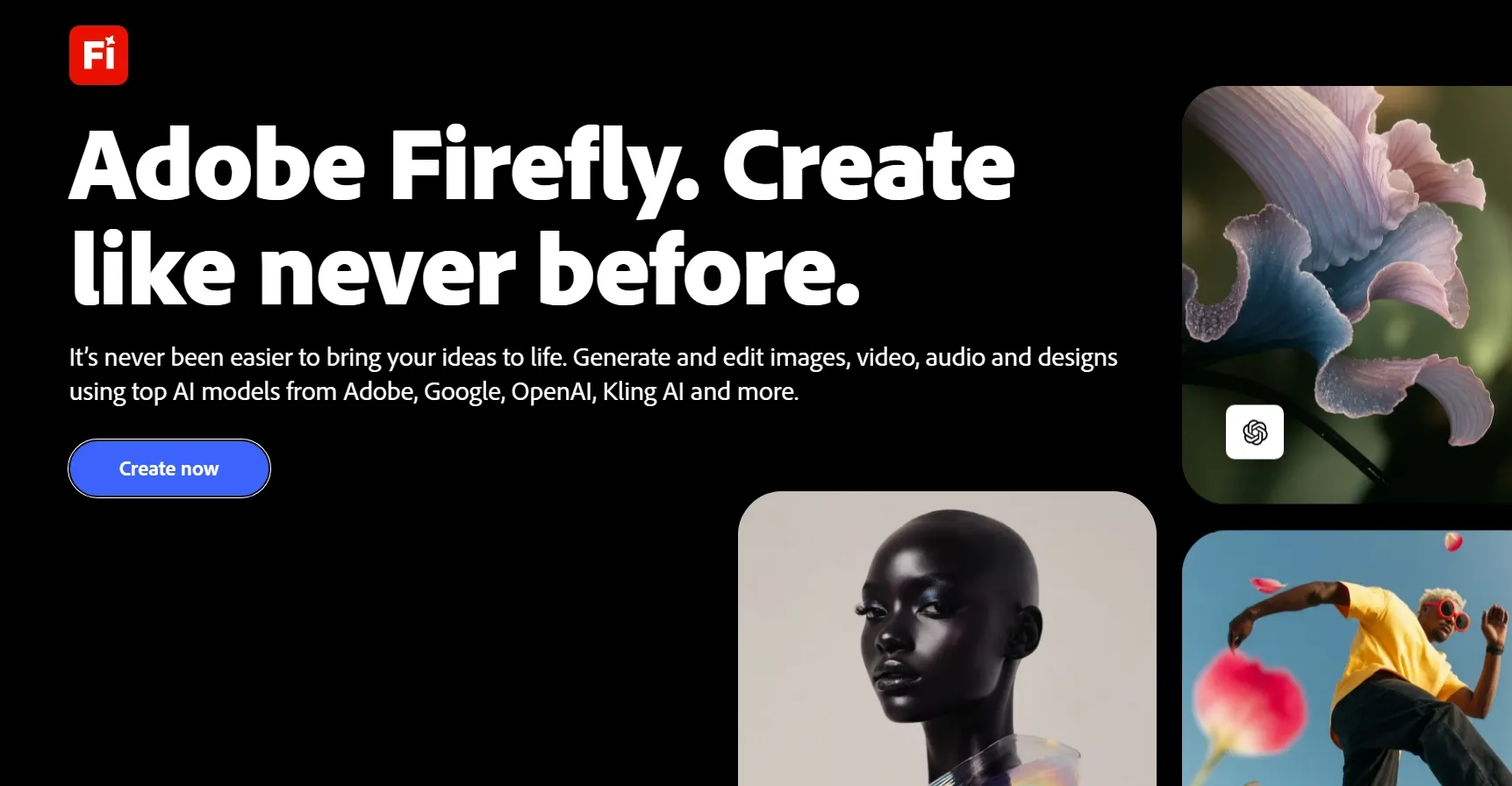
Adobe Firefly stands out to me for its ability to create professional character concept art for commercial projects. Whether I'm designing a fantasy hero for a book or an illustrated mascot for a marketing campaign, it offers useful controls for shaping a character's appearance and artistic style.
Its text to image generation and reference image features allow me to guide character designs with specific details, including facial features, clothing, poses, and expressions. I can also adjust lighting, colors, and composition to create artwork that fits a particular creative direction.
Another advantage is Adobe's approach to commercial use. Its own Firefly models are trained on licensed and public-domain content, which makes them appealing when developing original characters for advertising, publishing, or branded illustrations. I also value its integration with Adobe's creative tools for further image refinement.
However, Firefly has some limitations. Maintaining a consistent character across different images can still be challenging, especially when changing poses or environments. Generative credit limits and the potential need for additional Adobe applications can also make the workflow more expensive.
Learn more about its features in our Adobe Firefly review.
Key Features
- Text-to-Character Generation: Develop original character concepts from descriptions.
- Reference Image Guidance: Influence character appearance and artistic direction.
- Visual Refinement: Change backgrounds, lighting, textures, and composition.
- Adobe Integration: Continue editing artwork in connected creative applications.
Best For
- Commercial Designers: Produce character concepts for advertising and branding.
- Publishing Teams: Develop illustrated characters for books and editorial projects.
- Concept Artists: Explore visual identities for fictional worlds.
Pros:
- Flexible artistic and composition controls.
- Supports reference-guided character creation.
- Documented training sources for Adobe's models.
- Integrates with professional creative applications.
Cons:
- Commercial rights require individual review.
- Generative credits limit some workflows.
- Extensive editing may need additional Adobe tools.
PixAI: Best AI Character Generator for Anime and Manga Characters
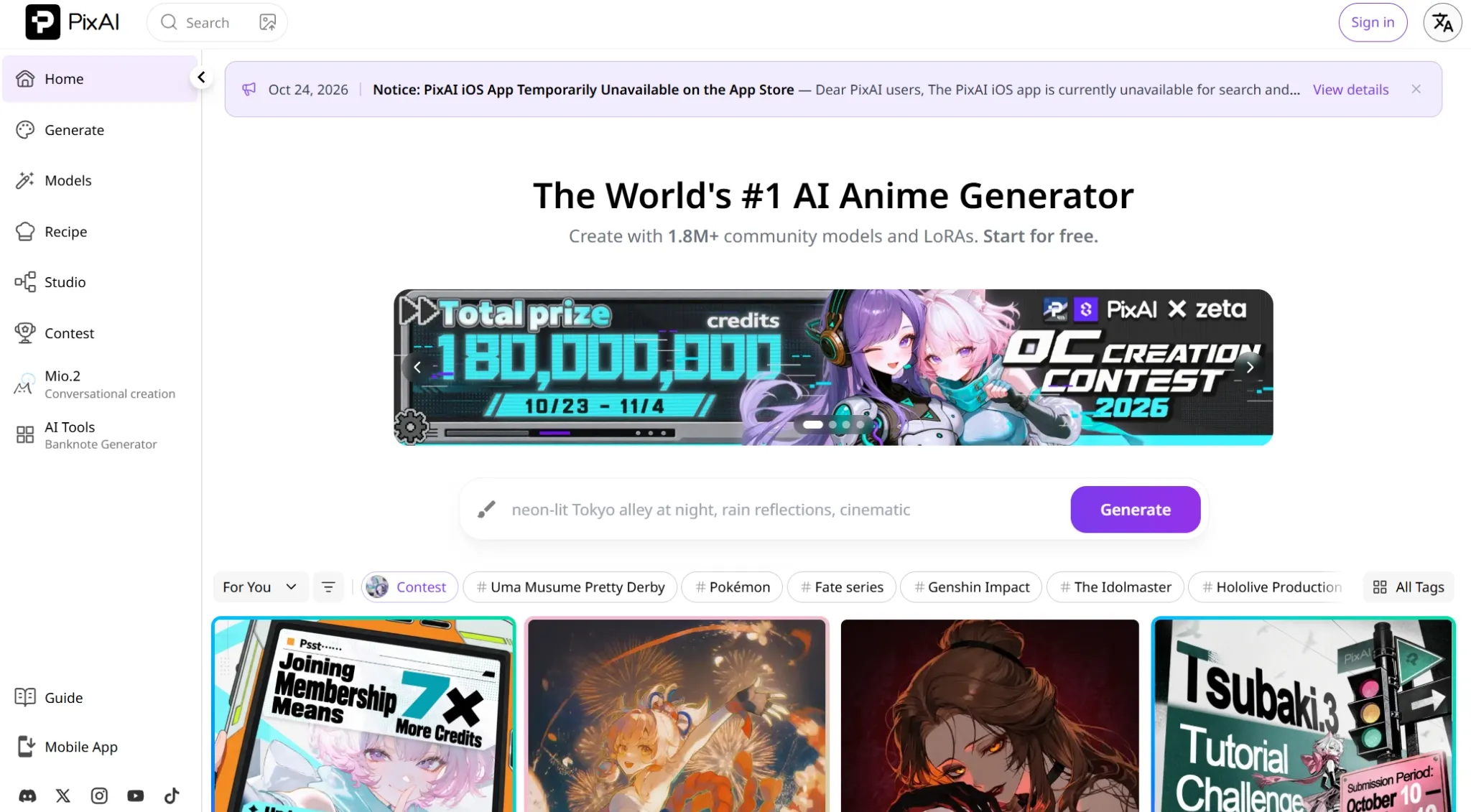
PixAI stands out to me for its specialized anime and manga generation. Whether I'm creating a fantasy protagonist, a chibi character, or an original manga hero, it offers a wide selection of models for achieving different anime aesthetics.
One of its biggest advantages is the extensive model library and LoRA customization. I can use specialized LoRAs to guide character appearances, hairstyles, outfits, poses, and artistic styles. This gives me more control over the details that make an anime character distinctive, rather than relying entirely on text prompts.
I also appreciate its custom LoRA training, which allows me to develop reusable character features from reference images. For manga illustrations or original character projects, this is particularly useful when I want to maintain recognizable facial features and clothing across different images.
However, PixAI can feel complicated for beginners. With so many models and LoRAs available, finding the right combination often requires experimentation. Adjusting LoRA weights and other settings can also take time, especially when working toward a specific character design. Its anime-focused ecosystem is less suitable for realistic portraits.
For a closer look at its capabilities, check out our PixAI review.
Key Features
- Anime Model Library: Explore diverse anime and manga illustration styles.
- LoRA Customization: Guide outfits, poses, character identities, and aesthetics.
- Custom LoRA Training: Develop reusable visual traits from reference images.
- Image Refinement: Adjust generated anime artwork through additional editing features.
Best For
- Anime Artists: Design original characters with distinctive anime aesthetics.
- Manga Creators: Build character concepts for comics and webtoons.
- Fantasy Illustrators: Explore stylized heroes and magical characters.
Pros:
- Extensive anime-focused model selection.
- Supports custom character LoRAs.
- Precise control over specialized artistic styles.
- Useful for recurring anime character designs.
Cons:
- Model selection can feel overwhelming.
- LoRA settings require experimentation.
- Realistic portraits aren't its primary focus.
Canva: Best AI Character Generator for Cartoon Characters and Mascots
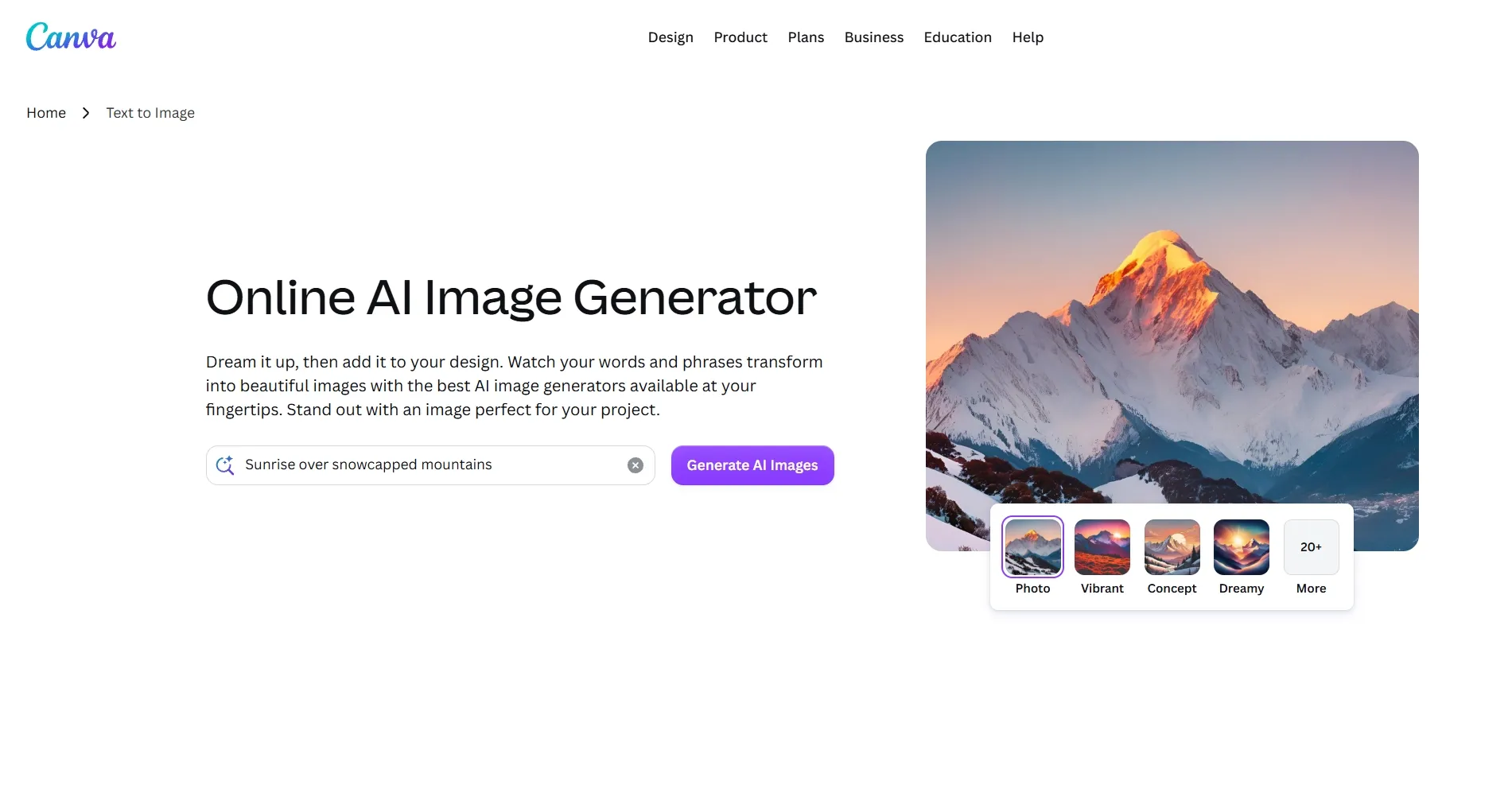
Canva stands out to me for its ability to create cartoon characters and mascots that fit naturally into finished designs. Whether I'm designing a playful animal mascot for a brand or a friendly illustrated character for social media, it offers a straightforward way to turn text descriptions into character images.
Its AI character generator supports various artistic styles, including cartoons, 3D-inspired illustrations, sketches, and fantasy characters. I can describe a character's appearance, clothing, expression, and personality to create artwork that matches a particular theme or visual identity.
Another advantage is Canva's integrated design editor. Once I've generated a character, I can combine it with text effects, backgrounds, graphic elements, and ready-made templates. For example, I could place a cheerful robot mascot into a promotional poster or use an illustrated animal character in an educational presentation without switching to another design platform.
However, Canva offers less specialized control over complex character designs. Maintaining a consistent appearance across different poses and expressions can be difficult, and refining intricate costume details may require multiple attempts. Its AI generation limits can also restrict frequent experimentation.
For me, Canva is particularly useful for creating cartoon mascots and character-based marketing graphics, but I'd prefer a more specialized generator for detailed character development or recurring fictional characters.
Explore its features further in our Canva review.
Key Features
- Cartoon Character Creation: Generate illustrated personalities and mascot concepts.
- Style Selection: Explore cartoon, 3D, fantasy, and sketch-inspired artwork.
- Integrated Design Editor: Combine generated characters with text and graphics.
- Ready-Made Templates: Adapt character artwork for different design formats.
Best For
- Small Businesses: Design mascots for branding and promotions.
- Social Media Creators: Add cartoon characters to visual posts.
- Educators: Create illustrated characters for teaching materials.
Pros:
- Beginner-friendly character generation workflow.
- Convenient drag-and-drop design editor.
- Extensive templates and graphic elements.
- Useful for finished marketing designs.
Cons:
- Limited control over recurring character identity.
- Intricate character designs may need refinement.
- Lower plans restrict AI usage.
Fotor: Best AI Character Generator for Realistic Character Portraits
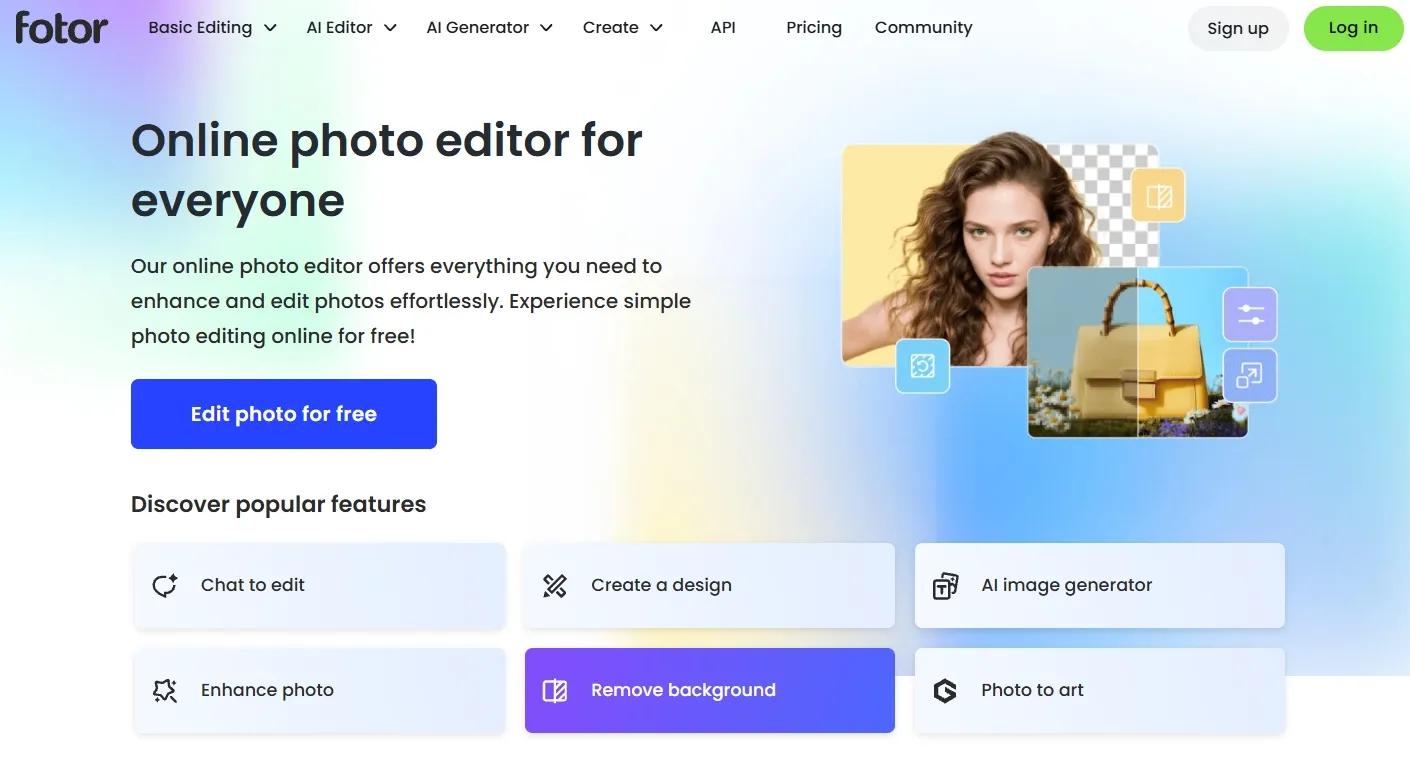
Fotor stands out to me for its ability to create realistic character portraits with natural facial features and expressions. Whether I'm designing a fictional detective, a modern-day protagonist, or a cartoon avatar, it provides a straightforward way to turn character descriptions into images.
One of its main strengths is the support for both text prompts and reference images. I can describe a character's hairstyle, facial features, clothing, and expression, or upload an existing image to guide the appearance. This is particularly useful when I already have a specific character design in mind.
I also appreciate its flexible output settings, which let me adjust the aspect ratio, resolution, and number of generated images. Beyond realistic portraits, Fotor supports anime, fantasy, and 3D character styles, giving me additional options when a project calls for a different visual direction.
However, Fotor has some limitations when it comes to more complex character creation. Facial details may change between generations, especially when I adjust poses, expressions, or viewing angles. Creating elaborate full-body characters with intricate costumes and detailed backgrounds can also require additional refinement. Free credit limits make repeated experimentation less convenient.
Find out more in our Fotor review.
Key Features
- Realistic Character Portraits: Generate human-like fictional characters.
- Text and Photo References: Guide character appearance with descriptions or images.
- Output Settings: Adjust resolution, image quantity, and aspect ratio.
- Style Options: Produce realistic, anime, fantasy, and 3D characters.
Best For
- Novelists: Visualize realistic protagonists and supporting characters.
- RPG Enthusiasts: Generate fictional character portraits and avatars.
- Content Creators: Design personalized profile characters.
Pros:
- Supports both text and reference images.
- Customizable output resolution and dimensions.
- Accessible portrait-generation workflow.
- Covers multiple character styles.
Cons:
- Facial details may vary between generations.
- Free credits restrict repeated creation.
- Complex character concepts may need extra refinement.
Artbreeder: Best AI Character Generator for Unique Character Face Designs
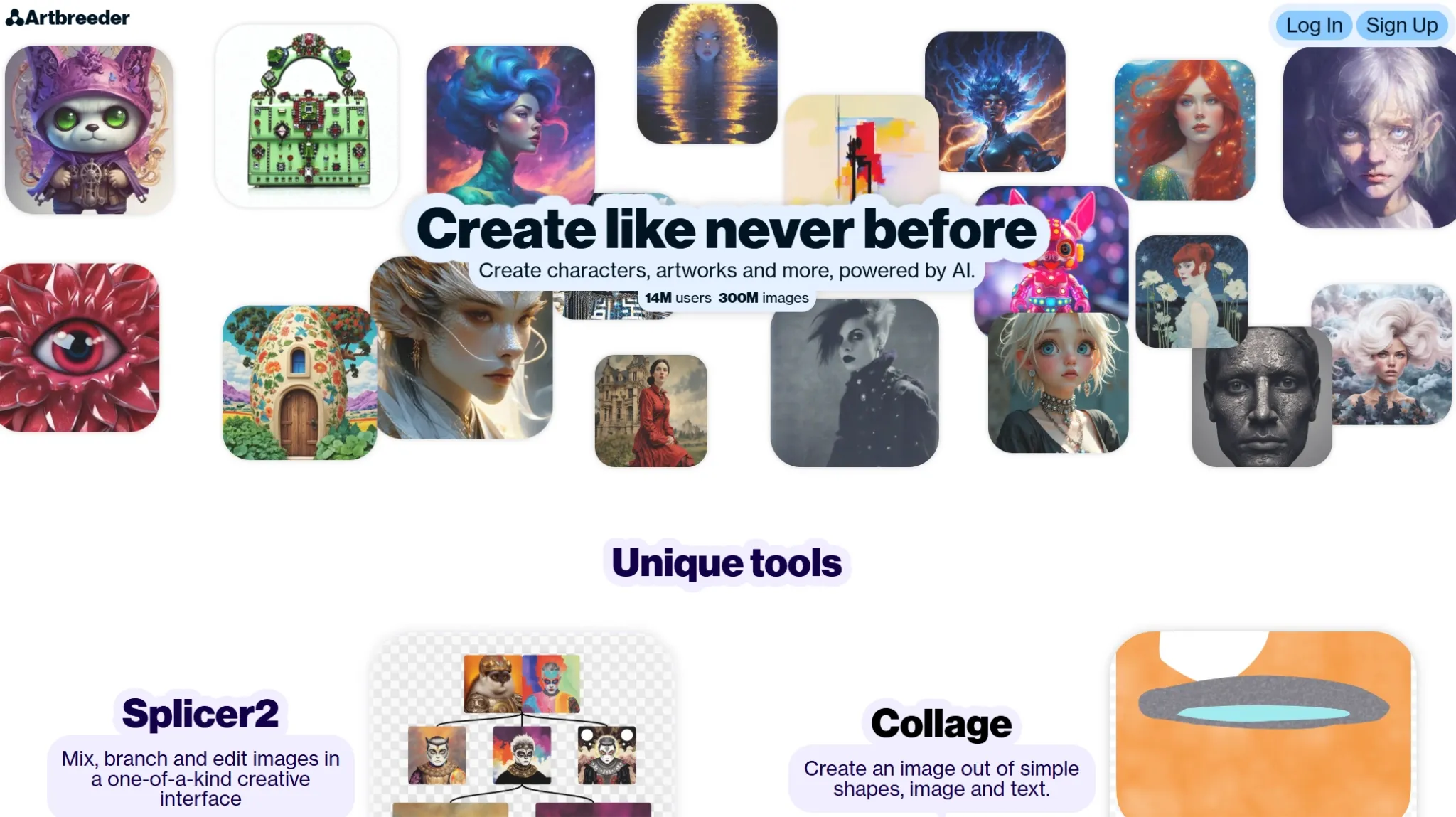
Artbreeder stands out to me for its unique approach to character face generation and customization. Instead of relying entirely on text prompts, it lets me experiment with different facial features and blend existing images to create original characters with distinctive appearances.
One of its biggest strengths is the Splicer tool, which allows me to combine images and adjust facial attributes to explore different character designs. I find this particularly useful when developing fictional personalities whose appearances aren't fully defined, as I can experiment with facial structures, expressions, and other details until I find a promising direction.
I also appreciate its Mixer and Composer tools, which offer additional ways to combine image references and text prompts. For example, when designing a mysterious fantasy character, I can explore different facial combinations rather than trying to describe every feature from scratch. This makes Artbreeder especially appealing for discovering unexpected character concepts.
However, Artbreeder offers less precise control over full-body character generation. Creating characters with specific poses, elaborate outfits, or detailed environments can be challenging, as its image-blending approach is better suited to exploring visual variations than following exact design instructions. Some advanced features also require paid credits.
For me, Artbreeder is a creative choice for exploring unique character faces and early design concepts, but I'd prefer a more direct text-to-image generator when I need detailed, fully customized character illustrations.
Key Features
- Splicer: Blend images and modify facial attributes.
- Mixer: Combine visual references to explore new designs.
- Composer: Work with images and text for creative variations.
- Portrait Exploration: Develop distinctive facial combinations and character appearances.
Best For
- Character Designers: Discover unusual clothing and faces for fictional personalities.
- Fantasy Writers: Explore appearances for imagined characters.
- Digital Artists: Experiment with portrait variations and visual combinations.
Pros:
- Distinctive image-blending workflow.
- Encourages unexpected character designs.
- Useful for exploring facial variations.
- Multiple tools for visual experimentation.
Cons:
- Less direct control over exact poses.
- Detailed full-body compositions are harder to direct.
- Some features require paid credits.
How I Compared These AI Character Generators
When comparing character generators, I don't think a striking sample portrait tells the whole story.
What matters is whether a tool supports the kind of character you're trying to build. An impressive fantasy illustration won't necessarily help if the outfit is wrong, the expression misses the brief, or the character changes appearance in the next image.
I focused on seven practical considerations:
- Character Quality: Facial details, anatomy, clothing, expressions, and overall visual coherence.
- Artistic Variety: Realistic, anime, cartoon, fantasy, and other supported styles.
- Prompt Control: How precisely a character's features and appearance can be described.
- Reference Support: Options for guiding generation with existing character images.
- Character Consistency: Tools for retaining recognizable traits across different illustrations.
- Editing Flexibility: Ways to refine an image without starting over.
- Ease of Use and Pricing: Learning requirements, free access, and generation costs.
My Final Verdict
The best AI character generator should help you turn creative ideas into distinctive, usable characters. While some tools excel at character consistency or specialized art styles, others offer greater flexibility for different projects.
Pollo AI is my top pick overall for combining versatile character generation with powerful image editing and enhancement tools. It makes the entire creative process more accessible, from initial concepts to polished character artwork.
Ready to bring your characters to life? Try Pollo AI's AI character generator and start creating.