



9 Best Kaze AI Alternatives for AI Image Generation (Tested & Ranked)
Kaze AI is useful for AI image generation, style-based visuals, quick image edits, and photo enhancement. But it can feel limited when you need deeper creative control, stronger commercial visuals, or a more complete image workflow.
So I tested 9 Kaze AI alternatives across AI image generation, AI art, product visuals, character concepts, stock-style assets, and creative image workflows. These are the tools I’d actually use.
Best Kaze AI Alternatives: TL;DR
The best Kaze AI alternative is Pollo AI because it gives you more than basic AI image generation. It combines image creation, editing, style testing, commercial image workflows, and access to multiple image models in one place.
Kaze AI is still useful for quick image generation, prompt-based edits, restoration, and enhancement. But if you want more control over product visuals, brand assets, AI art, character images, or ecommerce-ready creative work, the tools below give you more room to work.
Why Look For A Kaze AI Alternative?
Kaze AI is useful, but it is not always the best fit when your AI image generation work needs more depth.
The limitation is workflow depth as I found in my Kaze AI review. Kaze AI can feel less flexible when you need advanced creative control, clearer model transparency, product visuals, campaign images, brand assets, or multi-step commercial image production.
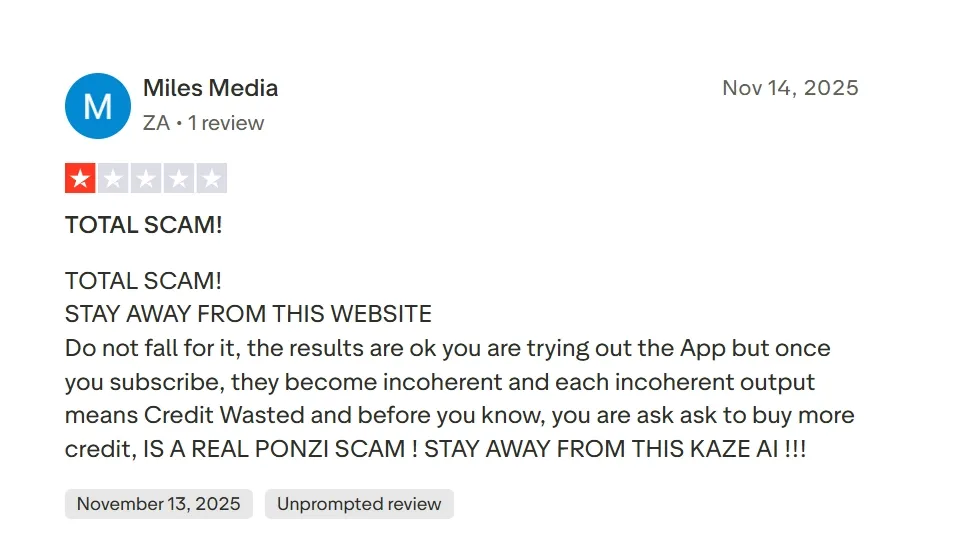
That is why I would look for a Kaze AI alternative. If I am creating product images, ecommerce visuals, social assets, stylized characters, or reusable brand graphics, I want a tool that can handle the full path from idea to finished creative asset.
9 Best Kaze AI Alternatives At a Glance
| Tool | Best For | Why I’d Use It Instead Of Kaze AI |
|---|---|---|
| Pollo AI | Best overall image workflow | Broader creative workflow, Creative Studio, Commerce Studio, 100+ image tools, and commercial image use cases |
| Getimg AI | Best for canvas editing and outpainting | Better when you want fast generation, image expansion, and reference-based edits |
| SeaArt AI | Best for community art styles | Stronger for style discovery, community inspiration, character visuals, and advanced creative controls |
| Leonardo AI | Best for characters and concept art | Better for visual world-building, character consistency, and creative asset direction |
| Civitai | Best for community model exploration | Better for creators who want prompt transparency, remixing, and niche style discovery |
| StarryAI | Best for stylized artwork | Useful for quick artistic presets, avatars, and social-friendly creative images |
| ImagineArt | Best for creative image apps | Better when you want built-in creative apps, style testing, and quick visual transformations |
| Shutterstock AI | Best for stock-style commercial visuals | Stronger when you want AI generation connected to a large creative asset library |
| AIEASE | Best for practical photo edits | Better for fast object removal, background cleanup, enhancement, and portrait transformations |
1. Pollo AI: Best Overall Kaze AI Alternative
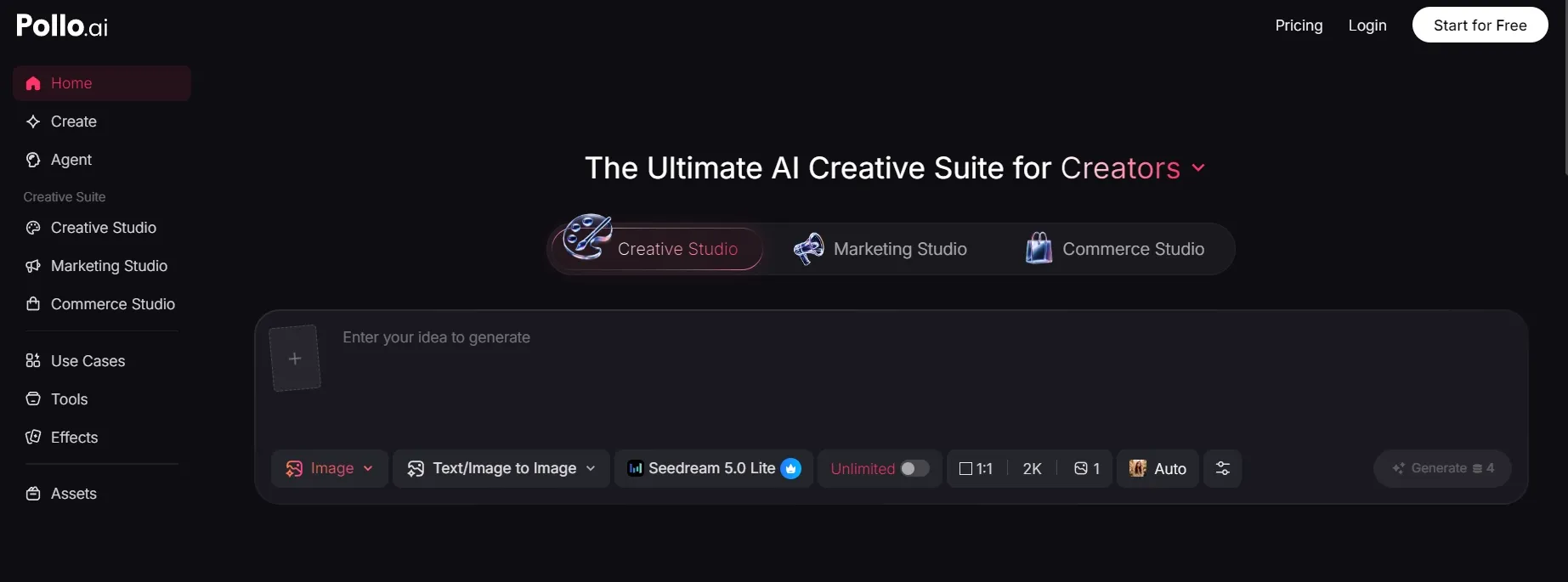
Pollo AI is the best overall Kaze AI alternative because it gives you a broader creative workflow, not just basic AI image generation.
Kaze AI is useful for generating creative images and making quick visual edits. Pollo AI feels more useful when you want to create an image from scratch, refine an existing visual with image to image AI, edit it with an AI photo editor, and adapt the result for real creative or commercial use.
The biggest difference is workflow. Pollo AI’s Creative Studio is built for image creation, editing, and style testing, while its Commerce Studio is more practical for sellers and brands. A product idea can become a product visual, product poster, ecommerce image, or branded campaign asset without jumping between separate tools.
I also like that Pollo AI brings multiple image models and 100+ image tools into one place. You can test different visual directions, relight images, change photo angles, and build stronger commercial images from the same workflow.
Pros:
- Creative workflow: Image generation, editing, and style testing sit in one place.
- Studio support: Creative Studio and Commerce Studio support both creative and commercial image needs.
- Practical output: Strong fit for product visuals, social assets, posters, ecommerce images, and brand graphics.
- Model aggregation: Multiple image models are available in one workflow, so users can test different visual directions without switching tools.
Cons:
- The workflow has more depth: Helpful for serious creative work, but casual users may only need basic generation or edits.
Best For: Creators, marketers, sellers, and brands that need more than simple photo edits.
Bottom Line: Pollo AI is the strongest Kaze AI alternative if you want to create, edit, and adapt commercial-ready AI images in one workflow.
2. Getimg AI: Best For Canvas Editing And Outpainting
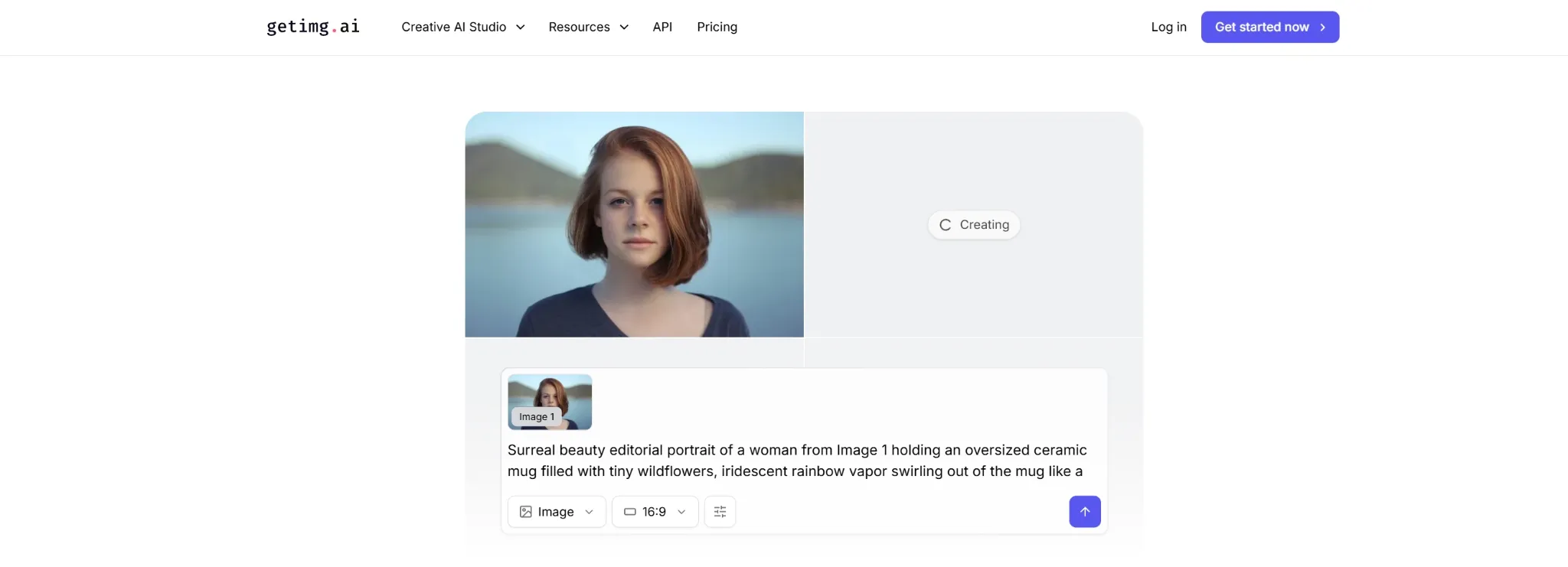
Getimg AI is a strong Kaze AI alternative if you want fast AI image generation with more room for canvas-based edits.
Kaze AI is useful for quick generation and visual adjustments. Getimg AI makes more sense when you want to expand an image, generate variations, use a reference image, or build a wider scene from an existing visual.
I would use it for outpainting, composition changes, and creative image expansion. It feels more generation-focused than Kaze AI, while still staying practical for creators who want fast visual changes.
Pros:
- Canvas editing: Useful for expanding or reshaping existing images.
- Reference-based work: Good when an uploaded image should guide the result.
- Fast generation: Helpful for quick visual drafts and variations.
Cons:
- Less commercial workflow depth: It is useful for image creation, but not as broad as a full creative suite.
- Prompt direction still matters: Better instructions lead to more usable results.
Best For: Creators who want outpainting, reference images, and fast canvas edits.
Bottom Line: Use Getimg AI when Kaze AI feels too focused on quick edits and you need more generation control.
3. SeaArt AI: Best For Community Art Styles
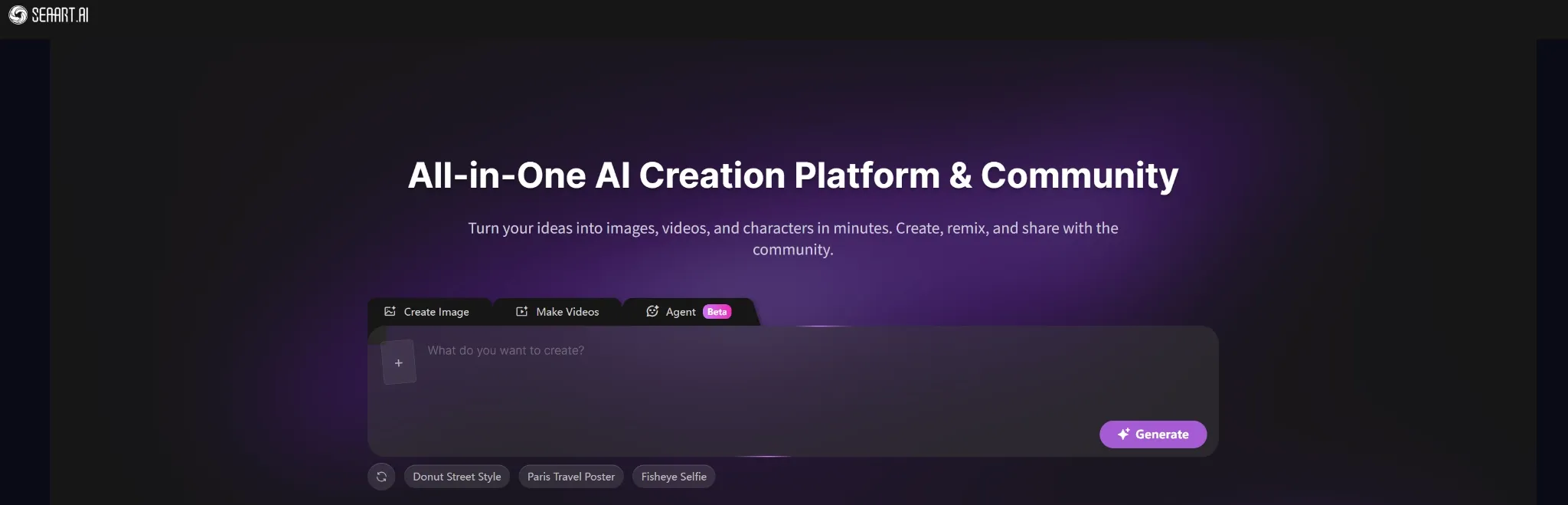
SeaArt AI is a good Kaze AI alternative if your priority is style discovery and community-driven image generation.
Kaze AI is more practical and task-led. SeaArt AI feels more like a creative art ecosystem, with community artworks, style exploration, character visuals, and stronger controls for pose, depth, and structure.
I would use SeaArt AI when I want to experiment with anime, portraits, character concepts, or community-inspired visual styles. It is less about everyday photo improvement and more about creative exploration.
Pros:
- Community inspiration: Good for discovering styles and visual directions.
- Style control: Useful for character art, anime visuals, and creative scenes.
- Advanced controls: Better when pose, structure, or visual consistency matters.
Cons:
- More complex for beginners: The creative ecosystem may take time to understand.
- Less task-led than Kaze AI: Not the simplest choice for quick photo fixes.
Best For: Artists, anime creators, character designers, and style-focused users.
Bottom Line: Use SeaArt AI when you want a Kaze AI alternative built more around creative style exploration.
4. Leonardo AI: Best For Characters And Concept Art
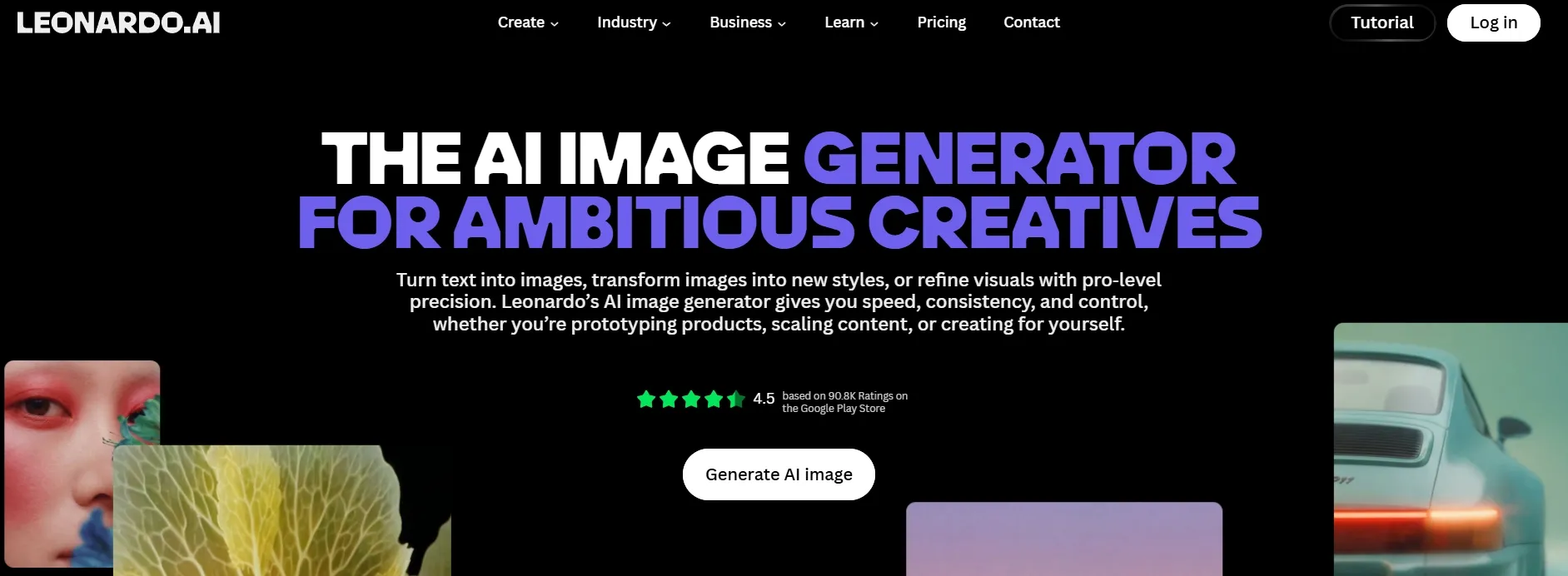
Leonardo AI is the best Kaze AI alternative for character design, game-style assets, and visual world-building.
Kaze AI is better for quick image generation and practical editing. Leonardo AI is stronger when the goal is creative production: characters, environments, stylized portraits, props, and concept directions that need multiple variations.
I would use it for brand mascots, fantasy characters, game concepts, and entertainment-style visuals. If the project depends on visual consistency and creative direction, Leonardo AI gives you more room than Kaze AI.
Pros:
- Character creation: Strong for stylized characters and concept visuals.
- Creative control: Better for repeatable visual directions.
- Asset workflow: Useful when you need multiple related images.
Cons:
- More setup than Kaze AI: It takes time to understand the controls.
- Not the fastest edit tool: Better for creative projects than simple photo tasks.
Best For: Concept artists, game creators, character designers, and creative teams.
Bottom Line: Use Leonardo AI when Kaze AI feels too utility-focused for character-led creative work.
5. Civitai: Best For Community Model Exploration
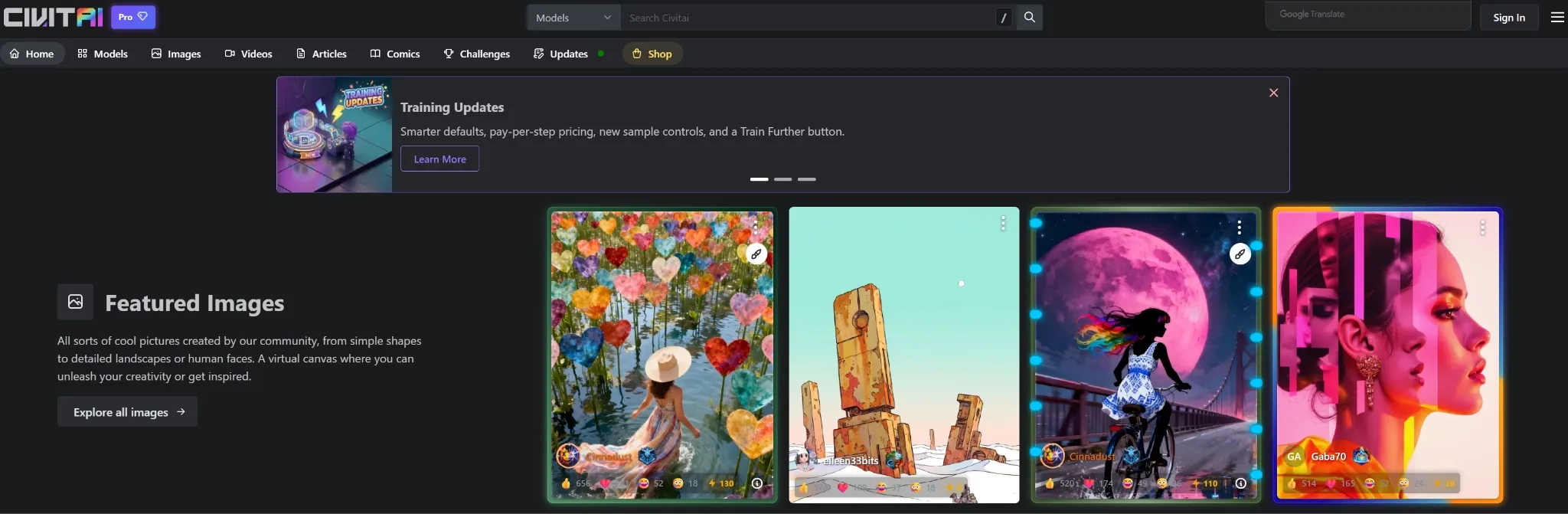
Civitai is a useful Kaze AI alternative if you want a community-driven image generation ecosystem.
Kaze AI is easier for everyday generation and edits. Civitai is better when you want to explore shared styles, remix prompts, study how images were made, and create visuals from community-built directions.
I would use it for niche art styles, anime-inspired visuals, fantasy portraits, and prompt learning. It is not the most beginner-simple tool, but it is powerful for creators who want more transparency and creative freedom.
Pros:
- Community model library: Strong for discovering niche styles and visual themes.
- Remix workflow: Useful when you want to build from existing community creations.
- Prompt transparency: Helpful for learning how different looks are made.
Cons:
- Steep learning curve: Beginners may need time to understand the ecosystem.
- Less guided workflow: Community-driven creation can feel less structured.
Best For: AI artists, prompt learners, anime creators, and advanced style explorers.
Bottom Line: Use Civitai when Kaze AI feels too closed or too basic for deeper creative experimentation.
6. StarryAI: Best For Stylized Artwork
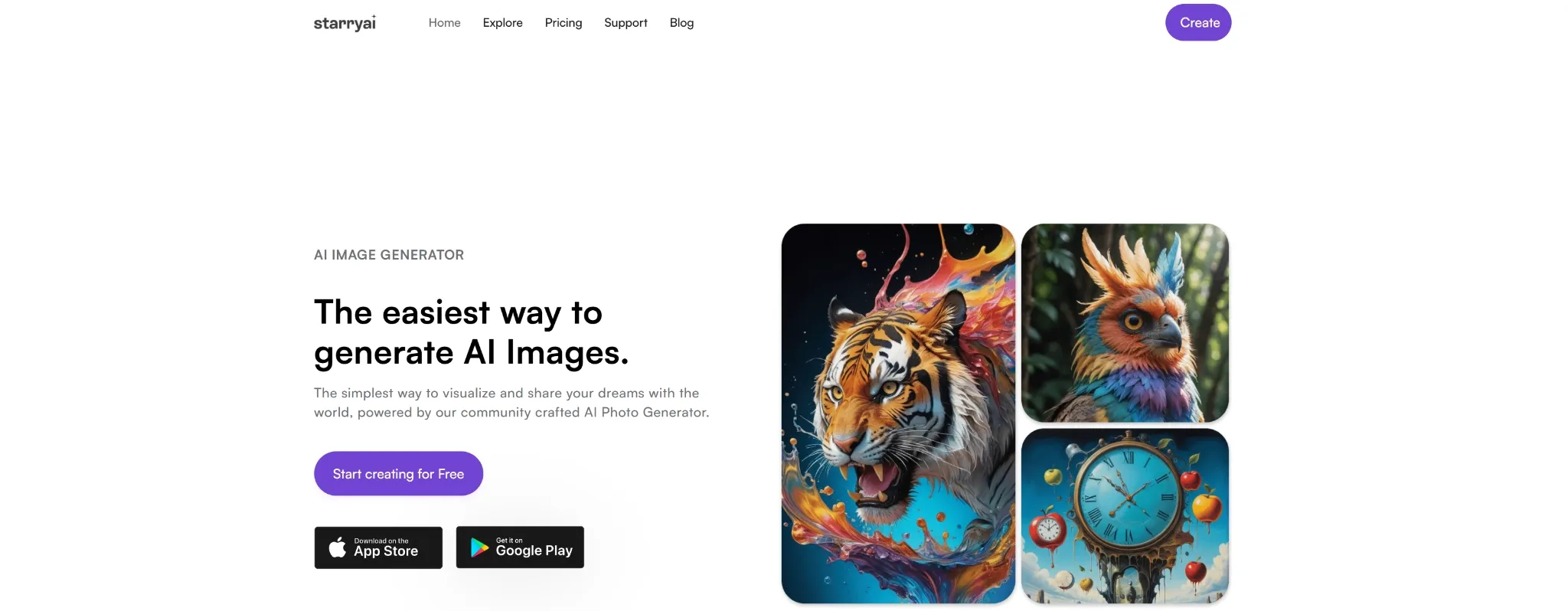
StarryAI is a good Kaze AI alternative if you want quick stylized artwork, avatars, and artistic presets.
Kaze AI is more useful for quick image generation and photo enhancement. StarryAI is better when you want to turn ideas into digital art, profile visuals, creative portraits, or themed social images.
I would use it for personal art projects, stylized avatars, cartoon-style visuals, and simple creative experiments. It is not the deepest commercial workflow here, but it is easy to understand.
Pros:
- Art presets: Useful for quick stylized images and themed visuals.
- Avatar creation: Good for profile images and creative character looks.
- Beginner-friendly: Easy for casual users who want fast results.
Cons:
- Limited workflow depth: Not ideal for complex brand or ecommerce production.
- Preset feel: Some outputs may feel more template-like if you rely too much on ready-made styles.
Best For: Casual creators, social users, and artists making stylized visuals.
Bottom Line: Use StarryAI when Kaze AI feels too practical and you want faster artistic output.
7. ImagineArt: Best For Creative Image Apps
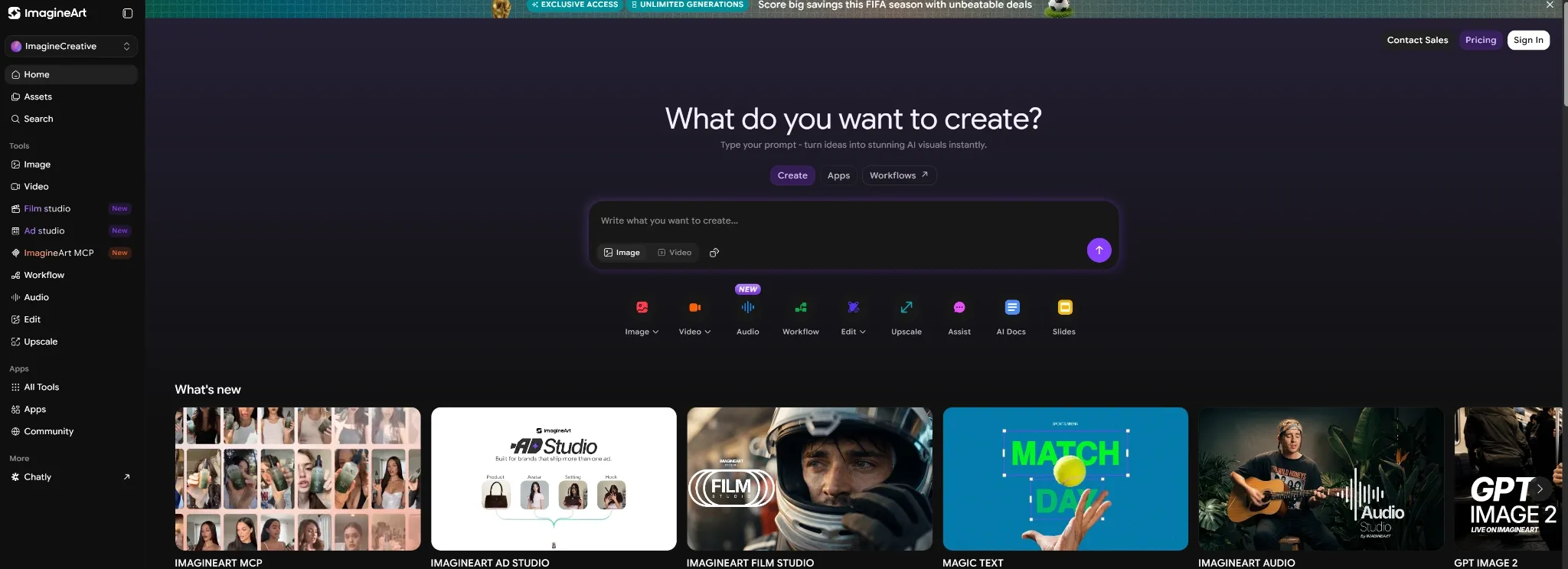
ImagineArt is a useful Kaze AI alternative if you want creative image apps and quick visual transformations.
Kaze AI focuses on fast generation and practical editing tasks. ImagineArt feels more flexible for creators who want image generation, built-in apps, background changes, object replacement, style testing, and community inspiration in one place.
I would use it for social media ideas, concept art, marketing visuals, and fast creative experiments. It is especially helpful when you want more than enhancement tools, but still want a guided workflow.
Pros:
- Creative apps: Useful for quick visual transformations.
- Built-in image tools: Good for background changes, object replacement, and style tests.
- Community inspiration: Helps creators discover new visual directions.
Cons:
- Can feel broad: Users who only need one simple image task may not need all the features.
- Output consistency varies: More complex creative requests may need extra testing.
Best For: Creators who want quick apps, style tests, and flexible image experiments.
Bottom Line: Use ImagineArt when Kaze AI feels too utility-led and you want more creative image options.
8. Shutterstock AI: Best For Stock-Style Commercial Visuals
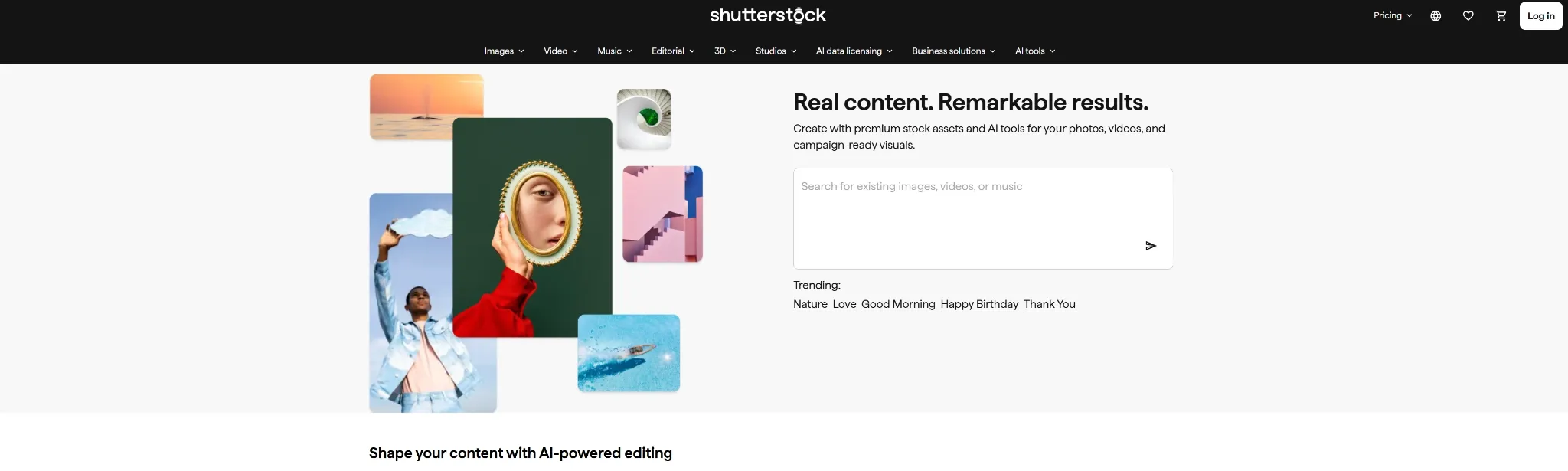
Shutterstock AI is a good Kaze AI alternative if you want AI image generation connected to a large creative asset library.
Kaze AI helps generate, improve, or transform images. Shutterstock AI makes more sense when you want stock-style visuals, commercial concepts, image variations, and prompt support inside a more asset-led environment.
I would use it for campaign concepts, marketing visuals, presentation graphics, and brand-safe stock-style image ideas. It is not the most experimental tool on this list, but it fits teams that care about commercial polish.
Pros:
- Asset-library fit: Good for stock-style and commercial visuals.
- Prompt enrichment: Helpful when a simple idea needs more detail.
- Image variations: Useful for exploring different campaign directions.
Cons:
- Less open-ended: Not as experimental as community art platforms.
- Asset-led workflow: Better for commercial visuals than highly personal art styles.
Best For: Marketers, designers, and teams needing stock-style AI visuals.
Bottom Line: Use Shutterstock AI when Kaze AI feels too lightweight and you need more commercial visual options.
9. AIEASE: Best For Practical Photo Edits
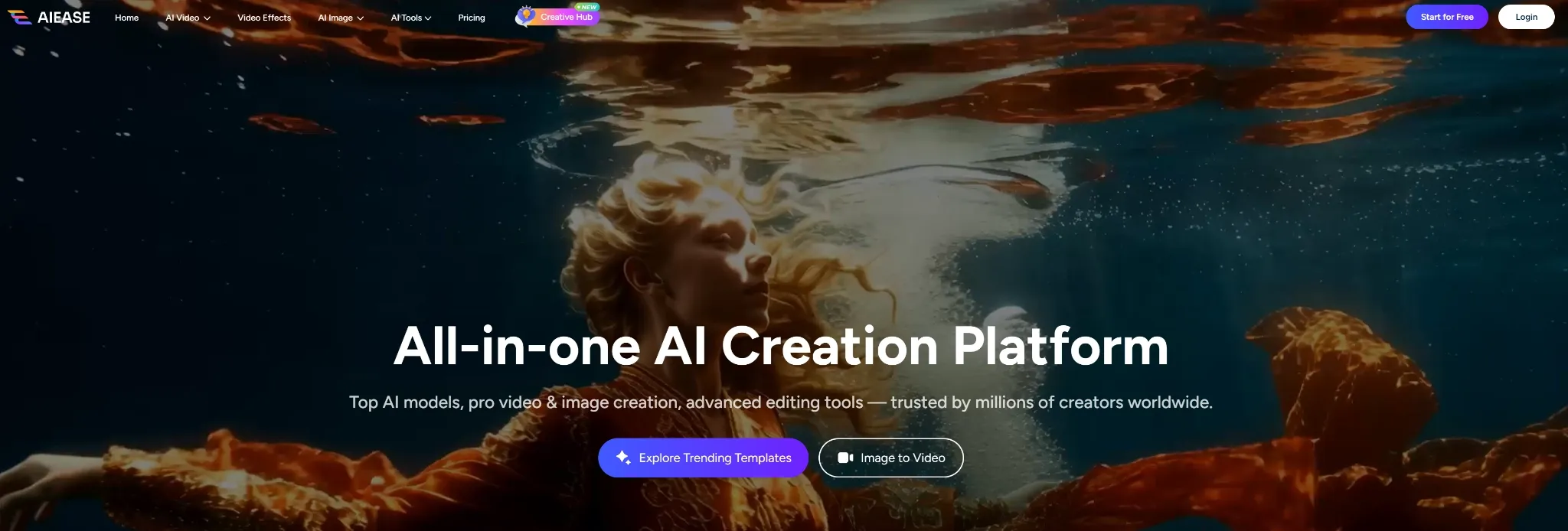
AIEASE is the closest Kaze AI alternative if you mainly need practical image editing and visual enhancement.
Both tools are useful for everyday image tasks. AIEASE stands out when you need object removal, background changes, photo enhancement, portrait transformations, image expansion, or quick creative edits without a complex workflow.
I would use it for product photo cleanup, social visuals, profile images, and simple photo improvements. It is less suited for deep brand campaigns, but strong for fast utility editing.
Pros:
- Practical photo tools: Good for object removal, enhancement, and background edits.
- Portrait transformations: Useful for profile photos and social visuals.
- Beginner-friendly: Easy to use for common image tasks.
Cons:
- Limited advanced controls: Not ideal for highly detailed editing work.
- Output may vary: Complex edits can still produce uneven results.
Best For: Casual users, sellers, and creators who need fast photo edits.
Bottom Line: Use AIEASE when you want a Kaze AI alternative focused on simple, practical image improvements.
How I Tested These Kaze AI Alternatives
I tested each tool by looking for the places where Kaze AI can feel limited.
Image Generation: Can it turn prompts into useful visuals across different styles?
Editing: Can it adjust, enhance, or transform an image without a complex workflow?
Creative Control: Can it create more than simple style-based images or quick edits?
Commercial Fit: Can the output work for product images, social posts, brand assets, or ecommerce visuals?
Workflow Depth: Does it help me turn an idea into a usable creative asset?
How I’d Choose The Right Kaze AI Alternative
If I were replacing Kaze AI, I would start with the type of image work I actually need to finish.
For most creators, marketers, and sellers, I would start with Pollo AI. It gives you the broadest workflow: generate images, edit existing visuals, test different creative directions, and turn rough ideas into product, brand, or ecommerce assets.
If your main need is image expansion or reference-based edits, Getimg AI makes sense. If you want community art styles, SeaArt AI and Civitai are better picks. If you are building characters or concept art, Leonardo AI is stronger.
For more specific needs, StarryAI is good for stylized artwork, ImagineArt is useful for creative apps, Shutterstock AI is better for stock-style commercial visuals, and AIEASE is the closest option for practical photo edits.
Create More Flexible AI Images
Build product visuals, posters, brand graphics, and ecommerce images with Pollo AI’s full image creation workflow.
Try Pollo AI for Free
My Personal Take
Kaze AI is fast, practical, and easy to understand. But I would not use it as my main AI image workflow. The moment I need product posters, campaign graphics, ecommerce content, character concepts, or stronger style control, I would switch to Pollo AI first.
Kaze AI feels like a lightweight AI image generator with editing features. Pollo AI feels like a fuller creative workflow around the image.
Why Is Pollo AI A Better Kaze AI Alternative?
Pollo AI is the best Kaze AI alternative if you want image generation that can turn into real creative assets, not just quick visual drafts.
Its strength is the workflow around the image. Creative Studio helps with image creation, editing, and style testing, while Commerce Studio is more useful for product visuals, ecommerce content, and seller-ready creative assets.
Pollo AI also brings many image models into one workflow. You can test options like GPT Image 2, Nano Banana 2, and FLUX AI for different visual directions without switching between separate platforms.
Kaze AI is useful when you need fast generation and simple edits. Pollo AI is stronger when you want original images that feel ready for real creative or commercial use.
Final Verdict
The best Kaze AI alternative is Pollo AI because it gives you stronger creative workflow depth, more practical image tools, and a smoother path from prompt to usable commercial image.
Start with Pollo AI if you want the strongest all-around replacement. Use Getimg AI for canvas editing, SeaArt AI for community art styles, Leonardo AI for characters, Civitai for community model exploration, StarryAI for stylized artwork, ImagineArt for creative image apps, Shutterstock AI for stock-style visuals, and AIEASE for practical photo edits.