



I Tested 10 Remaker AI Alternatives for Image Generation – Here’s My Verdict
I like Remaker AI for fast face swaps and quick image edits. It is useful when I need a simple portrait swap, object cleanup, and fast visual transformations.
But when I pushed it into more serious photo editing work, the workflow started to feel narrow. I wanted better restoration control, cleaner object and background edits, and a smoother path from edited photo to campaign-ready asset.
So I compared Remaker AI with other image-focused tools and picked the 10 best Remaker AI alternatives I would actually use.
TL;DR
My top choice is Pollo AI. Because it gives me a comprehensive all-in-one experience for AI images, image to image creation, model choice, photo editing tools, and studio-based creative workflow for commercial-ready images. The other close contenders, like Adobe Firefly and Canva, can match the performance and usability.
Why I Looked for Remaker AI Alternatives
Remaker AI presents a tool suite built around quick visual utilities, especially face swap, image generation, upscaling, background removal, and object cleanup. The problem is that a serious image workflow usually needs more than a single impressive edit.
When I tried Remaker AI for editing campaign-style images, I wanted a better style consistency. But it did not give me the results I expected, and it even wasted my time on more editing. I also saw the same user frustration around outputs and features on Trustpilot.
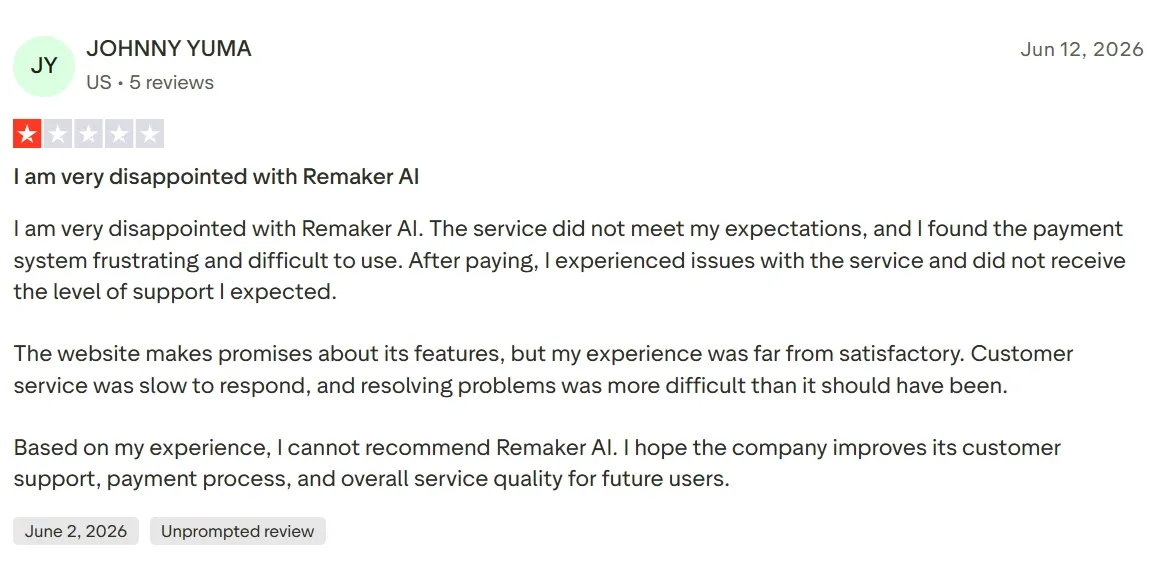
My experience mirrored that reviewer's exactly. Reliable creative work rests on steady output, responsive help, and transparent billing—none of which Remaker AI delivered. If it can't handle basic user expectations, why would I risk my next project on it?
Remaker AI Alternatives at a Glance
| Rank | Tool | Best For | Why I Picked It |
|---|---|---|---|
| 1 | Pollo AI | Best overall AI photo editor alternative | Strong photo editing, image tools, image to image control, and Studio workflows |
| 2 | Adobe Firefly | Brand-safe generative editing | Best for commercial teams that need clean generative fill and Adobe workflows |
| 3 | Canva | Edited photos into designs | Best for turning cleaned-up images into social posts, ads, and presentations |
| 4 | Pixlr | Browser-based photo editing | Closest fit for hands-on retouching, background edits, and manual cleanup |
| 5 | Picsart AI | Social photo editing | Fast filters, effects, background changes, and creator-friendly edits |
| 6 | Fotor AI | Portrait and product enhancement | Easy enhancement, retouching, and cleanup for everyday photos |
| 7 | AIEASE | Fast photo utilities | Good for background removal, object cleanup, and light enhancement |
| 8 | Magnific | Creative upscaling | Useful for sharper, richer images from existing visuals |
| 9 | Getimg AI | Inpainting and image to image control | Good for controlled visual iteration after the first edit |
| 10 | Leonardo AI | Stylized image transformation | Strong for creative styles, concept visuals, and asset consistency |
1. Pollo AI - Best Overall Remaker AI Alternative for AI Photo Editing
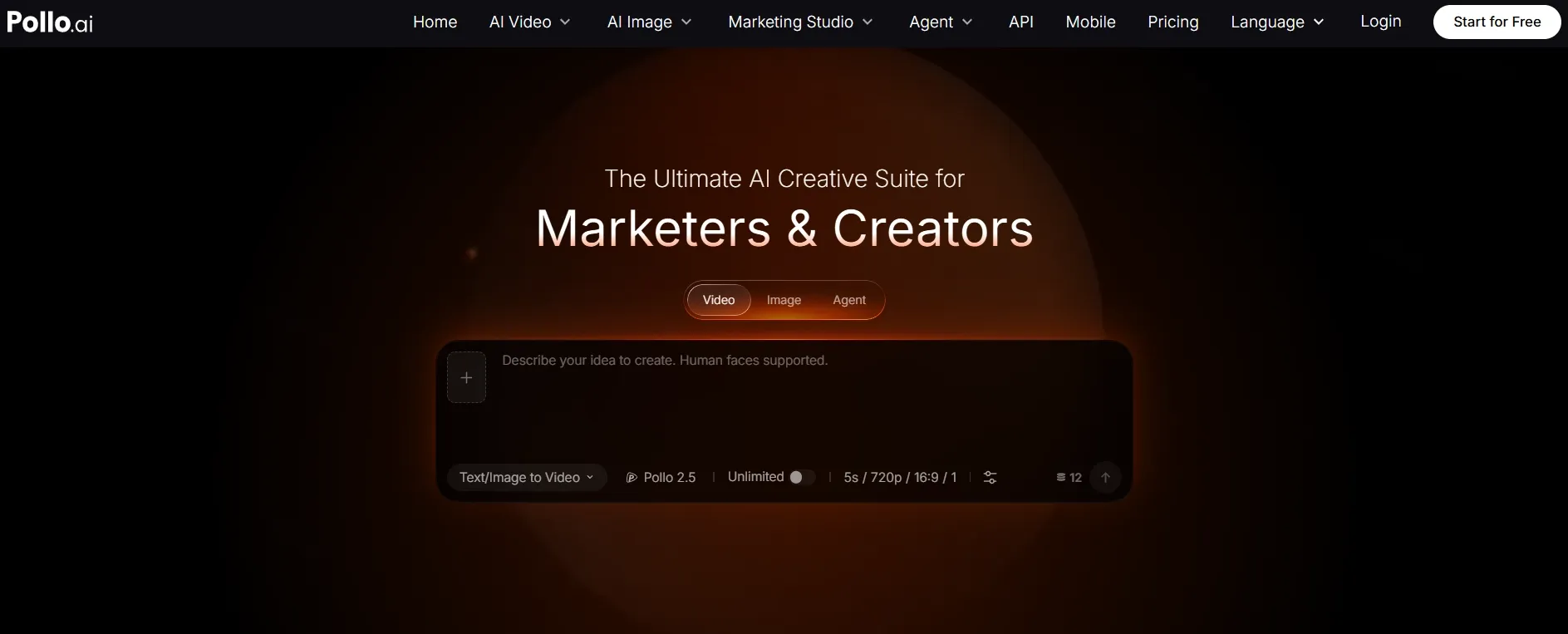
Pollo AI is my top Remaker AI alternative because it treats photo editing as part of a larger creative workflow. I could clean up photos, remove objects, change backgrounds, upscale images, generate new variations, and then reuse the result for social or commercial assets.
For editing work, the biggest difference is flexibility. The AI photo editor lets me describe changes in plain language and instantly transform images. It can enhance quality, change styles, remove backgrounds, erase objects, add text, and apply creative effects.
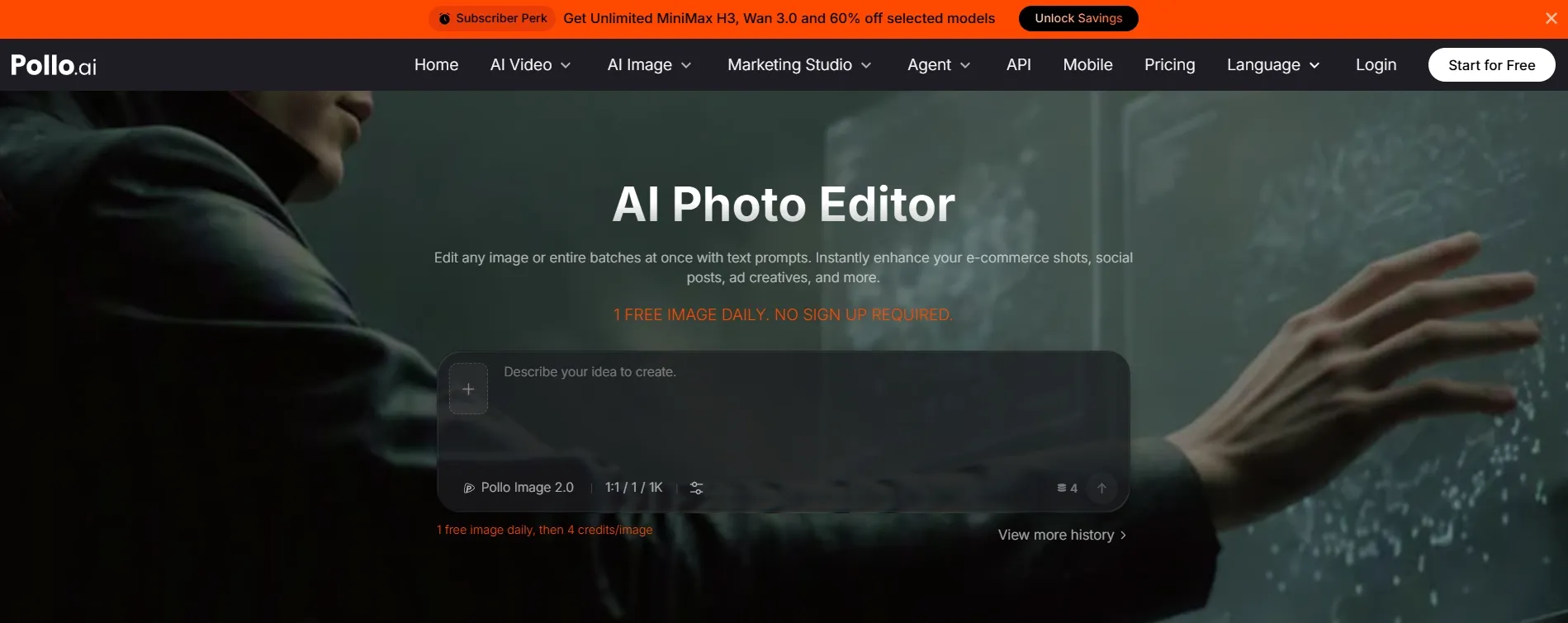
Pollo AI also covers the practical fixes I expect from a Remaker-style photo editor: a background remover for clean cutouts, an image upscaler for resolution, and a photo restoration tool for old or damaged images.
That matters because Remaker AI's core promise is speed. Pollo AI keeps that quick-edit feel, but adds a broader workflow: fix the photo, generate a variation through image to image generation, then polish it for a campaign.
I also like that Pollo AI is organized around Marketing Studio workflows. It feels more practical for creators, sellers, and brands because the workflow connects product visuals, ad creatives, campaign assets, and social content.
For product-led edits, I like how the AI product photo generator points toward usable e-commerce assets instead of leaving me with a raw edited photo.
Key Features:
- AI photo editing for cleanup, enhancement, style edits, and background changes.
- Object removal, background removal, image upscaling, and photo restoration.
- Image to image workflows for restyling, variation, and reference-based edits.
- Marketing Studio for product visuals, seller assets, and e-commerce image workflows.
Pros:
- Strongest all-in-one photo editing workflow among the Remaker AI alternatives I tested.
- Better fit for repeatable image cleanup, enhancement, and reuse.
- Useful for creators, marketers, sellers, and brand teams.
Supports both generation and post-generation editing.
Cons:
- The platform has more options than a single-purpose photo utility, so new users may need a few minutes to choose the right workflow.
- If you only need one entertainment template or a quick viral effect, Remaker AI may feel more direct.
My Verdict
I would choose Pollo AI if Remaker AI feels too narrow for your photo editing workflow. It gives me the best balance of cleanup tools, enhancement, restoration-style fixes, image to image control, and practical output paths.
AI Photo Editor for Design-Ready Visuals
Join 10M+ creators using Pollo AI to edit, enhance, and transform photos into polished visuals for social posts, ads, products, and designs — all in one place.
Start Editing Free
2. Adobe Firefly - A Remaker AI Alternative for Brand-Safe Generative Editing
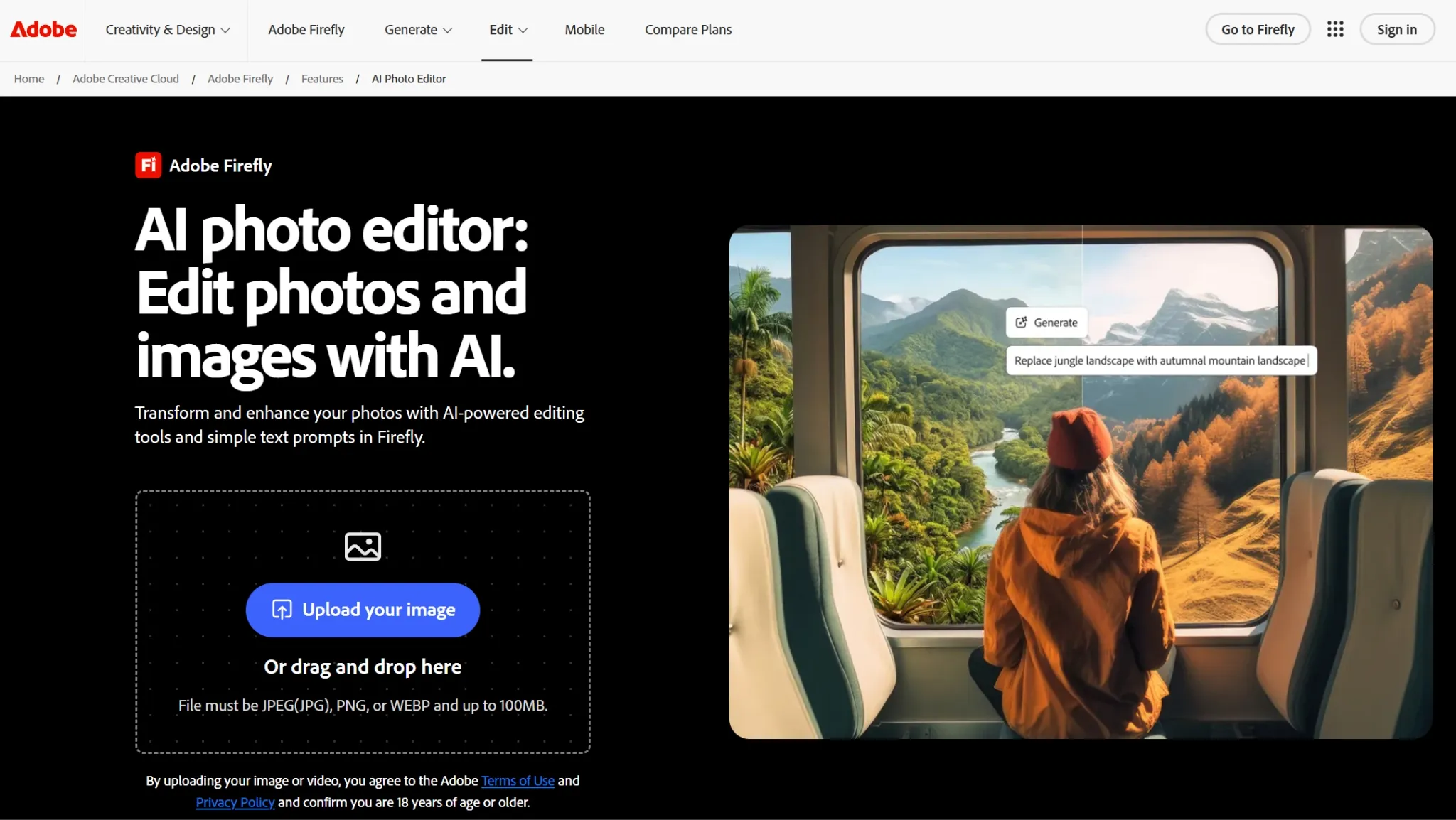
Adobe Firefly is the Remaker AI alternative I would choose for brand-safe generative editing. It is especially useful if you already work with Adobe tools and care about commercial design workflows.
Compared with Remaker AI, Firefly feels less entertainment-template driven and more controlled. I liked it most for generative fill, image editing, text effects, and visual experiments that need to stay usable for brand work.
It is especially useful when the edited photo must fit a campaign, product page, or design system. I would not pick it for viral templates, but I trust it more for polished commercial edits.
Pros:
- Strong fit for designers and brand teams.
- Useful generative fill and image editing features.
- More polished for commercial creative environments.
Cons:
- Less playful than Remaker AI's entertainment side.
- Best value usually comes if you already use Adobe products.
- Not the fastest option for casual one-click edits.
My Verdict
I would choose Adobe Firefly if you need cleaner, safer edits for brand work. It is less of a viral photo-template tool and more of a professional generative editing companion.
Read our Adobe Firefly review for more details.
3. Canva - A Remaker AI Alternative for Edited Photos in Designs
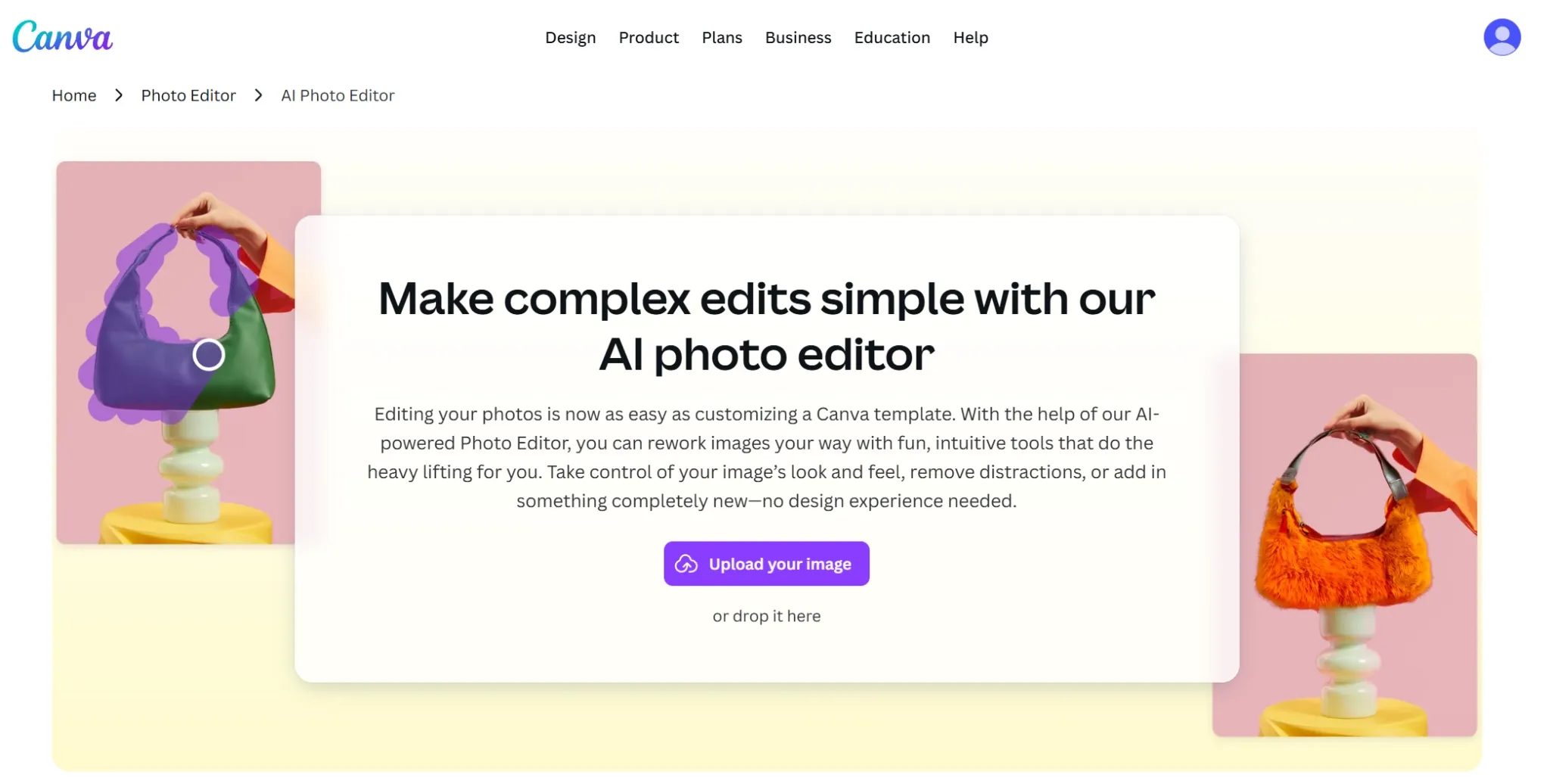
Canva is best when an edited photo needs to become a design immediately. It combines AI image tools with templates, layouts, brand kits, social posts, presentations, and simple editing.
That makes it a practical Remaker AI alternative for marketers and small teams. Remaker AI can edit or transform a standalone image, but Canva is better when I need to place that image into a finished graphic.
I would use Canva after the actual photo fix is mostly done. It helps with layout, text, resizing, and brand consistency, which are often the final steps before publishing.
Pros:
- Excellent for social posts, ads, thumbnails, and presentations.
- Beginner-friendly interface.
- Strong template ecosystem.
- Good for teams that need consistent brand assets.
Cons:
- AI editing depth is not as deep as that of dedicated photo editors.
- Advanced image control can feel limited.
- Some outputs can look template-heavy without manual design work.
My Verdict
I would choose Canva if your edited image needs to become a post, ad, thumbnail, or deck slide. It is not the deepest AI photo editor, but it is very good at finishing the asset.
See our Canva AI review if you want the full notes.
4. Pixlr - A Remaker AI Alternative for Browser Photo Editing
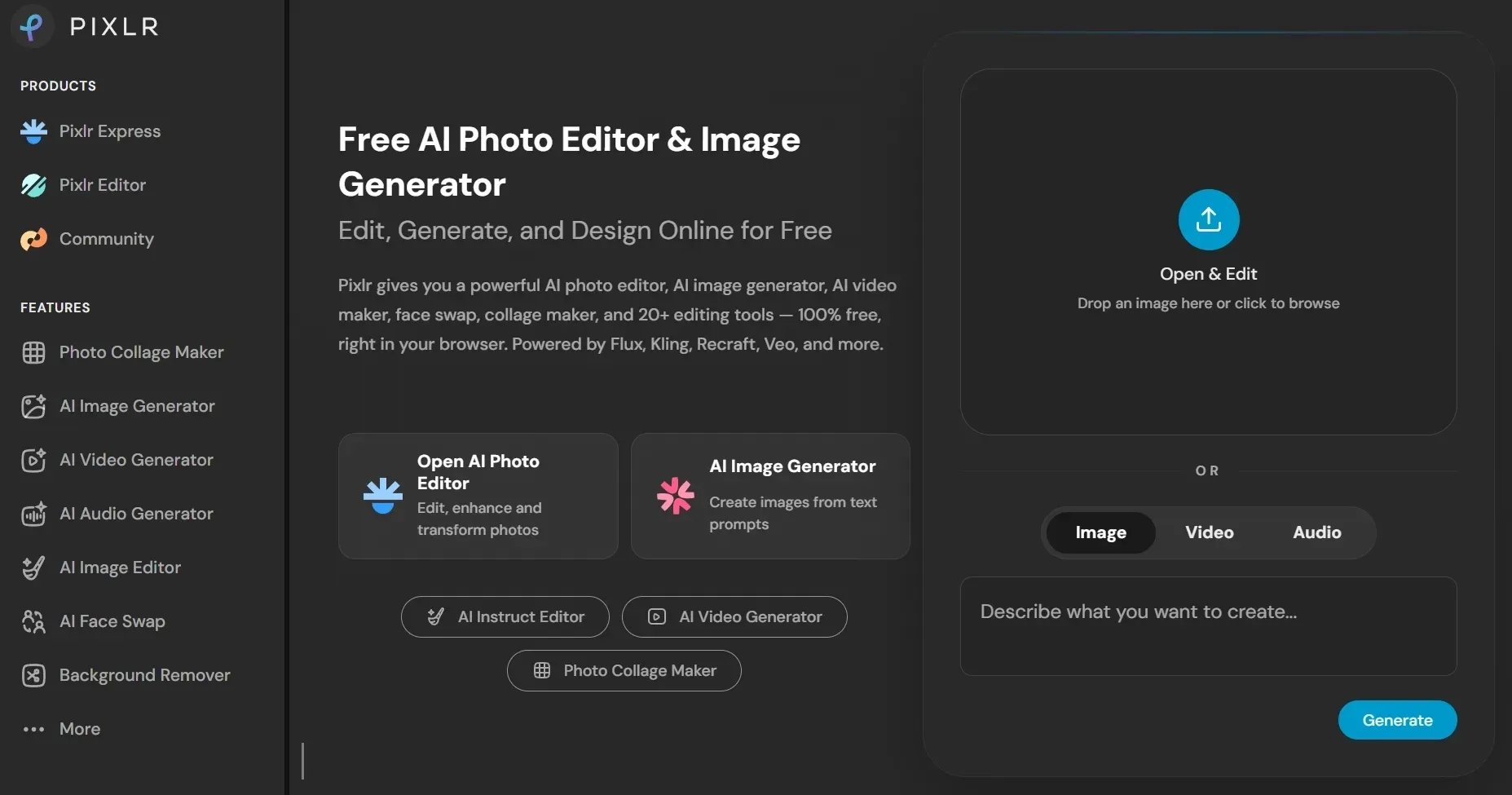
Pixlr is the closest Remaker AI alternative here for users who still want a familiar photo editor. It gives you browser-based editing tools with AI features layered into the workflow.
I would use Pixlr when I need more manual control than Remaker AI gives me. It is useful for retouching, background edits, filters, layout tweaks, and image cleanup without opening desktop software.
The tradeoff is that Pixlr asks me to make more editing decisions myself. That is good for precision, but less ideal when I want Remaker-style one-click restoration or a quick template effect.
Pros:
- Strong browser-based editing experience.
- Better manual editing depth than many quick AI tools.
- Useful for background work, retouching, and cleanup.
- Easy to access without heavy software.
Cons:
- The interface can feel more editor-like than template-like.
- Some AI results still need manual cleanup.
- Not ideal if you want a fully guided viral-template workflow.
My Verdict
I would choose Pixlr if Remaker AI feels too automated and you want more hands-on photo editing control. It is one of the better fits for classic retouching plus AI assistance.
Open our Pixlr AI review for more details.
5. Picsart AI - A Remaker AI Alternative for Social Photo Edits
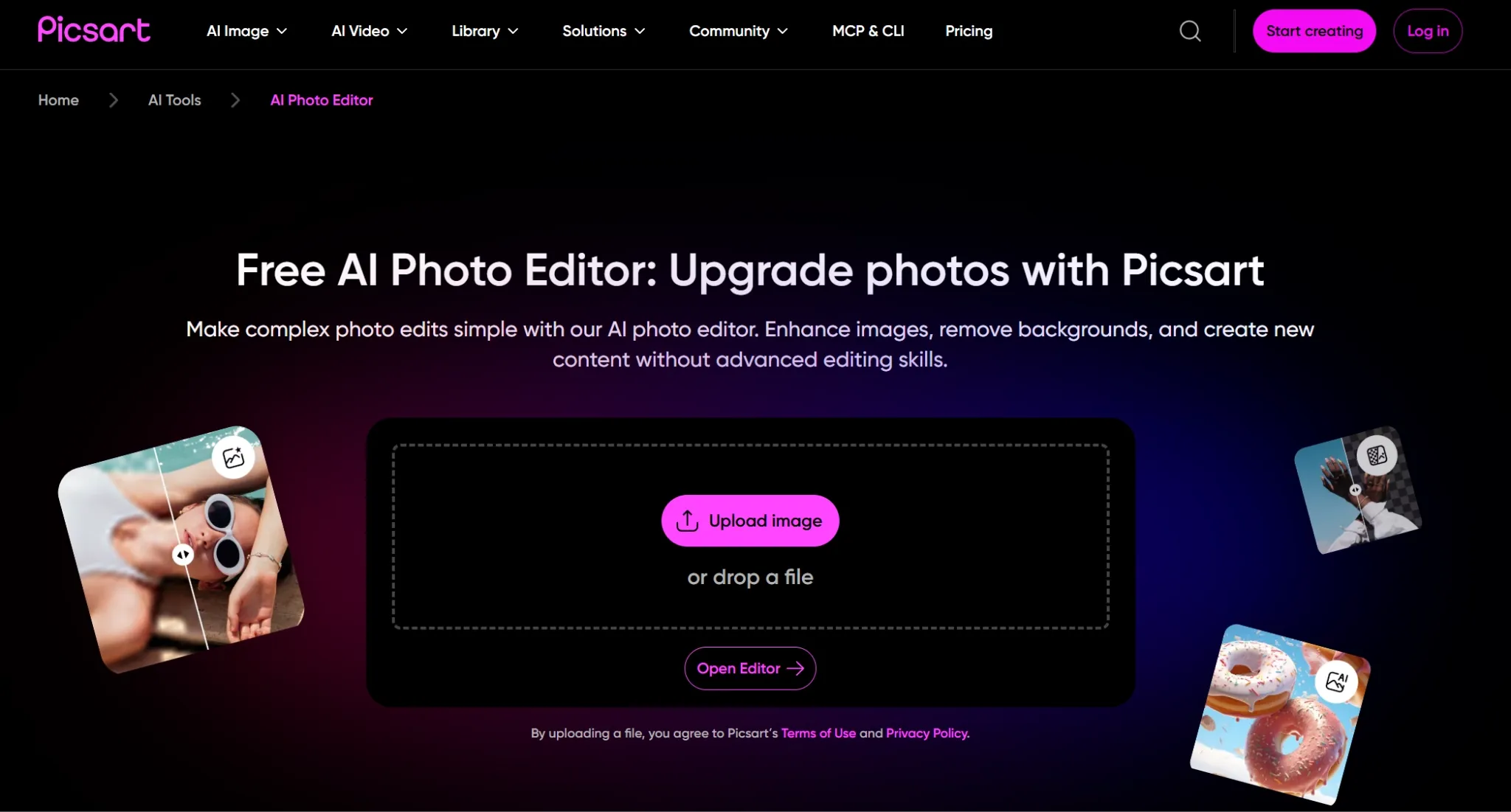
Picsart AI is best for fast, social-first photo editing. It makes sense if you want filters, design effects, background changes, stickers, and AI edits without a steep learning curve.
This is close to the entertainment side of Remaker AI. I would use Picsart AI when the goal is not perfect restoration, but a quick visual that feels ready for social posting.
It also works well when I want playful edits around a photo, not a heavy professional workflow. The effects, stickers, and mobile-friendly editing flow make quick content easier to finish.
Pros:
- Good for social media creators.
- Fast editing and design effects.
- Beginner-friendly experience.
- Useful mobile-style creative workflow.
Cons:
- Less precise for advanced commercial photo work.
- Can feel more casual than professional.
- AI generation depth is not the main attraction.
My Verdict
I would choose Picsart AI if speed, filters, and social polish matter more than deep control. It is a fun, practical option for everyday photo edits.
Read our Picsart AI review for more details.
6. Fotor AI - A Remaker AI Alternative for Simple Photo Enhancement
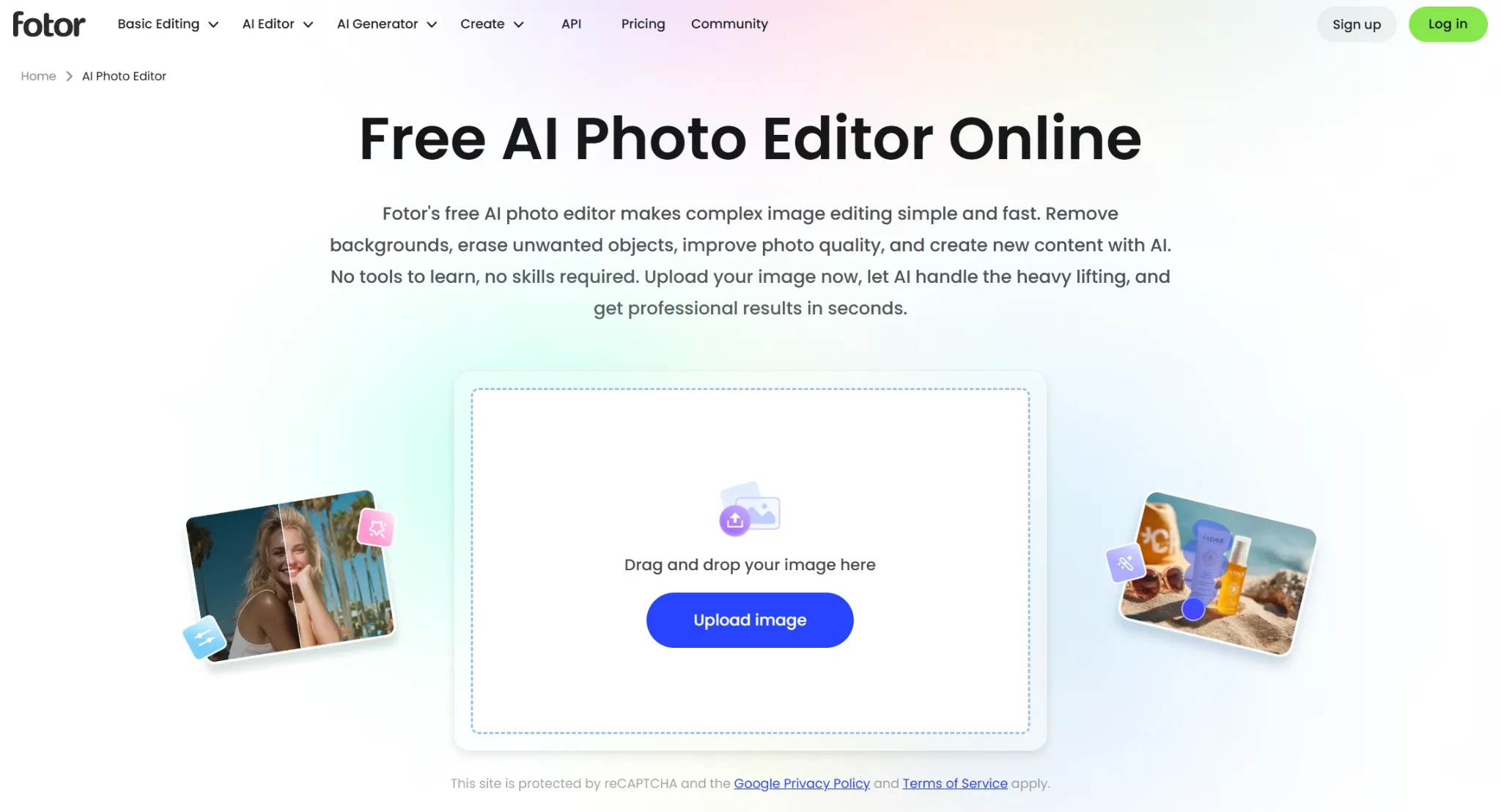
Fotor AI is a practical option for users who want easy photo enhancement and basic AI design. It works well for portraits, product photos, background edits, and simple image cleanup.
Compared with Remaker AI, Fotor AI feels broader for everyday photo improvement. It is not my first pick for advanced creative generation, but it is comfortable for quick, clean edits.
I would use it for photos that need a simple glow-up: sharper portraits, cleaner product shots, or minor background work. It is less exciting than deeper tools, but very approachable.
Pros:
- Easy photo enhancement workflow.
- Useful for portraits and product images.
- Beginner-friendly editing tools.
- Good for quick cleanup and visual polish.
Cons:
- Less powerful for complex creative generation.
- Advanced creators may outgrow it quickly.
- Some results can look generic without manual adjustments.
My Verdict
I would choose Fotor AI if you mainly need photo polish. It is a sensible Remaker AI alternative for users who want cleaner images without having to learn a heavy editor.
See our Fotor AI review if you want more details.
7. AIEASE - A Remaker AI Alternative for Fast Photo Utilities
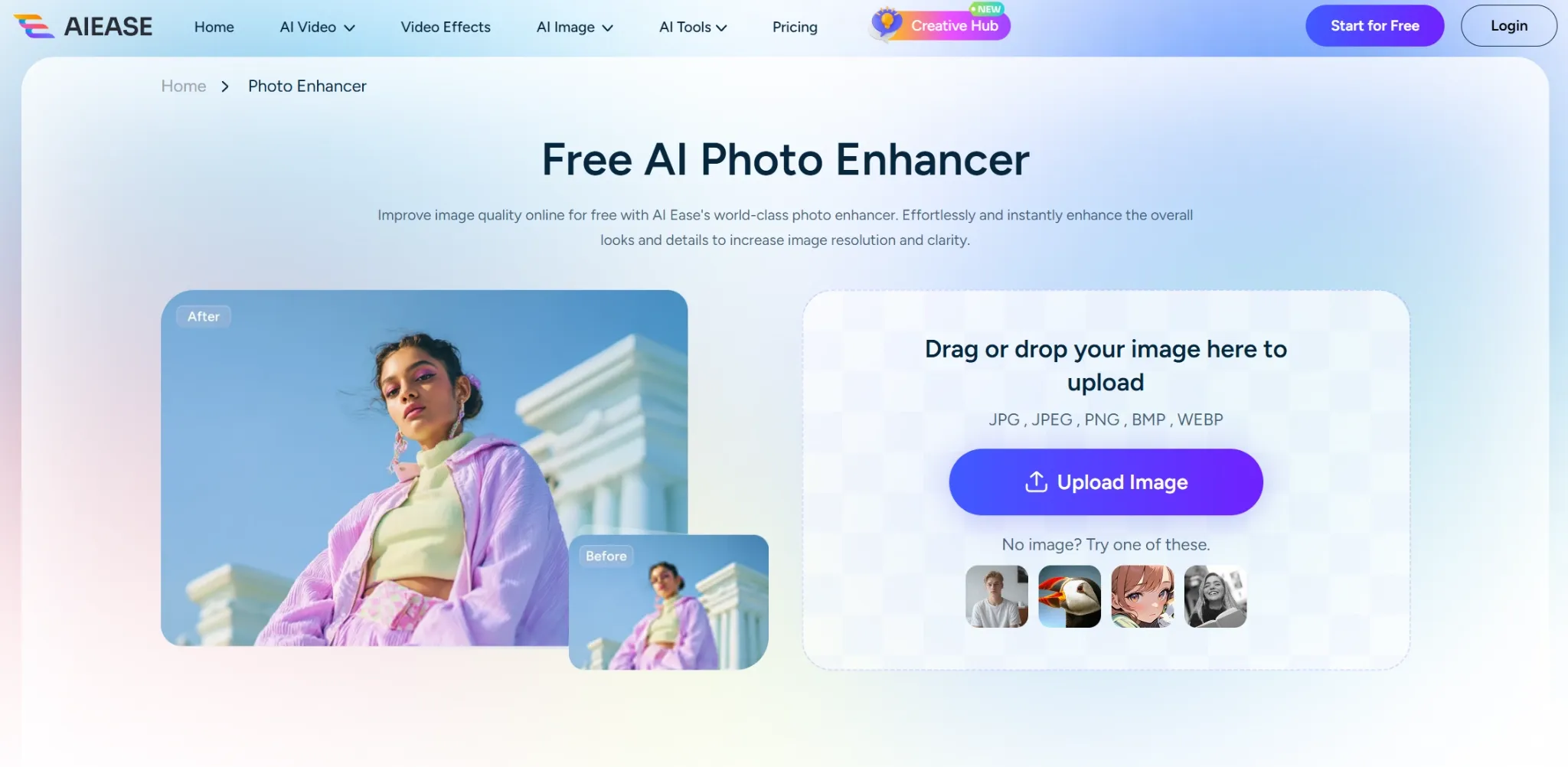
AIEASE is a good Remaker AI alternative if you want separate tools instead of one unified AI photo editor. Its menu includes Photo Enhancer, Object Remover, Background Remover, Photo Restoration, AI Extender, and style tools.
That structure makes AIEASE feel more like a toolbox than a full editing workspace. I would open the exact tool I need, upload the photo, finish the fix, and move on.
Its value is speed and clarity. When I only need to enhance a photo, remove a background, clean an object, or restore an old image, AIEASE keeps each task simple and low-pressure.
Pros:
- Fast and easy for single-purpose photo fixes.
- Useful for enhancement, background removal, object removal, and restoration.
- Low learning curve.
- Clear tool-by-tool entry points for casual users.
Cons:
- Not a unified AI photo editor workspace.
- Less suited to advanced art direction.
- Can feel fragmented if one project needs several edits.
My Verdict
I would choose AIEASE if you want simple, separate tools for specific fixes. It is easy to use, but I would not treat it as a single end-to-end AI photo editor.
Check our AIEase review for the full notes.
8. Magnific - A Remaker AI Alternative for Creative Upscaling
Magnific is a strong alternative when your main problem is not generating a new image from scratch, but making an existing image look richer, sharper, and more production-ready.
Compared with Remaker AI, Magnific feels more focused on creative enhancement. I would use it for AI upscaling, detail recovery, texture improvement, product visuals, and concept images that need more visual density.
It is not the first tool I would open for background removal or restoration. But when the photo already works and needs a richer final finish, Magnific becomes much more relevant.
Pros:
- Strong for creative upscaling and image enhancement.
- Good for adding fine detail and texture to AI images.
- Useful for product visuals, portraits, and concept art.
- Better fit when the starting image is already close but not polished enough.
Cons:
- Creative upscaling can add details that were not in the source image.
- Not as direct as Remaker AI for quick templates.
- Best results still need careful settings and visual review.
My Verdict
I would choose Magnific if the original image has the right composition but needs more detail. It is a better fit for enhancement and upscaling than quick entertainment edits.
9. Getimg AI - A Remaker AI Alternative for Inpainting and Image to Image Control
Getimg AI is a good choice when you want generation plus controlled iteration. I liked it most for image to image work, canvas-style editing, inpainting, and refining an idea across multiple passes.
Compared with Remaker AI, Getimg AI gives more creative control around how an image evolves. It is a better pick if you want to start with a reference, change parts of it, and keep iterating.
That makes it helpful for edits that need planning rather than instant effects. I would use it when the first photo is only a starting point, and the final image needs several controlled passes.
Pros:
- Strong image to image and inpainting workflows.
- Good for controlled visual iteration.
- Useful for creators who test many versions.
- More generation-focused than simple AI photo tools.
Cons:
- Takes more setup than one-click image utilities.
- Results depend heavily on prompts and settings.
- Not as design-template friendly as Canva or Magnific's broader creative platform.
My Verdict
I would choose Getimg AI if Remaker AI feels too limited after the first edit. It gives you more room to guide the image instead of accepting a single result.
See our Getimg AI review for more details.
10. Leonardo AI - A Remaker AI Alternative for Stylized Image Transformation
Leonardo AI is the Remaker AI alternative I would pick for stylized image transformation, concept visuals, game assets, and creative direction. It gives users more room to experiment with visual styles and asset consistency.
It is not trying to be a simple photo fixer. Leonardo AI is better when I want to build a look, test variations, and create visual assets that belong to the same creative world.
For a Remaker AI user, the main appeal is style transformation rather than repair. If the goal is to turn a photo idea into a polished fantasy, game, or concept look, Leonardo AI has more room.
Pros:
- Strong for concept art and stylized image generation.
- Useful style and asset consistency options.
- Good fit for game, character, and creative projects.
- More flexible than basic image utility tools.
Cons:
- Can feel more complex than Remaker AI.
- Not the quickest option for simple edits.
- Some workflows are better suited to experienced creators.
My Verdict
I would choose Leonardo AI if you care about style exploration. It is much stronger than Remaker AI for creative asset development, but less direct for everyday photo fixes.
Read our Leonardo AI review to know more.
How I Reviewed These Remaker AI Alternatives
I ranked these tools by how well they could replace or improve on Remaker AI's core AI photo editing jobs. I focused on photo cleanup, restoration-style repair, background removal, object removal, upscaling, style transfer, image to image workflows, and output usefulness.
I also looked for category fit. Since Remaker AI extends into AI video generation and trending templates, I considered video or social extensions as useful add-ons, but only after the image editing workflow was already strong.
Finally, I considered who each tool is really for. Some Remaker AI alternatives are better for professional designers, while others are better for marketers, sellers, casual creators, or people who mainly want fast photo utilities.
Which Remaker AI Alternative Should You Choose?
| Use Case | Best Pick | Why |
|---|---|---|
| Best overall AI photo editor | Pollo AI | Strong cleanup, background tools, upscaling, image to image, and Studio workflows |
| Manual browser photo editing | Pixlr | Familiar editor layout with AI-assisted cleanup |
| Brand-safe generative editing | Adobe Firefly | Clean generative fill and Adobe ecosystem fit |
| Edited photos into designs | Canva | Templates plus simple AI editing |
| Fast social photo edits | Picsart AI | Filters, effects, backgrounds, and creator-friendly edits |
| Simple photo enhancement | Fotor AI | Easy portrait, product, and cleanup edits |
| Lightweight photo utilities | AIEASE | Fast background removal and object cleanup |
| Image upscaling | Pollo AI | Detail-rich enhancement and sharper existing images |
| Inpainting and image to image | Pollo AI | Better control over reference-based edits |
| Stylized transformations | Leonardo AI | Strong style generation and visual consistency |
Extra Note: When Edited Photos Need to Become Campaign Assets
If your work stops at a single edited photo, a simple Remaker AI alternative may be enough. But if you need edited images for campaigns, product listings, ads, or repeatable content, I would use a broader platform.
That is where Pollo AI stands out for me. Its photo editing tools are strong on their own, but the greater advantage is that finished visuals can integrate naturally with the Marketing Studio workflows.
For sellers, that means product visuals can become commercial assets through tools like the AI product video generator. For marketers, image concepts can become ad creatives through photo to video ads. For creators, a finished image can become part of a wider visual project instead of sitting as a one-off download.
Final Verdict
Remaker AI is useful when I need quick AI photo editing, restoration-style fixes, background removal, upscaling, or a fast entertainment template. I would still keep it in mind for fast tasks where I do not need a full creative workflow.
But for serious photo editing, I prefer alternatives that give me more control after the first edit. The best tools here do not just apply an effect; they help me repair, refine, upscale, reuse, and publish the image.
My top recommendation is Pollo AI. It gives you the strongest overall mix of AI photo editing, object removal, background tools, upscaling, photo restoration, image to image control, and Marketing Studio workflows.
If Remaker AI feels too limited for your next photo editing project, start with Pollo AI today and build the whole image workflow in one place.