Image to Video AI
Turn one or more images into expressive clips, animated videos, or cinematic stories with natural motion and sound. Create with Seedance 2.5, Kling 4.0, MiniMax H3 Max, and Wan 3.0 more in one place.
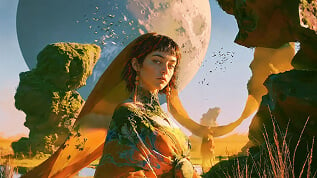
MAGI-2
Go bigger on ideas and lighter on cost.
Create videos worth watching with image to video AI
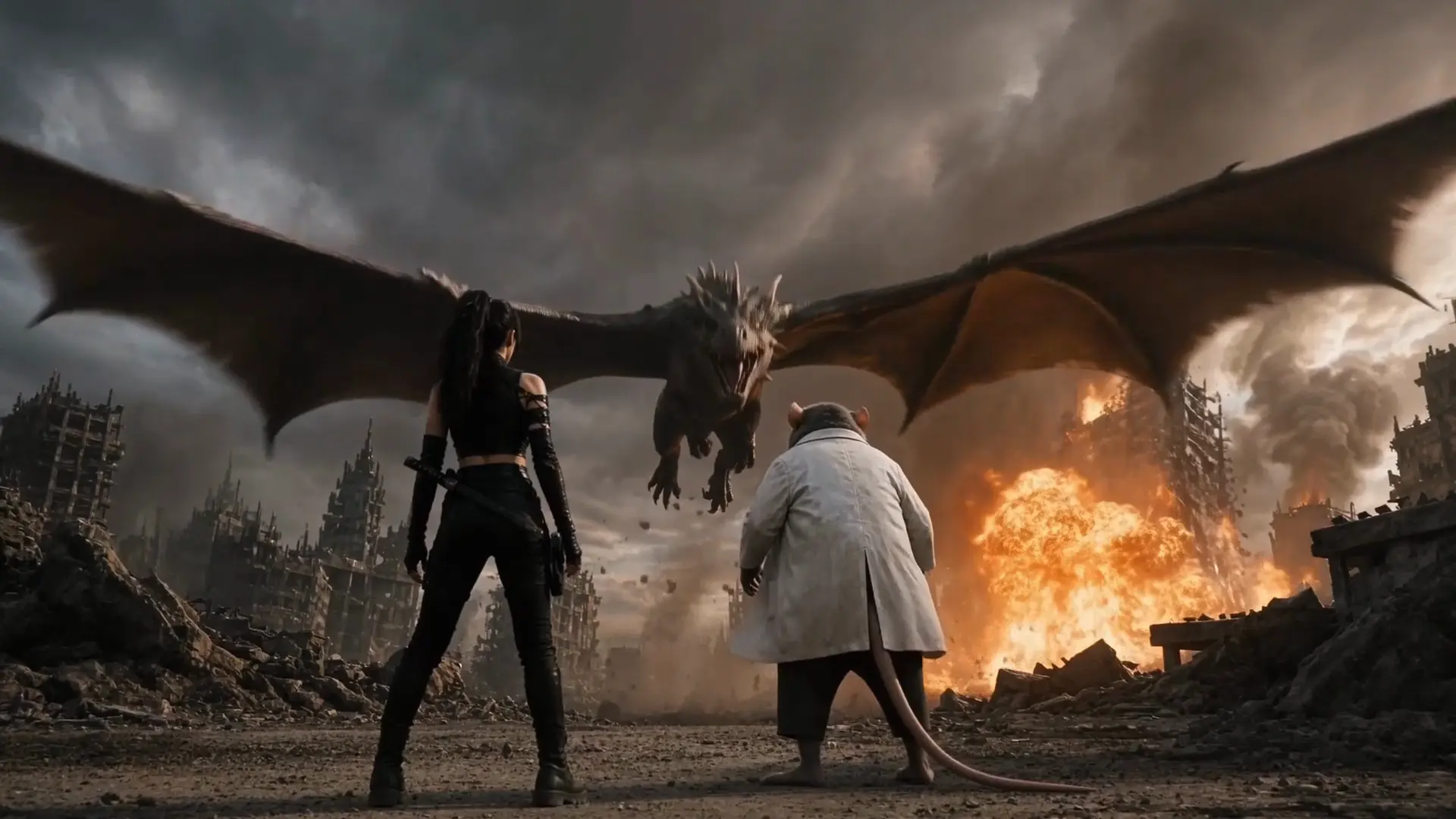
Use AI image to video to create visuals that move your audience. Whether it's a creator post, social campaign, early creative test, brand story, or product launch, our AI image to video generator brings each visual to life with motion, mood, and rhythm. Expressive, adaptable, and ready to perform across every channel, format, and business goal you're chasing.
Everything you need in one image to video AI tool
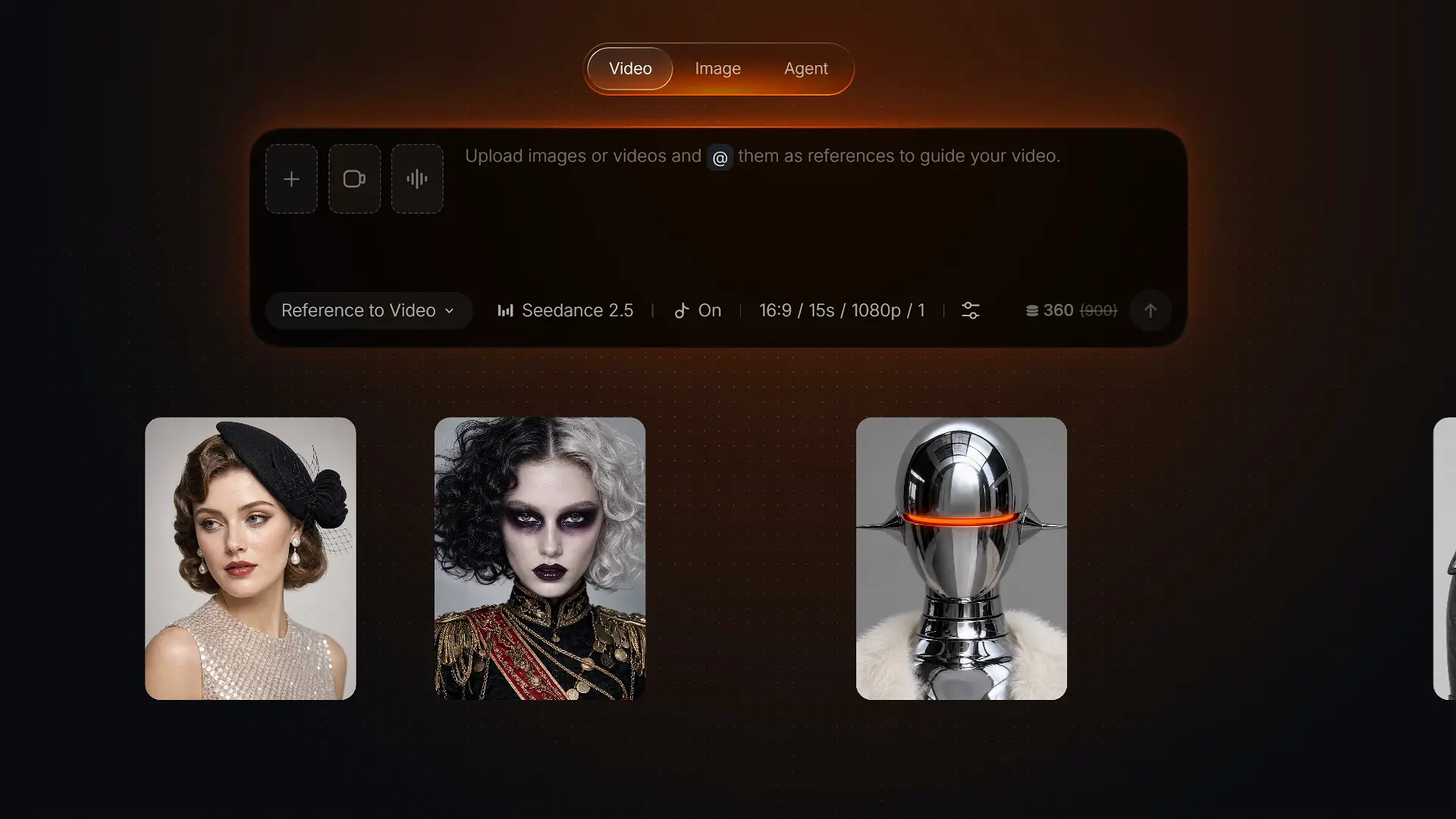
Choose your image to video model
Find the right model for AI photo to video and start creating. Our free image to video AI generator brings leading models together, so you can compare motion, style, audio, and output quality in one place.
How creators use image to video
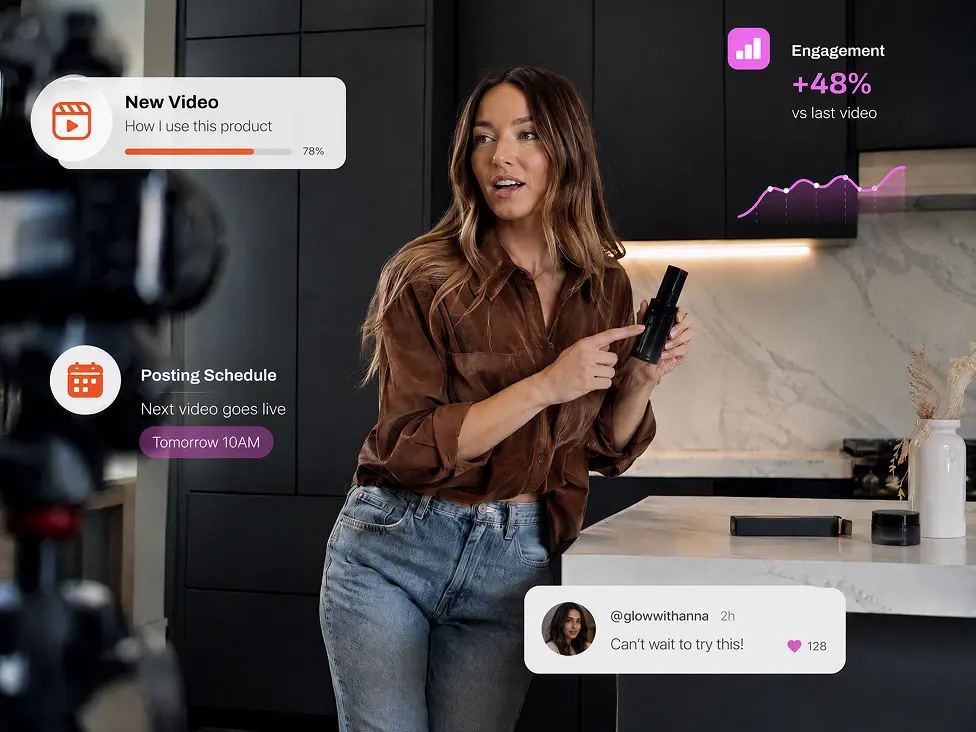
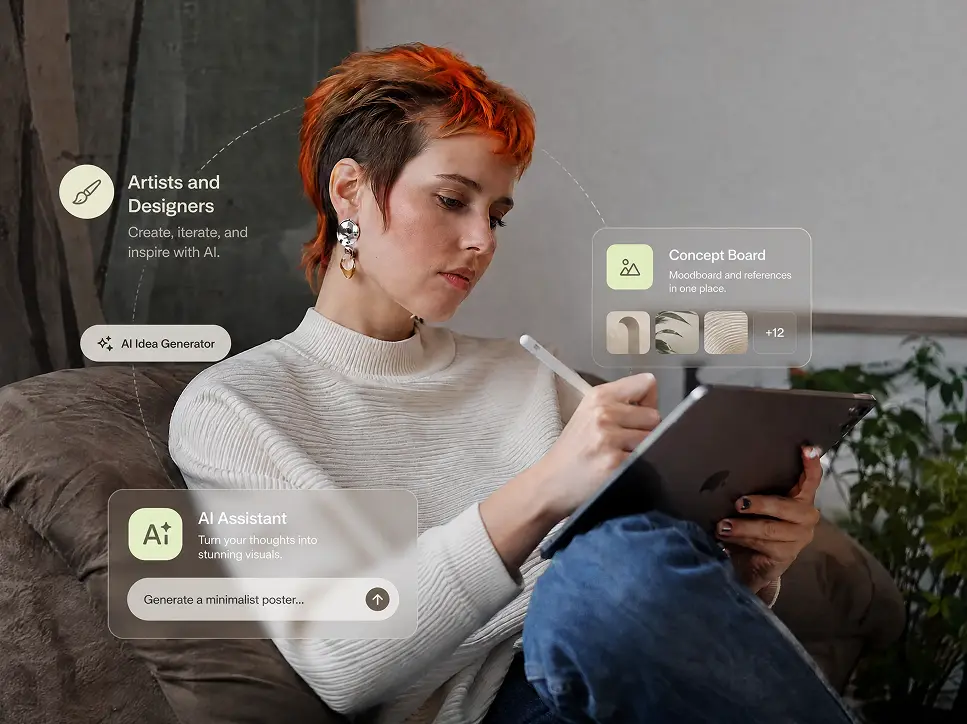
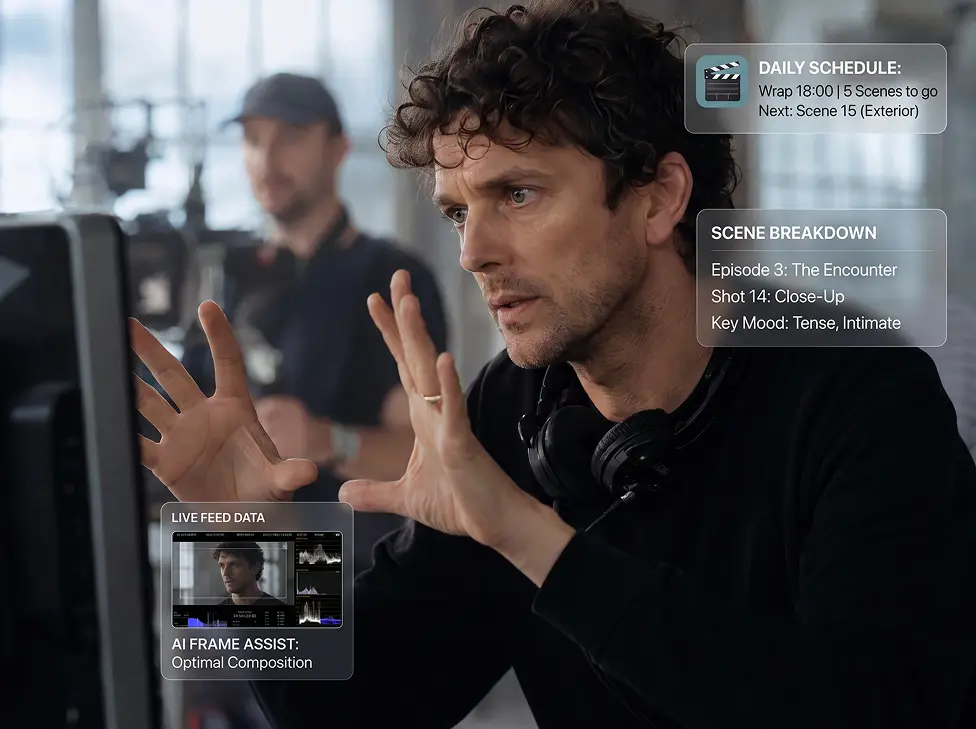
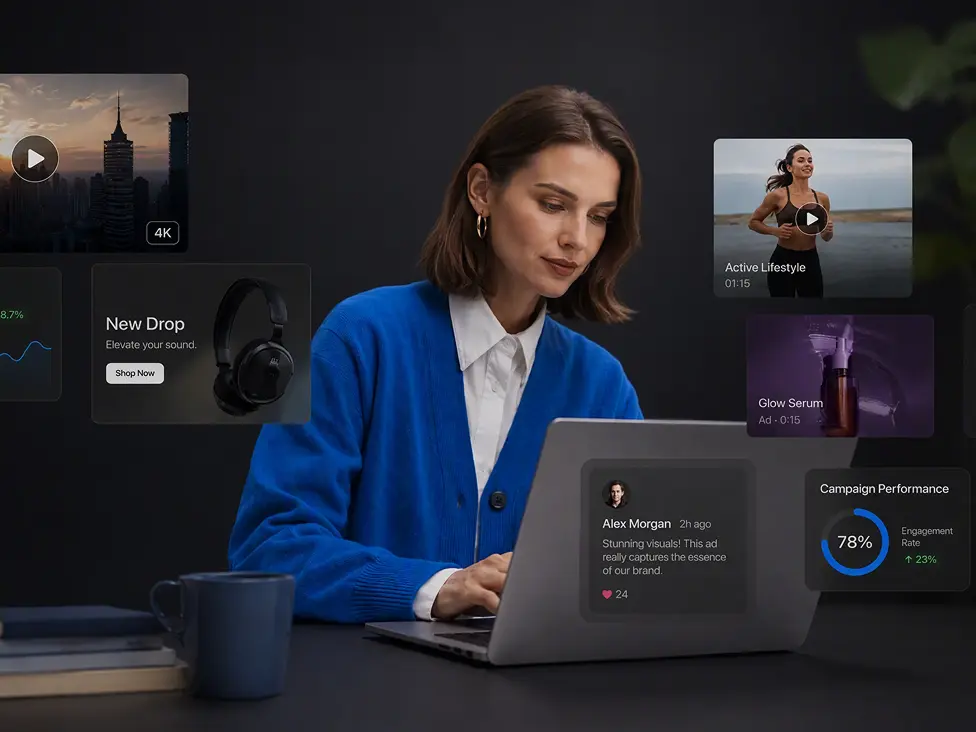
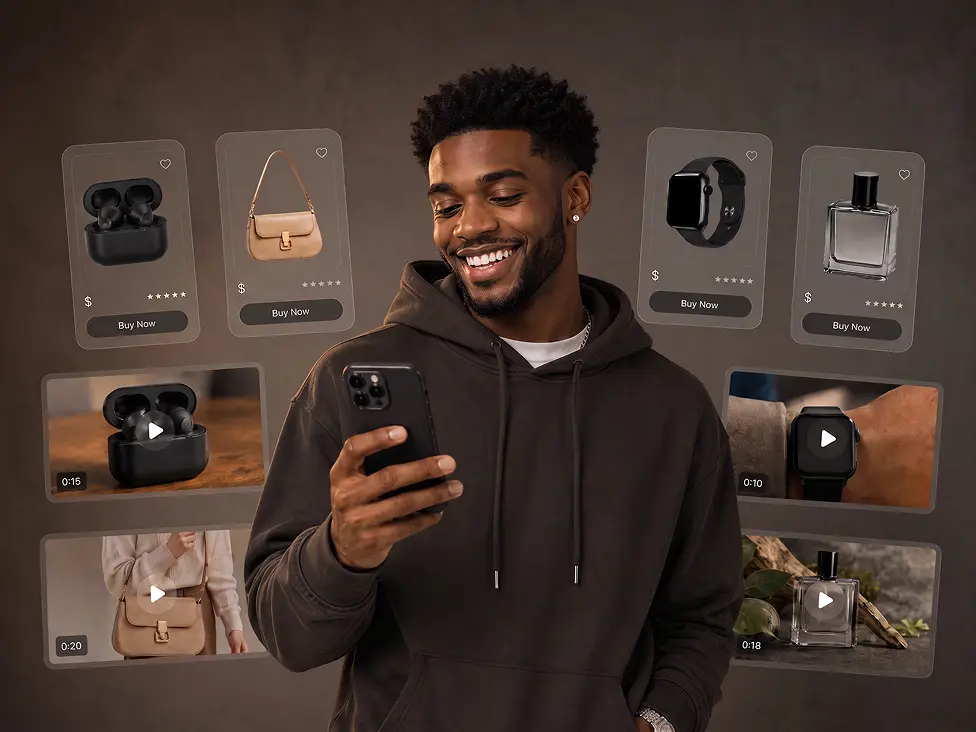
Create, refine, and extend your image to video results
Use purpose-built apps and tools optimized for specific video formats and editing tasks, so your AI image to video results improve with less setup.
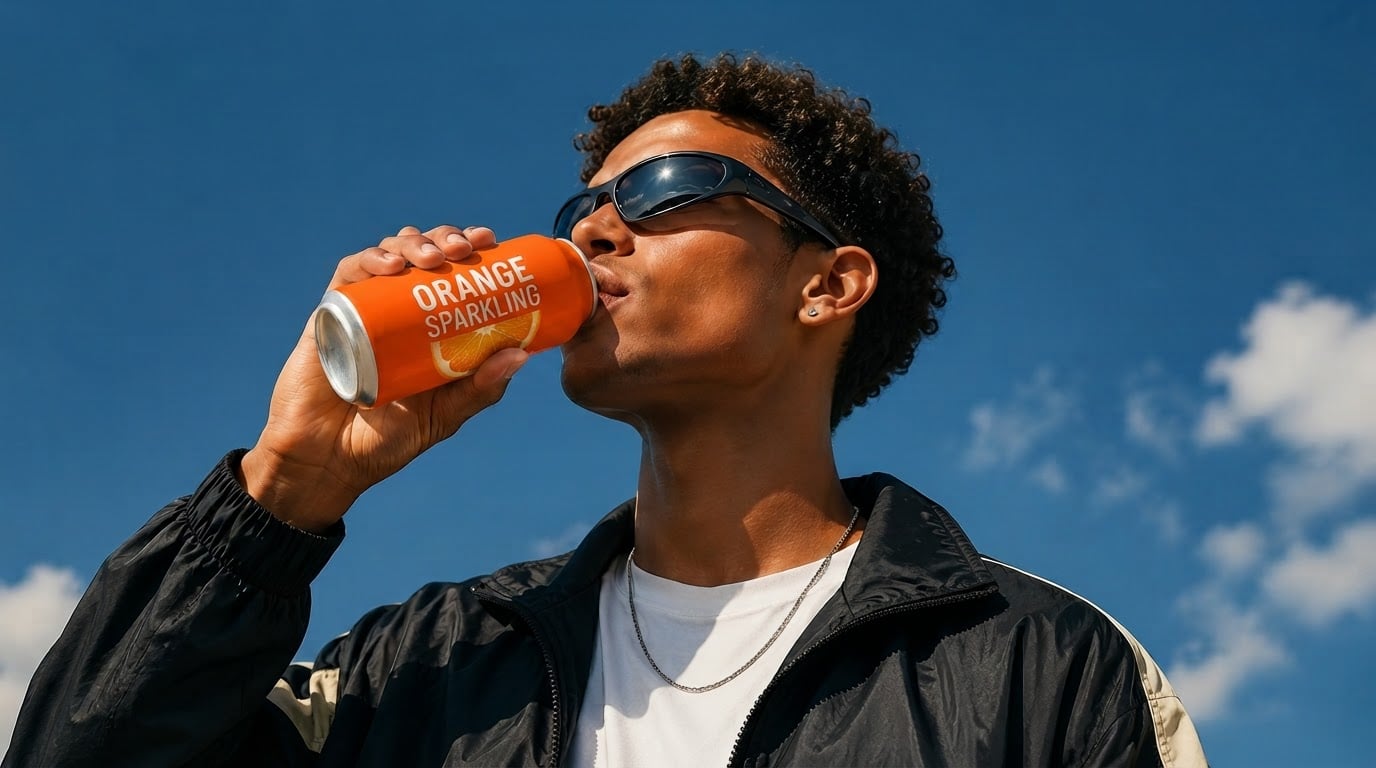
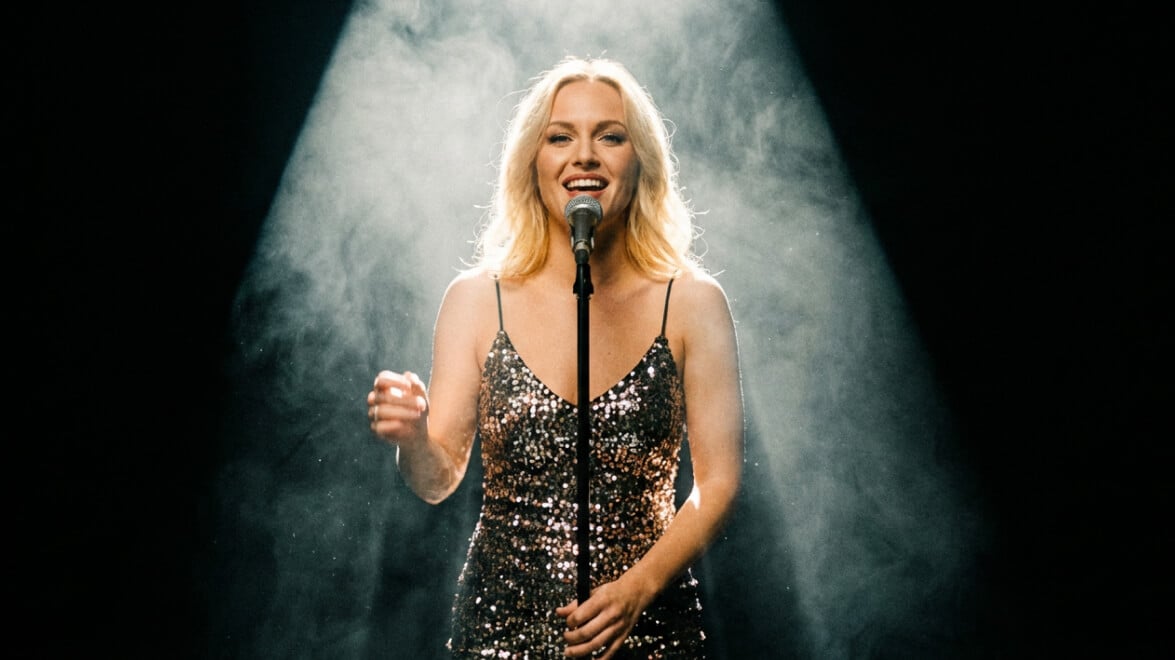
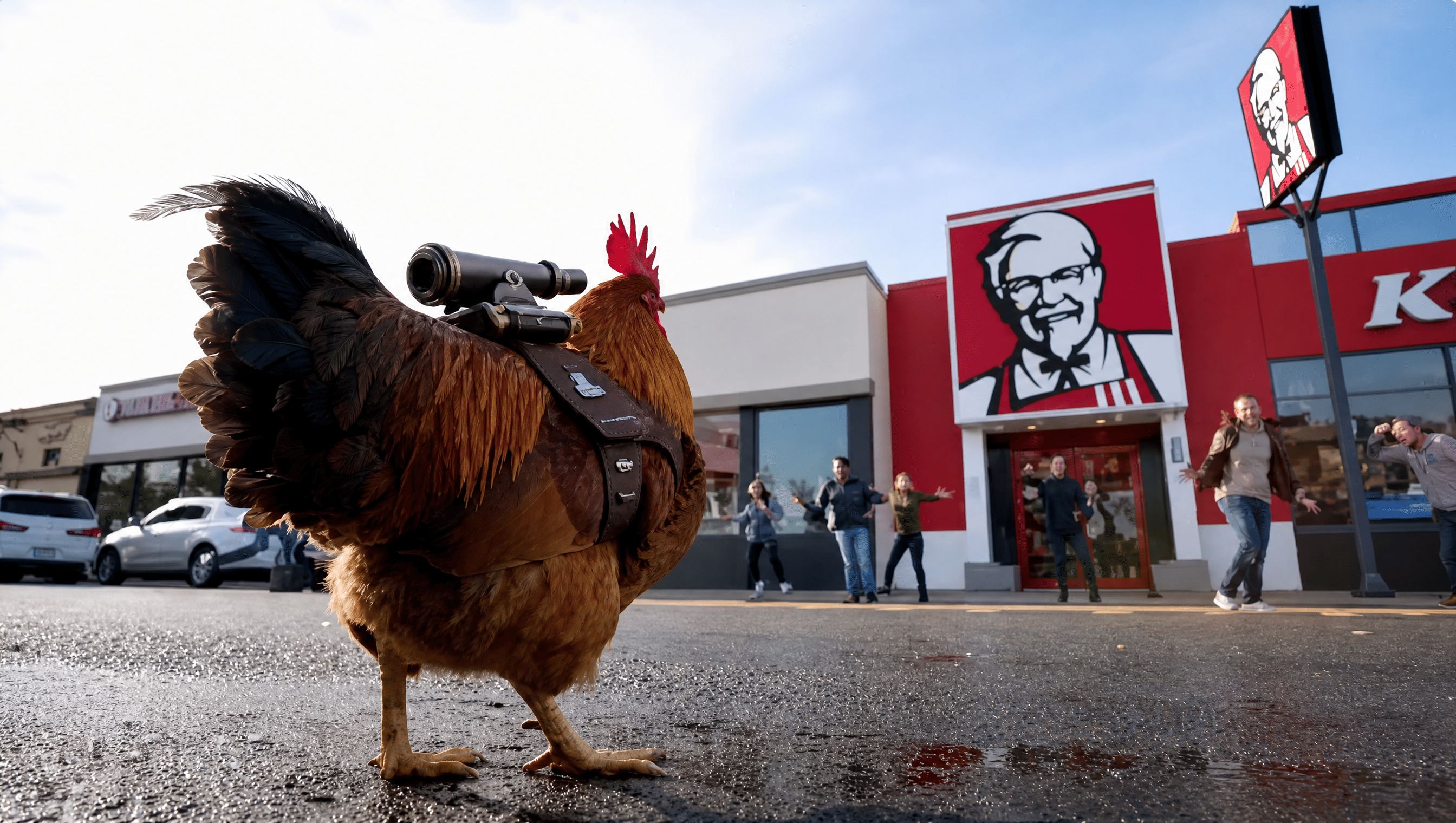
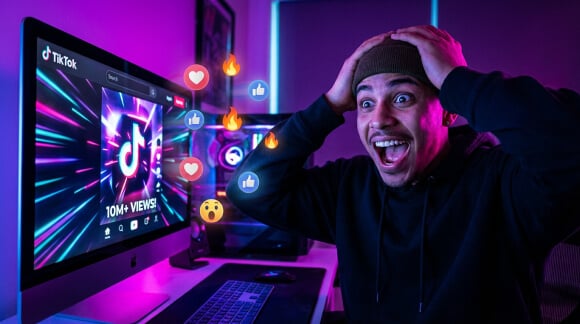
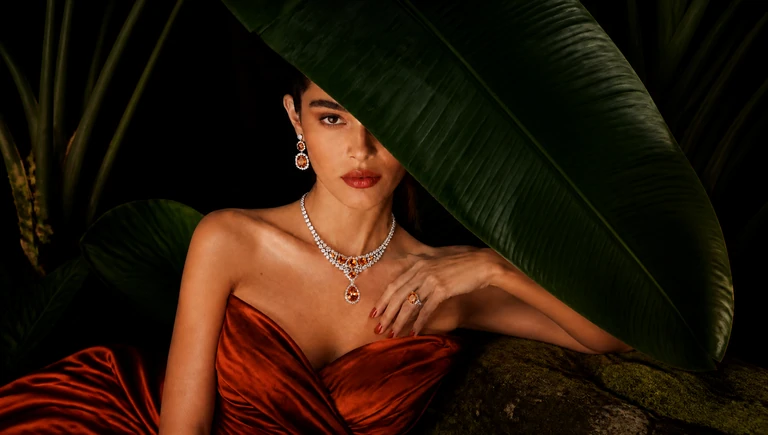
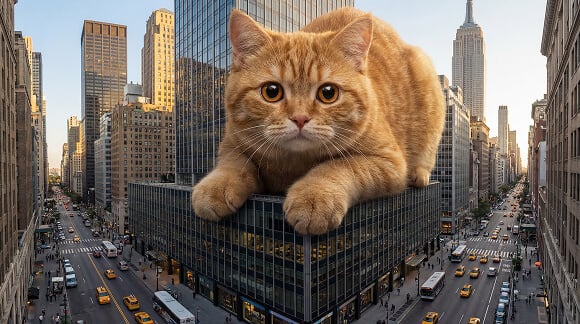
How to create videos with images online free
With only three steps, you can easily create videos from images with Pollo AI.

Add your image
Open the image to video ai generator and upload one or more images, such as a portrait, product photo, illustration, or concept frame.
Describe the moment
State what should happen and how you want the finished shot to feel in your image-to-video prompt.
Generate and review
Create the AI image to video clip, check the result, and download the version you want to use.
Create videosbeyond image to video AI
Beyond AI image to video, your next project may begin with a script, existing footage, a recurring character, or a performance reference. These core tools let you continue in the direction that fits the job.
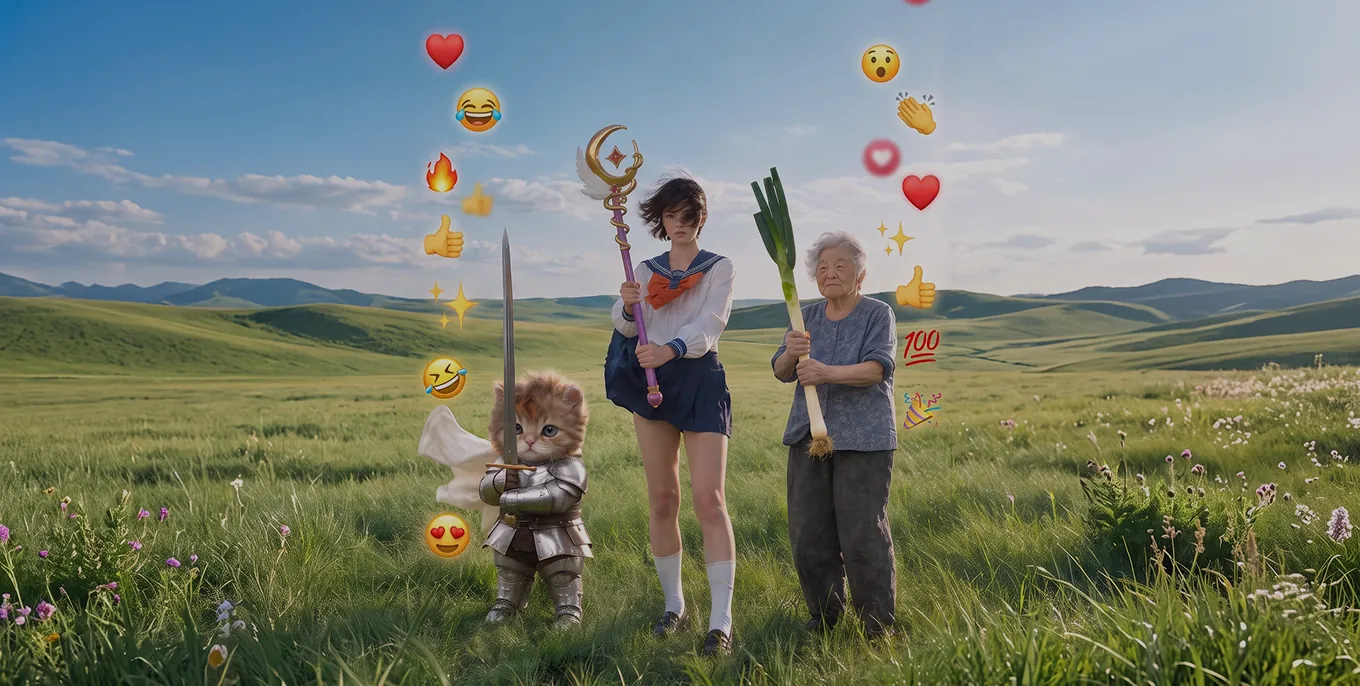
Recreate existing videos with new characters, products, props, or settings while preserving the original motion, camera movement, cuts, and timing.
TRUSTED BY LEADING BRANDS WORLDWIDE









10M+Users
Using Pollo AI to Create and Inspire


Loved by 10M+ Creators and Marketers Globally
- lori doyleApr 21, 2026Retired and having fun!Great and easy to use. I'm retired and just do it for fun! Yes I'm having fun, try it!
- honey bansalApr 18, 2026Its a great productIts a great product. I used to spend hours on this tool but now its new features is saving me time on their platform too.
- KrishApr 6, 2026Outstanding!It was great for generating AI images and videos. The software really helped me bring my ideas to life.
- LidioApr 4, 2026At the moment, I used the basic versionI used the basic version, it is sufficient. I am up set about the profession mode, it Made a video with too light, extremely clear light, it was not necessary,
- Fake ParadiseApr 4, 2026I try many ai site but i just can say…I try many ai site but i just can say this one is really great. I use it to make some small shot to use it with real footage. Good results
- Fatima MahamudMar 29, 2026I am happy with itI am happy with it, honestly. Not 💯% ok,but mostly satisfied.good luck

- Jason, Michael, Higgins.Mar 28, 2026Easy and Effective!Great it did just what I needed without any trouble on the first try easy and simple to use.
- DarrenMar 25, 2026The Groove Zone (OlyWA) Collective's testimonialOur music entertainment Collective, The Groove Zone (OlyWA), has only recently started using AI for some of its promotional materials. We discovered Pollo AI last year, and we've been 99.9% thrilled with what has been created so far! No need to look any further for the most user-friendly AI service out there, this is it!

- Nels LadeiraMar 25, 2026Greatest AI IMGGreatest AI IMG, IMG2VID, VID2VID, webui and selection of models on the internet. Can't fault
- MrWookieeMar 18, 2026Pollo.ai for the winHands down, the best site. It does what it's supposed to do. It's easy to navigate, and the results are awesome.


- Gamal AmerMar 17, 2026The most responsiveThe most responsive , safe and trust app I had ever used , always trying to serve by why exactly what you asked for without changing anything you didn't ask for . Thank you so much anyway ) wish you always success , but please try to let more free trials as there's a lot of people already haven't any payment on credit cards
- James SprangMar 15, 2026I use this app a lot bc I love where…I use this app a lot bc I love where there's no restrictions and let's you freely make anything unlike other AIs that limit you


- Nemo GrinerMar 12, 2026I have been using Pollo for a month now…I have been using Pollo for a month now and have found that it is very useful fo generating images. The text to Image technology is good. You do need to be careful how you describe what you want to see, but one you get it right it looks realistic.
- Daz BMar 3, 2026Excellent product.Extremely easy to use and user friendly. Highly recommend, so tell your friends.

- Arie WibisonoMar 3, 2026this tools is helpfull for optimizing…this tools is helpfull for optimizing our workload on repetitive task
- Lynn BambroughMar 1, 2026Pollo ai is a good kisserPollo ai has a wide selection of features and the lay-out is easy to navigate. Definitely the best ai kiss. The instructions are clear and concise and the results usually spot-on. I recently posted an ai creation on my instagram page and recommended pollo ai to my friends and followers. The assets page has great lay-out for keeping track projects and creating new ones.

- ALBERTO BuitragoFeb 26, 2026Good ai for your projects and…Good ai for your projects and videos,Easy to manage and really good backgrounds
- Robert KujdaFeb 23, 2026This is really goodThis is really good, possibly the best app for all around a.i. image to video is to die for


- Søren KnudsenFeb 20, 2026Pollo AI is a really good and complete…Pollo AI is a really good and complete AI program. I have not met a better program that meets my needs for creating images and videos. I would highly recommend Pollo AI to my friends etc.
Plans & Pricing
FAQs about Image to Video
What is Pollo AI image to video generator?
Pollo AI's image to video generator is an advanced tool designed to turn one or more images into expressive clips, animated videos, or cinematic stories. As a versatile free image to video ai generator, it leverages leading models like Seedance 2.5 and Kling 4.0 to bring still visuals to life with natural motion and sound, whether you are creating B-roll videos, movie trailers, or music videos.
What makes the best image to video AI?
The best AI image to video generator combines flexible customization, high-quality output, and practical editing features. Pollo AI brings these capabilities together with a wide selection of leading models, giving you more ways to shape polished results and explore different creative directions.
What are some good image to video prompt examples?
Build your AI image to video prompt around one clear shot: the subject’s action, camera movement, pace or mood, and ending. For example: "The camera circles the product as light moves across it," or "The woman smiles as the camera gently pushes in."
What images work best for image to video AI?
Clear images with a recognizable subject, defined edges, and enough space for movement usually work best. Portraits, product photos, artwork, and scene images can all be animated. Our free image to video AI supports JPG and PNG files with a minimum resolution of 300 × 300 pixels.
Is Pollo AI's image to video generator free?
Yes. You can use the image to video AI generator free of charge with starter credits. Paid plans include more credits, advanced features, and watermark-free downloads. Some plans also support unlimited image to video generation on select models.
How to add audio with image to video AI?
Pollo AI's image to video free lets you create customizable audio as part of the same generation. Upload your image, add a text prompt for motion, and enable Generate Audio to produce a video with immersive, realistic sound.
How many video models does Pollo AI's image to video AI offer?
Pollo AI's free image to video AI gives you access to more than 50 advanced video models, making it one of the most comprehensive AI video solutions available. These include MiniMax H3, Seedance 2.5, Wan 3.0, Veo 3.1, and Kling 3.0. New models are added as they are released, so you can continue exploring the latest video generation capabilities.
What common image to video mistakes should I avoid?
In AI image to video, the most common mistake is trying to fit too much into one shot. Center your prompt on one subject and primary action, then add a camera move, pace, and ending that support the same moment.
What is the difference between Image to Video, Text to Video, and Reference to Video?
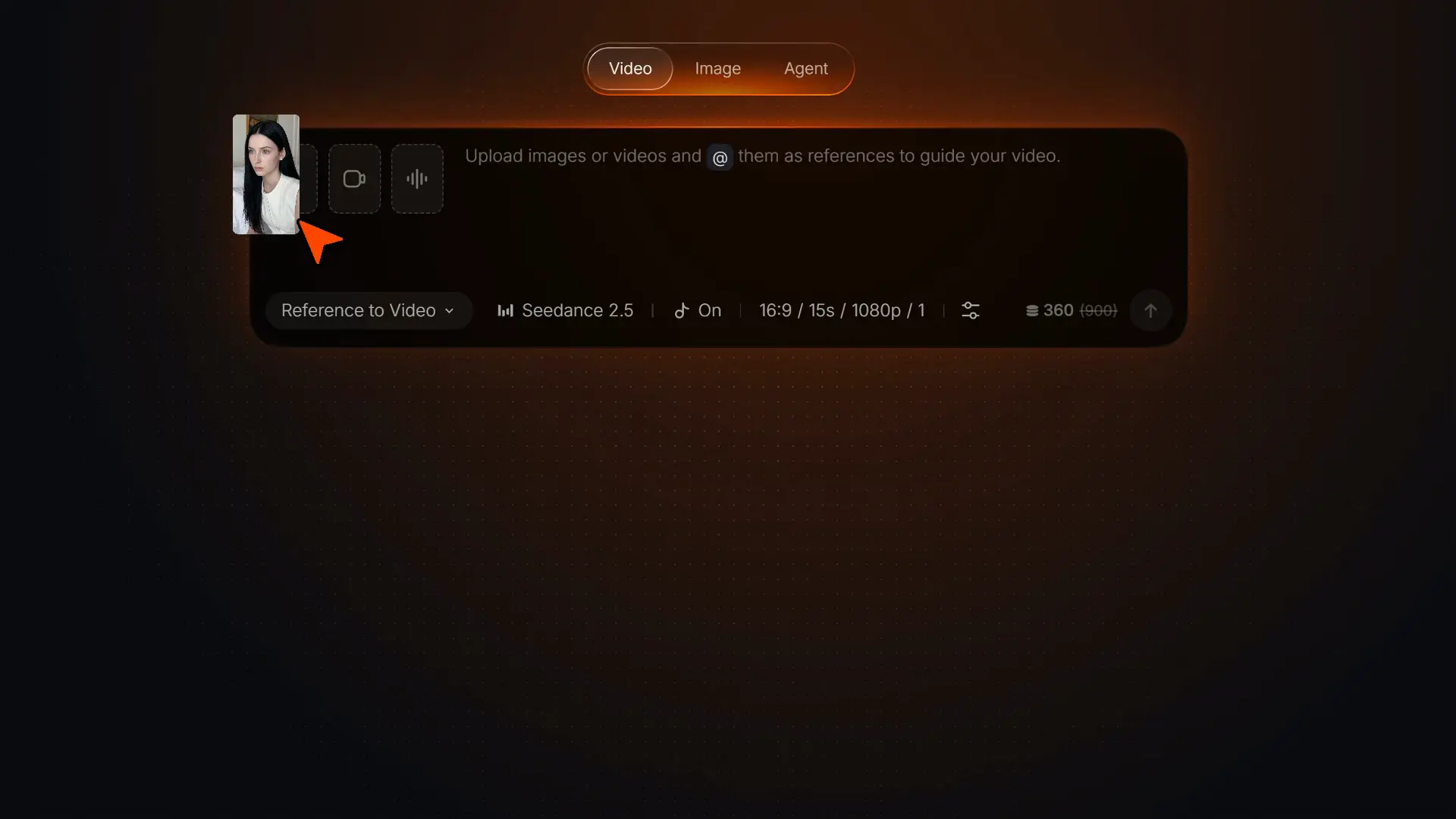
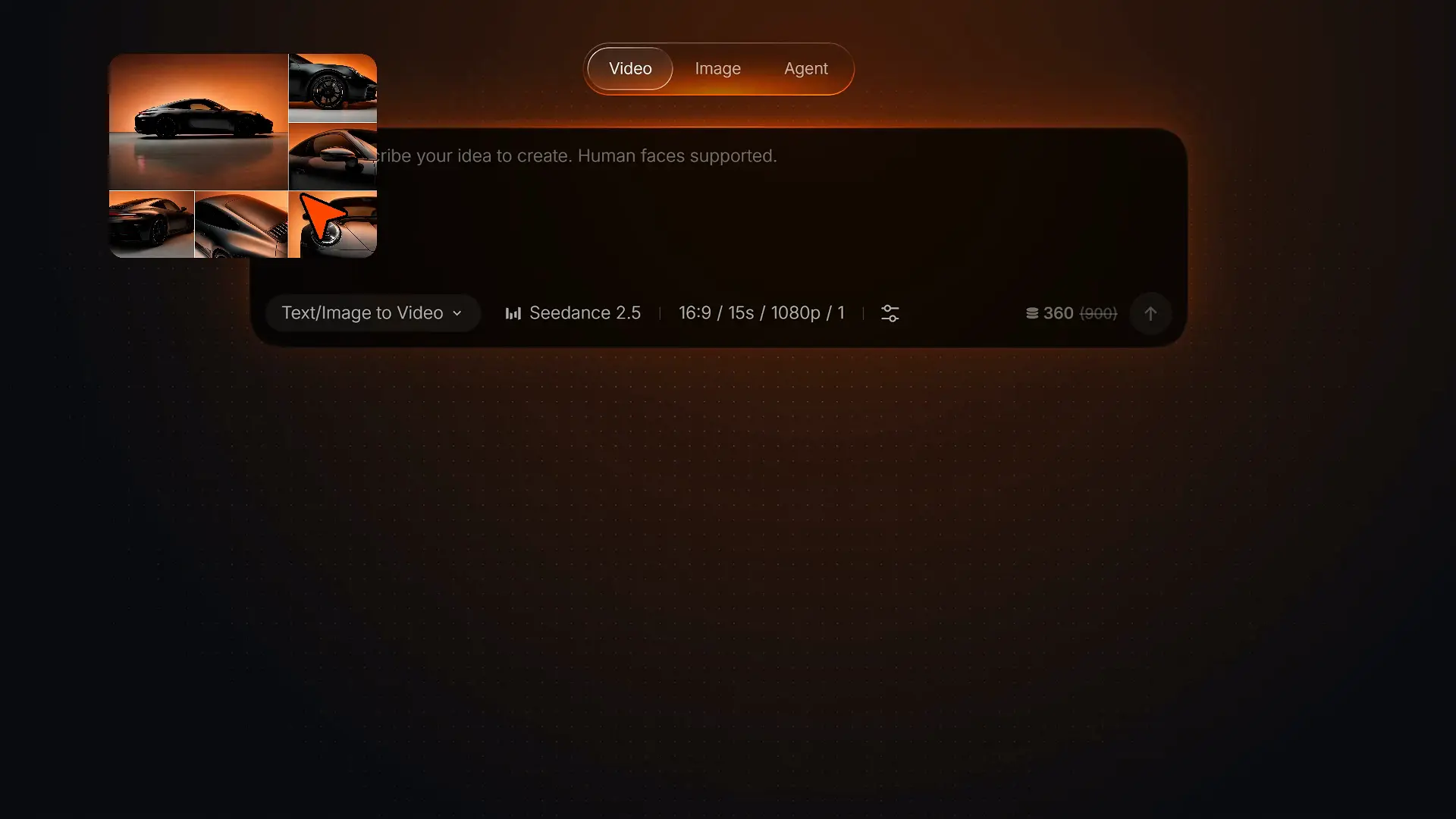
Choose Image to Video to turn an existing visual into a moving shot. Start with Text to Video when you have an idea but no source image. Use Reference to Video to create new scenes while keeping a character, product, or visual style consistent with the images you provide.
Explore more ways to create with Pollo AI
Try our free image to video AI generator, then explore more AI tools for voice, sound, video translation, effects, and campaign content.
Helpful resourcesabout image to video AI
Find prompts, model guidance, and tips for getting more from AI image to video generator.