



7 Best Blog Post to Short Video Generators for TikTok in 2026
No matter your industry or niche, a fair portion of your audience is most likely on TikTok. From younger to older demographics, I will admit that short-form video has us all in a chokehold.
And while blogging is vital for ranking on Google, you still need to multiply impact. How? By using short video generators for TikTok to convert long-form content into scroll-stopping clips.
So, I decided to test as many tools as I could until I uncovered the best blog post to short video generators for TikTok. After two weeks of research, here are my top 7 picks, including Pollo AI!
TL;DR
Pollo AI is the best blog post to short video generator for TikTok for its Pollo Agent tool, which creates lifelike talking-head videos and clones trending videos with no manual editing needed. You can also access top-tier AI models like Seedance 2.0 and Veo 3.1, among other features. Other viable alternatives include Dreamina AI, Veed AI, and Adobe Firefly, just to name a few.
Why Should You Turn Your Blog Posts Into TikToks?
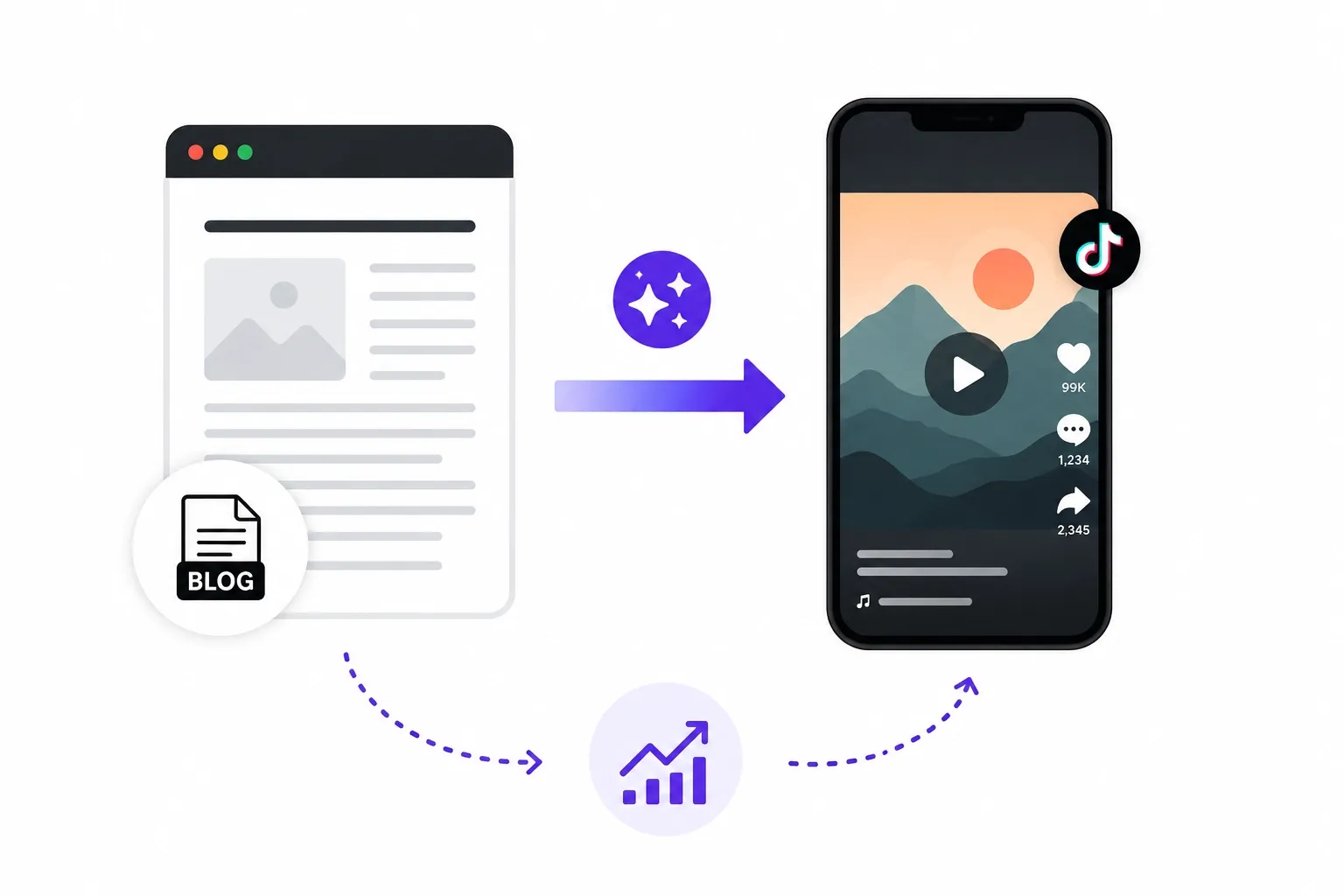
It’s safe to say that TikTok is unavoidable if you’re looking to reach wider audiences. At this point, most of us already have and actively use TikTok on a near-daily basis, right?
Well, increasing your presence on social platforms like TikTok ensures that you are maximizing your online visibility. And looking at Reddit threads, many creators have started to catch on!
- By extracting impactful hooks or insights from their blogs, creating short-form videos lets you effectively generate engagement and boost conversions.
- Turning blogs into videos is also the best way to repurpose long-form content. With one blog post, I’d say that you can create up to a whole week's worth of TikToks.
- With the right video generator, you can not only automate the entire production process but also generate quality output that audiences will respond well to.
After all, you don’t want to deal with storyboarding, pacing, transitions, etc. But before I break down the best blog post to short video generators for TikTok, let me give you a quick rundown.
Best Blog Post to Short Video Generators for TikTok: At a Glance
I spent a lot of time evaluating the leading AI video generators in the market. From analyzing generative speed to visual quality to narrative flow, I left no box unchecked.
The tools that are and aren’t on this list might surprise you since my focus was purely set on finding the best ones suited to repurposing blog content for TikTok. So, here’s my review:
| Tool | Best For | Pricing | Strengths | Weakness |
| Pollo AI | Best overall | Free plan available | Multi-model, viral cloning, avatars | Limited free user access |
| Dreamina AI | Free cinematic clips | Free tier | Native Seedance 2.0, CapCut integration | Daily limits |
| Veed AI | Editing & polish | ~$12/mo | Subtitles, templates, quick tweaks | Less pure generation |
| Adobe Firefly | Clean B-roll & commercial | Subscription | Commercially safe, camera controls | Shorter clips |
| Vidfly AI | All-in-one shorts | Varies | Templates, effects, long-to-short | Inconsistent quality |
| Medeo AI | Conversational storytelling | Varies (~$6-39/mo) | Chat-to-video, narrative builds | Can need more iterations |
| InVideo AI | Blog-to-video automation | ~$17-25/mo | Paste URL → full video, templates | Can feel template-heavy |
#1. Pollo AI: Best AI Video Generator for TikTok Overall
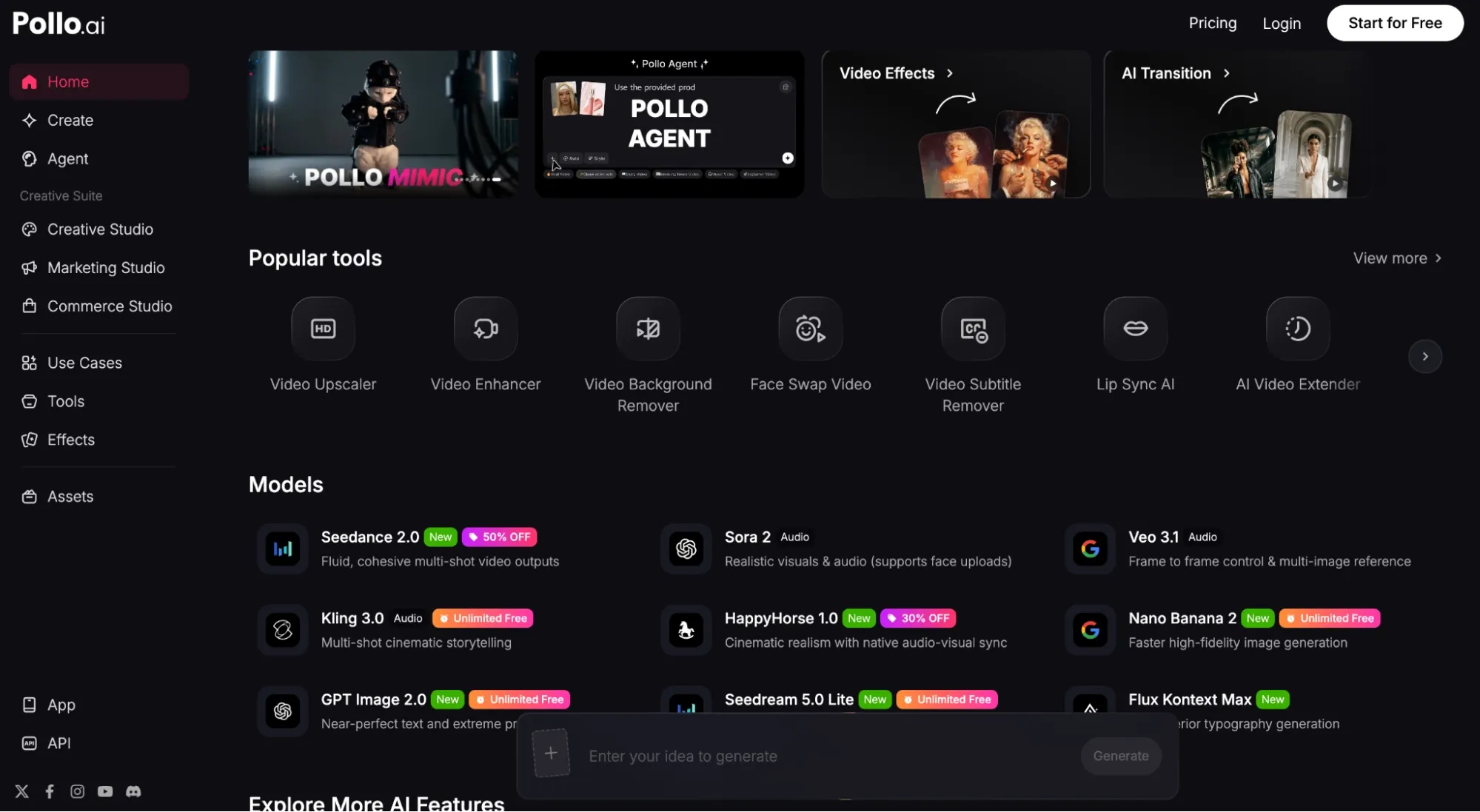
Out of all the options on this list, I have spent the most time with Pollo AI. Why? Because it’s not just a single-purpose tool but a full AI creative suite for marketers, creators, sellers, and brands.
If I need to create marketing content, I can head to the Marketing Studio to create ready-to-use ads in minutes.
Need product-related content for my brand? I can use Commerce Studio to create commercial visuals, showcases, virtual try-on content, etc.
There’s also the Creative Studio, which I can use to generate images, videos, avatars, and audio, all in one place.
Plus, it’s integrated with industry-leading AI models like Seedance 2.0, Kling 3.0, and Sora 2, so I’m free to use text-to-video or image-to-video features to bring any visual idea to life.
I tried and tested them by turning basic prompts into animated visuals and even full scripts into cinematic scenes; the tool delivered studio-quality outputs in minutes.
I particularly enjoyed the reference-to-video feature. With this, I could maintain subject consistency across scenes, making it easier to produce complex ones.
But what really grabbed my attention was Pollo Agent. I tested it by creating a few product showcases for TikTok, and there was absolutely no editing required!
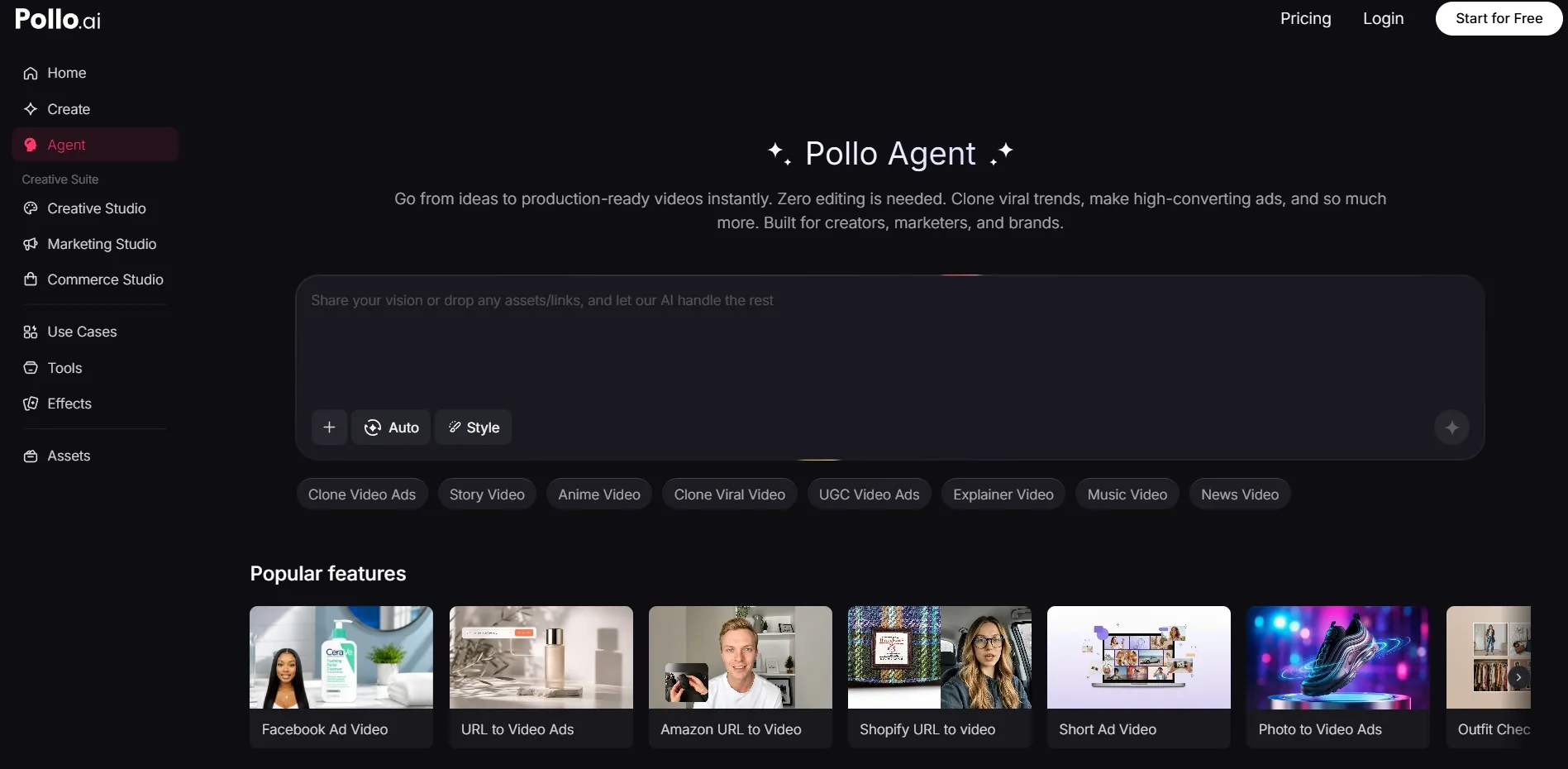
You can check out what our sample test produced below:
| Prompt/Script | Reference Image | Final Output |
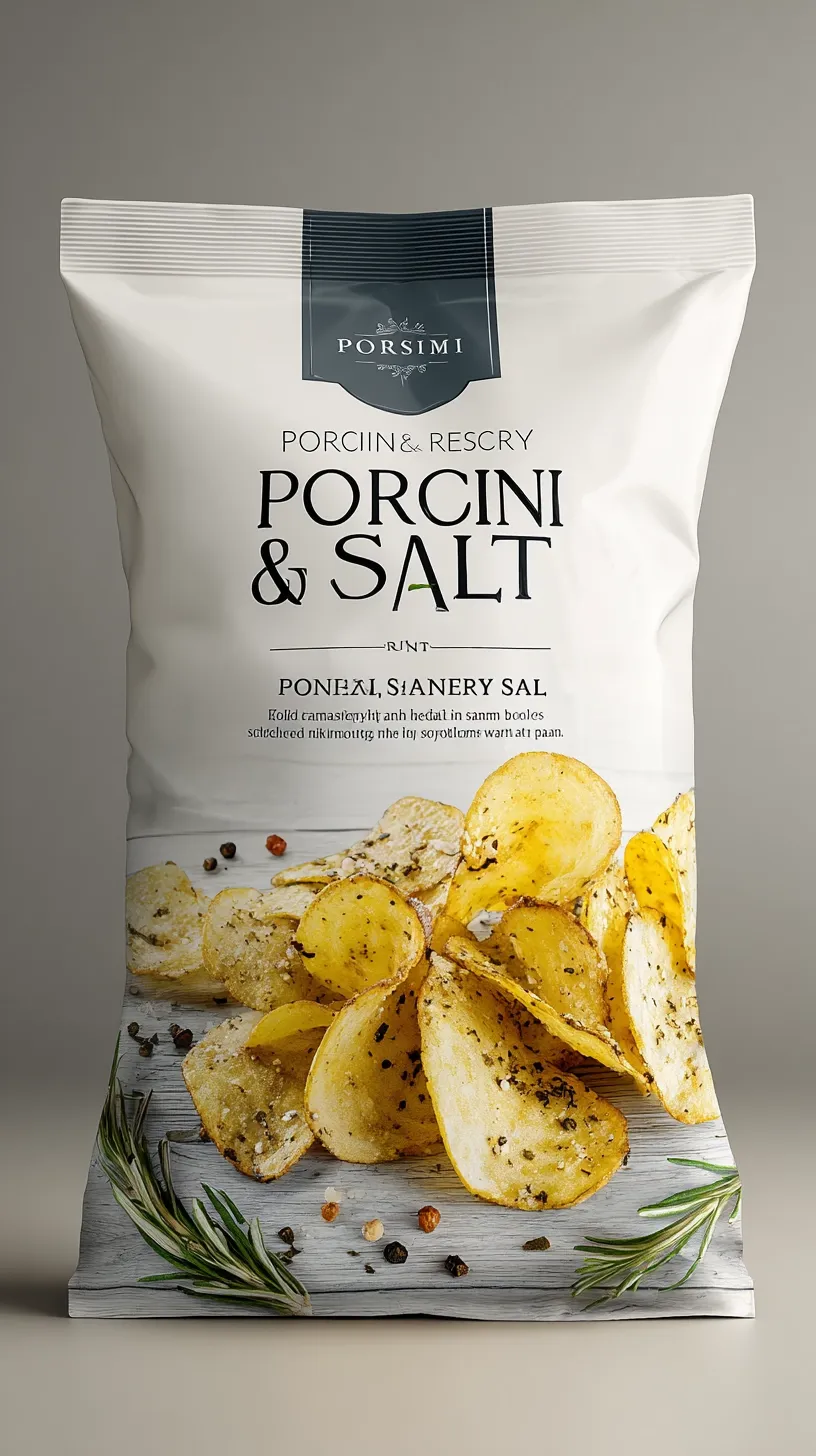
| A high-end cinematic retail food commercial, vertical 9:16, ultra-realistic, macro detail, strong contrast lighting, smooth rhythmic transitions. Use @image1 as the product, strictly preserve packaging design, colors, graphics, and logo placement. The visual style, background, food ingredients, and atmosphere must adapt to the product type and flavor. Scenes should naturally match the product’s flavor identity, incorporating either natural elements or stylized environments, ensuring the environment feels integrated and premium rather than decorative. No text, no watermark, premium commercial style. |
 |
Instead of dealing with color grading, transitions, etc, the agent automated it all. Basically, I skipped from idea to publish-ready videos within minutes.
What’s more? It lets me clone viral TikToks and remake them, allowing me to capitalize on rising trends in a flash, rather than wait hours or days to publish a video.
And if I want to create UGC-style TikToks, there’s the Pollo AI Avatar feature. I can easily turn static images into lifelike talking videos with perfect lip sync and natural-sounding voiceovers.
Other features include Pollo Mimic and the 100+ specialized video workflow apps that make it easier to create content for socials, marketing, entertainment, and more in just a few clicks.
Frankly, there’s so much to explore on Pollo AI. When I first came across it, I tried the free trial plan, and since then, it’s become my favorite creative studio. I say, it’s definitely worth your time!
Pros:
- All-in-one creative workflow
- Access to multiple, top-tier AI models
- Instant, publish-ready video generations
- Dozens of video workflow apps
Cons:
- Premium features require paid plan
Repurpose Blog Posts with Pollo AI
Use Pollo AI to turn blog ideas, scripts, and product stories into short TikTok-ready videos with stronger pacing and visuals.
Turn Blogs into Videos with Pollo AI
#2. Dreamina AI: Best for Native CapCut/TikTok Creation
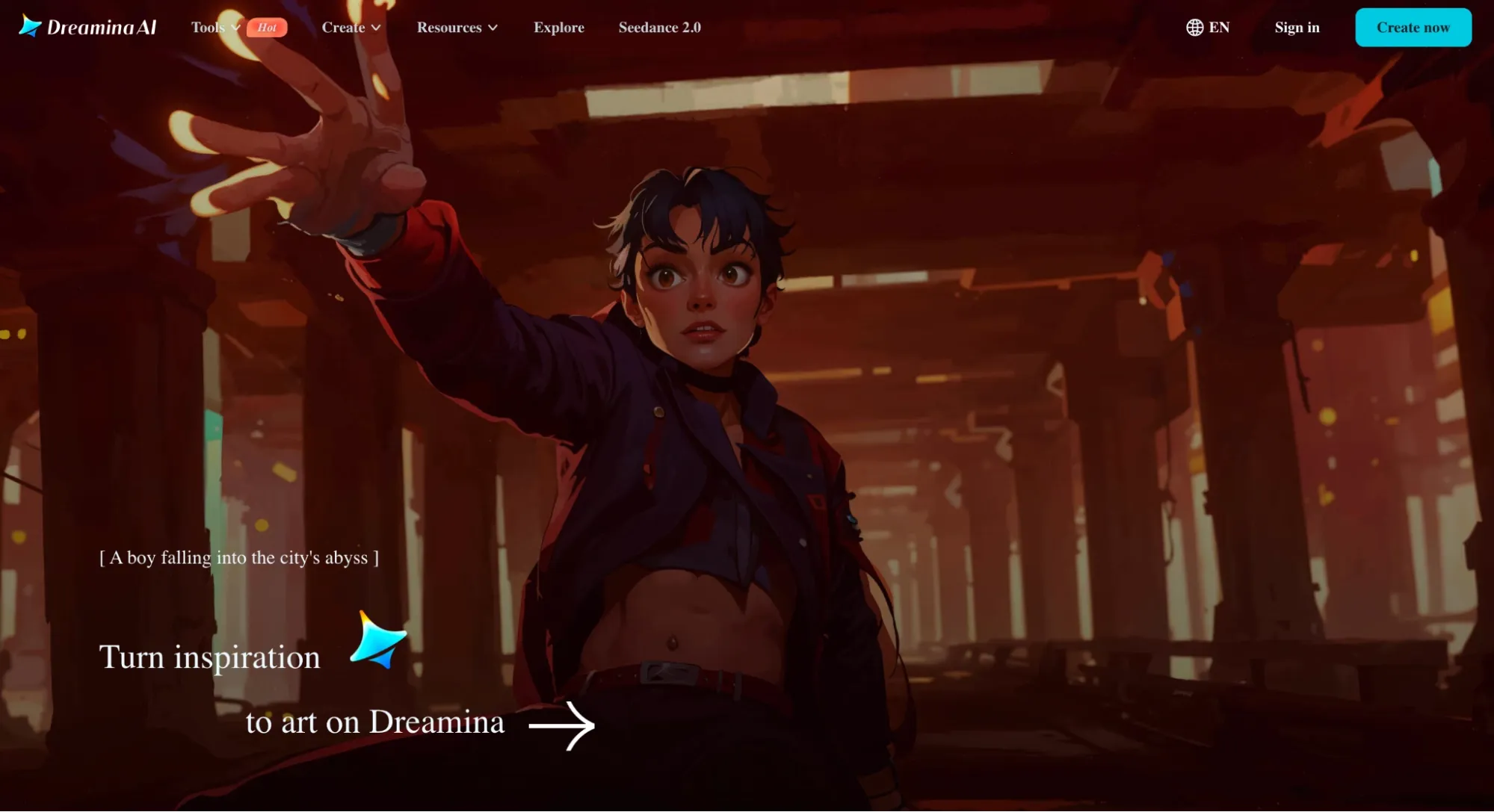
What I like about Dreamina AI for TikTok creation is that it’s already integrated within the CapCut ecosystem. Here, the "generate + edit + publish" workflow is quite seamless.
Powered by Seedance 2.0, I can take a blog summary and turn it into a cinematic vertical clip, then jump straight into video editing for TikTok, all in one app.
I tested it with a few explainer blog excerpts, and it produced high-quality visuals with smooth motion, allowing me to seamlessly add auto-captions, trending audio, transitions, effects, and text overlays.
The fact that I could generate and natively edit for TikTok on the same interface meant I could save a lot of time on refinement and publishing.
Each generation is limited to around 15 seconds, which I found a little frustrating. But the videos had smooth motion with good lip-sync, so I think it’s relatively acceptable.
Ultimately, the biggest issue I had was how the prompt adherence was lacklustre. In some of my tests, Dreamina AI went off-script or simply failed to visualize some important details.
So, I wasn’t entirely happy with its lack of consistency. I also had to deal with slow generation speeds; rendering a video clip took longer than I expected, so keep that in mind.
Pros:
- Free daily credits available
- Smooth motion quality
- Seamless CapCut editing integration
Cons:
- Slow video generation at times
- Inconsistent prompt adherence
For a deeper breakdown, see this Dreamina AI review.
#3. Veed AI: Best for Rapid, Social Video Editing
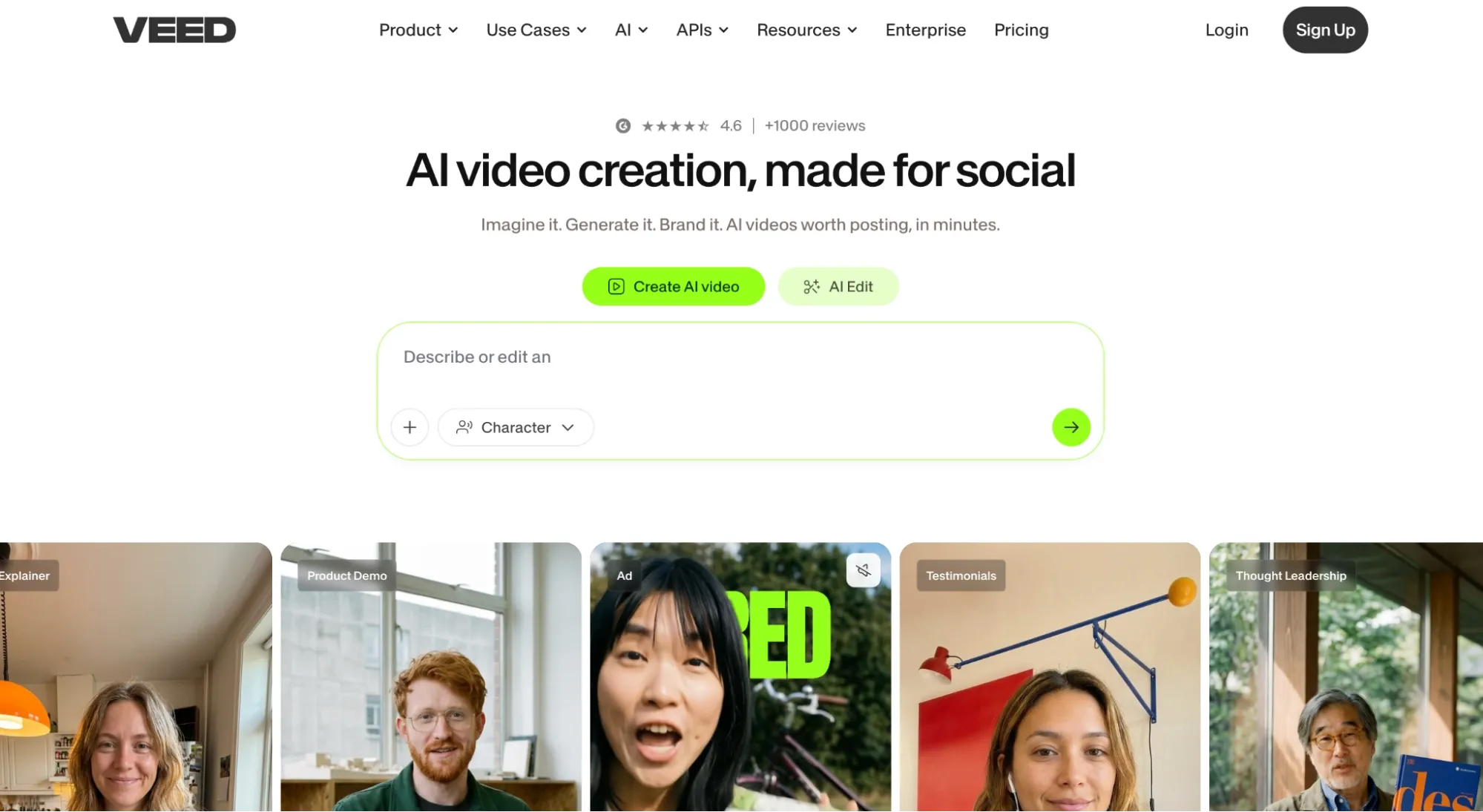
Here’s the thing about Veed AI: it’s not the strongest video generator in the market. In fact, it’s relatively limited in terms of visual creativity, making it unsuited for narrative storytelling.
But I quickly discovered that it excels at UGC-style content. I can choose from a vast library of lifelike AI talking avatars or even upload subject images to create my own custom avatars.
I tested it by pasting a few blog excerpts to generate promotional ad clips, and the output was excellent. If anything, the videos felt like real influencer-made content.
But what totally blew my mind was how incredibly well-optimized it is for social video editing. On Veed AI, vertical frame reigns supreme, so no extra formatting is necessary.
Moreover, it only took me a few clicks to add branding, text overlays, background audio, etc. I was even impressed by how accurate the auto-subtitles were.
The entire process is so simple and efficient. Still, it lacks some of the pro-level video editing capabilities that I was expecting. And as I said before, it's limited as a raw video generator.
If it’s not UGC-style content, then you’ll be better off using another tool to generate clips. From there, you can turn to Veed AI to polish them for TikTok.
Pros:
- Rapid one-click video editing
- Accurate AI-generated captions
- Tailored for social media formats
Cons:
- Limited to UGC-style videos
- Lacks pro-level editing controls
For a deeper breakdown, see this Veed AI review.
#4. Adobe Firefly AI: Best for Clean, Brand-Safe Content
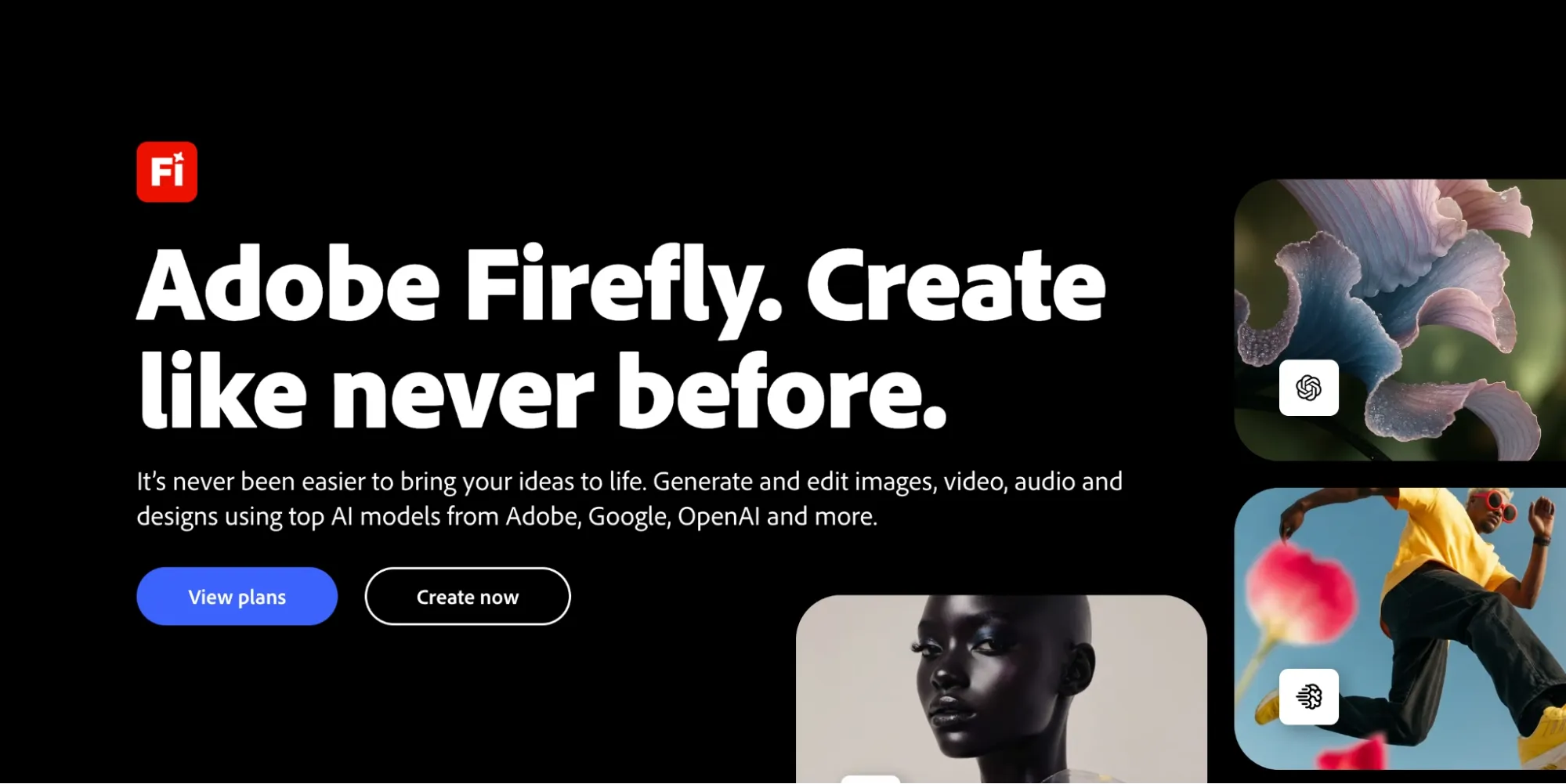
For professional and commercially safe videos, I would suggest Adobe Firefly AI. When testing, I primarily used it to create product explainers and tutorial-style TikToks.
For the most part, it’s good at handling B-roll footage. And since Adobe’s stock media is safe for commercial use, I could freely post the content without risk of being flagged.
I was quite surprised by the accuracy of its prompt following. When illustrating descriptions from blog guides, I gave scene directions that were seemingly followed well.
I will also admit that it’s good at camera/angle control. By the end, the outputs felt polished and brand-ready, but the clips felt a bit too AI-centric, especially from text-to-video.
I think the outputs looked more believable for image-to-video, so I would suggest having some reference images ready for natural visuals.
Aside from that, the tool’s simplicity is great, especially since Firefly AI can integrate with Premiere Pro for seamless, pro-level editing.
Having said that, I was disappointed that I could only render 5-second clips per generation. For blog-to-video, I will confess that this was quite annoying to deal with.
Pros:
- Commercially-safe videos
- Simplistic user interface
- Accurate prompt adherence
Cons:
- Not suited for artistic/abstract creations
- Outputs may be less natural and lifelike
For a deeper breakdown, see this Adobe Firefly AI review.
#5. Vidfly AI: Best for One-Click Video Generation
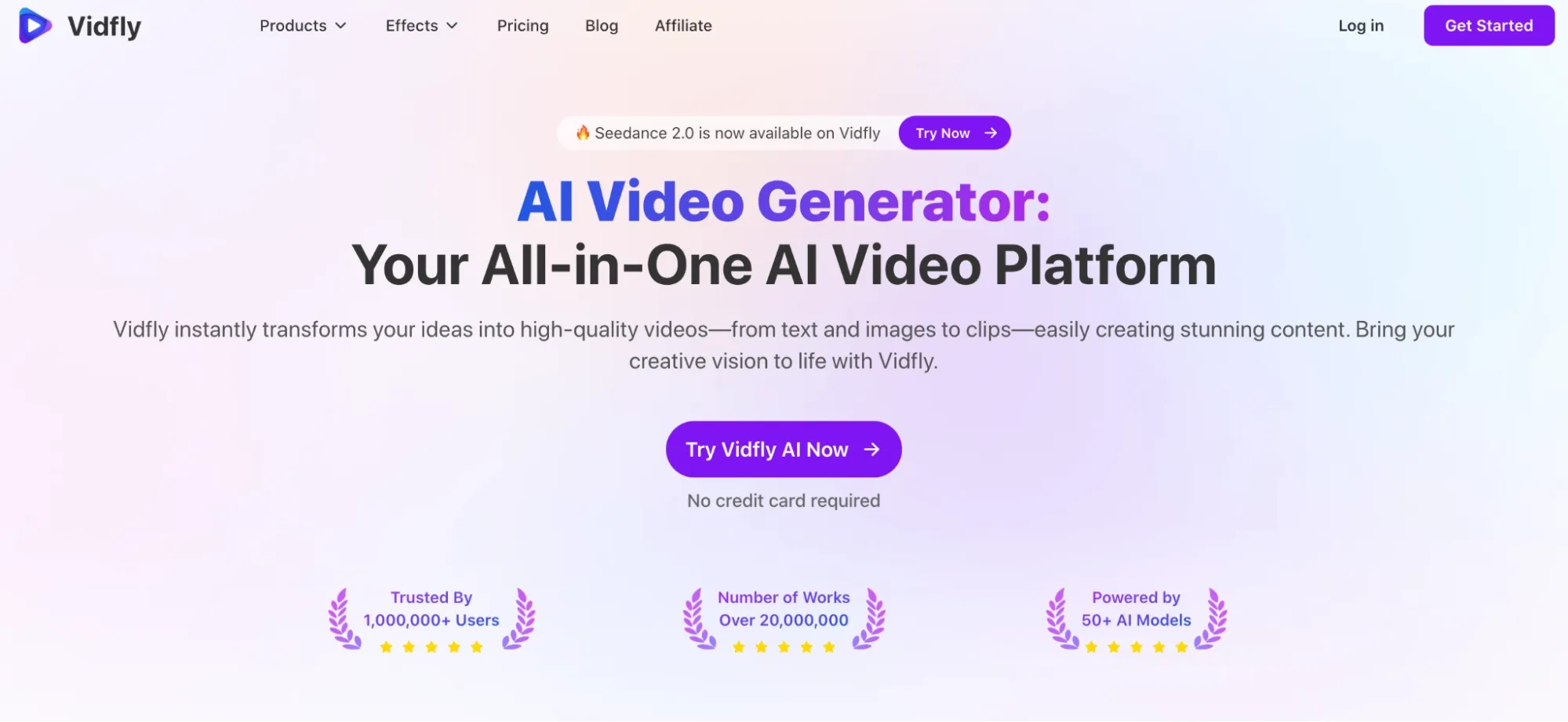
If you’re not accustomed to using AI tools, then I suggest Vidfly AI. And this is because it has a dedicated long-to-short video generator that can turn scripts to visuals almost instantly.
I used a few blog posts to see how it performs, and it didn’t take much effort on my part to get a result. All I needed to do was select my preferences to get the ball rolling.
In just a few clicks, I set up my desired visual style, background music, captions, voiceovers, etc. All of this under a basic dashboard that any beginner could navigate.
But when it came to visual quality, I found it to be hit or miss. Mostly, the output was decent, but the tool tends to deviate from the script or generate sequences with flaws.
However, I was impressed by how fast Vidfly AI is. So, while I wouldn’t recommend it for complex scenes, it can be useful for creating quick TikTok promos or teasers.
Pros:
- One-click video generation
- Clean & simple user interface
- Large video template library
Cons:
- Inconsistent video output
- Not suited for complex visual scenes
For a deeper breakdown, see this Vidfly AI review.
#6. Medeo AI: Best for Narrative/Storytelling TikToks
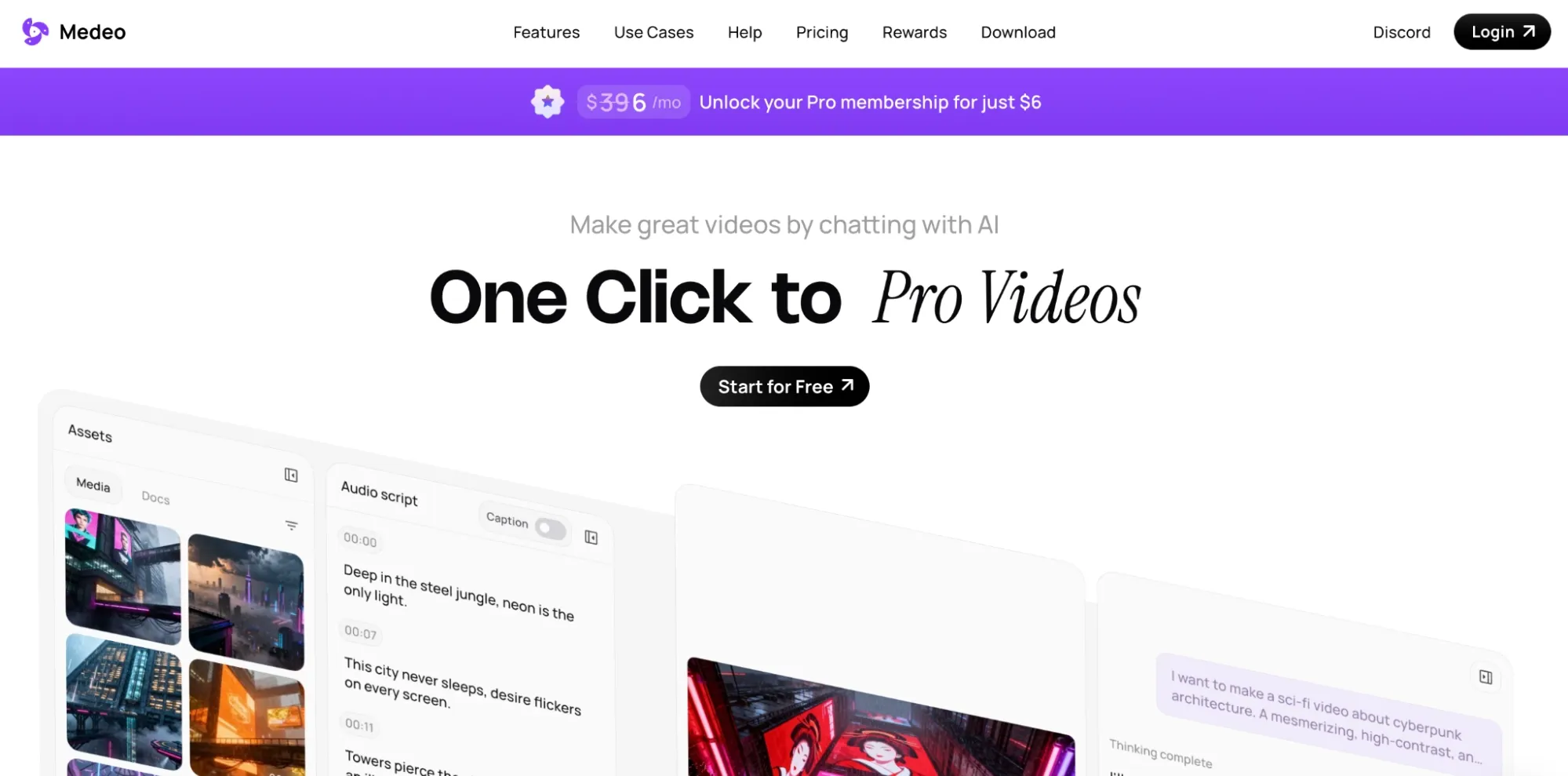
I enjoyed using Medeo AI because the whole generative process can be done via agent chat. Instead of writing complex prompts, I can just describe what I want in casual conversation.
I tested it a few times by pasting a few explainer blogs and asking it to turn them into digestible TikToks. All I had to do was sit back, and it handled everything.
From storyboarding to narration, the agent converted the information into proper scripts, rendered visuals for each sequence, set the camera movements, handled transitions, etc.
And when I wanted to make any scene adjustments, I could simply ask it to speed up the sequence, change the style, add captions, etc.
I must say the agent wasn’t perfect. Some of the visuals are generic, and I went through several iterations before it nailed what I was looking for. So, keep in mind that it can be unpredictable.
Pros:
- Agent-driven creation/editing
- All-in-one video production
- Handles multi-scene storytelling
Cons:
- Inconsistent visual creations
- Limited customization tools
For a deeper breakdown, see this Medeo AI review.
#7. InVideo AI: Best for Instant URL-to-Video Generation
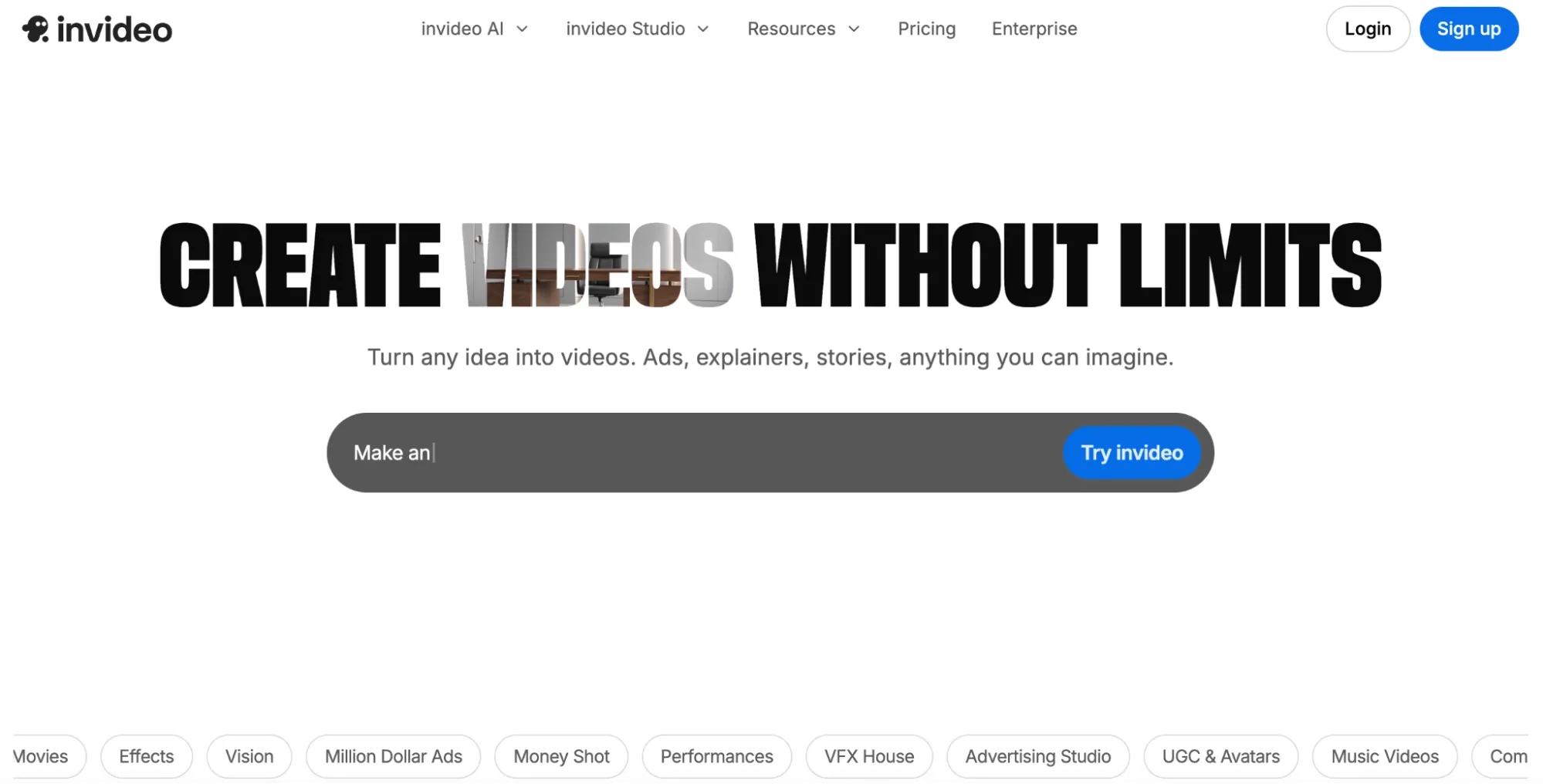
InVideo AI surprised me because it has a dedicated TikTok template that allows users to generate social-ready videos from long-form content in seconds.
I’ll admit the options for personalizing videos on it are basic and limited. All I could do was select a few preferences like voiceovers, subtitles, music, text, etc.
When I tested it, I pasted news articles to see how it performs. For the most part, the visuals InVideo AI generated were a little template-y but still good enough for creating faceless TikToks.
It also has an AI chat agent, which performed better. After pasting the blog URL, the agent crafted a full script, chose relevant visuals, picked the voiceover, etc.
So, I must admit, it’s quite a flexible tool. But I was shocked by the pricing, which is quite steep, even for starters. Plus, it’s not a video generator equipped for premium cinematics.
Pros:
- Rapid text-to-video creation
- Social-ready video templates
- Easy-to-use for beginners
Cons:
- Limited customization options
- Expensive pricing options
For a deeper breakdown, see this InVideo AI review.
Which Blog-to-Video Generator Should You Use: My Personal Take
I tried and tested roughly 20 tools, and I will say that these are the video generators I enjoyed using the most. Why? The 7 on this list process lengthy texts/scripts much more creatively.
But there must always be an absolute winner, and if I had to choose one from this list, it would be Pollo AI. It simply edges out the rest in performance, and it’s not even close.
In particular, I love how complete an AI suite it is. Whether I need to generate images, produce videos, or refine existing footage, I can handle it all there in one place.
On top of that, the Pollo agent feature is simply fantastic! For creating social-ready content like TikToks, this alone exceeded my expectations, especially with how good the final cuts are.
If you’re a TikTok creator, then you need a video generator that offers quality, flexibility and volume. I believe Pollo AI ticks all these boxes, but you don’t even need to take my word for it!
Head to Pollo AI and take advantage of its free trial plan as a new user. You can start turning blogs to TikToks right now, and you’ll see exactly why I have such a high opinion of it.
FAQs
What's the best video generator for turning blogs into TikToks?
Pollo AI is the best video generator for turning blog posts into TikToks. With its full AI suite that hosts top-tier AI models like Seedance 2.0, as well as features like Pollo agent, you can convert how-tos, reviews, news, and other texts into viral-worthy TikToks within minutes.
Will all the TikToks I create with these tools require manual editing?
No. Some tools, like Pollo AI, can automate the entire production. Simply paste the blog text or URL, and the agent will handle scriptwriting, storyboarding, transitions, etc, to produce a full, publish-ready clip.
Which video generators can I use to convert blogs to TikToks for free?
Pollo AI has a free plan that offers limited credits for you to test its features and generate TikToks at no cost. Other tools with free tiers include Dreamina AI, Vidfly AI, and Invideo AI.
Which video generator can best create lifelike talking videos?
You’ll be best suited using Pollo AI, specifically Pollo AI Avatar. This lets you generate UGC-style clips of up to 2 minutes that mirror real, recorded influencer videos, perfect for promotional TikToks, product demos, etc.
Can these video generators handle long or technical blog content?
Absolutely. Tools like Pollo AI can analyze any blog content to extract key excerpts. Within minutes, it will produce short, viral-worthy clips with strong hooks, captivating visuals, and engaging narration fit for sharing online.