



Free AI Logo Generators Compared: 10 Tools for Watermark-Free Logos
Free AI Logo Generators Compared: 10 Tools for Watermark-Free Logos
Your logo looks great. Then you click Download, and the clean version costs extra. Sound familiar? I compared 10 free AI logo generators to see which offer useful designs, flexible revisions, and watermark-free downloads.
TL;DR: What Is the Best Free AI Logo Generator With No Watermark?
Pollo AI is my top pick for a free AI logo generator with no watermark because it combines free credits, daily check-in rewards, reference uploads, and conversational revisions. It offers the strongest overall workflow here for developing a logo around your own brand direction.
Canva comes second for arranging logos in marketing designs, although transparent exports and premium assets complicate its free offering. Adobe Firefly ranks third for AI graphics with manual finishing. The remaining options make more sense for narrower tasks, such as quick logo images, template-based designs, or occasional experiments.
What Should “Free” and “No Watermark” Actually Include?
A useful free logo maker should let you create a design and leave with a clean file. Before starting, check three things:
- How much can you create? Free credits and daily rewards help you explore ideas, but they do not mean unlimited generations.
- What triggers a charge? Paid icons, premium templates, and extra download options can turn a free design into a paid one.
- Can you use the file where you need it? A logo without a watermark can still have a white box behind it. A transparent PNG removes that box; an SVG stays sharp when enlarged for signs or packaging.
The 10 Best Free AI Logo Generators at a Glance
| Rank | Tool | Best fit | Free access | No-watermark download |
|---|---|---|---|---|
| 1 | Pollo AI | Best overall for custom logos and conversational refinement | Free credits and daily check-in rewards | Yes |
| 2 | Canva | Logos within marketing layouts | Free plan; AI usage limits apply | Yes, with free assets |
| 3 | Adobe Firefly | AI graphics with manual finishing | Free plan; generation uses credits | Yes, with free assets |
| 4 | Fotor | Text- or image-based logo concepts | Free credits; additional credits through rewards | Yes; generation uses credits |
| 5 | Picsart | Creative logo images with photo-editing options | Limited free logo generations | Clean exports with free content; premium options can cost extra |
| 6 | Design.com | Customizing selected free logo designs | Free logo selection and editing | Yes for selected free logos; some AI designs require payment |
| 7 | Pixelcut | Quick mascot and emblem images | Free starting credits | Yes; PNG |
| 8 | AI Ease | Illustrated logo experiments | Free starting credits | Yes |
| 9 | Zarla | Basic local-business logos | Free logo creation and downloads | Yes; SVG and transparent PNG |
| 10 | ImagineArt | Occasional stylistic exploration | Free credits; availability varies by model | Available on supported image tools; check the selected workflow |
1. Pollo AI — Best Overall for Free AI Logo Creation and Refinement
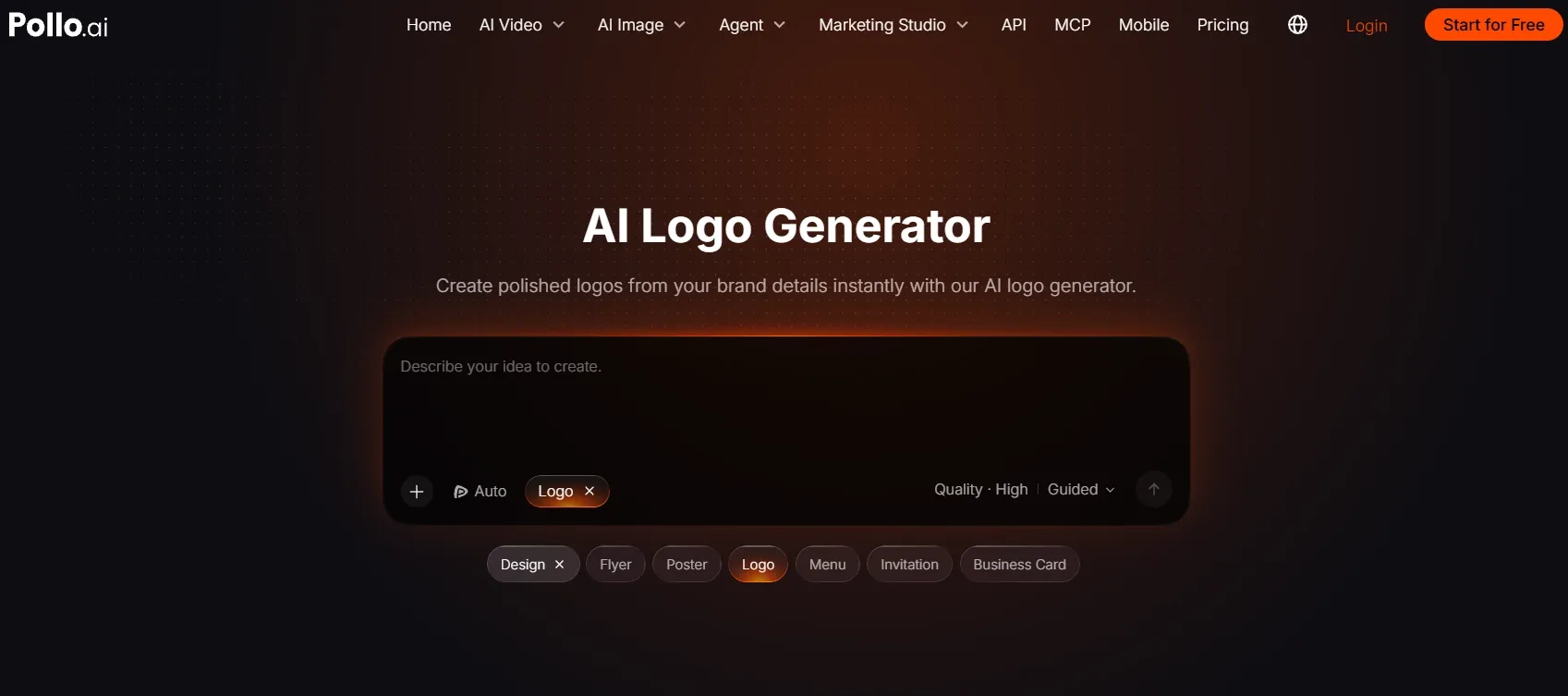
Best for: Founders, creators, and small businesses that want a custom logo they can develop through feedback.
Pollo AI is my clear first choice because it gives you a useful path from a vague idea to a logo that feels like your brand. You can create a custom logo from your brand brief, explore icon, wordmark, badge, or combination layouts, and guide the colors, typography, symbols, and mood.
Its biggest advantage is uploading your own materials and refining through conversation. Start with a sketch, packaging reference, or existing brand asset, then describe what you want to keep or change. You can follow up with instructions such as “simplify the symbol,” “move the name to the right,” or “make the overall style more understated.”
You can begin with free credits and collect more through daily check-ins, giving you room to compare symbols, explore color palettes, and refine a promising direction without paying for every experiment. Pollo AI supports watermark-free downloads, so you can share clean concepts with your team and use the chosen logo across your website, social profiles, and launch materials with your own brand taking center stage.
There is also room to explore beyond the first logo direction. Pollo's AI image generator supports top-tier models including GPT Image 2.6 and Seedream 5.5, giving you different options for creating matching brand visuals. I value that flexibility when a brand needs both a restrained wordmark and a more expressive illustrated concept.
The practical next step is checking the logo on real materials. You can remove the background from a logo before placing it on different colors, then carry the identity into branded Instagram posts. That keeps the design process connected to how the logo will actually be seen.
Prompt to try: “Create a combination logo for NORTH & BEAN, an independent coffee brand. Use a simple mountain-and-coffee-bean symbol, dark forest green, warm cream, and a clear wordmark. Flat design, generous spacing, no mockup, no gradients.”
What I got: A compact forest-green symbol combined a mountain peak with the curved center of a coffee bean, with NORTH & BEAN set underneath in clean, evenly spaced lettering. The warm cream background gave the design a welcoming feel without adding texture or decoration. The icon and wordmark felt like parts of the same identity, with enough breathing room to keep the whole composition clear.
Pros:
- Free credits, with additional credits available through daily check-ins.
- Reference uploads and follow-up instructions for brand-specific revisions.
- Multiple logo structures and flexible image-model choices.
- Watermark-free downloads and supporting visual tools in one workspace.
Cons:
- It helps to decide on your brand name and preferred palette before starting.
- Comparing a few variations makes choosing the final direction easier.
My Verdict
Pollo AI is the strongest overall option. Free-credit access, uploaded references, and conversational refinement make it my first stop for developing a custom identity, with the other tools serving more specific supporting needs.
2. Canva — Best for Placing Logos Into Marketing Designs
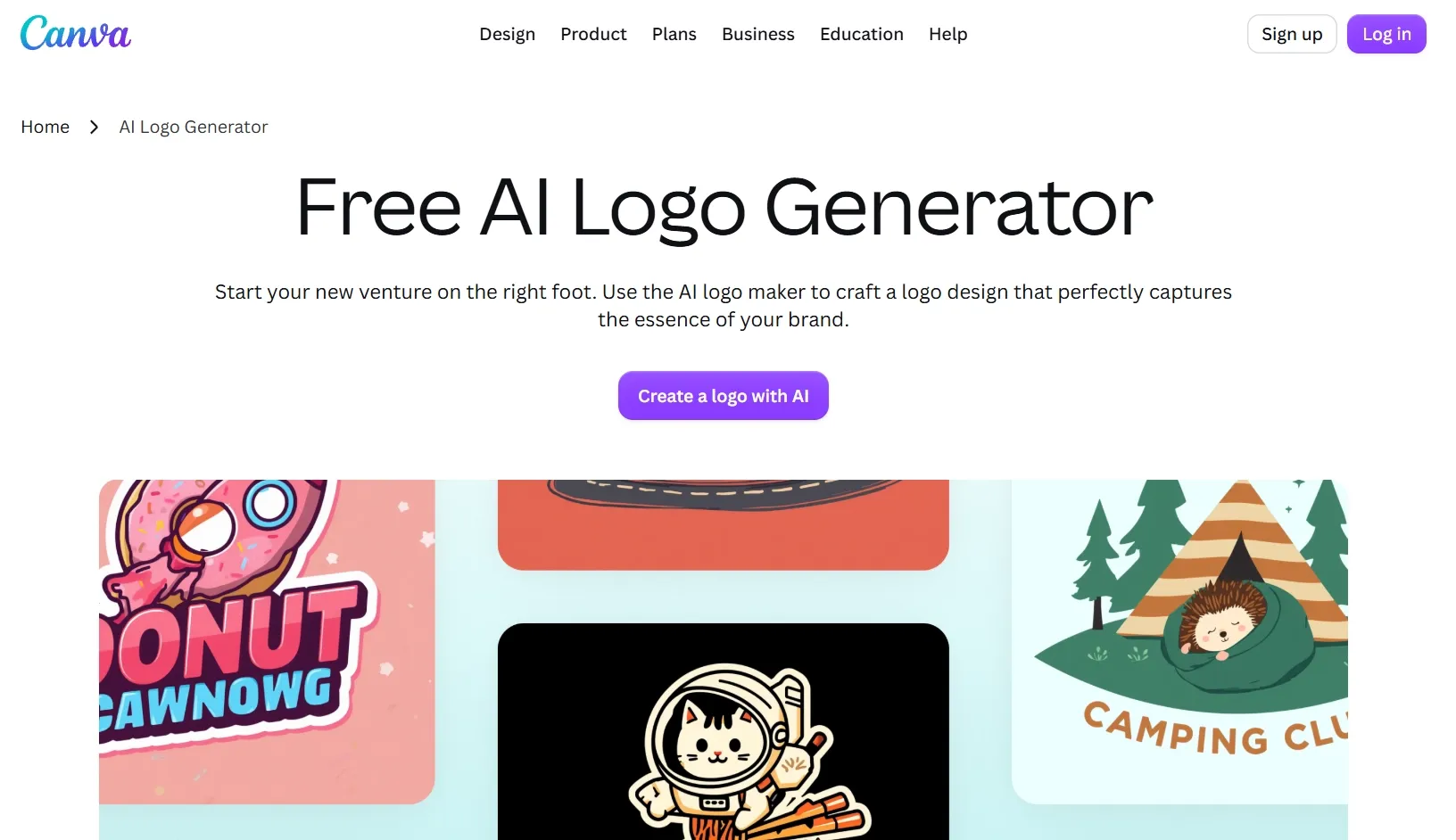
Best for: Users who already work in Canva and want to arrange a logo within other designs.
Canva accepts logo prompts, offers different visual styles, and lets you continue in its familiar editor. Its strength is arranging text, graphics, and spacing around a chosen logo concept.
For a completely free result, stick to free assets. Premium elements can trigger charges or watermarks, and downloading a transparent background requires an eligible plan. Those restrictions make Canva less convenient when all you want is a clean standalone logo.
A useful reality check is whether your logo remains readable on opening-day posters, where dates, offers, and photography compete for attention.
Prompt to try: “Minimalist logo for MOSS STUDIO, a plant shop. A simple botanical symbol, dark green, cream background, understated style.”
What I got: A delicate green sprig sat above MOSS STUDIO on a cream background, with thin lettering and a centered layout. The overall look was calm and tidy, although the leaf symbol felt familiar. I would give the wordmark slightly more weight before using the design as a small profile image.
Pros:
- Easy-to-use editor for adding brand text and adjusting the overall layout.
- Convenient reuse of a finished logo across flyers, social posts, and presentations.
- Watermark-free downloads when you use free assets and supported export settings.
Cons:
- Transparent-background downloads require an eligible plan.
- Premium icons and templates can trigger watermarks or payment prompts.
- Limited free AI usage leaves less room for comparing multiple logo directions.
My Verdict
Canva earns second place as a design editor around the logo. Pollo AI remains my stronger recommendation when the main task is creating and refining the logo itself.
3. Adobe Firefly — Best for AI Graphics With Manual Finishing
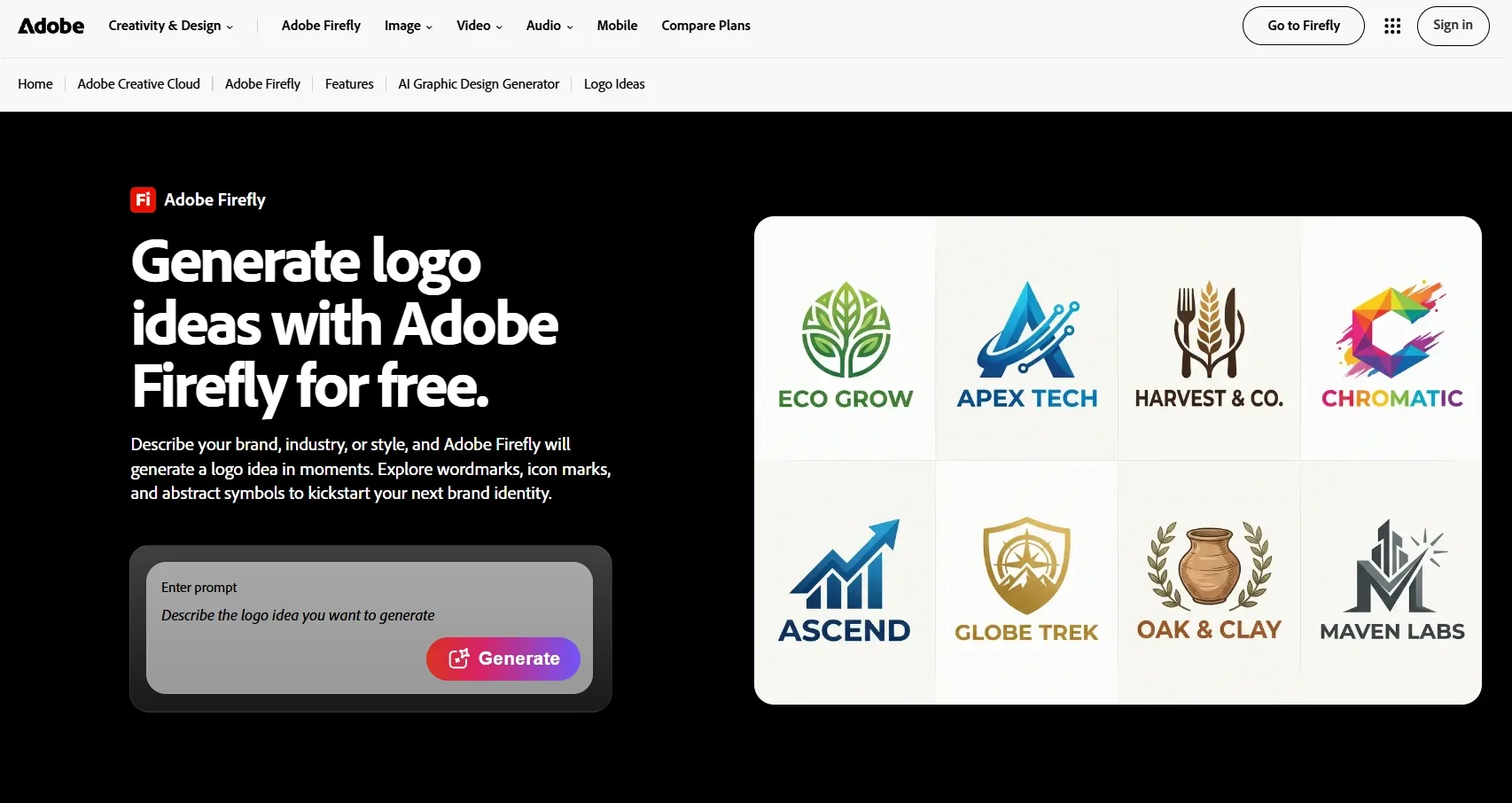
Best for: Beginners who want an AI-generated symbol and direct control over the final layout.
Adobe Firefly supports text prompts and style or composition references. You can generate an initial graphic, refine it in the editor, and download a transparent PNG.
The free plan is useful, but generation uses credits and some design assets are premium. I would generate a simple symbol first, then add the brand name as editable text to control spelling and spacing.
For a skincare brand, I would also check whether that symbol stays recognizable in product launch posters, especially beside detailed bottle photography.
Prompt to try: “Logo symbol for LUMA skincare. One abstract droplet, balanced geometry, muted sage green, flat design, no lettering, no packaging mockup.”
What I got: A sage-green droplet used two curved shapes and a narrow white opening to create a soft, balanced symbol. There was no lettering or packaging scene, which kept attention on the mark itself. It suggested a gentle skincare brand, but still needed a carefully chosen wordmark to become a complete logo.
Pros:
- Style and composition references help guide the initial logo graphic.
- Editable text lets you control brand-name spelling, font choice, and spacing.
- Transparent PNG downloads make the finished logo easier to place on other designs.
Cons:
- Generative credits limit how many concepts you can explore for free.
- Premium fonts, templates, and other assets can add costs.
- Combining the generated symbol with a finished wordmark can require manual layout work.
My Verdict
A capable third choice for combining AI graphics with manual layout work. Its appeal is the editor-led finish, while Pollo offers the more direct conversational workflow.
4. Fotor — Best for Turning Text or Images Into Logo Concepts
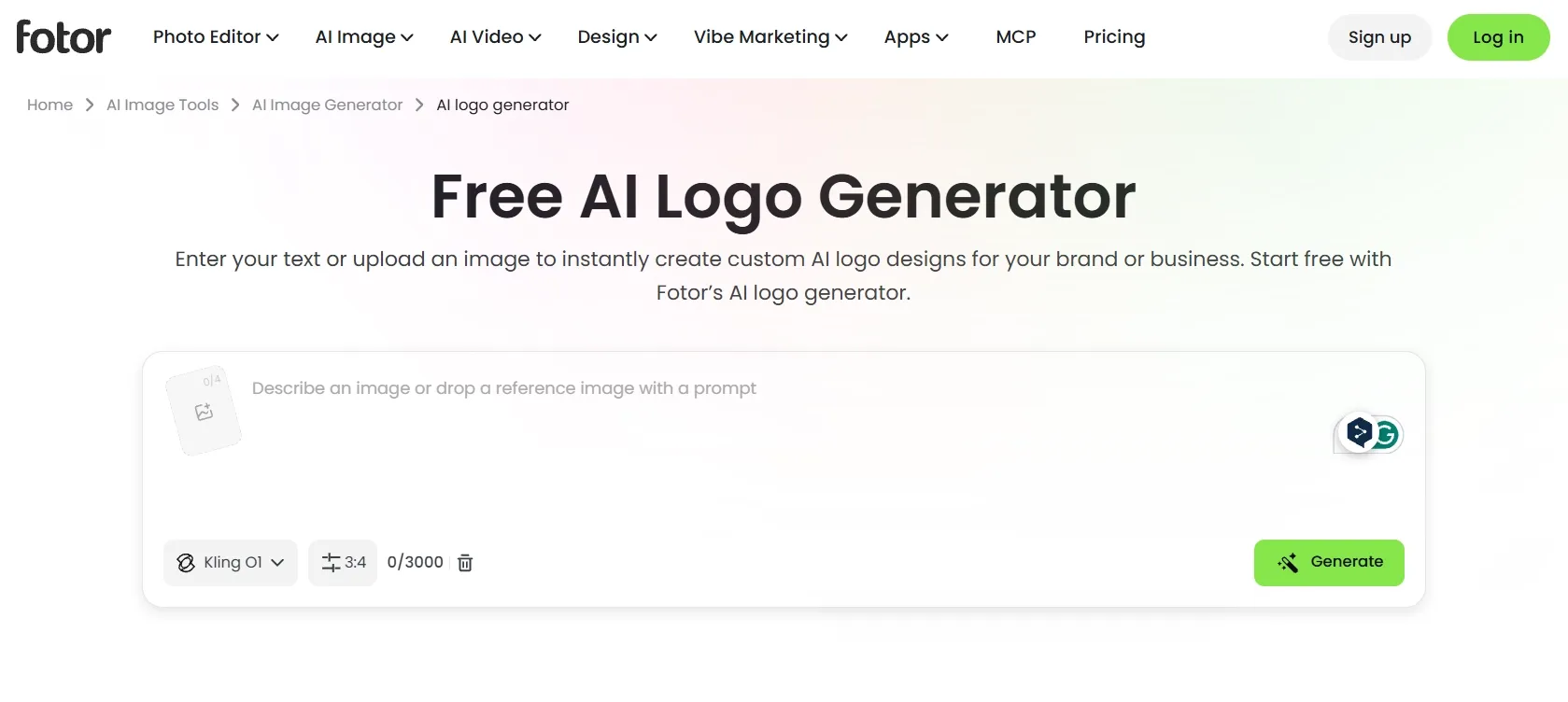
Best for: Users who want to try a logo idea from a written brief or an image reference.
Fotor can generate logos from text, transform reference images, and offer different model and output settings. It also supports watermark-free downloads and lets free users earn credits through activities such as daily logins.
Its workflow moves from generation settings into further image editing. I would use it for a focused concept, then check the lettering and simplify the layout before preparing launch materials such as promotional flyers.
Prompt to try: “A clean blue-and-orange combination logo for BRIGHTFIX, a neighborhood repair business. One simple tool-inspired symbol, readable lettering, flat design, white background.”
What I got: A blue wrench-shaped icon with a small orange accent appeared beside a bold BRIGHTFIX wordmark. The white background and horizontal arrangement made the business name easy to pick out. The design communicated repair services clearly, though the literal tool symbol gave it a fairly conventional local-business look.
Pros:
- Text prompts and reference uploads provide two ways to start a logo concept.
- Model and aspect-ratio choices let you explore different visual directions.
- Watermark-free downloads and credit rewards make occasional free use practical.
Cons:
- Every generation uses credits, including attempts you decide not to keep.
- Choosing models and output settings adds setup before you can compare results.
- Precise lettering and layout changes may require moving into the image editor.
My Verdict
A useful fourth choice for generating an initial concept. It is less direct for the ongoing back-and-forth that turns one promising idea into a settled brand identity.
5. Picsart — Best for Creative Logo Images With Editing Options
Best for: Creators exploring an expressive symbol or illustrated brand mark.
Picsart accepts written logo ideas and reference examples, with limited free generations. Its image-editing tools can help remove unwanted elements or adjust the overall look.
The main limitation is that you cannot freely edit every part of a generated logo. Rearranging elements or changing their colors can mean updating the prompt and generating again, which makes small revisions less convenient.
For a personal brand, a simple mark also needs to work beside larger lettering in branded quote posters. Too much detail in both places can make the design feel crowded.
Prompt to try: “An expressive logo for GOOD DAYS, a creative journaling brand. A simple rising-sun symbol, warm coral and cream, friendly rounded lettering, flat graphic style.”
What I got: A coral half-sun rose above GOOD DAYS, with short rounded rays and soft lettering on a cream background. It had the cheerful feel of a journal cover or stationery label. The sun was more prominent than the name, so I would reduce its size to give the lettering a stronger role.
Pros:
- Written briefs and reference examples help establish a visual direction.
- Image-editing tools can remove unwanted details from a generated concept.
- PNG, JPG, and PDF downloads suit common digital and document uses.
Cons:
- Free logo generations are limited, so retries reduce your available experiments.
- Rearranging generated elements or changing their colors can require regeneration.
- Premium assets and editing features can add costs during finishing.
My Verdict
A fifth-place option for expressive logo imagery. I would use it for creative exploration before relying on it for precise, repeated logo revisions.
6. Design.com — Best for Customizing Selected Free Logo Designs
Best for: Small businesses willing to choose from a defined free logo selection.
Design.com combines a large logo library with business-name and keyword-based suggestions. Its free collection includes designs you can customize and download in image and vector formats.
The free route needs attention: selected free logos and unrestricted AI-design downloads are different offers. You can download designs from the free collection at no cost, but some AI-created designs require a premium plan.
For a consulting business, the logo is part of the first impression you make when meeting a potential client. On business cards, it needs to share limited space with your name, role, and contact details. A simple symbol and readable wordmark leave room for that information without crowding the layout.
Prompt to try: “CLEARPATH consulting, navy and teal, readable sans-serif lettering, a simple directional icon, understated business style.”
What I got: Two teal chevrons formed a forward-pointing symbol beside a navy CLEARPATH wordmark, with CONSULTING in smaller lettering underneath. The layout was orderly and easy to understand. It suited a professional services business, although the arrow motif felt more like a familiar corporate starting point than a distinctive brand signature.
Pros:
- A designated free collection makes it possible to leave with a logo without paying.
- Font, color, and layout controls help adapt an existing design to your business.
- Qualifying free logos include vector files as well as high-resolution images.
Cons:
- Free downloads are limited to qualifying designs from the free collection.
- Some AI-created designs require a premium plan before you can download them.
- Library-based concepts offer less freedom for a completely custom symbol.
My Verdict
A conditional sixth pick for customizing a free design. It is less straightforward for readers who expect every AI-generated result to come with a free, watermark-free download.
7. Pixelcut — Best for Quick Mascot and Emblem Images
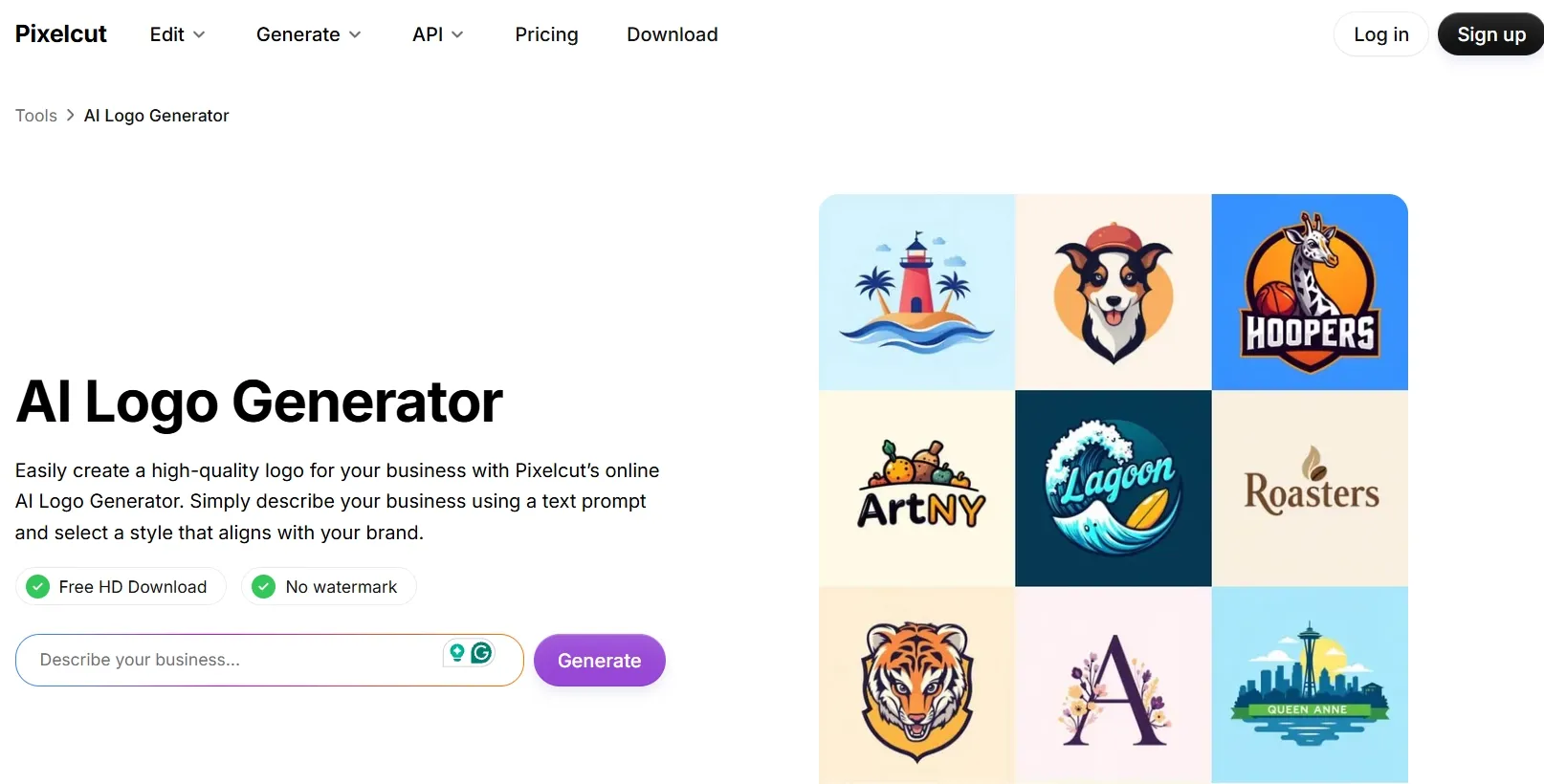
Best for: A club or creator that wants a bold visual mark in a chosen style.
Pixelcut offers styles such as cartoon, modern, monogram, and mascot. Free starting credits let you generate logo images and download watermark-free PNGs.
To revise a logo, you change the prompt and generate another version. That is manageable for a simple emblem, but less convenient when you need several precise adjustments.
For a sports club, the mascot should still be recognizable on cricket match posters, beside team names, player photographs, and fixture details.
Prompt to try: “A friendly fox mascot logo for RIVERFOX cricket club. Orange and charcoal, bold outline, simple shapes, compact badge composition, plain background.”
What I got: An orange fox face filled a charcoal badge, with pointed ears, bright cheek shapes, and RIVERFOX lettering across the bottom. The bold outline gave it an energetic club identity. The face carried most of the visual interest, while the smaller lettering and interior details made the badge busier than a simple standalone mark.
Pros:
- Style presets make it easy to start a mascot, monogram, or emblem.
- Free starting credits cover initial logo experiments.
- Watermark-free PNG downloads are convenient for profiles and online graphics.
Cons:
- Revisions rely on regeneration, which uses more of your credit allowance.
- A PNG does not provide separately editable lettering and icon shapes.
- Fine details in a mascot or badge can make the design harder to read at small sizes.
My Verdict
Useful for a quick mascot image. I would choose a higher-ranked option for deliberate typography, detailed revisions, or a more complete brand workflow.
8. AIEase — Best for Illustrated Logo Experiments
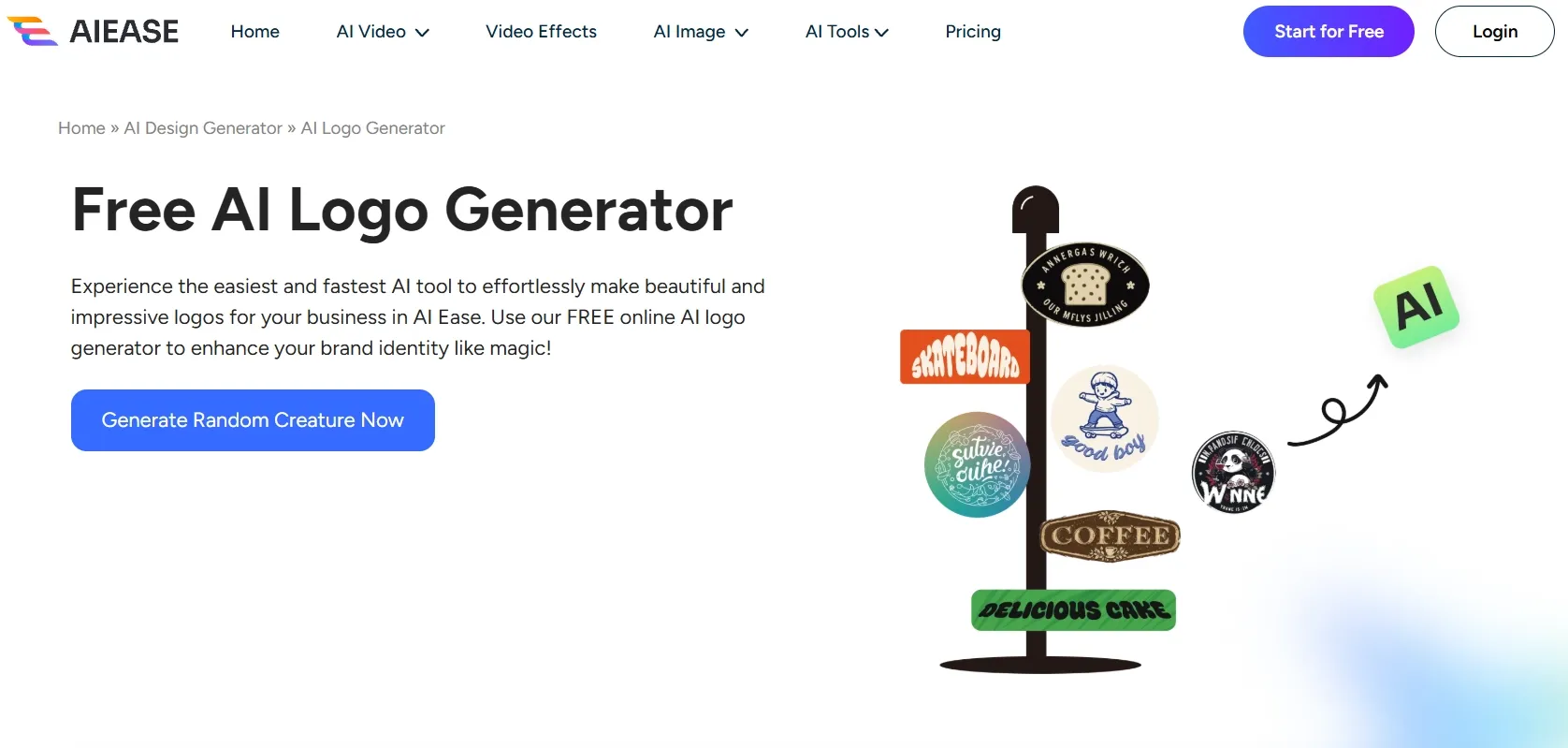
Best for: Trying a playful emblem before committing to a finished identity.
AI Ease supports different illustration styles, brand-name instructions, and aspect ratios. Its platform offers free starting credits and watermark-free content.
I would treat it as a way to explore an image first. Precise lettering, background changes, and other refinements can move you into separate editing tools.
For a bakery logo, check whether the emblem remains clear on café menus, where item names and prices need most of the reader's attention.
Prompt to try: “A cheerful bakery emblem for SUNNY CRUMB. One simple croissant symbol, warm yellow and brown, flat illustration, clear lettering, square composition.”
What I got: A golden croissant sat inside a warm brown circular border, with SUNNY CRUMB curved around the upper edge. Small decorative strokes made the emblem feel friendly and handmade. It worked as a bakery concept, but I would remove some of that decoration before placing it beside menu text or on a small label.
Pros:
- Different illustration styles suit playful emblems and early visual concepts.
- Prompt and aspect-ratio controls make simple logo experiments easy to set up.
- Supporting editors let you add text or adjust the background afterward.
Cons:
- Refining text, backgrounds, and other details can involve separate editing tools.
- Free credits limit how many versions you can generate before needing more.
- A generated image offers less control over individual logo elements than an editable layout.
My Verdict
An eighth-place option for playful visual ideas. It is better suited to an early emblem concept than a carefully finished business identity.
9. Zarla — Best for a Basic Local-Business Logo
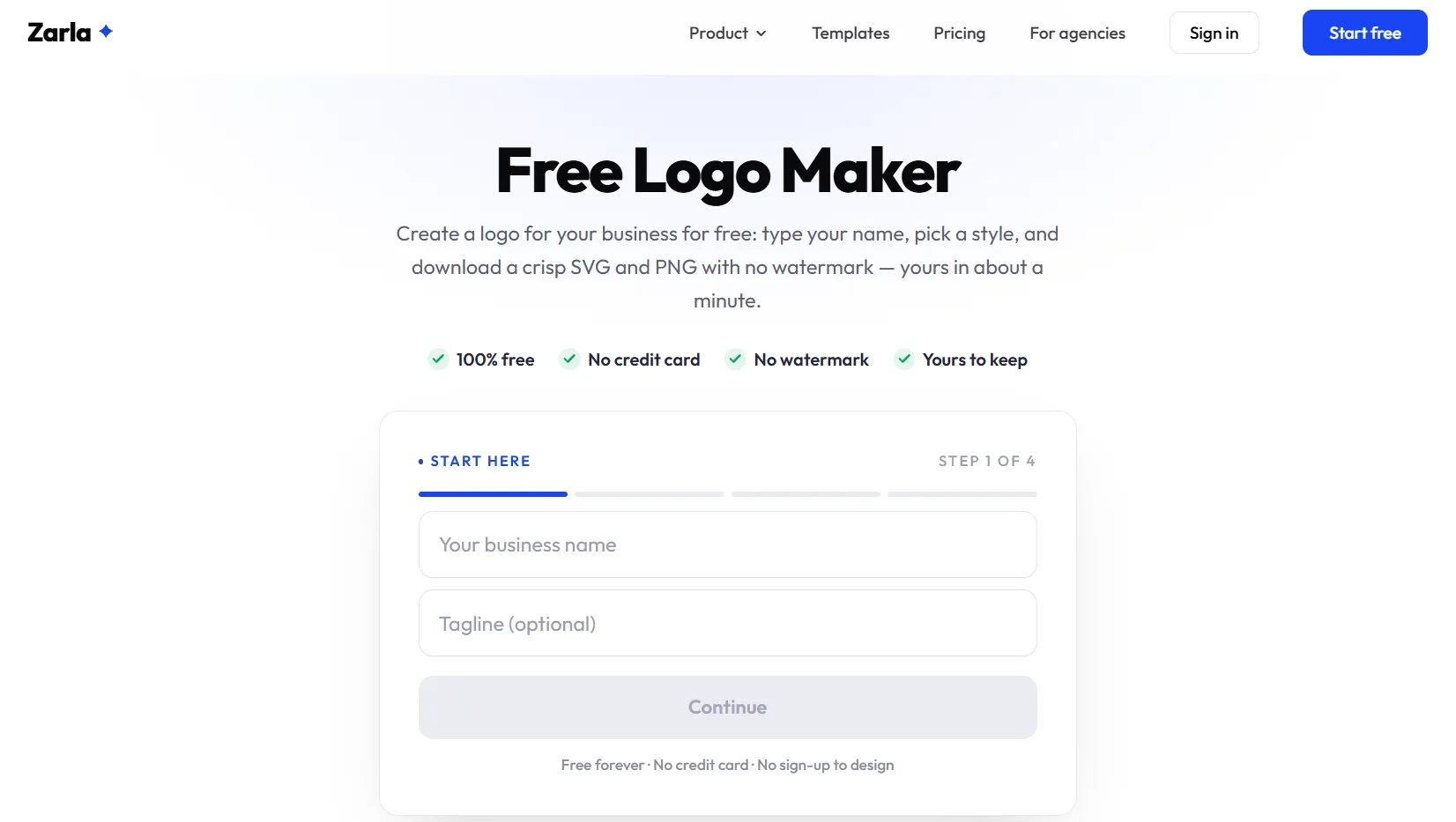
Best for: A local service business that needs a straightforward name-and-icon design.
Zarla matches fonts, icons, and palettes to your industry. It provides watermark-free SVG and high-resolution transparent PNG downloads after free sign-in.
The process is guided and more constrained than a detailed visual prompt. I would use it for a familiar business-logo structure with clear lettering and a simple symbol.
That same simplicity helps when a local business sponsors community campaign posters, where the logo often appears in a small row of supporting organizations.
Prompt to try: “OAKLINE plumbing: sturdy lettering, a blue palette, and a simple trade-related icon.” Use this as the brief for the guided selections.
What I got: A blue pipe-and-droplet icon appeared to the left of OAKLINE, with PLUMBING underneath in smaller capitals. The sturdy lettering made the business type immediately clear. It was a practical service-business layout, although the stock-style icon offered little connection to the OAKLINE name itself.
Pros:
- Logo creation and downloads are free.
- SVG and transparent PNG files cover both scalable graphics and everyday placements.
- Guided industry, font, and palette choices keep the process simple for beginners.
Cons:
- Guided selections provide less freedom than detailed custom visual instructions.
- Shared icons and fonts can make the result feel similar to other business logos.
- You need to sign in before downloading your files.
My Verdict
A functional starter option for a local business. Its clean files are useful, but the creative process is narrower than the higher-ranked generators.
10. ImagineArt — Best for Occasional Logo Style Experiments
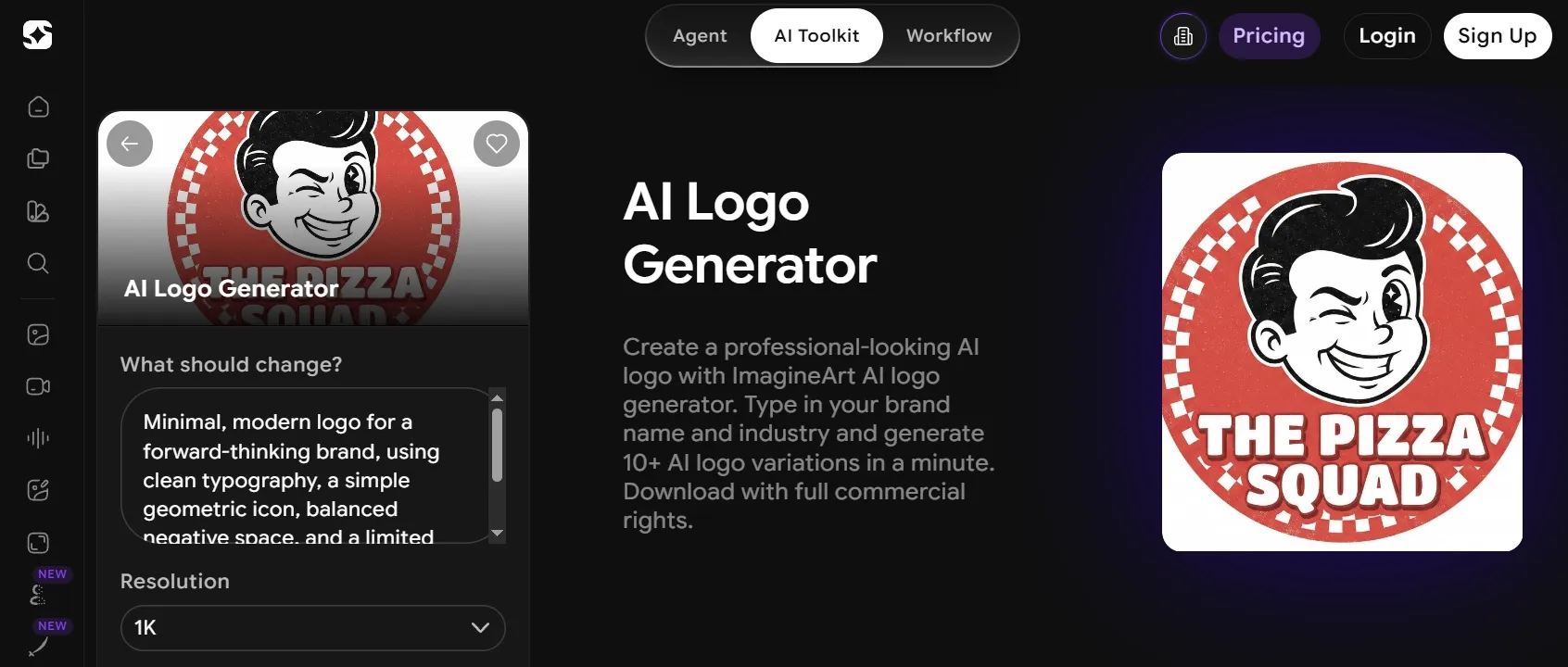
Best for: Exploring a visual direction before deciding how to finish the logo.
ImagineArt offers logo generation within a broader image-creation platform. You can describe the brand, palette, typography, and icon style, then explore variations.
It is free to start, but model access, credit costs, and download conditions deserve checking in the selected workflow. I would keep it to a focused experiment before investing time in a full identity.
For an independent film project, the mark also needs to remain recognizable on movie release posters and smaller YouTube thumbnails.
Prompt to try: “Minimalist logo for HARBOR FILMS. A simple sailboat symbol, navy and white, restrained lettering, flat design, no cinematic mockup or decorative background.”
What I got: A navy sailboat appeared above HARBOR FILMS, framed by a shallow curved line suggesting the water. The white background and restrained palette kept the composition simple. The fine mast and delicate wave detail gave it an elegant mood, though I would simplify those lines before choosing it for a compact channel icon.
Pros:
- Prompts let you explore different symbol, color, and typography directions.
- The wider image workspace supports related artwork alongside logo concepts.
- Supported image tools offer watermark-free downloads.
Cons:
- Free access and credit costs vary across models and tools.
- The selected workflow determines which downloads are included in the free allowance.
- Developing an image concept into a finished logo can still require further editing.
My Verdict
A final option for occasional style exploration. For a focused free logo workflow with repeated revisions, I would start higher on this list.
How I Compared These Logo Generators
I compared free access, watermark rules, reference support, revision controls, and download options against practical briefs for cafés, skincare brands, service businesses, and creators. I gave the most weight to developing a usable custom logo and making changes without restarting the entire process.
How to Choose a Free AI Logo Generator With No Watermark
- Pollo AI: Choose it first for custom logo creation, uploaded references, conversational revisions, free credits, and watermark-free downloads.
- Canva: Choose it when arranging a logo in marketing layouts matters most, and you can work within its free-asset and export restrictions.
- Adobe Firefly: Choose it for an AI-generated symbol followed by hands-on text and layout editing.
- Fotor: Choose it for trying a specific logo concept from text or an image reference, with credits available for generation.
- Picsart: Choose it for expressive logo imagery when you are comfortable regenerating for major changes.
- Design.com: Choose it when a design from the selected free collection fits your business; check AI-design download charges separately.
- Pixelcut: Choose it for a quick mascot or emblem image that you can use as a PNG.
- AI Ease: Choose it for a playful illustrated concept that may need further text or background editing.
- Zarla: Choose it for a basic local-business logo built through guided font, icon, and palette choices.
- ImagineArt: Choose it for an occasional style experiment after checking the chosen model's credit and export conditions.
My Personal Take
Pollo AI remains my first recommendation because a logo usually develops through small decisions: keep this shape, simplify that detail, make the lettering feel more established. Uploading materials and asking for changes in everyday language makes that process easier to manage.
Free credits and daily check-in rewards give you a way to begin and return to the project, while watermark-free downloads keep the final image focused on your brand. The other tools have useful individual strengths, but Pollo offers the strongest overall combination for this task.
Start with one clear brand brief, choose a promising direction, and refine it until the design feels right.
FAQs About Best Free AI Logo Generator
What is the best free AI logo generator with no watermark?
Pollo AI is my top recommendation for custom logo creation and refinement. You can start with free credits, collect additional credits through daily check-ins, upload reference materials, and develop the design through conversation. It also supports watermark-free downloads.
Can I create an AI logo for free without design experience?
Yes. Start with your brand name, business type, preferred colors, and one simple symbol idea. With Pollo AI, you can also upload a sketch or reference and describe changes in everyday language.
Does no watermark mean the logo has a transparent background?
No. A watermark is someone else's branding placed over your image. A transparent background removes the white or colored box behind your logo. Check both if you want to place the design on packaging, photographs, or colored backgrounds.
Does a free AI logo generator include unlimited downloads and revisions?
Not necessarily. Some tools limit generation credits, some charge for premium assets, and others reserve certain files for paid plans. Check what the free offer includes before spending time refining a design.
What should I include in an AI logo prompt?
Include the exact brand name, business type, logo structure, colors, symbol, and style. A short, specific brief is easier to refine than several competing ideas in one prompt. For a fashion label, start with the look you want for its clothing brand identity, such as understated luxury or bold streetwear.
Can I upload materials and revise the logo afterward?
Yes. Pollo AI supports uploaded materials and follow-up instructions. You can start with a sketch or existing brand asset, then ask for changes to the symbol, colors, lettering, or overall layout without having to explain the entire project again.