



100% Free Text to Video AI: 8 Tools for Your Next Video
Looking for 100% free text to video AI to bring an idea to life? The useful question is what you can actually create before paying. Some tools offer daily credits; others provide a small trial allowance.
I compared eight platforms that turn written ideas into generated clips, narrated videos, or animations. Here’s where I would start, how each workflow differs, and what you can try without paying.
TL;DR
Pollo AI is my top recommendation for creators who want to turn a written idea into a video and keep developing it in one place. Its model choices, prompt controls, and connected editing tools make it a flexible starting point.
8 Free Text to Video AI Tools at a Glance
| Tool | Best For | Free Access |
|---|---|---|
| Pollo AI | Overall creative flexibility | Introductory credits for new users; generation cost varies by model and settings |
| InVideo AI | Developing a complete video brief | Limited free credits; AI generation costs depend on the workflow |
| Kapwing | Browser editing after generation | Limited AI credits; free-account exports include a watermark |
| Clipfly | Short visual concept clips | Free starting credits; check the cost of the selected settings |
| FlexClip | Simple script-based social drafts | Free plan with 720p downloads and limited AI-feature trials |
| Fliki | Narrated explainers and stories | Recurring free allowance; 720p output with a watermark |
| Pictory | Adapting articles and web pages | 14-day trial; three projects, branding, and 720p exports |
| Animaker | Animated educational explainers | Free plan with basic animation tools, restricted assets, and watermarked exports |
Free access includes limited credits, restricted free plans, or time-limited trials, as specified below. Each provider sets its own allowance; using a model through another platform does not transfer credits between services.
1. Pollo AI: Best Overall for Creative Flexibility
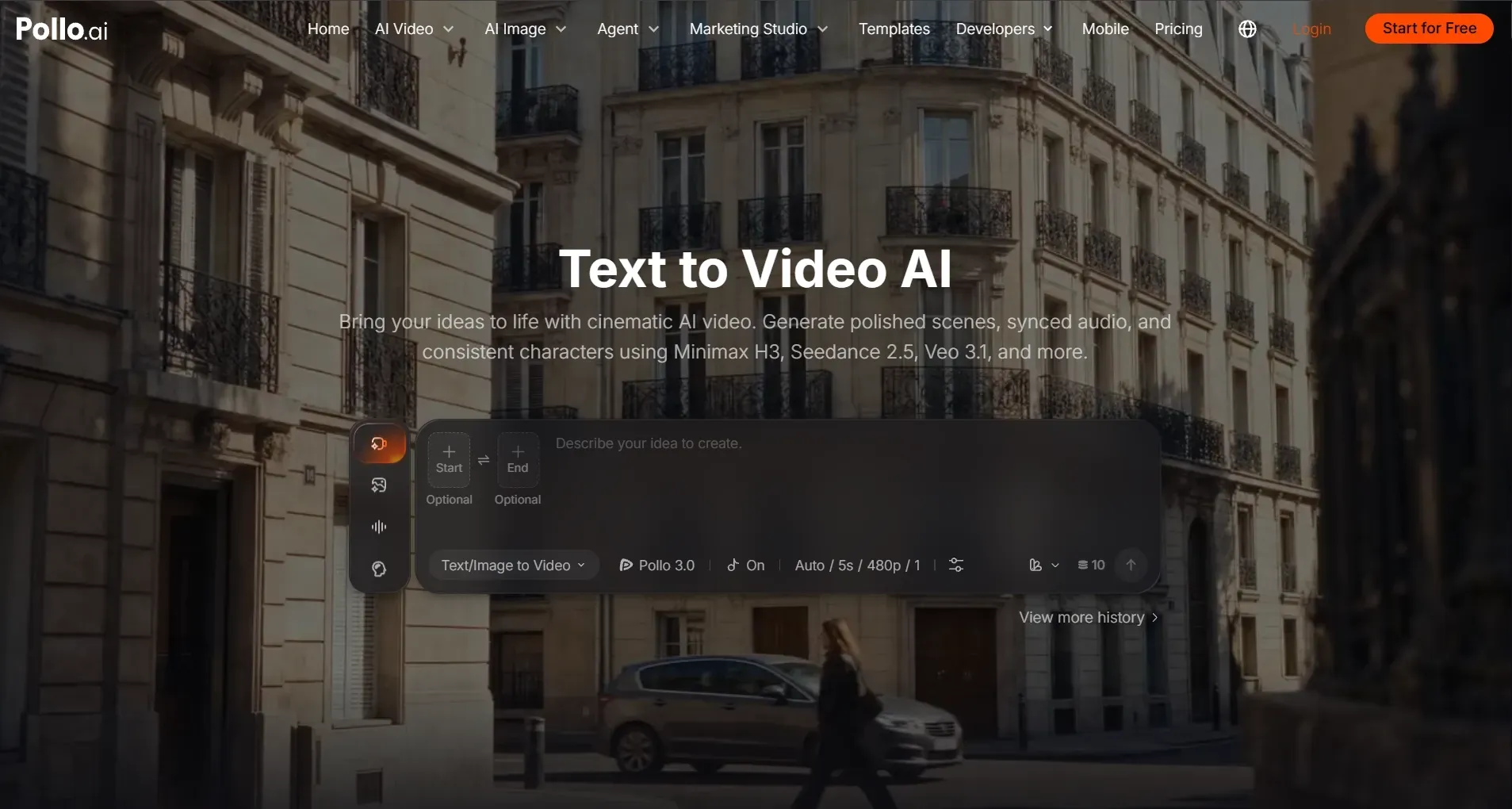
Pollo AI is an AI-native creative suite for all creators, and my first choice for developing an idea beyond one generation. Its text to video workflow lets you describe a scene, choose an available model, and adjust the output settings.
The platform brings together model families including Kling, Vidu, and Hailuo. That gives you more ways to approach a realistic scene, an animated moment, or an imaginative setting without rebuilding your workflow around a separate account for every model.
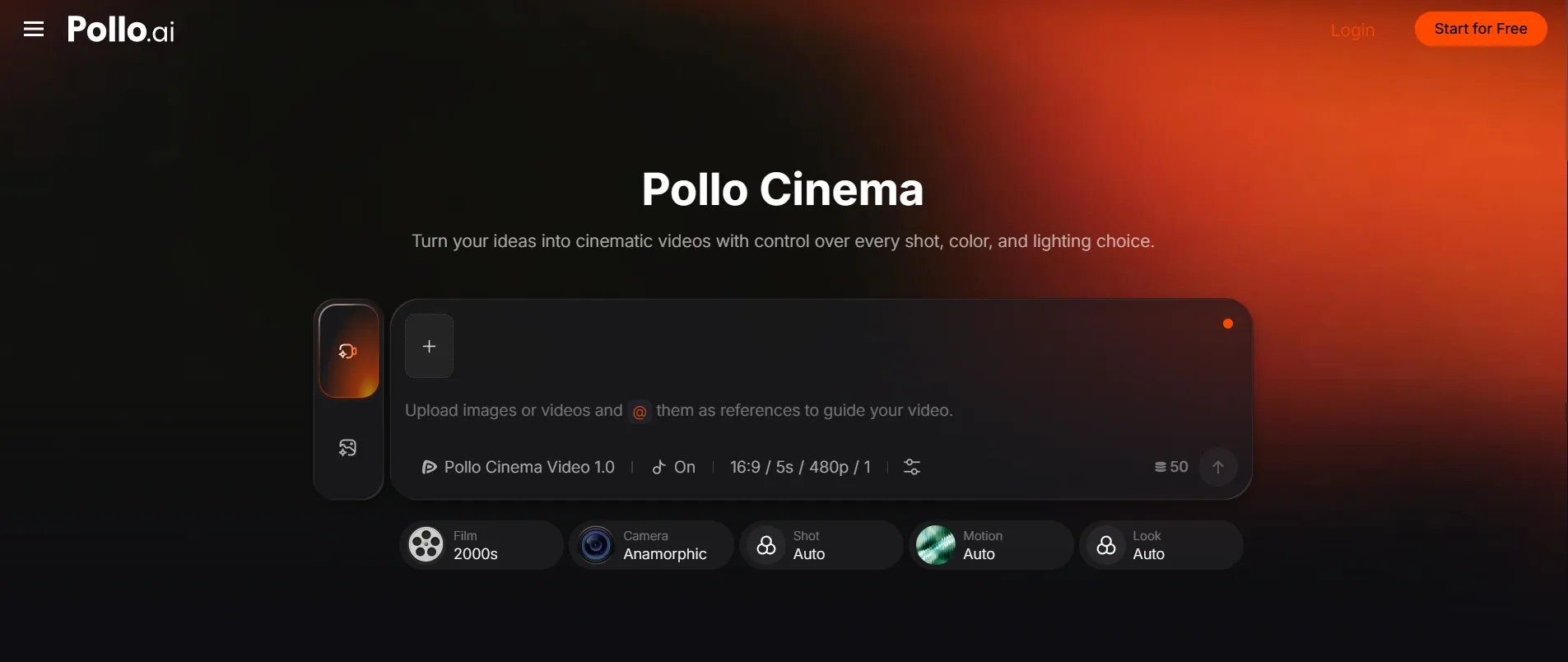
Once the basic scene works, Pollo Cinema offers another route for exploring camera, lighting, and visual treatment. For a broader story brief, Pollo Agent helps develop connected creative work from a conversational starting point.
Refinement matters just as much as the first result. The AI video editor supports prompt-based visual changes, so an otherwise useful clip can become the starting point for another version. Marketing Studio also supports promotional projects, including video ads from scripts, when that is your goal.
If you’re searching for 100% free text to video AI, Pollo AI provides introductory credits for new users. Use them to explore a focused idea first; model access, resolution, duration, and additional tools can carry different credit requirements.
Key Features
- Multiple video-model choices for exploring different interpretations of a brief.
- Written prompts and adjustable output settings for shaping the initial shot.
- Camera and visual-direction workflows through Pollo Cinema.
- Connected generation, editing, and agent-assisted creation.
Best For
- Creators developing short stories, visual hooks, and imaginative scenes.
- Beginners who want generation and refinement in the same suite.
- Creators comparing different model approaches before committing to a look.
Pros
- Flexible starting point for different visual styles.
- Useful tools for continuing after the first generation.
- Introductory credits let new users explore before upgrading.
Cons
- Free credits are limited, and advanced models or workflows may require a higher balance.
- Complex actions and recurring characters still need careful review.
Verdict
Pollo AI ranks first for its combination of creative choice and practical refinement. I would start with one clearly described shot, then expand the idea once the movement and appearance feel right.
Your Next Video Starts With a Sentence
Describe a scene, explore available video models, and give your idea its first moving version with Pollo AI.
Try Text to Video AI Free
2. InVideo AI: Best for Building a Video From a Detailed Brief
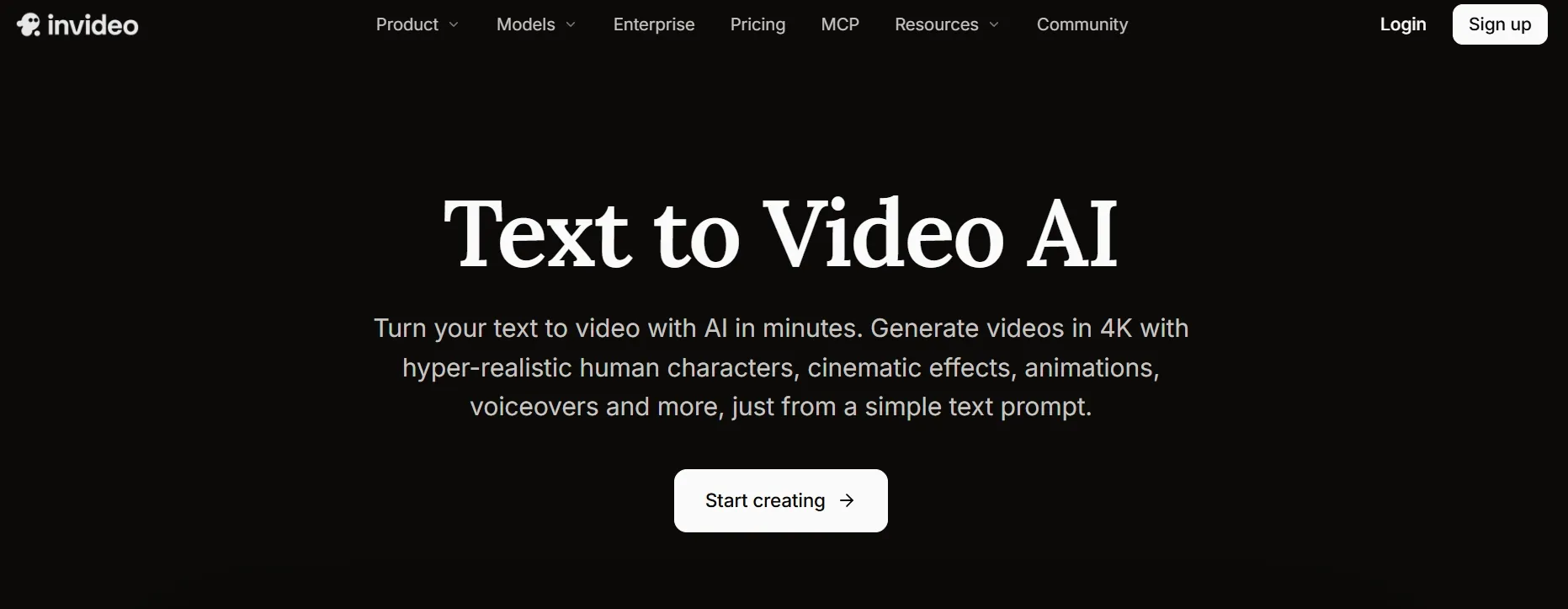
InVideo AI is a useful alternative when your starting point is a complete video brief. Describe the topic, audience, length, and tone, and the platform can develop a script with visuals, narration, subtitles, and music.
For story videos, I would review the script before adjusting individual scenes. Prompt-based revisions help you change the draft’s structure, while the editor gives you another route for refining timing and media choices.
InVideo offers limited free access, with AI work and media generation consuming credits. Check the available allowance and the chosen workflow before generating; free manual editing and exporting do not mean that every AI-generated scene is free.
Key Features
- Idea-to-video creation with script, visuals, and narration.
- Text commands for revising a generated draft.
- Access to third-party image and video models.
- Timeline editing for refining the resulting project.
Best For
- Creators starting with a complete narrated video brief.
- Storytellers who want help organizing multiple scenes.
Pros
- Develops several video elements from one written brief.
- Supports prompt-based changes after the first draft.
- Combines generated media with an editable project.
Cons
- AI work and generated media consume a limited credit balance.
- The generated script and media choices still need an editorial review.
Read our InVideo AI review for a broader introduction to its creation workflow.
Verdict
InVideo AI takes second place for creators who need help developing a full video brief into an editable first draft.
3. Kapwing: Best for Editing Generated Videos in the Browser
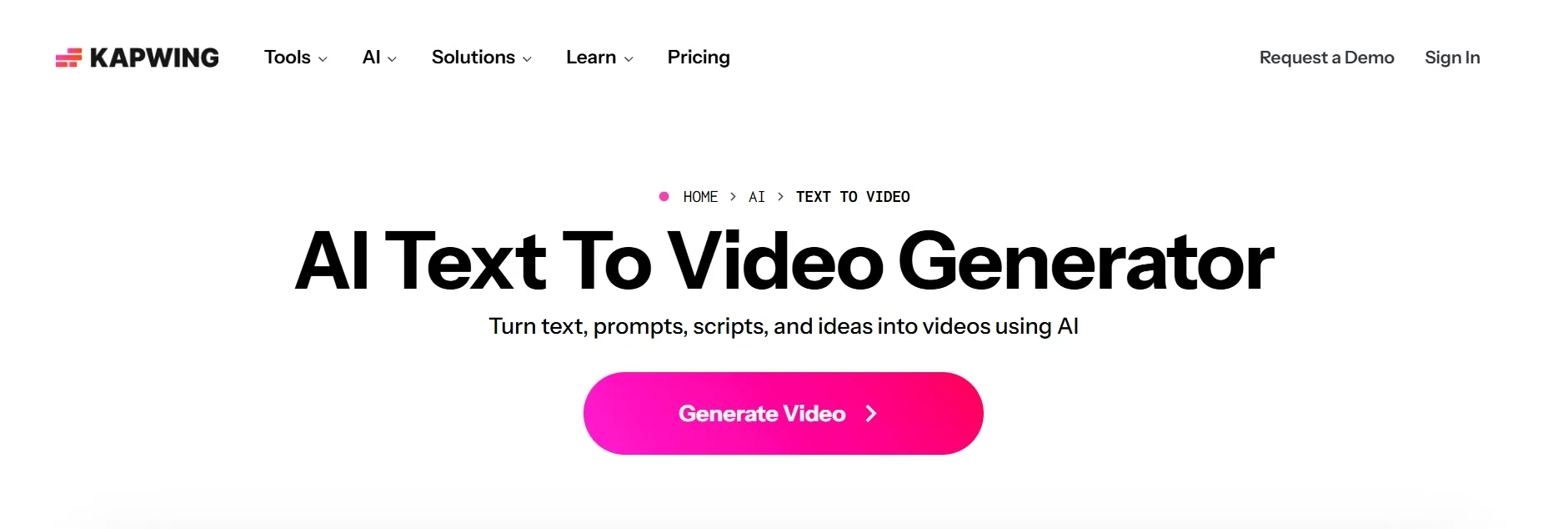
Kapwing is worth considering if you want your generated video to remain easy to edit. Its text to video workflow sits inside a browser-based creation platform, with tools for changing the arrangement, captions, audio, and framing afterward.
When starting with a written script, I would decide whether the project needs an original scene or an assembled video. Kapwing supports generated clips and broader video projects, so selecting the right workflow matters.
For creators searching for 100% free text to video AI, Kapwing offers a limited starting allowance rather than unlimited generation. Its free exports include a watermark, and the chosen AI feature determines how quickly the available credits are used.
Key Features
- Text prompts for creating video clips or broader projects.
- Third-party video-model options within the platform.
- Browser editing for captions, audio, and scene arrangement.
- Aspect-ratio changes for different publishing formats.
Best For
- Creators who want to revise generated footage in the browser.
- Users preparing captioned versions for different platforms.
Pros
- Generated content can be edited in the same workspace.
- Combines visual generation with practical publishing adjustments.
- Supports both individual clips and broader video projects.
Cons
- Free-account exports include a watermark.
- Limited AI credits restrict how many variations you can generate.
For more browser-based refinement options, see our guide to the best AI video editors.
Verdict
Kapwing ranks third for creators who expect to make hands-on changes after generating the first video.
4. Clipfly: Best for Quick Visual Concept Clips
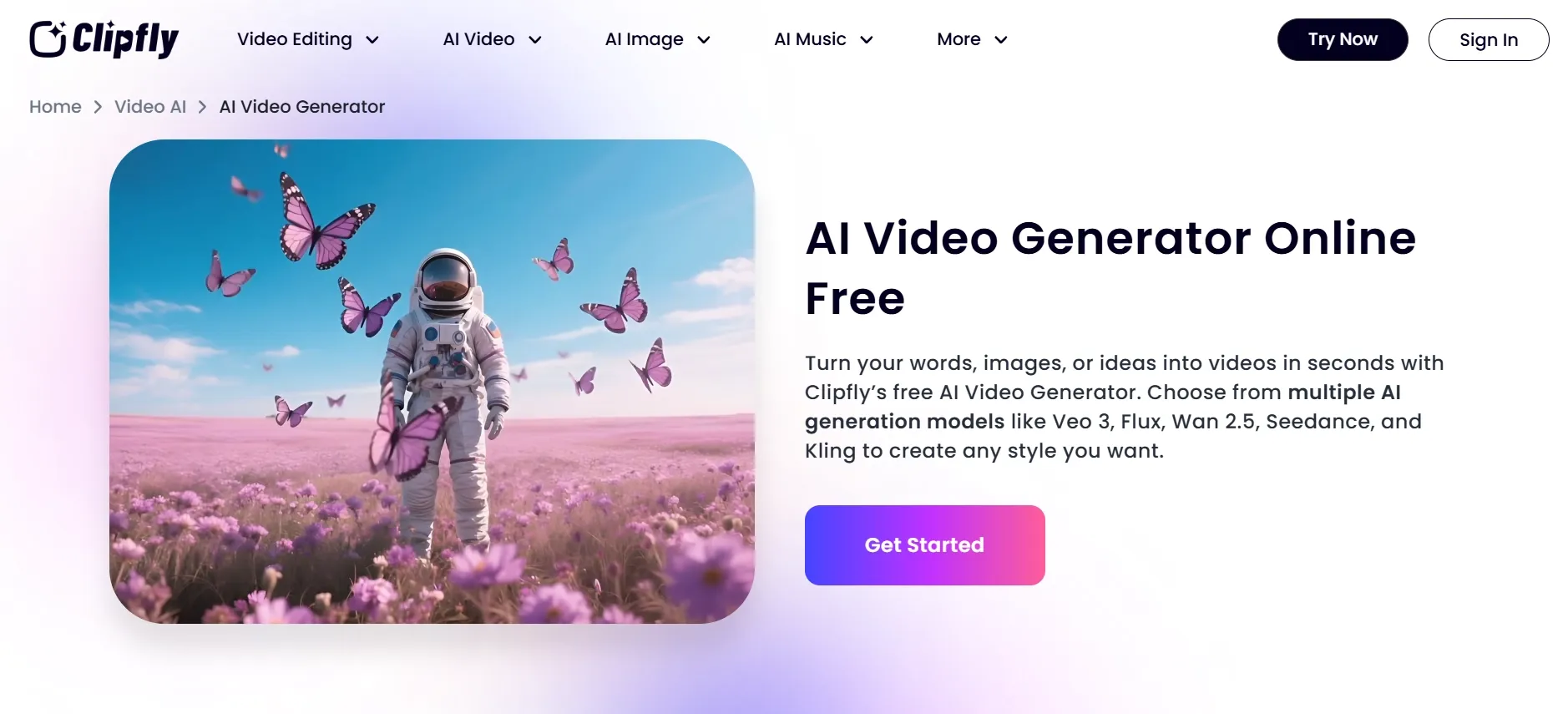
Clipfly is a useful option when you have a short visual idea and want to explore it as moving footage. Its generation platform accepts text prompts and offers access to third-party video models alongside supporting editing tools.
For cinematic scenes, I would begin with one visible action and one camera move. A focused prompt gives you a clearer concept to evaluate, before you compare another variation or develop a longer sequence.
Clipfly advertises free credits for getting started. Those credits make it relevant to this list, but the available balance and selected generation settings determine what you can create. Check the cost before committing to several versions of the same idea.
Key Features
- Text to video generation from a scene description.
- Multiple third-party video-model options.
- Image-led creation when a starting visual is available.
- Editing tools for adjusting the resulting footage.
Best For
- Creators exploring a short visual hook.
- Beginners turning a simple scene idea into a concept clip.
Pros
- Provides a direct starting point for prompt-based footage.
- Offers model choice without separate provider accounts.
- Includes supporting tools for developing a generated clip.
Cons
- Free generation depends on the credits available to your account.
- Longer stories require several clips and continuity checks.
Our Clipfly review introduces its generation and editing workflow.
Verdict
Clipfly earns fourth place as an accessible route for exploring a focused visual concept before building a larger project.
5. FlexClip: Best for Simple Script-Based Social Videos
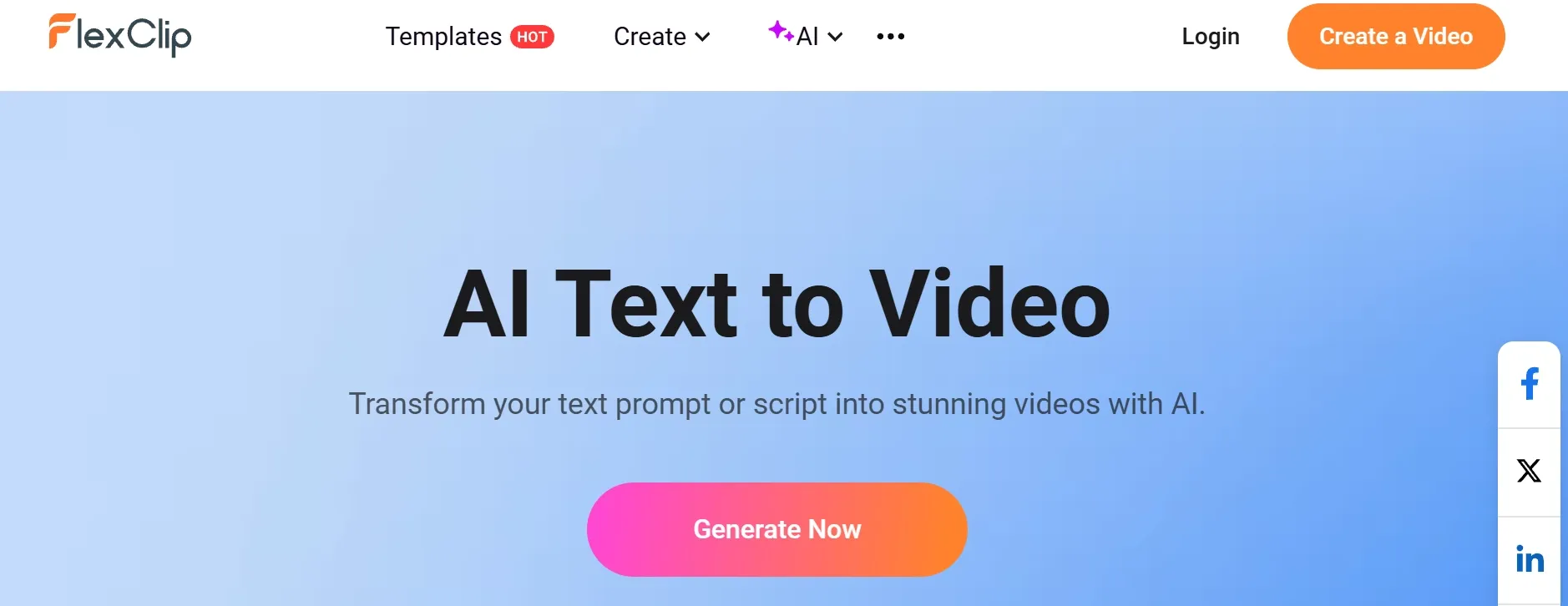
FlexClip is a practical choice when you have a short script and need a straightforward video draft. Its text-to-full-video workflow helps organize written content, while separate generation tools provide another route for creating original visual assets.
For videos from a script, I would keep each scene tied to one spoken point. The distinction between assembling a full video and generating a new clip is useful when choosing the right tool inside FlexClip.
If you are comparing 100% free text to video AI, FlexClip offers a free editor plan and trials of AI features. Its published free-plan conditions include 720p downloads and restricted stock usage, so plan the first project around those limits.
Key Features
- Script assistance for developing a written idea.
- Text-to-full-video creation for assembling a draft.
- Separate AI generation tools for visual assets.
- Browser editing for revising scenes, text, and sound.
Best For
- Creators assembling a short explanatory social video.
- Beginners who want scripting and editing in one browser workflow.
Pros
- Accepts an existing script or an idea that needs development.
- Keeps draft creation and subsequent editing close together.
- Offers different starting methods for full videos and visual clips.
Cons
- The free plan restricts stock usage and export resolution.
- AI-feature trials provide limited access rather than unlimited generation.
See our FlexClip review for a closer look at its video-creation tools.
Verdict
FlexClip is my fifth-place pick for a simple script-based social draft with room for manual adjustments.
6. Fliki: Best for Narration-Led Videos
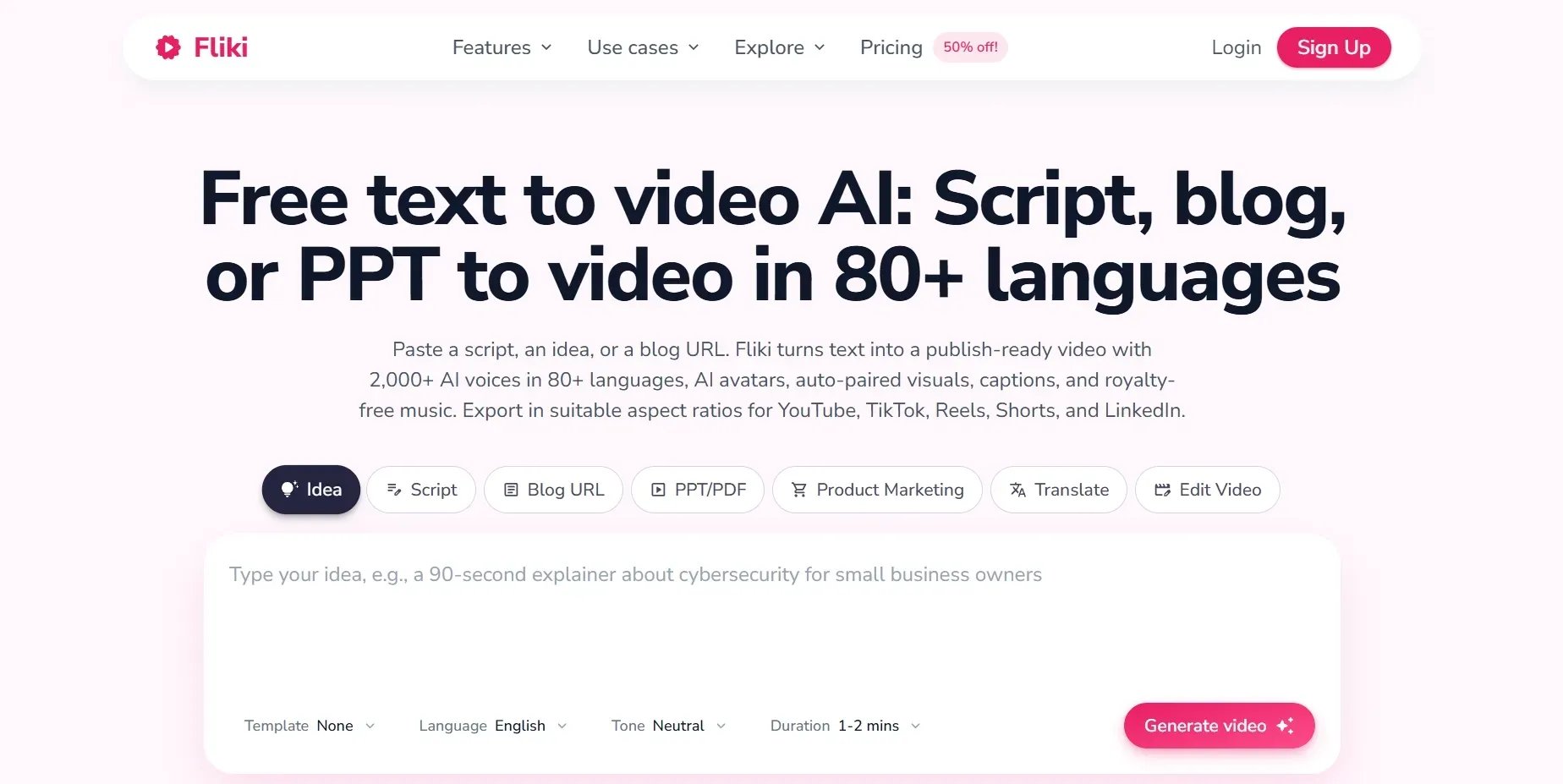
Fliki is a strong fit when the spoken message leads the video. It turns ideas, scripts, blog posts, or presentations into scenes with narration, paired visuals, captions, and music, making it useful for explainers and voiceover-led stories.
For AI voiceovers, I would listen to the pacing before refining the visuals. A clear narration track gives every scene a specific job, which matters when the viewer needs to understand an explanation or follow a sequence.
Among 100% free text to video AI options, Fliki provides a recurring free allowance with watermarked 720p output. Its free narrated-video workflow should be distinguished from premium AI clip generation; advanced generation features and commercial rights depend on the paid plan.
Key Features
- Videos from ideas, scripts, blog posts, and presentations.
- Text-to-speech narration with multilingual voice options.
- Paired visual assets, captions, and background music.
- Scene-based editing for aligning the story and voiceover.
Best For
- Creators making narrated explainers or educational clips.
- Users adapting written content into a voiceover-led video.
Pros
- Connects the script, narration, and visuals in one workflow.
- Provides a recurring allowance for small video projects.
- Supports several written-content starting points.
Cons
- Free exports include a watermark and are limited to 720p.
- Commercial rights and advanced AI clip generation require an eligible paid plan.
Read our Fliki AI review for more on its narration-led creation approach.
Verdict
Fliki ranks sixth for videos where the script and voiceover matter more than detailed direction of an original cinematic shot.
7. Pictory: Best for Turning Articles Into Videos
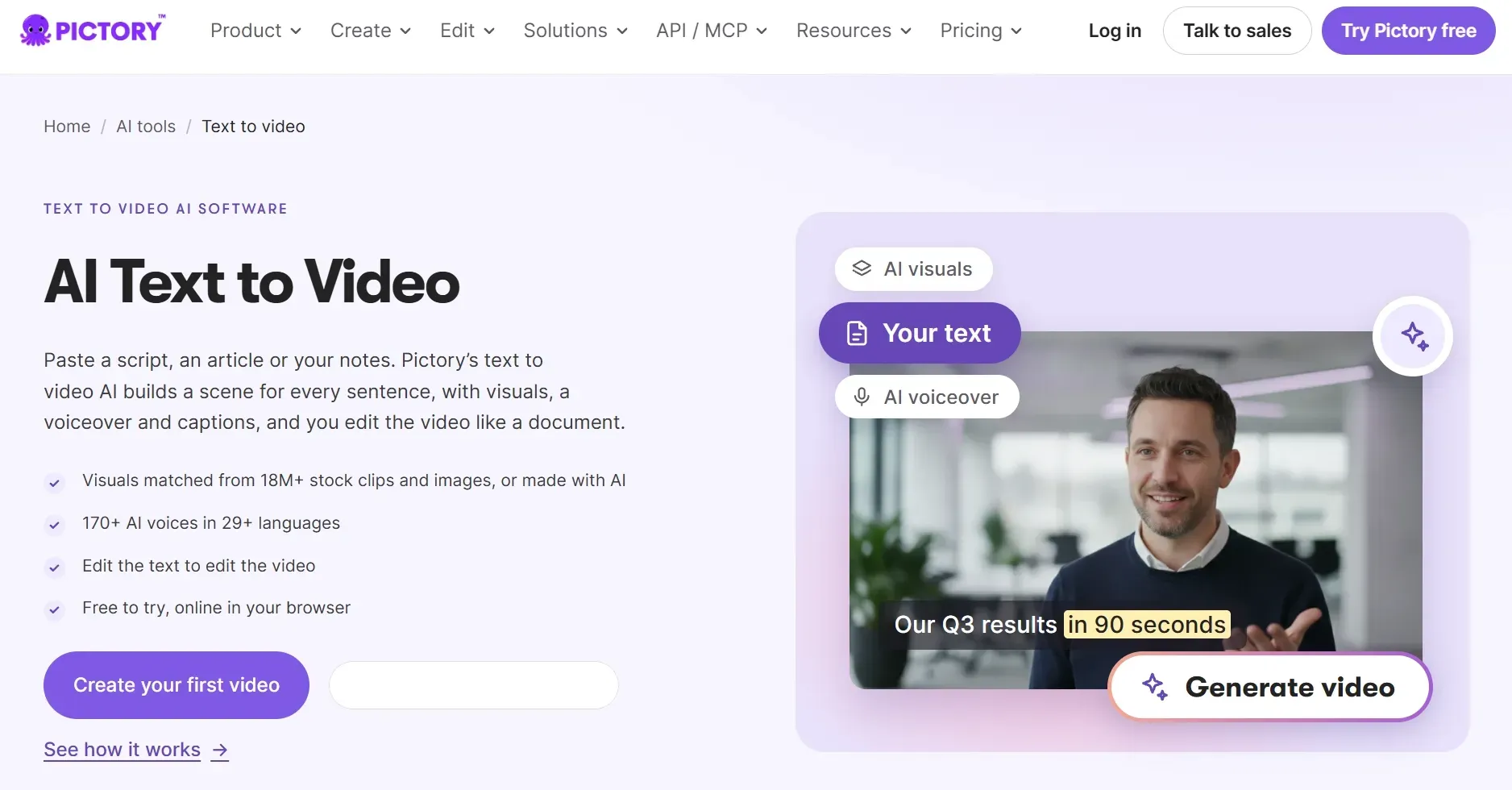
Pictory is worth considering when you already have an article, script, or web page to adapt. Its text-driven workflow helps organize that material into scenes with visual assets and narration, rather than requiring a new brief for every shot.
When developing a story video, I would shorten the source into clear spoken points first. The scene-based workflow makes that adaptation easier to review, while AI Studio offers a separate route for generating images and clips.
Pictory’s free access is a time-limited trial rather than a permanent free plan. Its current pricing page lists a 14-day trial with three projects, Pictory branding, and exports up to 720p. Treat it as a chance to evaluate one small adaptation project.
Key Features
- Video creation from scripts and web-page URLs.
- Scene-based editing for adjusting the adaptation.
- Stock media and AI voiceover options.
- AI Studio for generating additional images and video clips.
Best For
- Creators adapting an existing article into a video.
- Users comparing scene choices before committing to a subscription.
Pros
- Reuses written material that is already available.
- Organizes the adaptation into scenes that can be reviewed individually.
- Combines assembled media with optional generated visual assets.
Cons
- The free trial ends after 14 days and allows three projects.
- Trial output includes Pictory branding and is limited to 720p.
Our Pictory AI review provides further reading on its text-driven workflow.
Verdict
Pictory takes seventh place for evaluating article-to-video adaptation, especially when you already have a clear source text.
8. Animaker: Best for Animated Explainers
Animaker is a useful alternative when an animated explainer fits the idea better than realistic footage. Its prompt-based animation workflow builds around editable characters, scenes, props, and voiceovers, giving the video a different visual language from a cinematic clip.
For animated stories, I would decide what each character needs to communicate before adding movement. Editable scene elements support deliberate explanations, although detailed character actions can require more work in the editor.
For a 100% free text to video AI shortlist, Animaker offers a free plan with basic animation tools, limited assets, and watermarked exports. Check the account’s current AI-generation allowance before planning several prompt-based drafts, since a free editor does not establish unlimited AI usage.
Key Features
- Prompt-based animated video creation.
- Editable characters, props, and scene elements.
- Voiceover tools for explaining the on-screen action.
- Advanced editing for refining an initial animation draft.
Best For
- Creators making animated educational explainers.
- Users who want characters and props they can adjust.
Pros
- Provides an animation-focused alternative to generated realistic footage.
- Lets creators refine individual scene elements.
- Combines visual storytelling with supporting voiceovers.
Cons
- Free exports include a watermark and asset access is restricted.
- Detailed animation and AI-generation limits can require extra planning.
See our Animaker review for an introduction to its animation workflow.
Verdict
Animaker rounds out the list for creators whose idea works best as an animated explanation with editable characters and props.
Give That Video Idea Its First Take
Turn your description into a moving scene, then explore another visual direction with Pollo AI’s generation and editing tools.
Create Your First AI Video FreeHow I Compared These Free Text to Video AI Tools
I compared each platform’s official features and free-access conditions, focusing on what a written prompt or script can become. This is a research-based comparison of creation platforms, rather than a new hands-on test of video quality.
For 100% free text to video AI searches, I paid particular attention to whether an account includes actual generation. A free registration with paid credit packs is different from a free video allowance. I also distinguished renewable credits from one-time welcome offers.
Pollo AI leads for original footage generation and connected refinement. InVideo AI and Kapwing support broader video projects, while Fliki, Pictory, and Animaker serve narration, adaptation, and animation workflows. Those are different jobs, so the output method matters.
How to Choose a Free Text to Video AI Tool
Your best 100% free text to video AI option depends on what you want the first clip to accomplish:
- Choose Pollo AI to explore a written idea with model choice and connected refinement tools.
- Choose InVideo AI to develop a detailed brief into a narrated video draft.
- Choose Kapwing to edit generated clips, captions, and audio in the browser.
- Choose Clipfly to explore a short visual concept through text prompts.
- Choose FlexClip to assemble a short script-based social video.
- Choose Fliki when narration is the main structure of your video.
- Choose Pictory to adapt an existing article or web page into scenes.
- Choose Animaker when editable animated characters suit the explanation.
For a broader comparison beyond free access, read our guide to the best text to video AI generators.
My Personal Take
Pollo AI is my top pick for creators searching for 100% free text to video AI because the first clip can lead somewhere useful. You can explore an idea, compare available model approaches, and continue refining the footage within the same creative suite.
InVideo AI is useful for developing a complete brief, while Kapwing suits creators who want to edit the result in the browser. Fliki and Pictory fit narration and content adaptation; Animaker offers another direction when animated characters communicate the idea more clearly.
I would start with Pollo AI’s text to video generator, describe one subject performing one clear action, and choose settings that fit the available credits. Make the first scene understandable, then build the next version around what you want to improve.
Free Text to Video AI FAQs
Is There Any 100% Free Text to Video AI?
Yes, several platforms provide a free allowance or trial. Pollo AI offers introductory credits, Fliki has a recurring free allowance, and Pictory offers a time-limited trial. A 100% free text to video AI offer still has usage, feature, and export conditions.
Can I Generate AI Videos From Text Without Uploading an Image?
Yes. Choose a text to video mode and describe the subject, action, setting, and style. An image is optional for that workflow. If you already have a character design or scene image to preserve, image to video offers a different starting point.
Does Free Text to Video AI Mean Watermark-Free Videos?
No. Free generation and watermark-free downloading are separate benefits. Some services place watermarks on free output or reserve clean exports for paid plans. Check the download conditions before spending your allowance on a clip you intend to publish.
What Should I Write in a Text to Video Prompt?
Give the model one visible action and a clear setting. For example: “A red fox walks across a snowy clearing at sunrise. The camera slowly tracks alongside it, with soft golden light and a realistic wildlife-documentary style.” Add complexity after the basic shot works.